Most software rollouts fail at adoption, not implementation.
According to McKinsey, roughly 70% of digital transformation projects miss their goals. The primary culprit isn't budget or technology. It's people not using the thing you built or bought.
Whether you're onboarding customers to a SaaS product or rolling out Salesforce to 2,000 employees, the hardest part is the same: getting users to actually adopt the tool. User adoption tools, also called digital adoption platforms (DAPs) or digital adoption tools, solve this by layering in-app guidance, walkthroughs, tooltips, onboarding checklists, and analytics directly inside the application. Users learn by doing, not by reading a PDF they'll never open.
This guide covers 14 user adoption tools for 2026 that move the needle on product adoption metrics, with honest assessments of strengths, weaknesses, pricing, and where each tool fits best. If you're a product manager, CS leader, or IT team evaluating digital adoption platform software, this is your shortlist.
What's inside
This guide reviews 14 user adoption tools across three major categories: pre-purchase product experience, customer-facing SaaS adoption, and employee-facing enterprise adoption. Tools were selected based on feature depth, analytics capabilities, integration options, pricing transparency, and verified user reviews from G2 and Gartner Peer Insights.
You'll find a quick-comparison table, individual reviews with honest pros and cons, a use-case segmentation guide, and a decision framework to help you shortlist 2-3 tools for demos or trials.
TL;DR
- Adoption before signup is where Guideflow fits, with interactive demos and sandboxes that let prospects experience the product before they are inside it
- Multilingual and legacy-heavy rollouts are where Lemon Learning fits, with no-code guide creation for L&D and change teams across web, desktop, and in-house applications
- Enterprise IT teams rolling out SAP, Salesforce, or Workday tend to gravitate toward WalkMe, Whatfix, or Apty for cross-application in-app guidance and compliance features
- SaaS product teams focused on customer onboarding and feature adoption often find the best fit with Userpilot, Appcues, Pendo, or Chameleon
- Budget-conscious startups can get solid onboarding features from UserGuiding ($69/month) or ProductFruits ($79/month)
- Pendo stands out for teams that want product analytics and adoption guidance in one platform
- Pricing ranges from free tiers (Guideflow, Pendo) to $100K+/year for enterprise DAPs like WalkMe
- Interactive demos and guided walkthroughs are increasingly replacing static documentation for user education
What is a user adoption tool (and why does it matter)?
A user adoption tool is software that helps users learn and engage with a product or platform through in-app guidance, interactive walkthroughs, tooltips, onboarding checklists, and contextual help, without requiring them to leave the application. You'll also see these called digital adoption platforms, DAP platforms, or digital adoption software. They all refer to the same core idea.
There are two primary use cases. The first is customer-facing: SaaS companies improving product onboarding and feature adoption to reduce churn. The second is employee-facing: enterprises driving adoption of internal tools like Salesforce, SAP, or Workday to protect their software investment.
Why does this matter in 2026? Software complexity keeps rising. Remote and hybrid workforces can't lean over a colleague's shoulder for help. And the cost of poor adoption is steep: wasted licenses, higher churn, ballooning support tickets, and low ROI on software spend.
A few things user adoption tools are not: they're not learning management systems (LMS), help desks, or knowledge bases. There's overlap, but a digital adoption platform sits inside the application itself, guiding users in real time rather than sending them elsewhere.
Key capabilities to look for:
- Interactive walkthroughs and product tours
- Tooltips, hotspots, and contextual help
- Onboarding checklists and task lists
- Product analytics and adoption tracking
- User segmentation and targeting
- A/B testing on in-app experiences
How I evaluated these tools
Transparency matters. Here's the criteria used to select and assess these 14 digital adoption tools:
- Ease of setup and time-to-value: Can a non-technical PM get it running in days, not months?
- Core feature depth: Walkthroughs, tooltips, checklists, hotspots, resource centers
- Analytics and insights: Adoption metrics, funnel tracking, user segmentation
- Integration depth: Compatibility with Salesforce, Segment, HubSpot, and other popular stacks
- Scalability: Works for a 20-person startup and a 5,000-person enterprise
- Pricing transparency: Clear, published pricing vs. opaque "contact sales" walls
Quick comparison table: all 14 user adoption tools at a glance
| # | Product | Best for | Key Differentiator | Pricing | G2 Rating |
|---|---|---|---|---|---|
| 1 | Guideflow | Pre-purchase product experience | Interactive demos and sandboxes for prospects | Free + paid from $35/mo | 5.0/5 |
| 2 | Lemon Learning | Enterprise employee adoption | Fast no-code rollout across web, desktop and legacy apps | Custom (enterprise) | 4.8/5 |
| 3 | WalkMe | Enterprise IT adoption | Most mature DAP, now SAP-owned | Custom (enterprise) | 4.5/5 |
| 4 | Whatfix | Enterprise + customer adoption | Multi-format content auto-generation | Custom (enterprise) | 4.6/5 |
| 5 | Pendo | SaaS product analytics + adoption | Analytics-first with built-in guides | Free tier; custom paid | 4.4/5 |
| 6 | Userpilot | SaaS onboarding + feature adoption | No-code builder with A/B testing | From ~$249/mo | 4.6/5 |
| 7 | Appcues | SaaS onboarding + PLG | Beautiful WYSIWYG builder, mobile SDK | From ~$249/mo | 4.6/5 |
| 8 | UserGuiding | Budget-friendly SaaS onboarding | Affordable alternative to Userpilot/Appcues | From ~$69/mo | 4.7/5 |
| 9 | Chameleon | Brand-consistent in-app experiences | Pixel-perfect CSS customization | From ~$279/mo | 4.4/5 |
| 10 | Apty | Regulated enterprise adoption | Compliance enforcement + data validation | Custom (enterprise) | 4.7/5 |
| 11 | Userlane | Employee software rollouts | Intuitive step-by-step guides | Custom (enterprise) | 4.7/5 |
| 12 | Gainsight PX | CS-driven product adoption | Tight integration with Gainsight CS | Custom (mid-enterprise) | 4.4/5 |
| 13 | ProductFruits | Affordable SaaS onboarding | Strong value for money, EU-based | From ~$79/mo | 4.7/5 |
| 14 | SAP Enable Now | SAP-native adoption | Purpose-built for SAP environments | Bundled with SAP licensing | 4.2/5 |
Keep reading for in-depth reviews of each tool, including pros, cons, and ideal use cases.
1. Guideflow
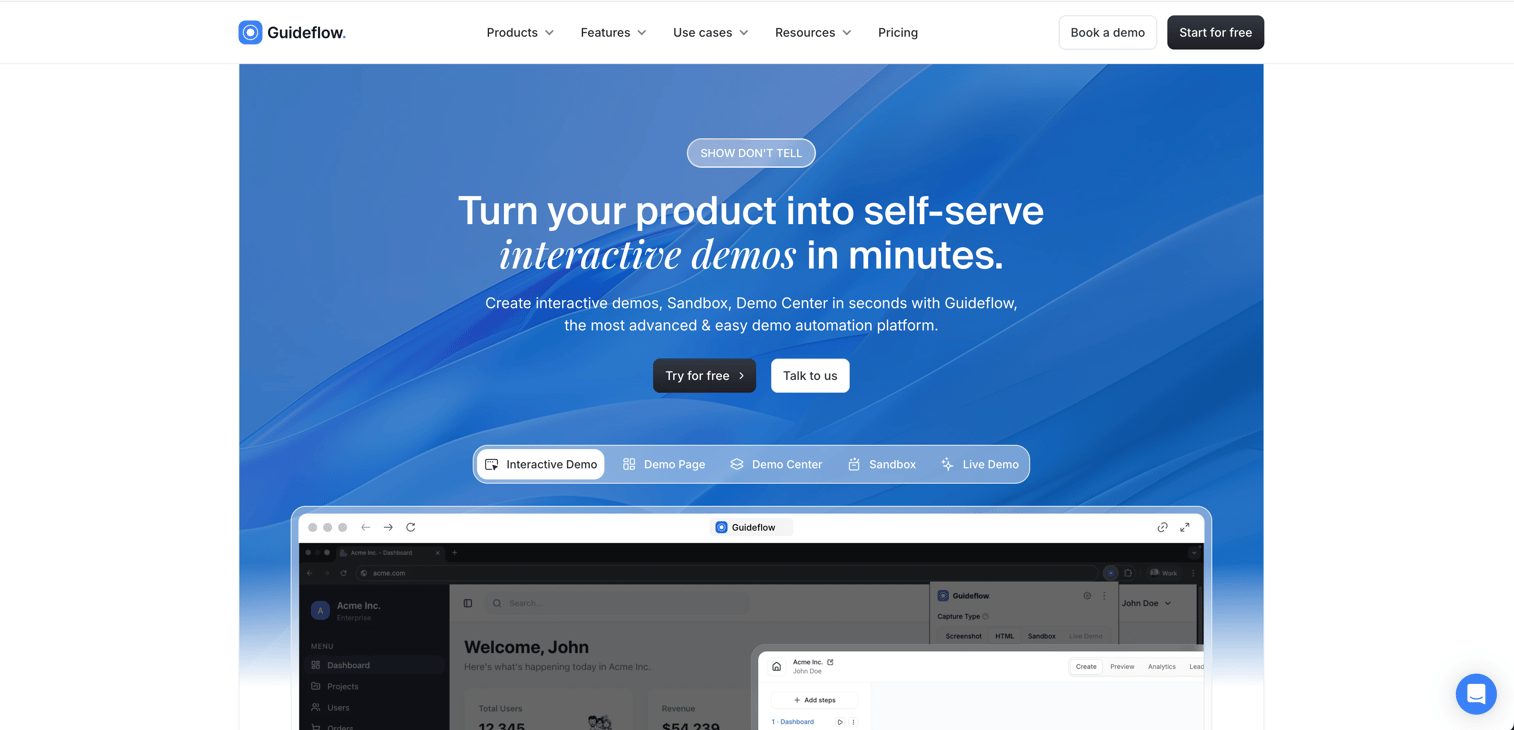
Guideflow approaches adoption from before the user is inside the product. Instead of overlaying guidance on an application someone has already signed into, it is a demo automation platform covering interactive demos, demo pages, demo centers, sandboxes, live demos and mobile demos, all of which let prospects and new users experience the product on their own terms.
That matters for adoption because a user who has already clicked through the product arrives at signup knowing what they came to do. Demos are captured with a Chrome extension or the native app, edited in a no-code editor, and ready in about two and a half minutes, so product marketing and customer success teams can ship them without design or engineering help. Content can be personalized per viewer with variables and conditional branching, and AI handles narration, avatars and localization into more than 100 languages.
The trade-off is scope. Guideflow is not an in-app overlay, so teams that need persistent tooltips and walkthroughs inside a signed-in product will pair it with one of the dedicated DAPs below. Analytics cover completion rates, time on step and drop-off, and sync into HubSpot, Salesforce, Pipedrive, Zoho and Marketo.
Best for: Product marketing, pre-sales and customer success teams who want adoption to start before signup.
Key strengths
- Six demo formats covering interactive demos, demo pages, demo centers, sandboxes, live demos and mobile demos
- No-code editor with capture through a Chrome extension or the native app
- Per-viewer personalization with variables and conditional branching
- AI narration, avatars and localization into 100+ languages
- Engagement analytics that sync to the CRM
Pricing: Free plan available. Solo at $35/user/month, Growth at $499/month, Advanced at $1,499/month, Enterprise from $2,999/month.
2. Lemon Learning
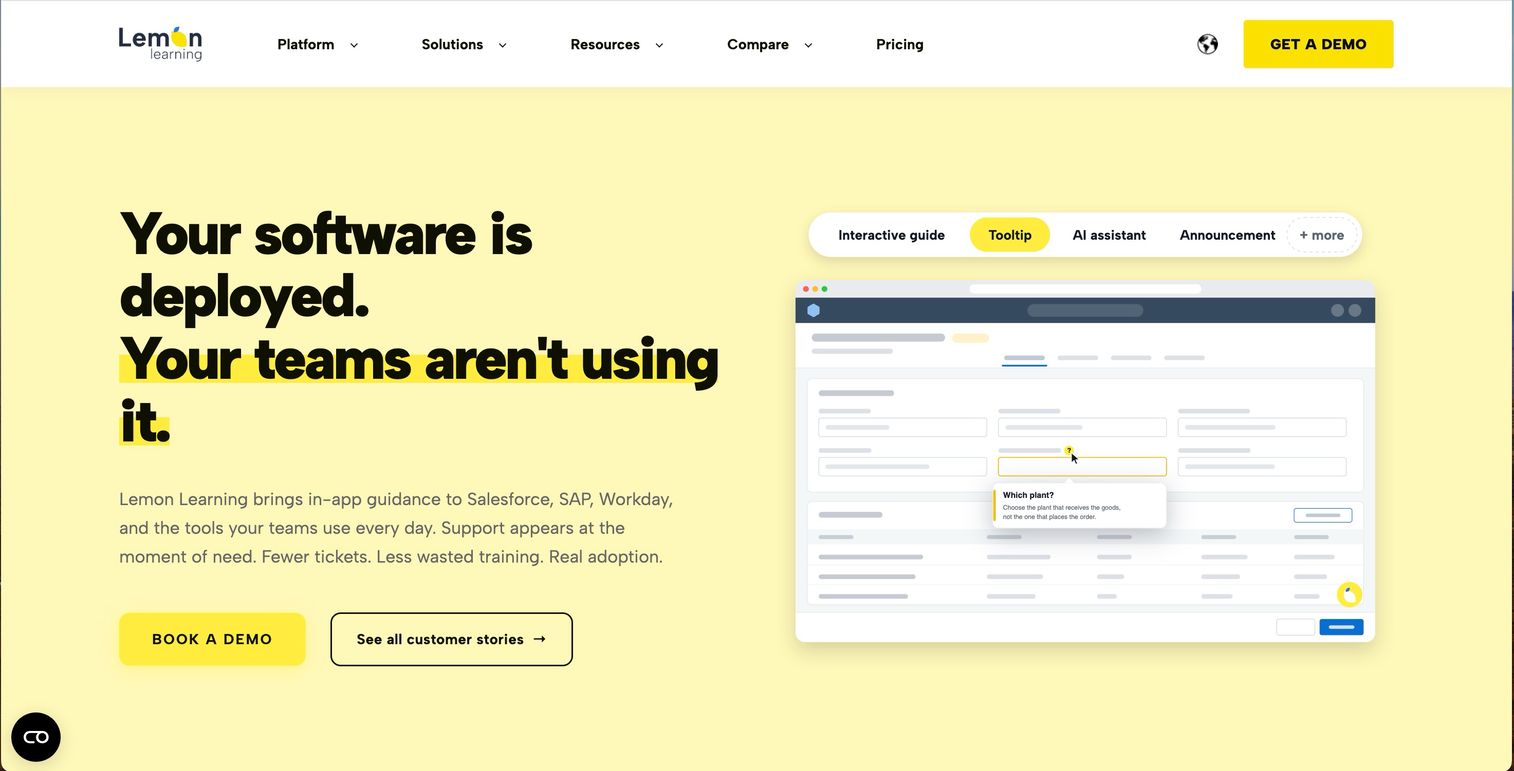
Lemon Learning is a digital adoption platform built for employees learning software while they use it. It runs across Salesforce, SAP, Workday, Dynamics 365, ServiceNow, custom web apps and legacy software, which makes it a fit for organizations whose stack spans modern SaaS and older internal systems.
The strength is speed of rollout. A no-code editor lets L&D, IT and change teams build step-by-step guides, tooltips, in-app messages and contextual help without developer time, so guidance can ship alongside a release rather than weeks after it. Multilingual support matters here too, since delivering guidance in each regional team's own language is usually the bottleneck in a global rollout.
Analytics cover guide usage, completion and drop-off points, so change teams can see which parts of a process still lose people. The limitations are scope and transparency. Pricing is custom with no published tiers, and the platform is aimed at employee adoption rather than lightweight customer onboarding, so SaaS product teams will find more purpose-built options further down this list.
Best for: Enterprise L&D, IT and change teams rolling out software across employees, locations and languages.
Key strengths
- No-code guides, tooltips and in-app contextual help
- Coverage across web, SaaS, desktop and legacy applications
- Fast setup without developer support
- Multilingual guidance for global rollouts
- Analytics for usage, completion and drop-off points
Pricing: Custom enterprise pricing.
3. WalkMe
WalkMe is the enterprise-grade digital adoption platform that essentially created the category. Now owned by SAP (acquired in 2024), it's built for large organizations rolling out complex enterprise software across thousands of users.
WalkMe's strength is depth. It supports cross-application guidance, meaning you can build workflows that span Salesforce, SAP, Workday, and internal tools in a single flow. The AI-driven insights through WalkMe Copilot help identify where users get stuck, and the workflow automation capabilities go well beyond basic tooltips. For enterprise IT teams managing digital transformation, it's the most mature option available.
The trade-off is cost and complexity. WalkMe is historically one of the most expensive DAPs on the market, with custom enterprise pricing that typically runs $10K-$100K+/year depending on scale. Implementation timelines tend to be measured in weeks or months, not days. If you're a SaaS startup or a small product team, this is overkill. If WalkMe's enterprise pricing is out of reach, several WalkMe competitors below offer similar capabilities at lower price points.
Best for: Enterprise IT teams and digital transformation leaders managing SAP, Salesforce, or Workday rollouts.
Key strengths
- Most mature enterprise DAP with cross-app support
- AI-driven insights identify adoption bottlenecks
- Strong governance and compliance features
- Workflow automation beyond basic in-app guidance
- Deep analytics for employee experience tracking
Pricing: Custom enterprise quotes. Expect $10K-$100K+/year.
4. Whatfix
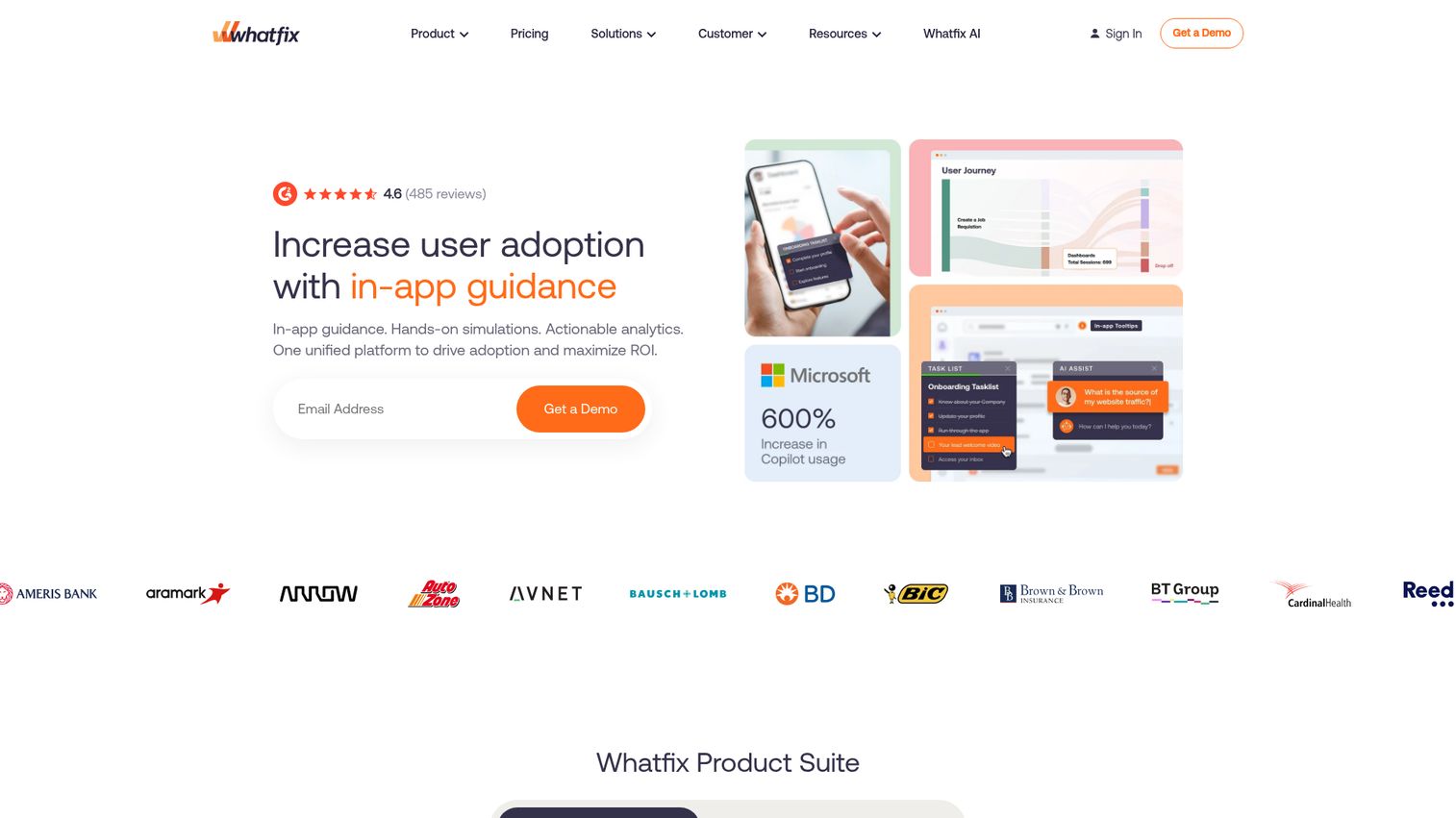
Whatfix competes directly with WalkMe in the enterprise digital adoption space but tends to win on ease of use and faster implementation. It serves both employee-facing and customer-facing adoption use cases, which makes it a more flexible pick for mid-market to enterprise companies.
The standout feature is multi-format content auto-generation. Create a walkthrough once, and Whatfix can automatically generate it as a video, PDF, slideshow, or in-app guide. This saves significant time for L&D and enablement teams who need the same content in multiple formats. The AI-powered content creation tools have matured considerably heading into 2026.
Whatfix is generally positioned as more cost-effective than WalkMe, though it's still enterprise-priced with custom quotes. Some users report limited customization in UI overlays compared to more design-focused tools like Chameleon. But for teams that need strong Salesforce and CRM integrations alongside faster deployment, it's a solid digital adoption solution.
Best for: Mid-market to enterprise companies needing both employee training and customer onboarding in one platform.
Key strengths
- Multi-format content auto-generated from walkthroughs
- Faster deployment timeline than WalkMe
- Strong Salesforce and CRM integration support
- AI-powered content creation and analytics
- Serves both employee and customer adoption use cases
Pricing: Custom enterprise pricing. Generally more cost-effective than WalkMe.
5. Pendo
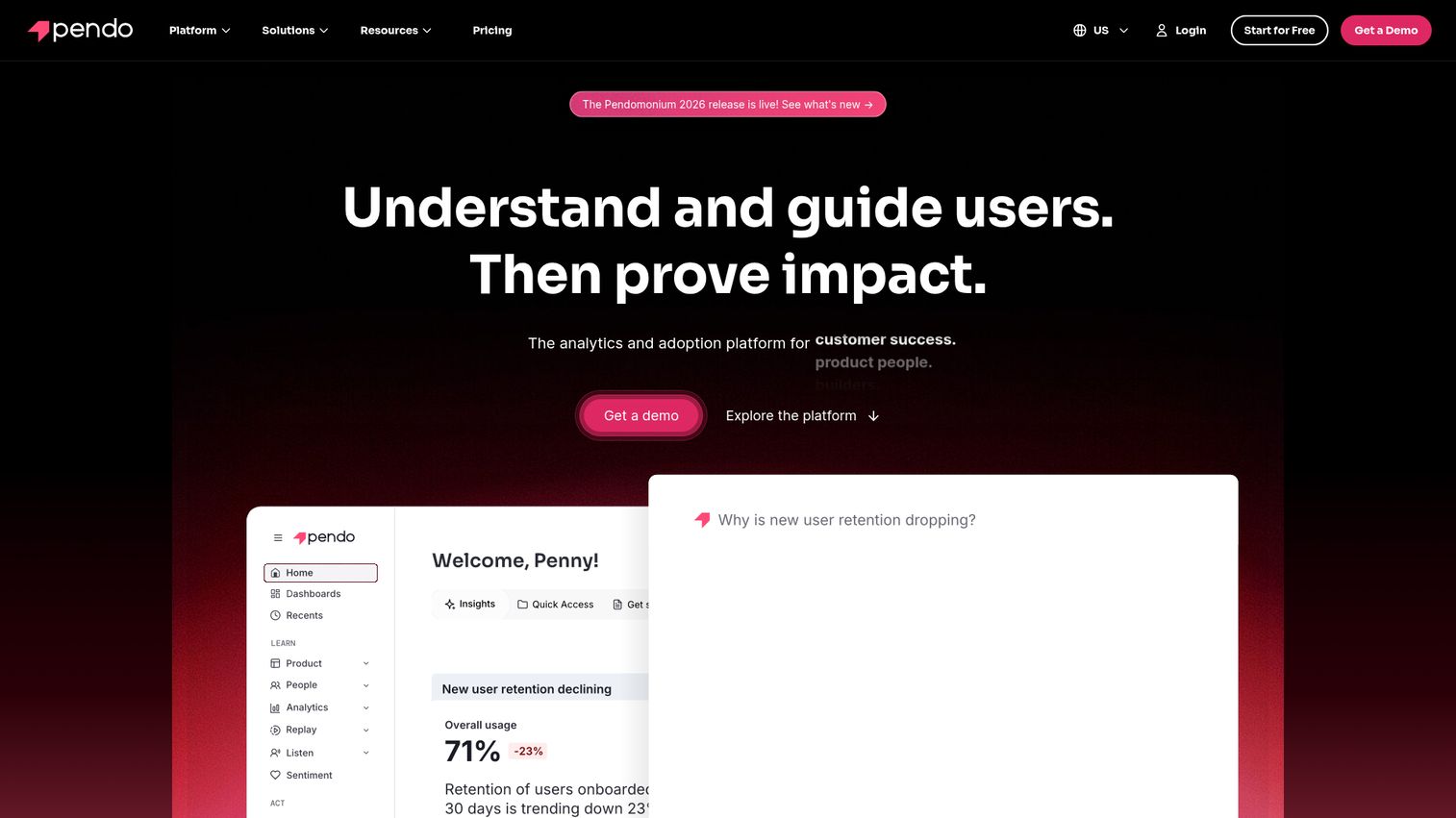
Pendo is a product analytics platform with robust in-app guidance capabilities built in. That combination is what makes it unique. Most user onboarding tools bolt analytics on as an afterthought. Pendo built analytics first, then added the adoption layer.
For SaaS product managers who want to understand how users interact with their product and then guide them based on that data, Pendo is a strong fit. The product analytics include session replay, feature adoption tracking, and AI-powered insights. The in-app guidance layer supports walkthroughs, tooltips, banners, and NPS/feedback surveys.
Pendo offers a free tier (Pendo Free) for smaller teams, which is generous for a tool at this level. The catch is that the in-app guidance features aren't as deep as dedicated DAPs. There's no advanced branching in guides, and the guide builder can feel limited compared to Userpilot or Appcues. Pricing also jumps significantly once you scale past the free tier.
Best for: SaaS product managers who want product analytics and adoption guidance in one platform.
Key strengths
- Product analytics with session replay and AI insights
- Generous free tier for smaller teams
- In-app guides plus NPS and feedback surveys
- Strong integrations with Salesforce, Segment, Zendesk
- Roadmap planning built into the platform
Pricing: Free tier available. Paid plans at custom pricing; enterprise tier for larger deployments.
6. Userpilot
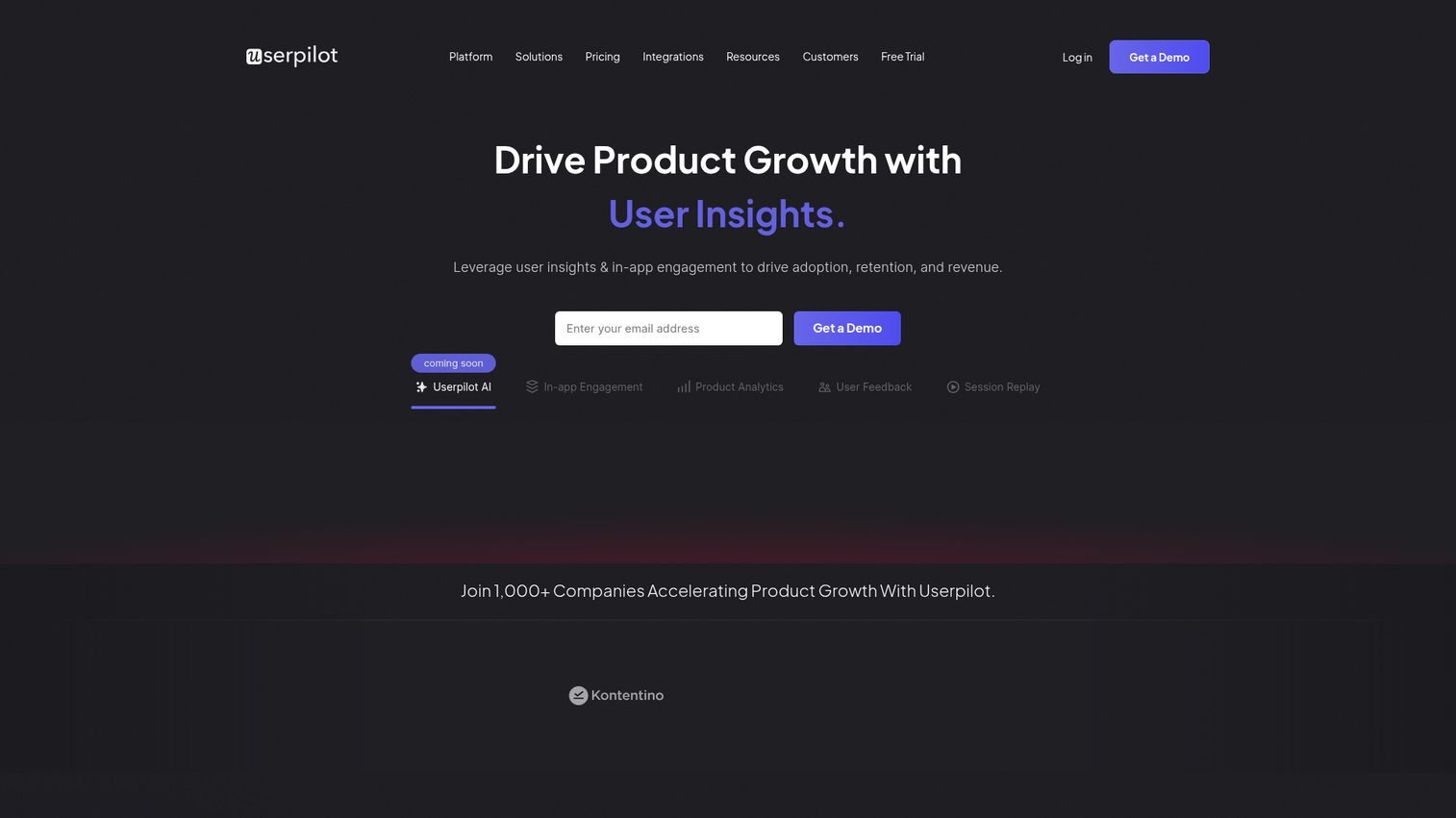
Userpilot is a product growth platform focused on user onboarding, feature adoption, and in-app engagement for SaaS companies. The no-code flow builder is one of the strongest in the category, with deep segmentation and targeting that lets you personalize onboarding for different user personas.
What sets Userpilot apart from many user onboarding tools is the built-in A/B testing on in-app experiences. You can test different onboarding flows, measure which drives higher activation, and iterate without engineering involvement. The resource center, onboarding checklists, and feature tagging round out a comprehensive toolkit for product-led growth teams.
The limitation: Userpilot is web-only. There's no mobile SDK, so if mobile adoption matters to you, look at Appcues or Pendo instead. Analytics are solid but less deep than Pendo's dedicated product analytics. And some advanced features are locked behind the Enterprise plan.
Best for: SaaS product and growth teams that want a code-free way to build personalized onboarding flows and track adoption.
Key strengths
- Strong no-code flow builder with deep segmentation
- Built-in A/B testing on in-app experiences
- Resource center and onboarding checklists included
- Feature tagging for adoption tracking
- Transparent pricing published on website
Pricing: From ~$249/month (Starter). Growth and Enterprise tiers available.
7. Appcues
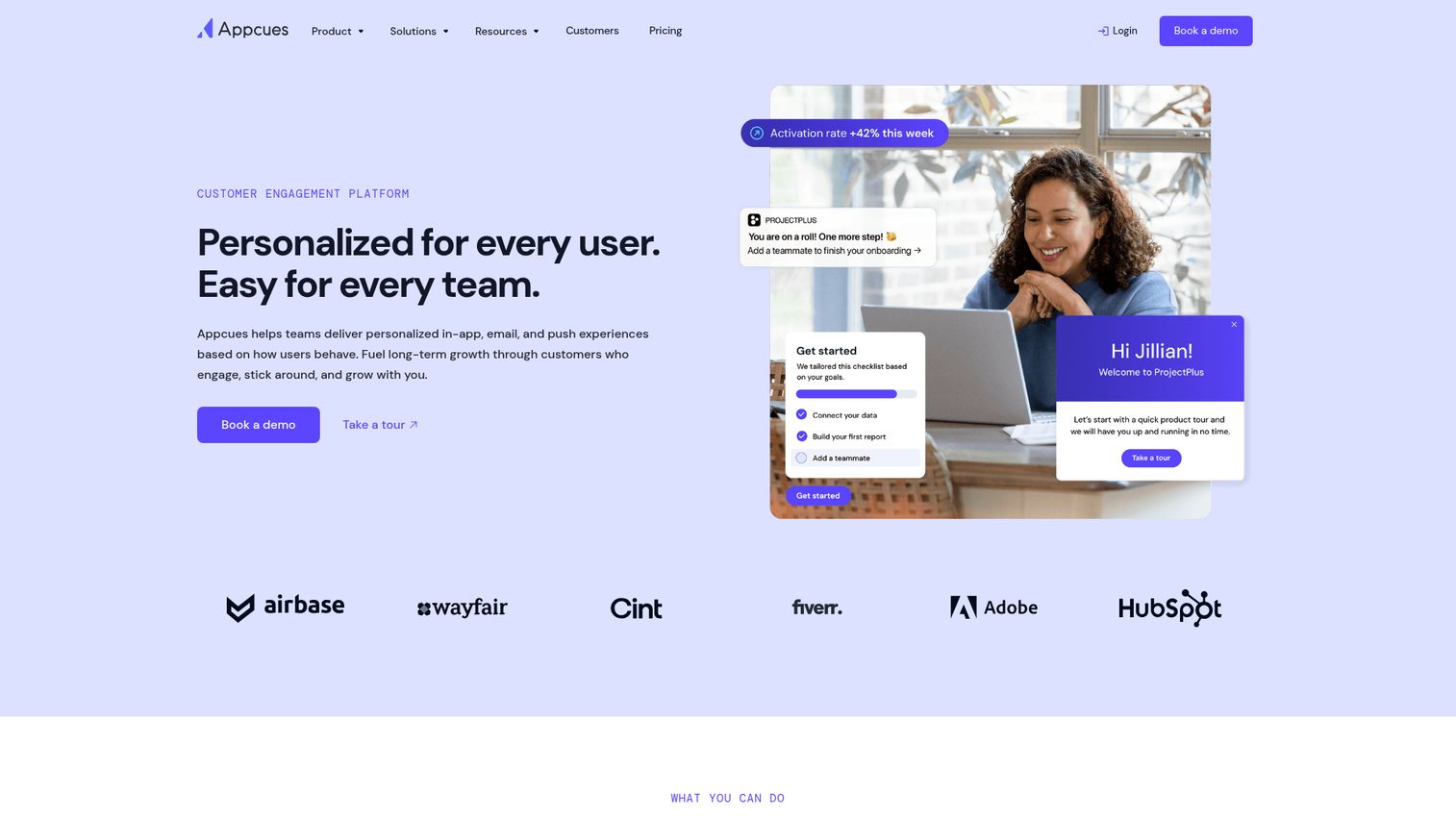
Appcues is one of the original user onboarding platforms, and it's still one of the fastest to get running. The visual WYSIWYG flow builder is intuitive enough that a PM can ship an onboarding flow in an afternoon, not a sprint.
The big differentiator over Userpilot: mobile support. Appcues has iOS and Android SDKs, making it one of the few mid-market adoption tools that covers both web and mobile. The integrations with analytics tools like Amplitude, Mixpanel, and Segment are also strong, which matters if you already have a product analytics stack and don't want to rip it out.
Where Appcues falls short: analytics are basic compared to Pendo or Userpilot. Advanced targeting is limited on lower tiers. There's no built-in resource center, which means you'll need another tool for self-serve help. And the per-MAU pricing can feel expensive at scale when you compare feature-for-feature against Userpilot.
Best for: SaaS startups and mid-market product teams prioritizing speed, simplicity, and mobile support.
Key strengths
- Beautiful visual WYSIWYG flow builder
- Mobile SDK for iOS and Android apps
- Strong integrations with Amplitude, Mixpanel, Segment
- Fast setup with minimal engineering involvement
- Modals, slideouts, tooltips, hotspots, and checklists
Pricing: From ~$249/month (Essentials). Growth and Enterprise tiers based on MAUs.
8. UserGuiding
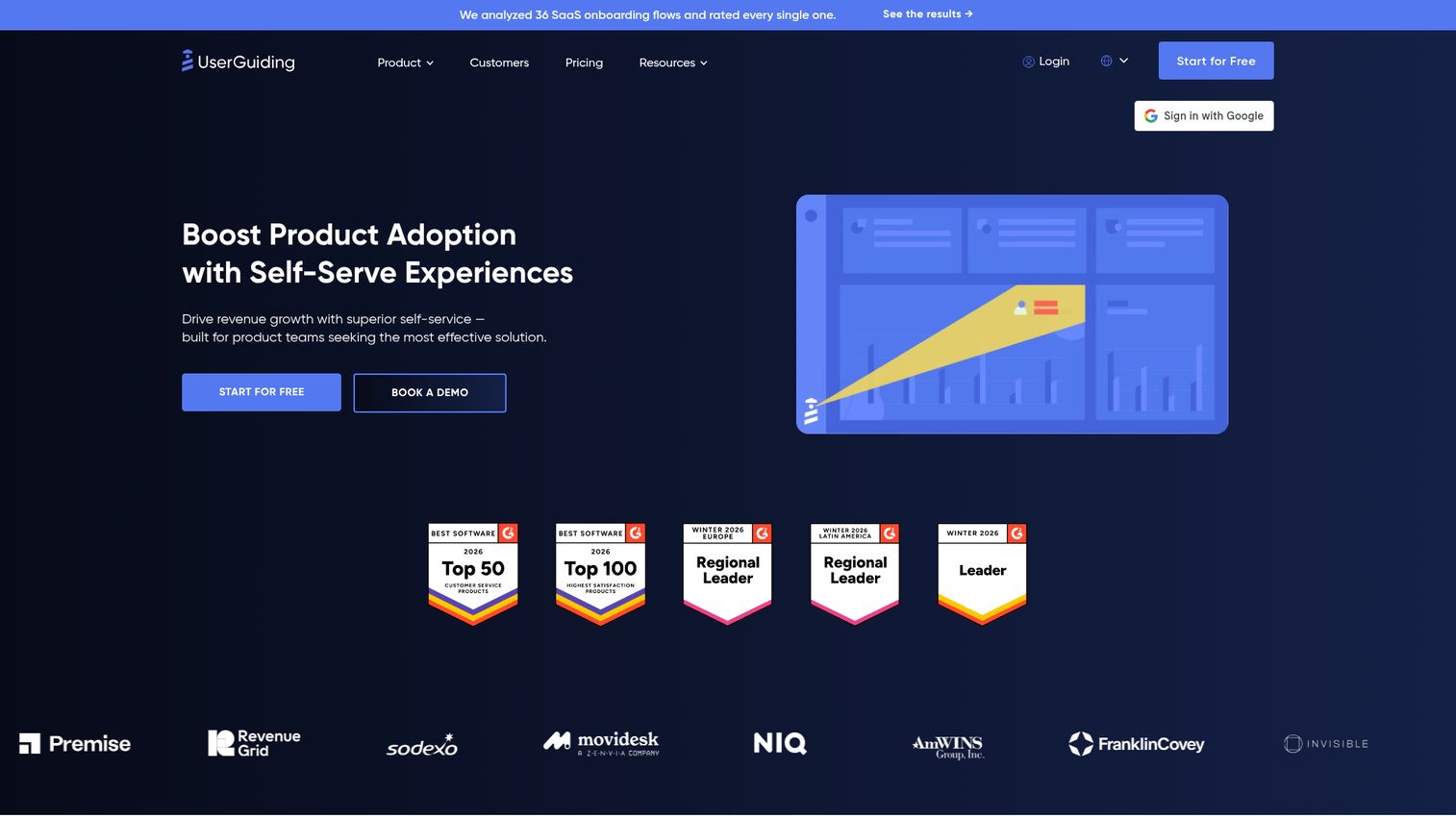
UserGuiding is the budget pick on this list, and it doesn't try to hide it. Positioned as a more affordable alternative to Userpilot and Appcues, it covers all the core onboarding features at a fraction of the price.
For startups and small-to-mid SaaS companies that need interactive guides, tooltips, hotspots, onboarding checklists, resource centers, and NPS surveys without enterprise pricing, UserGuiding is a practical choice. The setup is straightforward, and you can get basic onboarding flows live within a day.
The trade-off is polish. The builder's UI feels less refined than Appcues. Analytics depth is limited compared to Userpilot or Pendo. And as you scale, some features feel basic. But at ~$69/month for up to 1,000 MAUs, the value proposition is hard to argue with if budget is a constraint.
Best for: Startups and small SaaS companies that need solid onboarding features without enterprise pricing.
Key strengths
- Entry point at ~$69/month for up to 1,000 MAUs
- Covers all core onboarding features out of the box
- Resource center and NPS surveys included
- Easy setup with minimal technical requirements
- Announcement modals and user segmentation built in
Pricing: From ~$69/month (Basic plan, up to 1,000 MAUs).
9. Chameleon
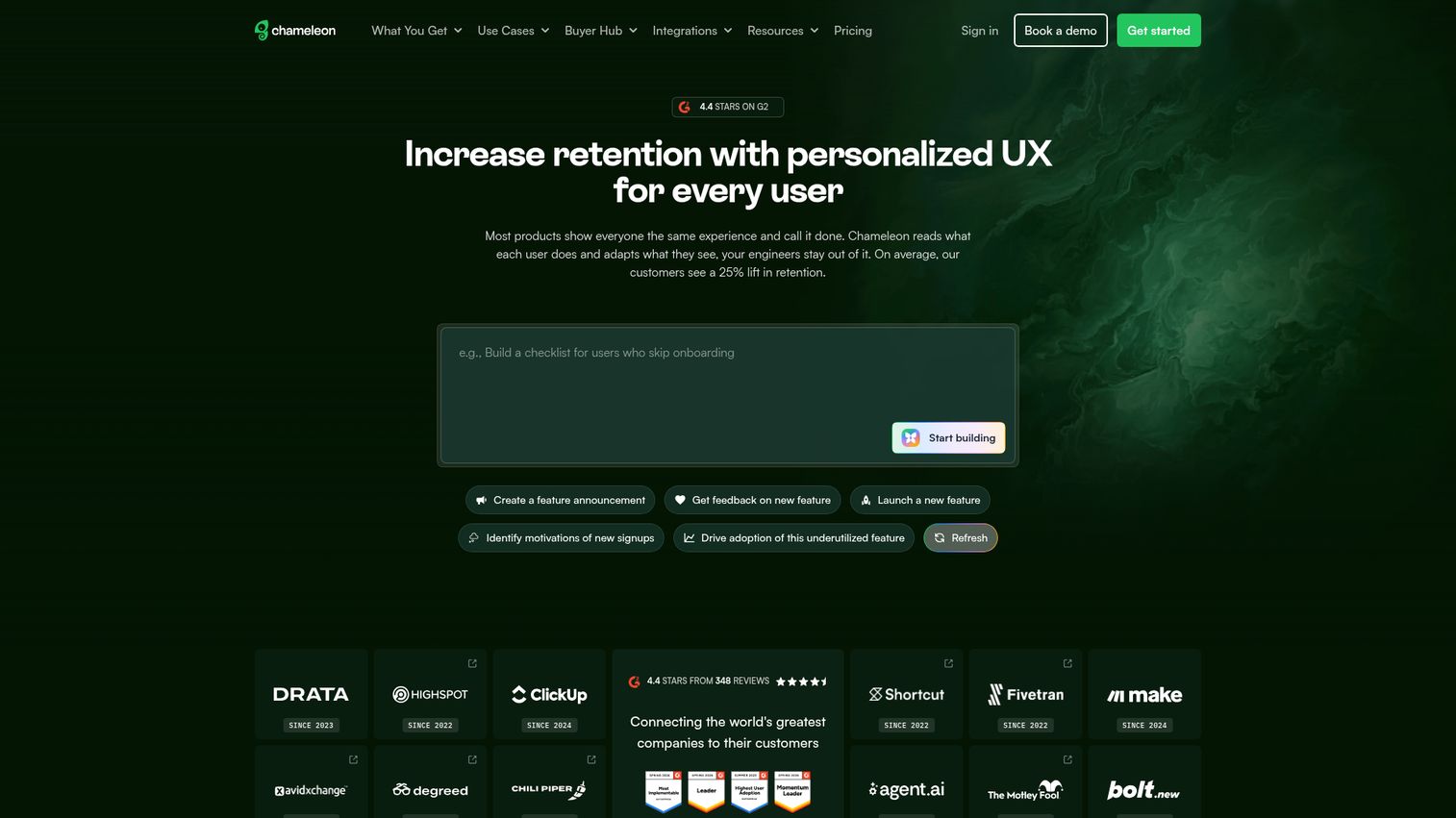
Chameleon is the product adoption platform for teams that care deeply about brand consistency and design control. If your product team cringes at generic-looking tooltips that clearly come from a third-party overlay, Chameleon is worth a look.
The CSS customization is the deepest in this category. You get pixel-perfect control over how every in-app experience looks, which means your tours, tooltips, and launchers match your product's design language exactly. The HelpBar feature, a universal in-app search widget, is unique and genuinely useful for reducing support tickets.
Chameleon also offers solid A/B testing and integrations with Segment, HubSpot, and Salesforce. The developer documentation is strong. The downsides: higher learning curve than Appcues, mid-to-high pricing starting at ~$279/month, and analytics that aren't as robust as Pendo's. It also has a smaller market presence, which means fewer community resources and templates.
Best for: SaaS teams that want pixel-perfect control over in-app experiences and deep brand consistency.
Key strengths
- Deepest CSS customization in the category
- HelpBar universal search widget reduces support load
- Strong A/B testing on in-app experiences
- Good developer documentation and API access
- Integrations with Segment, HubSpot, and Salesforce
Pricing: From ~$279/month (Startup plan). Growth and Enterprise tiers available.
10. Apty
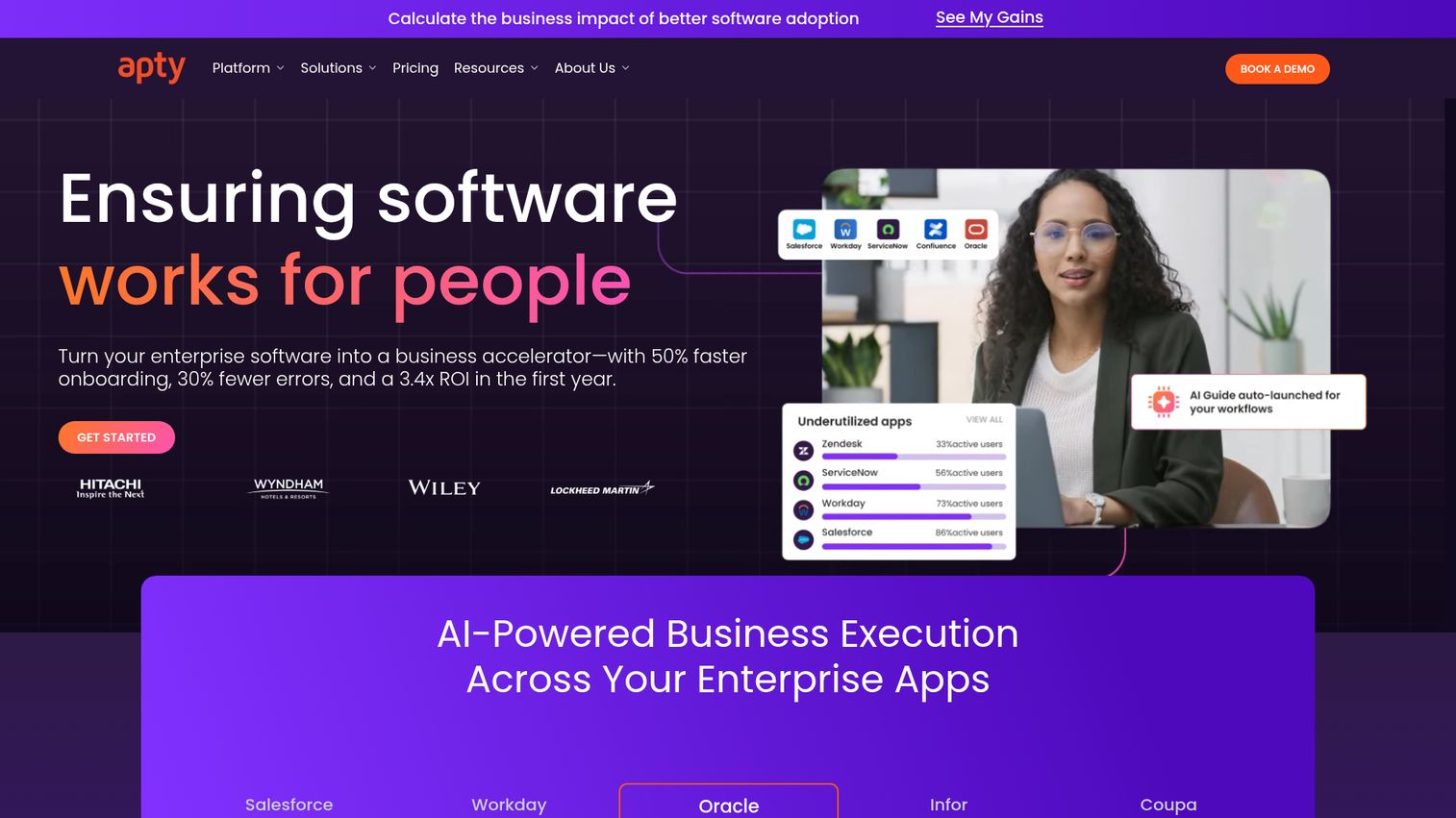
Apty is an enterprise DAP that's found its niche in compliance-driven industries: healthcare, finance, government, and regulated enterprise environments. Where other DAPs focus on user engagement, Apty focuses on making sure users do things correctly.
The standout features are workflow validation and data validation. Apty can enforce compliance rules within the application, catching errors before they're submitted. This is a meaningful differentiator for organizations where incorrect data entry has regulatory consequences. Cross-application support and strong Salesforce integration round out the enterprise capabilities.
Apty isn't suited for SaaS product teams. It's enterprise-priced with custom quotes, has limited public pricing information, and a smaller community compared to WalkMe or Whatfix. But for regulated industries that need adoption tools with built-in compliance enforcement, it fills a gap that most digital adoption platforms don't address.
Best for: Enterprises in regulated industries needing adoption tools with compliance and data validation.
Key strengths
- Workflow and data validation for compliance enforcement
- Strong enterprise governance and audit capabilities
- Cross-application support for complex environments
- Good Salesforce integration for CRM adoption
- Purpose-built for regulated industry requirements
Pricing: Custom enterprise pricing.
11. Userlane
Userlane is an employee-focused digital adoption platform designed specifically for enterprise software rollouts. If you're rolling out Salesforce, SAP, or Microsoft 365 and need non-technical content creators to build step-by-step guides, Userlane is built for that workflow.
The guide creation process is notably intuitive. Userlane uses the HEART analytics framework to measure adoption, and the multi-language support is strong, which matters for global rollouts. The virtual assistant and help center features provide contextual support without pulling users out of their workflow.
The limitations are clear. Userlane is primarily employee-focused, so it's not ideal for SaaS product teams building customer-facing onboarding. Public pricing information is limited (custom enterprise quotes). And the feature set is smaller than WalkMe or Whatfix, which offer more advanced workflow automation and cross-application capabilities.
Best for: Enterprise L&D and IT teams rolling out tools like Salesforce, SAP, or Microsoft 365 to employees.
Key strengths
- Intuitive guide creation for non-technical users
- HEART analytics framework for measuring adoption
- Strong multi-language support for global rollouts
- Virtual assistant for contextual in-app help
- Clean UX that reduces content creator learning curve
Pricing: Custom enterprise pricing.
12. Gainsight PX
Gainsight PX is the product experience platform from Gainsight, the company known for customer success software. If you're already using Gainsight CS for customer health scoring and renewal management, PX slots in as the product analytics and adoption layer.
The tight integration between PX and Gainsight CS is the primary value. You can connect product usage data directly to customer health scores, trigger in-app engagements based on CS workflows, and orchestrate adoption journeys that align with your customer success strategy. Feature adoption tracking and user segmentation are solid.
The downside: Gainsight PX is most valuable when paired with Gainsight CS. As a standalone product, it loses much of its appeal. The in-app guide builder is less flexible than Userpilot or Appcues, and pricing isn't transparent (custom quotes, typically mid-to-enterprise range). If you're not in the Gainsight ecosystem, Pendo or Userpilot will likely serve you better.
Best for: Customer success-driven SaaS companies already using or considering Gainsight CS.
Key strengths
- Tight integration with Gainsight CS platform
- Product analytics connected to customer health scores
- Journey orchestration for CS-led adoption strategies
- User segmentation and feature adoption tracking
- In-app engagements triggered by CS workflows
Pricing: Custom pricing; typically mid-to-enterprise range.
13. ProductFruits
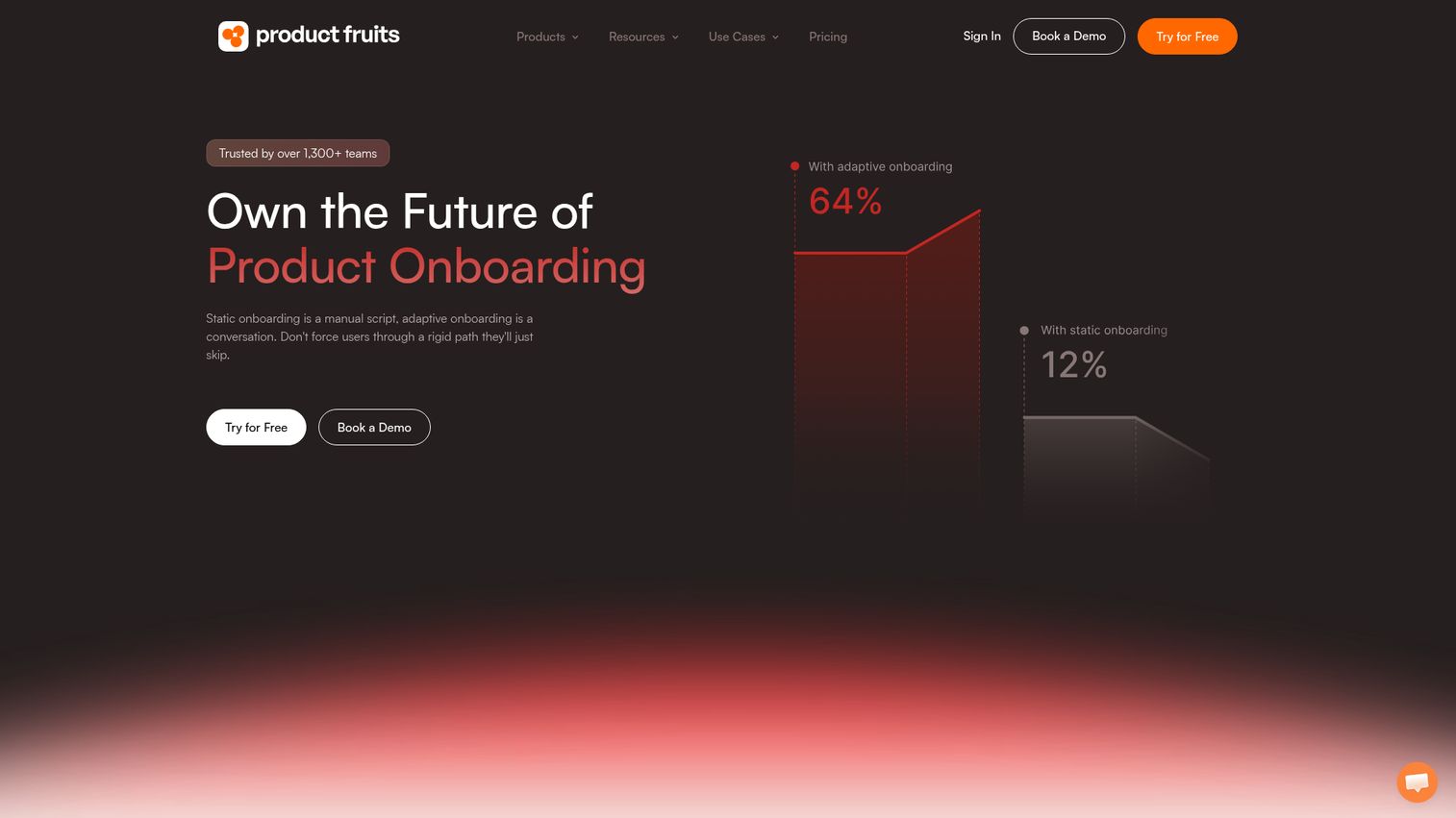
ProductFruits is a lightweight, affordable user onboarding tool from Europe that's gaining traction as a simpler, cheaper alternative to Userpilot and Appcues. It's a hidden gem for small SaaS companies and bootstrapped startups.
The feature set covers the essentials: interactive tours, tooltips, checklists, announcement banners, feedback widget, NPS surveys, and knowledge base integration. The "life ring button" is a nice UX touch that gives users a persistent, contextual help widget without cluttering the interface. Setup is fast, and the value for money is strong.
Where ProductFruits falls short: there's no A/B testing, analytics are limited compared to mid-range tools, and the integration library is smaller. It's also less known in the US market, which means fewer case studies and community resources. But at ~$79/month, it covers core onboarding needs without the sticker shock of larger platforms.
Best for: Small SaaS companies and bootstrapped startups that need essential onboarding features at a low price.
Key strengths
- Affordable pricing starting at ~$79/month
- Life ring button for persistent contextual help
- Interactive tours, tooltips, and onboarding checklists
- Feedback widget and NPS surveys included
- Fast setup with minimal technical overhead
Pricing: From ~$79/month. Competitive pricing tiers.
14. SAP Enable Now
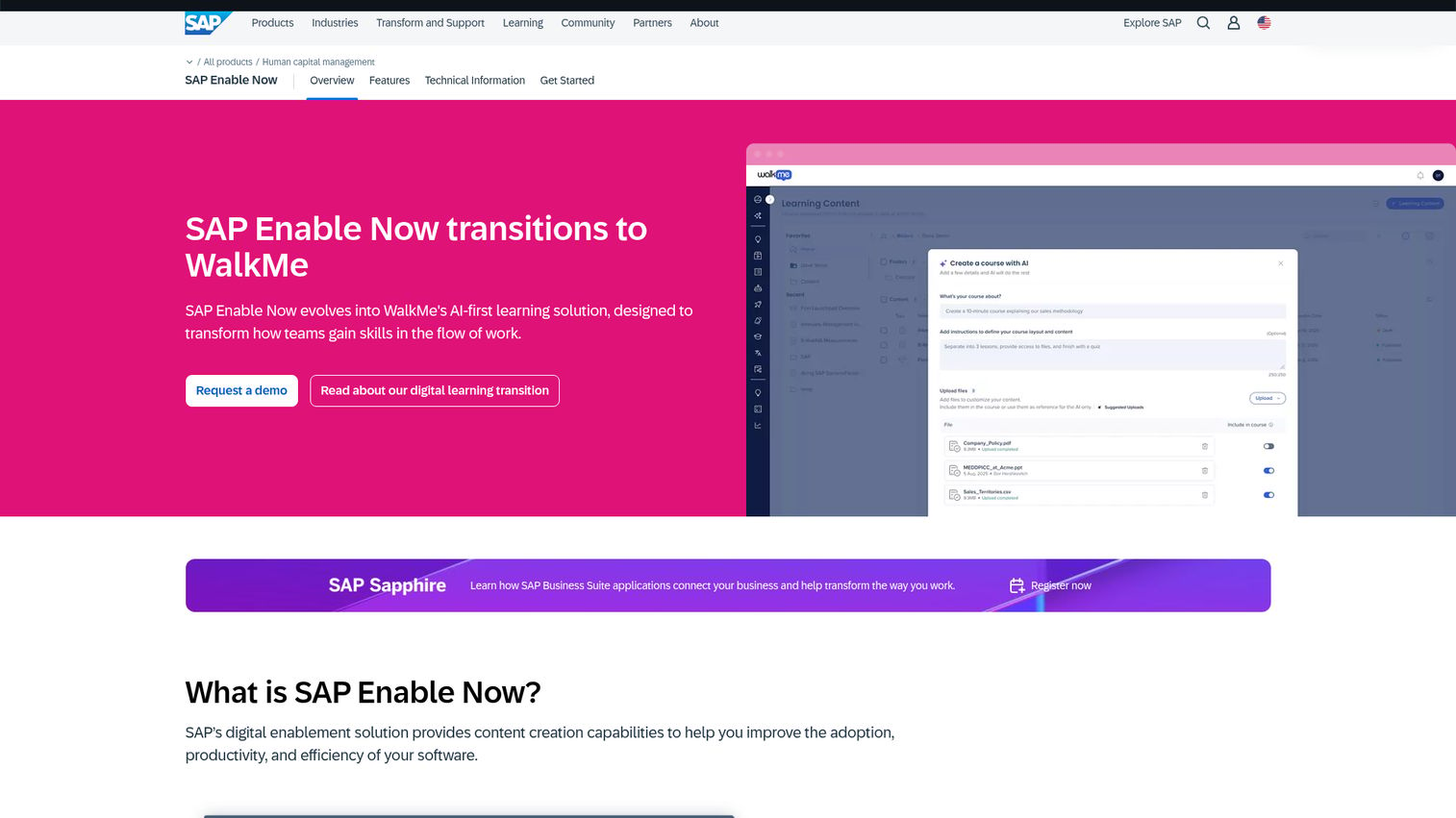
SAP Enable Now is SAP's native digital adoption and performance support tool, purpose-built for SAP environments. If your organization runs SAP and wants adoption support without a third-party overlay, this is the native option.
The key advantage is native SAP integration. There's no overlay friction because Enable Now is built into the SAP environment. The simulation mode for training is useful for letting users practice SAP workflows without touching production data. Documentation auto-generation from recorded processes saves time for enablement teams.
The context worth noting: SAP now owns both WalkMe and Enable Now. The long-term DAP strategy for SAP customers is evolving, and it's unclear how these two products will converge. In the meantime, Enable Now's UI feels dated compared to modern DAPs, it has limited flexibility outside SAP environments, and it's less intuitive than third-party alternatives. If you're an SAP shop that wants simplicity, it works. If you need adoption tools across multiple applications, look at WalkMe or Whatfix instead.
Best for: Organizations heavily invested in SAP who want a native adoption tool without third-party dependencies.
Key strengths
- Native SAP integration with zero overlay friction
- Simulation mode for safe SAP workflow training
- Documentation auto-generated from recorded processes
- Desktop and web support within SAP environments
- Directly supported by SAP with bundled licensing
Pricing: Bundled with SAP licensing; standalone pricing available.
Honorable mentions
These tools didn't make the top 14 but are worth knowing about depending on your specific needs:
- Userflow - Fast, lightweight onboarding tool with a clean builder. Good for early-stage SaaS teams that want speed over depth.
- HelpHero - Ultra-affordable option (~$55/month) for basic product tours. Ideal for MVPs and early products.
- Inline Manual - Solid mid-range DAP with good versioning and multi-language support.
- Stonly - Interactive knowledge base plus in-app guidance hybrid. Unique approach that blends self-serve help with adoption.
- Spekit - Just-in-time learning platform, strong for Salesforce enablement specifically.
- Oracle Guided Learning - Enterprise DAP for Oracle Cloud applications. The SAP Enable Now equivalent for Oracle shops.
- ClickLearn - Auto-generates training documentation from recorded processes. Niche but powerful for enterprise rollouts.
- Newired - European DAP with strong compliance features for regulated environments.
How to choose the right user adoption tool for your team
The right tool depends on your use case, not on which platform has the longest feature list. Here's how to segment the decision as part of your digital adoption strategy.
By use case
| Use Case | Recommended Tools |
|---|---|
| Pre-purchase product experience | Guideflow |
| SaaS product teams (customer onboarding) | Userpilot, Appcues, Pendo, Chameleon |
| Enterprise IT (internal software rollouts) | Lemon Learning, WalkMe, Whatfix, Apty, Userlane, SAP Enable Now |
| Customer success (post-sale adoption) | Gainsight PX, Pendo, Userpilot |
| Budget-conscious startups | UserGuiding, ProductFruits, HelpHero |
Key questions before choosing
- Is this for customer-facing product adoption or employee/internal tool adoption?
- What's your monthly active user count? Pricing scales with MAUs for most tools.
- Do you need analytics built in, or do you already have Amplitude or Mixpanel?
- How important is no-code editing vs. developer involvement?
- What's your integration stack (Salesforce, Segment, HubSpot)?
- Do you need mobile support? Most tools are web-only.
2026 trends to watch
AI-powered personalization is moving from marketing buzzword to real capability. Tools like Whatfix and WalkMe now auto-generate walkthroughs and personalize in-app guidance based on user behavior. Cross-application guidance is becoming standard for enterprise DAPs. And predictive adoption analytics, identifying users likely to churn before they disengage, is the next frontier for product adoption metrics.
If you're also looking at how marketing automation software tools fit into your stack, the adoption layer often connects directly to lifecycle messaging and campaign triggers. And for teams investing in customer onboarding tools alongside adoption platforms, the two categories are increasingly converging.
Invest in adoption, not just acquisition
Acquiring users is half the problem. Adoption is where the ROI lives, and where most teams underinvest.
Pick 1-2 tools from this list, sign up for free trials, and run a focused pilot before committing to an annual contract. The right digital adoption tool won't just reduce churn or support tickets. It'll change how your users experience your product from day one. For teams exploring how interactive demos can accelerate onboarding, combining a DAP with Guideflow creates a powerful adoption stack that starts before signup.
Start your journey with Guideflow today.
Frequently asked questions about user adoption tools
A user adoption tool is software that helps users learn and engage with a product or platform through in-app guidance like walkthroughs, tooltips, checklists, and resource centers, paired with analytics to track engagement. It's also commonly called a digital adoption platform (DAP). The goal is to reduce time-to-value and increase feature adoption without pulling users out of the application.
DAP is the industry term for user adoption tools, particularly in enterprise contexts. Gartner defines it as software that overlays on top of other applications to guide users through tasks and processes. DAPs serve both customer-facing use cases (SaaS onboarding) and employee-facing use cases (enterprise software rollouts), which distinguishes them from LMS or help desk tools.
It depends on your use case. For adoption that starts before signup, Guideflow leads with interactive demos and sandboxes. For enterprise employee rollouts, Lemon Learning, WalkMe, and Whatfix are the strongest digital adoption platforms in 2026, with Lemon Learning the pick for multilingual rollouts across legacy and in-house apps. For SaaS product teams, Userpilot, Appcues, and Pendo tend to be the strongest fits. For budget-conscious startups, UserGuiding and ProductFruits offer the best value. See the full comparison table and individual reviews above for detailed breakdowns.
Pricing ranges widely. Free tiers are available from Guideflow, Pendo, and HelpHero. Budget options start at ~$35-$89/month (Guideflow, UserGuiding, ProductFruits). Mid-range tools run $249-$499/month (Userpilot, Appcues, Chameleon, Guideflow Growth). Enterprise DAPs like WalkMe, Whatfix, Apty, and Lemon Learning require custom quotes, typically $10K-$100K+/year. Most pricing scales with monthly active users (MAUs).
Both are enterprise DAPs, but they differ in key areas. WalkMe is the more mature platform with the deepest cross-application support, now owned by SAP. Whatfix offers faster implementation, multi-format content auto-generation from walkthroughs, and is generally more cost-effective. WalkMe tends to be the pick for the largest enterprises; Whatfix often wins with mid-market companies that want similar capabilities with less complexity.
Some do, most don't. Appcues has iOS and Android SDKs. Pendo supports mobile analytics and in-app guides. Guideflow supports mobile demos for showing a mobile product before signup. Most others, including Userpilot, UserGuiding, and Chameleon, are web-only. Enterprise DAPs like WalkMe support desktop applications but not native mobile apps. If mobile adoption is a requirement, confirm mobile support before shortlisting.
Track these product adoption metrics: activation rate, feature adoption rate, time-to-value, DAU/MAU ratio, onboarding completion rate, support ticket volume reduction, NPS/CSAT scores, and churn rate. Most tools on this list include analytics dashboards that track these metrics natively. The key is defining what "activation" means for your product before you start measuring, otherwise you're tracking activity, not adoption.