
You're staring at a 47% checkout abandonment rate and analytics tells you users "dropped off at step 3." That's not insight. That's a shrug dressed up as data.
Session replay software shows you exactly what happened: the hesitation before clicking, the rage clicks on a broken button, the moment someone gave up. This guide covers 14 tools that capture those moments, from free options to enterprise platforms, plus how to pick the right one for your stack.
What's inside
This guide covers what session replay software actually does, how to pick the right tool for your team, and a ranked list of 14 options across price points. You'll find practical criteria for comparing free and paid tools, plus guidance on privacy compliance and mobile app support. Whether you're debugging frontend issues or figuring out why users abandon checkout, this list has something for product, UX, and marketing teams evaluating session recording for the first time.
TL;DR
- What session replay software does: Records clicks, scrolls, and navigation on websites and apps, then reconstructs them into video-like playbacks
- Core use cases: Debugging user-reported bugs, optimizing checkout and signup flows, validating UX changes after releases
- Top tools covered: Guideflow, FullStory, Hotjar, Microsoft Clarity, LogRocket, Heap, Smartlook
- Key differentiator to watch: Privacy controls, mobile SDK availability, and integration depth with your existing analytics stack
- Pricing reality: Most tools offer free tiers with session limits; paid plans typically scale by monthly recordings
What is session replay software
Session replay software records user interactions on websites and mobile apps, then reconstructs them into video-like playbacks. Instead of guessing why someone abandoned a checkout flow or struggled with a feature, you watch exactly what happened: every click, scroll, hesitation, and error message.
This differs from traditional screen recording because session replay captures DOM changes and browser events rather than actual video. The result is smaller file sizes, faster playback, and the ability to inspect page elements during review.
What session replay captures:
- Clicks and taps: Where users interact on buttons, links, and form fields
- Scroll depth: How far users move down a page before leaving or taking action
- Mouse movements: Cursor paths that reveal hesitation, confusion, or reading patterns
- Form interactions: Field focus, validation errors, and abandonment points
- Page transitions: Navigation paths showing how users move through your site or app
How session replay technology captures user behavior
DOM reconstruction and event logging
Session replay tools use JavaScript to capture the Document Object Model (the structured representation of your page) and every change that occurs. When a user clicks a button or a modal appears, the tool logs that event. During playback, it reconstructs the page visually from event logs rather than streaming video.
This approach means you can inspect specific elements, see exactly what content loaded, and understand timing without massive storage requirements.
Session recording scripts and performance impact
A common concern: will adding session replay slow down my site? Modern tools load scripts asynchronously, meaning they don't block page rendering. Most add negligible latency for typical traffic volumes.
High-traffic sites often use sampling rates (recording 1-10% of sessions) to balance coverage with storage costs. Sampling still provides statistically useful data while minimizing performance considerations.
Data storage and playback mechanisms
Session data typically lives on the vendor's cloud servers. Playback happens through a browser-based viewer that reconstructs each session from logged events. Retention periods vary widely: free plans might keep recordings for a few weeks, while enterprise tiers offer months or years of storage.
What to look for in session replay tools
User journey visualization
The core value of session replay is seeing the complete user journey as a video-like playback. Rather than interpreting funnel metrics or guessing at drop-off reasons, you watch real sessions. This supports conversion analysis, onboarding optimization, and feature adoption tracking.
Click, scroll, and rage click detection
Rage clicks happen when users repeatedly click on something that doesn't respond. Good session replay tools automatically flag rage clicks so you can filter sessions by friction indicators rather than watching random recordings.
Error tracking and frustration signals
Beyond rage clicks, look for tools that capture JavaScript errors, console logs, and network failures alongside user behavior. When a user reports "the button didn't work," you can watch the session and see the exact error that fired. This dramatically reduces debugging time.
Privacy controls and data masking
Data masking automatically hides sensitive fields like passwords, credit card numbers, and personal information from recordings. This is critical for GDPR and CCPA compliance. Reliable tools offer configurable masking rules so you can protect industry-specific data beyond the defaults.
Integrations with analytics and CRM platforms
Session replay becomes more powerful when connected to your existing stack. Look for native integrations with Google Analytics, Segment, Salesforce, or HubSpot. Connecting sessions to customer records lets you correlate behavior with account data and route insights to the right teams.
Mobile app session replay capabilities
Not all tools support iOS and Android apps. If you have mobile products, confirm the tool offers a mobile SDK that captures taps, swipes, and gestures. Web session replay and app session replay require different technical approaches, so verify coverage before committing.
When to use session recording software
Debugging user-reported issues
Support tickets often lack detail. "It didn't work" doesn't tell engineering much. Session replay lets you find the exact session, watch the error occur, and see the console logs and network requests that accompanied it.
Optimizing conversion funnels
With the average cart abandonment rate at 70%, product and marketing teams watch sessions where users abandoned checkout, signup, or key flows. You might discover that a confusing field label causes drop-offs, or that a slow-loading payment form triggers abandonment. Filter sessions by cart value or abandonment events for highest-impact insights.
Validating UX and design changes
After shipping a redesign, session replay shows whether users actually navigate better. Compare sessions before and after releases. This provides qualitative evidence that complements A/B test metrics, showing the "why" behind the numbers.
Supporting customer success workflows
Customer success teams review sessions before calls to understand user context. If a customer struggled with a feature last week, you can address it proactively rather than waiting for them to mention it.
Best session replay tools comparison table
14 best session replay software tools reviewed
1. FullStory
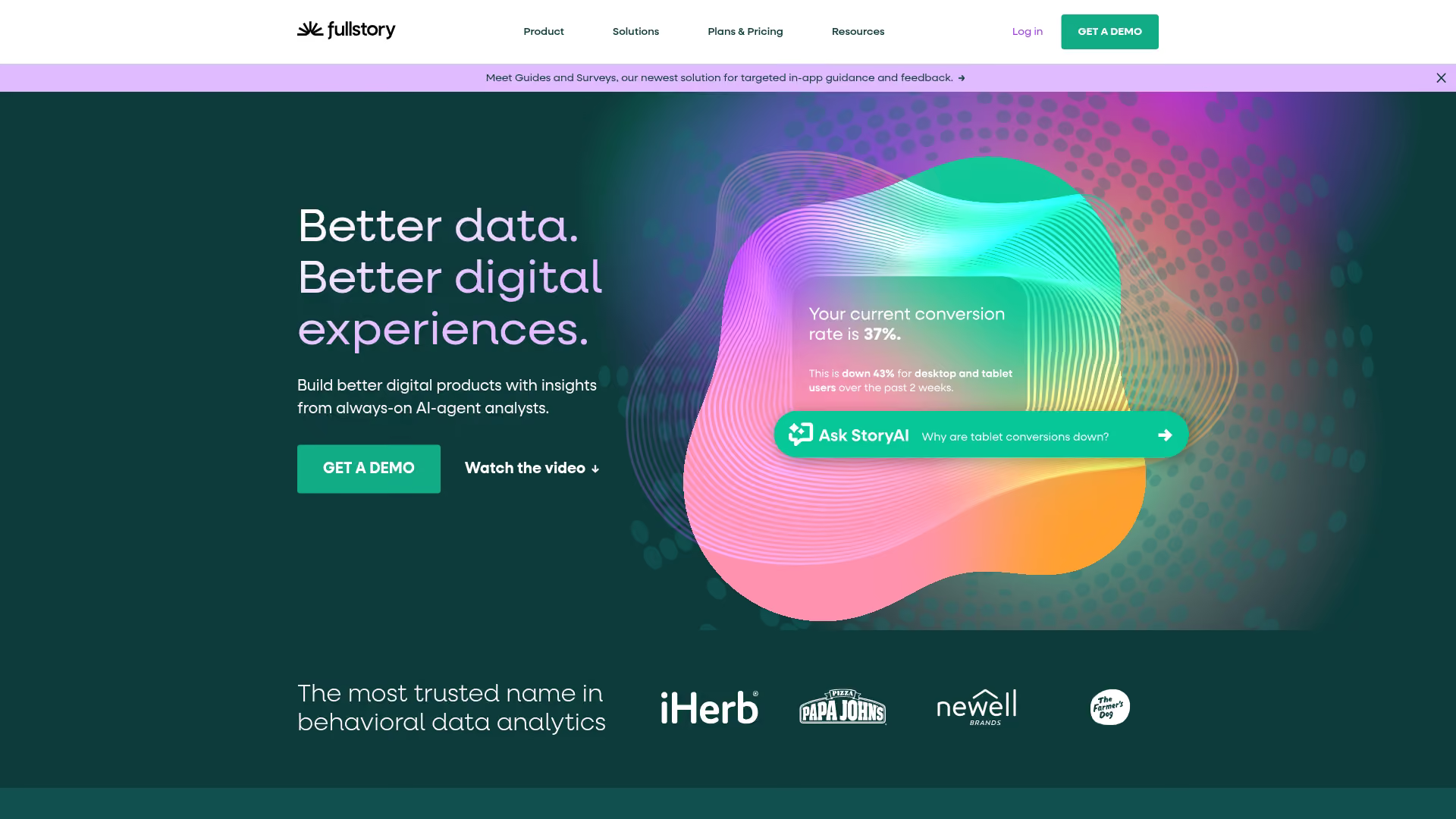
FullStory is enterprise-grade session replay with robust search capabilities and AI-powered summaries. Rather than watching sessions randomly, you can search for specific user actions, errors, or frustration signals across your entire session library.
Key strengths
- AI session summaries: Get quick overviews of what happened without watching full recordings
- Searchable sessions: Find sessions by user action, error type, or custom events
- Frustration detection: Automatic flagging of rage clicks, dead clicks, and error clicks
Best for: Large product and UX teams needing high-fidelity analytics with searchable session archives.
Pricing: Enterprise-focused with custom quotes. Free trial available.
2. Hotjar
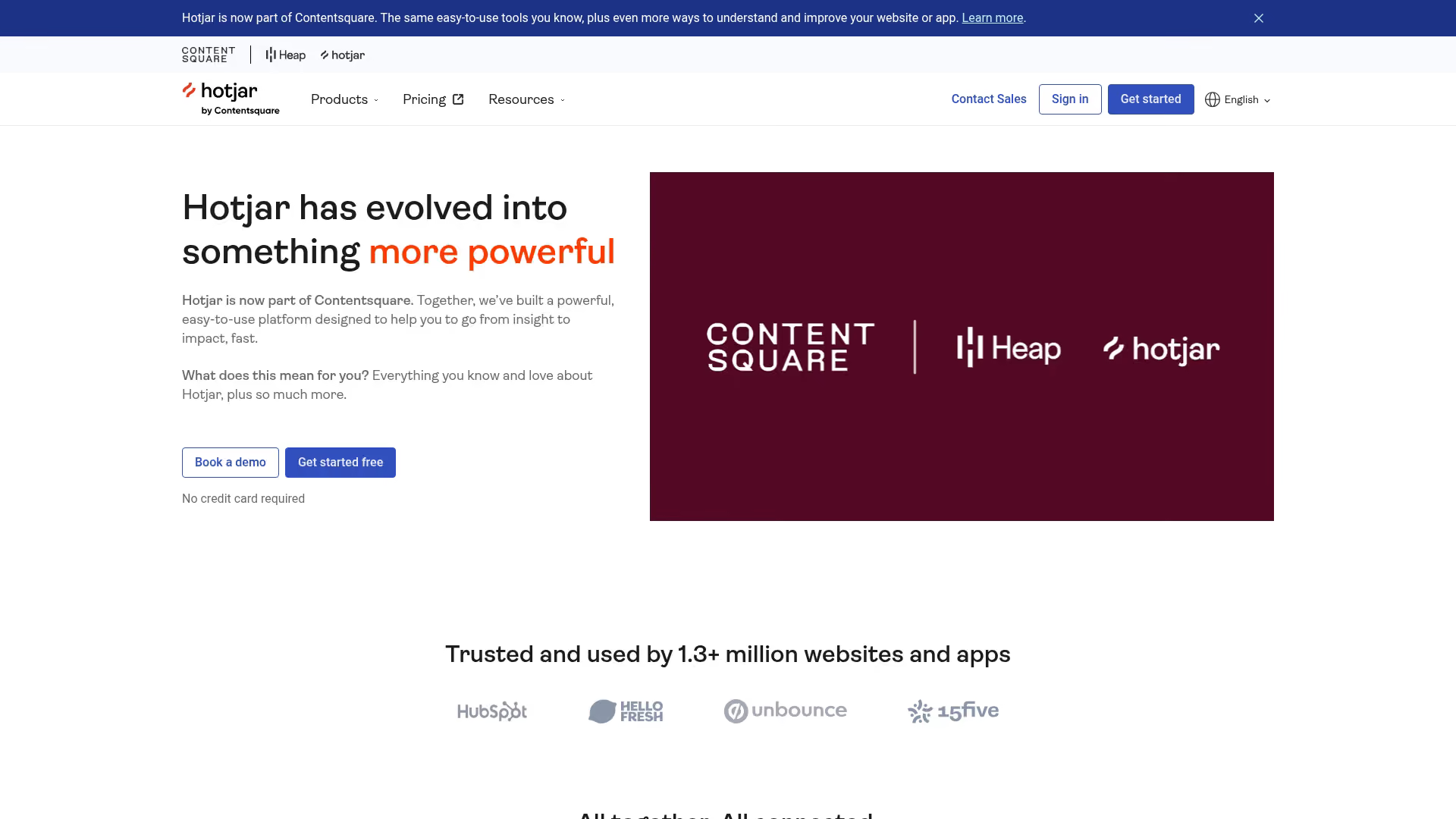
Hotjar combines session recordings with heatmaps and user feedback surveys in one platform. This bundled approach works well for teams wanting behavior analysis without managing multiple tools.
Key strengths
- Heatmaps included: Click, scroll, and move heatmaps alongside recordings
- Feedback widgets: Collect user feedback directly on pages
- Easy setup: Single script installation with minimal configuration
Best for: Marketing and UX teams wanting an all-in-one behavior toolkit without enterprise complexity.
Pricing: Free tier with 35 daily sessions. Paid plans start at $39/month.
3. LogRocket

LogRocket is built for developers who want session replay alongside console logs, network activity, and application state. When debugging frontend issues, you see exactly what the user experienced plus the technical context.
Key strengths
- Redux/Vuex state replay: See application state changes during the session
- Console and network logs: Full technical context alongside user behavior
- Performance monitoring: Track page load times and JavaScript errors
Best for: Engineering teams debugging frontend issues who want user context with technical depth.
Pricing: Free tier with 1,000 sessions/month. Paid plans start at $99/month.
4. Heap

Heap is a product analytics platform where session replay complements auto-captured event data. You don't manually tag events; Heap captures everything and lets you define events retroactively.
Key strengths
- Retroactive analytics: Define events after the fact without re-deploying code
- Session replay in context: Watch sessions attached to specific funnels or user segments
- No manual event tagging: Automatic capture reduces implementation overhead
Best for: Product teams wanting auto-captured analytics with session context for deeper investigation.
Pricing: Enterprise-focused with custom pricing. Free tier available for startups.
5. Smartlook
Smartlook stands out for strong mobile app support alongside web session replay. If you have both web and mobile products, Smartlook covers both with a single platform.
Key strengths
- Mobile SDK: Native support for iOS and Android apps
- Event-based filtering: Find sessions by specific user actions
- Heatmaps included: Click and scroll heatmaps for web
Best for: Teams with both web and mobile products needing unified session replay.
Pricing: Free tier with 3,000 sessions/month. Paid plans start at $55/month.
6. Mouseflow
Mouseflow focuses on friction detection with automatic conversion funnels and detailed form analytics. If optimizing forms and checkout flows is your priority, Mouseflow surfaces friction insights automatically.
Key strengths
- Form analytics: Field-level drop-off and error tracking
- Automatic funnel detection: Identifies conversion paths without manual setup
- Friction score: Quantified measure of user struggle per session
Best for: Ecommerce and lead generation teams optimizing forms and checkout flows.
Pricing: Free trial available. Paid plans start at $31/month.
7. Microsoft Clarity
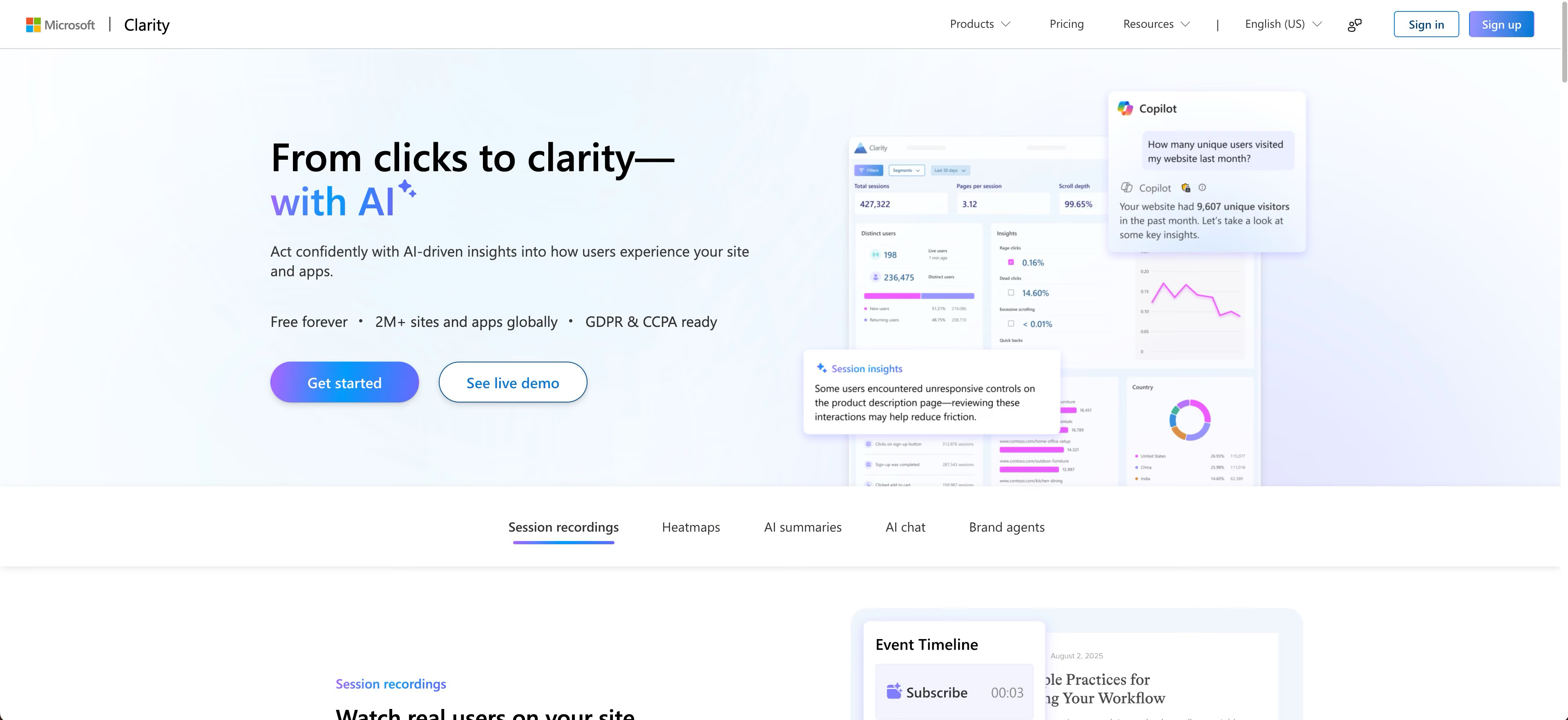
Microsoft Clarity is completely free session replay with unlimited recordings. For teams starting with session replay or working with limited budgets, Clarity provides core functionality without cost.
Key strengths
- Completely free: No session limits or paid tiers
- Google Analytics integration: Connect sessions to GA4 data
- Rage click detection: Automatic frustration flagging
Best for: Budget-conscious teams or those evaluating session replay for the first time.
Pricing: Free with no paid tiers.
8. Pendo
Pendo is a product experience platform where session replay supports in-app guidance and feature adoption tracking. If you already use Pendo for in-app messaging, session replay adds behavioral context.
Key strengths
- Feature adoption context: See sessions tied to specific feature usage
- In-app guidance integration: Connect recordings to guide performance
- NPS and feedback: User sentiment alongside behavior
Best for: Product teams already using Pendo who want session context for feature adoption analysis.
Pricing: Enterprise-focused with custom pricing.
9. UXCam
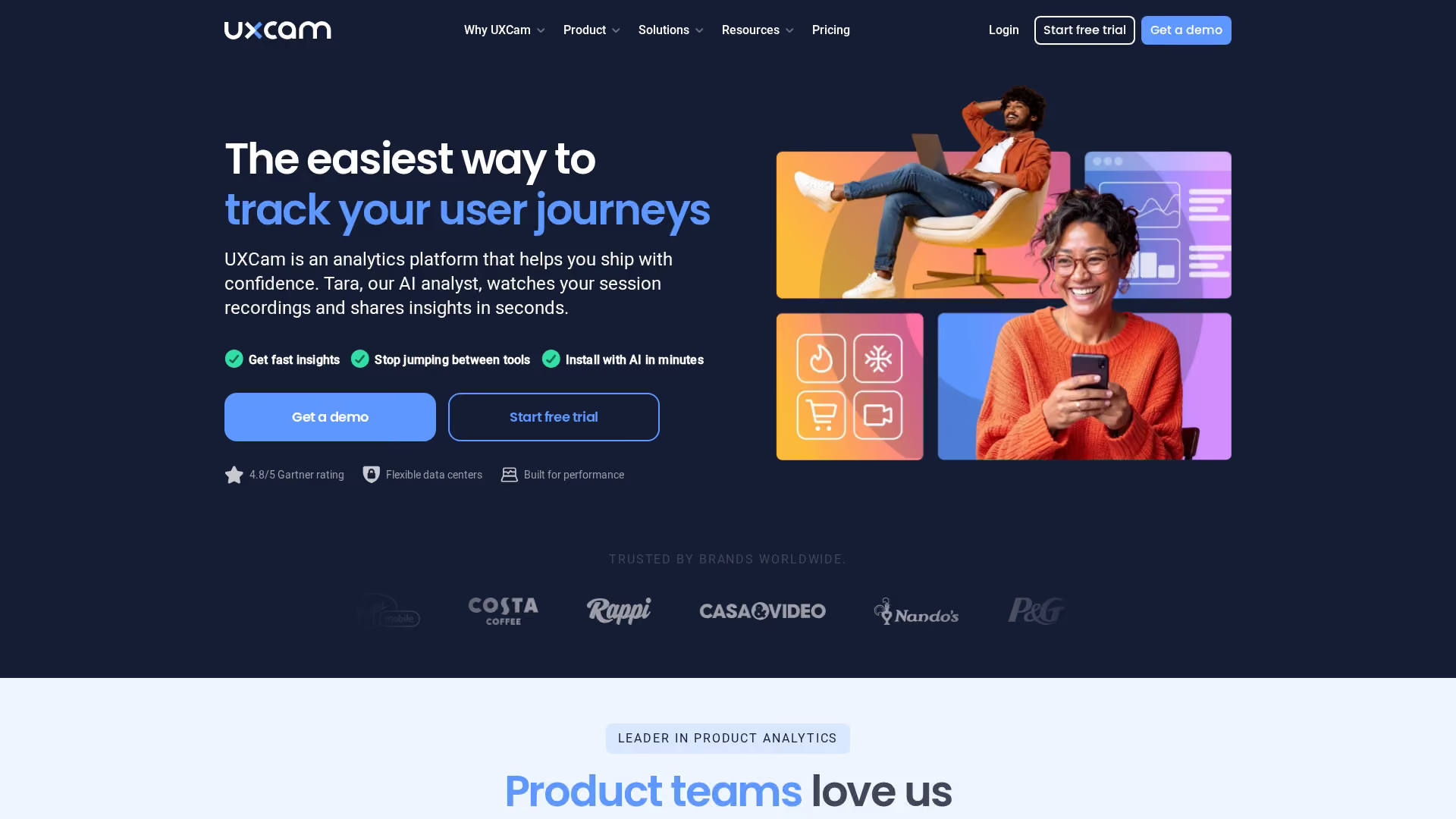
UXCam is mobile-first session replay built specifically for iOS and Android apps. If mobile is your primary platform, UXCam offers deeper gesture tracking and app-specific analytics than web-focused tools.
Key strengths
- Native mobile focus: Built for app session replay from the ground up
- Gesture tracking: Captures taps, swipes, and pinches accurately
- Screen flow analysis: Visualize navigation patterns across app screens
Best for: Mobile app teams needing deep session replay with gesture support.
Pricing: Free tier available. Paid plans with custom pricing.
10. Quantum Metric

Quantum Metric is enterprise digital analytics connecting session replay to revenue impact. Large organizations use it to quantify the business cost of user experience issues.
Key strengths
- Revenue quantification: Calculate dollar impact of friction points
- Anomaly detection: Automatic alerts for unusual behavior patterns
- Session replay at scale: Built for high-traffic enterprise sites
Best for: Enterprise teams needing session replay connected to business metrics.
Pricing: Enterprise with custom pricing.
11. Contentsquare
Contentsquare is a digital experience analytics platform with zone-based heatmaps and AI-powered insights alongside session replay. It's designed for enterprise teams wanting comprehensive UX analysis.
Key strengths
- Zone-based heatmaps: Analyze engagement by page section
- AI insights: Automated recommendations based on behavior patterns
- Revenue attribution: Connect experience metrics to business outcomes
Best for: Enterprise UX and digital teams wanting comprehensive experience analytics.
Pricing: Enterprise with custom pricing.
12. Datadog
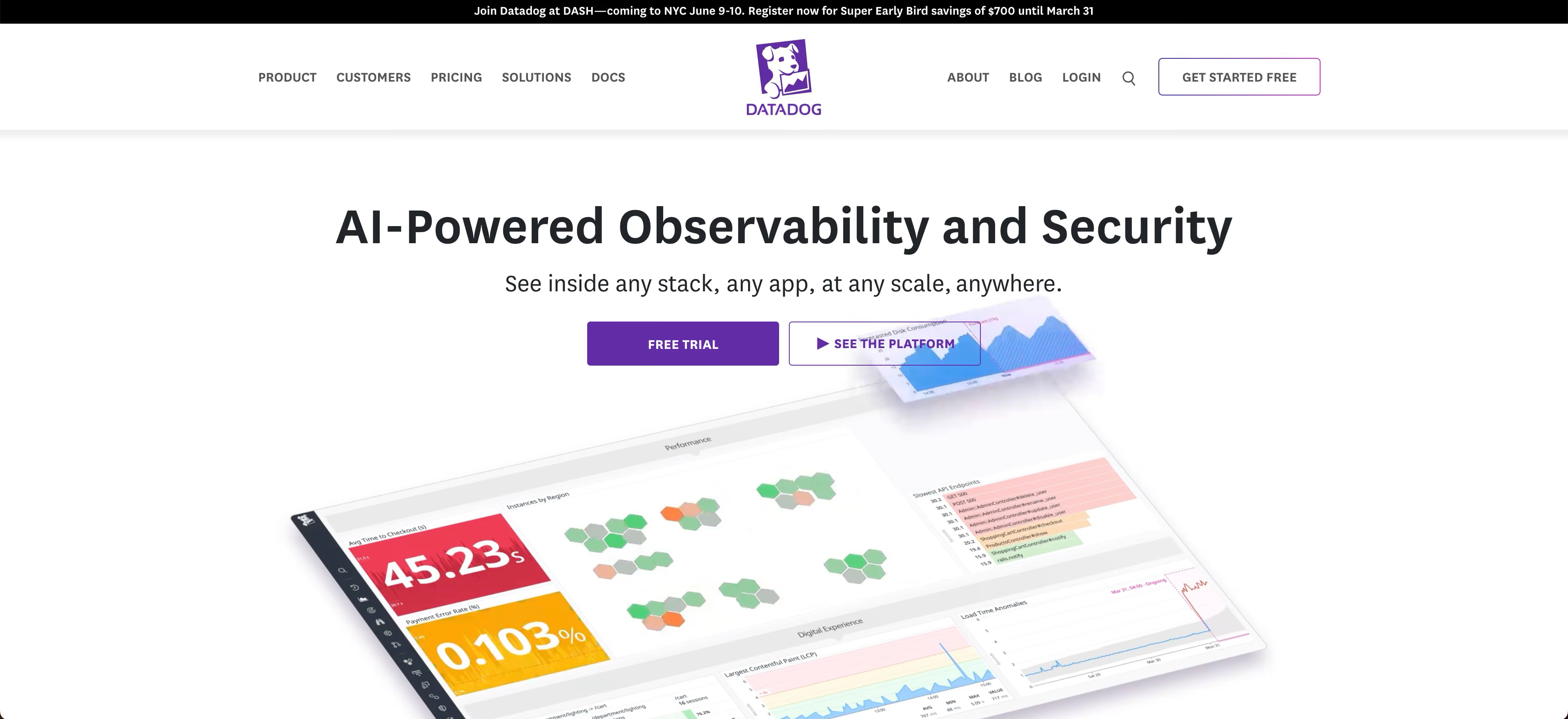
Datadog session replay connects frontend user sessions with backend application performance monitoring. If you already use Datadog for infrastructure, adding session replay provides end-to-end visibility.
Key strengths
- APM integration: Correlate user sessions with backend performance
- RUM correlation: Connect Real User Monitoring data to session recordings
- Unified monitoring: Single platform for infrastructure and user experience
Best for: DevOps and engineering teams using Datadog who want frontend session context.
Pricing: Usage-based pricing as part of Datadog RUM.
13. Lucky Orange
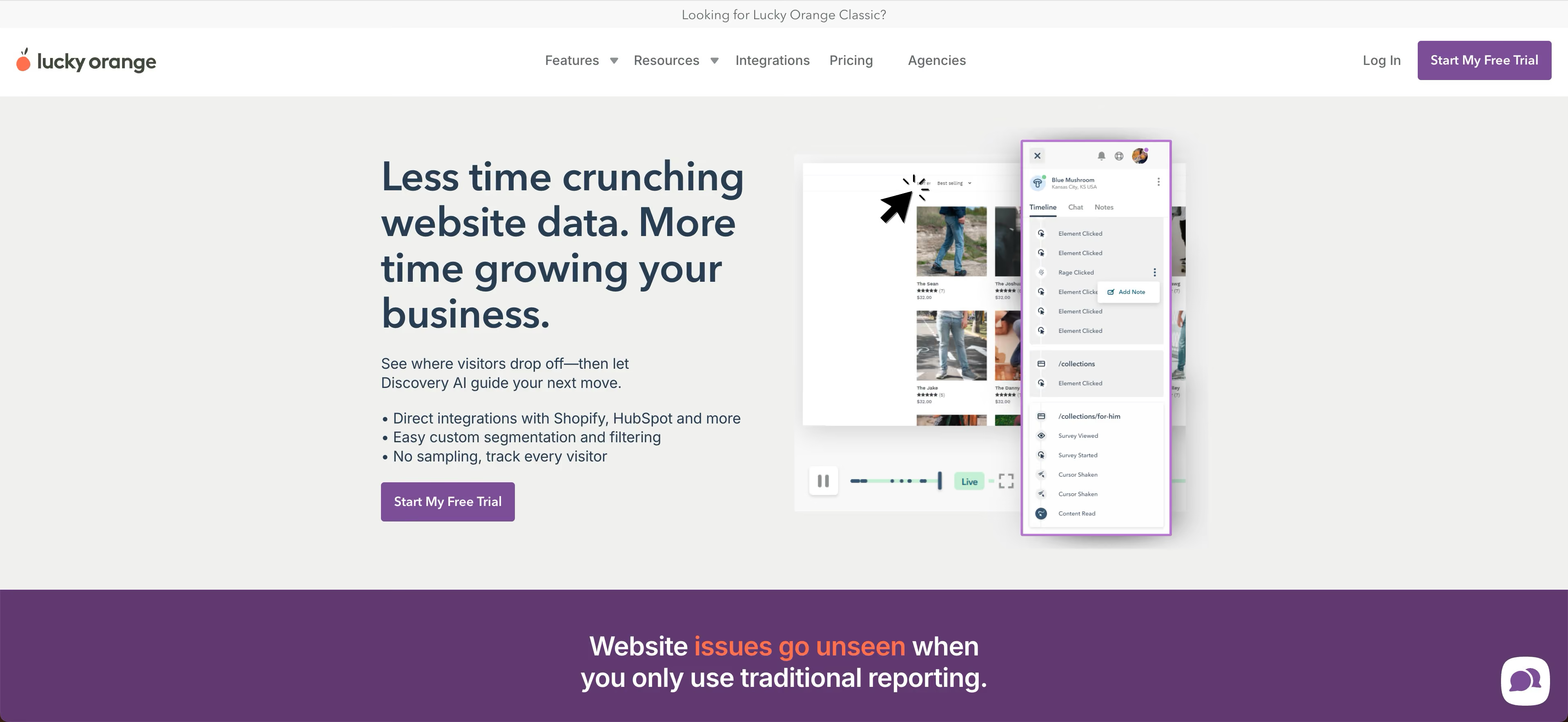
Lucky Orange bundles session recording with live chat and conversion optimization features. Small businesses get recordings plus visitor engagement tools in one affordable package.
Key strengths
- Live visitor view: See who's on your site in real time
- Chat integration: Engage visitors directly from the dashboard
- Form analytics: Track field-level abandonment
Best for: Small businesses wanting recordings plus live visitor engagement.
Pricing: Free trial. Paid plans start at $39/month.
14. Inspectlet

Inspectlet offers straightforward session replay and heatmaps without complex feature sets. If you want basic recording functionality with simple setup, Inspectlet delivers without overwhelming options.
Key strengths
- Simple setup: Minimal configuration required
- Eye-tracking heatmaps: Predictive attention visualization
- Form analytics: Basic field tracking included
Best for: Teams wanting basic session recording without enterprise complexity.
Pricing: Free tier with 2,500 sessions/month. Paid plans start at $39/month.
How to choose the best session replay software
Define your primary use case
Session replay serves different purposes: UX research, developer debugging, conversion optimization, or customer support. Your primary use case determines which features matter most. Debugging-focused teams prioritize console logs and error tracking. Conversion teams care more about funnel filtering and form analytics.
Evaluate web and app session replay coverage
If you have iOS or Android apps, confirm mobile SDK availability before committing. Not all tools support mobile, and those that do vary in gesture tracking quality.
Assess privacy and compliance requirements
Regulated industries like healthcare and finance require robust data masking and compliance certifications. With 21 US states now enforcing privacy laws, check for GDPR/CCPA tools, SOC 2 compliance, and configurable PII rules.
Map integration needs to your stack
Common integration categories to verify: analytics (GA4, Segment), CRM (Salesforce, HubSpot), error tracking (Sentry), and support tools (Zendesk, Intercom). Integration depth varies significantly between tools.
Compare session replay pricing models
Pricing structures vary: per session recorded, per monthly user, or flat tiers. Free tiers often limit retention or recording volume. Calculate your expected session volume before comparing costs.
Session replay pricing and free plan comparison
Privacy and compliance for user session replay
GDPR and CCPA requirements for session recording
Recording user sessions requires compliance with privacy regulations. GDPR requires a lawful basis (typically legitimate interest or consent) and transparency about data collection. CCPA requires disclosure in your privacy policy.
Data masking and PII protection
Data masking automatically redacts sensitive fields from recordings. Most tools mask passwords and credit card fields by default. Configurable masking lets you protect additional fields like social security numbers or health information.
User consent best practices
Consent approaches vary by jurisdiction and risk tolerance. Options include cookie consent banners, privacy policy disclosure, or explicit opt-in. Some tools offer visitor-level opt-out mechanisms.
Turn user insights into guided product experiences
Session replay reveals where users struggle. The natural next step is addressing friction proactively. Interactive demos and guided product tours let you show users exactly how to complete workflows they found confusing.
When you spot patterns in session recordings, like users repeatedly missing a key feature or abandoning a multi-step process, you can create targeted guidance. This closes the loop between diagnosis (session replay) and prescription (guided experiences).
Start your journey with Guideflow today!