Your customers are talking. Most of that feedback goes nowhere.
Companies now collect roughly 10x more customer feedback than they did five years ago - across surveys, support tickets, app reviews, social media, chat logs, and NPS responses. But according to Qualtrics research on customer feedback utilization, fewer than 20% of organizations systematically analyze all of it. The rest sits in spreadsheets, siloed dashboards, and unread CSV exports.
Manual tagging doesn't scale. Your team can't read 12,000 support tickets a month and spot emerging patterns before they become churn drivers. That's where feedback analytics software comes in.
These tools use AI, natural language processing for text analytics, and sentiment analysis to automatically categorize, quantify, and surface actionable insights from unstructured customer feedback data. The category has matured significantly in 2026 - ai-powered feedback analytics software is no longer reserved for enterprise budgets.
We evaluated 15 of the best customer feedback tools and feedback analytics platforms for 2026, comparing features, pricing, integrations, and real user reviews. Whether you're a product manager drowning in feature requests or a CX leader trying to connect voice-of-customer data to revenue outcomes, this guide helps you find the right fit. If you're also evaluating tools to showcase your product's value to prospects, check out how interactive demos can complement your feedback strategy.
What's inside
This article covers everything you need to make a confident buying decision. You'll get a side-by-side comparison table, 15 in-depth tool reviews with consistent pros/cons and pricing, a feature checklist, and a decision framework organized by team type and budget.
We didn't accept payment for inclusion in this list. The order reflects category relevance and market positioning, not affiliate commissions or sponsorship deals.
TL;DR
- Enterprise CX powerhouses: Qualtrics and Medallia dominate large-scale voice-of-customer programs but come with enterprise pricing and implementation timelines
- AI-first analytics: SentiSum, Thematic, and Chattermill offer the deepest NLP capabilities for analyzing unstructured text at scale
- Product and research teams: Dovetail and Canny are purpose-built for qualitative research and product feedback prioritization, respectively
- Budget-friendly starting points: Hotjar, Canny, and Dovetail all offer free plans with meaningful functionality
- Salesforce-native orgs: GetFeedback is the clear pick if your CRM is the center of your universe
- Custom NLP pipelines: MonkeyLearn gives data teams the flexibility to build their own text classification models without writing code
What is feedback analytics software (and why you need it in 2026)
Feedback analytics software aggregates customer feedback from multiple sources and uses AI and NLP to analyze sentiment, detect themes, identify trends, and surface actionable insights. It's the analysis layer that sits on top of your feedback collection.
This is an important distinction. A survey tool collects responses. A customer feedback system that includes analytics actually processes those responses - reading thousands of open-text comments, classifying them into topics, detecting shifts in sentiment, and quantifying which issues drive the most churn or dissatisfaction.
It's also different from general business intelligence tools. Tableau can visualize structured data beautifully, but it wasn't built to parse 50,000 unstructured support tickets and tell you that "shipping complaints" actually break down into "late delivery," "damaged packaging," and "wrong address" - each with different sentiment trajectories.
The 2026 context matters. AI capabilities have matured dramatically over the past two years. Real-time feedback analysis is now table stakes. Custom AI models that adapt to your business-specific vocabulary are available at mid-market price points, not just enterprise ones. And the volume of feedback channels has exploded - customer feedback channels have multiplied significantly across app stores, social media, community forums, chat widgets, and voice calls.
The business case is straightforward: faster product decisions, reduced churn, improved CSAT and NPS scores, and tighter alignment between CX teams and product teams. When you can quantify that "billing confusion" drives 23% of your negative NPS responses, you've got a case your CFO can act on - especially given research on NPS as a predictor of business outcomes. Teams looking to improve their product analytics alongside feedback analysis will find these tools especially complementary.
Feedback analytics ≠ feedback collection. If your current tool only gathers feedback, you're missing the analysis layer that turns raw data into customer experience insights.
Key features to look for in feedback analytics software
Not every feedback tool offers the same depth. Here's what separates a capable feedback analytics platform from a glorified spreadsheet.
AI and natural language processing (NLP)
This is the core engine. Look for automatic theme and topic detection, sentiment analysis, and intent classification - and review sentiment analysis accuracy benchmarks to understand what 'good' looks like. The best tools go beyond generic positive/negative/neutral labels - they identify why customers feel a certain way.
Custom taxonomy support matters here. Your business has specific language your customers use. A tool that only applies generic categories will miss the nuance. Ask vendors whether their models adapt to your vocabulary or if you're stuck with pre-built classifiers.
Multichannel feedback aggregation
Your feedback lives everywhere: surveys, support tickets, app store reviews, G2 and Trustpilot reviews, social media mentions, chat transcripts, call recordings, emails, and community forum posts. A strong customer feedback platform ingests data from all of these sources into a unified dashboard.
If a tool only handles one channel well, you're still stitching insights together manually.
Real-time analysis and alerts
Batch processing - where you upload data weekly and get a report - is outdated. In 2026, real-time feedback analysis means instant trend detection. You want automated alerts when sentiment drops on a specific topic or when an emerging issue starts spiking in volume.
The difference between catching a product bug in 2 hours versus 2 weeks can be thousands of churned users.
Integrations and data connectors
Your feedback analytics tool needs to talk to your existing stack. That means native integrations with CRMs (Salesforce, HubSpot), helpdesks (Zendesk, Intercom), project management tools (Jira, Asana), communication tools (Slack, Teams), and data platforms (Snowflake, BigQuery). For a deeper look at how integrations power your workflow, see how Guideflow handles integrations across the modern SaaS stack.
Also check for API availability and Zapier support. If you can't pipe insights into the tools where your team already works, adoption will stall.
Reporting, dashboards, and data visualization
Customizable dashboards, exportable reports, and stakeholder-friendly visualizations are non-negotiable. You need to segment by customer cohort, time period, channel, and product area.
The goal: your VP of Product can open a dashboard and immediately see which themes are trending up and which customer segments are most affected - without pinging someone on Slack for a custom report.
Actionable insights and feedback loop closure
The best feedback software doesn't just show you what customers are saying. It connects those insights to product roadmap items, support workflows, or marketing campaigns. And it tracks whether feedback-driven changes actually improve your metrics. One effective way to close the loop is collecting user feedback with interactive demos to validate whether product changes resonate.
This closed-loop capability is what separates analytics from reporting.
Scalability and enterprise readiness
If you're processing tens of thousands of feedback items monthly, you need a tool that handles volume without degrading performance. Role-based access, SSO, and compliance certifications (GDPR compliance requirements for customer data, SOC 2 compliance framework for SaaS) matter for enterprise buyers.
How we evaluated these feedback analytics tools
We assessed each tool across seven dimensions:
- Feature depth: breadth of analytics capabilities, from basic sentiment to advanced theme extraction
- AI and NLP quality: sophistication of text analysis, custom model support, and accuracy
- Integration ecosystem: number and depth of native integrations with common business tools
- Pricing transparency: whether pricing is publicly available, and value relative to capabilities
- Ease of use: setup time, learning curve, and day-to-day usability
- Real user reviews: G2 software review methodology and Capterra ratings, weighted by review volume
- Team-size fit: suitability for startups, mid-market, and enterprise organizations
Pricing was verified as of Q1 2026 where publicly available. G2 ratings reflect data at the time of writing. We did not accept payment for inclusion in this list.
Quick comparison table - 15 best feedback analytics software for 2026
| Tool | Best For | Starting Price | G2 Rating | Key Differentiator | Free Trial? |
|---|---|---|---|---|---|
| Qualtrics | Enterprise CX programs | Custom pricing | ~4.4/5 | Full experience management platform with predictive intelligence | Demo available |
| Medallia | Real-time CX intelligence | Custom pricing | ~4.5/5 | AI engine (Athena) with real-time signal capture | Demo available |
| SentiSum | Support ticket analytics | Contact for quote | ~4.5/5 | NLP custom-trained to each business's vocabulary | Demo available |
| Thematic | Automated theme detection | Tiered plans (contact) | ~4.6/5 | Quantifies theme impact on NPS, CSAT, and churn | Yes |
| Chattermill | Unified feedback intelligence | Contact for quote | ~4.5/5 | Deep learning NLP with business KPI linking | Demo available |
| Dovetail | Product research and qualitative analysis | Free; paid from ~$29/user/mo | ~4.5/5 | AI-powered tagging for interviews and usability tests | Free plan |
| Canny | Product feedback prioritization | Free; paid from $99/mo | ~4.6/5 | Voting boards connected directly to product roadmaps | Free plan |
| SurveyMonkey | Survey-centric analytics | From $25/user/mo | ~4.4/5 | Widest brand recognition with upgraded AI insights | Yes |
| Hotjar | Website feedback and behavioral analytics | Free; paid from $32/mo | ~4.3/5 | Combines feedback with heatmaps and session recordings | Free plan |
| Zendesk | Support-driven feedback analytics | From $55/agent/mo | ~4.3/5 | Analytics layer on top of existing Zendesk ticket data | Yes |
| Usersnap | In-app visual feedback | From $49/mo | ~4.5/5 | Screenshot and screen recording feedback widgets | Yes |
| Zonka Feedback | Multichannel survey and CX analytics | From $49/mo | ~4.7/5 | Broadest survey distribution channels at mid-market pricing | Yes |
| GetFeedback | Salesforce-native CX analytics | Contact for quote | ~4.5/5 | Native Salesforce integration with journey-based triggers | Demo available |
| MonkeyLearn | Custom text analytics and NLP pipelines | Free; paid from $299/mo | ~4.4/5 | No-code ML model builder with API-first approach | Free plan |
| Loop | B2B voice-of-customer analytics | Contact for quote | Limited reviews | Connects VoC insights directly to revenue outcomes | Demo available |
The 15 best feedback analytics software tools for 2026
1. Qualtrics - best for enterprise CX programs
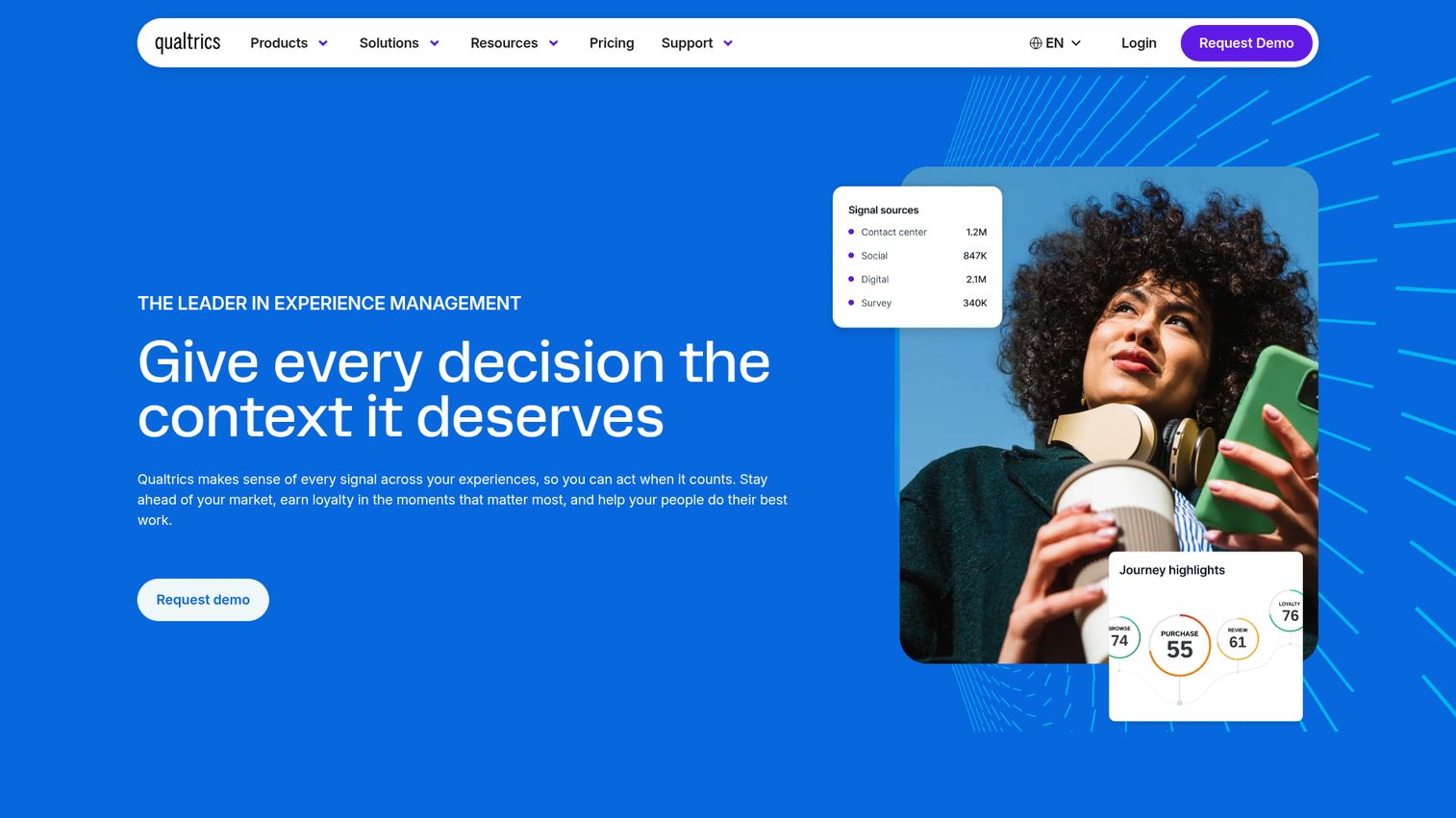
Qualtrics is the heavyweight of the customer feedback platform category, offering a full experience management suite that spans customer, employee, product, and brand experience.
Its strength lies in breadth and analytical depth. Qualtrics iQ, the platform's AI engine, provides predictive intelligence, statistical analysis, and text analytics across massive datasets. You can run driver analysis to identify which factors most influence your key metrics, segment feedback by any customer attribute, and build role-based dashboards that give your frontline teams different views than your executives.
The text analytics module handles sentiment analysis, topic detection, and effort scoring across open-ended responses. It's particularly strong when you're running large-scale customer feedback surveys across multiple business units or geographies and need to aggregate insights at the organizational level.
Best for: Large enterprises running multi-program CX, EX, and brand research initiatives across global teams.
Key strengths
- Predictive intelligence engine with statistical driver analysis
- Handles customer, employee, product, and brand experience in one platform
- Advanced text analytics with custom topic modeling
- Role-based dashboards for different stakeholder levels
- Deep integrations with Salesforce, SAP, Slack, and Tableau
Pricing: Custom enterprise pricing. Expect significant investment - this isn't built for small teams or tight budgets. Request a demo for a tailored quote.
Pros: - Most comprehensive experience management platform available - Statistical rigor that satisfies research and data science teams - Scales to millions of feedback responses across dozens of programs - Strong professional services and implementation support
Cons: - Pricing puts it out of reach for most startups and mid-market teams - Implementation can take 4–12 weeks depending on complexity - The platform's breadth means a steeper learning curve - you won't use it all on day one
G2 rating: ~4.4/5
2. Medallia - best for real-time customer experience intelligence
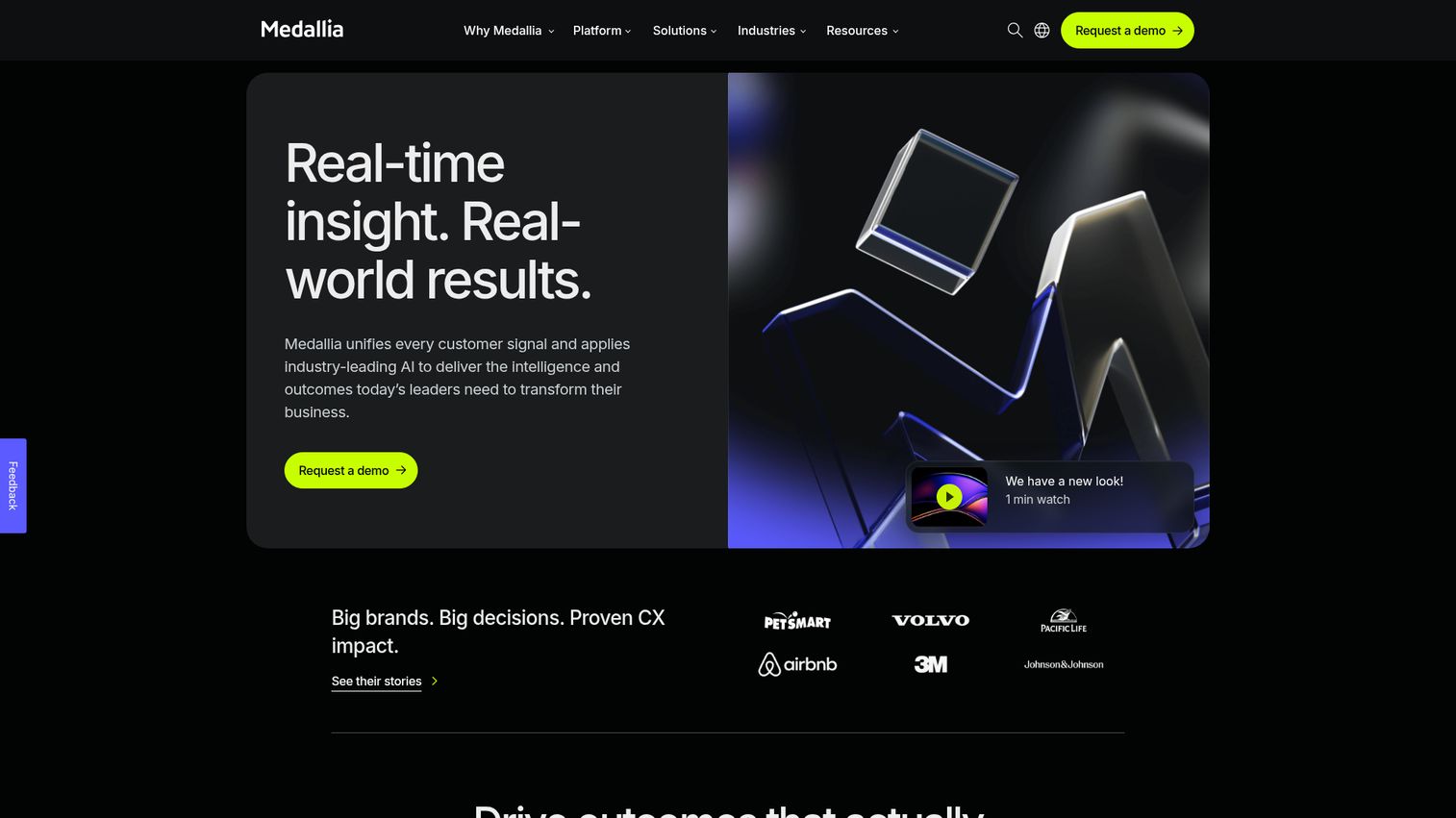
Medallia is Qualtrics' primary enterprise competitor, with a particular edge in real-time signal capture across every customer touchpoint - digital, in-store, contact center, and even IoT devices.
Its AI engine, Athena, powers text analytics, predictive scoring, and automated action recommendations. Where Medallia tends to shine is in industries with high-volume, high-frequency customer interactions: hospitality, retail, financial services, and telecommunications. The platform captures feedback in the moment - after a hotel stay, during a banking interaction, following a retail purchase - and surfaces insights to frontline managers in real time.
Medallia's recent acquisition activity has expanded its capabilities into video feedback, speech analytics, and digital experience monitoring. If your organization needs customer experience insights that span physical and digital touchpoints simultaneously, Medallia is purpose-built for that.
Best for: Enterprise organizations in hospitality, retail, financial services, and telecom that need real-time, omnichannel CX intelligence.
Key strengths
- Real-time signal capture across digital and physical touchpoints
- Athena AI engine with predictive scoring and action recommendations
- Strong voice-of-customer programs for frontline team enablement
- Speech and video analytics through recent platform expansions
- Proven at massive scale in high-transaction-volume industries
Pricing: Custom enterprise pricing. Like Qualtrics, this is a significant investment. Contact Medallia for a tailored quote.
Pros: - Unmatched real-time capabilities across omnichannel touchpoints - Athena AI provides actionable recommendations, not just dashboards - Deep industry expertise in hospitality, retail, and financial services - Frontline manager dashboards drive action at the point of service
Cons: - Enterprise pricing excludes smaller organizations - Can require dedicated admin resources to manage and optimize - Some users report that the UI feels dated compared to newer competitors
G2 rating: ~4.5/5
3. SentiSum - best for AI-powered support ticket analytics
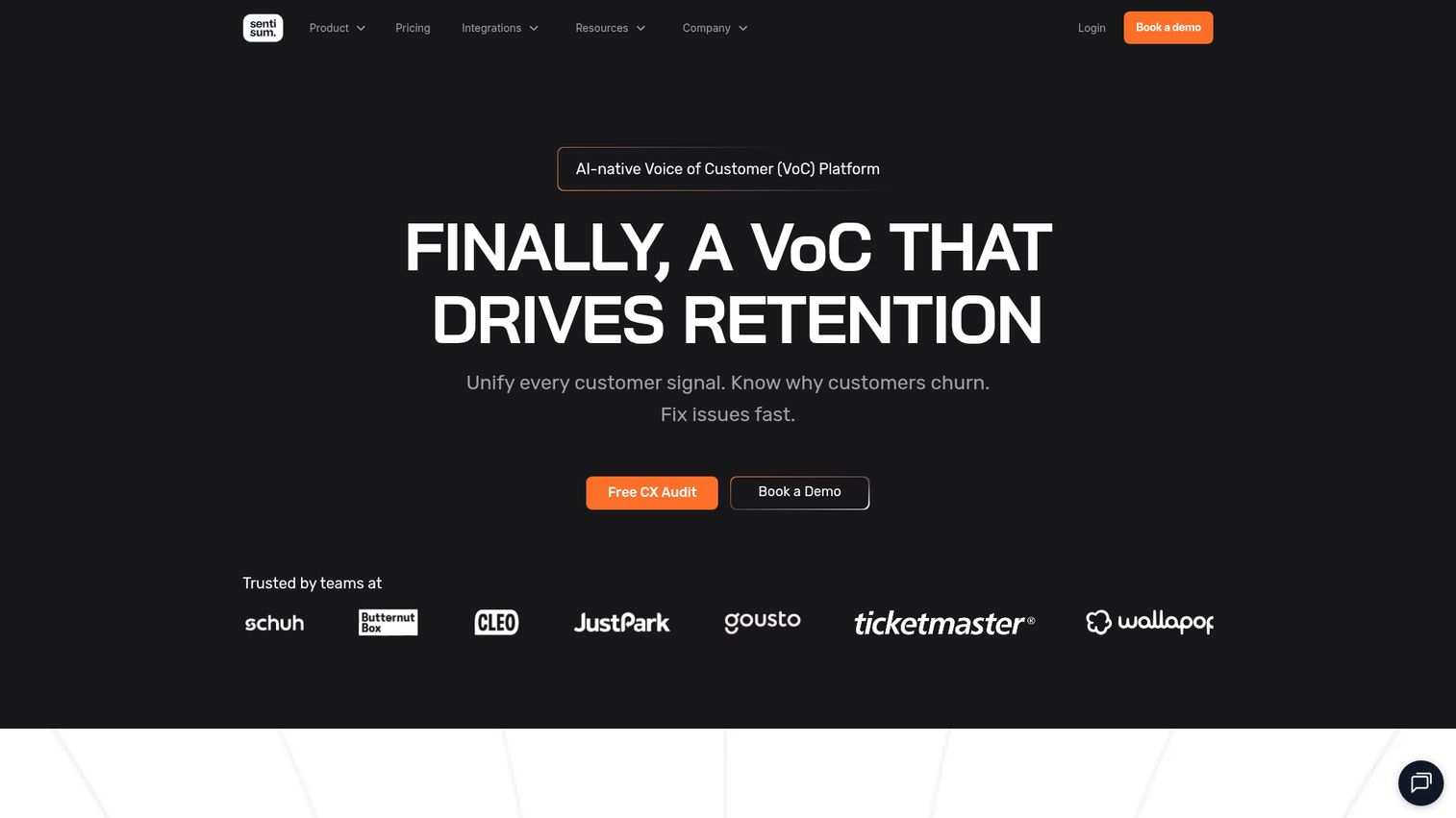
SentiSum is an ai-powered feedback analytics software platform built specifically to analyze support tickets, chat logs, and contact center data at scale.
What sets SentiSum apart is its NLP engine, which is custom-trained to each business's vocabulary and taxonomy. Instead of applying generic sentiment labels, it learns your specific product language, customer terminology, and support categories. This means the topic tagging is granular - not just "product issue" but "battery drain on iOS 17 after latest update."
The platform aggregates feedback from multiple support channels (Zendesk, Intercom, Freshdesk, email, chat) and provides real-time trend detection. When a new issue starts spiking, you know about it within hours, not weeks. SentiSum also connects insights to business impact, helping you quantify which support topics drive the most cost, churn, or dissatisfaction.
Best for: Support and CX teams processing high volumes of tickets who need granular, business-specific topic analytics - not generic sentiment scores.
Key strengths
- NLP engine custom-trained to each business's specific vocabulary
- Granular topic tagging beyond basic sentiment categories
- Real-time trend detection with automated alerts
- Native integrations with Zendesk, Intercom, and Freshdesk
- Quantifies business impact of each support topic
Pricing: Contact for quote. Pricing is based on ticket volume and integration scope.
Pros: - Custom AI models deliver noticeably more accurate categorization than generic tools - Real-time alerting catches emerging issues before they escalate - Purpose-built for support data, which means less configuration for CX teams - Strong ROI framing - connects support topics to cost and churn metrics
Cons: - Less suited for teams whose primary feedback comes from surveys or reviews rather than support tickets - Pricing isn't publicly available, making it harder to budget without a sales conversation - Smaller review base on G2 compared to enterprise incumbents
G2 rating: ~4.5/5
4. Thematic - best for automated theme detection at scale
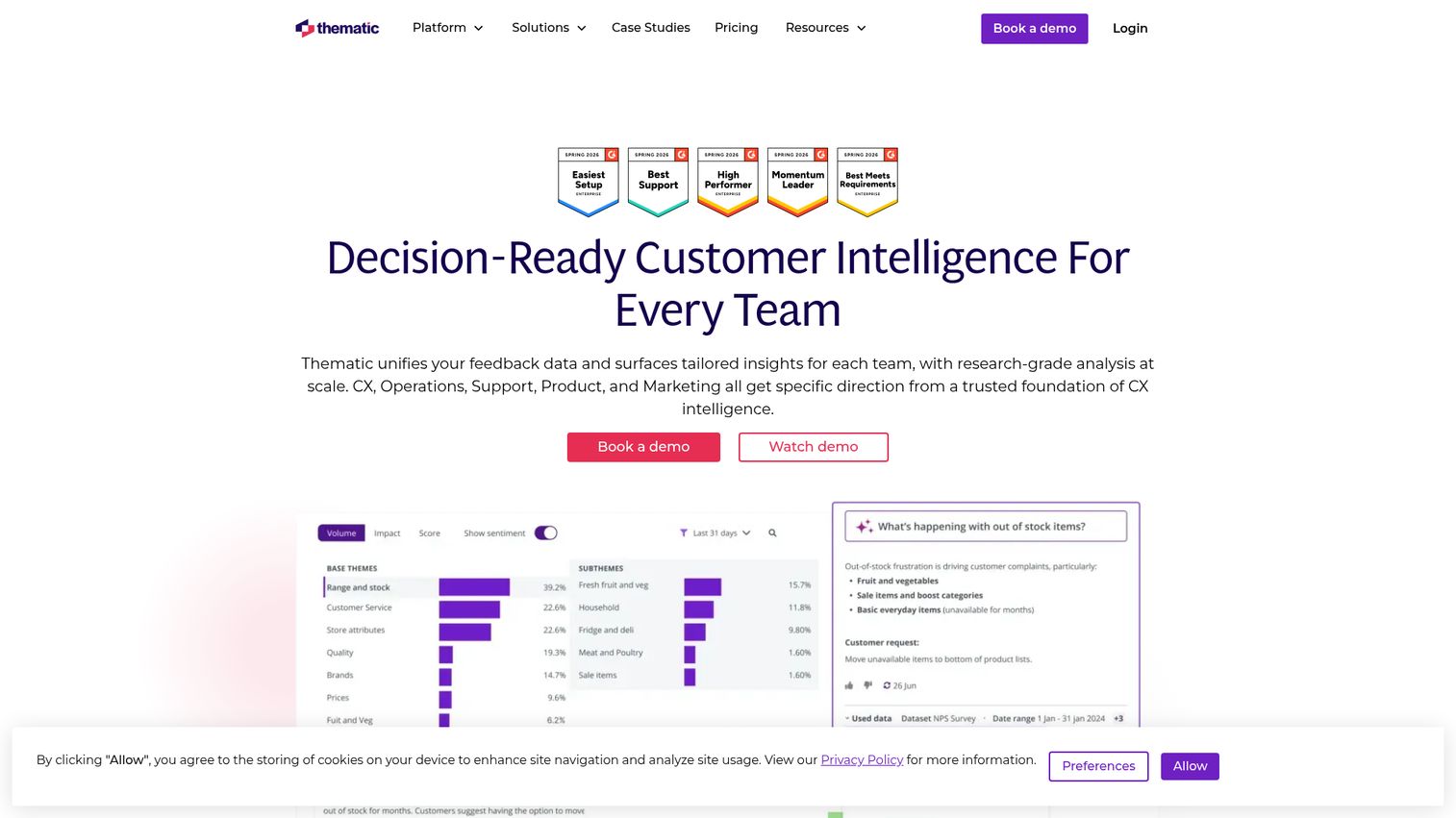
Thematic's core strength is right in the name: it automatically discovers themes and sub-themes in open-text feedback without requiring manual tagging or pre-set categories.
Most feedback tools ask you to define your taxonomy upfront. Thematic flips this - its AI reads your feedback data and surfaces the themes it finds, including sub-themes you might not have anticipated. For example, it might break "shipping complaints" into "late delivery," "damaged packaging," "wrong address," and "missing tracking updates" without any manual setup.
Where Thematic really differentiates is in quantifying impact. It doesn't just tell you that "onboarding confusion" is a theme - it tells you that this theme is responsible for a 12-point NPS drag among new users in the last 90 days. That kind of specificity makes it much easier to prioritize product and CX investments. Teams tackling onboarding friction specifically may also benefit from dedicated user onboarding software alongside their feedback analytics.
The platform integrates with major survey tools (SurveyMonkey, Qualtrics, Delighted) and support platforms, pulling in feedback from multiple sources for unified analysis.
Best for: Product and CX teams who need to discover unknown themes in large volumes of open-text feedback and quantify their business impact.
Key strengths
- Automated theme and sub-theme discovery without manual taxonomy setup
- Quantifies each theme's impact on NPS, CSAT, and churn
- Integrates with SurveyMonkey, Qualtrics, Delighted, and support platforms
- Tracks theme trends over time to spot emerging issues
- Visual dashboards designed for non-technical stakeholders
Pricing: Tiered plans available. Contact Thematic for enterprise pricing.
Pros: - Theme discovery surface insights you didn't know to look for - Impact quantification gives product teams clear prioritization data - Clean, intuitive interface that non-analysts can navigate - Strong integration with popular survey and customer feedback software
Cons: - Less depth in real-time alerting compared to SentiSum - Smaller integration ecosystem than enterprise platforms like Qualtrics - May require some tuning to get theme accuracy right for niche industries
G2 rating: ~4.6/5
5. Chattermill - best for unified customer feedback intelligence
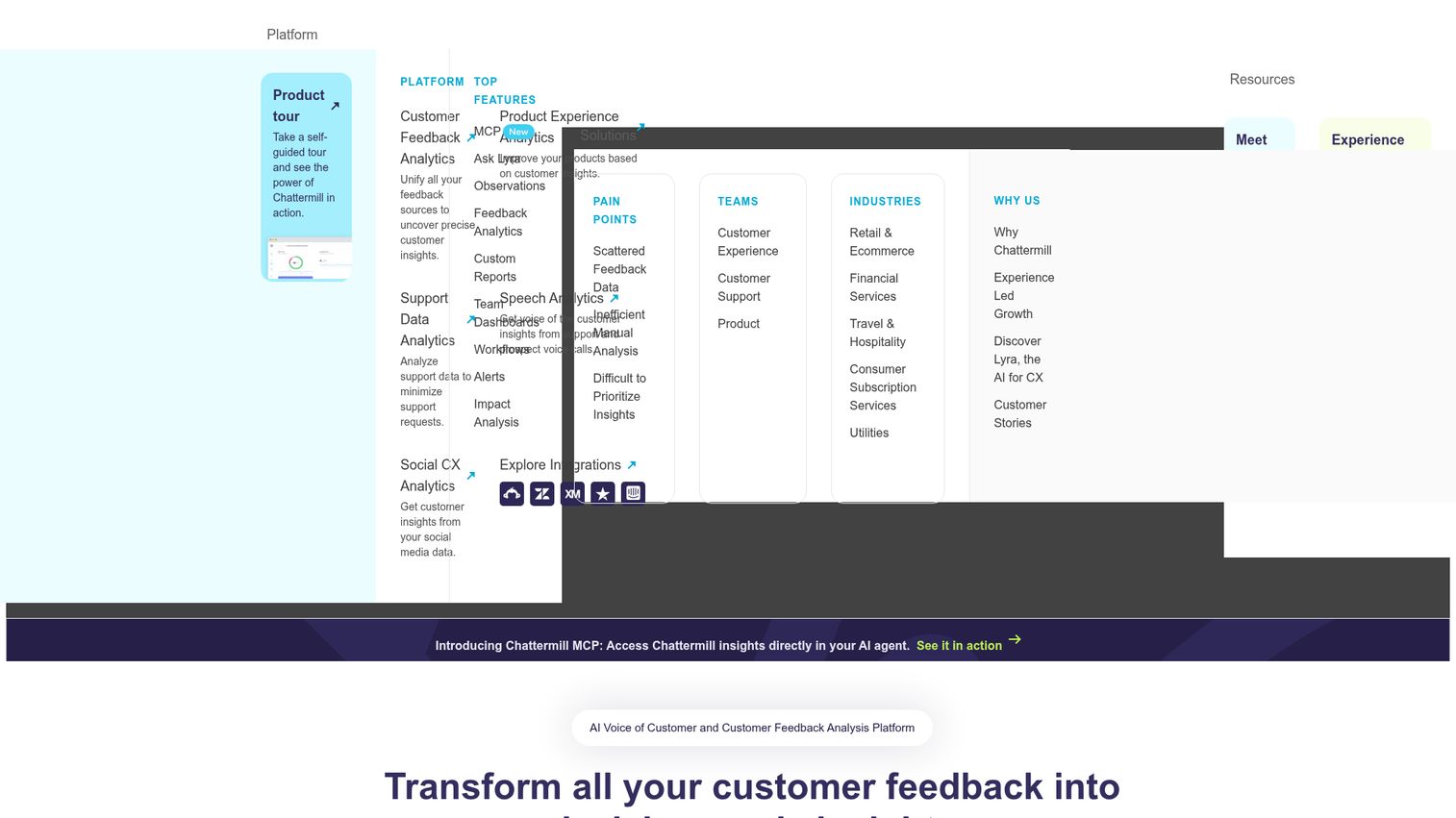
Chattermill is a purpose-built feedback analytics platform that unifies feedback from every channel into a single intelligence layer, then applies deep learning NLP to extract meaning at scale.
The platform ingests data from surveys, support tickets, app store reviews, social media, and chat transcripts. Its deep learning models go beyond keyword matching - they understand context, sarcasm, and nuanced language patterns, reflecting advances in deep learning approaches to text classification. Custom taxonomies let you define the categories that matter to your business, and Chattermill maps every piece of feedback accordingly.
What makes Chattermill particularly useful for product and CX leaders is its impact analysis. It links themes directly to business KPIs like NPS, CSAT, retention, and revenue. When you can show your leadership team that "checkout friction" is responsible for a measurable revenue impact, you've got a business case - not just a feedback report. Clients like Uber, Amazon, and HelloFresh use Chattermill for this kind of cross-channel feedback intelligence.
Best for: Mid-market to enterprise product and CX teams that need to unify feedback from multiple channels and link insights to business outcomes.
Key strengths
- Deep learning NLP models that understand context and nuance
- Unifies feedback from surveys, tickets, reviews, social, and chat
- Custom taxonomies tailored to your business categories
- Impact analysis linking themes to NPS, CSAT, and revenue
- Used by Uber, Amazon, and HelloFresh
Pricing: Contact for quote. Pricing scales based on feedback volume and number of integrations.
Pros: - Among the most sophisticated NLP engines in the feedback analytics category - Cross-channel unification eliminates the need to analyze sources separately - Impact analysis provides clear ROI justification for product investments - Strong customer success team and onboarding support
Cons: - Not the most affordable option for smaller teams - Requires some initial investment in taxonomy setup to get the most value - Reporting customization can feel limited compared to full BI tools
G2 rating: ~4.5/5
6. Dovetail - best for product research and qualitative feedback analysis
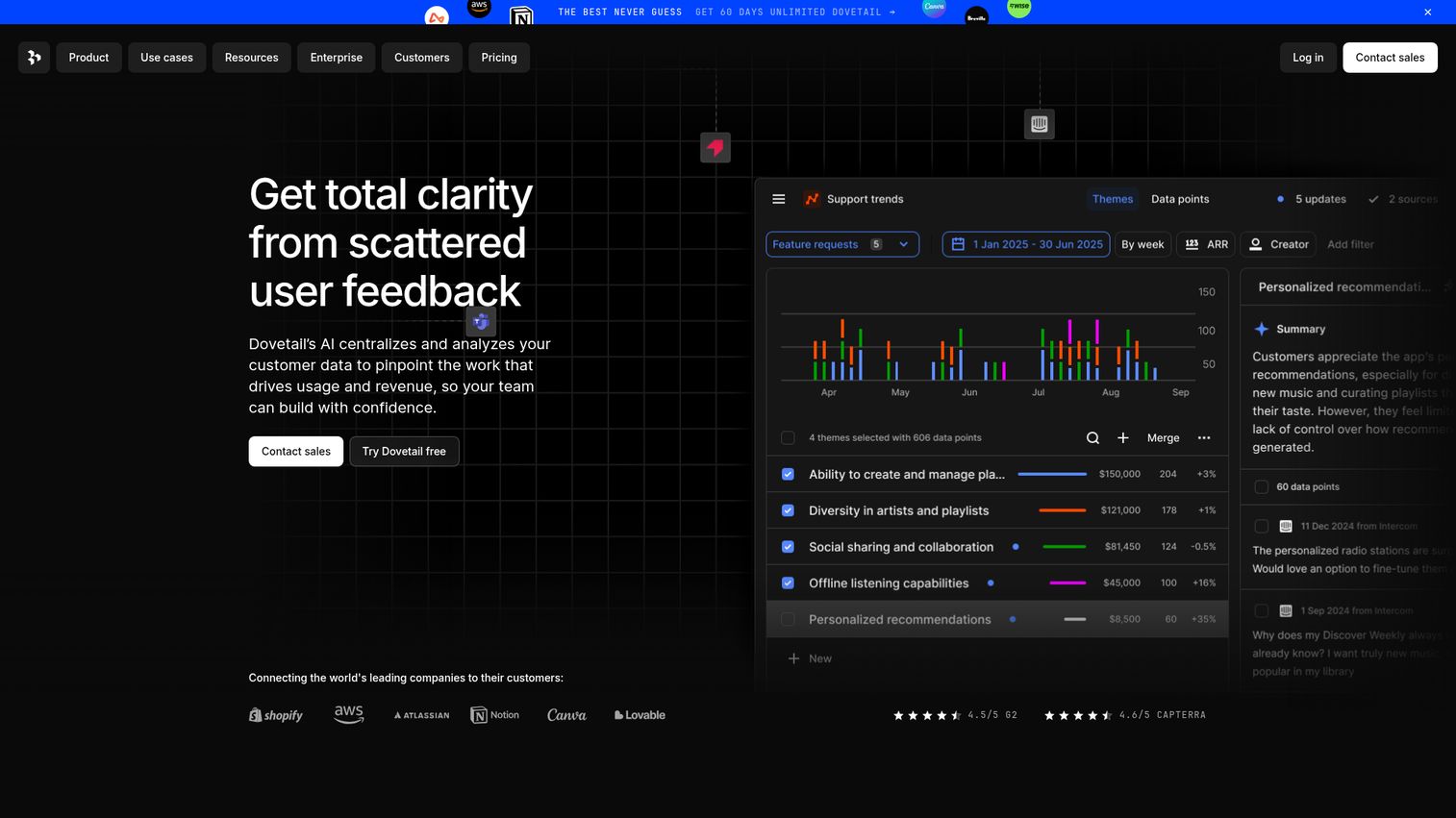
Dovetail is the go-to feedback tool for product and UX research teams who work primarily with qualitative data - user interviews, usability tests, and open-ended survey responses. If you're evaluating tools in this space, our guide to the best user research tools covers additional options worth considering.
Where most feedback analytics tools focus on quantitative CX metrics, Dovetail is built for the messy, nuanced world of qualitative research. It offers automatic transcription, AI-powered tagging, pattern identification across multiple research projects, and a "magic search" feature that lets you query your entire research repository in natural language.
The platform excels at helping research teams organize and synthesize findings from dozens of user interviews into clear, shareable insights. If your team's primary challenge is "we've done 40 interviews this quarter and can't synthesize the patterns fast enough," Dovetail is purpose-built for that problem.
It's less focused on real-time sentiment tracking or support ticket analysis. Think of it as a research intelligence platform rather than a CX analytics dashboard.
Best for: Product and UX research teams who analyze qualitative data from user interviews, usability tests, and open-ended feedback.
Key strengths
- Automatic transcription with AI-powered tagging and highlights
- Pattern identification across multiple research projects
- Natural language search across your entire research repository
- Built-in collaboration for sharing insights with stakeholders
- Free plan available for small teams
Pricing: Free plan available. Paid plans start at approximately $29/user/month.
Pros: - Purpose-built for qualitative research workflows that other tools handle poorly - AI tagging dramatically reduces the time to synthesize interview data - Research repository becomes a searchable organizational asset over time - Generous free plan for small teams getting started
Cons: - Not designed for quantitative CX analytics or real-time sentiment tracking - Limited value if your primary feedback sources are support tickets or structured surveys - Advanced features require paid plans that can add up with larger teams
G2 rating: ~4.5/5
7. Canny - best for product feedback management and prioritization
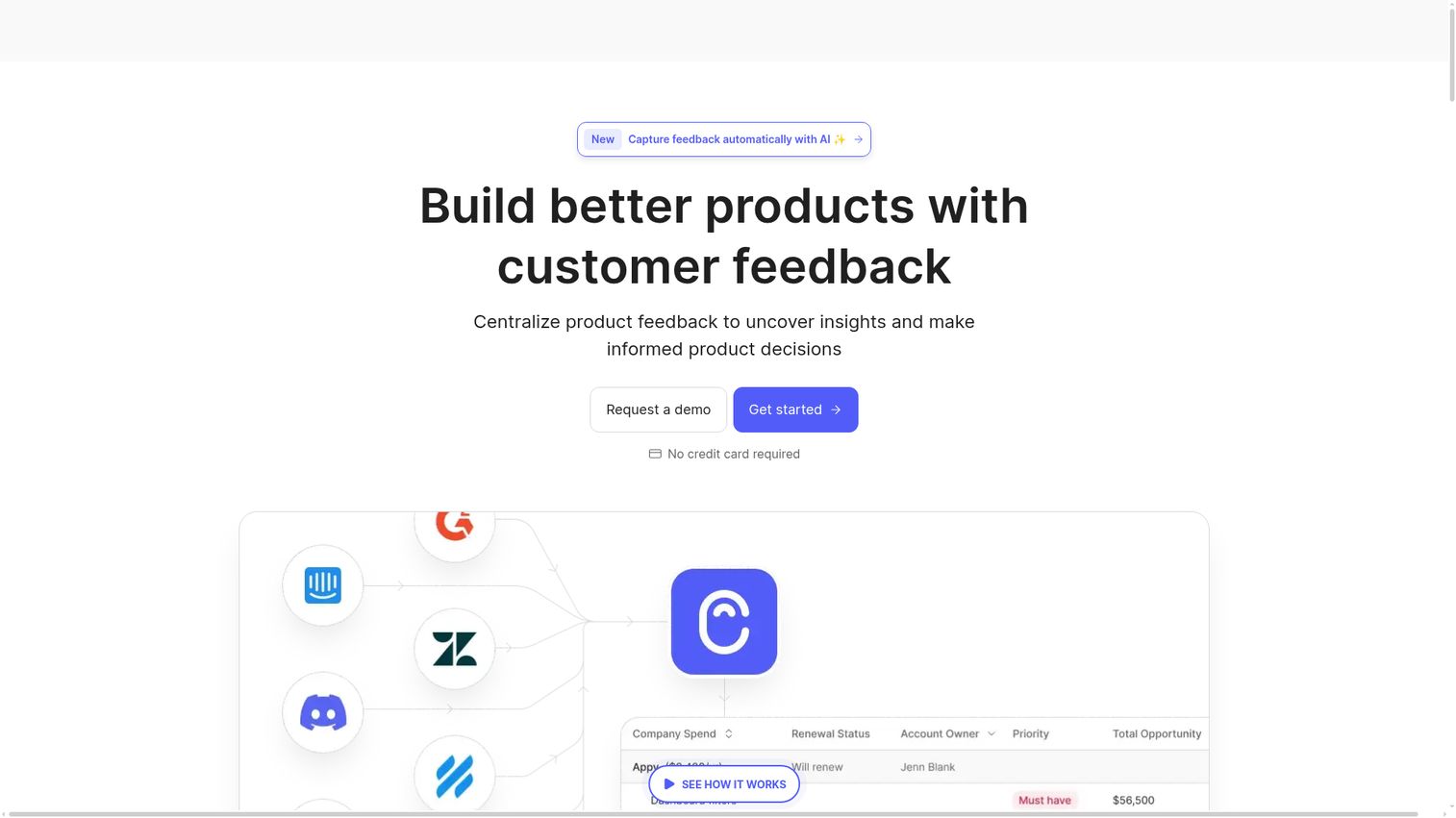
Canny bridges the gap between feedback analytics and product management by combining feedback collection boards with AI-powered categorization and direct roadmap integration.
The core workflow is straightforward: customers and internal teams submit feedback and feature requests through Canny boards. Users vote on ideas, which creates a natural prioritization signal. Canny's AI then categorizes and groups similar requests, identifies trending topics, and connects everything directly to your product roadmap.
This makes Canny particularly strong for product teams that need to answer "what should we build next?" with data rather than gut feel. The voting mechanism provides quantitative signal, while the open-text feedback provides qualitative context. And because the roadmap is connected, you can close the loop - notifying users when their requested feature ships.
Canny is more focused on feature requests and product feedback than on CX or support analytics. If you need deep sentiment analysis across support tickets, look elsewhere. But for user feedback tools focused on product prioritization, it's among the best.
Best for: Product teams that need to collect, prioritize, and act on feature requests with a direct connection to the product roadmap.
Key strengths
- Feedback boards with user voting for natural prioritization
- AI-powered categorization of similar feature requests
- Direct integration with product roadmaps and changelogs
- Native integrations with Jira, Slack, Intercom, and Salesforce
- Free plan available for early-stage teams
Pricing: Free plan available. Paid plans start at $99/month.
Pros: - The voting mechanism provides clear, quantitative prioritization data - Roadmap integration closes the feedback loop with users automatically - Clean, intuitive interface that requires minimal onboarding - Strong free plan for startups testing the approach
Cons: - Analytics are lighter than dedicated NLP platforms - basic categorization, not deep theme extraction - Focused on product feedback; not suitable for broad CX or support analytics - Voting can create bias toward vocal minority requests if not managed carefully
G2 rating: ~4.6/5
8. SurveyMonkey - best for survey-centric feedback analytics
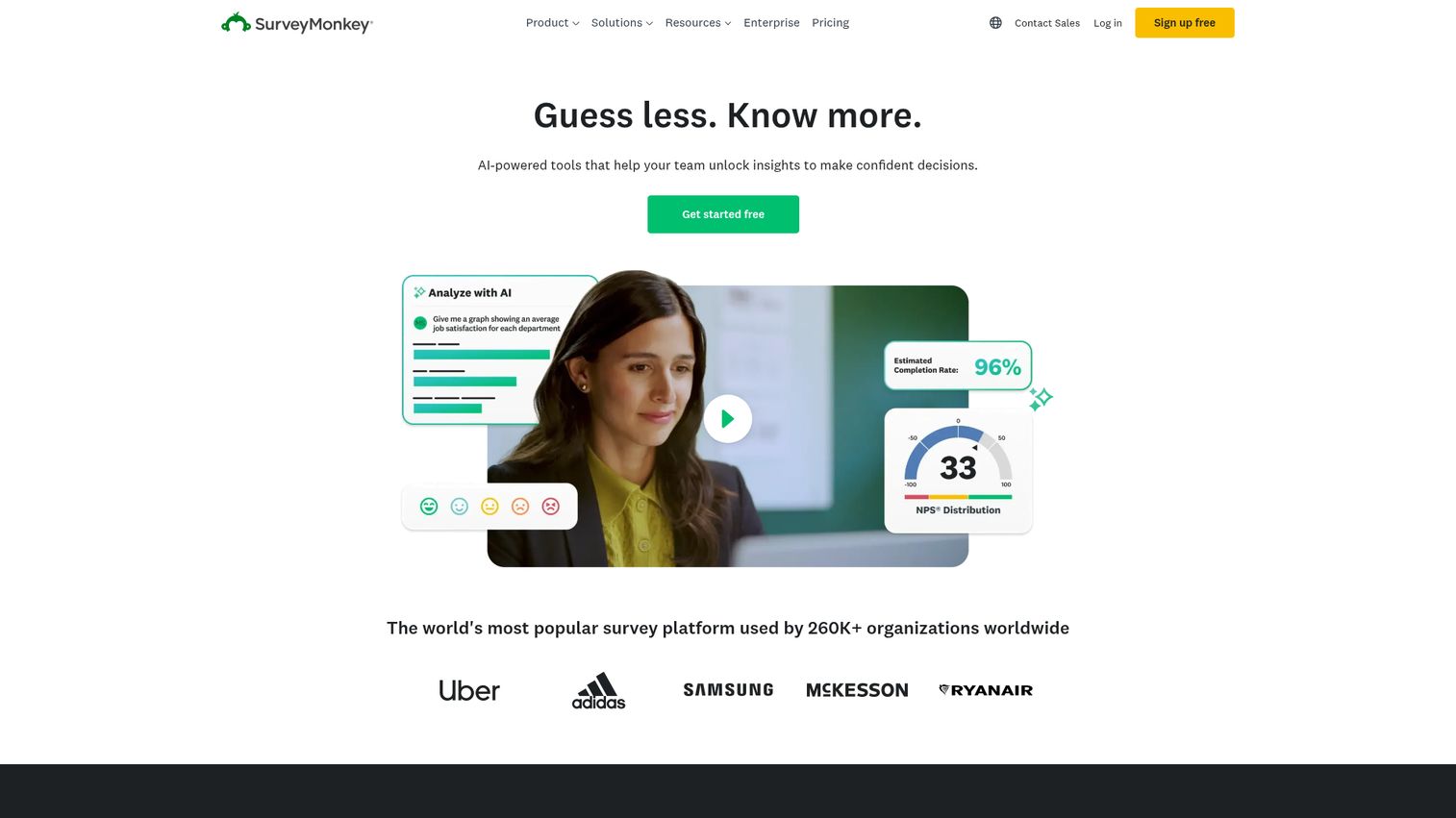
SurveyMonkey is the most widely recognized name in customer feedback surveys, and its analytics capabilities have improved significantly in recent years. You can explore the platform's interface through the SurveyMonkey interactive demo on Guideflow.
The platform now includes SurveyMonkey Genius, an AI-powered feature that provides sentiment analysis, word clouds, cross-tab analysis, and automated insights from survey responses. You can benchmark your results against industry averages, track trends over time, and segment responses by any demographic or behavioral variable.
For teams whose primary feedback channel is surveys - NPS, CSAT, CES, post-purchase, or employee engagement - SurveyMonkey offers the most familiar, accessible analytics experience. The GetFeedback integration extends its capabilities for CX-specific use cases, including journey-based survey triggers tied to Salesforce.
Where SurveyMonkey falls short is in analyzing non-survey feedback. It's not built to ingest support tickets, app reviews, or social media mentions. If surveys are your main feedback source, it's a strong choice. If you need multichannel aggregation, you'll need a different customer feedback platform.
Best for: Teams whose primary feedback source is surveys and who need accessible analytics without a steep learning curve.
Key strengths
- SurveyMonkey Genius provides AI-powered sentiment and insights
- Industry benchmarking for NPS, CSAT, and other metrics
- Cross-tab analysis and demographic segmentation
- GetFeedback integration for Salesforce-connected CX workflows
- Massive template library for every survey type
Pricing: Starts at $25/user/month (Team Advantage plan). Enterprise plans available.
Pros: - Lowest learning curve of any tool on this list - most teams already know SurveyMonkey - AI-powered insights have improved dramatically in recent updates - Competitive pricing for survey-focused teams - Huge integration ecosystem and template library
Cons: - Analytics are limited to survey data - no multichannel feedback aggregation - NLP depth doesn't match purpose-built analytics platforms like Thematic or Chattermill - Advanced analytics features are locked behind higher-tier plans
G2 rating: ~4.4/5
9. Hotjar - best for website feedback and behavioral analytics
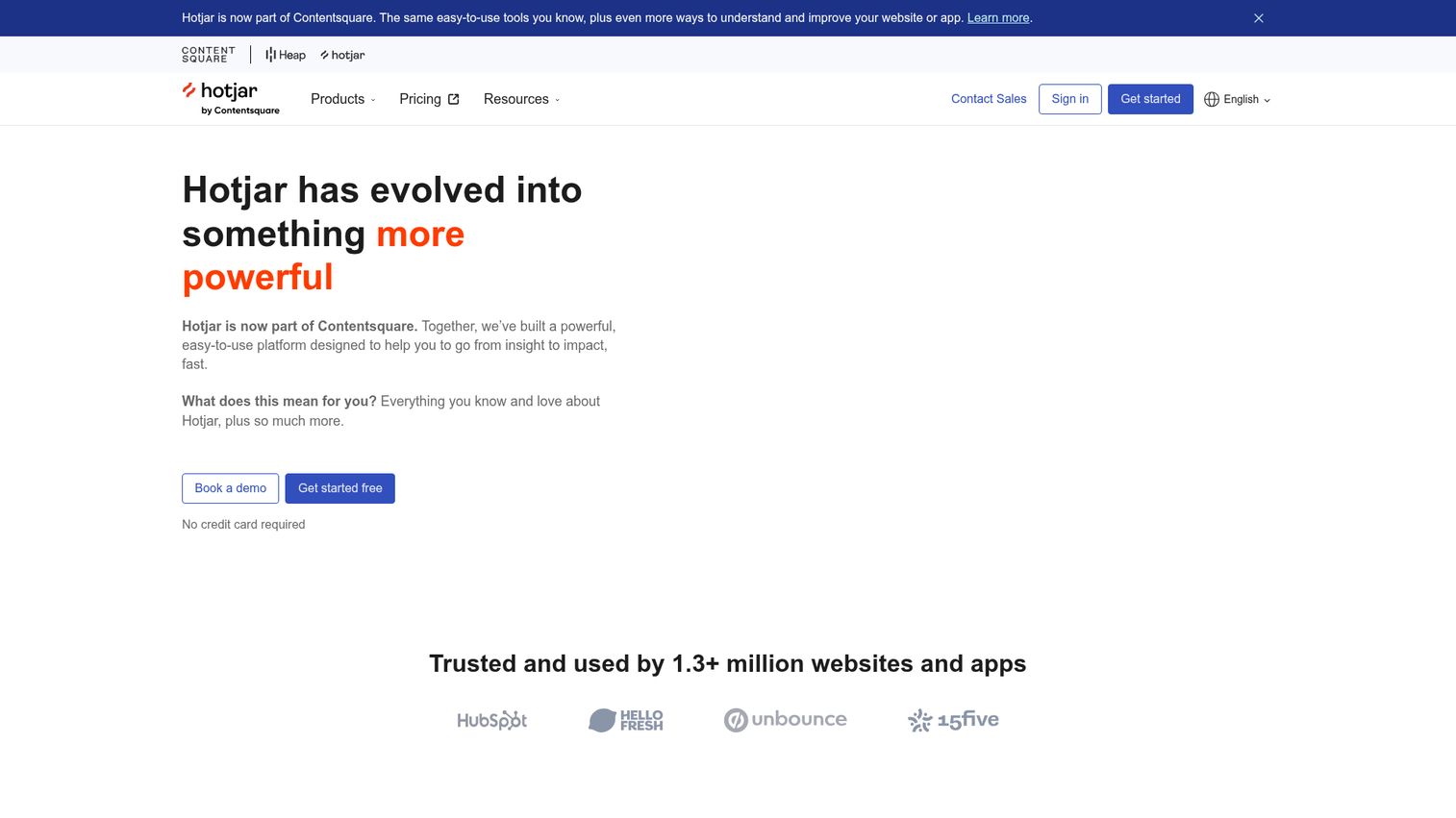
Hotjar is unique on this list because it combines feedback analytics with behavioral analytics - heatmaps, session recordings, and scroll maps - in one platform. If you're specifically evaluating heatmap capabilities, our roundup of the best heatmap tools covers the broader landscape.
This means you can see what users say (through on-site feedback widgets, surveys, and incoming feedback) alongside what they do (through visual behavioral data). That combination is powerful for product and UX teams trying to understand not just that users are frustrated, but exactly where and why.
Hotjar's feedback widgets let you capture in-the-moment reactions on any page. The analytics layer provides sentiment tracking, response trends, and basic text analysis. It's not as deep as dedicated NLP platforms - you won't get automated theme extraction or custom AI models. But for teams focused on website and app experience, the behavioral context adds a dimension that pure feedback tools can't match. Teams also exploring session-level insights should consider the best session replay software tools for deeper behavioral analysis.
Following Contentsquare's acquisition of Hotjar, Hotjar's capabilities are expanding into broader digital experience analytics.
Best for: Product and UX teams focused on website and app experience who want feedback data combined with behavioral analytics.
Key strengths
- Combines feedback widgets with heatmaps and session recordings
- On-site feedback capture for in-the-moment user reactions
- Visual behavioral data adds context to feedback responses
- Free plan with meaningful functionality for small teams
- Growing capabilities through Contentsquare integration
Pricing: Free plan available. Paid plans start at $32/month.
Pros: - The feedback-plus-behavior combination is genuinely unique in this category - Free plan is generous enough for small teams to get real value - Setup takes hours, not weeks - embed a script and you're collecting data - Intuitive interface that non-technical team members can use immediately
Cons: - Text analytics are basic compared to NLP-focused tools - Limited to website and app feedback - doesn't ingest support tickets, reviews, or social data - Heatmap and recording features, while valuable, can distract from pure feedback analysis
G2 rating: ~4.3/5
10. Zendesk (with Explore Analytics) - best for support-driven feedback analytics
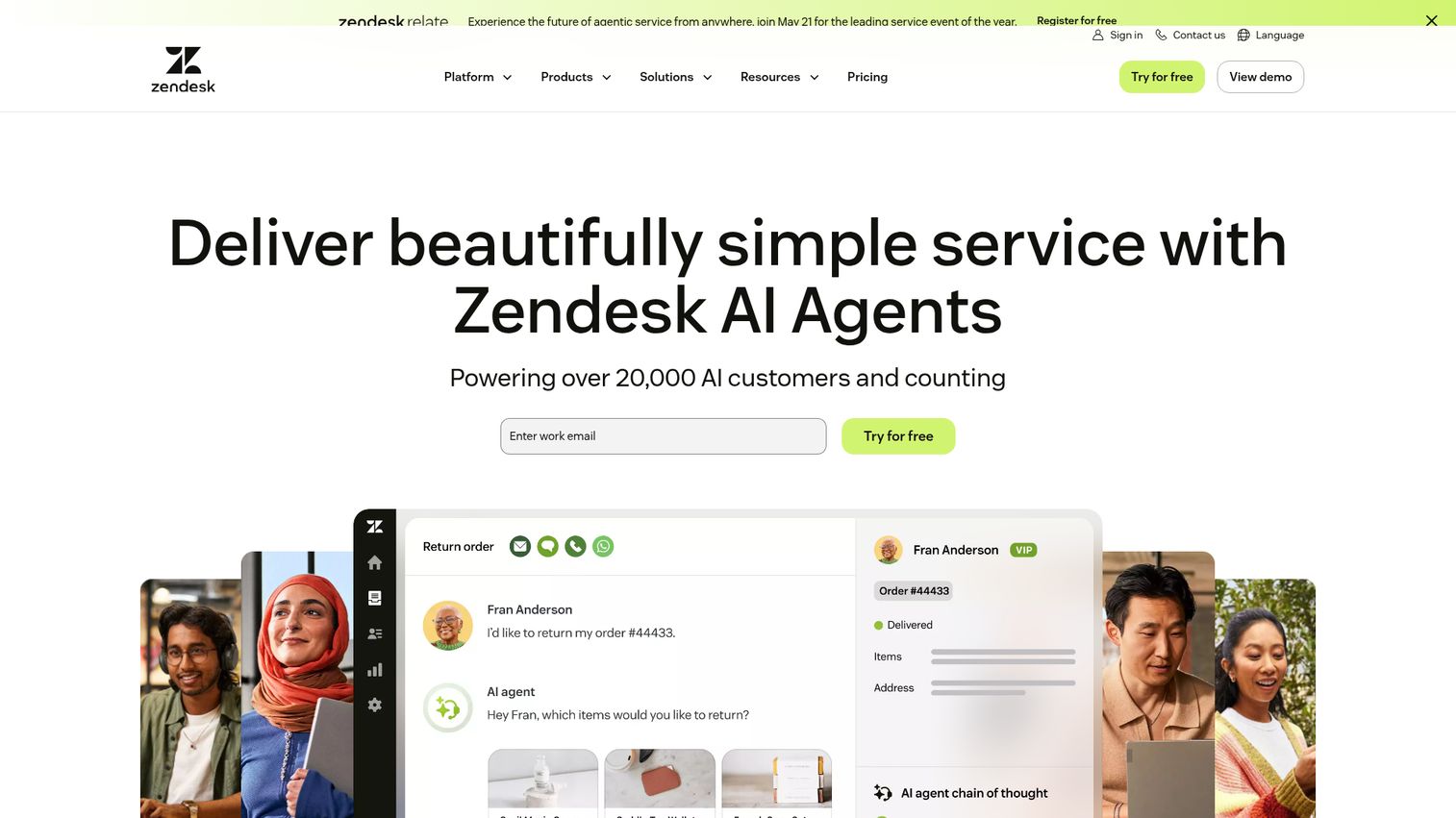
If your team already uses Zendesk for support, Zendesk Explore provides an analytics layer that extracts feedback insights from your existing ticket data without requiring a separate platform. You can explore the platform's interface through the Zendesk interactive demo on Guideflow.
Explore offers pre-built and customizable dashboards for tracking CSAT, NPS, response times, resolution rates, and ticket volume trends. The newer AI-powered features add sentiment detection and intent classification to individual tickets, which helps you spot patterns in what customers are contacting you about and how they feel.
The key advantage is zero data migration. Your support data is already in Zendesk. Explore simply analyzes it. For teams that want feedback analytics without adding another tool to the stack, this is the path of least resistance.
The limitation is equally clear: Zendesk Explore only analyzes Zendesk data. It's not a standalone feedback analytics platform. It won't ingest survey responses, app reviews, or social media feedback. If you need cross-channel analysis, you'll need a dedicated tool - or pair Zendesk with something like SentiSum or Chattermill.
Best for: Support teams already on Zendesk who want to extract analytics from their existing ticket data without adding a new platform.
Key strengths
- Pre-built dashboards for CSAT, NPS, and support performance metrics
- AI-powered sentiment and intent detection on individual tickets
- Zero data migration required for existing Zendesk customers
- Customizable reporting with drill-down by agent, team, and topic
- Included in Zendesk Suite plans at no additional cost
Pricing: Included in Zendesk Suite plans, starting at $55/agent/month.
Pros: - No additional cost if you're already a Zendesk Suite customer - Immediate access to analytics on your existing support data - AI features are improving steadily with each platform update - Familiar interface for teams already in the Zendesk ecosystem
Cons: - Only analyzes Zendesk data - not a multichannel customer feedback platform - NLP capabilities are less sophisticated than dedicated feedback analytics tools - Customization options for dashboards and reports can feel limited for power users
G2 rating: ~4.3/5
11. Usersnap - best for in-app visual feedback collection and analysis
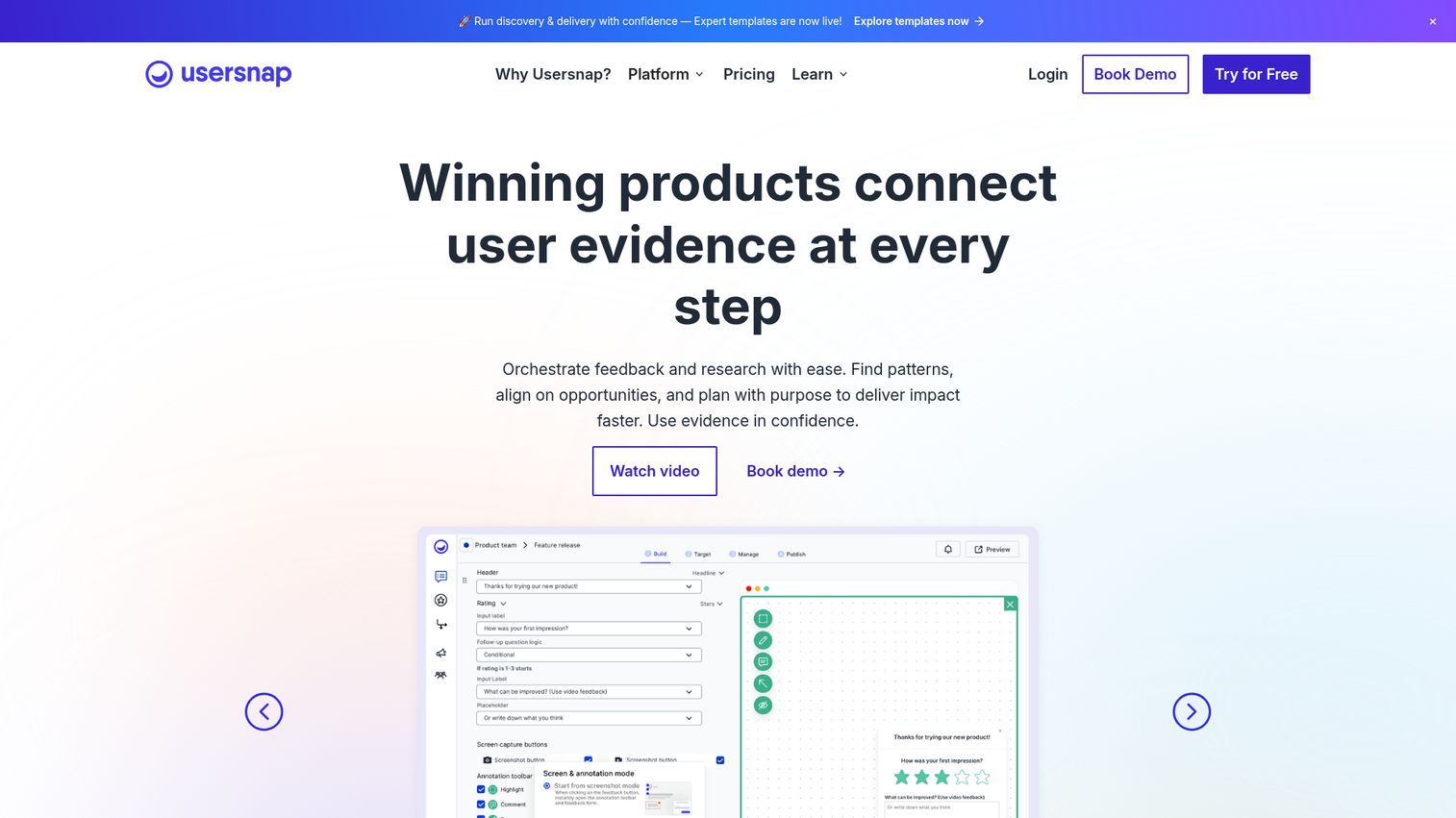
Usersnap is built for product and engineering teams who need contextual, visual feedback - screenshots, screen recordings, and annotations - combined with analytics to track trends.
The in-app feedback widgets let users submit bug reports, feature requests, and general feedback with visual context attached. This eliminates the back-and-forth of "what page were you on?" and "can you show me what you saw?" Every submission includes browser metadata, console logs, and a visual capture.
Usersnap's analytics dashboard tracks feedback volume, sentiment trends, and category breakdowns over time. It's not as deep as dedicated NLP platforms for text analysis, but the collection mechanism is uniquely powerful. When your engineering team can see exactly what the user saw, resolution is faster.
Micro-surveys embedded within the app let you capture NPS, CSAT, and custom satisfaction scores at specific touchpoints in the user journey.
Best for: Product and engineering teams that need visual, contextual feedback with built-in analytics for tracking trends.
Key strengths
- Screenshot and screen recording capture with every feedback submission
- Browser metadata and console logs attached automatically
- In-app micro-surveys for NPS and CSAT at specific touchpoints
- Analytics dashboard for tracking feedback trends and categories
- Integrations with Jira, Slack, Trello, and Azure DevOps
Pricing: Starts at $49/month.
Pros: - Visual feedback with metadata is genuinely unique and saves engineering teams hours - Micro-surveys capture satisfaction data at the exact moment of experience - Quick setup - embed the widget and start collecting within a day - Strong integration with developer and project management tools
Cons: - Text analytics are lighter than dedicated NLP platforms - Primarily focused on product and bug feedback - not suited for broad CX analytics - Pricing can scale quickly with larger teams and higher feedback volumes
G2 rating: ~4.5/5
12. Zonka Feedback - best for multichannel survey and CX analytics
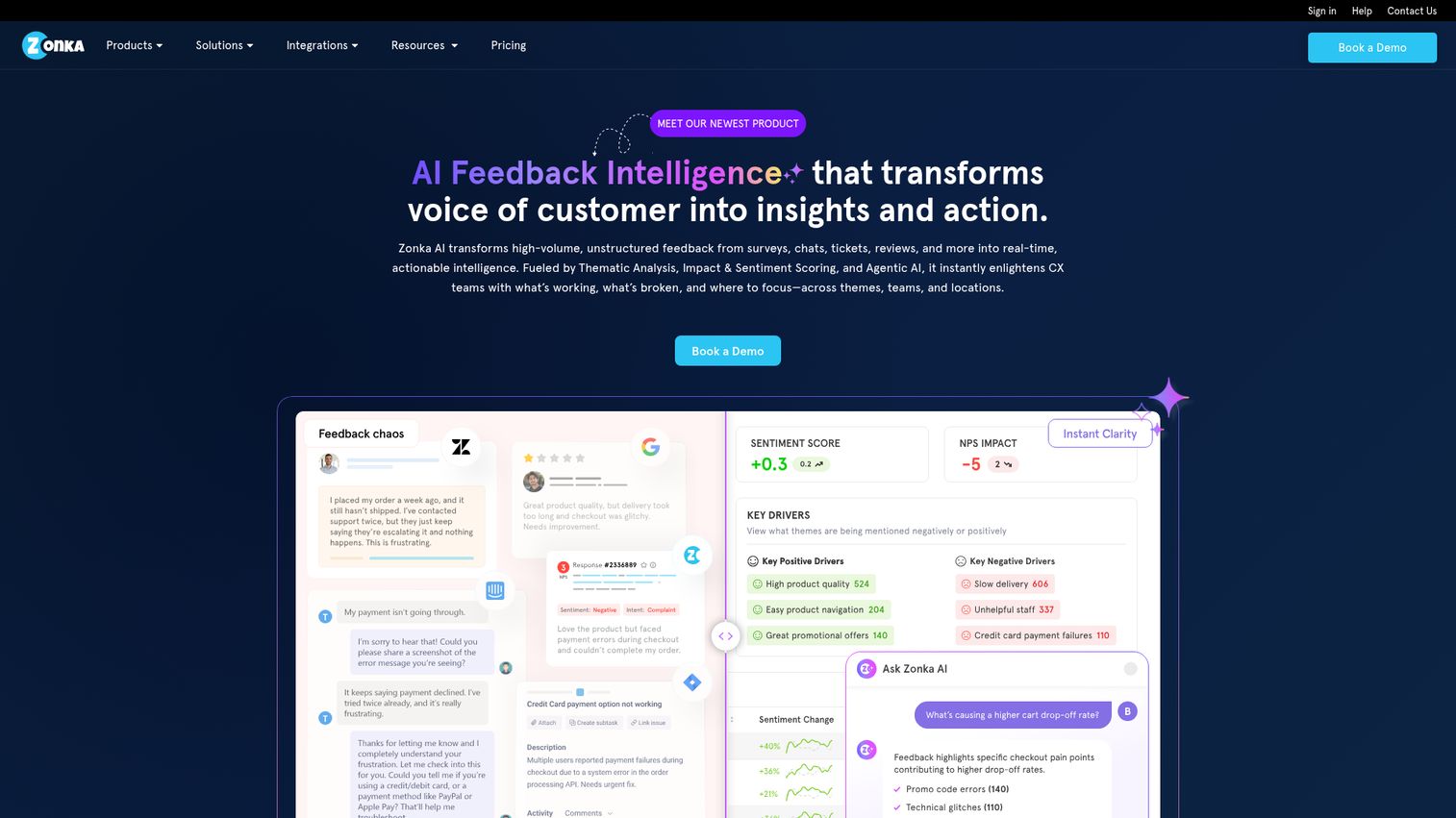
Zonka Feedback is a strong mid-market alternative to Qualtrics and Medallia for teams that need both customer feedback surveys and analytics in one tool - without enterprise pricing.
The platform's standout feature is its breadth of survey distribution channels: email, SMS, web, in-app, kiosk, QR code, and offline modes. This makes it particularly useful for businesses with both digital and physical customer touchpoints - think retail, hospitality, healthcare, and education.
On the analytics side, Zonka provides real-time reporting, CX metrics tracking (NPS, CSAT, CES), text analytics for open-ended responses, and trend analysis over time. The text analytics aren't as deep as Thematic or Chattermill, but for teams that need collection and analysis in one affordable platform, Zonka delivers solid value.
With a G2 rating of approximately 4.7/5, it's the highest-rated tool on this list - which speaks to strong user satisfaction, particularly among mid-market buyers.
Best for: Mid-market teams that need multichannel survey distribution and CX analytics in one affordable platform.
Key strengths
- Broadest survey distribution options including kiosk and QR code
- Real-time CX metrics tracking for NPS, CSAT, and CES
- Text analytics for open-ended survey responses
- Offline survey mode for physical locations
- Competitive pricing compared to enterprise alternatives
Pricing: Starts at $49/month.
Pros: - Highest G2 rating on this list (~4.7/5) reflects strong user satisfaction - Multichannel distribution covers digital and physical touchpoints - Affordable entry point for mid-market teams - All-in-one collection and analytics reduces tool sprawl
Cons: - Text analytics depth doesn't match dedicated NLP platforms - Less suited for analyzing non-survey feedback like support tickets or reviews - Enterprise features (SSO, advanced permissions) are limited on lower plans
G2 rating: ~4.7/5
13. GetFeedback - best for Salesforce-native CX feedback analytics
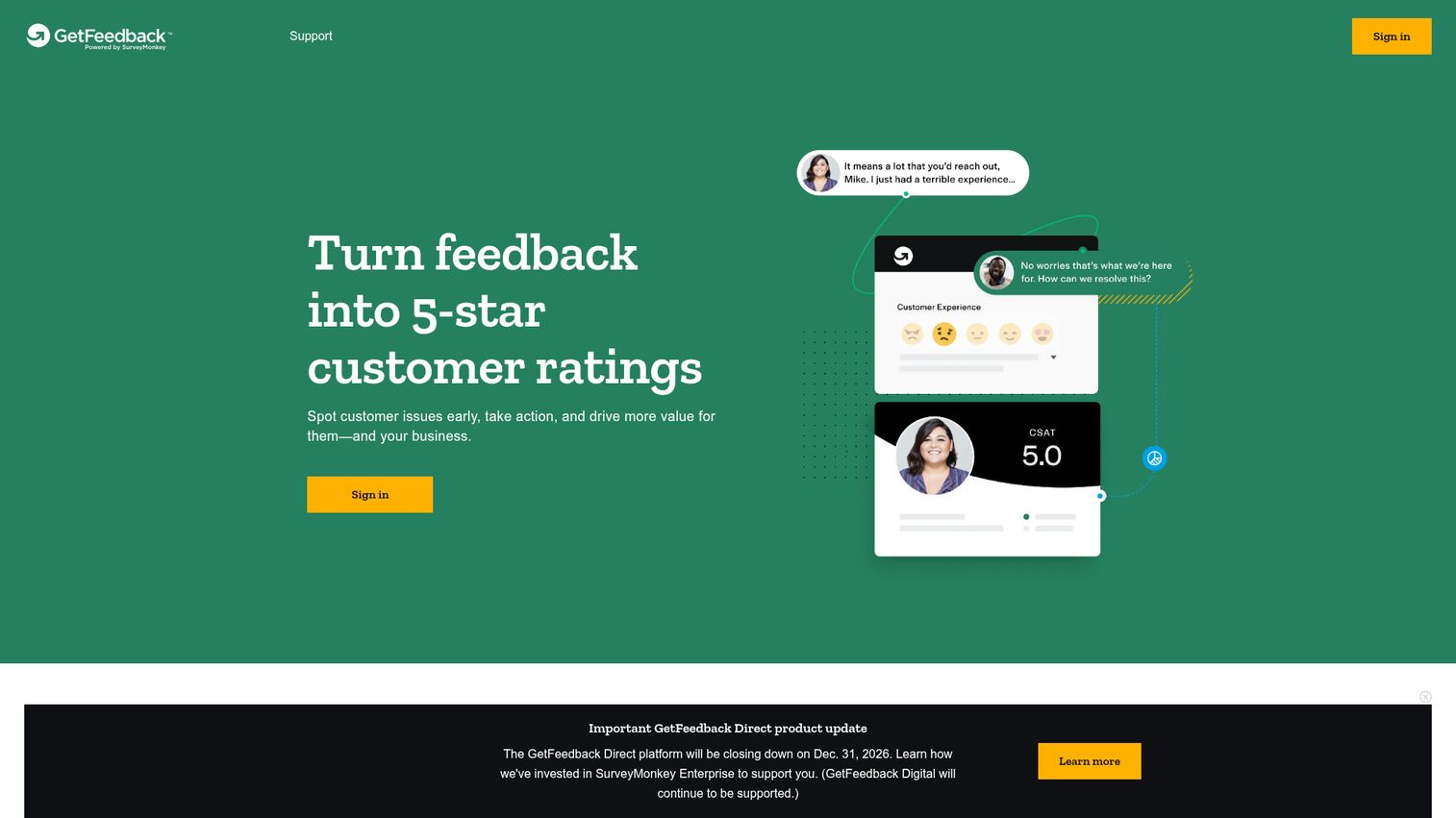
GetFeedback is the top choice for organizations deeply invested in Salesforce who want feedback data flowing directly into their CRM without middleware or manual imports. If you're evaluating CRM platforms alongside your feedback stack, our guide to the best CRM software can help you assess the broader ecosystem.
The native Salesforce integration is the headline feature. Feedback responses are automatically mapped to Salesforce records - contacts, accounts, cases, and opportunities. This means your sales, support, and success teams can see customer satisfaction data in context, right where they already work.
GetFeedback supports journey-based survey triggers, so you can automatically send surveys after specific Salesforce events: a case closure, a deal stage change, or an onboarding milestone. The analytics dashboards provide CX metrics, trend analysis, and text analytics within both the GetFeedback interface and Salesforce itself.
It's worth noting that GetFeedback has been transitioning under the SurveyMonkey Enterprise umbrella. Existing users should verify the current product roadmap and pricing structure during evaluation.
Best for: B2B companies heavily invested in Salesforce who need CX feedback data integrated natively into their CRM workflows.
Key strengths
- Native Salesforce integration maps feedback to CRM records automatically
- Journey-based survey triggers tied to Salesforce events
- CX analytics dashboards accessible within Salesforce
- Supports NPS, CSAT, CES, and custom survey types
- Designed specifically for B2B customer experience workflows
Pricing: Contact for quote. Enterprise-focused pricing.
Pros: - The deepest Salesforce integration of any feedback tool on this list - Eliminates manual data transfer between feedback and CRM systems - Journey-based triggers ensure surveys reach customers at the right moment - Strong fit for B2B organizations with complex customer lifecycles
Cons: - Limited value if you don't use Salesforce as your primary CRM - Transition to SurveyMonkey Enterprise creates some uncertainty about future roadmap - Analytics capabilities are narrower than standalone feedback analytics platforms
G2 rating: ~4.5/5
14. MonkeyLearn - best for custom text analytics and NLP pipelines
MonkeyLearn is the pick for data and analytics teams that want to build custom text classification, sentiment analysis, and entity extraction models - without writing code.
Unlike turnkey feedback analytics platforms, MonkeyLearn gives you a no-code machine learning model builder, reflecting how no-code machine learning platforms are democratizing AI for business teams. You can train custom classifiers on your specific data, create entity extractors for your domain, and build sentiment models tuned to your industry's language. Pre-built models are available for common use cases, and everything is accessible through an API-first architecture.
This makes MonkeyLearn ideal for teams that need flexibility beyond what pre-configured tools offer. You can pipe data in from Google Sheets, Zapier, or your data warehouse, run it through your custom models, and push the results wherever you need them.
The trade-off is setup time. MonkeyLearn requires more configuration than turnkey options. You're building your own analytics pipeline, not plugging into a pre-built dashboard. For teams with the technical appetite, that flexibility is the point.
Best for: Data and analytics teams that need custom NLP models and flexible text analytics pipelines without writing code.
Key strengths
- No-code ML model builder for custom text classification
- Pre-built models for sentiment, topic, and entity extraction
- API-first architecture for integration with any data pipeline
- Connects with Google Sheets, Zapier, and data warehouses
- Train models on your specific domain data for higher accuracy
Pricing: Free plan available. Paid plans start at $299/month.
Pros: - Unmatched flexibility for teams that need custom NLP models - No-code interface makes ML accessible to non-engineers - API-first design integrates with virtually any workflow - Free plan lets you test the approach before committing
Cons: - Requires more setup and configuration than turnkey feedback analytics tools - Not a complete customer feedback platform - it's an analytics engine, not a collection tool - The $299/month starting price for paid plans is steep for teams that just need basic analytics
G2 rating: ~4.4/5
15. Loop (formerly LoopVOC) - best for B2B voice-of-customer analytics
Loop is a feedback analytics platform purpose-built for B2B SaaS companies that need to connect voice-of-customer insights directly to revenue outcomes.
The platform aggregates feedback from CRM notes, support tickets, NPS surveys, sales call notes, and customer success interactions, building on research showing voice-of-customer programs drive measurable revenue impact. Its AI identifies themes that drive churn, expansion opportunities, and product demand. What makes Loop distinct is its B2B focus - it understands that in B2B, a single account's feedback can represent $500K in ARR, so it weights and segments accordingly.
Loop connects VoC insights to revenue metrics, helping product and CS teams prioritize based on business impact rather than volume alone. If 5 enterprise accounts are all requesting the same integration, Loop surfaces that alongside the revenue those accounts represent. Teams focused on maximizing revenue from existing accounts may also want to explore revenue intelligence platforms for a complementary view.
The platform has a smaller user base and fewer G2 reviews than the other tools on this list. That's worth noting - it means less community validation, but it also means the team is more accessible and responsive to customer needs.
Best for: B2B SaaS product and customer success teams that need to connect feedback themes to revenue impact and account-level insights.
Key strengths
- Purpose-built for B2B SaaS voice-of-customer programs
- Aggregates feedback from CRM, support, NPS, and sales calls
- Connects feedback themes to revenue and churn metrics
- Account-level weighting for enterprise feedback prioritization
- Focused on closing the loop between insights and product decisions
Pricing: Contact for quote. Pricing is based on feedback volume and integrations.
Pros: - B2B-specific focus means the platform understands account-level dynamics - Revenue-linked insights make it easier to justify product investments to leadership - Aggregates feedback from sources that B2B teams actually use (CRM notes, sales calls) - Responsive customer success team for a smaller-scale product
Cons: - Limited G2 reviews make it harder to validate through peer feedback - Smaller company with a narrower feature set than enterprise platforms - Less suitable for B2C or high-volume consumer feedback use cases
G2 rating: Limited reviews available
How to choose the right feedback analytics software for your team
The "best" tool depends on your specific context. Here's a framework for narrowing down your shortlist.
Match the tool to your primary feedback sources
Start with where your feedback actually lives. This single factor eliminates half the list immediately.
- Support tickets and chat logs: SentiSum, Zendesk Explore, or Chattermill
- Surveys (NPS, CSAT, CES): SurveyMonkey, Qualtrics, or Zonka Feedback
- Product and UX research: Dovetail, Canny, or Usersnap
- Omnichannel CX (everything): Medallia, Qualtrics, or Chattermill
- Salesforce-centric workflows: GetFeedback
- Custom analytics pipelines: MonkeyLearn
Consider your team size and budget
Budget constraints are real. Here's how the market segments:
- Startups and small teams (free tiers): Hotjar, Canny, and Dovetail all offer free plans with enough functionality to get started
- Mid-market ($49–$299/month): Thematic, Chattermill, Zonka Feedback, Usersnap, and SurveyMonkey
- Enterprise (custom pricing, typically $1,000–$10,000+/month): Qualtrics, Medallia, and SentiSum
If you're on a tight budget, start with Hotjar or Canny's free plan. You can always upgrade as your feedback volume grows.
Evaluate AI and NLP depth
Not all AI is created equal. There's a meaningful difference between surface-level sentiment analysis (positive/negative/neutral) and deep theme extraction with custom models.
Questions to ask vendors during demos: Can your AI learn our specific terminology? How granular is the topic tagging? Can we customize the taxonomy? How does accuracy improve over time? What's the false-positive rate on sentiment classification?
SentiSum, Thematic, and Chattermill tend to offer the deepest NLP capabilities. SurveyMonkey and Hotjar provide useful but more basic analytics.
Prioritize integration with your existing stack
Map your current tools - CRM, helpdesk, project management tool, data warehouse, communication platform - and check native integration availability before committing.
A feedback analytics tool that doesn't connect to Jira is useless for your product team. A platform that can't pull data from Zendesk is useless for your support team. Integration gaps create manual work, and manual work kills adoption.
Finding your ideal feedback analytics platform
The feedback analytics market has matured significantly in 2026, with AI-powered analysis now accessible to teams of all sizes - not just enterprises with six-figure budgets. The right tool depends on your feedback sources, team size, budget, and how deeply you need to analyze unstructured text.
Start by auditing your current feedback sources and identifying where the biggest analysis gaps exist. Then shortlist 2–3 tools from this guide that match your primary use case, and run a pilot with real data before committing.
Start your audit and match your needs to the tools above
Frequently asked questions about feedback analytics software
Feedback analytics software collects, aggregates, and analyzes customer feedback from multiple channels using AI, NLP, and sentiment analysis to surface themes, trends, and actionable insights. It goes beyond basic survey tools by processing unstructured text - open-ended responses, support tickets, reviews - and automatically categorizing it into meaningful topics. The goal is to turn raw customer feedback into data you can act on.
Feedback collection tools gather responses - they're the survey builders, feedback widgets, and review platforms. Feedback analytics tools process what's been collected, using NLP to detect sentiment, categorize themes automatically, and quantify impact. Many modern customer feedback tools do both, but the analytics layer is what turns a pile of raw responses into prioritized, actionable insights.
AI and NLP automate what used to require manual tagging: reading thousands of open-text responses, classifying them into topics, detecting sentiment and intent, and identifying emerging trends in real time. Advanced platforms use custom AI models that adapt to your business-specific language, which means the categorization gets more accurate over time. This reduces analysis time from weeks to minutes.
The full range includes survey responses (NPS, CSAT, CES, open-ended), support tickets, chat transcripts, call recordings and transcripts, app store reviews, social media mentions, online reviews (G2, Trustpilot), email feedback, and community forum posts. The best feedback analytics platforms ingest data from multiple sources simultaneously and provide unified analysis across all of them.
Pricing ranges widely. Free tiers are available from Hotjar, Canny, and Dovetail. Mid-market tools typically run $49–$299/month. Enterprise platforms like Qualtrics and Medallia use custom pricing, typically $1,000–$10,000+ per month depending on volume and features. Always request a demo for accurate quotes - published pricing often doesn't reflect your specific needs.
Yes. Most modern platforms offer native integrations with CRMs (Salesforce, HubSpot), helpdesks (Zendesk, Intercom, Freshdesk), project management tools (Jira, Asana), communication tools (Slack, Teams), and data platforms (Snowflake, BigQuery). Many also support APIs and Zapier for custom workflows. Check native integration availability for your specific stack before committing.
Hotjar offers a free plan with basic feedback widgets and heatmaps. Dovetail provides a free plan for small research teams. Canny has a free plan for feedback boards with voting. Each has limitations on volume, users, or analytics depth. For serious analysis at scale, paid plans are recommended - but these free tiers are genuinely useful for getting started.
It varies widely by tool. Lightweight tools like Hotjar and Usersnap can be set up in hours - embed a code snippet and start collecting. Mid-market platforms like Thematic and Chattermill typically take 1–2 weeks for full integration and taxonomy setup. Enterprise platforms like Qualtrics and Medallia may require 4–12 weeks with dedicated implementation support and custom configuration.