Static screenshots and text posts get scrolled past. Motion stops the thumb and holds attention
Social media demos are short product walkthroughs designed for platforms like LinkedIn, Twitter/X, and Instagram. You have maybe two seconds to capture attention before someone keeps scrolling. Unlike traditional product demos that live behind forms or require scheduled calls, these are built for immediate consumption in crowded feeds.
This guide covers the three main formats (video, GIF, and interactive link) and how to create them in minutes without engineering support. It also explains how to track which demos actually drive pipeline. You'll learn platform-specific optimization for LinkedIn, Twitter, Instagram, and TikTok, plus how to connect demo engagement data to your CRM for better sales follow-up.
TL;DR
- Social media demos: short product walkthroughs (video, GIF, or interactive link) built for distribution on LinkedIn, Twitter/X, Instagram, and paid social channels.
- Motion and interactivity outperform static content: they capture attention in scroll-heavy feeds where screenshots get ignored. Video demos see 3-5x higher engagement than static images.
- The fastest path to creating them: capture your product flow with a browser extension, edit without re-recording, then export to video, GIF, or shareable link.
What are social media demos
Social media demos are product walkthroughs designed for distribution on platforms like LinkedIn, Twitter/X, Instagram, and TikTok. Unlike traditional demos that require a scheduled call or login, social media demos capture attention in scroll-heavy environments. You have maybe two seconds to make an impression.
The format matters because each platform has different technical requirements and user behaviors. What works on LinkedIn won't necessarily work on TikTok. What performs well as an organic post might fail as a paid ad.
You'll typically see three formats:
- Video demos (MP4): Recorded walkthroughs uploaded natively to social platforms. They autoplay in feeds, run 15-60 seconds, and include captions for muted viewing.
- GIF demos: Looping animations showing a single feature, lightweight and ideal for fast-scrolling feeds. They autoplay on Twitter/X without requiring a click.
- Interactive demo links: Clickable, self-guided product experiences shared via URL. Prospects explore at their own pace and you capture engagement data.
For SaaS product marketing teams, social media demos solve a specific problem. How do you communicate product value to someone who won't book a call, sign up for a trial, or read a wall of text?
You show them. The demo does the explaining, and prospects self-qualify based on what they see.
Why social media demos outperform static content
Higher engagement rates than screenshots or text posts
Static images get scrolled past. Motion stops the thumb and holds attention 3x longer.
When someone sees a product in action, even briefly, they understand what it does faster than any headline or bullet list can explain. On LinkedIn and Twitter, where feeds are dense and attention is scarce, that difference matters.
Video content on LinkedIn generates 5x more engagement than static posts. Product demos specifically see even higher completion rates because they answer the immediate question: "What does this actually do?"
Faster buyer education without scheduling a call
The old model looked like this: prospect sees your ad, clicks through, fills out a form, and waits for an SDR to email them. Then they schedule a call and finally see the product. That's a lot of friction between interest and understanding.
Social media demos compress that timeline. 70% of B2B buyers self-educate on their own schedule. By the time they do book a call (if they even need one), they already understand what you do and whether it fits their problem.
This means fewer unqualified calls and shorter sales cycles. The demo handles the basic product education that used to happen in discovery calls.
Reusable assets across multiple campaigns
A single demo can serve multiple purposes. Post it organically on LinkedIn. Run it as a paid ad on Facebook.
Embed it in an email signature. Drop it into a landing page. Add it to your sales team's outreach sequences.
For teams with limited design and video resources, this efficiency matters. Instead of creating separate assets for each channel, you create one demo and adapt the distribution.
The same 30-second product walkthrough that performs well as a LinkedIn post can be reformatted for Instagram Stories. It can also be embedded in nurture emails and used as a retargeting ad.
How to create social media demo videos in minutes
1. Capture your product flow with a browser extension
Start by recording your product as you click through it. With tools like Guideflow, you install a browser extension, walk through the workflow you want to show, and the demo captures automatically.
"clean" version of your product. You record in its current state and move on. This approach works especially well for SaaS products where the UI changes frequently, since you can re-capture in minutes whenever something updates.
The extension records every click, form fill, and page transition, creating an editable demo that you can refine without starting over.
2. Edit and add annotations without re-recording
Once captured, you edit on top of the recording rather than starting over. Add tooltips to explain what's happening. Blur sensitive data.
Insert callouts to highlight key features. Adjust branding to match your company's look.
The goal is to make the demo self-explanatory. Someone watching on mute (85% of social media videos) can still follow along. Good editing also means trimming.
Social media demos work best when they're tight, so cut anything that doesn't directly serve the story you're telling. Remove loading screens, redundant clicks, and any steps that don't showcase core value.
3. Export to video, GIF, or shareable link
Choose your export format based on where the demo will live:
- MP4 for native video uploads on LinkedIn, YouTube, or paid ads
- GIF for embedded posts on Twitter/X or in email
- Interactive link for high-intent placements where you want prospects to click through and explore
Match your export settings to platform specs. LinkedIn prefers landscape or square video. Instagram and TikTok require vertical (9:16).
Twitter has file size limits that favor shorter clips or GIFs. Most demo tools let you export the same captured flow in multiple formats. You can create a 60-second LinkedIn video, a 15-second GIF for Twitter, and an interactive link for email follow-ups -all from the same source recording.
Recommended formats for social media product demos
| Format | Best for | Pros | Cons |
|---|---|---|---|
| Video (MP4) | LinkedIn, YouTube, paid ads | Native upload, autoplay in feed, supports audio | Passive viewing, no interaction data |
| GIF | Twitter/X, embedded posts | Loops automatically, lightweight, silent | No audio, limited length |
| Interactive link | High-intent CTAs, email follow-ups | Full product exploration, engagement tracking | Requires click-through |
Video demos for LinkedIn and YouTube
Video demos work best for top-of-funnel awareness. Native video uploads get algorithmic preference on LinkedIn, meaning more reach than external links.
Keep videos under 60 seconds for social. Front-load the most compelling moment in the first 3 seconds. Add captions since most viewers watch on mute.
LinkedIn's algorithm specifically favors videos that keep viewers watching. Hook them immediately with the outcome your product delivers, then show how it works.
GIF demos for Twitter and embedded posts
GIFs shine when you want to show a single feature or micro-interaction. They autoplay silently and loop, which works well in fast-scrolling feeds where you have maybe two seconds to grab attention.
The tradeoff: GIFs can't carry audio and typically max out around 15 seconds before file sizes become unwieldy. Use them for punchy, focused moments rather than full workflows. A GIF showing one smooth interaction (like dragging and dropping to reorganize a dashboard) often outperforms a longer video trying to explain multiple features.
Interactive demo links for high-intent audiences
Interactive demos let prospects click through your product at their own pace. They're ideal for situations where someone has already shown interest and wants to go deeper.
The advantage here is data. You can track which features they explored, where they dropped off, and how long they spent on each step. That information feeds directly into sales follow-up.
Interactive demos work especially well in LinkedIn DMs, email sequences, and retargeting campaigns where you're reaching warm prospects who need more than a quick overview.
Platform optimization for LinkedIn, Twitter, and Instagram
LinkedIn demo specs and best practices
LinkedIn favors native video over external links. Upload your demo directly rather than linking to YouTube or your website. Native uploads autoplay in the feed and get prioritized by LinkedIn's algorithm, which means more organic reach.
Recommended specs:
- Aspect ratio: 1:1 (square) or 16:9 (landscape). Square videos take up more screen real estate on mobile feeds.
- Max file size: 5GB
- Max length: 10 minutes (though under 60 seconds performs better). Aim for 30-45 seconds for optimal completion rates.
- Format: MP4 with H.264 compression
- Resolution: Minimum 720p, though 1080p is recommended for clarity
Add a strong hook in the first line of your post text. LinkedIn truncates after about 140 characters, so lead with the value proposition or the specific problem your product solves. Use captions on your video since 85% of LinkedIn video is watched without sound. Make sure text overlays are large enough to read on mobile devices.
Post timing matters too. LinkedIn engagement peaks Tuesday through Thursday, between 8-10 AM and 12-2 PM in your audience's timezone. Include 3-5 relevant hashtags to extend reach beyond your immediate network, but avoid hashtag stuffing.
Twitter and X demo requirements
Twitter's algorithm treats native video and GIFs differently than external links. Native content gets more visibility and higher engagement rates.
Key specs:
- Max video length: 2 minutes 20 seconds
- Max file size: 512MB
- Recommended aspect ratio: 16:9 or 1:1. Square (1:1) takes up more feed space on mobile.
- GIF max size: 15MB
- Resolution: Minimum 720p for clarity
GIFs often outperform video on Twitter because they autoplay and loop without requiring a click. For quick feature highlights, GIFs are usually the better choice. Keep them under 10 seconds for optimal file size and viewer attention.
Tweet copy matters as much as the demo itself. Lead with a clear value statement in the first line. Twitter users scroll fast, so your opening text needs to explain why they should stop and watch. Include relevant hashtags (2-3 maximum) to extend reach beyond your followers.
Post timing affects visibility. Engagement peaks on weekdays between 9 AM-3 PM EST. Test different times to find when your specific audience is most active.
Instagram and TikTok vertical demo tips
Both platforms are mobile-first, which means vertical (9:16) formatting is non-negotiable. Horizontal demos will display with black bars and look out of place.
Keep demos short. Instagram Reels and TikTok favor content under 30 seconds. The algorithm rewards completion rate, so shorter demos that people watch all the way through will get more distribution than longer ones where viewers drop off.
Add text overlays since audio is often off. Use bold, readable fonts that work on small screens. Position text in the center third of the screen to avoid being covered by UI elements like profile icons or captions.
The first frame matters even more on these platforms since users decide whether to keep watching in under a second. Start with movement or a compelling visual hook, not a static title card.
For Instagram specifically, use Reels over feed posts. Reels get significantly more reach. Add 3-5 relevant hashtags in the caption and consider adding a location tag to increase discoverability.
On TikTok, leverage trending sounds when appropriate, but make sure they don't distract from your product message. The platform's "For You" algorithm prioritizes watch time and shares, so create demos that deliver value quickly enough that viewers want to send them to colleagues.
How to track social media demo performance
Views, completions, and drop-off points
Publishing is half the job. Measurement tells you what worked.
Track three core metrics to understand demo performance:
- Views: Total number of people who saw your demo. On LinkedIn, this includes both organic and paid impressions. On Twitter, it counts anyone who scrolled past while the video was at least 50% visible.
- Completions: The percentage who watched the entire video or clicked through every step of an interactive demo. A 60% completion rate is strong for social video. Anything below 40% suggests your hook isn't working or the demo runs too long.
- Drop-off points: The exact moment people stopped watching or clicked away. Most platforms show you a retention graph that reveals where attention falls off.
Drop-off data is especially valuable because it shows you exactly what's not working. If 70% of viewers leave at the 12-second mark, that's where your demo loses them. Maybe that step is confusing, the pacing drags, or the feature you're showing doesn't resonate. If everyone exits during the same workflow, that section needs to be cut or simplified. Use this data to trim weak sections and double down on what holds attention.
Connecting demo engagement to your CRM
Demo engagement becomes actionable when it flows into your sales tools. With the right setup, you can analyze engagement and sync that data to your CRM. Sales will then know which features a prospect explored before the call.
This changes the follow-up conversation. Instead of "Did you get a chance to look at our product?" it becomes "I saw you spent time on the reporting dashboard. Want me to walk you through how that works for your use case?"
A/B testing demo variations
Test one variable at a time:
- Length: Does a 30-second version outperform a 60-second version?
- Starting point: Does leading with the outcome beat leading with the setup?
- Feature focus: Which workflow generates more engagement?
Run tests for at least a week before drawing conclusions. Social algorithms need time to distribute content, and small sample sizes lead to misleading results.
Turn social media demos into pipeline with Guideflow
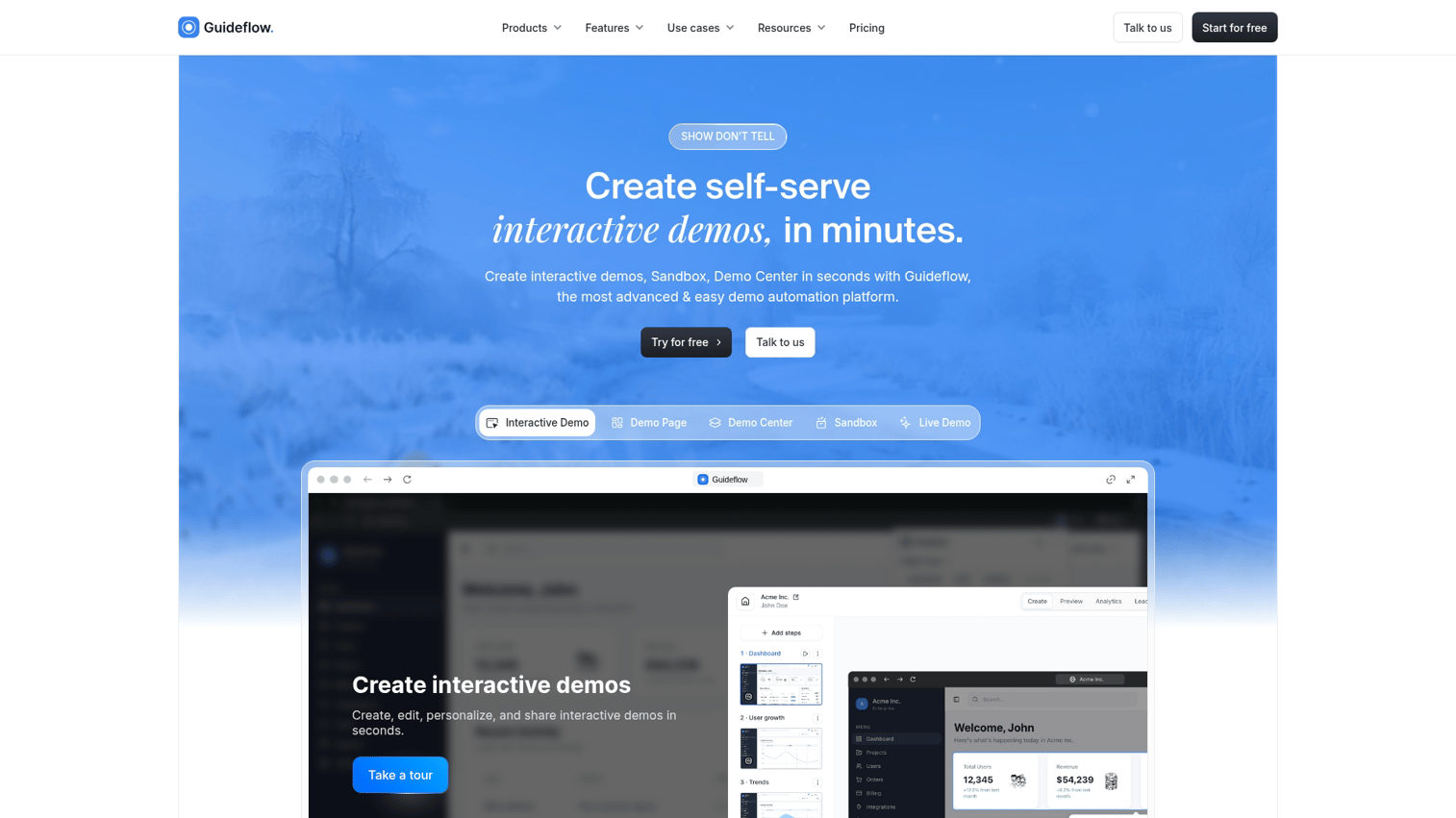
Guideflow lets you capture your product in seconds, edit without engineering, export to any format, and track engagement with full analytics. Teams use Guideflow to create social media demos that drive qualified pipeline, not just impressions.
The workflow is straightforward: capture your product flow with a browser extension, refine it in the editor, and export to video, GIF, or interactive link. Then distribute across LinkedIn, Twitter, paid ads, and email.
What makes this different from screen recording tools is the combination of speed and measurement. You're not just creating content. You're creating content that tells you who engaged, what they cared about, and when they're ready for a conversation.
FAQs about social media demos
You can share a link to your interactive demo in your post or bio. Prospects click through to experience it on your site or a hosted page.
For maximum reach, pair the link with a short video or GIF preview that shows what they'll get when they click.
Keep social media demo videos under 60 seconds for most platforms. Shorter demos (15–30 seconds) tend to hold attention better in scroll-heavy feeds.
The exception is YouTube, where longer content performs well if the topic warrants it. For LinkedIn, Twitter/X, and Instagram, brevity wins.
For social distribution, ungated demos typically perform better for awareness. Gating adds friction, and friction kills engagement on social.
Save gated demos for higher-intent placements like landing pages, email follow-ups, or retargeting campaigns where someone has already shown interest.
Update your demos whenever your product UI changes significantly or when you launch new features you want to highlight. Stale demos create a poor first impression and can confuse prospects who then see a different interface when they sign up.
A good cadence: review your demos quarterly and re-capture anything that looks outdated.
Yes. Video and GIF demos often outperform static images in B2B paid campaigns because they show the product in action rather than describing it. The key is matching the demo to the ad objective.
For awareness campaigns, use short, punchy videos that communicate the core value proposition. For retargeting, use interactive demo links that let warm prospects explore deeper.