Picking presentation software has never been harder.
The gap between the best and worst tools has widened sharply as AI reshapes what these platforms can do. A year ago, the conversation was about templates and transitions. Now it's about which tool can turn a rough prompt into a polished 20-slide deck in under two minutes - and which ones are just bolting AI badges onto legacy interfaces.
We tested 15 presentation tools across six criteria: AI capabilities, ease of use, design quality, collaboration features, integrations and export options, and pricing. Every tool was put through the same sample presentation to make comparisons fair. According to Gartner, over 80% of enterprise teams now use AI-assisted content creation tools in some capacity - and presentation software is one of the fastest-moving categories in that shift.
By the end of this guide, you'll know exactly which presentation software fits your workflow, team size, and budget. For teams looking to create interactive demos or product tours alongside their presentations, we've also covered specialized tools that bridge the gap between static slides and engaging product experiences.
What's inside
This guide covers the 15 best presentation software tools available in 2026, evaluated through an AI-first lens. You'll find a full comparison table, individual reviews with honest trade-offs, a decision framework for narrowing down your options, and answers to the questions buyers most commonly ask. Tools were chosen based on market relevance, AI feature depth, and coverage of distinct use cases - from enterprise decks to startup pitch decks to live audience engagement.
TL;DR
- Microsoft PowerPoint remains the enterprise standard, but Copilot AI costs an extra $30/user/month on top of your Microsoft 365 subscription
- Google Slides is the best fully free option for collaboration; Gemini AI features require a paid Workspace plan
- Gamma leads for AI-native deck generation - it was built around AI from day one, not retrofitted
- Canva offers the best balance of design quality and AI generation, with 250,000+ templates and a generous free tier
- Storydoc and Mentimeter serve specialist use cases (async sales decks and live audience engagement) that general-purpose tools don't cover well
- Start with free plans from Google Slides, Canva, Gamma, or Pitch - upgrade only when you hit a real limitation
How we evaluated these presentation tools
Six criteria drove every score in this guide.
AI capabilities - We tested prompt-to-deck quality, AI image generation, design suggestion accuracy, and how much editing the AI output actually required before it was usable.
Ease of use - Learning curve, interface clarity, and how quickly a new user could produce something presentable without reading documentation.
Design quality - Template variety, typography defaults, layout intelligence, and the visual polish of AI-generated output.
Collaboration features - Real-time co-editing, commenting, permissions, and version history. Particularly relevant for remote and hybrid teams.
Integrations and export - Compatibility with Slack, Zoom, Google Workspace, and Microsoft 365; export formats including PDF, PPTX, and video.
Pricing and value - Free tier availability, per-user cost at team scale, and transparency of enterprise pricing.
Each tool was used to build the same 10-slide business presentation from a brief text prompt. That gave us a consistent baseline for comparing AI output quality across platforms.
Quick comparison table: all 15 presentation tools at a glance
Before diving into detailed reviews, here's a side-by-side snapshot of every tool we tested.
| # | Tool | Best for | AI features | Free plan | Starting price | Collaboration | Platform |
|---|---|---|---|---|---|---|---|
| 1 | Microsoft PowerPoint | Enterprise & legacy workflows | Yes (Copilot, paid add-on) | No | $6/user/mo (M365) | Real-time | Web + Desktop |
| 2 | Google Slides | Free collaboration | Yes (Gemini, paid plans) | Yes | $7/user/mo (Workspace) | Real-time | Web |
| 3 | Canva | Design-first presentations | Yes (Magic Design) | Yes | $15/mo (Pro) | Real-time | Web + Mobile |
| 4 | Prezi | Non-linear storytelling | Yes (Prezi AI) | Yes (limited) | $7/mo | Async | Web |
| 5 | Gamma | AI-native deck generation | Yes (full AI-native) | Yes | $10/mo (Plus) | Real-time | Web |
| 6 | Beautiful.ai | Automatic design intelligence | Yes (DesignBot) | No | $12/mo (Pro) | Real-time | Web |
| 7 | Pitch | Team collaboration | Yes (AI drafts) | Yes | $8/user/mo (Pro) | Real-time | Web |
| 8 | Apple Keynote | Mac users & visual polish | Limited | Yes (free) | Free | Real-time (iCloud) | macOS/iOS |
| 9 | Visme | Data visualization | Yes (AI generator) | Yes (limited) | $12.25/mo | Real-time | Web |
| 10 | Zoho Show | Budget Zoho users | Limited (Zia AI) | Yes | $3/user/mo (Workplace) | Real-time | Web |
| 11 | Storydoc | Interactive sales decks | Yes (AI content) | No (trial) | ~$40/mo | Async | Web |
| 12 | Mentimeter | Live audience engagement | Yes (AI slide builder) | Yes (limited) | $11.99/mo | Team plans | Web |
| 13 | Powtoon | Animated video presentations | Yes (AI script-to-video) | Yes (limited) | $15/mo | Team plans | Web |
| 14 | Venngage | Infographic-style presentations | Yes (AI infographic gen) | Yes (limited) | $10/mo | Real-time | Web |
| 15 | Slidebean | Startup pitch decks | Yes (AI design) | No (trial) | $12/mo | Sharing + comments | Web |
1. Microsoft PowerPoint - best for enterprise teams & legacy workflows
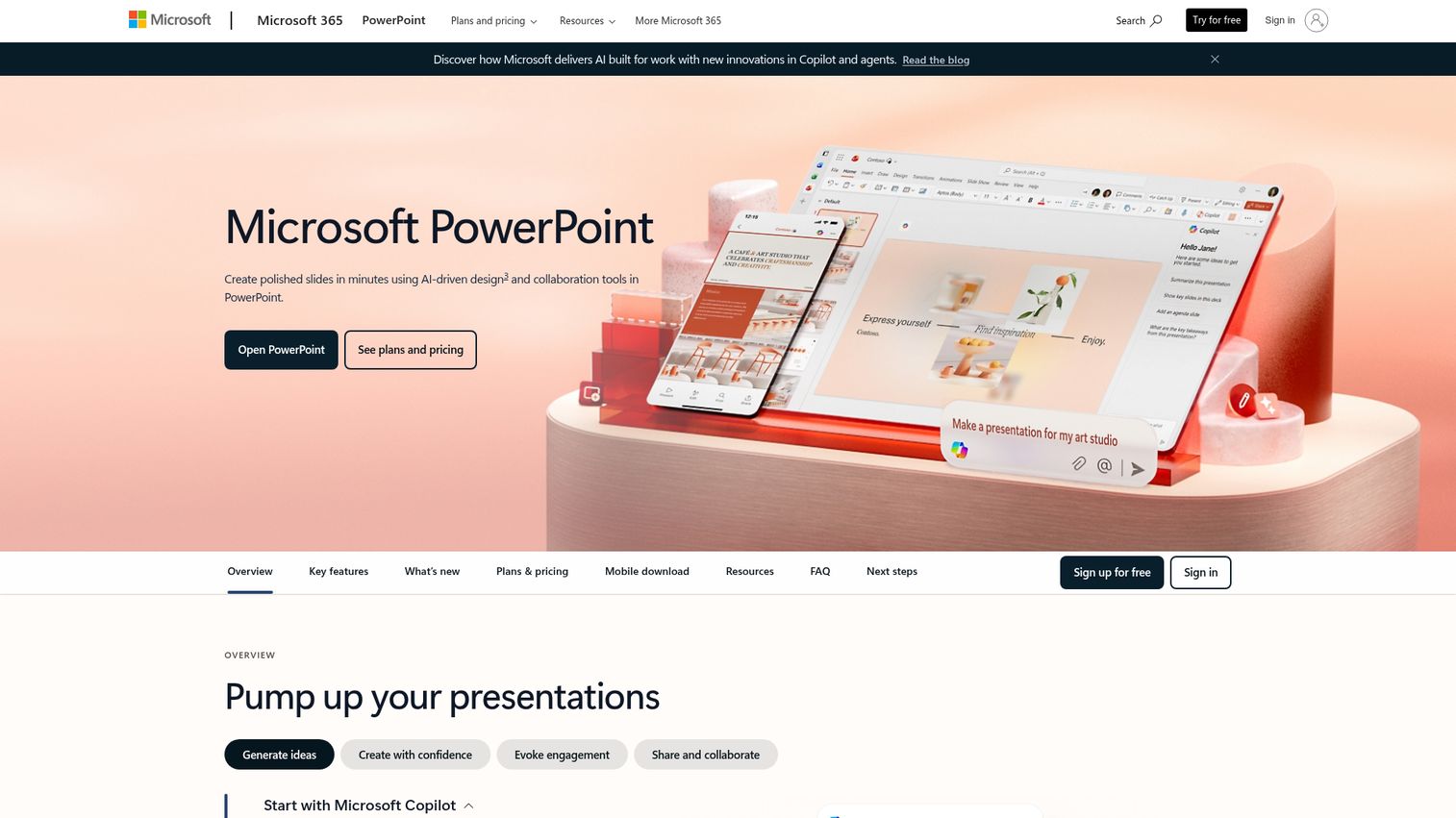
Microsoft PowerPoint is the presentation software that most business professionals grew up on - and in 2026, it's fighting hard to stay relevant against a wave of AI-native challengers.
The biggest story in PowerPoint this year is Microsoft Copilot integration. Copilot can generate full slide decks from a text prompt, summarize existing presentations, suggest design improvements, and draft speaker notes. The quality is solid when you give it structured content - a clear outline or an existing document to work from. It struggles more with vague prompts, where tools like Gamma tend to produce cleaner output.
The trade-off is cost. Copilot AI requires a separate add-on at approximately $30/user/month on top of your existing Microsoft 365 subscription. For a team of 10, that's an additional $300/month just for AI features. The Designer feature (AI layout suggestions) is included in standard plans, but the full Copilot experience is a meaningful extra investment.
Where PowerPoint still wins clearly is the Microsoft 365 ecosystem. If your team lives in Teams, SharePoint, and OneDrive, the integration is tight. Real-time co-authoring works well via OneDrive. Version history, comments, and granular permissions are all there. For regulated industries that need SOC 2 and GDPR compliance certifications, PowerPoint inside Microsoft 365 is one of the safest choices available.
The desktop app remains the most capable offline presentation tool on the market. That matters for presenters who can't rely on a stable internet connection. Google Slides, its closest free competitor, requires prior setup to work offline and lacks the same depth of animation and transition controls.
The honest limitation: without significant effort, PowerPoint decks can look generic. The default templates haven't aged particularly well, and the interface feels heavier than web-native tools like Canva or Gamma. If you're not already in the Microsoft ecosystem, starting here in 2026 is a harder sell than it was five years ago.
Best for: Large enterprises already using Microsoft 365, teams that need offline access, regulated industries requiring compliance certifications
Key strengths
- Copilot AI generates decks from prompts and summarizes existing content
- Deep Microsoft 365 integration with Teams, SharePoint, and OneDrive
- Robust offline desktop app with full feature parity
- Enterprise-grade security with SOC 2 and GDPR compliance
- Massive template library and decades of format compatibility
Pricing: Included in Microsoft 365 plans from $6/user/month (Business Basic) or $12.50/user/month (Business Standard); Copilot AI is an additional ~$30/user/month
2. Google Slides - best free presentation software for collaboration
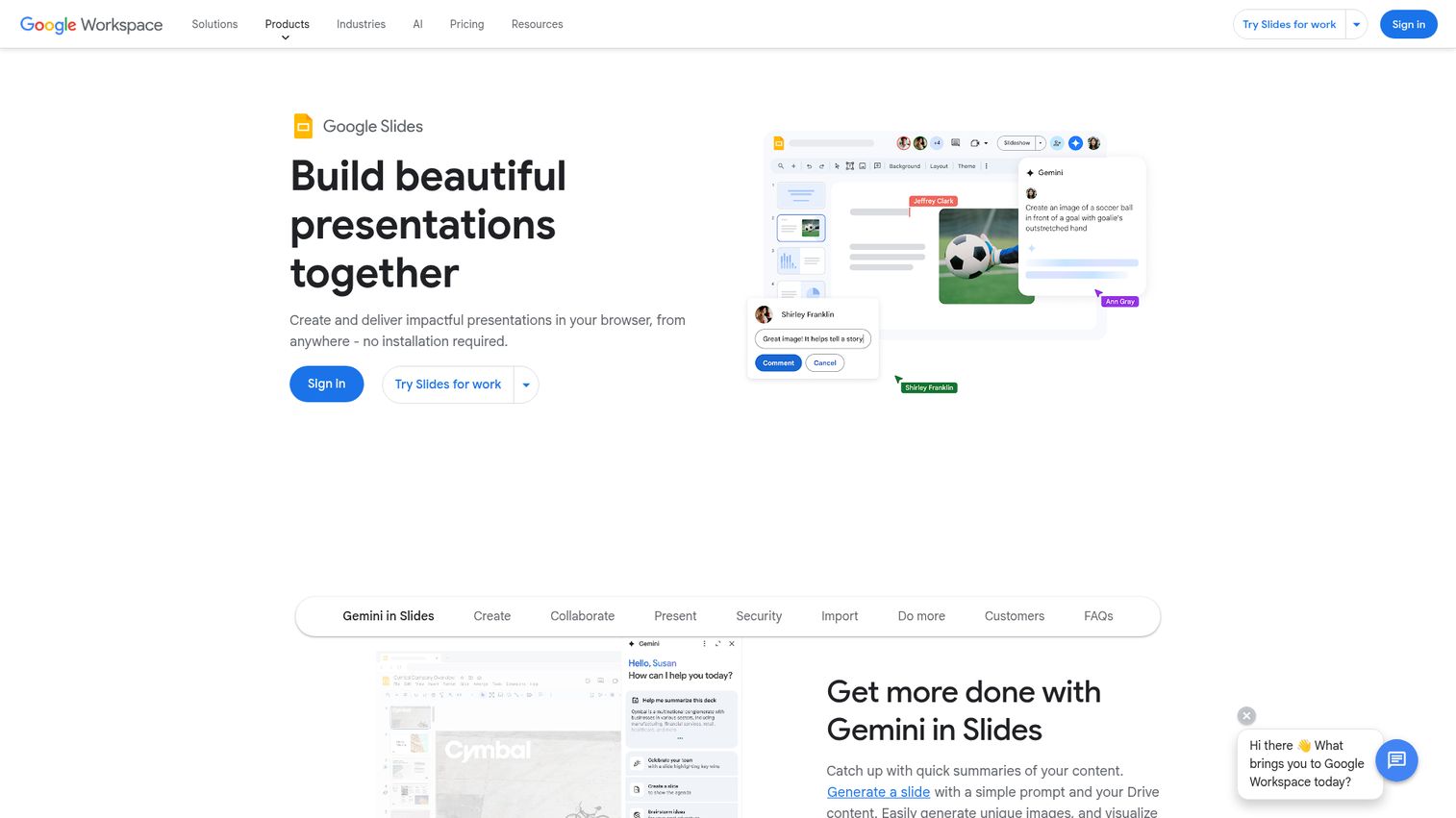
Google Slides is where most teams land when they want something free, cloud-based, and collaborative. It's the default choice for a reason - and understanding when it's enough (and when it isn't) will save you from a tool switch you don't need.
The collaboration experience is genuinely the best in this category. Multiple people can edit the same deck simultaneously, suggestion mode lets reviewers propose changes without overwriting, and comment threads keep feedback organized. For distributed teams, it's hard to beat.
The AI story has improved significantly with Gemini integration. Gemini can generate slide content, create images, and suggest layouts - but these features are locked behind paid Google Workspace plans starting at $7/user/month. The free personal version of Google Slides doesn't include Gemini AI. That's worth knowing before you assume the free tier covers everything.
Where Google Slides falls short is design. The template library is smaller than Canva's, the animation options are basic, and the default output tends to look functional rather than polished. If your presentations need to impress a client or investor, you'll feel the ceiling. Educators, startups, and internal teams who prioritize clarity over visual sophistication will find it more than adequate.
The simplicity is both the product's greatest strength and its most honest limitation. There's very little to learn, which means very little to customize. For teams that want to move fast without a design background, that's a feature. For teams that want precise control over layout and typography, it's a constraint.
Offline access is possible through Chrome with prior setup - but it's not as reliable as PowerPoint's desktop app, and it requires some configuration that many users skip.
Best for: Students, educators, startups, budget-conscious teams, anyone already using Google Workspace
Key strengths
- Best-in-class real-time collaboration with granular sharing permissions
- Completely free for personal use with no feature caps on core editing
- Gemini AI for slide generation and image creation (paid Workspace plans)
- Cloud-native with no software installation required
- Suggestion mode and comment threads for structured review workflows
Pricing: Free for personal use; Google Workspace plans from $7/user/month include Gemini AI features
3. Canva - best for design-first presentations without a designer
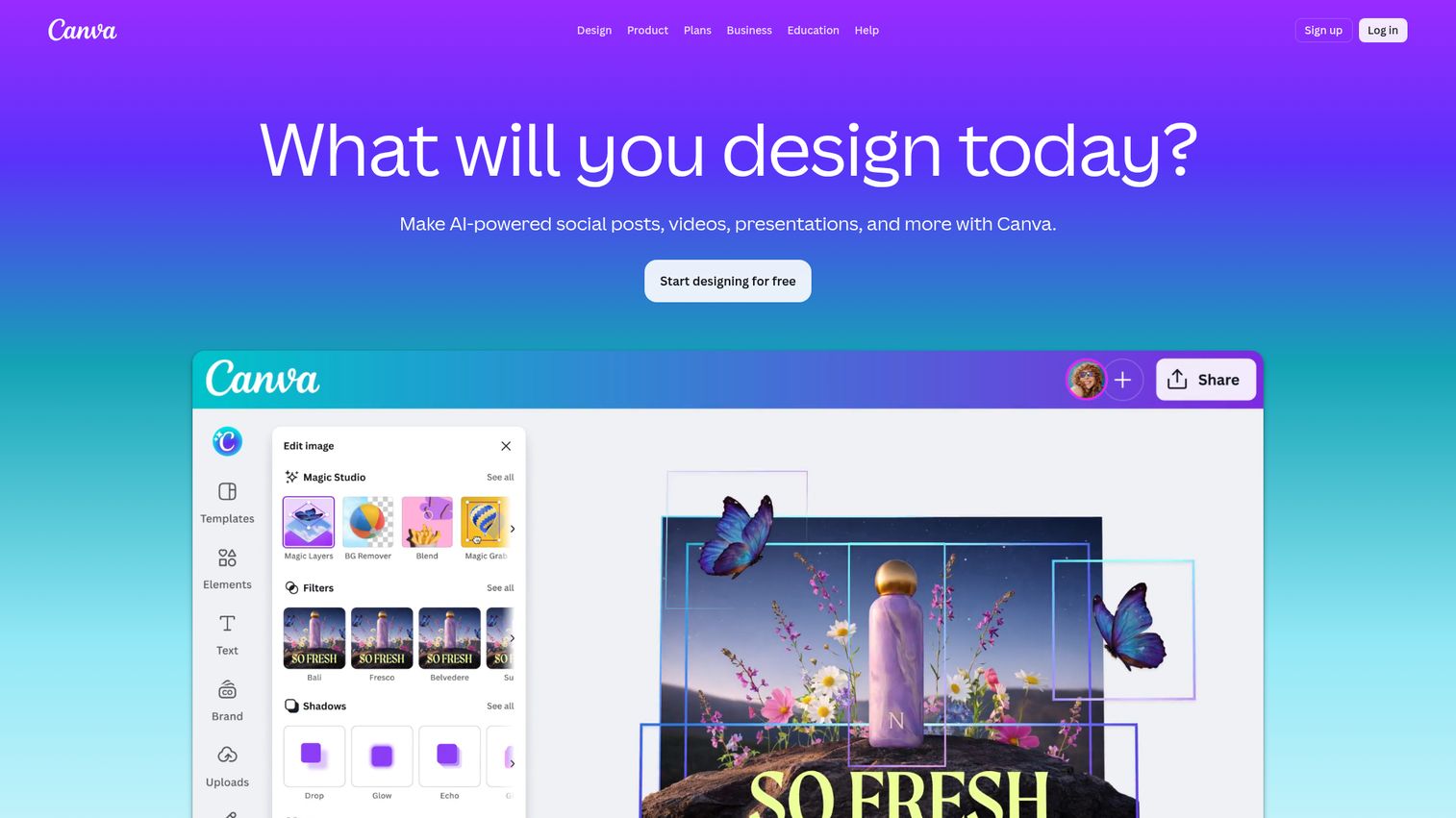
Canva started as a graphic design tool and has become one of the most widely used presentation platforms in the world. The template library alone - over 250,000 options - is larger than any competitor's by a significant margin.
The AI feature set is broad. Magic Design generates a complete presentation from a text prompt or uploaded document. Magic Write handles AI text generation inside slides. The text-to-image generator creates custom visuals without leaving the platform. Magic Switch can convert a finished presentation into a different format - a social post, a document, a video - in a few clicks. That breadth of AI tooling, combined with the design quality of the output, makes Canva one of the strongest all-around choices in this guide.
The media library adds to the appeal. Photos, videos, graphics, icons, and audio are all accessible without leaving the platform. The presentation recording feature - which lets you record yourself presenting with a facecam overlay - is a genuine differentiator for async communication. You can also control your presentation remotely from a mobile device, which works well for live presenting without being tethered to a laptop.
The honest trade-off is that Canva works better for visual storytelling than for data-heavy or complex corporate presentations. If your deck is mostly charts, financial models, or dense technical content, you'll find the tooling less suited to that use case than PowerPoint or Visme. Collaboration features are solid but not as deep as Google Slides for large teams working simultaneously on the same file.
There's also a recognizable aesthetic risk. Canva's templates are widely used, and presentations built on popular templates can look similar to each other. Brand kit management (available on Pro and Teams plans) helps differentiate, but it requires intentional customization.
Best for: Marketers, social media teams, small businesses, educators, anyone who prioritizes visual design over data complexity
Key strengths
- 250,000+ templates with a drag-and-drop interface requiring no design training
- Magic Design AI generates full presentations from prompts or uploaded documents
- Built-in media library with photos, videos, graphics, and audio
- Presentation recording with facecam overlay for async sharing
- Brand kit management for consistent visual identity across teams
Pricing: Free plan available; Canva Pro $15/month; Canva for Teams $10/user/month (minimum 3 users)
4. Prezi - best for non-linear, storytelling presentations
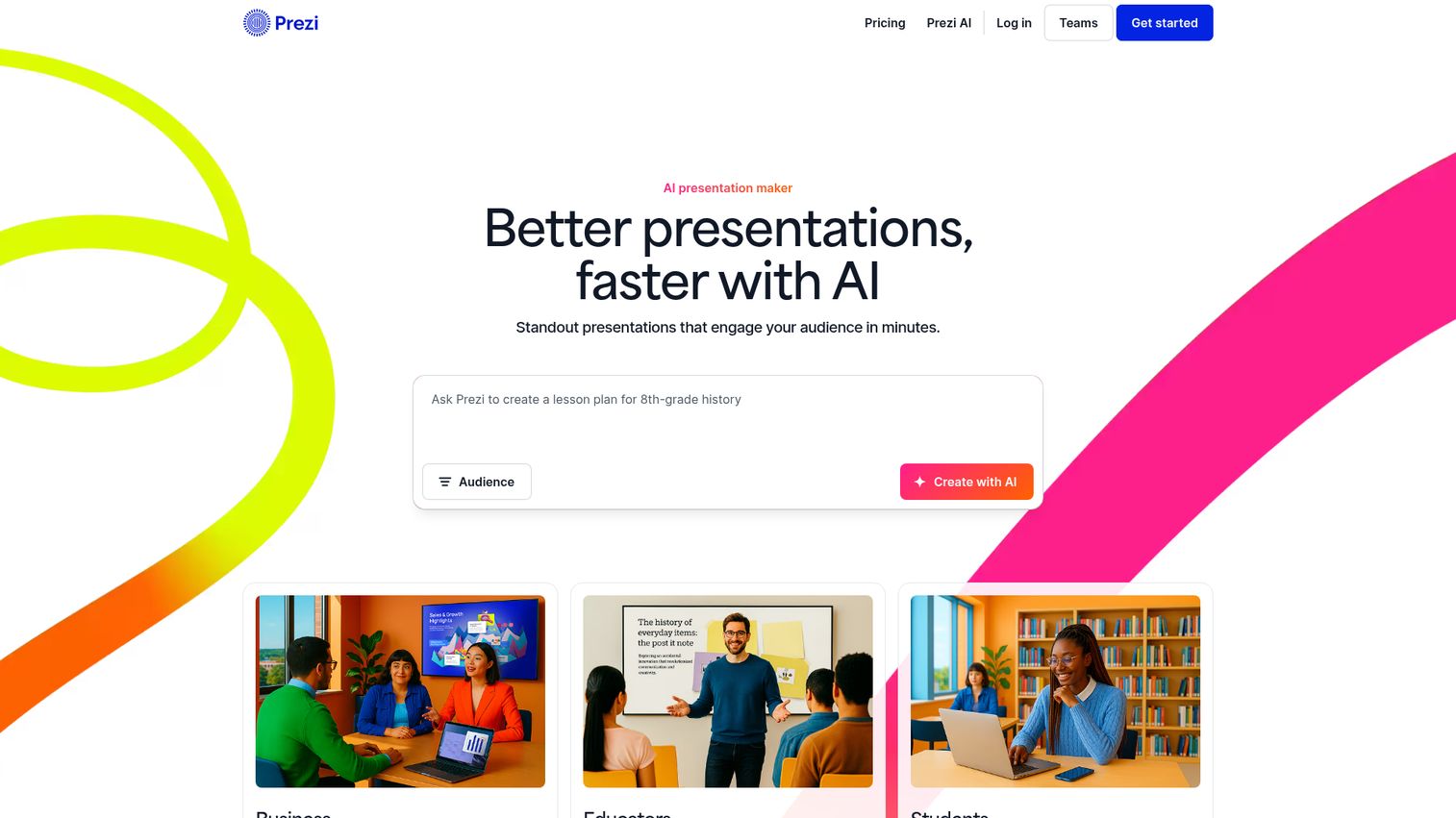
Prezi pioneered the zooming, non-linear presentation format - and it remains the only major tool that does it well. Instead of slides, you navigate a large canvas by zooming in and out of sections, which creates a spatial sense of narrative that linear decks can't replicate.
Prezi AI, added in recent versions, can generate a complete presentation from a prompt and suggest smart layouts. The AI output is competent, though the non-linear format means the results look and feel different from what you'd get in PowerPoint or Canva. If you're new to Prezi, expect to spend time learning the canvas-based approach before the AI output feels natural to edit.
Prezi Video is the platform's standout differentiator for remote and hybrid work. It lets you overlay your presentation directly on a video call - your face appears alongside your content rather than sharing a screen. For trainers, educators, and speakers who present remotely, this is a meaningful capability that no other tool in this list matches.
The honest caveat: Prezi is polarizing. People who love the zooming format find it genuinely engaging. People who don't tend to find it disorienting, and some viewers report motion discomfort when animations are overused. It's also not well-suited to data-heavy or traditional corporate presentations where a clean linear structure is expected.
The learning curve is steeper than most tools here. Plan for an hour or two to get comfortable with the canvas before you'd use it for a real presentation.
Best for: Educators, trainers, TED-style speakers, creative professionals, anyone tired of linear slide decks
Key strengths
- Unique zooming canvas creates spatial narrative that linear slides can't replicate
- Prezi Video overlays presentations on live video calls without screen sharing
- Prezi AI generates presentations from prompts with smart layout suggestions
- Strong for storytelling, training, and education contexts
- Team workspaces with shared libraries and commenting
Pricing: Free plan (limited); Standard $7/month; Plus $12/month; Premium $16/month
5. Gamma - best AI-native presentation tool
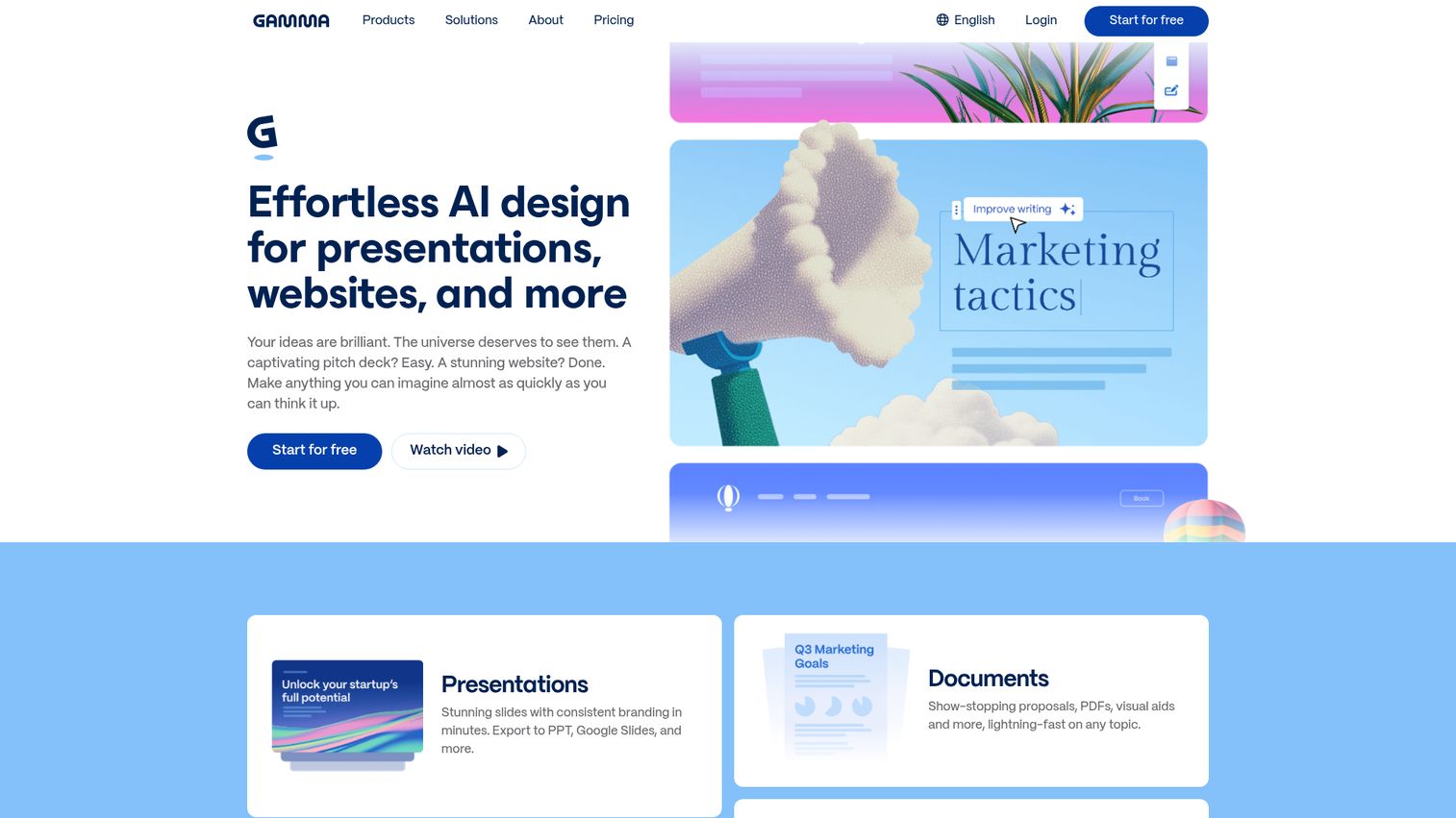
Gamma is the tool that was built in the AI era, not retrofitted for it. Every design decision in the product starts from the assumption that AI is doing most of the work - and that shows in the output quality.
The prompt-to-deck experience is the fastest we tested. Give Gamma a topic, a rough outline, or a pasted document, and it produces a complete, visually coherent presentation in under 90 seconds. The output doesn't look like a template - it looks like a modern web document, with nested card-based layouts, clean typography, and a design sensibility that feels current. You'll still want to edit and refine, but the starting point is genuinely good.
The AI redesign feature is worth calling out separately. If you don't like the visual direction Gamma chose, you can ask it to redesign the entire deck in a different style without losing your content. AI image generation is built in. Content expansion and condensation - asking the AI to elaborate on a section or trim it down - work reliably.
The trade-off is customization depth. Gamma gives you less fine-grained control over layouts than PowerPoint or Canva. If you need precise pixel-level design control, you'll hit walls. The template library is smaller than Canva's, and the tool is relatively new, so the community of users and third-party resources is still growing.
Gamma presentations are web-native - they live at a URL and can be shared as links. That's a strength for async sharing and viewer analytics (Gamma tracks who viewed your deck and for how long), but it means the output doesn't feel like a traditional slide deck. For contexts where someone expects a .pptx file, you'll need to export.
Best for: Startup founders, busy professionals who need decks fast, pitch deck creation, AI enthusiasts
Key strengths
- Fastest prompt-to-deck experience tested - full deck in under 90 seconds
- AI redesign regenerates visual style without losing content
- Viewer analytics show who opened your deck and which sections they spent time on
- Web-native format with clean, modern design output
- AI image generation built directly into the editor
Pricing: Free plan (with Gamma branding on exports); Plus $10/month; Pro $20/month
6. Beautiful.ai - best for automatic design intelligence
Beautiful.ai takes a different approach to AI than most tools here. Rather than generating full decks from prompts, it focuses on making it structurally impossible to create an ugly slide. Smart templates automatically adjust layouts, spacing, and alignment as you add content - the design guardrails are baked into the editing experience itself.
DesignBot, Beautiful.ai's AI assistant, can generate full presentations from prompts and suggest content improvements. But the real differentiator is the smart slide system. Add a bullet point, and the layout adjusts. Swap an image, and the text reflows. For users without design training, this removes the most common source of bad-looking slides: manual layout decisions made without design knowledge.
The output has a consistently clean, modern aesthetic. Sales decks and consulting presentations built in Beautiful.ai tend to look professional without requiring much effort. Presentation analytics - tracking who viewed your deck and how far they got - are included, which makes it useful for sales teams who send decks asynchronously.
The honest limitation is that the design guardrails cut both ways. Advanced users who want precise control over layouts will find the system constraining. You can't always place elements exactly where you want them. The tool is making design decisions for you, and occasionally those decisions aren't the ones you'd make yourself.
There's no free plan. That's a meaningful barrier for individuals and small teams evaluating options. The Team plan at $40/user/month is also significantly more expensive than most competitors at that tier.
Best for: Sales teams, consultants, anyone who wants professional-looking slides without design skills
Key strengths
- Smart templates automatically adjust layouts as you add or remove content
- DesignBot AI generates full presentations from text prompts
- Consistent clean aesthetic with built-in design guardrails
- Presentation analytics track viewer engagement and slide-by-slide attention
- Team brand controls keep decks visually consistent across the organization
Pricing: Pro $12/month; Team $40/user/month; Enterprise custom pricing
7. Pitch - best for team collaboration & brand consistency
Pitch was designed specifically for modern teams - and the collaboration features reflect that focus more clearly than any other tool in this guide.
Real-time co-editing is table stakes. What sets Pitch apart is the workflow layer on top of it. Presentations have status tracking (draft, in review, approved), which means teams can manage a deck through a review process without switching to a project management tool. Video call integration lets teammates jump on a call directly from inside a presentation. Granular permissions control who can view, comment, or edit. For agencies, startups, and remote teams that produce a lot of decks, this workflow infrastructure saves real time.
The AI features - first-draft generation, AI text editing, smart layouts - are functional but not the strongest in this category. Gamma and Canva produce more polished AI output. Pitch's strength is what happens after the first draft, not the generation itself.
The integrations are well-chosen: Slack, Figma, Google Analytics, and HubSpot are all supported. That makes Pitch a natural fit for marketing and product teams who want presentation data to connect with their broader analytics stack.
The template library is smaller than Canva's, and the tool is less well-known than the category leaders, which means fewer community resources and third-party templates. Offline support is limited.
Best for: Remote teams, agencies, startups that prioritize collaboration over individual design
Key strengths
- Status tracking and workflow management built into the presentation editor
- Video call integration for real-time collaboration without leaving the tool
- Integrations with Slack, Figma, Google Analytics, and HubSpot
- Granular permissions for view, comment, and edit access
- Presentation analytics for tracking viewer engagement
Pricing: Free plan (generous); Pro $8/user/month; Business $22/user/month (annual billing)
8. Apple Keynote - best for Mac users & visual polish
Apple Keynote produces the most visually polished output of any tool in this guide. The animations are cinematic. The transitions are smooth in ways that PowerPoint's equivalent features rarely match. For stage presentations, product launches, and keynote-style events, the output quality is hard to beat.
It's also completely free for anyone with an Apple device. That's a meaningful advantage when every other tool in this category charges for comparable design quality.
The AI features are more limited than competitors. Apple Intelligence integration (as of 2026) covers text suggestions and some image editing capabilities, but Keynote doesn't offer the prompt-to-deck generation that Gamma, Canva, and PowerPoint Copilot provide. If AI-assisted deck creation is a priority, Keynote isn't the right choice.
The ecosystem limitation is the dealbreaker for many teams. Keynote runs on macOS, iOS, and iPadOS. There's no Windows version, no Android app, and the web-based iCloud version has fewer features than the desktop app. If your team includes Windows users, Keynote creates a compatibility problem. Exporting to PPTX works reasonably well, but some animations and transitions don't survive the conversion cleanly.
iCloud-based real-time collaboration is available but less robust than Google Slides or Pitch for large teams editing simultaneously.
Best for: Mac-exclusive teams, creative professionals, anyone giving stage presentations or product demos
Key strengths
- Best-in-class animations and transitions with cinematic output quality
- Completely free for all Apple device users
- Clean, intuitive interface with a shallow learning curve
- iCloud collaboration with link sharing and real-time editing
- Excellent for stage presentations, product launches, and keynote-style events
Pricing: Free (included with macOS, iOS, and iPadOS)
9. Visme - best for data visualization & infographic presentations
Visme occupies a specific niche: turning data into visual stories. If your presentations are built around charts, graphs, maps, and infographics rather than narrative slides, Visme is worth serious consideration.
The data visualization toolkit is the deepest in this guide. Interactive charts, animated graphs, geographic maps, and infographic layouts are all built in. The AI presentation generator can create decks from prompts, and the AI brand wizard helps establish consistent visual identity across outputs. The template library covers over 10,000 options, with a strong concentration in data-heavy formats.
The AI chart creation feature is particularly useful for analysts and researchers who need to turn raw data into presentation-ready visuals quickly. You can input data directly and let the AI suggest the most appropriate chart type and design.
The trade-off is complexity. Visme has more features than most users need for straightforward presentations, and the interface reflects that. New users often find it overwhelming compared to Canva or Google Slides. The pricing is also higher than many competitors at comparable tiers.
Compared to Canva, Visme's design templates are more data-oriented and less consumer-friendly. If you're building a marketing deck with lots of visuals and minimal data, Canva is the better fit. If you're building a research report, an investor update with financial charts, or a data-driven proposal, Visme is the stronger choice.
Best for: Data analysts, researchers, marketers creating data-heavy presentations, report-style decks
Key strengths
- Exceptional data visualization with interactive charts, graphs, and geographic maps
- AI chart creation suggests chart types and designs from raw data input
- 10,000+ templates with strong concentration in data-heavy formats
- AI brand wizard for consistent visual identity across presentations
- Multiple export formats including interactive web presentations
Pricing: Free plan (limited); Starter $12.25/month; Business $24.75/month; Enterprise custom
10. Zoho Show - best budget-friendly option for Zoho users
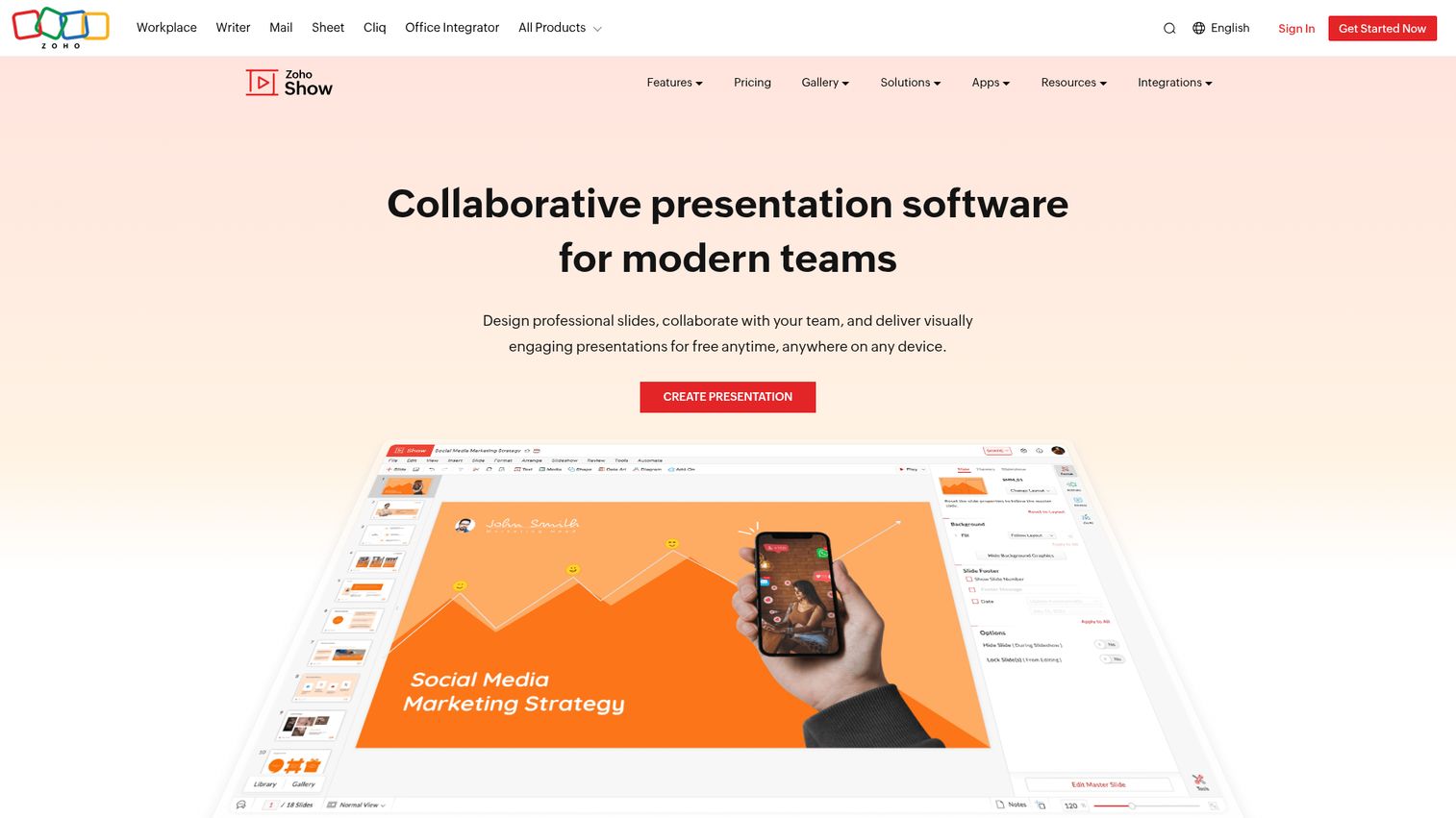
Zoho Show doesn't try to compete with Canva on design or Gamma on AI. It competes on price and ecosystem fit - and for teams already using Zoho's suite of business tools, that's a compelling position.
The core presentation editor is clean and functional. Real-time collaboration, comment threads, and sharing work reliably. The broadcast/present remotely feature lets you present to a remote audience directly from the browser without needing a video conferencing tool. Offline editing is supported, which puts it ahead of most web-native tools on that dimension.
Zia, Zoho's AI assistant, handles content suggestions and smart slide layouts. The AI capabilities are basic compared to Gamma or Canva - don't expect prompt-to-deck generation of comparable quality. But for teams that primarily need a capable, affordable presentation tool that connects with Zoho CRM, Zoho Projects, and the rest of the Zoho ecosystem, the AI limitations are an acceptable trade-off.
The template library is smaller than most competitors, and the visual output tends toward functional rather than polished. If design quality is a priority, this isn't the right tool. If cost and ecosystem integration are the priorities, it's hard to beat at $3/user/month as part of Zoho Workplace.
Best for: Small businesses already using Zoho, budget-conscious teams, solopreneurs
Key strengths
- Tight integration with Zoho CRM, Projects, and the broader Zoho suite
- Remote broadcast feature for presenting to audiences without a video tool
- Offline editing supported in the browser
- Real-time collaboration with comments and sharing controls
- Very affordable as part of Zoho Workplace
Pricing: Free plan available; part of Zoho Workplace from $3/user/month
11. Storydoc - best for interactive sales & marketing decks
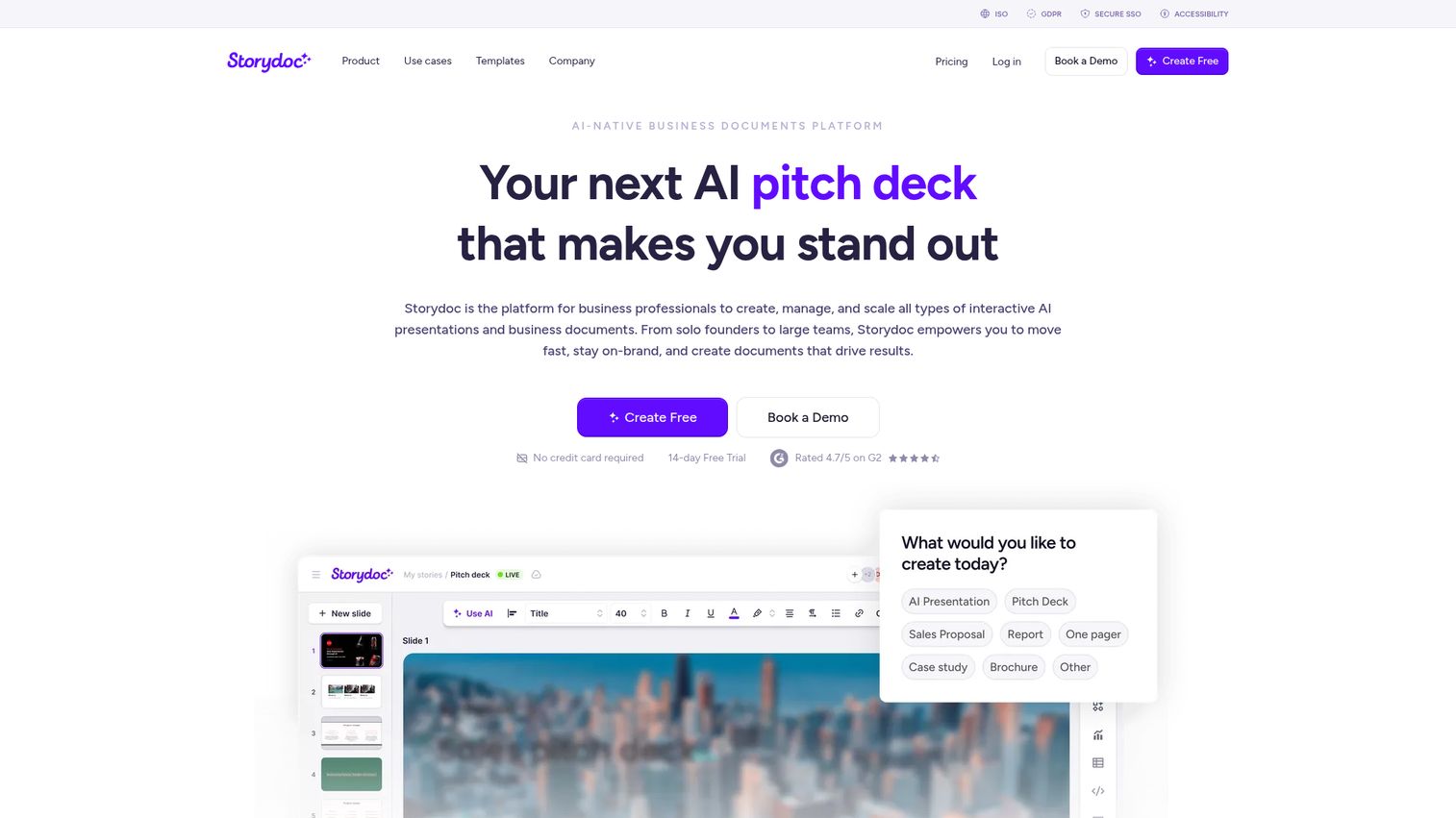
Storydoc isn't a traditional presentation tool. It creates interactive, scrollable web-based decks optimized for one specific job: being sent to a prospect or client and read asynchronously.
The format is closer to a web page than a slide deck. Content scrolls rather than advances through slides. Interactive elements - embedded videos, clickable tabs, animated charts - keep readers engaged without requiring a presenter. Lead capture forms can be embedded directly in the deck. Personalization tokens let you customize the recipient's name, company, and other details at scale without rebuilding the deck each time.
The analytics are the killer feature for sales teams. Storydoc tracks who opened your deck, which sections they spent time on, how far they scrolled, and whether they clicked any links. That data tells you which prospects are actually engaged - and gives you a specific conversation starter for follow-up. For BDRs and account executives sending proposals and pitch decks via email, this is genuinely useful signal.
The honest limitation: Storydoc is not for live presentations. If you need to stand in front of a room or share your screen on a video call, this tool doesn't serve that use case. It's purpose-built for async, and that narrow focus is both its strength and its constraint.
The pricing is also higher than most general-purpose tools, which makes it harder to justify for individuals or small teams with limited budgets.
Best for: Sales teams, BDRs, marketing teams creating proposals and pitch decks, anyone sending decks asynchronously
Key strengths
- Interactive scrollable format with embedded videos, tabs, and animated charts
- Viewer analytics track opens, time spent per section, and link clicks
- CRM integrations with HubSpot and Salesforce for lead tracking
- Personalization tokens for customizing decks at scale without rebuilding
- Lead capture forms embedded directly in the presentation
Pricing: Free trial available; Starter ~$40/month; Pro ~$60/month; Enterprise custom
12. Mentimeter - best for audience engagement & live interaction
Mentimeter solves a problem that no other tool in this guide addresses: making live presentations genuinely interactive for the audience.
Live polls, quizzes, word clouds, Q&A sessions, and emoji reactions are built directly into the slide format. Audience members participate via their phones - no app download required, just a URL or QR code. Results appear in real time on the presenter's screen. For all-hands meetings, training sessions, conference talks, and classroom environments, this creates a level of engagement that static slides simply can't match.
The AI slide builder can generate presentation content from prompts, and the AI quiz generator creates assessment questions automatically. These features are functional, though the primary reason to choose Mentimeter is the audience interaction layer, not the AI content generation.
The honest trade-off is that Mentimeter presentations are visually basic. The design options are limited compared to Canva or Keynote, and the tool isn't suited for design-heavy or sales presentations. It's a specialist tool - excellent for its specific use case, not a general-purpose replacement for PowerPoint or Google Slides.
The free plan is also quite limited. Meaningful use of the interactive features requires a paid plan.
Best for: Educators, trainers, HR teams, conference speakers, anyone presenting to live audiences who need interaction
Key strengths
- Live polls, quizzes, word clouds, and Q&A built directly into slides
- Audience participation via phone with no app download required
- Real-time results visualization during the presentation
- AI slide builder and AI quiz question generator
- Works for both in-person and remote audiences simultaneously
Pricing: Free plan (limited); Basic $11.99/month; Pro $24.99/month; Enterprise custom
13. Powtoon - best for animated & video presentations
Powtoon occupies the space between presentation software and video creation. If you need animated explainer content, training videos, or internal communications that go beyond static slides, Powtoon is the most capable tool in this guide for that use case.
The animated character and scene library is extensive. AI script-to-video can generate animated content from a text script. Multiple output formats - video, GIF, and traditional presentation - give you flexibility in how you distribute the final product. Screen recording is built in.
The AI features are genuinely useful for L&D teams and content creators who need to produce training videos at scale without a video production budget. The script-to-video workflow in particular can cut production time significantly compared to recording and editing video manually.
The honest caveats: the animation style tends toward the cartoonish, which doesn't work in every corporate context. A compliance training video for a financial services firm and an animated explainer for a SaaS product have different aesthetic requirements, and Powtoon's default style suits the latter better than the former. The learning curve for complex animations is also steeper than most tools here.
Real-time collaboration is limited compared to Google Slides or Pitch. The pricing for full features is on the higher end.
Best for: L&D teams, educators, marketers creating video content, internal communications teams
Key strengths
- Animated characters, scenes, and transitions for explainer-style content
- AI script-to-video generates animated presentations from text
- Multiple output formats including video, GIF, and presentation
- Built-in screen recording for software tutorials and walkthroughs
- Large library of animated assets for training and education content
Pricing: Free plan (very limited); Lite $15/month; Professional $40/month; Business $125/month
14. Venngage - best for infographic-style presentations
Venngage started as an infographic tool and has expanded into presentations, reports, and proposals. It sits in a similar space to Visme but with a different emphasis: Venngage's templates lean toward HR reports, onboarding materials, and visual proposals rather than data-heavy analytical content.
The AI infographic generator and AI chart maker can produce visual content from prompts and data inputs. The design suggestions are useful for users without a design background. The template library is strong for specific use cases - employee handbooks, annual reports, marketing one-pagers - that other tools don't cover as well.
The accessibility features are worth highlighting, because no other tool in this guide covers them as explicitly. Venngage includes alt text support, color-blind friendly palette options, and contrast checking tools. For teams that need to produce accessible content for diverse audiences, this is a meaningful differentiator.
The honest limitation is that Venngage isn't a full-featured presentation tool. Animations and transitions are limited. It's less suited for live presentations than for documents that happen to be visual - reports, proposals, and reference materials that are read rather than presented.
Compared to Visme, Venngage is better for HR and marketing teams producing visual reports. Visme is better for data analysts who need interactive charts and complex data visualization.
Best for: HR teams (reports, onboarding), marketers (visual reports), consultants (data-driven proposals)
Key strengths
- Strong infographic and visual report templates for HR and marketing use cases
- Accessibility features including alt text, color-blind palettes, and contrast checking
- AI infographic generator and AI chart maker from prompts and data
- Brand kit management for consistent visual identity
- Real-time collaboration with commenting and team workspaces
Pricing: Free plan; Premium $10/month; Business $24/month; Enterprise custom
15. Slidebean - best for startup pitch decks
Slidebean does one thing and does it well: startup pitch decks. If you're raising a seed round, preparing for an accelerator demo day, or building a Series A deck, Slidebean is purpose-built for that context in a way that no other tool in this guide is.
The AI handles design automatically. You add your content - the problem, solution, market size, team, financials - and Slidebean arranges it into a professionally designed deck. The pitch deck-specific templates follow proven investor presentation structures, which is useful if you're not sure how to sequence your narrative.
The consulting services are a unique value-add that no other tool here offers. If you want professional feedback on your pitch deck content and structure, Slidebean's team provides that as a paid service. For first-time founders who aren't sure whether their deck tells the right story, that's a meaningful option.
The honest trade-off is scope. Slidebean is not a general-purpose presentation tool. Outside of pitch decks and sales decks, the template library is thin and the customization options are limited. If you need a tool for quarterly business reviews, training materials, or marketing presentations, this isn't the right choice.
The pricing also feels high relative to the narrow use case - though for a founder raising capital, a well-designed pitch deck is worth the investment.
Best for: Startup founders, entrepreneurs preparing investor pitches, accelerator participants
Key strengths
- Purpose-built for startup pitch decks with investor-ready templates
- AI automatically arranges content into professionally designed slides
- Pitch deck-specific structure following proven investor presentation formats
- Optional consulting services for content and narrative feedback
- Clean, modern output that reads as credible to investors
Pricing: Free trial; plans from $12/month; pitch deck consulting services priced separately
How to choose the right presentation software for your needs
Fifteen tools is a lot. Here's how to narrow it down to two or three worth testing.
If you're in a large enterprise
Start with PowerPoint. If your team is already paying for Microsoft 365, you have it. Add Copilot AI if the budget allows. If collaboration is the primary pain point and your team is remote, Pitch is worth evaluating alongside it.
If you need something free
Google Slides is the best fully free option with real collaboration features. Canva's free plan gives you better design output but limits access to premium templates. Gamma's free plan covers AI generation but adds Gamma branding to exports. For Apple users, Keynote is free and produces the most visually polished output in this entire guide.
If design quality is the priority
Canva for teams that want design flexibility and a massive template library. Apple Keynote for Mac users who want cinematic animations and transitions. Beautiful.ai for teams that want professional output without making design decisions themselves.
If you need AI-powered speed
Gamma for the fastest prompt-to-deck experience. Beautiful.ai for AI that handles design decisions automatically as you add content. Canva Magic Design for the best balance of AI speed and design quality.
If your presentations are data-heavy
Visme for interactive charts, geographic maps, and complex data visualization. Venngage for visual reports, HR materials, and infographic-style presentations where accessibility matters.
If you present to live audiences
Mentimeter is the only tool built specifically for live audience interaction. It's not a PowerPoint replacement - it's a complement for sessions where you want real-time polls, quizzes, and Q&A.
If you're in sales or marketing
Storydoc for async decks sent via email, where viewer analytics matter. Beautiful.ai or Canva for live sales presentations. Slidebean specifically for startup fundraising pitch decks. For teams looking to create more engaging sales materials, consider exploring interactive demos as a complement to traditional presentations.
If you're in education or L&D
Prezi for narrative-driven training content. Mentimeter for interactive classroom and workshop sessions. Powtoon for animated explainer content and training videos. Teams creating training materials might also benefit from user onboarding software to create guided learning experiences.
Additional factors to consider
Your existing tech stack matters. If you're in Google Workspace, Google Slides is the path of least resistance. If you're in Microsoft 365, PowerPoint is already paid for. Security and compliance requirements narrow the field quickly for regulated industries - PowerPoint inside Microsoft 365 is the safest choice there. Offline access requirements rule out most web-native tools except Google Slides (with setup) and Zoho Show.
The presentation software landscape in 2026
AI has changed what these tools can do faster than most teams have changed how they use them. The best tool for your workflow isn't the one with the most features - it's the one that removes the most friction between your ideas and a finished deck.
Start with free plans. Google Slides, Canva, Gamma, and Pitch all offer meaningful free tiers. Build the same 5-slide deck in two or three of them and you'll know within 30 minutes which one fits how you work.
The AI capabilities in this category will continue to improve rapidly through the rest of 2026 - expect better prompt-to-deck quality, more accurate design suggestions, and deeper integration with the tools your team already uses. For teams looking beyond traditional presentations, consider exploring best content creation software tools for a broader view of content creation options.
Frequently asked questions about presentation software
Yes - tools like Gamma, Canva (Magic Design), Beautiful.ai, and Microsoft PowerPoint (Copilot) can generate complete slide decks from a text prompt, uploaded document, or outline. Quality varies: Gamma and Beautiful.ai produce the most polished AI-generated output, while PowerPoint Copilot works best when given structured content. Always plan to edit and refine AI-generated slides - they're a strong starting point, not a finished product.
Google Slides is the best fully free option with strong collaboration features and no cap on core editing. Canva's free plan offers superior design output but limits access to premium templates and assets. Gamma's free plan provides excellent AI generation with Gamma branding on exports. For Apple users, Keynote is completely free and produces the most visually polished output of any tool in this guide.
PowerPoint remains the standard in large enterprises due to Microsoft 365 integration, offline access, and compliance certifications. For small-to-mid-sized businesses, tools like Pitch (collaboration), Canva (design), and Gamma (AI speed) often provide better value for the cost. The honest answer: if you're already paying for Microsoft 365, PowerPoint with Copilot is hard to beat within that ecosystem.
Google Slides leads for simple real-time collaboration with no setup required. Pitch is purpose-built for team workflows, adding status tracking, video call integration, and granular permissions on top of co-editing. Canva for Teams offers brand management and shared asset libraries. For enterprise teams, PowerPoint via SharePoint and OneDrive provides robust co-authoring within the Microsoft ecosystem.
Most web-based tools - Canva, Gamma, Prezi, Pitch - require an internet connection for full functionality. PowerPoint and Keynote offer robust offline desktop apps with no limitations. Google Slides allows offline access through Chrome with prior setup, but it requires configuration that many users skip. If offline presenting is a hard requirement, PowerPoint or Keynote are the safest choices; most other tools support PDF or PPTX export as a fallback.
Gamma leads for AI-native deck generation - it was built from the ground up around AI, not retrofitted. Microsoft PowerPoint Copilot offers the most powerful AI within an established enterprise ecosystem but costs an additional ~$30/user/month. Canva Magic Design provides the best balance of AI generation and design quality. Beautiful.ai offers unique smart-design AI that automatically formats slides as you add content. The best AI depends on whether you prioritize speed (Gamma), design quality (Canva or Beautiful.ai), or ecosystem integration (PowerPoint Copilot).
Yes, but the right tool depends on how the deck is being used. For live sales presentations, Beautiful.ai or Canva produce professional results quickly. For async decks sent via email, Storydoc provides analytics tracking - who viewed it, which slides they spent time on, and whether they clicked any links. For startup fundraising pitch decks specifically, Slidebean and Gamma are purpose-built. PowerPoint remains the safe choice when clients or investors expect a .pptx file attachment. Teams looking to go beyond traditional presentations might also explore best sales engagement tools for more interactive sales experiences.
Costs vary significantly. Google Slides is free (or $7/user/month with Workspace, totaling $70/month for 10 users). Canva for Teams runs $10/user/month ($100/month). Pitch Pro is $8/user/month ($80/month). Beautiful.ai Team is $40/user/month ($400/month). PowerPoint via Microsoft 365 Business Standard is $12.50/user/month ($125/month), plus ~$30/user/month for Copilot AI ($300/month additional). Budget-conscious teams should start with Google Slides or Canva's free plan and upgrade selectively based on the specific limitation they hit first.