Your company hit 60 people and Slack stopped working.
Not literally. The app is fine. But critical updates now get buried in threads. Marketing heard about the pricing change from a customer, not from product. Your VP of Sales is telling a different narrative than your VP of Marketing, and you're spending hours each week re-aligning teams that should be aligned by default.
This is the predictable breakdown. At seed stage, communication is organic. At Series B, it's infrastructure. According to Gallup, disengaged employees cost organizations roughly 18% of their annual salary in lost productivity. Multiply that across a 100-person team, and the cost of fragmented communication becomes a line item, not an abstraction.
Internal communications software turns ad-hoc updates into a repeatable system that doesn't depend on the founder being in every channel. We evaluated these 15 tools based on ease of setup, integration with SaaS stacks, pricing for 30 to 150 person teams, analytics depth, and whether they actually reduce communication overhead or just add another tool to manage.
What's inside
This guide covers 15 internal communication tools for 2026, evaluated for SaaS teams between 30 and 500 employees. Selection was based on hands-on evaluation, G2 and Gartner review analysis, pricing transparency, integration depth with common SaaS stacks (Slack, Google Workspace, Microsoft 365, HRIS), and real-world adoption patterns at scaling companies. You'll find a comparison table, buying criteria checklist, and FAQs.
TL;DR
- Internal communications software replaces the founder as the communication bottleneck. Updates reach the right people without routing through you.
- For SaaS teams under 150 people, Slack plus a dedicated IC tool (like Staffbase, ContactMonkey, or Workvivo) covers most use cases without enterprise bloat.
- Pricing ranges from free (Slack, Google Workspace basics) to $10+/user/month for dedicated internal comms platforms. Budget $3K to $15K/year for a 50 to 150 person team.
- The biggest ROI comes from analytics: knowing whether people actually read and understood the update, not just whether it was sent.
- Integration with your existing stack matters more than feature count. If it doesn't connect to Slack, your HRIS, and your project management tool, adoption will be low.
What is internal communications software
Internal communications software is a category of tools that help organizations distribute company updates, align teams on strategy, collect employee feedback, and maintain a consistent narrative across departments. It replaces the patchwork of email chains, Slack announcements, and all-hands meetings that most scaling companies rely on.
Employee communication software typically includes these core components:
- Company-wide announcements and newsletters
- Targeted messaging by team, role, or location
- Employee feedback and pulse surveys
- Analytics on message reach, open rates, and engagement
- Mobile access for distributed and frontline teams
- Integration with existing workplace tools (Slack, Microsoft 365, Google Workspace, HRIS)
- Intranet or knowledge hub capabilities
Here's the key distinction. Internal communication platforms are different from team communication tools like Slack or Microsoft Teams. Collaboration tools handle real-time, peer-to-peer work conversations. IC software handles top-down and cross-functional communications: company updates, policy changes, leadership narratives, and structured feedback loops.
Most scaling companies need both. Slack tells your team what's happening right now. An internal communication system tells your team what matters this quarter, what changed last week, and what the company's direction looks like. These are different jobs, and one tool rarely does both well.
When to use internal communications software
When Slack channels aren't enough
Your #general channel has 200+ unread messages. Critical updates get buried. People miss announcements because they're in the wrong channel or because the message scrolled past during lunch. Slack is a collaboration tool, not a broadcast tool. When you need guaranteed reach, you need something purpose-built.
When messaging has drifted across teams
Sales tells one story, marketing tells another, and the product team is building something neither of them described. This is a symptom, not a personality problem. IC software creates a single source of truth for the company narrative so workplace communication tools aren't working against each other.
When you're scaling past 50 people
At 50+ employees, organic communication breaks. New hires don't know what they don't know. You need structured distribution, not just more channels. This is the inflection point where employee engagement starts to correlate directly with how well information flows.
When onboarding is inconsistent
New hires get different versions of the company story depending on who they talk to. Employee communication tools standardize what every new employee hears in their first 30 days, reducing ramp time and preventing narrative drift from day one. Pairing structured communications with user onboarding software can further accelerate how quickly new hires reach full productivity.
When the founder is still the communication bottleneck
If every important update still routes through you, you don't have a communication system. You have a single point of failure. The delegation test applies here: can your VP of Ops send a company-wide update without your involvement? If not, that's the problem internal communications tools solve.
Best internal communications software comparison table
Here's how all 15 tools compare across intent, differentiation, pricing, and G2 ratings.
| # | Product | Intent | Key Differentiation | Pricing | G2 Rating |
|---|---|---|---|---|---|
| 1 | Slack | Real-time team messaging | Channel-based communication with deep app integrations | Free; from $8.75/user/mo | 4.5/5 |
| 2 | Staffbase | Enterprise employee comms | Multi-channel (app, email, intranet) with editorial workflows | Custom pricing | 4.6/5 |
| 3 | ContactMonkey | Internal email analytics | Outlook/Gmail integration with open rate tracking | From $10/user/mo | 4.5/5 |
| 4 | Workvivo | Employee engagement platform | Social-media-style feed with recognition and engagement | Custom pricing | 4.8/5 |
| 5 | Connecteam | Frontline and deskless teams | Mobile-first with scheduling, training, and comms | Free; from $29/mo | 4.7/5 |
| 6 | Microsoft Viva | Microsoft 365 ecosystem | Native Teams integration with Connections and Engage modules | From $4/user/mo (add-on) | 4.3/5 |
| 7 | Simpplr | AI-powered intranet | Personalized content delivery with AI writing assist | Custom pricing | 4.7/5 |
| 8 | Haiilo | Employee advocacy + comms | Combines internal comms with social advocacy | Custom pricing | 4.5/5 |
| 9 | LumApps | Google Workspace intranet | Deep Google Workspace integration with social features | Custom pricing | 4.3/5 |
| 10 | Blink | Frontline employee app | Mobile-first with chat, news feed, and document hub | Custom pricing | 4.6/5 |
| 11 | Poppulo | Omnichannel comms at scale | Digital signage + email + mobile in one platform | Custom pricing | 4.4/5 |
| 12 | Axios HQ | Smart brevity newsletters | AI-guided writing that forces clarity and brevity | From $10/user/mo | 4.5/5 |
| 13 | Chanty | Lightweight team messaging | Simple, affordable Slack alternative for small teams | Free; from $4/user/mo | 4.5/5 |
| 14 | Firstup | Intelligent comms platform | Audience segmentation with campaign-style distribution | Custom pricing | 4.5/5 |
| 15 | Google Workspace | Collaboration suite with comms | Gmail, Chat, Spaces, and Sites for integrated workflows | From $7/user/mo | 4.6/5 |
15 best internal communications software tools reviewed
1. Slack
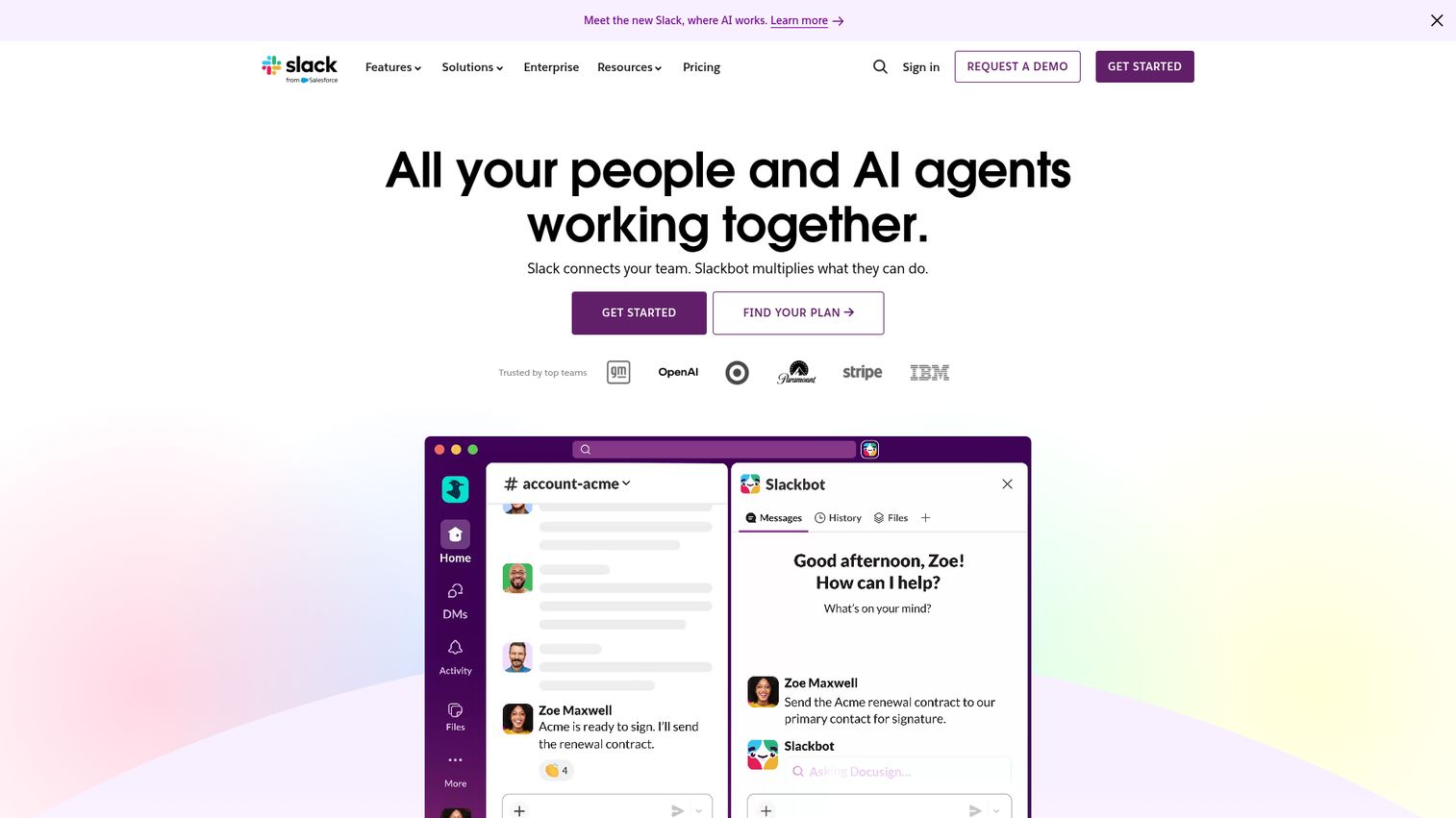
Slack is the default real-time messaging platform for most SaaS teams, and the question isn't whether to use it. The question is whether Slack alone is sufficient for internal communications at scale.
For peer-to-peer collaboration, it's hard to beat. Channels, threads, huddles, and 2,600+ app integrations make it the connective tissue of most SaaS stacks. The recent Slack AI features add summarization and search across conversations, which helps with information retrieval on paid plans.
But here's where it falls short: channel sprawl becomes a real problem past 50 people. Important announcements compete with GIF reactions and lunch polls. There's no built-in analytics to tell you whether 80% of the team read your strategy update or 8%. Slack is a collaboration tool, not an employee communication platform in the traditional sense. For structured company updates, leadership narratives, and employee engagement, you'll need something purpose-built alongside it.
Best for: SaaS teams that need real-time team collaboration and already have Slack as their default communication layer.
Key strengths
- Channel-based organization with threads for focused discussions
- 2,600+ app integrations connecting to virtually every SaaS tool
- Workflow Builder for automating routine communications
- Huddles for quick audio/video conversations
- Slack AI for search and summarization on paid plans
Pricing: Free tier available. Pro from $8.75/user/month. Business+ from $12.50/user/month.
2. Staffbase
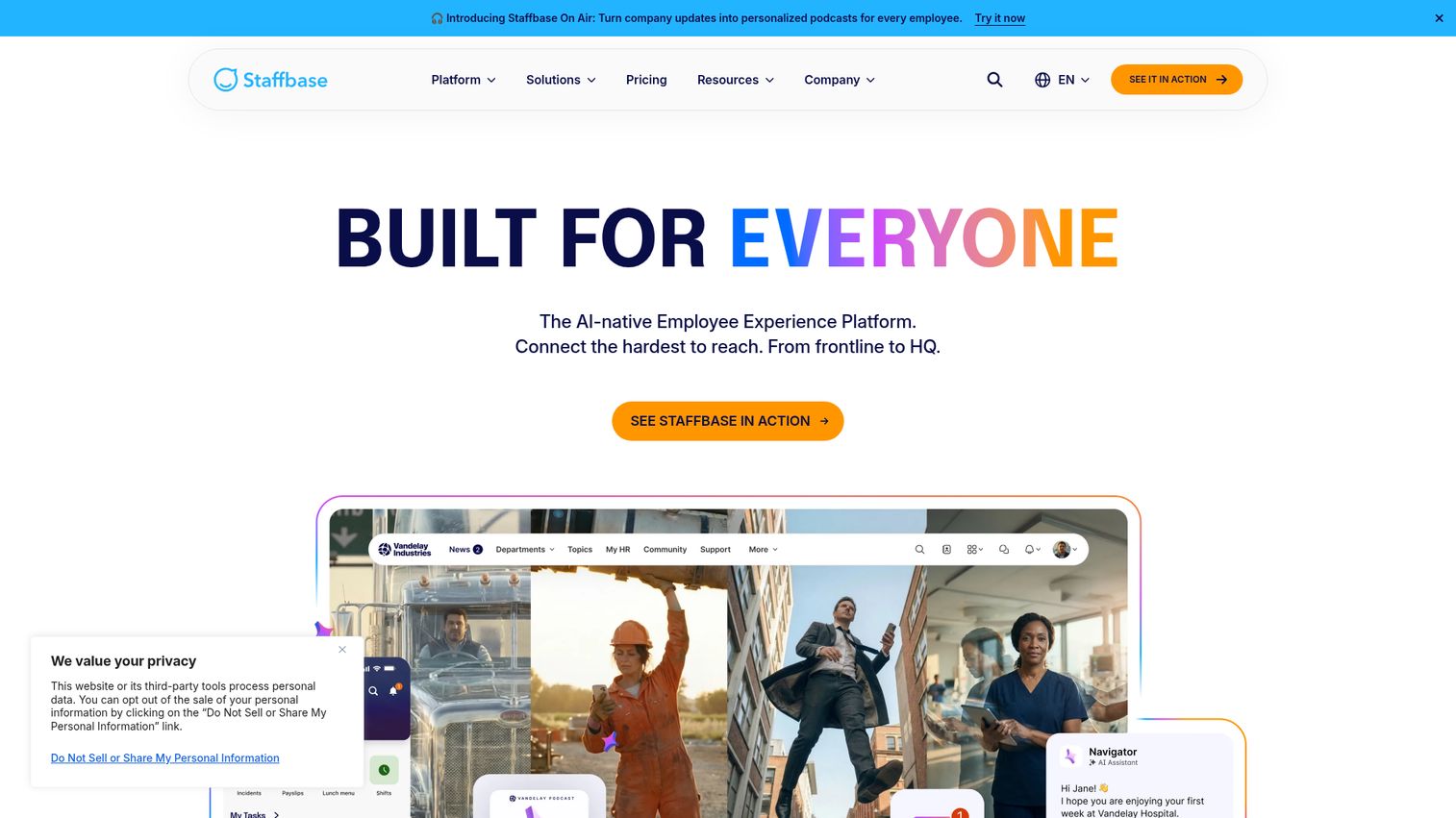
Staffbase is the enterprise-grade IC platform that's increasingly adopted by mid-market SaaS companies looking for a unified internal comms hub. It combines an employee app, email newsletters, intranet, and digital signage into one platform with strong editorial workflows.
The editorial calendar and approval workflows are where Staffbase stands out for teams with dedicated IC functions. You can plan, draft, approve, and distribute communications across multiple channels from a single interface. Staffbase acquired Bananatag and Dirico, which deepened its email analytics and content management capabilities. The analytics dashboard shows real reach and engagement metrics, not just send confirmations.
The trade-off is scope. Staffbase is powerful but may be more infrastructure than a 50-person SaaS company needs today. The custom pricing typically skews mid-market to enterprise. Worth evaluating if you're on a trajectory to 200+ employees within 12 months, but it could feel like overkill if you're still at 60 people and just need better company updates.
Best for: Companies with 200+ employees that need a unified platform for newsletters, intranet, and employee app.
Key strengths
- Multi-channel publishing across email, app, intranet, and digital signage
- Editorial calendar and approval workflows for IC teams
- Employee app with push notifications for distributed teams
- Analytics dashboard with reach and engagement metrics
- Microsoft 365 and Google Workspace integrations
Pricing: Custom pricing (typically mid-market to enterprise).
3. ContactMonkey
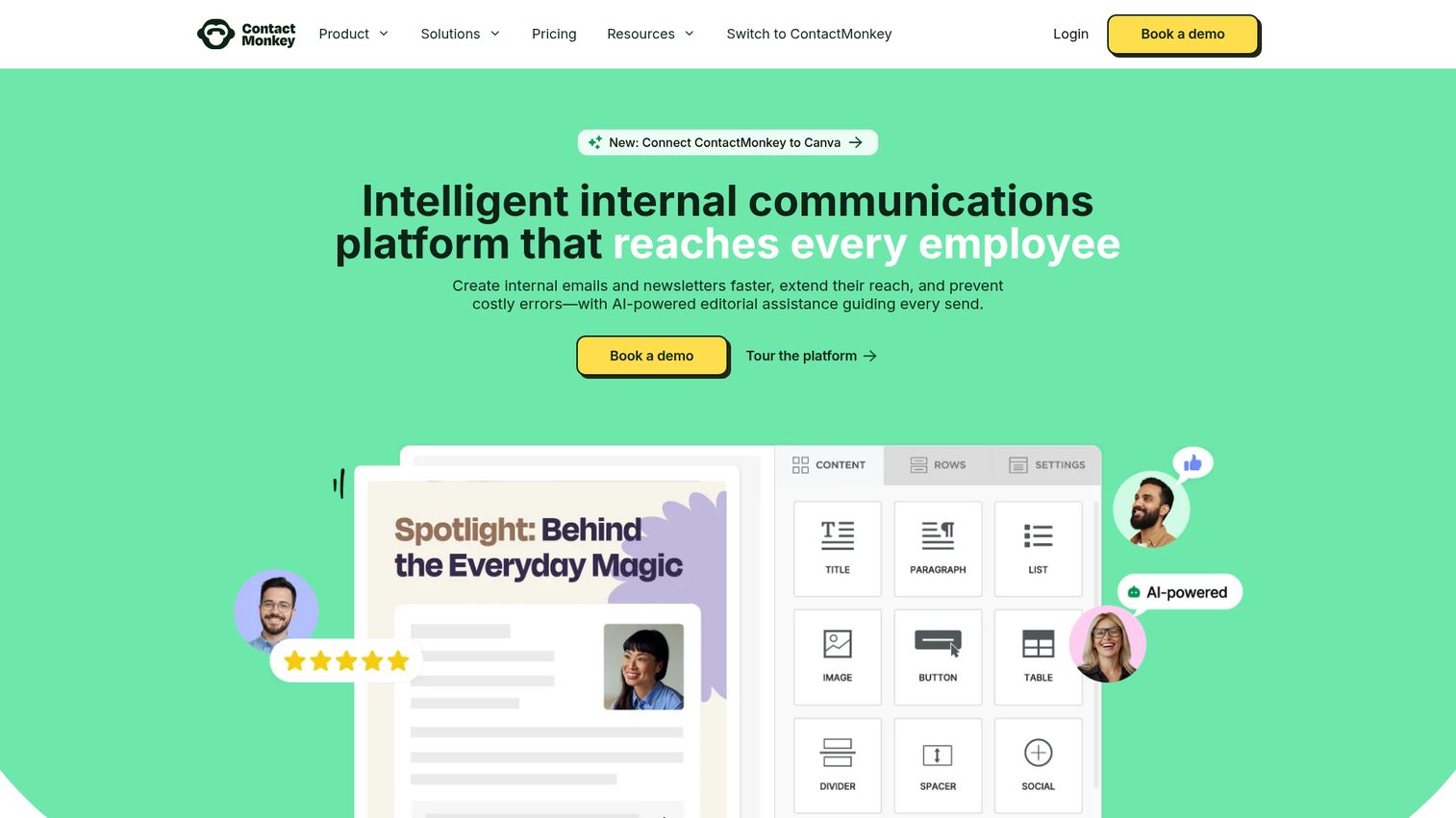
ContactMonkey is the best option for teams that want to keep internal comms inside email rather than adding a new platform. It plugs directly into Outlook or Gmail, which means zero adoption friction for the sender.
The real differentiator is analytics. You get real-time data on opens, clicks, read time, and device type for every internal email you send. The drag-and-drop email builder with Canva integration makes it easy to create visually polished newsletters without a designer. The AI-powered writing assistant helps draft and refine content. And the embedded pulse surveys and eNPS tracking let you collect employee feedback without sending a separate survey.
The honest limitation: ContactMonkey works well if your team already lives in email. If your team is Slack-first (as most SaaS companies tend to be), the email-centric approach may feel like a step backward. You're adding analytics to a channel your team might not check first. For companies where email is still the primary communication channel, though, it's one of the strongest employee communication tools available. If you're also looking to optimize your outbound email workflows, explore our guide to the best email tracking software tools.
Best for: Teams that want internal newsletter analytics without leaving Outlook or Gmail.
Key strengths
- Native Outlook and Gmail integration with no new tool to adopt
- Drag-and-drop email builder with Canva integration
- AI-powered email writing assistant
- Real-time analytics on opens, clicks, and read time
- Pulse surveys and eNPS tracking embedded directly in emails
Pricing: From approximately $10/user/month.
4. Workvivo
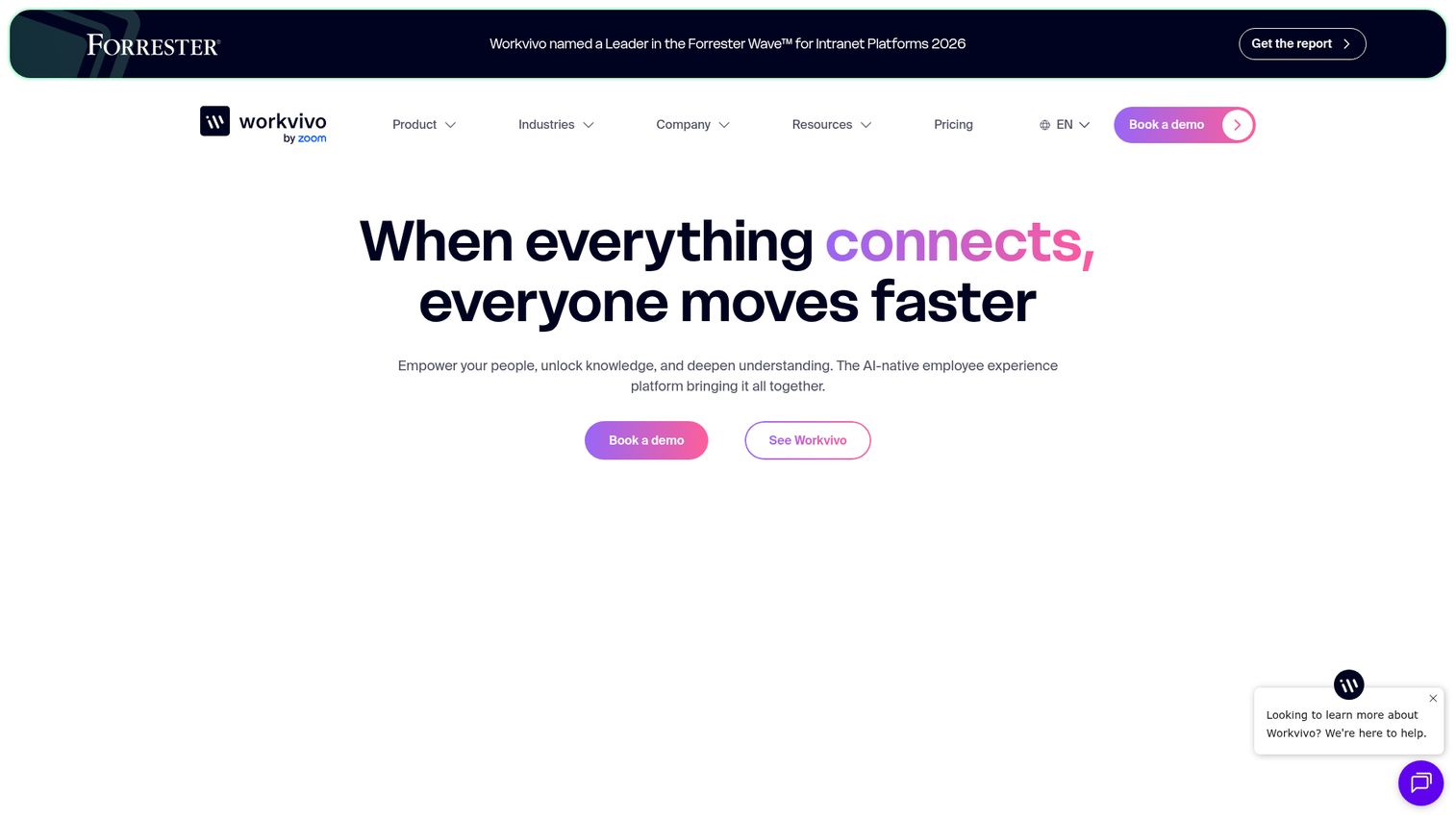
Workvivo is the employee engagement platform that Zoom acquired in 2023, and the social-media-style interface is what makes it click for remote and hybrid teams. It feels more like an internal LinkedIn or Facebook than a traditional intranet.
The feed-based approach works particularly well for culture-building. Employees can post updates, share recognition shout-outs, react, and comment in a format that feels intuitive because they already use it outside of work. Leadership can post podcast episodes and video updates directly in the platform. Community spaces organized by team, project, or interest help distributed teams feel connected. And the deep Zoom integration (now that Zoom owns it) adds native video capabilities.
The trade-off: Workvivo is strongest for culture and engagement. If your primary need is structured top-down communications with campaign-style analytics, like tracking whether 90% of the team read the Q3 strategy update, you may want something more newsletter or campaign-oriented alongside it. It's an engagement layer, not a broadcast system.
Best for: Remote/hybrid SaaS teams that want a social-media-style employee engagement platform.
Key strengths
- Social feed with posts, reactions, comments, and shares
- Employee recognition and shout-outs built into the platform
- Podcast and video hosting for leadership updates
- Deep Zoom integration with native video capabilities
- Community spaces organized by team, project, or interest
Pricing: Custom pricing.
5. Connecteam
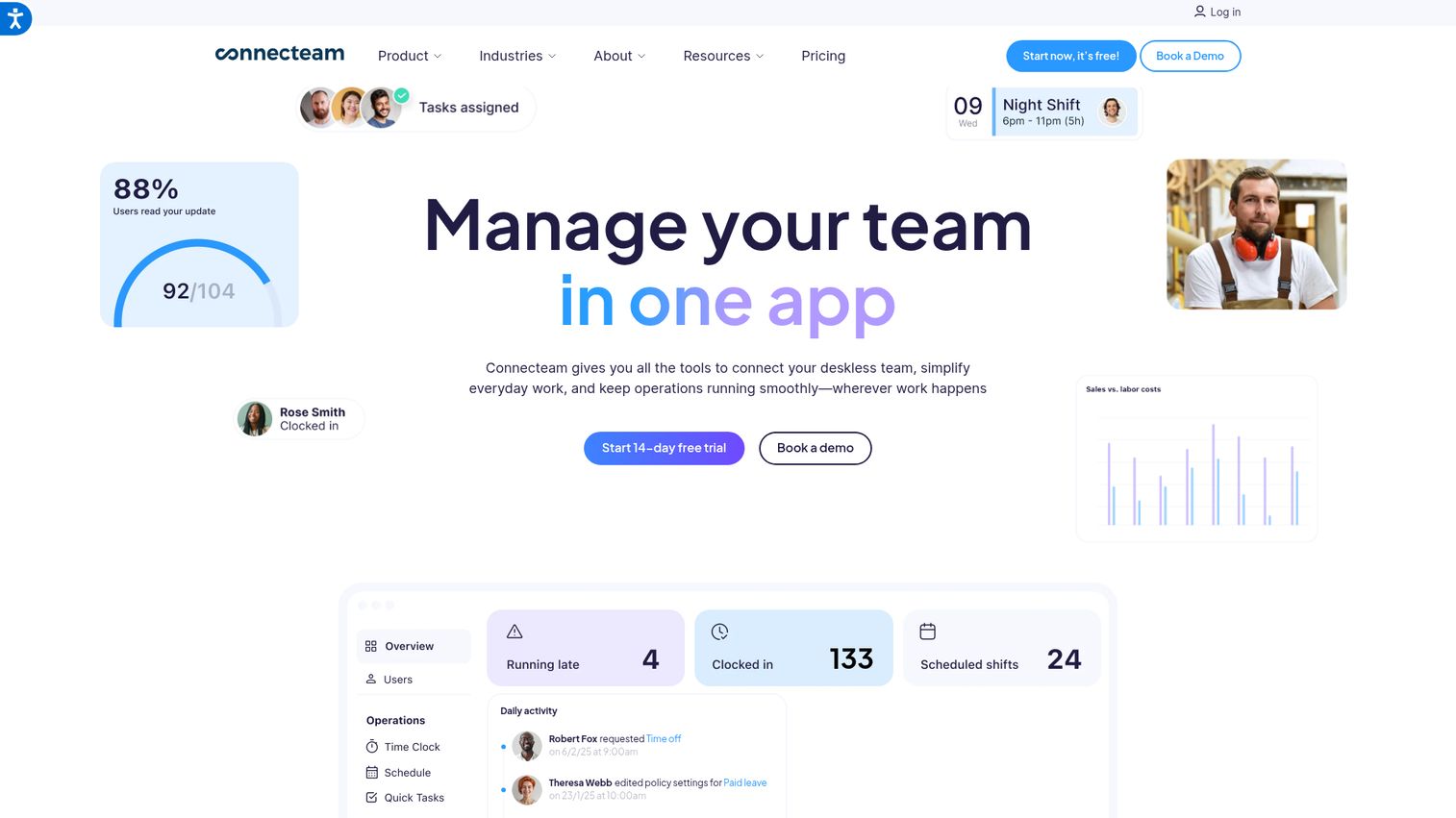
Connecteam is a mobile-first employee communication app designed for deskless and frontline workers. If your entire team sits at desks and lives in Slack, this probably isn't for you. But if any part of your organization includes field teams, customer-facing staff, or distributed ops people who don't have a laptop open all day, Connecteam is one of the strongest options at this price point.
The platform goes well beyond communications. It bundles scheduling, time tracking, training, forms, and checklists alongside the news feed and company updates. The company news feed includes read receipts, so you know who saw the update and who didn't. The free tier for up to 10 users makes it easy to test.
The honest take: if your entire team is desk-based, Connecteam is overkill. The scheduling and time tracking features are built for operational workflows that most SaaS teams don't have. But for companies with even a small mobile or frontline component, the combination of communications, training, and operations in one internal communication app is hard to match.
Best for: Companies with frontline, deskless, or mobile-first teams.
Key strengths
- Mobile-first design with offline access for field teams
- Company news feed with read receipts
- Built-in scheduling, time tracking, and training modules
- Forms and checklists for operational workflows
- Free plan for up to 10 users
Pricing: Free for small teams. Paid plans from $29/month (for up to 30 users).
6. Microsoft Viva
Microsoft Viva is the native internal comms option for companies already running Microsoft 365 and Teams. It's modular: Viva Connections gives you an intranet-style dashboard inside Teams, Viva Engage (the Yammer rebrand) handles community discussions, and Viva Amplify enables multi-channel campaign publishing.
If you're a Microsoft shop, this is the path of least resistance. No context switching, no new login, no separate app. The Copilot AI features are starting to add genuine value for drafting and summarizing communications. Some Viva features come included with existing Microsoft 365 licenses, which makes the incremental cost lower than most standalone IC platforms.
The honest take: if you're not already deep in Microsoft 365, the learning curve and ecosystem lock-in make Viva a poor fit. The modular structure can also be confusing to set up. Figuring out which Viva module does what (and which ones require additional licensing) takes more effort than it should. For Google Workspace teams, skip this entirely and look at LumApps or Simpplr instead.
Best for: Companies already running Microsoft 365 and Teams as their primary workspace.
Key strengths
- Native Microsoft Teams integration with no context switching
- Viva Connections for intranet-style dashboards
- Viva Engage for community discussions (formerly Yammer)
- Viva Amplify for multi-channel campaign publishing
- Built-in analytics and Copilot AI features
Pricing: Some features included in Microsoft 365. Full Viva suite from $4/user/month add-on.
7. Simpplr
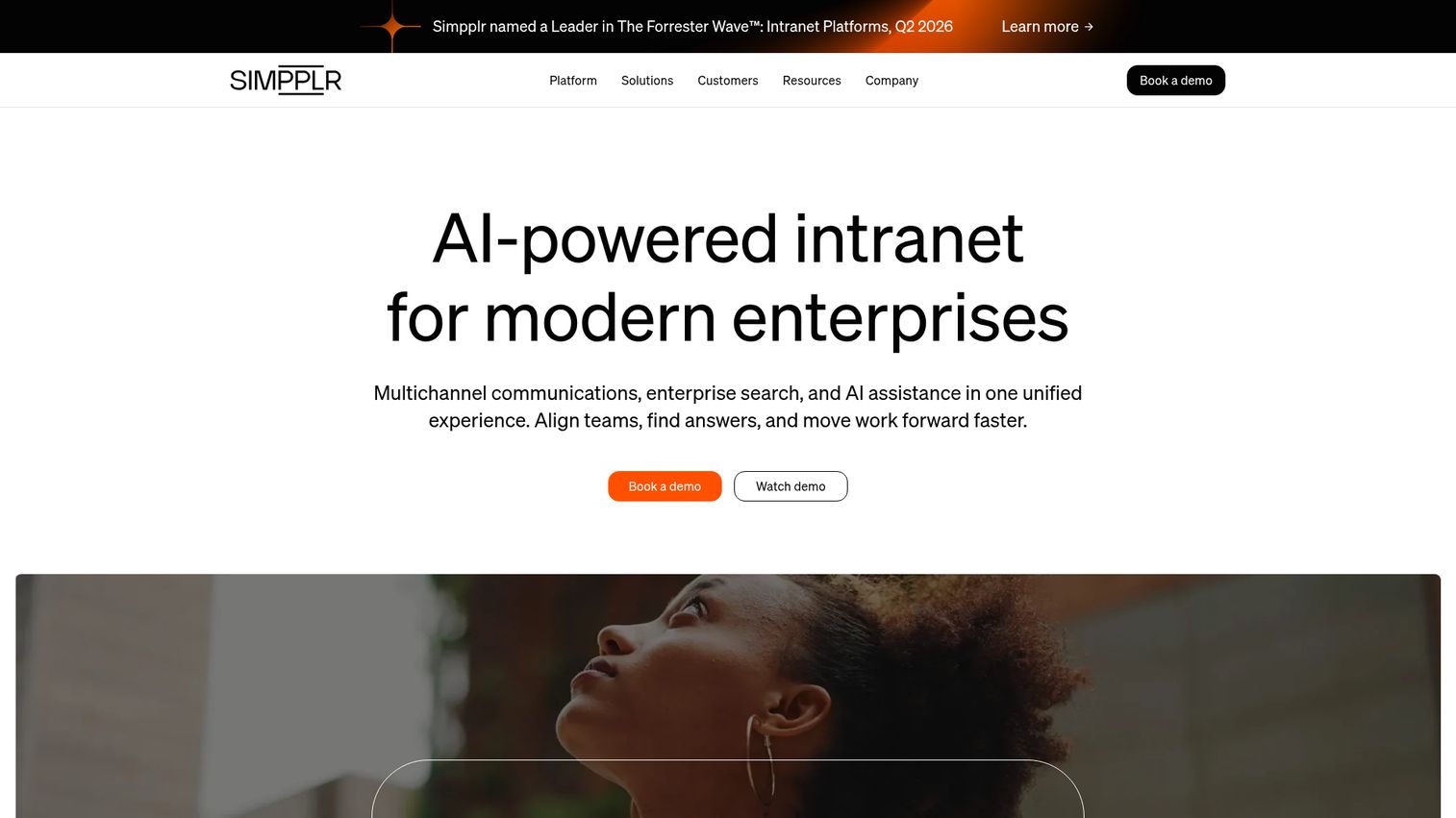
Simpplr is an AI-powered modern intranet that focuses on personalized content delivery. The AI engine surfaces relevant content to each employee based on their role, department, and behavior, which means the new hire in engineering sees different content than the VP of Sales.
The AI features here are genuinely useful, not just marketing. The writing assistant helps draft communications. The auto-governance engine flags outdated content and nudges authors to update or archive it, which addresses one of the biggest intranet problems: stale pages that nobody maintains. The UX is clean and consumer-grade, which helps with adoption.
The honest take: Simpplr is one of the better-designed intranets available. But intranet adoption is historically low at companies under 200 people. Before committing, ask yourself honestly whether your team will actually visit an intranet daily, or whether updates will still flow through Slack. If the answer is Slack, consider pairing Simpplr with a tool that pushes content into channels your team already uses.
Best for: Mid-market SaaS companies that want a modern, AI-personalized intranet.
Key strengths
- AI-powered content personalization and recommendations
- AI writing assistant for drafting internal communications
- Auto-governance to flag and manage outdated content
- Clean, consumer-grade UX that drives adoption
- Integrations with Slack, Microsoft Teams, Google Workspace, and major HRIS platforms
Pricing: Custom pricing.
8. Haiilo
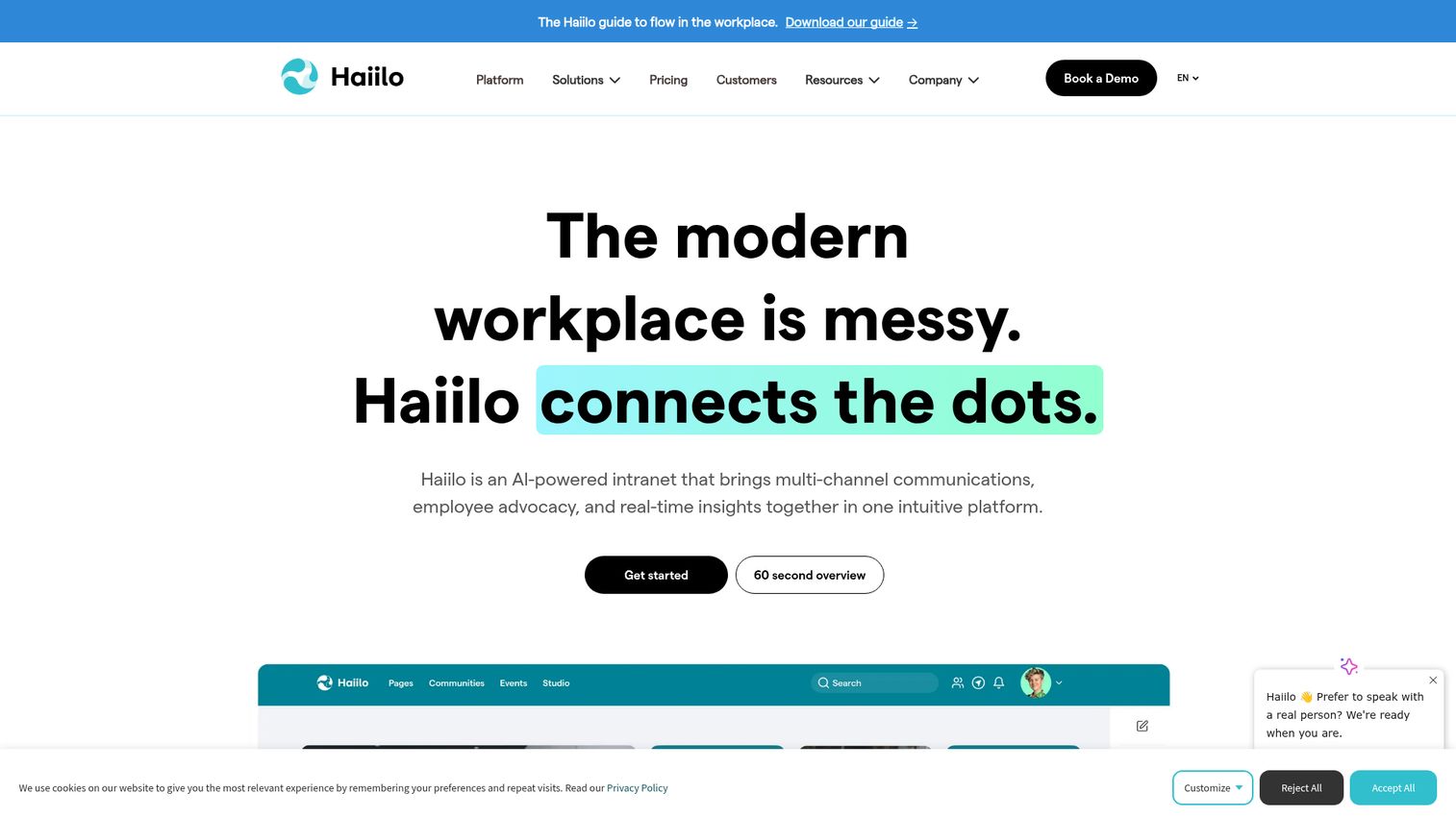
Haiilo is the platform that combines internal communications with employee advocacy, and that combination is its genuine differentiator. Employees can share approved company content on their personal social channels, which is valuable for employer branding, hiring, and GTM amplification.
The internal news feed handles targeted communications by department, role, or location. Content curation and approval workflows ensure that what employees share externally is on-brand and approved. The analytics cover both internal engagement and external social reach, giving you a complete picture of how company content performs inside and outside the organization. Multi-language support makes it a fit for global teams. If employee advocacy is a core part of your strategy, you may also want to explore dedicated employee advocacy software tools to compare approaches.
The honest take: the advocacy feature is a genuine differentiator if your GTM motion benefits from employee social presence. Most B2B SaaS companies do benefit from this, especially for hiring and brand awareness. But if you only need internal comms and don't plan to use the advocacy module, you're paying for functionality you won't touch. In that case, a more focused internal communications tool would be a better fit.
Best for: SaaS companies that want internal comms and employee social advocacy in one platform.
Key strengths
- Internal news feed with targeted communications
- Employee advocacy module for approved social sharing
- Content curation and approval workflows
- Analytics on both internal engagement and external social reach
- Multi-language support for global teams
Pricing: Custom pricing.
9. LumApps
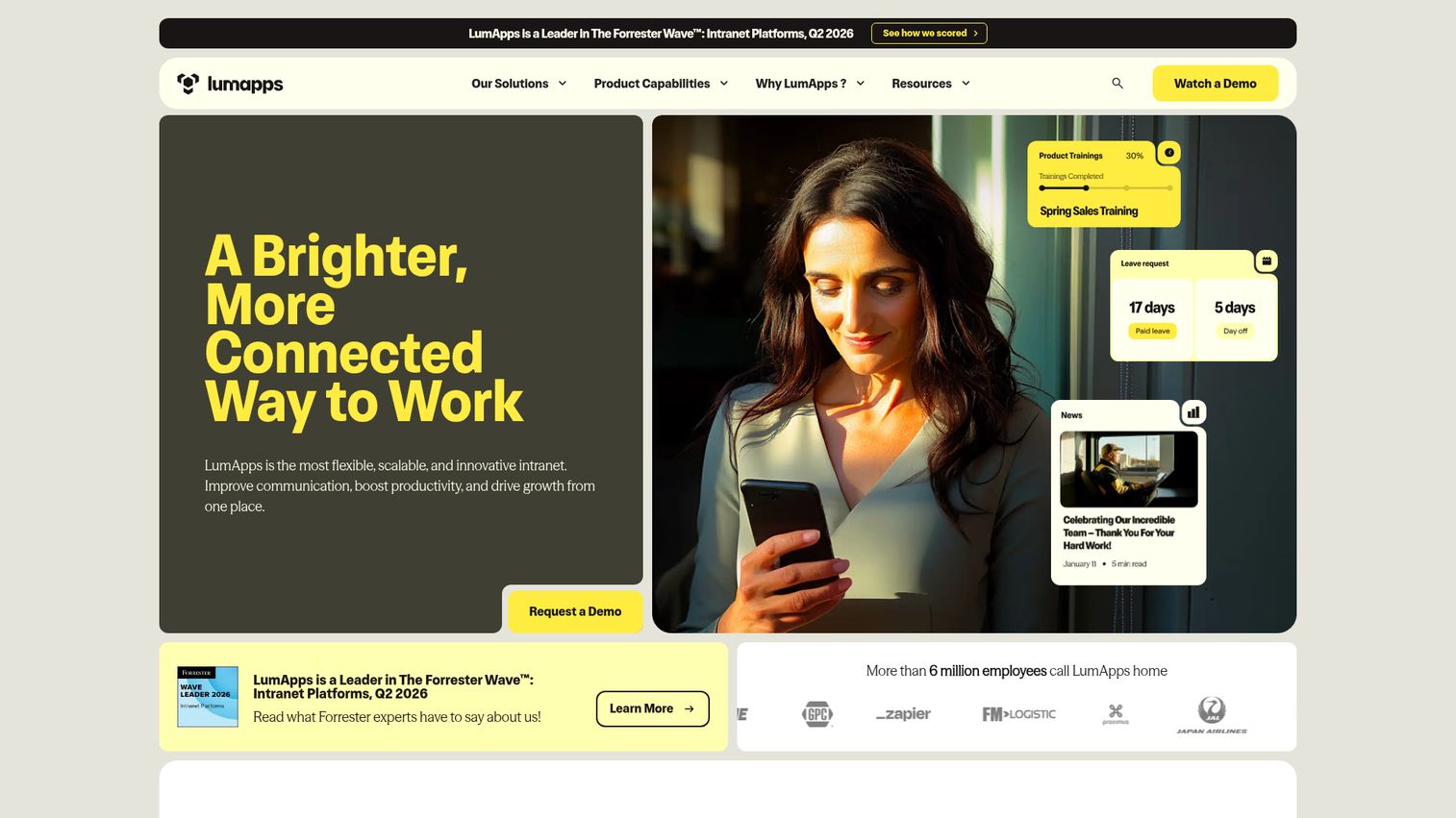
LumApps is the strongest intranet option for Google Workspace-centric companies. The native integration with Google Drive, Calendar, Chat, and other Google tools is deeper than what most competitors offer, which means your team doesn't need to leave the Google environment to access company communications.
Targeted communications by department, role, or location help ensure the right people see the right updates. Social features with communities and discussions add an engagement layer. The knowledge base and document management capabilities reduce the need for a separate wiki. A mobile app extends reach to distributed teams.
The honest take: if you're a Google shop, LumApps is the obvious choice for an intranet-style internal comms platform. If you're on Microsoft 365, look at Viva or Simpplr instead. The custom pricing means you'll need to talk to sales, which adds friction to evaluation. LumApps also supports Microsoft 365, but the Google integration is where it genuinely shines.
Best for: Companies running Google Workspace that want a native intranet experience.
Key strengths
- Deep Google Workspace integration with Drive, Calendar, and Chat
- Targeted communications by department, role, or location
- Social features with communities and discussions
- Knowledge base and document management capabilities
- Mobile app for distributed teams
Pricing: Custom pricing.
10. Blink
Blink is a mobile-first employee app for distributed and frontline teams. It's similar to Connecteam in audience but puts a stronger emphasis on the communication feed and less on operational tools like scheduling. The UX is clean and intuitive, which helps with adoption among non-desk workers.
The news feed supports targeted content delivery, so different teams see different updates. Secure chat handles both team and individual messaging. The document hub and knowledge base give employees a single place to find policies, procedures, and resources. Integrations with HRIS, payroll, and productivity tools connect Blink to the broader employee experience.
The honest take: Blink is well-designed and intuitive. But if your team already lives in Slack on mobile, adding another mobile app for communications may create adoption friction rather than solving it. Blink works best when it's the primary digital communication tool for a workforce that doesn't have Slack or Teams, not as an addition to an already crowded stack.
Best for: Distributed teams that need a mobile-first communication hub.
Key strengths
- Mobile-first design with push notifications
- News feed with targeted content delivery
- Secure chat for teams and individuals
- Document hub and knowledge base
- Integration with HRIS, payroll, and productivity tools
Pricing: Custom pricing.
11. Poppulo
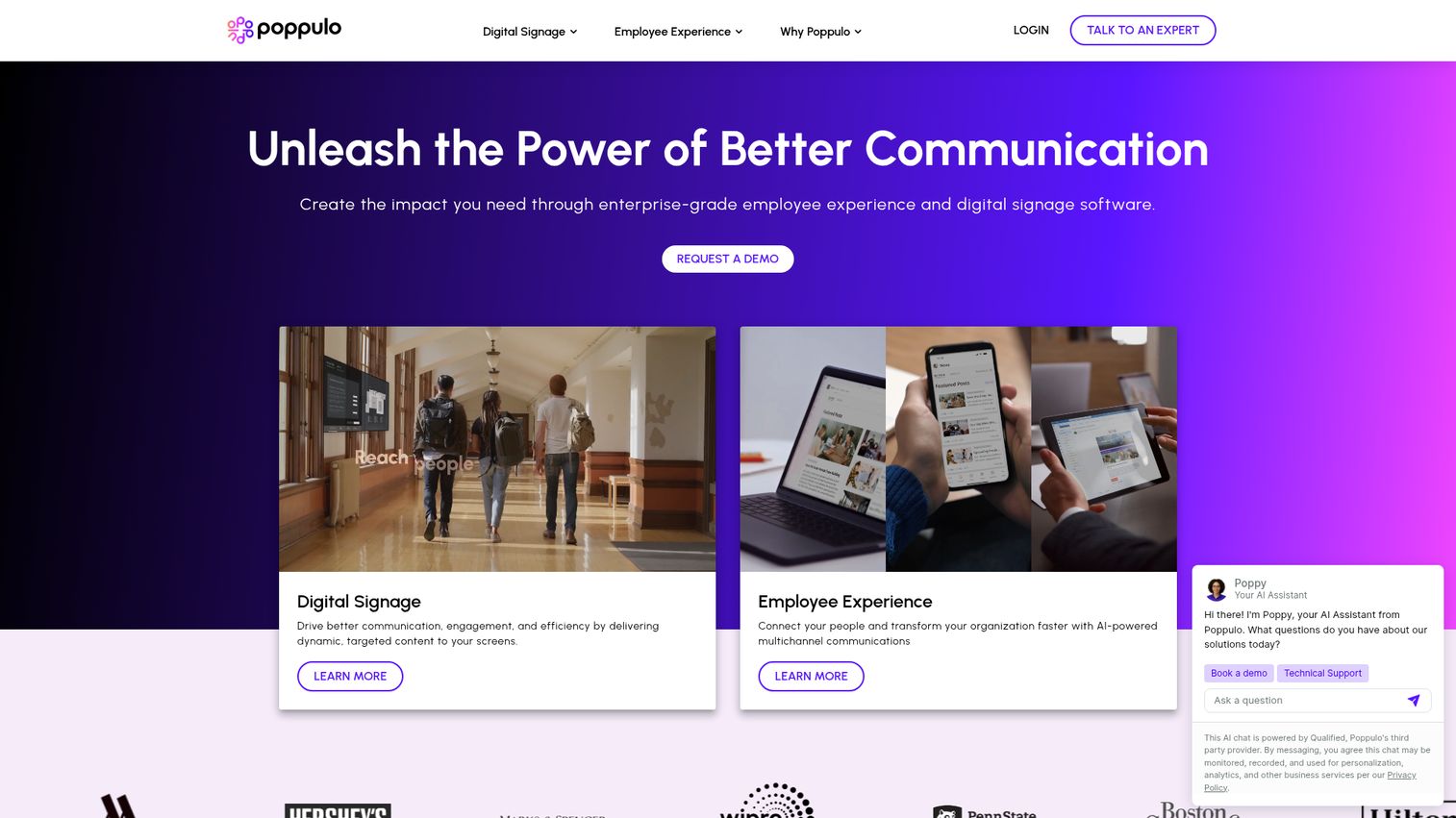
Poppulo is the omnichannel communications platform for companies that need to reach employees across email, mobile, intranet, and digital signage from a single system. The Poppulo Harmony platform unifies all of these channels with audience segmentation and campaign-style analytics.
Content templates and approval workflows keep communications consistent and on-brand. The campaign-style reporting shows reach, engagement, and performance across every channel, which is useful for IC teams that need to prove impact. Integration with Microsoft 365 and workplace management tools extends its reach into the broader employee experience.
The honest take: Poppulo is built for scale. A 50-person SaaS company won't need digital signage or omnichannel distribution. The feature set and pricing reflect a 500+ employee organization with a dedicated IC function. Put this on the radar for when you're past 500 employees, not before.
Best for: Companies with 500+ employees that need omnichannel reach across email, app, and signage.
Key strengths
- Omnichannel distribution across email, mobile, intranet, and digital signage
- Audience segmentation and targeting
- Campaign-style analytics and reporting
- Content templates and approval workflows
- Integration with Microsoft 365 and workplace management tools
Pricing: Custom pricing.
12. Axios HQ
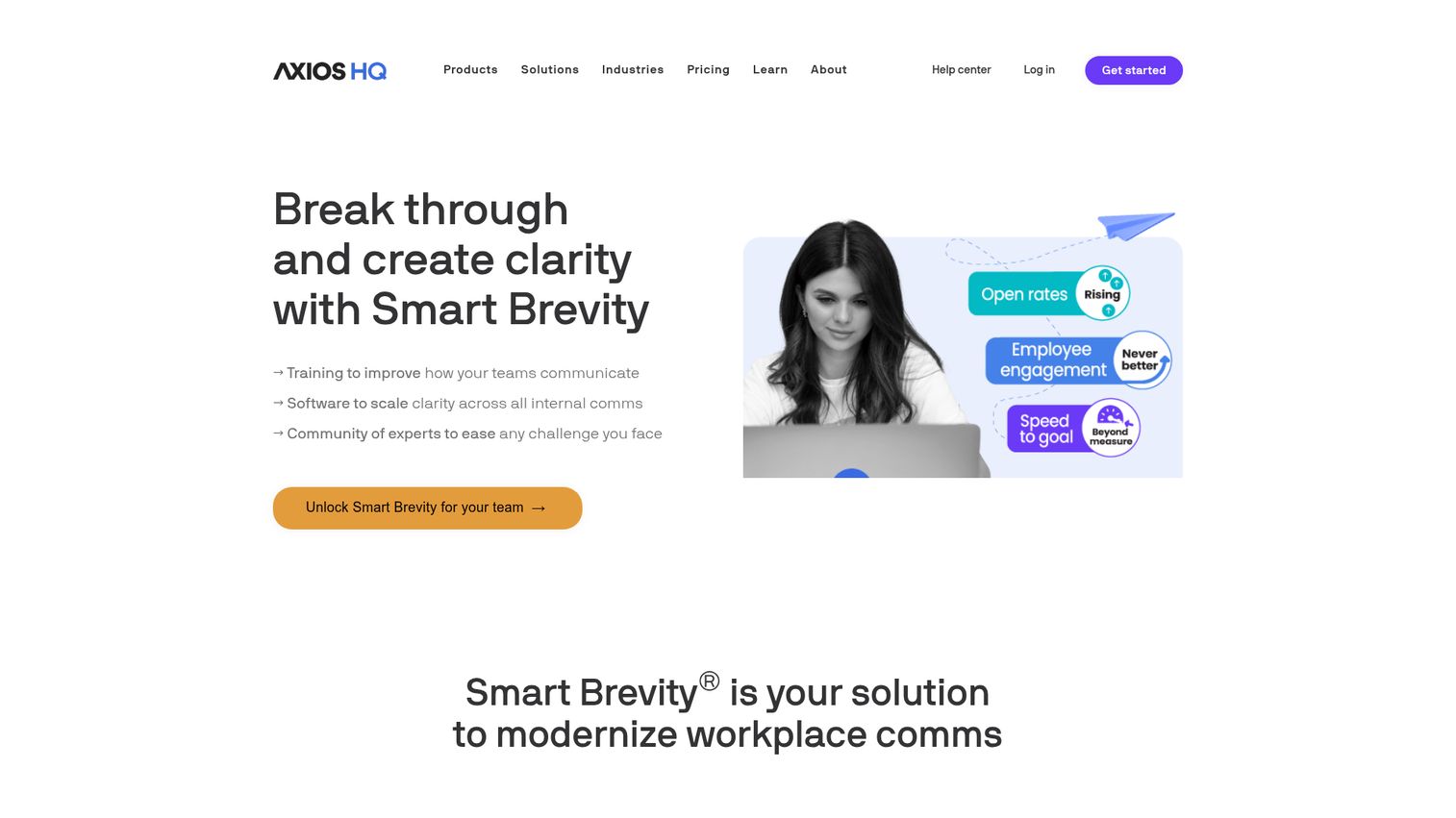
Axios HQ is for founders and leaders who want to write better internal updates, not just distribute them. The "Smart Brevity" methodology, borrowed from the Axios newsroom, uses AI to guide the writer toward clarity and conciseness. It forces structure so updates are actually read, not skimmed and forgotten.
Templates cover company updates, team newsletters, and board communications. Analytics track open rates, read time, and engagement. Audience segmentation lets you target updates to specific teams or roles. The writing experience is clean and distraction-free. If you're also investing in external content, our roundup of the best content creation software tools covers platforms that complement your internal writing workflow.
The honest take: Axios HQ doesn't replace Slack or an intranet. It's a writing tool for leadership communications. If your biggest problem is that nobody reads your company updates because they're too long and unfocused, this is the fix. The Smart Brevity framework genuinely improves readability. But if you need a full IC platform with an employee app, intranet, and engagement features, pair Axios HQ with something else.
Best for: Founders and leaders who want to write internal updates people actually read.
Key strengths
- Smart Brevity AI guides writing for clarity and impact
- Templates for company updates, team newsletters, and board comms
- Analytics on open rates, read time, and engagement
- Audience segmentation for targeted updates
- Clean, distraction-free writing experience
Pricing: From approximately $10/user/month.
13. Chanty
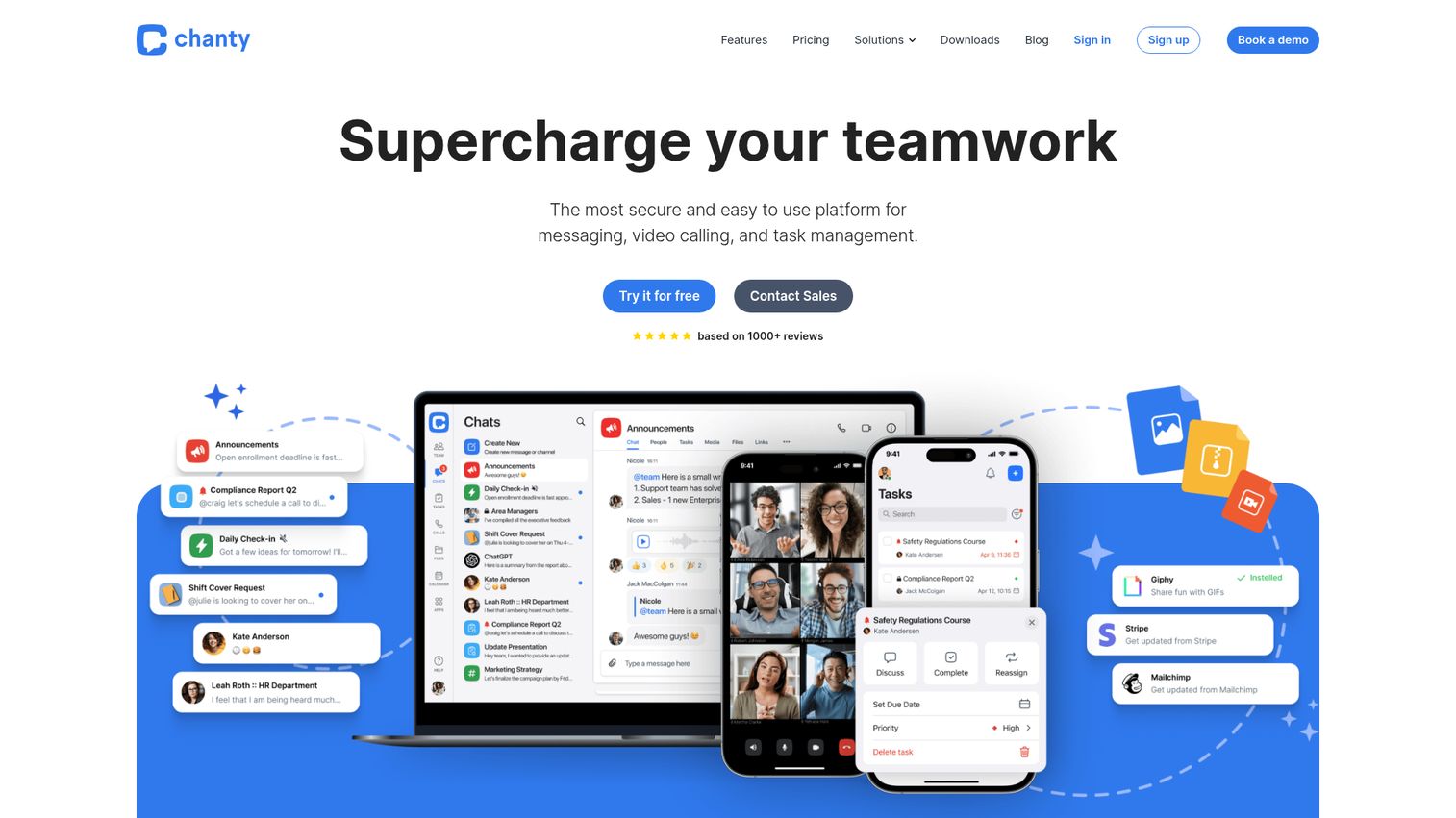
Chanty is a lightweight, affordable Slack alternative for small teams that find Slack too expensive or too complex. The interface is simple and clean, with a low learning curve that means your team is up and running in minutes.
Unlimited message history on all plans is a notable advantage over Slack's free tier, which limits searchable history. The built-in task management with a Kanban board adds basic project tracking without needing a separate tool. Audio and video calls are included. The pricing is aggressive: free for up to 5 users, $4/user/month after that.
The honest take: Chanty is a budget team communication tool, not a dedicated IC platform. If you need structured company communications, analytics, or employee engagement features, you'll outgrow it quickly. It's a solid fit for seed-stage teams under 30 people who want simple messaging. For Series B companies with 50+ employees, it lacks the depth you'll need.
Best for: Small teams (under 30) that want simple, affordable team messaging.
Key strengths
- Simple, clean interface with low learning curve
- Unlimited message history on all plans
- Built-in task management with Kanban board
- Audio and video calls included
- Affordable pricing for small teams
Pricing: Free for up to 5 users. Paid plans from $4/user/month.
14. Firstup
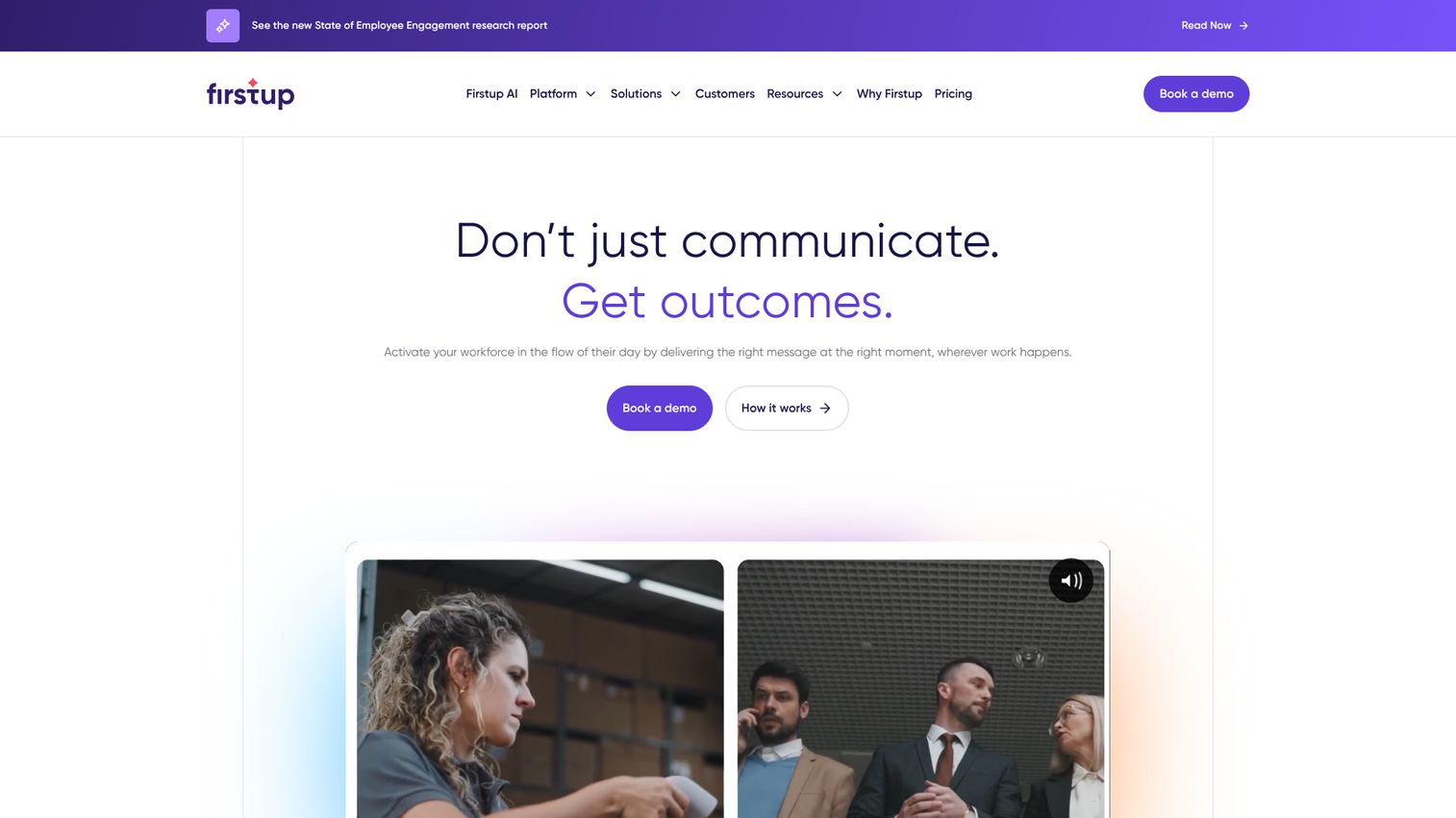
Firstup is the intelligent communications platform for larger organizations that need campaign-style internal communications with deep audience segmentation. Formerly SocialChorus and Dynamic Signal, it combines AI-powered content recommendations with multi-channel distribution across email, app, and intranet.
The audience targeting is where Firstup stands out. You can segment by role, department, location, tenure, and behavior to ensure the right people get the right message at the right time. Employee journey orchestration handles lifecycle comms for onboarding, milestones, and role transitions. Detailed analytics cover reach, engagement, and sentiment.
The honest take: Firstup is built for large organizations. The segmentation and orchestration capabilities are impressive but unnecessary for a 50-person team. Evaluate when you're past 300 employees and have a dedicated IC function. At that scale, the campaign-style approach starts to pay for itself.
Best for: Companies with 500+ employees that need campaign-style internal communications with deep segmentation.
Key strengths
- AI-powered audience targeting and content recommendations
- Campaign-style distribution across email, app, and intranet
- Detailed analytics on reach, engagement, and sentiment
- Integrations with Microsoft 365, Google Workspace, and major HRIS
- Employee journey orchestration for onboarding and lifecycle comms
Pricing: Custom pricing (enterprise-focused).
15. Google Workspace
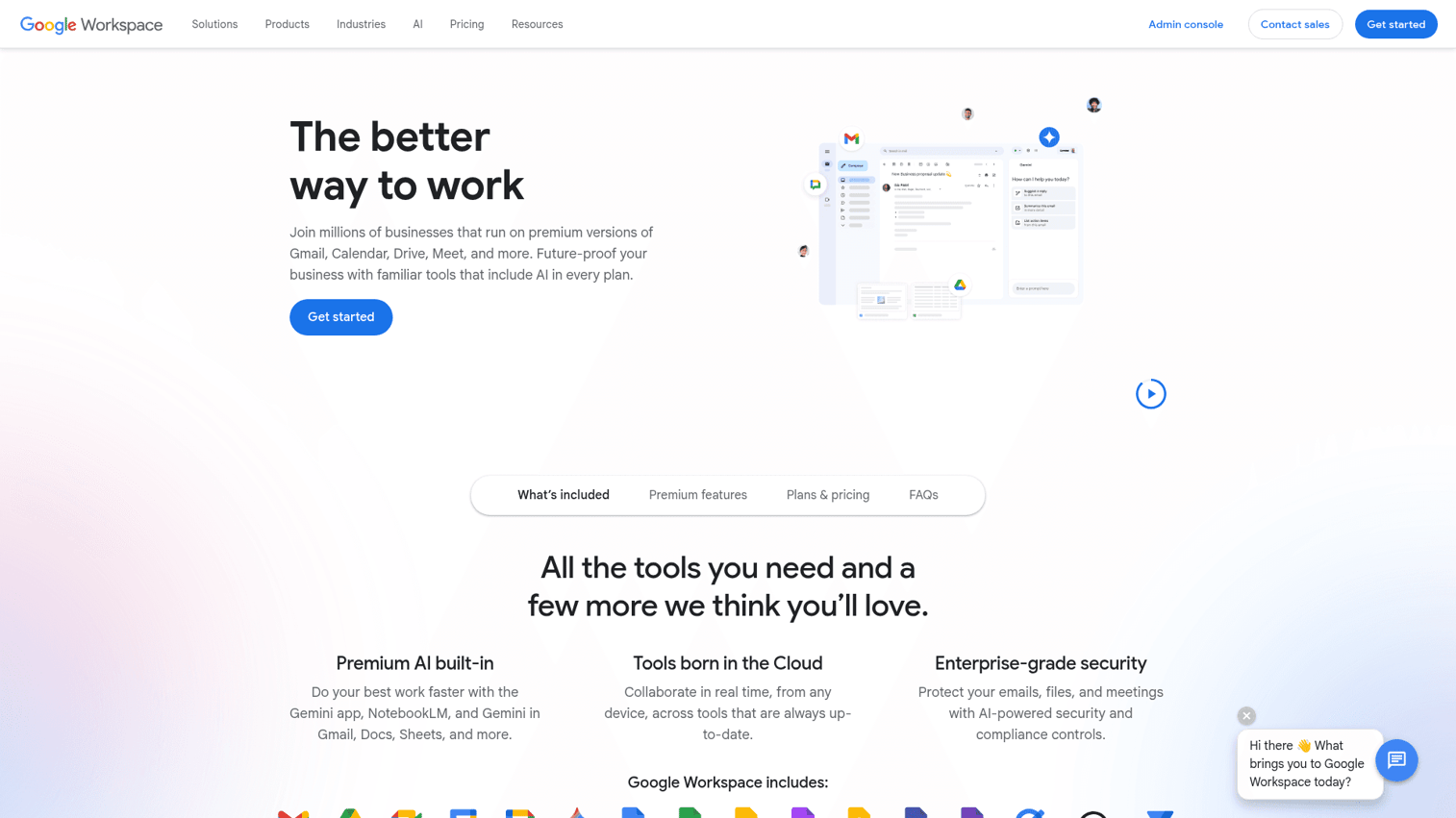
Google Workspace is the default collaboration suite that many SaaS teams already use, with underutilized IC capabilities. Google Chat, Spaces, and Sites can serve as basic internal communication infrastructure. The advantage is zero adoption friction if the team is already on Google.
Gmail handles company-wide announcements. Google Spaces provides topic-based discussions. Google Sites can serve as a simple intranet for policies, resources, and team pages. Deep integration with Drive, Calendar, Docs, and Meet means everything lives in one environment. Admin controls allow organization-wide settings for distribution and access.
The honest take: Google Workspace handles basic internal communication but lacks the analytics, targeting, and engagement features of dedicated IC software. You can't track whether 80% of the team read your update. You can't segment by department or role. It's a starting point, not a destination. Most teams outgrow it for IC purposes around 50 to 75 employees.
Best for: Early-stage SaaS teams already on Google Workspace that need basic internal communication without adding another tool.
Key strengths
- Google Chat and Spaces for team messaging
- Google Sites for simple intranet pages
- Gmail for company-wide announcements
- Deep integration with Drive, Calendar, Docs, and Meet
- Admin controls for organization-wide settings
Pricing: From $7/user/month (Business Starter).
Key considerations when choosing internal communications software
Integration with your existing stack
Does it connect to Slack, your HRIS, your project management tool, and your CRM? If it creates another silo, adoption will be low. The best internal communication tools work where your team already works. When evaluating how well a new tool plugs into your workflow, a strong integrations ecosystem is non-negotiable.
Pricing model at your scale
Per-seat pricing that scales aggressively is a red flag at 50 to 150 employees. Calculate the annual cost at your current headcount AND at 2x headcount. A tool that costs $5K/year today but $15K/year at 150 people changes the math.
Analytics that prove reach
Open rates and engagement metrics are the minimum. If you can't tell whether people actually read the update, you're sending messages into a void. The best employee communication platforms show you who read it, how long they spent, and where they dropped off. Teams that invest in product analytics software alongside IC tools get an even clearer picture of how communication drives behavior.
Mobile access
If any part of your team is remote, distributed, or not desk-based, mobile access is non-negotiable. Remote work tools need to meet people where they are, not where you wish they were.
Admin overhead
Who maintains this tool? If it requires a dedicated IC manager to operate, factor that headcount cost into the ROI calculation. For teams under 150, the tool should be manageable by your VP of Ops or People lead as part of their existing workflow.
Speed to first value
Can you send your first company-wide update within the first week? If setup takes a month, you'll lose momentum and executive sponsorship. Fast time-to-value matters for adoption.
Founder-to-team handoff
You might evaluate this tool, but your VP of Ops or People lead will own it. If it requires the founder to keep driving it, it fails the delegation test. The right internal communication platform runs without you.
Choosing the right internal communications software
The right tool depends on three things: your current stack (Microsoft vs. Google vs. Slack-first), your team size, and whether you need structured top-down communications or better real-time collaboration.
For most SaaS teams at 50 to 150 people: start with Slack plus one dedicated IC tool. ContactMonkey for email-centric teams, Workvivo for engagement-focused teams, Axios HQ for leadership communications. For teams scaling past 200: evaluate Staffbase, Simpplr, or Haiilo for a more comprehensive platform.
Whatever you choose, the test is simple: does your VP of Ops or People lead run this without you? If yes, it's working. If you're still the one writing every company update, the tool isn't the problem.
One adjacent challenge worth noting: when you roll out new internal tools, onboarding your team on how to use them is its own communication problem. Interactive product walkthroughs can help employees learn new software without scheduling training sessions or writing lengthy documentation. Companies that pair IC rollouts with digital adoption platforms see faster adoption and fewer support tickets. You can also build a knowledge base with embedded guided demos so employees can self-serve answers to common tool questions.
Start your journey with Guideflow today!
FAQs
Internal communications software is a category of tools that help companies distribute updates, align teams, collect feedback, and measure whether employees are actually receiving and engaging with important information. It's different from collaboration tools like Slack or Teams, which handle peer-to-peer work conversations. IC software handles structured, top-down communications that need guaranteed reach.
Slack and Teams are collaboration tools for real-time, peer-to-peer work conversations. Internal communications software handles structured, top-down communications: company updates, policy changes, leadership narratives, and employee engagement. Most scaling companies need both. The IC tool ensures important messages don't get lost in a Slack channel with 200 unread messages.
Free options exist (Slack free tier, Google Workspace basics, Chanty). Dedicated IC platforms range from $4 to $15/user/month. Enterprise platforms like Staffbase, Simpplr, and Firstup are custom-priced and typically start at $10K+/year. For a 100-person SaaS company, budget $5K to $15K/year for a dedicated employee communication tool.
The trigger is usually around 50 employees. Before that, Slack plus email plus all-hands meetings work. After 50, critical updates start getting missed, messaging drifts across teams, and the founder realizes they're spending hours each week re-aligning people who should be aligned by default. That's the signal.
Gallup research shows that engaged employees are 59% less likely to look for a new job. IC software doesn't directly cause retention, but it addresses one of the top drivers of disengagement: feeling disconnected from the company's direction and decisions. The measurable impact shows up in engagement scores and eNPS, which correlate with retention over time.
For a SaaS company: Slack or Microsoft Teams (where your team already communicates), your HRIS (BambooHR, Rippling, Workday) for employee data and segmentation, Google Workspace or Microsoft 365 for email distribution, and your project management tool (Asana, Linear, Jira) for workflow context. If the IC tool doesn't connect to these, adoption will suffer. Evaluating the right CRM software integration is also important since your sales and customer-facing teams need aligned messaging.
At 50 to 150 employees, usually not. Most IC tools are designed to be managed by a VP of Ops, People lead, or even the founder as part of their existing workflow. Dedicated IC roles typically appear at 200+ employees. The key is choosing a tool with low admin overhead so it doesn't become another full-time job.
Track three things: (1) message reach and engagement rates (are people reading updates?), (2) reduction in "I didn't know about that" incidents (misalignment, duplicated work, missed policy changes), and (3) employee engagement scores (eNPS, pulse survey results). The clearest financial signal is reduced time spent in alignment meetings and fewer miscommunication-driven errors.