You sent 47 emails last week. Three people replied. You have no idea if the other 44 even opened them. Email tracking software changes that equation by showing you exactly who opened your message, when they clicked, and how many times they came back to reread it. This guide breaks down how tracking pixels work, compares 11 tools with real pricing and ratings, and covers the limitations you won't find on vendor websites.
What's inside
This guide covers what email tracking software does and how the underlying pixel technology works. You'll find a comparison of 11 tools with pricing, features, and G2 ratings, plus practical guidance on choosing the right one for your sales workflow. We also cover the real limitations of tracking data and how to combine it with other engagement signals for better pipeline prioritization.
TL;DR
- Email tracking software monitors when recipients open your emails and click links by embedding a tiny, invisible tracking pixel in the message.
- Top picks: Mailtrack for free Gmail tracking, HubSpot Sales Hub for CRM integration, and Mixmax for full sales engagement in Gmail.
- Selection criteria: Focus on email client compatibility, CRM integrations, team reporting features, and pricing model.
- Tracking limitations: Apple Mail Privacy Protection and image blocking reduce accuracy, so treat open data as a signal, not absolute truth.
- Best results: Combine email tracking with deeper engagement data, like analytics from interactive demos, to see true buyer intent.
What is email tracking software
Email tracking software monitors when recipients open your emails and click on links inside them. Most tools work by embedding a tiny, invisible 1x1 pixel image into your message. When your recipient opens the email, their email client loads that image from the tool's server, which registers the "open" and notifies you. Popular options include Mailtrack, Streak, Mixmax, and HubSpot, and most offer browser extensions for Gmail or Outlook.
How email tracking works
The technology is straightforward. When you send an email using a tracking tool, it automatically embeds an invisible pixel. The moment your recipient opens the email, their email client loads that pixel from a server, triggering a notification back to you.
- Tracking pixel: A 1x1 invisible image embedded in your email's HTML code.
- Open detection: When the recipient opens the email, the pixel loads from a server, triggering a notification.
- Click tracking: The tool wraps unique, trackable URLs around any links to monitor what recipients click.
- Limitations: Tracking can be blocked when recipients disable images or use privacy tools like Apple Mail Privacy Protection.
Key metrics email trackers measure
Sales teams gain several core data points from email tracking tools.
- Open rate: Whether and when the recipient opened your email.
- Click-through rate: Which specific links they clicked.
- Open count: How many times they reopened the same email, often signaling high interest.
- Location and device: General information on where they viewed the email and on what device type.
When sales teams benefit from email tracking
Sales teams adopt email trackers to solve specific pain points around outreach and lead prioritization. The visibility helps you follow up at the right time and focus energy on engaged prospects rather than guessing who to call next.
- Cold outreach: Know which prospects opened your initial email so you can follow up with context.
- Deal acceleration: Identify buyers who repeatedly reopen proposals or pricing documents.
- Message testing: Compare open rates across different subject lines to learn what captures attention.
- Pipeline prioritization: Focus on leads showing active interest through opens and clicks.
- Demo centers for sales teams can complement this approach by providing deeper engagement insights.
Email tracking software comparison table
| # | Product | Best for | Key differentiator | Pricing | G2 rating |
|---|---|---|---|---|---|
| 1 | Mailtrack | Free Gmail tracking | Unlimited free opens, double-check indicator | Free / Paid | 4.6/5 |
| 2 | HubSpot Sales Hub | CRM-integrated tracking | Full sales platform with tracking built in | Free / Paid | 4.4/5 |
| 3 | Salesflare | Automated CRM tracking | Auto-logs emails without manual entry | Paid | 4.8/5 |
| 4 | Yesware | Salesforce integration | Templates and sequences with tracking | Paid | 4.4/5 |
| 5 | Mixmax | Sales engagement | Scheduling, sequences, and sidebar insights | Paid | 4.6/5 |
| 6 | Mailbutler | Multi-client support | Works with Gmail, Outlook, and Apple Mail | Paid | 4.5/5 |
| 7 | Snov.io | Lead generation bundle | Email finder plus tracking in one tool | Free / Paid | 4.6/5 |
| 8 | SalesHandy | Cold email at scale | Unlimited tracking with mail merge | Free / Paid | 4.6/5 |
| 9 | Streak CRM | Gmail-native CRM | Full pipeline management inside Gmail | Free / Paid | 4.5/5 |
| 10 | GetNotify | Basic free tracking | Simple URL-based tracking, no extension | Free | 3.5/5 |
| 11 | Hunter MailTracker | Lightweight extension | Clean interface, no branding on free tier | Free / Paid | 4.4/5 |
11 best email tracking tools for sales teams
1. Mailtrack
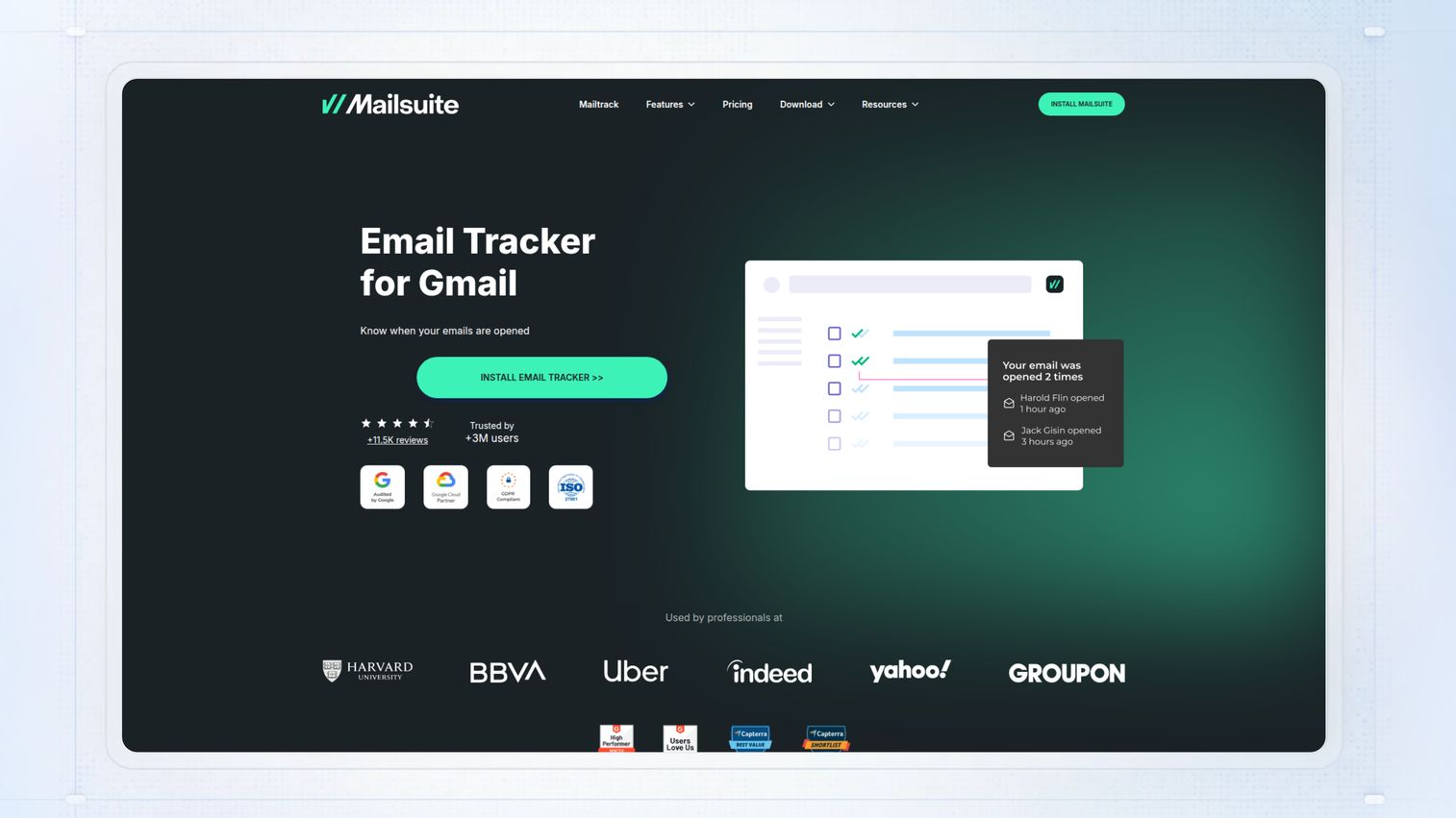
Mailtrack is the most popular free email tracker for Gmail. It adds a double-check mark system directly into your Gmail interface: a single check means sent, a double check means opened. While it offers unlimited free tracking, the free tier adds a "Sent with Mailtrack" signature to your emails.
Key strengths
- Unlimited email tracking on the free plan
- Simple double-check visual indicator in Gmail
- Real-time desktop notifications
- Daily tracking reports sent via email
Pricing: Free tier available; paid plans remove branding and add features.
Best for: Individual salespeople wanting free, simple Gmail open tracking.
2. HubSpot Sales Hub
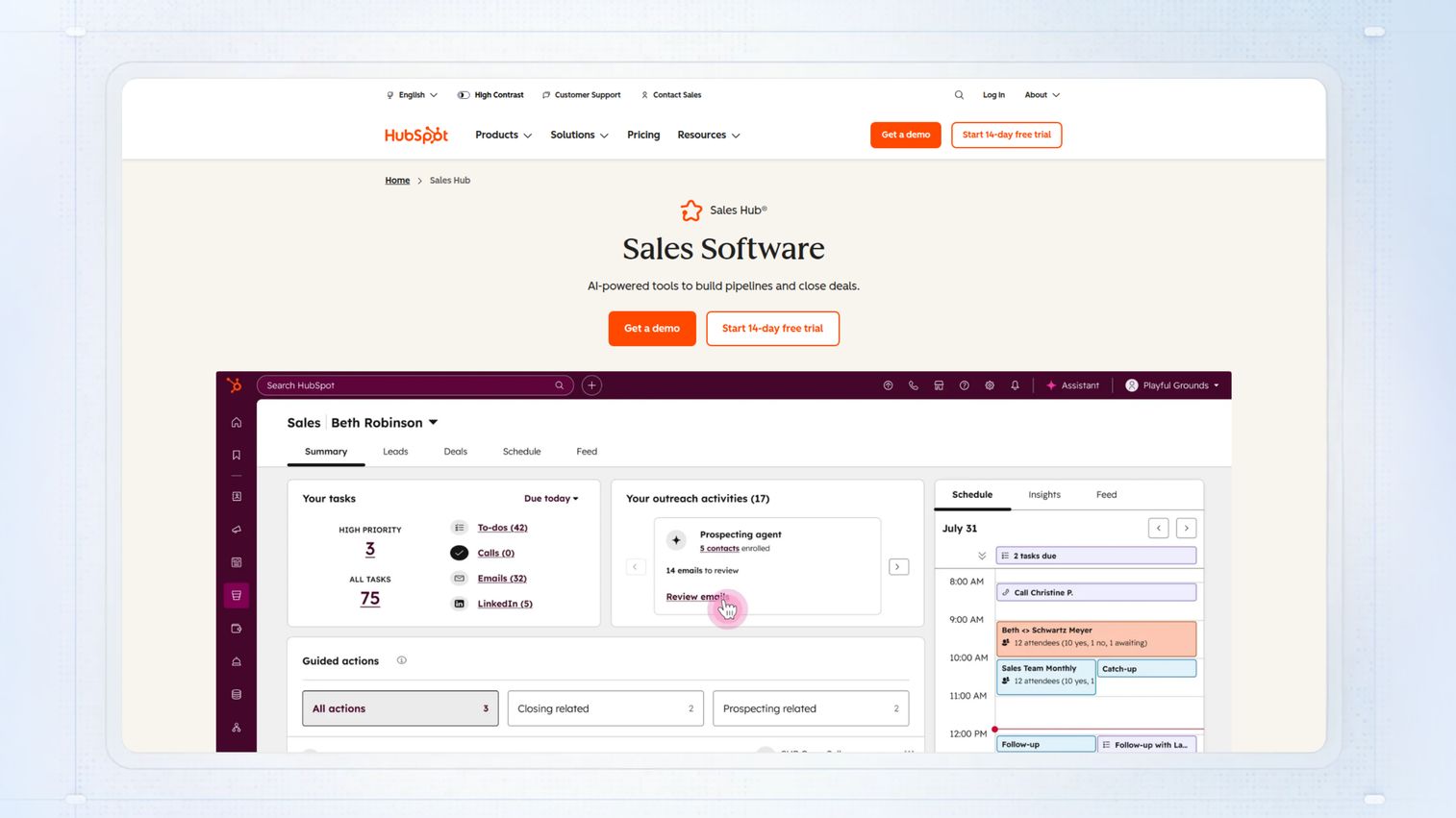
HubSpot Sales Hub is the best choice for teams already using or considering the HubSpot CRM. Email tracking is a core feature of its larger sales engagement platform. The free tier includes basic tracking, while paid tiers unlock sequences, templates, and deeper analytics seamlessly integrated with your contact records.
Key strengths
- Email tracking fully integrated with a powerful CRM
- Tracks opens, clicks, and attachment views
- Automatically logs all email activity to contact records
- Works with both Gmail and Outlook
Pricing: Free tools available; paid Sales Hub starts at the Starter tier.
Best for: Teams wanting tracking data to flow directly into their CRM.
3. Salesflare
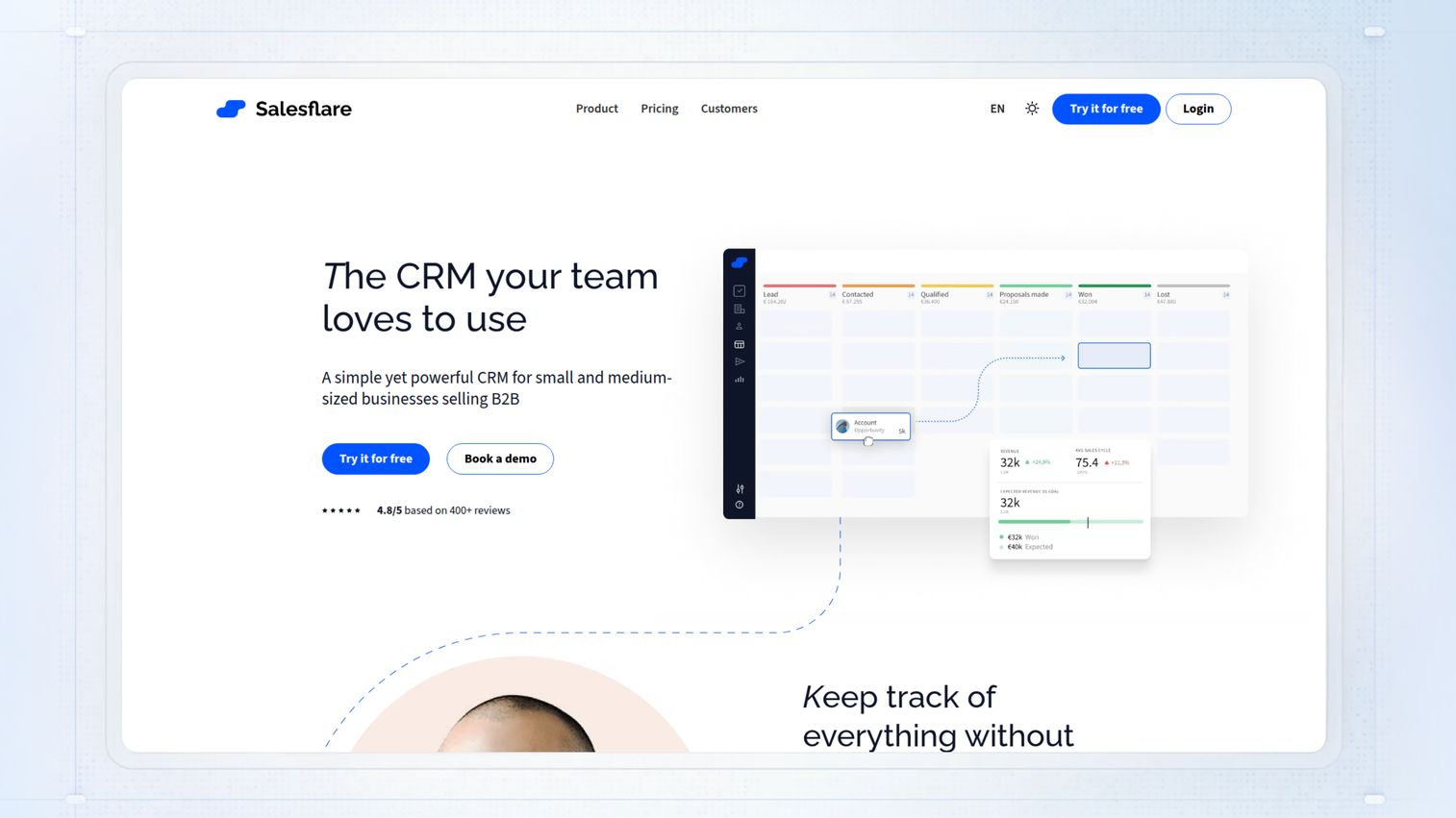
Salesflare is a CRM designed for small B2B sales teams who dislike manual data entry. The platform automatically pulls in email interactions, meetings, and contact information without requiring reps to log data manually. This makes it a great choice for teams that want tracking and CRM benefits without administrative burden.
Key strengths
- Automatic email and meeting logging from Gmail and Outlook
- Tracks opens and clicks without extra steps or extensions
- Visual sales pipeline enriched with email insights
Pricing: Paid plans only; offers a free trial.
Best for: Small sales teams wanting an automated CRM with built-in tracking.
4. Yesware
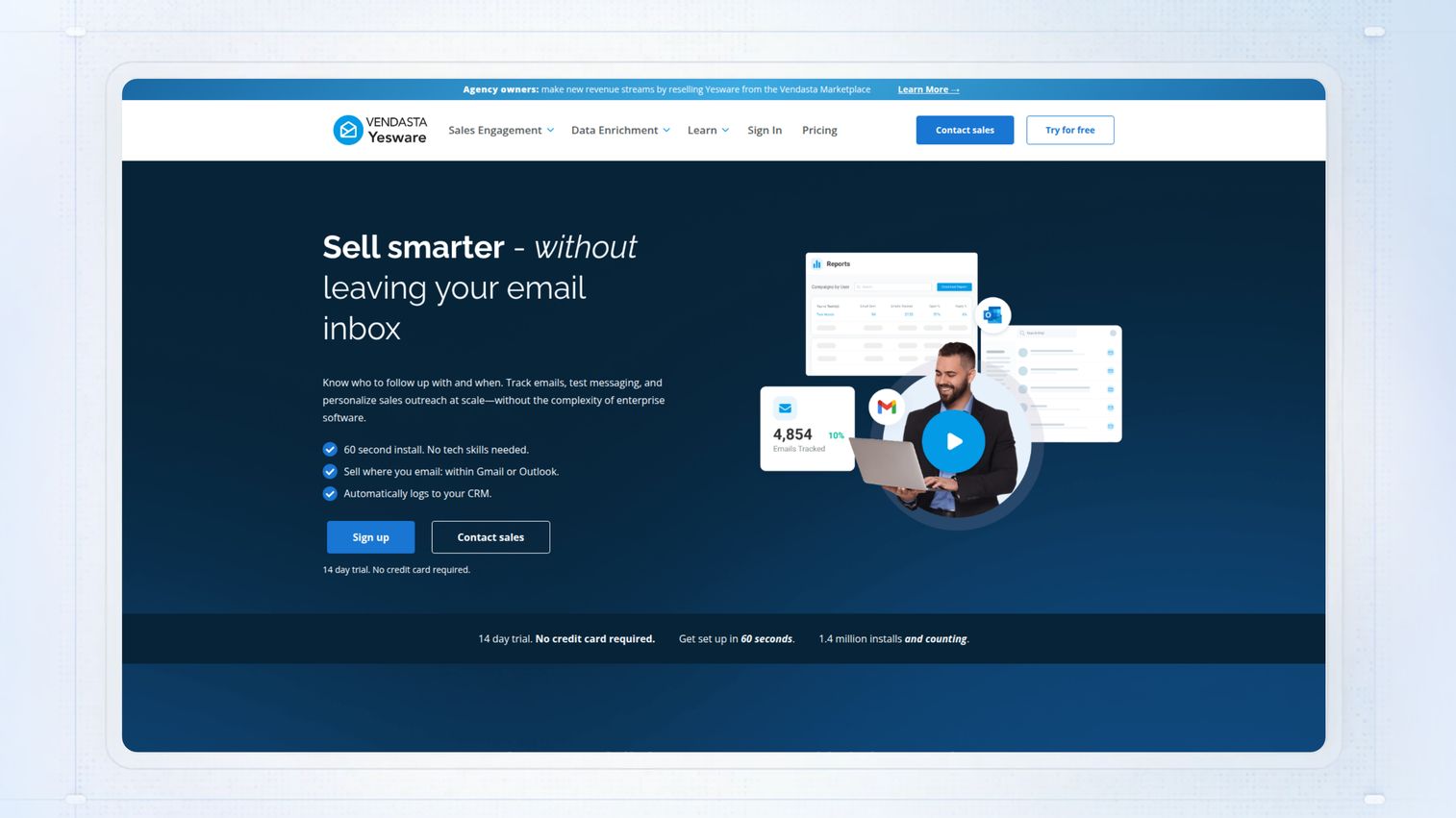
Yesware is the go-to email tracking and productivity platform for sales teams that live in Salesforce. It offers a strong library of email templates, powerful sequences, and a meeting scheduler alongside robust tracking capabilities.
Key strengths
- Deep, best-in-class Salesforce integration
- Powerful email templates and multi-touch sequences
- Team-wide reporting and analytics dashboards
Pricing: Paid plans; offers a free trial.
Best for: Sales teams using Salesforce who want templates and sequences alongside tracking.
5. Mixmax
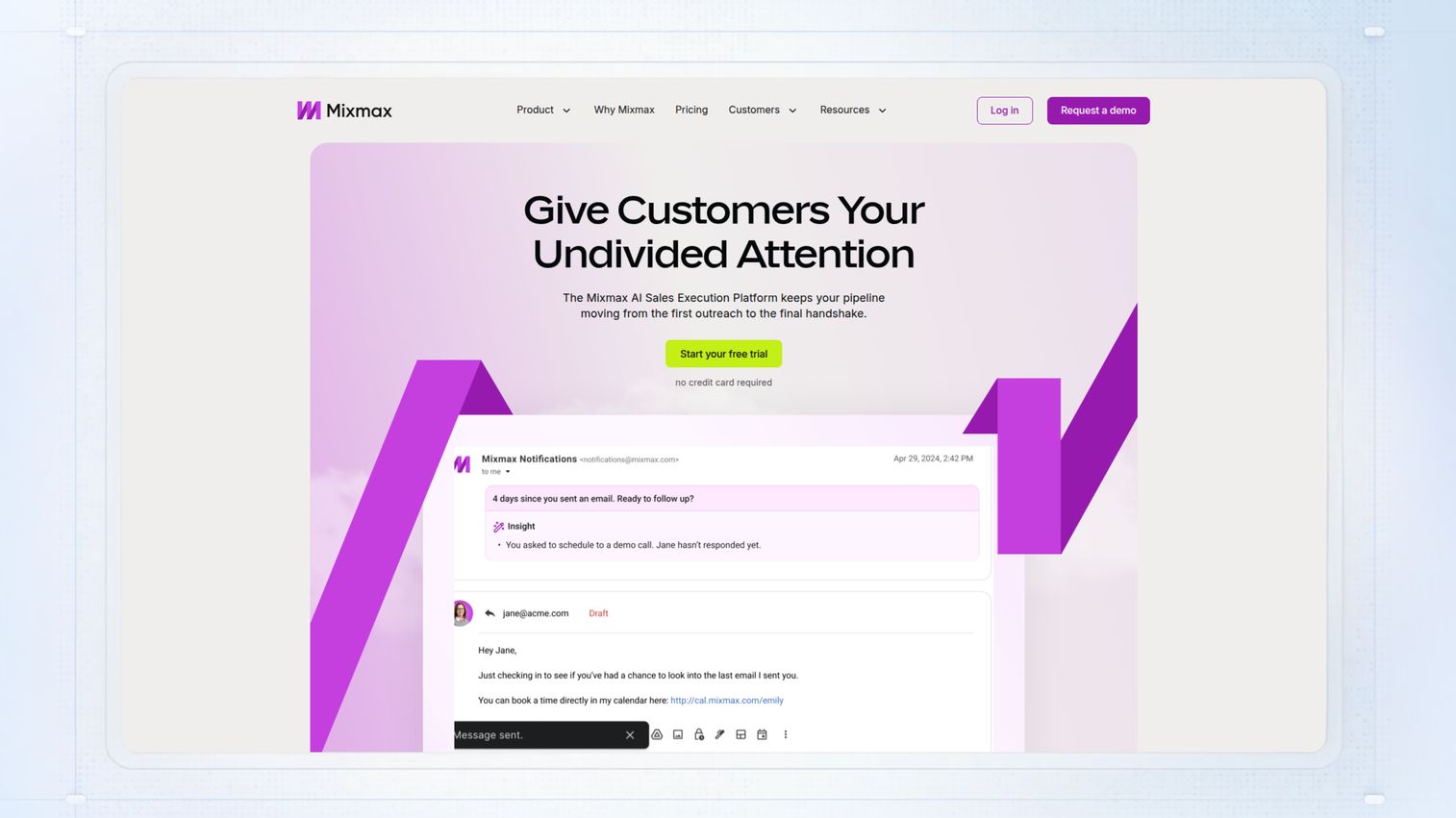
Mixmax is a comprehensive sales engagement platform popular for its clean user experience and powerful Gmail sidebar. The sidebar shows prospect activity in real-time, letting you know the second someone opens your email. Beyond tracking, it includes one-click meeting scheduling and automated follow-up sequences.
Key strengths
- Real-time sidebar shows opens and clicks as they happen
- One-click meeting scheduling directly within emails
- Automated sequences and follow-ups to nurture leads
Pricing: Paid plans; offers a limited free tier.
Best for: Sales teams wanting a suite of engagement features beyond basic tracking.
6. Mailbutler
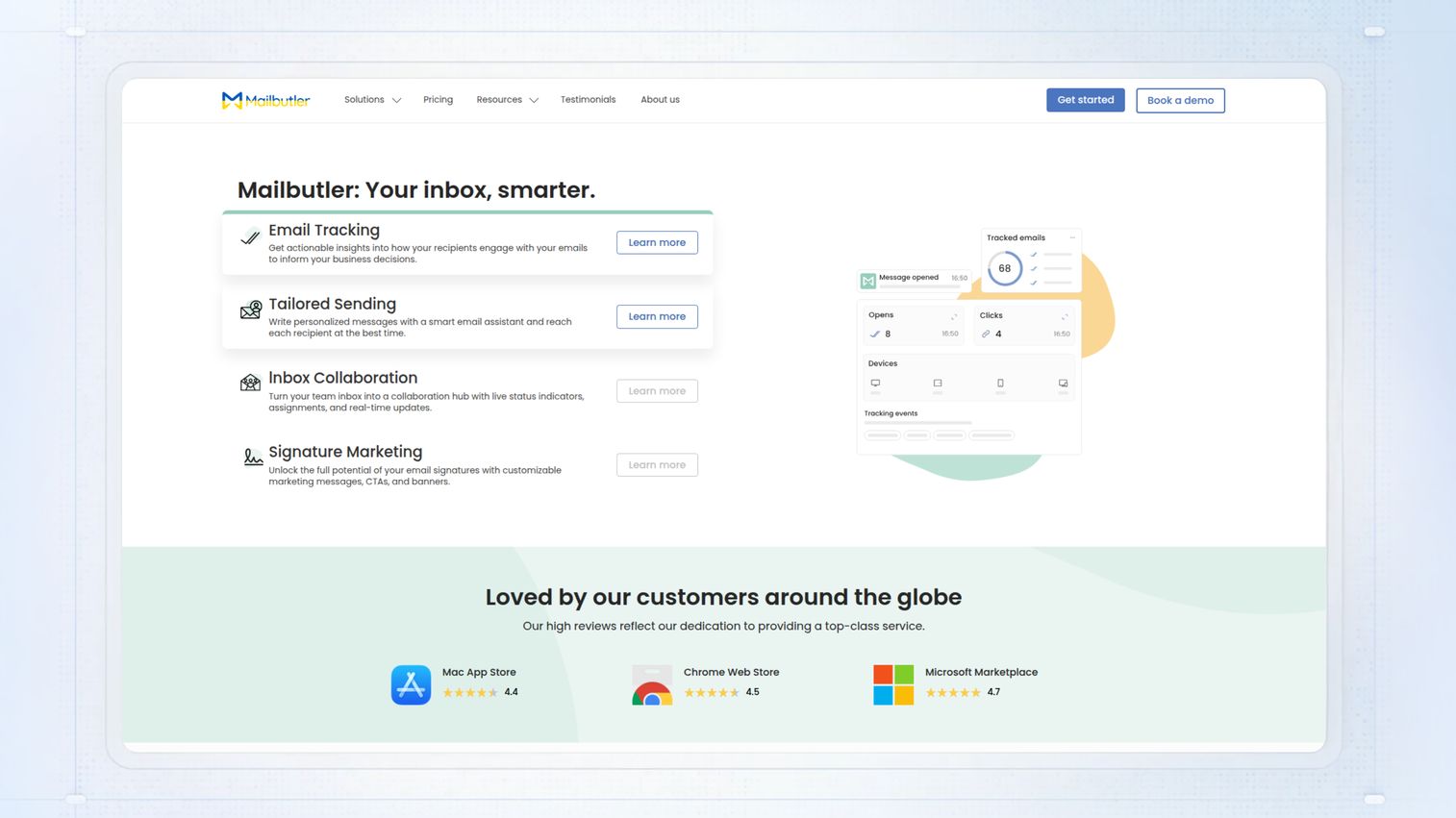
Mailbutler stands out for its multi-email-client support, working seamlessly across Gmail, Outlook, and Apple Mail. It's a productivity-focused tool that bundles email tracking with features like tasks, notes, and email scheduling.
Key strengths
- Works across Gmail, Outlook, and Apple Mail
- Tracks email opens and link clicks with real-time notifications
- Adds productivity features like tasks and notes to emails
Pricing: Paid plans; offers a free trial.
Best for: Teams using multiple email clients who want consistent tracking.
7. Snov.io email tracker
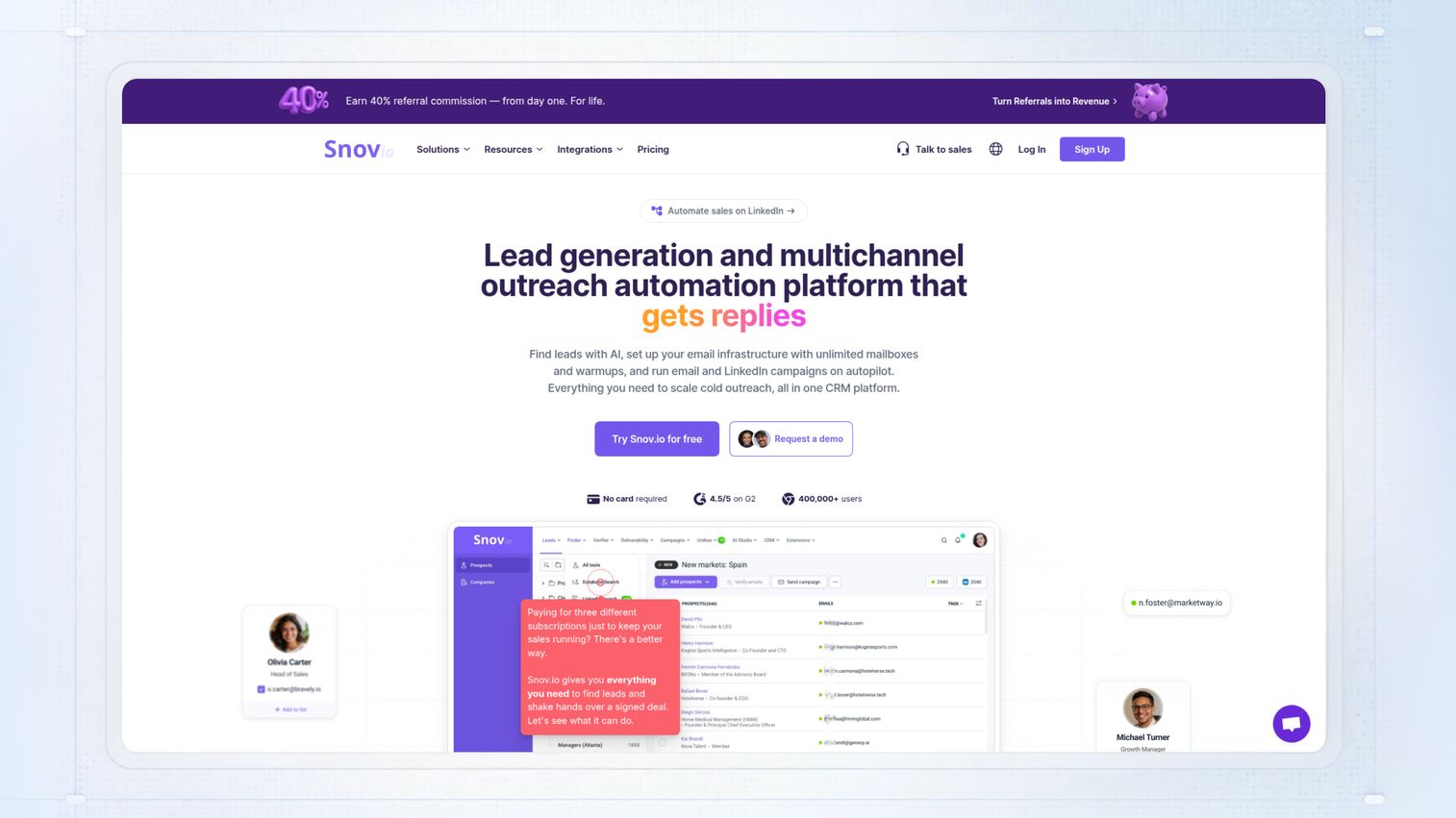
Snov.io positions its email tracker as part of a larger lead generation and outreach toolkit. The platform combines an email finder, email verifier, and drip campaign builder with tracking capabilities.
Key strengths
- Email tracking included with full lead generation tools
- Find and verify prospect emails within the same platform
- Build and track multi-step drip campaign sequences
Pricing: Free tier with limits; paid plans for higher volume.
Best for: Sales teams that want to combine prospecting and tracking in one tool.
8. SalesHandy
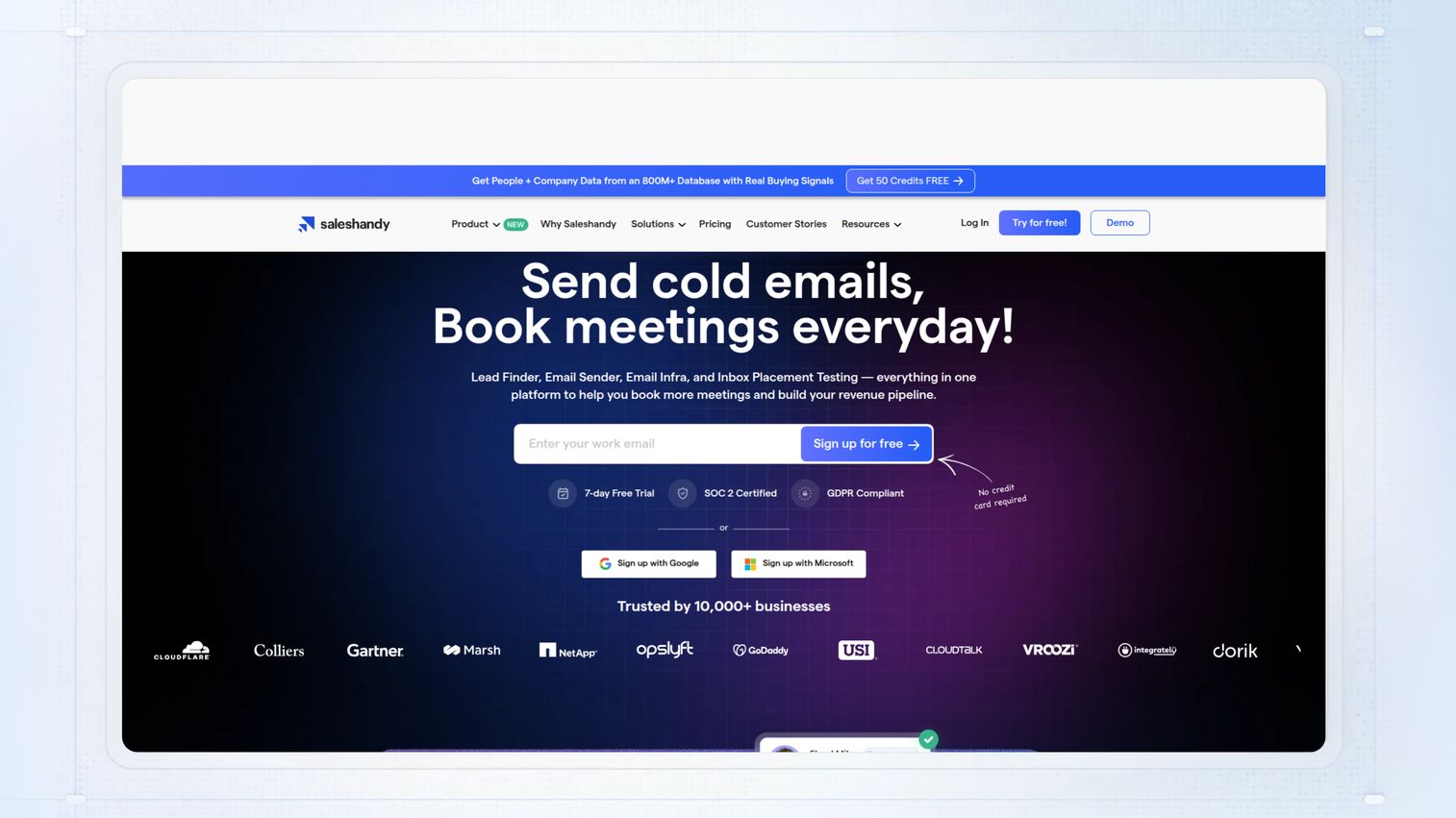
SalesHandy is built for cold email at scale, making it a favorite among SDR teams. It offers unlimited email tracking even on its free tier, a rare and valuable feature. It also includes mail merge for personalized bulk emails and automated follow-up sequences.
Key strengths
- Unlimited email tracking on all plans, including free
- Mail merge functionality for personalized bulk sends
- Automated multi-stage follow-up sequences
Pricing: Free tier available; paid plans add sequences and team features.
Best for: SDRs and teams sending high-volume cold email campaigns.
9. Streak CRM
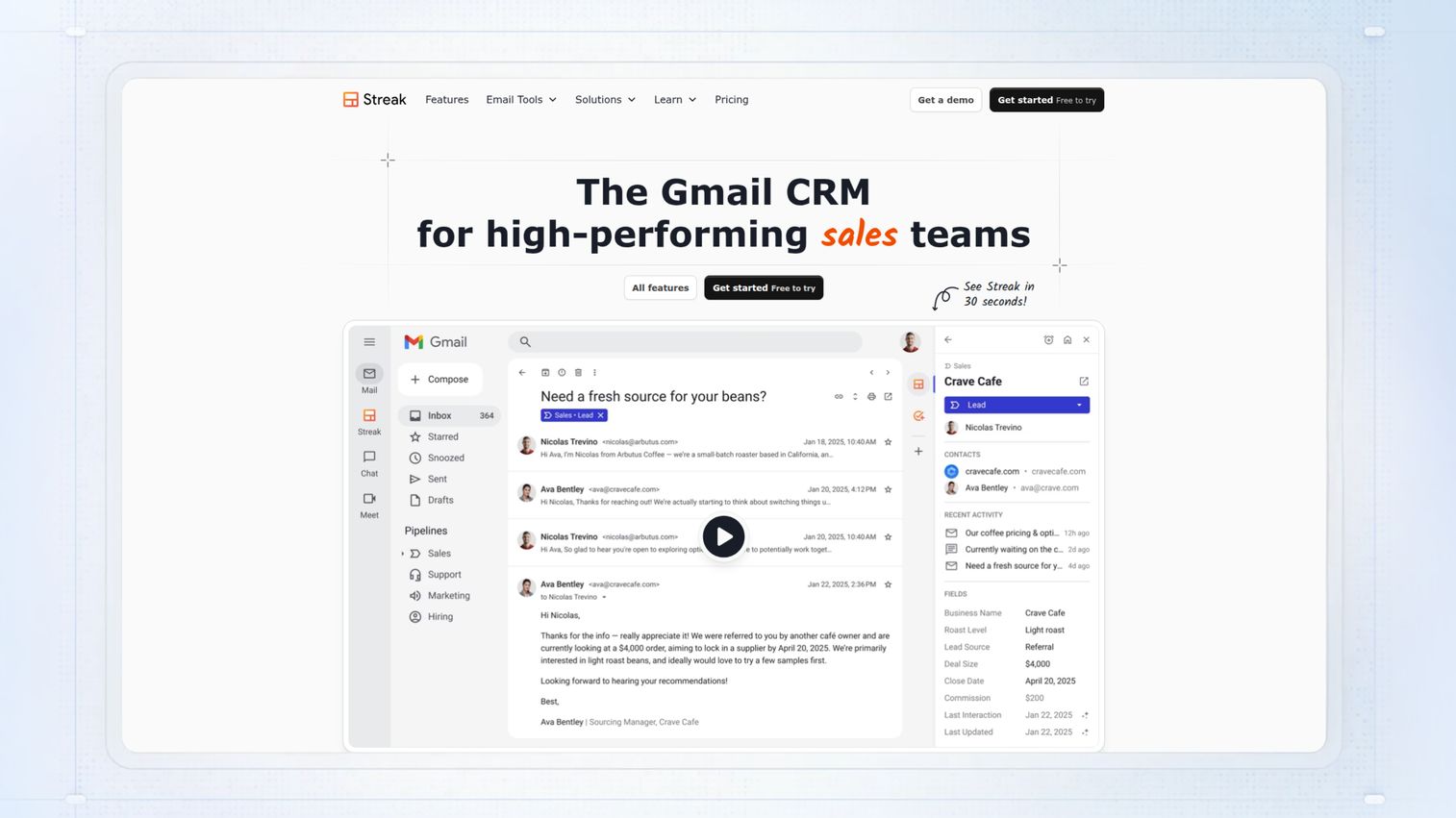
Streak CRM is a full-featured CRM that lives entirely inside your Gmail inbox. Email tracking is one component of its broader pipeline management system. It's the perfect tool for teams who are Gmail-centric and want to manage deals, contacts, and outreach from a single interface.
Key strengths
- A full CRM built directly into the Gmail interface
- Tracks email opens and views automatically, logging them to contact records
- Visual pipeline management with drag-and-drop interface
Pricing: Free tier for individuals; paid plans for teams.
Best for: Gmail-centric teams wanting a CRM and tracking without switching apps.
10. GetNotify
GetNotify is a simple, no-frills, and completely free option for basic email tracking. It works differently from most tools: instead of installing a browser extension, you add ".getnotify.com" to the end of a recipient's email address.
Key strengths
- Completely free to use with no hidden costs
- No browser extension or software installation required
- Works with any email client that can send email
Pricing: Free.
Best for: Users wanting basic, no-install tracking for any email client.
11. Hunter MailTracker
The Hunter MailTracker is a lightweight Chrome extension from the trusted team at Hunter.io. Its biggest advantage is that it adds no branding or signature to your emails, even on the free plan.
Key strengths
- Clean, minimal interface that doesn't clutter Gmail
- No branding or signature added to tracked emails
- Unlimited email tracking on the free plan
Pricing: Free tier available; included as part of Hunter's paid plans.
Best for: Individual users wanting simple, unbranded email tracking in Gmail.
How to choose the best email tracking software
With so many options available, evaluate which tool best fits your team's specific workflow and goals.
Email client compatibility
Not all trackers work with all email clients. The vast majority are built for Gmail, with fewer options providing robust support for Outlook or Apple Mail. Before choosing a tool, verify it's fully compatible with your team's primary email setup.
CRM and sales tool integrations
Tracking data becomes exponentially more valuable when it automatically flows into your CRM. Look for tools with deep integrations into your existing systems like Salesforce, HubSpot, or Pipedrive. Some platforms like HubSpot Sales Hub and Streak have tracking built directly into the CRM.
Team collaboration and reporting
For sales managers, the difference between individual tracking and team-wide visibility is critical. If you want to monitor team performance and compare outreach effectiveness, choose a platform with shared dashboards. Enterprise-focused tools like Yesware and Mixmax excel here.
Volume limits and pricing
Clarify what "unlimited tracking" really means. Many tools have caps on free tiers or limit advanced features to paid plans. Match your team's expected send volume to the tool's limits to avoid unexpected costs.
Best practices for using email tracking in sales
Simply observing tracking data isn't enough. The real value comes from using it to take smarter actions.
1. Time your follow-ups based on open activity
The data gives you a tactical advantage: the ability to follow up shortly after someone opens your email. At that moment, you and your solution are top-of-mind. Use real-time notifications to trigger a call or follow-up at peak interest.
2. Prioritize prospects who engage multiple times
A prospect who opens your email once might be curious. A prospect who opens it five times over three days is signaling significant interest. Use the "open count" metric as a key prioritization signal for your pipeline.
3. Test subject lines using open rate data
You can use tracking data to informally A/B test your messaging. Send one subject line to a segment and a different variation to another. Compare which version gets opened more frequently and iterate based on results.
4. Combine email tracking with demo engagement signals
Email opens show interest, but watching someone interact with your product shows intent. Pairing email tracking data with analytics from an interactive demo gives you a fuller picture of buyer engagement. Pre-sales teams that use both signals together can prioritize their pipeline with far greater accuracy.
Email tracking challenges every sales team faces
To use email tracking tools effectively, have realistic expectations and understand their limitations.
Apple Mail Privacy Protection limits open tracking
Apple's Mail Privacy Protection feature on iOS, iPadOS, and macOS can pre-load email images, including tracking pixels. This triggers a "false open" notification even if the user never actually saw the email. Open-rate data from Apple Mail users is now highly unreliable. Click tracking, however, remains accurate.
Tracking pixels can affect email deliverability
Some aggressive spam filters flag emails containing tracking pixels, especially from heavy senders. While most major tools minimize this risk, there's always a small chance tracking could negatively impact deliverability. Consider disabling tracking for your most critical emails.For critical technical evaluations, sandbox demos for presales teams offer an alternative engagement approach that doesn't rely on email tracking. Consider disabling tracking for your most critical emails.
Sophisticated buyers block or detect tracking
Many tech-savvy B2B buyers are aware of email tracking and use tools to block it. Some browser extensions reveal when an email is being tracked. Treat tracking data as one valuable signal among many, including replies, meetings booked, and direct feedback.
Pick the right email tracker and start closing more deals
Email tracking gives sales teams crucial visibility into prospect engagement, turning a blind outreach process into an informed one. However, this technology works best as part of a broader engagement strategy. The most successful teams combine email signals with deeper product engagement data to create a complete picture of buyer intent.
Start your journey with Guideflow today!
FAQs about email tracking software
Yes, email tracking is legal in most jurisdictions for legitimate business communication. Regulations like GDPR in Europe require transparency about data collection. Check local laws and consider disclosing tracking in your privacy policy.
Yes, recipients using certain browser extensions or email clients with built-in privacy features can sometimes detect or block tracking pixels. Some privacy-focused tools reveal tracking to users automatically.
Email tracking works when recipients open emails on mobile devices, but accuracy varies depending on the mobile email app. Some mobile clients block images by default, while others pre-load them.
Read receipts require the recipient to actively click a button to confirm they've read the email. Email tracking works silently in the background using invisible pixels and doesn't require any action from the recipient.
Accuracy drops significantly when recipients use privacy features like Apple Mail Privacy Protection, which pre-loads images and creates false "open" signals. Click tracking remains more reliable since it requires actual user action.
Tracking pixels can sometimes be flagged by aggressive spam filters, which could impact deliverability with high-volume sends. Most major tracking tools have optimized their pixels to minimize this risk.
For individual Gmail users, Mailtrack and Hunter MailTracker are excellent free options. Both offer robust free tiers with unlimited open tracking and a simple user experience.
For simple, free open tracking, Mailtrack is the most popular and intuitive Gmail extension. For sales teams that want tracking combined with CRM functionality, Streak CRM or HubSpot Sales Hub offers significantly more value.