Your password policy can look strict on paper and still fail the moment a user creates or changes a password. The gap shows up in breached-password screening that never ran, rules that apply to some groups and not others, or a reset experience that sends people straight back to the helpdesk.
According to the Verizon 2025 Data Breach Investigations Report, compromised credentials were an initial access vector in 22% of breaches reviewed. Native directory settings typically cover basic length and complexity requirements. For enterprise environments, that's rarely enough. A password policy enforcer should block weak and compromised choices at the point of creation, segment rules by group, and give administrators the reporting they need to demonstrate coverage.
For product managers, the stakes are operational: Stricter password requirements create login and account-recovery friction, which surfaces as support tickets, lockout spikes, and activation drop-off. Choosing the right password policy enforcement software means finding a tool that secures the identity layer without introducing new maintenance burdens for teams already shipping product changes.
What's inside
This guide covers eight password policy enforcement platforms evaluated for Active Directory, hybrid, and cloud-directory environments. Tools were selected based on four criteria:
- Directory coverage: Support for on-premises Active Directory, Microsoft Entra ID, and cloud directories
- Compromised-password controls: Breach database screening, custom dictionaries, and monitoring depth
- Policy segmentation: Ability to apply distinct rules to different user groups or account types
- Self-service and reporting: Reset workflows, user feedback, audit logging, and SIEM compatibility
Pricing and G2 ratings were verified from vendor pricing pages and G2 listings in October 2026.
TL;DR
- Best for Active Directory password policy depth: Specops Password Policy, with tiered plans starting at $0.49/user/month and continuous breach screening on the Advanced plan
- Best for combining enforcement with self-service reset and MFA: ManageEngine ADSelfService Plus, starting at $595/year for 500 users with a free tier for up to 50
- Best for breached credential intelligence and monitoring: Enzoic for Active Directory, with a free startup tier and tiered per-user pricing
- Best for cloud-first directory and device management: JumpCloud Cloud Directory, starting at $3/user/month billed annually
- Best for granular group-based policies in Windows AD without a broad suite: nFront Security Password Filter, with quote-based perpetual licensing
What is password policy enforcement software?
Password policy enforcement software applies and monitors password rules across an organization's identity systems, blocking weak or compromised passwords when users create, change, or reset them.
Unlike a written password policy document, enforcement software intercepts password changes in real time, applies the configured rules, provides user feedback, and logs outcomes for audit reporting.
What the software enforces
Modern password policy enforcement tools typically cover:
- Minimum length and passphrase requirements
- Password history and reuse prevention
- Custom dictionaries of banned terms, company names, and keyboard patterns
- Compromised-password and breach-database screening
- Account lockout controls and recovery workflows
- Policy targeting by user group, organizational unit, or account type
- Real-time feedback at the password-change screen
- Audit reporting for security reviews, compliance templates, and SIEM export
How enforcement differs from a written password policy
A written policy establishes requirements. Enforcement software applies them inside active workflows, logs outcomes, and gives users actionable feedback before a noncompliant password reaches the directory. Most organizations that rely on documentation alone have no reliable way to verify that users are following the rules.
Where product managers intersect with the category
For a PM, password enforcement touches several operational outcomes: Activation friction when new users hit policy rejections, support load from lockouts and reset requests, enterprise readiness when buyers ask for evidence of authentication controls, and instrumentation gaps when the team has no visibility into reset or lockout rates by segment.
Policy document vs enforcement software:
| Dimension | Written password policy | Enforcement software |
|---|---|---|
| Defines requirements | Yes | Yes |
| Blocks weak passwords at creation | No | Yes |
| Screens for known compromised passwords | No | Often |
| Gives real-time user feedback | No | Often |
| Produces enforcement reporting | Limited | Yes |
| Supports rollout monitoring | Manual | Often |
When to use password policy enforcement software
Enforce rules beyond native Active Directory settings
Active Directory supports baseline password policies through Group Policy and fine-grained password policies, but these controls have no native mechanism for blocked-password lists or breach screening. Teams that need custom dictionaries, multiple policies per domain, or real-time compromised-password blocking require a dedicated enforcement layer.
Reduce password resets and account-recovery friction
Self-service reset portals, policy feedback at the change screen, expiration notifications, and MFA for account recovery can each reduce avoidable helpdesk contacts. Measuring reset completion, lockout frequency, and time-to-recovery before and after rollout gives the team a baseline to defend the deployment.
Prepare for enterprise security reviews
Enterprise buyers increasingly ask for documented evidence of authentication controls: Which policies apply to which users, whether privileged accounts carry stricter requirements, and whether credentials are screened against breach databases. A password policy enforcer provides the configuration history and audit logs that support those conversations.
Use native controls when basic complexity rules are enough. Add specialized enforcement when you need compromised-password screening, group-specific policies, and operational reporting.
Password policy enforcement software comparison
The eight tools below differ primarily in enforcement point, directory coverage, and the depth of breach intelligence. Prices vary by user count, contract term, and the specific capabilities included in each plan.
| # | Product | Best for | Key differentiator | Pricing | G2 rating |
|---|---|---|---|---|---|
| 1 | Specops Password Policy | Enterprise Active Directory enforcement | Breach screening plus granular AD policies | From $0.49/user/month | Not verified |
| 2 | ManageEngine ADSelfService Plus | Self-service reset plus policy enforcement | Enforcement across reset and change workflows | From $595/year (500 users) | 4.4/5 |
| 3 | Enzoic for Active Directory | Breached credential intelligence | Continuous compromised-password monitoring | Free up to 20 users; paid tiers from $1.50/user/month | Not verified |
| 4 | Netwrix Password Policy Enforcer | Compliance-ready AD enforcement | Compliance templates and breach blocking | Quote-based | 4.0/5 |
| 5 | nFront Security Password Filter | Granular group-based AD policies | Up to 10 policies per domain | Quote-based | 5.0/5 |
| 6 | Ivanti Password Director | Enterprise self-service workflows | Multi-source reset and workflow integration | Quote-based | Not verified |
| 7 | JumpCloud Cloud Directory | Cloud directory and device management | Unified identity, access, and device controls | From $3/user/month (annual) | 4.5/5 |
| 8 | safepass.me Enterprise | Breach-aware AD enforcement | Offline password checks and dry-run mode | Price on application | 4.9/5 |
The best password policy enforcement software tools for 2026
1. Specops Password Policy
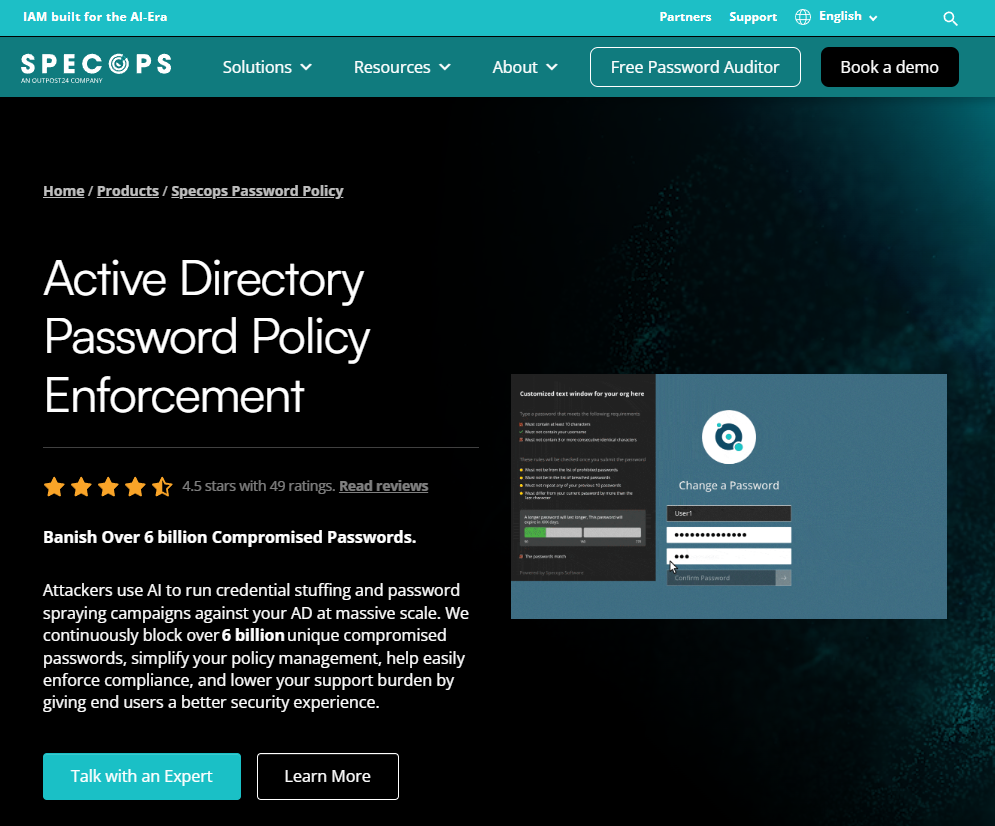
Specops Password Policy is a dedicated Active Directory password-policy enforcement platform built by Specops Software. It extends Group Policy with custom dictionaries, passphrase support, and dynamic user feedback at the password-change screen. The Advanced plan adds continuous scanning against a database of over 6 billion breached passwords, and the Enterprise plan includes premium support and customized scoping.
Best for: Enterprises running Microsoft Active Directory that need policy depth beyond native Group Policy, including breach monitoring and group-level segmentation.
Key features
- Custom dictionaries and compromised-password blocking
- Dynamic password guidance at the change screen
- Passphrase and configurable complexity controls
- Password expiration reminders and length-based aging
- Compliance templates and exportable audit reports
Why choose Specops Password Policy: It fits organizations that need both granular enforcement and breach intelligence in a single AD-integrated product, particularly when privileged accounts, service accounts, and remote-worker flows each require different rules.
Specops Password Policy pricing: The Starter plan runs $0.49 per user per month on an annual contract (based on 1,000 licenses, minimum 100). The Advanced plan is $0.72 per user per month annually, adding breach database screening. Enterprise carries custom pricing.
2. ManageEngine ADSelfService Plus
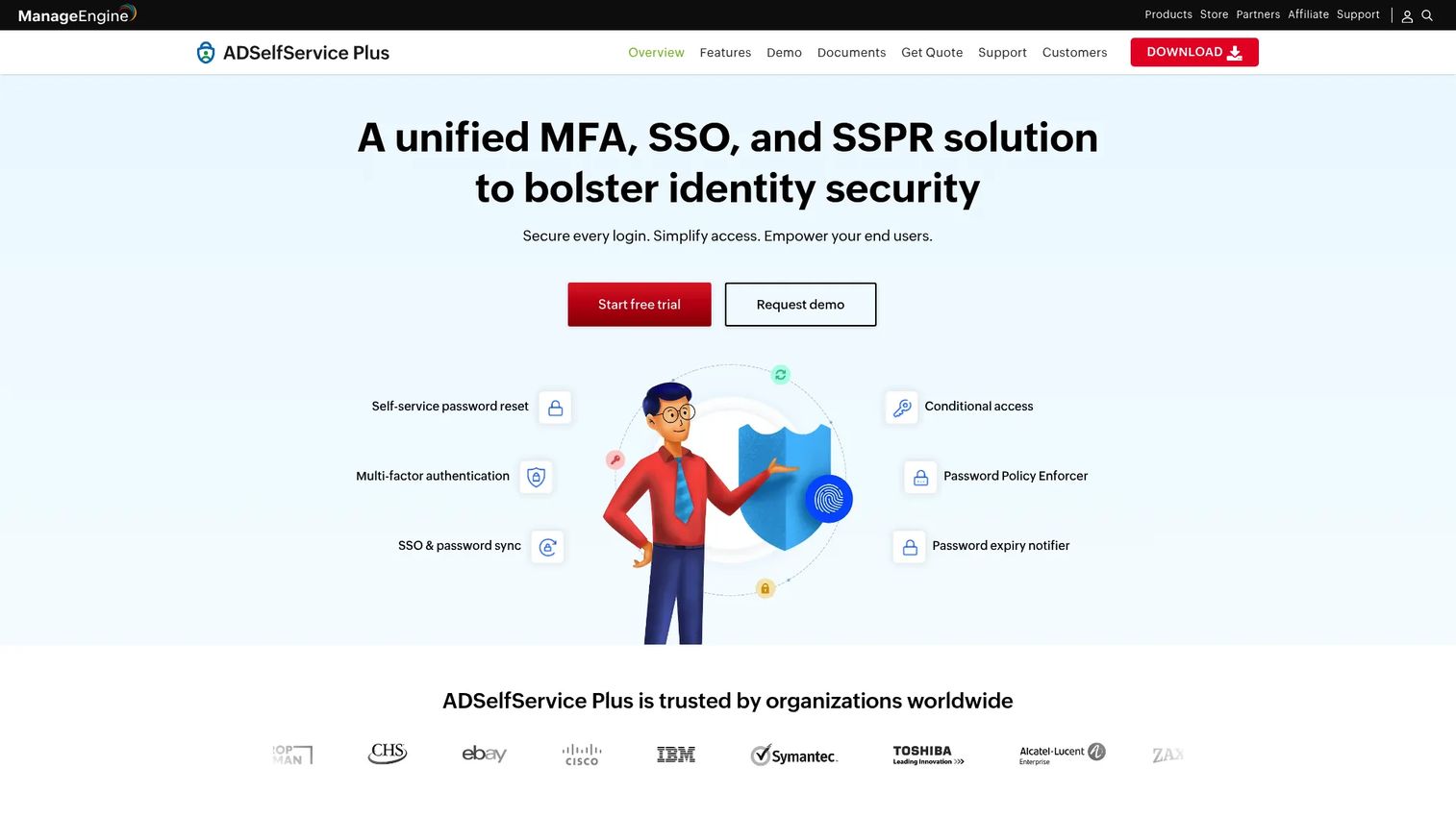
ManageEngine ADSelfService Plus combines self-service password reset, MFA for endpoints and applications, single sign-on, and password-policy enforcement in a single platform. Enforcement applies across user-initiated password changes and self-service reset workflows, covering Active Directory and Entra ID environments. The Professional edition extends support to Windows, macOS, and Linux logon-screen resets, conditional access, and cached-credential updates.
Best for: Organizations that want password-policy enforcement tied directly to a self-service reset program and MFA, with the goal of reducing helpdesk contact volume.
Key features
- Self-service password reset and account unlock
- MFA for endpoints, VPN, OWA, and cloud applications
- Password-policy enforcer with real-time feedback
- Password expiration notifications
- Real-time password synchronization across directories
Why choose ManageEngine ADSelfService Plus: If your primary driver is measuring reset completion, reducing lockout-related tickets, and improving account-recovery experience across diverse user cohorts, this platform connects those workflows more directly than a standalone AD filter.
ManageEngine ADSelfService Plus pricing: A free edition covers up to 50 domain users permanently. Standard runs $595/year for 500 domain users; Professional runs $1,195/year for 500 users, with additional tiers for larger user counts.
G2 rating: 4.4/5 on G2
3. Enzoic for Active Directory
Enzoic for Active Directory is built around continuous compromised-credential monitoring. It screens passwords at creation against breach intelligence and also monitors existing directory accounts for credentials that appear in new breach datasets, flagging or automatically remediating exposed accounts. The product supports one-click alignment with NIST 800-63B guidance, fuzzy matching for common character substitutions, and SIEM integration.
Best for: Security-focused Active Directory teams that prioritize ongoing breach detection over policy-rule depth alone, including those with a remediation workflow for accounts using previously exposed credentials.
Key features
- Automated compromised-password detection at creation
- Continuous full-credential monitoring for existing accounts
- Custom dictionary and username-derivative blocking
- Fuzzy matching for character-substitution patterns
- Automated remediation (forced reset or account disabling) and SIEM integration
Why choose Enzoic for Active Directory: The continuous monitoring capability distinguishes it from tools that only check passwords at the moment of change. Teams with a large existing user base where credentials may have been exposed before the tool was deployed will find this particularly relevant.
Enzoic for Active Directory pricing: The Startup plan is free for up to 20 users. Business pricing is tiered: The first 20 users are $0/user per month, the next 80 are $1.50/user/month, the next 300 are $1.00/user/month, and additional users are $0.75/user/month, billed monthly. Premium carries slightly higher per-user rates. Enterprise starts at $495/month with custom billing.
4. Netwrix Password Policy Enforcer
Netwrix Password Policy Enforcer is a dedicated Active Directory enforcement tool that blocks weak, reused, and compromised passwords while giving users real-time feedback during password changes. It ships with compliance templates covering CIS, HIPAA-related contexts, NERC CIP, NIST, PCI DSS, and CJIS, making it a practical starting point for teams with specific audit requirements. Policy controls include custom complexity rules, passphrase support, and dictionary and pattern-based blocking.
Best for: Active Directory teams that need compliance-template coverage and breach-database blocking without purchasing a broader identity-management suite.
Key features
- Compromised-password checks against breach databases
- Dictionary and predictable-pattern protection
- Custom complexity, length, character-set, and passphrase controls
- Compliance templates for CIS, HIPAA, NIST, PCI DSS, and NERC CIP
- Real-time password-creation feedback
Why choose Netwrix Password Policy Enforcer: It suits teams that want a clear compliance paper trail and enforceable standards across their AD environment. Ask IT for baseline data on password-change failure rates before deployment so you can measure the impact on activation and support load.
Netwrix Password Policy Enforcer pricing: Pricing is quote-based. The vendor's pricing page does not display a numerical entry price; contact Netwrix sales for a per-user or per-domain quote.
G2 rating: 4.0/5 on G2 based on 1 review
5. nFront Security Password Filter
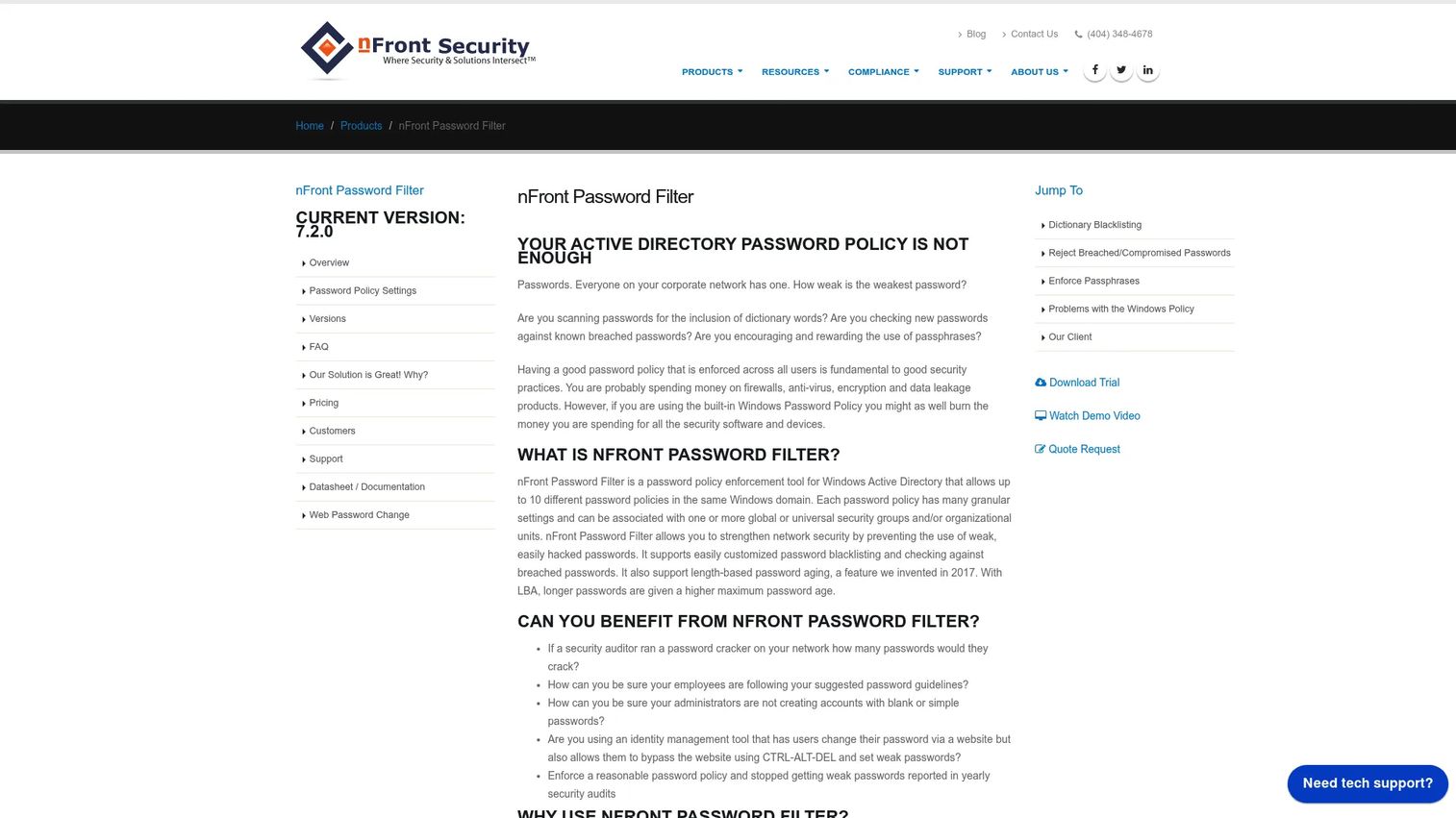
nFront Security Password Filter is a focused Windows Active Directory password filter designed for teams that need multiple distinct policies within a single domain. It supports up to 10 password policies per domain, each assignable to specific security groups or organizational units. Policy management uses ADM and ADMX templates through Group Policy, keeping the administration workflow familiar for AD teams.
Best for: Lean IT teams managing one or more AD domains that need multiple group-specific rules, including separate policies for standard users, administrators, privileged accounts, and service accounts.
Key features
- Up to 10 password policies per Windows domain
- Group-based and OU-based policy assignment
- Custom dictionaries and breached-password list checking
- Passphrase enforcement and length-based password aging
- Optional client with policy rules display and password-strength meter
Why choose nFront Security Password Filter: The group-based segmentation makes it practical for organizations where different user cohorts carry different risk profiles. A product manager should understand which user segments will experience which rules, since policy changes affect activation and reset rates differently across cohort types.
nFront Security Password Filter pricing: All editions (MultiPolicy and Single Policy, for Active Directory and Member Servers) are quote-based. Contact nFront directly for pricing by domain count, user count, or deployed machine count.
G2 rating: 5.0/5 on G2 based on 2 reviews
6. Ivanti Password Director
Ivanti Password Director is an enterprise self-service password reset and account-unlock product. It supports resets across Active Directory, Microsoft 365, Salesforce, and additional identity sources, with authentication options including secondary email, security questions, and one-time PIN. The product integrates with service-desk ticketing and reporting via Ivanti Xtraction, making it a natural fit for organizations already routing employee IT issues through Ivanti's service management platform.
Best for: Larger organizations with an existing Ivanti footprint that want password reset and policy controls embedded in their service-management workflows rather than as a standalone enforcer.
Key features
- Self-service password reset via mobile app, web portal, and Windows pre-login
- Password resets across Active Directory, Microsoft 365, and Salesforce
- Authentication via secondary email, security questions, and one-time PIN
- Service-desk ticketing integration
- Reporting through Ivanti Xtraction
Why choose Ivanti Password Director: Its fit depends on whether your organization already uses Ivanti for endpoint or service management. Without that footprint, evaluate whether the cross-source reset capability justifies adding a new vendor relationship, and confirm which Active Directory enforcement controls apply at the password-creation layer specifically.
Ivanti Password Director pricing: No pricing was available on the official product page at time of publication. Contact Ivanti sales for current packaging and user minimums.
7. JumpCloud Cloud Directory
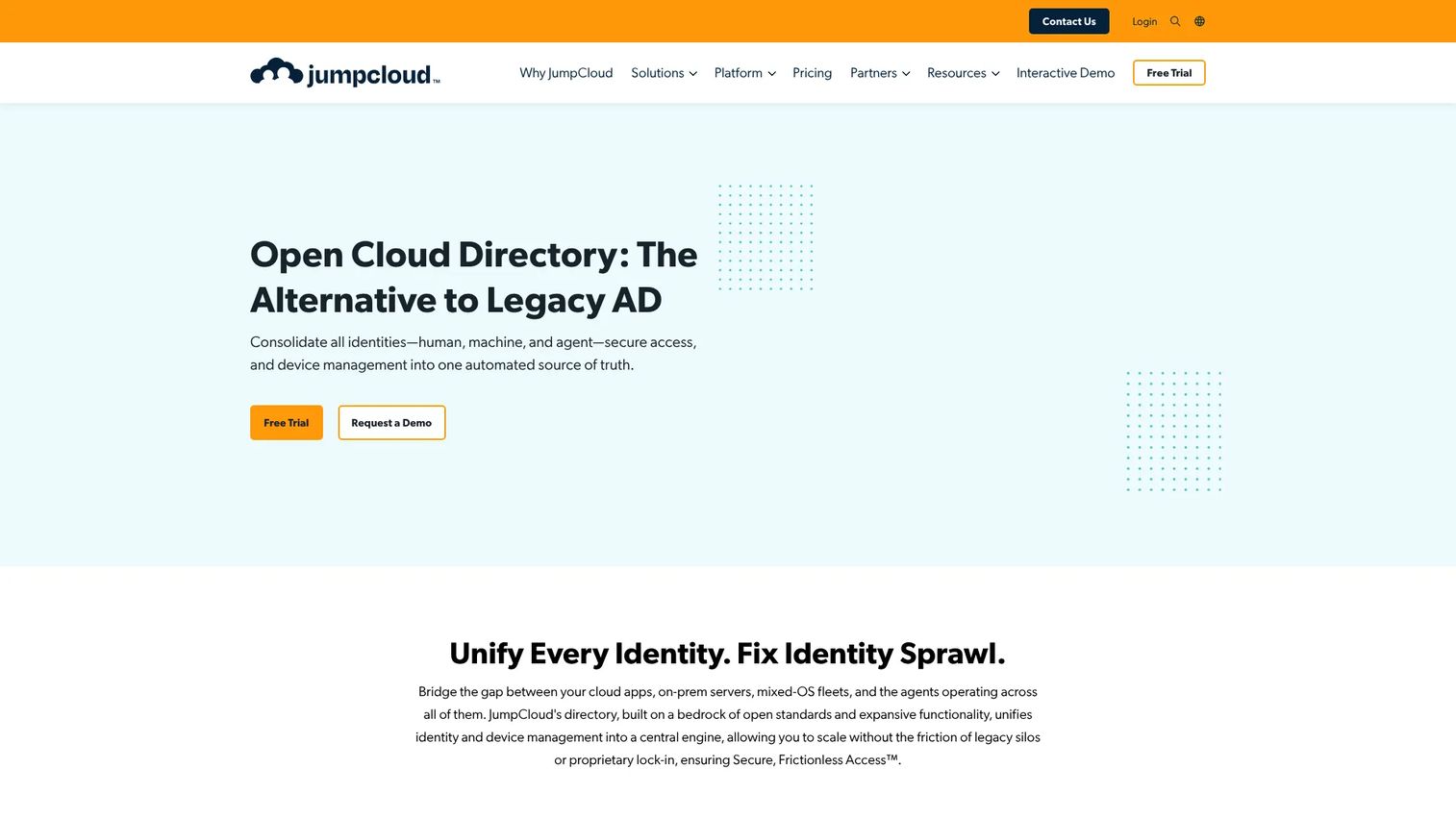
JumpCloud Cloud Directory is a cloud-based open directory platform that unifies identity management, access controls, and device management in a single service. It supports password policy administration alongside SSO, MFA, cloud LDAP, RADIUS, and cross-platform MDM for Windows, macOS, and Linux. Directory integrations connect to Google Workspace, Microsoft 365, and Active Directory, making it relevant for hybrid and cloud-first environments where a traditional on-premises AD filter may not cover the full user base.
Best for: Cloud-first organizations evaluating a broader directory modernization, particularly teams with Windows, macOS, and Linux users who need consistent identity and device controls across platforms.
Key features
- Unified identity and lifecycle management
- SSO, MFA, and password management
- Cloud LDAP and RADIUS
- Cross-platform device management and MDM
- Directory integrations with Google Workspace, Microsoft 365, and Active Directory
Why choose JumpCloud Cloud Directory: Choose this when the evaluation is about directory strategy, not just password filtering. For teams heavily invested in on-premises Active Directory with complex Group Policy configurations, verify policy parity and understand the migration implications before committing to a cloud-directory approach.
JumpCloud Cloud Directory pricing: The Cloud Directory product is $3.00/user/month billed annually, or $4.00/user/month billed monthly. A 30-day free trial is available.
G2 rating: 4.5/5 on G2
8. safepass.me Enterprise
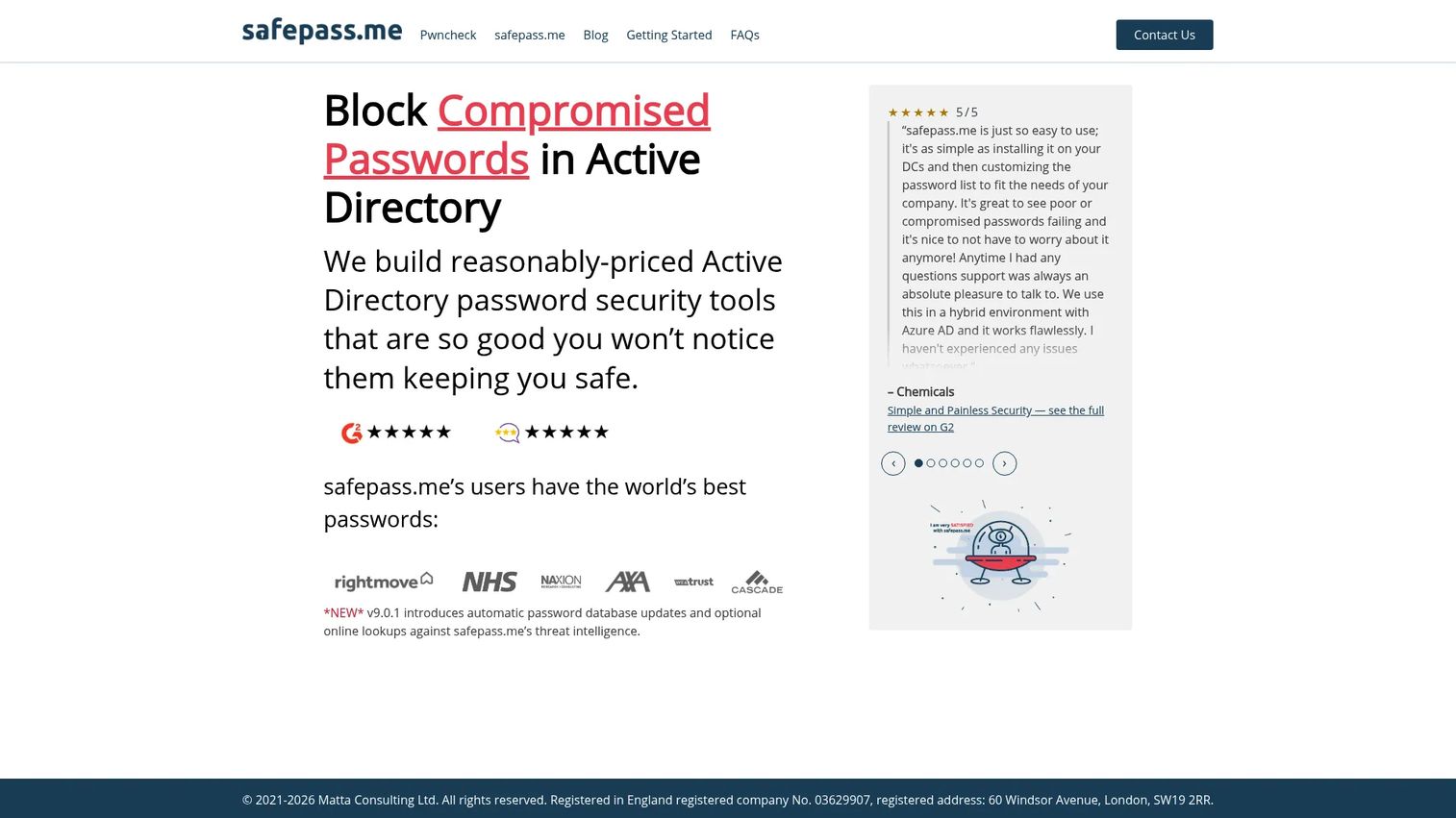
safepass.me Enterprise is an Active Directory password-policy enforcement product focused on offline password checking and breach screening. It supports LSA Protected Mode, multi-domain licensing, unlimited Pwncheck password audits, and a Dry Run mode that lets administrators preview the impact of a new policy before applying it to production accounts. Full policy customization, whitelisting, and admin overrides are included.
Best for: Organizations using Active Directory that want breach-aware enforcement with an offline checking model, a Dry Run testing capability, and a straightforward annual subscription.
Key features
- Offline password checks against breach databases
- LSA Protected Mode support
- Multi-domain licensing
- Unlimited Pwncheck password audits
- Dry Run mode for pre-deployment policy testing
Why choose safepass.me Enterprise: The Dry Run mode addresses a real operational concern: Deploying a stricter policy without first understanding its impact on existing user accounts can spike lockouts and helpdesk contacts. Testing a policy against your actual directory before enabling it reduces that release-cadence risk significantly.
safepass.me Enterprise pricing: Enterprise pricing is price on application. Contact safepass.me for a quote covering your user count and domain structure.
G2 rating: 4.9/5 on G2
Considerations when choosing password policy enforcement software
Enforcement point and directory coverage
Evaluate exactly where the software applies controls. An AD-native password filter operates at the domain controller; a self-service reset portal applies rules during user-initiated recovery; a cloud directory enforces policy at the cloud identity layer. Map your environment first: Hybrid setups with both on-premises AD and Entra ID may need coverage at both points.
Compromised-password intelligence depth
Ask whether the tool checks passwords only at creation, continuously monitors existing accounts, or both. Confirm whether the breach database updates automatically and whether custom banned-password lists can include company-specific terms, keyboard patterns, and username derivatives. Teams with a large existing user base should prioritize continuous monitoring over creation-only blocking.
Policy segmentation and exception handling
Confirm whether administrators can apply different rules to employees, contractors, privileged users, and service accounts within the same domain. Require a documented process for policy exceptions and emergency access. Without segmentation, a single strict policy can create disproportionate friction for the user cohorts least equipped to handle it.
User feedback and support impact
Evaluate what users see when a password fails the policy. Strong tools explain the specific requirement without exposing the underlying security logic. Before rollout, collect baseline metrics on reset completion rates, lockout frequency, and helpdesk contacts by user segment. These numbers are your instrumentation baseline for measuring whether the deployment reduced friction or created it.
Reporting, integrations, and ownership
Check SIEM export, audit-log completeness, directory integration model, and deployment architecture. For product managers, the key question is ownership: Establish who owns the metric dashboard, who interprets the data, and who decides when a policy changes. Without a named owner, password policies decay as the product evolves.
Conclusion
Password policy enforcement is both an identity-security control and a user-experience decision. The right tool blocks compromised choices, fits the directory architecture, gives users workable feedback, and reduces the operational cost of account recovery.
From this shortlist:
- Specops Password Policy covers the widest range of Active Directory enforcement needs, with tiered plans that add breach screening at the Advanced level.
- ManageEngine ADSelfService Plus is the strongest option when self-service reset, MFA, and enforcement need to work as a coordinated program.
- Enzoic for Active Directory fits teams that prioritize continuous monitoring of existing credentials alongside creation-time blocking.
- Netwrix Password Policy Enforcer suits compliance-driven teams that need audit templates alongside enforcement.
- nFront Security Password Filter works well for multi-policy environments where group-level segmentation is the primary requirement.
- Ivanti Password Director fits organizations already running Ivanti service management.
- JumpCloud Cloud Directory is the right frame for teams evaluating cloud-directory modernization rather than a point solution.
- safepass.me Enterprise gives teams an offline enforcement model with a Dry Run mode that reduces deployment risk.
Start by mapping where password changes happen today across your user base, then test two or three tools against the workflows that generate the most lockouts, reset tickets, or security review friction.
FAQs
Password policy enforcement software applies and monitors password rules across an organization's identity systems. It intercepts password changes and resets, blocks noncompliant choices in real time, gives users actionable feedback, and logs outcomes for audit reporting and compliance evidence. Most products integrate with Active Directory, cloud directories, or both.
A policy states the rules: Minimum length, required character types, prohibited terms. Enforcement software applies those rules inside the systems where users set passwords, blocks choices that fail the requirements, and records what happened. Without enforcement software, a policy document has no technical mechanism to verify compliance.
Active Directory supports baseline password policies through Group Policy Objects and fine-grained password policies for specific user groups. These native controls do not include breach-database screening, custom banned-word dictionaries, real-time user feedback, or structured audit reporting. Specialized enforcement software adds those capabilities on top of the directory's built-in controls.
NIST SP 800-63B guidance generally favors event-driven password changes, such as when a breach is detected, over arbitrary periodic expiration cycles. Forcing regular resets without a triggering event often leads users to predictable incremental changes that reduce security rather than improving it. Follow your organization's risk model, existing regulatory obligations, and the recommendation of your identity security team.
Many products in this category compare password choices against breach intelligence databases or banned-password lists before allowing a change to proceed. Some also continuously scan existing directory accounts for credentials that have appeared in new breach datasets since the account was created. Confirm whether a specific tool checks at creation only, monitors continuously, or supports both modes.
MFA reduces the risk that a compromised password leads to account takeover, because an attacker also needs the second factor. It does not make weak passwords harmless. A user with MFA enabled and a password of "Summer2026!" is still more vulnerable than one with a long, unique passphrase and MFA. Strong password controls and MFA address different layers of the identity security program and work better together than either does alone.
Self-service reset portals reduce the helpdesk contact required per reset event. Clear policy feedback at the change screen reduces failed submission attempts. Password managers help users maintain distinct, complex credentials without relying on memory. Where appropriate, passwordless authentication options eliminate the password reset problem entirely for covered workflows. Measure reset completion rates and repeat helpdesk contacts before and after any change to confirm the intervention worked.
Start with ownership: Who configures the policy, who monitors the metrics, and who owns the exception process. Then clarify which user cohorts are affected and whether different rules apply to different segments. Collect baseline data on reset volume, lockout frequency, and account-recovery completion rates before the change goes live. Establish a communications plan for the affected user population, define what constitutes a successful rollout, and agree on the release cadence for policy updates as the product evolves.