
You do not notice self service password reset until it fails. Then a user cannot work, the service desk gets a ticket, and a simple recovery request turns into an identity incident that touches directories, policy rules, and synchronization logs.
Password reset tickets remain one of the highest-volume, lowest-value drains on IT capacity. According to G2's October 2026 category data, secure identity verification, flexible authentication flows, and dependable directory integration are the three core factors buyers evaluate in SSPR software. Yet most organizations still treat account recovery as a background configuration task rather than a product decision.
For product managers working alongside IT, security, and support teams, the framing matters. A recovery flow is part of product access. Its completion rate, abandonment point, and escalation rate are metrics worth instrumenting the same way you would instrument onboarding. When recovery fails, the cost shows up as support tickets, productivity loss, and user frustration that erodes confidence in the product experience itself.
What should IT evaluate before turning on self-service recovery? That is the question this guide answers.
What's inside
This guide covers seven SSPR tools for cloud, Active Directory, and hybrid identity environments.
- Who it's for: IT administrators, identity leads, and product managers influencing internal tooling, onboarding flows, and support-deflection priorities
- Selection criteria: Identity verification depth, directory writeback support, password-policy compatibility, and pricing transparency
- How tools were chosen: Evaluated against current vendor documentation, G2 ratings, and feature coverage across Microsoft-first, Okta-first, and directory-heavy identity stacks
- Scope: Guidance for teams at the decision stage, before a proof of concept or architecture review
TL;DR
- Best overall for Active Directory self-service: ManageEngine ADSelfService Plus covers password resets, account unlock, MFA, and policy enforcement in one product
- Best for Microsoft-first organizations: Microsoft Entra ID provides native SSPR built into the identity platform teams already run
- Best for standardized authentication policies: Okta governs recovery through its existing identity and sign-in policy model
- Best for granular Active Directory password policies: Specops uReset integrates reset workflows with strict password-policy controls
- Best for enterprise verification workflows: FastPass SSPR focuses on identity-verification depth across complex multi-directory environments
- Best for One Identity environments: One Identity Password Manager connects to existing directory and governance operations
- Best for broader AD administration: ManageEngine AD360 combines password recovery with user lifecycle and directory administration
What is self service password reset?
Self service password reset, often shortened to SSPR, is an identity-management capability that lets users verify their identity, reset a forgotten password, change an expired password, or unlock an account without a help desk agent completing the recovery.
What an SSPR workflow includes
A complete workflow covers more than the reset page itself:
- User begins from a browser, mobile device, Windows sign-in screen, or recovery portal
- System validates eligibility and account type
- User completes one or more verification factors
- Tool applies password and account-unlock policies
- Directory receives the updated credential through cloud reset, synchronization, or writeback
- User signs back in and the organization logs the recovery event
Every step in that sequence can fail independently. That is why SSPR selection is an architecture decision, not just a UI choice.
Core SSPR capabilities
When evaluating self service password reset software, look for:
- Identity verification and MFA method support
- Password reset and account unlock for the relevant directory types
- Active Directory and cloud-directory integration
- Password writeback and synchronization controls
- Password-policy enforcement
- Self-service enrollment and authentication-method registration
- Audit logs, alerts, and reporting
- Windows sign-in recovery where the workforce requires it
SSPR versus password management
SSPR focuses on account recovery and identity verification. Password managers store, generate, and share credentials. Some platforms touch both needs, but buying a password manager does not solve enterprise account recovery. Keep the categories separate during evaluation.
Why product managers should care
A recovery flow is part of the product access experience. The metrics worth tracking include recovery start-to-completion rate, verification failures by method, help desk escalation rate, and time from lockout to restored access. Segmenting those results by identity source, device type, and user group reveals where the flow breaks and which populations need different handling. Treating SSPR as a configuration task, rather than a measured workflow, shifts the failure from the help desk to the reset portal without reducing it.
When to use self service password reset tools
Reduce repeat password-reset tickets
When support queues show repeated reset and lockout requests, self-service addresses the volume. It only works when enrollment is high, identity proofing is reliable, and directory updates propagate correctly. A portal that users cannot complete adds a second failure mode without removing the first.
Support hybrid Active Directory and cloud identity
Organizations running both Microsoft Entra ID and on-premises Active Directory need password writeback, password hash synchronization, and directory-agent health validated before rollout. Testing with a non-administrator account, off the corporate network, against a representative set of applications is the minimum viable pilot for a hybrid environment.
Recover access from the Windows sign-in screen
Browser-based recovery portals and Windows sign-in recovery are different requirements. Distributed workforces often need both. Evaluate whether a given tool covers the device-level scenario, not just the web portal scenario, before committing.
Standardize recovery across multiple user populations
Employees, contractors, remote workers, and external collaborators carry different risk profiles. Eligibility rules and verification requirements should vary by population rather than applying a single policy across every group. SSPR tools that support segmentation by user type or group make this manageable without manual exceptions.
Self service password reset tools comparison
The table below is designed for teams comparing identity-stack fit. Pricing was verified against official vendor pages in October 2026. G2 ratings reflect live listings at the same date. The table does not substitute for a pilot; it is a shortlisting tool.
| # | Product | Best for | Key differentiator | Pricing | G2 rating |
|---|---|---|---|---|---|
| 1 | ManageEngine ADSelfService Plus | Active Directory teams needing dedicated self-service recovery | Password reset, account unlock, MFA, and policy controls in one product | From $595/year (500 users) | 4.4/5 |
| 2 | Microsoft Entra ID | Microsoft-first cloud and hybrid identity deployments | Native SSPR with Entra identity controls and password writeback | Free tier available; P1 from $7/user/month | 4.5/5 |
| 3 | Okta | Organizations standardizing workforce identity around Okta | Recovery governed through authenticator and sign-in policy settings | From $6/user/month (billed annually) | 4.5/5 |
| 4 | Specops uReset | Active Directory environments with strict password-policy needs | Reset workflows aligned with Specops password-policy ecosystem | Contact Specops for pricing | 2.5/5 |
| 5 | FastPass SSPR | Enterprises needing verification across complex identity stacks | Dedicated SSPR and identity-verification workflows, including legacy systems | Contact FastPass for a quote | 4.9/5 |
| 6 | One Identity Password Manager | Existing One Identity customers with directory-centric operations | Reset, account unlock, and Active Directory integration in the One Identity suite | Contact One Identity for pricing | Not listed on G2 |
| 7 | ManageEngine AD360 | Teams combining password recovery with broader AD administration | Integrated Active Directory administration and self-service workflows | From $595/year (Standard edition) | 4.3/5 |
Best 7 self service password reset tools for 2026
1. ManageEngine ADSelfService Plus
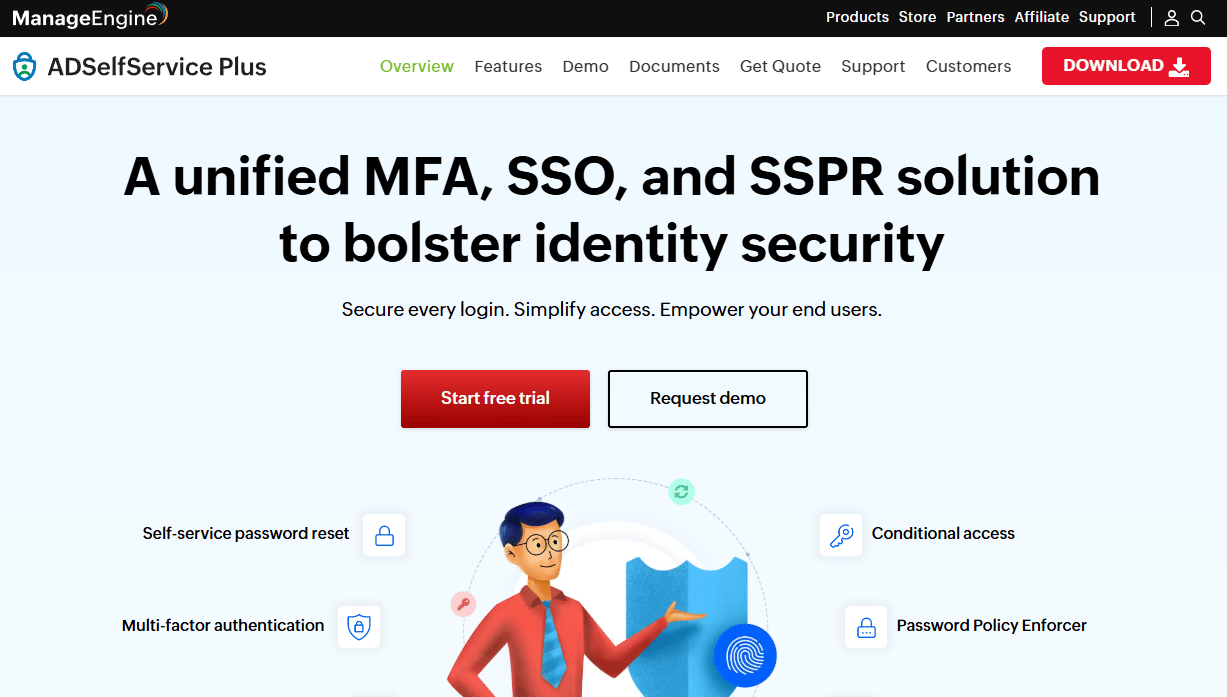
ManageEngine ADSelfService Plus is a dedicated self-service password management platform built for Active Directory and hybrid identity environments. It covers password resets, account unlock, self-service enrollment, MFA for endpoints and applications, and real-time password synchronization across connected systems. The product has a narrower scope than a full IAM suite, which is an advantage for teams that want a focused tool rather than a broad platform.
Best for: IT teams with Active Directory who need a dedicated product for self-service recovery rather than a cloud-directory feature added to an existing platform.
Key features
- Active Directory password reset and account unlock
- MFA for endpoints, VPNs, OWA, and RDP
- Real-time password synchronization across applications
- Self-service enrollment with mobile access
- Password policy enforcement controls
Why choose ManageEngine ADSelfService Plus: This is the practical choice when password resets, unlocks, policy enforcement, and enrollment reporting all need to sit in one administrative workflow. The product's focus on Active Directory environments means the instrumentation around reset completion, enrollment coverage, and lockout patterns maps directly to the directory operations your IT team already manages.
ManageEngine ADSelfService Plus pricing: The Free edition covers up to 50 domain users and never expires. Standard edition starts at $595 annually for 500 domain users; Professional edition starts at $1,195 annually for the same user count, adding advanced MFA and application access features.
G2 rating: 4.4/5 based on 18 reviews (G2, October 2026).
2. Microsoft Entra ID
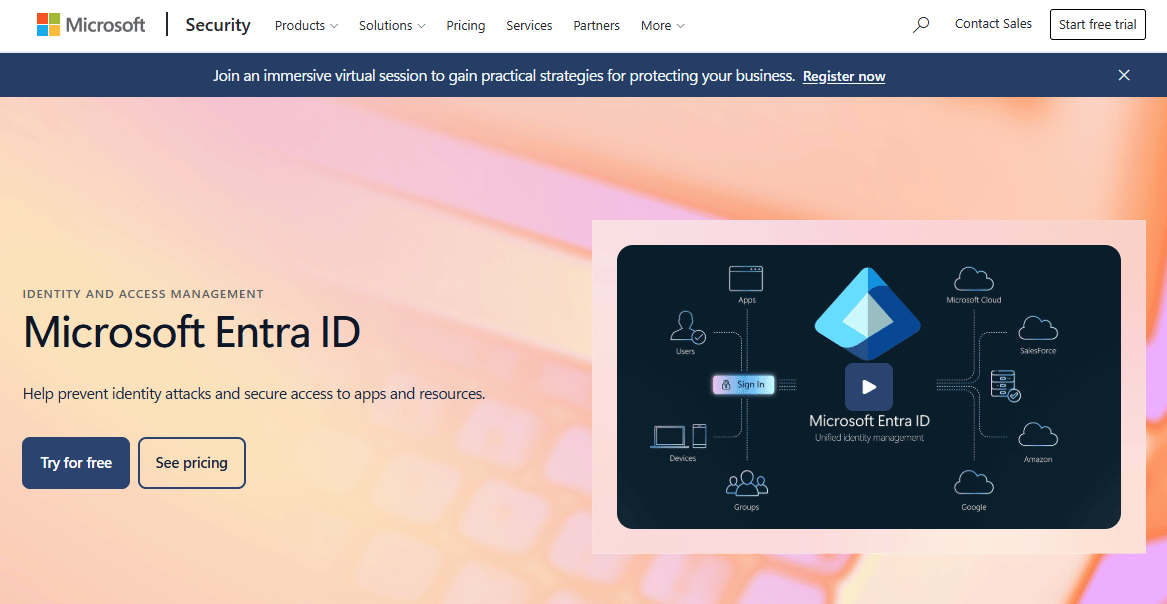
Microsoft Entra ID is Microsoft's cloud identity platform covering SSO, MFA, Conditional Access, and hybrid identity administration. SSPR for eligible work or school accounts is built directly into the platform. For organizations already running Microsoft 365 or Azure AD-based infrastructure, SSPR is not a separate product to evaluate; it is a feature to configure and roll out within the identity architecture already in place.
Best for: Microsoft 365 and Microsoft Entra environments that want SSPR without adding an external identity platform.
Key features
- Cloud account password reset and account unlock
- Password writeback to on-premises Active Directory
- Group-based rollout controls for staged deployment
- Authentication method policies (authenticator app, security keys, phone, email)
- Windows sign-in recovery support
Why choose Microsoft Entra ID: The fit is strongest when the organization already operates on Microsoft Entra and wants fewer external dependencies in the identity stack. Hybrid behavior requires validated writeback configuration and directory-agent health. Test the full credential path, including VPN-dependent systems and Windows devices, before enabling SSPR for production users.
Microsoft Entra ID pricing: The Free tier includes core identity management, MFA, unlimited SSO, and password self-service for basic scenarios. P1 is $7.00 per user per month billed annually and adds advanced authentication, hybrid identity features, and expanded reporting. P2 is $10.00 per user per month billed annually and adds identity protection, risk-based Conditional Access, and privileged identity management. SSPR with writeback requires at least P1 for hybrid deployments.
G2 rating: 4.5/5 (G2, October 2026).
3. Okta
Okta is a workforce identity platform covering SSO, MFA, Lifecycle Management, and Identity Threat Protection. Self-service account recovery sits inside the broader identity, authentication, and sign-in-policy model rather than as a standalone module. Configuring recovery means setting authenticators, defining what factors are allowed for recovery versus sign-in, and confirming that directory agents and Okta's Universal Directory reflect the user populations you intend to cover.
Best for: Organizations already standardizing workforce identity and access around Okta Identity Engine, where SSPR follows an existing authentication architecture.
Key features
- Self-service account recovery through configurable authenticators
- Adaptive sign-in and authenticator policies
- Universal Directory integration with directory-agent support
- Lifecycle Management for user provisioning and deprovisioning
- Identity Threat Protection for risk-based access controls
Why choose Okta: Okta makes sense when SSPR needs to follow an existing authentication and policy model rather than operate independently. Recovery authenticators and sign-in authenticators may have separate configuration requirements; teams should map those differences before rollout. Centralized identity policy can reduce inconsistent recovery experiences across applications, but only when enrollment and user communication plans are in place before go-live.
Okta pricing: Workforce Identity Cloud starts at $6 per user per month (Starter, billed annually). Core Essentials is $14 per user per month and Essentials is $17 per user per month, both billed annually. Professional and Enterprise tiers require a sales conversation. A $1,500 annual contract minimum applies to Workforce Identity. A free Integrator plan is available for non-production environments with up to 10 active users.
G2 rating: 4.5/5 (G2, October 2026).
4. Specops uReset
Specops uReset is a self-service password reset and account unlock solution for Active Directory and Microsoft Entra ID. Its positioning centers on organizations where password-policy enforcement is a first-class requirement, not an afterthought. The tool integrates with more than 20 identity providers for MFA, including Duo, Microsoft Authenticator, PingID, and YubiKey, and it updates locally cached credentials for remote Active Directory users without requiring VPN access.
Best for: Organizations with strict Active Directory password policies, compliance requirements, or distributed remote workforces that need off-network account recovery.
Key features
- Remote password reset and account unlock without VPN
- MFA with 20+ identity providers including Duo and YubiKey
- Locally cached credential updates for remote AD users
- Automated enrollment notifications and options
- Integration with SIEM and analytics platforms
Why choose Specops uReset: The fit is strongest when password-policy enforcement is a decisive evaluation criterion and when the user population includes remote workers who need to reset passwords before they can reconnect to corporate infrastructure. Verify compatibility with your existing password filters and domain policies before rollout; the tool enforces policy rules but cannot compensate for conflicting filter configurations.
Specops uReset pricing: Specops uses volume-based pricing and does not publish a standard rate. Contact Specops directly for organization-specific pricing based on user count and included features. The Capterra-reported average is 4.6/5 from 12 reviews, providing a useful cross-reference alongside the G2 data.
G2 rating: 2.5/5 based on 1 review (G2, October 2026). The low review count limits the signal here; Capterra's 4.6/5 across 12 reviews offers a broader sample for evaluation.
5. FastPass SSPR
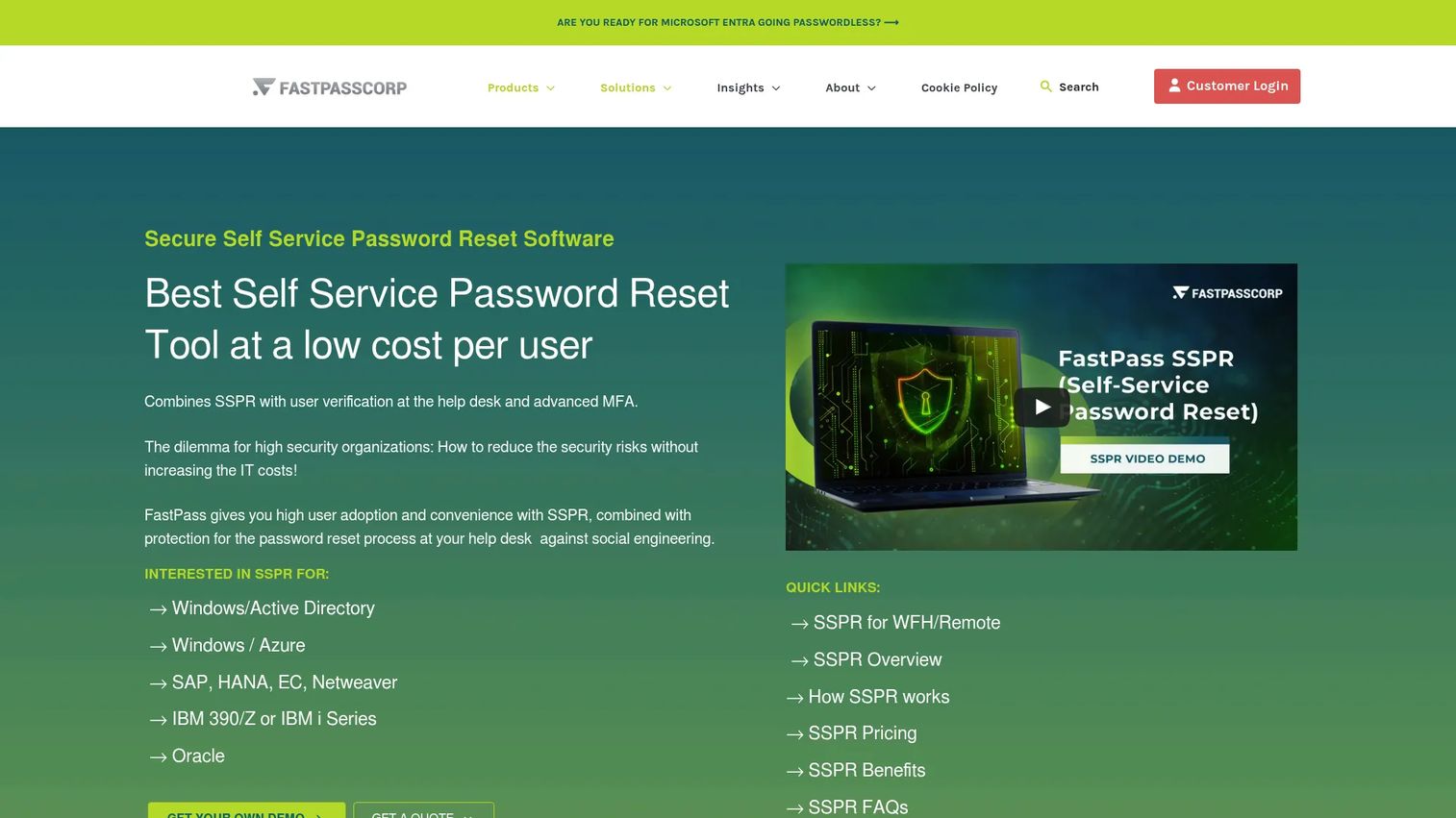
FastPass SSPR is a dedicated enterprise self-service password reset product covering Windows and Active Directory, cloud identity providers such as Azure, and application-layer systems including SAP, Oracle, and IBM. Reset access is available through Windows pre-login screens, web portals, browsers, smartphones, and tablets. The product also handles password expiration notifications, policy enforcement, audit logging, and ITSM integrations with platforms like ServiceNow and BMC.
Best for: Enterprises that need specialized password-reset and identity-verification workflows across a complex environment including legacy application systems.
Key features
- Password reset via Windows pre-login, web, and mobile
- Multi-factor and contextual verification including manager approval
- Support for Windows, Azure, SAP, Oracle, and IBM application passwords
- Password expiration notifications and policy enforcement
- ITSM integrations: ServiceNow, TopDesk, BMC, Cherwell
Why choose FastPass SSPR: FastPass earns evaluation when the identity environment includes legacy application systems that other SSPR tools do not cover and when identity-proofing depth matters more than buying a module inside a broader platform. Measure false verification failures, repeat verification attempts, and escalation rates during the pilot. These numbers reveal whether the identity-verification layer is reducing the support burden or creating a new abandonment point.
FastPass SSPR pricing: Enterprise pricing is quote-based and varies by user count, included password systems, functionality scope, and cloud versus on-premises deployment. Contact FastPass for a project-specific estimate.
G2 rating: 4.9/5 for FastPassCorp (G2, October 2026).
6. One Identity Password Manager
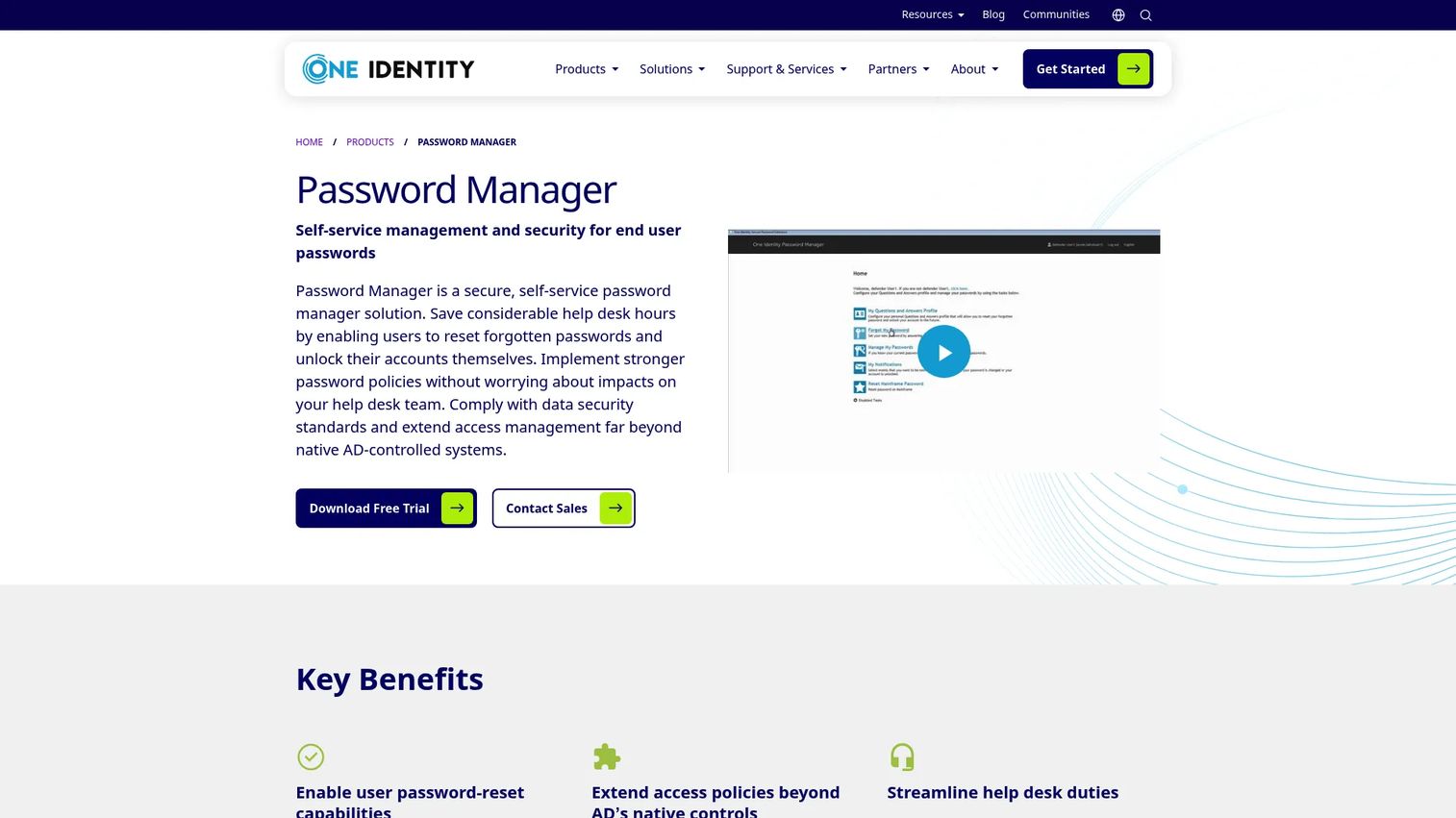
One Identity Password Manager is a self-service password management product for Active Directory environments. It covers password resets, account unlock, password-policy enforcement beyond native AD controls, multiple-domain support, two-factor authentication, and reporting for password-related activity. The product also extends to non-Microsoft operating systems including UNIX and Linux, which is relevant for organizations with mixed-OS infrastructure.
Best for: One Identity customers and enterprise IT teams that need SSPR integrated with existing directory, governance, and support operations.
Key features
- Self-service password reset and account unlock
- Password policy enforcement beyond native AD controls
- Multiple-domain and non-Microsoft OS support (UNIX, Linux)
- Two-factor authentication support
- Logging and reporting for password activity
Why choose One Identity Password Manager: Ecosystem fit is the primary driver here. If the organization already runs One Identity for identity governance or access management, adding Password Manager reduces integration overhead. Teams without existing One Identity infrastructure should compare integration depth and administration requirements carefully against tools that are more self-contained. SSPR embedded in a broader identity governance platform can be powerful, but the maintenance footprint scales with the suite.
One Identity Password Manager pricing: Pricing is not displayed on the product page. One Identity directs prospects to a request-pricing form for organization-specific quotes. Contact One Identity for cost details based on user count and deployment scope.
7. ManageEngine AD360
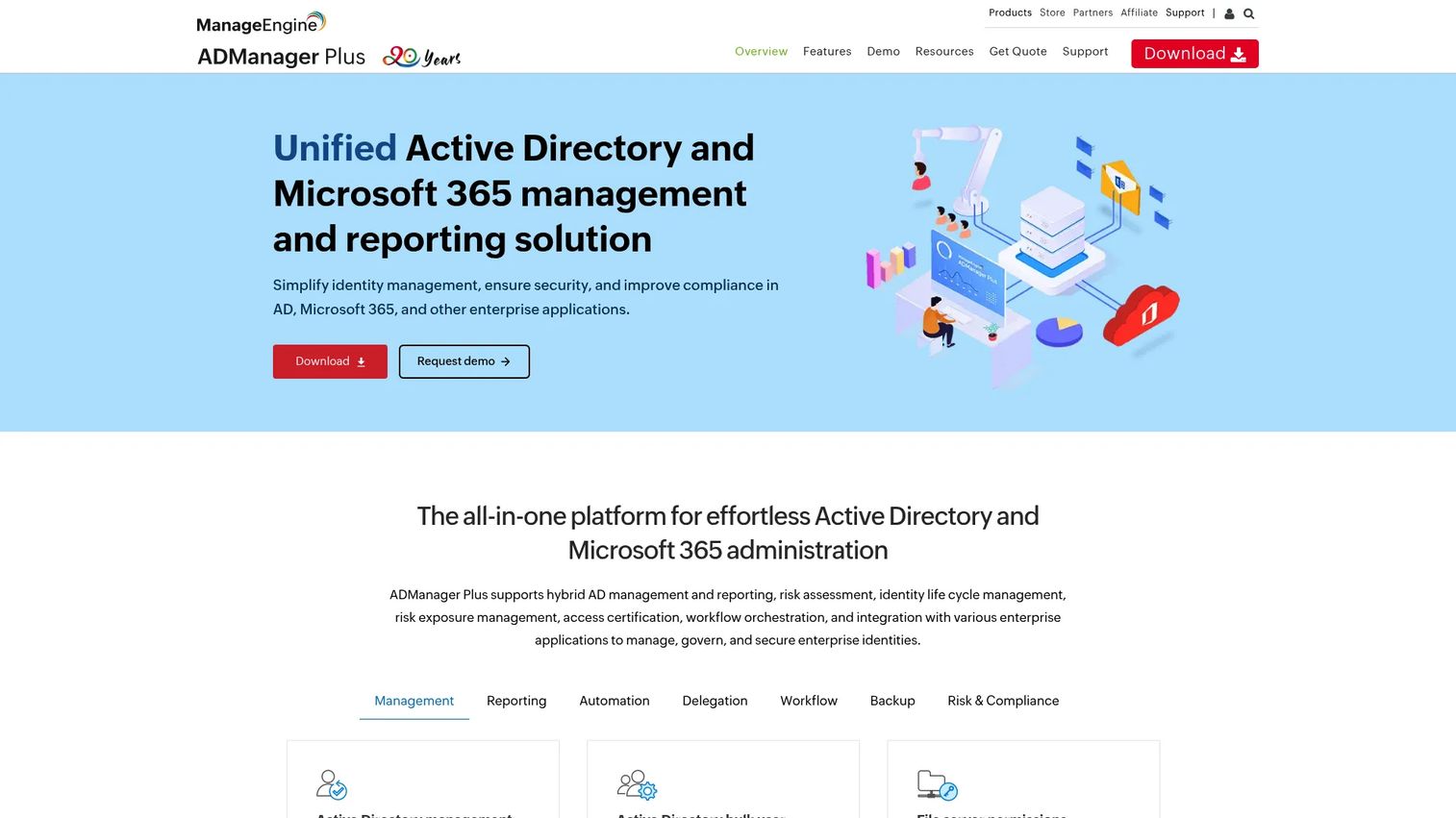
ManageEngine AD360 is an integrated identity and access management suite covering Active Directory administration, user lifecycle management, MFA, SSO, Microsoft 365 administration, AI-driven user behavior analytics, and self-service password management. SSPR is one component of a broader platform rather than the product's primary purpose. Teams that need password recovery alongside user provisioning, role management, and directory reporting will find the suite covering multiple needs without additional tooling.
Best for: IT teams seeking an Active Directory administration suite where password recovery and account unlock are part of a larger directory-operations program.
Key features
- Self-service password management and account unlock
- Active Directory administration, delegation, and workflow automation
- Multi-factor authentication and adaptive MFA
- AI-driven user behavior analytics and auditing
- Microsoft 365 administration and reporting
Why choose ManageEngine AD360: This is the right evaluation path when SSPR is part of a broader Active Directory operations problem. Product managers can connect recovery metrics to user-lifecycle events such as onboarding, access provisioning, role changes, or periods of elevated account lockout. Teams looking only for a lightweight password-reset portal should compare the suite's scope and administration requirements against a focused product before committing to the broader platform.
ManageEngine AD360 pricing: Standard edition starts at $595 per year for Active Directory Management (ADMP) domains. Professional edition starts at $795 per year for the same configuration. AD360 uses modular pricing across components including domains, domain controllers, users, mailboxes, and workstations, so the total price varies with the configuration. Check the ManageEngine store for your specific setup.
G2 rating: 4.3/5 based on 4 reviews (G2, October 2026).
Considerations when choosing self service password reset software
Verify identity without creating abandonment
Evaluate supported verification factors, registration requirements, and recovery alternatives. The right number of verification steps depends on account risk and user population. Test whether users can complete recovery from a phone, from outside the corporate network, and after losing access to a primary authenticator. A verification flow that is too strict creates a new support escalation instead of deflecting one.
Confirm directory writeback and synchronization behavior
For hybrid environments, test the full credential path before enabling SSPR for production users. Confirm whether resets update Microsoft Entra ID, on-premises domain controllers, VPN-dependent systems, and Windows devices as expected. Writeback failures are silent from the user's perspective and surface only when the user tries to sign in and finds the old credential still active.
Align password policies before rollout
A reset tool applies the policies already configured in your directories. Conflicting rules between password filters, domain controllers, and the SSPR tool cause failed resets that look like tool failures but originate in policy misalignment. Document the required complexity rules, lockout thresholds, and expired-password behavior before enabling self-service reset.
Treat enrollment as a product rollout
Users cannot self-serve without registered recovery methods. Treat enrollment as a phased communication and measurement project, not a checkbox in the configuration. Track registration coverage by department and identity source before measuring ticket deflection. Low enrollment means the SSPR tool is available but not working.
Measure recovery performance after launch
Establish a baseline for password tickets, account-unlock requests, and escalation rate before go-live. After rollout, segment results by identity source, device type, geography, and user role. Recovery completion rate and verification failure rate by method tell you where the flow breaks and which populations need different handling.
Conclusion
The strongest SSPR tool for any given organization is the one that fits its identity architecture, not the one with the most features on a product page.
ManageEngine ADSelfService Plus is the broadest dedicated pick for Active Directory self-service recovery, with a free tier for smaller deployments. Microsoft Entra ID is the natural starting point for Microsoft-first organizations that want SSPR inside their existing identity platform. Okta fits teams already operating under its authentication and sign-in policy model. Specops uReset earns a closer look where password-policy enforcement is the decisive factor. FastPass SSPR is worth evaluating when the identity environment includes legacy application systems. One Identity Password Manager fits organizations already running the One Identity suite. ManageEngine AD360 makes sense when password recovery is part of a wider Active Directory administration program.
The next step is to shortlist two or three platforms, map each one against your identity architecture (cloud-only, synchronized Active Directory, or federated), and run the full recovery journey with a non-administrator account before rollout. If you want to explore the broader category of identity verification software or review adjacent tooling like best password manager software, those guides cover the neighboring territory.
Start your journey with Guideflow today!
FAQs
Self service password reset (SSPR) is an identity-management capability that lets users verify their identity and reset a forgotten or expired password, or unlock a locked account, without a help desk agent completing the recovery. The password change must reach the relevant identity directory or synchronized system for the user to regain access. Many SSPR tools also handle account unlock as a parallel workflow with separate policy controls.
Password reset changes the credential itself. Account unlock removes the lockout state caused by too many failed sign-in attempts without necessarily changing the password. Many SSPR products support both operations, but the directory and device scenarios they cover may differ. Verify that the tool handles both workflows for all account types in your environment, not just cloud accounts.
Microsoft Entra ID supports SSPR for eligible work or school accounts, subject to licensing, authentication-method settings, and identity architecture. Cloud-only accounts can reset without additional configuration beyond enabling SSPR and registering authentication methods. Hybrid environments require password writeback to be configured and tested, along with directory-agent health validation, before enabling SSPR for synchronized accounts.
It depends on the SSPR tool and how the directory architecture is configured. Browser-based portals generally work off-network when the recovery portal is publicly accessible and the user has registered authentication methods. Windows sign-in screen recovery requires additional agent configuration and may depend on connectivity to specific services. Run a pilot that tests off-network recovery using the same devices and authentication methods the workforce uses day-to-day.
The minimum for most enterprise environments includes authenticator apps, security keys or hardware tokens where the user population uses them, phone verification as a backup, and email as a lower-assurance fallback. The right mix depends on account risk, the likelihood that users lose access to any single factor, and accessibility requirements. Avoid relying on a single verification method for high-risk accounts.
Track enrollment rate (the percentage of users with registered recovery methods), reset completion rate, verification failure rate by method, account-unlock completion, help desk escalations for password and lockout tickets, and average time from lockout to restored access. Segment all metrics by identity source and user group to find failure patterns. A high escalation rate after SSPR rollout usually means low enrollment or a verification method that users cannot complete.
It can, but hybrid deployments require more validation than cloud-only ones. Writeback, directory synchronization, federation behavior, password filters, and domain policies all interact in ways that can cause silent failures. The most important test is whether the user can complete a reset and then access every required system, including VPN, legacy applications, and Windows sign-in, using the same path they would use in production.
Yes, when the password-reset experience affects employees, onboarding, support capacity, or any system the product team owns access to. Product managers can instrument the recovery flow, define completion metrics, segment users by identity source, and push back on rollout plans that lack enrollment measurement. SSPR treated as a pure IT configuration project often launches without the feedback loops needed to detect failure patterns across different user segments.