You have 200 logins. Your team shares a handful of them over Slack. Someone reused the same password across four SaaS tools, and one of those tools just disclosed a breach. Now you are the person who has to explain to Security why credentials were sitting in a spreadsheet.
This is the quiet risk that grows inside every SaaS company. The more tools you buy, the more credentials pile up, and the more the whole thing depends on people remembering not to cut corners. They cut corners anyway. According to Security.org's 2024 annual report, only 36% of American adults use a password manager, roughly 94 million people, which means most credential handling still runs on memory and reuse.
For presales teams and technical evaluators, this is not just a personal hygiene issue. You are often the person a prospect or an internal stakeholder turns to when they ask which tool to standardize on, and you need an answer you can defend in a security review. The market itself is moving fast: Precedence Research projects the password management market will grow from USD 4.54 billion in 2026 to USD 27.00 billion by 2035, a 21.92% CAGR. More vendors, more feature overlap, more noise.
This guide cuts through it. If you evaluate software for a living, you already know the drill: workflow fit, integrations, governance, and a story you can take to IT. The same evaluation discipline you apply to a contract lifecycle management software purchase or an audit management software shortlist applies here. If your remit stretches into vendor risk, our roundup of the best AI security posture management tools pairs well with this one.
What's inside
This guide compares eight leading password managers on the criteria that actually decide a purchase: encryption and security architecture, ease of use, cross-platform support, team and admin features, and pricing. We picked tools that hold real market share, publish credible security details, and serve both individual and team buyers.
Each entry is written for someone who has to justify a recommendation internally, not just pick a favorite. You will find who each tool fits best, its key strengths, honest notes on where it makes sense, and verified pricing where the vendor publishes it. Personal use, family plans, small teams, and enterprise governance are all covered.
TL;DR
- Best overall for most buyers: 1Password, for its polished experience, Secret Key architecture, and strong business governance.
- Best for open-source and value: Bitwarden, with a genuinely usable free tier and transparent, auditable code.
- Best for privacy-first users: Proton Pass, with hide-my-email aliases and end-to-end encryption from a privacy-focused vendor.
- Best for guided security and monitoring: Dashlane, with dark web monitoring and automated password health.
- Best for enterprise governance: Keeper, with zero-knowledge encryption plus SSO, SCIM, and audit reporting.
- Best for form-filling and simplicity: RoboForm, a long-established option built around fast form fills and shared folders.
What is password manager software?
Password manager software is an encrypted application that generates, stores, autofills, and shares login credentials so users do not have to remember or reuse passwords. It replaces the spreadsheet, the sticky note, and the browser's built-in save feature with a single secured vault protected by one master password and, ideally, a second authentication factor.
Most modern password managers share a common core. Understanding these functions makes any comparison faster:
- Vaulting: An encrypted store for passwords, passkeys, secure notes, payment cards, and identity data, usually protected with AES-256 encryption.
- Password generation: A built-in password generator that creates long, random, unique credentials on demand.
- Autofill and autosave: Browser extensions and mobile apps that capture new logins and fill saved ones automatically.
- Sync across devices: Cloud sync so the same vault is available on desktop, browser, phone, and tablet.
- Secure sharing: Encrypted sharing of individual items or whole vaults with family members, teammates, or admins.
- Multi-factor authentication: Support for MFA, including TOTP codes, hardware keys like a YubiKey, and increasingly passkeys.
- Zero-knowledge architecture: A design where the vendor never holds your encryption keys, so only you can decrypt your vault.
- Breach and health monitoring: Alerts for reused, weak, or exposed passwords, often paired with dark web monitoring.
- Admin and governance: For business plans, role-based access, provisioning, recovery, and audit logs.
The strongest secure password manager products treat zero-knowledge encryption as non-negotiable and layer usability on top of it. The weakest treat security as a marketing line. The difference matters most when you are the one signing off on the tool.
When to use password manager software
Replace reused passwords
Password reuse is the single most exploited weakness in credential security. When one service is breached, attackers try the same email and password everywhere else, a technique called credential stuffing. A password manager eliminates reuse by generating a unique credential for every account and remembering it for you. For a team, this turns "everyone please stop reusing passwords" into an enforceable default rather than a hopeful request.
Standardize login handling across devices
People switch between a work laptop, a personal phone, and a browser on a shared machine within a single hour. Without sync, credentials get copied into notes apps or texted to yourself. A password manager with reliable cross-platform sync keeps one encrypted vault available everywhere, so the login experience is identical on macOS, Windows, iOS, Android, and every major browser. For evaluators, consistent platform coverage is often the difference between adoption and shelfware.
Support team credential sharing and recovery
Teams share more than they admit: a shared analytics login, a social account, a vendor portal. Doing this over chat is a liability. Business password managers provide shared vaults with role-based access, so the right people see the right credentials and no one else. Just as important are admin recovery and offboarding workflows. When someone leaves, an admin revokes access and reclaims shared items in minutes, the same governance discipline you would expect from any contract management or loyalty management system that touches sensitive data.
Comparison table
Here is the shortlist at a glance, ranked by relevance to most buyers. Use it to narrow to two finalists, then read those sections in full. Pricing reflects verified vendor figures as of mid-2026; where a vendor gates pricing behind a sales conversation, that is noted.
| # | Product | Intent | Key use case | Pricing | G2 rating |
|---|---|---|---|---|---|
| 1 | 1Password | Best overall | Teams and individuals wanting polished UX with business governance | From $2.99/mo (Individual, billed annually) | 4.6/5 |
| 2 | Bitwarden | Best value / open source | Cost-efficient, transparent password management for people and teams | Free; Premium from $1.65/mo | 4.7/5 |
| 3 | Dashlane | Best guided security | Autofill, breach alerts, and password health with monitoring | Custom (business); Premium personal plans | 4.5/5 |
| 4 | NordPass | Best simple UX | Easy onboarding with password health and passkeys | Free; paid Premium and Family plans | 4.5/5 |
| 5 | Keeper | Best enterprise governance | Zero-knowledge vaults with SSO, SCIM, and audit reporting | Business plans billed annually; free tier available | Not listed |
| 6 | Proton Pass | Best privacy-first | End-to-end encrypted vault with hide-my-email aliases | Free; paid Pass Plus and Unlimited plans | 4.7/5 |
| 7 | RoboForm | Best for form filling | Fast form fills and shared folders for individuals and teams | Free; Premium from $2.49/mo | 4.6/5 |
| 8 | LastPass | Recognizable legacy option | Shared vaults, autofill, and admin controls | Free tier plus paid personal and business plans | Not listed |
1. 1Password
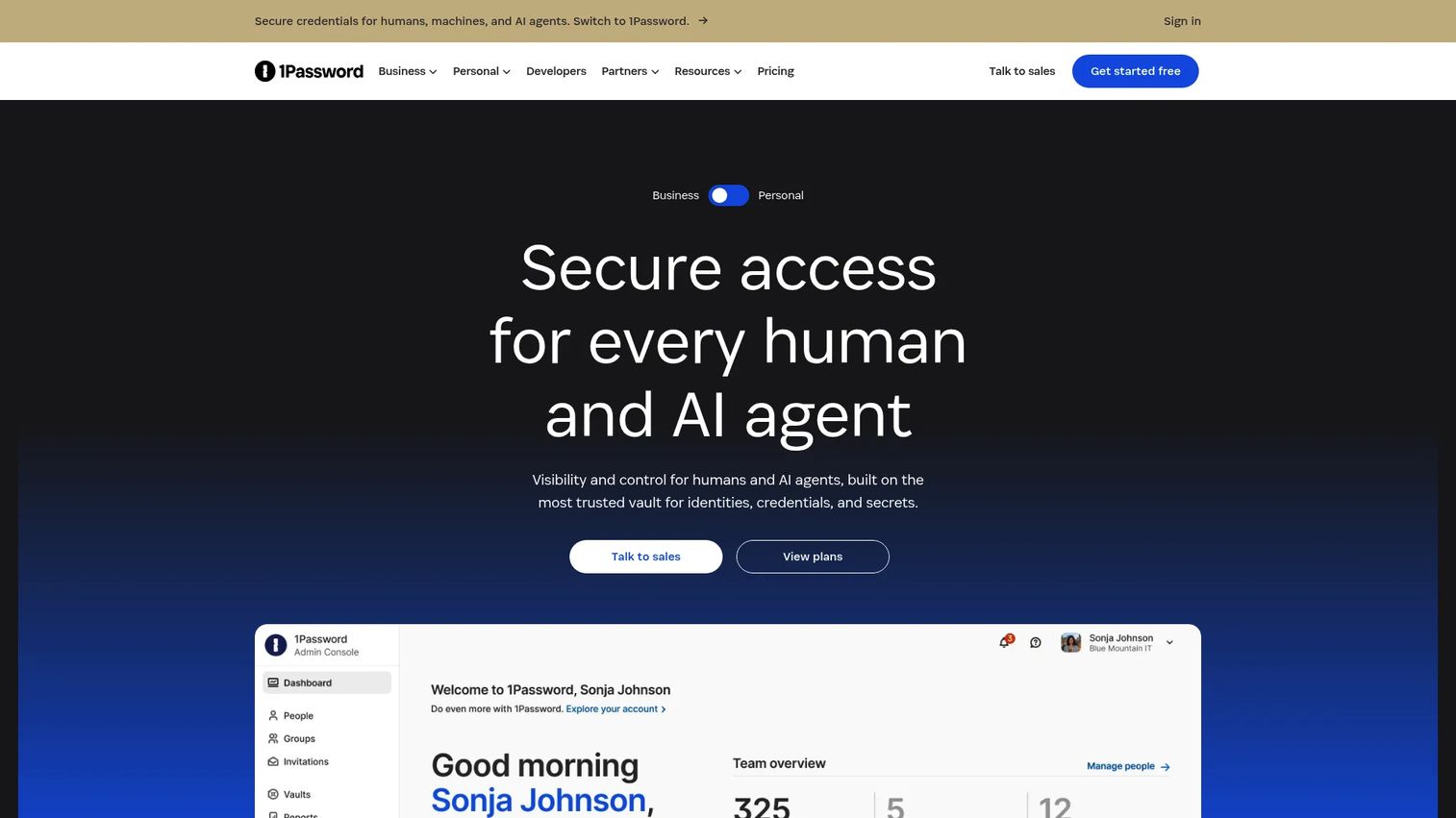
1Password is the pick most technical buyers reach for when they want strong security without asking their team to fight the interface. It handles password, secrets, and access management for individuals, families, and businesses, and it has built a reputation on doing the hard security work while keeping the daily experience clean. The standout architectural detail is the Secret Key: a second, device-stored secret combined with your master password, so a stolen master password alone cannot unlock your vault.
Best for: Teams and individuals who want a password manager with business access governance and sharing controls.
Key strengths
- Secret Key architecture: A second local secret strengthens encryption beyond the master password alone.
- Travel Mode and vault organization: Temporarily remove sensitive vaults from devices and keep credentials sorted by context.
- Passkeys and built-in 2FA: Store passkeys and generate two-factor codes inside the same vault you already use.
Why choose 1Password: It fits the buyer who values a low-friction experience and can defend the security model in a review. The Secret Key, secure vaults, encrypted sharing, and passkey support give you a coherent story for IT, while the polish keeps adoption high. It is a premium product, so buyers who only want the absolute lowest price may look elsewhere, but for most SaaS teams the reliability earns its keep.
1Password pricing: Plans start at $2.99 USD per month for Individual, billed annually, and $4.49 USD per month for Families. For teams, the Teams Starter Pack is $19.95 USD per month for up to 10 users, and Business runs $7.99 USD per user per month, both billed annually. Enterprise and Unified Access products are request-a-quote. There is no free tier. It carries a 4.6/5 rating on G2.
2. Bitwarden
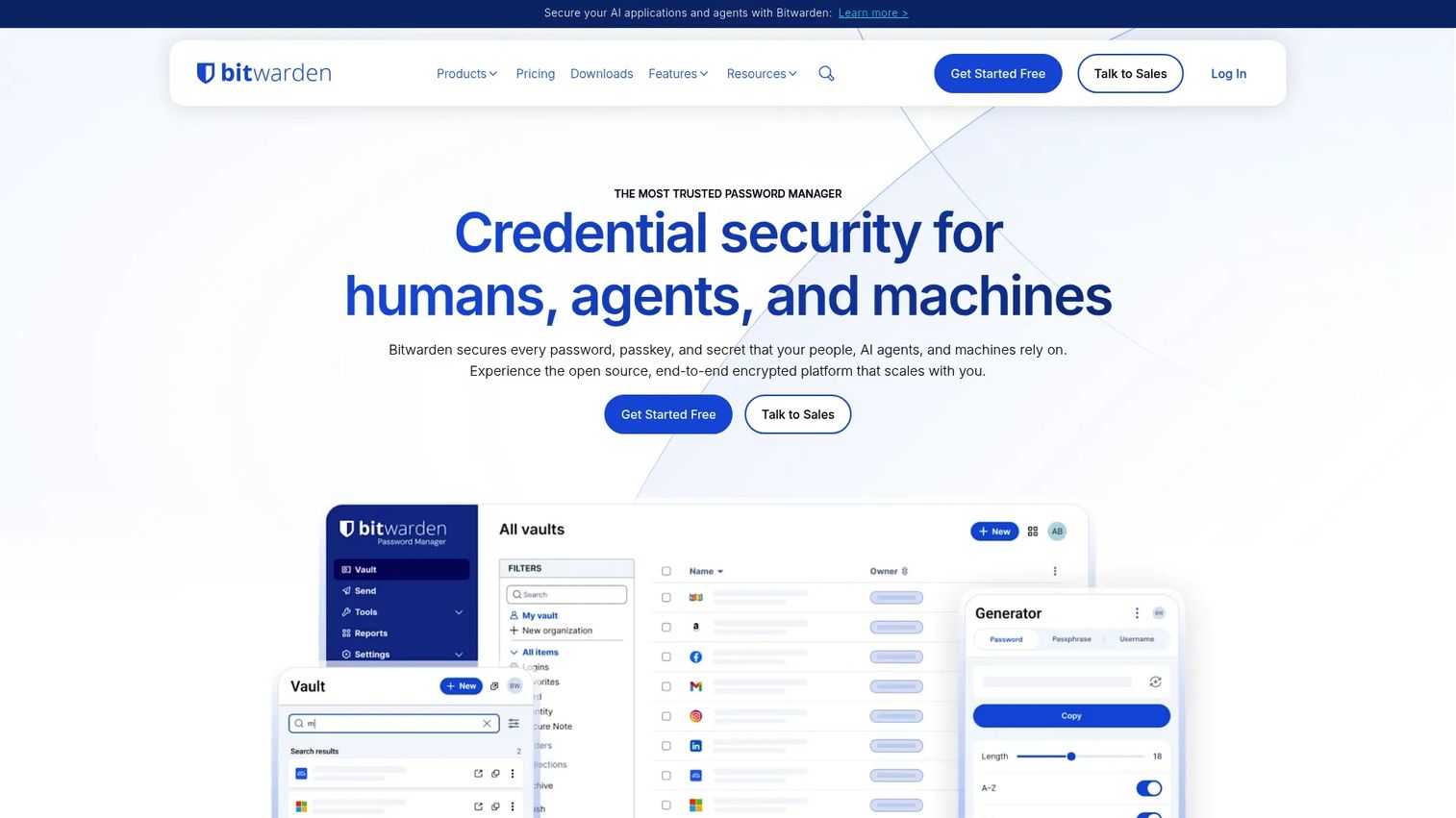
Bitwarden is the open-source value leader, and it is the tool privacy-conscious evaluators keep recommending for a simple reason: the code is auditable and the free tier is genuinely usable. It serves individuals, families, teams, and enterprises, and its free plan includes unlimited passwords across unlimited devices, which is rare. For buyers who want transparency they can point to in a security discussion, publicly available source code is a strong argument.
Best for: People or organizations that want a secure, cross-device password manager with a free tier and low-cost paid plans.
Key strengths
- Unlimited free storage: Store unlimited passwords across unlimited devices without paying.
- Passkey management and autofill: Full passkey support plus a built-in generator and autofill across platforms.
- Shared vaults and Bitwarden Send: Team vaults, 2FA/TOTP support, and encrypted one-off sharing via Bitwarden Send.
Why choose Bitwarden: It wins on cost efficiency and transparency. Open-source code, low paid pricing, and a capable free plan make it easy to justify to finance and security at once. The interface is more utilitarian than the premium leaders, which some users notice, but for teams that value auditability and value over gloss, that trade is easy to accept.
Bitwarden pricing: The Free plan covers individuals at no cost. Premium is $1.65 per month billed annually, and Families is $3.99 per month billed annually. For business, Teams is $4 per user per month and Enterprise is $6 per user per month, both billed annually, with quotes available for large organizations. It holds a 4.7/5 rating on G2.
3. Dashlane
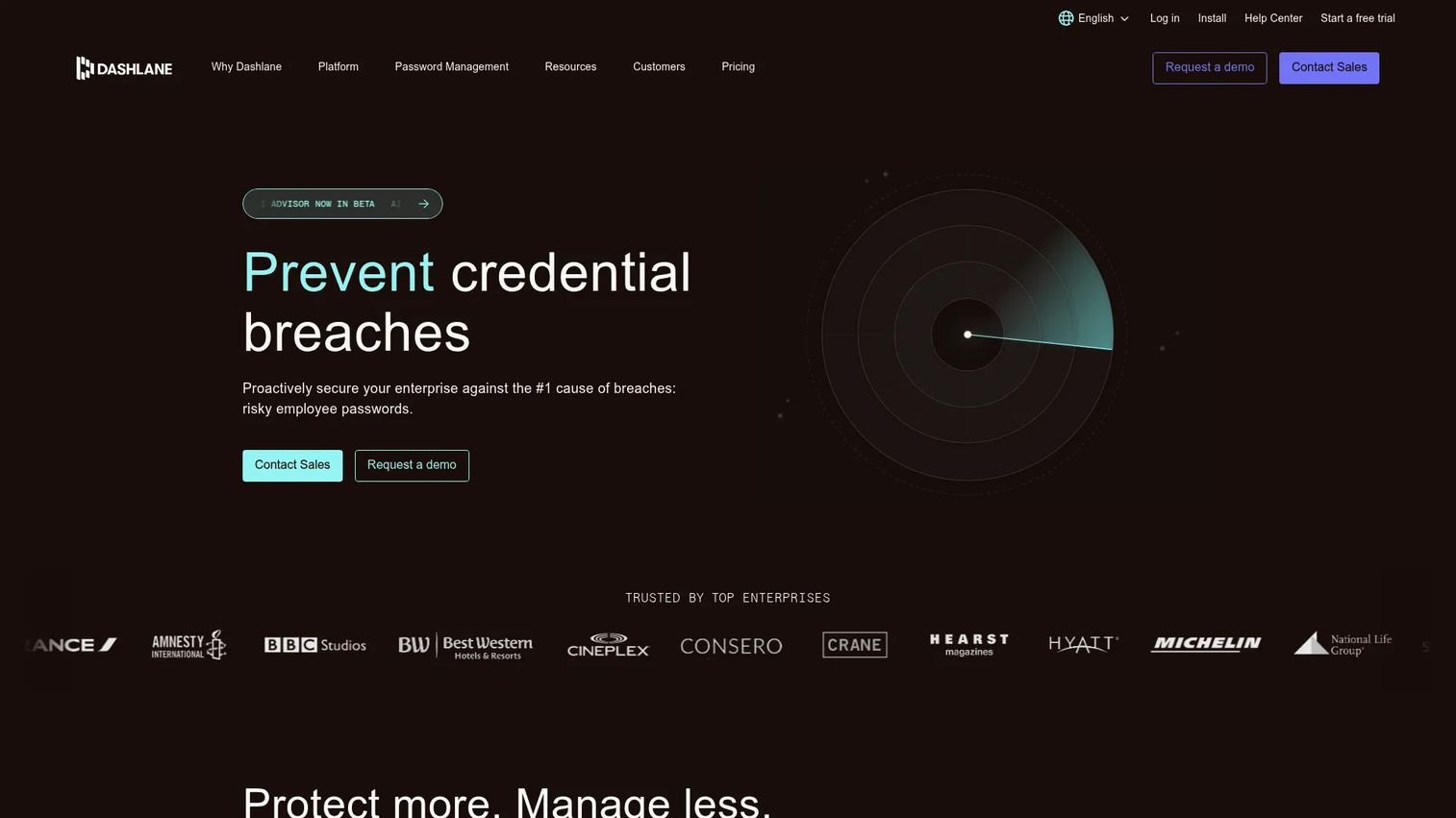
Dashlane is the option for teams that want security to feel guided rather than hands-off. It combines password management with credential security, layering dark web monitoring, breach alerts, and automated password health on top of the core vault. The experience nudges users toward better hygiene instead of assuming they will find the health dashboard on their own, which matters when adoption across a whole team is the goal.
Best for: Teams and individuals needing password management with security monitoring and sharing.
Key strengths
- Dark web monitoring: Alerts when credentials appear in known breaches so users can rotate fast.
- Password health scoring: A running assessment of weak, reused, and compromised passwords.
- AI-powered phishing and scam protection: Added monitoring layers beyond storage and autofill.
Why choose Dashlane: Choose it when convenience and proactive, guided security carry more weight than rock-bottom price. Unlimited storage, autofill, password history, and monitoring make it a strong fit for teams that want the tool to do the coaching. Budget-first buyers may find the tier structure less attractive, but the automation can pay for itself in reduced credential risk.
Dashlane pricing: Dashlane's help center notes the free plan has been discontinued; personal plans are Premium and Friends & Family. On the business side, the pricing page shows an Enterprise tier with custom, volume-optimized pricing, plus Password Management and Credential Protection plans billed per user per month annually, though public dollar figures are not displayed. It carries a 4.5/5 rating on G2.
4. NordPass
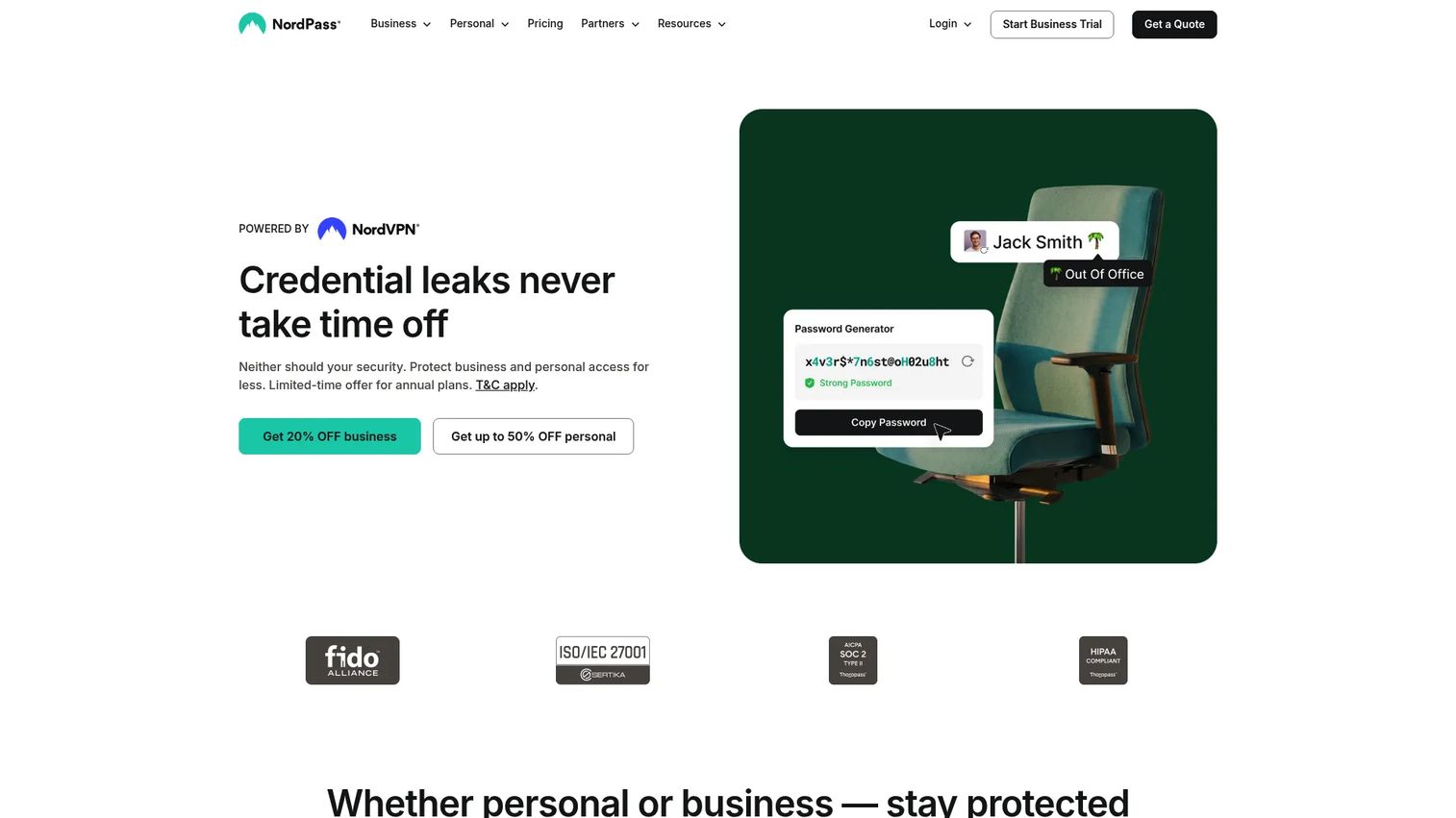
NordPass is built around a clean, low-learning-curve experience, which makes it a strong pick when onboarding speed matters. It manages passwords and passkeys for personal and business use, and it keeps the essentials front and center: autosave, autofill, a password health tool, and a data breach scanner. For evaluators who need a tool the whole team can adopt without a training session, that simplicity is a feature, not a compromise.
Best for: Individuals or teams needing a password manager with passkey and sharing support.
Key strengths
- Autosave and autofill: Captures new logins and fills saved ones with minimal friction.
- Password Health: Flags weak, old, and reused credentials for quick cleanup.
- Data Breach Scanner: Checks stored credentials against known breach databases.
Why choose NordPass: It fits buyers who want an easy onboarding path and a modern, uncluttered interface. Passkey support and secure sharing keep it current, and business controls extend it to team use. Against the premium leaders it competes on value and simplicity rather than depth of governance, so weigh it when ease of adoption ranks above advanced admin tooling.
NordPass pricing: NordPass offers Free, Premium, and Family plans, with the Free tier described as lifetime and requiring no credit card. Public numeric prices for the paid tiers were not readable on the pricing page at the time of writing, so confirm current figures directly on NordPass's site. Its Business product holds a 4.5/5 rating on G2.
5. Keeper
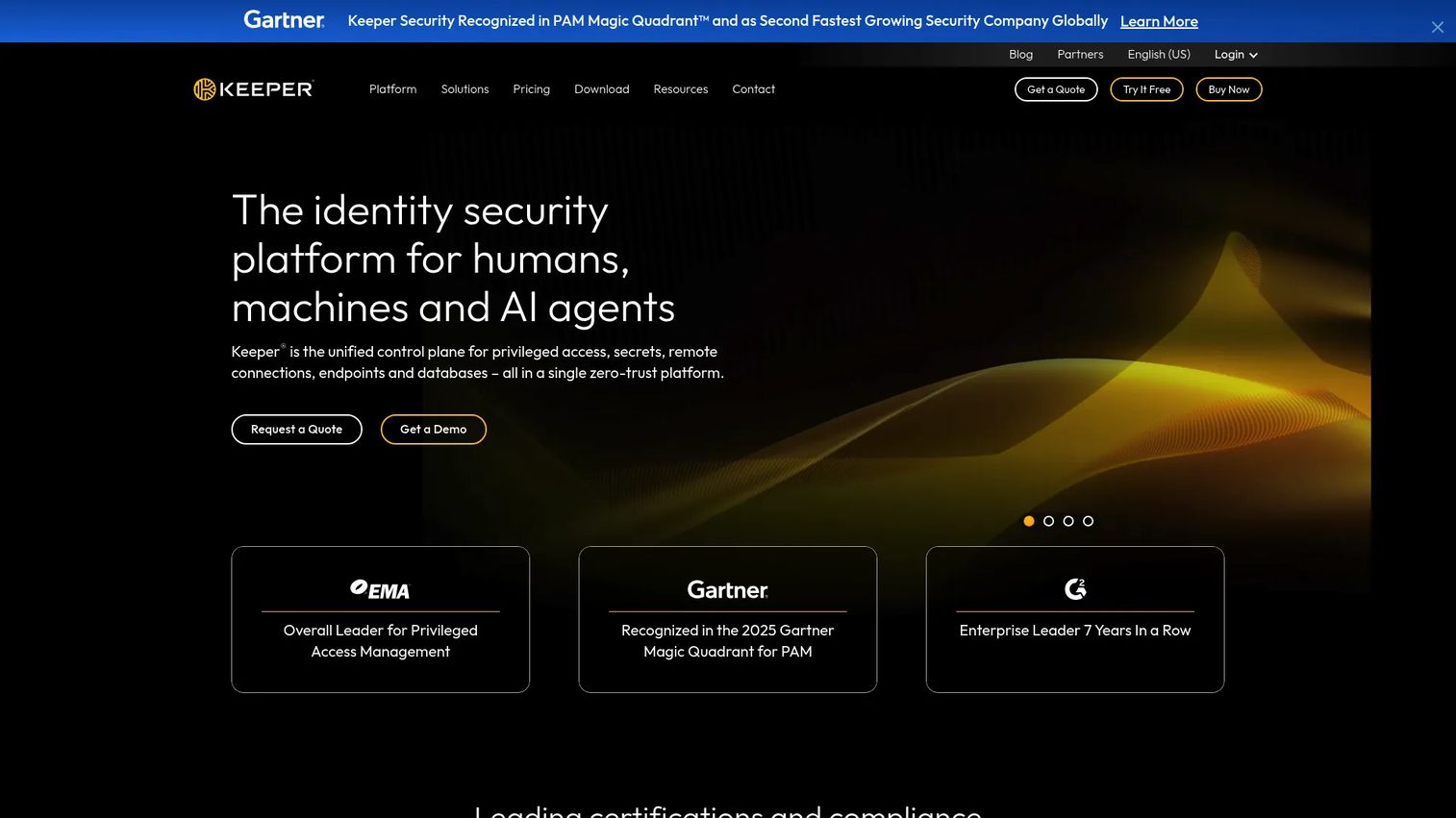
Keeper is the choice when governance is the headline requirement. It is a zero-trust identity security and password management platform built for individuals, families, businesses, and enterprises, and its enterprise feature set reads like a security team's checklist. Zero-knowledge encryption is the foundation, and the admin tooling, SSO, SCIM provisioning, SIEM integration, and audit reporting, is what earns it a place in regulated environments.
Best for: Organizations and individuals needing encrypted password management with enterprise-grade access controls.
Key strengths
- Zero-knowledge encryption: The vendor never holds your keys, so only you can decrypt your vault.
- SCIM, SSO, and SIEM integrations: Provisioning, single sign-on, and security event streaming for IT teams.
- Privileged access and audit reporting: Session management, secure sharing, and logs that satisfy security reviews.
Why choose Keeper: Pick it when tighter governance, provisioning, and reporting matter more than a consumer-first interface. Autofill for passwords, passkeys, and 2FA codes keeps daily use smooth, while the enterprise controls give presales and IT a defensible answer during diligence. It is a stronger fit for organizations than for someone who just wants a simple personal vault.
Keeper pricing: Keeper's business pricing page lists Business Starter, Keeper Business, and Keeper Enterprise plans billed annually per user, plus KeeperPAM as a sales-only, custom-priced product. A free tier is available for personal use. Public numeric prices for the business tiers were not readable on the page at the time of writing, so request current figures from Keeper directly.
6. Proton Pass
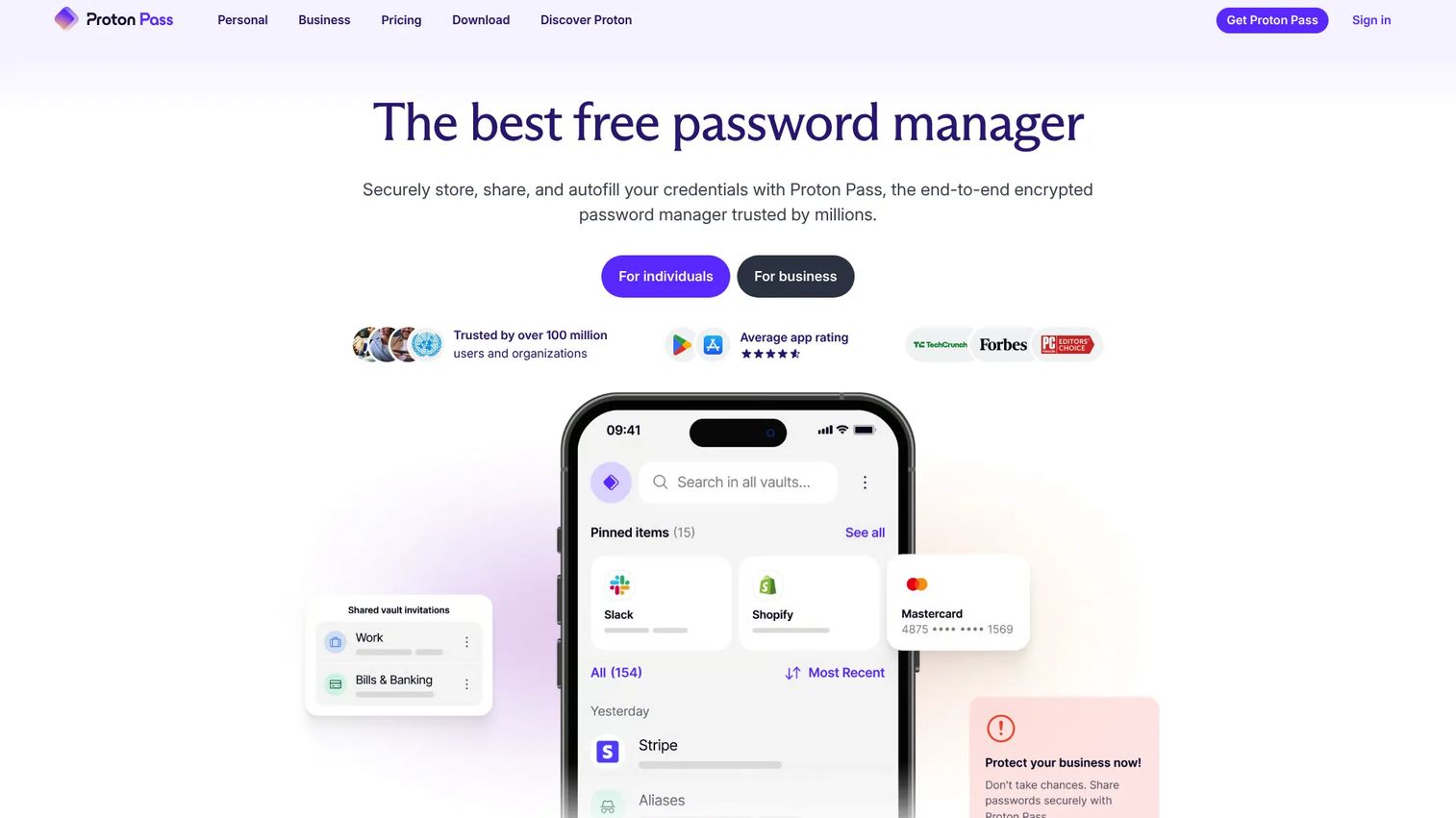
Proton Pass is the privacy-first pick, from the team behind Proton Mail. It delivers a clean interface over end-to-end encrypted storage, and its signature feature is hide-my-email aliases: generate a unique email address for each signup so your real address never enters a form. For users already inside the Proton ecosystem, or anyone who treats privacy as the primary buying criterion, it is a natural fit.
Best for: Individuals or teams that want a privacy-first password manager with aliasing and encrypted sharing.
Key strengths
- Hide-my-email aliases: Unique aliases per service shield your real address and limit tracking.
- Passkeys and built-in 2FA: Store passkeys and generate authenticator codes in one place.
- End-to-end encrypted vault and sharing: Encrypted storage plus secure vault and link sharing.
Why choose Proton Pass: Choose it when privacy and encrypted aliasing rank above enterprise governance tooling. The free tier is appealing, the interface is modern, and the Proton brand carries real credibility with privacy-minded buyers. It is more lightweight on advanced admin controls than the enterprise-focused options here, so match it to individual and privacy-driven use rather than heavy governance needs.
Proton Pass pricing: Proton Pass offers a free plan at $0 per month, plus paid Pass Plus, Pass Family, and Proton Unlimited tiers. Numeric prices for the paid plans were not readable on the pricing page at the time of writing, so check current rates on Proton's site. Its business product holds a 4.7/5 rating on G2.
7. RoboForm
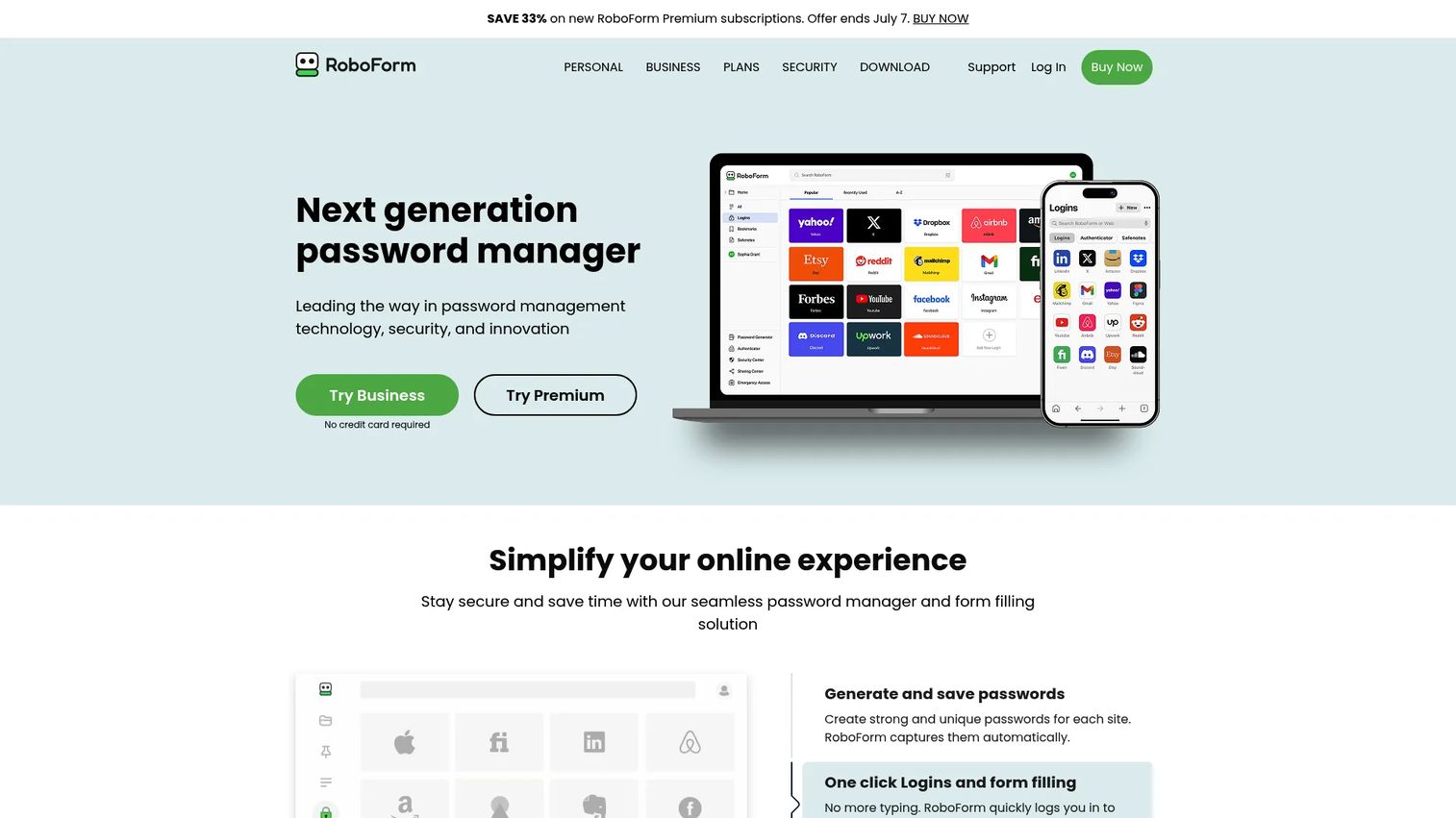
RoboForm has been around long enough to have earned its reputation on one thing done well: form filling. It is a password manager for individuals, families, and businesses, and it still stands out for users who spend real time filling forms and want automation that just works. If your priority is practical utility and affordability over design flourishes, RoboForm remains a sensible, dependable option.
Best for: Users or teams that want a long-established password manager with form filling and shared vault options.
Key strengths
- Best-in-class form filling: Fast, accurate autofill for long and complex web forms.
- Unlimited password storage: Store credentials without item caps on paid plans.
- Passkey management: Modern passkey support alongside traditional password storage.
Why choose RoboForm: It fits buyers who prioritize automation and value over a design-heavy interface. Shared folders extend it to family and team use, and the pricing is among the friendliest on this list. Someone who wants the most modern UX may prefer a newer product, but for reliable form filling and low cost, RoboForm keeps delivering.
RoboForm pricing: Personal plans include a Free tier for a single device, Premium at $2.49 per month billed annually, and Family at $3.98 per month billed annually. Business is $3.33 per user per month billed annually, and Enterprise uses customized, volume-based pricing. It holds a 4.6/5 rating on G2.
8. LastPass
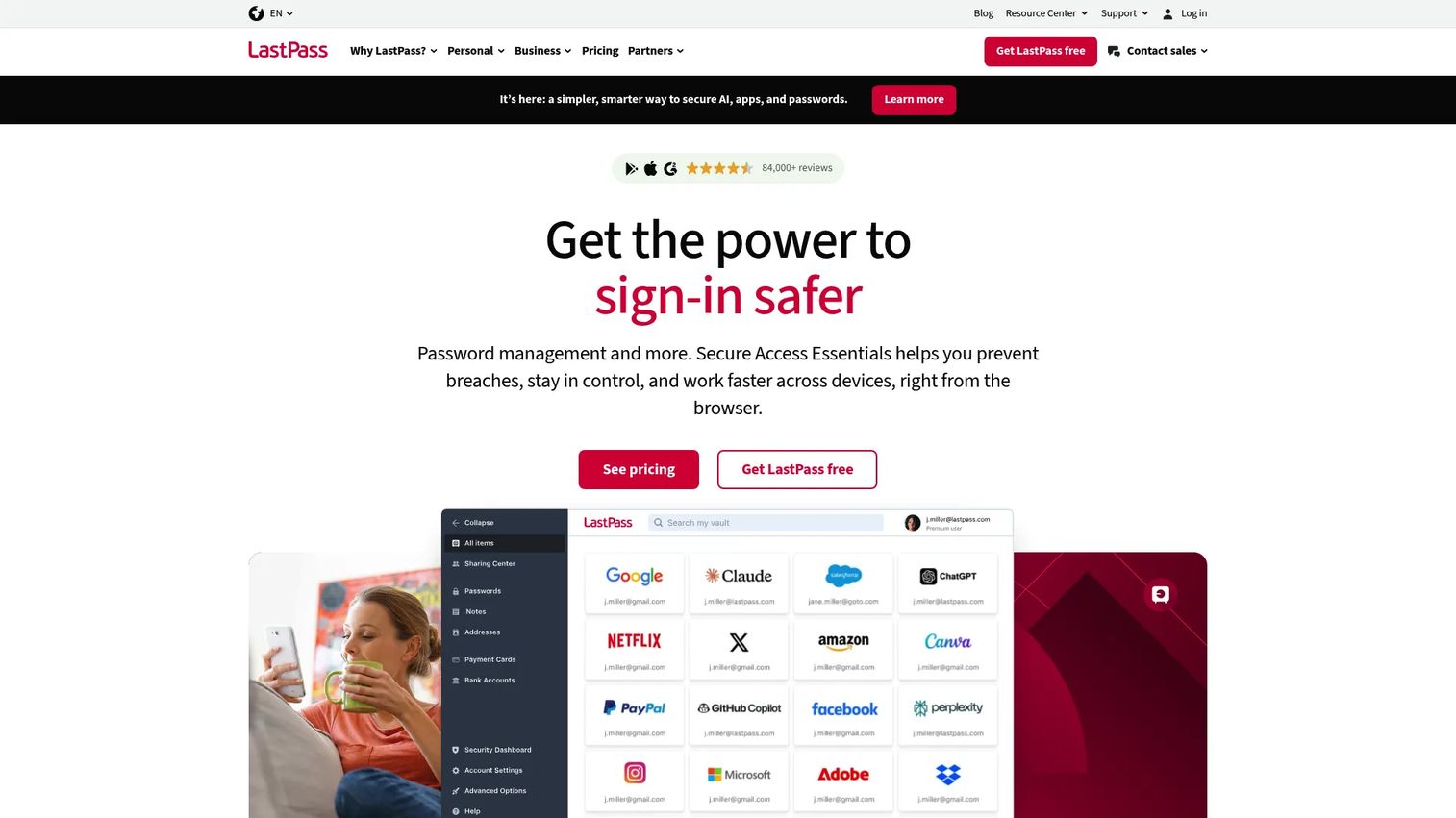
LastPass is the most recognizable name on this list, and it still shows up on most buyers' comparison shortlists. It offers an encrypted vault, save and autofill, passkeys, shared vaults, and business admin controls across consumer and team plans. Because of its history, many evaluators include it specifically to compare against, so it earns a place here for context even if it is not everyone's final choice.
Best for: Individuals or teams wanting password management with shared vaults and admin controls.
Key strengths
- Encrypted vault and autofill: Core storage with reliable save-and-fill across browsers.
- Passkeys: Modern passwordless authentication support.
- Shared vaults and admin controls: Team sharing with administrative oversight and recovery.
Why choose LastPass: Readers often shortlist it out of familiarity, and its feature set covers the essentials most teams need. Evaluate it on current merits: check the present security posture, admin controls, and recovery workflows against your requirements, then weigh it directly against your other finalist. Familiarity is a starting point, not a reason to skip due diligence.
LastPass pricing: LastPass offers a free tier plus paid Premium and Families personal plans, and Teams, Business, and Business Max plans for organizations, all billed annually with a 30-day free trial on paid tiers. Current numeric prices were not readable on the pricing page at the time of writing, so confirm rates directly on LastPass's site before committing.
How to choose the right password manager
Narrowing eight options to one is easier when you evaluate against the criteria that actually move the decision. Run your finalists through this checklist.
Security architecture
Confirm the tool uses zero-knowledge architecture and AES-256 encryption, so the vendor cannot read your vault. Look for extra layers like 1Password's Secret Key, and verify the vendor publishes credible security documentation and independent audits. For open-source options like Bitwarden, auditable code is its own assurance.
Authentication and passkeys
Check for strong multi-factor authentication support, including TOTP codes, hardware keys such as a YubiKey, and passkeys. Passkey support is quickly becoming table stakes for 2026, and a tool that stores and autofills passkeys future-proofs your choice as more services move away from passwords.
Cross-platform coverage
Verify the password vault syncs reliably across every operating system and browser your team uses. Patchy coverage on one platform is where adoption dies. Test the mobile apps and browser extensions before you commit, because daily friction there undermines the whole rollout.
Team governance and recovery
For business use, evaluate shared vaults, role-based access, provisioning through SCIM or SSO, admin recovery, and offboarding workflows. These are the features that turn a personal tool into something IT and security will approve, and they are what you will be asked about in any review.
Conclusion
The best password manager software for you depends less on rank and more on scenario. For most buyers who want a polished experience with serious security and business governance, 1Password is the safe overall pick. If value and transparency lead your criteria, Bitwarden's open-source model and usable free tier are hard to beat. Privacy-first users should look at Proton Pass, teams that want guided monitoring should weigh Dashlane, and organizations with heavy governance needs should evaluate Keeper. RoboForm and LastPass round out the list for form-filling utility and familiarity respectively, while NordPass is the easy-onboarding option.
The security criteria that matter most stay constant across all of them: zero-knowledge architecture, AES-256 encryption, strong MFA and passkey support, and clean recovery and offboarding. Pick two finalists that fit your scenario, run them through the checklist above, and test the mobile and browser experience with real users before you sign. A recommendation you can defend beats a brand name every time.
FAQs
For most people, 1Password and Bitwarden are the strongest starting points. 1Password wins on polish and business governance, while Bitwarden wins on value and open-source transparency with a genuinely usable free tier. The right choice comes down to whether you prioritize a premium experience or the lowest cost with auditable code.
A free password manager can be safe when it uses zero-knowledge architecture and AES-256 encryption, publishes credible security documentation, and does not monetize your data. Bitwarden and Proton Pass both offer strong free tiers backed by solid security models. Before adopting one, verify the encryption approach, whether the code or security has been independently audited, and what the free plan actually includes.
For teams, prioritize shared vaults, role-based access, provisioning, and clean offboarding. Keeper stands out for enterprise governance with SSO, SCIM, and audit reporting, while 1Password and Bitwarden both offer strong business plans with team sharing and admin controls. Match the depth of governance to your security requirements and the size of your rollout.
Neither is universally better; they win on different criteria. Bitwarden leads on price, open-source transparency, and a capable free tier, which appeals to cost-conscious and privacy-minded buyers. 1Password leads on interface polish, its Secret Key architecture, and refined business governance. Teams that value auditability and value tend toward Bitwarden, while those that prioritize a premium experience lean 1Password.
The essentials are zero-knowledge architecture, AES-256 encryption, and strong multi-factor authentication that supports TOTP codes, hardware keys like a YubiKey, and passkeys. Beyond storage, look for breach and dark web monitoring, password health scoring, and secure recovery workflows. For teams, add role-based access and audit logging to that list.
Yes. Every tool on this list syncs an encrypted vault across desktop, mobile, and browsers through cloud sync, so your credentials follow you between a work laptop, a phone, and a shared machine. Coverage quality varies by platform, so test the specific browser extensions and mobile apps your team relies on before committing.
They can, especially business and enterprise plans. Features like zero-knowledge encryption, SSO and SCIM provisioning, audit logging, role-based access, and offboarding workflows give security and compliance teams the controls and visibility they need. Tools like Keeper and 1Password document these capabilities specifically to support governance, auditability, and access control during vendor reviews.