Your projects are scattered across six apps. Your designer is working off an outdated brief, your developer doesn't know the sprint changed, and your client just asked for a status update you can't give.
That's the reality for most teams still managing projects across spreadsheets, email threads, and Slack messages. The project management tools market in 2026 is massive, with hundreds of options, and picking the wrong one costs you months of migration pain later.
We tested 25 project management software options across different team sizes and use cases so you don't have to. Each tool got evaluated on features, pricing, ease of use, scalability, integrations, AI capabilities, and mobile experience using real project scenarios. If you're also evaluating tools for your sales or marketing stack, check out our roundups of the best CRM software and best marketing automation software to complement your PM setup.
Here are our quick picks if you're in a hurry:
- Best Overall: Monday.com
- Best Free: ClickUp
- Best for Small Teams: Basecamp
- Best for Enterprise: Smartsheet
- Best for Agile: Jira
- Best for Simplicity: Trello
What's inside
This guide covers the best project management software for 2026, organized by team size: solo users, small teams (2–15), mid-market (15–100), agile/dev teams, and enterprise (100+). We evaluated each tool hands-on and scored it against eight criteria including AI features, mobile quality, and scalability.
You'll find a comparison table, individual reviews with honest pros and cons, a pricing breakdown, and a decision framework to help you pick the right pm tools for your situation.
TL;DR
- Project management tools are organized by team size so you can skip to your category immediately
- ClickUp offers the most generous free plan; Freedcamp is the best no-cost alternative for budget-conscious teams
- Monday.com and Asana dominate mid-market with strong automation and visual workflows
- Jira remains the standard for agile software teams; Airtable is the pick for custom database-driven workflows
- AI features in 2026 are meaningful in ClickUp, Notion, Asana, and Monday.com, but still marketing fluff in many others
- Flat-rate pricing from Basecamp and ProofHub can save growing teams thousands per year versus per-seat models
What is project management software (and do you actually need it)?
Project management software is a category of tools that help teams plan, execute, track, and deliver projects. Think of it as the central hub where tasks, timelines, communication, and files live together instead of scattered across inboxes and chat threads.
Core capabilities typically include:
- Task management: Create, assign, and track work items with due dates and priorities
- Scheduling: Gantt charts, calendars, and timeline views for project planning software needs
- Collaboration: Comments, @mentions, file sharing, and real-time editing
- Multiple views: Kanban boards, lists, calendars, and portfolio dashboards
- Time tracking: Built-in or integrated timers for billable work
- Reporting: Dashboards, progress tracking, and workload management
- Automation: Rules, triggers, and recurring task workflows
- Integrations: Connections to Slack, Google Workspace, Microsoft 365, and other tools
Do you actually need it? If you're a solo freelancer with two clients, a simple to-do app might suffice. But once you're coordinating with even one other person on deadlines, dependencies, and deliverables, dedicated software for managing projects pays for itself in reduced confusion alone.
How we evaluated these project management tools
Transparency matters. Here's the framework we used to evaluate each project management tool, with each criterion weighted by how much it affects daily use.
| Criterion | Weight | What we looked for |
|---|---|---|
| Ease of use & onboarding | 20% | Can a non-technical team member create a project in under 5 minutes without training? |
| Core features | 20% | Task management, views (Kanban, Gantt, list, calendar), collaboration, reporting |
| AI capabilities | 10% | Automation, smart suggestions, AI writing/summarization, task generation |
| Integrations | 15% | Slack, Google Workspace, Microsoft 365, Zapier, CRM, and dev tools |
| Pricing & value | 15% | Free tier availability, per-user cost, feature gating, hidden fees |
| Scalability | 10% | Performance and feature availability from 5 to 500 users |
| Mobile experience | 5% | Quality of iOS/Android apps for on-the-go project tracking software use |
| Customer support | 5% | Responsiveness, help documentation quality, community resources |
Each tool was tested with real project scenarios: onboarding a new team member, running a two-week sprint, and managing a client-facing project with external stakeholders. For onboarding specifically, having interactive product demos can dramatically reduce the time it takes new team members to learn any new tool.
Quick comparison table: all 25 project management tools at a glance
This project management software comparison covers all 25 tools. Scan for your use case, then jump to the detailed review.
| # | Product | Best for | Starting price | Free plan | Key strength | Rating |
|---|---|---|---|---|---|---|
| 1 | Todoist | Personal task management | ~$4/mo | ✅ | Natural language input | 4.3/5 |
| 2 | Notion | All-in-one personal workspace | ~$8/user/mo | ✅ | Flexible databases + wiki | 4.5/5 |
| 3 | Taskade | AI-powered solo workflows | ~$8/mo | ✅ | AI agents and mind maps | 4.0/5 |
| 4 | Trello | Visual Kanban simplicity | ~$5/user/mo | ✅ | Zero learning curve | 4.3/5 |
| 5 | Asana | Structured team workflows | ~$11/user/mo | ✅ | Workflow automation | 4.4/5 |
| 6 | Basecamp | Team communication + PM | ~$15/user/mo | ❌ | Flat pricing, built-in chat | 4.0/5 |
| 7 | ClickUp | Feature-rich small teams | ~$7/user/mo | ✅ | Feature density per dollar | 4.3/5 |
| 8 | Freedcamp | Free PM for small teams | ~$2.49/user/mo | ✅ | No user caps on free plan | 3.8/5 |
| 9 | ProofHub | Flat-rate pricing | ~$45/mo flat | ❌ | No per-user fees | 4.1/5 |
| 10 | Monday.com | Visual workflow customization | ~$9/seat/mo | ✅ | Customizable dashboards | 4.6/5 |
| 11 | Wrike | Cross-departmental collaboration | ~$10/user/mo | ✅ | Cross-tagging across projects | 4.2/5 |
| 12 | Teamwork.com | Client-facing agencies | ~$10.99/user/mo | ✅ | Built-in invoicing + time tracking | 4.3/5 |
| 13 | Paymo | Time tracking + PM combo | ~$5.9/user/mo | ✅ | Integrated time tracking + invoicing | 4.1/5 |
| 14 | Hive | Flexible views + built-in email | ~$12/user/mo | ✅ | Email management inside PM | 4.1/5 |
| 15 | ActiveCollab | Profitability-focused teams | ~$9/member/mo | ❌ | Financial project tracking | 4.1/5 |
| 16 | Scoro | End-to-end business management | ~$26/user/mo | ❌ | PM + CRM + billing combined | 4.4/5 |
| 17 | Zoho Projects | Zoho ecosystem users | ~$4/user/mo | ✅ | Deep Zoho integration | 4.0/5 |
| 18 | Jira | Agile software development | ~$8.15/user/mo | ✅ | Sprint planning + 3,000+ integrations | 4.2/5 |
| 19 | Airtable | Custom workflows + databases | ~$20/user/mo | ✅ | Spreadsheet-database hybrid | 4.5/5 |
| 20 | Microsoft Project | Microsoft 365 enterprises | ~$10/user/mo | ❌ | Deep Microsoft 365 integration | 4.0/5 |
| 21 | Smartsheet | Spreadsheet-loving enterprises | ~$9/user/mo | ❌ | Familiar grid interface at scale | 4.3/5 |
| 22 | Kantata | Professional services automation | Custom | ❌ | Resource optimization | 4.1/5 |
| 23 | ProjectManager | Traditional project planning | ~$13/user/mo | ❌ | Strong Gantt charts | 4.0/5 |
| 24 | Miro | Visual collaboration + planning | ~$8/user/mo | ✅ | Infinite whiteboard canvas | 4.5/5 |
| 25 | Flowlu | All-in-one business on a budget | ~$29/mo (8 users) | ✅ | PM + CRM + invoicing, team pricing | 4.4/5 |
Best project management tools for solo users & freelancers
For individuals managing personal projects, client work, or side hustles, you need something lightweight, fast, and ideally free. These tools excel at personal productivity without burying you in enterprise features you'll never touch.
1. Todoist - best for personal task management
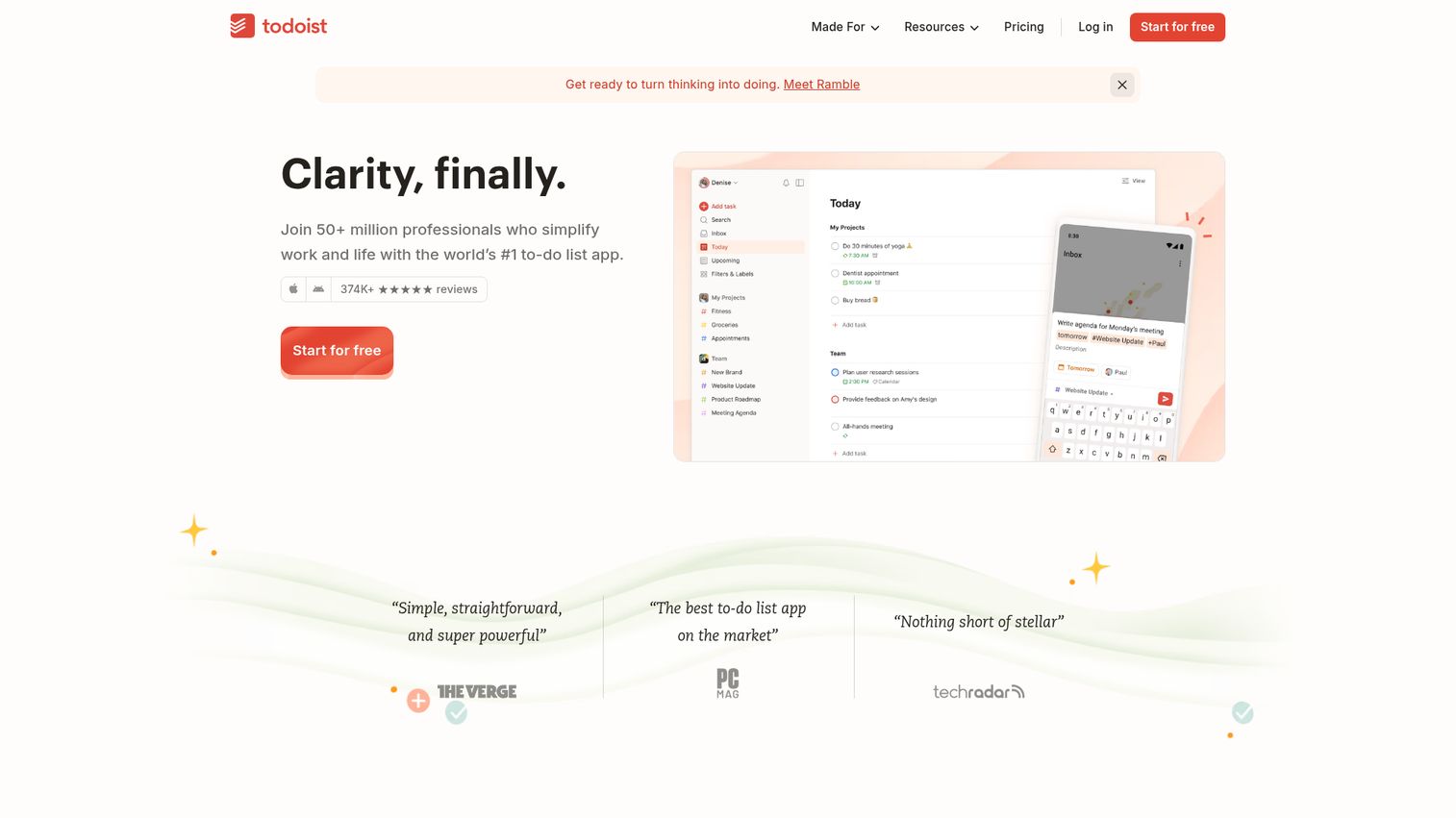
Todoist is a minimalist task manager that's evolved into a capable personal project management tool, known for speed and clean design.
Its natural language processing is the standout feature. Type "Review client proposal every Monday at 9am" and Todoist parses the date, recurrence, and task automatically. For freelancers juggling multiple clients, this saves minutes on every task entry that add up across a week.
Best for: Freelancers, GTD practitioners, and anyone who values speed over feature depth.
Key strengths
- Natural language input parses dates and recurrence instantly
- Cross-platform apps covering web, desktop, mobile, and browser
- Karma system tracks productivity patterns over time
- Labels and filters create custom task views
- 80+ integrations including Google Calendar and Slack
Pricing: Free (5 active projects, 5 collaborators). Pro at ~$4/month. Business at ~$6/user/month.
The honest trade-off: Todoist doesn't have Gantt charts, native time tracking, or robust collaboration. If you need those, you've outgrown it.
2. Notion - best for all-in-one personal workspace
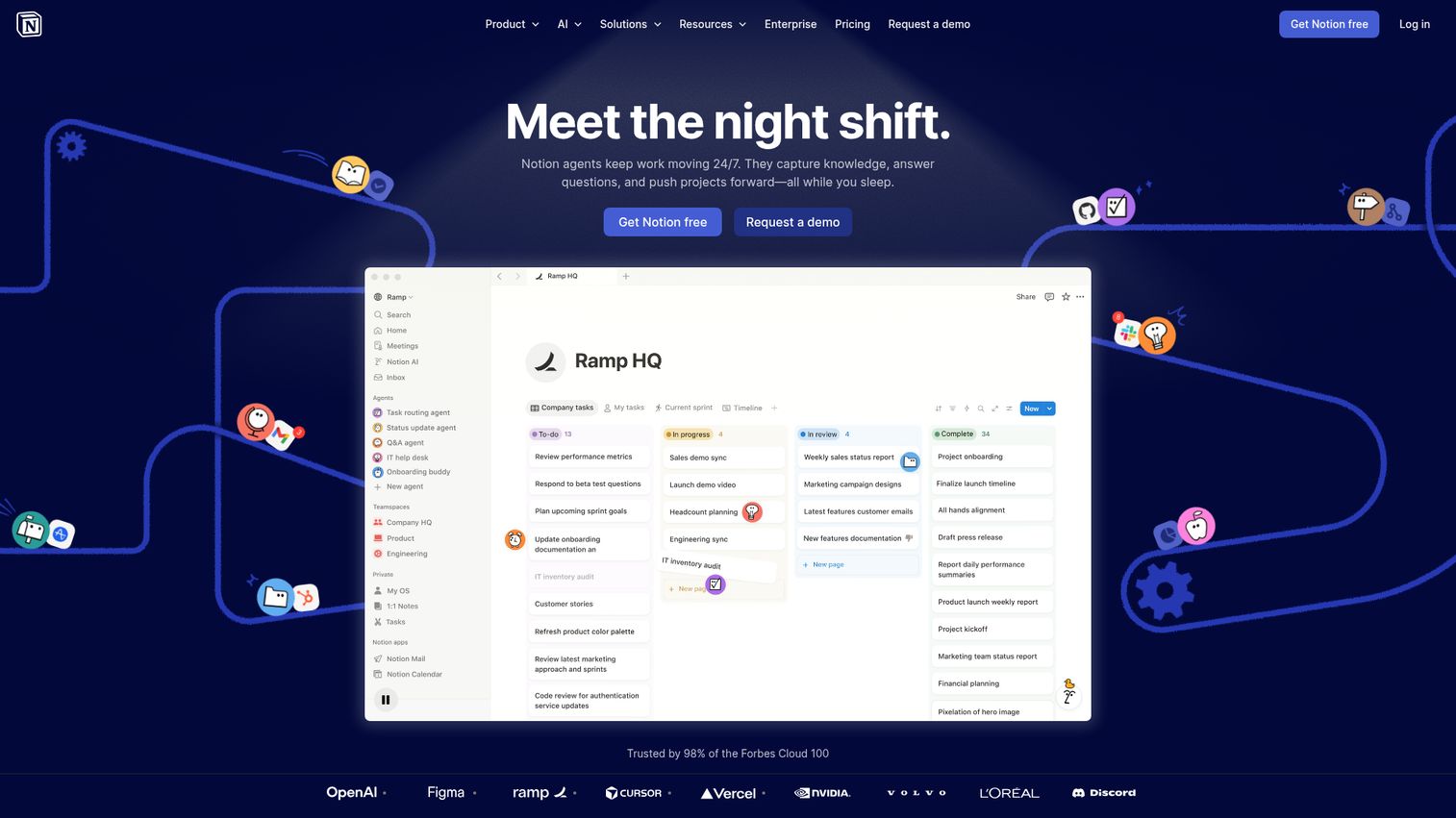
Notion is a flexible workspace that combines notes, databases, wikis, and project management into a single tool with an almost unreasonable amount of customization.
Databases with multiple views (table, board, calendar, timeline, gallery) mean you can build a project tracking software setup that matches exactly how you think. The AI writing assistant helps draft project briefs and meeting notes. And the template gallery has thousands of pre-built setups from other users.
Best for: Solo users who want notes, project management, and a wiki in one tool without paying for three separate apps.
Key strengths
- Databases with six view types including timeline and gallery
- AI writing assistant for drafting and summarization
- Massive community template gallery for quick setup
- Relational databases link projects to clients to invoices
- Strong API for custom automations and integrations
Pricing: Free for individuals. Plus at ~$8/user/month. Business at ~$15/user/month.
The catch: Notion has a steep learning curve. It can also feel slow with large databases (1,000+ pages), and PM-specific features like dependencies require workarounds rather than native support.
3. Taskade - best for AI-powered solo workflows
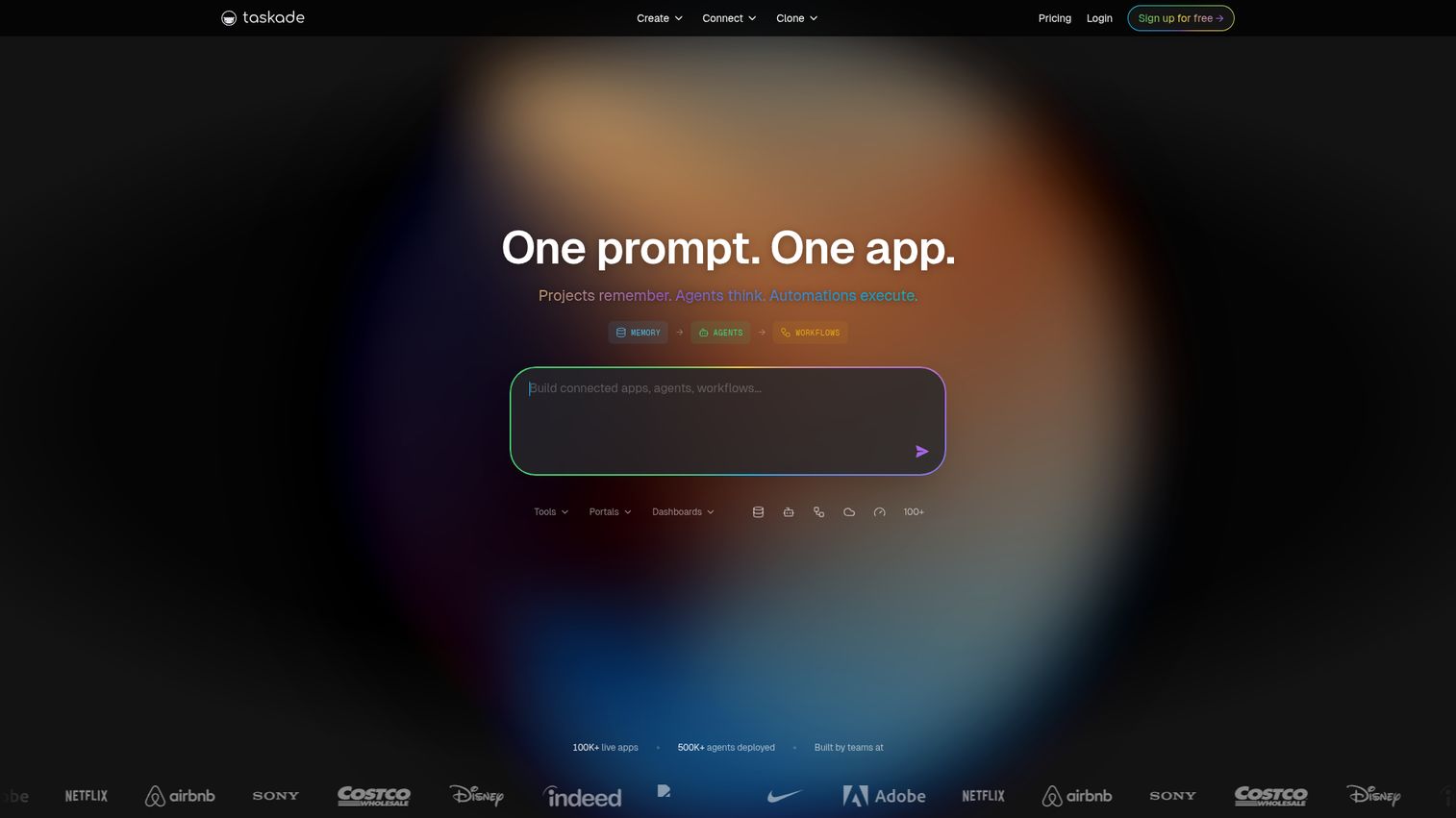
Taskade is an AI-native productivity tool that combines task management, mind mapping, and real-time collaboration with AI agents that can automate parts of your workflow.
The AI features here aren't just marketing. Describe a project in plain language and Taskade generates a structured task breakdown with subtasks, dependencies, and suggested timelines. Its mind-map view is unique among pm tools and works well for brainstorming before committing to a linear task list. If you're interested in how AI is transforming sales and productivity workflows more broadly, our list of the best AI sales tools covers similar AI-native innovations.
Best for: Solo users who want AI to help structure and manage their projects from the start.
Key strengths
- AI agents auto-generate task breakdowns from descriptions
- Mind-map view for visual project planning
- Built-in video chat for quick collaboration
- Real-time editing across all view types
- Templates with AI-powered customization
Pricing: Free plan available. Pro at ~$8/month. Teams plans available.
The trade-off: Taskade has a smaller user base and fewer integrations than Notion or Todoist. Reporting is basic. If you need deep analytics on project performance, look elsewhere.
Best project management tools for small teams (2–15 people)
Small teams need tools that balance power with simplicity. You can't afford weeks of onboarding, but you need real collaboration features: assignments, due dates, shared views, and communication without switching apps.
4. Trello - best for visual Kanban simplicity
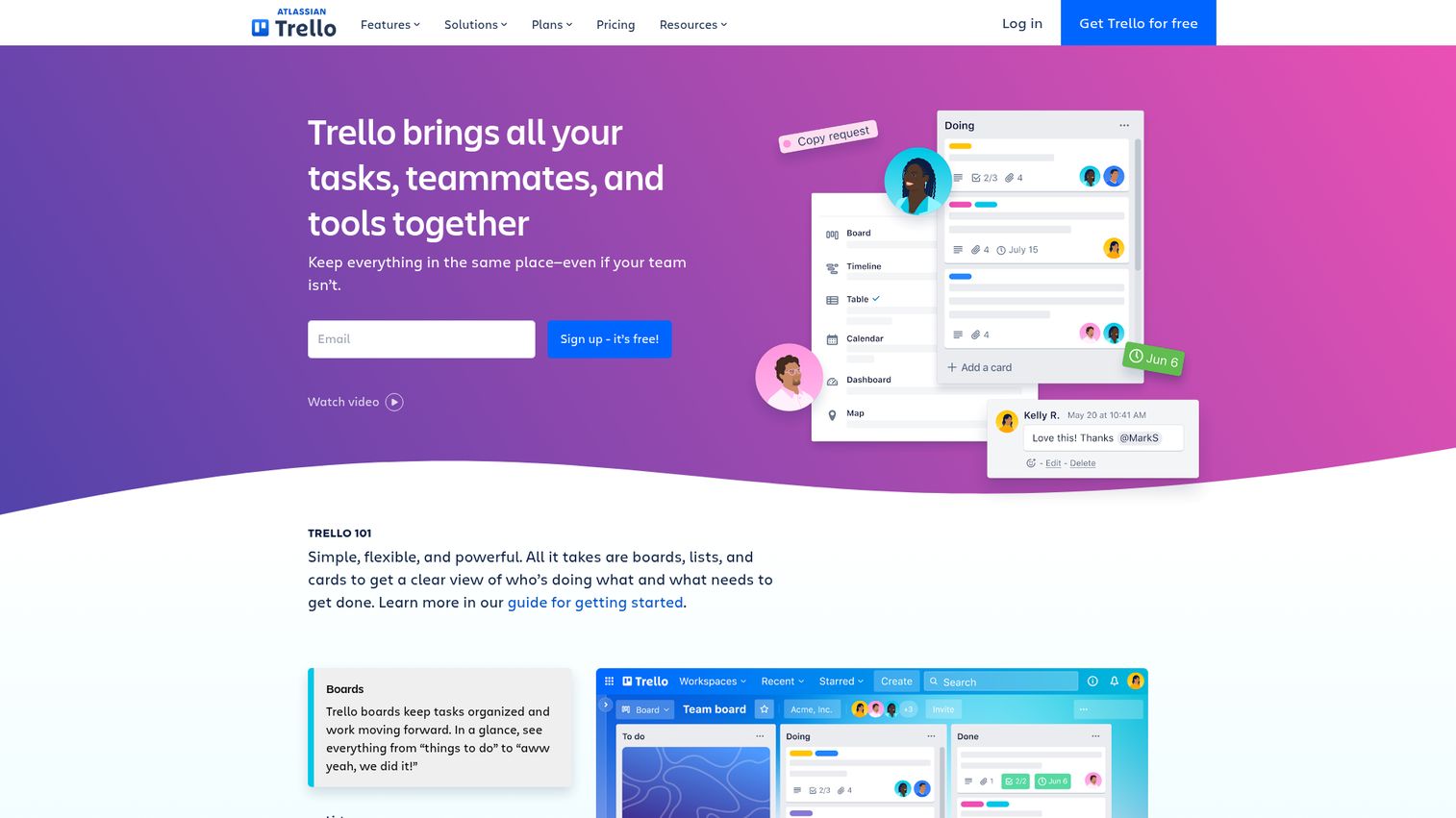
Trello is the tool that popularized Kanban boards for project management. Owned by Atlassian, it's the go-to for teams that want visual simplicity without a manual. You can explore how Trello works hands-on with this interactive Trello demo.
Drag-and-drop cards across columns. That's the core interaction, and it works for content calendars, sprint boards, onboarding checklists, and dozens of other workflows. Butler automation handles repetitive actions like moving cards when due dates pass or assigning team members based on labels.
Best for: Small teams with straightforward workflows who need zero onboarding time.
Key strengths
- Drag-and-drop Kanban boards with zero learning curve
- Butler automation for rules and recurring actions
- Power-Ups add integrations like Slack and Google Drive
- Templates for common workflows save setup time
- Strong free tier with unlimited boards
Pricing: Free (unlimited boards, 10 Power-Ups per board). Standard at ~$5/user/month. Premium at ~$10/user/month.
Where Trello falls short: limited views on the free plan (no timeline or dashboard), no native time tracking, and weak reporting. Complex multi-project management isn't its strength.
5. Asana - best for structured team workflows
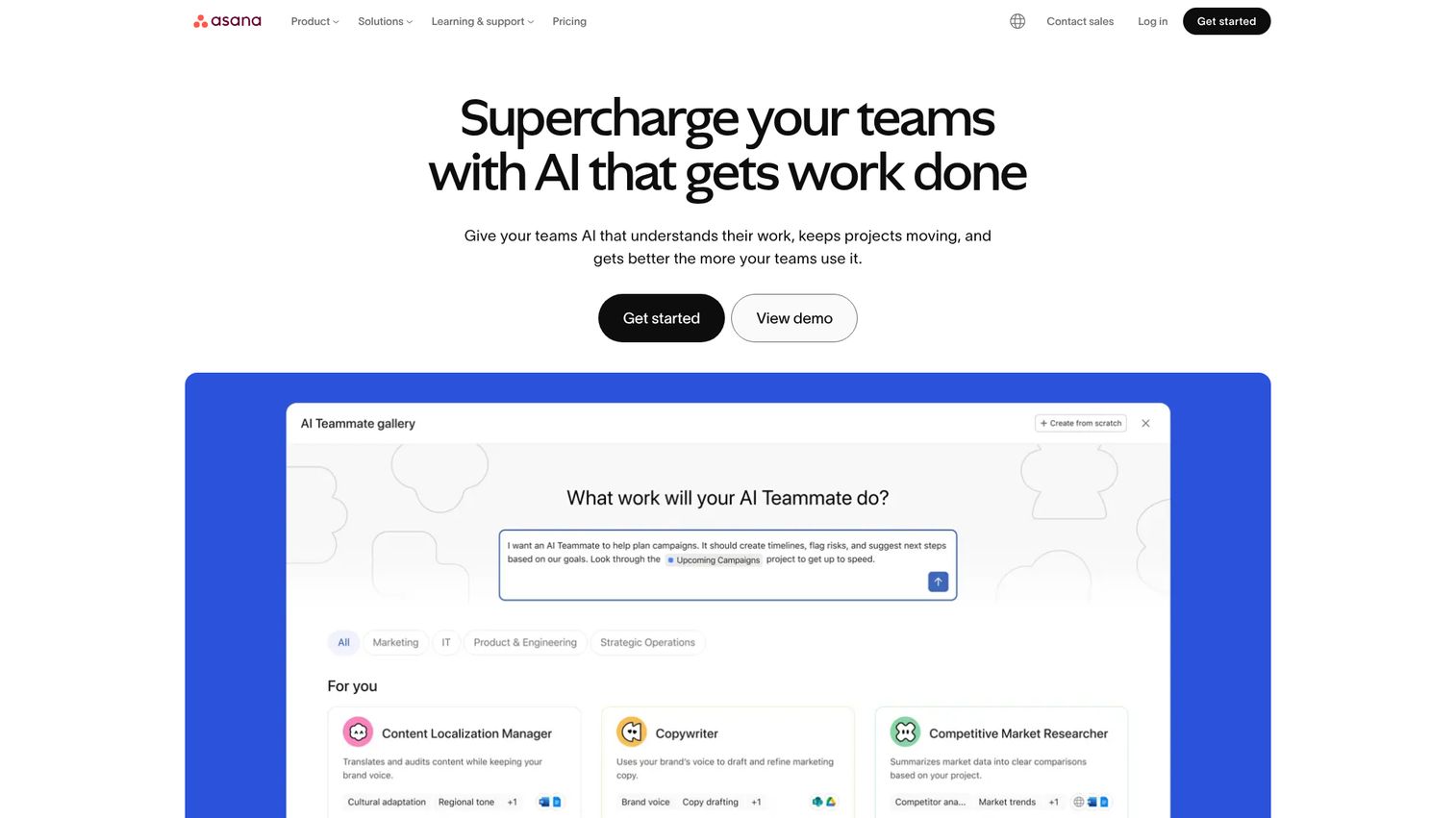
Asana is one of the most popular online project management tools globally, and for good reason. Its workflow builder lets you create automated processes that route work, assign tasks, and update statuses based on triggers. Try it yourself with this interactive Asana demo.
The Goals feature connects individual tasks to team objectives and company strategy, which is something most competitors at this price point don't offer. Multiple views (list, board, timeline, calendar) let different team members see the same project in whatever format works for them.
Best for: Marketing teams, ops teams, and cross-functional groups managing recurring workflows.
Key strengths
- Workflow builder automates multi-step processes
- Goals feature connects tasks to company objectives
- Four project views including timeline and calendar
- Forms capture incoming requests with auto-routing
- AI features for task prioritization and status updates
Pricing: Free (up to 10 users). Starter at ~$11/user/month. Advanced at ~$26/user/month.
The downside: Asana's free plan caps at 10 users. Pricing scales quickly for larger teams. The timeline view is paid only, and the feature set can feel overwhelming if you just need basic task management.
6. Basecamp - best for simple team communication + PM
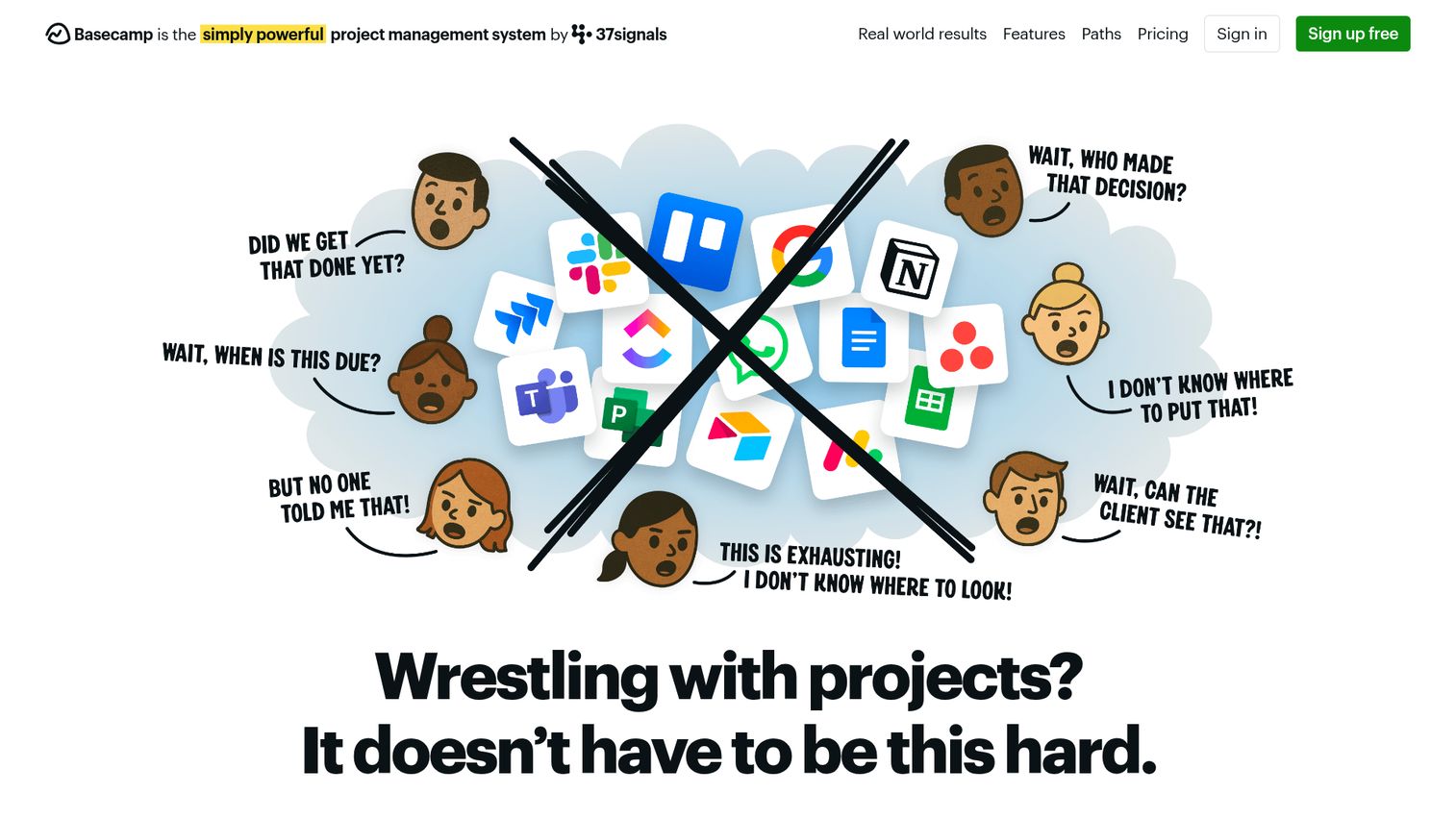
Basecamp is an opinionated project management tool that combines PM with team communication. It has message boards, campfires (group chat), automatic check-ins, and to-do lists in one place. See how it looks in action with this interactive Basecamp demo.
The flat pricing model is the standout. Instead of per-user fees that punish growth, Basecamp charges ~$299/month for unlimited users on the Business plan. For a team of 30, that's under $10 per person. For a team of 100, it's $3 per person.
Best for: Small agencies, consulting firms, and teams that want PM plus communication without complexity.
Key strengths
- Flat pricing eliminates per-seat cost anxiety
- Built-in message boards and group chat reduce tool sprawl
- Automatic check-ins replace status meeting overhead
- Hill Charts visualize project progress uniquely
- Excellent for client-facing projects with guest access
Pricing: ~$15/user/month or flat $299/month for unlimited users (Business plan).
The honest limitation: no Gantt charts, no Kanban board, no time tracking, and minimal reporting. Basecamp is opinionated by design. If you need customization or detailed project planning software features, it'll frustrate you.
7. ClickUp - best for feature-rich small teams
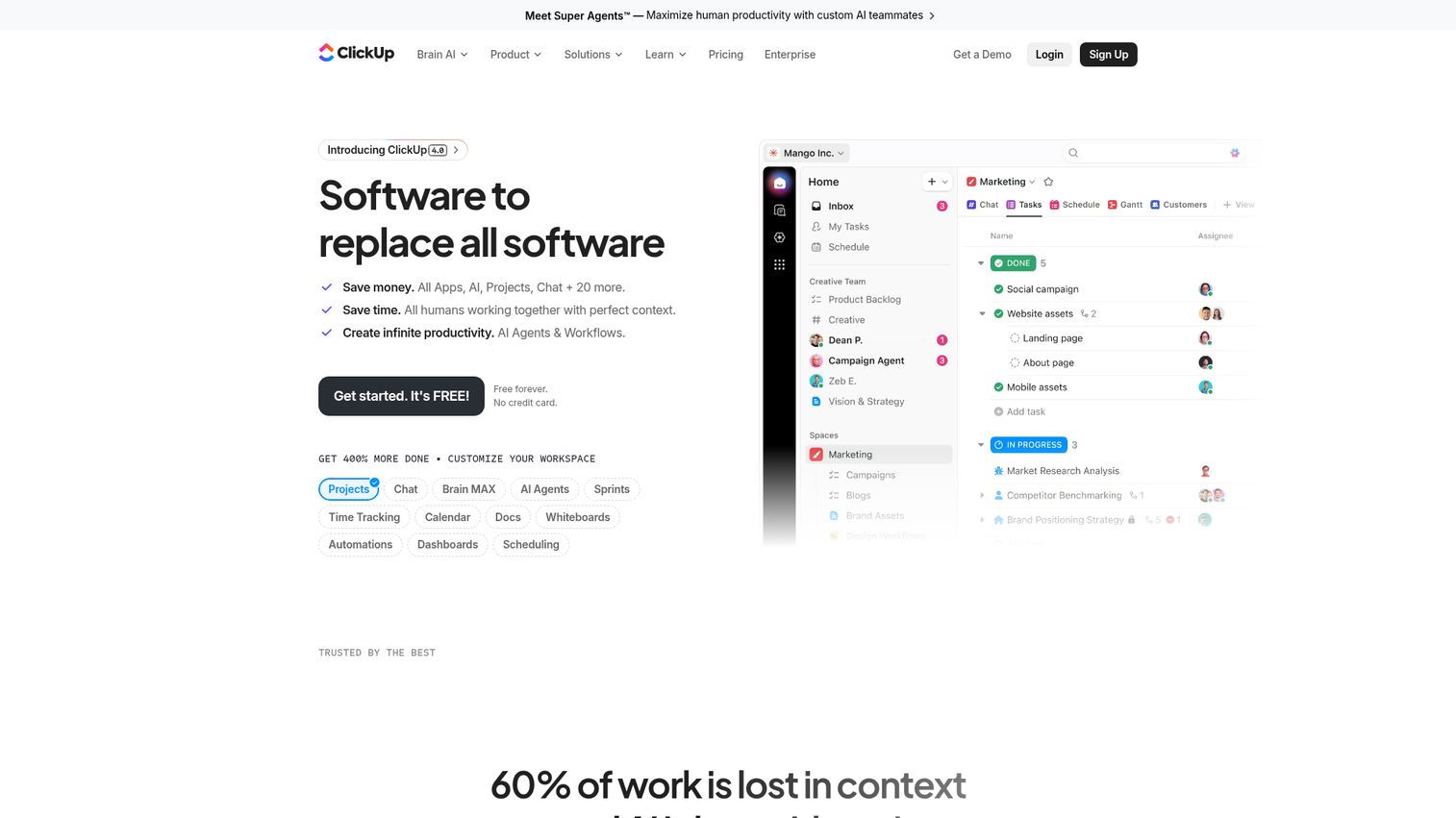
ClickUp is the "everything app" for project management. It packs more features into its free plan than most competitors offer in paid tiers: 15+ views, docs, goals, time tracking, automations, whiteboards, and AI. Explore the interface with this interactive ClickUp demo.
For small teams trying to consolidate multiple tools, ClickUp is the strongest contender. It can replace your PM tool, your docs tool, your time tracker, and your goal-setting app. The AI features in 2026 are among the best in the category, with auto-generated task summaries, action items from comments, and smart scheduling.
Best for: Small teams that want one tool to replace multiple apps without paying enterprise prices.
Key strengths
- 15+ views including Gantt, mind map, and whiteboard
- Built-in docs, goals, and time tracking
- Generous free plan with unlimited tasks and members
- Strong AI for task generation and summarization
- 1,000+ integrations via native and Zapier connections
Pricing: Free forever plan. Unlimited at ~$7/user/month. Business at ~$12/user/month.
The trade-off is real: ClickUp can feel overwhelming. The sheer number of features creates a steep learning curve, and performance can lag with large workspaces. Some teams find the UI cluttered compared to more focused tools like Trello or Basecamp.
8. Freedcamp - best free option for small teams
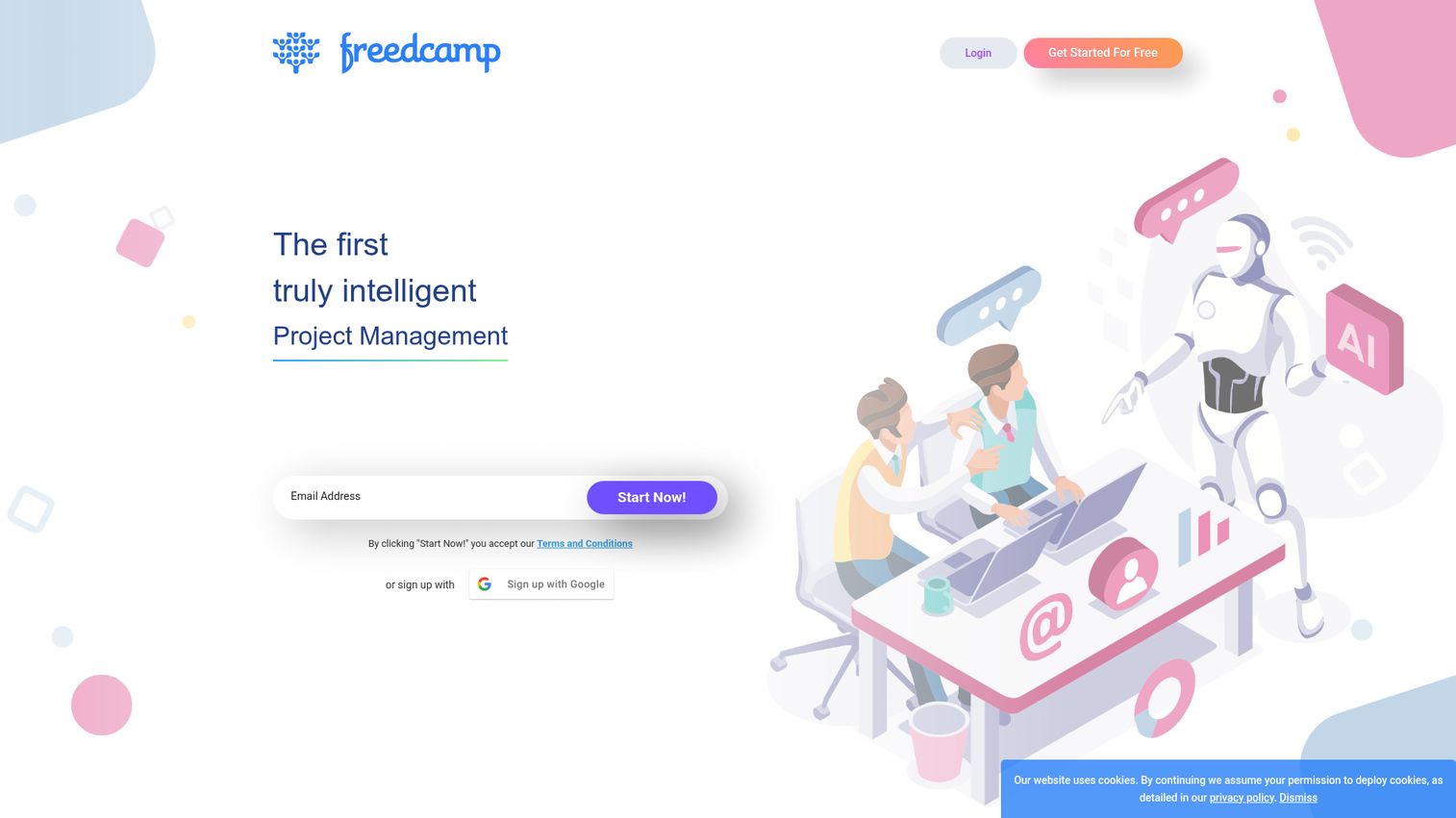
Freedcamp is free project management software with no user limits on the free plan. That's the headline, and for budget-conscious small teams and nonprofits, it's a meaningful differentiator.
The free tier includes task lists, Kanban boards, Gantt charts, calendar views, discussions, and milestones. No user caps, no project limits. Paid tiers add time tracking, CRM, and invoicing at prices that start at ~$2.49/user/month.
Best for: Budget-conscious small teams and nonprofits that need basic PM without paying anything.
Key strengths
- Truly free with no user or project caps
- Gantt charts included in the free plan
- Clean interface for basic project management needs
- Paid tiers start at just ~$2.49/user/month
- Milestones and discussions built into every project
Pricing: Free (unlimited users, unlimited projects). Pro at ~$2.49/user/month. Business at ~$8.99/user/month.
The trade-off: the UI feels dated compared to ClickUp or Monday.com, integrations are limited, development pace is slower, and the mobile app is basic. You get what you pay for, and what you pay is nothing.
9. ProofHub - best for flat-rate pricing
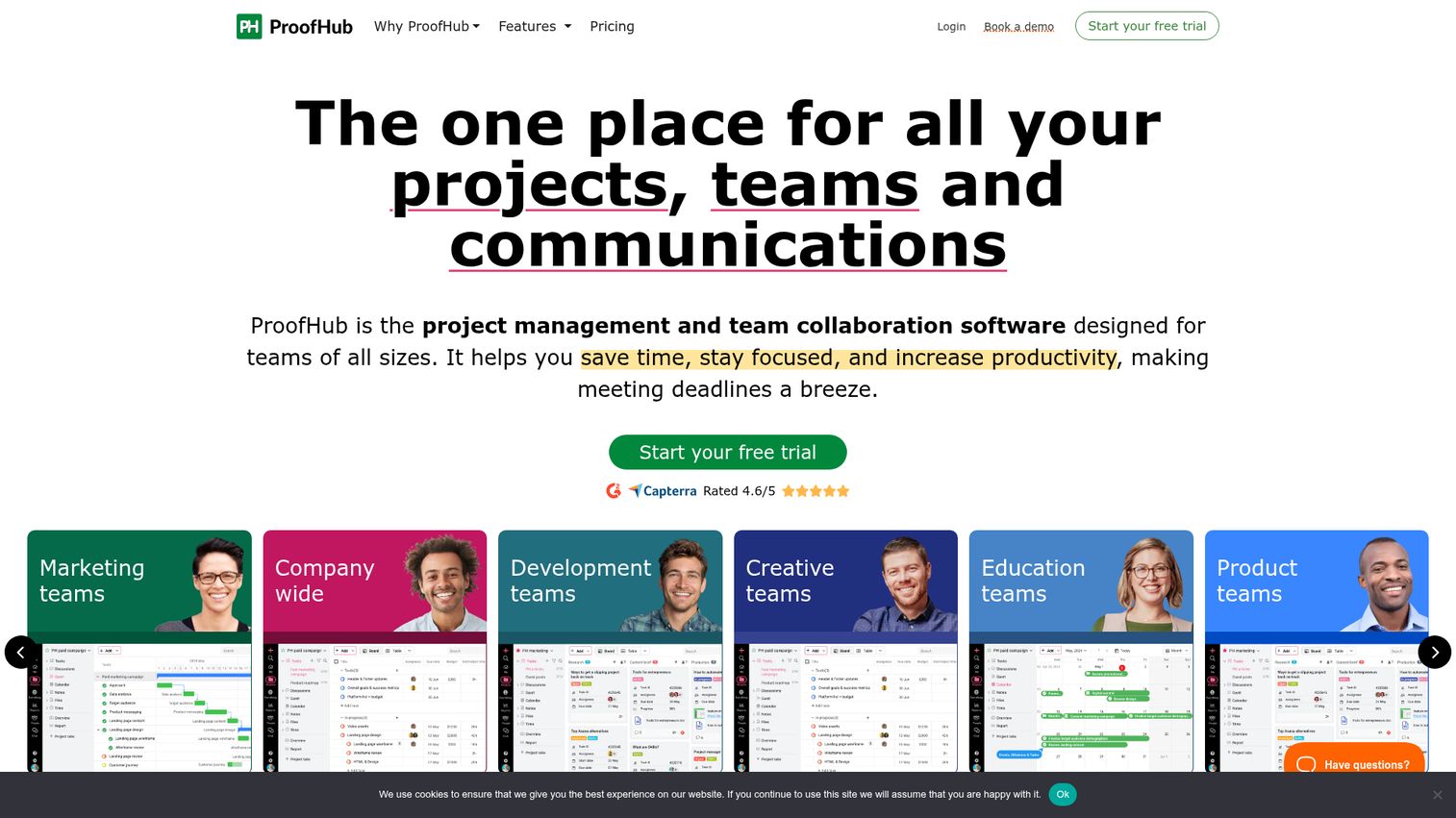
ProofHub is an all-in-one PM and collaboration tool with flat-rate pricing. No per-user fees. The Essential plan costs ~$45/month for unlimited users, and Ultimate Control costs ~$89/month.
For creative teams, the built-in proofing and markup tools are a standout. Upload a design, annotate it directly, and keep feedback in context instead of scattered across email threads. Task management, Gantt charts, Kanban boards, time tracking, and custom roles round out the feature set.
Best for: Growing teams that want predictable pricing without per-seat cost anxiety.
Key strengths
- Flat pricing with no per-user fees at any tier
- Built-in proofing and markup for creative teams
- Gantt charts, Kanban boards, and time tracking included
- Custom roles and access controls for team management
- Discussions and notes keep communication centralized
Pricing: Essential at ~$45/month (flat, unlimited users). Ultimate Control at ~$89/month (flat).
The limitation: ProofHub's UI is less modern than competitors, integrations are limited compared to ClickUp or Monday.com, and there's no free plan. Reporting could be deeper for data-driven teams.
Best project management tools for mid-size teams & agencies (15–100 people)
At this scale, you need robust reporting, resource management, portfolio views, and stronger permission controls. The tools below handle complexity without requiring enterprise contracts or six-month implementations.
10. Monday.com - best for visual workflow customization
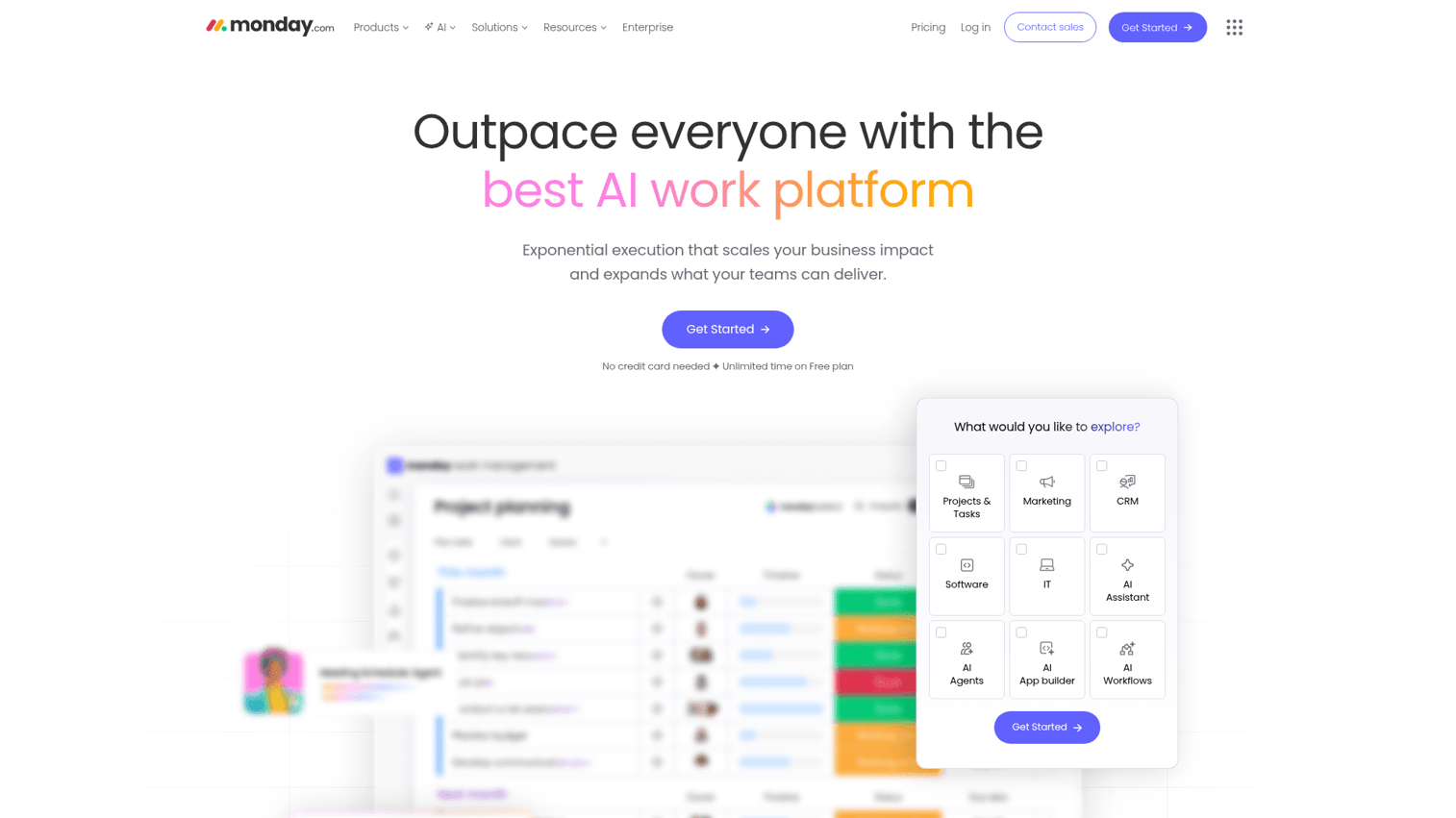
Monday.com is a highly visual work management platform known for colorful, customizable boards and strong automation. It's the best project management software for teams that think visually and need dashboards they can show to stakeholders. See it in action with this interactive Monday.com demo.
With 200+ templates, 30+ column types, and automations that trigger across boards, Monday.com adapts to marketing workflows, sales pipelines, product roadmaps, and operations processes. The dashboard feature pulls data from multiple boards into a single view, which is invaluable for managers tracking cross-team progress.
Best for: Agencies, marketing teams, and operations teams that need visual dashboards and custom workflows.
Key strengths
- 200+ templates and 30+ column types for customization
- Strong automation with cross-board triggers
- Dashboards aggregate data from multiple projects
- 200+ native integrations plus Zapier support
- AI assistant for formula building and content drafting
Pricing: Free (up to 2 users). Basic at ~$9/seat/month. Standard at ~$12/seat/month. Pro at ~$19/seat/month.
The catch: per-seat pricing adds up fast at scale. The free plan is limited to 2 users (compared to ClickUp's unlimited). Some features like time tracking and advanced automations are locked behind higher tiers.
11. Wrike - best for cross-departmental collaboration
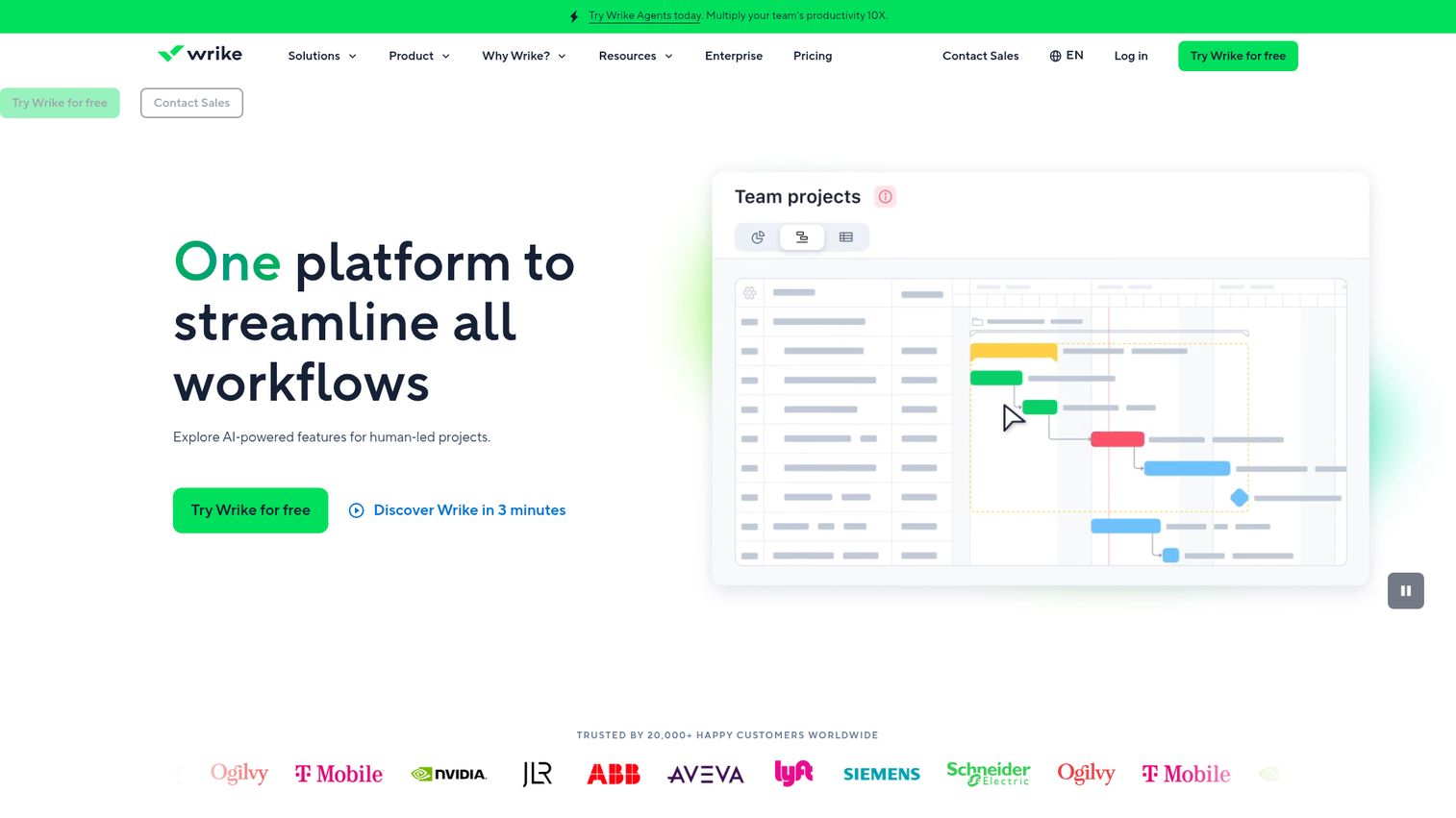
Wrike is built for complex organizations where multiple departments need shared visibility into the same work. Its cross-tagging feature is unique: a single task can live in multiple projects simultaneously without duplication. Explore the platform with this interactive Wrike demo.
For mid-size companies where marketing, product, and engineering all touch the same deliverables, cross-tagging eliminates the "which project is this in?" confusion. Request forms standardize how work enters the system. Proofing tools and resource management add depth for creative and professional services teams.
Best for: Mid-size companies with multiple departments needing shared visibility across projects.
Key strengths
- Cross-tagging lets tasks exist in multiple projects
- Request forms standardize work intake across teams
- Built-in proofing tools for creative asset review
- Resource management and workload balancing
- Custom workflows with approval gates and automations
Pricing: Free (limited). Team at ~$10/user/month. Business at ~$25/user/month. Enterprise (custom).
The downside: steep learning curve, dense UI, and expensive at higher tiers. The free plan is too limited for real use. Wrike works best when you invest time in setup, which means it's not ideal for teams that need something running today.
12. Teamwork.com - best for client-facing agencies
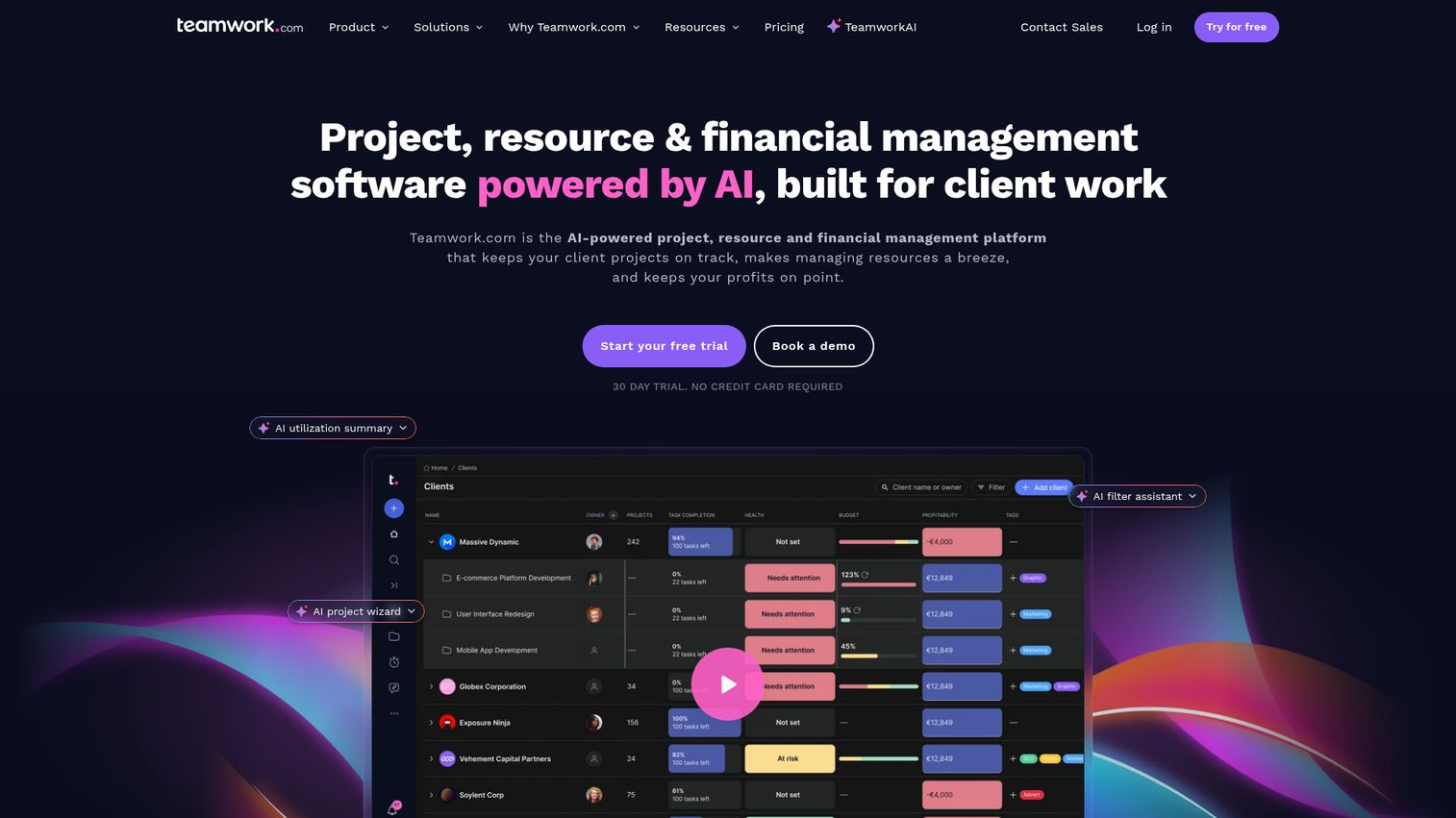
Teamwork.com is built specifically for agencies and professional services firms that bill clients for their time. It combines task management with time tracking, budgeting, invoicing, and profitability tracking in one platform. Take a look with this interactive Teamwork demo.
The client portal with guest access is a standout. Clients can view project progress, approve deliverables, and communicate without needing a full account. For agencies managing 10+ client relationships, this reduces the email back-and-forth that eats billable hours.
Best for: Agencies, consultancies, and professional services firms managing client projects with billable hours.
Key strengths
- Built-in time tracking plus invoicing for billable work
- Client portal with guest access for external stakeholders
- Profitability tracking per project and per client
- Workload management to prevent team burnout
- Project templates speed up repeatable client engagements
Pricing: Free (up to 5 users). Deliver at ~$10.99/user/month. Grow at ~$19.99/user/month. Scale (custom).
The limitation: less suited for non-agency use cases. The UI isn't as modern as Monday.com. Some features require higher-tier plans.
13. Paymo - best for time tracking + project management combo
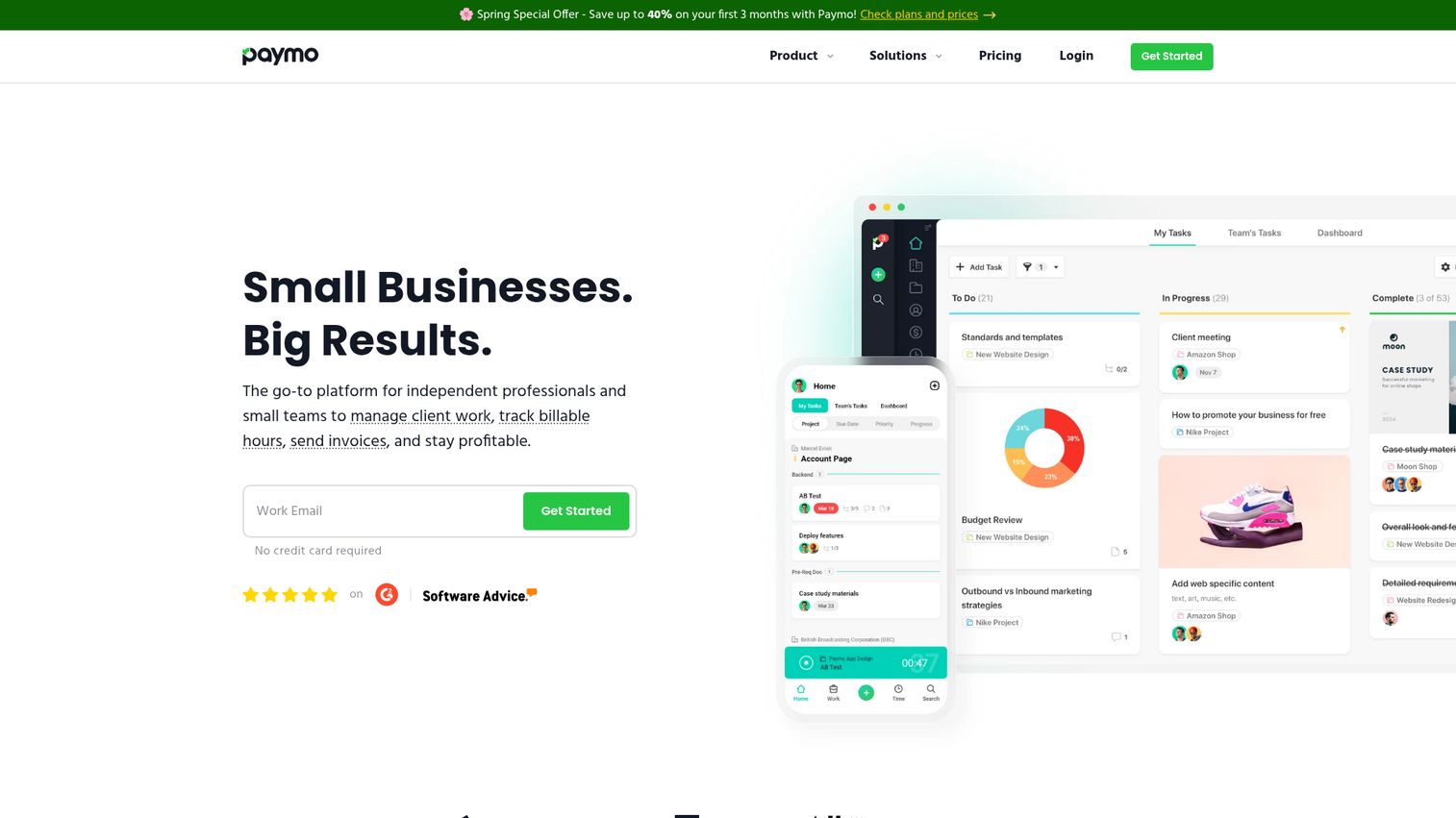
Paymo integrates time tracking more deeply than any other project management tool on this list. The timer, resource scheduling, invoicing, and expense tracking all live natively inside the PM workflow. You can explore the interface via this interactive Paymo demo.
For small-to-mid agencies where every hour needs to be tracked and billed, Paymo eliminates the gap between "project completed" and "invoice sent." The resource scheduling view shows who's available, who's overbooked, and where capacity exists across the team.
Best for: Small-to-mid agencies and freelancers who need PM, time tracking, and invoicing in one tool.
Key strengths
- Deeply integrated time tracking with one-click timer
- Built-in invoicing and expense tracking
- Resource scheduling with availability views
- Kanban boards and Gantt charts for project views
- Client portal for external project visibility
Pricing: Free (1 user). Starter at ~$5.9/user/month. Small Office at ~$10.9/user/month. Business at ~$16.9/user/month.
The trade-off: smaller user base means fewer community resources, integrations are limited compared to Monday.com or ClickUp, and AI features are minimal.
14. Hive - best for flexible views & built-in email
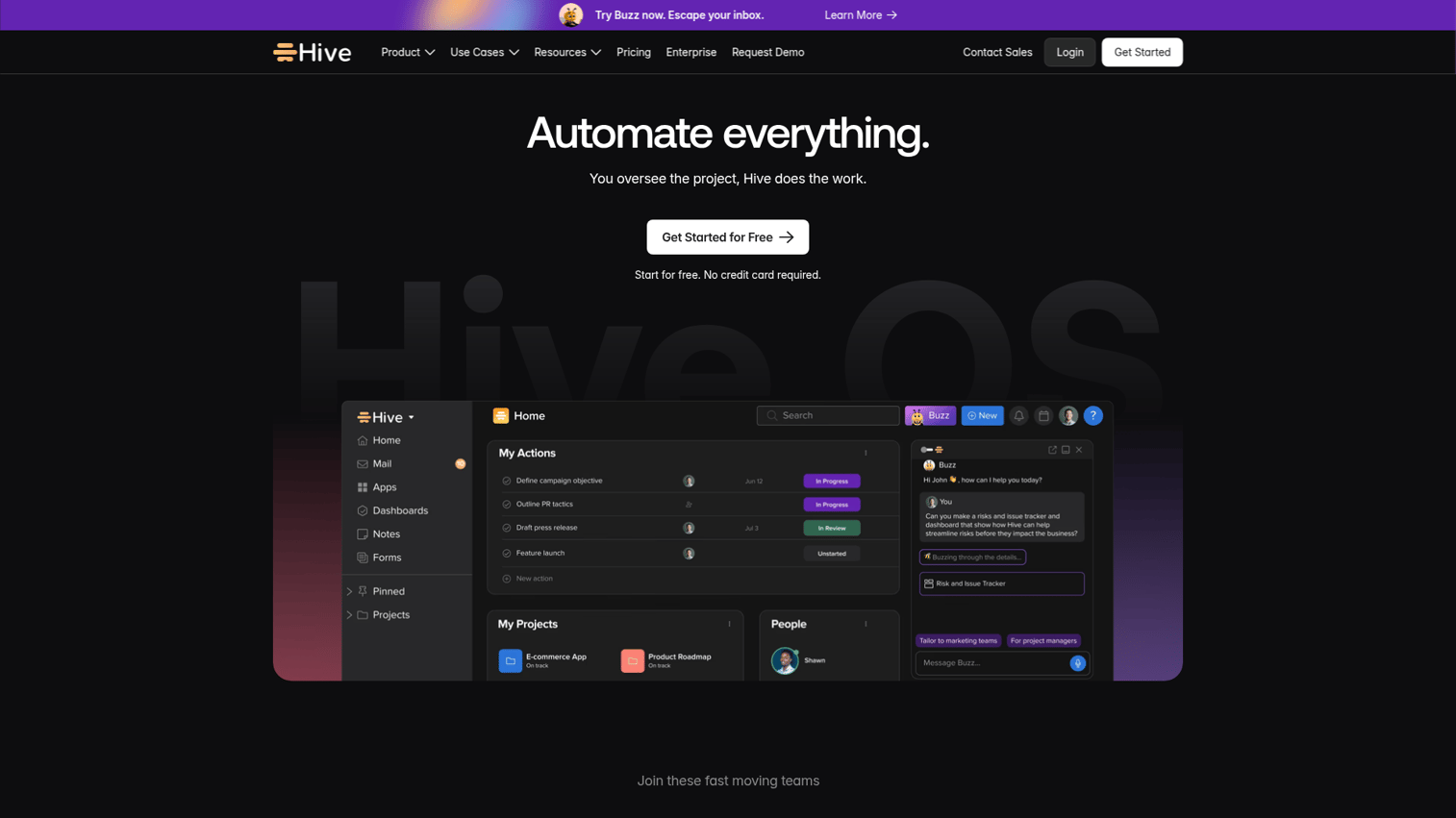
Hive has a unique feature that no other PM tool on this list offers: built-in email management. You can send, receive, and manage emails directly inside Hive, turning email threads into actionable tasks without context switching. Teams looking to optimize their broader email strategy should also explore the best email marketing software tools.
Beyond email, Hive offers Gantt, Kanban, calendar, table, and portfolio views. Automations, proofing, time tracking, and forms round out the feature set. The free plan supports up to 10 users.
Best for: Teams that want to manage email and projects in one place to reduce app switching.
Key strengths
- Built-in email management unique among PM tools
- Multiple views including Gantt, Kanban, and portfolio
- Proofing tools for creative asset review
- Generous free plan for up to 10 users
- Automations for recurring workflows and notifications
Pricing: Free (up to 10 users). Teams at ~$12/user/month. Enterprise (custom).
The limitation: Hive has a smaller community than major competitors, some features feel less polished, and the mobile app could improve.
15. ActiveCollab - best for profitability-focused teams
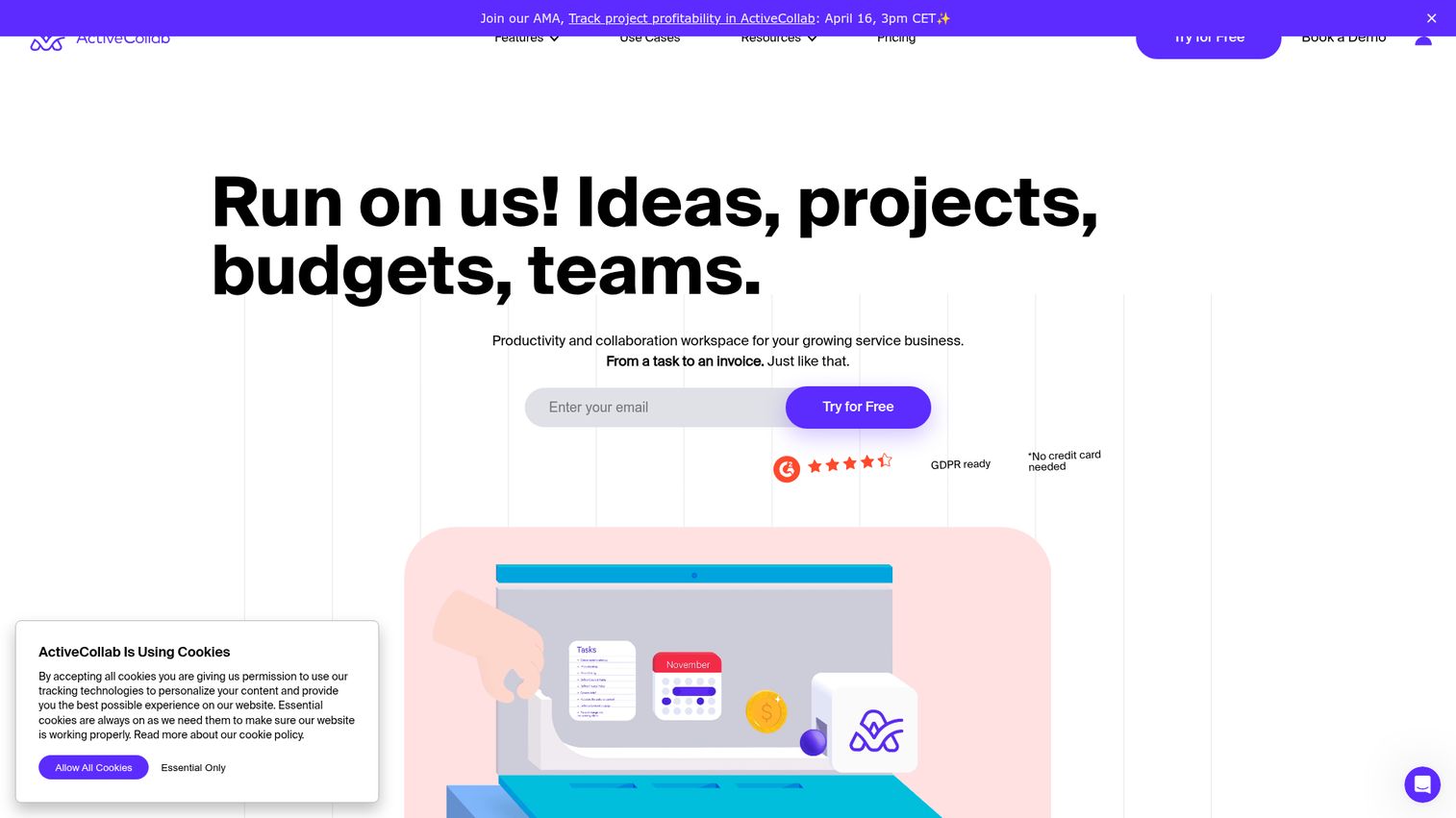
ActiveCollab focuses on something most PM tools treat as an afterthought: project profitability. It tracks budgets, costs, and margins per project so service businesses can see which work actually makes money.
A self-hosted option is available for teams with strict data residency requirements. The UI is clean and focused, avoiding the feature bloat that makes tools like ClickUp overwhelming for some teams.
Best for: Service businesses and agencies focused on understanding project profitability.
Key strengths
- Profitability reports per project and per client
- Built-in time tracking and invoicing
- Self-hosted option for data control requirements
- Clean UI without overwhelming feature density
- Workload management and calendar views
Pricing: Plus at ~$11/member/month. Pro at ~$9/member/month (3-member minimum). Pro+ at ~$14/member/month.
The trade-off: fewer integrations than major competitors, no free plan, and limited views compared to ClickUp or Monday.com.
16. Scoro - best for end-to-end business management
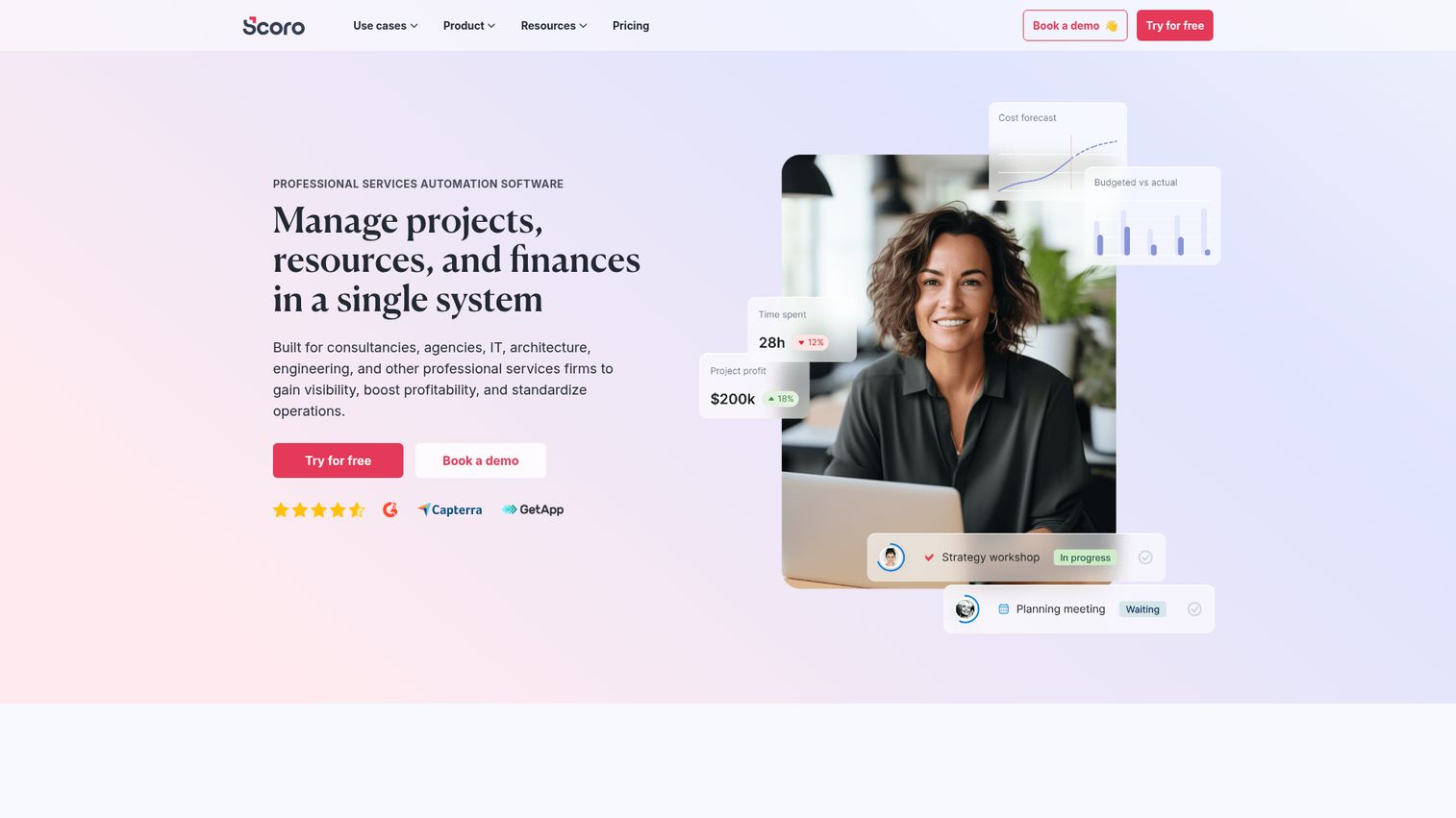
Scoro isn't just a project management tool. It's a business management suite that combines PM with CRM, quoting, billing, and financial reporting. For professional services firms, it can replace 3–4 separate tools.
The financial dashboards show real-time revenue, costs, and profitability across all projects. Quoting and invoicing are built in, so the workflow from proposal to payment happens in one system.
Best for: Professional services firms wanting PM, CRM, and billing in one platform.
Key strengths
- PM plus CRM plus quoting plus invoicing in one tool
- Financial dashboards with real-time profitability data
- Resource planning with utilization tracking
- Gantt charts and task management for project delivery
- Comprehensive reporting across all business functions
Pricing: Essential at ~$26/user/month. Standard at ~$37/user/month. Pro at ~$63/user/month.
The honest assessment: Scoro is expensive and has a steep learning curve. It's overkill if you only need project management. No free plan. But for firms that currently pay for separate PM, CRM, and invoicing tools, the consolidation math often works out.
17. Zoho Projects - best for Zoho ecosystem users
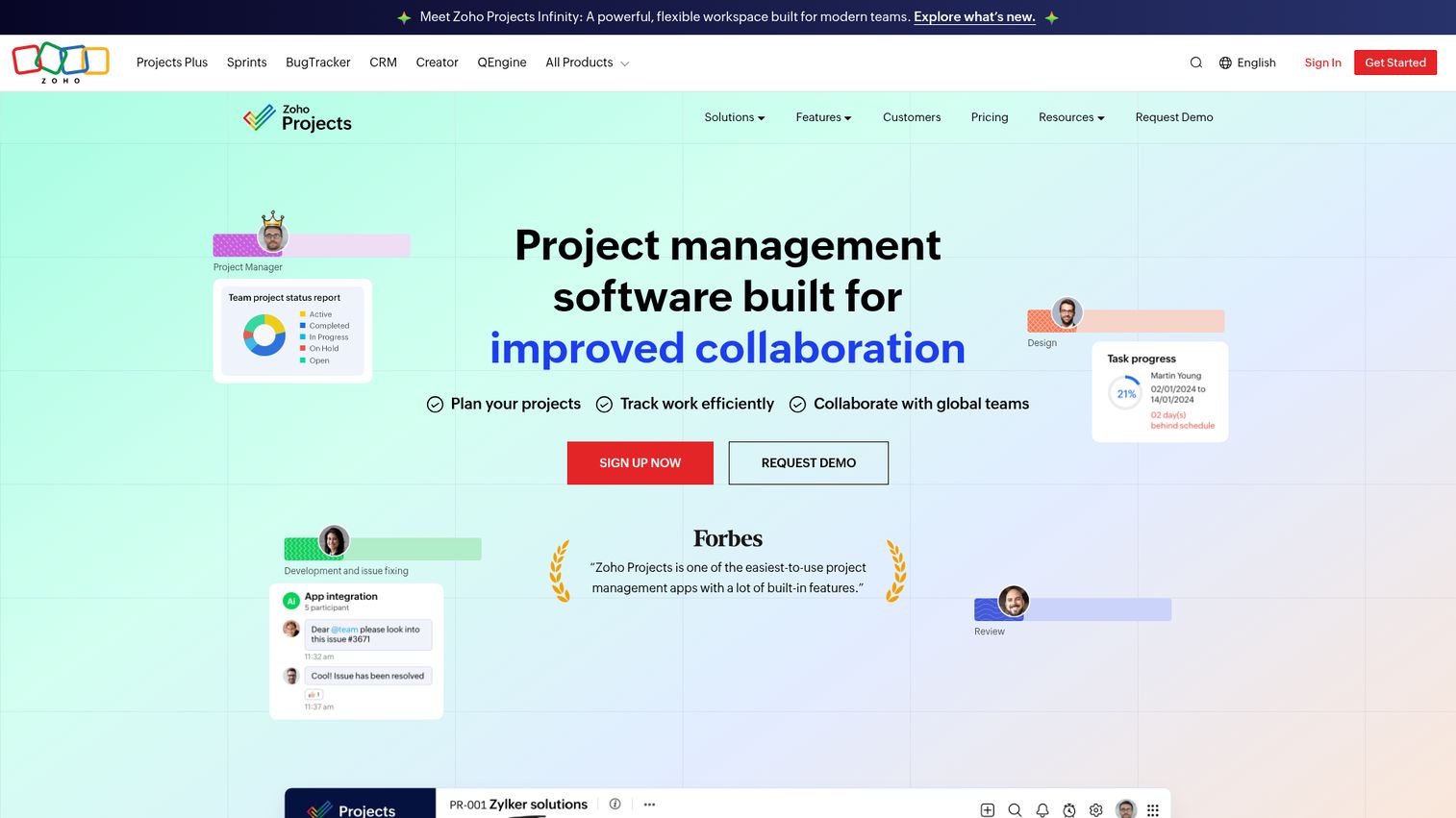
Zoho Projects is part of the massive Zoho suite and offers solid PM features at a price that undercuts most competitors. If you're already using Zoho CRM, Zoho Books, or other Zoho products, the integration depth is unmatched. See the Zoho ecosystem in action with this interactive Zoho demo.
Blueprints (workflow automation), issue tracking, Gantt charts, and time tracking are all included. The free plan covers up to 3 users and 2 projects.
Best for: Teams already using Zoho CRM, Zoho Books, or other Zoho products.
Key strengths
- Deep integration with the entire Zoho product suite
- Blueprints automate multi-step workflows
- Built-in issue tracking for bug and request management
- Affordable pricing starting at ~$4/user/month
- Free plan available for up to 3 users
Pricing: Free (up to 3 users, 2 projects). Premium at ~$4/user/month. Enterprise at ~$9/user/month.
The limitation: the UI feels dated compared to Monday.com or Asana. The best value comes only if you use other Zoho products. Standalone integrations are limited, and the tool is less intuitive than purpose-built competitors.
Best project management tools for agile & software development teams
Development teams have specific needs: sprint planning, backlog management, bug tracking, CI/CD integration, and support for agile ceremonies. These tools are purpose-built for software teams.
18. Jira - best for agile software development
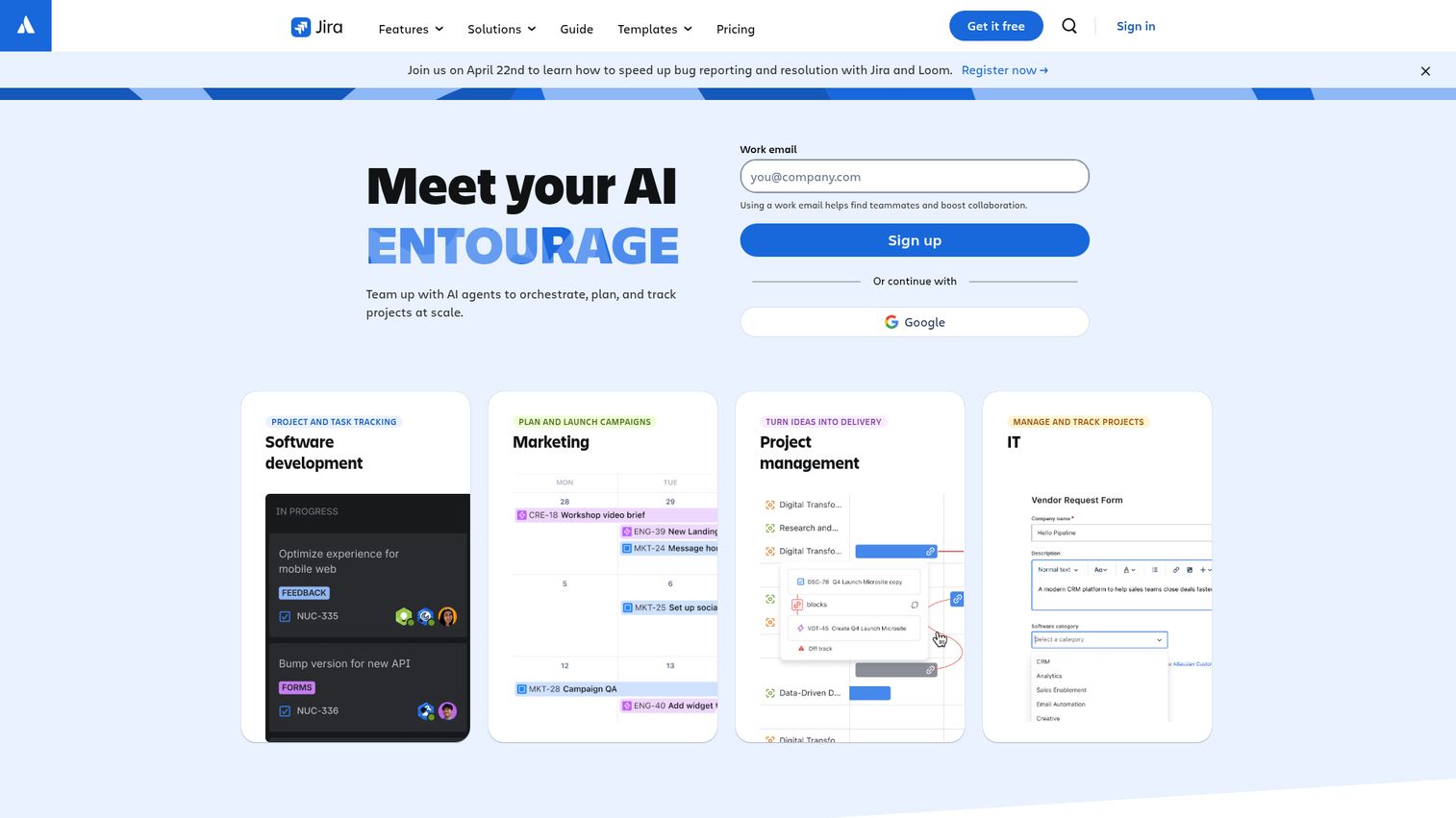
Jira is the standard for agile software development project management. Built by Atlassian, it supports Scrum and Kanban workflows with sprint planning, backlog grooming, roadmaps, and advanced reporting (velocity charts, burndown, cumulative flow diagrams).
With 3,000+ integrations including Bitbucket, GitHub, and GitLab, Jira connects directly to your development pipeline. The free tier supports up to 10 users, which makes it accessible for small dev teams. Explore the interface with this interactive Jira demo.
Best for: Software development teams practicing Scrum or Kanban at any scale.
Key strengths
- Scrum and Kanban boards with sprint planning built in
- Advanced reporting including velocity and burndown charts
- 3,000+ integrations with dev tools and CI/CD pipelines
- Jira Automation handles repetitive workflow actions
- Free tier for up to 10 users
Pricing: Free (up to 10 users). Standard at ~$8.15/user/month. Premium at ~$16/user/month.
The honest trade-off: Jira has a steep learning curve and can feel overwhelming for non-dev teams. Admin overhead is significant. If you're a marketing team looking at Jira, stop. Use Asana or Monday.com instead.
19. Airtable - best for custom workflows & databases
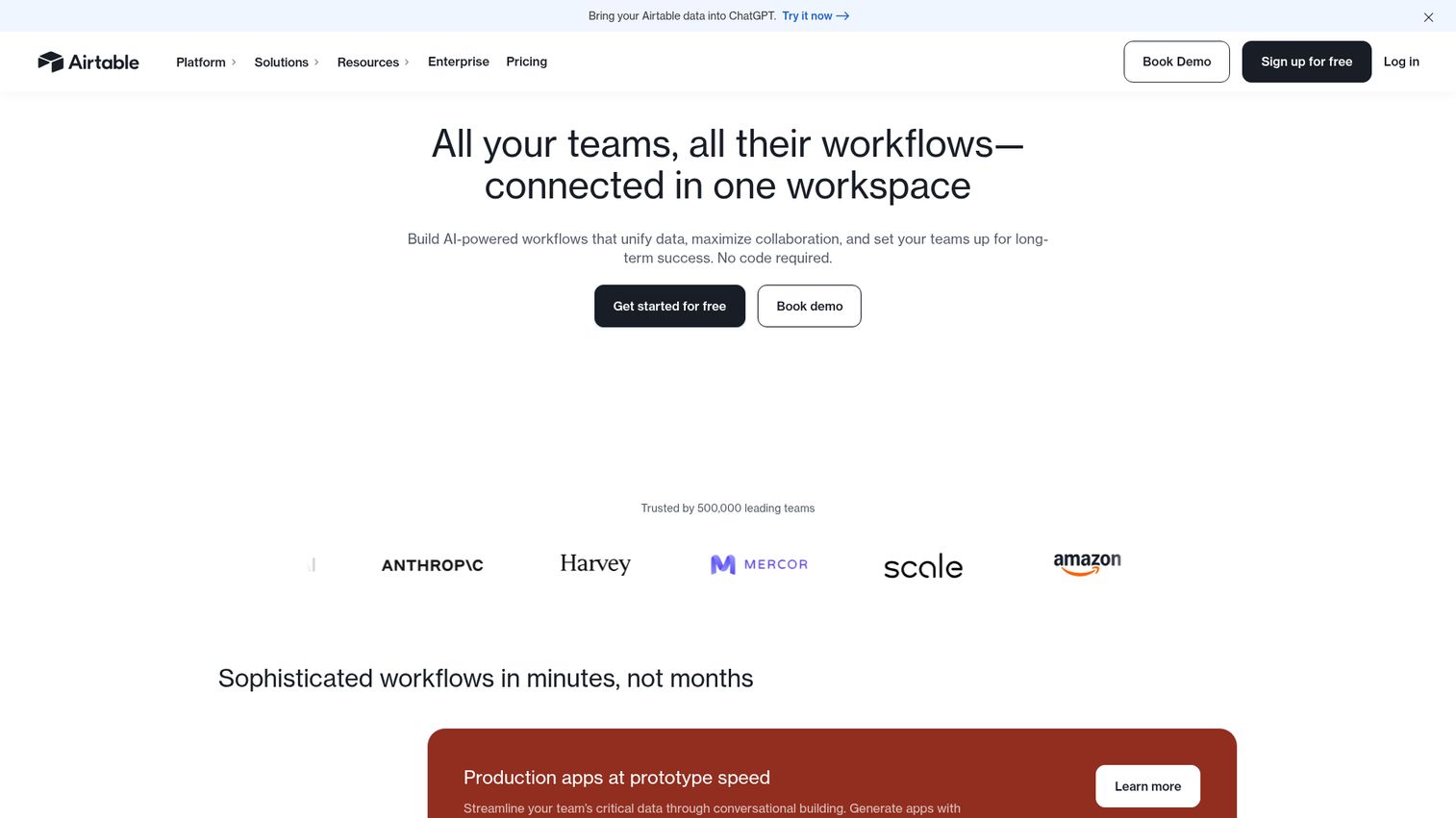
Airtable is a spreadsheet-database hybrid that can be molded into almost any workflow. It's not a dedicated PM tool, but its relational databases, multiple views, and automation engine make it a powerful option for teams with non-standard project management needs. Try it yourself with this interactive Airtable demo.
Product catalogs linked to project timelines. Event management databases with Kanban views. Content calendars with linked asset libraries. If your workflow doesn't fit a standard PM template, Airtable is where you build something custom.
Best for: Teams with unique workflows that don't fit standard PM templates.
Key strengths
- Relational databases with linked records across tables
- Six view types including grid, Kanban, Gantt, and timeline
- Interface designer builds custom apps without code
- Strong automation engine with conditional logic
- Robust API and scripting for advanced customization
Pricing: Free (1,000 records per base). Team at ~$20/user/month. Business at ~$45/user/month.
The trade-off: Airtable requires setup time. It's not plug-and-play like Trello. The 1,000-record free limit is restrictive. And it gets expensive at scale, with the Team plan starting at $20/user/month.
Best project management tools for enterprise & large organizations (100+ people)
Enterprise teams need advanced permissions, portfolio management, resource planning, compliance features (SOC 2, GDPR, SSO), and dedicated support. These cloud project management software options are built for organizational scale.
20. Microsoft Project - best for Microsoft 365 enterprises
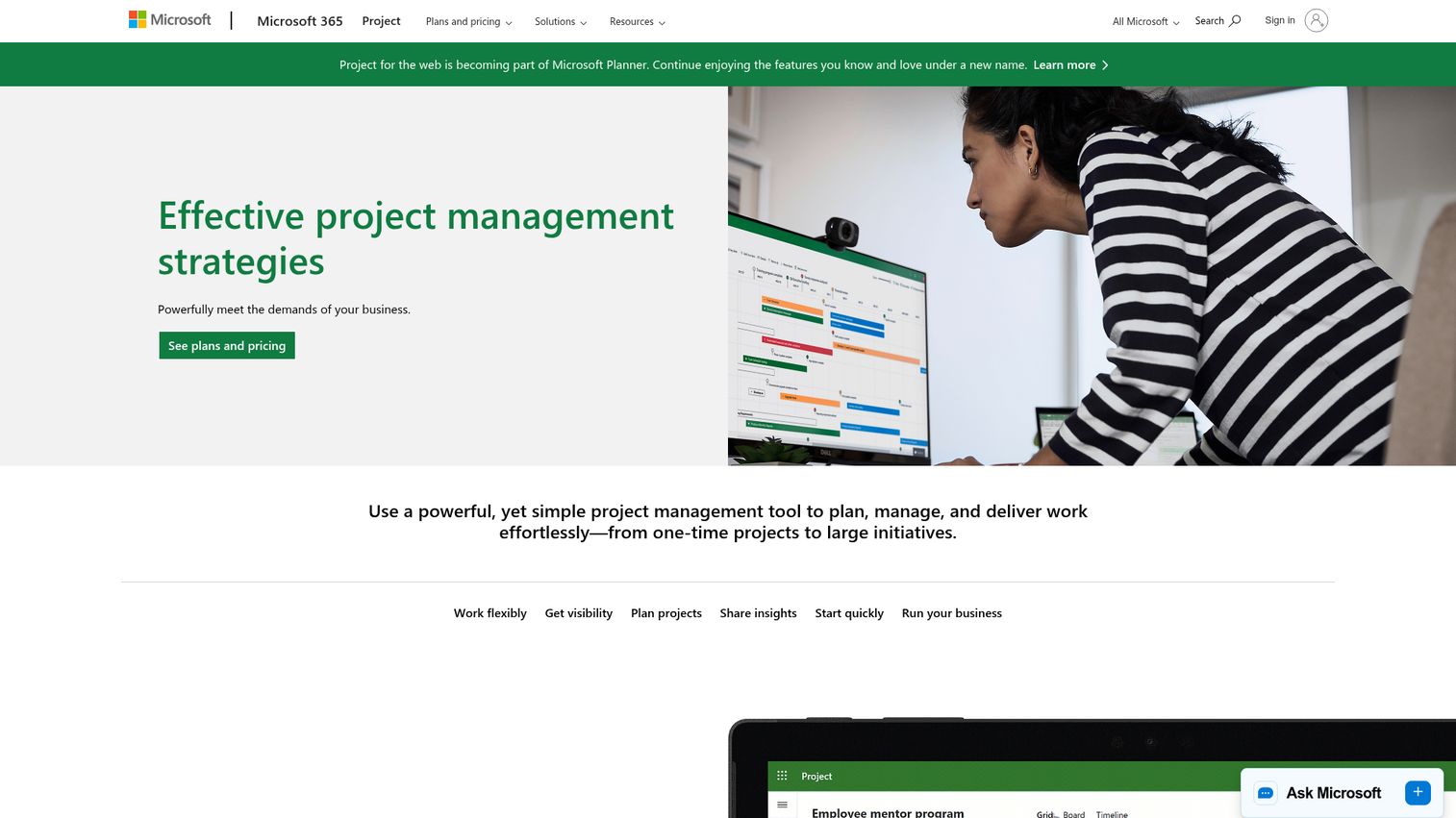
Microsoft Project is Microsoft's dedicated PM tool, deeply integrated with the Microsoft 365 stack. If your organization already lives in Teams, SharePoint, and Power BI, Microsoft Project slots in without adding another vendor.
Gantt charts, resource management, portfolio views, and co-authoring are all built in. Power BI integration means project data flows into the same dashboards your executives already check.
Best for: Large organizations already invested in Microsoft 365.
Key strengths
- Deep integration with Teams, SharePoint, and Power BI
- Strong resource management and portfolio views
- Co-authoring for real-time collaborative planning
- Desktop client plus web app for flexibility
- Enterprise-grade security and compliance
Pricing: Plan 1 at ~$10/user/month. Plan 3 at ~$30/user/month. Plan 5 at ~$55/user/month.
The limitation: expensive at higher tiers, steep learning curve, dated UI compared to modern PM tools, and less suited for agile teams. Requires Microsoft ecosystem buy-in.
21. Smartsheet - best for spreadsheet-loving enterprises
Smartsheet is an enterprise work management platform with a spreadsheet-like interface that PMOs and operations teams tend to gravitate toward. If your team thinks in rows and columns, Smartsheet feels immediately familiar. Explore the platform with this interactive Smartsheet demo.
Control Center manages portfolio-level programs. DataMesh connects data across sheets. Dashboards aggregate reporting. For PMOs managing dozens of concurrent projects, Smartsheet provides the structure and governance that consumer-grade tools can't match.
Best for: PMOs, operations teams, and enterprises that think in spreadsheets.
Key strengths
- Familiar spreadsheet interface reduces onboarding friction
- Control Center for portfolio and program management
- Strong automations with conditional paths and approvals
- Enterprise security including SSO, audit logs, and compliance
- Dashboards aggregate data across multiple sheets
Pricing: Pro at ~$9/user/month. Business at ~$19/user/month. Enterprise (custom).
The limitation: the spreadsheet paradigm isn't for everyone. Complex setup for advanced features. Mobile experience is limited. Enterprise tier pricing is opaque.
22. Kantata - best for professional services automation
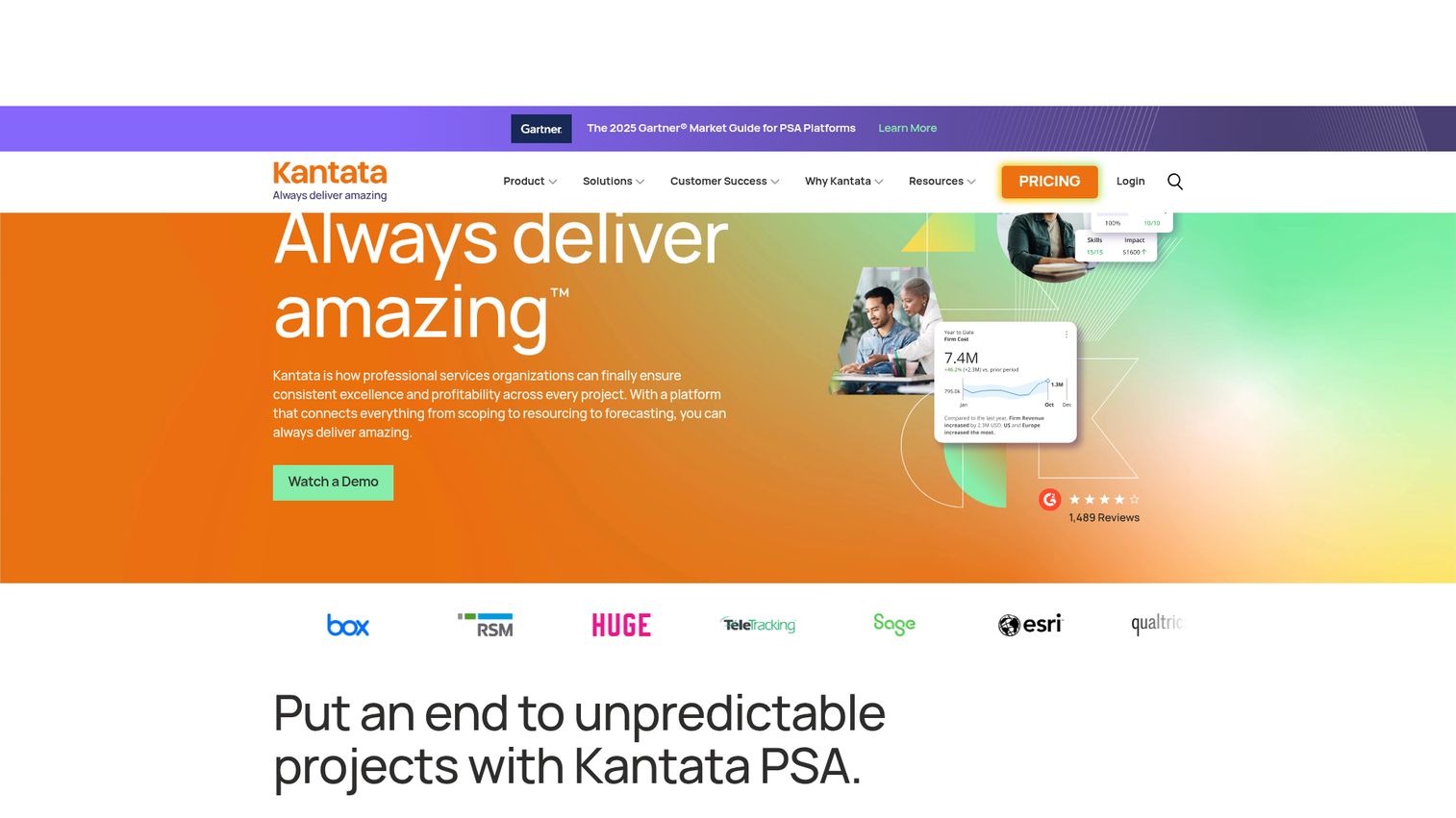
Kantata (formerly Mavenlink) is purpose-built for professional services firms. It combines project management with resource optimization, business intelligence, and financial management in a way that generic PM tools simply can't replicate.
The resource optimization engine is the standout. It matches available talent to project needs based on skills, availability, and utilization targets. For consulting firms and IT services companies managing hundreds of billable resources, this capability pays for itself.
Best for: Large professional services firms (consulting, IT services, marketing agencies) with complex resource allocation needs.
Key strengths
- Resource optimization matches talent to project needs
- Financial management with budgeting and margin tracking
- Business intelligence dashboards for executive reporting
- Strong Salesforce and HubSpot integrations
- Purpose-built for services firm workflows
Pricing: Custom pricing (enterprise-focused). Contact sales for quotes.
The trade-off: expensive, not suited for non-services companies, pricing isn't transparent, and there's a learning curve for setup.
23. ProjectManager - best for traditional project planning
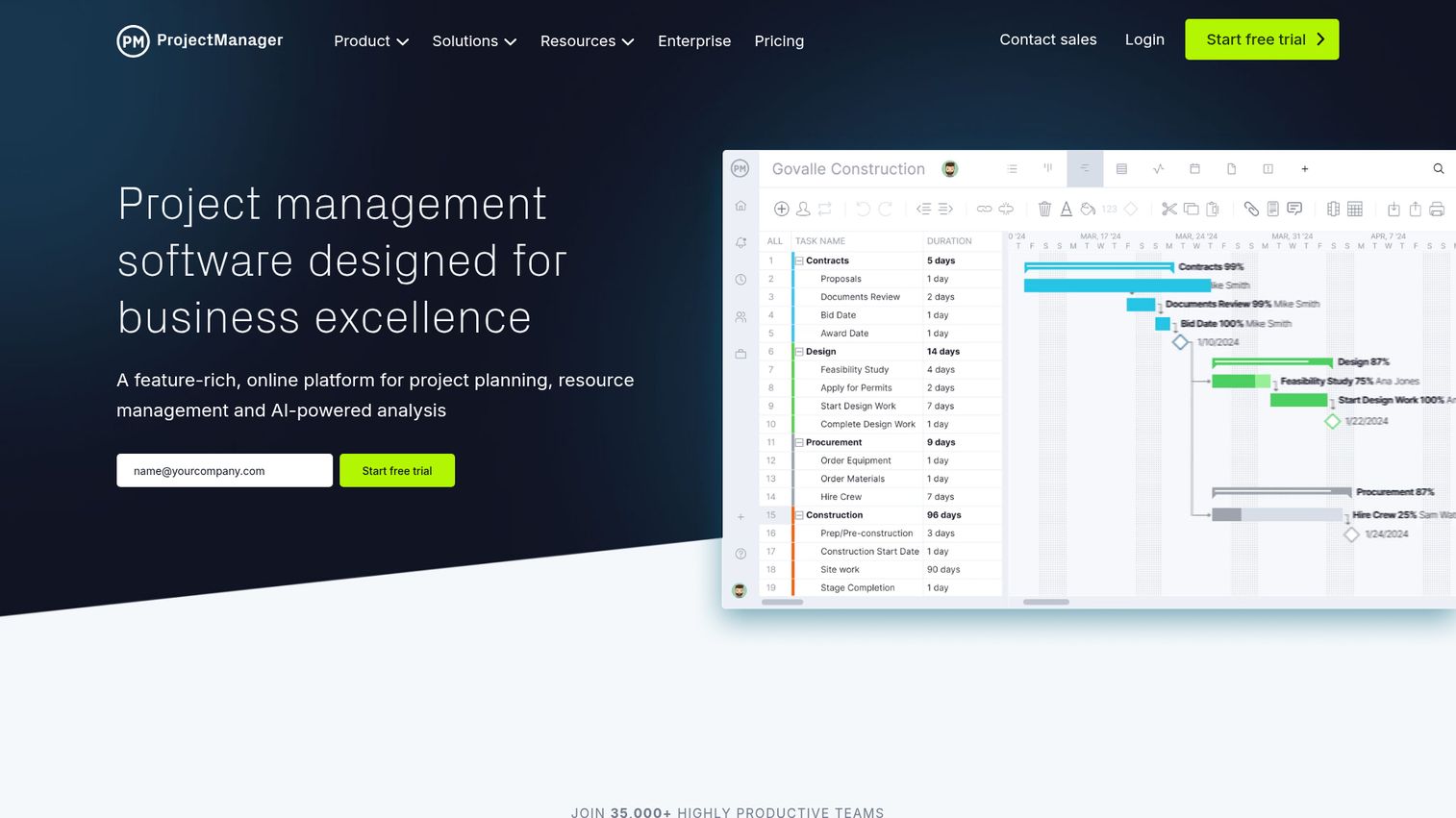
ProjectManager focuses on traditional and waterfall project management with some of the strongest Gantt chart capabilities in the market. For construction, engineering, and teams using waterfall methodology, it's a natural fit.
Real-time dashboards, timesheets, workload management, and portfolio views round out the feature set. The Gantt charts support dependencies, critical path analysis, and baseline comparisons.
Best for: Construction, engineering, and traditional PM teams using waterfall or hybrid methodologies.
Key strengths
- Gantt charts with dependencies and critical path analysis
- Real-time dashboards for project health monitoring
- Timesheets and workload management for resource planning
- Portfolio management for multi-project oversight
- Baseline comparisons track plan versus actual progress
Pricing: Team at ~$13/user/month. Business at ~$24/user/month. Enterprise (custom).
The limitation: less suited for agile-only teams, UI isn't as modern as ClickUp or Monday.com, fewer integrations, and no free plan.
Best niche & emerging project management tools
These tools serve specific needs or represent newer approaches to project management that are gaining traction in 2026.
24. Miro - best for visual collaboration & planning
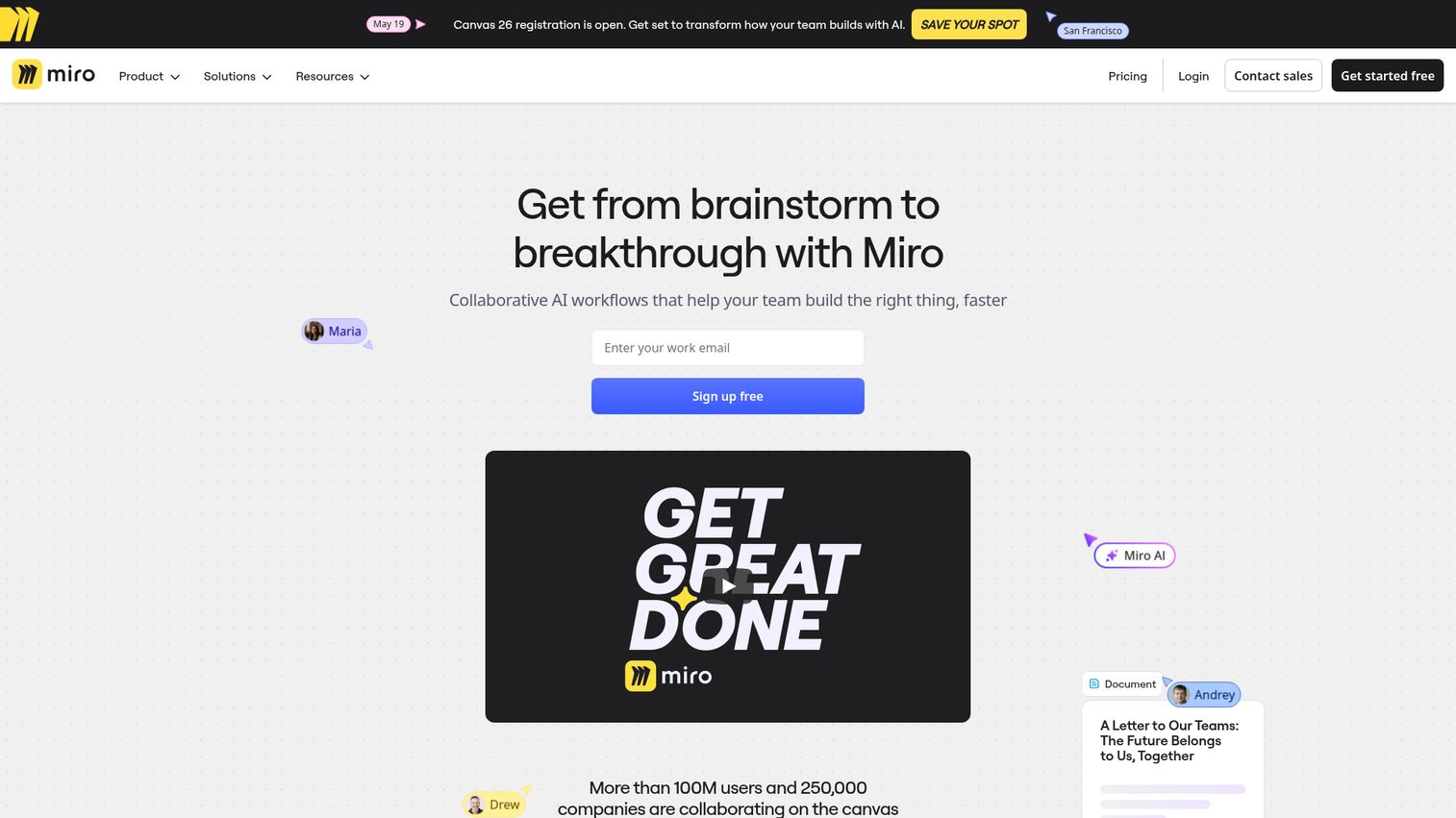
Miro is a digital whiteboard platform that's expanded into project planning and visual collaboration. It's not a full PM tool, and that's the point. It works best alongside a dedicated PM tool for the brainstorming, planning, and retrospective sessions that happen before and after the actual project work. Check out how it works with this interactive Miro demo.
Templates for sprint planning, retrospectives, roadmaps, and user story mapping make it immediately useful for agile teams. The infinite canvas means you're never constrained by slide dimensions or page limits.
Best for: Teams that need visual planning and brainstorming alongside their primary PM tool.
Key strengths
- Infinite canvas for unconstrained visual collaboration
- Templates for retrospectives, sprint planning, and roadmaps
- Built-in video chat and voting for remote sessions
- Integrations with Jira, Asana, and other PM tools
- Free plan includes 3 editable boards
Pricing: Free (3 boards). Starter at ~$8/user/month. Business at ~$16/user/month.
Important note: Miro is complementary, not a replacement. It doesn't have task assignment, Gantt charts, or time tracking. Use it with Jira, Asana, or Monday.com, not instead of them.
25. Flowlu - best for all-in-one business management on a budget
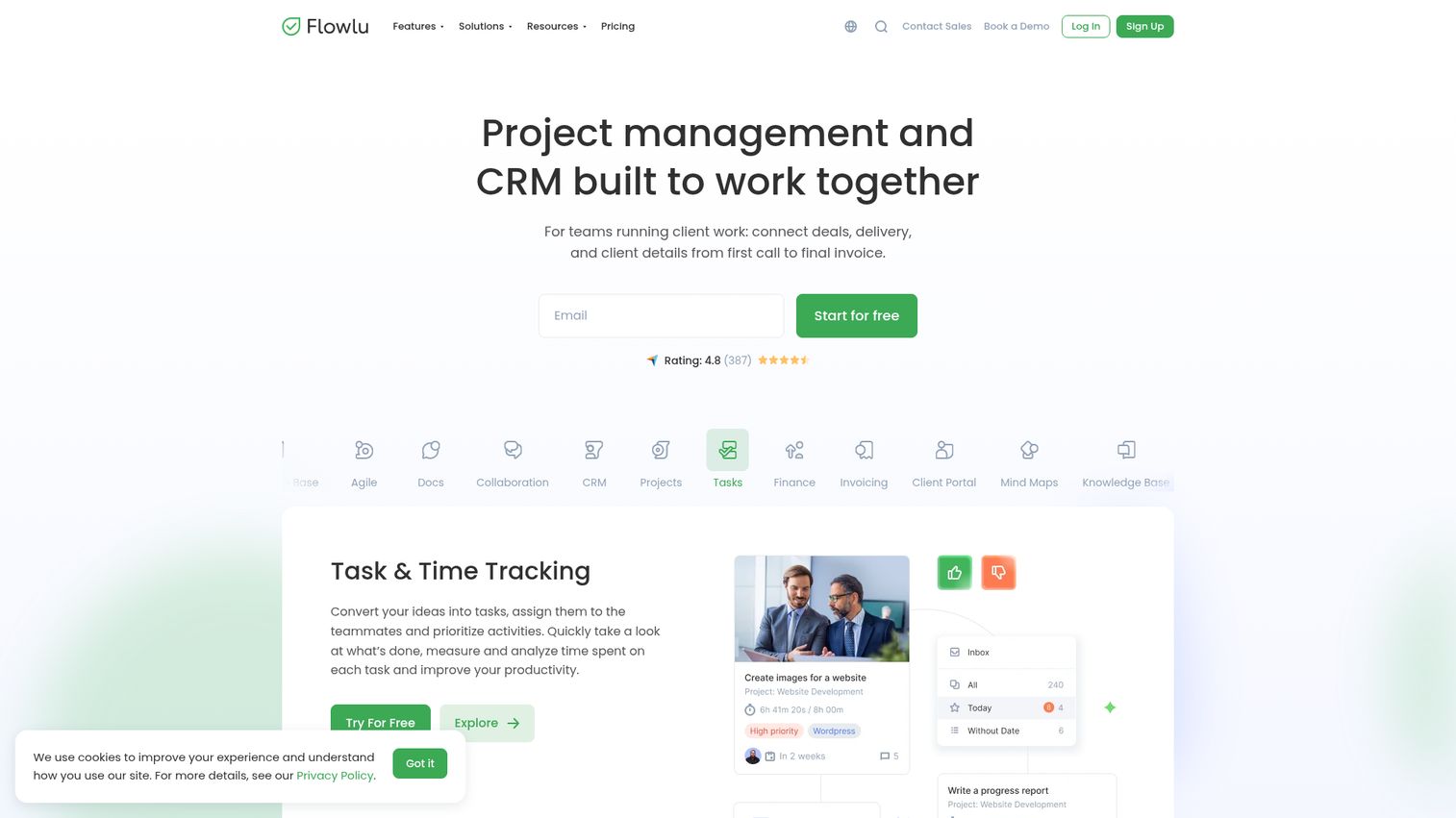
Flowlu is a business management suite that combines PM, CRM, invoicing, and knowledge base at prices that undercut most competitors. The pricing model is team-based rather than per-user, which makes it significantly cheaper for growing teams.
Kanban boards, Gantt charts, mind maps, agile boards, time tracking, and financial management are all included. For small businesses that need PM plus CRM plus invoicing without paying for three separate subscriptions, Flowlu offers the best value on this list.
Best for: Small businesses wanting PM, CRM, and invoicing without paying for three separate tools.
Key strengths
- Team-based pricing instead of per-user fees
- PM plus CRM plus invoicing in one platform
- Kanban, Gantt, mind maps, and agile boards included
- Knowledge base for internal documentation
- Financial management with budgeting and reporting
Pricing: Free (2 users). Team at ~$29/month (8 users). Business at ~$59/month (16 users). Professional at ~$119/month (25 users).
The trade-off: less polished UI than Monday.com or Asana, smaller community, fewer integrations, and less name recognition. But the value math is hard to argue with.
Honorable mentions: other project management tools worth considering
Podio - Citrix-backed customizable work management platform. Good for teams that want to build their own PM app from modular components. Best for custom workflow builders who don't mind a steeper setup process.
Redbooth - Straightforward PM with HD video conferencing built in. Good for teams that want video plus tasks in one place without integrating Zoom or Google Meet separately.
How to choose the right project management tool for your team
With 25 options reviewed, the question becomes: which one is right for you? Here's a decision framework based on the project management software features that matter most.
Team size drives the first filter
Your team size narrows the field immediately. Solo or freelancer: Todoist, Notion, or Taskade. Small team (2–15): Trello, Basecamp, ClickUp, or Asana. Mid-size (15–100): Monday.com, Wrike, or Teamwork.com. Enterprise (100+): Smartsheet, Microsoft Project, or Kantata.
Methodology alignment matters
Agile teams should look at Jira or ClickUp. Waterfall teams fit best with Microsoft Project or ProjectManager. Hybrid teams tend to do well with Monday.com or Wrike, which support both approaches.
Budget reality check
Free project management software exists, but with limits. ClickUp and Freedcamp offer the most generous free tiers. Flat-rate pricing from Basecamp ($299/month unlimited) and ProofHub ($45–89/month unlimited) saves money for larger teams. Per-user pricing from Monday.com, Asana, and Wrike scales linearly and can get expensive.
| Pricing tier | Tools |
|---|---|
| Free | ClickUp, Freedcamp, Trello, Notion, Zoho Projects |
| $1–10/user/month | Todoist, Zoho Projects, Trello, ClickUp, Jira |
| $10–25/user/month | Asana, Monday.com, Wrike, Teamwork.com, Hive |
| $25+/user/month | Scoro, Microsoft Project, Smartsheet Enterprise |
| Flat rate | Basecamp ($299/mo), ProofHub ($45–89/mo) |
Integration needs
What tools does your team already use? If you're in Google Workspace, most tools integrate well. If you're in Microsoft 365, Microsoft Project has the deepest integration. If you use Salesforce, Kantata and Wrike connect best. If you're a dev team on GitHub, Jira is the natural choice.
AI features in 2026
Meaningful AI exists in ClickUp (task generation, summaries), Notion (writing assistant, database automation), Asana (status updates, prioritization), and Monday.com (formula building, content drafting). Many other tools have added "AI" labels to basic automation features. Test the AI yourself before letting it influence your decision.
Migration considerations
Switching costs are real. Factor in data migration (most tools support CSV import; some like Monday.com, Asana, and ClickUp offer import wizards), team retraining (budget 2–4 weeks for full adoption), and workflow rebuilding. Run both tools in parallel for 1–2 weeks before fully committing. Using interactive product tours during migration can significantly speed up team adoption of your new tool.
Project management tools pricing comparison (2026)
Here's the full pricing breakdown for all 25 tools. Prices are approximate as of early 2026.
| Tool | Free plan | Cheapest paid | Mid-tier | Enterprise | Model |
|---|---|---|---|---|---|
| Todoist | ✅ | ~$4/mo | ~$6/user/mo | - | Per-user |
| Notion | ✅ | ~$8/user/mo | ~$15/user/mo | Custom | Per-user |
| Taskade | ✅ | ~$8/mo | Teams pricing | Custom | Per-user |
| Trello | ✅ | ~$5/user/mo | ~$10/user/mo | ~$17.50/user/mo | Per-user |
| Asana | ✅ (10 users) | ~$11/user/mo | ~$26/user/mo | Custom | Per-user |
| Basecamp | ❌ | ~$15/user/mo | $299/mo flat | - | Flat or per-user |
| ClickUp | ✅ | ~$7/user/mo | ~$12/user/mo | Custom | Per-user |
| Freedcamp | ✅ | ~$2.49/user/mo | ~$8.99/user/mo | - | Per-user |
| ProofHub | ❌ | ~$45/mo flat | ~$89/mo flat | - | Flat rate |
| Monday.com | ✅ (2 users) | ~$9/seat/mo | ~$19/seat/mo | Custom | Per-seat |
| Wrike | ✅ | ~$10/user/mo | ~$25/user/mo | Custom | Per-user |
| Teamwork.com | ✅ (5 users) | ~$10.99/user/mo | ~$19.99/user/mo | Custom | Per-user |
| Paymo | ✅ (1 user) | ~$5.9/user/mo | ~$16.9/user/mo | - | Per-user |
| Hive | ✅ (10 users) | ~$12/user/mo | - | Custom | Per-user |
| ActiveCollab | ❌ | ~$9/member/mo | ~$14/member/mo | - | Per-member |
| Scoro | ❌ | ~$26/user/mo | ~$63/user/mo | Custom | Per-user |
| Zoho Projects | ✅ (3 users) | ~$4/user/mo | ~$9/user/mo | - | Per-user |
| Jira | ✅ (10 users) | ~$8.15/user/mo | ~$16/user/mo | Custom | Per-user |
| Airtable | ✅ | ~$20/user/mo | ~$45/user/mo | Custom | Per-user |
| Microsoft Project | ❌ | ~$10/user/mo | ~$30/user/mo | ~$55/user/mo | Per-user |
| Smartsheet | ❌ | ~$9/user/mo | ~$19/user/mo | Custom | Per-user |
| Kantata | ❌ | Custom | Custom | Custom | Custom |
| ProjectManager | ❌ | ~$13/user/mo | ~$24/user/mo | Custom | Per-user |
| Miro | ✅ (3 boards) | ~$8/user/mo | ~$16/user/mo | Custom | Per-user |
| Flowlu | ✅ (2 users) | ~$29/mo (8 users) | ~$59/mo (16 users) | ~$119/mo (25 users) | Team-based |
Pricing trends in 2026: AI features are driving prices up across the board. Free plans are becoming more restrictive (Asana's 10-user cap, Monday.com's 2-user cap). More tools are offering flat-rate alternatives as teams push back on per-seat costs.
Hidden costs to watch for: Storage limits on lower tiers, guest user fees for client access, feature gating that forces upgrades (timeline views, automations, reporting), and minimum seat requirements on some plans.
Our top picks by category
The right project management tool depends on your team size, methodology, budget, and existing tech stack. Here are our category winners:
- Best Overall: Monday.com
- Best Free: ClickUp
- Best for Simplicity: Trello
- Best for Agile Teams: Jira
- Best for Agencies: Teamwork.com
- Best for Enterprise: Smartsheet
- Best for Solo Users: Todoist
- Best All-in-One: Flowlu (budget) or Scoro (premium)
PM tools in 2026 are increasingly AI-powered. The best choice today should also be investing in AI features for tomorrow. Start with free trials of your top 2–3 picks and test with a real project before committing.
Start your journey with Guideflow today!
Frequently asked questions about project management tools
ClickUp is the top free pick due to its generous free plan with unlimited tasks, unlimited members, and 15+ views including Gantt charts and whiteboards. Trello is a strong alternative if you want simplicity, and Freedcamp is best if you need no user caps at all. Note that most "free" plans have limitations: Asana caps at 10 users, Monday.com at 2 users, and Airtable at 1,000 records per base.
Task management software like Todoist focuses on individual to-do items: creating tasks, setting due dates, and checking them off. Project management software like Monday.com or Asana handles broader project planning including timelines, resource allocation, dependencies, reporting, and team collaboration across multiple workstreams. Task management is a subset of project management.
ClickUp (feature-rich with a generous free plan), Monday.com (visual and scalable), or Basecamp (flat pricing that doesn't penalize growth). Project management software for small businesses should prioritize ease of use, affordable pricing, and tools that won't require a dedicated admin to maintain. Avoid enterprise tools like Kantata or Microsoft Project unless you have specific needs they address.
Yes, but something lightweight. Todoist handles personal task management well. Notion works if you want notes and project tracking in one place. Trello is great for client-facing Kanban boards where clients can see progress. As you grow and take on more clients with overlapping deadlines, a more robust project management tool becomes necessary.
Monday.com, Asana, Jira, and Microsoft Project are among the most widely adopted. The choice varies by industry: tech companies lean toward Jira, agencies toward Monday.com or Teamwork.com, and large enterprises toward Microsoft Project or Smartsheet. There's no single "most popular" tool because needs vary so widely by team size and methodology.
Partially. Tools like Basecamp and Hive have built-in messaging that reduces internal email. Most PM tools offer commenting on tasks, which replaces email threads about specific work items. However, external communication with clients, vendors, and partners still typically happens via email. The goal is reducing internal email, not eliminating email entirely.
Key AI features worth evaluating: auto-task creation from project descriptions, smart scheduling and resource allocation, risk prediction based on project patterns, natural language queries ("show me overdue tasks assigned to the design team"), automated status reports, and writing assistance for project briefs. ClickUp, Notion, Asana, and Monday.com are the leaders in PM AI features as of 2026.
Follow these steps: (1) Export data from your current tool via CSV or API, (2) map your existing workflow structure to the new tool's format, (3) import data using the new tool's import wizard (Monday.com, Asana, and ClickUp all offer these), (4) run both tools in parallel for 1–2 weeks, (5) train your team on the new workflow, (6) fully switch once the team is comfortable. Budget 2–4 weeks for the full migration. The biggest cost isn't technical; it's the team retraining time.