Your sales team closes a deal, but six months later nobody can find the original conversation thread, the contract terms, or who promised what during the negotiation. Meanwhile, marketing keeps sending "introductory" emails to a customer who's been paying you for years.
CRM software exists to solve exactly this problem: it's a platform that centralizes every customer interaction, automates the busywork that slows teams down, and gives everyone from sales to support a shared view of each relationship. This guide breaks down what CRM actually does, compares the top 10 platforms for 2026, and walks you through how to choose the right one for your team.
What's inside
This guide covers what CRM software actually does and why your business might benefit from it. We compare the top 10 CRM platforms for 2026, breaking down their strengths, pricing, and ideal use cases.
You'll also learn about the four types of CRM programs and get a practical framework for choosing the right tool for your team. Whether you're outgrowing spreadsheets or replacing an outdated system, this guide helps you make a confident decision.
TL;DR
- CRM software centralizes customer data, automates sales and marketing workflows, and tracks every interaction in one place.
- The four main types of CRM (operational, analytical, collaborative, and strategic) serve different business priorities.
- Top platforms for 2026 include Salesforce, HubSpot, Zoho, and Pipedrive, each with unique strengths for different team sizes and budgets.
- Choosing the right CRM depends on your team size, technical capabilities, integration requirements, and budget.
- You can evaluate CRM tools more effectively through interactive demos that let you explore features before committing to a trial.
What is CRM software
CRM software (Customer Relationship Management) centralizes customer data, automates sales and marketing workflows, and tracks interactions to boost productivity, revenue, and customer retention. It provides a 360-degree view of clients, enabling personalized engagement and improved forecasting across your entire organization.
Think of it as the single source of truth for everything related to your customers. Instead of hunting through email threads, spreadsheets, and sticky notes, your team accesses one shared record that shows every touchpoint from the first website visit to the latest support ticket.
What customer relationship management software does
- Contact management: Stores all customer info, interaction history, and communication logs in one accessible place.
- Pipeline tracking: Provides real-time visibility into sales opportunities, deal stages, and revenue forecasts.
- Workflow automation: Handles repetitive tasks like follow-up emails, lead assignments, and activity logging automatically.
- Reporting: Generates insights on sales performance, customer behavior, and team productivity.
How CRM management tools work
Data flows into the CRM from multiple touchpoints: emails, phone calls, website forms, and chat conversations. The CRM organizes and links this data to individual contact records, creating a complete customer profile.
Teams across sales, marketing, and support access shared records to collaborate effectively. Automation triggers actions based on rules you define, like sending a follow-up email three days after a demo or alerting a rep when a high-value lead visits your pricing page.
When to use CRM software
A business typically benefits from CRM solutions in a few key situations:
- Growing beyond spreadsheets: When tracking customers in Excel becomes unmanageable and prone to errors, a CRM brings structure and reliability.
- Scaling sales teams: When multiple reps work the same accounts, shared visibility prevents overlap and keeps everyone aligned.
- Improving customer retention: Businesses using CRM report 27% higher customer retention through personalized outreach based on past interactions and purchase history.
- Aligning sales and marketing: When teams require a single source of truth to ensure marketing efforts support sales goals.
If your sales team regularly asks "who talked to this customer last?" or leads slip through the cracks between touchpoints, a CRM would likely help.
Comparison table of popular CRM software
| # | Product | Intent | Key differentiator | Pricing | G2 Rating |
|---|---|---|---|---|---|
| 1 | Salesforce Sales Cloud | Enterprise customization | AI-driven, vast ecosystem | From $25/user/mo | 4.3/5 |
| 2 | HubSpot CRM | SMB value and marketing | Powerful free tier, ease of use | Free, paid from $18/mo | 4.4/5 |
| 3 | Zoho CRM | All-in-one for SMBs | Broad feature set, value pricing | From $14/user/mo | 4.0/5 |
| 4 | Microsoft Dynamics 365 | Microsoft-centric enterprise | Deep Office 365 integration | From $65/user/mo | 3.8/5 |
| 5 | Freshsales | Built-in communication | Integrated phone and email, AI | From $15/user/mo | 4.5/5 |
| 6 | Monday CRM | Visual work management | Flexible, no-code customization | From $10/user/mo | 4.7/5 |
| 7 | Zendesk Sell | Sales and support alignment | Unified customer service view | From $19/user/mo | 4.2/5 |
| 8 | Less Annoying CRM | Small business simplicity | Flat pricing, no feature bloat | $15/user/mo | 4.8/5 |
| 9 | Pipedrive | Visual pipeline management | Sales-centric, activity-based | From $14/user/mo | 4.2/5 |
| 10 | Copper CRM | Google Workspace native | Minimal data entry, Gmail focus | From $23/user/mo | 4.5/5 |
Top 10 CRM software platforms for sales and marketing teams
We selected platforms based on ease of use, scalability, integration capabilities, and overall value. Each serves a different segment of the market, from solopreneurs to enterprise organizations.
1. Salesforce Sales Cloud
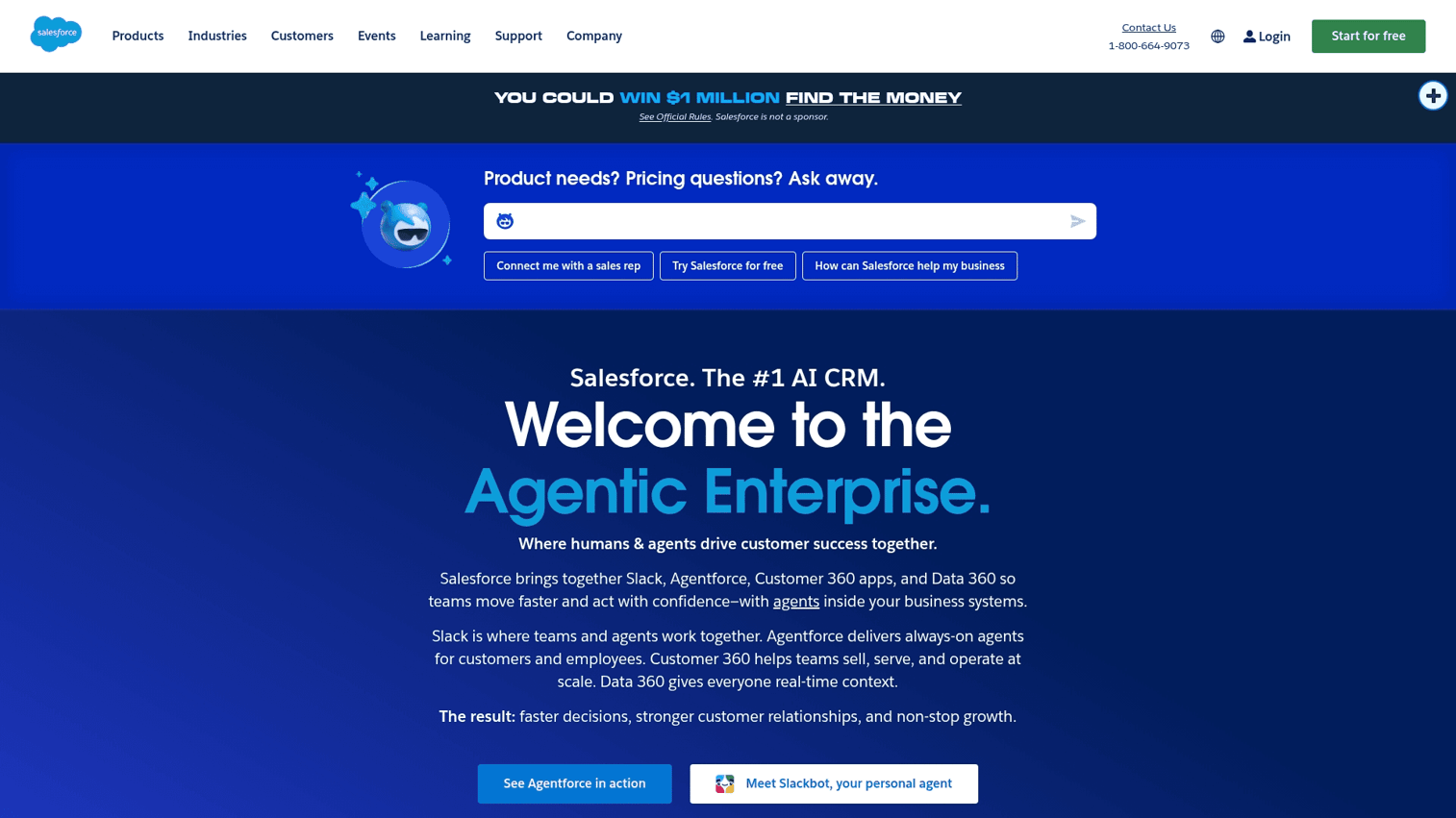
Salesforce Sales Cloud is an enterprise-grade, highly customizable CRM platform powered by Einstein AI. It handles complex sales processes and scales with organizations of any size.
Check how to import data into Salesforce
Key strengths
- Customization: Tailor the platform to fit virtually any business process through custom objects, fields, and workflows.
- AppExchange: Access a massive ecosystem of third-party apps and integrations.
- AI and automation: Leverage Einstein AI for predictive lead scoring, opportunity insights, and workflow automation.
Choose Salesforce when you want maximum flexibility and have the resources to configure and maintain a complex system. Pricing starts at $25/user/month for basic plans and scales significantly for enterprise features.
2. HubSpot CRM
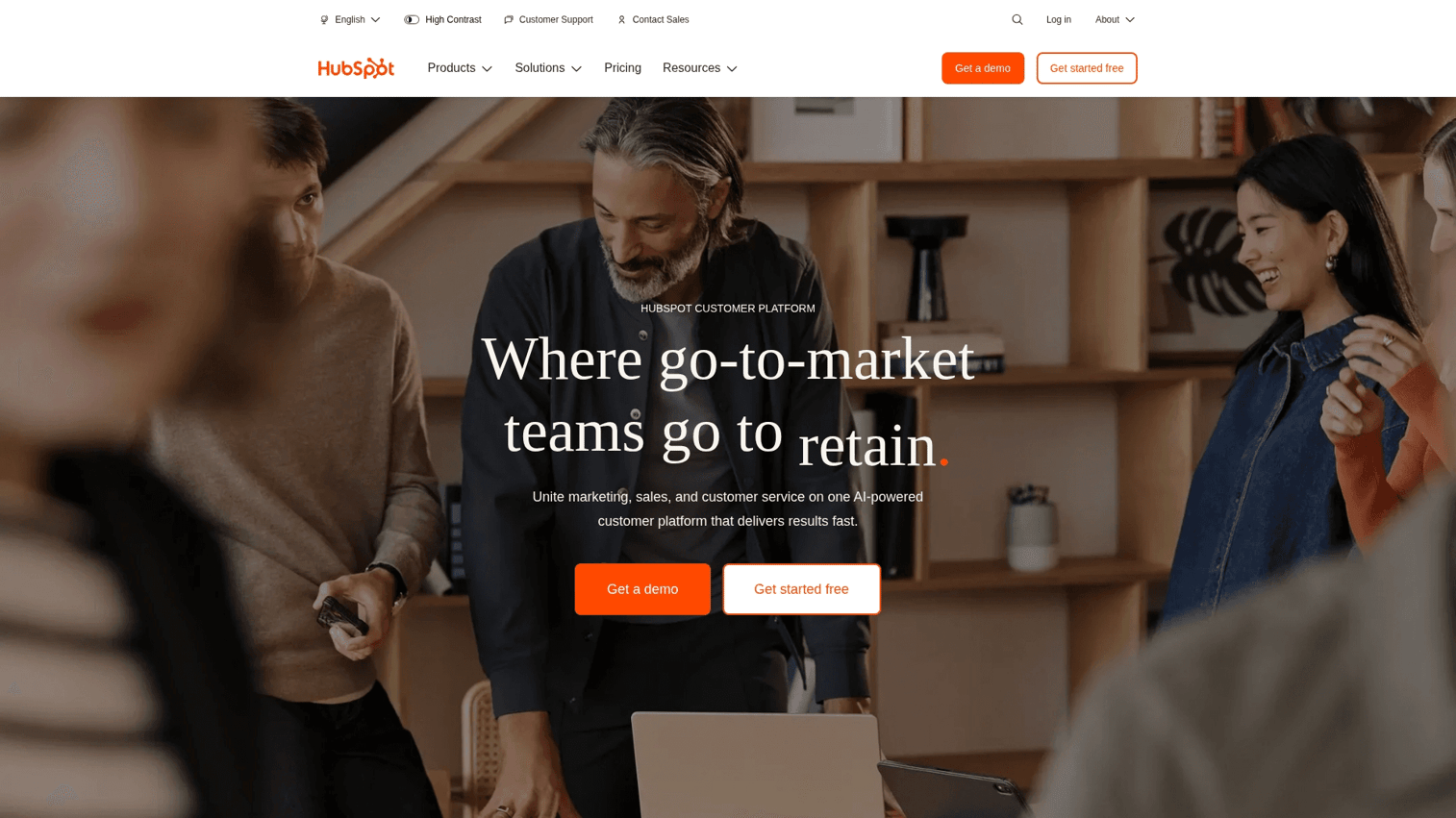
HubSpot CRM is known for its powerful free tier, marketing-focused features, and beginner-friendly interface. It works well for startups and SMBs looking for a low-cost entry point with room to grow.
Lifecycle stages are core CRM functionality - this tutorial shows HubSpot's automation advantage that readers evaluating CRMs care about most
Key strengths
- Free CRM: A robust "free forever" plan that handles contact management, deal tracking, and basic reporting.
- Marketing Hub integration: Connects seamlessly with HubSpot's marketing automation tools for end-to-end campaign management.
- Ease of use: An intuitive design that requires minimal training for new users.
Choose HubSpot for its generous free plan and all-in-one marketing and sales platform. Paid plans unlock advanced features like custom reporting and automation.
3. Zoho CRM
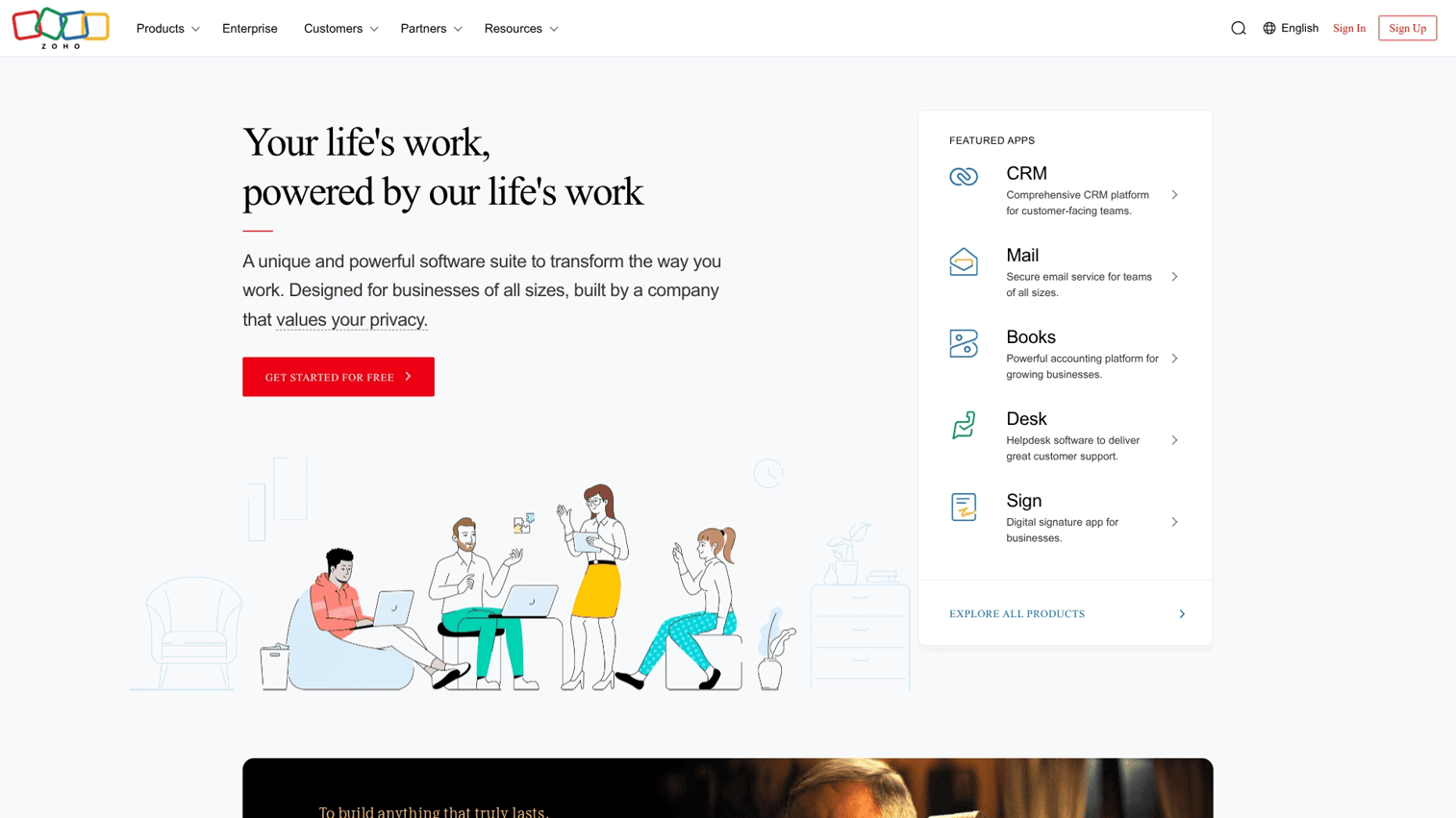
Zoho CRM offers a value-focused, highly customizable platform that competes well for growing teams. It provides enterprise-level features at SMB-friendly prices.
Key strengths
- Pricing flexibility: Offers a wide range of affordable plans, including a free tier for up to three users.
- Zoho ecosystem: Integrates tightly with Zoho's suite of 40+ business apps for accounting, support, and marketing.
- AI assistant: Zia provides predictions, suggestions, and automation to help reps prioritize their work.
Choose Zoho CRM for flexible pricing and extensive customization options, especially if you already use other Zoho products.
4. Microsoft Dynamics 365
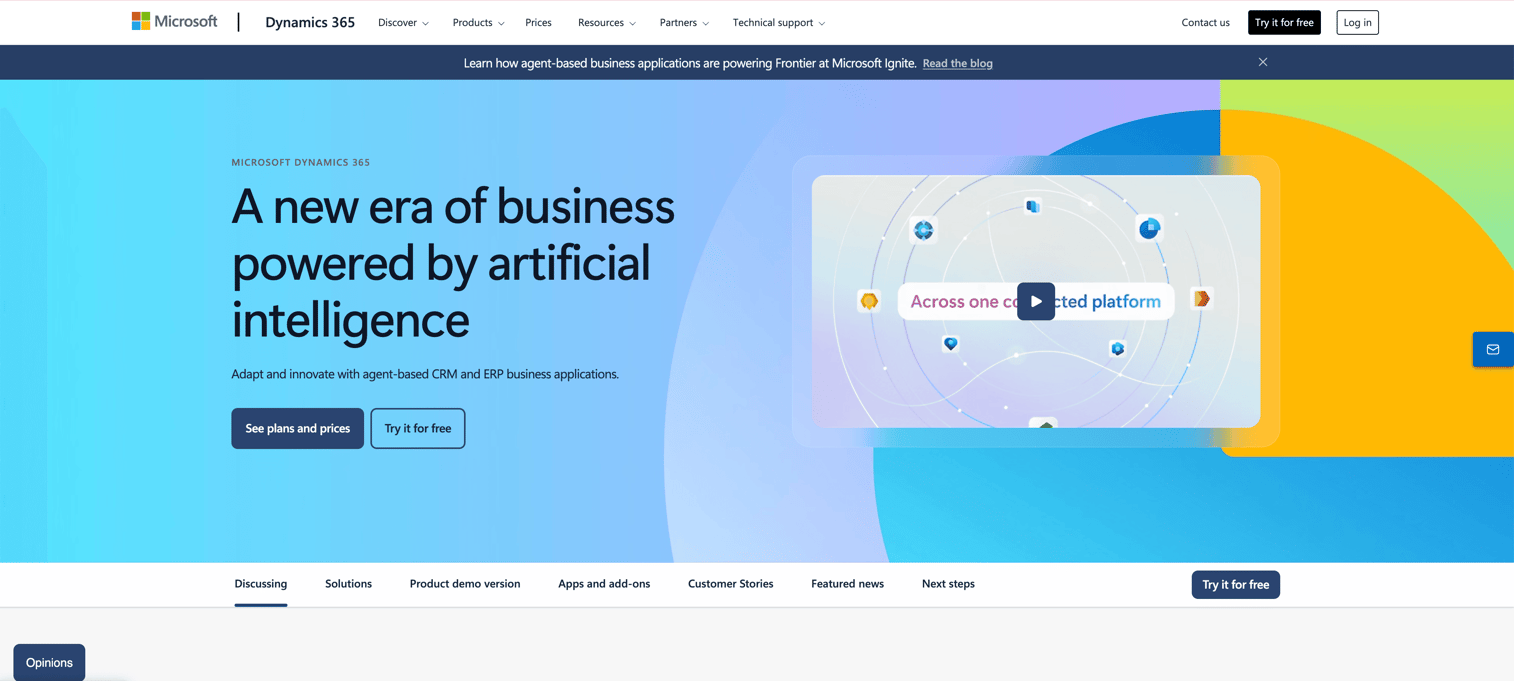
Microsoft Dynamics 365 combines CRM and ERP capabilities with deep integration into the Microsoft stack. It works best for organizations already invested in Office 365 and Azure.
Key strengths
- Office 365 integration: Unmatched synergy with Outlook, Teams, Excel, and SharePoint.
- Power Platform: Leverage Power BI, Power Apps, and Power Automate for custom solutions without heavy development.
- LinkedIn Sales Navigator: Native integration for enhanced social selling and prospecting.
Choose Dynamics 365 for seamless Microsoft integration and combined CRM/ERP functionality. Pricing starts at $65/user/month.
5. Freshsales
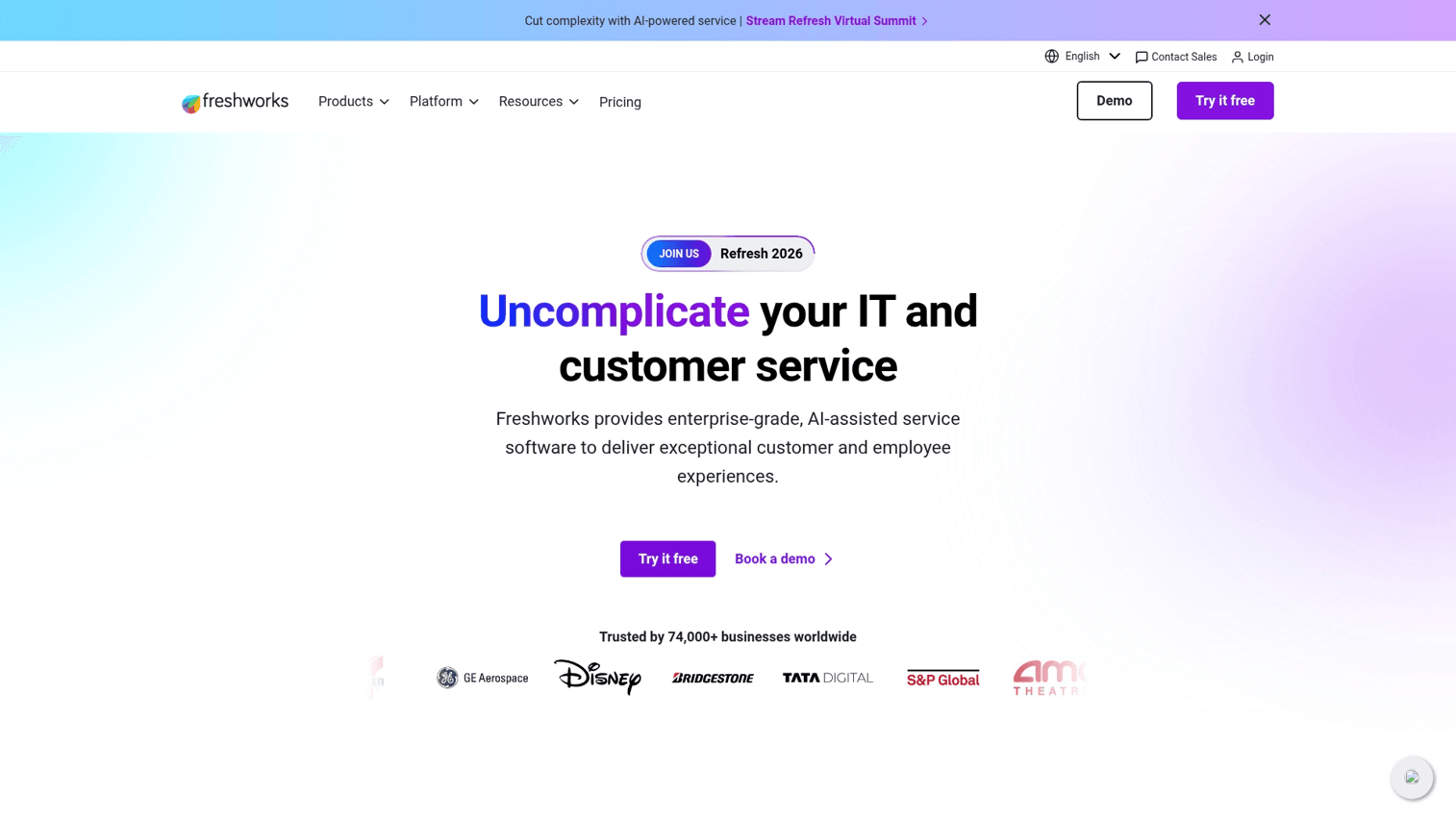
Freshsales, part of the Freshworks suite, features a clean interface and built-in communication tools. Its AI assistant Freddy helps prioritize leads and automate routine tasks.
Key strengths
- Native communication tools: Includes a built-in phone dialer, call recording, and email tracking without third-party integrations.
- AI-powered lead scoring: Freddy AI helps prioritize leads based on engagement signals and fit criteria.
- Affordable pricing: Competitive pricing with a feature-rich free plan for small teams.
Choose Freshsales for integrated communication tools and AI-driven insights. Pricing starts at $15/user/month.
6. Monday CRM
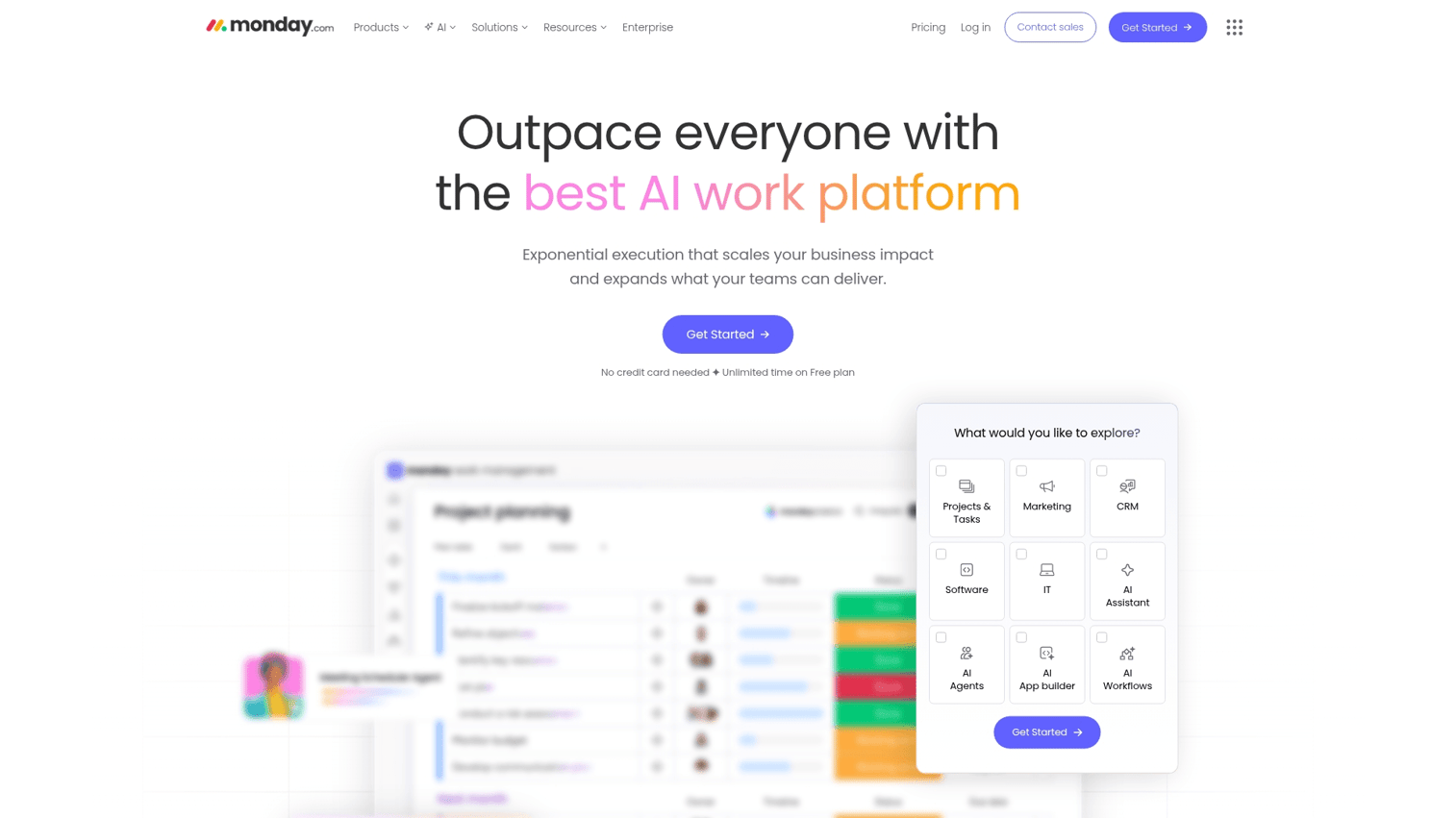
Monday.com CRM is built on the foundation of its flexible "Work OS," offering a highly visual and customizable platform. It appeals to teams that prioritize ease of use and project management-style workflows.
Key strengths
- No-code customization: Build and adapt workflows to match your process without developer help.
- Project management DNA: Excellent for managing complex sales cycles with multiple stakeholders and deliverables.
- Automations: Simple to set up automations for repetitive tasks like status updates and notifications.
Choose Monday CRM for flexibility and visual workflow management. Pricing starts at $10/user/month.
7. Zendesk Sell
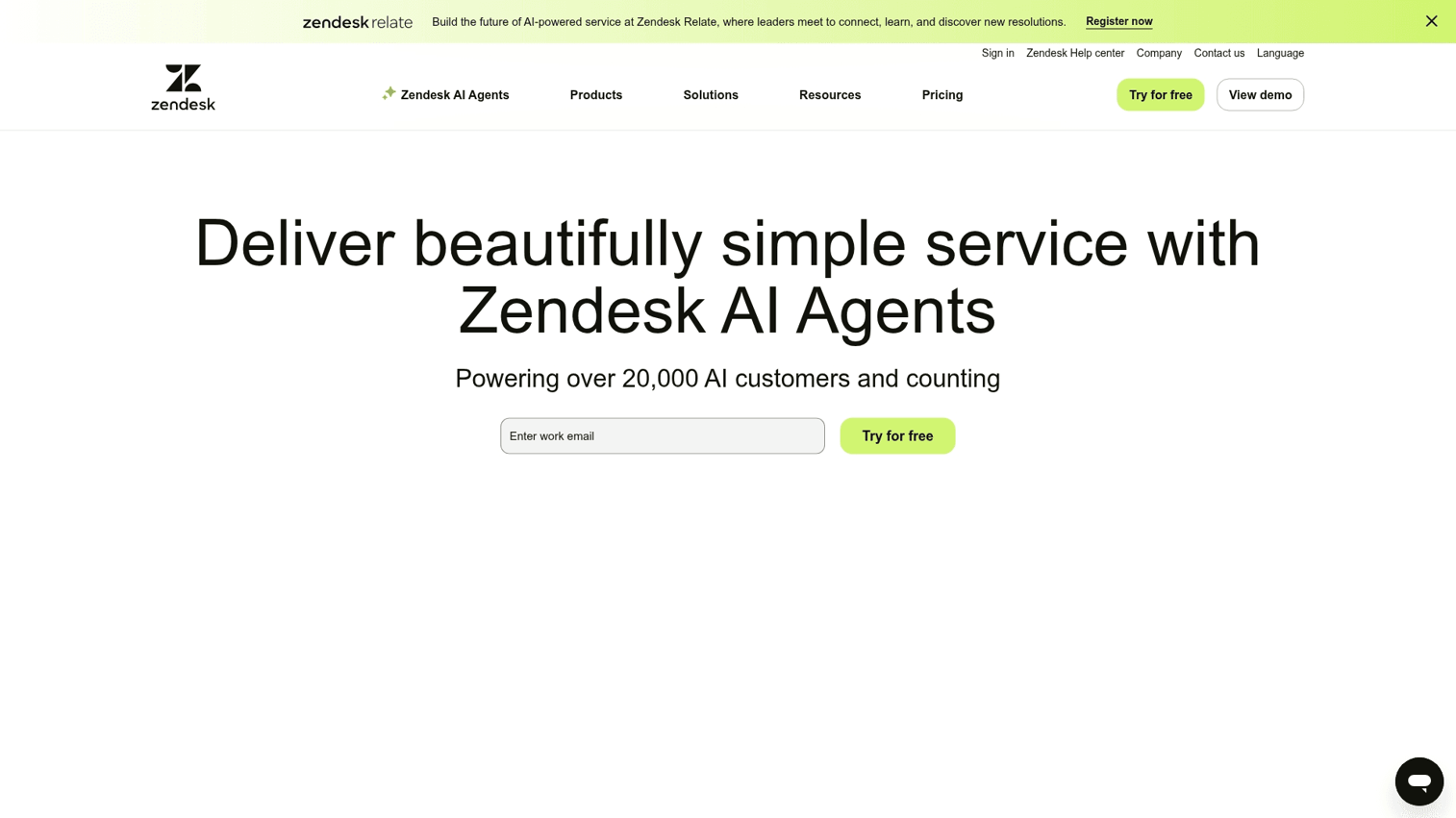
Zendesk Sell benefits from its support-focused heritage, providing a unified view of the customer across sales and service. It works best for companies already using Zendesk Support.
Key strengths
- Service and sales alignment: Provides a single, shared view of all customer interactions across departments.
- Conversation tracking: Captures all calls, emails, and texts in one place for complete context.
- Mobile-first design: A strong mobile app designed for field sales reps.
Choose Zendesk Sell to align your sales and customer service teams on one platform. Pricing starts at $19/user/month.
8. Less Annoying CRM
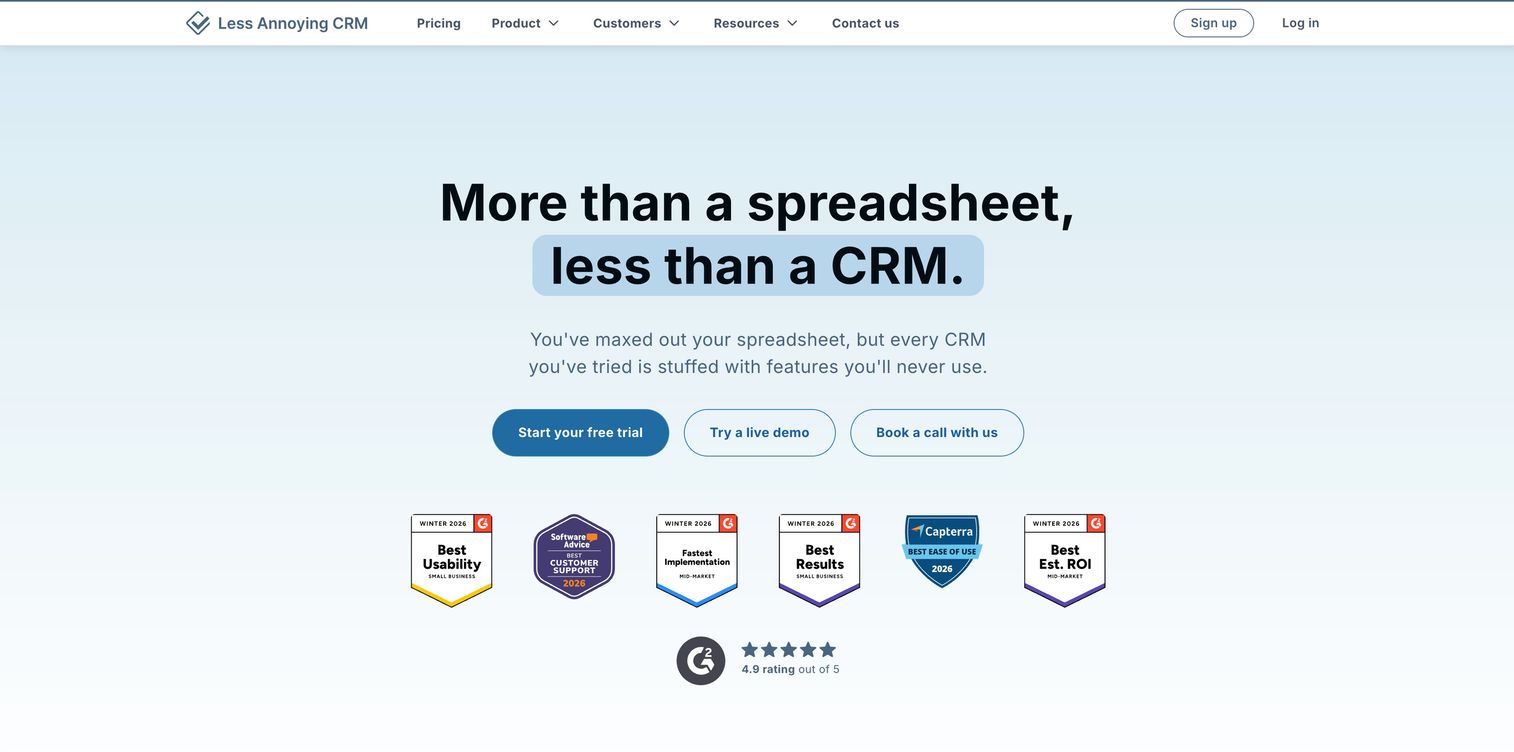
Less Annoying CRM lives up to its name with a simplicity-first approach. It offers flat pricing and avoids feature bloat that overwhelms small teams.
Key strengths
- Transparent pricing: A single, low-cost plan with all features included. No tiers, no surprises.
- Fast setup: Get up and running in minutes without extensive configuration.
- Excellent support: Known for free, high-quality customer support via phone and email.
Choose Less Annoying CRM if you want a simple, no-fuss contact and pipeline manager. Pricing is $15/user/month, flat.
9. Pipedrive
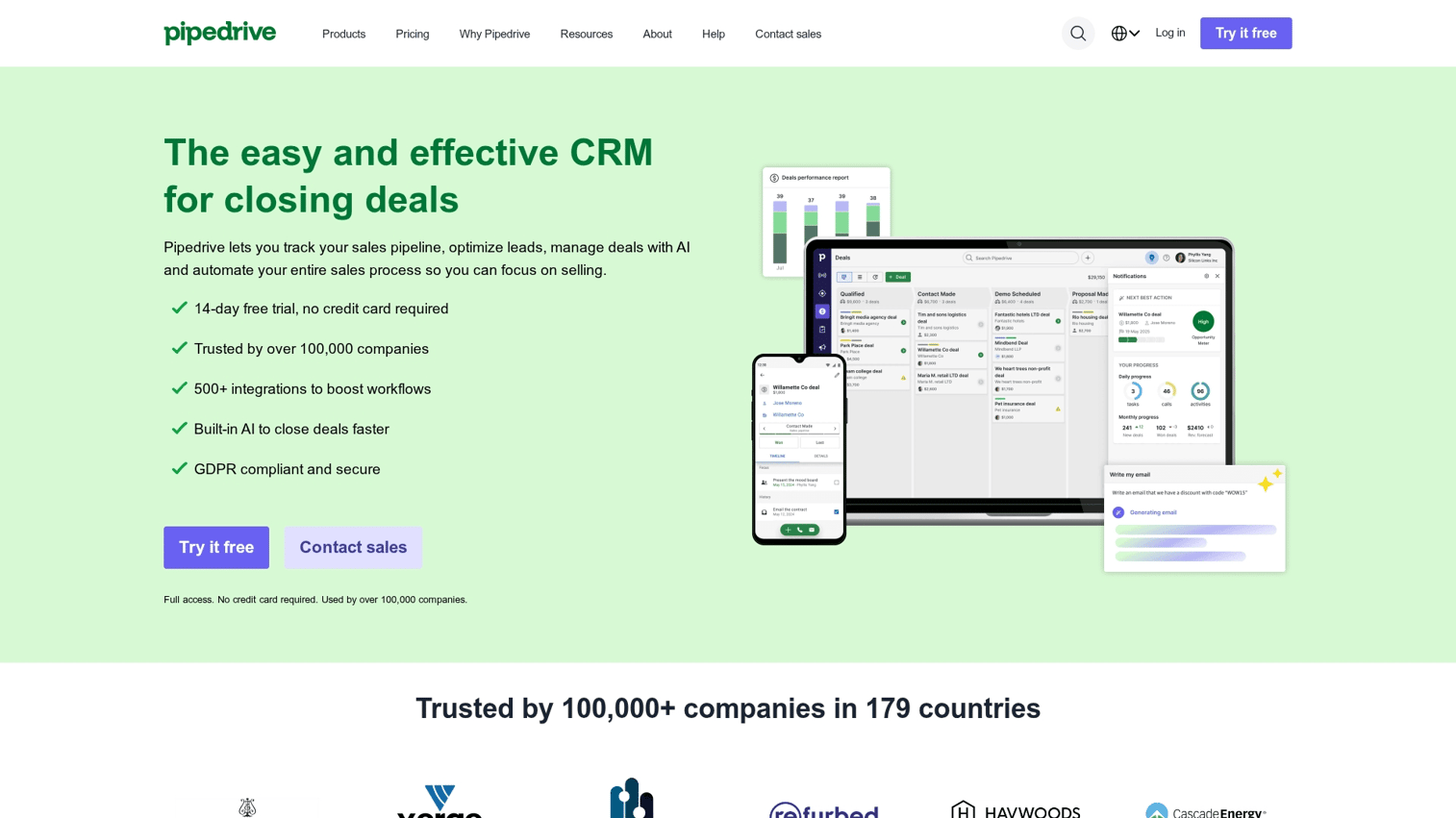
Pipedrive is a sales-centric CRM with a strong focus on visual pipeline management and an intuitive user interface. It helps sales teams track deals and activities without complexity.
CRM evaluators want to see the core experience - this tutorial showcases Pipedrive's signature drag-and-drop deal management that differentiates it
Key strengths
- Visual deal tracking: A clear, drag-and-drop pipeline that visualizes your entire sales process at a glance.
- Activity-based selling: Prompts reps to focus on the next actionable steps rather than getting lost in data entry.
- Mobile app: A highly-rated mobile app for managing sales on the go.
Choose Pipedrive for simplicity and a visual approach to pipeline management. Pricing starts at $14/user/month.
10. Copper CRM
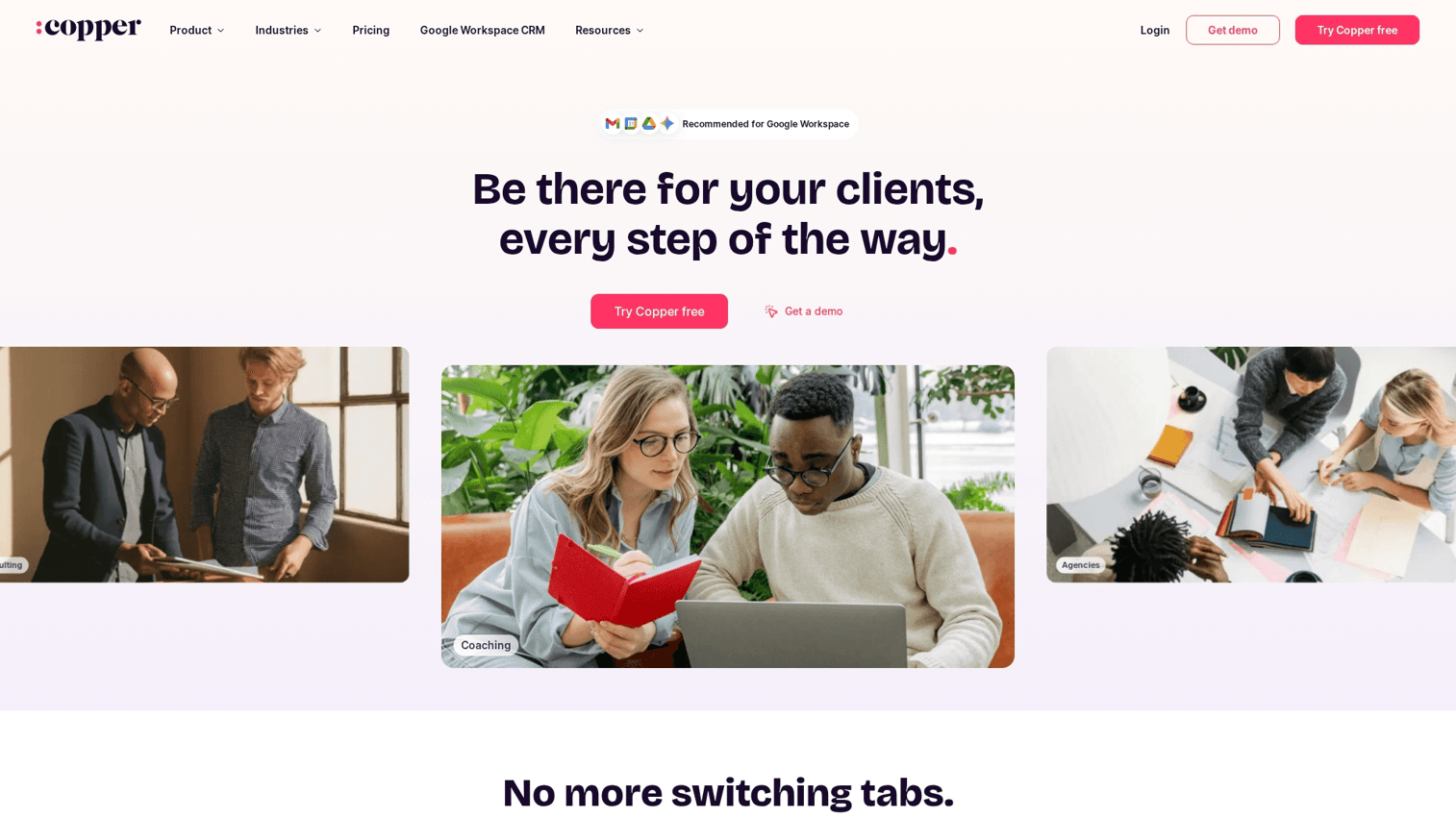
Copper is designed to be native to Google Workspace, focusing on automatic data capture and relationship management. It works best for teams that live inside Gmail.
Key strengths
- Gmail integration: Works directly within your Gmail inbox, so you never leave your email to update the CRM.
- Minimal data entry: Automatically captures contacts, emails, and meetings from your Google activity.
- Chrome extension: A powerful extension that brings CRM context everywhere you work in the browser.
Choose Copper if your team relies heavily on Google Workspace and wants to minimize manual data entry. Pricing starts at $23/user/month.
Types of CRM programs and when to use each
There are four main types of CRM programs, and each serves a different aspect of managing customer relationships. Understanding the differences helps you choose a platform that aligns with your core business strategy.
Operational CRM
Operational CRM focuses on automating day-to-day, customer-facing processes across sales, marketing, and service. It handles lead management, sales automation, and service ticketing. Choose operational CRM when you want to improve efficiency in daily operations.
Analytical CRM
Analytical CRM focuses on data analysis and generating actionable insights from customer data. It supports data mining, customer segmentation, and predictive analytics. Choose analytical CRM when you want to understand customer behavior patterns and improve forecasting.
Collaborative CRM
Collaborative CRM focuses on breaking down departmental silos by facilitating communication and data sharing across teams. It enables shared contact records and interaction management. Choose collaborative CRM when sales, marketing, and support require a unified customer view.
Strategic CRM
Strategic CRM focuses on building long-term customer relationships and maximizing customer lifetime value. It supports loyalty programs and relationship nurturing. Choose strategic CRM when you prioritize customer retention over short-term acquisition.
Key features to look for in CRM platforms
When comparing CRM management tools, keep the following capabilities on your evaluation checklist:
- Contact and lead management: Look for duplicate detection, custom fields, automated lead scoring, and easy import/export.
- Sales pipeline tracking: Visual pipeline views with customizable stages, deal probability tracking, and forecasting.
- Email integration and automation: Two-way email sync, customizable templates, automated sequences, and open/click tracking.
- Reporting and analytics dashboards: Pre-built reports, custom report builders, visual dashboard widgets, and scheduled exports.
- Mobile CRM access: Full-featured iOS and Android apps with offline access and real-time sync.
- Third-party integrations: Native connections to your email, calendar, marketing automation, accounting, and support tools.
How CRM software uses AI to improve sales performance
Modern CRM programs leverage AI to help sales teams work smarter. McKinsey reports 88% of organizations now use AI in at least one business function. Here's how AI typically shows up in CRM platforms:
- AI-powered lead scoring: Analyzes historical data and engagement signals to rank leads by conversion likelihood.
- Automated data entry: Captures data from emails, calls, and calendars automatically, reducing manual work.
- Predictive forecasting: Analyzes deal data and rep performance to predict outcomes and future revenue.
- Next best action recommendations: Suggests the most effective next step for each contact based on their profile and activity.
How to choose the right CRM software for your business
Follow a structured process to find a CRM that fits your team:
1. Define your business requirements
Start by identifying your primary goal. Is it better sales management, stronger marketing alignment, or improved customer support? Document your current pain points and list features that are essential versus nice-to-have.
2. Evaluate your budget and pricing models
Understand the different pricing models: per-user/per-month, tiered plans with feature gates, and freemium options. Factor in implementation fees, training costs, and potential add-ons. Calculate total cost of ownership over two to three years.
3. Assess ease of use and adoption potential
The best CRM is the one your team will actually use. Consider the technical skill level of your end-users and look for an intuitive interface with good training resources.
4. Check integration capabilities
List all the business tools you currently use. Verify that the CRM offers native integrations with your critical systems. If not, check for API availability or middleware options like Zapier.
5. Test before you commit
Never buy a CRM without testing it first. Take advantage of free trials and run a pilot with a small group. Evaluate using your real workflows, not just canned demo scenarios.
Tip: Pre-sales teams increasingly use self-serve product experiences to help prospects evaluate software on their own terms, reducing the back-and-forth of traditional demo scheduling.
Common CRM implementation challenges
A successful CRM rollout requires more than buying software. Anticipate the following challenges:
- Low user adoption: Involve end-users in selection, provide ongoing training, and demonstrate quick wins to build momentum.
- Data migration issues: Clean your data before importing. Deduplicate records, standardize formats, and validate required fields.
- Integration complexity: Map out integration requirements early and test all connections in a sandbox environment before going live.
- Insufficient training: Create role-specific materials, document key processes, and assign internal "CRM champions" to support their peers.
How to evaluate CRM software before you buy
Use the following framework to structure your evaluation:
- Define success criteria: Determine what "working" looks like for your team before you start comparing options.
- Create an evaluation scorecard: List key requirements, assign weights, and score each CRM against the criteria.
- Involve stakeholders: Get input from the people who will use the software daily. Their buy-in is critical for adoption.
- Check references: Ask vendors for references from companies similar to yours in size and industry.
- Review contract terms: Understand cancellation policies, data export options, and potential price increases at renewal.
Make CRM evaluation faster with self-serve product experiences
Evaluating CRM software traditionally requires scheduling demos, waiting for sales calls, and navigating lengthy trial setups. Modern teams want to explore products on their own terms.
Interactive demos allow prospects to experience software features and workflows before committing time to a call or trial. Leading software companies now offer sandbox environments where buyers can click through real workflows with pre-loaded data.
This self-serve approach helps marketing teams drive higher engagement and helps buyers make confident decisions faster.
Start your journey with Guideflow today!
FAQs about CRM software
CRM software manages customer-facing interactions like sales and marketing, while ERP (Enterprise Resource Planning) software manages back-end operations like accounting, inventory, and HR. Many enterprises use both systems, often integrated to share data between customer-facing and operational functions.
For a small business, basic CRM setup and data import can take a few weeks. Reaching full adoption and process integration typically takes two to three months, depending on data complexity, integrations, and training depth.
Yes. Several CRM platforms offer robust free tiers or low-cost plans designed for small businesses. Starting with a free CRM helps teams build the habit of centralized data management before investing in advanced features.
CRM pricing varies widely, from free plans to enterprise contracts costing hundreds per user. Most mid-market options fall in the $12 to $150 per user per month range, with costs increasing for advanced AI, automation, and analytics features.
Focus on demonstrating immediate value for reps, like saved time and better lead insights. Involve them in the selection process, provide role-specific training, and integrate the CRM into daily workflows so it becomes essential rather than optional.
B2B marketing teams prioritize integrations with email marketing platforms, marketing automation tools, website analytics, and digital advertising platforms like Google Ads and LinkedIn. Integrations ensure lead data flows seamlessly and campaign attribution stays accurate.
Free CRM can work well for early-stage startups, but limitations on users, contacts, storage, or automation often require an upgrade as the company scales. Evaluate free plans based on your projected growth and feature requirements over the next 12 to 18 months.
Track key metrics before and after implementation: sales cycle length, deal win rate, revenue per rep, and time spent on administrative tasks. Nucleus Research found CRM returns an average of $8.71 for every dollar spent. Improvements in data accuracy, forecasting, and team collaboration also contribute to ROI, though they're harder to quantify directly.