New customers sign up, poke around for a few days, then disappear. The gap between "I bought this" and "I get value from this" is where most churn happens. Structured onboarding drives 40–60% higher retention - and it's exactly where customer onboarding tools fit in.
What's inside
This guide covers 26 customer onboarding tools across six categories: interactive demos, in-app guidance, client portals, email automation, video solutions, and analytics platforms. Each tool was selected based on its ability to reduce time-to-value, replace manual spreadsheet and email processes, and support both high-touch and self-serve onboarding models.
TL;DR
- Interactive demo platforms let customers experience your product through guided, clickable walkthroughs without live calls or logins
- In-app guidance tools create tooltips, checklists, and product tours inside your application triggered by user behavior
- Client portals centralize onboarding resources, project plans, and communication for B2B implementations
- The right tool depends on your onboarding model: high-touch B2B teams benefit from portals while self-serve PLG companies benefit from in-app tools
- Guideflow ranks as a top pick for interactive onboarding experiences that scale without engineering lift
What is customer onboarding software
Customer onboarding software helps new customers learn to use your product, complete setup, and reach their first success milestone. The category includes everything from in-app product tours to client-facing project portals. What separates dedicated onboarding software from generic project management tools is the focus on reducing time-to-value and providing visibility into customer progress.
- Interactive walkthroughs: Guide users through features without manual assistance
- Checklists: Structure clear, manageable steps for the customer
- Automation: Trigger emails or tasks based on customer milestones
- Analytics: Track engagement to identify at-risk customers
Why SaaS teams use dedicated onboarding tools
Generic tools like Notion, spreadsheets, and email create friction and lack visibility - 60% of companies use 4–6 tools for onboarding alone. When onboarding lives in scattered documents, you can't see which customers are stuck, which features drive activation, or where the process breaks down.
- Faster activation: Customers reach value without waiting for manual guidance
- Lower support costs: Self-serve resources reduce ticket volume
- Visibility into progress: Track which customers are disengaged
- Scalability: Onboard more customers without adding headcount
When to use customer onboarding software
High-touch B2B implementation
Complex products with multiple stakeholders and long implementation cycles benefit from client portals and project management onboarding tools. Client portals work well when you need accountability tracking, task assignments, and collaborative workspaces where both your team and the customer can see progress.
Self-serve product-led onboarding
When users sign up and activate without human intervention, in-app guidance tools and interactive demos become essential. Self-serve tools let customers self-educate at their own pace while you collect engagement data to identify who might need help.
Hybrid onboarding models
Most B2B SaaS companies combine self-serve with CSM touchpoints. You might use interactive product tours for initial education, then layer in a client portal for enterprise accounts with dedicated implementation support.
26 best customer onboarding tools compared
| # | Product | Best For | Differentiator | Pricing | G2 Rating |
|---|---|---|---|---|---|
| 1 | Guideflow | Interactive product demos | No-code capture, AI personalization | Free + $40/mo | 5.0 |
| 2 | Userpilot | Product adoption | Behavioral targeting, analytics | $249/mo | 4.6 |
| 3 | Pendo | Product experience | Analytics + guides combined | Custom | 4.4 |
| 4 | Chameleon | Customizable UI patterns | Deep CSS customization | $279/mo | 4.4 |
| 5 | Userflow | In-app tours | Fast setup, competitive pricing | $240/mo | 4.8 |
| 6 | WalkMe | Enterprise digital adoption | Cross-application guidance | Enterprise | 4.5 |
| 7 | Appcues | In-app experiences | No-code flows, checklists | $249/mo | 4.6 |
| 8 | Collect | Document-driven client portal | Automated document chasing, CRM sync | From $39/mo | N/A |
| 9 | Dock | Client onboarding portals | Personalized workspaces | $49/mo | 4.9 |
| 10 | GUIDEcx | Implementation management | Time-to-value analytics | Custom | 4.6 |
| 11 | Arrows | HubSpot-native onboarding | Native CRM integration | $500/mo | 4.8 |
| 12 | Rocketlane | Professional services | Resource planning, billing | $19/user/mo | 4.8 |
| 13 | ChurnZero | Customer success platform | Health scores, journey automation | Custom | 4.7 |
| 14 | Customer.io | Behavioral messaging | Multi-channel, real-time segments | $100/mo | 4.4 |
| 15 | Intercom | Customer messaging | Chat, email, in-app combined | $39/seat/mo | 4.5 |
| 16 | ActiveCampaign | Email + CRM automation | Sales-marketing alignment | $15/mo | 4.5 |
| 17 | Userlist | SaaS email automation | Company-level messaging | $149/mo | 4.8 |
| 18 | Loom | Async video messaging | Quick recording, easy sharing | Free + $12.50/mo | 4.7 |
| 19 | Vidyard | Business video platform | Personalization at scale | Custom | 4.5 |
| 20 | Wistia | Professional video hosting | Customizable player, lead capture | $19/mo | 4.6 |
| 21 | Livestorm | Webinar platform | Browser-based, engagement tools | Free + $79/mo | 4.5 |
| 22 | Mixpanel | Product analytics | Event tracking, funnels | Free + $20/mo | 4.6 |
| 23 | Amplitude | Behavioral analytics | Journey mapping, experimentation | Free + custom | 4.5 |
| 24 | Heap | Auto-capture analytics | Retroactive analysis | Custom | 4.4 |
| 25 | FullStory | Digital experience | Session replay, frustration signals | Custom | 4.5 |
| 26 | Zendesk | Customer support | Ticketing, knowledge base | $19/agent/mo | 4.3 |
Interactive demo and product tour software
Interactive demo platforms let prospects and customers experience your product through guided, clickable journeys without requiring logins, sandbox access, or live calls. Customer success teams scaling onboarding find interactive demos particularly valuable because they reduce dependency on CSM time while letting customers learn at their own pace.
1. Guideflow
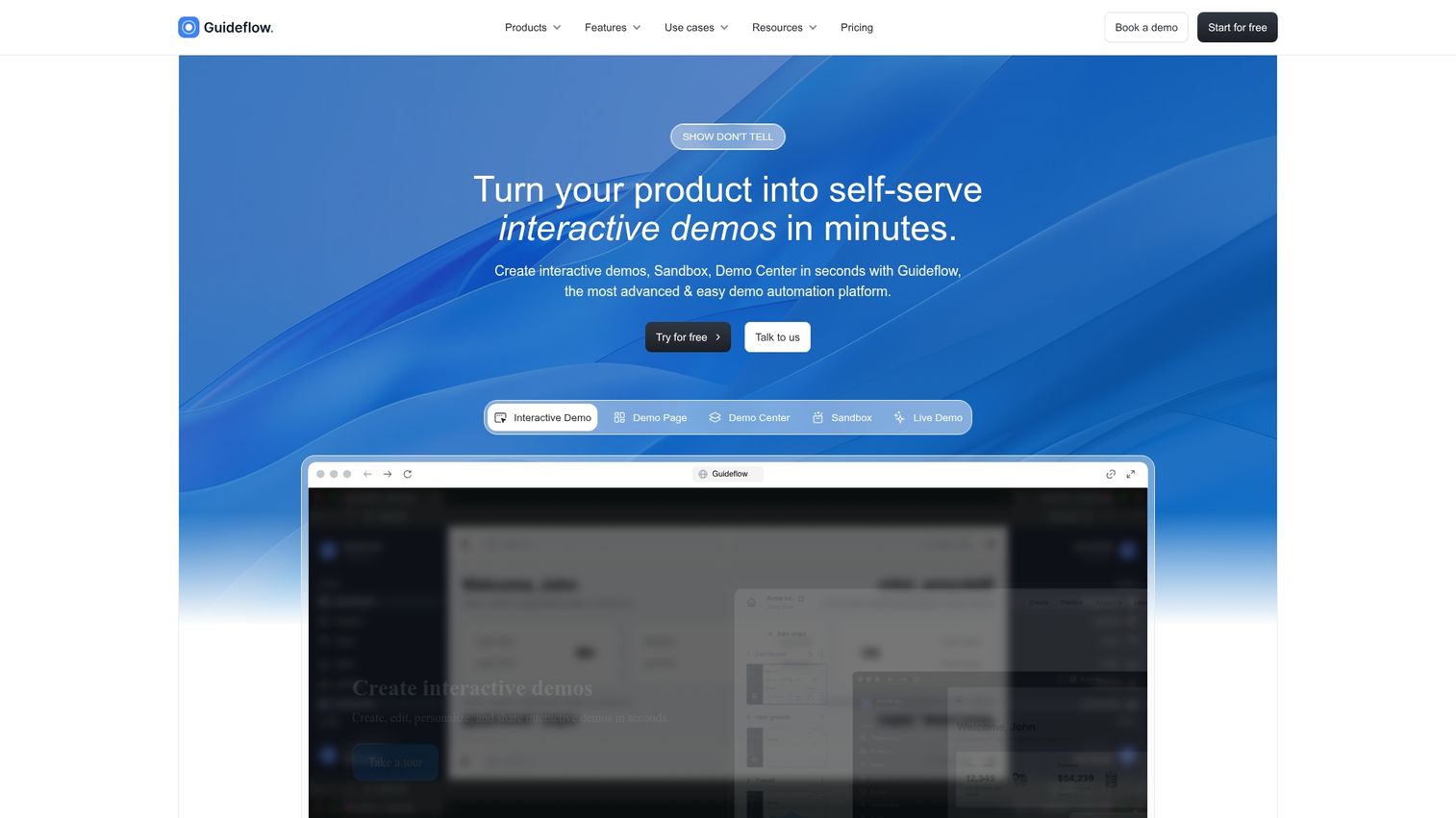
Guideflow is a demo automation platform built around the principle of "show, don't tell." You capture your product flow directly from your browser, then turn it into clickable, step-by-step demos you can embed in help centers, link in onboarding emails, or add to knowledge bases.
The platform supports multiple formats including interactive demos, sandboxes, demo centers, and live demos. For onboarding specifically, teams use Guideflow to create feature education walkthroughs, self-serve training modules, and contextual help content that reduces support tickets.
Best for: Customer success and product marketing teams who want self-serve product experiences without engineering lift.
Key strengths
- Browser-based capture creates demos in minutes without code
- AI generates steps, translations, and voiceovers automatically
- Advanced analytics track completion rates and engagement by step
- Embed anywhere: help centers, emails, knowledge bases, in-app
Pricing: Free tier available. Paid plans start at $40/month.
Start your journey with Guideflow today!
In-app guidance and user onboarding platforms
In-app guidance tools create tooltips, modals, checklists, and product tours inside your application. In-app tools trigger contextually based on user behavior or segment, making them ideal for activating users who have already signed up.
2. Userpilot
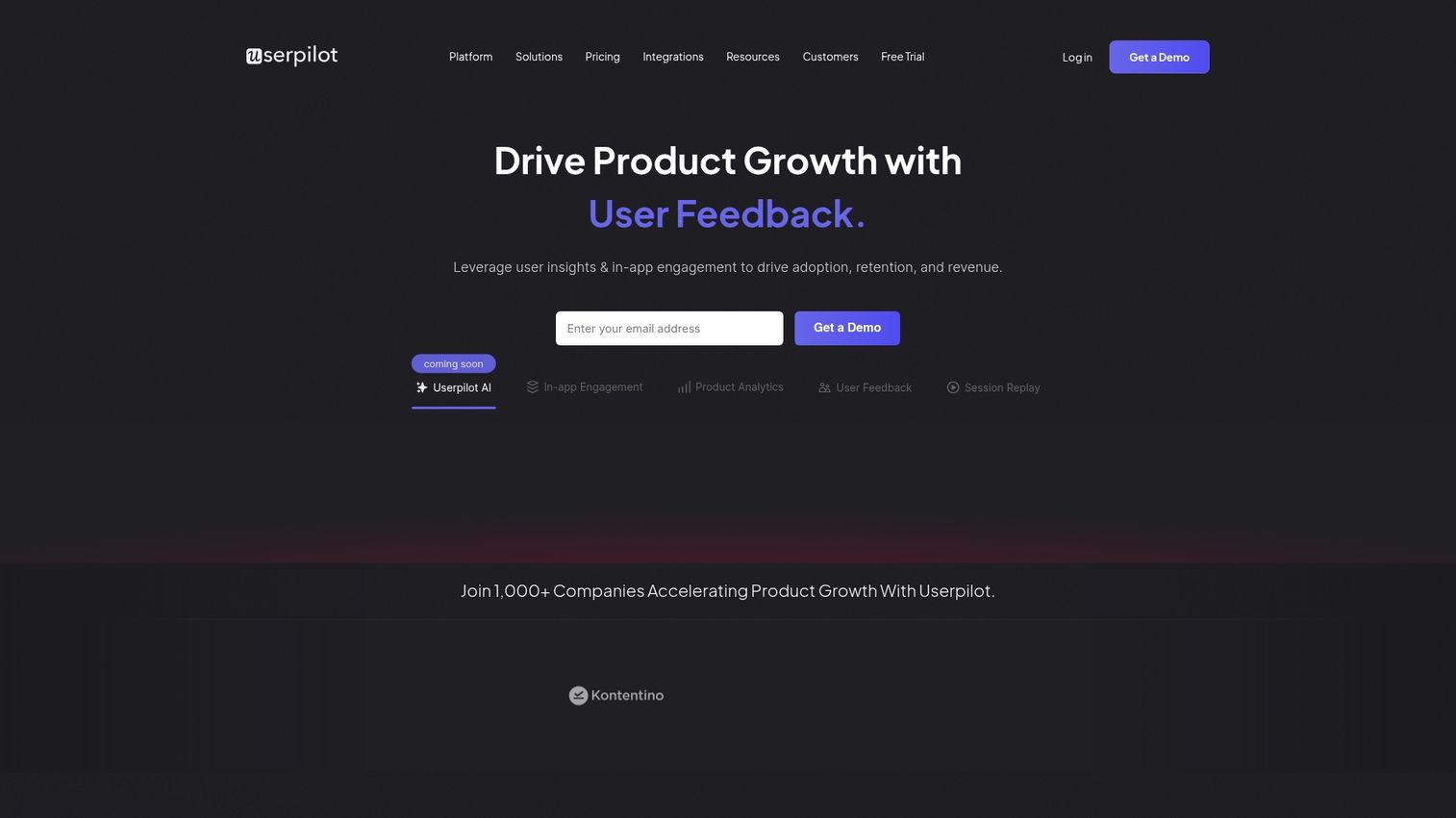
Userpilot combines in-app experiences with product analytics and feedback collection. The platform is designed for SaaS teams who want to personalize experiences based on user behavior tracking.
Best for: SaaS product teams wanting analytics and guidance in one tool.
Key strengths
- In-app experiences with behavioral targeting
- Product analytics built into the platform
- NPS and micro-surveys for feedback
- Resource center for self-serve help
Pricing: Starts at $249/month.
3. Pendo
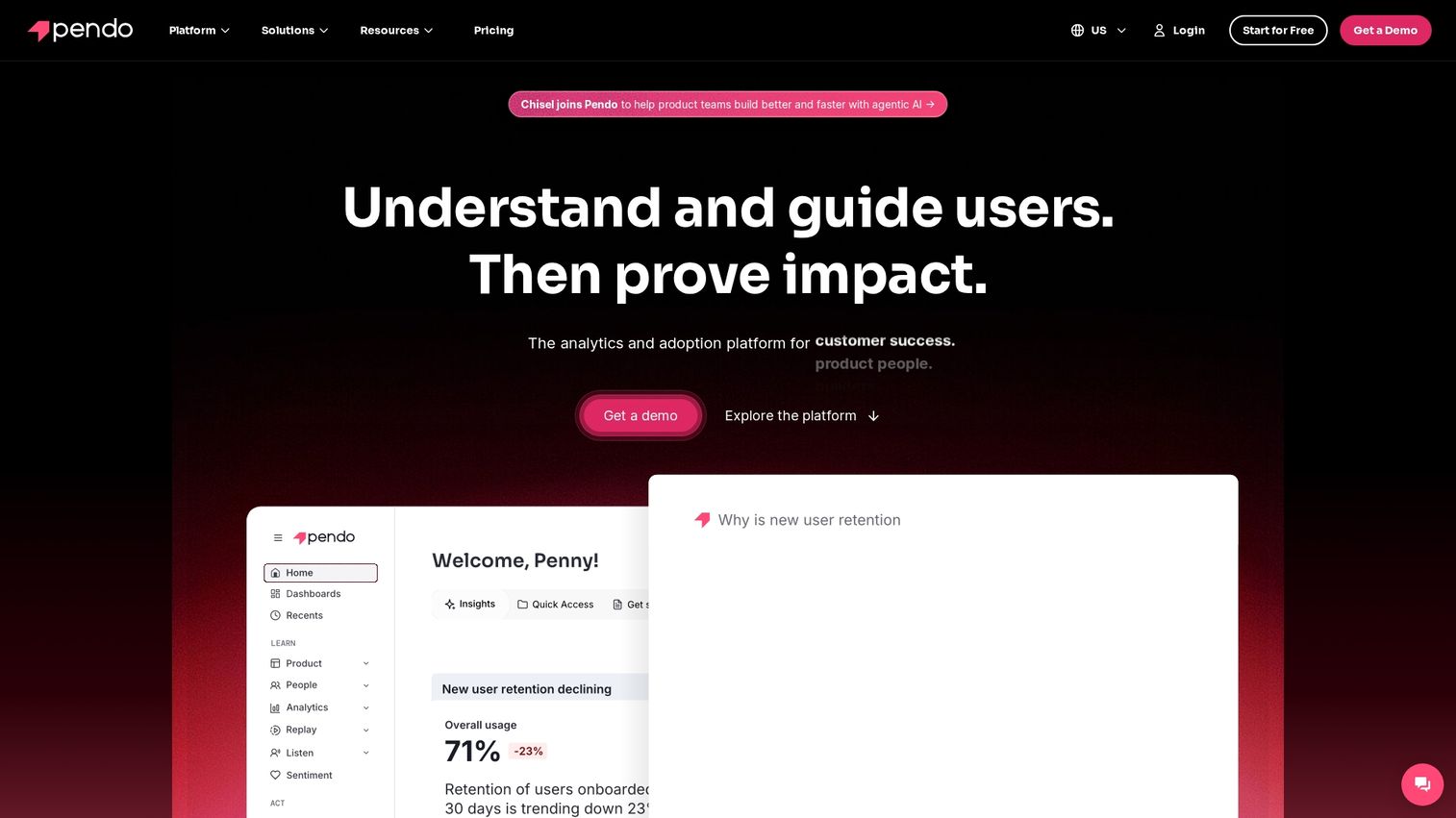
Pendo is a product experience platform that combines usage analytics, in-app guides, and feedback collection. Product teams often choose Pendo because they can see how features are used and then build guidance based on that data.
Best for: Product teams combining usage data with in-app guidance.
Key strengths
- Product analytics and usage tracking
- In-app guides and walkthroughs
- Feedback collection and roadmapping features
- Mobile app support
Pricing: Custom pricing.
4. Chameleon
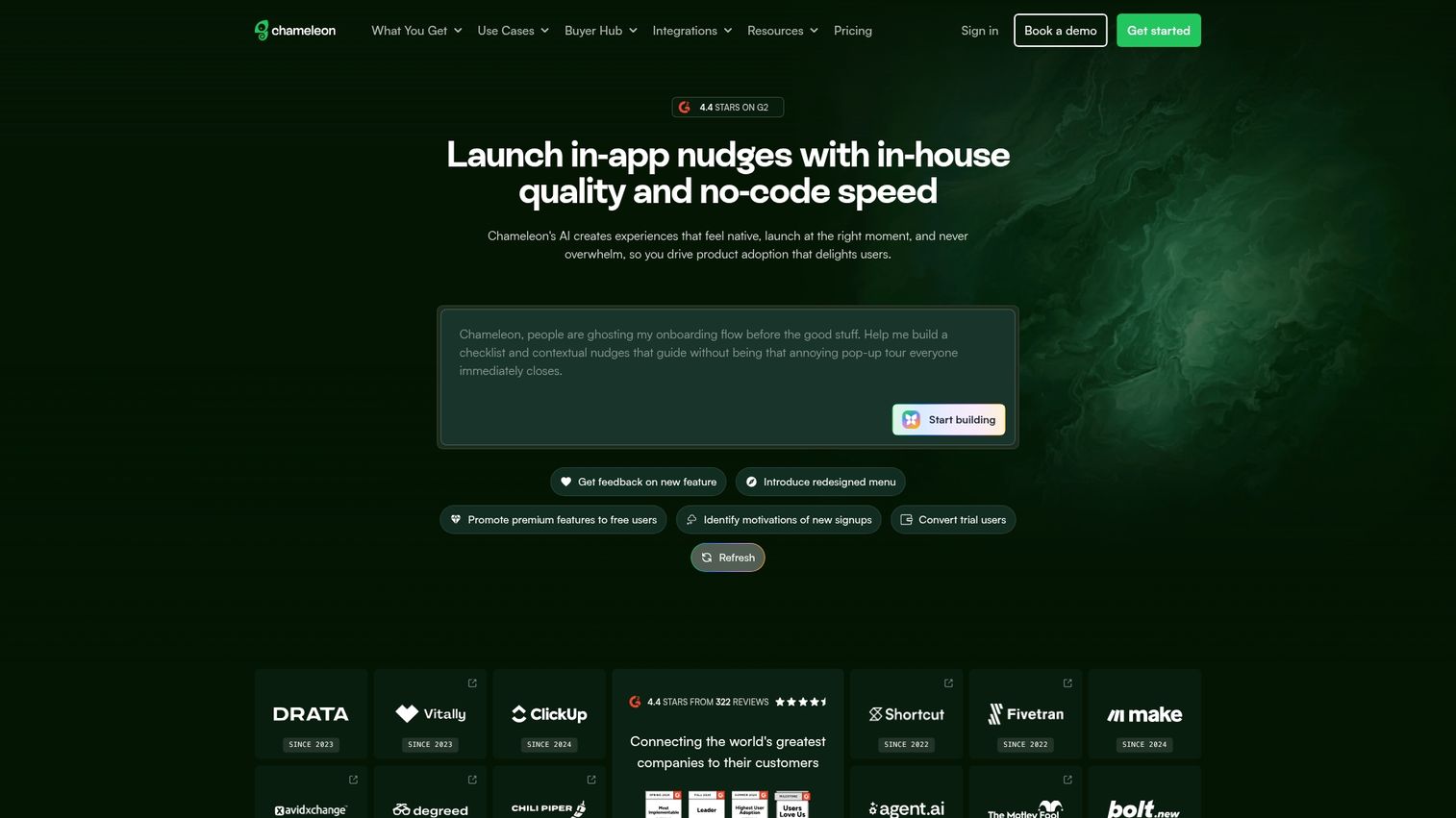
Chameleon is known for highly customizable, visually appealing UI patterns. You can build modals, tooltips, checklists, and launchers with deep CSS customization.
Best for: Teams wanting design flexibility in their onboarding UI.
Key strengths
- Highly customizable UI components
- Microsurveys and feedback collection
- A/B testing for onboarding flows
- Deep CSS customization options
Pricing: Starts at $279/month.
5. Userflow
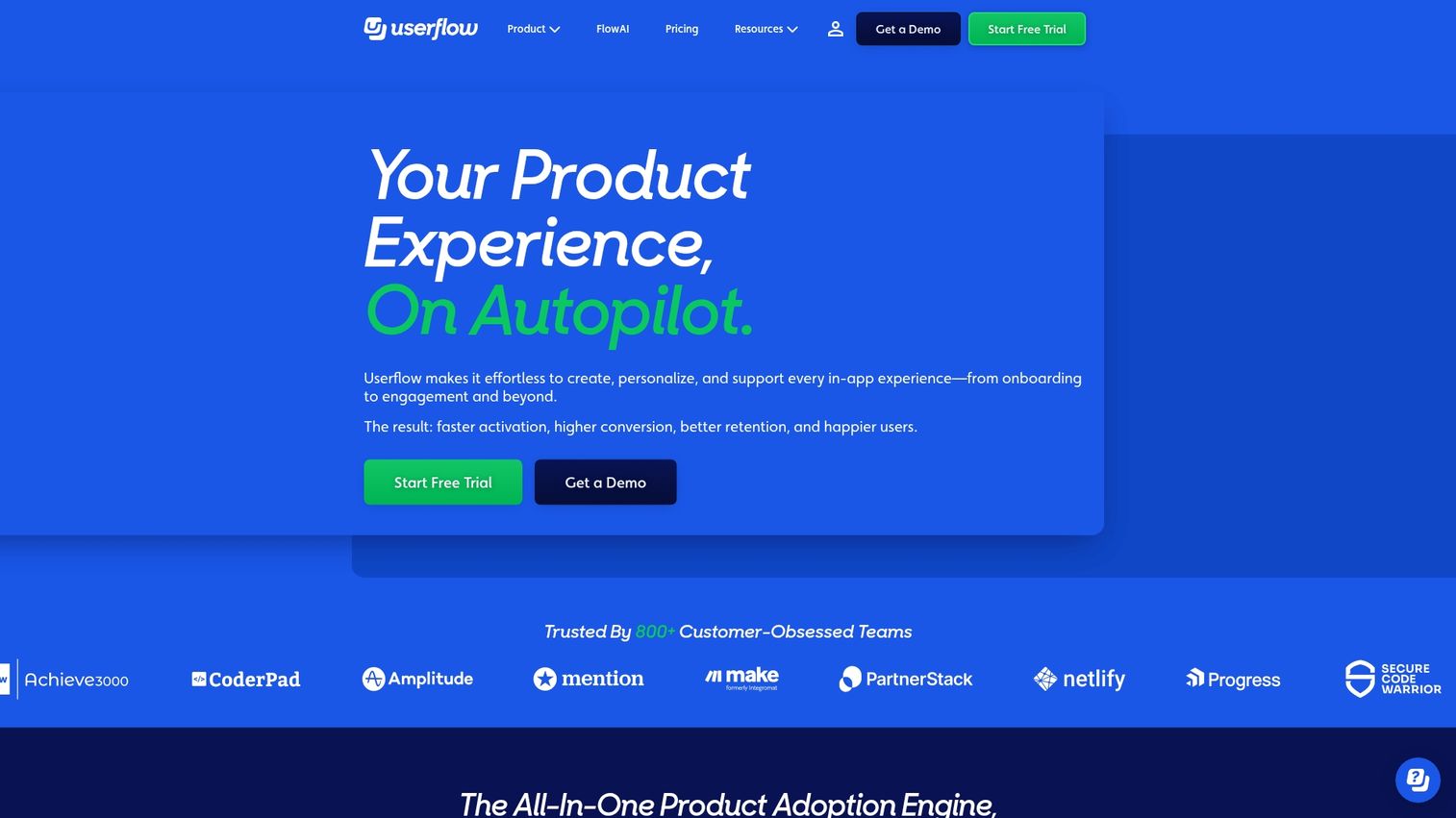
Userflow is a modern in-app tour builder focused on simplicity and speed. Userflow is a newer entrant with competitive pricing and a clean interface.
Best for: Teams wanting fast setup and straightforward pricing.
Key strengths
- Fast flow creation with visual builder
- Checklists with progress tracking
- Resource center widget
- Event-based targeting
Pricing: Starts at $240/month.
6. WalkMe
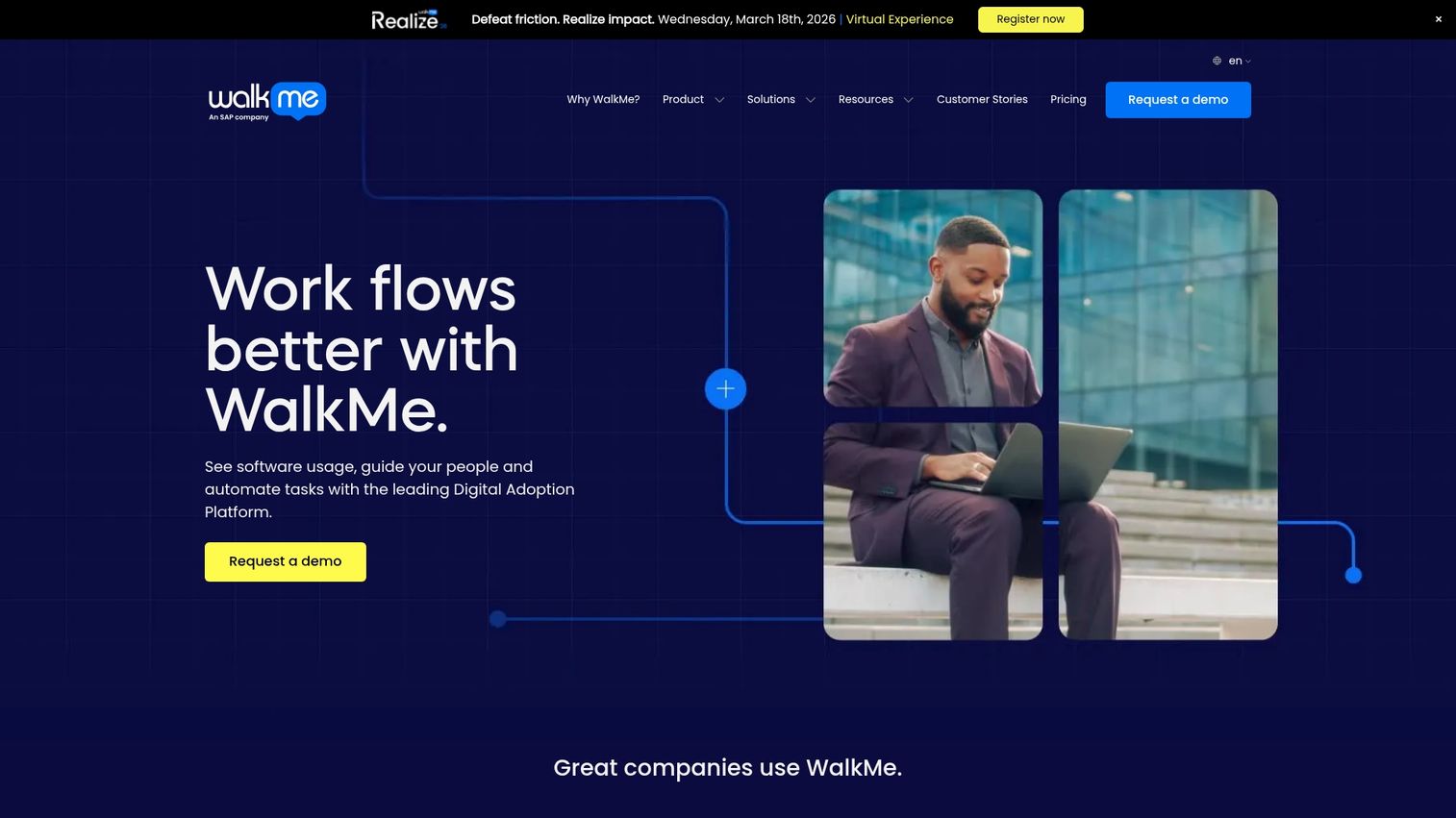
WalkMe is an enterprise digital adoption platform that goes beyond onboarding to full digital transformation. WalkMe is suited for complex enterprise software and internal tool adoption.
Best for: Enterprise organizations with complex software ecosystems.
Key strengths
- Enterprise-grade digital adoption
- Cross-application guidance
- Analytics and insights dashboard
- Employee and customer use cases
Pricing: Enterprise pricing.
7. Appcues
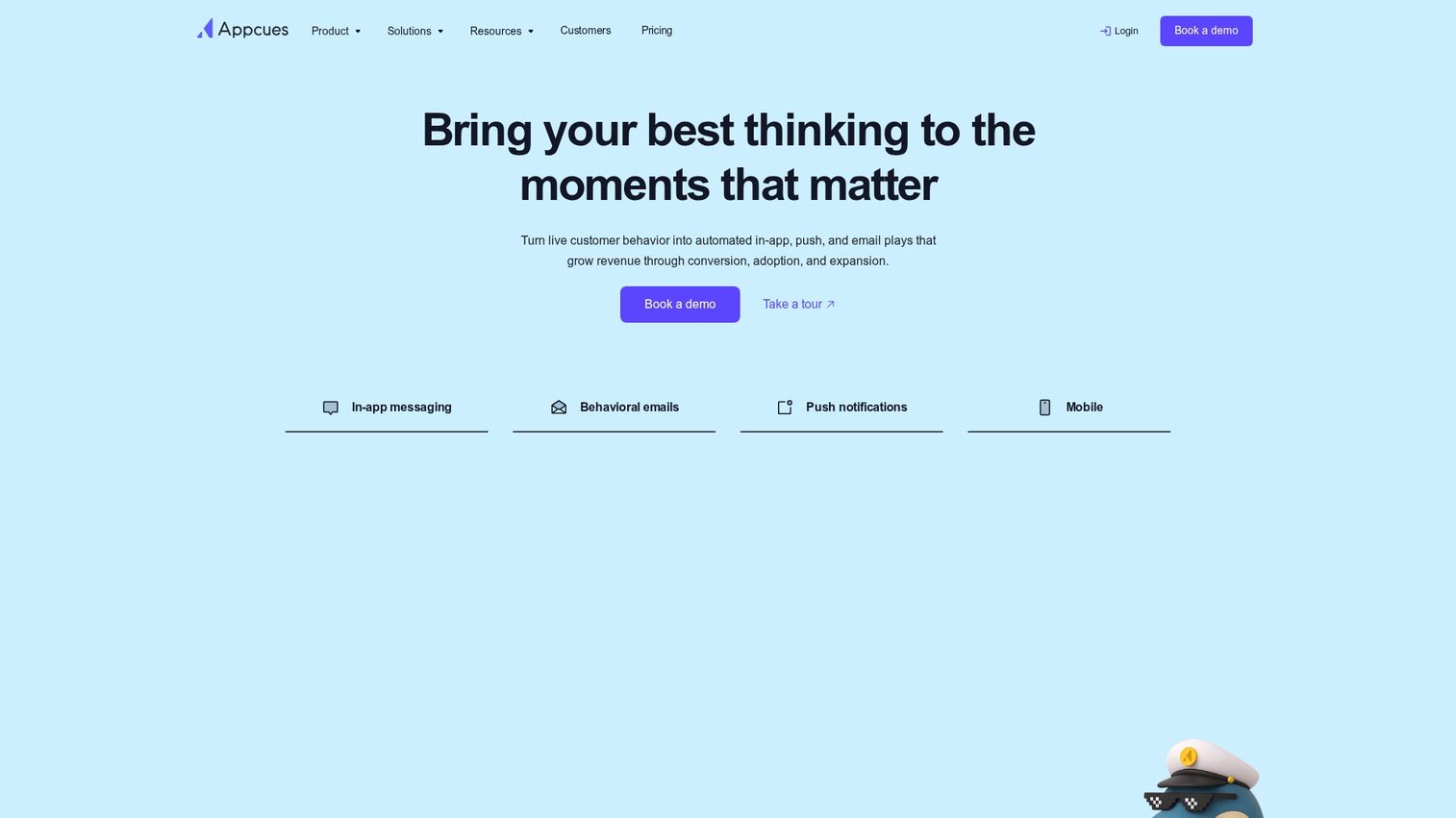
Appcues is one of the most established code-free in-app experience builders. You can create flows, checklists, hotspots, and NPS surveys without engineering help.
Best for: Product and growth teams building no-code onboarding flows.
Key strengths
- No-code flow builder with visual editor
- Checklists and progress tracking for users
- User segmentation and targeting by behavior
- Event tracking and goal completion measurement
Pricing: Starts at $249/month.
Client onboarding portal and project management tools
Client portals create shared workspaces for B2B customer onboarding. Portals centralize project plans, resources, tasks, and communication, replacing scattered emails and spreadsheets with a single source of truth.
8. Collect
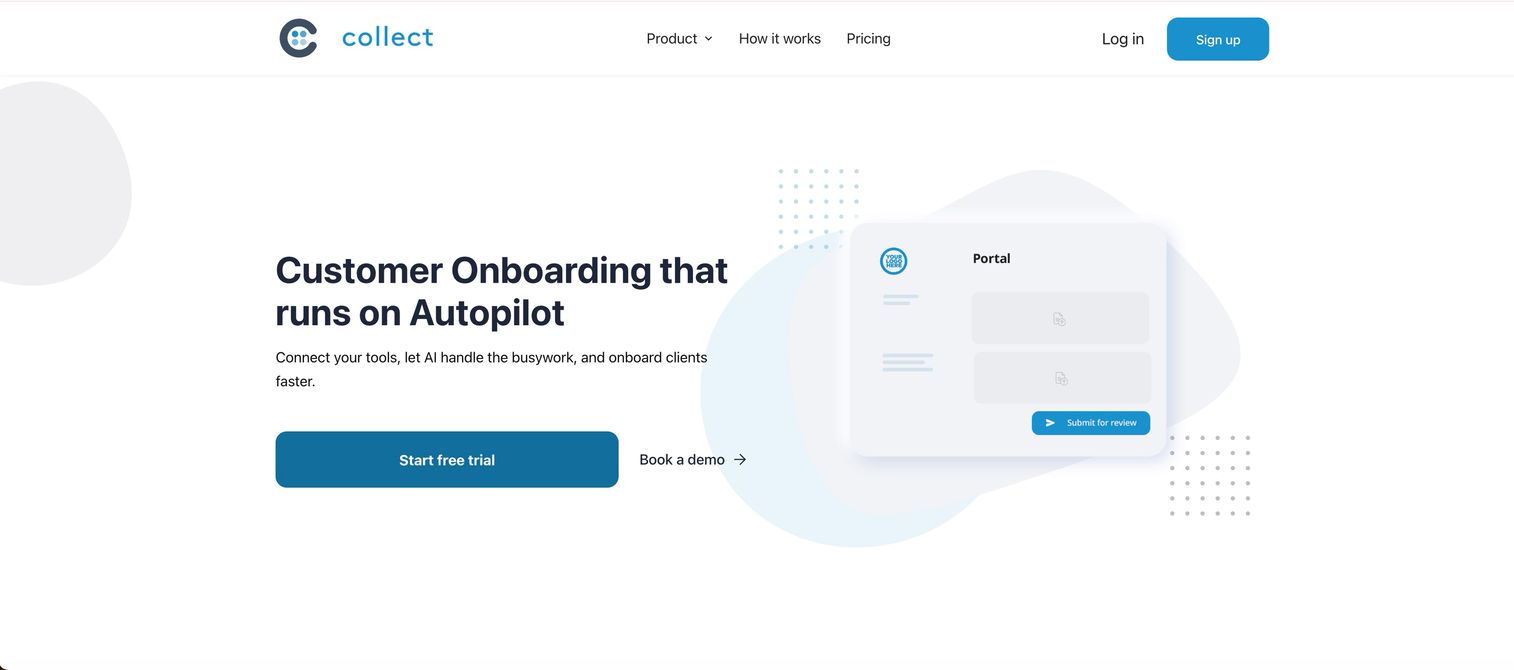
Collect is a customer onboarding platform built for high-velocity teams that need to gather documents, signatures, and information from clients without friction. You set up a mutual action plan, and Collect automatically generates a branded, passwordless client portal where customers complete each step. CRM integrations and conditional logic let you spin up custom portals at scale while keeping each one personalized.
For onboarding specifically, teams use Collect to automate document chasing, track who is on time versus behind, and sync progress directly into HubSpot or Pipedrive. AI features handle portal building, smart file naming, and document parsing.
Best for: High-volume B2B teams onboarding clients through document collection and structured action plans.
Key strengths
- Automated, branded client portals with passwordless access
- Mutual action plans with conditional logic and progress tracking
- Native HubSpot, Pipedrive, Zapier, and Docusign integrations
- AI portal builder, document parsing, and white-label options
Pricing: 7-day free trial. Paid plans start at $129/month.
9. Dock
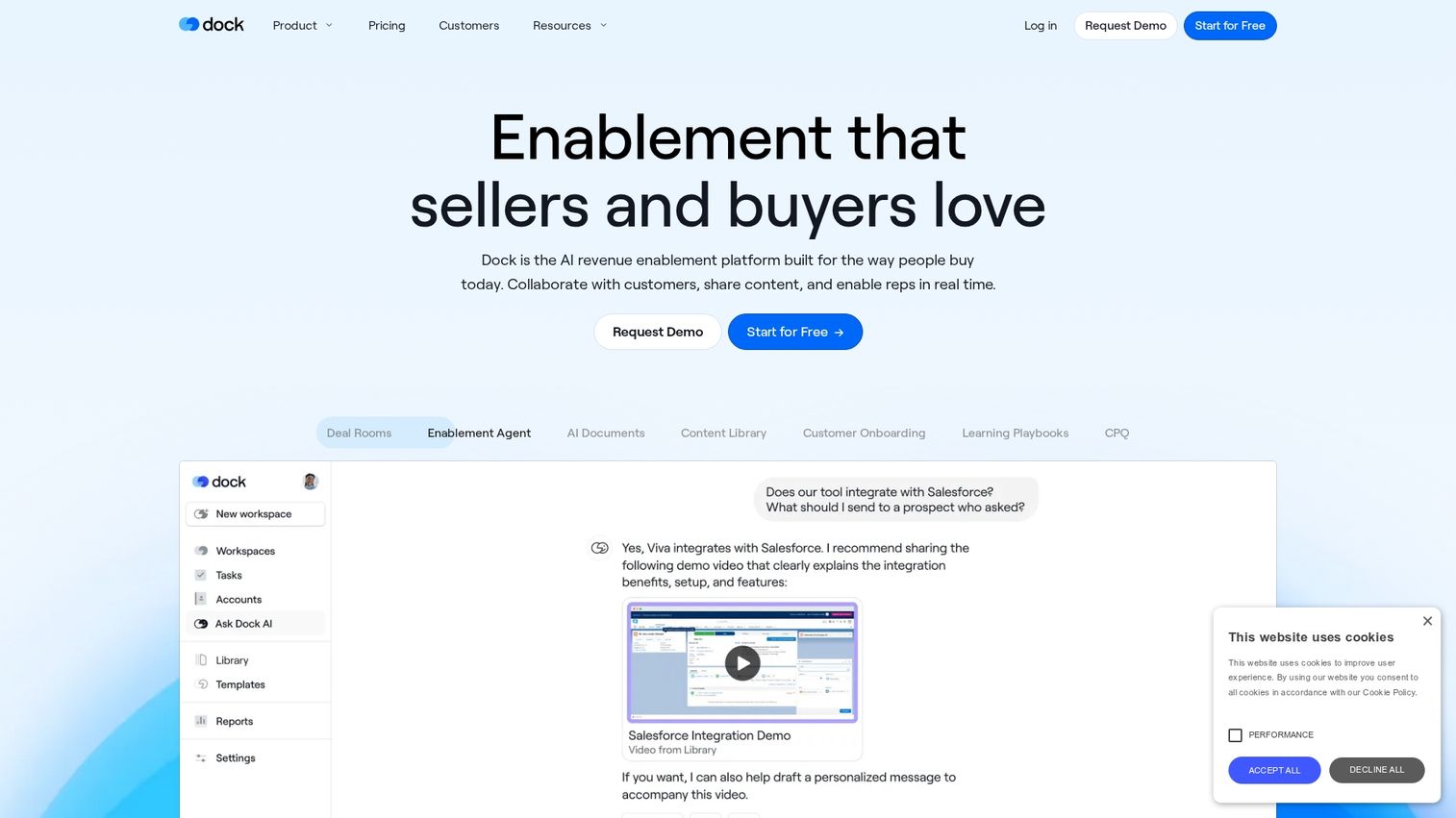
Dock creates personalized client workspaces for onboarding. Customers can access templates, embedded content, and task tracking without needing to log in.
Best for: Post-sale handoff and implementation tracking.
Key strengths
- Personalized onboarding workspaces
- Embedded content and project plans
- Engagement tracking per stakeholder
- Templates for repeatable processes
Pricing: Starts at $49/month.
10. GUIDEcx
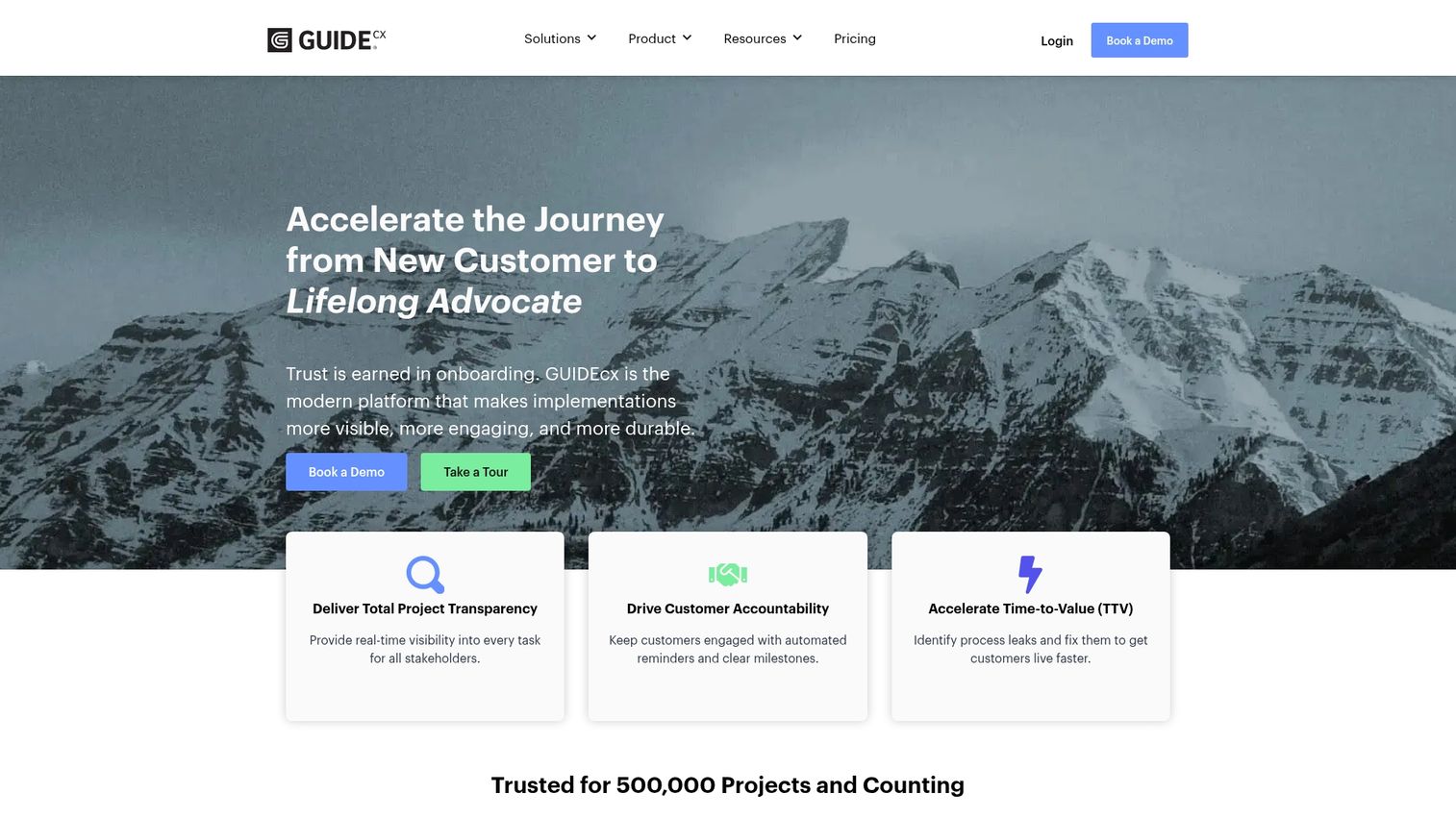
GUIDEcx focuses on reducing time-to-value through project tracking and customer accountability features. The platform provides custom analytics to measure implementation success.
Best for: Implementation teams tracking customer progress.
Key strengths
- Project transparency and tracking
- Customer-facing task management
- Time-to-value analytics
- Integration with CRM systems
Pricing: Custom pricing.
11. Arrows
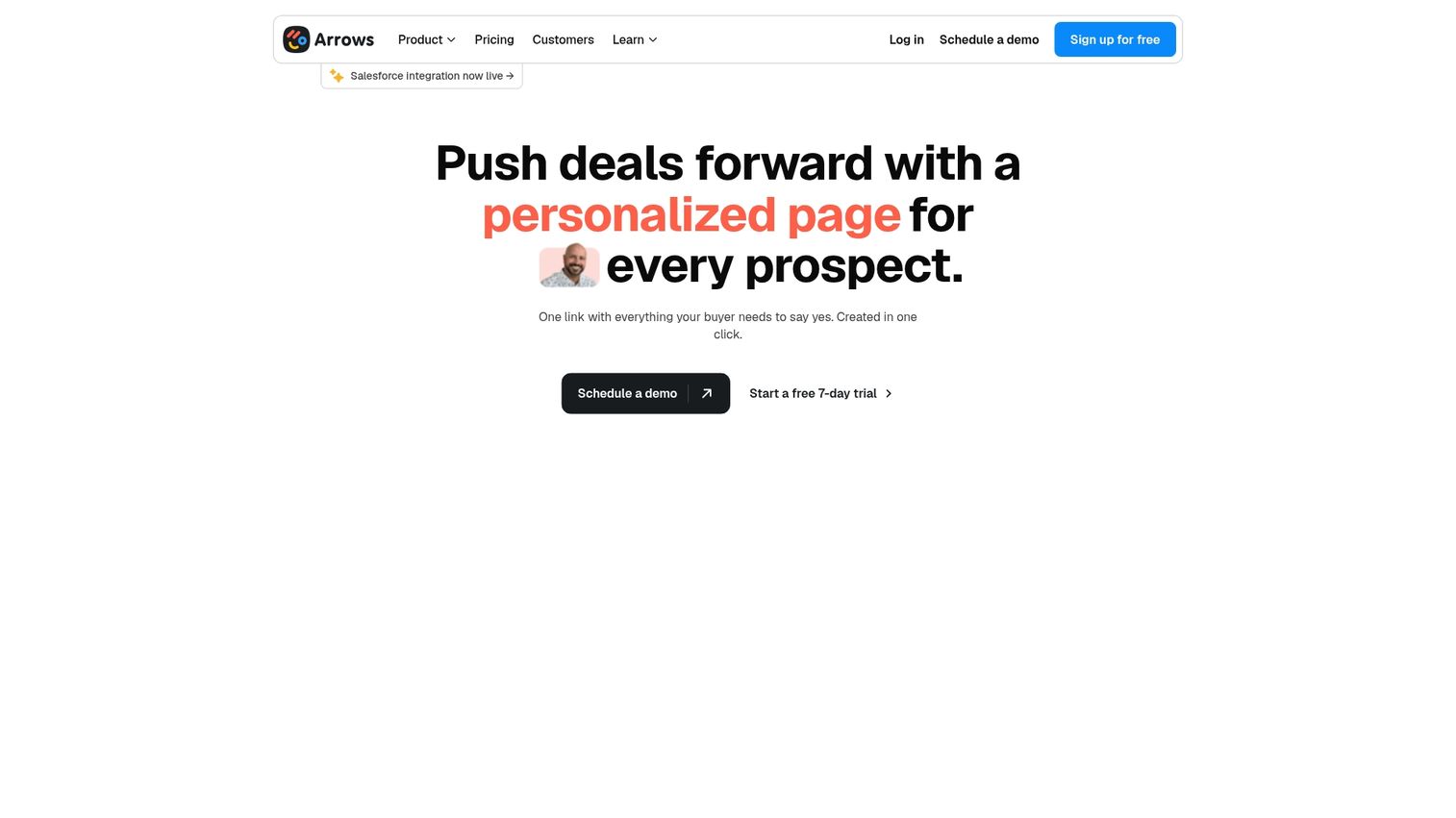
Arrows is a HubSpot-native onboarding tool that creates onboarding plans directly within HubSpot. Arrows is the best option for teams already using HubSpot as their CRM.
Best for: HubSpot-centric teams wanting native integration.
Key strengths
- Native HubSpot integration
- Onboarding plan templates
- Task automation and reminders
- Progress tracking in CRM
Pricing: Starts at $500/month.
12. Rocketlane
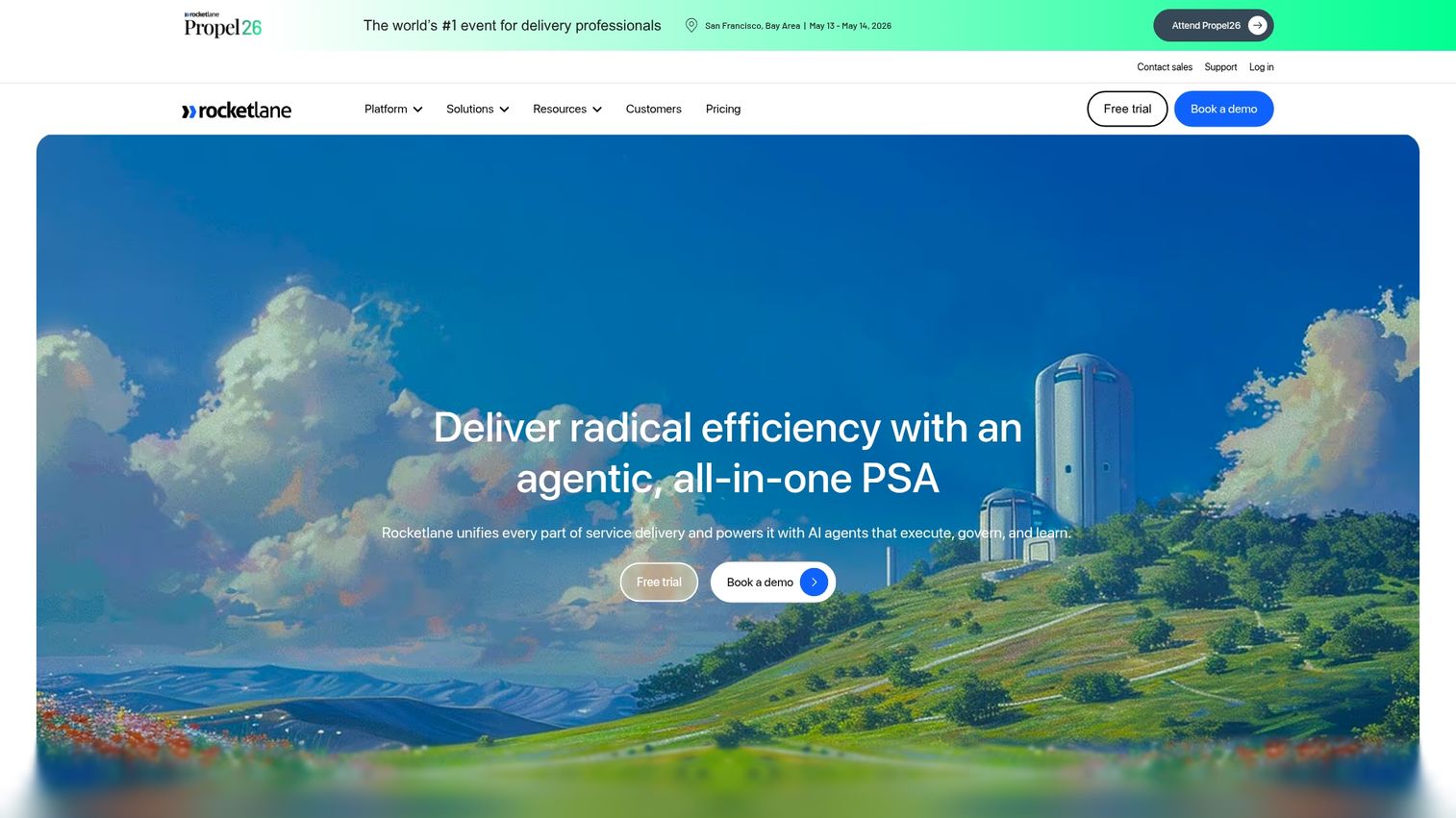
Rocketlane combines customer onboarding with professional services automation. Rocketlane includes project management, document collaboration, and resource planning.
Best for: Teams combining onboarding with services delivery.
Key strengths
- Project and resource management
- Client portal with collaboration
- Time tracking and billing
- Templatized playbooks
Pricing: Starts at $19/user/month.
13. ChurnZero
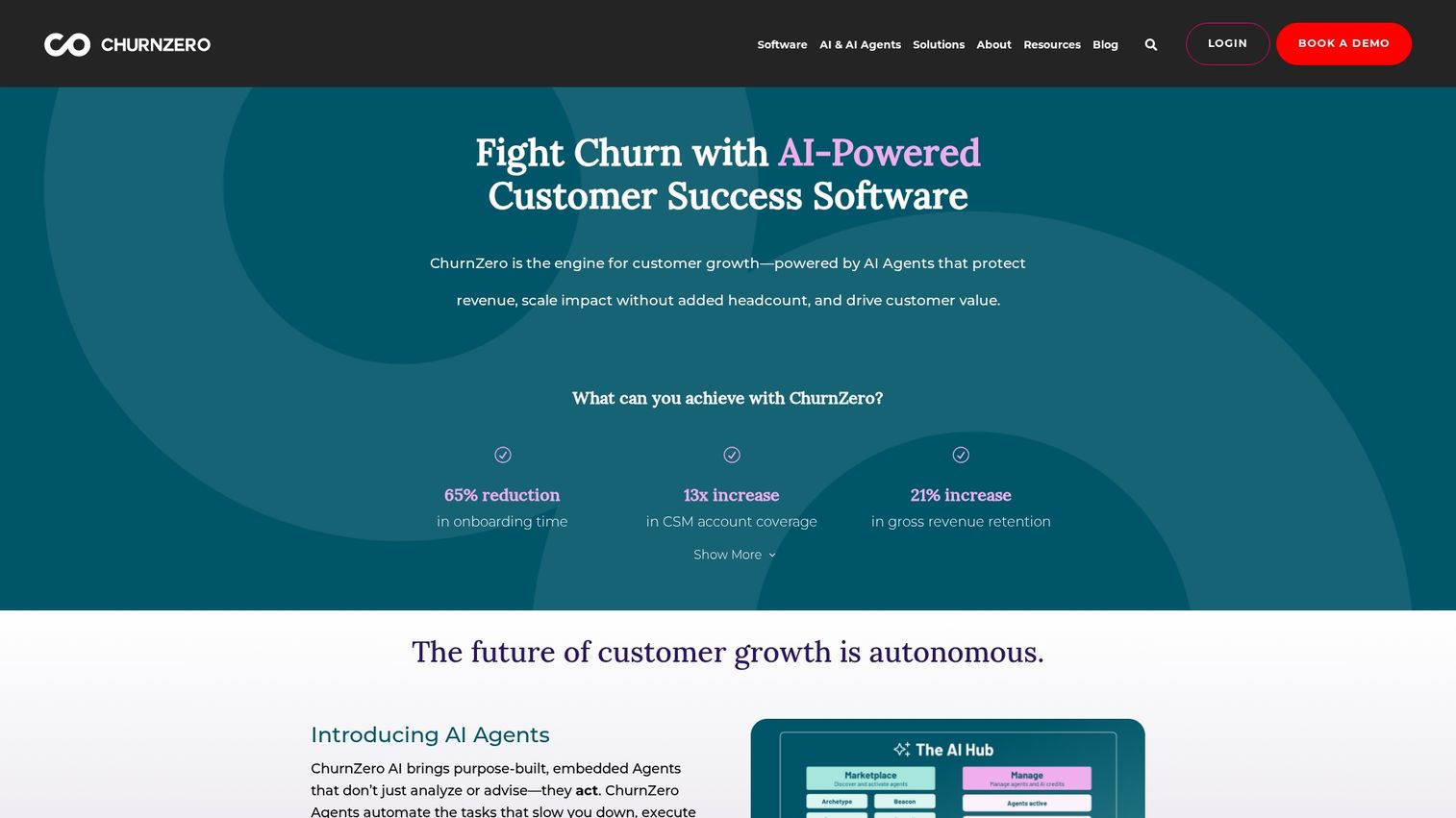
ChurnZero is a customer success platform with onboarding capabilities. ChurnZero includes health scores, in-app communication, and journey orchestration.
Best for: CS teams wanting onboarding within a broader success platform.
Key strengths
- Customer health scoring
- In-app messaging and walkthroughs
- Journey automation
- Integration with support tools
Pricing: Custom pricing.
Email automation software for customer onboarding
Email automation tools send triggered, personalized emails based on customer actions and milestones. Email tools complement in-app tools by reaching users outside the product. For a broader look at this category, see our guide to marketing automation tools.
14. Customer.io
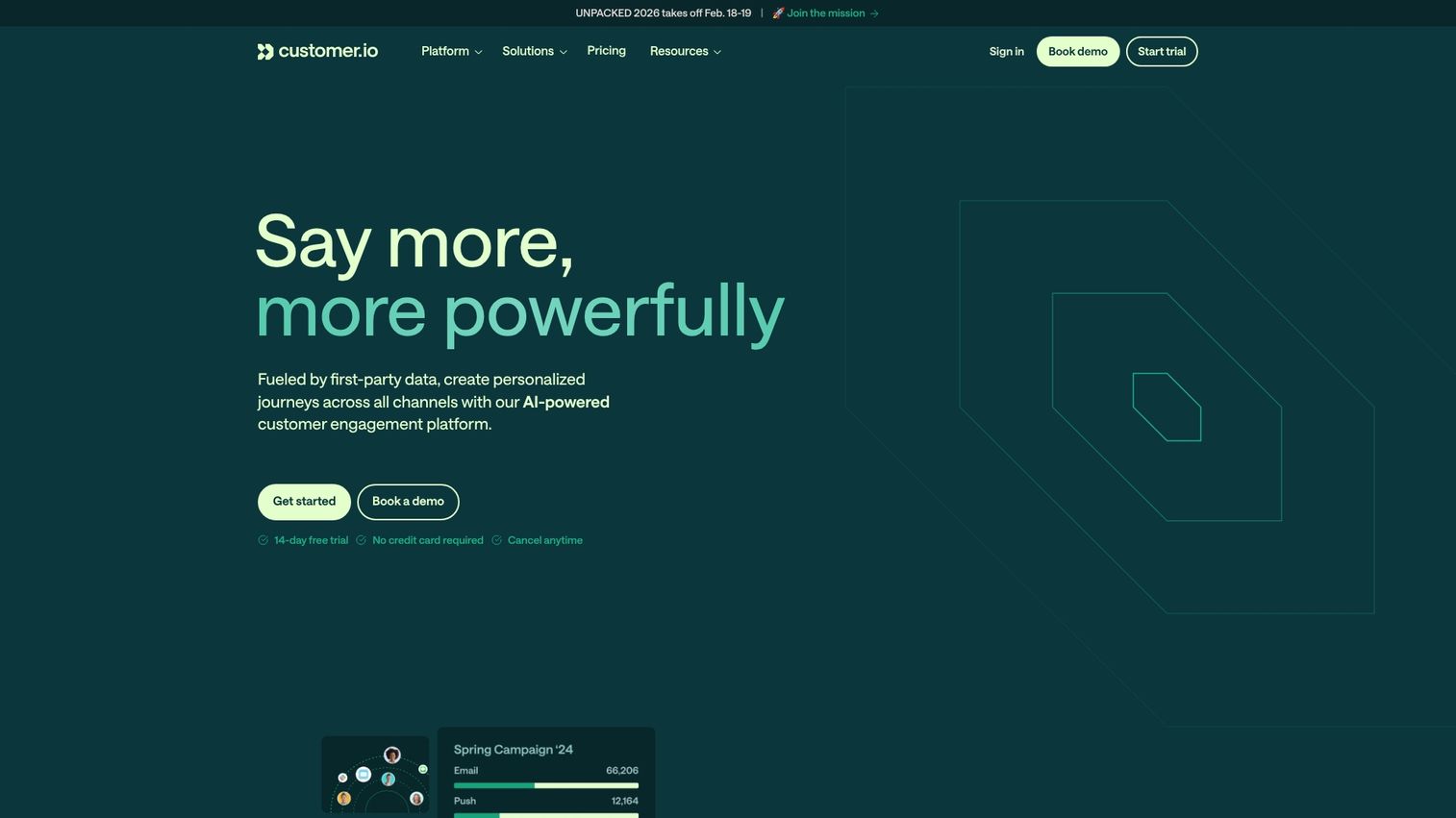
Customer.io is a behavioral messaging platform for trigger-based emails and push notifications. Customer.io is popular for SaaS onboarding sequences because of its real-time segmentation.
Best for: SaaS teams with complex, behavior-driven onboarding sequences.
Key strengths
- Trigger-based email automation
- Visual workflow builder
- User segmentation by behavior
- Multi-channel messaging (email, push, SMS)
Pricing: Starts at $100/month.
15. Intercom
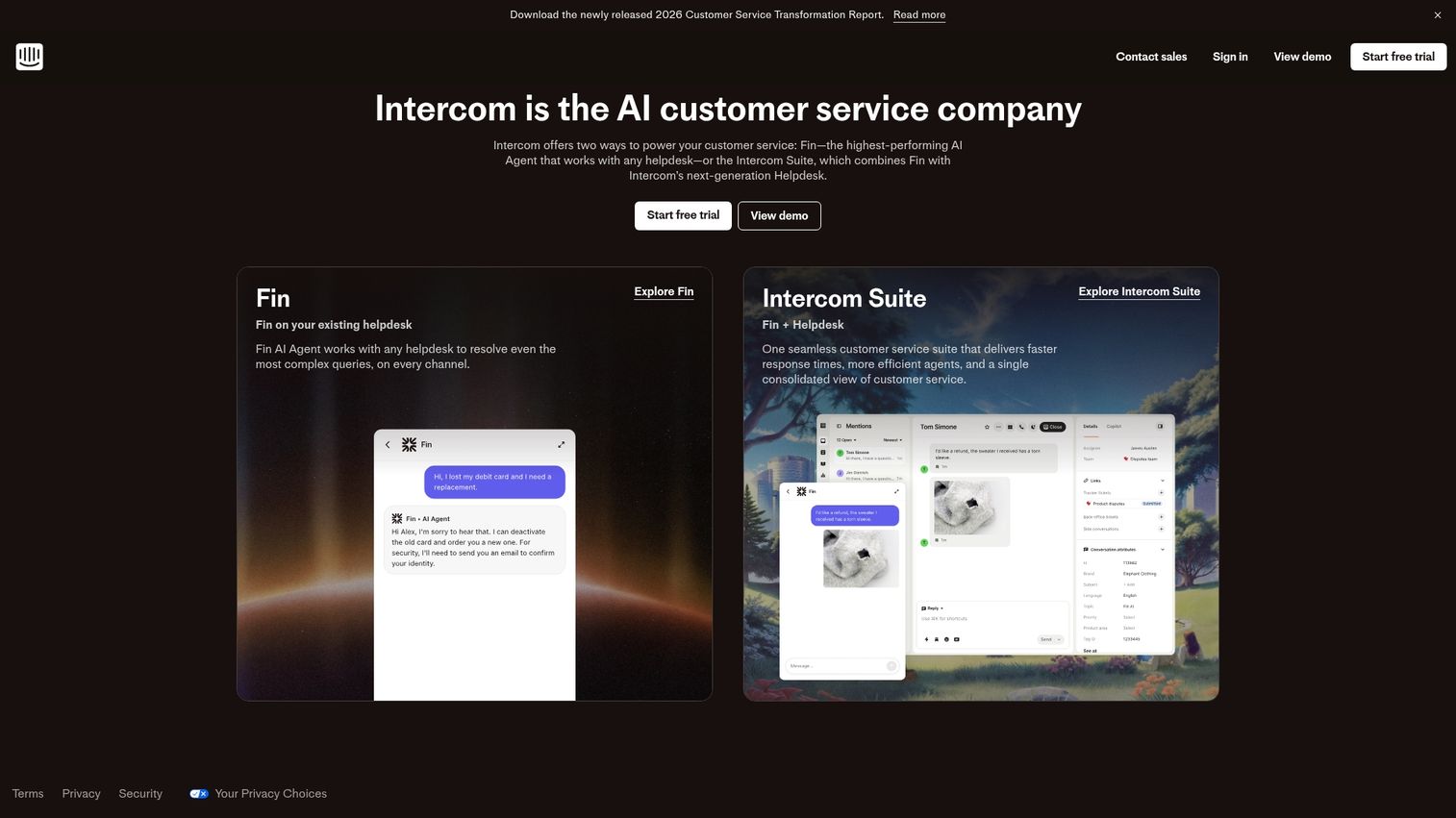
Intercom combines chat, email, and in-app messaging in one platform. Intercom connects support and onboarding with product tours, bots, and a help center.
Best for: Teams wanting unified messaging across channels.
Key strengths
- Unified inbox for all channels
- Product tours and tooltips
- Chatbots and automation
- Help center and knowledge base
Pricing: Starts at $39/seat/month.
16. ActiveCampaign
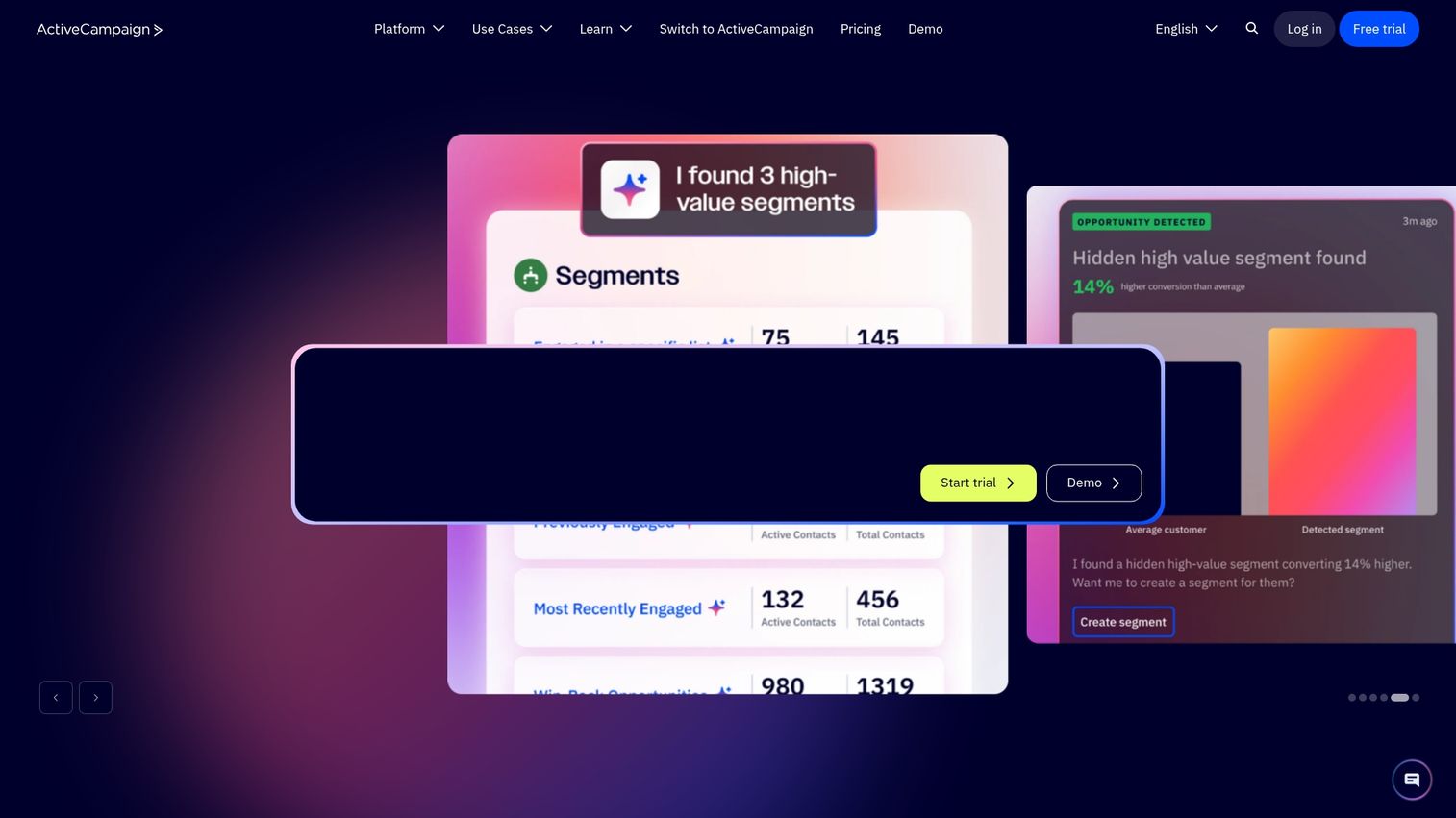
ActiveCampaign is an email marketing and automation platform with CRM features. ActiveCampaign is suited for teams wanting marketing and sales automation in one tool.
Best for: Small teams wanting email automation with CRM.
Key strengths
- Email automation with visual builder
- CRM and sales automation
- Lead scoring and segmentation
- Landing pages and forms
Pricing: Starts at $15/month.
17. Userlist
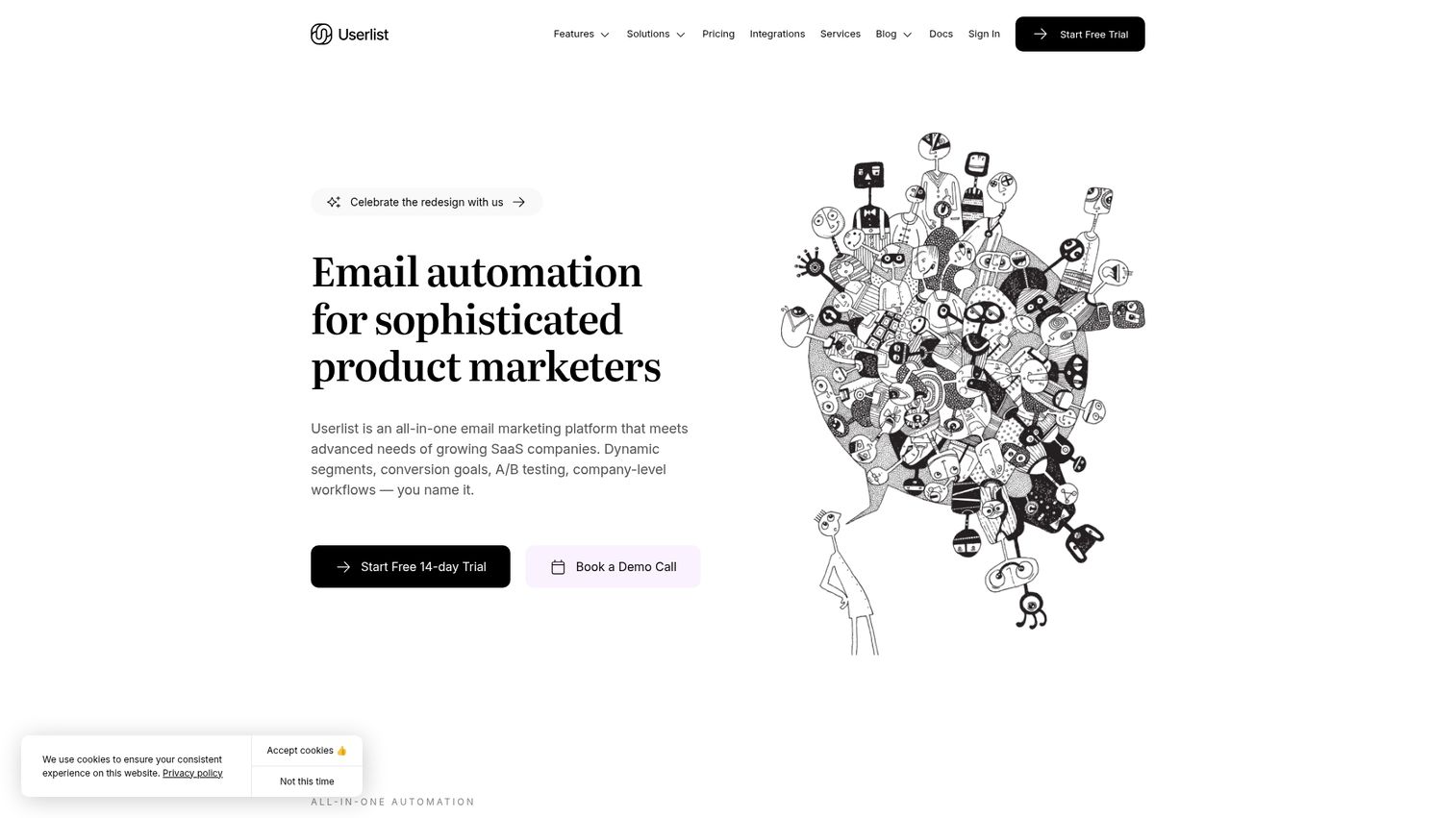
Userlist is email automation built specifically for SaaS. Userlist supports company-level messaging, behavior tracking, and lifecycle emails designed for B2B onboarding.
Best for: B2B SaaS teams with account-based onboarding.
Key strengths
- SaaS-specific email automation
- Company and user-level tracking
- Behavior-triggered campaigns
- Simple segmentation
Pricing: Starts at $149/month.
Video and webinar onboarding solutions
Video tools create and host tutorials, screen recordings, and live training sessions. Videos work well for visual learners and complex feature explanations, especially when embedded in help centers and onboarding emails.
18. Loom
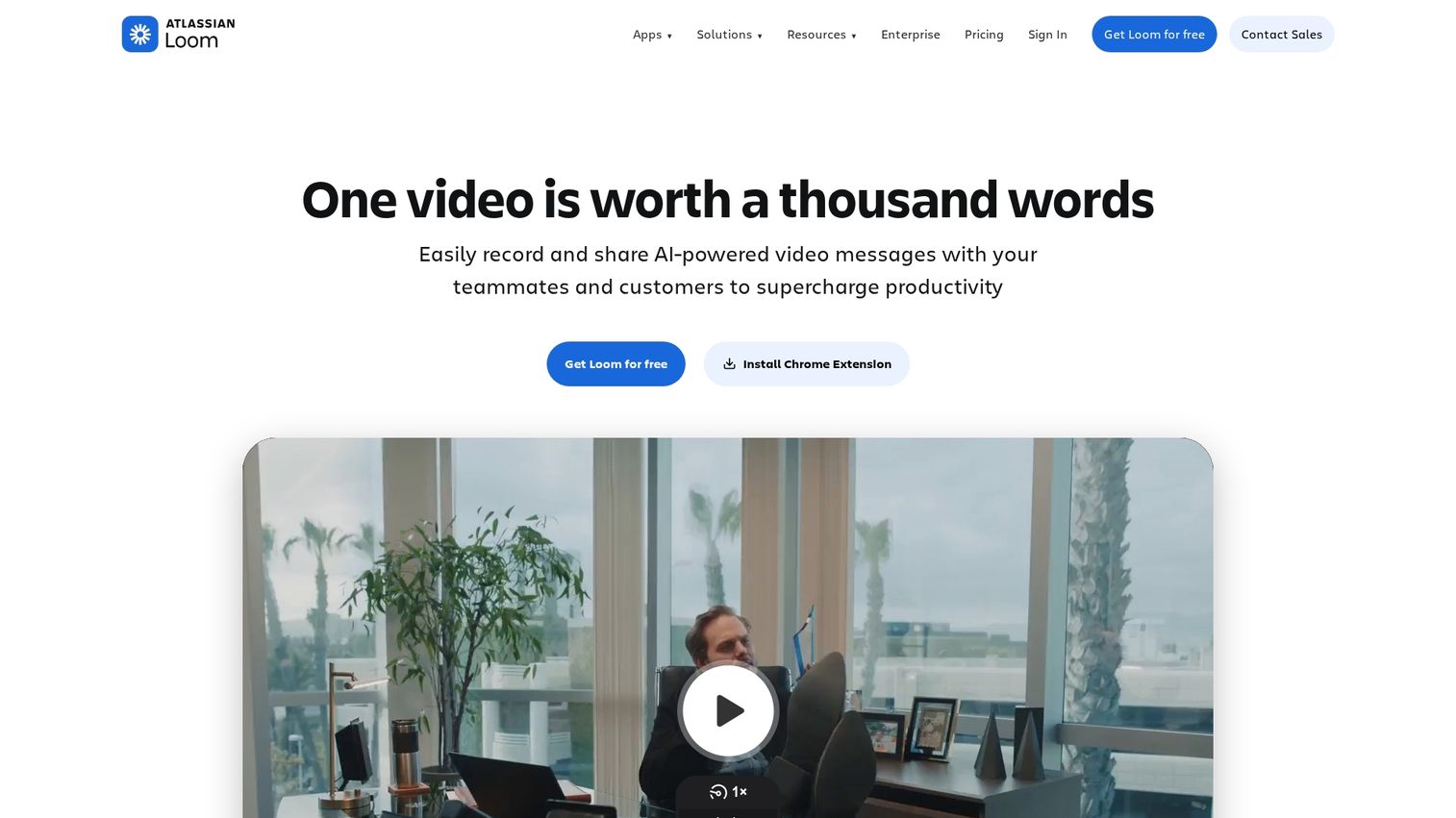
Loom is an async video messaging tool for quick screen recordings. Loom is ideal for personalized video tutorials and walkthroughs that customers can watch on their own time.
Best for: Quick, personalized video explanations.
Key strengths
- Quick screen and camera recording
- Easy sharing via links
- Viewer engagement analytics
- Comments and reactions
Pricing: Free tier available. Paid starts at $12.50/month.
19. Vidyard
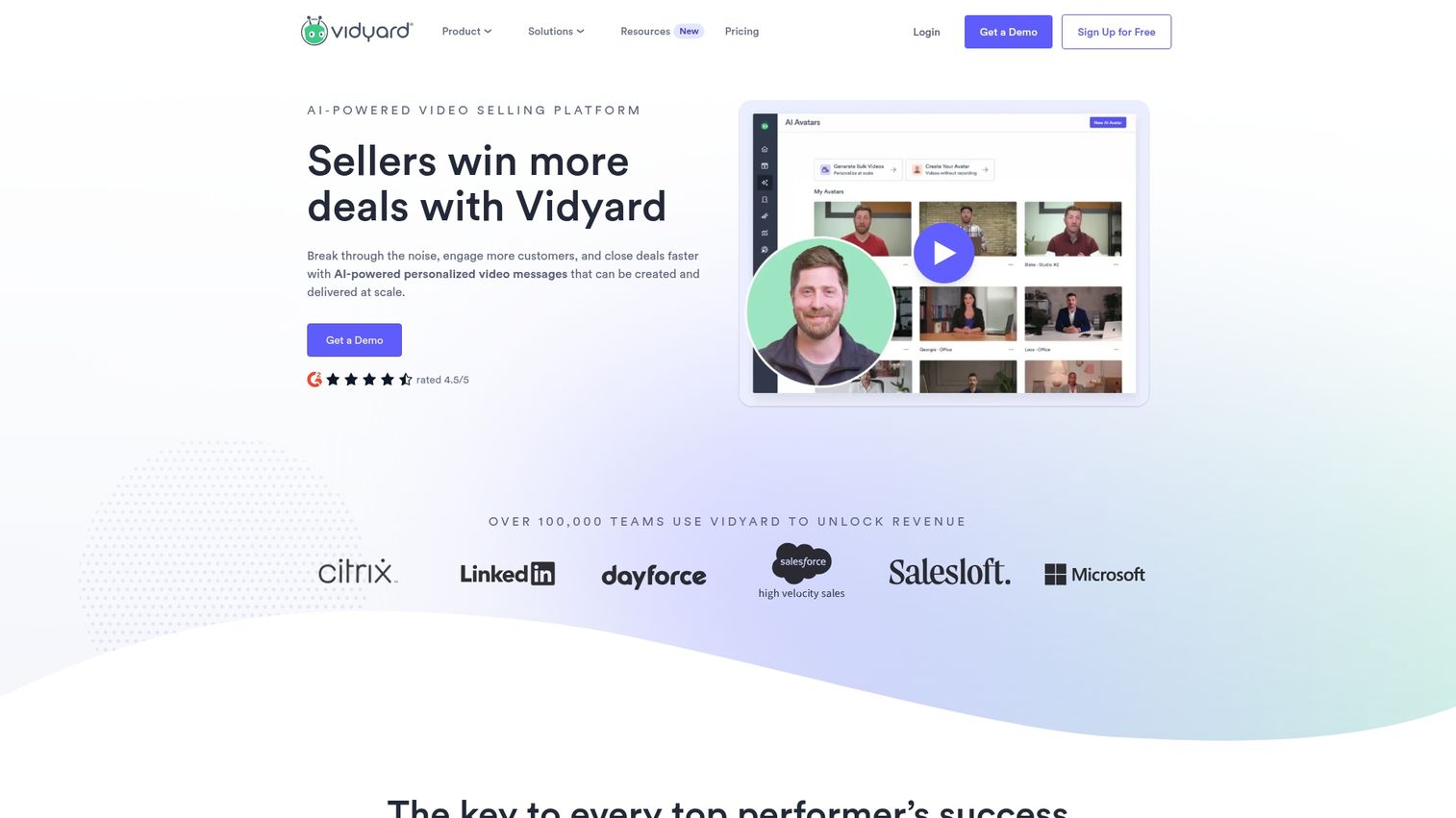
Vidyard is a video platform for business with hosting, analytics, and personalization. Vidyard is stronger for enterprise video with detailed viewing analytics.
Best for: Enterprise teams wanting video personalization at scale.
Key strengths
- Video hosting and management
- Personalization at scale
- Detailed viewing analytics
- CRM integrations
Pricing: Custom pricing.
20. Wistia
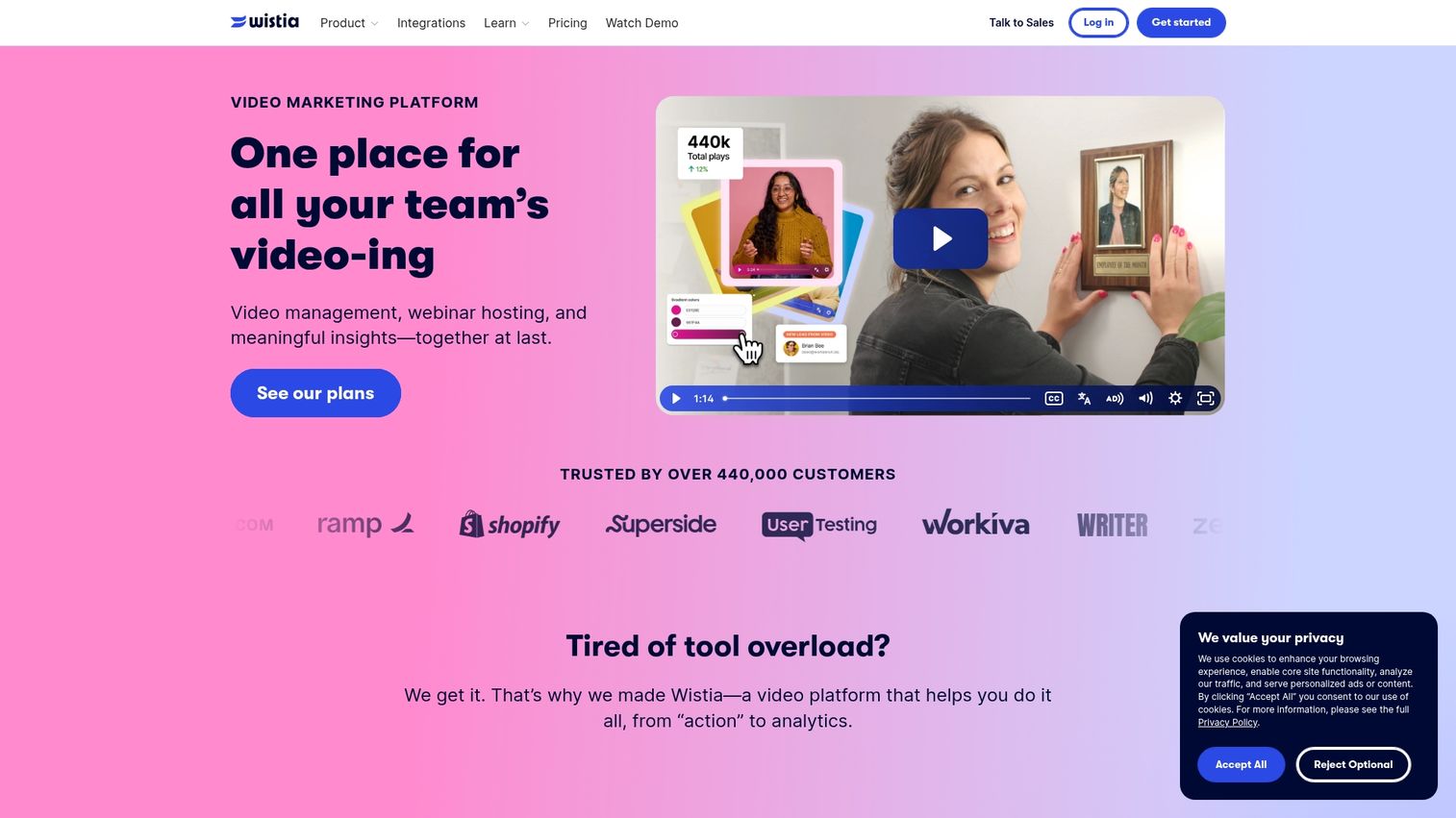
Wistia is a professional video hosting platform with a customizable player, lead capture, and analytics. Wistia is ideal for polished tutorial content embedded in apps.
Best for: Professional tutorial content with lead capture.
Key strengths
- Professional video hosting
- Customizable video player
- Lead capture forms
- Channel pages for video libraries
Pricing: Starts at $19/month.
21. Livestorm
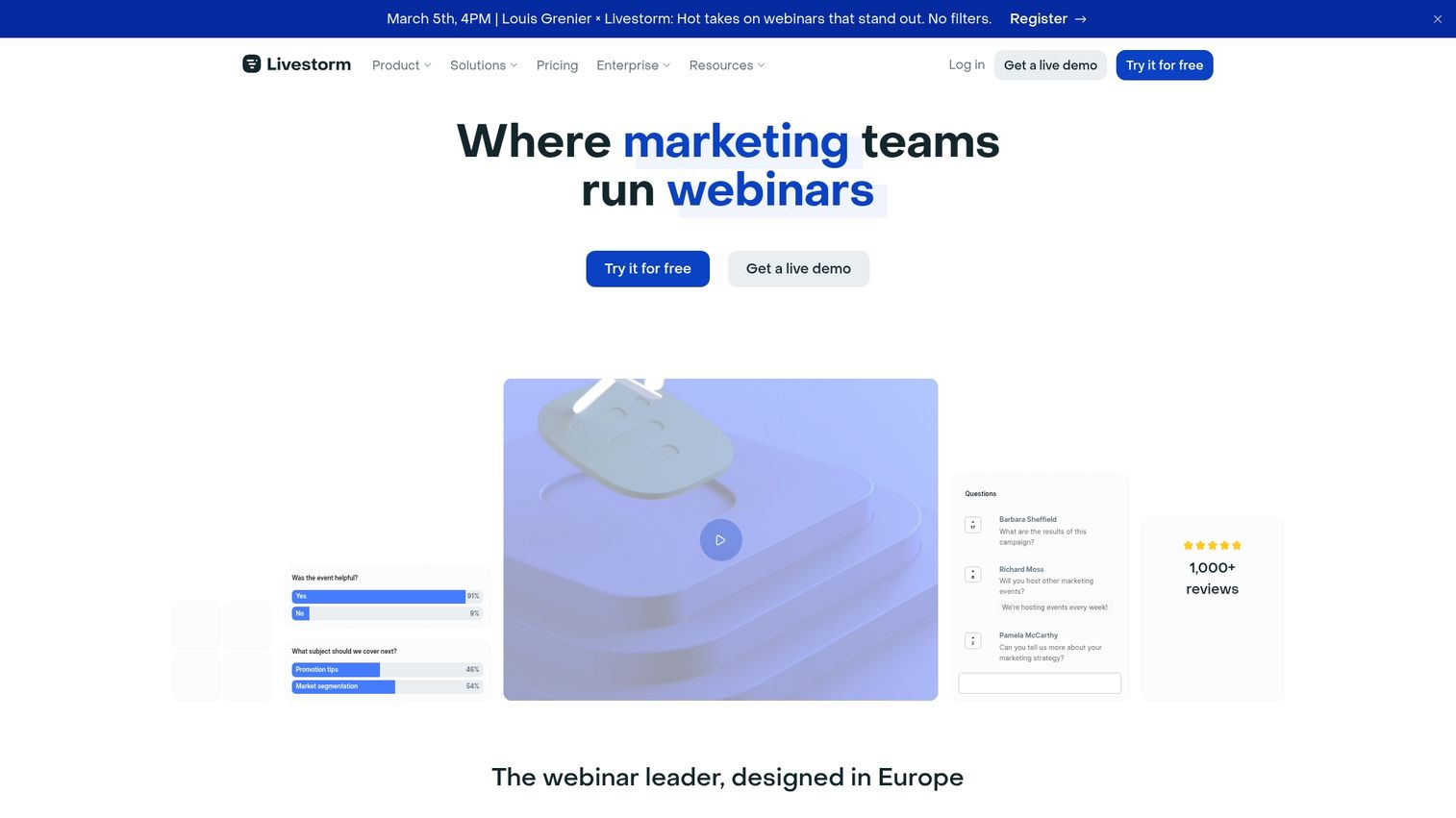
Livestorm is a webinar and video engagement platform for live and on-demand webinars. Livestorm is suited for live training sessions and onboarding webinars.
Best for: Live training sessions and webinars.
Key strengths
- Browser-based webinars
- Registration and reminder automation
- Engagement features (polls, Q&A)
- On-demand replay hosting
Pricing: Free tier available. Paid starts at $79/month.
User behavior analytics and product analytics tools
Analytics tools track how users interact with your product. Analytics platforms help identify where users get stuck, which features drive activation, and who might benefit from intervention. Analytics tools inform onboarding optimization rather than delivering onboarding directly.
22. Mixpanel
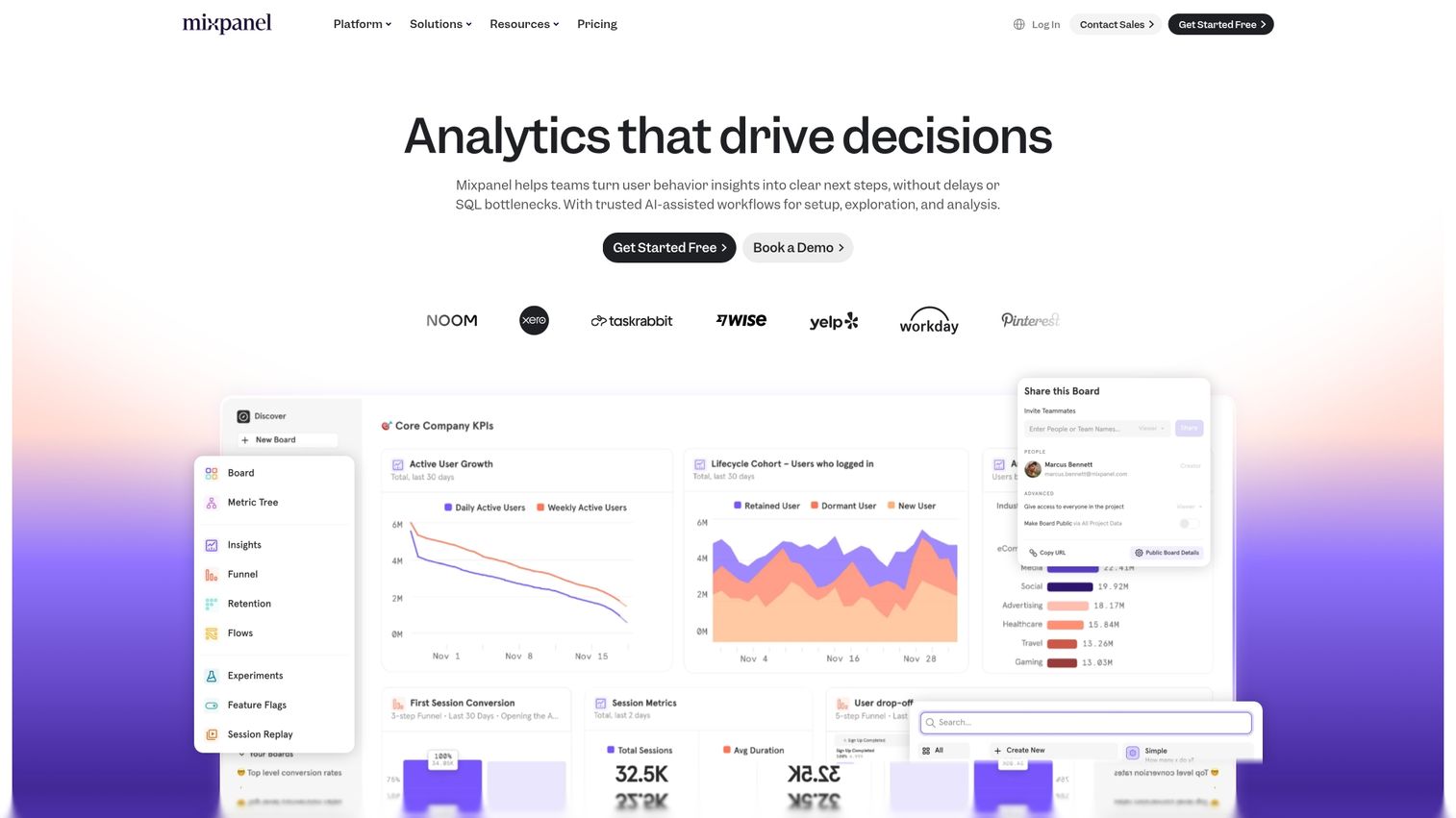
Mixpanel is a product analytics platform for tracking user behavior and funnels. Mixpanel helps identify onboarding drop-off points through event tracking and cohort analysis.
Best for: Teams wanting detailed funnel and retention analysis.
Key strengths
- Event-based analytics
- Funnel and retention analysis
- Cohort comparison
- A/B testing
Pricing: Free tier available. Paid starts at $20/month.
23. Amplitude
Amplitude is a digital analytics platform for understanding user behavior. Product teams optimizing activation often choose Amplitude for behavioral cohorting and journey mapping.
Best for: Product teams optimizing activation flows.
Key strengths
- Behavioral analytics
- User journey mapping
- Experimentation platform
- Predictive analytics
Pricing: Free tier available. Growth plans are custom.
24. Heap
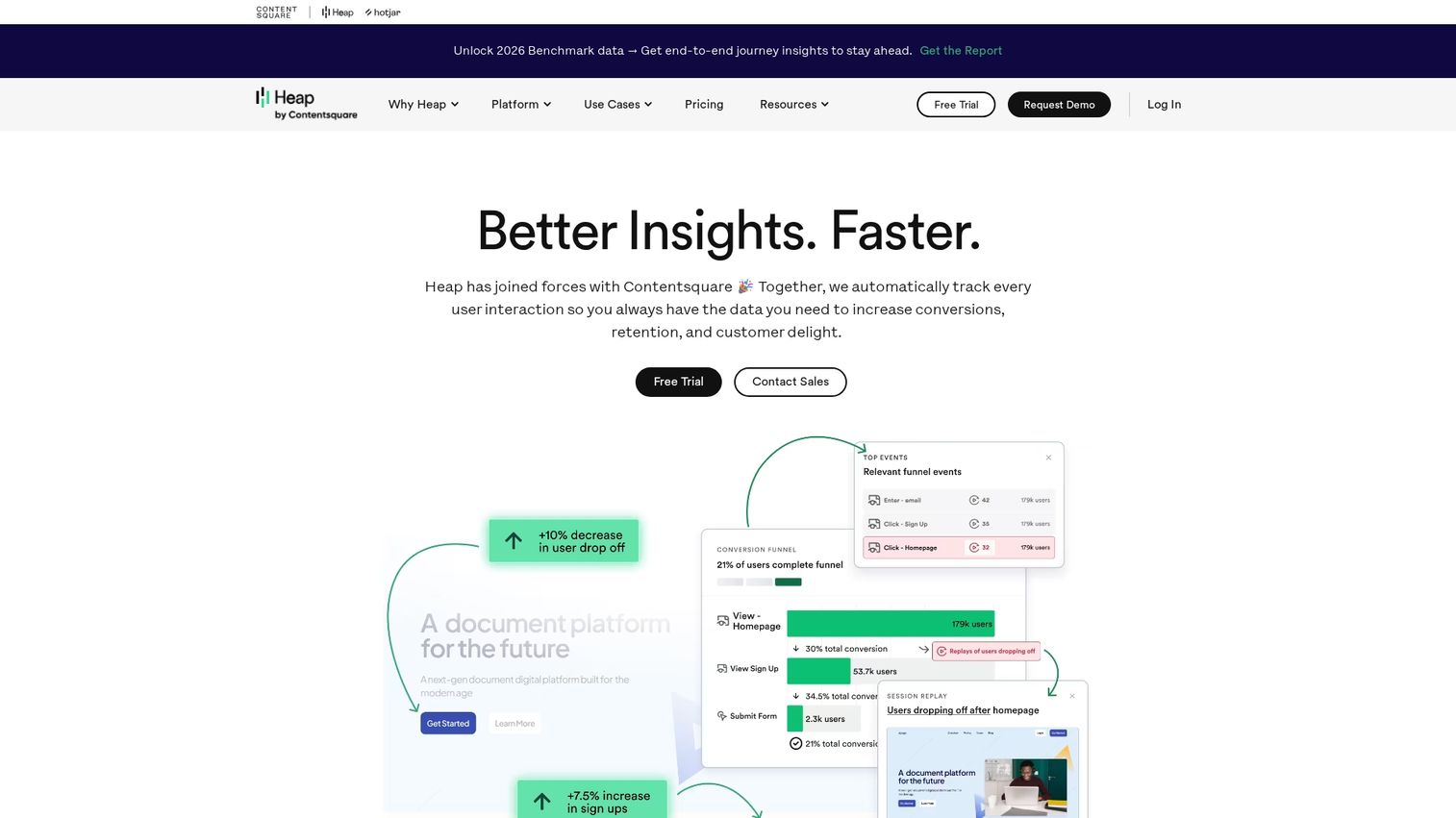
Heap is an auto-capture analytics platform that tracks all user interactions without manual event setup. Heap is useful for retroactive analysis of onboarding flows.
Best for: Teams wanting analytics without manual event tracking.
Key strengths
- Auto-capture of user events
- Retroactive analysis
- Session replay
- Funnel visualization
Pricing: Custom pricing.
25. FullStory
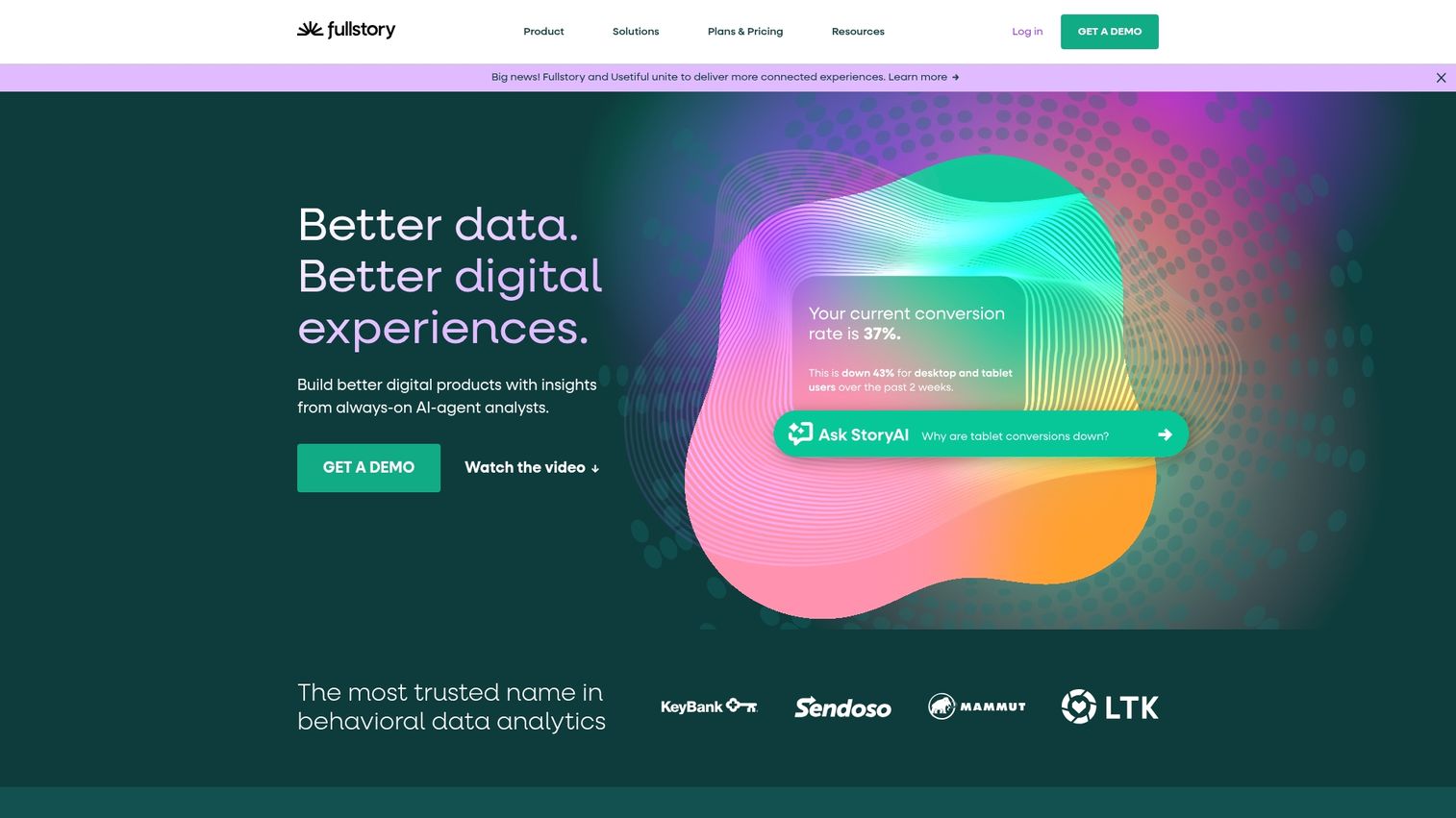
FullStory is a digital experience platform with session replay. FullStory helps visualize exactly where users struggle during onboarding through frustration signals and heatmaps.
Best for: Teams wanting to see exactly where users struggle.
Key strengths
- Session replay and recording
- Frustration signal detection
- Heatmaps and click tracking
- Error and rage click identification
Pricing: Custom pricing.
Helpdesk and customer support software
Support tools complement onboarding by providing help when users get stuck. Good self-serve onboarding reduces support volume, but you still benefit from support infrastructure for edge cases.
26. Zendesk
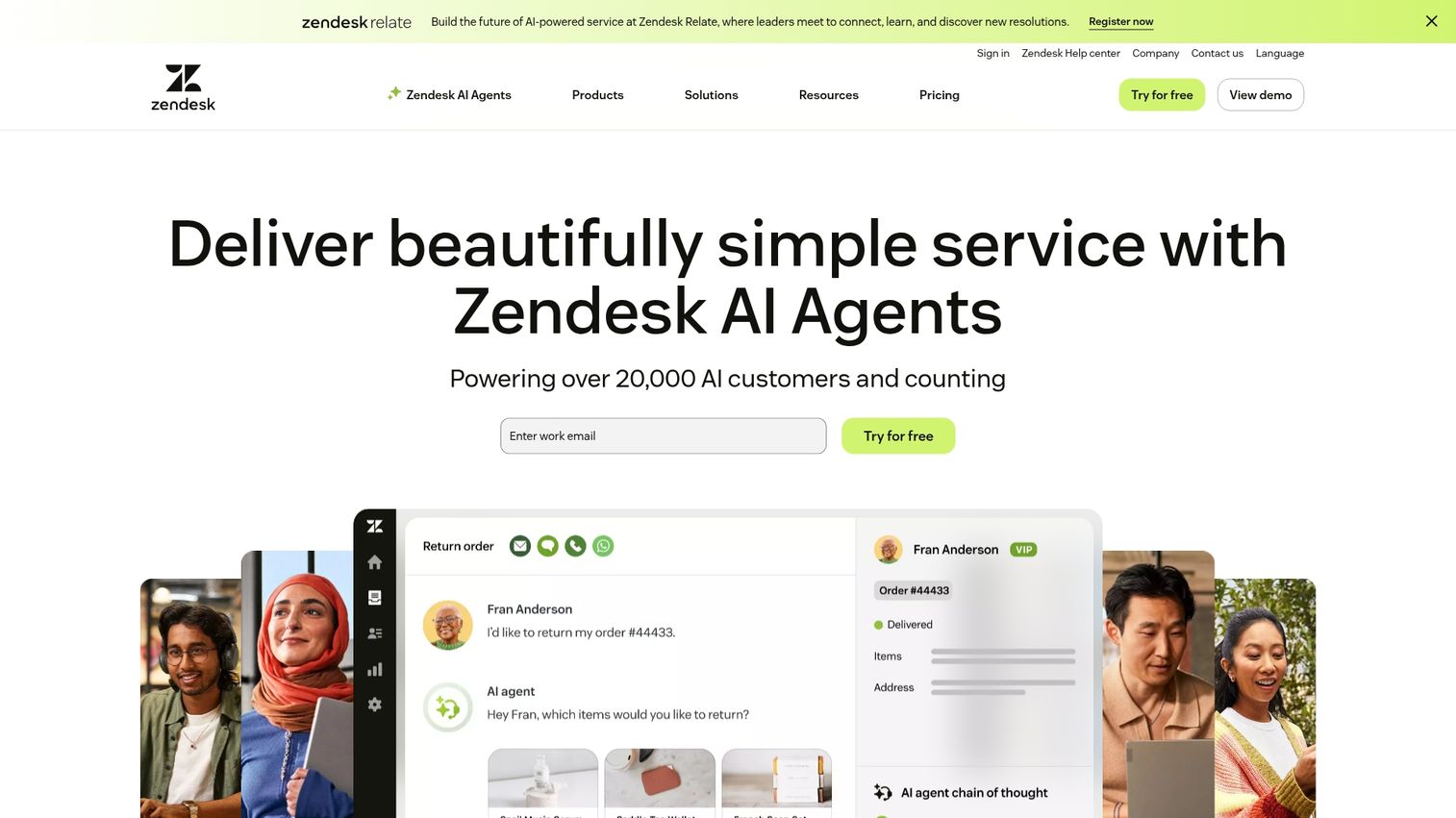
Zendesk is a customer service platform with ticketing, chat, and knowledge base. Help center articles support self-serve onboarding by answering common questions.
Best for: Teams building comprehensive support infrastructure.
Key strengths
- Omnichannel support ticketing
- Knowledge base and help center
- Chat and messaging
- Automation and routing
Pricing: Starts at $19/agent/month.
How to choose the best customer onboarding software
Match tools to your onboarding model
High-touch B2B implementations benefit from client portals. Self-serve PLG companies benefit from in-app tools and interactive demos. Most teams use a combination across different customer segments and journey stages.
Prioritize integration with your tech stack
Check CRM integrations (Salesforce, HubSpot), marketing automation connections, and analytics tool compatibility. Siloed tools create data gaps and manual work that slow down your team.
Evaluate self-serve and personalization features
Look for tools that let you personalize by segment, role, or company. Generic one-size-fits-all onboarding underperforms compared to tailored experiences.
Compare analytics and engagement tracking
Evaluate what data each tool provides. Look for completion rates, drop-off points, time-to-complete, and engagement by stakeholder. Without analytics, you can't improve.
Assess scalability and total cost
Consider pricing models (per user, per MAU, flat rate) and how costs grow with your customer base. Free tiers let you test before committing.
How to build a B2B customer onboarding tech stack
- Starter stack: One interactive demo tool + one email automation tool + analytics. This covers the basics for early-stage teams.
- Growth stack: Add in-app guidance + client portal for high-touch accounts. This supports both self-serve and CSM-led onboarding.
- Enterprise stack: Full digital adoption platform + dedicated success tooling. This handles complex products with multiple user types.
Start with the highest-friction point in your current onboarding and solve that first. You can always add tools as your situation evolves.
Reduce time to value with interactive onboarding experiences
The best onboarding tools eliminate friction, let customers self-educate, and give you visibility into engagement. The core principle is simple: show, don't tell.
Interactive demos let customers experience your product immediately, reducing time-to-value and support burden. The right customer onboarding software turns new signups into successful customers faster.
Start your journey with Guideflow today!
FAQs about customer onboarding tools
Customer onboarding tools focus on B2B post-sale implementation with project tracking and stakeholder management. User onboarding tools focus on in-app product adoption for individual users. Many companies use both: portals for account-level coordination and in-app tools for individual activation.
Pricing ranges from free tiers for basic tools to enterprise contracts for comprehensive platforms. Most mid-market tools charge based on monthly active users or number of customers onboarded. Expect $50-500/month for point solutions and custom pricing for enterprise platforms.
Most enterprise platforms are cost-prohibitive for startups, but many vendors offer startup programs or free tiers that provide core functionality. Start with tools that have generous free plans and upgrade as you scale.
Implementation time varies from hours for simple tools with browser capture to weeks for enterprise platforms requiring technical integration. Interactive demo tools typically launch in a day. In-app guidance tools take 1-2 weeks. Client portals with deep CRM integration can take a month or more.
Most modern customer onboarding platforms offer native integrations with major CRMs. CRM integrations sync customer data, trigger workflows, and log engagement activity. Check specific integration depth before committing since some offer basic syncs while others provide deep bi-directional connections.
Key metrics include time-to-value, activation rate, onboarding completion rate, feature adoption, support ticket volume during onboarding, and expansion or churn rates by onboarding cohort. The specific metrics depend on your product and business model.
Interactive demos let customers experience product features through guided, self-serve walkthroughs without requiring live calls or sandbox access. Interactive demos accelerate learning, producing 70% better retention than passive tutorials, and reduce dependency on CSM time while letting customers learn at their own pace.
Most B2B SaaS teams use multiple specialized tools rather than one platform. A typical stack combines interactive demos for education, in-app guidance for activation, and portals for high-touch accounts. Single-platform solutions exist but often sacrifice depth for breadth.