



Today, marketing automation tools are central to digital marketing strategies, integrating with a range of marketing software to streamline campaigns, improve efficiency, and enable personalization across channels. Salesforce’s State of Marketing (9th Edition) reports that 78% of marketers use marketing automation tools.
The real problem in 2026 isn’t finding automation tools. It’s finding one that won’t create more problems than it solves. Most platforms promise the world during the demo and deliver a support ticket backlog six months later. These tools are also crucial for helping marketing and sales teams collaborate more effectively, reducing friction and driving better results.
So here’s what we did: We looked at the tools that marketing automation managers are actually using day-to-day, talked to people running these systems at scale, and focused on what matters - implementation headaches, data migration nightmares, compliance requirements, and whether the thing will still work when you’re running 50 campaigns instead of 5.
What's inside
This list covers 9 best marketing automation tools for 2026 + that can help you cut through the chaos and consolidate your stack. We picked them based on how well they scale, how easy they are to use, how deeply they integrate with your other tools, and whether they actually help your team work together instead of adding more silos.
TL;DR
- Marketing automation software streamlines repetitive marketing tasks and nurtures leads through personalized, triggered campaigns.
- HubSpot excels for all-in-one solutions, while Marketo and Pardot serve enterprise needs with advanced lead scoring and attribution.
- Choose software based on your team size, technical capabilities, and the level of personalization required for effective customer journeys.
- Effective automation can increase qualified leads by 451% and reduce manual campaign management time by 12+ hours weekly(!)
What are marketing automation tools
Marketing automation managers face the same old problems: lost leads, repetitive tasks and proving marketing ROI. You need tools that deliver results and free up your team for strategy. Marketing automation platforms nurture prospects from first contact to conversion through automated, personalized campaigns -engaging thousands of leads without lifting a finger.
Key features
- Lead generation and qualification: Automated workflows capture and score leads, integrate with your CRM software. Customer data powers audience segmentation and lead scoring so sales can prioritize opportunities.
- Campaign execution: Email tools and email provider integrations for responsive drip campaigns. Content management for assets, landing page builders with A/B testing for conversions. Social media scheduling and customer journey mapping for multi-channel consistency.
- Sales alignment: Sales automation for lead handoff and pipeline management. Service automation for post-sale relationships throughout the customer lifecycle. Revenue attribution for marketing to sales outcomes.
- Team productivity: Task management for work and automation of manual tasks. Event-driven workflows and customer engagement tools for the entire marketing process.
Results: higher response rates, faster lead qualification, time savings and clear revenue attribution to prove your team to leadership.
When to use marketing automation tools
Marketing automation is necessary in three situations:
When manual work is overwhelming your team. If campaign management is taking more than 10 hours a week, automation saves time and eliminates costly mistakes.
When leads are falling through the cracks. Without automation, companies with 500+ active prospects are losing qualified leads between touchpoints – often to competitors who follow up faster.
When you can’t prove ROI. Marketing automation managers need detailed attribution data to show campaign performance and justify budget to leadership. Manual tracking makes this impossible at scale, so you can’t optimize spend or get resources for top performing channels.
You’ll also know it’s time when your sales team tells you marketing qualified leads aren’t being properly nurtured or when personalizing campaigns at scale becomes impossible to manage manually.
Best marketing automation tools, evaluated
Below is a comparison table of top marketing automation tools, highlighting their best use cases, standout features, pricing, and ratings. When evaluating marketing automation software, be sure to compare all the features and business plan options each tool offers to ensure it meets your business needs.
| No. | Product name | Intent | Use case | Pricing starts at | G2 rating |
|---|---|---|---|---|---|
| 1 | Guideflow | Product-led Growth | Interactive Demo | Free + paid plans from $40 | 5.0/5 |
| 2 | Zapier | B2B app integration | Multi-step workflows | Custom pricing | 4.5/5 |
| 3 | Brevo | E-commerce automation | Workflow builder | Free + $9/mo | 4.5/5 |
| 4 | HubSpot Marketing | Lead nurturing | Visual workflow builder | Custom pricing | 4.4/5 |
| 5 | Omnisend | Multichannel e-commerce | Drag-and-drop builder | Free + $16/mo | 4.6/5 |
| 6 | ActiveCampaign | Sales-marketing sync | Automation workflows | $145/mo | 4.5/5 |
| 7 | Customer.io | Data-driven messaging | Visual journeys builder | $100/mo | 4.4 |
| 8 | Ortto | AI-powered campaigns | Visual journey builder | $169/mo | 4.4/5 |
| 9 | Mailchimp | Cart recovery | Audience segmentation | Custom pricing | 4.4/5 |
1. Guideflow
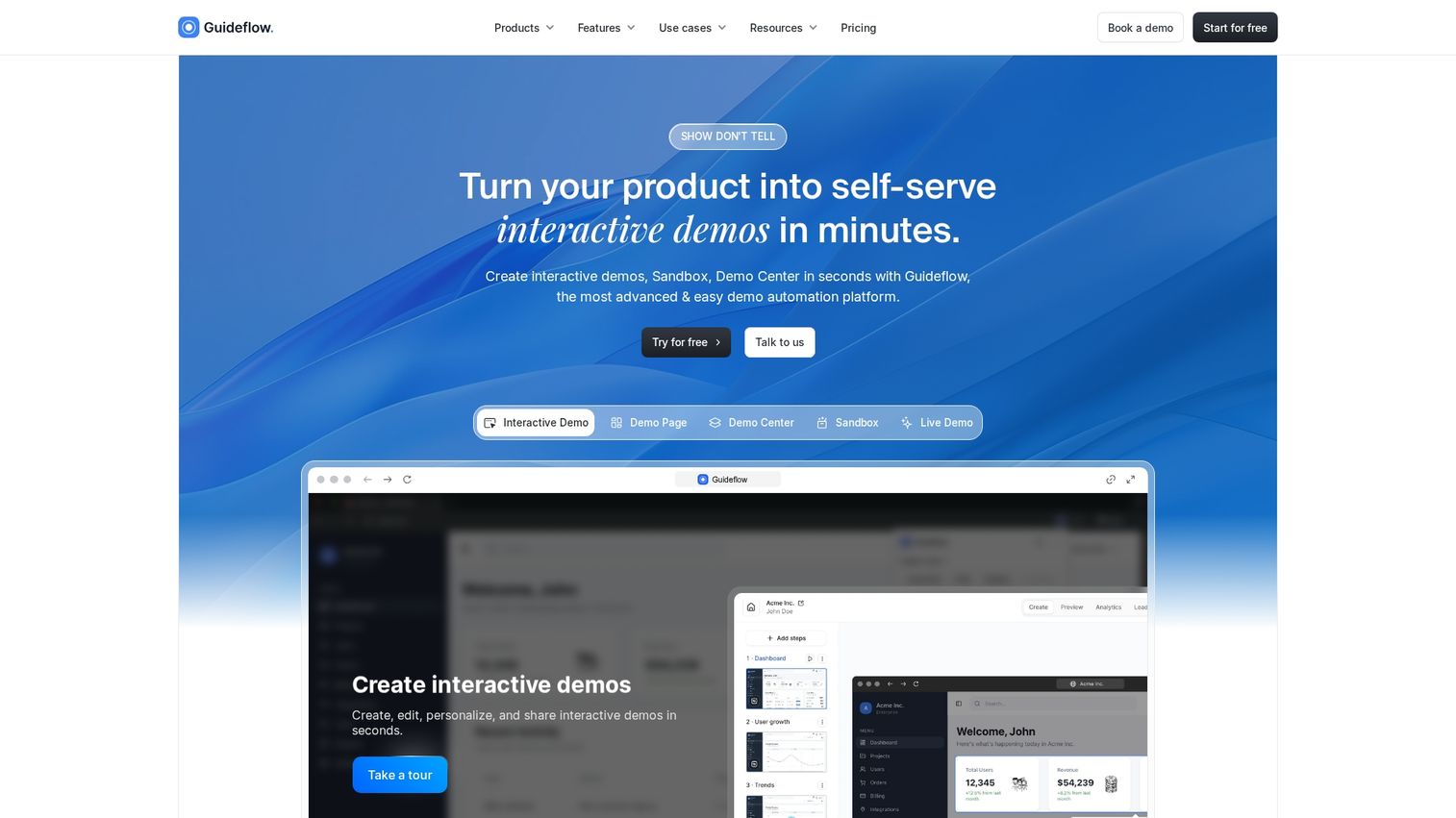
Guideflow is an interactive demo automation platform for teams that want prospects to experience the product before a call. Instead of pushing everyone into a “book a demo” funnel, you capture your product flow and turn it into clickable, step-by-step demos you can embed on landing pages, link in outbound, or drop into docs. Guideflow is as an AI demo automation suite built around interactive demos, demo pages, demo centers, sandboxes, and analytics.
If you are doing product marketing or pre-sales without interactive demos, the failure mode is predictable: your site converts on curiosity, but the user still cannot feel the product. That gap becomes manual work, more calls, more back-and-forth, and more drop-off.
Best for: Product marketing, growth, and presales teams using PLG-style distribution who want a self-serve “try it now” experience without engineering lift.
Key features
- Interactive demos + step-by-step guides: Create clickable walkthroughs and guided product narratives, designed to be shared broadly.
- Publish anywhere: Share via public links, embed on your site, and distribute through email, Notion, social, or ads.
- Analytics and conversion visibility: Track impressions, completion rate, leads collected, and engagement so you can see which flows actually move people.
- Lead capture in-demo: Paid tiers include lead forms and surveys, plus visitor identification.
- Integrations: Guideflow advertises 3,000+ integrations, which typically matters when you want demo engagement to feed your CRM and routing.
Why pick Guideflow?
Pick it when marketing automation for you is less about drip sequences and more about removing friction between interest and comprehension. Interactive demos and sandboxes can function like automation because they scale a core sales action: showing, not telling. Guideflow is explicitly built around that distribution mechanic, getting you higher value and outcomes for your marketing efforts.
Guideflow pricing
- Free: $0/month (includes 5 guideflows, unlimited viewers, 7-day analytics, watermark)
- Solo: $40/month (includes unlimited guideflows, advanced analytics, lead forms and surveys, visitor identification, AI features)
- Growth: $499/month
- Advanced: $1,499/month
- Enterprise: from $2,999/month
Start your journey with Guideflow today
2. Zapier
Zapier connects over 7,000 business apps so your marketing team can automate tasks across web forms, CRMs, email tools, and more, without writing code. You set up “trigger-action” workflows so things like lead capture, audience segmentation, and campaign reporting just happen in the background.When teams don’t automate this work, you end up copying data by hand, chasing updates, and missing follow-ups. Automating manual tasks with Zapier eliminates these time-consuming processes and improves task management by streamlining workflows across your tools. That leads to faster responses, fewer lost leads, and more complete customer records.
Best for: B2B marketing teams that need to link up scattered apps and automate lead management without custom development.
Check the interactive demo below to see how to schedule automations in Zapier:
Key features
- Multi-step workflows: Build automated sequences spanning multiple apps, with if/then logic and delays, from lead capture to nurturing.
- Lead routing and segmentation: Score leads and group audiences automatically based on actions and profile data.
- CRM automation: Assign leads, trigger follow-ups, and update deal stages without manual entry.
- AI data enrichment: Use AI tools to clean contact lists, deduplicate, infer intent, and draft personalized emails.
- Campaign performance tracking: Sync analytics, ad, and email data so you can track KPIs and get alerts in real time.
- Task routing: Automate and organize tasks across multiple apps and teams to streamline workflows.
Why pick Zapier?
Works well for teams with a patchwork of marketing platforms who want data to move automatically between them. Most useful for groups who don’t have the time or budget for custom integrations, but still need reliable automation.
Zapier pricing
Free plan available with limited credits, with pro plans starting at $19/month and Team plans from $69/month.
3. Brevo
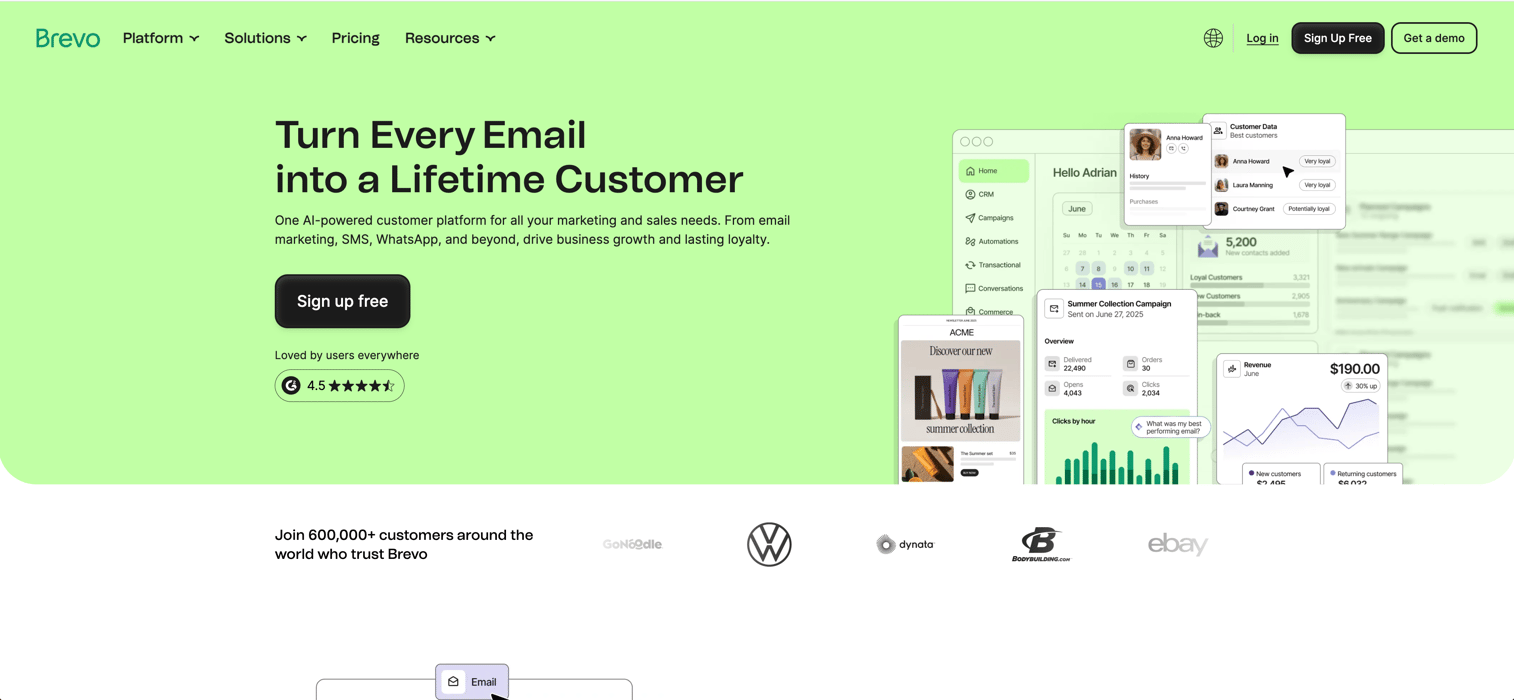
Brevo lets you automate customer journeys across email, SMS, WhatsApp, and web without writing code. As a marketing automation tool, it gives you a drag-and-drop workflow builder, tracks how people interact with your site, and sends tailored messages based on real actions - not just lists. Its marketing automation features are designed to drive user engagement by enabling personalized, timely communication across multiple channels. You can set up welcome series, abandoned cart recovery, and re-engagement campaigns without a marketing ops team or extra tools.
Without tool like this, you’re stuck manually segmenting lists, chasing triggers across platforms, and sending batch campaigns after the moment has passed. That means missed sales and slow responses every time someone abandons a cart or shows intent.
Best for: E-commerce operators or SMB marketers who want lifecycle automation without hiring a dedicated ops specialist.
Check the interactive demo below to see how to create automation in Brevo:
Key features
- Workflow builder: Build automated journeys with a visual editor, using templates or customizing every step.
- Multi-channel messaging: Trigger email, SMS, WhatsApp, push, and web messages from a single workflow.
- Website tracking: Monitor visitor behavior and fire off messages based on visits, cart activity, or custom events.
- Dynamic segmentation: Automatically group contacts by actions, location, or purchase history, and keep segments updated in real time.
- A/B testing: Test automation steps to see what drives conversions and optimize on actual results.
Why pick Brevo?
Most useful for smaller teams that need to automate cross-channel campaigns without adding tools or headcount. Works well when you want all messaging, tracking, and CRM in one place, especially for e-commerce.
Brevo pricing
Free plan lets you send up to 300 emails per day with unlimited contacts. Paid plans start at $9/month and scale up by email volume and features, with automation and advanced features unlocked on Standard and above. Enterprise pricing is custom, contact sales for details.
4. HubSpot Marketing Hub
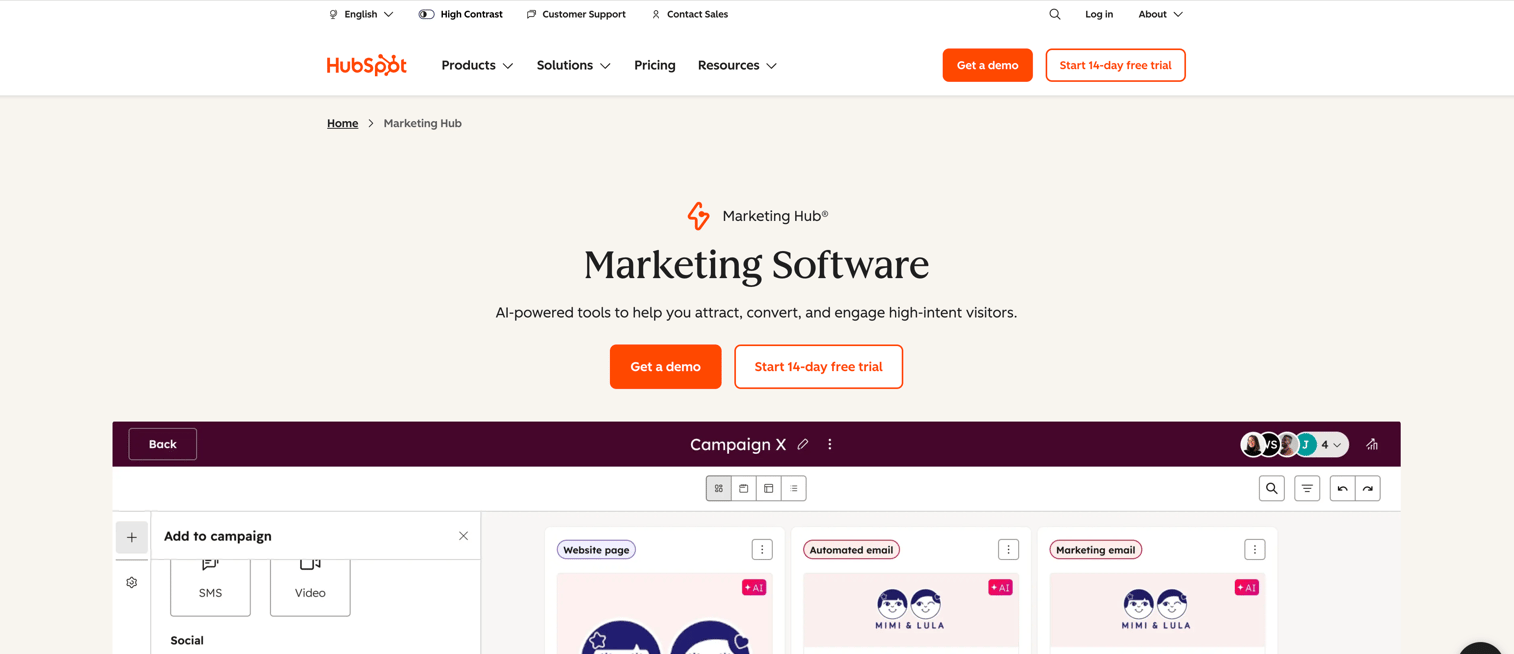
HubSpot Marketing Hub is an AI-powered marketing automation software aimed at teams that want to attract, convert, and engage leads using forms, email, workflows, and multi-channel sequences. You get direct integration with HubSpot CRM, enabling seamless data flow data for advanced automation and analytics. HubSpot's CRM capabilities support the entire customer journey, helping businesses improve customer relationships from lead generation to retention. The platform offers robust sales automation streamlining sales and marketing processes and enabling teams to automate sales workflows, manage pipelines, and personalize communications. Service automation tools are included for post-sale engagement and customer retention, ensuring a smooth experience throughout the customer lifecycle. HubSpot also provides revenue attribution reporting, helping you measure the impact of marketing and sales activities on overall revenue, and optimize your strategies accordingly.
This matters because teams relying on manual lead nurturing often lose track of which campaigns actually drive revenue and spend too much time chasing the wrong leads. You risk missing out on warm prospects or wasting effort on repetitive tasks that should be automatic.
Best for: B2B or B2C marketing teams who need to automate lead nurturing and track campaign impact across channels.
Key features
- Visual workflow builder: Build and automate complex workflows with drag-and-drop, branching, and goal-based logic.
- CRM: Seamlessly connect with your website system to enhance lead management, automate workflows, and enable targeted marketing campaigns.
- Data management: Leverage crm data for customer segmentation, predictive analytics, and personalized marketing automation.
- Lead tracking: Track customer interactions, capture data, and integrate with sales, marketing, and support tools to improve decision-making and customer satisfaction.
- Sales automation: Automate sales-related tasks such as follow-ups, lead scoring, and deal progression to streamline your sales process and improve team efficiency.
- Sales platform: Access a comprehensive solution that combines live chat, automated chatbots, CRM capabilities, and multi-channel marketing automation to facilitate sales and customer engagement.
- Customer lifecycle management: Visualize and automate every stage of the customer lifecycle, from lead generation to retention and ongoing support.
- Email campaigns and sequences: Automate personalized follow-ups and combine channels like LinkedIn and phone for outreach.
- Lead scoring and prioritization: AI ranks leads by engagement so your team can focus on those most likely to convert.
- Campaign grouping and tracking: Organize all assets under one campaign and see which sources drive actual results.
- Attribution and revenue reporting: See which campaigns and channels generate revenue and track sales performance by pipeline stage, with advanced revenue attribution capabilities.
Why pick HubSpot Marketing Hub?
Works well for teams that want marketing, sales, and CRM in one place and need automation that non-technical users can handle. Suited to operators who care about tying marketing actions to pipeline outcomes without juggling multiple tools.
Check the interactive demo below to see how to automate emails in HubSpot:
HubSpot Marketing Hub pricing
Starter, Professional, and Enterprise tiers exist, starting from $800/month for the Marketing Hub Plan that includes all the marketing automation related features. Lower priced plans are available but they don’t cover the marketing automation capabilities that come with the Marketing Hub or higher-tier plans.
5. Omnisend
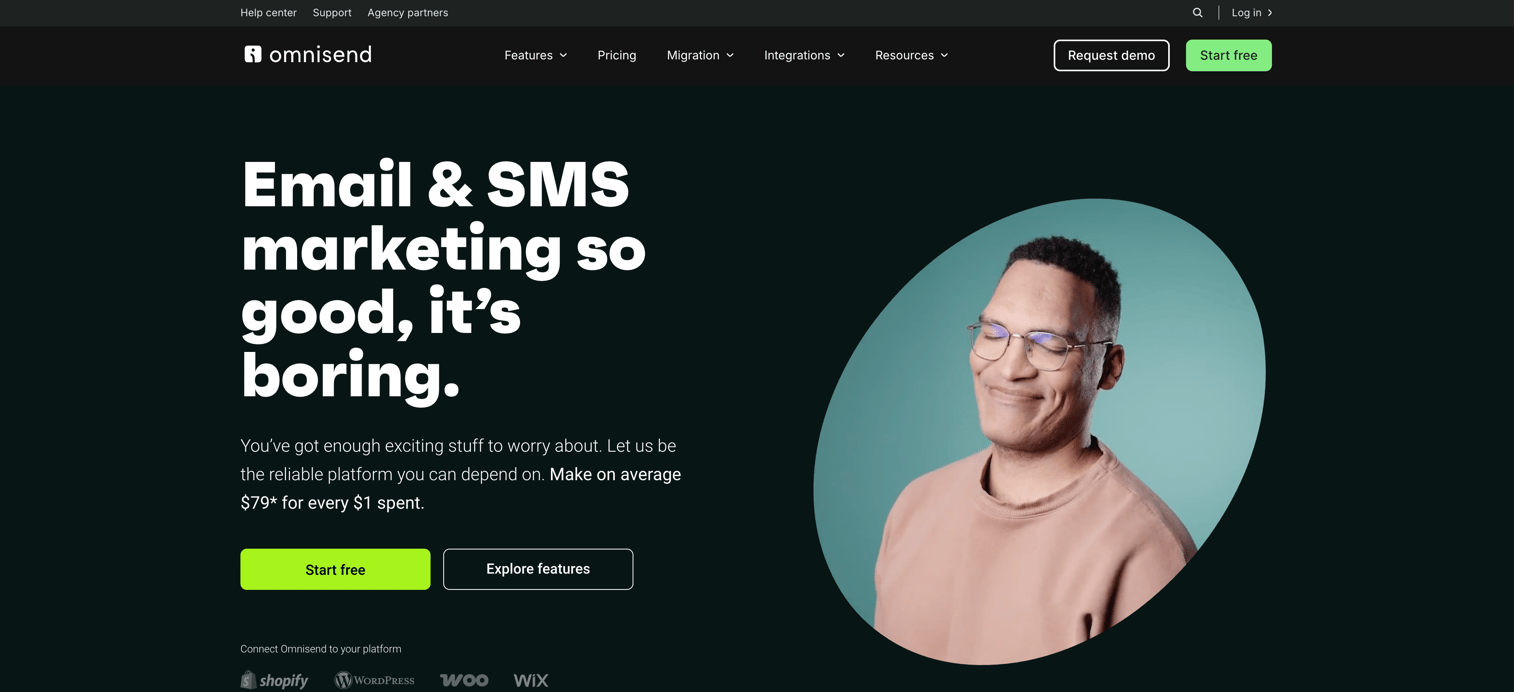
Omnisend is a marketing automation tool built for ecommerce teams who want to manage email, SMS, and push notifications in one place. As both an email marketing tool and an email service provider, Omnisend enables you to automate and manage email campaigns with advanced features and reliable delivery. You get a visual, no-code editor to set up automated sequences like welcome emails or abandoned cart reminders without wrangling separate tools or writing code. Omnisend also supports social media marketing by allowing you to integrate social channels into your campaigns and automates social media posting as part of its multi-channel workflows.
If you’re still sending one-off blasts or juggling manual campaigns across channels, you’ll miss high-converting moments and send inconsistent messages. The biggest failure mode: abandoned carts go untouched, and you leave easy revenue on the table.
Best for: Ecommerce retailers on Shopify, WooCommerce, BigCommerce, or Wix who want to automate multi-channel campaigns and recover lost sales without technical complexity.
Key features
- Drag-and-drop builder: Build email and SMS campaigns using ecommerce templates with no coding.
- Email marketing tools: Access a suite of tools for automating and managing email campaigns, including advanced scheduling, personalization, and integrations for higher ROI.
- ESP capabilities: Benefit from reliable email delivery, list management, and robust automation features designed for effective marketing campaigns.
- Social media marketing: Manage and automate social media campaigns as part of your overall marketing automation strategy.
- Social media posting automation: Streamline and schedule posts across multiple social platforms to maintain consistent engagement.
- Visual workflows: Set up conditional logic and multi-channel sequences in a single editor.
- Behavioral segmentation: Target customers by purchase history, cart activity, and more for better personalization.
- Pre-built automation templates: Use ready-made flows for abandoned cart, welcome, and order updates.
- Real-time analytics: Track opens, clicks, conversions, and revenue for every campaign.
Why pick Omnisend?
Most useful for small ecommerce teams who need easy, transactional automation tied to store events. Not the tool for deep, non-ecommerce nurture or heavy customization.
Omnisend pricing
Plans start with a free tier (500 emails/month, 60 SMS credits). Paid plans start at $16/month, and pricing scales with contact count. Starter discounts are available for new subscribers.
6. ActiveCampaign
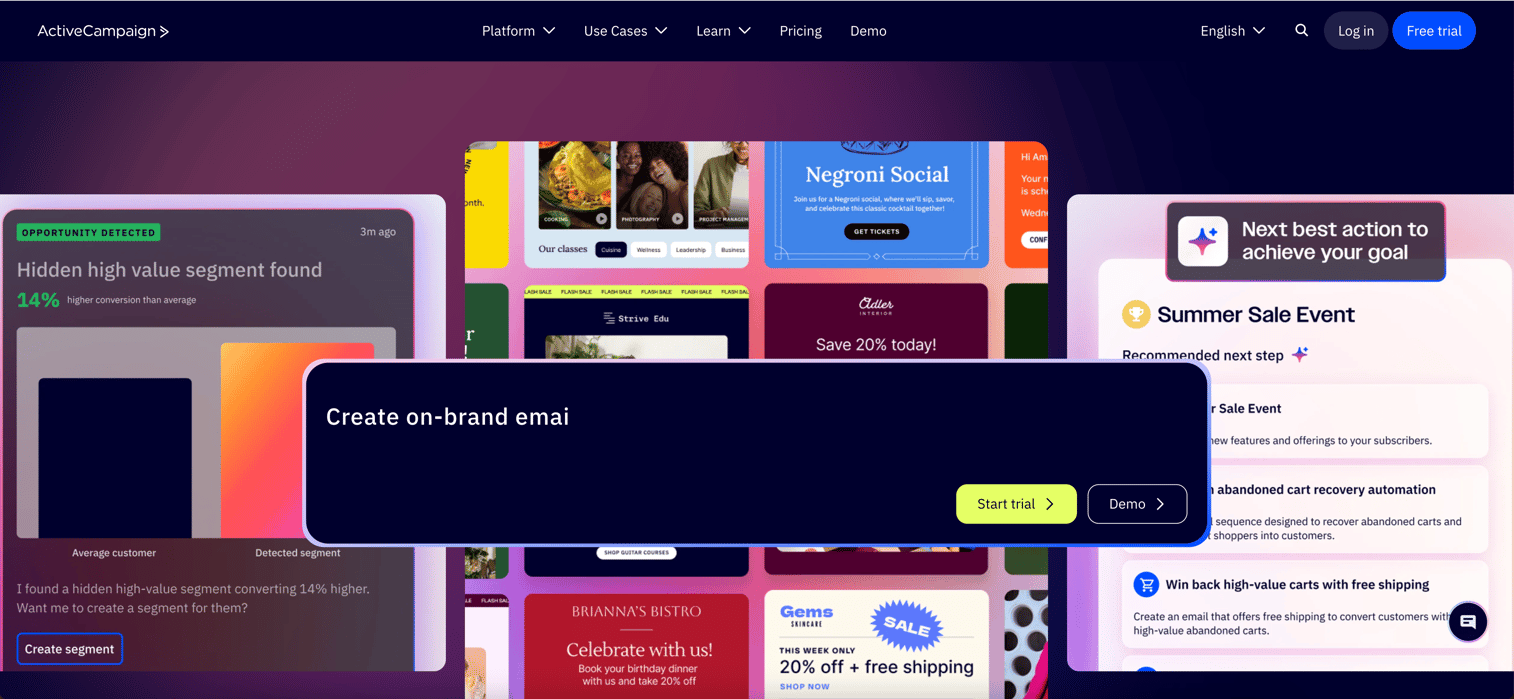
ActiveCampaign automates the grunt work in marketing automation software - things like behavior-based emails, CRM updates, and keeping contact data fresh across channels like SMS and WhatsApp. Its robust CRM tools and seamless CRM integration allow you to leverage CRM data for customer segmentation, workflow automation, and predictive analytics. ActiveCampaign supports comprehensive customer relationship management, helping businesses manage customer relationships and visualize the entire customer journey from lead generation to retention.
You get organized profiles, trigger actions based on what leads actually do, and connect marketing with sales in a way that keeps everyone on the same page. The platform offers advanced sales automation features, acting as a sales platform that streamlines sales processes, automates follow-ups, and customizes sales pipelines to fit your business needs. Service automation is also built in, supporting post-sale engagement and ongoing customer support.
ActiveCampaign’s analytics and reporting include revenue attribution, so you can measure the impact of your marketing and sales activities on overall revenue.
Without it, teams are left tagging contacts by hand, missing key follow-ups on things like cart abandonment, and dealing with sales and marketing data that doesn’t match up. That usually means leads fall through the cracks and revenue slows down.
Best for: Small to mid-sized teams who need to automate personalized customer journeys and tie marketing directly to sales actions.
Check the interactive demo below to see how to create email campaigns from scratch in ActiveCampaign:
Key features
- Automation workflows: Respond to user actions in real time without manual steps.
- Built-in CRM: Track deals and contacts and link marketing triggers to sales tasks.
- Sales automation: Automate sales tasks such as lead scoring, follow-ups, and pipeline progression to boost team efficiency.
- Audience segmentation: Target messages based on tags, behavior, or location for more relevant outreach.
- Multi-channel messaging: Run campaigns across email, SMS, WhatsApp, and social channels from one place.
Why pick ActiveCampaign?
Most useful for teams running multi-channel campaigns that also need sales pipeline automation tied in. It works well for those who want deeper automation than basic drip emails and don’t want to juggle separate tools.
ActiveCampaign pricing
Custom pricing. Official plans (Starter, Plus, Professional) and feature add-ons are listed, but actual costs are gated.
7. Customer.io
Customer.io collects your first-party customer data from any source, letting you build real-time segments and automate journeys across email, SMS, push, and in-app. This is not another system that leaves you manually syncing lists or juggling disconnected channels -it’s built for teams running behavior-based campaigns like onboarding, cart recovery, or retention without data getting stale. Customer.io also helps automate engagement and retention, ensuring personalized communication and stronger relationships.
What matters here is accuracy and timing. If your data and messaging tools are out of sync, you end up with outdated segments and mistimed messages, like sending a follow-up email after a user already ignored an in-app prompt. That means lower conversion and wasted developer hours.
Best for: SaaS, e-commerce, or mobile teams that need reliable, data-driven lifecycle messaging based on real-time events.
Check the interactive demo below to see how to automate follow-ups in Customer.io:
Key features
- Visual journeys builder: Drag-and-drop triggers, delays, and branches to shape multi-channel workflows without code.
- Live behavioral segmentation: Instantly targets users using any combination of real-time events or custom data.
- Omnichannel delivery: Coordinates email, SMS, push, in-app, and webhooks within the same workflow.
- Data integrations: Syncs with warehouses, ad audiences, and APIs to keep customer profiles up to date.
- AI workflow tools: Generates segments, content, and insights from your own data to speed up campaign setup.
Why pick Customer.io?
Works well for teams with developer resources and complex data needs who want flexible automation built around their actual events and objects. Not ideal if you want simple templates or fast setup without technical help.
Customer.io pricing
Essentials plan starts at $100/month for up to 5,000 profiles and 1 million monthly email sends; add-ons and extra usage increase the price. Premium plans start at $1,000/month with more integrations and features, while Enterprise is custom quoted.
8. Ortto
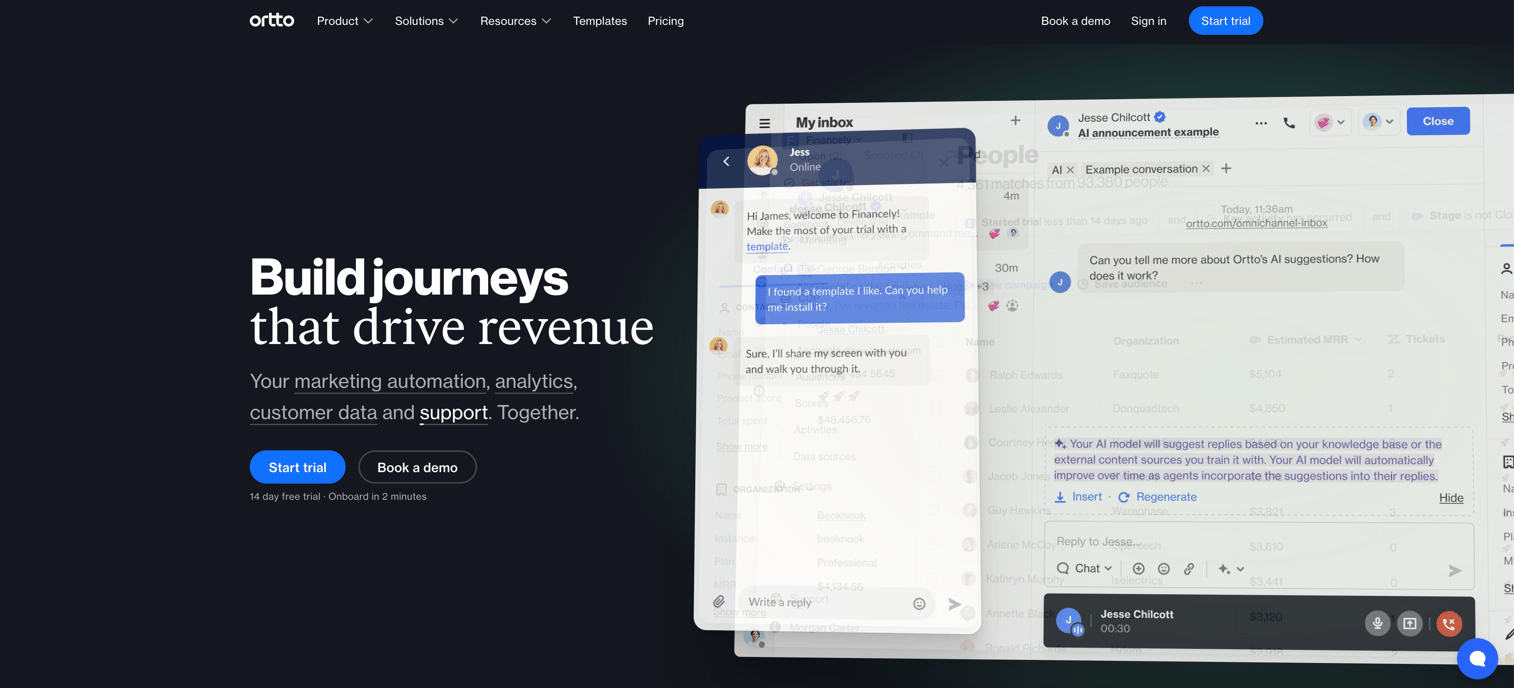
Ortto pulls together your customer data and lets you build automated journeys across email, SMS, push, pop-ups, and ads. With robust CRM integration, Ortto connects seamlessly to your existing CRM tools, leveraging crm data for advanced segmentation, workflow automation, and predictive analytics. Service automation tools also support post-sale engagement, nurturing, and customer retention. Ortto’s analytics include revenue attribution, so you can measure the impact of marketing and sales activities on your bottom line. Its customer engagement features help track, analyze, and improve every interaction, ultimately strengthening customer relationships and campaign effectiveness. The core idea: you set up rules and triggers based on real user behavior, then let campaigns run themselves, with AI handling segmentation and lead scoring. This matters if you’re tired of spreadsheets and disconnected CRMs slowing you down, since Ortto keeps everything in one place and cuts out a lot of manual list-building.
Without something like this, teams often patch together data from different apps, which leads to slow or mistimed messages, missed leads, and wasted time chasing low-priority contacts instead of the ones ready to buy. You end up with messy lists, untargeted blasts, and slower conversion because analytics is siloed.
Best for: Mid-sized marketing teams who want to automate multi-channel campaigns and use AI to prioritize and nurture leads with less manual work.
Key features
- Visual journey builder: Map out automated customer journeys with triggers and actions, so leads move through the funnel without handholding.
- AI filters: Use plain language to create smart segments fast, saving hours on complex audience rules.
- Lead scoring: Assigns and updates scores based on real behavior, helping you focus on contacts who are actually engaged.
- Omnichannel messaging: Run consistent outreach across email, SMS, push, and ads, all powered by current data.
- 300+ integrations: Connects with tools like Slack, Salesforce, and Shopify to automate tasks
- CRM integration: Seamlessly connect with customer relationship management systems to enhance lead management and enable targeted marketing campaigns.
- CRM tools: Utilize advanced CRM tools to streamline data management and improve sales and service efficiency.
- Customer relationship management: Track customer interactions, capture data, and integrate with sales, marketing, and support tools for better decision-making.
- Sales automation: Automate sales tasks, assign follow-ups, and personalize communications to streamline your sales process.
Why pick Ortto?
Works well for teams who need to unify messy contact data and automate campaigns across multiple channels without coding. Most useful for marketers who want AI-powered segmentation and scoring built into their existing workflows.
Ortto pricing
Starter plans begin at $169 per month, scaling with contacts (for example, $237 per month for 10,000 contacts). Professional plans start at $509 per month (annual, 10,000 contacts), and Enterprise is custom. Discounts are available for quarterly and annual billing.
9. Mailchimp
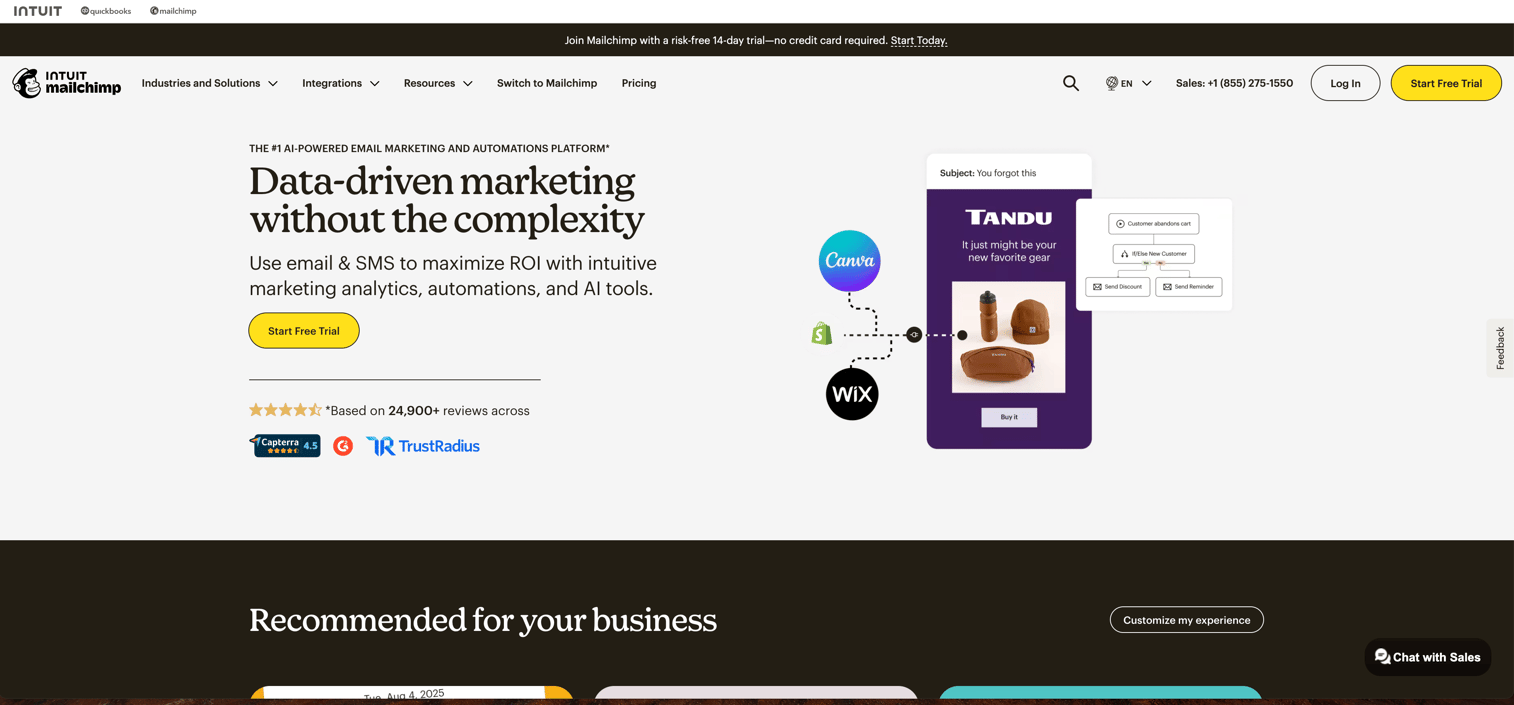
Mailchimp is a marketing automation platform that helps you send targeted email campaigns, automate customer journeys, segment audiences, and connect directly to e-commerce tools like Shopify and WooCommerce. As an email marketing tool, Mailchimp offers robust automation, integrations, and deliverability for managing and optimizing email campaigns. Its content management features allow you to organize, update, and reuse marketing assets across campaigns, ensuring consistency and easy integration with other marketing tools. As a marketing automation software, it lets you set up abandoned cart reminders, retargeting ads, and personalized messaging triggered by customer behavior, all without needing to code or pull manual lists. Mailchimp also helps nurture existing customers through automated workflows and is especially suitable for small businesses due to its ease of use, affordability, and scalability.
This matters because the alternative is tracking customers in spreadsheets and chasing follow-ups one by one. If you miss a timely nudge - like sending a post-purchase survey or re-engaging someone who abandoned their cart - you lose repeat orders and let leads slip away.
Best for: Small e-commerce teams wanting to automate cart recovery and nurture repeat purchases based on what shoppers actually do.
Check the interactive demo below to see how to create automation from scratch in MailChimp:
Key features
- Audience segmentation: Target specific groups based on demographics, engagement, or shopping behavior.
- Marketing automation flows: Build drag-and-drop customer journeys triggered by actions like signups or purchases.
- A/B testing: Test subject lines or content in emails and automatically send what works best.
- E-commerce integrations: Sync customer and order data from platforms like Shopify or WooCommerce to automate follow-ups.
- Retargeting ads: Show ads to your site visitors or email contacts across Google, Facebook, and Instagram.
- Email marketing tools: Access a suite of email marketing tools for automating, designing, and managing campaigns to maximize ROI.
- Content management: Organize, update, and reuse assets efficiently with built-in content management system features that integrate with your marketing stack.
- Features for small businesses: Enjoy user-friendly, scalable, and cost-effective solutions tailored for small businesses and entrepreneurs.
Why pick Mailchimp?
Most useful for small e-commerce teams automating follow-ups and personalizing campaigns using customer data. It’s a good fit when you want drag-and-drop automation and don’t need deep enterprise customization.
Mailchimp pricing
Free plan exists with contact limits and paid plans start from $9/month with Premium plans at $254/month.
What to consider before choosing your marketing automation tools
The best marketing automation tool depends on what your team needs most: seamless workflow automation across channels, real-time audience segmentation, and tight CRM or e-commerce integrations. When comparing marketing software, be sure to evaluate all the features included in each business plan to ensure the solution meets your requirements now and as you scale. Look for tools with visual builders and templates if you want fast setup, but prioritize deep data integrations and behavior-based triggers if complex, personalized journeys matter to your business.
Why teams are choosing Guideflow
- Unified automation and personalization: Guideflow stands out for letting you automate multi-step marketing journeys and personalize outreach without writing code.
- Visual no-code builder: Teams can build and tweak workflows with a drag-and-drop interface, cutting setup time and lowering the need for technical help.
- Real-time segmentation: Dynamic audience profiles update instantly, so campaigns can react to user actions as they happen.
- Extensive integrations: Guideflow connects with 2,500+ apps, keeping your stack in sync and automations running end-to-end.
Conclusion
Here’s the practical way to decide: each marketing automation tool shines for a specific use case - whether it’s e-commerce, B2B outbound, or multi-channel lifecycle campaigns. Most trade off between ease of setup, depth of automation, and the level of customization. There’s no universal “best” tool, only the best fit for your stack and workflow. As you compare options, be sure to review all the features included in each business plan and consider how the marketing software integrates with your existing processes.
The next step? Try a free plan or demo with your real use case to see how each platform handles your team’s actual needs.
Start your journey with Guideflow today!
FAQs
Marketing automation software is a category of tools that automates repetitive marketing tasks like email campaigns, lead scoring, social media posts, and customer journeys. Platforms such as HubSpot, ActiveCampaign, and Mailchimp use triggers and workflows to send personalized messages at scale and tie marketing actions to revenue.
You should consider marketing automation tools once manual campaign management takes more than 10 hours a week, you’re tracking over 500 active prospects, or leads are regularly slipping through the cracks. At that point, automation helps you nurture leads more consistently, improve personalization, and give sales better-qualified opportunities.
Modern marketing automation software increases revenue by nurturing leads with timely, behavior-based campaigns and reducing manual errors and missed follow-ups. Salesforce’s State of Marketing report shows most marketing leaders see direct revenue gains from automation, and many teams save 12+ hours per week on repetitive campaign tasks.
To choose the best marketing automation software, match tools to your team size, technical skills, and primary use case (e.g., ecommerce, B2B outbound, multi-channel lifecycle). Look closely at features like visual workflow builders, CRM or ecommerce integrations, real-time segmentation, and pricing tiers from vendors like Brevo, Customer.io, and Ortto.
Ecommerce brands typically benefit most from marketing automation tools like Omnisend, Mailchimp, and Brevo that specialize in email, SMS, and cart recovery flows. These platforms connect directly with Shopify, WooCommerce, or BigCommerce and offer prebuilt templates for abandoned carts, order updates, and product recommendations.
B2B and SaaS teams often prefer marketing automation platforms such as HubSpot Marketing Hub, ActiveCampaign, and Customer.io. These tools support complex lead scoring, account-based marketing, CRM syncing, and data-driven lifecycle messaging for trials, onboarding, and renewals.
Many marketing automation tools like HubSpot, Mailchimp, and Omnisend offer no-code, drag-and-drop builders so non-technical marketers can create workflows. More advanced platforms such as Customer.io may require developer support for event tracking and data integrations, especially in complex SaaS environments.
Most marketing automation software integrates with CRMs, ecommerce platforms, analytics tools, and ad networks through native connectors or integration hubs like Zapier and Guideflow. Leading tools support thousands of apps, enabling automated lead capture, data enrichment, and cross-channel campaign management without custom code.
Pricing for marketing automation tools usually scales with contact volume, email/SMS usage, and feature depth. Some platforms like Brevo and Omnisend offer free tiers for smaller lists, while others such as Customer.io, Ortto, and HubSpot move quickly into three-figure or enterprise-level custom pricing as your database and needs grow.
Yes, small teams and startups often see outsized benefits from marketing automation software because it replaces manual outreach and list management they don’t have headcount for. Tools like Brevo and Mailchimp are designed to give lean growth teams no-code workflows, prebuilt templates, and affordable entry-level plans.










