You’ve spent two hours customizing a demo deck. The prospect cancels 20 minutes before the call. When they finally show up three weeks later, half the stakeholders are missing and you’re starting from scratch. According to Gartner, 77% of B2B buyers describe their purchase process as extremely complex, with an average of 6 to 10 stakeholders involved in each decision. The problem isn’t your pitch. It’s the cognitive cost you’re asking prospects to pay upfront before they even understand what you do.
Presales software changes that equation. This guide walks through 29 platforms across different categories, features, pricing models, and use cases to help you find the right fit.
TL;DR
- Guideflow enhances presales by providing interactive product demos that prospects can explore independently, saving time and resources.
- Teams benefit from personalization and engagement analytics, allowing them to track who interacts with demos and identify high-intent leads.
- Integrations with CRM software like Salesforce and HubSpot streamline data management and improve handoffs between sales and presales teams.
- Ideal for high-velocity SaaS teams that need to qualify leads quickly using self-serve demos.
What’s inside
This comparison covers 29 presales software platforms evaluated on features, pricing, ease of use, and best-fit scenarios. You’ll find tools across multiple categories, including interactive demo platforms like Guideflow, alongside RFP automation tools, proposal software, sales enablement systems, and technical discovery platforms. Each section identifies when to use each tool, what trade-offs exist, and which teams benefit most.
What is presales software
Presales software helps teams reduce the time and friction between initial contact and qualified opportunity. This category includes solutions like interactive demo platforms or sandbox environments that let prospects explore products independently, RFP response automation that accelerates proposal cycles, sales enablement systems that centralize technical content, proposal builders that standardize pricing and packaging, and discovery tools that map stakeholder requirements before formal evaluation.
These platforms improve conversion rates by lowering the cognitive cost of evaluation, reduce sales cycle length by removing scheduling bottlenecks, and increase win rates by surfacing buying intent earlier in the process.
When to use presales tools
Use presales software when:
- Demo scheduling becomes a bottleneck: Your SEs are overbooked and prospects wait days for a basic product walkthrough.
- Prospects need to share evaluations with multiple stakeholders: Buying committees require async access to explore features on their own time.
- Your sales team spends more time on demo prep than actual selling: Manual data setup, environment configuration, or slide customization eats hours per deal.
- Technical discovery is inconsistent: Requirements gathering varies by rep, leading to misaligned demos or missed deal-blockers.
- You need visibility into presales capacity and pipeline health: Presales team members use management software to track pipeline data, coordinate activities, and improve collaboration, making SE workload, deal engagement, and forecast accuracy data-driven instead of guesswork.
- Sales onboarding and coaching lack consistency: New reps take too long to ramp and veteran reps drift from best practices.
Presales software is particularly effective for complex B2B products where understanding requires hands-on exploration, not just explanation - and where presales processes create friction that stalls deals or wastes team capacity.
Top Presales Software Solutions for 2026
The presales software table below compares cherry-picked tools for demo automation, onboarding, analytics, and pipeline management. See each solution’s best use case, standout feature, pricing, and G2 rating to find the right fit for your needs.
| No. | Product Name | Intent | Use case | Pricing starts at | G2 rating |
|---|---|---|---|---|---|
| 1 | Guideflow | Interactive Product Demos | Interactive demo builder | Free + $35/mo | 5.0/5 |
| 2 | Salesforce Sales Cloud | Deal workflow automation | Account & pipeline mgmt | Free + $25/mo | 4.4/5 |
| 3 | HubSpot CRM | SMB sales process tracking | Contact management | Free + $9/mo | 4.4/5 |
| 4 | Microsoft Dynamics 365 CRM | Enterprise sales coordination | Unified customer view | Free trial + $65/mo | 4.4/5 |
| 5 | Zoho CRM | SMB lead management | Visual pipeline | Free + ₹2,600/mo | 4.1/5 |
| 6 | Workbooks CRM | Quote-to-invoice workflow | No-code customization | Free + $45/mo | 4.2/5 |
| 7 | Chili Piper | High-volume demo scheduling | Lead routing automation | Custom pricing | 4.6/5 |
| 8 | Calendly | Demo scheduling | Calendar sync | Free + $16/mo | 4.7/5 |
| 9 | Loom | Async demo walkthroughs | Screen recording | Free + $15/mo | 4.7/5 |
| 10 | Lucidchart | Technical workflow diagrams | AI diagramming | Free + $9/mo | 4.5/5 |
| 11 | Miro | Collaborative whiteboarding | Infinite canvas | Free + $16/mo | 4.7/5 |
| 12 | Zoom | Live demos & client calls | HD video meetings | Free + Custom | 4.6/5 |
| 13 | Gong | Conversation analytics | Automated call capture | Custom pricing | 4.8/5 |
| 14 | Chorus (ZoomInfo) | Call recording & coaching | AI call analysis | Custom pricing | 4.5/5 |
| 15 | Fathom | AI meeting summaries | Transcription & highlights | Free + $18/mo | 5.0/5 |
| 16 | Revenue Grid | Salesforce workflow syncing | Auto data capture | $30/mo + Custom | 4.6/5 |
| 17 | Loopio | RFP response automation | Central content library | $20,000/yr + Custom | 4.7/5 |
| 18 | Responsive | AI RFP response drafting | Auto respond | Custom pricing | 4.5/5 |
| 19 | Vanta Trust Center | Security validation portal | Compliance portal | Custom pricing | 4.6/5 |
| 20 | Oracle CPQ | Complex quoting | Guided selling engine | Custom pricing | 4.0/5 |
| 21 | PandaDoc | Sales doc automation | Templates & eSignatures | Free + $19/mo | 4.7/5 |
| 22 | DocSend | Document engagement tracking | Document analytics | $10/mo+ | 4.6/5 |
| 23 | GetAccept | Digital sales rooms | CPQ & eSignatures | $25/mo + Custom | 4.6/5 |
| 24 | Proposify | Proposal creation/analytics | Drag-and-drop editor | $19/mo + Custom | 4.6/5 |
| 25 | DocuSign | Agreement processing | eSignature & workflow | $10/mo+ | 4.5/5 |
| 26 | Dropbox Sign | Dropbox eSignatures | Drag-and-drop fields | Free + $17.50/mo | 4.7/5 |
| 27 | Outreach | Sales execution automation | Automated sequences | Custom pricing | 4.3/5 |
| 28 | Salesloft | AI sales engagement | Cadence management | Custom pricing | 4.5/5 |
| 29 | Salesforge | Automated cold outreach | AI personalization | $48/mo | 4.6/5 |
Presales software #1: Guideflow
Guideflow is a presales tool for teams who want to create interactive product demos that prospects can explore on their own. Instead of relying on live demos or pulling in pre-sales engineers for every prospect, you can build guided, step-by-step walkthroughs from screenshots or HTML recordings, personalize them, and track who’s actually engaging.
This matters because teams often waste hours prepping and running live demos for low-intent leads, only to get vague signals about interest and next steps. Without a way to share reusable, trackable demos, you end up with inconsistent messaging and pre-sales resources bogged down in repetitive work instead of focusing on strategic deals.
Best for: High-velocity SaaS teams qualifying leads quickly using data from interactive, self-serve demos. Product marketing and growth teams dealing with high inbound or complex products who need to quickly personalize demos and know which prospects are ready for a call.
Key features
- Step-by-step editor: Build interactive product walkthroughs in minutes, no coding or technical skills needed.
- Personalization tools: Adapt demos for each prospect with AI text tweaks, variables, and data masking.
- Engagement analytics: See impressions, completion rates, and drop-off points to spot high-intent leads fast.
- CRM integrations: Syncs with Salesforce, HubSpot, and Pipedrive to score leads and automate handoffs.
- Demo templates library: Store and reuse demo flows by persona or industry to speed up future prep.
Why pick Guideflow?
Works well for SaaS presales teams handling lots of demo requests and needing proof of prospect engagement before investing deeper time. Most useful when you want a repeatable, measurable demo and sandbox process that doesn’t require live calls for every lead.
Guideflow pricing
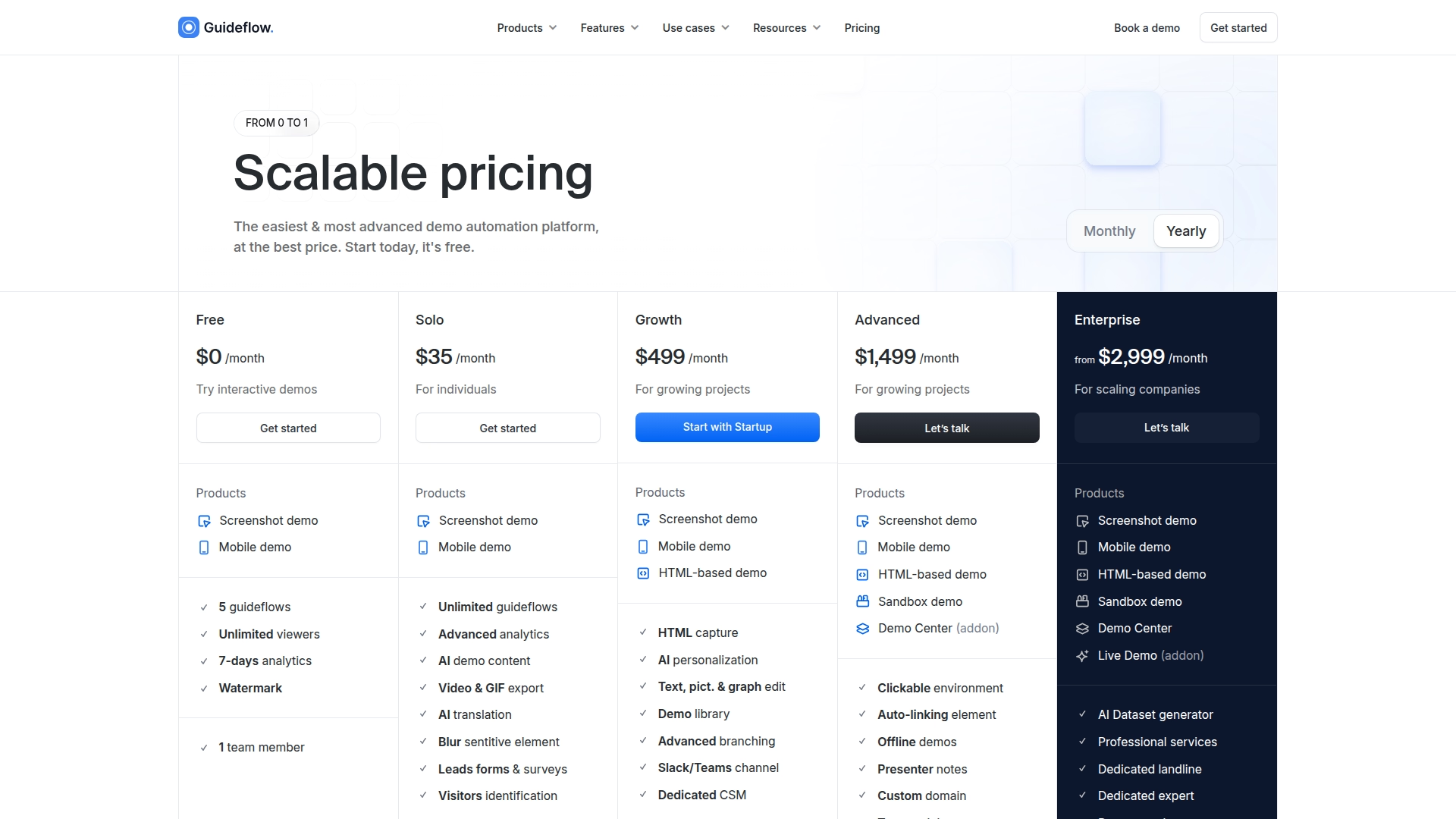
There’s a Free plan with usage limits, then paid plans: Solo ($35/month), Growth ($499/month), Advanced ($1,499/month), and Enterprise (from $3,499/month). Features and included seats scale by plan, and some advanced options like sandbox demos require higher tiers.
CRM & pipeline
CRM platforms serve as the single source of truth for customer data, deal progress, and presales activity, ensuring nothing falls through the cracks during technical validation.
Presales software #2: Salesforce Sales Cloud
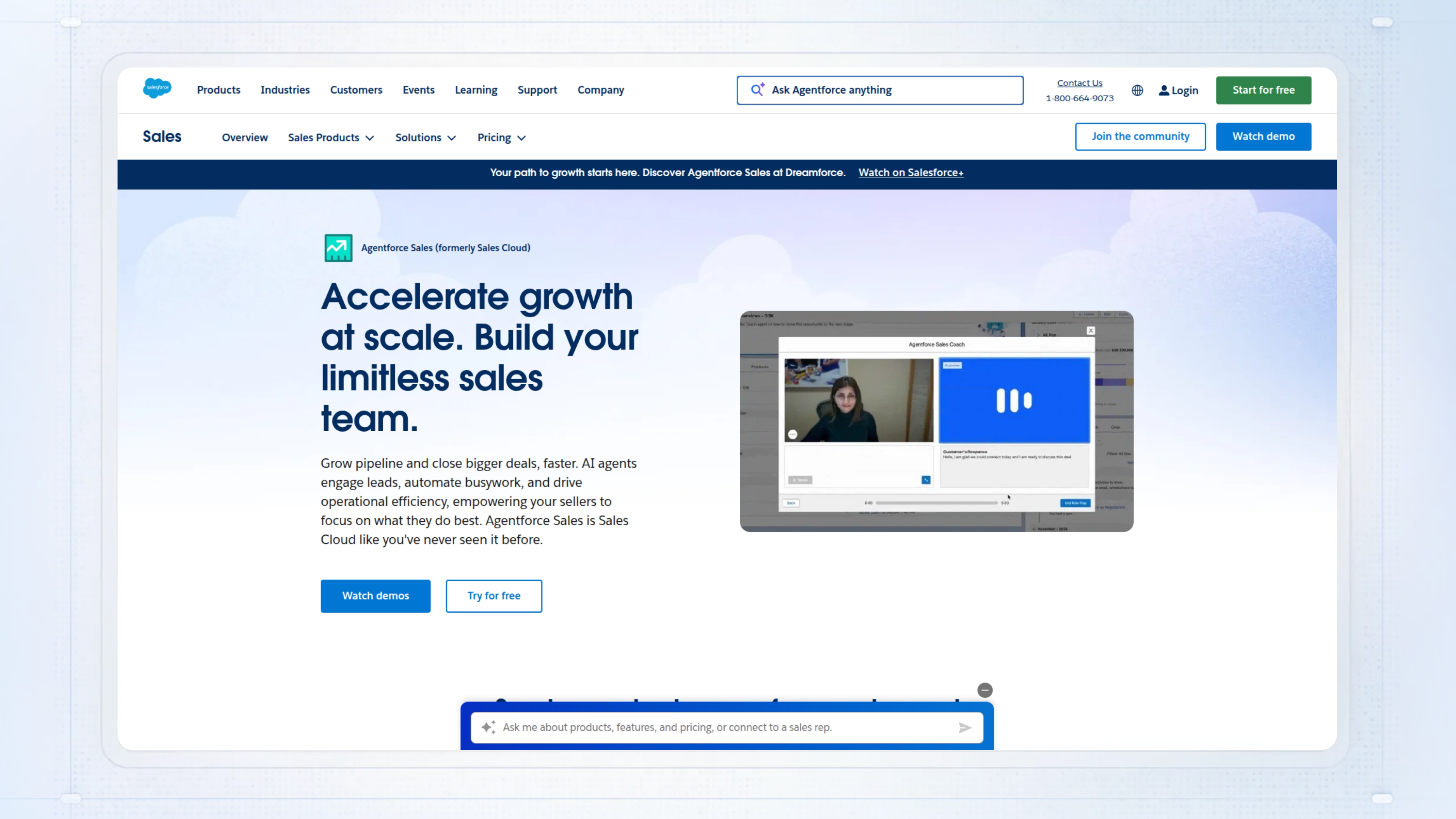
Salesforce Sales Cloud automates sales workflows so teams can track leads, manage opportunities, and forecast using unified customer data and built-in AI. As a presales tool, it gives you one place to capture technical requirements, align with AEs on next steps, and keep customer context visible before, during, and after demos.
When you’re forced to track discovery notes, demo outcomes, and RFP status in different tools, details slip through the cracks. This leads to inconsistent handoffs, missed follow-ups, and deals stalling in technical validation.
Best for: Mid-to-large sales or presales teams that need standardized deal workflows and want to improve forecast accuracy with real-time analytics.
Key features
- Account and Contact Management: Keeps all prospect and customer details in one view so you don’t lose track of technical stakeholders.
- Lead Management: Prioritizes and assigns leads with AI, helping your team focus effort on the highest-value prospects.
- Opportunity and Forecasting: Surfaces real-time pipeline data and uses AI models to predict revenue and spot at-risk deals.
- Sales Workspace: Gives you a single hub to track performance, AI-suggested actions, and next steps, cutting down manual updates.
- Mobile Access: Lets you update records, log calls, and check deal progress from any device, even between on-sites or late calls.
Why pick Salesforce Sales Cloud?
Works well for presales and sales teams handling complex, multi-stakeholder deals where account context and forecasting matter. Also a good fit if you need team selling, workflow approvals, or want AI-driven insights built into daily tools.
Salesforce Sales Cloud pricing
Free plan available. Paid plans starts at $25/month per seat and goes to $100 for the Pro Suite plan.
Presales software #3: HubSpot CRM
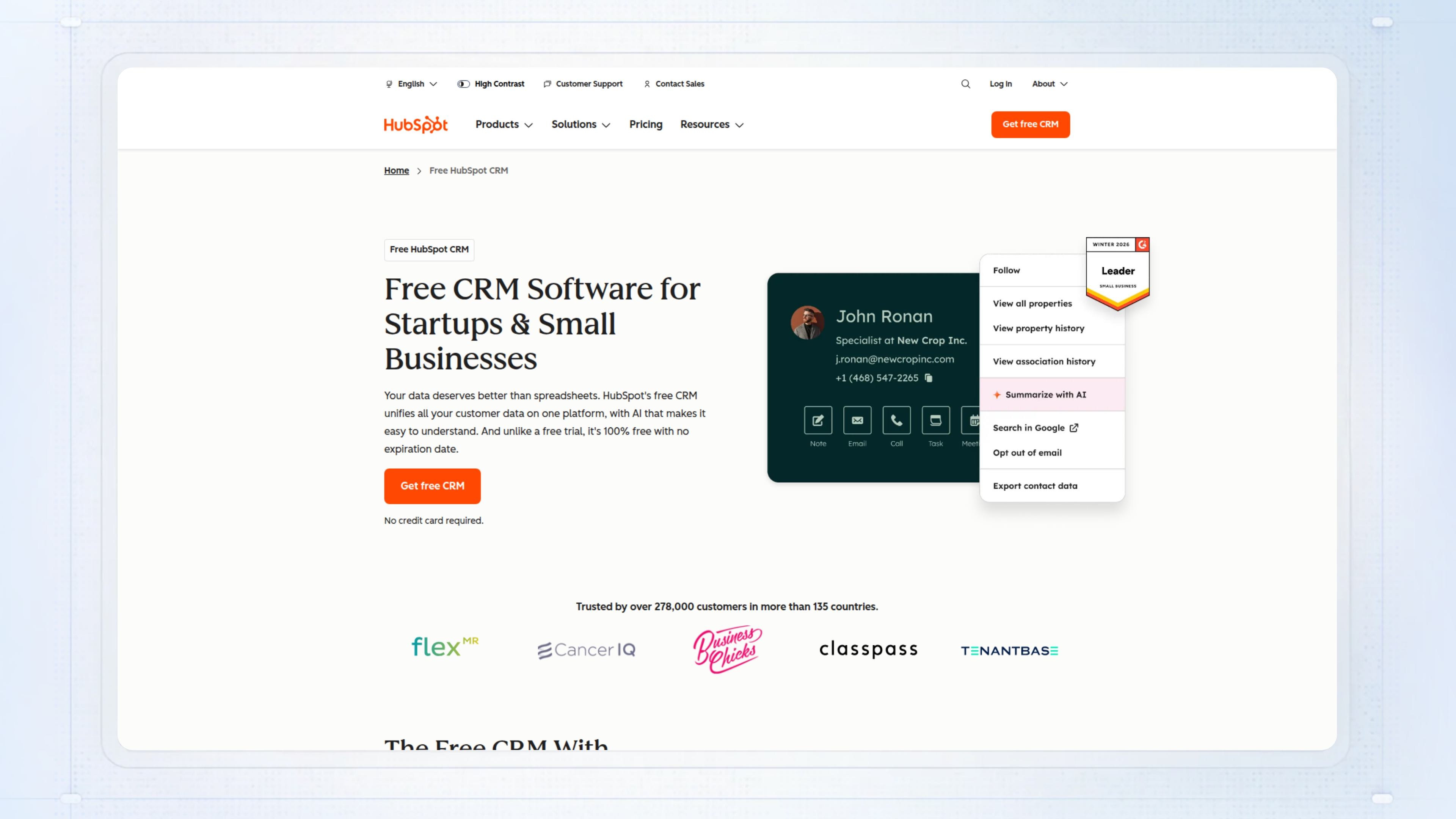
HubSpot CRM brings all your contact management, deal tracking, and sales activity into one cloud-based dashboard, which matters for presales teams juggling multiple prospects and follow-ups. For presales, it means your calls, notes, email threads, and deal status are always in one place, not spread across inboxes or tabs when you prep for a demo or answer a technical question.
Without a unified CRM, it’s easy to lose track of which prospect needs a follow-up, who’s stalled, or where technical requirements were last captured. That can lead to missed next steps, slow handoffs, and deals stalling in the middle of technical validation.
Best for: Small to mid-sized presales and sales teams managing a high volume of contacts who need to automate tracking and stay organized without extra costs.
Key features
- Contact management: Centralizes prospect and customer records with unlimited contacts and activity history for consistent follow-ups.
- Deal tracking: Customizable pipelines show deal stages and let you assign, update, and report on opportunities in one view.
- Email integration: Syncs your inbox to the CRM so you can log emails, track opens, and automate sequences without manual updates.
- Live chat and chatbots: Lets your team qualify leads and handle queries in real time from a shared inbox, linked to the right CRM records.
- Mobile app: Gives you on-the-go access to tasks, notifications, and notes so you’re not tied to your desktop before demos or calls.
Why pick HubSpot CRM?
Works well for presales teams moving from spreadsheets or disconnected tools and needing to track technical requirements, deal progress, and customer interactions in one place. Suited to teams that want a free entry point with upgrade options as their process grows more complex.
HubSpot CRM pricing
There’s a free plan with unlimited users, up to 1 million contacts, and core CRM features. Paid tiers (Starter, Professional, Enterprise) add more advanced automation, reporting, and higher limits, with seat-based pricing starting from $9/mo/seat and onboarding fees for larger plans.
Presales software #4: Microsoft Dynamics 365 CRM
Microsoft Dynamics 365 CRM is a cloud-based presales tool built to centralize customer data and automate sales workflows. For presales teams, it helps manage leads, track interactions, and generate quotes in one place, cutting down on manual entry and context switching. The AI features surface which deals need your attention, and the integration with Outlook and Teams means you aren’t toggling between apps to capture notes or follow up.
Without a unified CRM, details fall through the cracks, leads get lost in emails or spreadsheets, and you waste time chasing updates or rebuilding quotes. This slows down qualification and can stall technical validation, especially when multiple teams touch the same account.
Best for: Mid-market and enterprise sales teams that need to keep complex presales and sales motions coordinated across departments.
Key features
- Unified customer view: All contact data, history, and preferences in one record so you never hunt for context.
- Sales automation: Lead tracking, quote generation, and follow-ups handled automatically to reduce manual steps.
- AI-powered insights: Predictive scoring and recommendations help you focus on the right prospects at the right time.
- Customer Service Hub: Track cases and inquiries so presales can see open technical issues before a call.
- Integration with Microsoft 365: Syncs with Outlook, Teams, and SharePoint for fewer missed updates.
Why pick Microsoft Dynamics 365 CRM?
Most useful for presales or sales teams already using Microsoft 365 who need CRM and quote-to-close workflows tied together. A good fit if your deals involve many handoffs and you want one place to track technical and commercial progress.
Microsoft Dynamics 365 CRM pricing
Comes with 1 year free trial. Paid plans start at $65, and $105 monthly per seat for Enterprise plans.
Presales software #5: Zoho CRM
Zoho CRM helps presales and sales teams keep a single, accurate view of leads, contacts, and deal progress. From a presales perspective, it means you’re not chasing scattered spreadsheets or asking colleagues for the latest on a deal. You get a visual pipeline, rule-based lead assignment, and real-time reporting that actually reflects what’s happening, so you can focus on high-potential prospects and technical requirements without duplicating effort.
When teams skip a centralized CRM, manual lead tracking and fragmented customer data are the default. That is when follow-ups slip, technical validation gets missed, and deals stall out because no one knows who owns what.
Best for: Small and mid-sized sales teams who want to automate lead management and keep deal momentum visible across sales and presales.
Key features
- Visual pipeline management: See every deal stage and value in one place so you know where to focus.
- Workflow automation: Automatically assign leads, trigger emails, or create tasks so nothing gets lost.
- Lead scoring: Prioritize prospects based on engagement and fit to spend time where it matters.
- Customizable layouts and modules: Adapt fields and processes to match your sales workflow without code.
- AI agents (Zia): Get predictions for lead quality and revenue, plus anomaly alerts to spot issues early.
Why pick Zoho CRM?
Works well for SMB teams that want strong workflow automation without paying enterprise prices. Most useful when you’re already using other Zoho tools for invoicing or support and want everything connected.
Zoho CRM pricing
Pricing is published on Zoho’s site with a free tier for 3 users and paid plans starting around €20 per user per month. Details vary by edition and feature limits.
Presales software #6: Workbooks CRM
Workbooks CRM gives presales teams a single place to handle customer interactions, quotes, sales pipelines, contracts, and orders. It keeps data current by syncing with Outlook/365 for email and accounting systems for financials, so you don’t have to dig through scattered spreadsheets or inboxes to find out where a deal stands. This matters in presales, where clean handoffs and up-to-date info mean you can prep demos, create quotes, and track requirements without context switching or missing details.
Without something like this, it’s easy for key info to fall through the cracks, such as missed emails, outdated quotes, or lost customer notes, leading to stalled deals and slow technical validation.
Best for: Mid-sized sales and service teams with complex quoting or order workflows who need to track leads from inquiry to invoice.
Key features
- No-code customization: Adapt fields and record types yourself to match your team’s process, so you capture relevant deal details.
- Sales pipeline management: Track opportunities, forecast outcomes, and move from quotes to orders, all with tight financial syncing.
- Outlook/365 email sync: Keep every customer email and reply logged in one place for better account visibility.
- Workflow automation & dashboards: Trigger follow-ups and monitor KPIs on dashboards tailored to your role.
- Multi-channel case management: Log, track, and report on service cases by channel while keeping tabs on SLAs.
Why pick Workbooks CRM?
Works well for presales teams that need end-to-end visibility from quote to invoice, especially where quoting and service requests are tied to financials. Suited to teams who want to customize their CRM without relying on IT or developers.
Workbooks CRM pricing
CRM Edition is $45 per user per month, and Business Edition is $92 per user per month. Add-ons like advanced project management cost extra per user and apply to all users.
Scheduling & lead routing
These tools ensure prospects are matched with the right sales engineer based on territory, expertise, or availability, reducing no-shows and improving qualification efficiency.
Presales software #7: Chili Piper
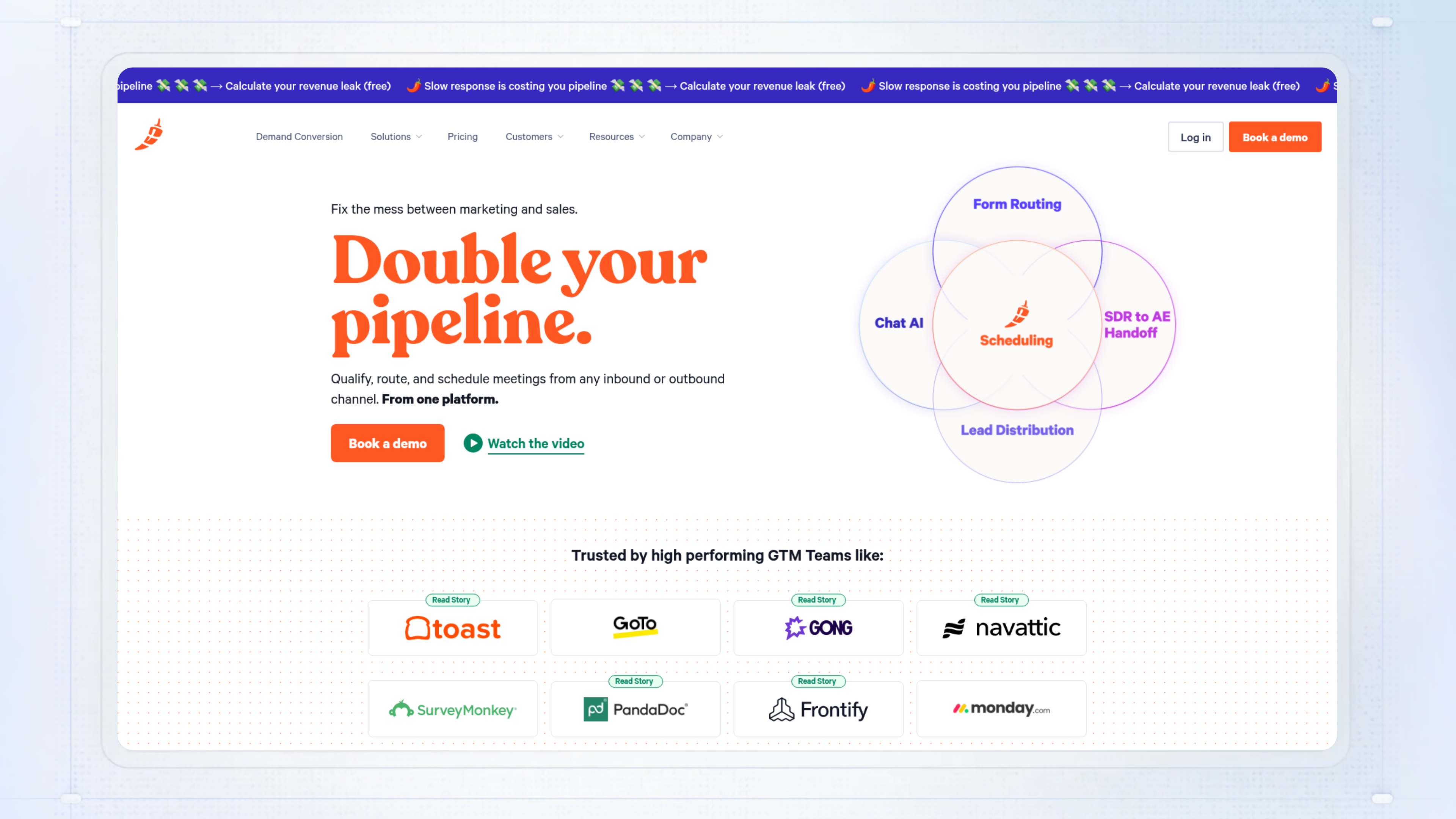
Chili Piper automates lead routing, qualification, and meeting scheduling for revenue teams, especially where presales and sales engineers need to hand off and follow up on inbound requests fast. As a presales tool, it plugs into your CRM and calendar, so prospects can book meetings directly from web forms or campaign flows, and you can track handoff and response time without spreadsheets.
When teams try to handle this manually, leads can go to the wrong rep or sit unworked for hours, and meetings get lost in endless email chains. This usually means slow response times and missed opportunities, especially if you’re juggling multiple territories or product lines.
Best for: B2B presales teams dealing with high demo volume or complex handoff workflows who need to route and schedule meetings quickly and reliably.
Key features
- Concierge routing: Directs inbound leads from web forms to the right rep using qualification rules, cutting out manual triage.
- Instant Booker: Lets you or your AEs schedule meetings in one click from anywhere, with calendar sync and time zone matching.
- Distro automation: Assigns new leads to reps as soon as they hit the CRM, so no one gets missed if someone is out.
- Round-robin assignment: Distributes meetings evenly or by priority, so workloads stay balanced without custom spreadsheets.
- CRM integrations: Syncs data and triggers actions in Salesforce, HubSpot, and others, so you don’t double-enter anything.
Why pick Chili Piper?
Most useful for revenue and presales teams booking lots of inbound demos or technical calls who need rules-based routing and Salesforce or HubSpot sync. Not ideal if you have low inbound volume or don’t need custom assignment rules.
Chili Piper pricing
Custom pricing. No public pricing or plans are listed on the official site; you’ll need to contact sales for a quote.
Presales software #8: Calendly
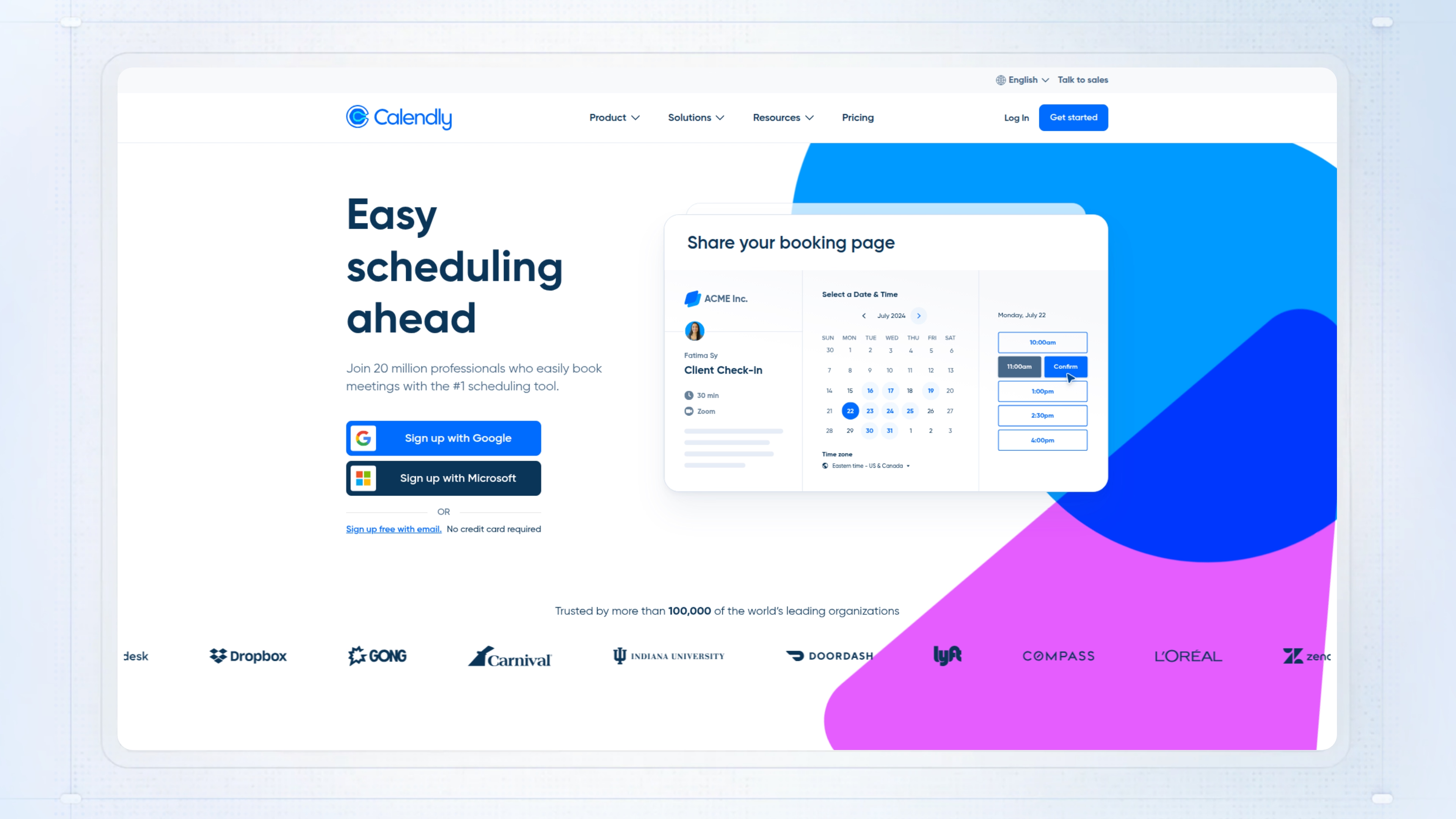
Calendly sits in the presales tools category as a way to automate meeting scheduling and eliminate the endless email back-and-forth. You connect your calendars, share a link, and let prospects book time that works for everyone. This means your team spends less time chasing confirmations and more time actually helping deals move forward.
Where things break down without Calendly: reps double-book, miss key meetings, or waste hours rescheduling demos. That lost time can drag out sales cycles and leave buyers frustrated.
Best for: Sales reps and customer success managers booking 10 or more presales demos weekly without calendar conflicts.
Key features
- One-click calendar sync: Checks up to 6 calendars at once so you never get double-booked.
- Unlimited event types: Set up 1:1, group, or round-robin demos without hitting limits.
- CRM and payment integrations: Push booking data to tools like Salesforce or HubSpot and collect payments after scheduling.
- Custom booking pages: Add intake questions and remove Calendly branding for a more tailored process.
- Round-robin distribution: Spread demo requests evenly across your team to keep workloads balanced.
Why pick Calendly?
Designed for sales or presales teams with high demo volume and lots of moving parts. Works well when you need reliable calendar sync, CRM handoffs, and want to cut down on missed meetings.
Calendly pricing
Plans range from free (one event type, one calendar) up to Teams ($16/user/month annual) and Enterprise (starts around $15,000/year). Paid plans add features like multiple calendars, CRM integrations, reporting, and team controls.
Async walkthroughs
Async video tools enable presales teams to deliver follow-ups and technical explanations on-demand, eliminating scheduling friction and accelerating buyer education.
Presales software #9: Loom
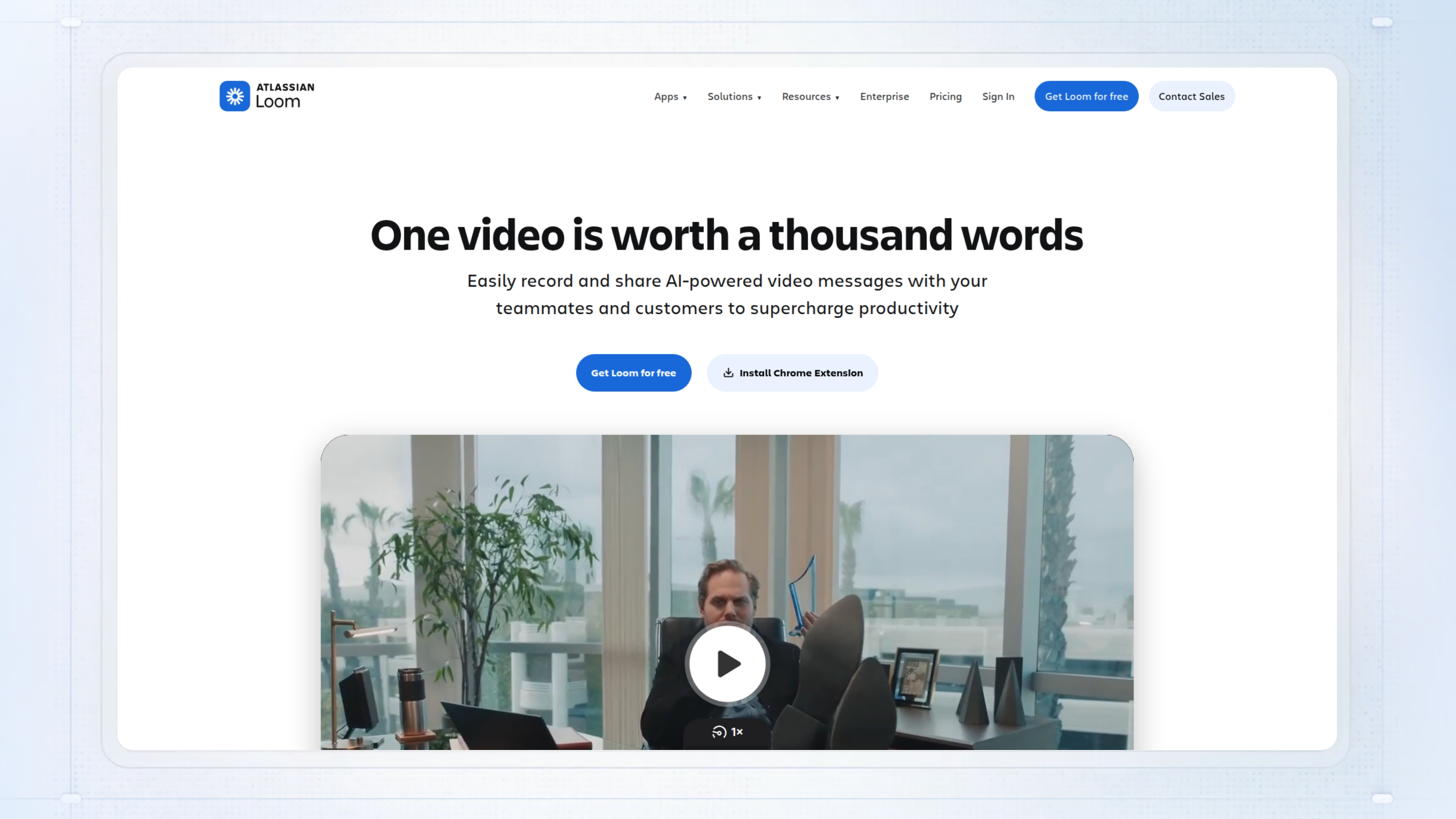
Loom is a video recording and sharing tool built for async presales communication. If you need to walk through a demo, capture a technical validation, or address a support scenario without live calls, Loom lets you record your screen with camera, voice, and annotations in minutes. For presales, that means you can address complex buyer questions, align technical stakeholders, and speed up follow-up without stacking more meetings on your calendar.
Without Loom, you are forced back to long email threads, unclear instructions, and scheduled calls that often do not work for everyone. The result is that deals stall out when buyers need technical clarity, or you spend too much time repeating yourself across regions or teams.
Best for: Sales engineers or presales teams who need to share clear demo walkthroughs or technical explanations with buyers and internal teams, especially when everyone is not in the same place or time zone.
Key features
- Screen recording up to 4K: You can capture demos with your face and voice, making walkthroughs more personal and easy to follow.
- Instant transcription and editing: Edit your video by selecting words in the transcript, so cleanup is fast and you don’t need video skills.
- AI-powered auto-generation: Titles, summaries, and chapters are created for you on paid plans, so you save time packaging and sharing content.
- Custom call-to-action buttons: Add context-aware CTAs that let viewers click through to next steps or resources right from your video.
- Viewer analytics: See who watched, how long they stayed, and if they clicked your CTA, plus integrations with tools like HubSpot, Slack, and Jira.
Why pick Loom?
Works well for sales engineers who need a reliable way to share demos or technical walkthroughs asynchronously. Most useful when you want to give detailed context once and track buyer engagement without extra meetings.
Loom pricing
Starter (free) covers 25 videos of up to 5 minutes at 720p, with no AI. Business is $15 per user per month for unlimited videos and 4K, while Business + AI is $20 per month (annual billing) and includes unlimited AI features.
Solution design & technical discovery collaboration
Presales software #10: Lucidchart
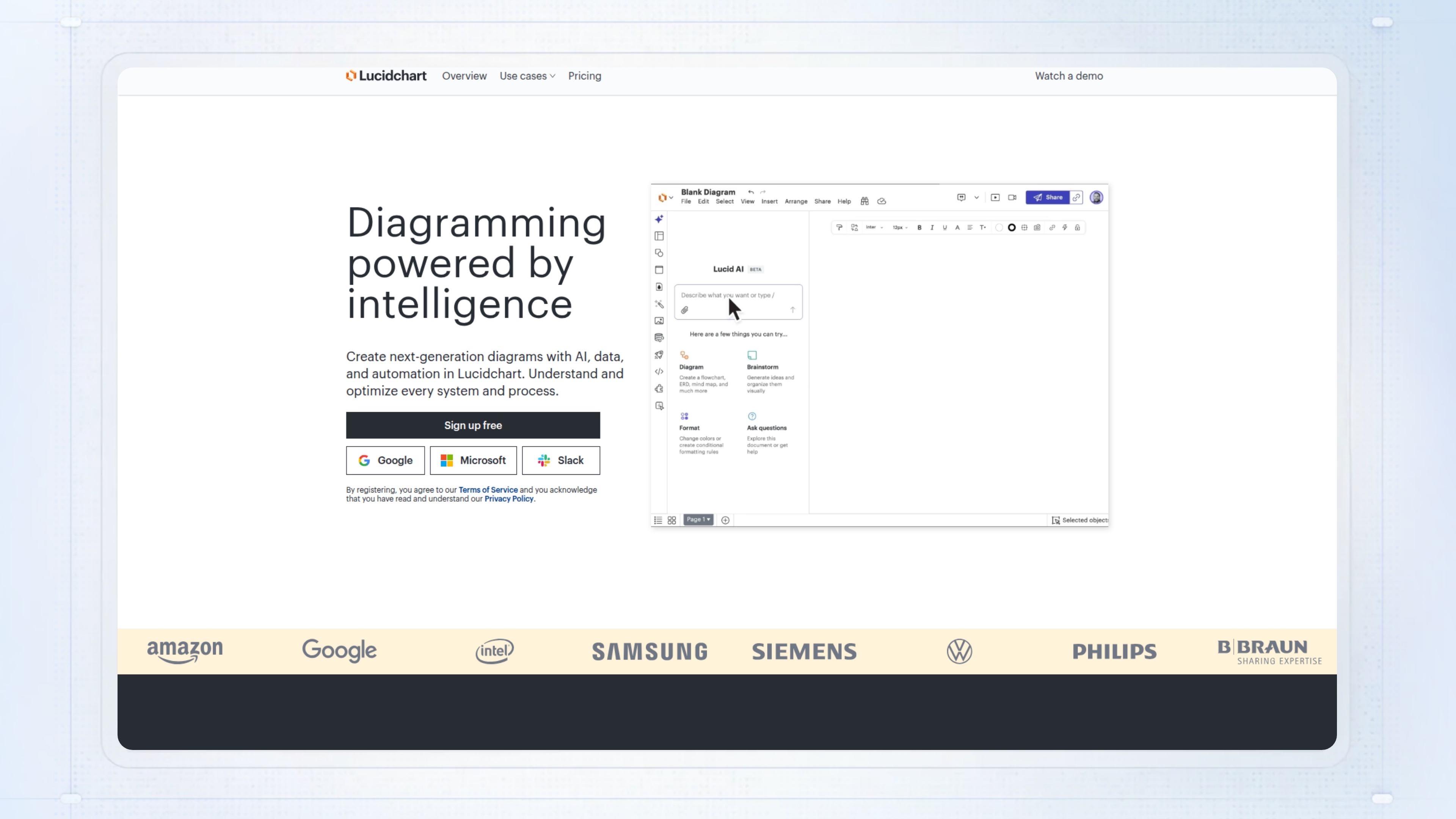
Lucidchart gives presales teams a quick way to map out technical workflows, demo architectures, and discovery findings, all in a shared visual workspace. Instead of chasing version control across static docs or lost emails, you get live collaboration, AI-driven diagram generation, and templates that help you illustrate processes for buyers without starting from scratch each time.
When teams skip this, you usually see confusion over who owns which step, out-of-date diagrams, and painful onboarding for new reps. That is where bad handoffs and missed requirements creep in, especially on complex deals.
Best for: Product managers and technical presales teams who need to document and align on systems or processes in real time.
Key features
- AI-powered diagram creation: Enter a prompt and get instant flowcharts or diagrams without heavy manual work.
- Real-time collaboration: Multiple people edit, comment, and update diagrams together so nothing gets lost.
- Template library: Prebuilt diagrams for common use cases speed up documentation and demo prep.
- Data-linked visuals: Connect diagrams to spreadsheets or databases to show live data or highlight risks.
- Version tracking: See every change and roll back if something goes wrong.
Why pick Lucidchart?
Works well for technical presales and product teams who need to make sense of complex workflows or demo architectures. Most useful when you need to align multiple stakeholders quickly and cannot risk version drift.
Lucidchart pricing
Free plan includes 3 documents. Paid plans start as low as $9, with enterprise plans at custom pricing.
Presales software #11: Miro
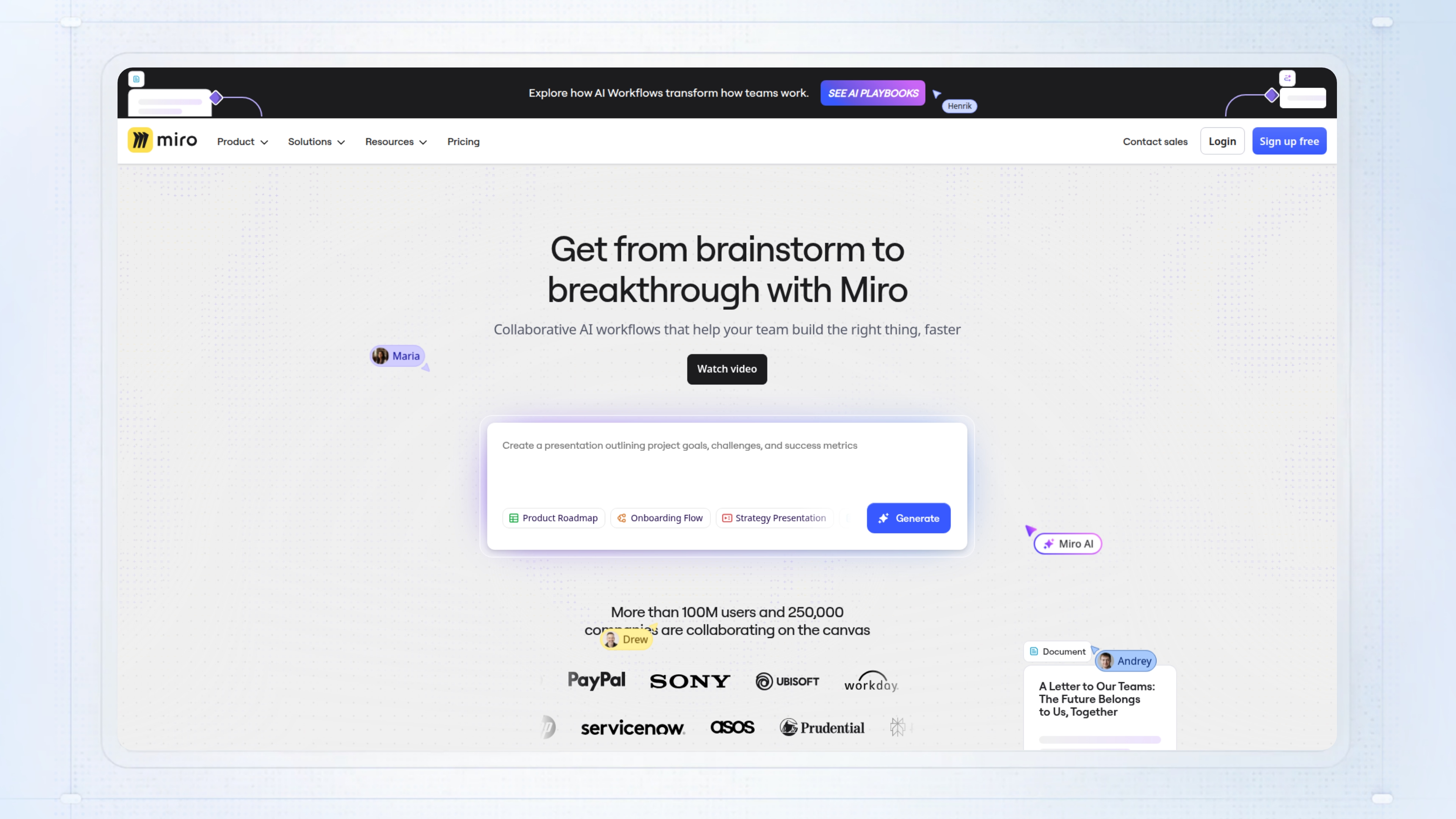
Miro gives presales teams a shared canvas to map technical requirements, demo workflows, and stakeholder feedback, all in one place. As a presales tool, it lets you and your team run discovery workshops, collaborate on solution diagrams, and prep customer-facing docs fast, without bouncing between slides, docs, and screenshots.
The main failure mode without something like Miro is that details and decisions get scattered across email threads or static slide decks, so key context or feedback goes missing when you need it. That costs you time and introduces risk in complex deals where alignment is everything.
Best for: Distributed product or presales teams who need to build, iterate, and align on technical solutions or customer journeys in real time.
Key features
- Infinite canvas: Maps complex workflows, diagrams, or customer journeys without running out of space.
- Real-time collaboration: Lets multiple users edit and comment at once, so your team and clients stay on the same page.
- 120+ integrations: Syncs with tools like Jira, Slack, Figma, and Google Workspace to avoid duplicate work.
- Template library: Offers 1,000+ pre-built templates for retros, journey maps, and more to get started quickly.
- Granular permissions: Controls access and sharing down to role and guest level for better enterprise governance.
Why pick Miro?
Works well for cross-functional presales and product teams who need to co-create technical diagrams, customer journey maps, or demo flows. Suited to scenarios where you want to avoid fragmented feedback and keep all eyes on the same evolving board.
Miro offers a free plan (limited boards), Starter (team-based, $8 paid monthly or annually), Business (starts at $16/user/month), and Enterprise (custom, for 30 or more users), with AI and advanced features on paid tiers.
Video conferencing
Video platforms power live demos and technical deep-dives, providing the face-to-face interaction needed for complex product walkthroughs and stakeholder alignment.
Presales software #12: Zoom
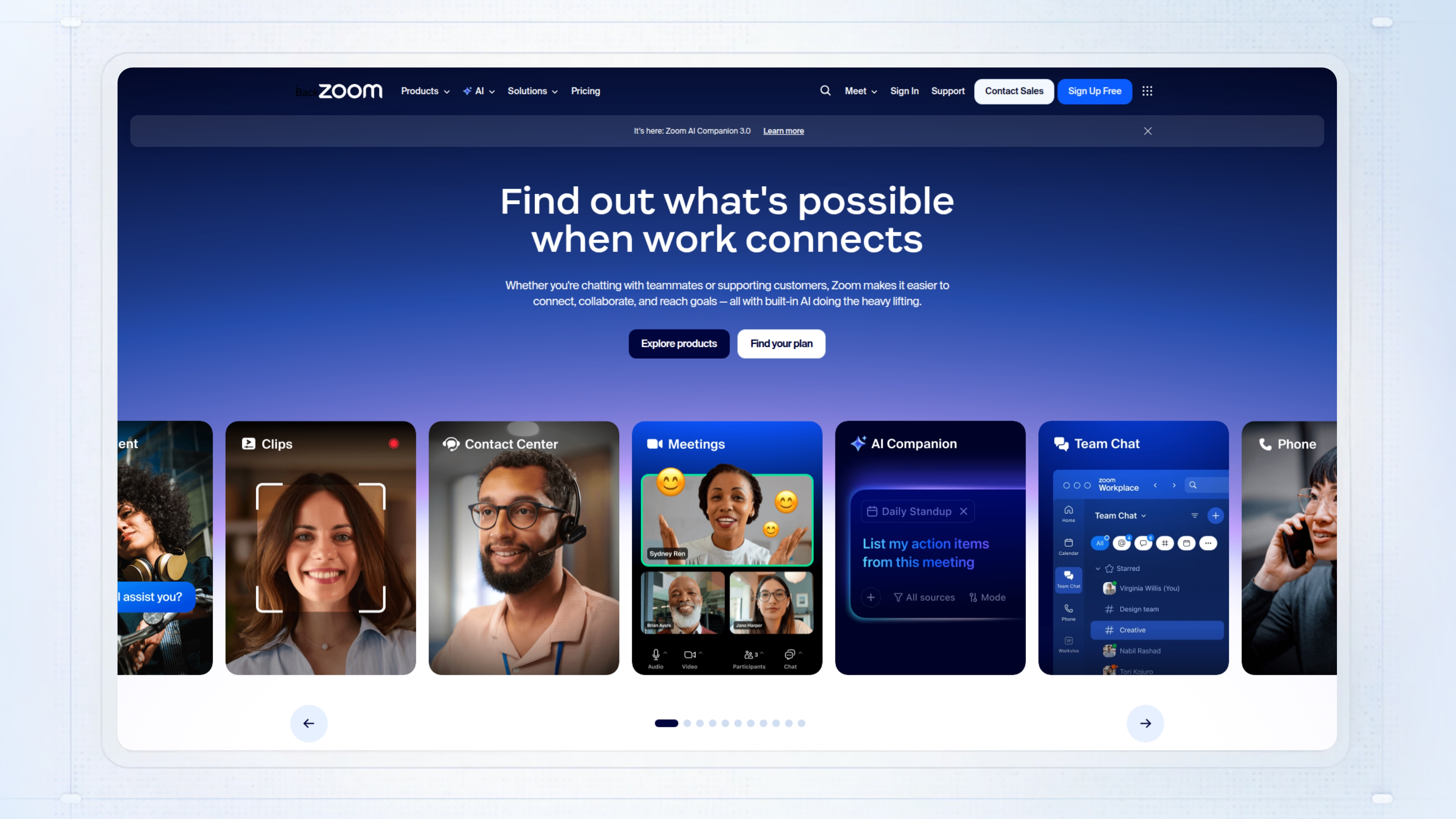
Zoom is a go-to for presales teams who need to run live demos, technical deep-dives, or client calls without tech headaches. In the presales world, you’re juggling multiple stakeholders and need a way to record, share, and revisit meetings. Zoom handles this with HD video, reliable audio, and built-in summaries so nothing gets dropped between calls.
Without a tool like this, you end up with meetings where people can’t connect, audio glitches force you to repeat yourself, and there’s no easy way to review what was agreed. This leads to missed requirements and wasted follow-up calls.
Best for: Sales engineers running virtual demos and client calls where clear recordings and easy sharing keep deals moving.
Key features
- HD video and audio: Keeps large calls clear, so you spend less time troubleshooting and more time demoing.
- Screen sharing with annotations: Walk through slides or products and highlight details live during the call.
- Breakout rooms: Split clients or internal teams into smaller groups for focused technical discussions.
- Meeting recording and AI summaries: Capture every call and get searchable transcripts for follow-up and compliance.
- Calendar and workflow integrations: Book meetings, send invites, and pull in notes from the tools your team already uses.
Why pick Zoom?
A good fit for hybrid presales teams who need quick, reliable meetings with prospects or internal partners. Works well if you’re running high-participant webinars or need strong mobile support for calls on the move.
Zoom pricing
Free plan supports unlimited 1:1 meetings and 40-minute group calls; paid plans (Pro, Business, Enterprise) include longer sessions and advanced controls but require signup for quotes.
Conversation & deal intelligence
Conversation intelligence platforms capture requirements from customer calls and provide coaching insights, ensuring technical details and buyer signals don't get lost between meetings.
Presales software #13: Gong
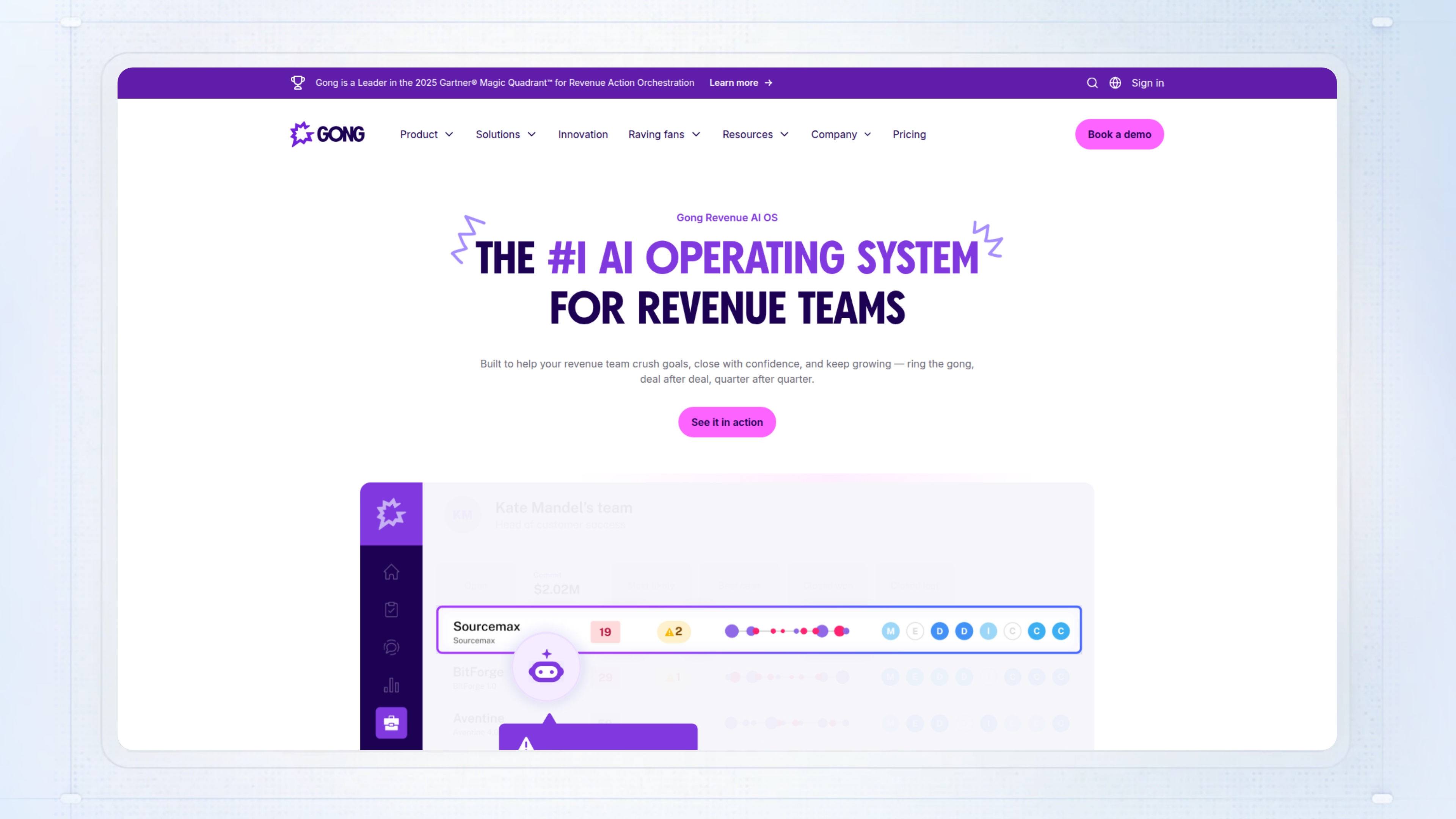
Gong is a revenue intelligence platform built for teams that need full visibility into presales conversations. In the context of presales tools, Gong automatically records, transcribes, and analyzes every call, email, and meeting so you don’t lose track of technical validation notes, requirements, or buyer objections. It gives presales and sales engineers a single place to review what was actually said, spot risk in deals, and track next steps without relying on CRM notes or memory.
This matters because without a platform like Gong, presales teams often miss subtle buying signals or technical blockers because details get lost between scattered notes and manual CRM updates. The real risk is stalled deals or surprises at the end of the quarter because no one flagged a missing technical approval or quiet stakeholder pushback.
Best for: Sales and presales teams managing complex mid-market or enterprise pipelines who need more accurate forecasting and clear visibility into what is actually happening in customer conversations.
Key features
- Automated call capture: Records and tracks every Zoom, Teams, Google Meet, and phone call with no manual effort.
- Conversation intelligence: Analyzes and transcribes calls for patterns like pricing pushback or technical fit, making coaching and follow-up easier.
- Deal Boards: Flags stalled or at-risk deals based on lack of response or negative sentiment so you can intervene sooner.
- Forecasting engine: Scores deals using over 300 data points for more reliable pipeline and revenue predictions.
- CRM integrations: Syncs insights, risks, and tasks straight into Salesforce or HubSpot so nothing falls through the cracks.
Why pick Gong?
Most useful for mid-market or enterprise teams running high-volume technical sales cycles where deal risks and next steps get lost between calls. Works well for presales teams that need real conversation data to flag blockers, coach AEs, and keep deals moving.
Gong pricing
Gong uses custom pricing based on user count and plan. You’ll need to contact sales for a quote since no fixed prices are listed.
Presales software #14: Chorus (ZoomInfo)
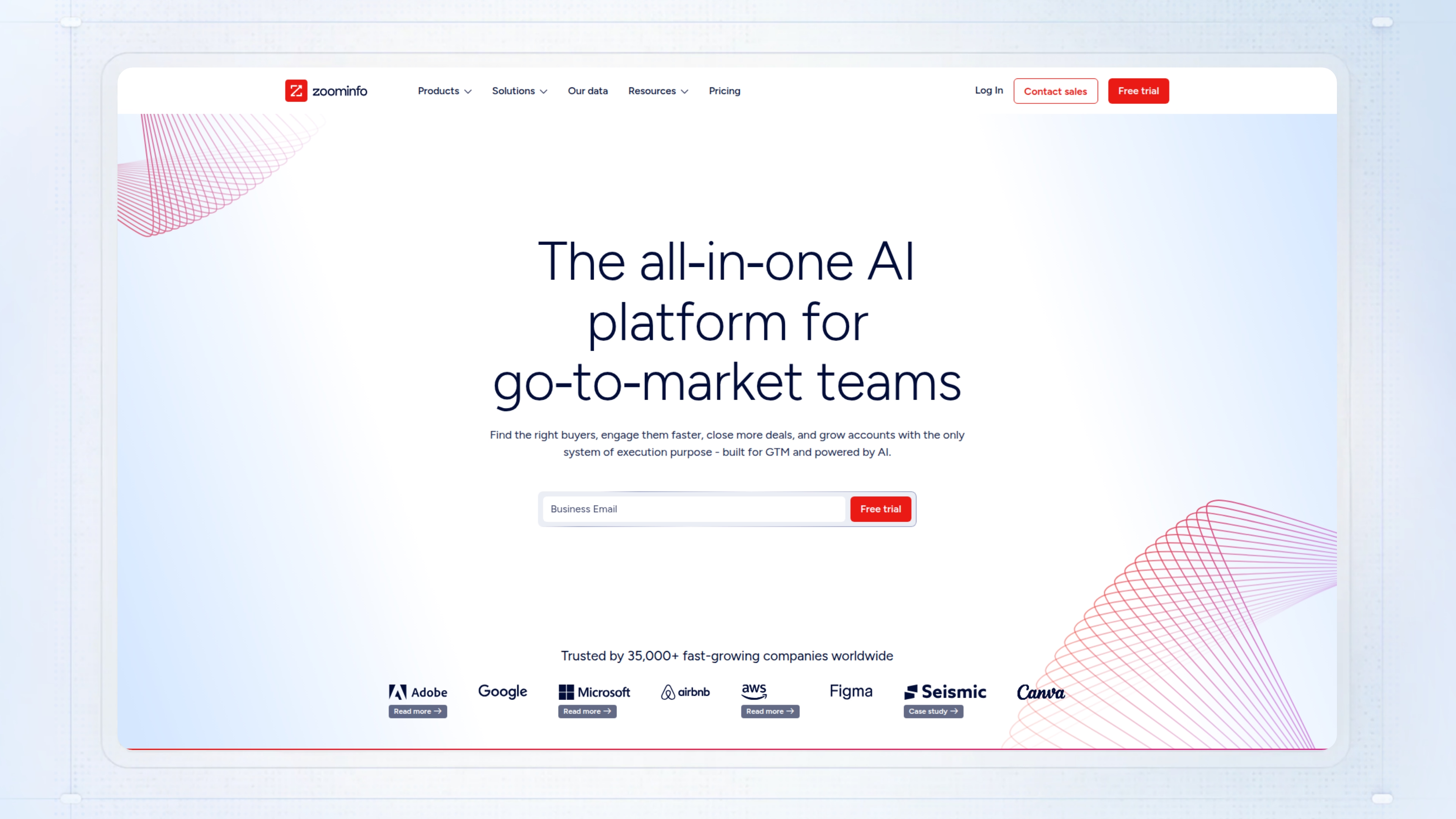
Chorus (ZoomInfo) is a call recording and analysis tool for presales teams that need to track conversations, spot deal risks, and make coaching easier. From a presales lens, it gives you audio and transcript records of key meetings, pushes insights into ZoomInfo or Salesforce, and lets you surface patterns across accounts so less falls through the cracks during technical discovery or validation.
Without something like Chorus, presales teams end up scrambling to remember who said what, missing technical requirements, or relying on scattered notes after multi-stakeholder calls. Calls go undocumented, next steps get lost, and coaching is based on memory instead of actual conversations.
Best for: B2B presales and sales teams using ZoomInfo or Salesforce who want to track call details, highlight risks, and speed up onboarding.
Key features
- Call and video recording: Lets you review sales and technical calls later instead of relying on memory.
- AI transcription and analysis: Flags risks, sentiment, and competitor mentions so you don’t miss what matters.
- Momentum Insights dashboard: Shows timeline of every touchpoint by account for better follow-up and coaching.
- ZoomInfo data enrichment: Matches call participants to current org charts and contact info for cleaner handoffs.
- CRM and Slack integrations: Sends meeting summaries and action items where your team already works.
Why pick Chorus (ZoomInfo)?
Designed for B2B teams already using ZoomInfo that want call analysis tied directly into their prospect data. Most useful when you need unified deal insights, fast coaching, and less manual note-taking during sales or technical calls.
Chorus (ZoomInfo) pricing
Custom pricing. No published pricing or plan details are available from official sources.
Presales software #15: Fathom
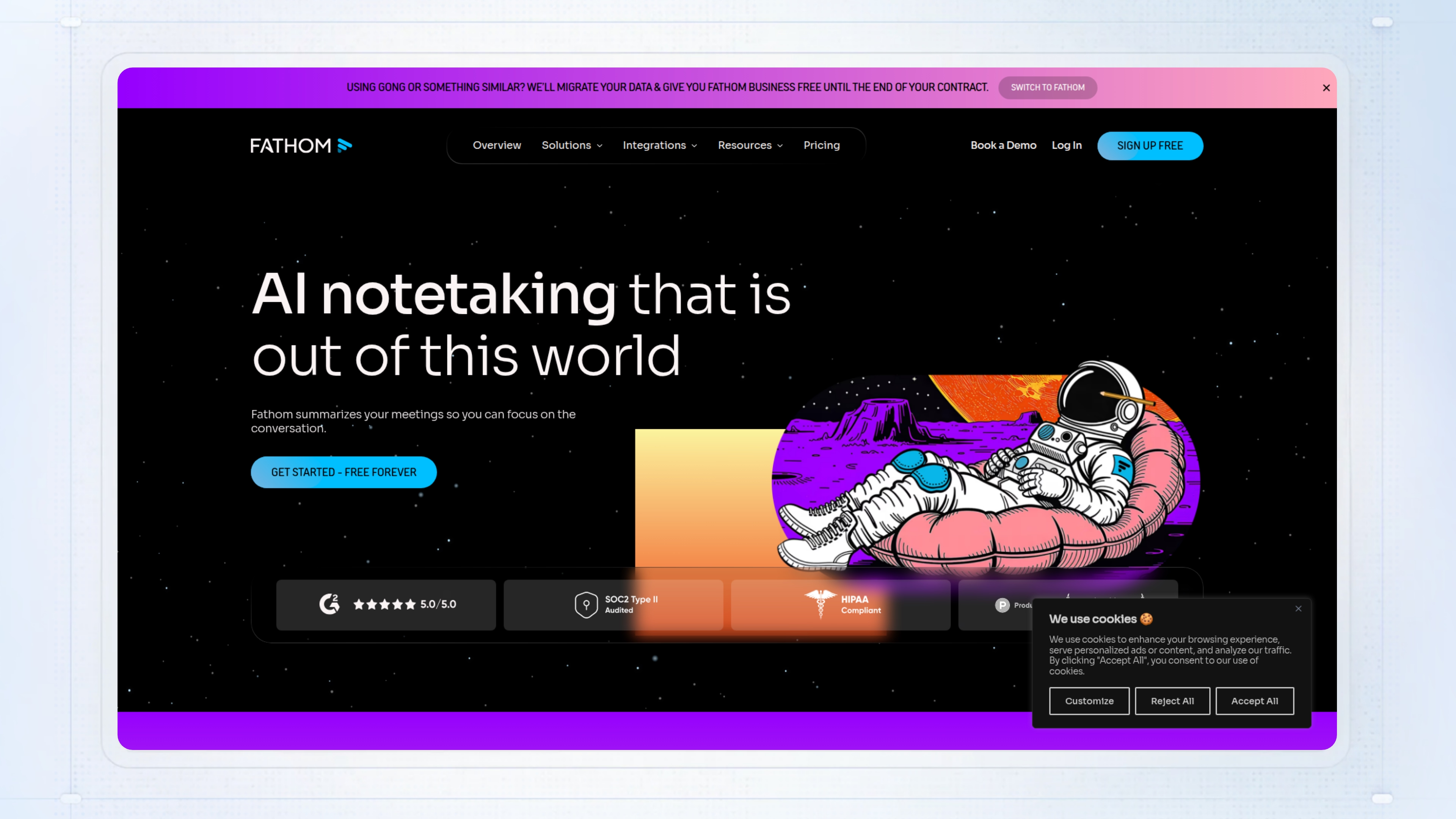
Fathom is a presales tool that records, transcribes, and summarizes your calls on Zoom, Google Meet, and Microsoft Teams. It gives you chat-style transcripts, searchable highlights, and action items in your inbox or dashboard, with no bots and no manual notes, and it syncs with CRMs like HubSpot or Salesforce. For presales teams handling back-to-back demos and discovery, it means you spend less time recapping calls and more time actually moving deals forward.
Without a system like Fathom, important details and next steps get lost between meetings, and manual note-taking eats hours each week. That often shows up as missed follow-ups, dropped requirements, or unclear handoffs between sales and presales.
Best for: Presales engineers and AEs running multiple calls a week who need a fast, reliable way to capture and share meeting outcomes.
Key features
- AI transcription with speaker ID: Produces clear, timestamped transcripts so you can track who said what on long calls.
- Highlight clips and tags: Lets you mark key moments and turn them into short, shareable videos for follow-up or proof.
- Customizable summaries and action items: Applies templates to generate takeaways and next steps, linked to the right part of the call.
- Deep meeting search: Search spoken words, screen text, or titles across your meeting library to surface trends or answer objections.
- CRM and app integrations: Automatically syncs notes and tasks to major CRMs and tools like HubSpot, Salesforce, Asana, and Slack.
Why pick Fathom?
Designed for sales and presales teams who need to capture call insights and reduce manual data entry. Most useful when you’re running 5 to 10 calls a week and want to keep CRM up to date without extra work.
Fathom pricing
Free plan includes unlimited recordings, transcription, and basic features. Team plan is $16 per user per month (minimum 2 users) with advanced collaboration; Premium and Business pricing not specified.
Presales software #16: Revenue Grid
Revenue Grid sits in the presales tools category as a revenue intelligence platform focused on automatically capturing sales activities, syncing them into Salesforce, and providing pipeline visibility and deal guidance. For presales and sales engineers, this means fewer lost details between technical calls, clean activity records without manual logging, and a clearer handoff between sales and presales teams, especially when deals move fast or involve multiple stakeholders.
When teams rely on reps to update CRM by hand, key meetings, emails, or calls often get missed, leading to pipeline blind spots and unreliable forecasts. That gap slows down technical validation, delays follow-ups, and risks stalling deals that should move forward.
Best for: Sales and presales teams using Salesforce who need reliable capture of all sales activity to prevent dropped follow-ups and improve pipeline accuracy.
Key features
- Automatic data capture: Syncs emails, calendar events, and calls from Outlook to Salesforce so you get full records with less manual work.
- Pipeline inspection: Gives real-time deal updates and risk alerts so you spot changes or stalls early.
- Sales sequences: Automates multichannel outreach and shows what is working so your team can stick to proven processes.
- Revenue signals: Uses AI to flag stalled deals and next steps, helping you address issues before they become problems.
- Guided selling: Provides coaching prompts and relationship maps, making it easier to keep complex accounts on track.
Why pick Revenue Grid
Works well for presales and sales teams dealing with high deal volume, complex accounts, and strict CRM requirements. It is most useful when you need activity tracking and forecasting tied tightly to Salesforce without burdening reps or SEs with more manual steps.
Revenue Grid pricing
Plans starting at $30 per month, with Ultimate plan at $149/month per seat.
RFPs & security questionnaires
RFP automation tools accelerate technical validation by centralizing approved answers and automating response workflows, cutting weeks from security review cycles.
Presales software #17: Loopio
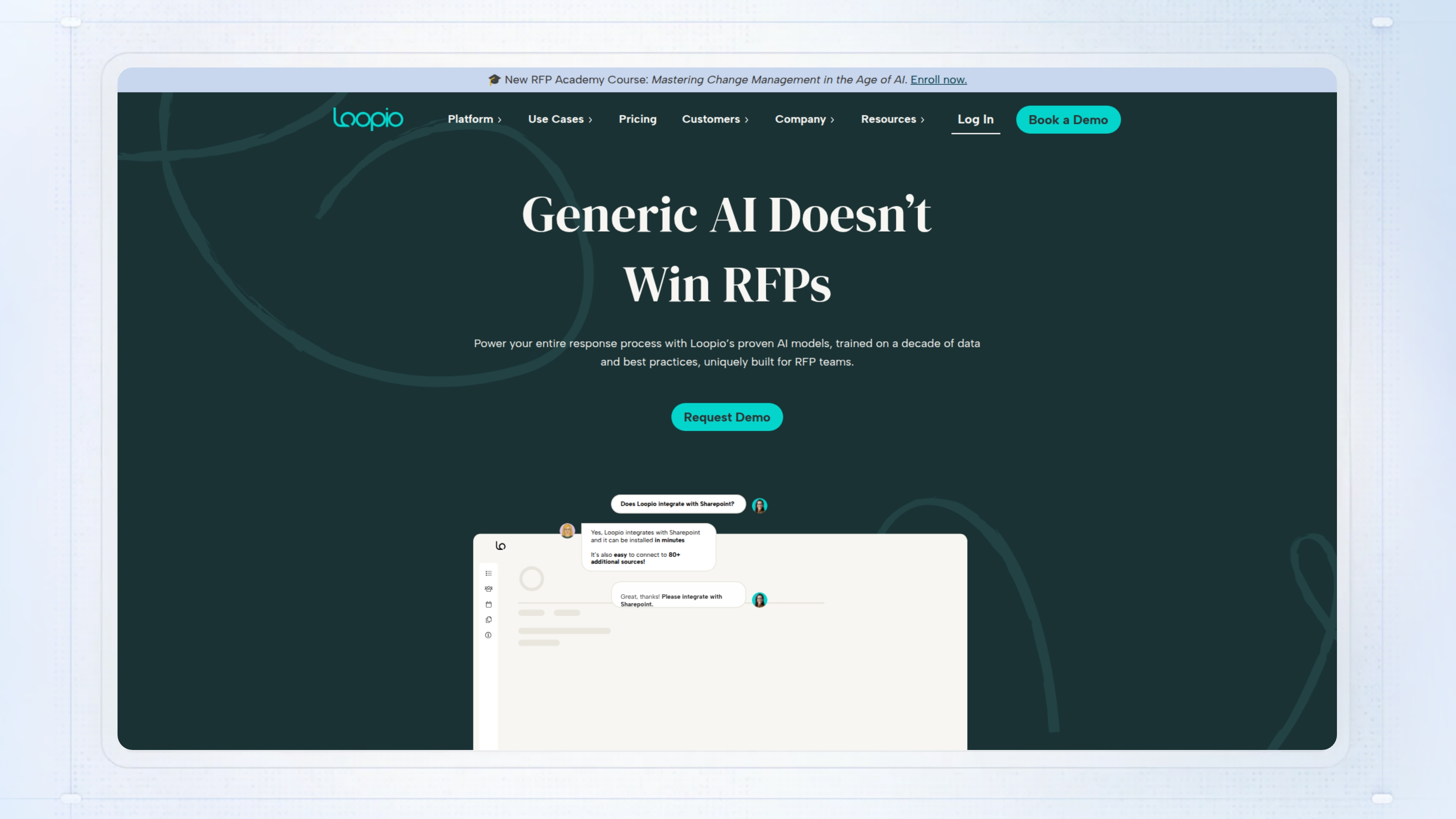
Loopio sits in the presales tools category as dedicated RFP response software. It gives your team a central place to manage RFPs, RFIs, and security questionnaires, pulling from a vetted content library and routing questions to the right subject matter experts. For presales and sales engineers, this means less time hunting for the right answers and more time focusing on technical validation and high-value work.
Without Loopio, proposal content gets scattered across Word docs and spreadsheets. You end up with version conflicts, outdated responses, and slow SME follow-up, which can drag out security reviews or even cause you to miss deadlines.
Best for: Proposal managers or presales teams juggling 10 or more RFPs a year who need to reuse approved content and automate SME assignments.
Key features
- Central content library: Find, reuse, and maintain up-to-date answers with SME review cycles and version control.
- Automated SME assignments: Route questions to the right experts with reminders, so you are not chasing via email.
- AI text generation: Draft or summarize responses quickly, letting you focus SME time on the trickier questions.
- CRM and collaboration integrations: Connect with Salesforce, Slack, Teams, SharePoint, and Google Drive so SMEs can contribute without leaving their usual tools.
- Project tracking dashboards: See workload, completion rates, and where projects get stuck with customizable milestones.
Why pick Loopio?
Best fit for mid-size or larger teams running high-volume, sales-led or collaborative RFP processes that need to standardize and speed up responses. It is most useful when you want AI to assist with drafts but still keep humans in the loop for review and updates.
Loopio pricing
Pricing starts at $20,000 per year for 10 seats on the base plan, billed annually. Enhanced and Enterprise plans are available by quote, with no free tier and trials available on request.
Presales software #18: Responsive
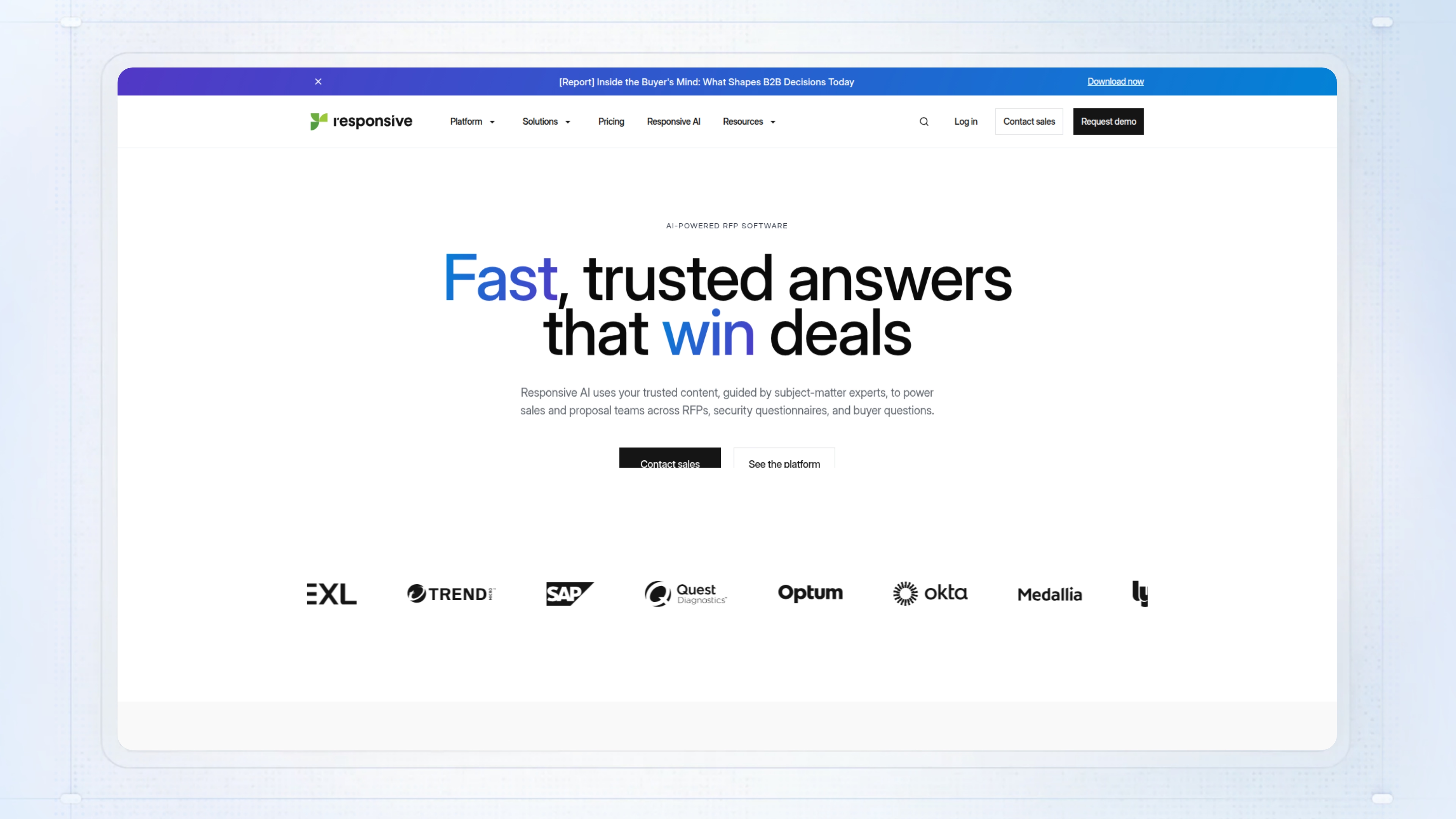
Responsive is AI-powered response management software built for presales teams. It automates the first draft of RFPs, RFIs, and DDQs by matching questions to a central content library, typically completing around 80% of the work in minutes. For presales, that means less time digging for past answers and more time on technical validation or tailoring proposals for high-value deals.
Without a tool like Responsive, teams end up manually hunting through outdated content, merging files, and chasing SMEs, which leads to slow responses and inconsistent answers. The risk is clear: proposal cycles drag out, mistakes slip into responses, and your win rate drops, especially as RFP volume rises.
Best for: Presales and proposal teams dealing with lots of RFPs who need to automate repetitive drafting and focus on the parts that actually win deals.
Key features
- Auto Respond: Generates first draft answers by matching incoming questions to your approved content, cutting response time by 40%.
- Content Library: Keeps Q&A pairs, attachments, and versions in one place so your team always uses the latest, approved content.
- Linked Companies: Lets you share content libraries and updates across brands or partners when you work across multiple teams.
- CRM Integrations: Connects with Salesforce, HubSpot, and others to start projects, track status, and publish responses without leaving your CRM.
- AI Draft: Reviews past proposals to generate draft responses and suggests strategies based on what worked in similar RFPs.
Why pick Responsive?
Works well for distributed presales teams at mid-to-large companies handling high RFP volume and complex review cycles. Most useful when you want to speed up repetitive response work but still need tight control over content, SME collaboration, and integrations.
Responsive pricing
Custom pricing only; Responsive does not publish specific rates. You’ll need to get a quote based on team size and requirements. All plans are quote-based and bundle unlimited users, with concurrent project limits varying by plan.Presales software
Presales software #19: Vanta
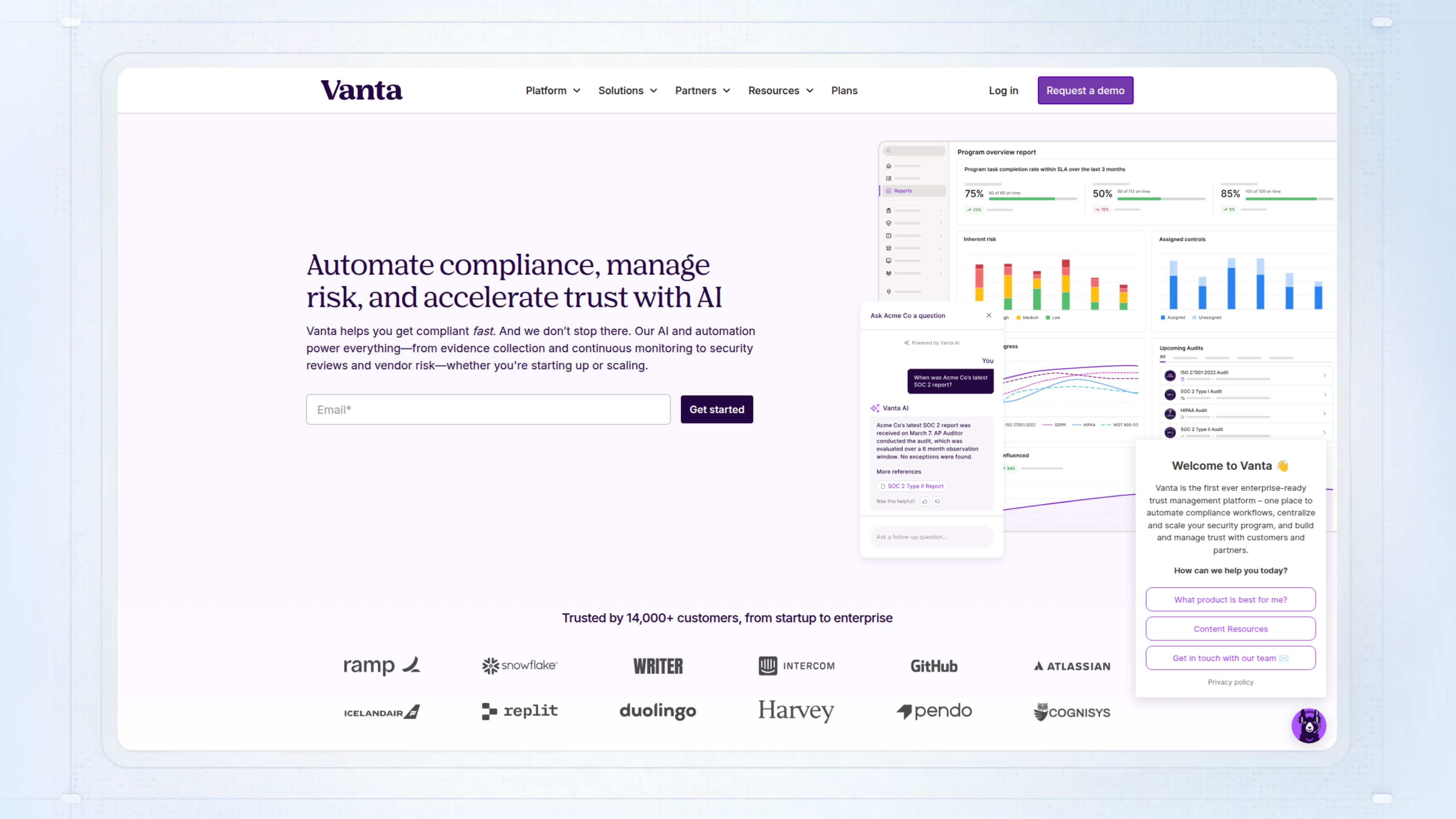
Vanta is a presales tool that gives you a branded security portal to centralize compliance documents, real-time security controls, and certifications. For presales teams, it means prospects and customers can self-serve the security info they need, which cuts down on repetitive document requests and shortens the back-and-forth during technical validation.
Without it, you are stuck responding to the same security questionnaires over and over, chasing down evidence for audits, and watching deals stall while buyers wait for proof that your controls are in place. Teams lose time, and buyers get frustrated hunting for compliance materials.
Best for: Security and sales teams at SaaS companies who field constant security questions and want to speed up validation with less manual work.
Key features
- Out-of-the-box setup: Launches a branded portal with your security info, no custom build required.
- Real-time control visibility: Shows live compliance status, not just old audit reports.
- AI-powered Q&A: Lets buyers ask security questions and get instant answers from your documented controls.
- Granular access requests: Handles NDA approvals and watermarking for sensitive docs like SOC 2, all in one place.
- Salesforce integration: Automates document sharing rules and tracks which deals interact with your Trust Center.
Why pick Vanta?
Most useful for SaaS presales and security teams dealing with a high volume of questionnaires or proof requests. Works best if you already use Vanta for compliance and want CRM-tied data on deal progress.
Vanta pricing
Custom pricing. Pricing is not publicly available on the Vanta site.
CPQ & quoting
CPQ systems handle the pricing and configuration logic for complex products, preventing quoting errors and ensuring accurate proposals for multi-component deals.
Presales software #20: Oracle CPQ
Oracle CPQ, also known as BigMachines, sits squarely in the presales toolkit for streamlining proposal and quoting workflows. If you are supporting complex B2B deals such as manufacturing or telecom bundles, you know how much time quoting eats up, especially when sales relies on manual spreadsheets or hops between disconnected tools. Oracle CPQ lets sales and presales teams configure intricate products, get pricing right, and generate customer-ready proposals all in one place, which helps avoid late-stage surprises.
This matters because, without a centralized CPQ system, quoting errors and inconsistent pricing can slip through. That often means deals stall for last-minute approvals or, worse, fulfillment teams catch mistakes after the contract is signed. You lose margin, credibility, and cycle time.
Best for: Enterprise and midmarket sales teams handling complex products who need to eliminate quoting mistakes and keep deals moving.
Key features
- Guided selling engine: Prevents invalid product combinations so your team can quote accurately the first time.
- AI-based price optimization: Uses rules and cost data to help sales stick to margin targets and avoid over-discounting.
- Collaborative quote workflows: Allows multiple team members to edit and approve quotes without manual versioning.
- ERP and CRM integration: Connects directly with Oracle and third-party platforms for smoother data flow.
- Subscription and renewal management: Handles recurring revenue deals alongside one-time sales.
Why pick Oracle CPQ
Works well for enterprise teams selling configurable products where pricing rules, approvals, and product logic get complicated. Most useful when you need heavy-duty configuration and pricing governance that lighter CPQ tools cannot handle.
Oracle CPQ Pricing
Custom pricing. Oracle does not share public rates; expect enterprise quotes based on user count and transaction volume.
Proposals, doc sharing & signature
These platforms support the commercial stage by streamlining proposal creation, tracking document engagement, and securing signatures to close deals faster.
Presales software #21. PandaDoc
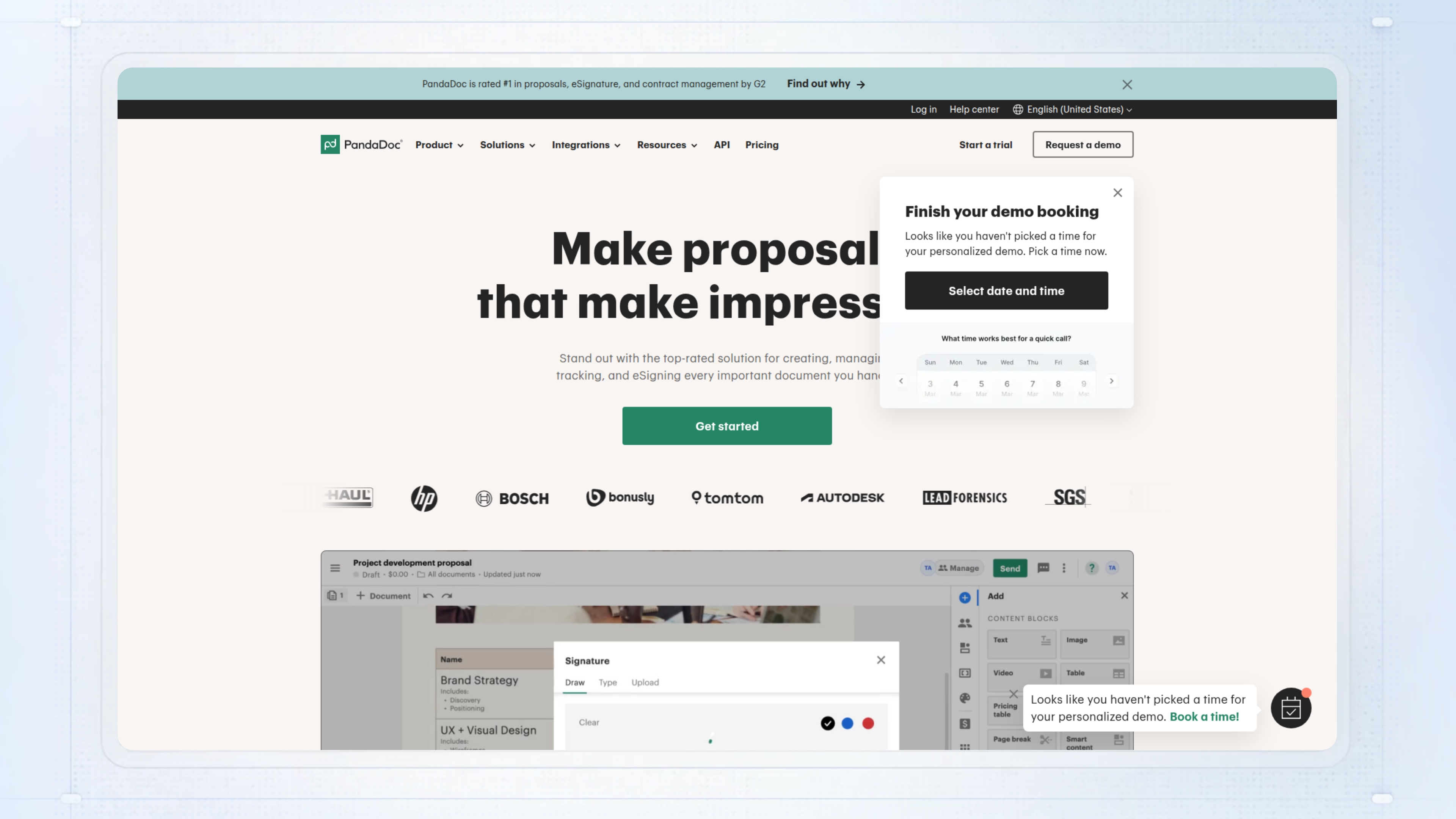
PandaDoc puts your presales team in control of creating, sending, and tracking proposals, quotes, and contracts without juggling multiple tools. It is built for sales motions where you need to move fast, keep audit trails, and pull data from your CRM to avoid copy-paste mistakes. For presales, that means fewer hours lost hunting down the right template or chasing internal approvals, so you can get the docs out and keep everyone in the loop.
When you rely on manual doc prep and email chains, things slip through the cracks. Pricing errors surface late, you lose track of who has reviewed what, and deals stall because signatures get buried in someone’s inbox.
Best for: Sales and presales teams managing high volumes of quotes or complex approvals who want to shorten deal cycles and track buyer engagement.
Key features
- Customizable templates: Build proposals and contracts quickly with pre-approved content and client data pulled in automatically.
- Integrated eSignatures: Get legally binding signatures by email, link, or SMS without sending docs to another platform.
- Approval workflows: Route documents for review based on deal type or value so nothing gets stuck waiting for signoff.
- Real-time engagement tracking: See who has viewed, signed, or stalled so you know where to focus follow-up.
- CRM integrations: Pull in deal and contact data from Salesforce, HubSpot, and Pipedrive to keep details consistent.
Why pick PandaDoc?
Works well for presales and sales teams who need to automate quote and contract workflows while keeping everything tracked and auditable. Most useful when you have recurring document types, dynamic pricing, or strict review processes.
PandaDoc pricing
There is a free plan with unlimited seats focused on eSignatures, an Essentials plan at $19 per user per month with doc limits, and higher tiers at $49 per user for more features like CRM integrations and custom branding. Pricing is published but some tiers require sales contact for full details.
Presales software #23: DocSend
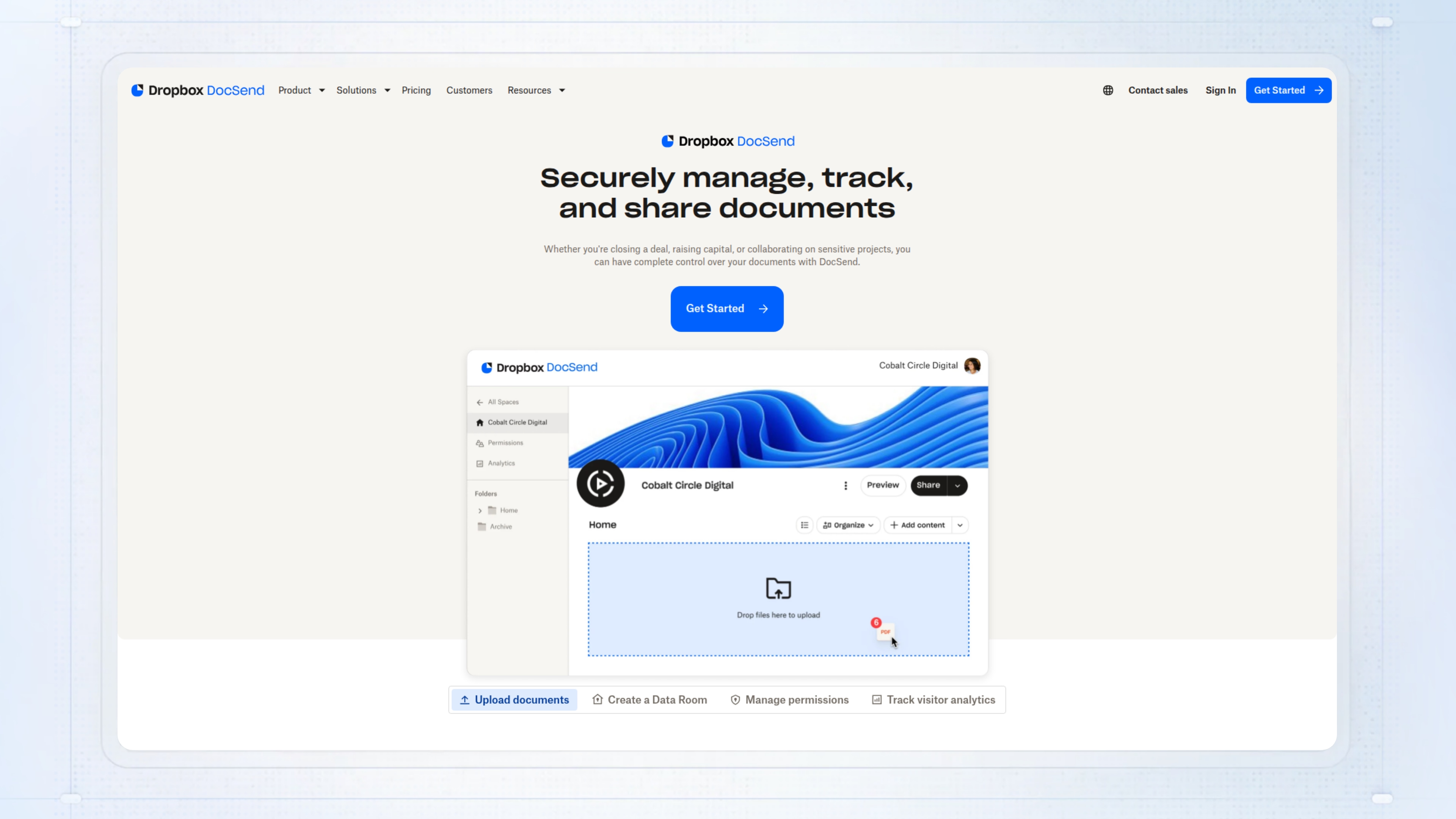
DocSend sits in the presales tools category as a secure document-sharing platform. It gives you real-time analytics on files like proposals and contracts, so you know exactly who is looking at what, when, and for how long. For presales teams juggling multiple deals, DocSend makes it easier to track engagement, control access, and follow up based on concrete activity instead of guesswork.
Without DocSend, you are left sending attachments and hoping for a reply, but you have no clue if stakeholders even opened your files or shared them with others. This lack of visibility often leads to missed follow-ups or chasing unqualified deals that have stalled out.
Best for: Sales or presales teams sending proposals or contracts who want to see detailed engagement and avoid flying blind late in the deal.
Key features
- Document analytics: Shows who viewed, for how long, and which pages hold attention for better-targeted follow-ups.
- Access controls: Lets you set passwords, expiration dates, and restrict viewing to certain emails or domains.
- Dynamic watermarking: Deters sharing by adding watermarks tied to viewers or accounts.
- eSignatures: Lets you collect signatures inside the platform on higher plans.
- Data rooms (Spaces): Organizes multiple files into secure, permissioned folders for complex deals or diligence.
Why pick DocSend?
Most useful for sales or presales teams needing to track proposal engagement and control access in late-stage deals. It is a solid fit when you need proof of prospect activity and want to reduce risk around sensitive documents.
DocSend pricing
Pricing plans from $10 to $180 per user monthly, but confirm directly as these are not official quotes.
Presales software #23: GetAccept
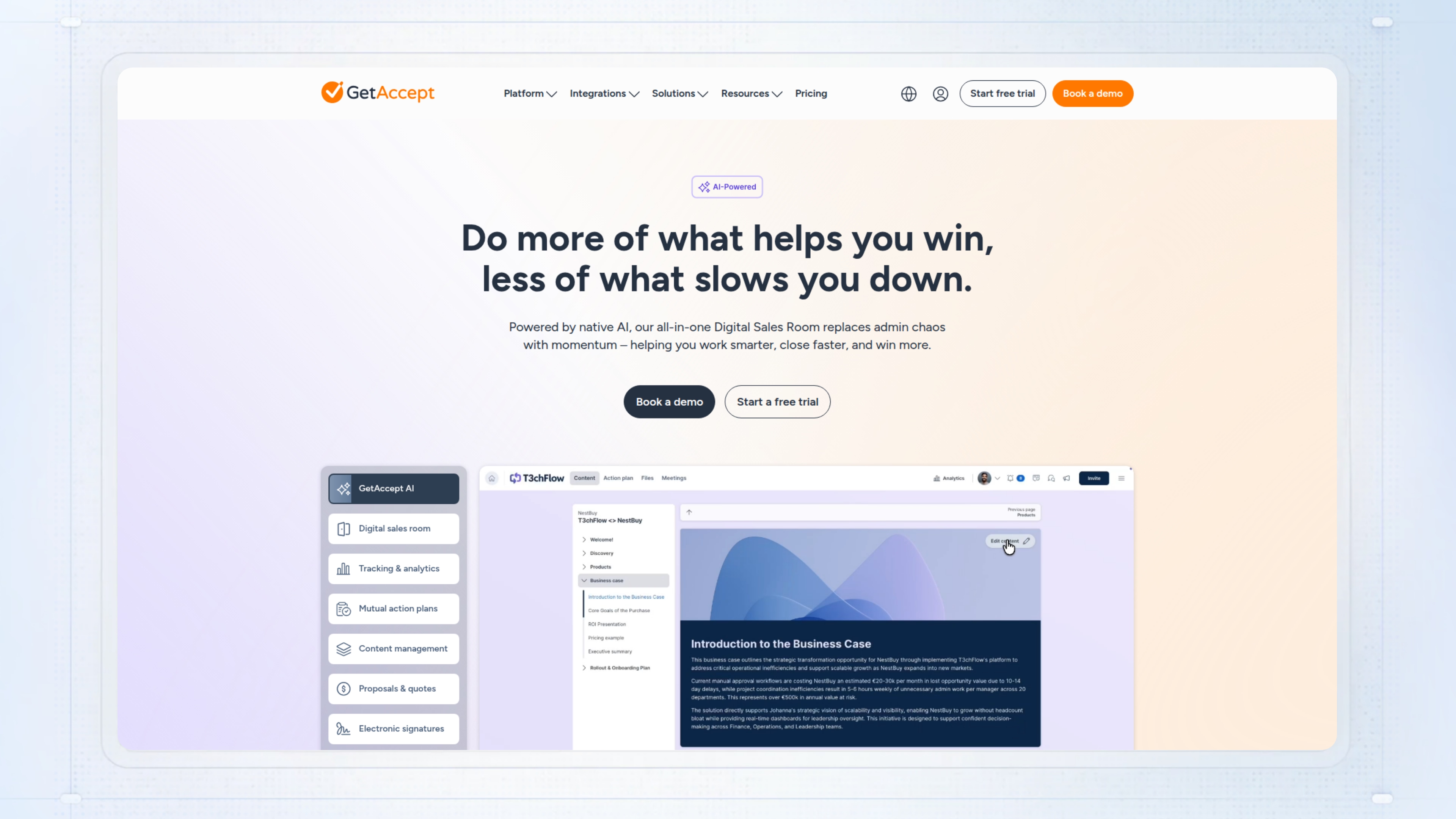
GetAccept is a sales engagement platform built for teams running late-stage presales workflows. It lets you create interactive proposals, manage digital sales rooms, and automate signatures, all with real-time tracking and analytics. For presales, you get a single spot to manage mutual action plans, control pricing accuracy, and keep stakeholders in the loop without toggling between static PDFs and manual follow-ups.
Without GetAccept, proposals stall when buyers lose track of files or miss key action items, leading to missed signatures and deals dragging out.
Best for: Presales and sales teams dealing with multi-stakeholder B2B deals where version control, accountability, and deal momentum are critical.
Key features
- Electronic signatures: Buyers can sign instantly in-browser with support for complex approval chains and compliance needs.
- Proposals & contracts: Build dynamic, trackable documents using templates, embedded media, and version control.
- CPQ automation: Generate quotes with predefined pricing and unlimited product listings, avoiding manual errors.
- Engagement analytics: See who views, forwards, or comments on your documents for timely, targeted follow-up.
- Digital sales rooms: Share collateral, chat, and next steps in one space to keep everyone synced.
Why pick GetAccept?
Works well for mid-market and enterprise presales teams who need real-time visibility and structured handoffs in complex sales cycles. Not ideal if your process only needs basic e-signature or you rarely deal with multi-person buying groups.
GetAccept pricing
Plans start at $25/user/month for basic e-signatures, $49/user/month for the Professional plan with sales rooms and AI, and custom pricing for Enterprise with CPQ and advanced integrations. Minimums and annual billing may apply.
Presales software #24: Proposify
Proposify is proposal software aimed at sales and presales teams who need to build, send, and track branded proposals, quotes, and contracts fast. As a presales tool, it takes repetitive formatting, content assembly, and approval out of your hands with drag-and-drop editors, content libraries, e-signatures, and CRM integrations. You can get proposals out in minutes instead of 15, then see exactly how prospects engage, helping you prioritize the right follow-up and forecast more accurately.
When teams rely on manual proposal creation, you get version control headaches, inconsistent messaging, and zero insight into what clients actually read. That means more deals stalling late and no clear way to tighten up your process.
Best for: Sales and presales leaders who want to standardize proposals, cut creation time, and track engagement for better forecasting.
Key features
- Drag-and-drop editor: Build and customize proposals quickly without design skills.
- Content library: Store and reuse sections, images, and pricing to keep proposals consistent.
- CRM integrations: Pull in prospect data from Salesforce or HubSpot to reduce manual entry.
- E-signatures: Collect signatures and approvals from any device, speeding up deal close.
- Proposal analytics: Track which sections prospects view and for how long to inform your follow-up.
Why pick Proposify?
Most useful for mid-sized sales or presales teams sending a high volume of proposals who want tighter control and analytics. Suited to groups needing CRM-connected automation and quick turnaround without losing brand consistency.
Proposify pricing
Plans start at $29/user/month (Basic), $49/user/month (Team), and $3,900/year for Business (5 users minimum). Discounts for annual billing and higher tiers add integrations, custom fields, workflows, and permissions.
Presales software #25: DocuSign
DocuSign is a mainstay for presales teams who need to get agreements out fast, track status, and cut down on paperwork chaos. You upload documents, assign recipients, add signature fields, and send out secure links. Everything is logged, so you know exactly who has done what, and when. For presales, this means you can get proposals, NDAs, and SOWs signed from anywhere, without chasing paper or wrangling multiple email chains.
Without DocuSign, you are left chasing signatures over email or, worse, on paper. Tracking who has signed what becomes a mess, and you risk incomplete records or blown deadlines, which can sink a deal at the finish line.
Best for: Sales and legal teams moving lots of agreements and needing to close deals faster without compliance headaches.
Key features
- eSignature and audit trails: Send documents for legally binding signatures and always know the status with automated reminders.
- Templates and document generation: Pull in data from your systems to generate agreements and auto-place fields, saving manual prep time.
- Web forms: Collect information interactively and cut down on errors in data-heavy workflows.
- 400+ integrations: Connect to CRM, HR, and other core systems so you do not need to copy-paste or switch tabs.
- Workflow automation (Maestro): Route documents for approval based on responses or triggers, so multi-step deals do not stall.
Why pick DocuSign?
Works well for teams handling high-volume or complex agreements where security, auditability, and integrations matter. Most useful for presales and legal teams who cannot risk manual errors or delays in getting deals signed.
DocuSign pricing
Pricing from $10/mo to $40 for Business Pro.
Presales software #26: Dropbox Sign (HelloSign)
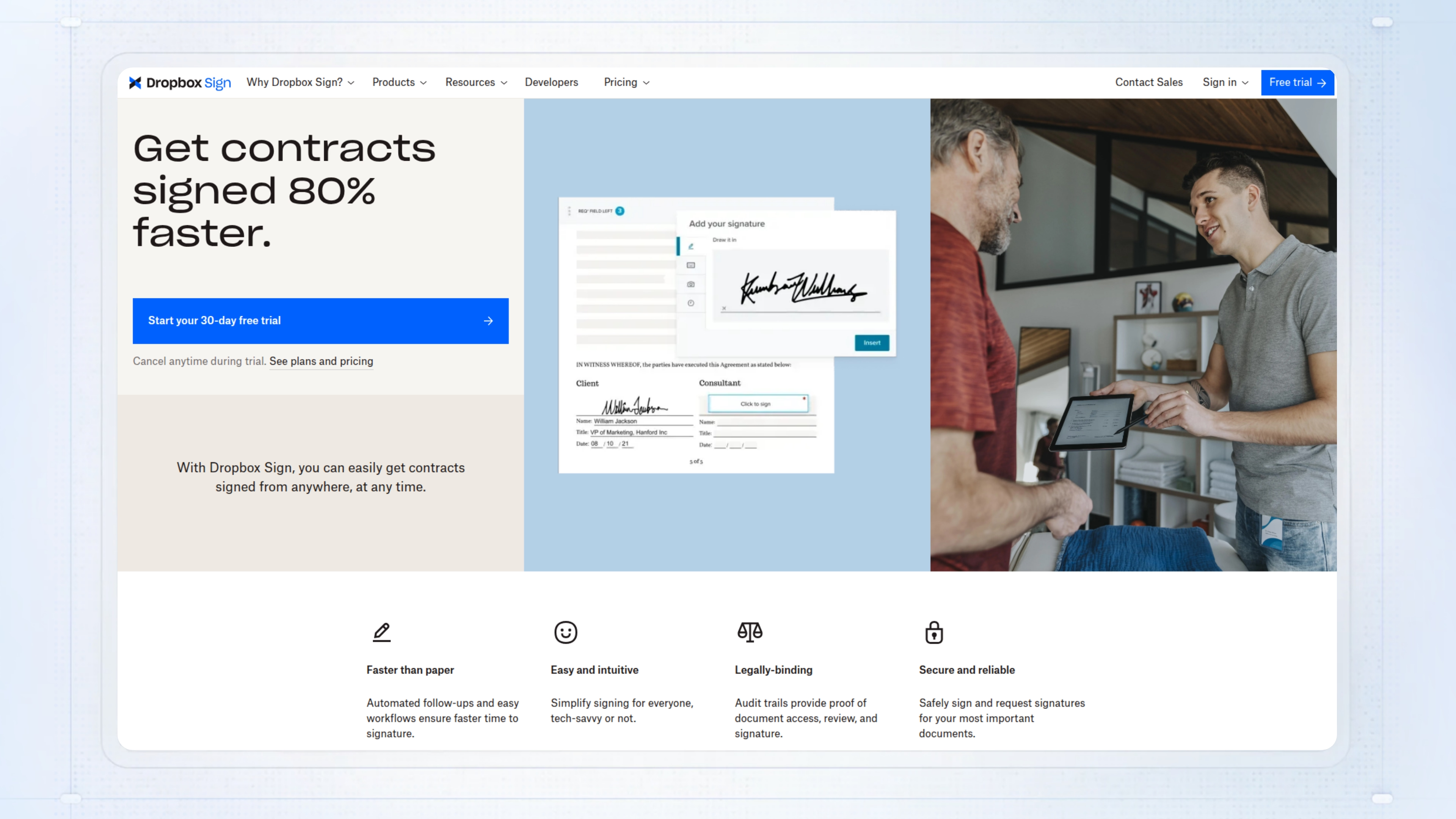
Dropbox Sign (HelloSign) is built for moving contracts, NDAs, and onboarding docs through approval without leaving Dropbox. As a presales tool, it cuts down the time spent chasing signatures by letting you send, track, and get documents signed right from the folders you already use, with clear audit trails and instant status updates.
What matters is how much this shortens deal cycles. Without it, teams get stuck emailing PDFs, waiting days for signatures, and chasing paperwork that drags deals or onboarding out for weeks. One team cut loan approvals from two weeks to eight minutes. That’s the difference between a deal stalling and a deal closing.
Best for: Small to mid-sized sales or HR teams working in Dropbox who need signatures back in hours, not days.
Key features
- Drag-and-drop fields: Set signature and text fields quickly to avoid missing required info.
- Template library: Reuse up to 15 templates for repeat documents to save time.
- Bulk send: Send one doc to many recipients in a single step when you need mass sign-offs.
- Automatic save-back: Signed documents show up in your chosen Dropbox folder, so nothing gets lost.
- Signer attachments: Collect IDs or extra files as part of the signing process to reduce back-and-forth.
Why pick Dropbox Sign (HelloSign)?
Works well for teams already using Dropbox who want to speed up low-complexity agreements and keep every signed doc organized. Most useful for sales or HR teams handling high document volume and needing fast, trackable eSignatures.
Dropbox Sign (HelloSign) pricing
There’s a free plan (3 signature requests/month), Essentials at $15/month (1 user), Standard at $25/user/month (small teams, 15 templates), and Premium with custom pricing for larger needs. Advanced features and some integrations may require higher tiers.
Sales engagement & qualification
Sales engagement platforms automate outbound sequences and qualification workflows, though their value to presales teams varies depending on whether SEs are involved in early-stage outreach.
Presales software #27: Outreach
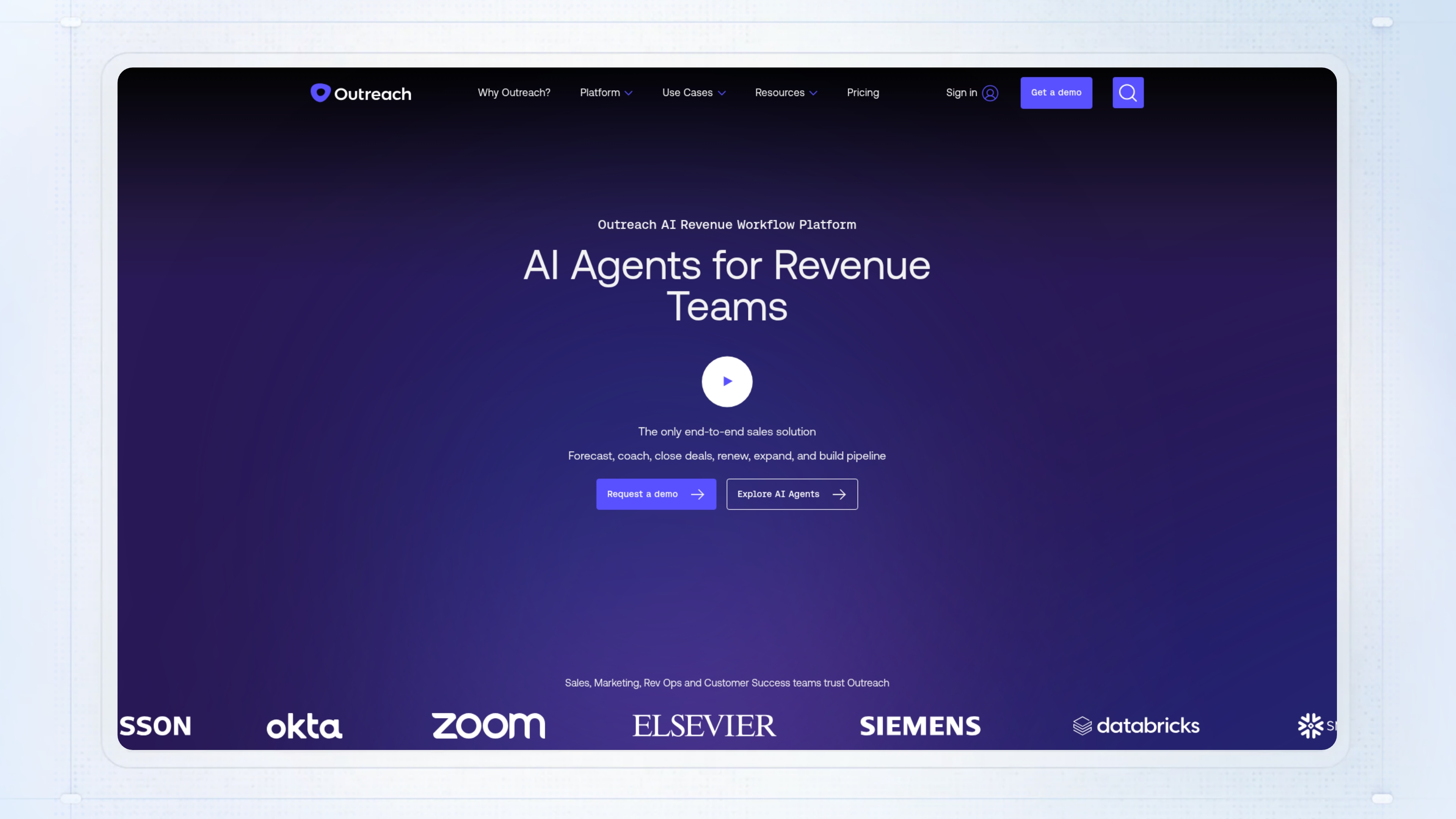
Outreach is a sales execution platform that fits into the presales stack by helping teams automate outreach sequences, manage pipeline activity, and capture deal intelligence, all in one place. For presales teams, it means less time logging calls and updating CRMs, and more focus on prepping for technical conversations or following up after demos with the right next steps.
Without a tool like Outreach, you end up with scattered notes, missed follow-ups, and inconsistent handoffs between sales and presales. Deals stall because next steps aren’t captured or because reps waste hours chasing updates across tools.
Best for: Sales development reps and AEs who need to run high-volume outbound cadences and keep pipeline activity up to date, especially in fast-moving teams.
Key features
- Automated sequences: Consistent follow-ups across email, calls, and tasks without manual scheduling.
- Deal grid dashboard: One view to inspect pipeline health, ARR, stage, and activity so your team can update deals quickly.
- AI conversation intelligence: Transcribes calls, summarizes action items, and surfaces coaching insights from calls and emails.
- CRM sync: Keeps Salesforce and other CRMs updated in both directions, eliminating extra data entry.
- Smart Account Assist: Pulls intent data and suggests next steps so reps can respond to buying signals faster.
Why pick Outreach?
A good fit for revenue teams managing lots of outbound and inbound activity who need pipeline visibility and AI-driven follow-up. Most useful for organizations with complex sales motions, mixed inbound/outbound, and a heavy CRM reliance.
Outreach pricing
Custom pricing. You have to contact their sales team for a quote since pricing is not published. Licenses are on a per-user basis with no platform fees.
Presales software #28: Salesloft
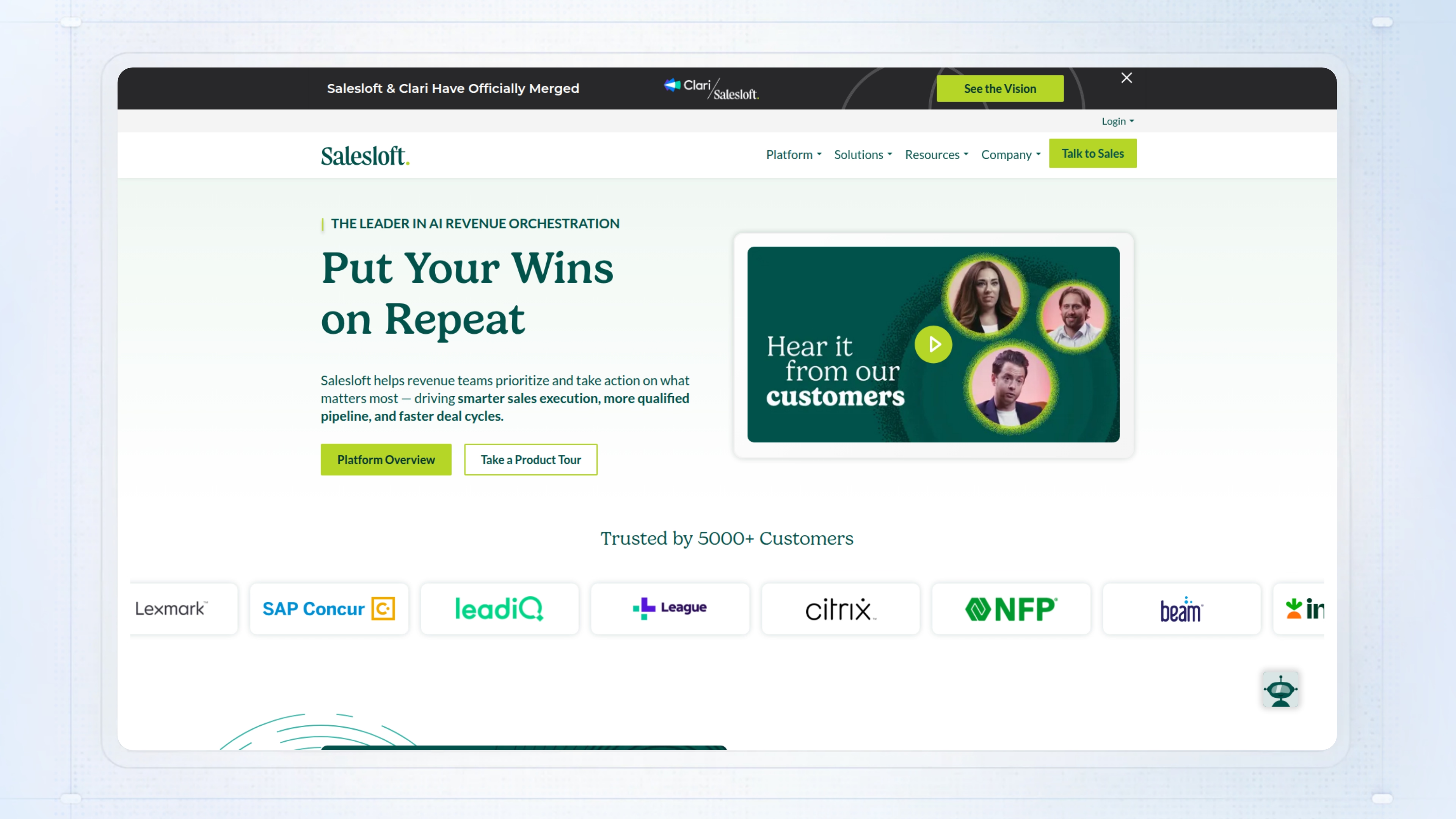
Salesloft is an AI-powered presales tool that pulls together sales engagement, deal management, conversation analysis, and forecasting. For presales teams, it means you don’t have to bounce between email, CRM, and call notes just to track buyer signals, prep demos, or prioritize follow-ups - everything sits in one spot.
Without a platform like this, you end up chasing updates across disconnected tools. That’s when key buyer actions get missed, deal risks slip through, and technical validation stalls because no one knows the real status.
Best for: Mid-to-large sales teams using Salesforce or similar CRMs who want to automate cadences and keep pipeline momentum with AI-prioritized actions.
Key features
- Cadence Management: Automates multi-channel outreach so you don’t have to manually schedule or track follow-ups.
- Conversation Intelligence: Records and analyzes sales calls to spot improvement areas and help managers coach with actual data.
- Deal & Pipeline Management: Gives clear visibility into deal status, risks, and next actions using AI insights.
- Rhythm AI Prioritization: Surfaces high-value tasks from buyer activity, helping you focus on what actually moves revenue.
- CRM Integrations: Syncs with Salesforce and Microsoft Dynamics to keep workflows and data unified.
Why pick Salesloft?
Most useful for teams that need one place to manage engagement, coaching, and forecasting without splitting work across several tools. Designed for sales orgs running complex, multi-touch cycles where losing track of buyer signals costs real deals.
Salesloft pricing
Salesloft doesn’t publish pricing publicly. You’ll need to contact their sales team for a custom quote based on your needs.
Presales software #29: Salesforge
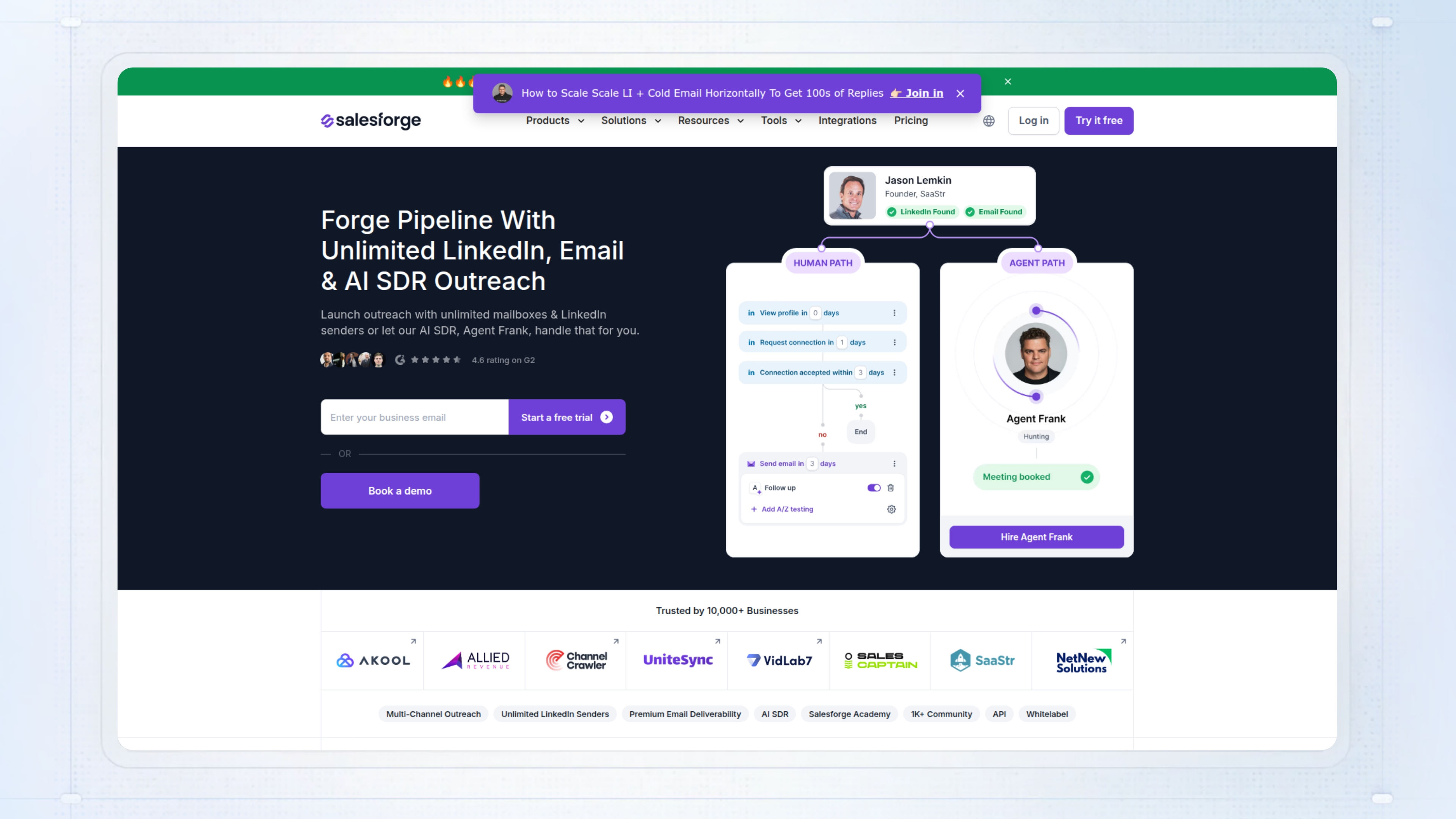
Salesforge is a presales tool focused on automating cold outreach for sales teams. It uses AI to personalize emails and LinkedIn messages, manage campaigns, and track replies, all from one dashboard. For presales teams, this means less time spent prepping outreach and chasing responses, so you can focus efforts where it matters.
The main thing that goes wrong without something like Salesforge is reps wasting hours on manual prospecting, only to see replies drop because generic templates get caught in spam filters. If you’ve ever watched your team burn cycles on cold emails that never land, this matters.
Best for: Small to mid-market presales or sales teams needing to scale personalized cold outreach without adding more headcount.
Key features
- AI email personalization: Sends unique, contextual messages to each prospect in over 20 languages.
- Agent Frank (AI SDR): Automates prospecting, follow-ups, and meeting booking across email and LinkedIn.
- Unified inbox with sentiment analysis: Brings all replies into one place and flags hot leads for faster follow-up.
- Email deliverability tools: Reduces spam risk with unlimited warm-up, validation, and inbox placement tests.
- Contact management and enrichment: Auto-verifies contact info and syncs with Salesforce, HubSpot, Outreach, and SalesLoft.
Why pick Salesforge?
A good fit for presales teams that want to keep some control while automating repetitive outreach. Works well if your team needs to maintain deliverability and personalization at higher volumes.
Salesforge pricing
Pricing starts at $40 per month for up to 5,000 emails, with a monthly subscription and usage-based pricing for AI features.
What to consider before choosing your presales software
The “best” presales software comes down to how well it supports your core workflows. Look for tools that enable repeatable, data-driven demos or outreach, offer tight CRM integrations to prevent manual data entry, and provide engagement analytics so your team can prioritize high-intent leads. For many, automation and personalization are must-haves - especially if you’re managing high demo volume, complex handoffs, or want to track stakeholder actions without manual effort.
Why teams are choosing Guideflow
- Interactive, self-serve demos: Guideflow lets prospects explore tailored product walkthroughs on their own schedule, freeing up presales resources for high-value work.
- Personalization at scale: With AI text tweaks, variables, and data masking, teams can adapt demos for each prospect without starting from scratch.
- Engagement insights: Built-in analytics show who’s interacting, completion rates, and drop-off points - making it easy to spot true buying intent.
- CRM automation: Native integrations with Salesforce, HubSpot, and Pipedrive mean less manual tracking and smoother handoffs.
- Best fit: High-velocity SaaS teams qualifying leads quickly; less ideal for teams needing only live demos or minimal automation.
Conclusion
Choosing the right presales software is about matching capabilities to your team’s workflow and deal complexity. Some tools excel at automating repetitive tasks for high-volume teams, while others prioritize deep analytics, proposal management, or technical collaboration. The right fit depends on your mix of demo volume, sales process maturity, and integration needs.
No single tool is perfect for every scenario, but there’s a clear best fit for each team’s priorities. The practical next step: shortlist 2–3 presales solutions, book a demo or trial, and test them against your real use cases to find what moves your deals forward most efficiently.
FAQs
Presales software assists sales and presales teams in managing leads, automating demos, and improving engagement with prospects. It streamlines workflows, enhances communication, and helps capture valuable insights throughout the sales process.
Guideflow allows teams to create interactive, self-serve product demos that prospects can explore at their own pace. This reduces reliance on live demonstrations and enables presales teams to focus on high-value tasks while providing measurable engagement analytics.
Key features include interactive demo creation, CRM integrations, engagement analytics, workflow automation, and personalization capabilities. These features help teams qualify leads effectively and manage the sales process more efficiently.
CRM integrations streamline data management by syncing lead information, tracking interactions, and automating follow-ups. This reduces manual data entry, minimizes errors, and ensures that sales teams have up-to-date insights on prospects.
High-velocity SaaS companies and businesses with complex sales processes benefit most from presales software. These tools help teams manage high demo volumes, coordinate efforts across departments, and provide personalized experiences to prospects.
When selecting presales software, consider ease of use, customization options, integration capabilities, and the specific needs of your sales process. Look for tools that enhance automation, provide actionable insights, and align with your team's workflow.
Guideflow offers engagement analytics that track how prospects interact with demos, allowing teams to identify high-intent leads quickly. This helps prioritize follow-ups and tailor communications based on prospect behavior.
Yes, presales software is designed to support remote teams by providing cloud-based tools for collaboration, communication, and engagement tracking. This ensures that team members can work effectively regardless of their location.
Personalization helps tailor demos and communications to meet the specific needs and interests of each prospect. This increases engagement, builds rapport, and enhances the likelihood of moving deals forward.
Many presales software providers offer trial periods or demos to allow potential customers to evaluate the tool's features and suitability for their needs. It's advisable to check with individual providers for specific options.