



You can have a solid product marketing strategy and still miss outcomes because execution is a coordination problem. Messaging gets forked across docs, enablement drifts out of date, launches become a chain of approvals, and feedback arrives too late to change the plan. Tools matter when they tighten those loops and make the work legible across product, marketing and sales.
This is amplified because many PMM teams are lean. In Alliance’s State of Product Marketing Report 2025, 44.3% of PMM teams are just 1–2 people. With that reality, the right product marketing platform is less about “more features” and more about leverage.
What’s inside
This guide goes through the best product marketing tools across different categories to help you find the right tools for your needs as a product manager. You’ll find detailed comparisons covering features, pricing, ease of use and best-fit use cases for each platform. We’ve included both established players and emerging solutions to help you make informed decisions based on your team’s specific needs and constraints.
TL;DR:
- Product marketing software spans multiple categories: interactive demos, design, documentation, analytics, competitive intel and workflow automation.
- This guide covers 16 specialized tools from Guideflow (interactive demos) to Microsoft Clarity (behavior analytics), each excelling in specific workflows.
- Evaluate based on integration, team collaboration features, scalability and measurable ROI like conversion rates or campaign speed.
- Keep in mind that no single tool covers all needs - most teams build a focused stack of best-of-breed solutions tailored to their biggest bottlenecks. While some vendors promote a single platform approach, most organizations still rely on a specialized stack.
- Guideflow leads for no-code product demos with advanced analytics; pair with complementary tools for design, project management and customer insights.
What is product marketing software
Product marketing software helps teams streamline the full journey from product positioning to customer acquisition and retention. These tools enable you to craft messaging, execute go-to-market strategies and measure the impact of your marketing efforts across multiple channels and touchpoints. The category includes solutions like interactive demo platforms, customer research tools, competitive intelligence systems, campaign management platforms and sales enablement software. Many offer features for content creation and customer engagement to support development of marketing collateral and nurturing customer relationships across channels. Each addresses different parts of the product marketing workflow from understanding market dynamics to creating assets that convert prospects into customers.
Choosing the right stack is key to maximize efficiency and results. The right product marketing tools give you data-driven insights, speed through automation and templates and conversion rates through personalized experiences at scale.
Product marketing teams using integrated toolsets report 32% faster campaign execution and 28% higher lead-to-customer conversion rates than those using disconnected point solutions.
When to use product marketing software
Product marketing tools become essential when you're coordinating launches across multiple teams, when sales keeps asking the same competitive questions, or when your messaging fragments across regions and channels. If you're running 3+ different product launches, enabling distributed sales teams, or proving marketing's revenue impact to leadership - and especially if your team is just 1–2 people - the right tools provide the leverage to execute at scale without adding headcount.
Best product marketing tools - overview
This table highlights leading product marketing platforms, breaking down each tool’s name and what it’s best for in a concise format. Each of these is a great tool for its specific use case.
| # | Product name | Intent | Key use case | Price starts at | G2 rating |
|---|---|---|---|---|---|
| 1 | Guideflow | Interactive product demos | HTML product tours | Free + $35/mo | 5.0/5 |
| 2 | Canva | Marketing visuals | Drag-and-drop design | Free + $15/user/mo | 4.7/5 |
| 3 | Notion | PMM workspaces | Docs, tasks, wiki | Free + $10/user/mo | 4.6/5 |
| 4 | Klue | Competitive intel | Battlecard library | Custom pricing | 4.7/5 |
| 5 | Fathom | Sales call recording | AI summaries & transcripts | Free + $14/user/mo | 5/5 |
| 6 | Figma | UX & visuals | Collaborative design | Free + $3/mo | 4.6/5 |
| 7 | Mojo PMM | Messaging strategy | Positioning sprints | $8,500 one-time | NA |
| 8 | ClickUp | Launch management | Task dependencies & Timeline | Free + $7/user/mo | 4.7/5 |
| 9 | Segment | Customer data platform | Journey tracking & integration | Free + $120/mo | 4.5/5 |
| 10 | Hotjar | UX insights | Session replays & heatmaps | Free + $32/mo | 4.3/5 |
| 11 | AssetMule | Sales collateral | Live-updating web assets | Free + $50/mo | 5.0/5 |
| 12 | Claude Code | AI code generation | Landing page prototyping | $20/mo + tiers | 4.4/5 |
| 13 | Microsoft Clarity | Behavior analytics | Heatmaps & replays | Free | 4.5/5 |
| 14 | Wynter | Message testing | ICP feedback validation | Custom pricing | 4.8/5 |
| 15 | Lovable | Rapid prototyping | AI full-stack web apps | Free + usage-based | 4.6/5 |
| 16 | Miro | Campaign planning | Visual collaboration & AI workflows | Free + paid tiers | 4.7/5 |
1. Guideflow
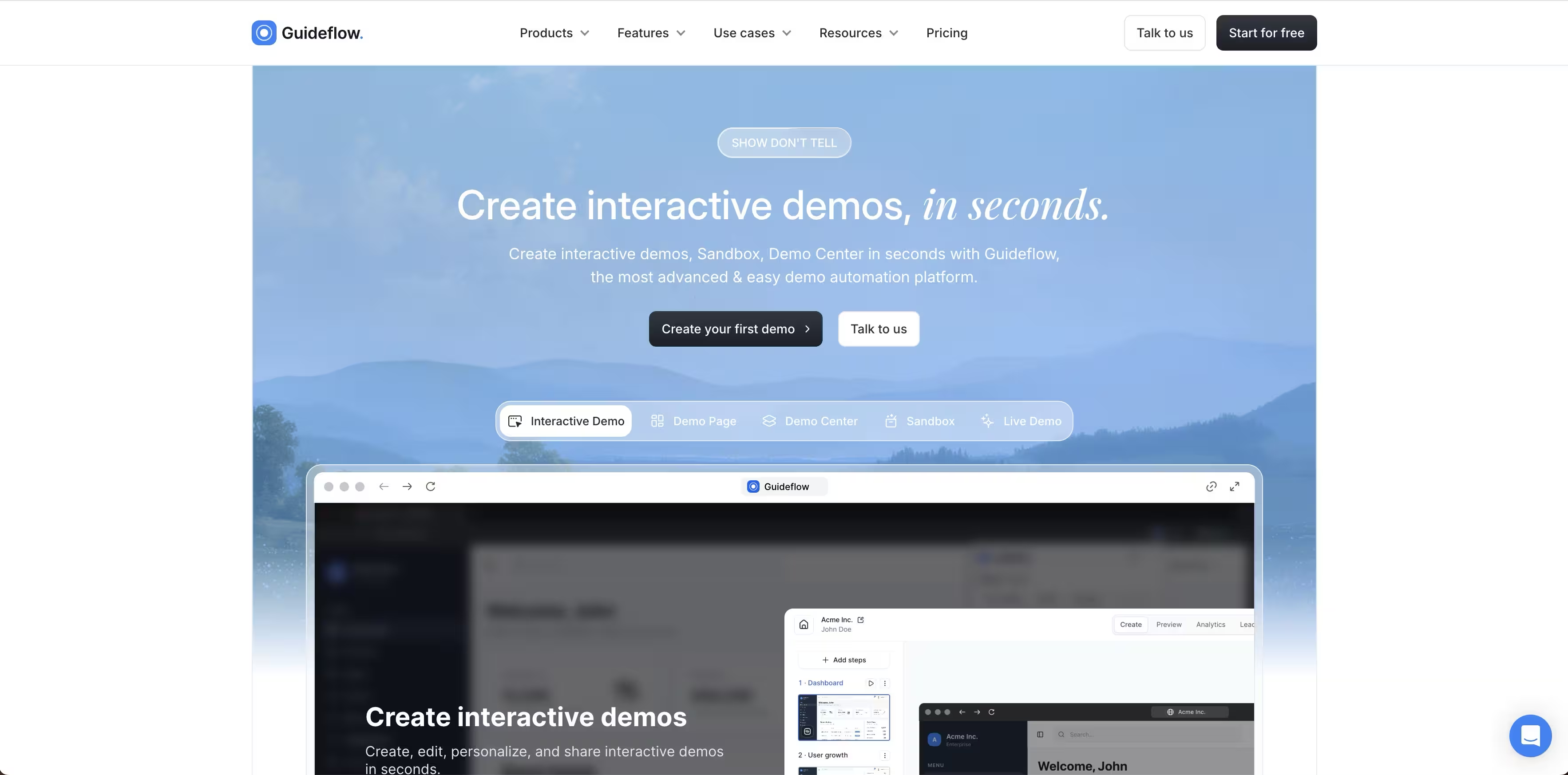
Guideflow gives product marketing managers no-code tools to create interactive product demos and sandboxes for feature launches, sales enablement, and customer onboarding without waiting on engineering resources. PMMs build hands-on demos from screenshots, mobile apps, or live product captures that let users experience features before logging in, accelerating adoption and reducing dependency on design and development teams.
Use Guideflow to launch new features with clickable walkthroughs instead of static screenshots, create demo libraries for sales and customer success teams, embed interactive experiences in launch emails and landing pages, and track which features drive engagement. Analytics reveal completion rates, drop-off points, and viewer behavior so PMMs can optimize messaging, prove launch impact, and justify budgets with data on what's actually driving adoption.
Key strengths
- No-code demo creation from screenshots, mobile apps, or HTML captures lets PMMs launch product experiences in hours without engineering sprints or design resources.
- Launch-ready embeds for emails, landing pages, help docs, and sales materials so PMMs can distribute feature announcements across channels from a single asset.
- Behavioral analytics track completion rates, engagement patterns, and drop-offs so PMMs can measure launch effectiveness and optimize product messaging based on real user behavior.
- AI-powered localization and content generation translate demos for global launches and customize messaging for different personas, accelerating market expansion without manual rework.
- Team collaboration workspaces with brand controls and approval workflows let PMMs manage demo production across sales, marketing, and CS while maintaining consistent messaging and brand standards.
Guideflow pricing
- Free: $0/month; 5 demos, unlimited viewers, 7-day analytics, watermarks.
- Solo: $35/month; unlimited demos, advanced analytics, AI content generation, 1 user.
- Growth: $499/month; HTML demos, AI personalization, branching logic, 10 users, dedicated customer success manager.
- Advanced: $1,499/month; sandbox demos, offline access, custom domains, custom seat counts.
- Enterprise: From $2,999/month; full platform, SOC 2/GDPR/CCPA compliance, priority support.
Start your journey with Guideflow today
2. Canva
Canva gives product marketing managers drag-and-drop tools to create product launch materials, sales enablement decks, competitive battle cards, feature announcements, and customer-facing assets without relying on design resources. PMMs maintain brand consistency across all materials while reducing time-to-market for campaign launches and sales collateral.
Product marketers use Canva to create one-pagers, product comparison sheets, presentation decks, webinar slides, social graphics, and video content for cross-functional teams including sales, customer success, and product. Brand kits and approval workflows ensure all assets adhere to brand guidelines before distribution to external teams or customers.
Here's how to create a website design in Canva:
Key strengths
- Brand Kits save colours, fonts and logos for reuse across product launches, sales materials and customer presentations, so all assets maintain brand consistency.
- Approval workflows route designs through stakeholder review (product, legal, sales leadership) before finalizing launch materials or enablement content.
- Real-time collaboration lets PMMs work with product managers, sales enablement and content teams to iterate on positioning, messaging and visuals simultaneously.
- Premium templates and 140M+ stock assets accelerate creation of sales decks, product one-pagers, competitive comparison sheets, and campaign materials.
- AI tools (e.g. Magic Studio) resize assets for different channels, translate content for global product launches, and generate variations for A/B testing campaign visuals.
Canva pricing
- Free: $0; basic templates and tools for individual testing.
- Pro: $15/user/month (monthly) or $120/user/year (annual); premium templates, 1TB storage, AI tools.
- Teams (Business): $10/user/month (annual, min 3 users) or $100/user/year; adds team folders, permissions, reports.
- Enterprise: Custom pricing; advanced security, SSO, multiple teams.
3. Notion
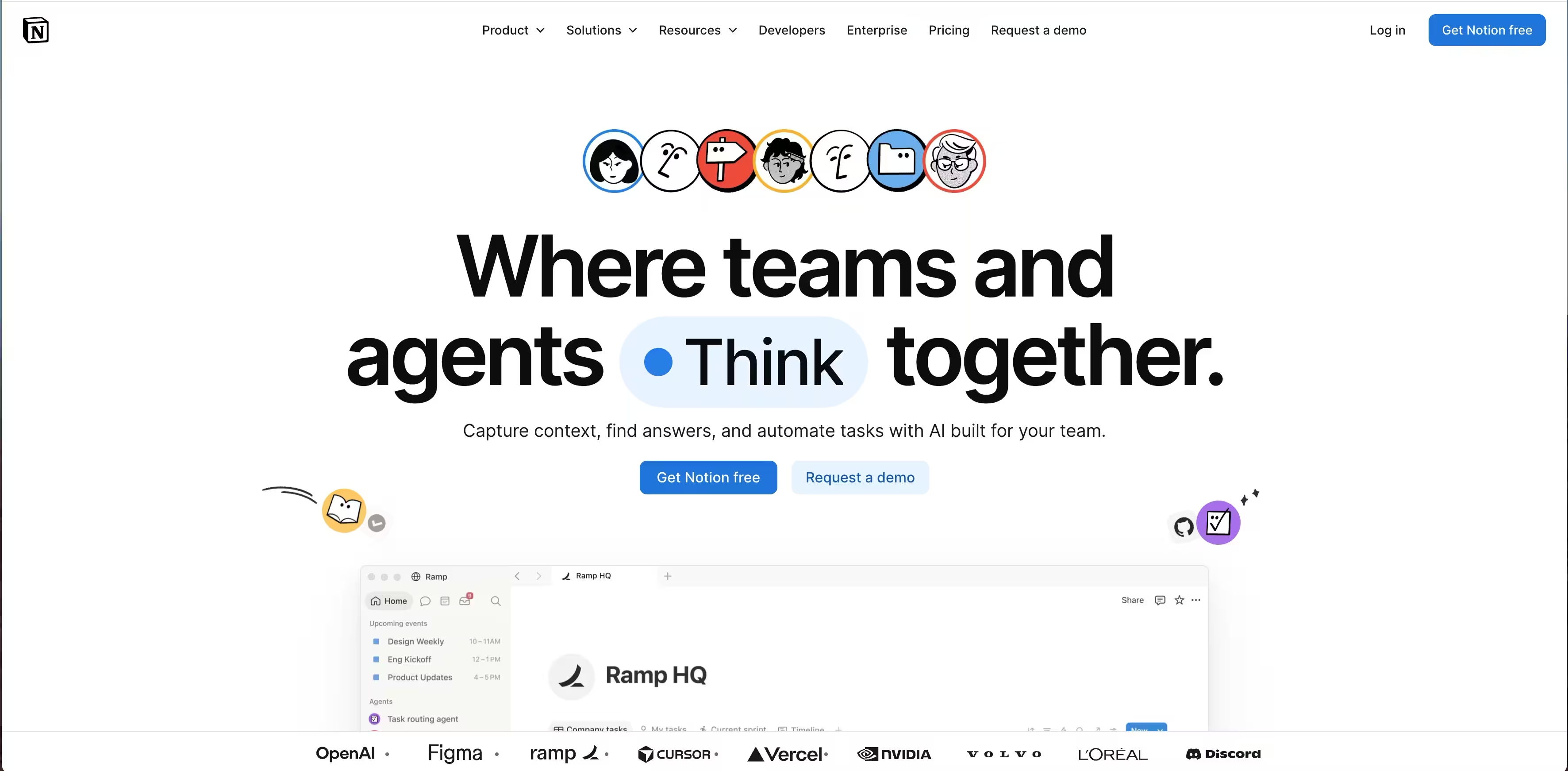
Notion helps product marketing managers centralize launch planning, competitive intelligence, messaging frameworks and sales enablement content in one connected space. PMMs use Notion to coordinate cross-functional launches, have one source of truth for positioning and messaging and create knowledge repositories that keep sales, CS and marketing teams aligned without scattered Google Docs or outdated Confluence pages.
Product marketers build launch hubs with timelines and stakeholder dashboards, store competitive battlecards and product comparisons in searchable databases, create messaging and positioning libraries that evolve with the product and collaborate with sales on enablement materials with version control. Guest access lets PMMs share launch briefs and GTM plans with agencies, freelancers and external partners without adding them to the full space.
Here's how to create a Kanban board in Notion:
Key strengths
- Customizable databases for competitive intelligence, launch calendars, messaging frameworks and sales content libraries let PMMs organize strategic assets with filters, views and relations that connect related information.
- Launch templates and hubs create repeatable processes for feature releases so PMMs can execute GTM consistently across product, sales, marketing and CS with clear ownership and timelines.
- Version history (30–90 days on Plus/Business, unlimited on Enterprise) tracks changes to positioning docs, launch briefs and messaging frameworks so PMMs can restore previous versions and see who changed what.
- Guest collaboration (100–250+ depending on plan) lets PMMs share launch plans, battlecards and enablement materials with sales leadership, agencies and stakeholders without full space access.
- Notion AI drafts launch messaging, summarizes competitive research, generates FAQ content and helps PMMs create positioning frameworks faster while maintaining brand voice and consistency.
Notion pricing
- Free: $0/month; unlimited pages for individuals, 7-day version history, basic collaboration.
- Plus: $10/seat/month (annual) or $12/month (monthly); 30-day history, unlimited file uploads, 100 guests.
- Business: $20/seat/month (annual) or $24/month (monthly); 90-day history, 250 guests, advanced permissions, SAML SSO.
- Enterprise: Custom pricing; unlimited version history, advanced security, audit logs, dedicated support.
Annual billing saves 20% across all paid plans.
4. Klue
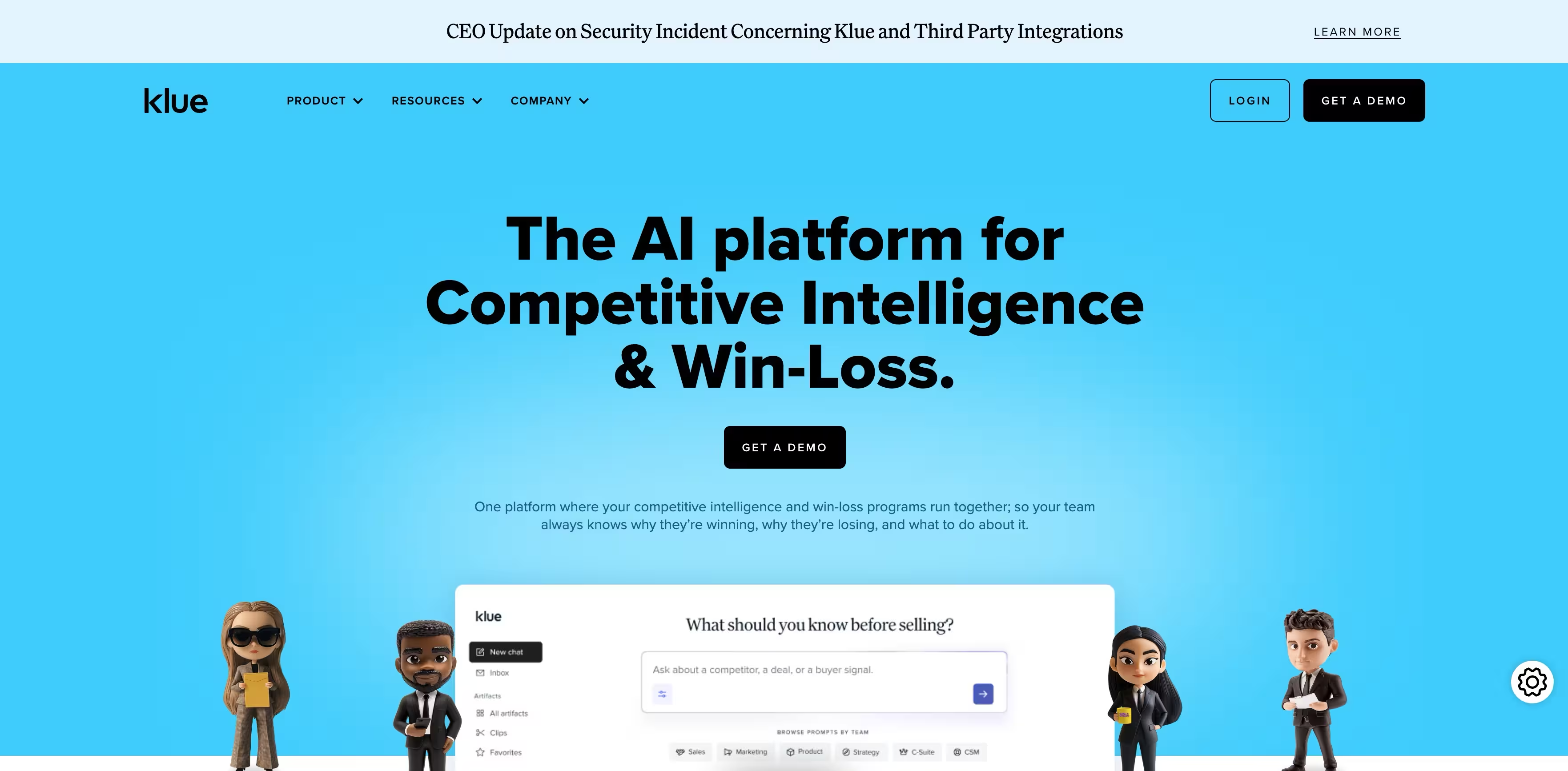
Klue centralizes competitive intelligence so product marketing managers can keep battlecards up to date, refine positioning based on competitive shifts and arm sales teams with the intel they need to win deals. PMMs use Klue to automate competitor monitoring, eliminate scattered intel in email threads and Slack channels and ensure sales reps have the latest competitive info at their fingertips.
Product marketers build dynamic battlecards that update when competitors launch features or change pricing, analyze win-loss data to identify messaging gaps and strengthen positioning, track competitor product releases to adjust launch timing and differentiation strategy and push competitive insights directly into Salesforce deals so reps have context before calls. Klue replaces manual competitive research with automated alerts so PMMs can focus on strategic positioning not competitor websites.
Key strengths
- Automated competitor monitoring tracks competitor websites, social media, news and review sites so PMMs get alerts on product launches, pricing changes and messaging shifts without manual research.
- Dynamic battlecards update automatically with the latest competitive intel and sync to Salesforce so sales always has current objection handlers and positioning guidance.
- Win-loss intelligence captures buyer feedback on why deals were won or lost, reveals messaging strengths, competitive weaknesses and positioning opportunities for PMMs to refine GTM strategy.
- Competitive content library organizes screenshots, pricing sheets, product comparisons and messaging examples so PMMs can quickly reference competitor positioning during launches and campaign planning.
- Deal-level insights delivered via Salesforce and Slack surfaces relevant competitive intel based on who the rep is selling against, personalizes enablement for each opportunity.
Klue pricing
Custom enterprise pricing starting at $16,000/year; contact sales for quote based on team size and feature requirements.
5. Fathom
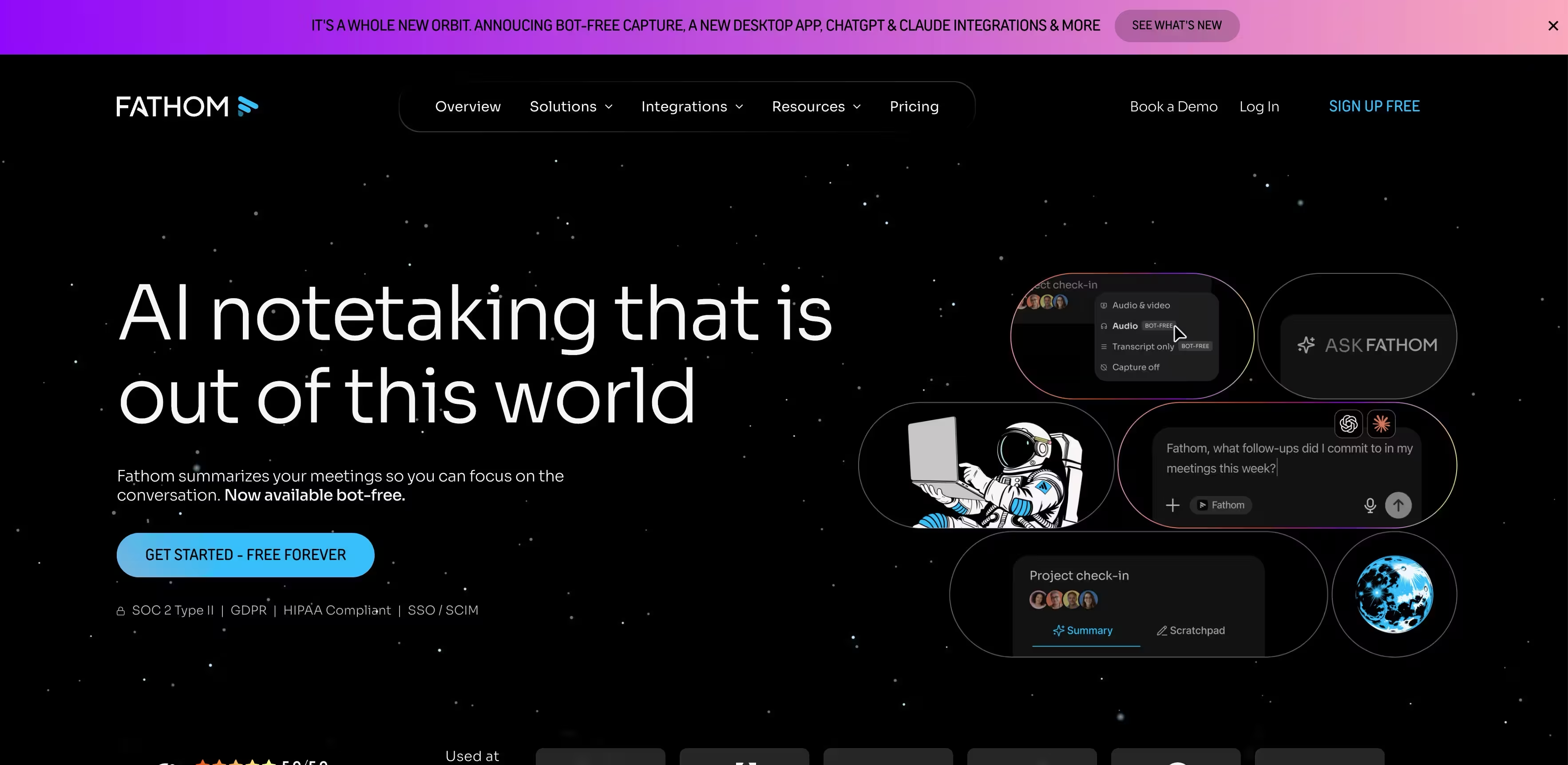
Fathom records, transcribes and summarizes online meetings automatically, delivering instant notes, highlights and action items so product marketers can extract customer feedback, competitive intelligence and product insights from sales conversations without attending every call. By surfacing authentic customer language and pain points from recorded demos, Fathom helps PMMs refine messaging, build competitive battlecards and feed voice-of-customer insights to product teams.
Users get searchable call archives to find objection patterns, feature requests and competitive mentions across hundreds of conversations.It joins calls via a browser extension or bot on platforms like Zoom and Google Meet, processing audio in real-time for AI-generated summaries in customizable formats. Team plans add shared access and collaboration tools so product marketing and sales teams can analyze calls together to identify messaging gaps and positioning opportunities.
Key strengths
- Ask Fathom conversational search (Premium+) lets PMMs query past calls for competitive mentions, objection patterns or specific feature requests, surfacing insights without reviewing hours of recordings.• Instant AI summaries and clips highlight key moments like customer pain points, competitor mentions or feature requests, so PMMs can quickly extract insights from demos for positioning docs.
- Team folders, comments and keyword alerts organize shared calls and trigger notifications when competitors or key features are mentioned, keeping PMMs informed without attending every call.• Unlimited recordings and transcription for all plans store full call audio indefinitely, building a searchable voice-of-customer library PMMs can reference for messaging and positioning work.
- CRM sync with HubSpot and Salesforce (unlimited in Team plans) pushes call insights into deal records, helping PMMs track objection patterns and win/loss themes across the pipeline.
Fathom pricing
- Free: $0 forever; unlimited recordings/transcripts/summaries, basic features, premium AI limited to 5 calls/month.
- Team: $14/user/month (annual; monthly higher); adds collaboration, SSO, unlimited CRM/Zapier, max 3 users/domain initially.
- Premium and higher tiers (e.g., Business/Pro) include advanced summaries/AI from $19–$29/user/month per reviews, but exact current labels/prices not listed on official page - not confirmed beyond Free/Team.
6. Figma
Figma bundles three tools product marketers use for cross-functional collaboration: FigJam for visual strategy work, Figma Slides for presentations, and Figma Design for reviewing and collaborating on product visuals with designers. PMMs use FigJam to run positioning workshops, map messaging frameworks, and plan launches with product and sales teams. Figma Slides supports building sales enablement decks and launch presentations without switching tools.
The browser-based platform enables real-time collaboration across distributed teams without file versioning issues. Seats include access to all three products, with paid seats bundling FigJam and Slides access post-March 2025 updates.
Here's how to create a mockup in Figma:
Key strengths
- FigJam unlimited boards on Professional plan for running messaging workshops, competitive analysis sessions, and launch planning with cross-functional stakeholders.
- Figma Slides for creating sales enablement presentations, launch decks, and product training materials with consistent brand assets from shared libraries.
- Team-wide design libraries ensure PMMs pull brand-compliant visuals and components when creating one-pagers, battle cards, or simple marketing assets.
- Version history tracks changes indefinitely on paid plans, letting PMMs revert messaging iterations or review stakeholder feedback on launch materials over time.
- Real-time collaboration enables PMMs to workshop positioning with product managers, align on messaging with sales, and review creative assets with designers without file handoffs.
- SCIM seat management on Enterprise supports admin-controlled user provisioning, simplifying access for large product marketing organizations.
Figma pricing
- Starter: Free; unlimited drafts, basic tools, view/comment seats available on all plans.
- Professional: $3/mo (FigJam seat), $12/mo (Full seat monthly), $16/mo (Full seat annual); unlimited files, team libraries, 3,000 AI credits/mo on Full.
- Organization: Not confirmed; secondary sources cite $45/user/mo but official pages lack specifics.
- Enterprise: $5/mo (FigJam seat annual), $35/mo (Dev Mode annual), $90/mo (Full seat annual); SCIM, custom workspaces.
7. Mojo PMM

Mojo PMM delivers a facilitated 2-week messaging sprint that solves the most common PMM challenge: creating differentiated positioning and messaging that actually gets stakeholder buy-in. Instead of spending weeks in scattered Google Docs, endless Slack threads, and competing opinions from product and sales, PMMs work through a structured process combining live workshops and async homework to develop positioning, messaging hierarchies, and competitive POVs. You end the sprint with a complete, approved messaging framework ready to cascade into sales enablement, website copy, and campaign assets.
The sprint is run by experienced PMM practitioners using proven frameworks like April Dunford's positioning methodology and outputs a FigJam board capturing all messaging elements, plus a custom Mojo GPT trained on your specific brand voice and messaging to accelerate content creation afterward.
Key strengths
- Facilitated by PMM experts who guide stakeholder alignment and apply proven frameworks, eliminating the burden of running workshops yourself while managing competing opinions from product and sales.
- 2-week structured sprint with defined milestones combines live working sessions and focused async homework, preventing the endless revision cycles that plague self-directed messaging projects.
- Comprehensive messaging board outputs positioning statement, value props, messaging pillars, competitive differentiation, and use case narratives in a single FigJam file that becomes your messaging source of truth.
- Segment or competitor-specific focus tailors messaging for a specific ICP segment, use case, or competitive positioning scenario, rather than generic company messaging that doesn't resonate.
- Custom Mojo GPT trained on your messaging applies your final messaging framework and brand voice to generate on-brand sales assets, blog outlines, and campaign copy post-sprint, extending the value beyond the initial deliverable
- Cross-functional alignment built in ensures product, sales, and marketing stakeholders contribute to and approve messaging during the sprint, reducing post-delivery pushback and revision requests.
Mojo PMM pricing
$8,500 one-time fee for the full 2-week messaging sprint, including facilitation, FigJam messaging board, custom Mojo GPT, and usage documentation.
8. ClickUp
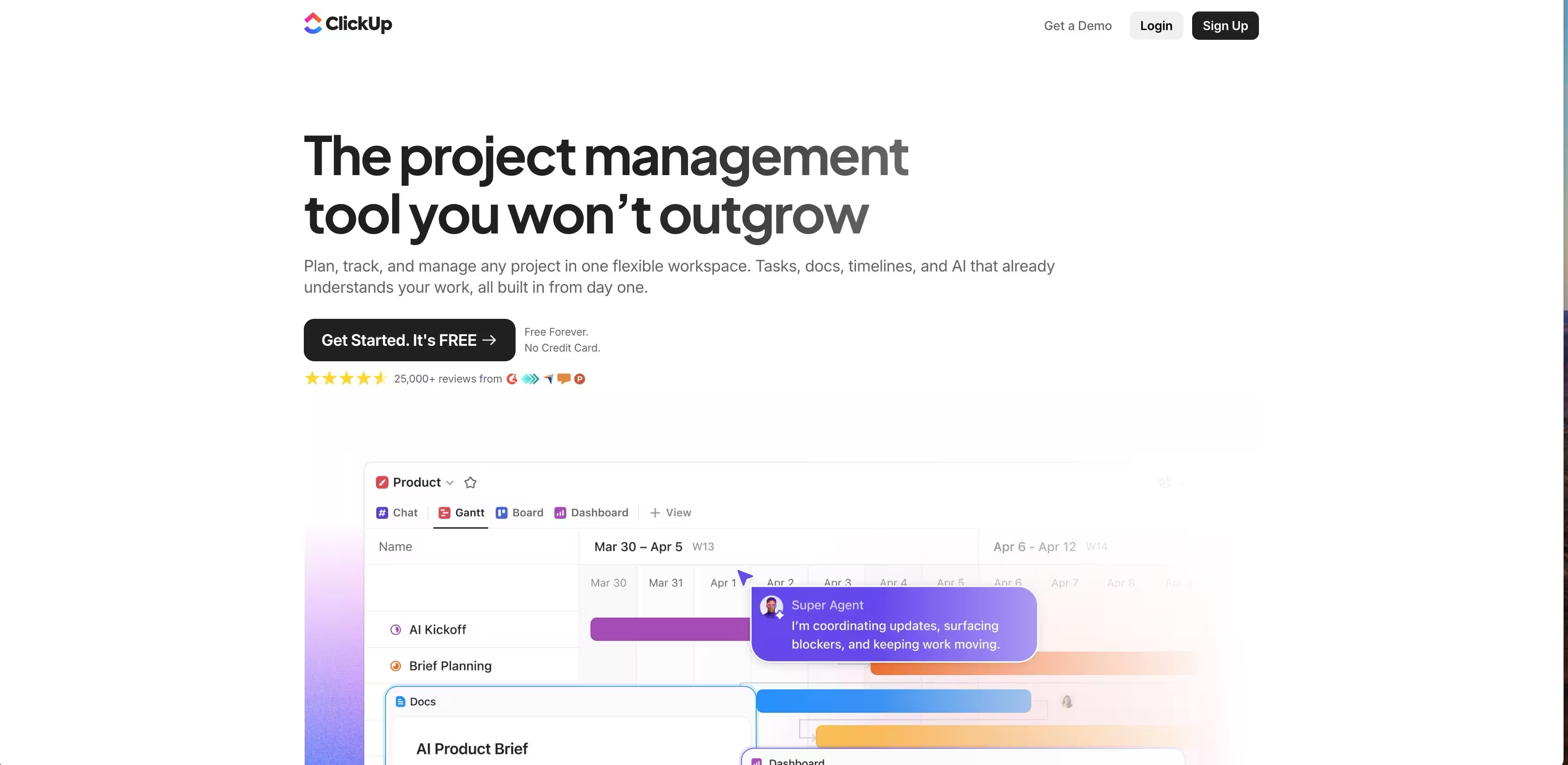
ClickUp handles product launch orchestration across multiple teams and timelines, enabling product marketers to coordinate GTM plans without getting blocked by unclear dependencies or scattered communication. The platform provides Timeline and Gantt views that show exactly what's blocking launch readiness, which teams are on track, and where handoffs need to happen between product, marketing, sales, and customer success.
Users gain visibility into launch bottlenecks and can proactively manage cross-functional alignment instead of chasing status updates through Slack or email. It supports multiple task views including List for execution, Board for status tracking, Timeline for dependency management, and Calendar for deadline planning, plus integrations with tools like Google Workspace, Slack, and Figma for centralizing launch assets.
Task dependencies, custom fields for launch stages, and role-based permissions allow PMMs to build repeatable launch playbooks without recreating workflows for each release.
Here is how to create new dashboard in Clckup:
Key strengths
ClickUp organizes launch management into hierarchical Spaces, Folders, Lists, and tasks, allowing PMMs to structure GTM plans by product line, launch tier, or team.
The platform supports dependent tasks so sales enablement can't start until messaging is locked, and beta feedback analysis can't close until user interviews are complete. Practitioners get automated status updates based on task completion, reducing manual coordination work.
- Task dependencies visualized in Timeline view; see what's blocking launch and which teams are waiting on others.
- Unlimited users across all plans; entire GTM team can collaborate on launch planning without per-seat costs.
- Custom fields for launch metadata like tier (major/minor), GTM motion (sales-led/product-led), target segment, and launch date.
- Free plan supports up to 1000 tasks with core features; enough for small teams running quarterly launches.
- Automations for status updates, task assignments, and notifications when dependencies are complete.
ClickUp pricing
- Free: Up to 1000 tasks, unlimited users, basic views and integrations, no credit card required.
- Unlimited: $7/user/month (annual) or $10/month for unlimited tasks, Timeline view, advanced automations; add $2/user/month for Unlimited+ features like custom fields and workload view.
9. Segment
Segment unifies customer data across all touchpoints into single profiles, giving PMMs complete visibility into customer journeys, feature adoption, and campaign attribution. Route this data seamlessly to your marketing stack (Salesforce, HubSpot, analytics tools) to build precise audience segments, personalize messaging at scale, and measure product marketing impact across channels.
Key strengths
- Tracks user behavior across all touchpoints without engineering dependencies, giving PMMs instant access to customer journey data and feature adoption metrics.
- Identifies which channels and campaigns drive product adoption, expansion, and conversions for clear marketing attribution.
- Unifies user history across devices and channels into single profiles, enabling consistent audience building and segmentation for targeted campaigns.
- Syncs warehouse data to marketing destinations in real-time, supporting personalized messaging based on product usage and behavior.
- Integrates with 300+ tools including Salesforce, HubSpot, Slack, and analytics platforms to streamline data sharing across your GTM stack.
- Provides complete customer context for account-based marketing, allowing PMMs to coordinate campaigns based on unified account activity.
Segment pricing
- Free: $0, up to 1,000 MTUs, 2 sources, standard throughput limits.
- Team: Starts at $120/month (includes 10,000 MTUs, +$10 per additional 1,000 MTUs), unlimited sources, 1M Reverse ETL records.
- Business: Custom volume/quote, custom limits, unlimited teammates.
- CDP (Unify/Engage): Custom pricing based on needs.
10. Hotjar
Hotjar shows you if your positioning and messaging actually resonates with prospects by showing how visitors interact with launch pages, feature announcements and product content. It records session replays, heatmaps and behavior patterns so product marketers can see where prospects drop off signup flows, which messaging gets ignored and what content drives evaluation.
Users get evidence based insights into buyer behavior instead of guessing why conversion rates miss targets or why qualified traffic doesn’t convert.
Key strengths
Hotjar shows PMMs exactly how prospects interact with product messaging, launch content and conversion flows through visual behavior data. The platform tracks where visitors scroll, what they click and where they drop off during evaluation journeys, revealing the gap between intended messaging and actual buyer engagement.
Users get concrete evidence about which positioning copy works and which sections need revision before wasting budget on underperforming launch campaigns.
- Session Replays show real prospect navigation paths through product pages, whether visitors read your positioning copy or scroll past it and where confusion causes abandonment in demo/trial signup flows.
- Unlimited Heatmaps show which feature descriptions get attention and which get ignored, so PMMs can prioritize messaging revisions and content hierarchy on launch pages and product pages.
- Funnels track drop off points in buyer journeys from homepage to pricing to signup, so PMMs can see exactly where messaging fails to advance prospects through evaluation stages.
- Surveys collect qualitative feedback on positioning clarity, feature priorities and purchase blockers directly from prospects at key decision points in their journey.
- Segment filters by traffic source, company size or page path to see how different buyer personas engage with your messaging and where targeting needs refinement.
- Integrations with GA4, HubSpot and Slack connect behavior insights to analytics and GTM workflows for immediate action on messaging optimization.
Hotjar pricing
- Free: Up to 35 daily sessions, unlimited heatmaps, basic surveys and recordings; suitable for validating small scale launch page performance.
- Observe (behavior analytics): $32/mo for 100 daily sessions; scales to $80/mo for 500 daily sessions (annual pricing; 20% more for monthly).
- Ask (surveys): $48/mo for 250 responses/month; includes unlimited surveys and question types.
- Custom bundles available with discounts when combining Observe, Ask and Engage modules for full messaging validation.
11. AssetMule
AssetMule turns static PDFs into live, web-based sales assets that PMMs can update anytime - ensuring sales always uses current messaging, pricing, and positioning, even after assets are shared. Use it to create personalized one-pagers, battlecards, product sheets, and case studies without design help, publish as trackable links, and see exactly which prospects engage with your content.
Perfect for product launches, competitive updates, and keeping distributed sales teams aligned on the latest messaging.
Key strengths
- Updates assets after sharing: the killer PMM feature: change messaging, pricing, or positioning in real-time without resending files or tracking down outdated versions.
- Tracks views and engagement on every shared asset, showing PMMs which collateral resonates with prospects and where sales needs better content.
- Creates web-based assets from PDFs without design or development work, enabling PMMs to move fast on product launches and competitive positioning updates.
- Personalizes content for different personas, industries, or deal stages using the same base asset, streamlining collateral management across segments.
- Unlimited users across all plans: enable full collaboration between PMM, sales, and enablement teams without per-seat costs or access limits.
- Free plan supports 3 live assets with full features: ideal for testing high-value battlecards, launch one-pagers, or executive summaries indefinitely.
Asset Mule pricing
- Free: Up to 3 live assets, unlimited users, all core features, no credit card.
- Pro: $50/month (or $480/year) for 50 live assets; add $25/month per extra 50 live assets, unlimited users.
12. Claude Code
Claude Code provides an AI coding assistant powered by Anthropic's Claude models that generates functional code through conversational prompts. PMMs use it to build quick landing pages, prototype internal tools, and create simple web-based resources without engineering support.
You describe what you need in plain language and Claude Code writes the HTML, CSS, and JavaScript to make it work, eliminating sprint planning delays when you need a testing page or simple tool fast.
It supports extended context for multi-file projects and integrations with tools like Google Workspace to pull data into your prototypes.
Here's how to create a new artifact in Claude:
Key strengths
- Landing page generation from text prompts lets PMMs build and test messaging variations, product preview pages, or beta signup forms without design or dev resources.
- Internal tool creation for building simple calculators, ROI tools, competitive comparison charts, or pricing configurators that PMMs can embed or share with sales teams.
- No coding knowledge required as you describe desired functionality in plain language and Claude Code generates working code, lowering the barrier for non-technical PMMs.
- Iterative refinement through conversation enables PMMs to request changes and see updates in real-time without understanding the underlying code.
- Google Workspace integration pulls data from docs, sheets, and calendars to populate prototypes with real content for stakeholder demos.
- Extended context window handles complex multi-page projects, letting PMMs build connected landing page flows or multi-step tools in one session.
Claude Code pricing
- Pro: $20/month ($17/month annual) – 5x free tier limits, Sonnet 4.5 access
- Max Basic: $100/month – 5x Pro limits, Opus 4.5 access
- Max Premium: $200/month – 20x Pro limits, all models
- Team: $30/user/month (min 5 users)
- API: Pay-per-token, e.g., Sonnet 4.5 $3/$15 per million input/output
- Free tier: Limited messages
13. Microsoft Clarity: Best for validating product messaging and page performance
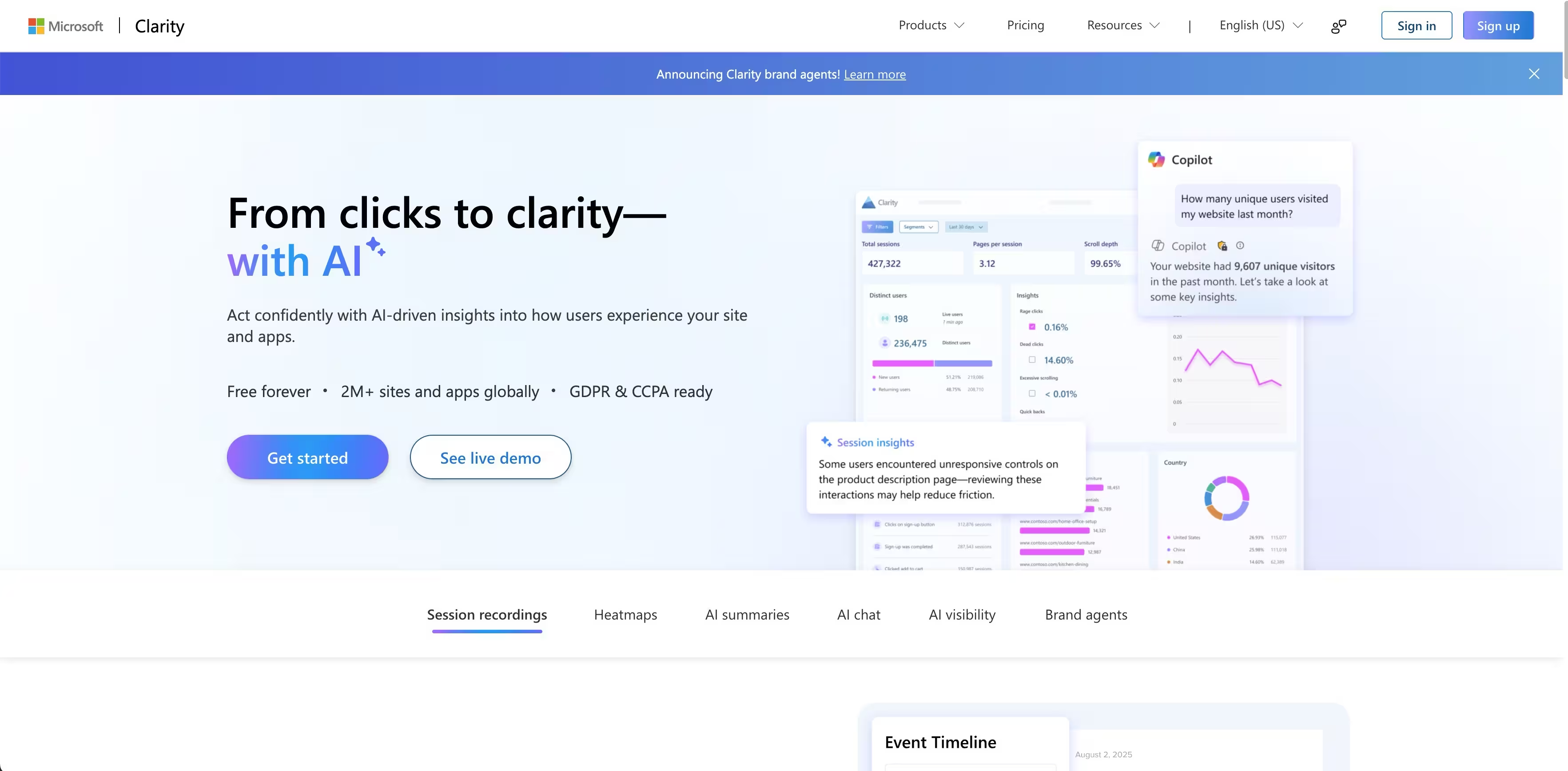
Microsoft Clarity helps product marketers test positioning and optimize product pages with heatmaps, session recordings and friction detection. See where prospects drop off during feature exploration or pricing evaluation - without data sampling or budget constraints that limit your ability to analyze full buyer journeys.
It integrates with your existing martech stack and data is processed with privacy compliance built in so you can focus on optimizing conversion paths not data governance.
Key strengths
- Heatmaps show which product benefits get clicked: See which feature descriptions get clicked vs which get scrolled past and inform your positioning and copy prioritization for launches. See which case studies or customer logos drive deeper engagement to strengthen social proof.
- Session replays show buyer journey friction: Watch how prospects navigate from homepage to pricing, where competitive messaging or value props fail to convert. See where high-intent visitors abandon demo request forms or product tour flows.
- Rage click detection flags confusing CTAs: Quickly see when "Request Demo" or "Start Trial" buttons frustrate visitors and iterate on your conversion architecture. Surface navigation issues that block prospects from getting to key product information.
- Unlimited tracking for multi-product analysis: Compare performance across different product pages, launch campaigns or regional sites without data caps eating your martech budget. Test positioning variations before rolling out to sales enablement materials.
Microsoft Clarity pricing
Free forever: All features included with no traffic limits, perfect for PMMs managing multiple product lines or testing launch page variations without additional budget approvals.
14. Wynter: Best for validating messaging resonance with your ICP
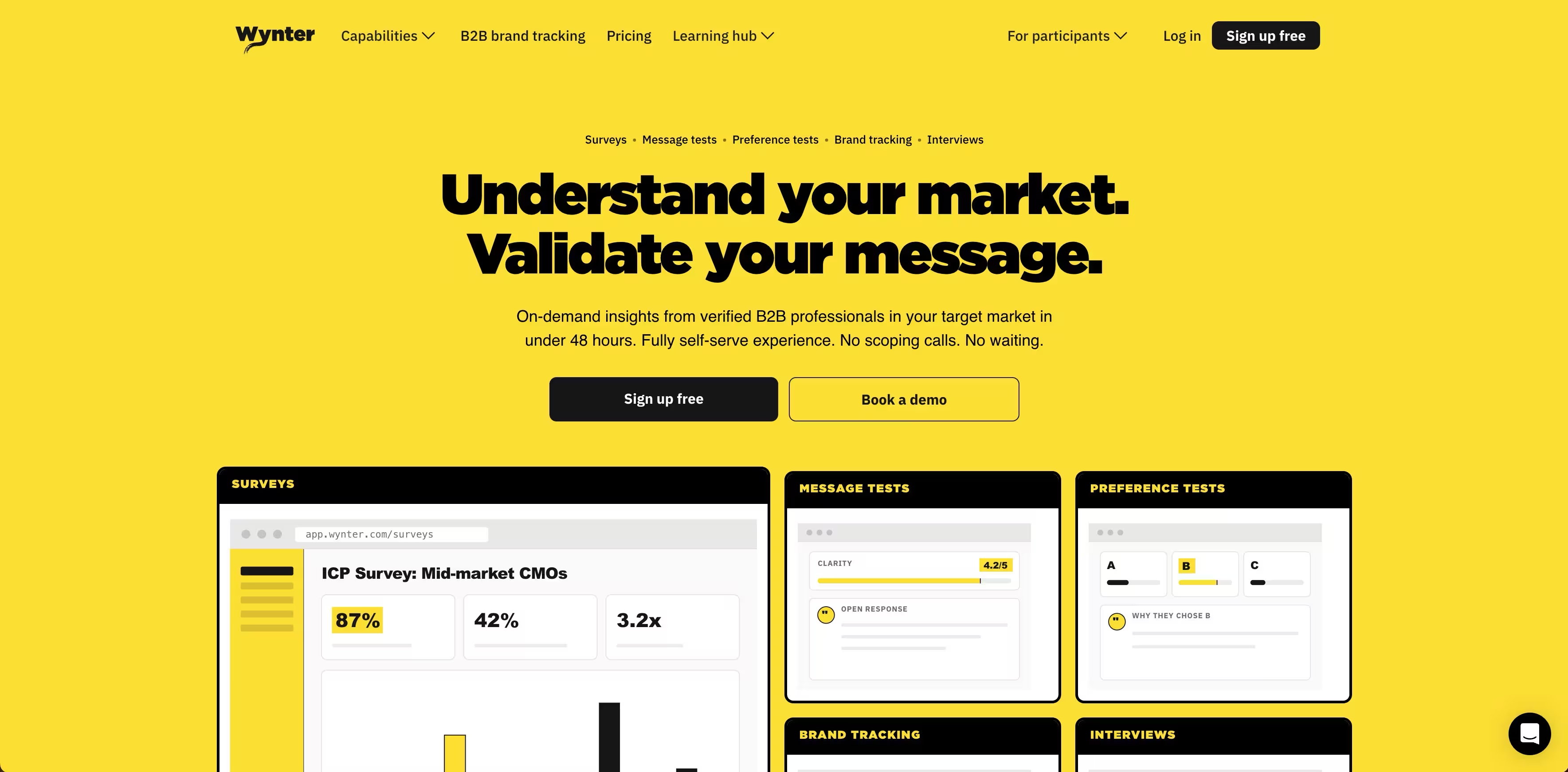
Wynter helps product marketers test if positioning and messaging actually lands with target buyers before campaigns go live. Get qualitative feedback from verified B2B audiences matching your exact ICP - by job title, industry, and company size - in under 48 hours. Stop guessing whether your value props resonate and start launching with confidence backed by real buyer intelligence.
Wynter delivers targeted insights from decision-makers who match your buyer personas, so you can iterate on homepage copy, ad messaging or product launches based on how your actual market responds.
Key strengths
- Message testing reveals what resonates and what falls flat: Upload website copy, email drafts or ad concepts and get detailed feedback on clarity, appeal and differentiation from your target audience. See which value props drive interest versus which create confusion and inform your core messaging architecture.
- Preference testing validates positioning decisions: Compare alternative landing pages, taglines or feature prioritization to see which version your ICP prefers and why. Test strategic directions before committing design and development resources to a full rollout.
- Market research surveys uncover buyer pain points: Go beyond feature feedback to understand what problems your prospects are trying to solve, what solutions they currently use and what would make them switch. Build messaging that speaks directly to real needs rather than assumed priorities.
- Brand tracking monitors awareness and perception: See how your target market perceives your brand compared to competitors over time, track the impact of positioning shifts and campaign investments on brand recognition and preference.
Wynter pricing
Pay-as-you-go: No subscription required - Only pay for what you use. 50% more than subscription plans. Good for occasional testing.
- Pro Plan: $20,000/year - 20,000 credits. 33% less than pay-as-you-go pricing.
- Elite Plan: $32,000/year - 27,000 credits plus research advisory services.
- All plans include: Unlimited seats, results in 12-48 hours, all test and survey types, vetted and verified B2B audiences, no platform fee (you only pay for insights).
15. Lovable: Best for rapid prototyping of marketing tools and landing pages
Lovable helps product marketers build functional prototypes and marketing assets without waiting on engineering resources. Generate full-stack web applications from natural language prompts - from interactive calculators and ROI tools to landing pages and product demos - using AI that outputs real, production-ready code you can deploy immediately or hand off to developers.
Lovable generates React codebases synced to GitHub, giving you full ownership and the ability to customize further. This means product marketing can move fast on campaign ideas while maintaining technical flexibility.
Key strengths
- AI-generated full-stack applications accelerate campaign execution: Describe your marketing tool idea in plain language and get a working web app with frontend, backend, database and authentication in minutes. Launch interactive product tours, lead magnets or assessment tools without Sprint planning or developer dependencies.
- Real code export prevents platform lock-in: Unlike no-code tools, Lovable generates actual React + Tailwind + Supabase codebases that sync directly to GitHub. Marketing owns the code and can hand it to engineering for production deployment or further customization without rebuilding from scratch.
- Rapid iteration supports testing and optimization: Make changes by describing what you want adjusted, see updates in real-time preview. Test multiple landing page variations, interactive demo flows or calculator logic quickly to find what drives the best conversion rates.
- Template library jumpstarts common marketing needs: Start from pre-built templates for landing pages, forms, dashboards and tools rather than starting from blank canvas. Customize examples to match your brand and campaign requirements instead of defining every element.
Lovable pricing
- Free: $0/month - 5 daily credits (up to 30/month), public projects, unlimited collaborators, 5 lovable.app domains. No credit card required.
- Pro: $25/month (shared across unlimited users) - 100 monthly credits, credit rollovers, on-demand top-ups, custom domains, unlimited lovable.app domains, remove Lovable branding, user roles & permissions.
- Business: $50/month (shared across unlimited users) - Everything in Pro, plus SSO, internal publish, personal projects, design templates, opt out of data training.
- Enterprise: Custom pricing - Dedicated support, onboarding services, custom connections, SCIM, group-based access control, custom design systems.
Student Discount: 50% off Lovable Pro with verified student status.
16. Miro
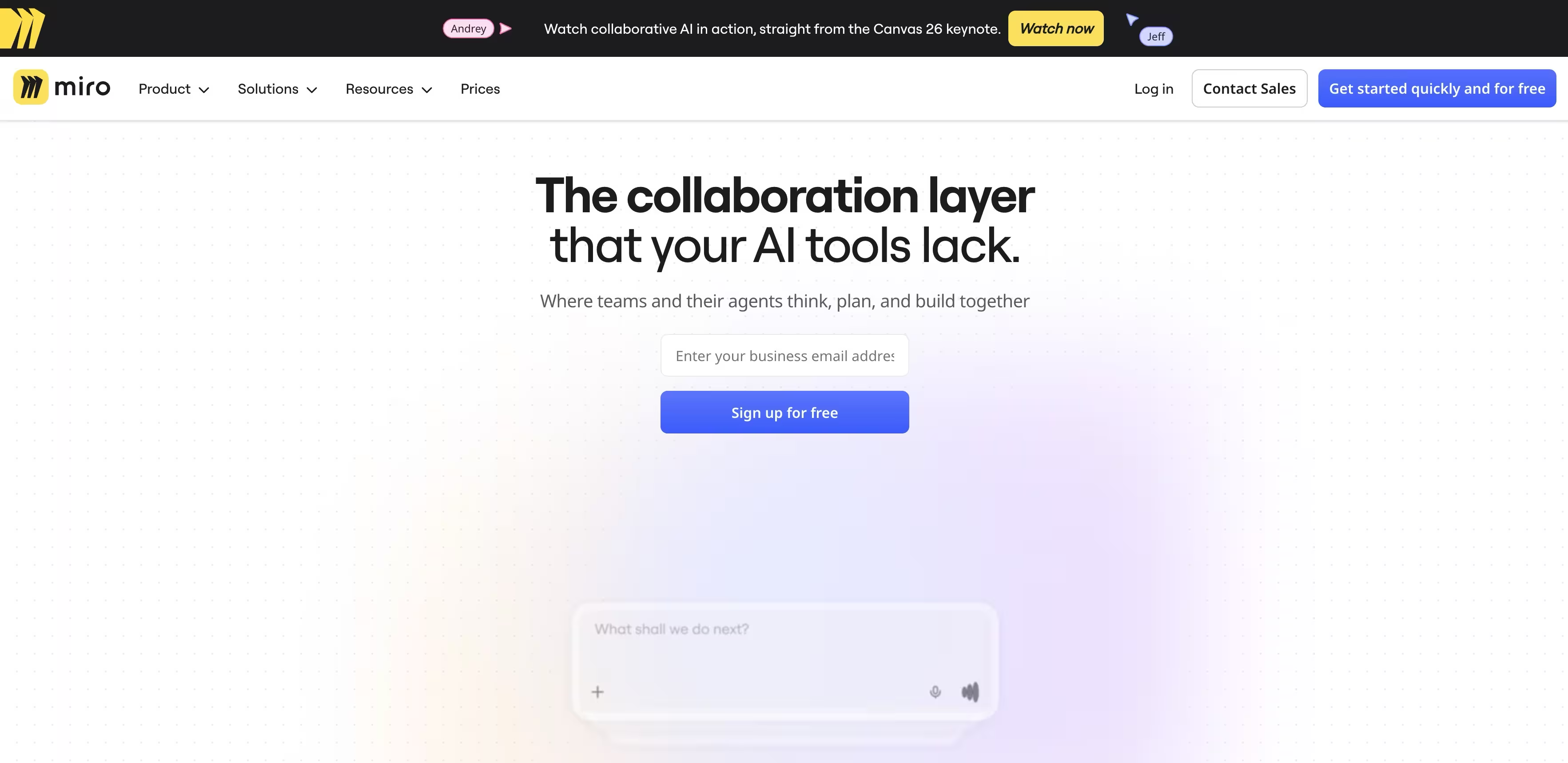
Miro helps product marketers align cross-functional teams on campaign strategy, launch planning and creative execution through visual collaboration. Build customer journey maps, feature prioritization matrices, campaign timelines and content calendars on an infinite canvas where product, design, sales and marketing can contribute asynchronously or in real-time workshops.
With AI-powered workflows that generate user personas, competitive analysis and go-to-market plans from prompts, Miro accelerates the strategic planning phase so teams spend more time executing and less time formatting decks or chasing stakeholder input across disconnected tools.
Best for: Product marketing teams who need a collaborative visual space for brainstorming, journey mapping and cross-functional planning. Business plan is for teams and consultants who need client-facing workspaces and advanced diagramming.
Here's how to add a sticky note in Miro:
Key strengths
- AI workflows accelerate strategic planning: Generate customer journey maps, positioning frameworks and launch timelines from simple prompts. Turn feature ideas into marketing briefs or competitive research into strategic recommendations with pre-built AI actions that understand product marketing contexts.
- Infinite canvas enables end-to-end campaign visualization: Map entire go-to-market strategies on one board - from target personas and messaging frameworks to channel tactics and success metrics. Keep all stakeholders aligned on campaign scope, timing and dependencies without flipping between slide decks and spreadsheets.
- Cross-functional collaboration breaks down silos: Enable product, design, engineering and sales to contribute directly to launch plans using commenting, voting and real-time editing. Run remote workshops for sprint planning, brainstorming or retrospectives that feel as collaborative as in-person sessions.
- AI Sidekicks provide contextual expertise: Get instant guidance on product marketing best practices, competitive positioning approaches or messaging frameworks directly in your workspace. Translate technical product specs into customer-facing benefits or executive summaries without starting from scratch.
Miro pricing
- Free: €0 (Unlimited members) - 1 workspace, 3 editable boards, 5,000+ templates, 160+ app integrations (Zoom, Slack, Google Drive, Sketch), layers, 10 Miro AI credits/month per team, 5 Talktracks for video walkthroughs.
- Starter: €8/month per member - Unlimited boards, structured formats (Docs, Tables, Diagrams, Slides), public visitors, high-res exports, version history, Brand Center with custom templates, Spaces with Blueprints.
- Business: €16/month per member - Everything in Starter, plus multiple private workspaces, guest collaborators, 50 Miro AI credits/month per member, 3,600+ diagramming shapes, 2-way Jira/Azure sync with Dependencies and Planner.
- Enterprise: Custom pricing (min 30 members) - Flexible licensing, SCIM and billing group management, account insights, org-wide controls, enterprise-grade security (SSO, domain control, data classification), EU/US data residency.
What to consider before choosing your product marketing tool
Best in product marketing platform comes down to fit for your goals and team size. Prioritize tools that streamline collaboration (like real-time editing or shared workspaces), deliver actionable analytics (such as demo completion rates or user behavior insights), and support seamless integration with your core stack. Consider how well the software helps you identify and engage potential customers through features like customer segmentation and targeted marketing strategies. If personalization, automation or scalability for growing teams are essential, ensure the platform covers those needs.
Why teams are choosing Guideflow
Guideflow is an amazing tool for teams focused on interactive demos and analytics, making it a top choice for product marketers who want:
- No-code interactive demos: Quickly build web, mobile or HTML product demos from screenshots without relying on engineering.
- Advanced analytics: Track completion rates, leads and viewer engagement to optimize sales and marketing outcomes.
- Personalization and branching: Personalize demo paths and content for different audiences, boost relevance and conversion.
- Scalable collaboration: Team workspaces, permissions and integrations (Slack/Teams) support large cross-functional teams.
- AI-powered speed: Generate demo content, translations and blur sensitive data with AI tools.
- Tradeoff: Guideflow is ideal for demo-driven product marketing and sales enablement; teams looking for broader campaign, content or project management will want to pair it with complementary tools.
Start your journey with Guideflow today
Conclusion
Here’s the practical way to decide: match your biggest bottlenecks to the tool strengths. Guideflow leads for interactive demos and demo analytics; Canva and Figma for creative assets; Notion and ClickUp for collaboration and documentation; Klue, Segment and Hotjar for insights. Most product marketing tools trade specialization for flexibility, so the right mix depends on your workflow and priorities. There’s no one-size-fits-all tool - only the best fit for your goals and team. Many vendors also offer free tools for individuals or small teams to get started. Want to see if Guideflow fits your use case? Try a free tier or build a quick demo for your next launch.
FAQs
Product marketing software is a category of tools that help teams manage positioning, go-to-market execution and customer acquisition and retention. These tools centralize workflows, automate recurring tasks and provide analytics so you can measure impact across channels and justify ROI. In addition tools often support content marketing initiatives by enabling teams to create, optimize and track strategic content that drives engagement and supports sales enablement.
Start by mapping your biggest bottlenecks - such as demo creation, campaign coordination or user research - to specific marketing software categories. Then evaluate options based on integration with your existing stack, total cost, ease of use and whether they deliver measurable results like higher conversion rates or faster campaign execution.
Product marketing tools becomes essential when spreadsheets, basic email tools and ad-hoc docs can’t keep up with your volume of launches or channels. Signs you’re ready include inconsistent messaging, slow campaign turnaround, difficulty tracking attribution and fragmented data across multiple platforms. Additionally investing in tools can empower your sales team with better content management and analytics, supporting sales enablement and improving overall sales performance.
A balanced product marketing tech stack often includes interactive demo platforms (e.g. Guideflow), design tools (Canva, Figma), documentation and project management (Notion, ClickUp), customer and behavior analytics (Google Analytics, Hotjar, Microsoft Clarity), customer data platforms (Segment). Product managers often rely on these tools for planning and collaboration. Competitive intelligence (Klue) and call intelligence (Fathom) round out insights for go-to-market teams.
Interactive demo platforms such as Guideflow let product marketing teams create no-code product tours for web and mobile then track completion rates, leads and engagement. This shortens sales cycles by improving qualification, personalization and consistency across sales and marketing demos.
Tools like Notion, ClickUp and Figma centralize documentation, tasks and design assets so product, sales and customer success teams work from a shared source of truth. Using integrated tools with real-time editing, comments and permissions reduces misalignment and speeds up launches.
Analytics tools such as GA4, Hotjar, Segment and Microsoft Clarity give product marketers visibility into traffic, user behavior and funnel performance. These tools can also analyze support tickets to uncover customer pain points and inform product improvements. When connected to other tools these insights inform better messaging, experiments and budget allocation.
AI-driven platforms Claude Code help automate content distribution, data workflows and lightweight coding tasks that support marketing campaigns. Combined with AI features inside tools like Guideflow and Canva they enable faster personalization, translation and asset creation at scale.
Look beyond license price to include onboarding time, required seats and potential consolidation of existing tools. Prioritize tools that can demonstrate impact through metrics like increased lead-to-customer conversion, reduced sales cycle length, faster campaign execution or the ability to collect feedback from customers to improve marketing and support efforts.
There is no single all-in-one platform that excels at every task from demos to analytics to project management. Most teams use a focused stack of complementary tools, choosing best-of-breed solutions for key workflows and integrating them to minimize manual work. Specialized tools can generate a variety of outputs such as blog content, blog posts, product descriptions and customer stories to support different aspects.










