Great products become great when users know how to use them.
Think about your users - what happens after they log into your product for the first time? Are they guided through key sections so they can grasp the value quickly? Or are they left with dashboards, sections and occasional tooltips, forcing them to figure things out through support?
Product adoption isn’t beyond your control. Product tours - welcome tours and feature tours - are one of the best product marketing tools to help users reach their aha moment faster and feel delighted by what you’re building.
In a Wyzowl survey, 80% of users said they’ve deleted an app because they didn’t know how to use it, which is why product tours exist to compress time to value.
Product tour software solves this problem by creating guided, interactive experiences that walk users through your product without overwhelming them.
What’s inside
This handpicked list of 12 best product tour software for 2026 evaluates tools based on features, pricing, ease of use, integration capabilities, customization options, analytics depth, technical requirements, and suitability for different use cases.
We'll also cover when each approach works best and which teams see the strongest results.
TL;DR
- Product tour software creates onboarding and user engagement through no-code walkthroughs.
- Guideflow is for sales teams needing personalized demos with CRM integration and analytics.
- WalkMe and Appcues focus on in-app guidance and user-triggered onboarding to reduce support tickets.
- Choose tools based on your team’s goals, technical resources and level of personalization required for onboarding.
What is product tour software?
Product tour software helps teams create interactive walkthroughs that guide users through products without requiring development resources. These platforms enable anyone to build step-by-step experiences that highlight key features, reduce time-to-value and decrease support burden.
Teams use these platforms to create product tours that highlight the features users need to see, improving onboarding and engagement. The category includes solutions like interactive demo builders for sales teams, in-app guidance overlays for user onboarding, product adoption platforms for feature discovery, website walkthrough tools for marketing and analytics-driven tour optimization systems, all with essential product tour features like modals, tooltips and analytics.
Teams using product tour software see improved user activation rates, reduced support ticket volume, higher feature adoption, faster sales cycles through better product understanding and lower churn.
When to use product tour software
Use product tours when new users struggle with initial account setup, feature adoption is low despite product improvements or your support team is handling repetitive questions about basic functionality. They’re useful for complex products with multiple user paths, SaaS platforms with many features, sales teams needing to demonstrate value quickly without live meetings, product teams wanting to improve adoption and speed up the product onboarding.
Best product tour software for 2026
This table compares top product tour software tools by use case, standout features, pricing and ratings to help you choose the right solution. The table also helps you compare these tools from a pricing perspective, showing which options offer a free plan or include basic features in their entry-level tiers.
Below, see how each product tour software ranks on key criteria.
| Tool name | Ideal use case | Key feature | Pricing | Ratings |
|---|---|---|---|---|
| Guideflow | No-code demos | AI demo content | Free + $35/mo | 5.0/5 |
| WalkMe | Enterprise onboarding | Automation workflows | Custom pricing | 4.5/5 |
| Appcues | User onboarding | Drag & drop builder | Starts at $300(basic features included) | 4.5/5 |
| Userpilot | Growth SaaS teams | In-app experiences | From $299/mo | 4.6/5 |
| Mindtickle | Sales enablement/enterprise | AI role-plays | Custom pricing | 4.7/5 |
| Pendo | Product analytics | Product insights | Custom pricing | 4.4/5 |
| UserGuiding | SMB onboarding | Interactive tours | Starting at $174/mo(basic features) | 4.7/5 |
| Saleo | Sales demos | Live guided tours | Custom pricing | 4.9/5 |
| Hopscotch | Simple walkthroughs | Basic flows | Custom pricing | 3.3/5 |
| Product Fruits | User onboarding | Unlimited tours | From $374/mo | 4.7/5 |
| Userflow | Fast onboarding | AI assistant | From $240/mo | 4.8/5 |
| Chameleon | Interactive demos | Unlimited demos | Free plan available + $279/mo | 4.4/5 |
Product tour software #1: Guideflow
Guideflow lets you build interactive product tours by capturing workflows, editing steps and adding branching logic - all without code.
As product tour software, Guideflow replaces basic videos and static screenshots with step-by-step, clickable demos you can personalize and share in minutes. This matters because teams often waste hours recording demos, then lose track of which prospects actually engage. I’ve seen sales reps miss signals and lose deals because they only had static decks and no way to track what people clicked. With demo engagement analytics, sales teams can now measure user interaction within demos, helping them optimize the sales process and improve their chances of closing deals.
Best for: Sales and customer success teams who send lots of product walkthroughs and can’t afford to re-record demos for every prospect.
Key features
- Screen and HTML capture: Record workflows across browser, desktop or mobile so you can demo real use cases.
- Visual editor: Add tooltips, buttons, forms and advanced branching logic so users pick highly personalized paths through the tour.
- Personalization and AI help: Edit text, steps and branding for each audience; use AI for translations or voiceovers.
- Analytics and CRM sync: Track who interacts, completion rates and send data straight to your CRM or Slack.
- Team collaboration tools: Build, review and update demos together in a shared workspace.
Why pick Guideflow?
Works well for high-velocity sales or onboarding teams who need to send personalized, measurable product demos at scale. Most useful when you want to stop re-recording walkthroughs for every prospect.
Guideflow pricing
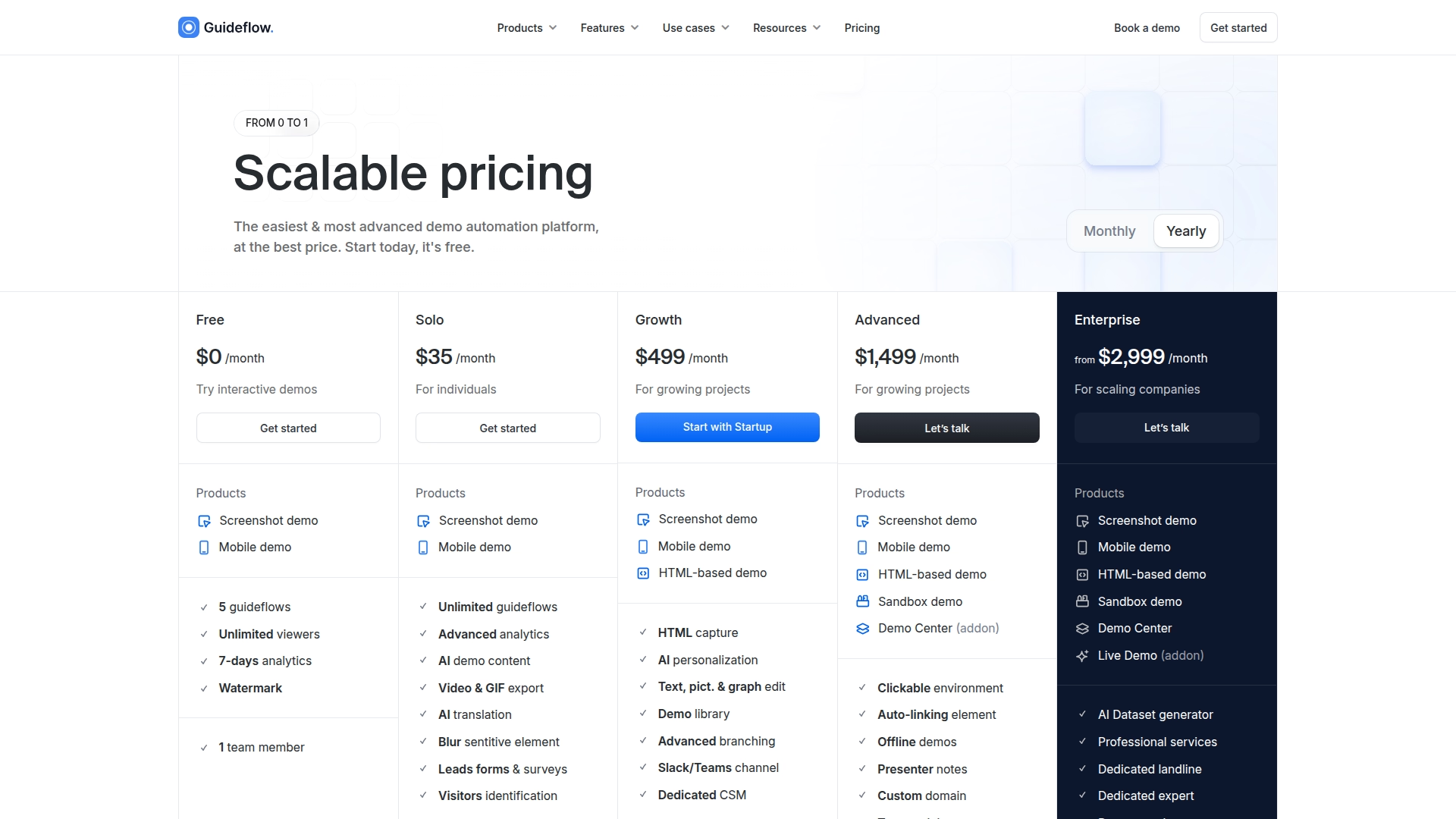
Guideflow offers several standard plans: Free (limited features), Solo ($35/month), Growth ($499/month), and Advanced ($1,499/month). Features and seat counts scale by plan, with sandbox demos and advanced integrations accessible on higher tiers.
Product tour software #2: WalkMe
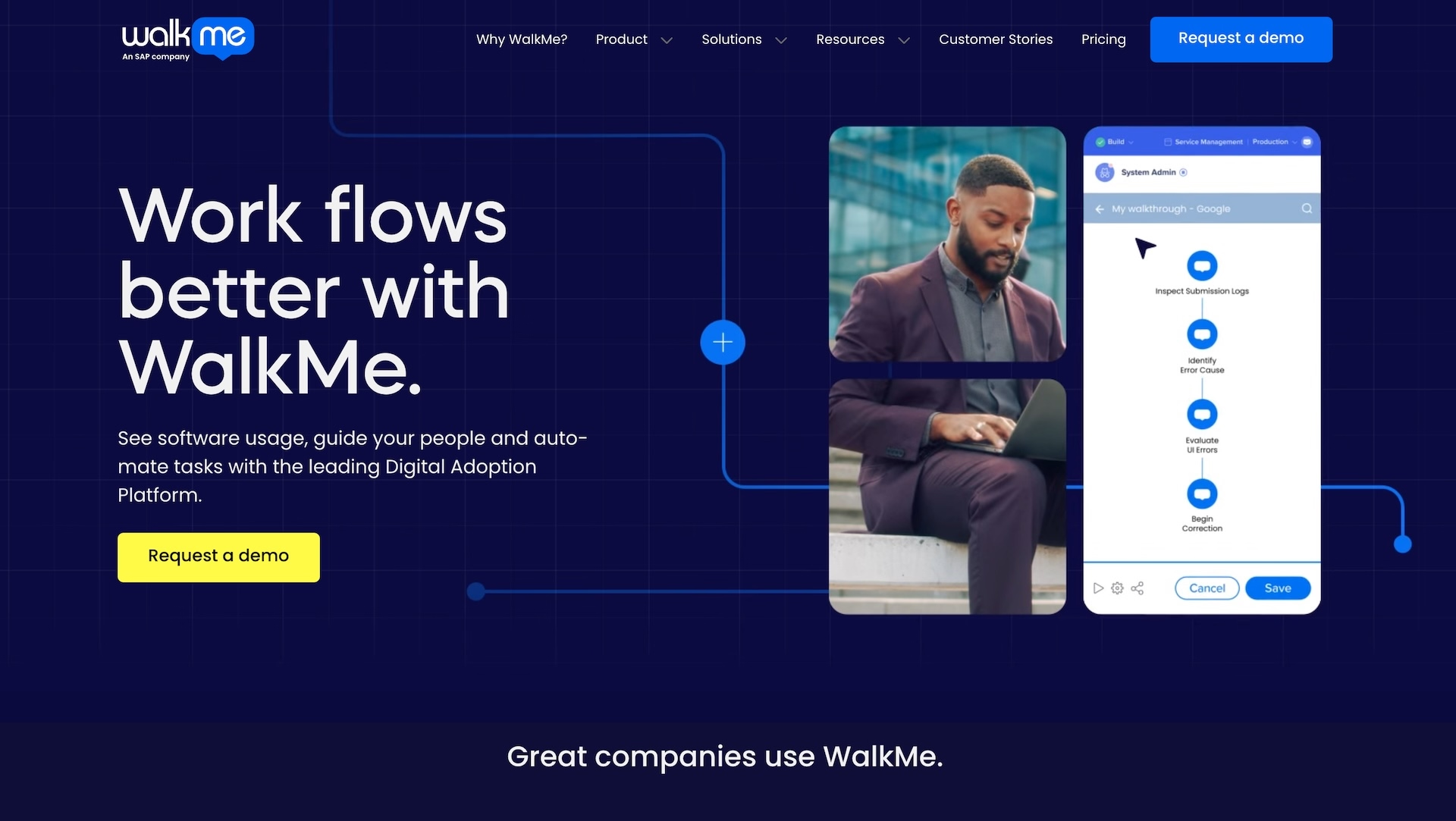
WalkMe gives your users in-app product tours, walkthroughs and popups directly on top of your software. As a product tour solution it lets you build guides, automate steps and track what’s confusing or slowing people down - all without needing to change your underlying app.
Why does this matter? Without something like WalkMe you usually see users dropping off in complex onboarding, raising too many support tickets and missing out on features you’ve paid for. WalkMe is especially valuable for onboarding users to complex software with a steep learning curve or for employee training in enterprise environments.
Best for: IT or customer success teams at SaaS companies who need to reduce support tickets by guiding users in-app during onboarding.
Key features
- Smart Walk-Thrus: Step-by-step guides that use balloons and auto-actions to help users finish tasks.
- User segmentation: Lets you show different tours based on user role or behavior, so content stays relevant.* Workflow analytics: See where users drop off and complete steps.
- Automation: Automate repetitive tasks like form fills or approvals.
- Progress trackers: Persistent checklists and triggers to move users through multi-step processes.
Why pick WalkMe?
Best for larger teams rolling out complex internal or customer-facing software, especially when you need automation and granular workflow analytics. Not for small teams who want something simple and quick to set up.
WalkMe pricing
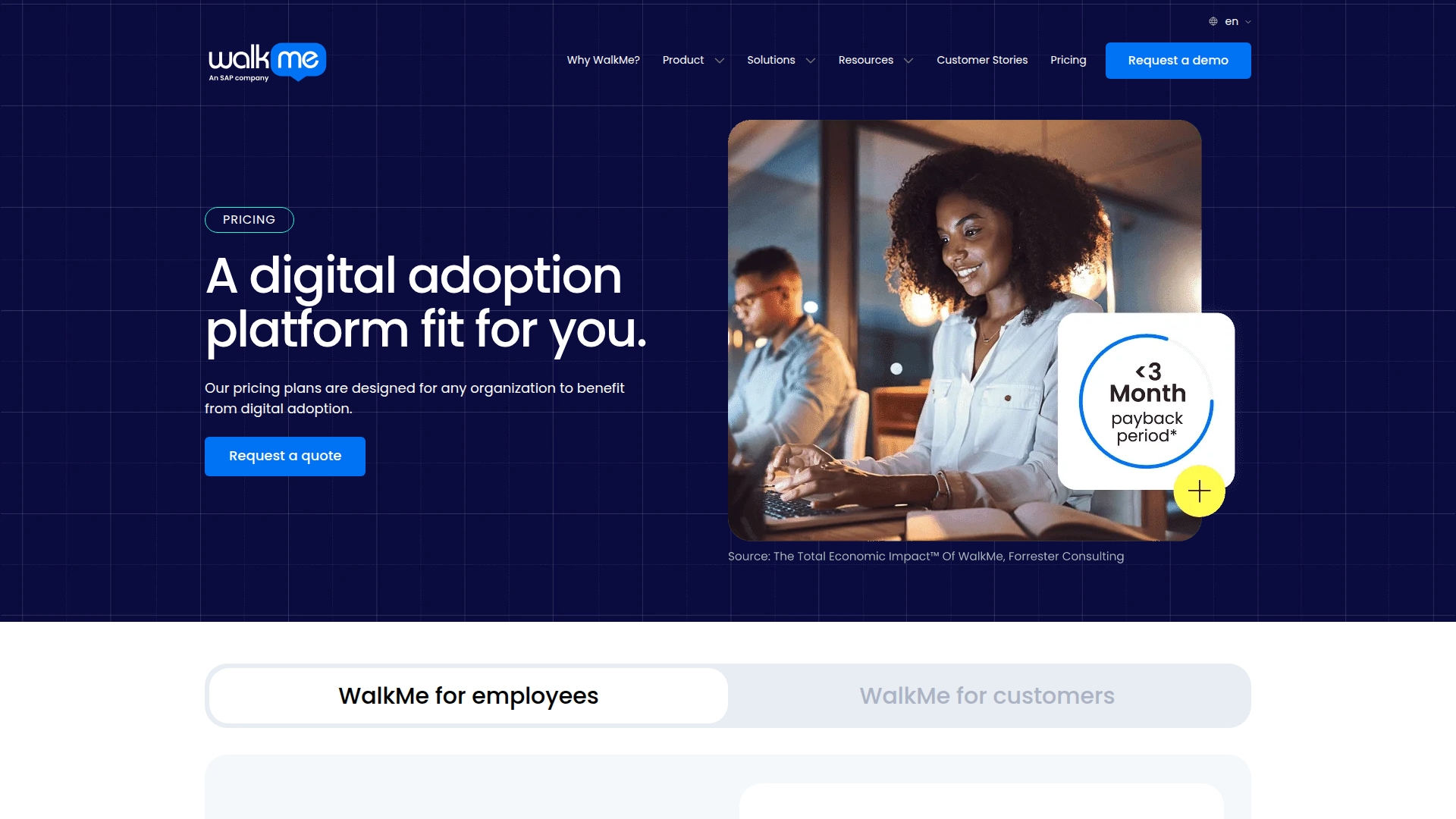
Custom pricing. No public pricing available. You need to request a demo to find out the detais here.
Product tour software #3: Appcues
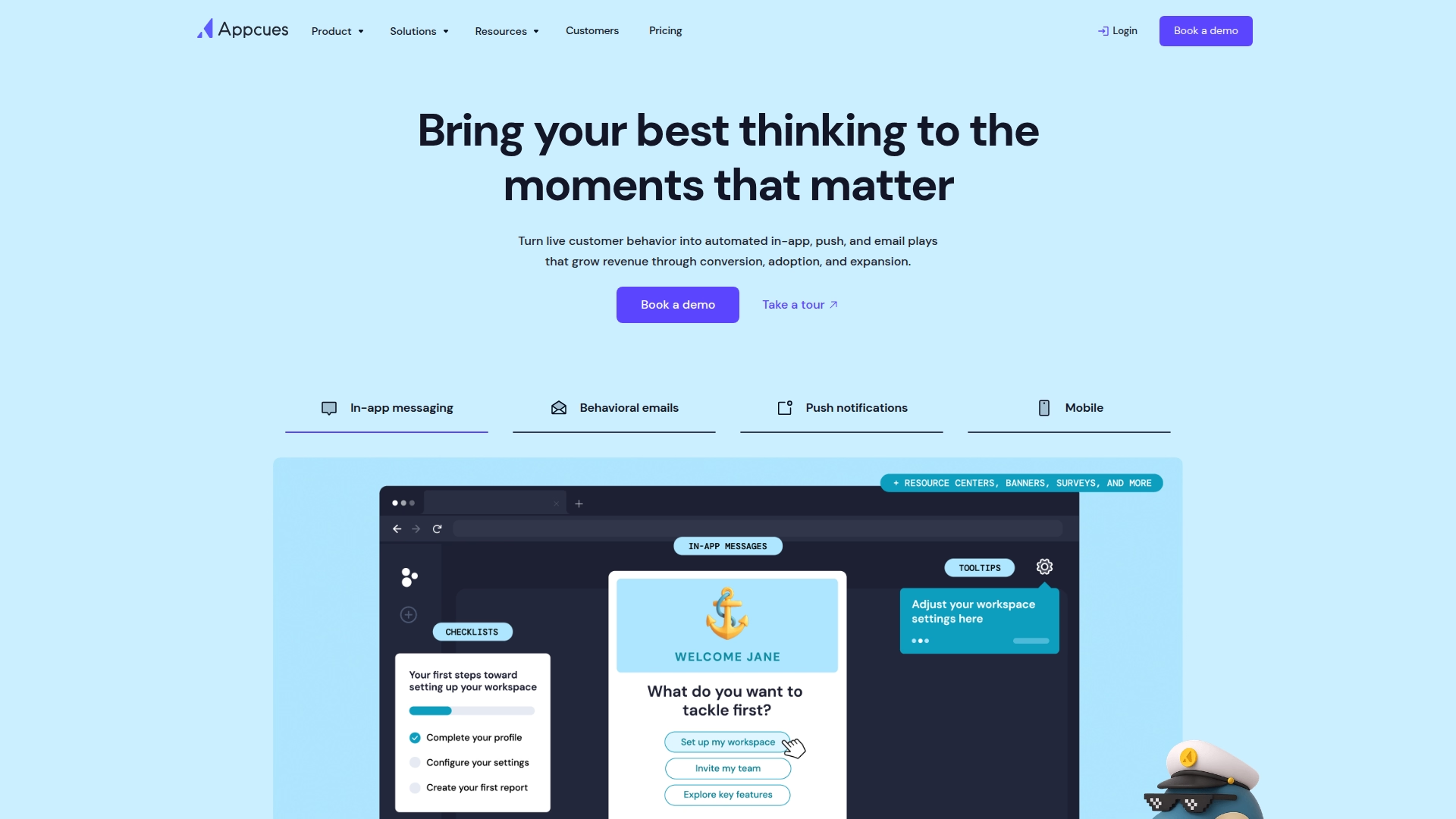
Appcues is a no-code product tour platform to build in-app onboarding, checklists and guided walkthroughs without engineering help. For product teams, you get a visual builder to launch flows, segment users and track adoption so you can ship onboarding changes fast and see what works.
This matters because most new users never find the right features or reach their “aha moment” if left to wander. Teams relying on docs or custom code usually see higher churn and wasted support cycles. Appcues helps reduce the learning curve for new users by providing interactive product tours that guide them through key features and workflows.
Best for: SaaS teams running multiple onboarding campaigns who want to measure and improve user activation without waiting on developers.
Key features
- Visual flow builder: Build tooltips, modals and multi-step tours with drag-and-drop editing.
- No-code analytics: Track user actions and feature adoption without engineering.
- Segmentation and targeting: Show tours to specific cohorts based on user behavior or properties.
- Goal tracking: Measure completion rates and see which flows drive activation.
- Activation checklists: Guide users through multi-step onboarding tasks (Enterprise plan only).
Why pick Appcues?
Best for mid-market SaaS or product-led teams that want to manage onboarding and activation in-house. Not for teams who need only a single, simple tour or want minimal overhead.
Appcues pricing
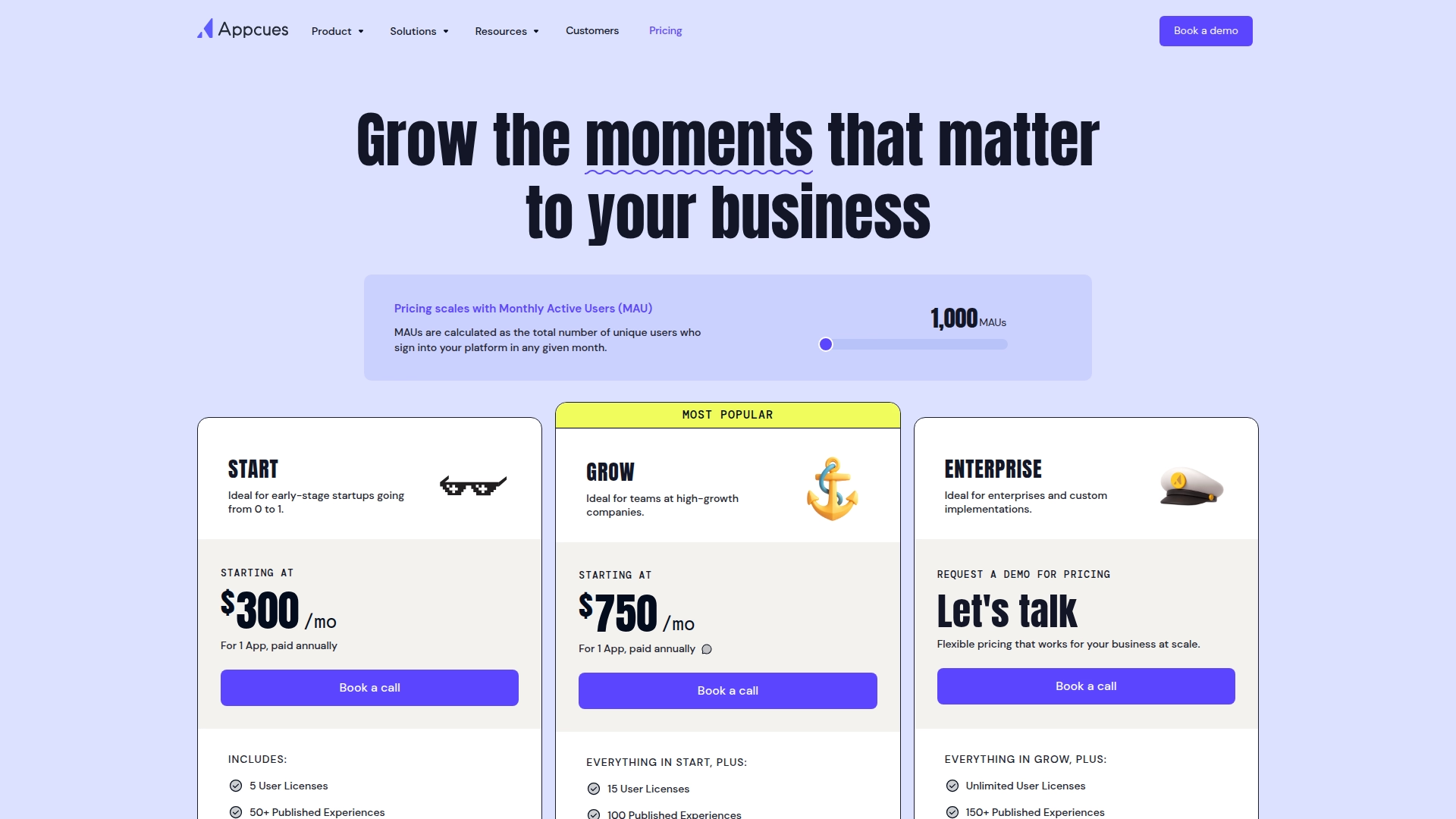
Pricing starts at $300/month and $750/month. Contact sales for more info.
Product tour software #4: Userpilot
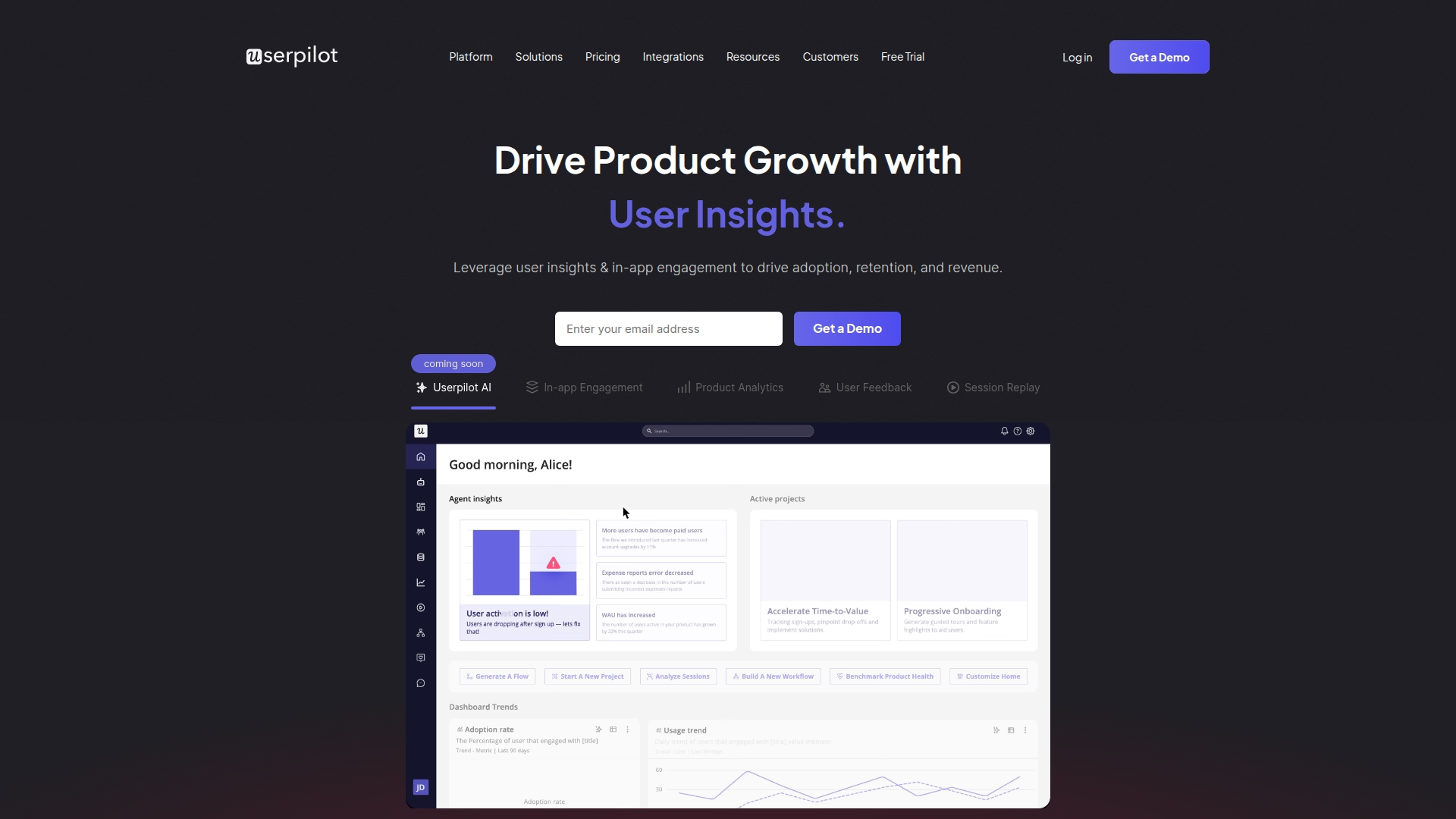
Userpilot is a no-code product tour software to build interactive onboarding flows, checklists, tooltips and in-app messages on your web or native mobile app. You can target users based on triggers, segment by user type and measure adoption with built-in analytics without waiting on engineering.
Advanced targeting is available in higher-tier plans to segment users and personalize messaging for more advanced onboarding and engagement strategies.
Teams that rely on manual support or generic docs tend to see users drop off at key steps with no insight into why. Missed features and untracked issues stall adoption making it hard to improve onboarding over time.
Best for: SaaS product teams onboarding web or mobile users who want targeted flows and real analytics without extra dev work.
Key features
- No-code flow builder: Build and update tours, tooltips and modals on your app using a drag-and-drop Chrome extension.
- Contextual triggers: Launch onboarding or tours based on specific URLs, user actions or segments.
- Custom branching logic: Adapt flows based on user choices or roles so onboarding matches real behavior.
- Onboarding checklists: Motivate users by showing progress and completing tasks in-app.
- Product analytics: Track completion rates, funnels and session replays to spot drop-off points.
Why pick Userpilot?
Good for SaaS teams handling complex onboarding across both web and mobile where analytics and real-time targeting matter. Not for teams who want simple, linear tours without setup or need a free tier.
Userpilot pricing
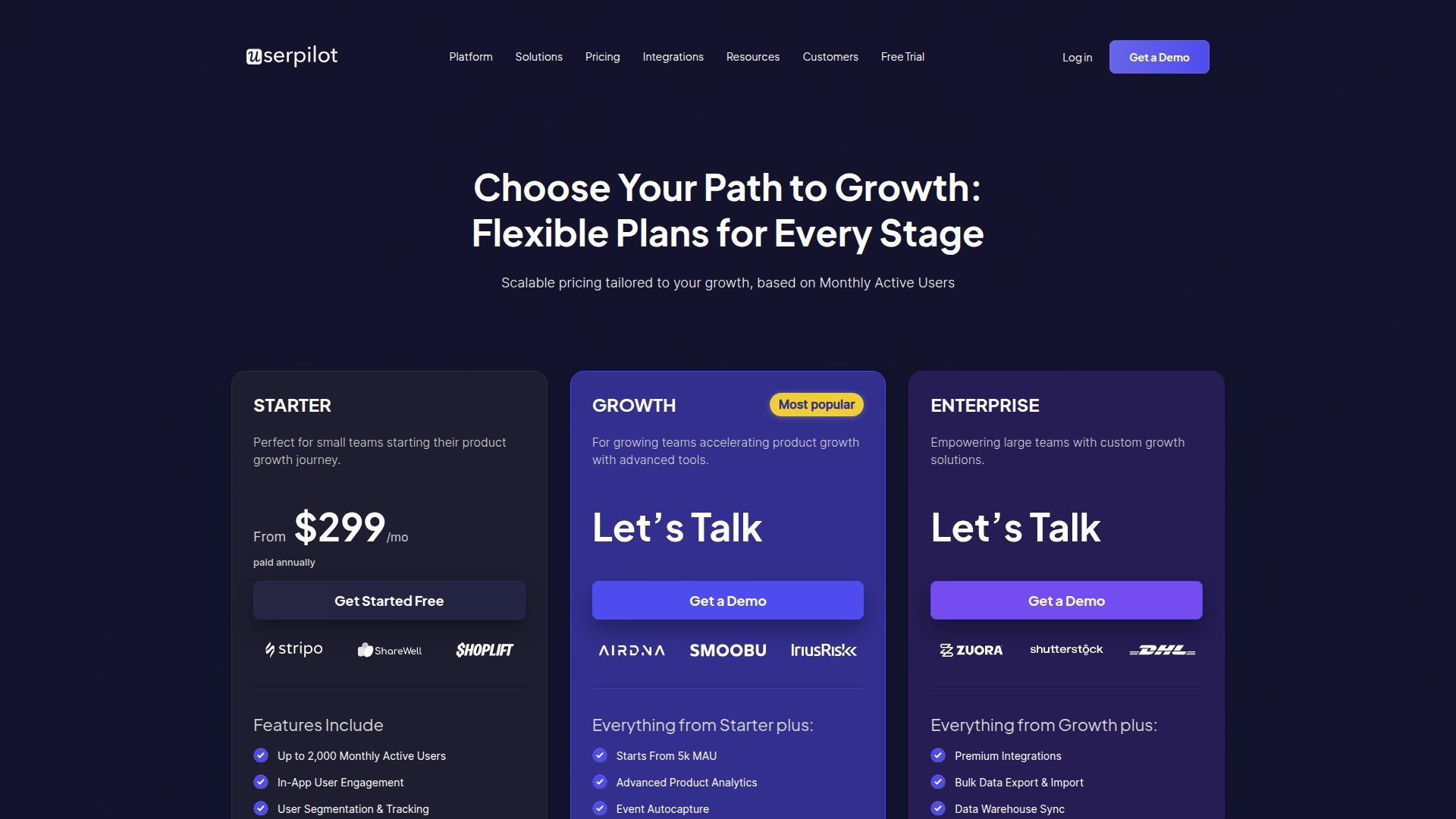
Starter plan starts at $299/month (billed annually) for up to 2,000 monthly active users, with analytics and session replays included. Higher plans are quote-based and scale by usage.
Product tour software #5: Mindtickle
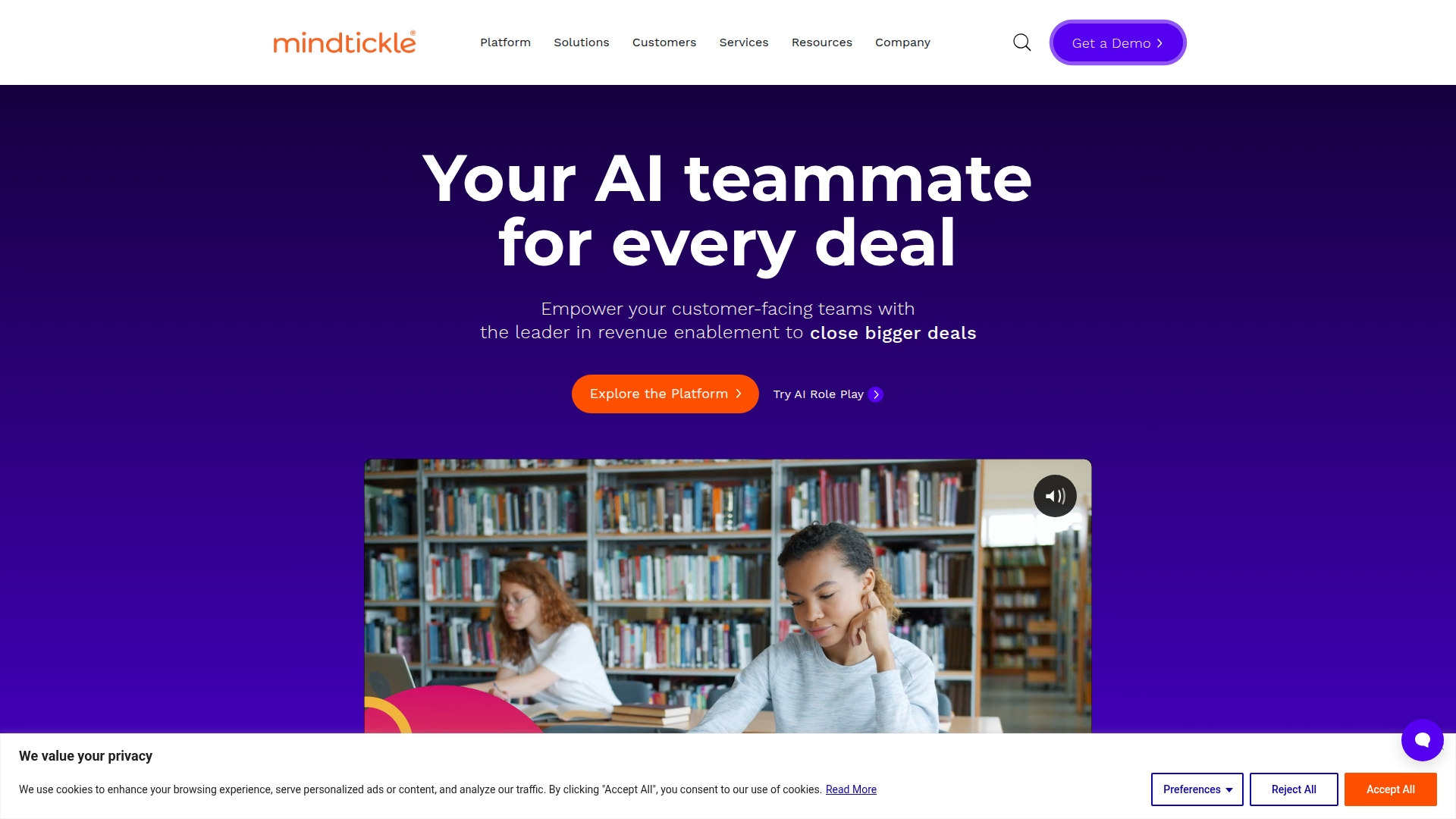
Mindtickle lets you show sales reps exactly how to sell, not just what to say, with interactive product tours.
This matters when you need more than static decks or videos - Mindtickle combines dynamic walkthroughs, live call feedback and tailored content so new hires or partners can see what “good” looks like, then practice and get feedback in one place. Without this, new reps flounder, managers guess at what’s working and you end up with a team that’s inconsistent and slow to ramp. When teams rely on generic onboarding without real-world practice or visibility into skill gaps, coaching never scales and results stall. Mindtickle reduces the need for custom development by enabling tailored onboarding workflows and automating complex processes without requiring extensive programming.
Best for: Sales enablement leaders in high-growth companies who need to ramp reps with targeted, trackable product tours and coaching.
Key features
- AI-powered role-plays: Simulates sales pitches for reps and provides targeted feedback on skills like discovery.
- Call coaching insights: Gives managers real-time, AI-driven feedback on sales calls to spot and address weaknesses.
- Readiness Index™ benchmarking: Compares seller performance to top reps so you can copy what actually works.
- Universal content management: Centralizes all sales materials with version control, expiration and device-agnostic access.
- Enablement analytics dashboards: Shows you onboarding progress, ongoing learning and links training to actual revenue outcomes.
Why pick Mindtickle?
Suited to enterprise sales or partner-driven teams that want all coaching, tracking and content under one roof. Works well for orgs where you need governance, AI-driven simulations and clear metrics to shift sales culture.
Mindtickle pricing
Custom pricing. You’ll need to contact Mindtickle for a quote. No published pricing available.
Product tour software #6: UserGuiding
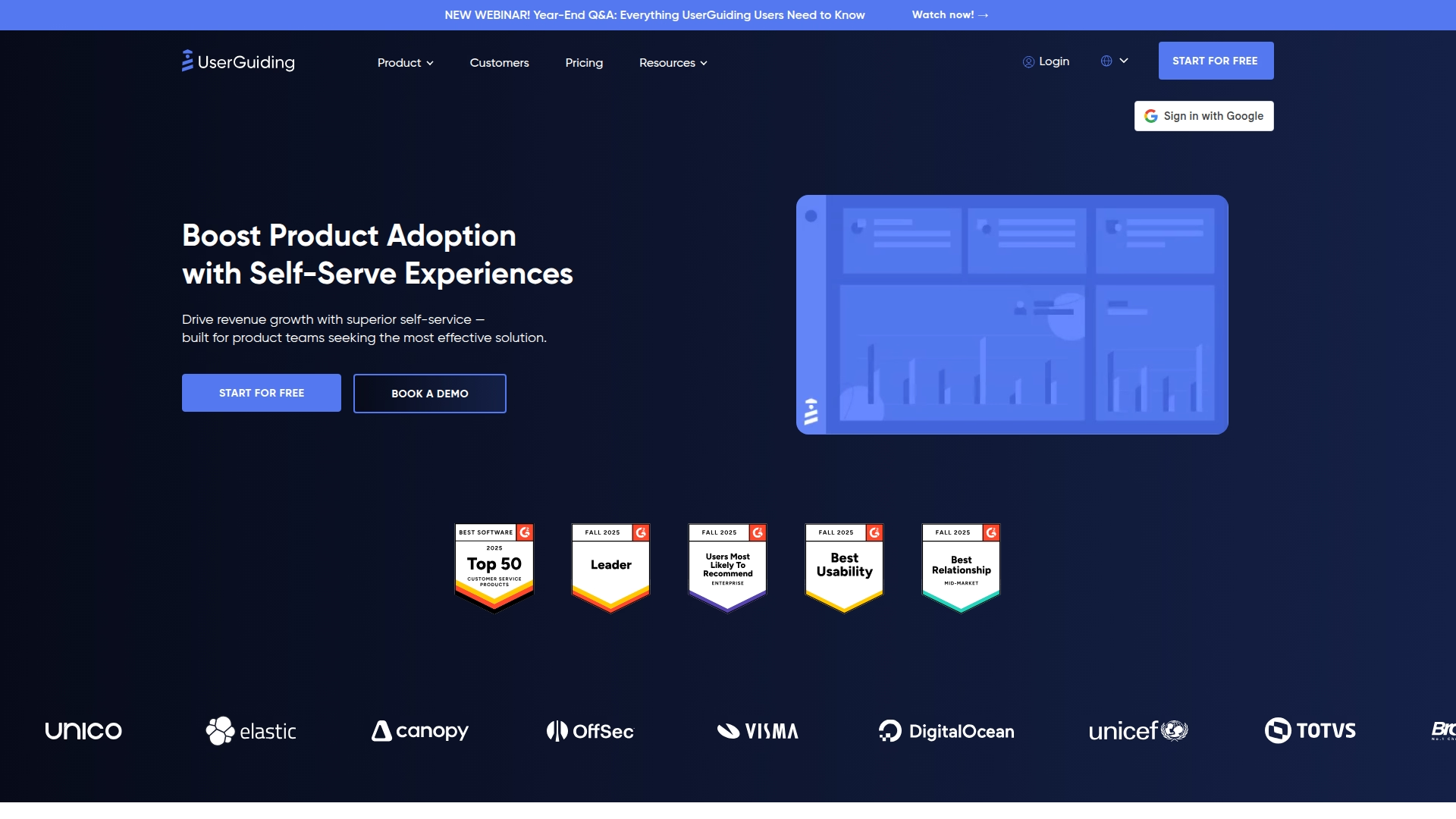
UserGuiding lets you build interactive product tours and onboarding flows directly in your app without touching code.
As a product tour software, it’s focused on letting non-technical teams create in-app checklists, tooltips, hotspots and modals so users can actually learn the product while using it. You can segment guides to different user groups and track progress with built-in analytics all without waiting on a developer. UserGuiding provides fast implementation and advanced features without requiring developer support, making it accessible and cost-effective for teams to deploy independently.
When teams skip tools like this, users get lost at key points, stack up support tickets with the same questions or just never try features you shipped. That’s how you end up with slow product adoption and frustrated users who bail before seeing value.
UserGuiding is also known for its great customer service, providing excellent support and personalized assistance to ensure successful product deployment.
Best for: SaaS startups or mid-sized teams who need quick, no-code onboarding flows that adapt to different user segments. Works well if you’re facing user drop-off at specific features and want control without waiting on developers.
Key features
- No-code builder: Lets you create tours and guides visually, so you don’t have to pull in engineers.
- Interactive elements: Adds hands-on actions like hotspots and buttons to drive engagement during each step.
- Segmentation: Targets guides to users by attributes like behavior or role for more relevant onboarding.
- Customization options: Adjusts colors, shapes, text and themes to match your brand without coding.
- Analytics: Tracks views, completions and drop-offs to help you refine onboarding over time.
Why pick UserGuiding?
Designed for non-technical teams that need to launch targeted onboarding fast, without overcomplicating things. Works well if you’re facing user drop-off at specific features and want control without waiting on developers.
UserGuiding pricing
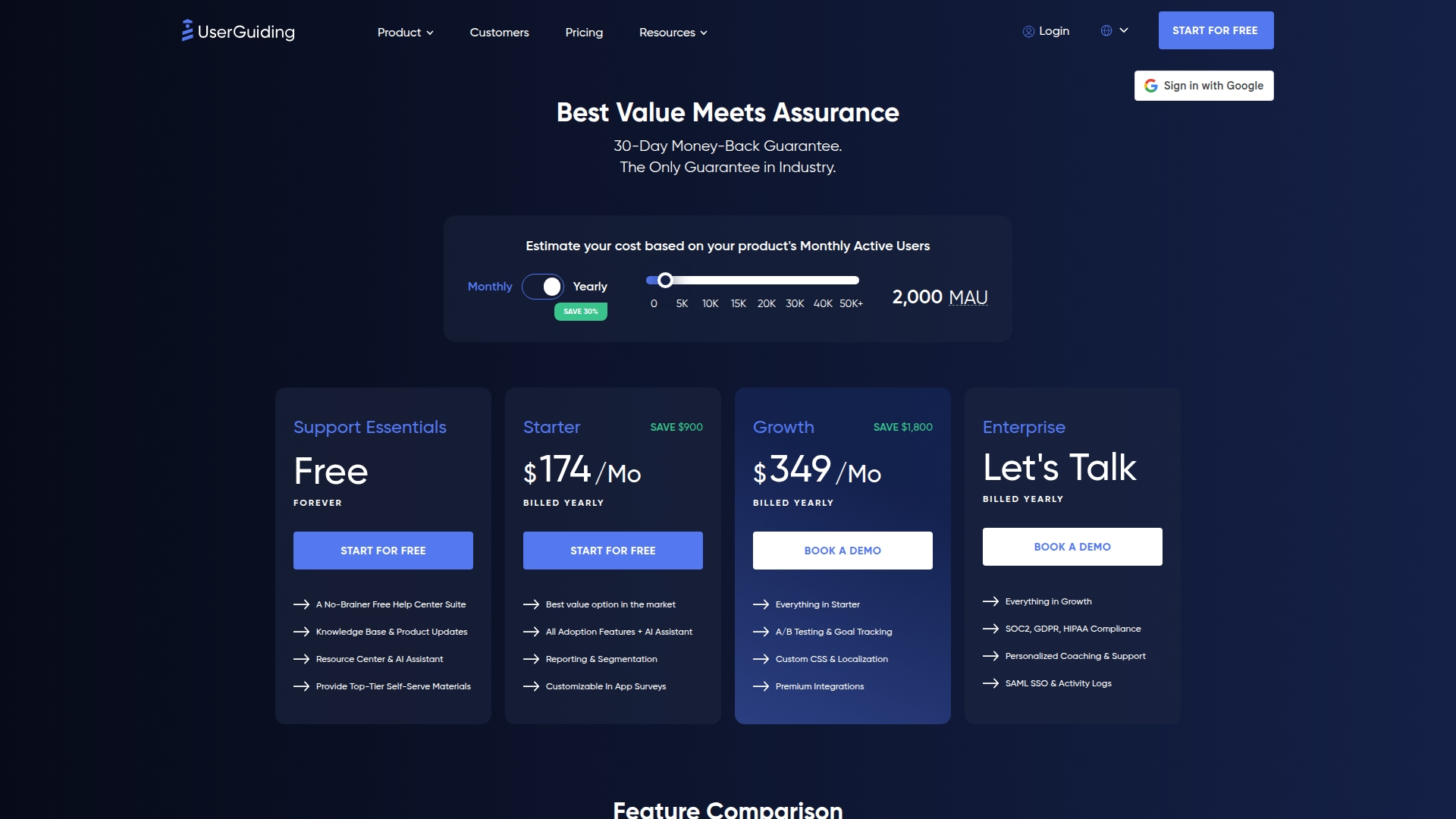
Starter plans begin at $174 per month (billed annually) for 2,000 monthly active users, with higher tiers adding features like A/B testing and advanced segmentation. Pricing is usage-based and tied to your active user count; if you exceed your plan, guides stop displaying until you upgrade.
Product tour software #7: Hopscotch
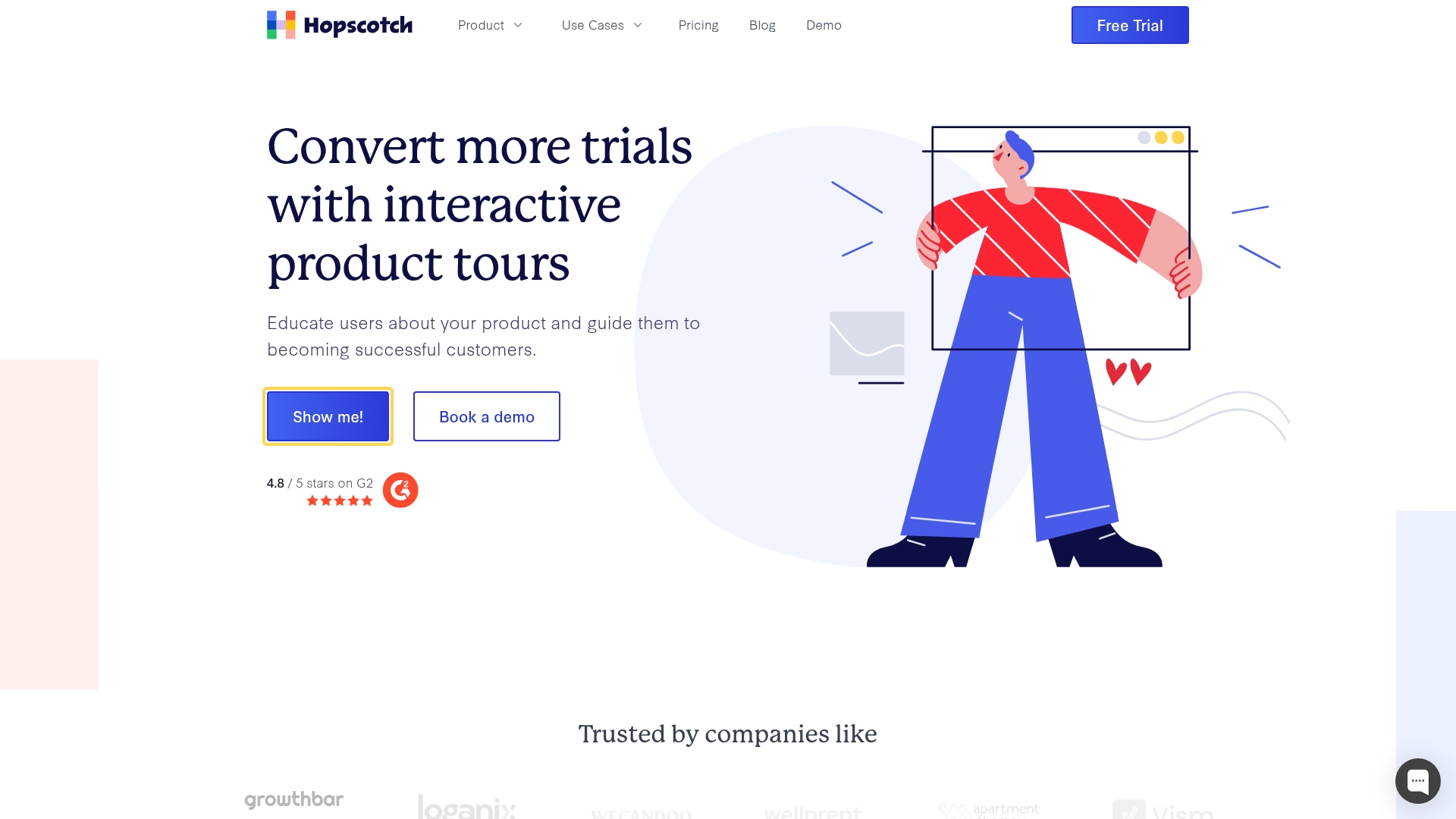
Hopscotch helps SaaS teams put no-code product tours, tooltips and announcements directly into their apps, so users see features in context. You set up guides without waiting on engineers and users get clear, self-serve onboarding that works across multi-page or single-page apps.
This matters when onboarding breaks down because users miss key steps or give up early. Without something like this, teams spend too much time hand-holding or chasing down confused trial users who never see the value. Hopscotch eliminates the need for multiple tools by supporting onboarding across both web and mobile platforms in one solution.
Best for: SaaS product teams who need to onboard trial users to core features without pulling in developers or adding headcount.
Key features
- No-code tour builder: Build and launch product walkthroughs right in your app, skipping the engineering backlog.
- Audience segmentation: Show the right tours to users based on role, visit frequency or page.
- Multi-device support: Tours work on desktop, mobile and tablet with no extra setup.
- Customizable branding: Match your company’s look and feel with control over colors, images and content.
- Built-in analytics: See view and completion rates to know if your tours are actually helping users.
Why pick Hopscotch?
Most useful for product teams who need to guide users through complex flows or multi-page apps without building custom solutions. Suited to SaaS startups or support-heavy industries that want to roll out onboarding and feature tours fast and on a budget.
Hopscotch pricing
Pricing starts at $99/month, with a free trial and no credit card required. Higher tiers are not detailed publicly.
Product tour software #8: Product Fruits
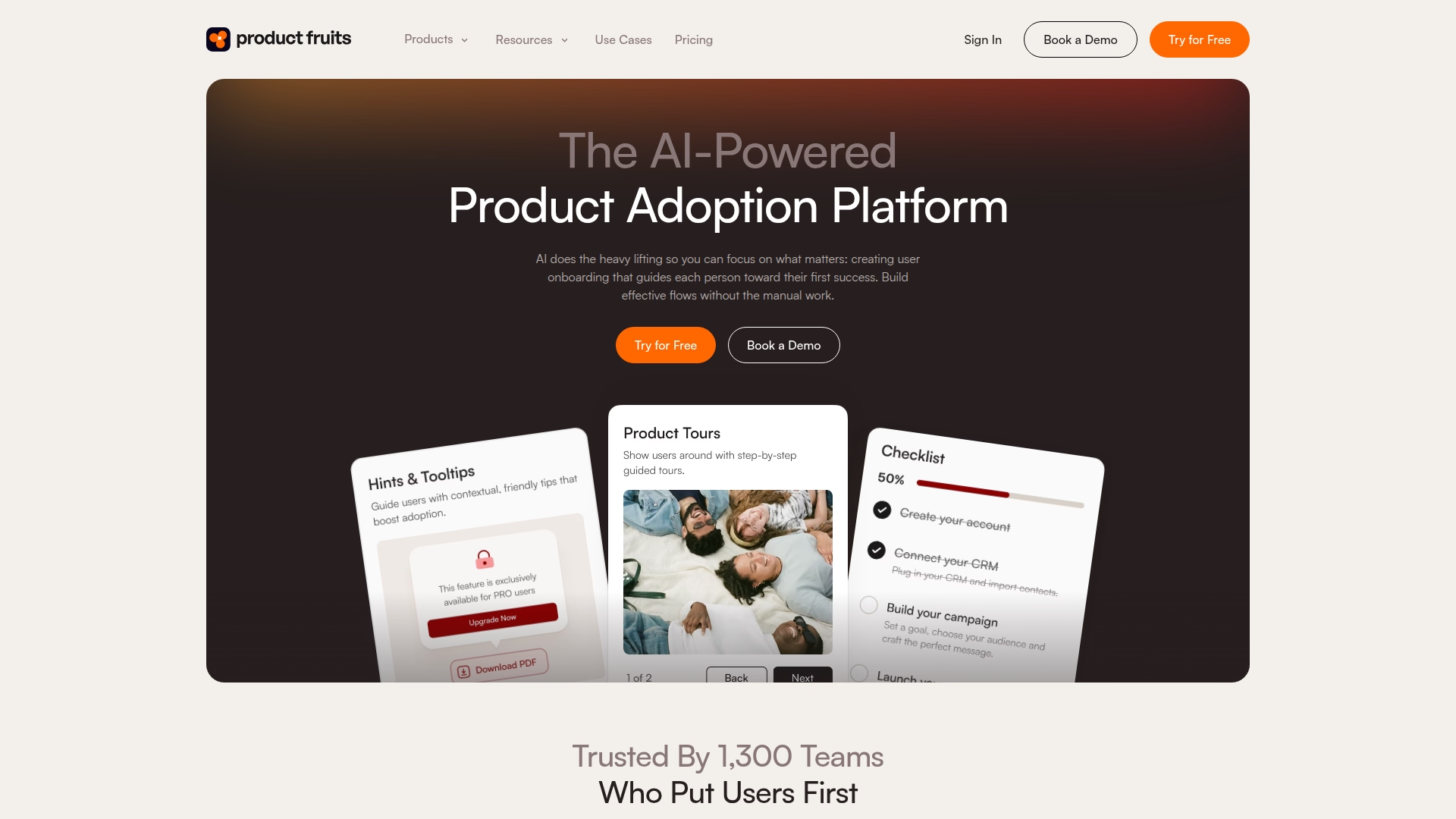
Product Fruits is an AI-powered product tour tool for web apps. You overlay tours, checklists, tooltips and surveys into your interface without coding. The tool generates personalized, behavior-based onboarding and walkthroughs so new users get up to speed faster and feature adoption increases. Product Fruits also collects and prioritizes customer feedback through onboarding surveys and NPS so teams can enhance their offerings based on real user needs.
Without something like this teams spend 20+ hours building tours for each user segment. When the UI changes, content breaks and users get outdated guidance. That means higher support tickets and users stalling before they reach key actions.
Best for: SaaS product teams onboarding non-technical users who need quick, no-code, AI-generated walkthroughs to reduce support and improve adoption.
Key features
- AI Copilot tour builder: Generates and adapts tours for different user goals from a single annotation.
- Behavior-based checklists: Guides users step-by-step and highlights features as they progress.
- In-app resource center: Keeps help docs, FAQs and support links in one place so users don’t need to leave your app.
- Onboarding surveys and NPS: Collects feedback during onboarding to help you spot and fix adoption barriers.
- Release announcements: Sends product updates or release notes to the right user segments, right in-app.
Why pick Product Fruits?
Works well for non-technical teams that need to scale onboarding and guidance fast, especially when the product changes often. Most useful when you want AI to handle tour setup and maintenance without heavy developer involvement.
Product Fruits pricing
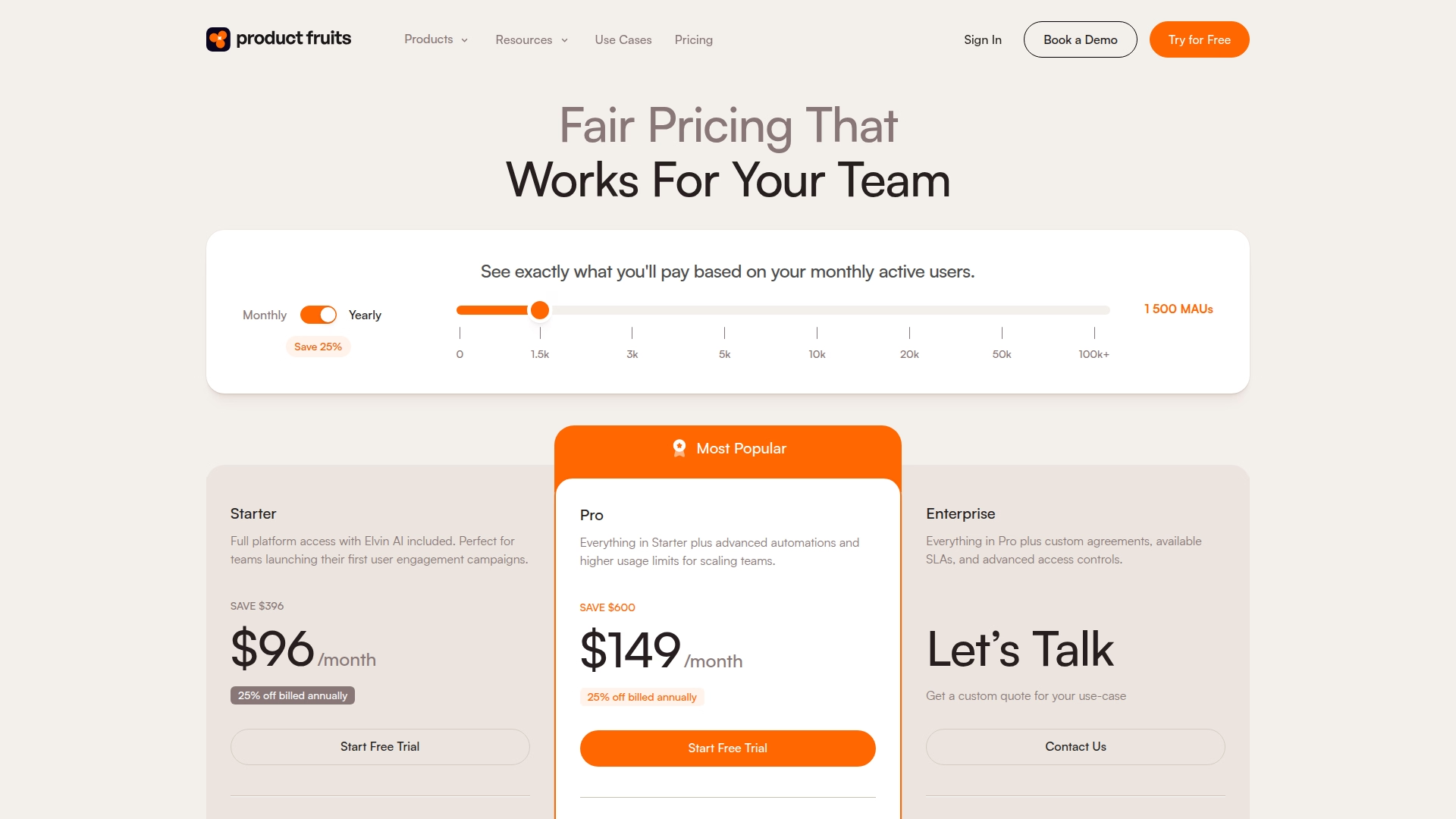
Starter and Pro plans start at $374/month (discounted if billed annually), pricing based on monthly active users. Both include the AI Copilot and there is a free trial with no credit card needed.
Product tour software #9: Userflow
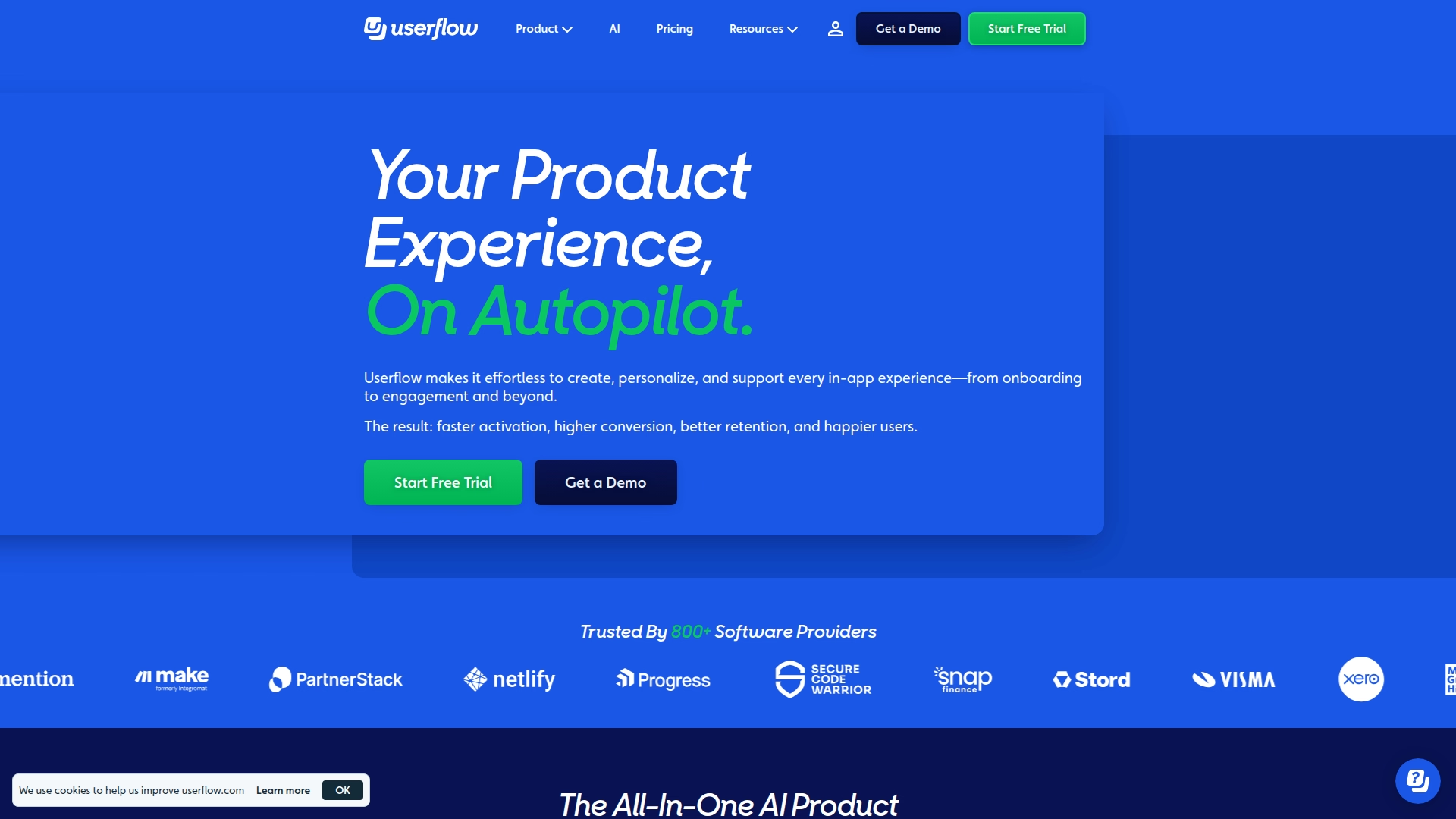
Userflow is a no-code product tour tool that lets you build onboarding checklists, walkthroughs, tooltips, and surveys directly inside your web app. You use a drag-and-drop editor and point-and-click element selector, so you can target onboarding by user role or actions without writing code or waiting for engineering. Userflow also supports custom events and lifecycle stage targeting, allowing you to trigger personalized onboarding flows based on specific user interactions and where users are in their journey.
If you skip something like this, you end up with users who miss critical features and never activate, while support sees a spike in basic questions that could be avoided. Best for: SaaS product managers who need to build or update onboarding flows fast, without asking developers.
Key features
- Flow Builder: Visual editor creates branching tours and checklists that adapt to user actions.
- Element Selection: Click-to-choose UI makes it possible for non-technical users to set up guides in minutes.
- Targeting and Triggers: Launch flows based on URL, events, or user properties for precise timing.
- Progress Tracking: Users pick up onboarding where they left off, even across sessions.
- Customization: Change avatars, colors, fonts, and visuals to match your brand or segment.
Why pick Userflow?
Designed for SaaS teams who want to iterate onboarding flows quickly and avoid engineering bottlenecks. Most useful when you need targeted, self-serve onboarding that adapts by user type or stage.
Userflow pricing
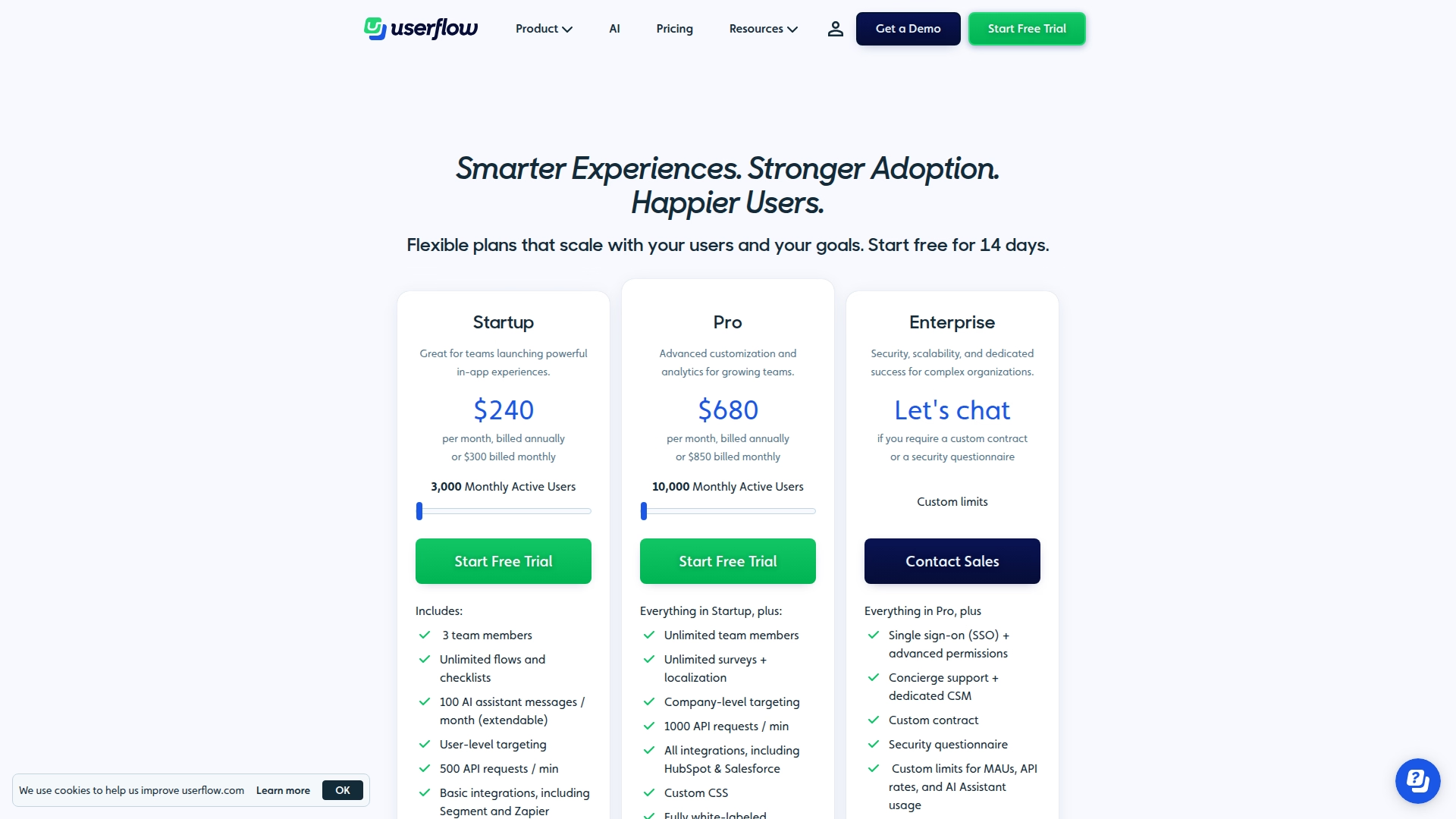
Startup plans start at $240 per month (annual) for 3,000 MAUs and core features, with Pro at $680 per month (annual) for larger teams and advanced integrations. Add-ons available for more users or AI messages, and a 14-day trial is offered. Enterprise pricing is custom.
Product tour software #10: Pendo
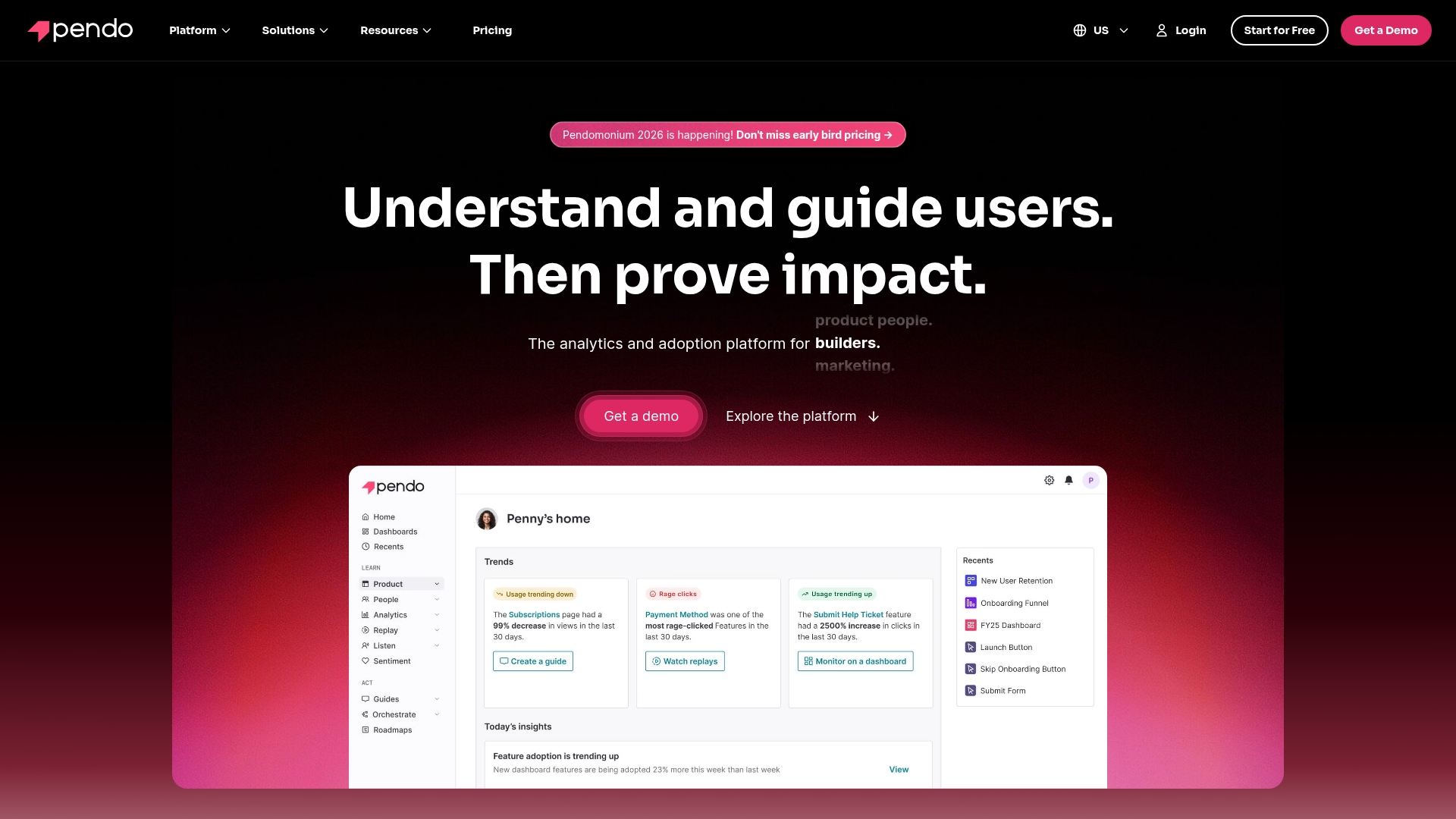
Pendo is a product tour platform that combines product analytics, in-app guides and feedback tools. You can track user behavior, see where users drop off and build onboarding flows like tooltips and walkthroughs without writing code. Pendo’s performance tracking and product capabilities help teams measure onboarding effectiveness, monitor key metrics like step completions and drop-off rates and optimize flows to meet user needs.
If you don’t have something like Pendo, you push out generic guides and hope they work. You miss out on seeing where people get stuck, which features go unused or why users churn. That leaves you flying blind when it comes to improving adoption or retention.
Best for: Product teams who need to measure and improve onboarding flows by targeting users based on real usage data.
Key features
- Analytics and funnels: See where users drop off and which features get ignored.
- No-code guide builder: Create and launch tours, tooltips and banners without engineering.
- User segmentation: Target onboarding by account, device, language or usage history.
- In-app feedback: Collect NPS, polls and surveys to inform your roadmap.
- Session recording: Watch user sessions to debug issues and spot UX pain points.
Why pick Pendo?
Works well for product teams that need analytics and in-app guidance in one place and want to run targeted onboarding tied to real usage. Suited to organizations where measuring and iterating on onboarding is core to adoption and retention.
Pendo pricing
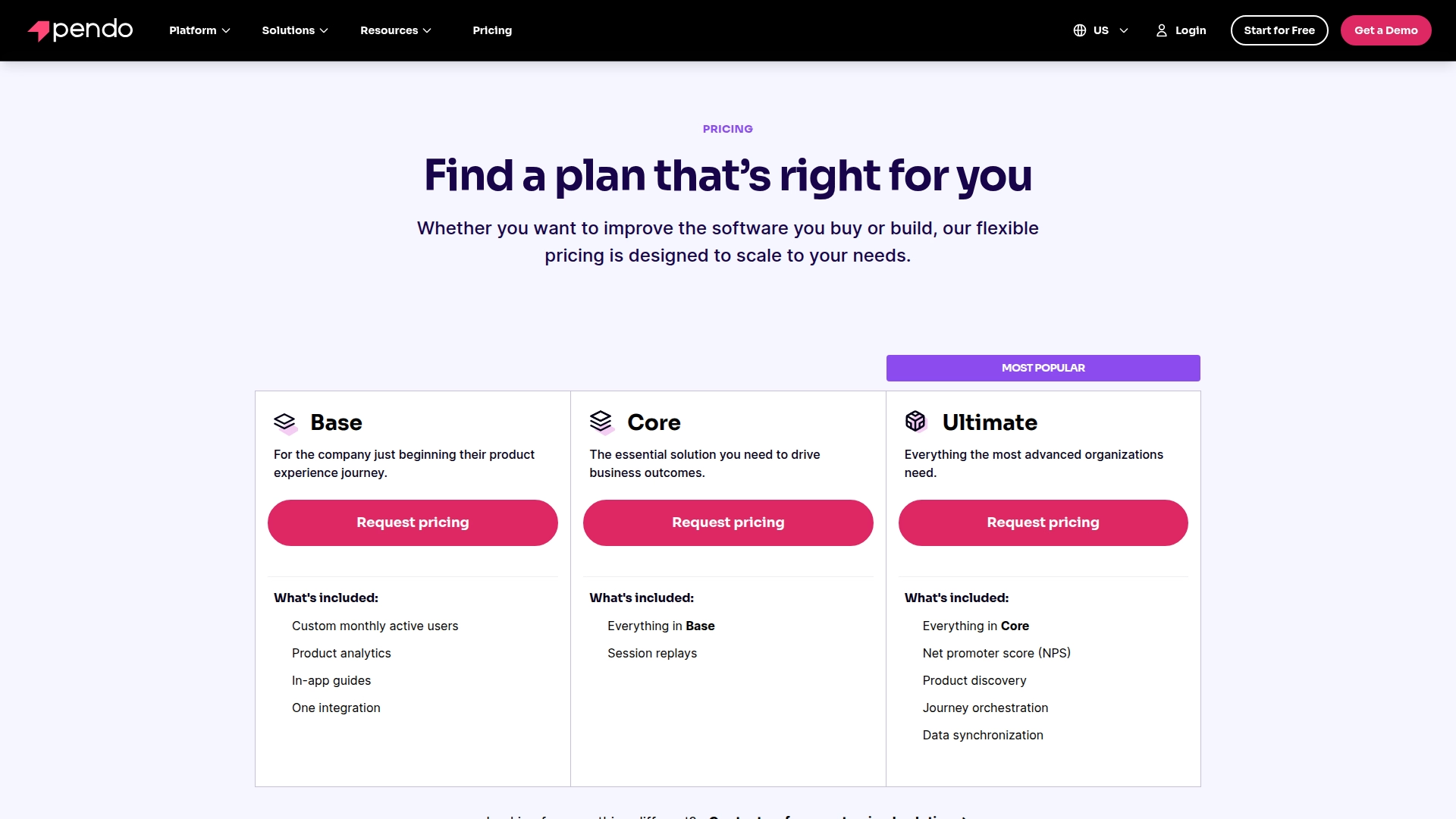
Custom pricing. No public rates; you have to contact sales. Some reviews mention a free tier for small teams, but costs can add up as usage grows.
Product tour software #11: Chameleon
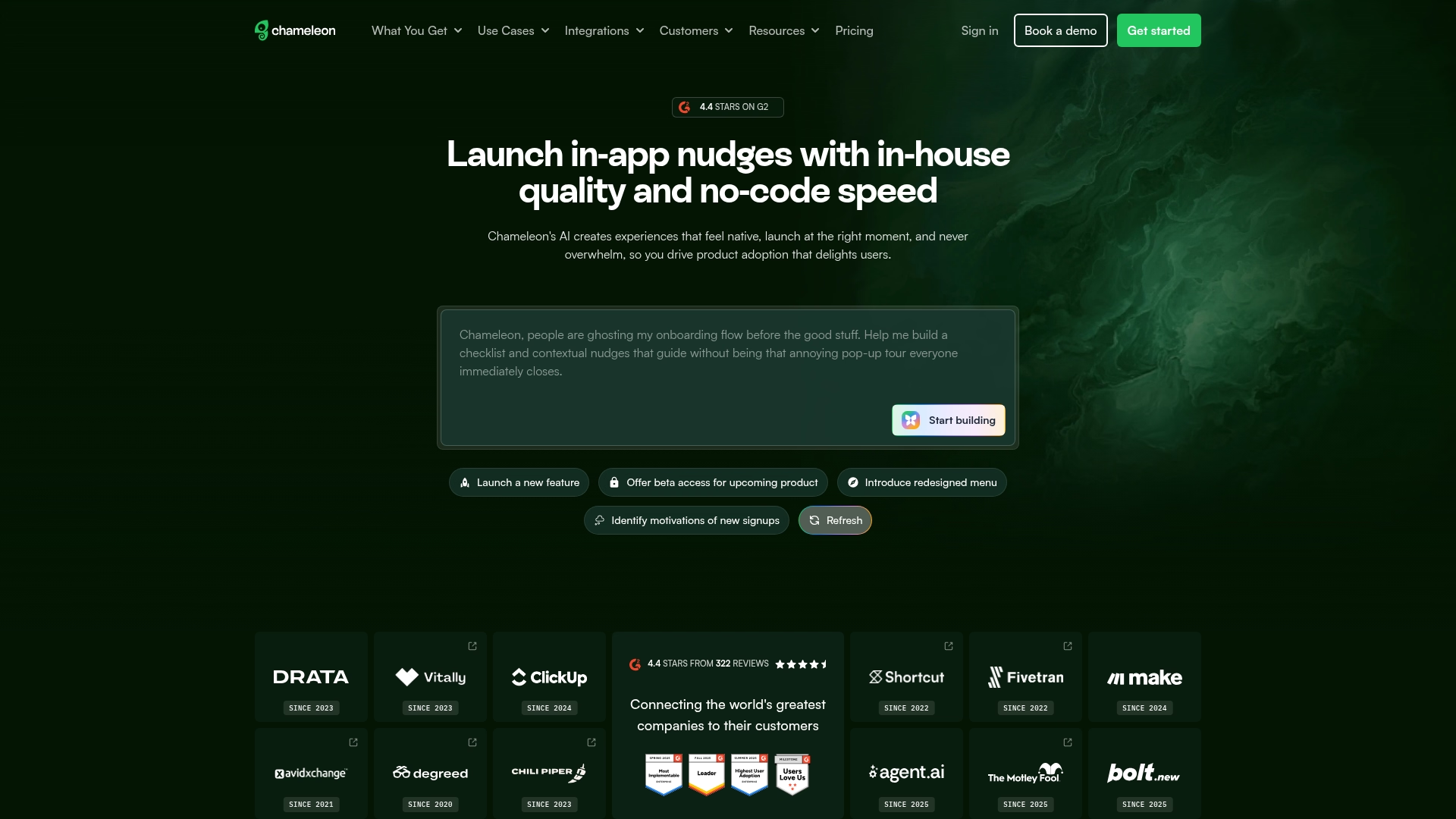
Chameleon is a product tour tool for SaaS teams who need to guide users inside their web app without writing code. You get a point-and-click builder to create in-app tours, tooltips, checklists, and surveys that drive users to key features - right when they need it. Chameleon supports multiple languages, offers robust mobile support, and integrates with native mobile apps for both iOS and Android, making it ideal for global and mobile-first teams.
Without something like this, many teams fall back on onboarding emails, docs, or support tickets. Compared to other product tour software and other tools, Chameleon stands out for its flexibility and deep customization options, helping teams deliver a more tailored onboarding experience. That slows down activation and leaves users stuck or missing out on new features, which means more support questions for your team.
Best for: Product teams at SaaS companies who want to reduce onboarding drop-off and improve feature adoption inside complex web apps.
Key features
- WYSIWYG Builder: Lets you create tours or tooltips directly in your app, targeting any element-even on single-page apps or shadow DOMs.
- Deep segmentation: Target users or groups with AND/OR logic on behaviors, attributes, or uploaded lists for more relevant guidance.
- Multiple UI patterns: Use modals, banners, slideouts, tooltips, or checklists and apply your own branding with custom CSS.
- Smart triggers and rules: Trigger steps by clicks, hovers, or time and skip irrelevant steps so users only see what matters.
- Automatic analytics: Tracks pageviews, clicks, and funnel drop-offs, and sends data to tools like Amplitude, Mixpanel, Heap, and Segment.
Why Chameleon?
Good for product teams at SaaS companies who need to reduce onboarding drop-off and feature adoption inside complex web apps.
Chameleon pricing
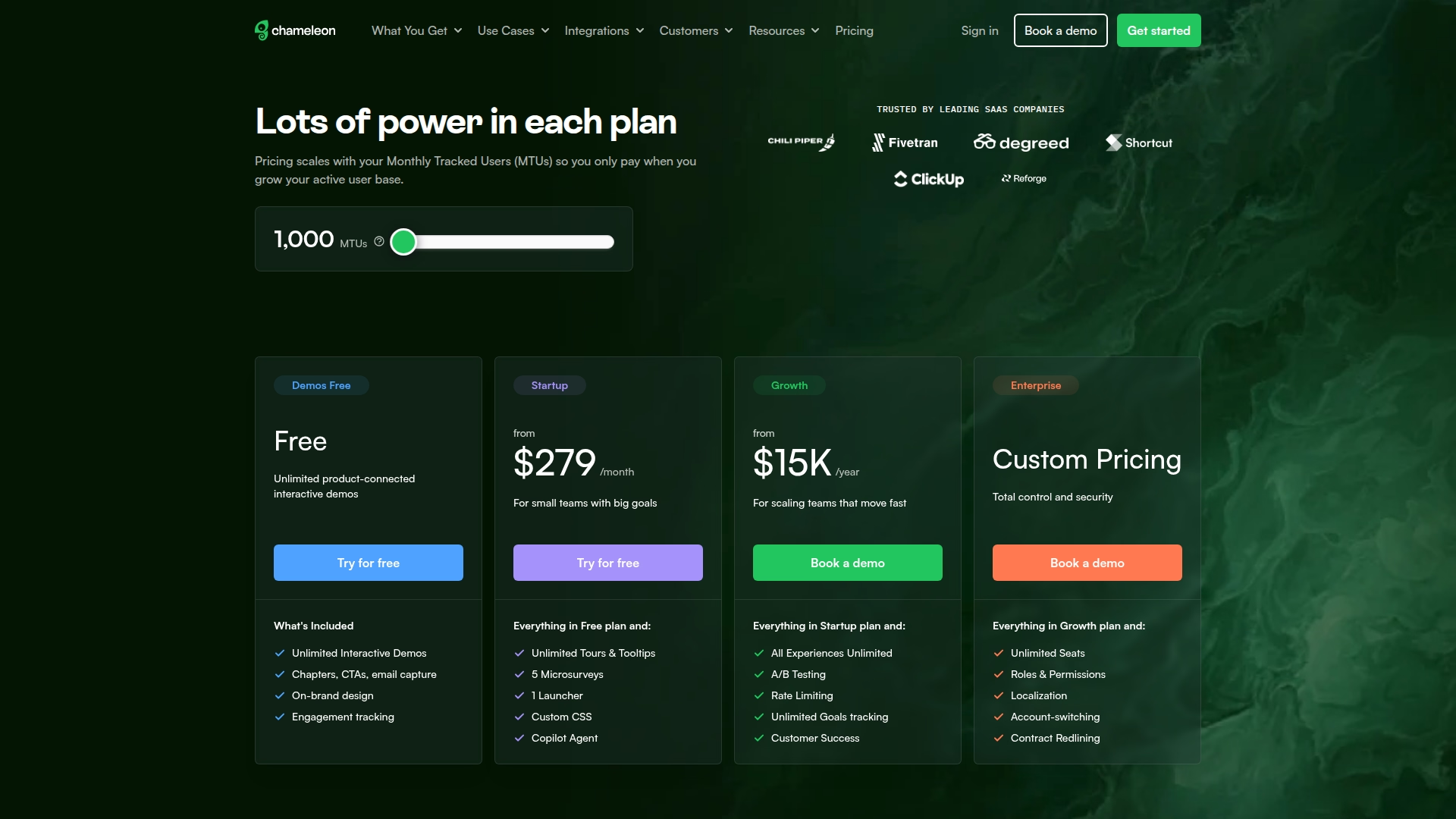
Free demo plan available. Startup plan starts at $279/month for up to 2,000 monthly tracked users; Growth and Enterprise plans require contacting sales for a quote.
What to consider before choosing your product tour software
The best product tour software balances ease of building tours without code, flexible targeting or segmentation and actionable analytics. Look for tools that let you create interactive, personalized walkthroughs and adapt flows to user roles or behaviors. When evaluating options consider product capabilities to make sure the software meets your team’s needs now and as your product evolves. Built-in analytics and CRM integration helps you track engagement and measure onboarding success.
Why teams are choosing Guideflow
- No-code workflow capture: Record, edit and personalize step-by-step product demos without engineering.
- Branching and AI personalization: Build tours that adapt to each user, with AI to speed up translations and content tweaks.
- CRM and analytics integration: Sync engagement data to sales tools and monitor completion rates, for sales and customer success teams to have real insight.
- Collaboration at scale: Teams can co-create, review and update tours in a shared workspace - ideal for sales orgs moving fast.
- Best fit: Suitable for sales and CS teams who need to deliver personalized, measurable demos at scale. Less ideal if your focus is only in-app onboarding or you want a public, ready-made pricing tier.
Conclusion
The right product tour software depends on your team’s goals, technical resources and how deeply you need to personalize onboarding or demos. Some tools are great for in-app, user-triggered onboarding (like WalkMe, Appcues or Userflow) while others like Guideflow streamline demo creation and sales enablement. Each option trades off setup time, analytics depth and collaboration features.
There’s no one-size-fits-all solution - just the best fit for your workflow and users. The fastest way forward: try a demo, start a free trial or map out a use case with your top pick to see what matches your process.
FAQs
Product tour software helps create walkthroughs, onboarding guides and tooltips within applications to improve user experience and feature adoption. Tools like Guideflow, WalkMe and Appcues do this without requiring coding skills.
By giving users step-by-step guidance and personalized tours product tour software can reduce confusion and dropout rates during onboarding. This leads to faster user activation and higher satisfaction.
Look for no-code builders, customizable branding, user segmentation and analytics. Tools should have interactive elements and provide insights into user engagement and onboarding success.
Yes, Guideflow addresses many use cases for SaaS companies, but it's best optimized as an interactive demo software tool for presales and sales. It lets you create personalized demos quickly and track engagement, ideal for high-velocity sales environments.
WalkMe is for in-app guidance, with smart walkthroughs and user segmentation. It helps reduce support tickets by guiding users inside the application during onboarding.
Yes! Appcues lets you customize the content, layout and branding of your tours so the onboarding experience matches the overall application experience.
Userpilot has a subscription pricing model starting at $299/month for up to 2,000 monthly active users. Higher tiers require custom pricing based on usage.
Identify your team’s goals, technical resources and the level of personalization needed for onboarding or demos. Evaluate tools based on features, ease of use and analytics to find the best fit.
Good product tour software should provide insights into user engagement, completion rates and drop-off points. This data helps teams understand user behavior and optimize onboarding.
Many product tour software solutions including UserGuiding, Appcues and Chameleon offer free trials or demo versions. A great way to test the features and see if they match your needs before committing.