Printing a contract, signing it, scanning it back, and emailing the PDF feels like a workflow from 2005. Yet plenty of teams still do it because they haven't found an e-signature tool that fits their stack and budget.
This guide compares the top 10 e-signature platforms for 2026, breaks down pricing and features, and walks through how to match the right tool to your team's actual workflow.
What's inside
This guide covers the top e-signature platforms for 2026, explains how electronic signature software works, and walks through key evaluation criteria. You'll find a comparison table, detailed breakdowns of each platform, and practical guidance for matching features to your team's workflow.
TL;DR
- E-signature software lets you sign, send, and manage documents digitally without printing or scanning
- DocuSign and Adobe Acrobat Sign lead for enterprise teams, while PandaDoc and Dropbox Sign fit mid-market and SMB use cases well
- Pricing scales with users and document volume, so match your plan to actual usage
- Before committing, test the signer experience from both sides. Guideflow helps you evaluate platforms through interactive demos before scheduling calls with every vendor
What is e-signature software and how does it work
E-signature software is a category of tools that lets you sign documents electronically, eliminating paper, printers, and physical delivery. The platforms handle the entire signing workflow: upload a document, add signature fields, send to signers, track progress, and store the completed file with a full audit trail.
The core components work together to create a legally binding record:
- Document upload: Files enter the system via drag-and-drop, cloud storage sync, or direct creation from templates
- Signature fields: Designated areas where signers click, draw, or type their signature
- Signing order: Routes documents to multiple signers either sequentially (one at a time) or in parallel (all at once)
- Audit trail: A timestamped log of every action, including who viewed, signed, and when
- Certificate of completion: Final proof that the document was signed, often including IP addresses and authentication details
Most platforms also include template libraries, automated reminders, and integrations with CRMs and storage tools.
E-signature software comparison table
| Product | Intent | Key differentiator | Starting price | G2 rate |
|---|---|---|---|---|
| DocuSign | Enterprise teams | Largest integration ecosystem (400+ apps) | $10/month | 4.5/5 |
| Adobe Acrobat Sign | PDF-heavy workflows | Native PDF editing, signing | $12.99/month | 4.5/5 |
| PandaDoc | Sales teams | Proposals, quotes, and contracts in one tool | $19/month | 4.7/5 |
| Dropbox Sign | Small to mid-size teams | Clean interface, Dropbox integration | $15/month | 4.7/5 |
| SignNow | Budget-conscious SMBs | Competitive pricing, mobile apps | $8/month | 4.6/5 |
| Zoho Sign | Zoho ecosystem users | Native Zoho CRM/Books integration | $12/month | 4.5/5 |
| SignWell | Freelancers and small teams | Generous free tier, simple setup | Free/$8/month | 4.7/5 |
| Signaturely | Individuals and micro-teams | Free plan with core features | Free/$10/month | 4.8/5 |
| OneSpan Sign | Regulated industries | Advanced identity verification, compliance | Custom | 4.5/5 |
| GetAccept | Sales enablement | Deal rooms, video messaging, signing | $15/month | 4.6/5 |
Top 10 electronic signature software platforms
1. DocuSign
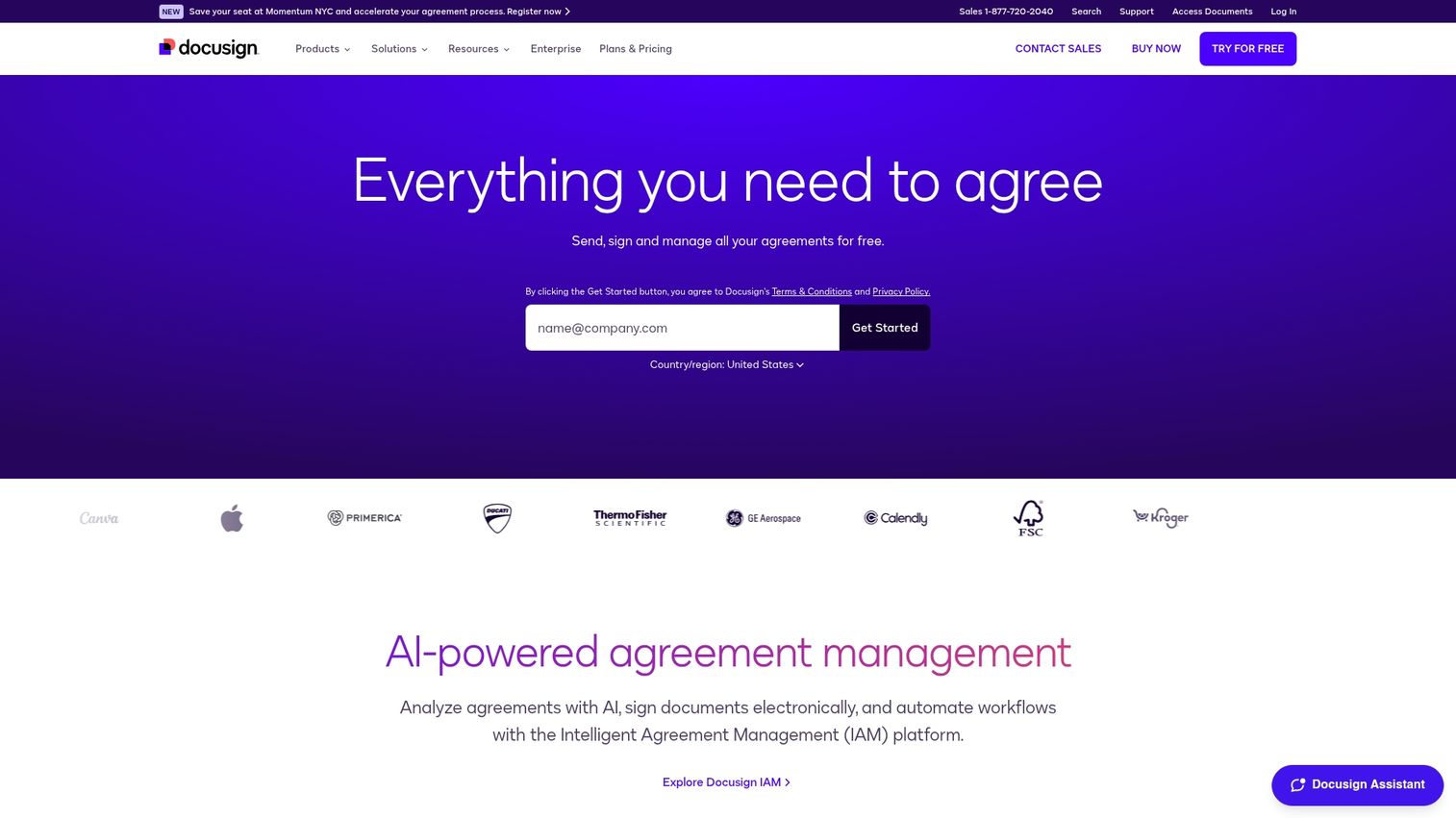
DocuSign is the market leader in e-signature software. The platform connects with more than 400 applications, including Salesforce, Microsoft 365, and Google Workspace, making it a natural fit for enterprise teams with complex tech stacks.
Best for: Enterprise organizations and high-volume teams that prioritize integrations and advanced workflow automation.
Key strengths
- Extensive integration library: Pre-built connectors for CRMs, ERPs, and productivity suites reduce manual data entry
- Mobile signing: Signers complete documents from any device without downloading apps
- Advanced workflows: Conditional routing, bulk send, and approval chains handle complex signing scenarios
- Compliance certifications: SOC 2, HIPAA, and eIDAS support for regulated industries
Why choose DocuSign?
If your organization already uses enterprise software and you want e-signatures to plug directly into existing workflows, DocuSign's integration depth is hard to match. The learning curve is steeper than simpler tools, but the payoff is automation at scale.
See how to send and sign documents directly from Salesforce without leaving the CRM.
Docusign pricing
Personal plan starts at $10/month. Standard plan at $25/month. Business Pro at $40/month. Enterprise pricing is custom.
2. Adobe Acrobat Sign
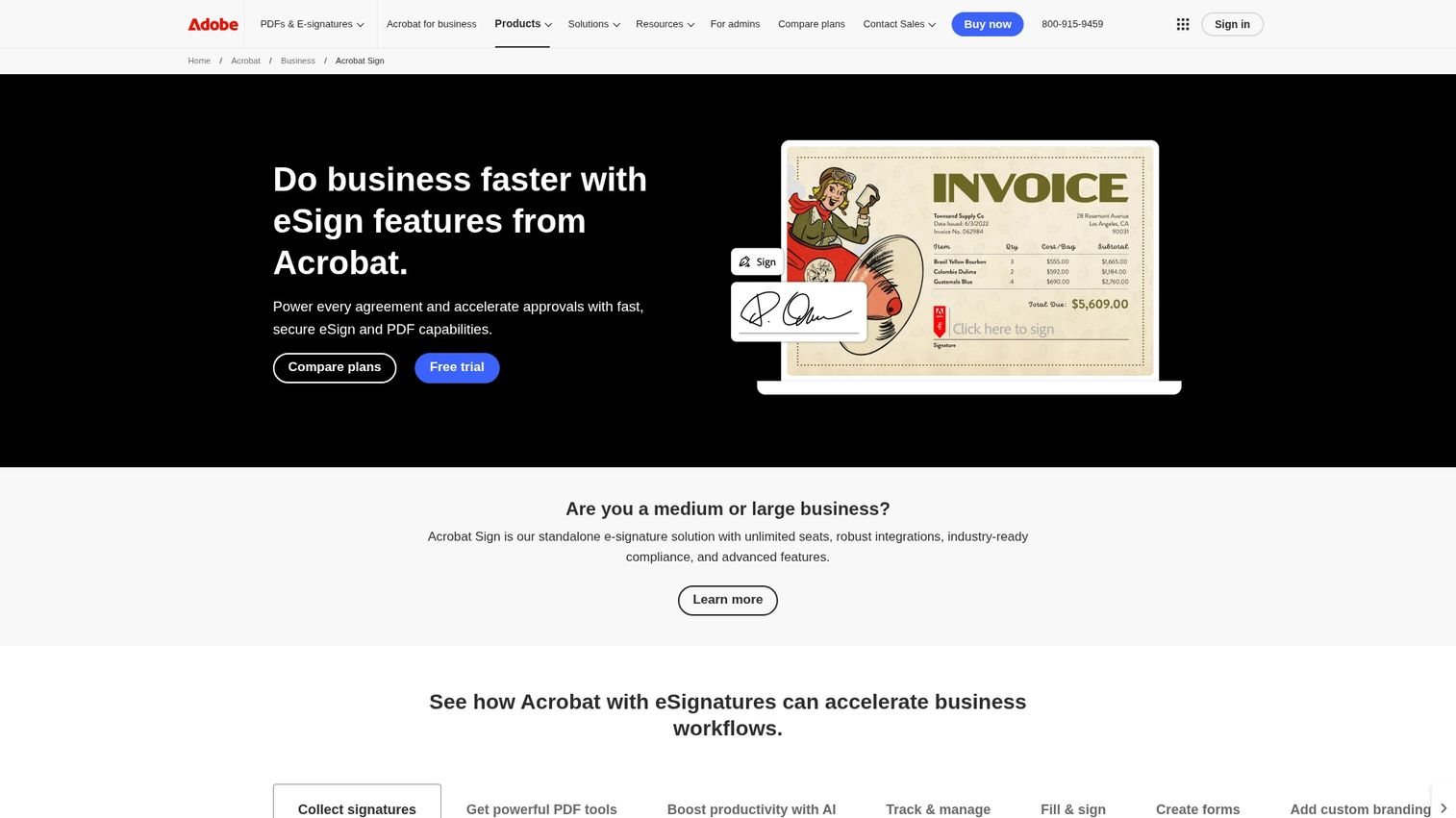
Adobe Acrobat Sign combines PDF editing with electronic signatures in a single platform. If your team already works in Adobe's ecosystem, you can edit, annotate, and sign documents without switching tools.
Best for: Teams with document-heavy workflows who want PDF editing and signing in one place.
Key strengths
- Native PDF integration: Edit, comment, and sign within the same interface
- Familiar Adobe experience: Minimal training for teams already using Acrobat
- Reusable templates: Create standardized documents for recurring agreements
- Microsoft 365 integration: Sign directly from Word, Outlook, or Teams
Why choose Adobe Acrobat Sign?
The value proposition is strongest when you're already paying for Adobe Creative Cloud or Acrobat. Adding signing capabilities to your existing subscription often costs less than a standalone e-signature tool.
Adobe Acrobat Sign Pricing
Acrobat Standard starts at $12.99/month. Acrobat Pro at $19.99/month. Team plans at $14.99/user/month.
3. PandaDoc
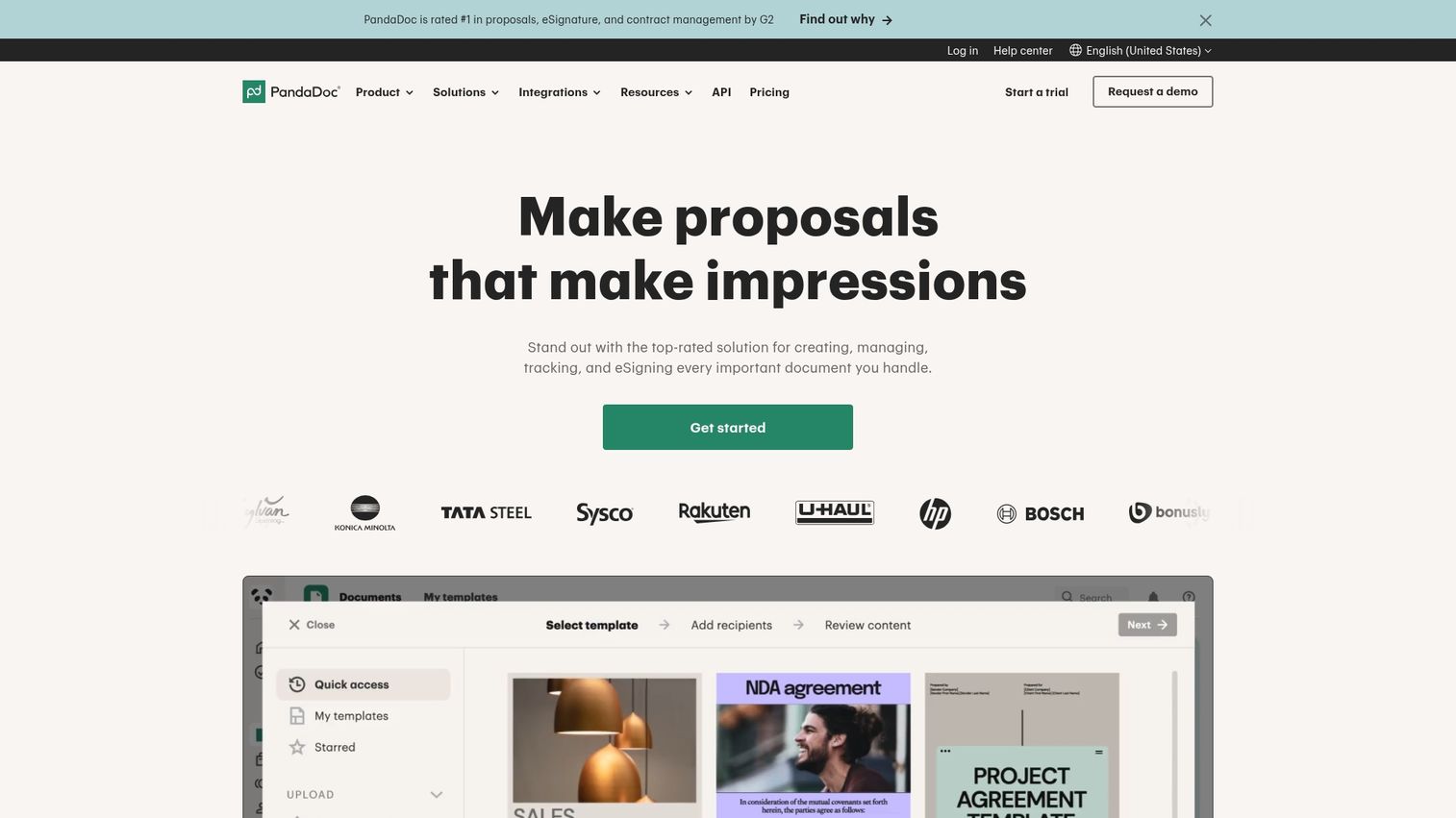
PandaDoc goes beyond e-signatures to include document creation, proposals, quotes, and contract management. Sales teams can build, send, and track documents from a single platform rather than stitching together separate tools.
Best for: Sales teams that want proposals, quotes, and e-signatures in one workflow.
Key strengths
- Document automation: Templates with merge fields pull data from your CRM automatically
- CPQ capabilities: Configure, price, and quote directly within proposals
- Content library: Store approved clauses, images, and pricing tables for quick assembly
- CRM integrations: Native connections with Salesforce, HubSpot, and Pipedrive
Why choose PandaDoc?
If your bottleneck is creating documents rather than just signing them, PandaDoc addresses the full workflow. Teams that only want signing may find it overkill.
Here's how PandaDoc auto-fills the signing date so your contracts stay accurate without the manual work.
PandaDoc pricing
Free eSign plan available. Essentials at $19/month. Business at $49/month. Enterprise pricing is custom.
4. Dropbox Sign
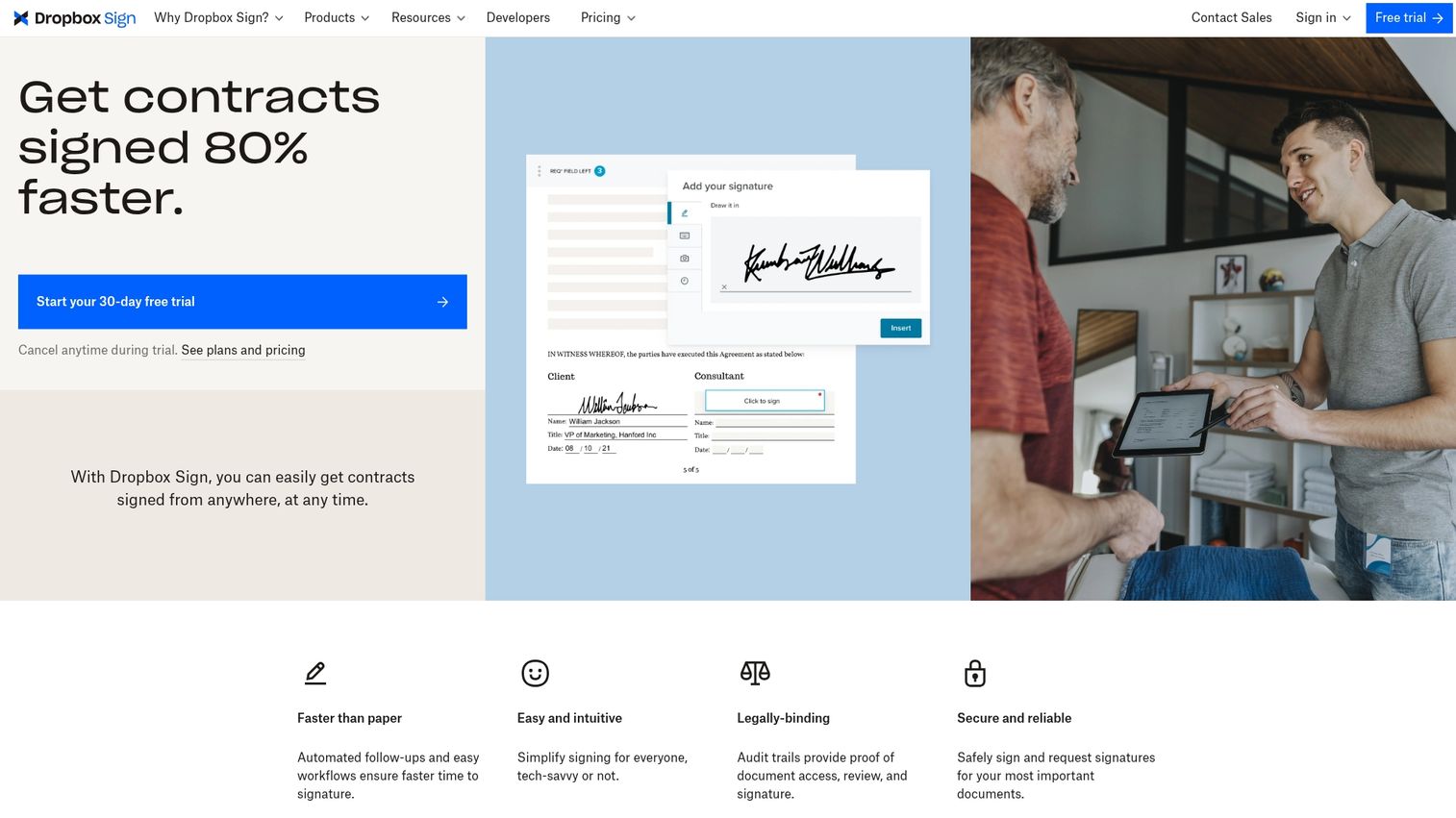
Dropbox Sign (formerly HelloSign) prioritizes simplicity and speed. The interface is clean, setup takes minutes, and signers complete documents without creating accounts.
Best for: Small to mid-size teams that value ease of use and already use Dropbox for storage.
Key strengths
- Intuitive interface: Minimal learning curve for senders and signers
- Dropbox integration: Signed documents automatically save to your Dropbox folders
- API access: Developers can embed signing into custom applications
- Audit trails: Detailed logs for compliance and record-keeping
Why choose Dropbox Sign?
When you want something that works immediately without extensive configuration, Dropbox Sign delivers. It lacks some enterprise features, but for straightforward signing, the simplicity is the point.
Dropbox pricing
Essentials at $15/month. Standard at $25/user/month. Premium pricing is custom.
5. SignNow
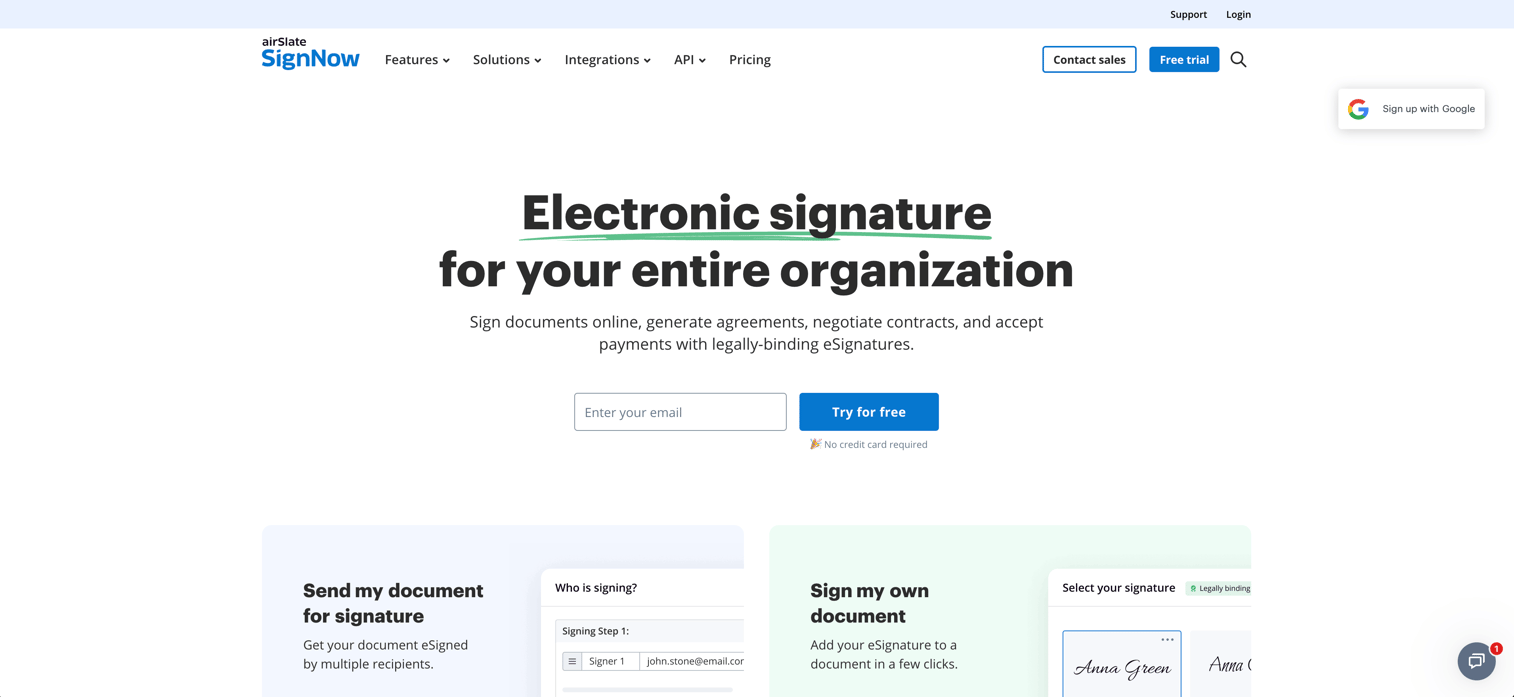
SignNow offers core e-signature functionality at a lower price point than most competitors. The platform includes mobile apps, team templates, and basic workflow automation without the enterprise price tag.
Best for: Budget-conscious SMBs that want reliable signing without paying for features they won't use.
Key strengths
- Competitive pricing: Lower cost per user than DocuSign or Adobe
- Mobile apps: Full functionality on iOS and Android
- Team templates: Share and manage templates across your organization
- Bulk send: Send the same document to multiple signers simultaneously
Why choose SignNow?
If price is a primary concern and you don't require deep integrations or advanced compliance features, SignNow covers the basics well.
SignNow pricing
Business plan at $8/user/month. Business Premium at $15/user/month. Enterprise at $30/user/month.
6. Zoho Sign
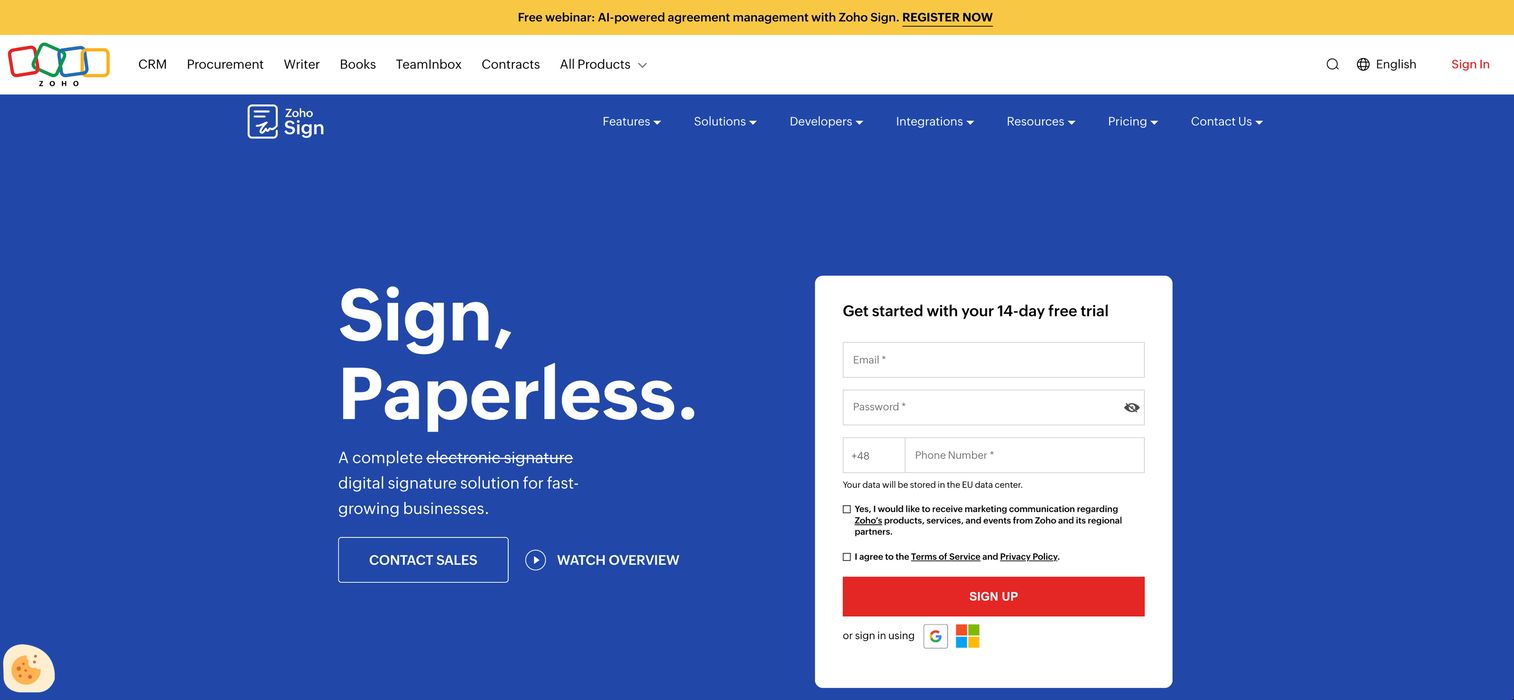
Zoho Sign integrates natively with Zoho's suite of business applications, including CRM, Books, and People. If you're already in the Zoho ecosystem, adding e-signatures requires minimal setup.
Best for: Teams using Zoho CRM, Books, or other Zoho products who want signing built into existing workflows.
Key strengths
- Native Zoho integration: Send documents for signature directly from Zoho CRM records
- Workflow automation: Set up approval chains and conditional routing
- Affordable pricing: Lower cost than standalone e-signature platforms
- Multi-language support: Templates and signing in 20+ languages
Why choose Zoho Sign?
The value is clearest when you're already invested in Zoho's ecosystem. Standalone, it's capable, but the integration benefits disappear if you're using Salesforce or HubSpot instead.
See how Zoho CRM organizes account data - the same records you'd trigger signing workflows from.
Zoho Sign pricing
Standard at $12/user/month. Professional at $18/user/month. Enterprise at $24/user/month.
7. SignWell
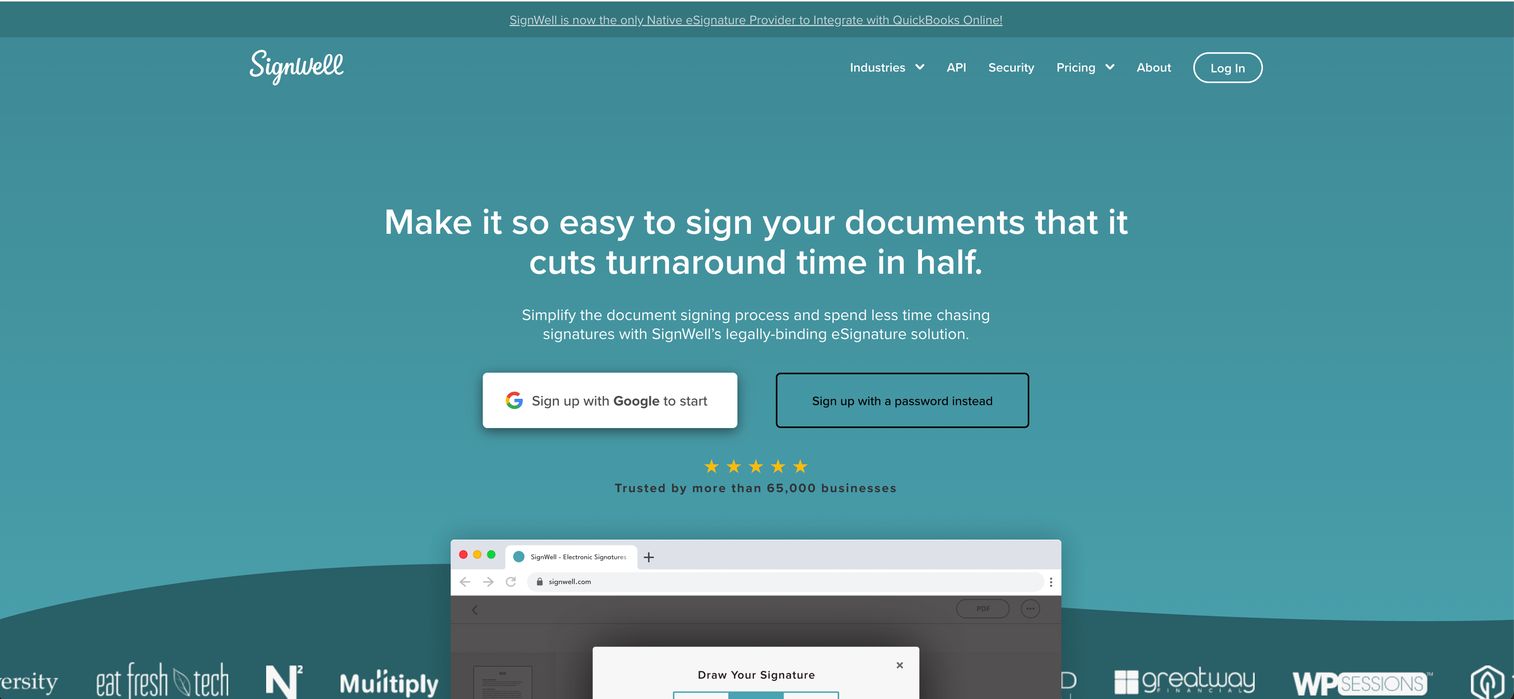
SignWell targets freelancers and small teams who want e-signatures without complexity or high costs. The free tier includes three documents per month, which covers many solo operators.
Best for: Freelancers and small teams with simple signing and limited budgets.
Key strengths
- Generous free tier: Three documents per month at no cost
- Simple setup: No training required, works immediately
- Custom branding: Add your logo even on lower-tier plans
- Reminders: Automated follow-ups for unsigned documents
Why choose SignWell?
When you send a handful of documents monthly and don't want to pay for enterprise features, SignWell makes sense. It won't scale to high-volume use, but that's not the target audience.
SignWell pricing
Free plan with 3 documents/month. Personal at $8/month. Business at $24/month.
8. Signaturely
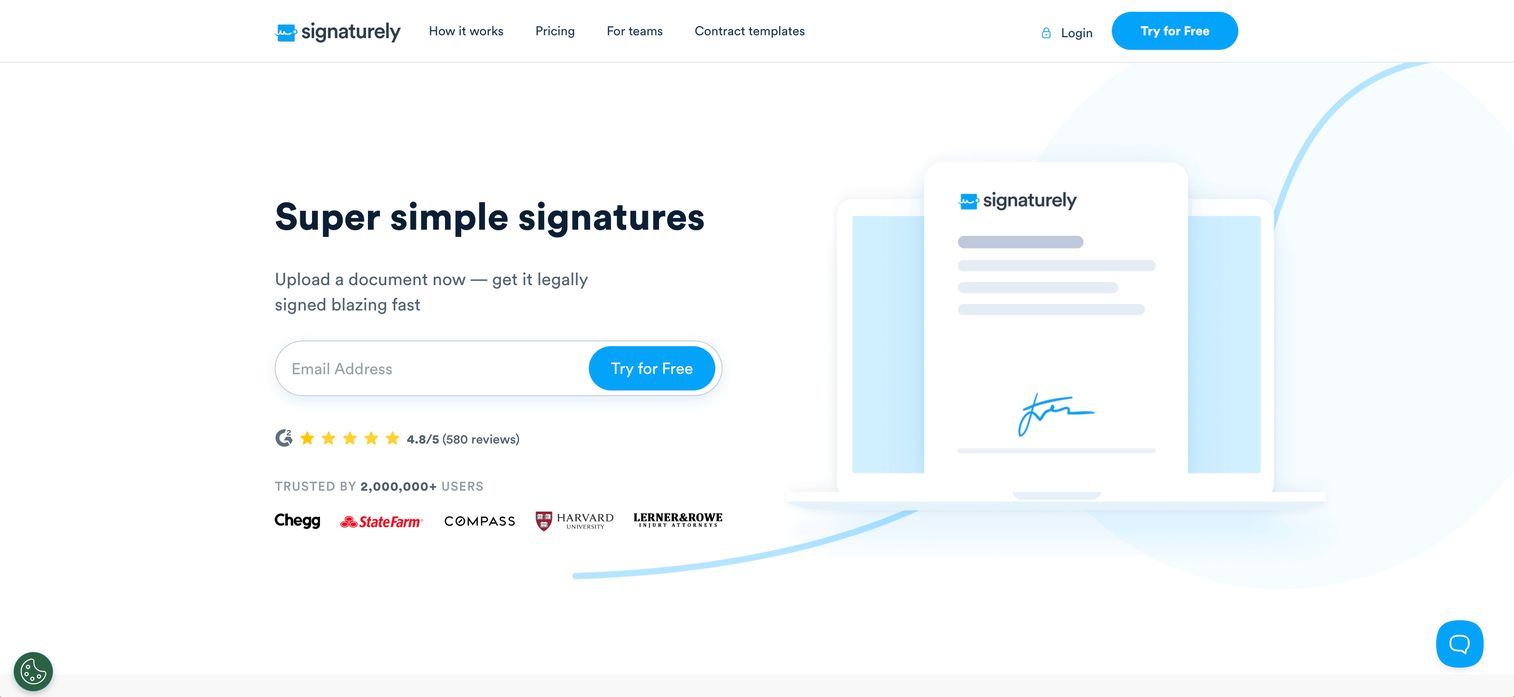
Signaturely offers a free-first approach to e-signatures, with core functionality available at no cost. Paid tiers add templates, team features, and integrations.
Best for: Individuals and very small teams who want free e-signatures with the option to upgrade later.
Key strengths
- Free plan: Unlimited signature requests on the free tier
- Simple interface: Minimal features mean minimal confusion
- Audit trails: Legally binding signatures with full documentation
- Template library: Save and reuse common documents
Why choose Signaturely? If you're testing e-signatures for the first time or have very low volume, starting free makes sense. The platform is straightforward, though it lacks the depth of more established tools.
Pricing: Free plan available. Personal at $10/month. Business at $15/user/month.
9. OneSpan Sign
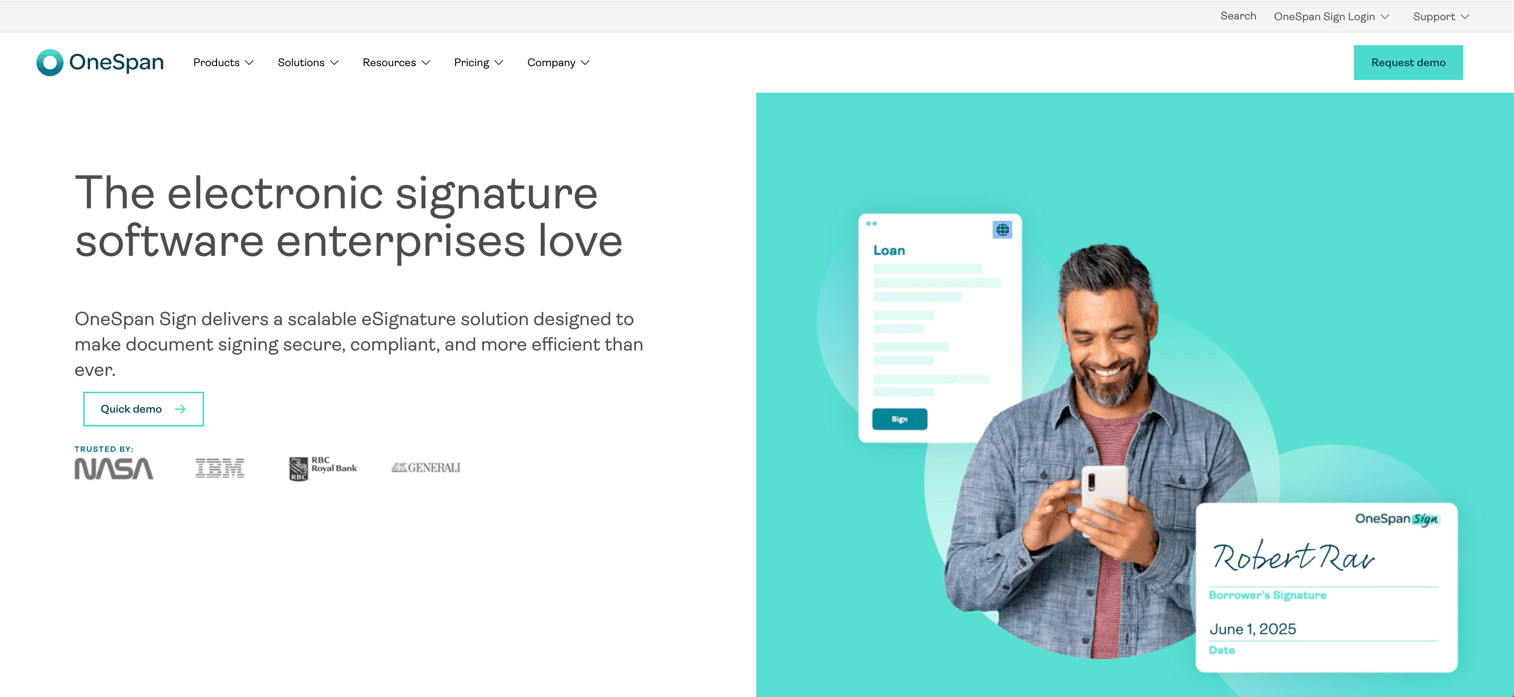
OneSpan Sign focuses on security and compliance for regulated industries. The platform includes advanced identity verification, white-labeling, and certifications that banks and healthcare organizations require.
Best for: Financial services, healthcare, and other regulated industries with strict compliance requirements.
Key strengths
- Identity verification: Multi-factor authentication, government ID checks, and knowledge-based authentication
- Compliance certifications: HIPAA, SOC 2, FedRAMP, and eIDAS
- White-labeling: Remove OneSpan branding for a seamless customer experience
- On-premise deployment: Available for organizations that can't use cloud solutions
Why choose OneSpan Sign?
When compliance isn't optional, OneSpan's certifications and security features justify the higher price. For teams without regulatory requirements, simpler tools will suffice.
OneSpan pricing
Custom pricing based on volume and features.
10. GetAccept
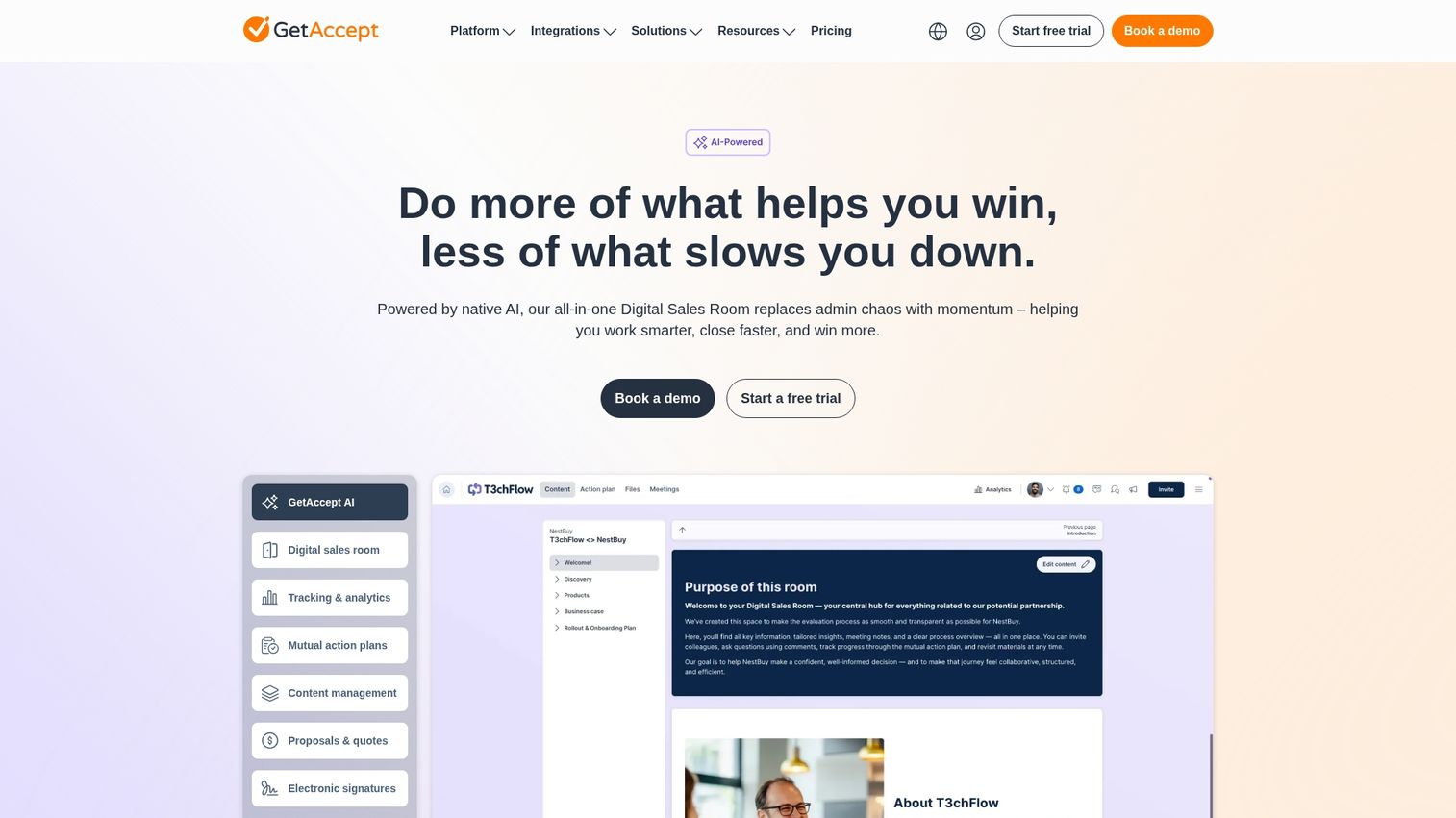
GetAccept combines e-signatures with sales enablement features like deal rooms, video messaging, and proposal tracking. Sales teams can see exactly how prospects engage with documents before signing.
Best for: Sales teams that want visibility into deal engagement alongside e-signatures.
Key strengths
- Deal rooms: Centralized spaces where buyers review all deal materials
- Video messaging: Record personalized videos to accompany proposals
- Engagement tracking: See which pages prospects view and for how long
- CRM integration: Sync with Salesforce, HubSpot, and other platforms
Why choose GetAccept?
If you want to understand buyer behavior, not just collect signatures, GetAccept provides insights that pure e-signature tools don't. The trade-off is added complexity for teams that only want signing.
GetAccept pricing
Essential at $15/user/month. Professional at $49/user/month. Enterprise pricing is custom.
Start your journey with Guideflow today!
Why teams switch to electronic document signing
Faster contract turnaround and deal velocity
Contracts that required days of printing, mailing, and waiting now close in hours, reducing cycle time by up to 96%. For sales teams, that acceleration directly impacts when revenue recognizes.
Reduced administrative costs
Paper, printing, postage, and physical storage add up. Beyond materials, the time spent tracking down signatures and managing documents means the average business loses nearly 9% of annual revenue to poor contract management. Electronic signing eliminates most of that overhead.
Better signer experience on any device
Signers complete documents from their phone during a commute or from a tablet at home. No app downloads, no account creation, no friction.
Stronger security and complete audit trails
Every action gets logged: who viewed the document, when they signed, from which IP address, and what authentication they used. That record is more defensible than a paper signature.
Key features to evaluate in document signing software
Signing workflows and approval routing
Some documents require signatures in a specific order. Others can go to all parties simultaneously. Look for platforms that support both sequential and parallel routing, plus conditional logic for complex approval chains.
Template management and reusable documents
If you send the same NDA or contract repeatedly, templates save significant time. The best platforms let you create templates with pre-placed signature fields, merge fields for personalization, and version control.
Mobile signing and cross-device support
Your signers won't always be at a desktop. Responsive signing experiences that work on phones and tablets without pinch-and-zoom frustration increase completion rates.
Branding and white-label options
For client-facing documents, your logo and colors matter. Some platforms include branding on lower tiers; others reserve it for enterprise plans.
Real-time tracking and notifications
Knowing when a document was viewed, how long the signer spent on each page, and whether they've started signing helps you time follow-ups appropriately.
How to choose the right e-signature platform
Match volume and team size to pricing tiers
Pricing typically scales with users and documents sent. A solo consultant sending five contracts monthly doesn't require the same plan as a sales team processing hundreds.
- Solo/freelancer: Free or low-cost plans with basic features
- Small team (2-10): Team plans with shared templates and basic workflows
- Mid-market: Advanced routing, analytics, and integrations
- Enterprise: Custom pricing, SSO, advanced security, dedicated support
Verify industry compliance requirements
Regulated industries require specific certifications. Healthcare organizations look for HIPAA compliance. European businesses look for eIDAS. Financial services often require SOC 2 Type II.
Confirm integration with your existing stack
An e-signature tool that doesn't connect to your CRM or storage platform creates manual work. Check for native integrations with Salesforce, HubSpot, Google Drive, Dropbox, or whatever tools your team uses daily.
Test the signer experience before committing
Send test documents to yourself and colleagues. Evaluate from the signer's perspective, not just the sender's. How many clicks to complete? Does it work on mobile?
Common use cases for e-signature services
Sales contract signing
Sales teams use e-signatures for proposals, MSAs, order forms, and renewals. Speed matters here because delays in signing directly impact when revenue recognizes.
HR and employee onboarding
Offer letters, tax forms, policy acknowledgments, and benefits enrollment all require signatures. Automating documents reduces onboarding time and ensures nothing gets missed.
Legal agreement execution
NDAs, licensing agreements, and vendor contracts benefit from the audit trail e-signatures provide. The timestamped record of who signed when creates defensible documentation.
Procurement and vendor contracts
Purchase orders, vendor agreements, and supplier onboarding documents move faster with electronic signing. Procurement teams can track status across multiple agreements simultaneously.
Security and compliance for e-signature platforms
SOC 2 Type II certification
SOC 2 certifies that a platform handles customer data securely. Most enterprise buyers require it.
HIPAA compliance for healthcare
Healthcare organizations handling patient information look for HIPAA-compliant e-signature platforms. Not all tools qualify.
eIDAS compliance for European markets
eIDAS governs electronic signatures in the European Union, with the EU's May 2026 digital identity deadline raising compliance stakes. For legally binding signatures in Europe, you'll want a platform that supports eIDAS-compliant signature types.
ESIGN Act and UETA legal validity
In the United States, the ESIGN Act and UETA make electronic signatures legally equivalent to handwritten signatures. All major e-signature platforms comply with these laws.
Integration capabilities for electronic sign software
CRM integrations with Salesforce and HubSpot
Sending documents directly from CRM records and automatically updating deal stages when signed eliminates manual data entry.
Document storage with Google Drive and Dropbox
Automatic filing of signed documents to cloud storage keeps your records organized without manual uploads.
Productivity suites and Microsoft 365
Signing from within Word, Outlook, or Teams without switching applications saves time for teams that live in Microsoft's ecosystem.
API access for custom workflows
Teams with unique requirements can use APIs to embed signing into custom applications.
Choosing the right document signing partner for your team
The best e-signature software depends on your team size, document volume, integration requirements, and compliance considerations. Enterprise teams with complex workflows will find value in DocuSign or Adobe Acrobat Sign. Sales teams wanting document creation alongside signing may prefer PandaDoc. Budget-conscious SMBs can start with SignNow or SignWell.
Before committing to any platform, test the actual signing experience with your real documents. Evaluating multiple tools becomes easier when you can experience them through self-serve demos rather than scheduling calls with every vendor.
Start your journey with Guideflow today!
FAQs about electronic signature software
Electronic signatures are the broad category covering any electronic indication of consent, from typing your name to clicking "I agree." Digital signatures are a specific type that uses cryptographic technology to verify the signer's identity and ensure the document hasn't been altered.
Microsoft 365 does not include native e-signature functionality. However, it integrates with DocuSign and Adobe Sign through add-ins, allowing you to send and sign documents from within Word, Outlook, and Teams.
Free tiers from SignWell, Signaturely, and Dropbox Sign create legally binding signatures under the ESIGN Act and UETA. The legal validity is the same as paid versions.
Yes. Sequential signing routes documents to signers one at a time in a defined order. Parallel signing sends to all signers simultaneously. Most platforms support both options.
Most e-signature services allow recipients to sign via email link without creating an account.
E-signatures are recognized in most countries, though specific regulations vary. The EU follows eIDAS, the US follows ESIGN and UETA, and other regions have their own frameworks.
Common verification methods include email verification, SMS codes, knowledge-based authentication, and government ID verification for high-security situations.
Four elements establish legal enforceability: intent to sign, consent to do business electronically, association of the signature with the record, and retention of the signed record. E-signature platforms handle all four automatically through audit trails and storage.