Event management software handles the chaos that spreadsheets can't: registration, ticketing, attendee communication, check-in, and post-event analytics across in-person, virtual, and hybrid formats. The category has exploded into a $15.2 billion market in 2026, which means finding the right tool now takes longer than setting up the event itself.
This guide breaks down 24 platforms by category so you can skip the ones that don't fit your event type and focus on the tools that actually match how you work.
What's inside
This guide covers 24 event management platforms, registration tools, virtual event software, and audience engagement solutions for 2026. You'll find tools organized by category so you can quickly identify which type fits your event.
We evaluated each platform based on core features, pricing transparency, G2 ratings, and real-world use cases. Whether you're planning corporate conferences, community meetups, or hybrid experiences, this list helps you compare options without wading through marketing fluff.
TL;DR
- All-in-one platforms like Cvent and Bizzabo handle everything from venue sourcing to post-event analytics for large corporate events
- Registration and ticketing tools like Eventbrite and RSVPify work best when signups and ticket sales are your primary concern
- Virtual and hybrid platforms like vFairs and Hopin specialize in online conferences with networking features and virtual booths
- Audience engagement tools like Slido and Mentimeter add live polling and Q&A to any event format
- Free options like Luma and Google Workspace tools cover basic coordination for small gatherings
What is event management software
Event management software is a digital tool that helps organizers plan, execute, and analyze in-person, hybrid, or virtual events. Popular options include Cvent and Whova for enterprise needs, Eventbrite for ticketing, and RSVPify for customized registration. Costs range from free basic tools to custom enterprise pricing depending on event scale.
The core functions break down into several categories:
- Registration and ticketing: Custom forms, payment processing, seat management, and attendee tracking
- Event marketing: Website builders, email invitations, social media promotion, and campaign tracking
- Attendee engagement: Event apps, networking features, live polling, Q&A, and gamification
- Logistics and operations: Check-in tools, badge printing, venue coordination, and scheduling
- Analytics and reporting: Attendee behavior tracking, session popularity, and ROI measurement
Types of event management systems
Not all event software does the same thing. Understanding the categories helps you avoid paying for features you won't use.
- All-in-one event management platforms: Handle everything from venue sourcing to post-event analytics. Best for teams running complex, recurring events.
- Event registration and ticketing software: Focus specifically on signups, ticket sales, and check-in. Lighter weight and often more affordable.
- Virtual event platforms: Built for online conferences, webinars, and events with virtual booths and networking.
- Audience engagement tools: Add live polling, Q&A, and interactive elements to any event. Often used alongside other platforms.
- Corporate and enterprise solutions: Designed for organizations with strict security, compliance, and multi-event management requirements.
When to use event management software
You might be wondering if you actually need dedicated event software or if spreadsheets and calendar invites will do the job. Here's when the investment typically pays off.
Planning conferences, trade shows, or corporate events with more than 100 attendees, multiple sessions, or sponsor relationships makes manual tracking break down fast. Businesses using event technology report it saves them ~200 hours per year. Running virtual or hybrid experiences also benefits from purpose-built tools since standard video conferencing lacks the networking and engagement features that make online events feel like events.
Selling tickets for public events introduces payment processing, refund handling, and attendee communication complexity. Even internal company meetings benefit from registration tracking and attendance analytics when coordinating across teams.
Event management software comparison table
| No. | Product | Intent | Key use case | Pricing | G2 rating |
|---|---|---|---|---|---|
| 1 | Cvent | Enterprise events | Large conferences | Custom pricing | 4.3/5 |
| 2 | Whova | Attendee engagement | Associations and community events | Custom pricing | 4.8/5 |
| 3 | Bizzabo | Corporate events | Professional business gatherings | Custom pricing | 4.4/5 |
| 4 | EventMobi | Conferences | Mobile event apps | Custom pricing | 4.6/5 |
| 5 | Swoogo | Field marketing | Branded events and webinars | Mid-market pricing | 4.5/5 |
| 6 | vFairs | Virtual events | Online trade shows | Custom per event | 4.7/5 |
| 7 | Eventbrite | Ticketing | Public ticketed events | Free + % fee | 4.4/5 |
| 8 | RSVPify | Registration | Corporate and private events | Free + paid plans | 4.6/5 |
| 9 | Splash | Event marketing | Field marketing | Custom pricing | 4.4/5 |
| 10 | Ticket Tailor | Budget ticketing | Cost-conscious organizers | Flat-rate options | 4.8/5 |
| 11 | Hopin | Virtual conferences | Large online summits | Free + paid plans | 4.5/5 |
| 12 | Zoom Events | Webinars | Teams using Zoom | Add-on pricing | 4.4/5 |
| 13 | Hubilo | Hybrid events | Engagement-focused experiences | Custom pricing | 4.5/5 |
| 14 | Airmeet | Community events | Networking-focused gatherings | Free + paid plans | 4.6/5 |
| 15 | Slido | Live polling | Presentations and town halls | Free + paid plans | 4.6/5 |
| 16 | Poll Everywhere | Audience response | Corporate training | Free + paid plans | 4.5/5 |
| 17 | Mentimeter | Interactive presentations | Engaging slide decks | Free + paid plans | 4.5/5 |
| 18 | Pigeonhole Live | Q&A management | Conferences and town halls | Per-event pricing | 4.6/5 |
| 19 | Planning Pod | Venue management | Event businesses | Subscription plans | 4.4/5 |
| 20 | Aventri | Enterprise meetings | Strategic meetings management | Enterprise pricing | 4.2/5 |
| 21 | Stova | Global events | International events | Enterprise pricing | 4.3/5 |
| 22 | Luma | Community events | Meetups and small gatherings | Free | 4.7/5 |
| 23 | Google Workspace | Basic coordination | Internal events | Free | 4.6/5 |
| 24 | Trello | Project management | Event task tracking | Free + paid plans | 4.4/5 |
Best all-in-one event management platforms
All-in-one platforms manage everything from planning to post-event analytics. They work best for teams running complex events that require coordination across registration, marketing, logistics, and reporting.
1. Cvent
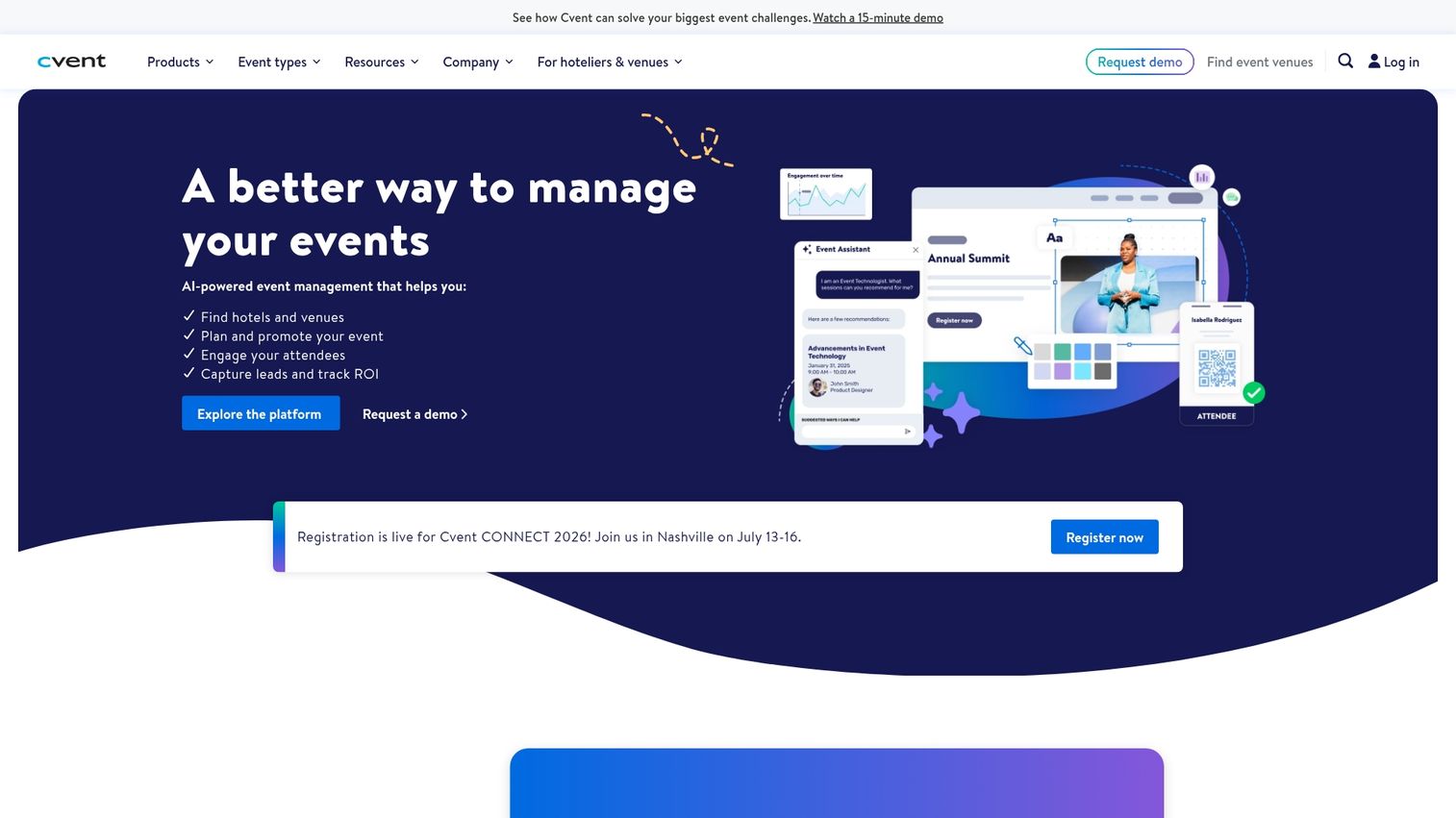
Cvent is an enterprise event management platform for in-person, virtual, and hybrid events. It handles venue sourcing through a supplier network, registration, attendee management, mobile event apps, and detailed reporting.
Best for: Large organizations running conferences, trade shows, and corporate events with high-security and compliance requirements.
Key strengths
- Venue sourcing and supplier network with RFP management
- Robust registration with custom forms and payment processing
- Mobile event app with agenda, networking, and push notifications
- Advanced analytics and reporting across the event lifecycle
Cvent pricing
Custom enterprise pricing based on event volume and feature requirements.
2. Whova
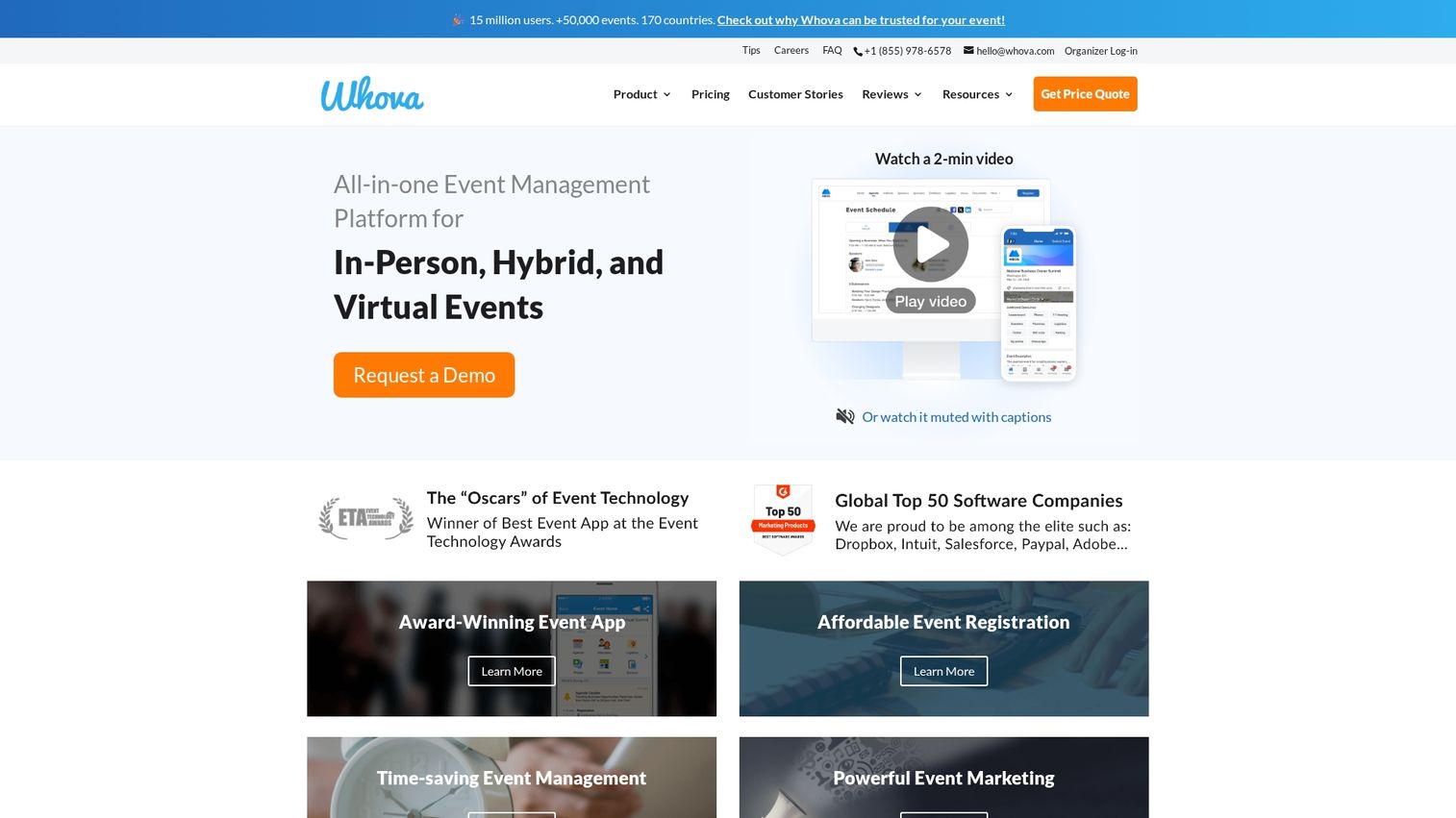
Whova consistently ranks as a top-rated platform for user experience and attendee engagement. The event app includes networking features, agenda management, exhibitor promotion, and community building tools.
Best for: Associations, conferences, and community events where attendee networking matters as much as logistics.
Key strengths
- Intuitive attendee app that people actually use
- Networking and matchmaking features based on interests
- Agenda builder with session tracking and personal schedules
- Live polling, Q&A, and discussion forums
Whova pricing
Custom pricing based on event size and feature requirements.
3. Bizzabo
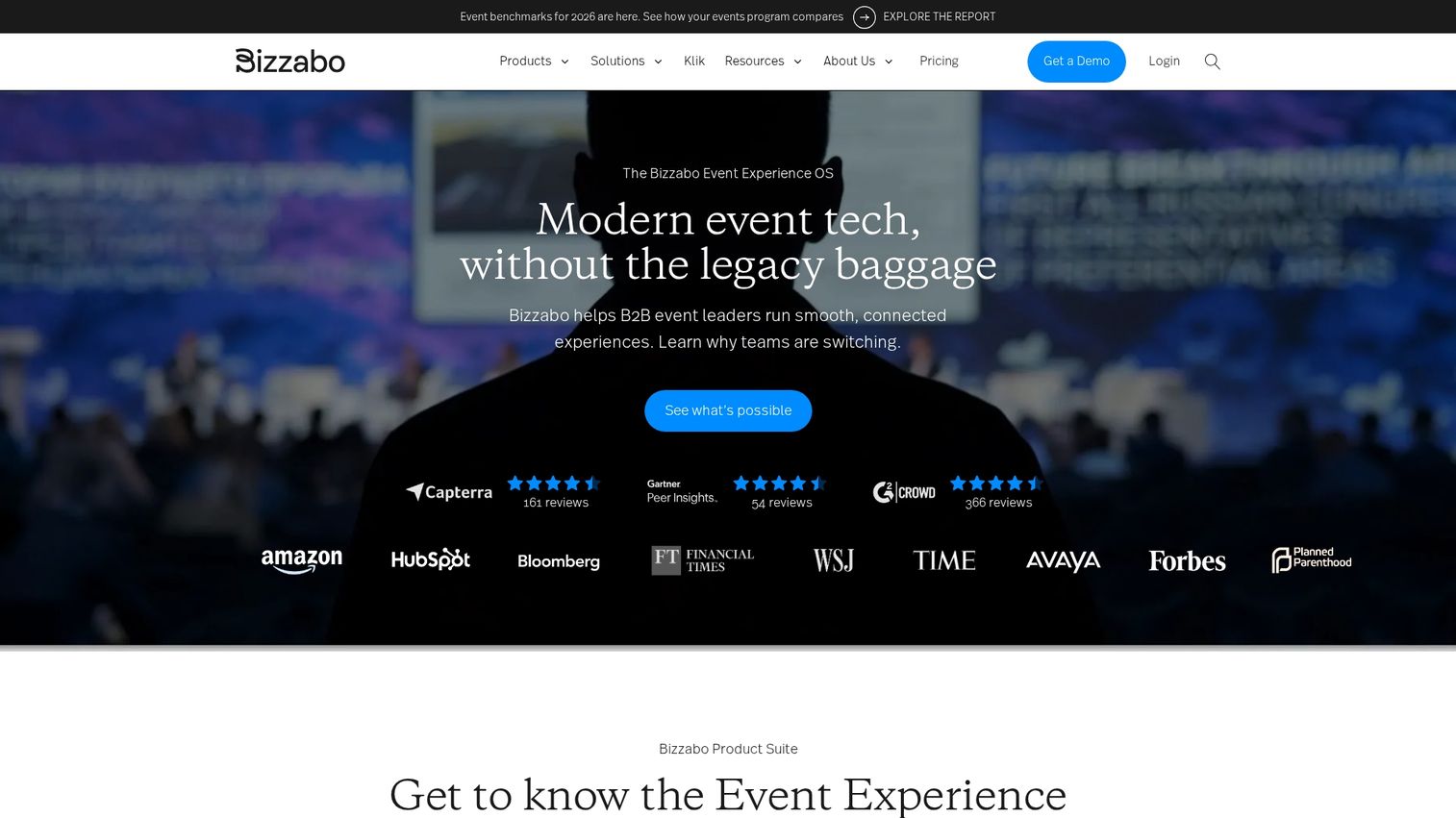
Bizzabo positions itself as an event experience platform for professional and corporate gatherings. It combines event websites, registration, on-site check-in, and data analytics in one system.
Best for: Corporate marketing teams running branded events, user conferences, and professional gatherings.
Key strengths
- Event website builder with customizable templates
- Registration and ticketing with flexible pricing options
- On-site check-in and badge printing
- Event data and insights for measuring ROI
Bizzabo pricing
Custom pricing based on event needs.
4. EventMobi
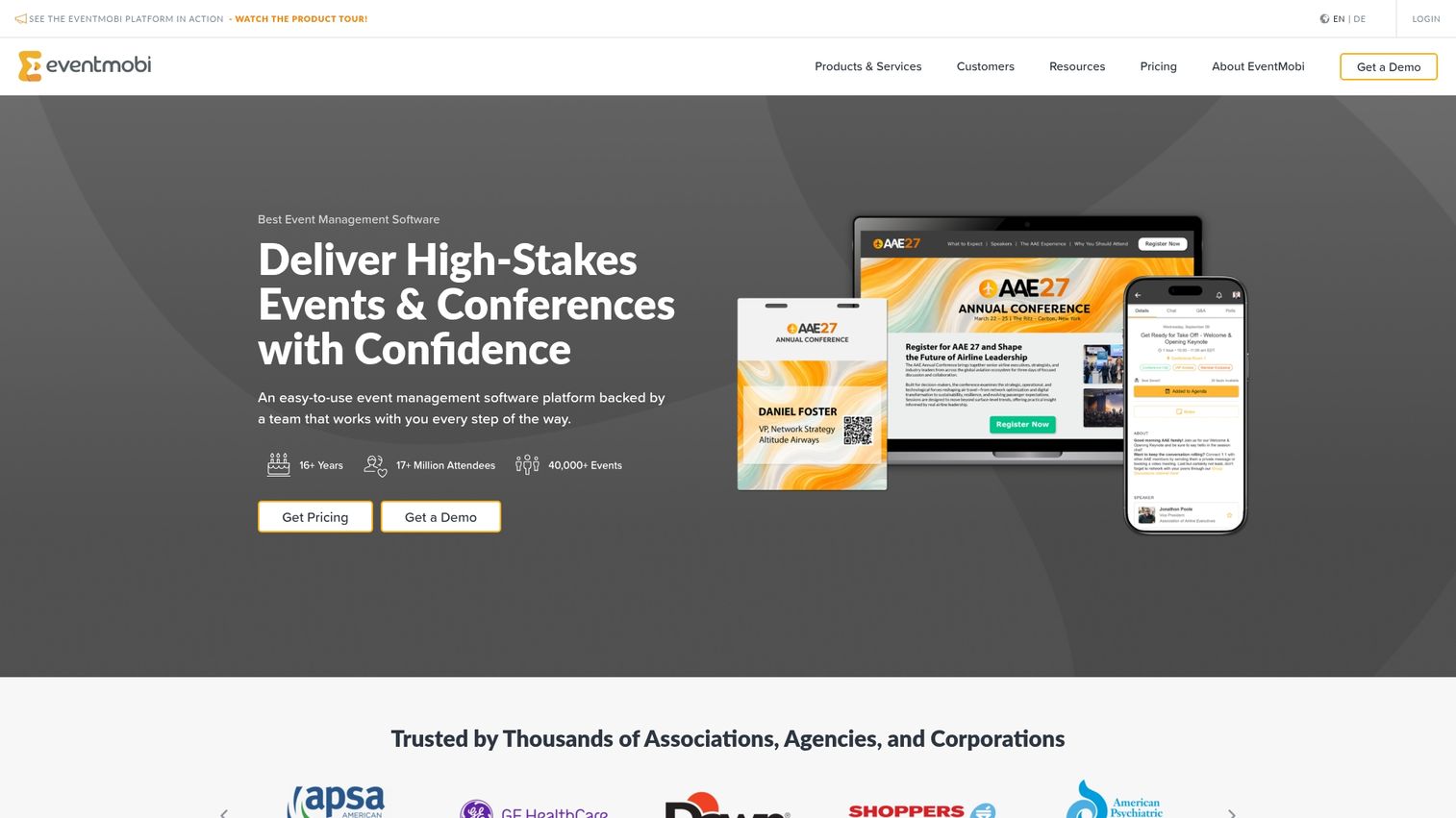
EventMobi offers flexible event management with strong mobile app capabilities. The platform supports in-person, virtual, and hybrid events with features for engagement, lead capture, and sponsor visibility.
Best for: Conference organizers who want a polished mobile experience for attendees and exhibitors.
Key strengths
- Custom branded event apps for iOS and Android
- Virtual and hybrid event support with streaming integration
- Gamification features to drive engagement
- Lead capture tools for exhibitors
EventMobi pricing
Custom pricing based on event requirements.
5. Swoogo
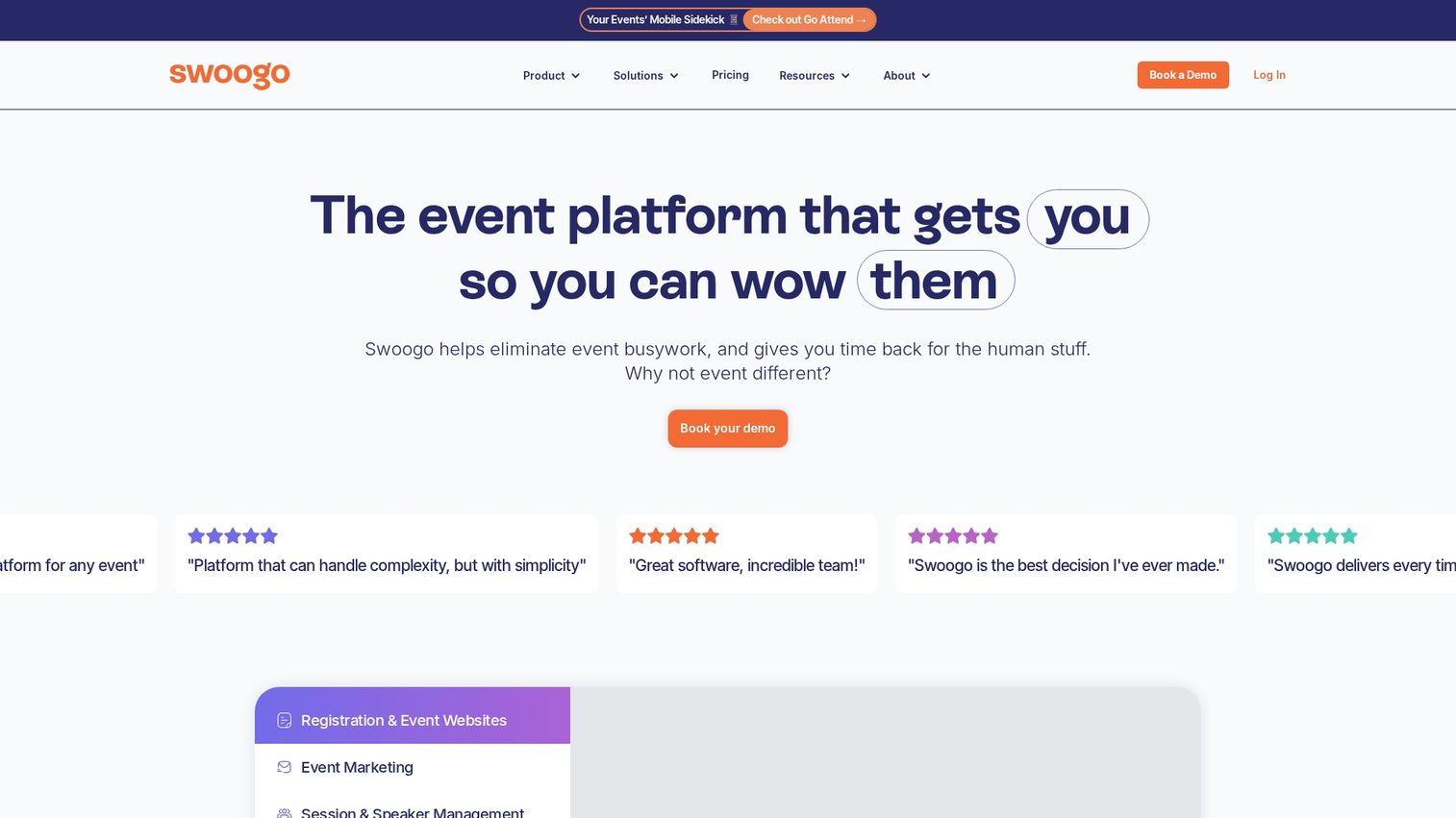
Swoogo offers flexible event software with strong customization options. Marketing teams use it for branded events, webinars, and field marketing programs where design control matters.
Best for: Marketing teams running branded events who want more customization than template-based platforms allow.
Key strengths
- Highly customizable registration forms and workflows
- Event website templates with design flexibility
- Webinar and virtual event support
- Marketing integrations with common tools
Swoogo pricing
Tiered pricing starting at mid-market level.
6. vFairs
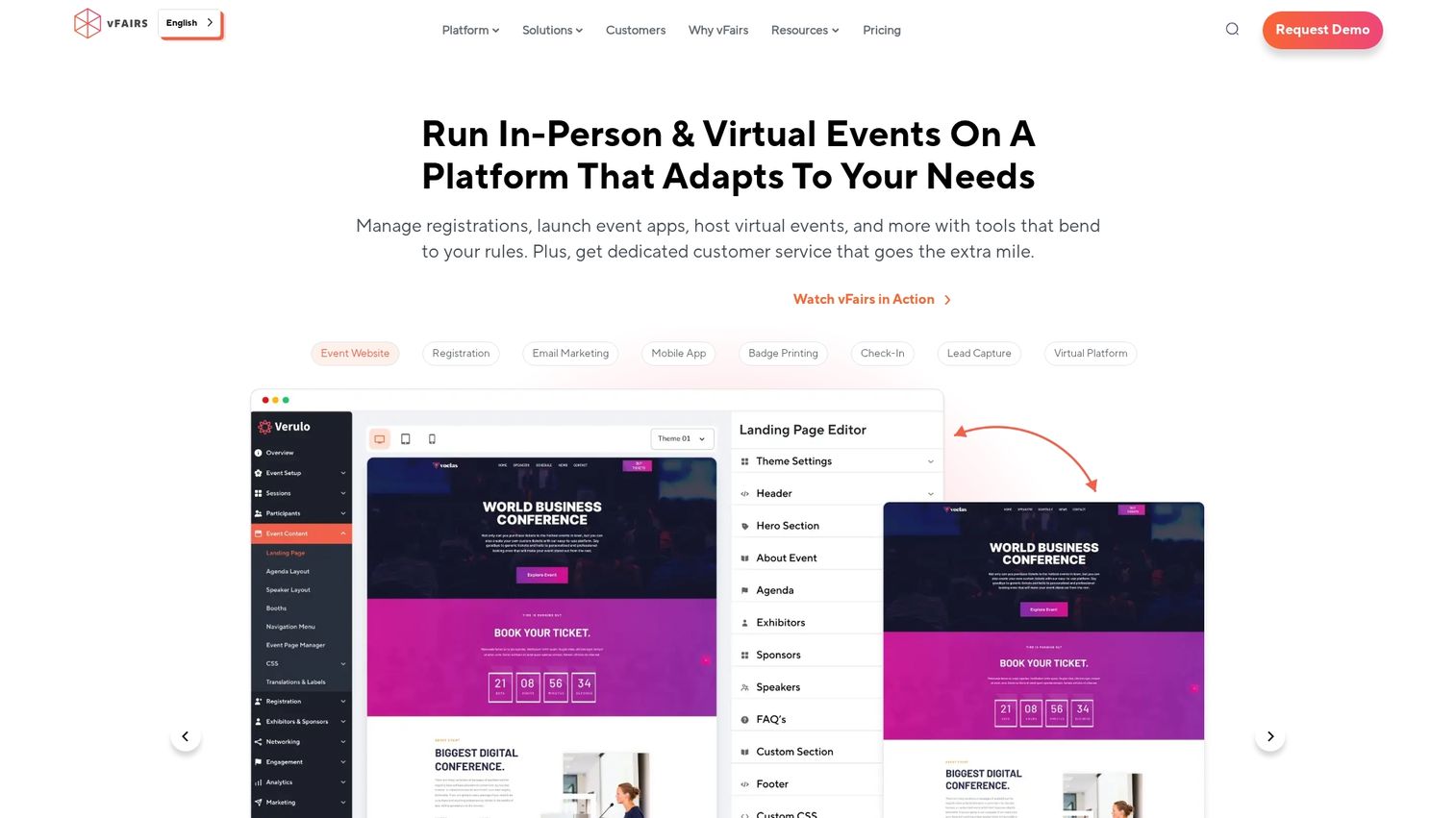
vFairs specializes in virtual and hybrid events with immersive 3D environments. The platform works well for trade shows, job fairs, and large online conferences where visual experience matters.
Best for: Organizations running virtual trade shows, career fairs, or conferences that want more than a basic webinar experience.
Key strengths
- 3D virtual environments with customizable designs
- Virtual booths and exhibit halls for sponsors
- Webinar and live streaming capabilities
- Lead generation and retrieval tools
vFairs pricing
Custom pricing per event based on features and expected attendance.
Best event registration and ticketing software
Registration and ticketing tools focus specifically on signups, ticket sales, and attendee tracking. They're lighter weight than all-in-one platforms and often more affordable.
7. Eventbrite
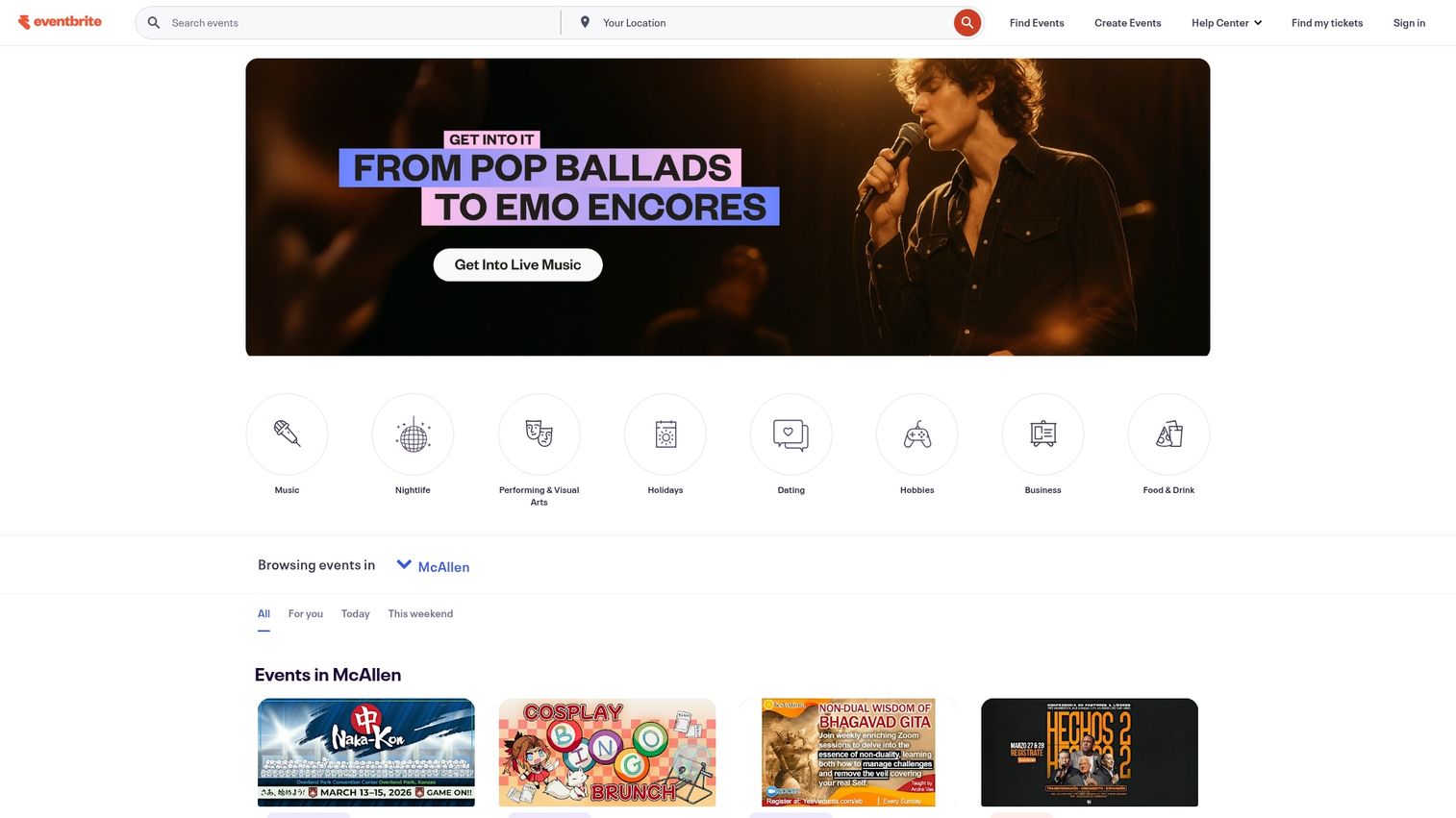
Eventbrite is the go-to ticketing platform for quick setup and broad reach. The built-in discovery features help promote events to people searching for things to do in their area.
Best for: Community events, workshops, classes, and public ticketed events where discovery and ease of setup matter.
Key strengths
- Fast event setup with minimal configuration
- Built-in promotion and event discovery
- Payment processing with multiple options
- Mobile check-in app
Eventbrite pricing
Free for free events. Percentage fee on paid ticket sales.
8. RSVPify
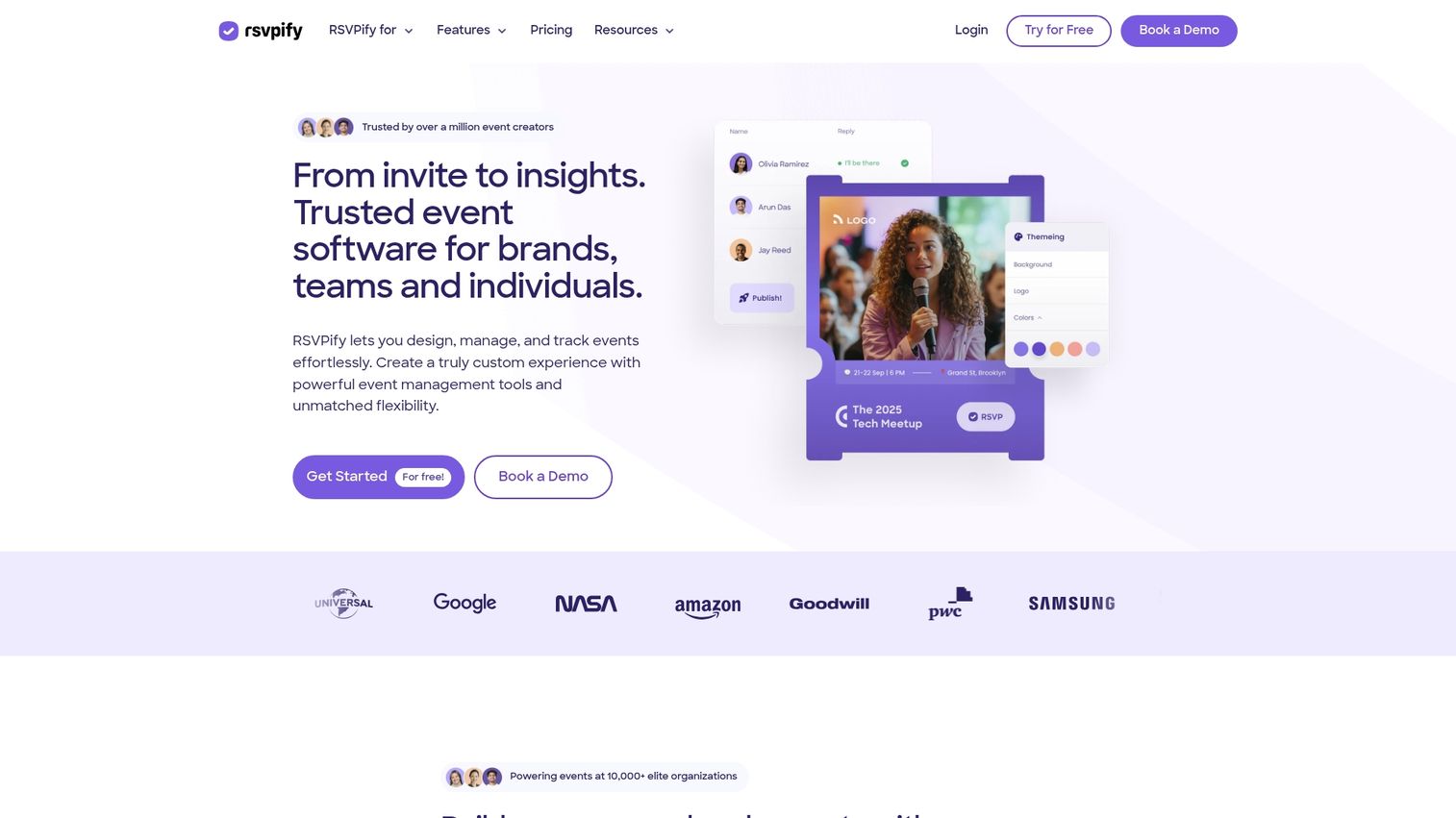
RSVPify handles customized registration and efficient tracking for corporate events, galas, and private gatherings. The form customization goes deeper than most ticketing platforms.
Best for: Corporate events, private parties, and organizations that need detailed registration data and guest management.
Key strengths
- Custom registration forms with conditional logic
- Guest list management with plus-ones and meal preferences
- Seating arrangement tools
- Email communications and reminders
RSVPify pricing
Free tier available. Paid plans for additional features.
9. Splash
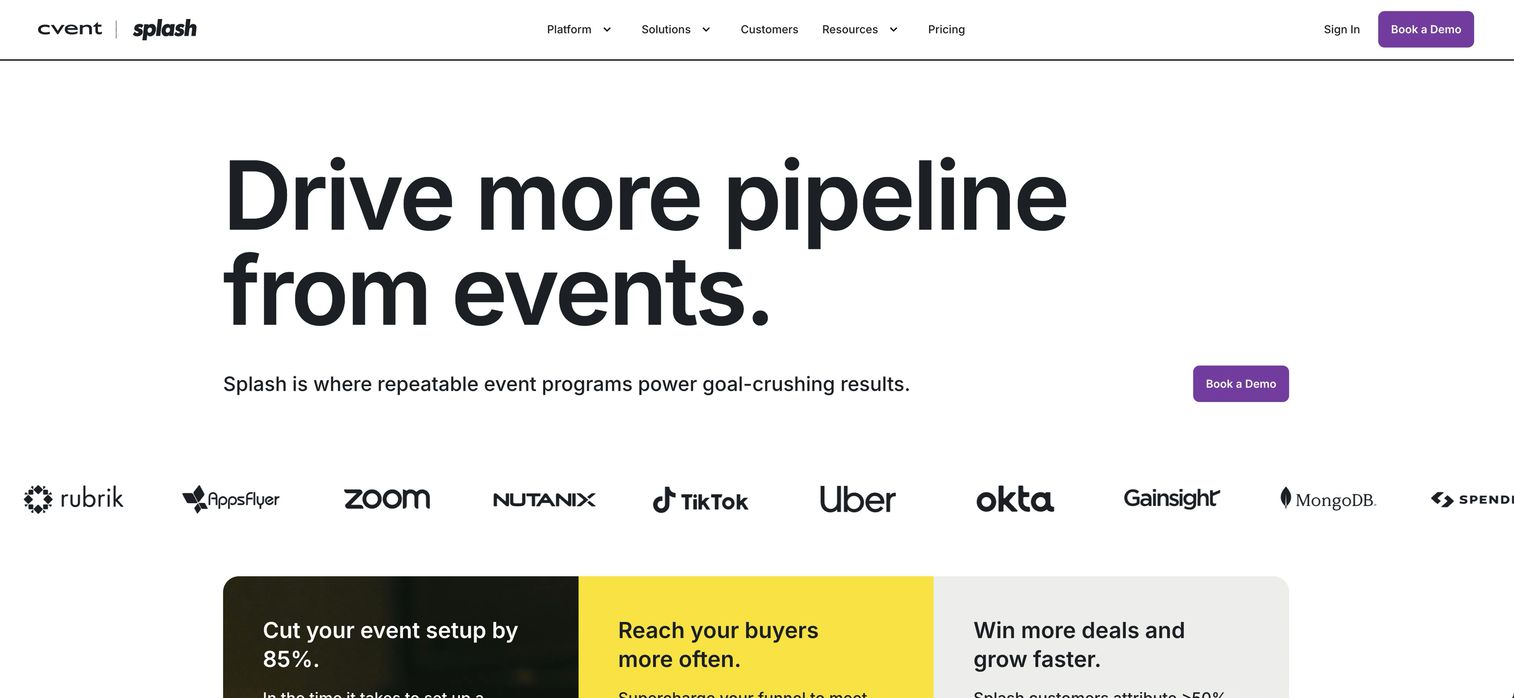
Splash combines registration with branded event pages and marketing tools. Corporate marketers use it for field events and experiential marketing where brand presentation matters.
Best for: Corporate marketing teams running branded events who want registration and event pages in one platform.
Key strengths
- Branded event pages with design templates
- Registration and RSVP management
- Email marketing tools for promotion
- Event program management across multiple events
Splash pricing
Custom pricing based on event volume.
10. Ticket Tailor
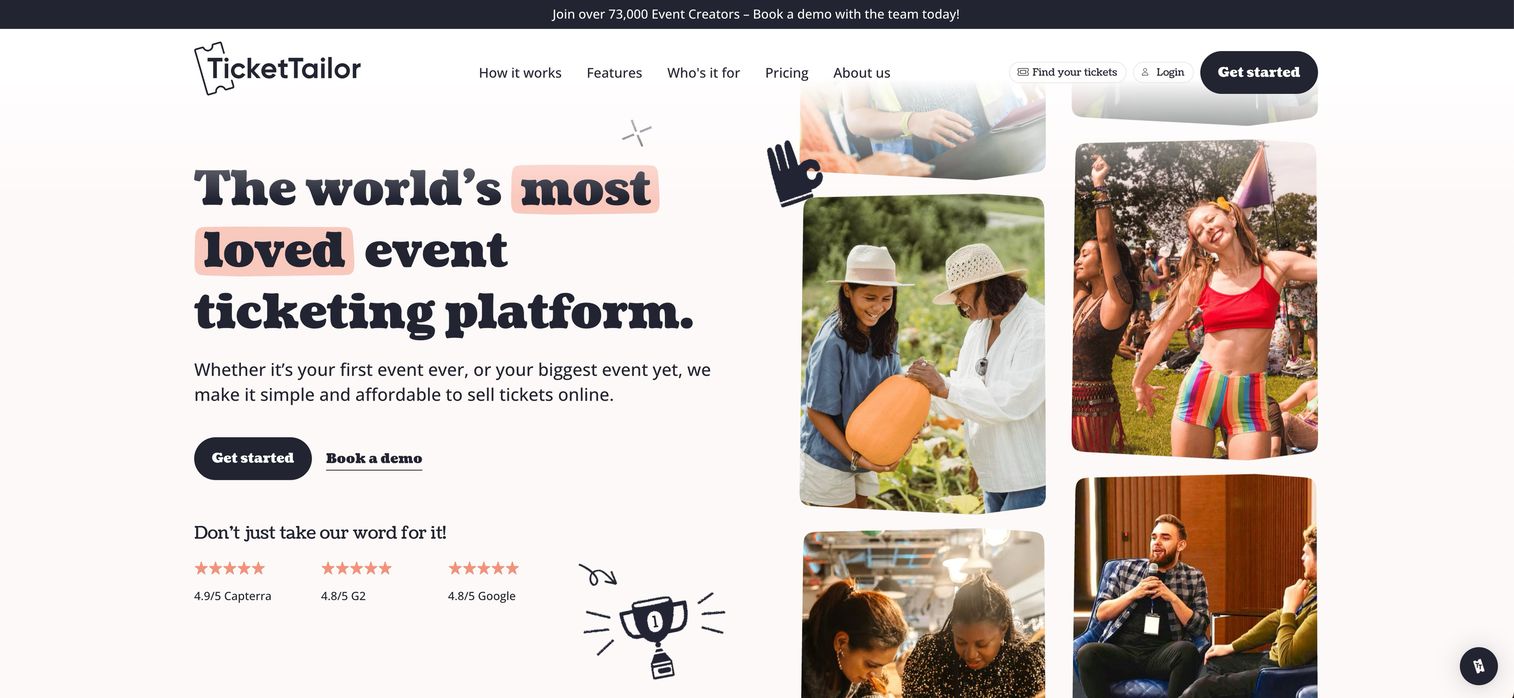
Ticket Tailor offers affordable ticketing without per-ticket fees on most plans. Event organizers who want to keep costs low while maintaining professional ticketing choose it over percentage-based alternatives.
Best for: Cost-conscious event organizers who want predictable pricing without per-ticket fees.
Key strengths
- Flat-rate pricing options without percentage fees
- Custom ticket types and pricing tiers
- Seating charts for assigned seating
- Box office tools for in-person sales
Ticket Tailor pricing
Pay-as-you-go or subscription options with flat-rate pricing.
Best virtual and hybrid event platforms
Virtual and hybrid platforms specialize in online conferences, webinars, and events that combine in-person with virtual attendance.
11. Hopin
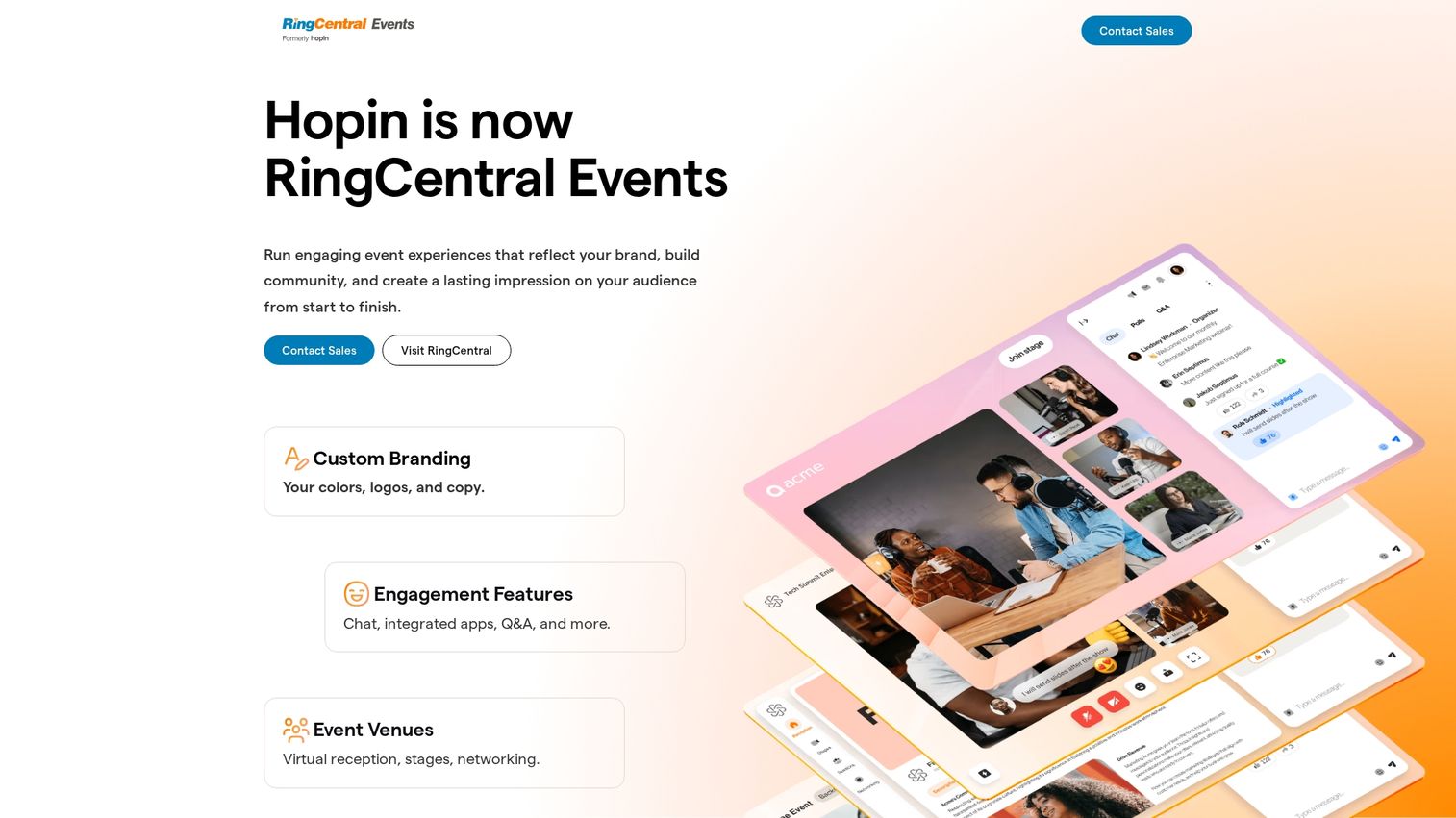
Hopin provides a virtual event platform with multiple interactive areas including stage, sessions, networking, and expo. Large virtual conferences and summits use it for experiences that go beyond basic webinars.
Best for: Large virtual conferences and summits that need multiple concurrent sessions and networking features.
Key strengths
- Multi-area virtual venue with stage, sessions, and expo
- Networking speed meetings for attendee connections
- Virtual expo booths for sponsors
- Attendee analytics and engagement tracking
Hopin pricing
Free tier for small events. Paid plans for larger events.
12. Zoom Events
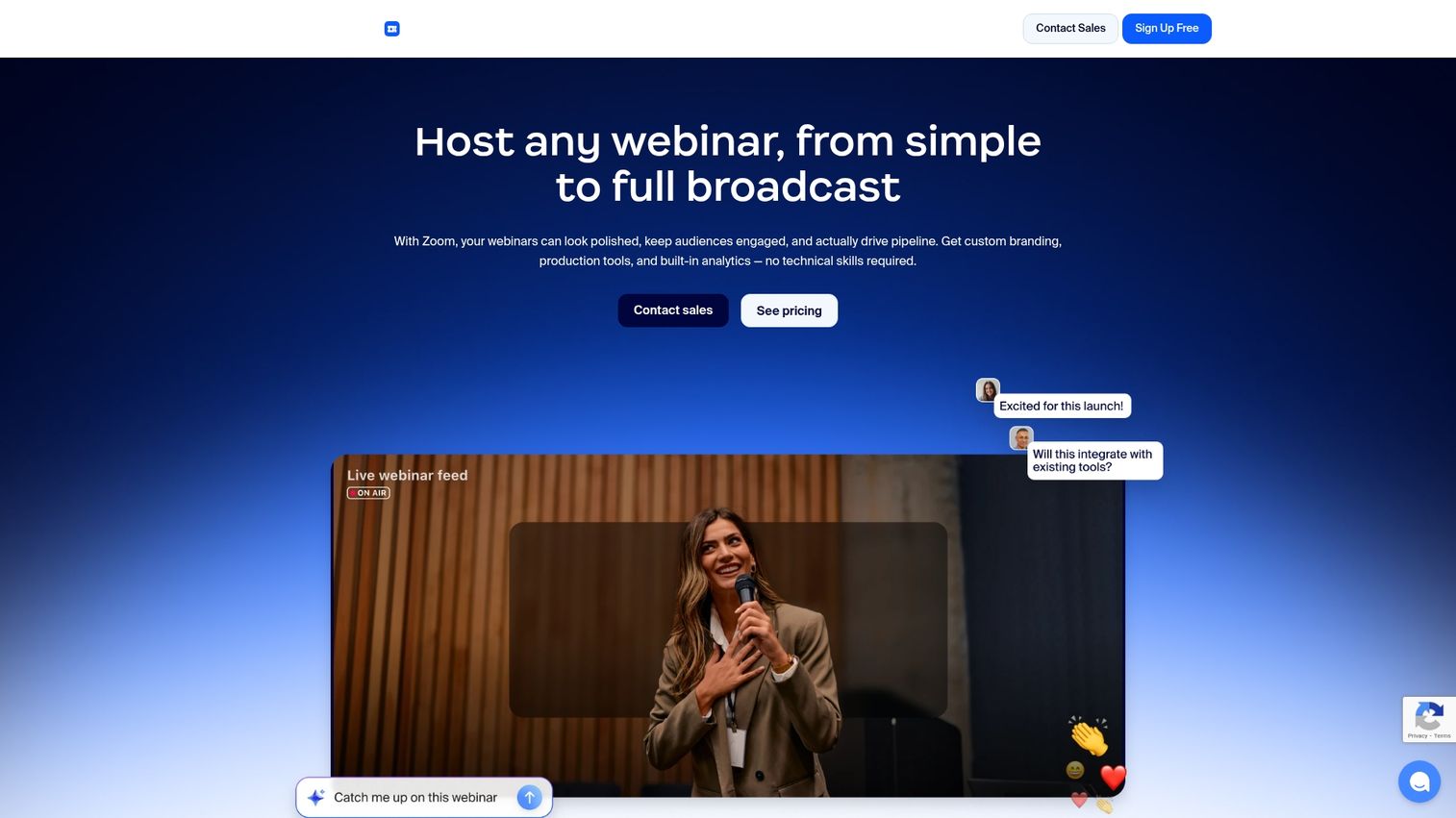
Zoom Events extends familiar video conferencing into full event management. Teams already using Zoom can add event capabilities without learning a new platform.
Best for: Organizations already using Zoom who want webinar and event capabilities without adopting a separate platform.
Key strengths
- Familiar Zoom interface reduces learning curve
- Webinar and meeting hosting with breakout rooms
- Event hubs and registration pages
- Recording and analytics
Zoom Events pricing
Add-on to existing Zoom plans with separate event pricing.
13. Hubilo
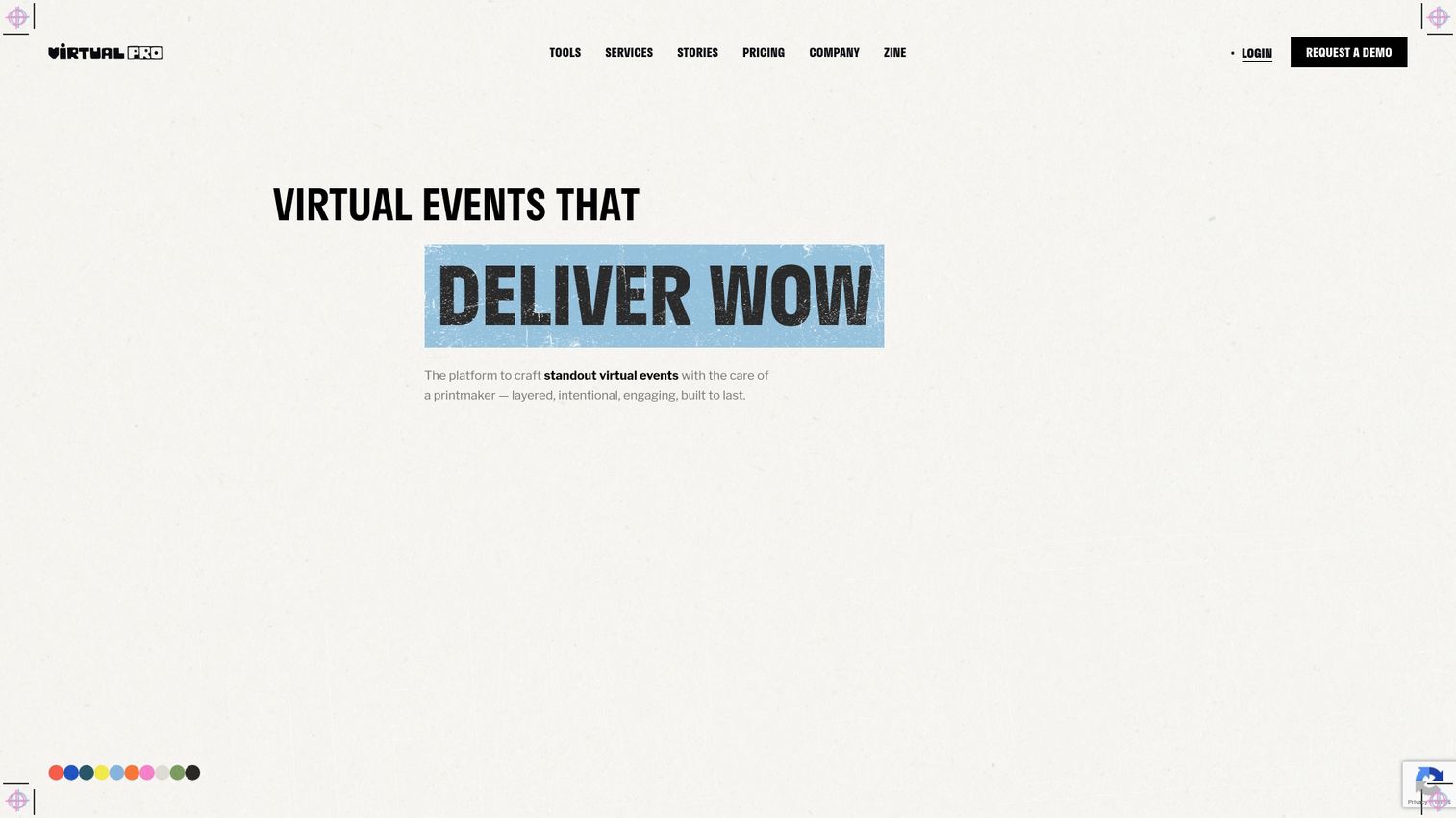
Hubilo focuses on virtual and hybrid events with strong engagement features. The platform emphasizes attendee experience and sponsor ROI through gamification and networking tools.
Best for: Organizations running virtual or hybrid events where engagement and sponsor value are priorities.
Key strengths
- Immersive virtual experience with customizable environments
- Gamification and engagement features
- Sponsor branding and lead capture options
- In-depth analytics on engagement
Hubilo pricing
Custom pricing based on event requirements.
14. Airmeet
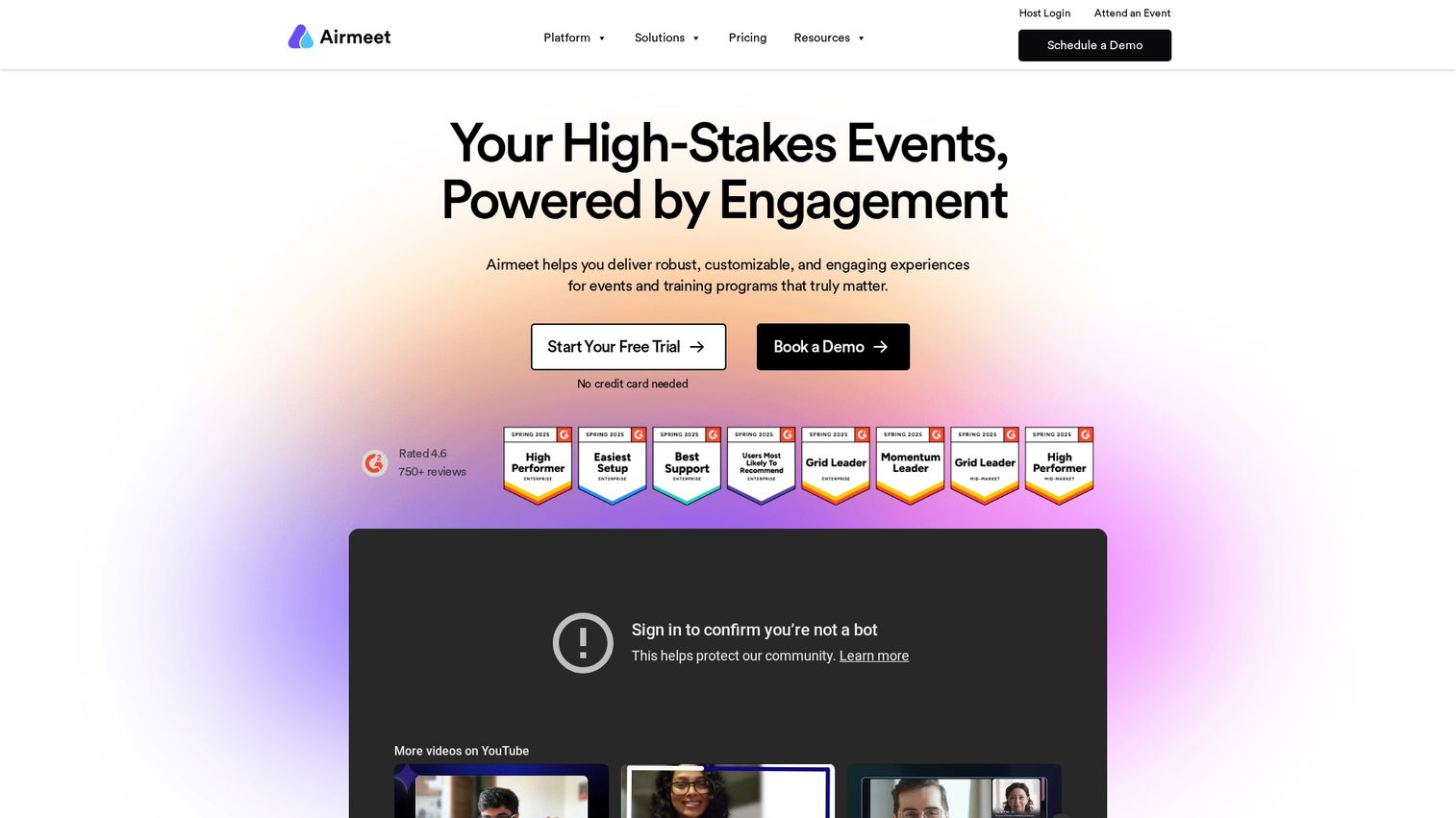
Airmeet designs virtual events around community building and networking. The social lounge and virtual table features create more natural conversation opportunities than typical webinar formats.
Best for: Community-focused events, meetups, and gatherings where networking and relationship building matter.
Key strengths
- Social lounge for casual networking
- Virtual tables for small group conversations
- Backstage and green room for speakers
- Recording and replay capabilities
Airmeet pricing
Free tier available. Paid plans for larger events.
Best audience engagement tools
Audience engagement tools add live polling, Q&A, and interactive elements to any event. They typically work alongside other event management platforms.
15. Slido
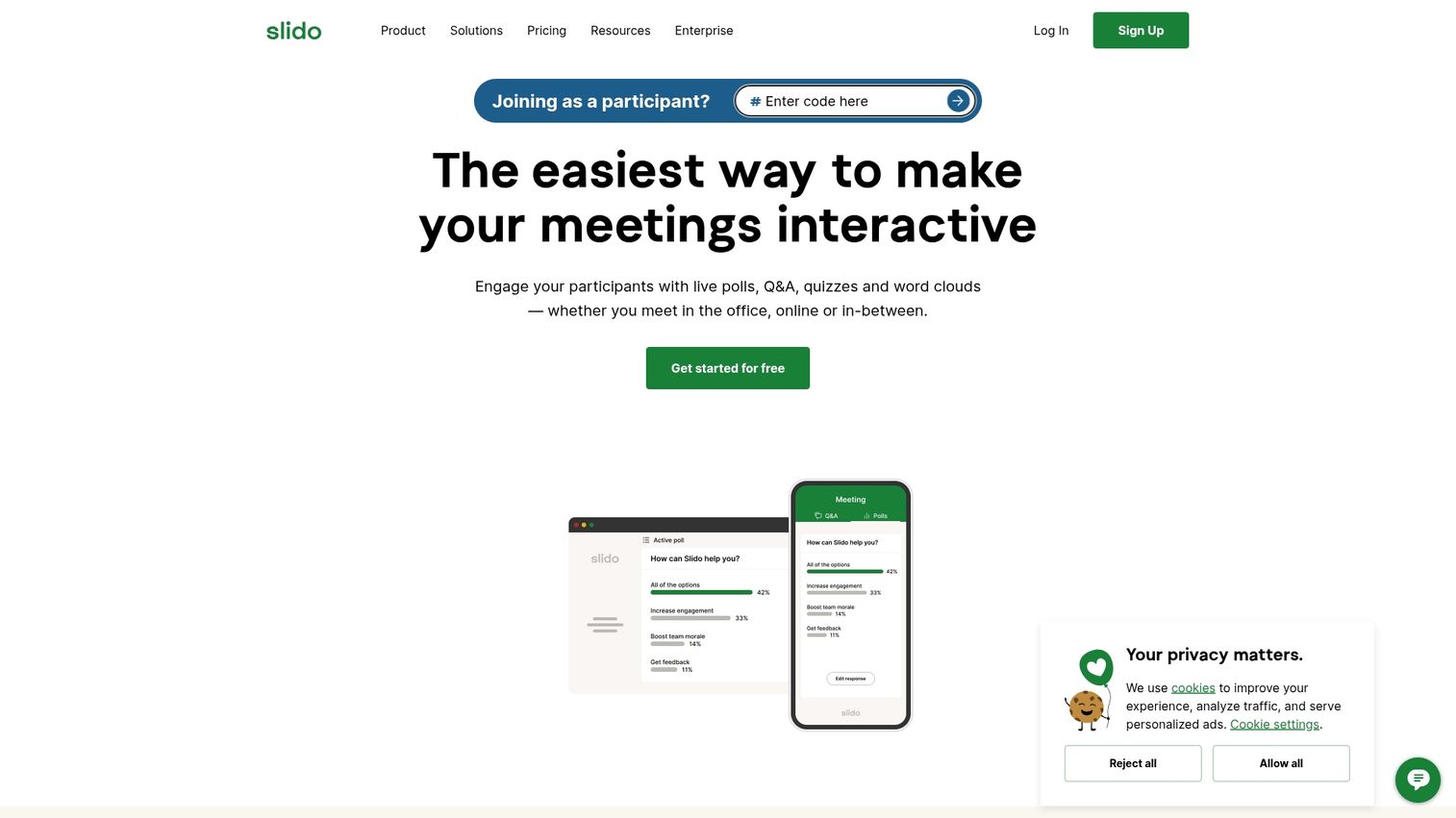
Slido provides live polling and Q&A for presentations, meetings, and events. The integration with common presentation tools makes it easy to add interactivity without disrupting your workflow.
Best for: Presenters and event organizers who want to add live polling and Q&A to any meeting or event format.
Key strengths
- Live polls and surveys with multiple question types
- Audience Q&A with upvoting
- Integration with PowerPoint, Google Slides, and video platforms
- Analytics on participation
Slido pricing
Free basic plan. Paid plans for additional features.
16. Poll Everywhere
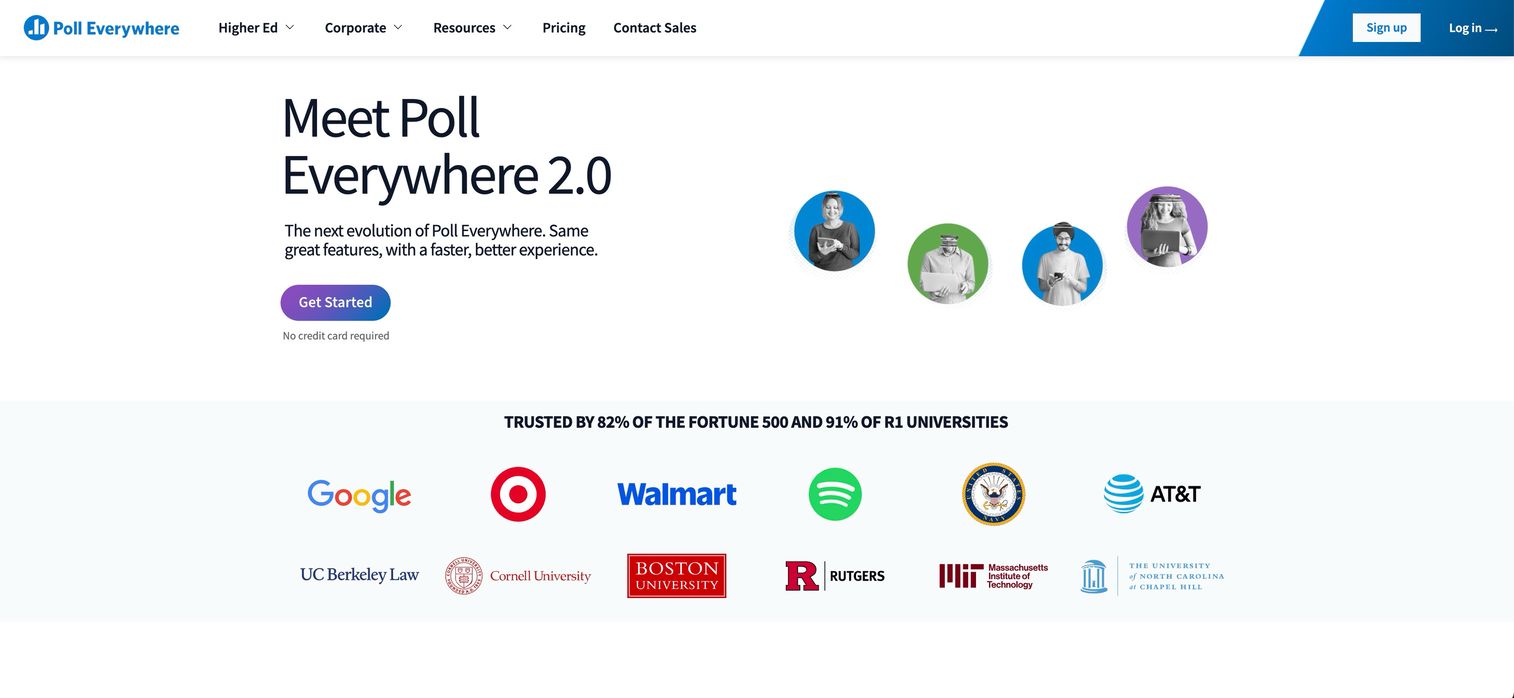
Poll Everywhere enables real-time audience response and polling for corporate presentations, training, and educational events.
Best for: Corporate trainers, educators, and presenters who want real-time feedback during sessions.
Key strengths
- Multiple question types including open-ended responses
- Real-time response visualization
- Presentation integrations with PowerPoint and Keynote
- Response tracking and reporting
Poll Everywhere pricing
Free plan available. Paid plans based on team size.
17. Mentimeter
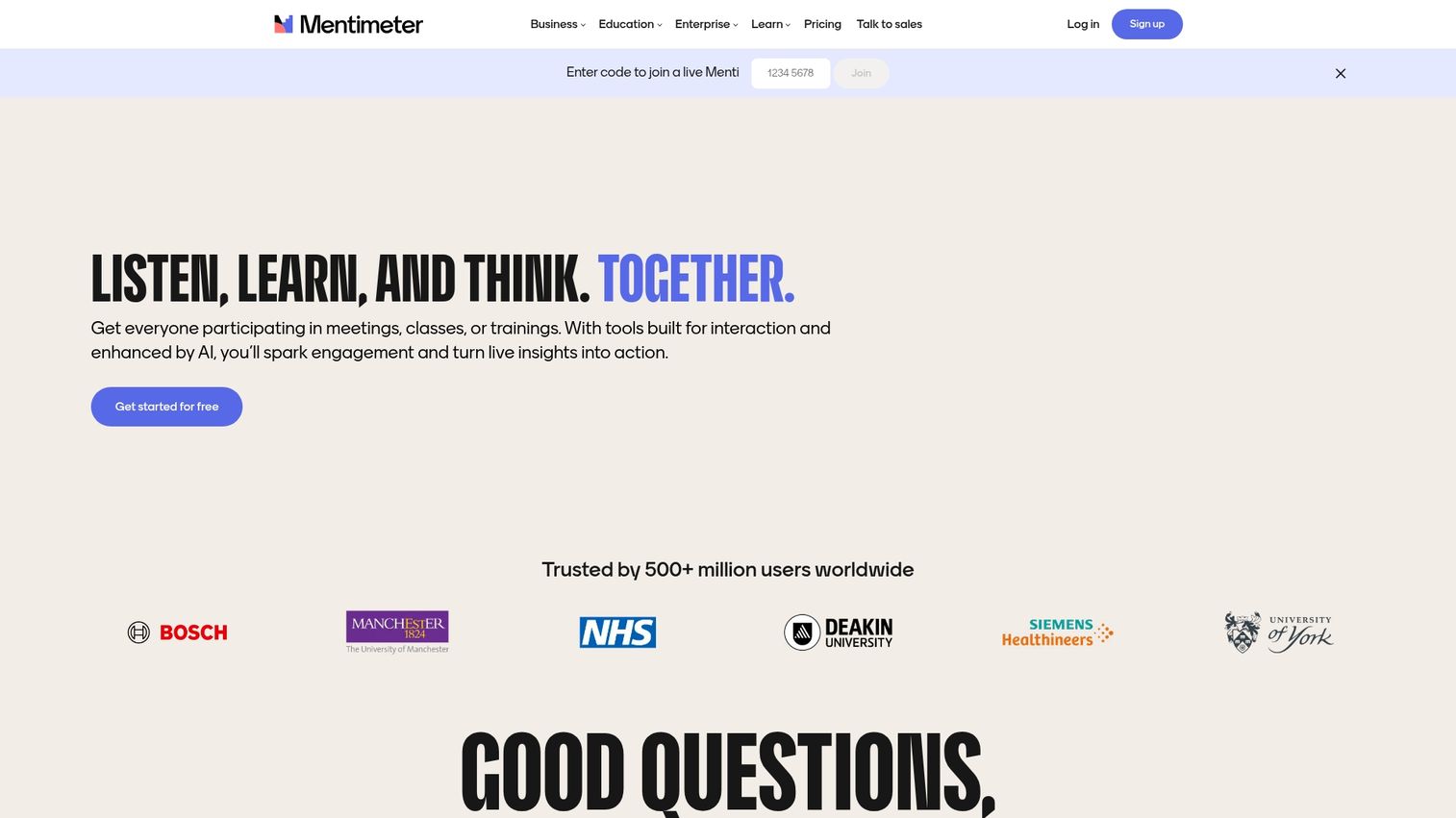
Mentimeter turns presentations into interactive experiences with polling, quizzes, and word clouds.
Best for: Presenters who want to make slide decks more engaging and interactive.
Key strengths
- Interactive slides with built-in engagement
- Live voting and reactions
- Quiz competitions with leaderboards
- Easy audience participation via phone
Mentimeter pricing
Free basic plan. Paid plans for teams.
18. Pigeonhole Live
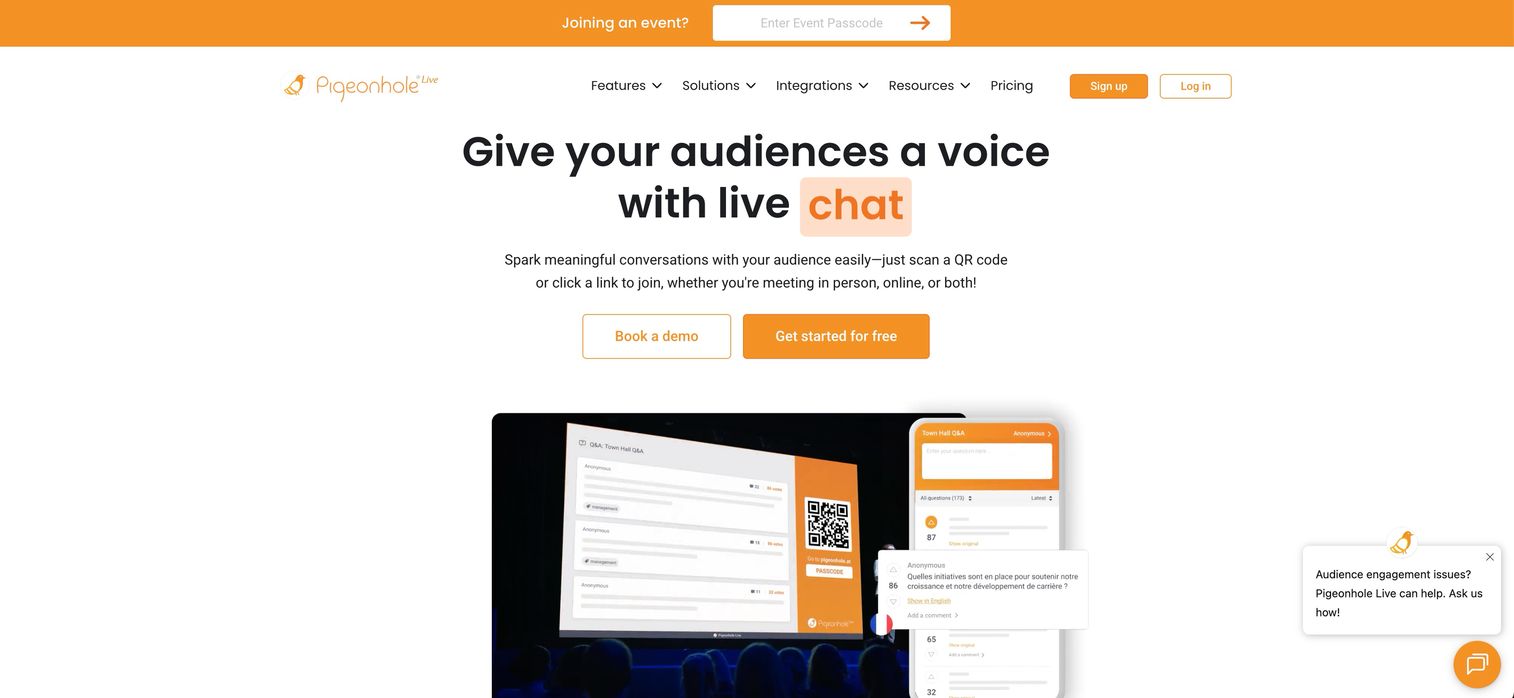
Pigeonhole Live provides audience engagement for conferences and town halls with strong moderation and Q&A management features.
Best for: Large conferences and corporate town halls where Q&A moderation matters.
Key strengths
- Q&A with upvoting and moderation
- Live polls with real-time results
- Moderation tools for managing questions
- Analytics dashboard
Pigeonhole Live pricing
Per-event and subscription pricing options.
Best corporate and enterprise event management software
Large enterprises account for over 53% of the event management software market. These platforms serve organizations running large, complex, or recurring corporate events with strict security and compliance requirements.
19. Planning Pod
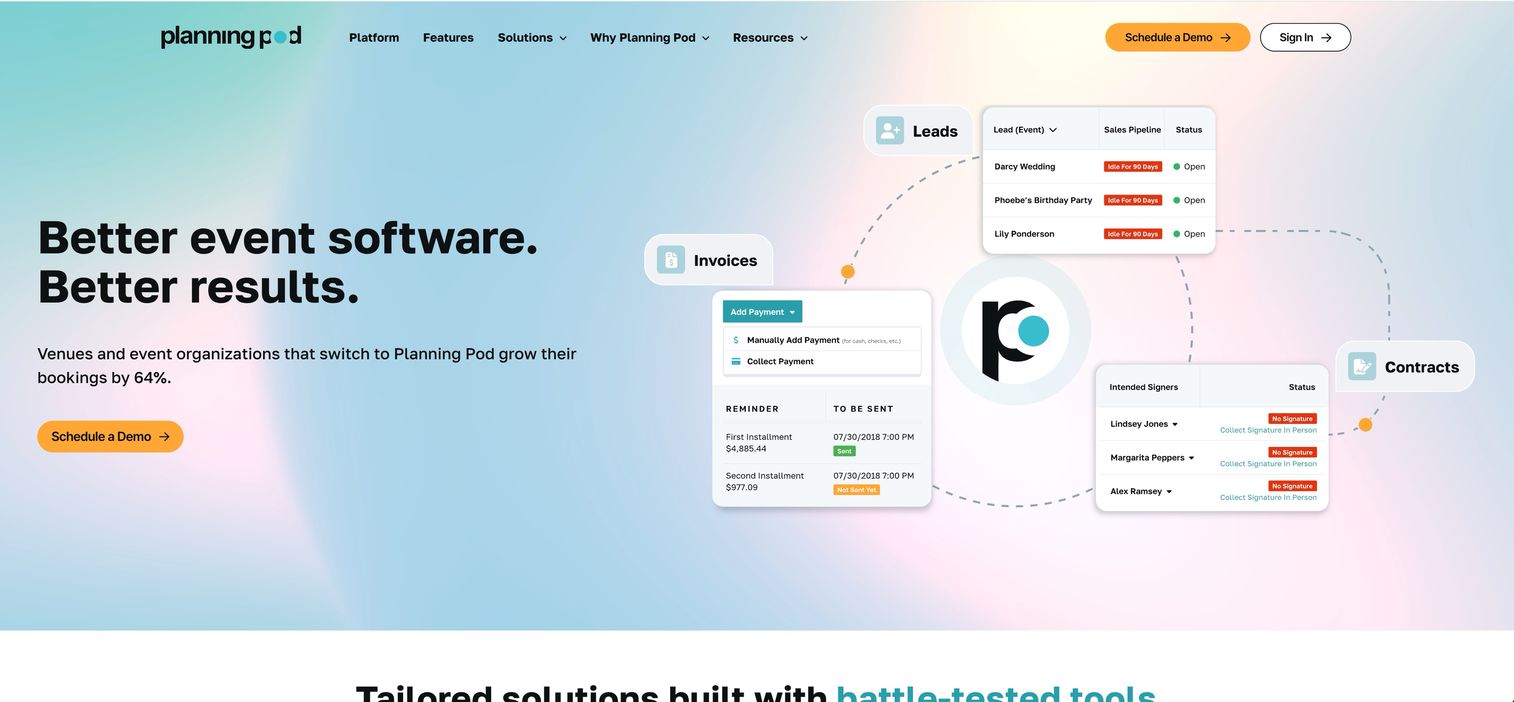
Planning Pod provides end-to-end venue and event management for event businesses, venues, and corporate planners.
Best for: Event venues, catering companies, and corporate planners who manage the business side of events.
Key strengths
- Venue management and booking tools
- Proposals and contract management
- Floor plan design and layout
- Business reporting and analytics
Planning Pod pricing
Subscription plans based on team size.
20. Aventri
Aventri offers enterprise meeting and event management for large organizations with strategic meetings management requirements.
Best for: Large enterprises managing strategic meetings programs with compliance and budget requirements.
Key strengths
- Strategic meetings management across the organization
- Registration and housing management
- Budget tracking and approval workflows
- Enterprise reporting
Aventri pricing
Enterprise pricing based on organizational needs.
21. Stova
Stova offers comprehensive enterprise event management for complex global events with support for international operations.
Best for: Global enterprises running complex international events with multiple stakeholders.
Key strengths
- Full event lifecycle management
- Virtual and hybrid event capabilities
- Mobile event apps with offline support
- Global support and localization
Stova pricing
Enterprise pricing based on organizational requirements.
Best free event planning tools
Free tools work for small events, community gatherings, or teams with limited budgets.
22. Luma

Luma offers simple, free event hosting for community events, meetups, and small gatherings.
Best for: Community organizers, meetup hosts, and individuals running small gatherings.
Key strengths
- Free event pages with clean design
- Registration and automatic reminders
- Calendar integration for attendees
- Social sharing features
Luma pricing
Free.
23. Google Workspace
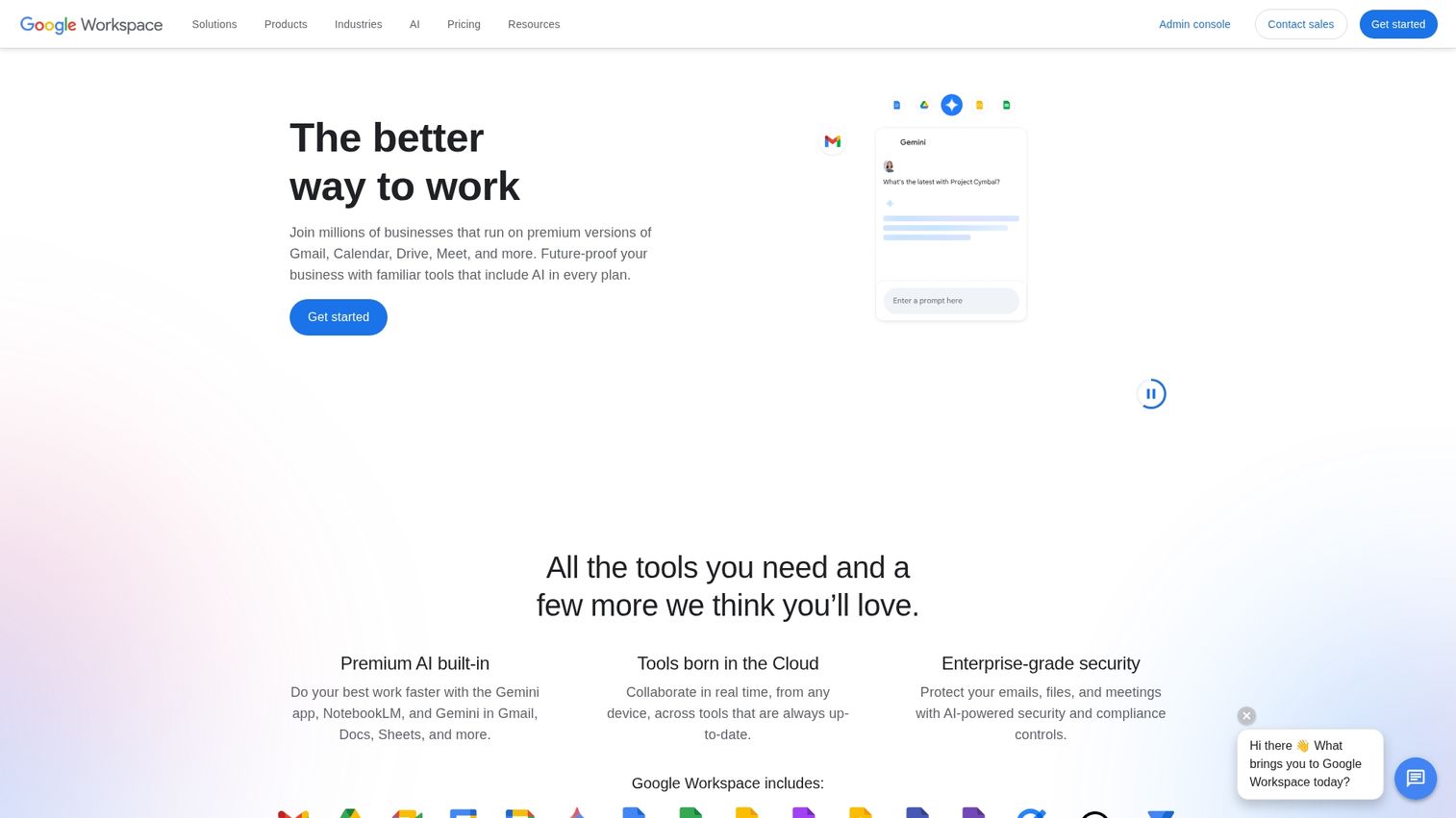
Many teams use Google Calendar and Sheets for basic event coordination. Calendar handles scheduling and invites while Sheets manages guest lists.
Best for: Internal company events, team meetings, and simple gatherings where existing tools suffice.
Key strengths
- Free with Google account
- Familiar interface for most teams
- Real-time collaboration on documents
- Calendar invites and reminders
Google Workspace pricing
Free with Google account.
24. Trello
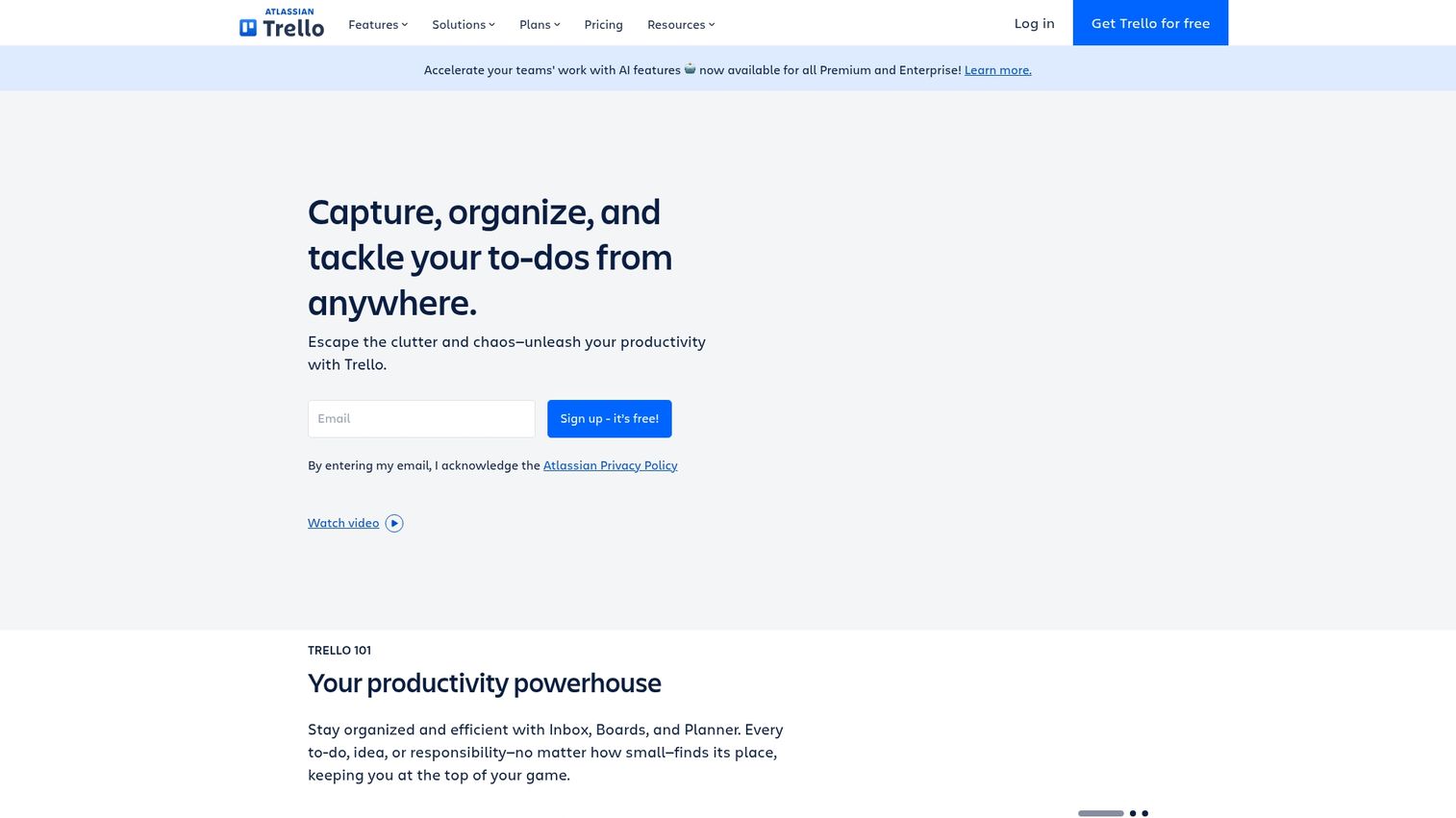
Trello provides visual project management that teams adapt for event planning. The kanban boards help track tasks, timelines, and vendor coordination.
Best for: Event teams who want visual task management and already use Trello for other projects.
Key strengths
- Visual kanban boards for task tracking
- Task assignments and due dates
- Checklists and file attachments
- Team collaboration features
Trello pricing
Free tier available. Paid plans for teams.
How to choose the right event management platform
The right tool depends on your event type, scale, budget, and existing tech stack.
- Define your event type: In-person, virtual, and hybrid events have different requirements
- Evaluate your scale: Small community events work fine with Eventbrite or Luma, while large corporate conferences require platforms like Cvent
- Consider your budget: Free options exist for basic needs, mid-market tools start in the hundreds per month
- Check integration needs: Ensure the software connects with your CRM and marketing automation tools
| Event type | Recommended category | Example platforms |
|---|---|---|
| Large corporate conference | All-in-one enterprise | Cvent, Bizzabo |
| Community meetup | Free tools | Luma, Eventbrite |
| Virtual trade show | Virtual event platform | vFairs, Hopin |
| Product showcase | Registration and ticketing | Eventbrite, Ticket Tailor |
How to get started with event management software
Start with your immediate event needs and timeline. If you have an event in two weeks, you need something that works now rather than the theoretically perfect platform.
Test free tiers before committing to paid plans. Most platforms offer enough functionality to evaluate whether the workflow fits your team. Consider how you'll handle product education for event leads, since pairing event software with demo automation helps you get more value from the leads you capture.
Start your journey with Guideflow today!
FAQs about event management software
Professional event planners typically use all-in-one platforms like Cvent, Bizzabo, or Whova for large events. Smaller events often rely on Eventbrite or RSVPify for registration and ticketing.
The 5 C's refer to Concept, Coordination, Control, Culmination, and Closeout. They represent the key phases of planning and executing any event from initial idea through post-event analysis.
For small events, Eventbrite, Luma, and RSVPify offer free or low-cost registration with enough features for basic attendee management.
Pricing ranges from free for basic tools to custom enterprise pricing for platforms like Cvent or Bizzabo. Mid-market options typically start in the hundreds of dollars per month.
Event management software includes specialized features like registration, ticketing, and attendee engagement. Project management tools focus on task tracking and team coordination without event-specific capabilities.
Most event platforms offer native integrations or APIs to sync attendee data, registrations, and engagement signals with CRM systems like Salesforce and HubSpot.
Many modern platforms support hybrid events with features for both physical logistics and virtual experiences. However, some platforms specialize in one format.
Enterprise platforms typically include advanced security compliance, multi-event management, budget tracking, approval workflows, and robust reporting across the organization.