
You're making product decisions on gut instinct and Slack anecdotes. The dashboard tells you conversions dropped 12% last month, but it doesn't tell you why. Someone on the team thinks the new pricing page is confusing. Someone else blames the onboarding flow. Nobody has talked to an actual user in weeks.
This is where most growth marketers get stuck. User research feels like something that requires a dedicated UX team, a five-figure budget, and months of planning. It doesn't. Modern user research tools and ux research software have gotten faster, cheaper, and built for people who aren't full-time researchers. Many have free tiers. Most deliver usable data within hours, not quarters.
This guide evaluates 17 user research tools across features, pricing, and the specific use case each handles best. According to Fortune Business Insights, the UX research software market reached $470.3 million in 2025 and is growing at 11.6% annually - which means the category is maturing fast, and there's a tool for nearly every budget and team size.
What's inside
This article covers 17 tools across six categories: usability testing, behavior analytics, surveys, participant recruitment, research analysis, and product experience validation. Each tool is evaluated on:
- Key strengths and ideal use case
- Verified pricing including free tiers where available
- G2 ratings as of 2026
- Honest trade-offs and when to pick one tool over another
TL;DR
- 17 tools, six categories. Usability testing, behavior analytics, surveys, participant recruitment, research analysis, and product experience validation - each tool mapped to its strongest use case.
- Best user research tools depend on your question. "Why are users dropping off?" needs different tools than "which design converts better?"
- Budget-friendly stacks exist. A functional research stack - behavior analytics, surveys, and one testing tool - can run under $200/month.
- Combine qualitative and quantitative. Quantitative data identifies patterns. Qualitative data explains the reasoning. You need both.
- Free tiers are common. 13 of the 17 tools listed here offer free plans, so you can run a real study before committing budget.
What are user research tools?
User research tools are software platforms that help teams collect, analyze, and act on data about how real users interact with products, prototypes, and digital experiences. They're also referred to as user experience research tools or ux research tools, depending on the context.
The spectrum runs from qualitative methods (interviews, usability tests, diary studies) to quantitative methods (analytics, surveys, heatmaps). Within that spectrum, there's a useful distinction: generative research discovers what to build, while evaluative research validates what you've built. Most growth teams need both, and usability testing tools tend to be the entry point.
Core capabilities across the category include:
- Usability testing - moderated and unmoderated task-based studies
- Session recording and heatmaps - visual behavior data on live pages
- Survey and feedback collection - in-product and standalone
- Participant recruitment - finding the right users to study
- Research repository and synthesis - organizing and analyzing findings
- Product analytics and behavioral tracking - event-based quantitative data
- Prototype and experience testing - validating designs and flows before (or after) build
When to use user research tools
Before a product launch or feature release
Validate messaging, positioning, and user flows before committing budget to promotion.
When conversion rates plateau or decline
Analytics show where users drop off. User research and user testing tools show why. That's the difference between optimizing blind and optimizing informed. Pairing research insights with CRO tools can accelerate the path from diagnosis to improvement.
During landing page and campaign optimization
Test headlines, CTAs, and page flows with real users instead of waiting weeks for A/B tests to reach significance. If you're also evaluating page builders, see our guide to the best landing page builders.
When onboarding or activation metrics underperform
Watch how new users actually experience the product to identify confusion, friction, and missing context. Teams focused on this problem should also explore user onboarding software that complements research with guided activation flows.
When entering a new market or building a new ICP
Understand the mental models, pain points, and language of a new audience before spending ad budget.
All 17 user research tools compared
Here's a side-by-side comparison of every user research platform on this list, sorted by primary use case.
Scroll down for detailed reviews, or use the table to jump to the tools that match your needs.
1. Maze
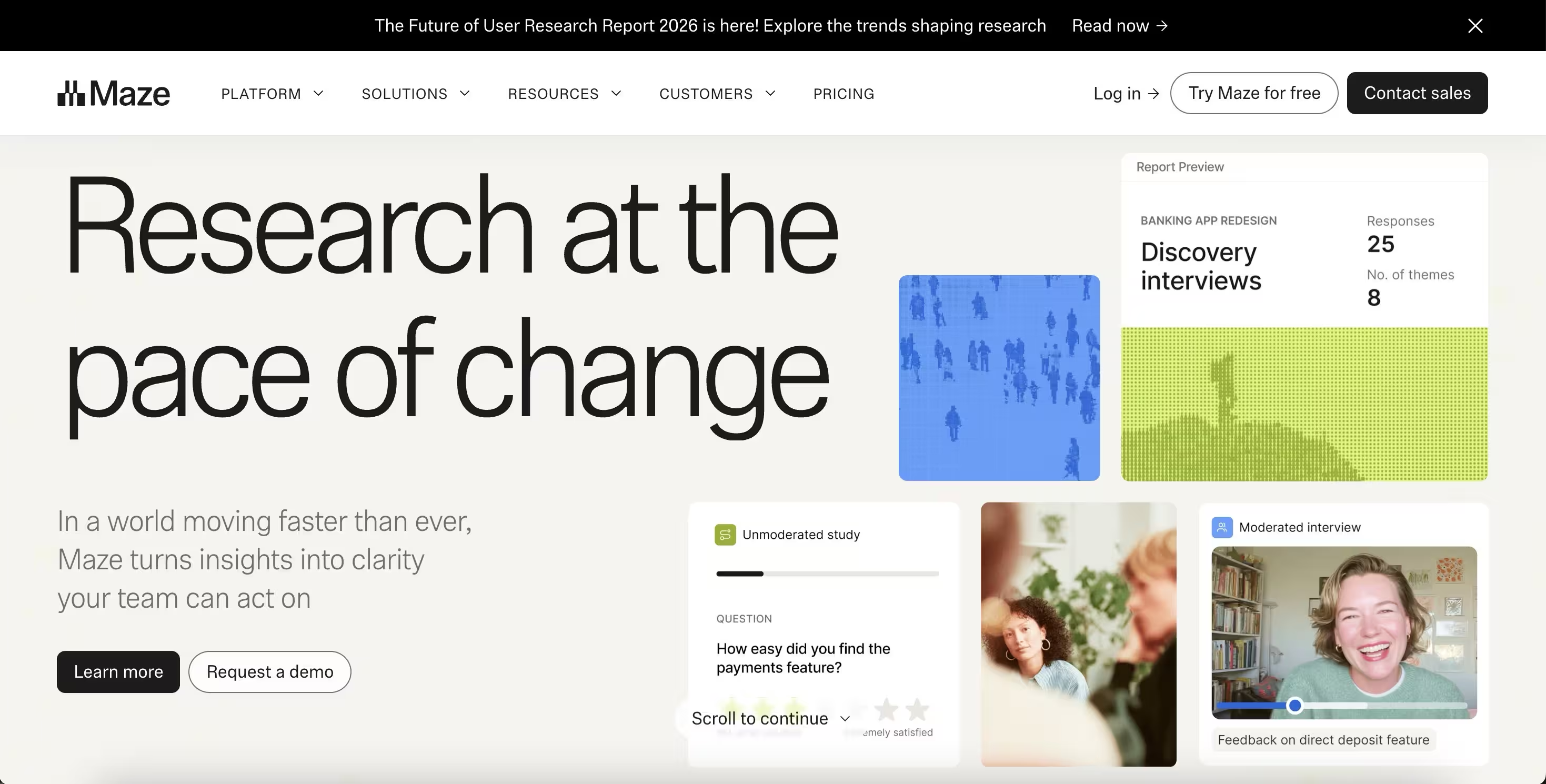
You need usability test results in hours, not weeks, and don't have time to moderate live sessions. Maze is the go-to for unmoderated prototype testing - upload a Figma prototype, write task prompts, recruit from the built-in panel, and get a usability report with heatmaps and misclick data the same day.
It's one of the strongest ux testing tools for teams that design in Figma and want fast validation cycles.
Best for: Product and design teams running rapid, unmoderated usability testing on prototypes.
Key strengths
- Figma and Adobe XD integration for direct prototype import
- Automated usability metrics - success rates, misclicks, navigation paths
- Built-in participant panel for fast recruitment
- AI-assisted analysis with theme detection
- Shareable video clips for stakeholder buy-in
Pricing: Free tier. From $99/mo.
When Maze beats Guideflow: when you're testing Figma prototypes pre-build, not live product flows.
2. Hotjar
You know what users do - your analytics dashboard tells you that. Hotjar shows you how they do it. Heatmaps, session recordings, and on-page feedback give you the visual context that GA4 and Mixpanel can't provide. For a deeper comparison of tools in this space, see our roundup of the best session replay software.
It's one of the most accessible ux research tools for teams just starting with behavioral observation.
Best for: Growth marketers who need visual behavior data on live pages without a complex setup.
Key strengths
- Heatmaps - click, scroll, and move tracking
- Session recordings with behavioral filters
- On-site surveys and feedback widgets for in-context responses
- Funnel and form analytics for conversion diagnosis
- Integrations - GA, HubSpot, Slack, Segment
Pricing: Free tier. From $32/mo.
Stronger for behavioral observation than structured testing. Pair it with a usability tool for the "why" behind the behavior.
3. UserTesting
When you need to hear a real person narrate their experience with your product in their own words, on video, within hours - that's UserTesting. The depth of qualitative signal from moderated and unmoderated video studies is hard to replicate with quantitative tools alone.
Best for: Mid-market and enterprise teams that need rich, video-based qualitative research with fast turnaround.
Key strengths
- Massive participant panel with demographic targeting
- Moderated and unmoderated formats for flexibility
- AI-powered sentiment analysis and theme detection
- Highlight reels for stakeholder buy-in
- Enterprise security and compliance standards
Pricing: Custom (typically $15K+/year).
Price point fits mid-market and enterprise. Startups should look at Maze or Lyssna for more affordable alternatives.
4. Sprig
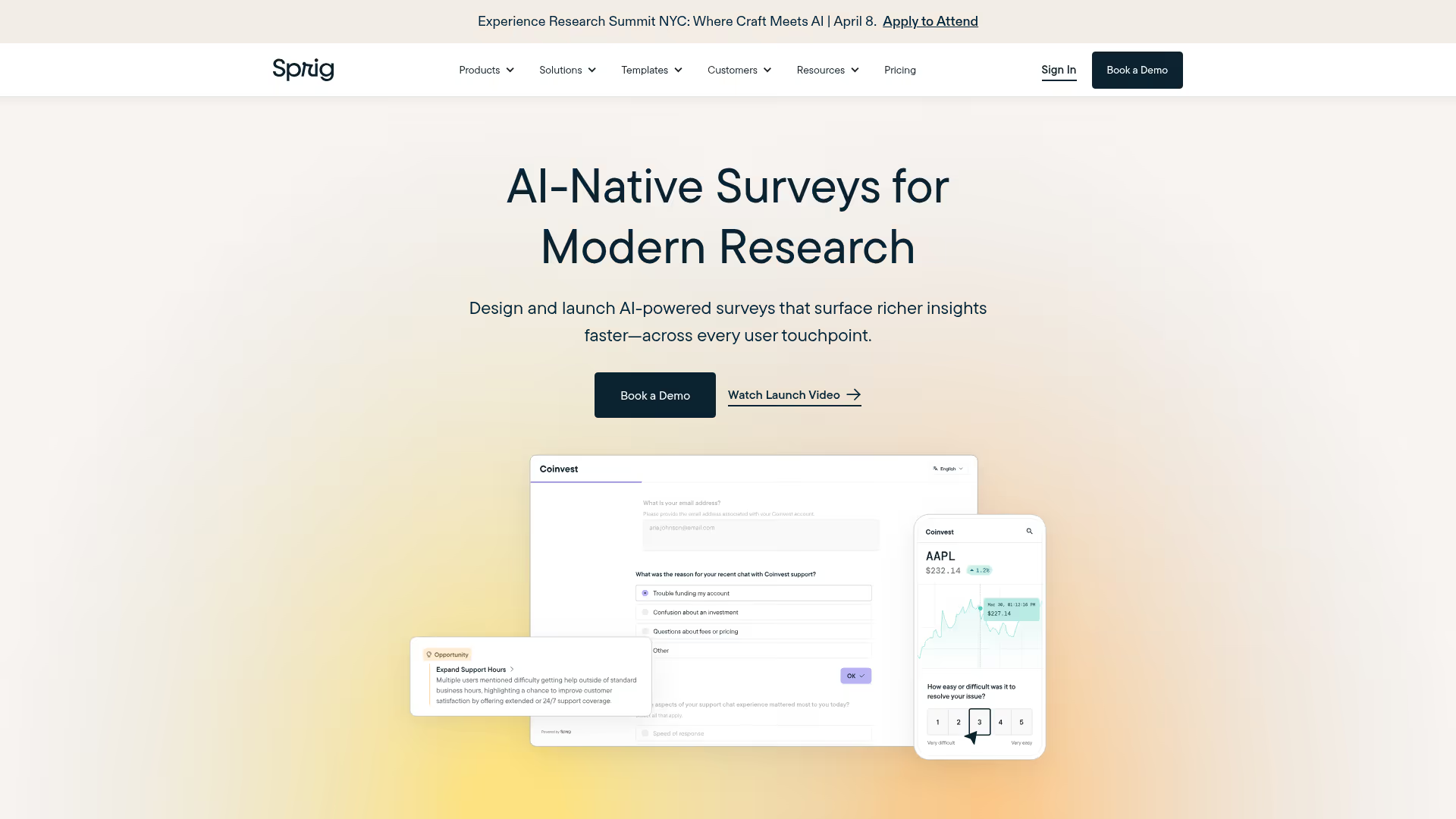
Research that meets users inside the product at the exact moment you need feedback. Sprig runs micro-surveys and concept tests triggered by specific user actions - no redirect to an external tool, no post-session recall bias.
Best for: Product teams collecting in-context feedback tied to specific user behaviors.
Key strengths
- Event-based survey triggering tied to real product actions
- AI analysis and theme clustering for fast synthesis
- Concept testing with visual stimuli
- In-product heatmaps for interaction data
- Integrations - Segment, Amplitude, Mixpanel
Pricing: Free tier. From $175/mo.
5. Dovetail
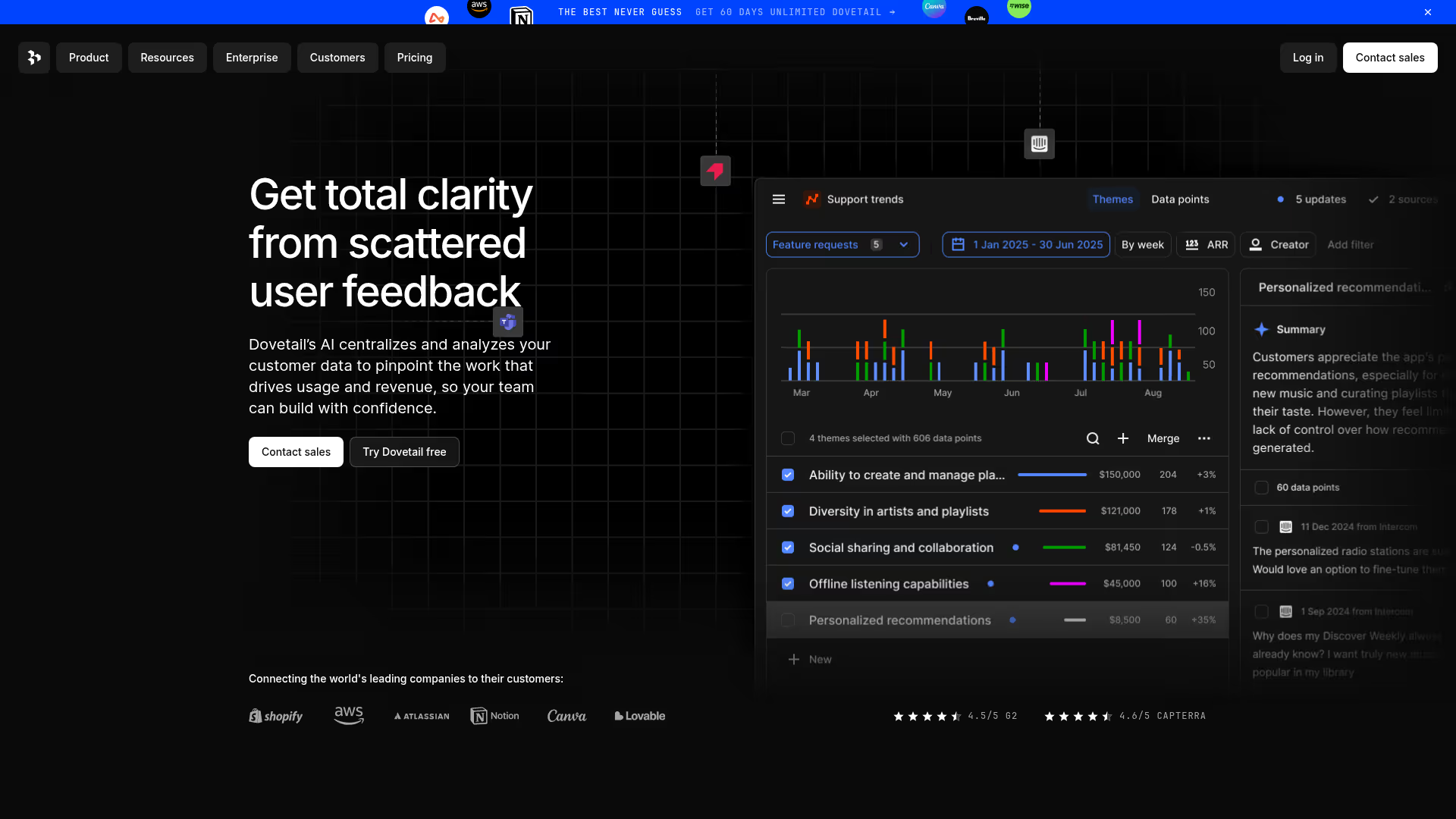
You've got research scattered across Google Docs, Notion, Slack threads, and random Loom links. Dovetail gives it a searchable, taggable home so your team stops re-running studies you already ran six months ago.
Best for: Teams that run regular research and need a central repository to store, analyze, and share findings.
Key strengths
- AI transcription and auto-tagging for fast processing
- Thematic analysis with drag-and-drop coding
- Searchable insight repository across all studies
- Highlight reels and shareable insight boards for stakeholders
- Integrations - Slack, Jira, Confluence, Notion
Pricing: Free tier. From $29/user/mo.
6. Fullstory
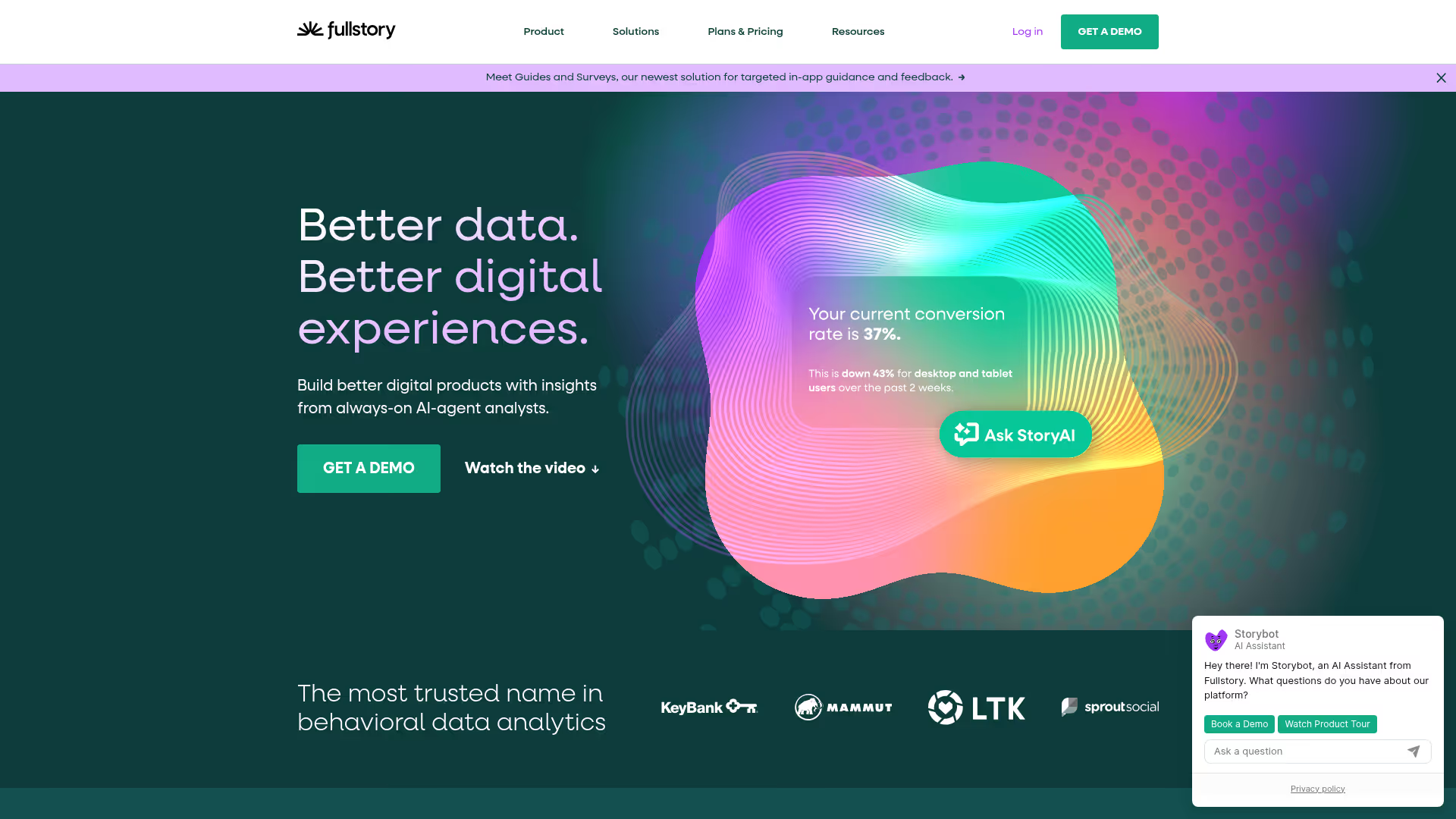
Session replay on steroids. Fullstory indexes every user interaction so you can search across millions of sessions. "Show me every user who rage-clicked the pricing page CTA" is a real query you can run.
Best for: Data-driven teams that need searchable behavioral intelligence across large user bases.
Key strengths
- Searchable session replay across all user interactions
- Frustration signals - rage clicks, dead clicks, error clicks
- Conversion funnel analysis with session drill-down
- Product analytics tied to session context
- Integrations - Segment, Salesforce, Slack
Pricing: Custom (enterprise-oriented).
7. Lookback
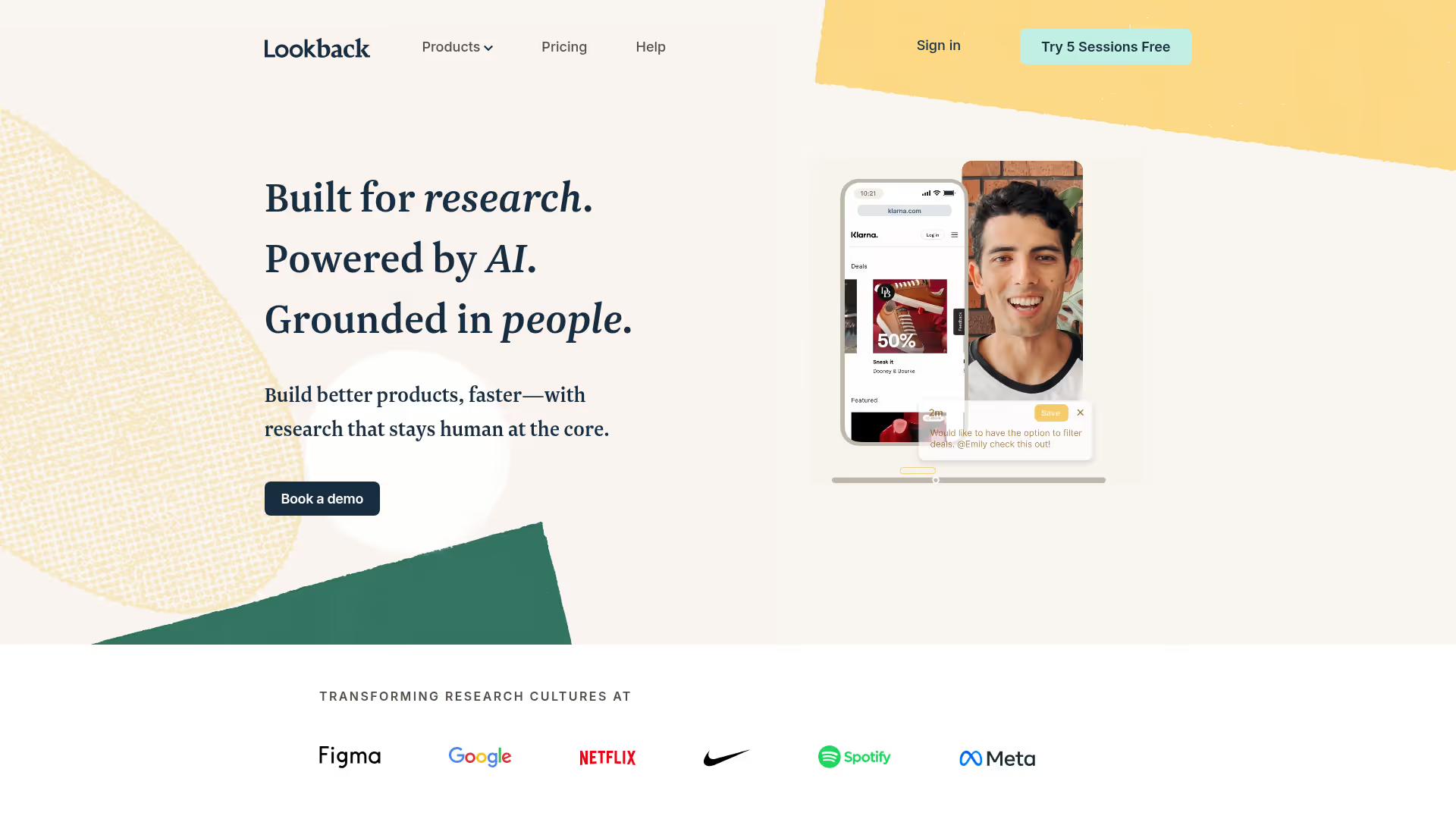
When you need to sit (virtually) across from a user and watch them use your product in real time, asking questions as they go, Lookback is purpose-built for this - not repurposed video conferencing.
Best for: UX researchers and product teams running moderated usability sessions.
Key strengths
- Purpose-built moderated sessions with research-specific features
- In-session timestamped note-taking for precise documentation
- Participant screen sharing with picture-in-picture
- Collaborative observation rooms for team viewing
- Unmoderated self-guided option for async studies
Pricing: From $99/mo.
8. User Interviews
The hardest part of user research isn't running the study - it's finding the right participants. User Interviews gives you a panel of 4M+ vetted participants filterable by job title, industry, company size, and dozens of other criteria.
Best for: Any team that needs qualified research participants fast, without building their own recruitment pipeline.
Key strengths
- 4M+ panel with advanced demographic filters
- Screener surveys for precise targeting
- Automated scheduling and reminders to reduce no-shows
- Incentive management and payments handled in-platform
- CRM integrations for recruiting from your own user base
Pricing: Pay-as-you-go from $45/session. Subscriptions available.
9. Optimal Workshop
If users can't find what they're looking for on your site, no amount of traffic helps. Optimal Workshop specializes in information architecture research - card sorting, tree testing, first-click testing.
Best for: Teams redesigning navigation, site structure, or content hierarchy.
Key strengths
- Card sorting - open and closed formats
- Tree testing for navigation validation
- First-click testing for layout evaluation
- Built-in recruitment panel
- Quantitative results with dendrograms and similarity matrices
Pricing: Free tier. From $107/mo.
10. Lyssna
Quick design validation without a full usability study. Lyssna runs five-second tests, preference tests, and design surveys that return results in hours - not days.
Best for: Designers and marketers who need fast, lightweight design feedback.
Key strengths
- Five-second tests for first-impression data
- Preference tests for comparing design variants
- Click tests for CTA validation
- Built-in participant panel for fast recruitment
- Fast turnaround - results in hours
Pricing: Free tier. From $75/mo.
11. Dscout
Some questions can't be answered in a 30-minute session. Dscout runs diary studies where participants capture real-world behavior over days or weeks through photo, video, and text entries.
Best for: Research teams studying longitudinal behavior, habits, and real-world product usage.
Key strengths
- Diary study "missions" - photo, video, and text capture
- Participant panel with behavioral screening
- Live interviews for follow-up depth
- AI analysis and tagging for faster synthesis
- Shareable highlight clips for stakeholder presentations
Pricing: Custom.
12. SurveyMonkey
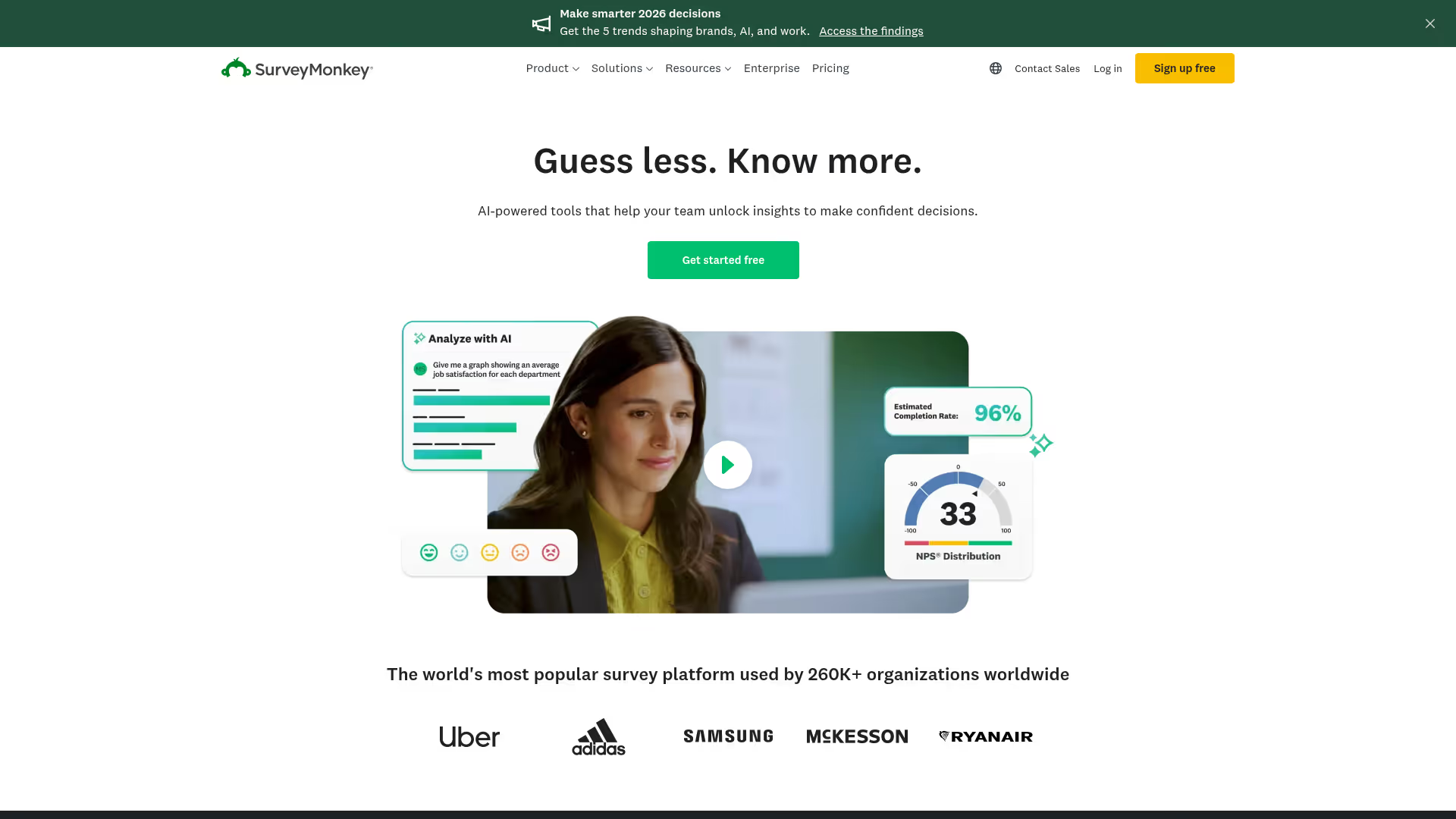
When you need large-sample quantitative data with statistically significant results, SurveyMonkey handles the volume. It's the most recognized survey platform for a reason - the distribution network and analysis features are built for scale.
Best for: Teams running large-scale quantitative surveys across broad audiences.
Key strengths
- Extensive question library and templates for fast setup
- Built-in audience panel for distribution
- Advanced logic, branching, and piping for complex surveys
- Statistical analysis and cross-tabulation for deep insights
- Integrations - Salesforce, HubSpot, Marketo, Slack
Pricing: Free tier. From $25/user/mo.
Handles breadth well but lacks qualitative depth. Best paired with a behavior analytics tool.
13. Typeform
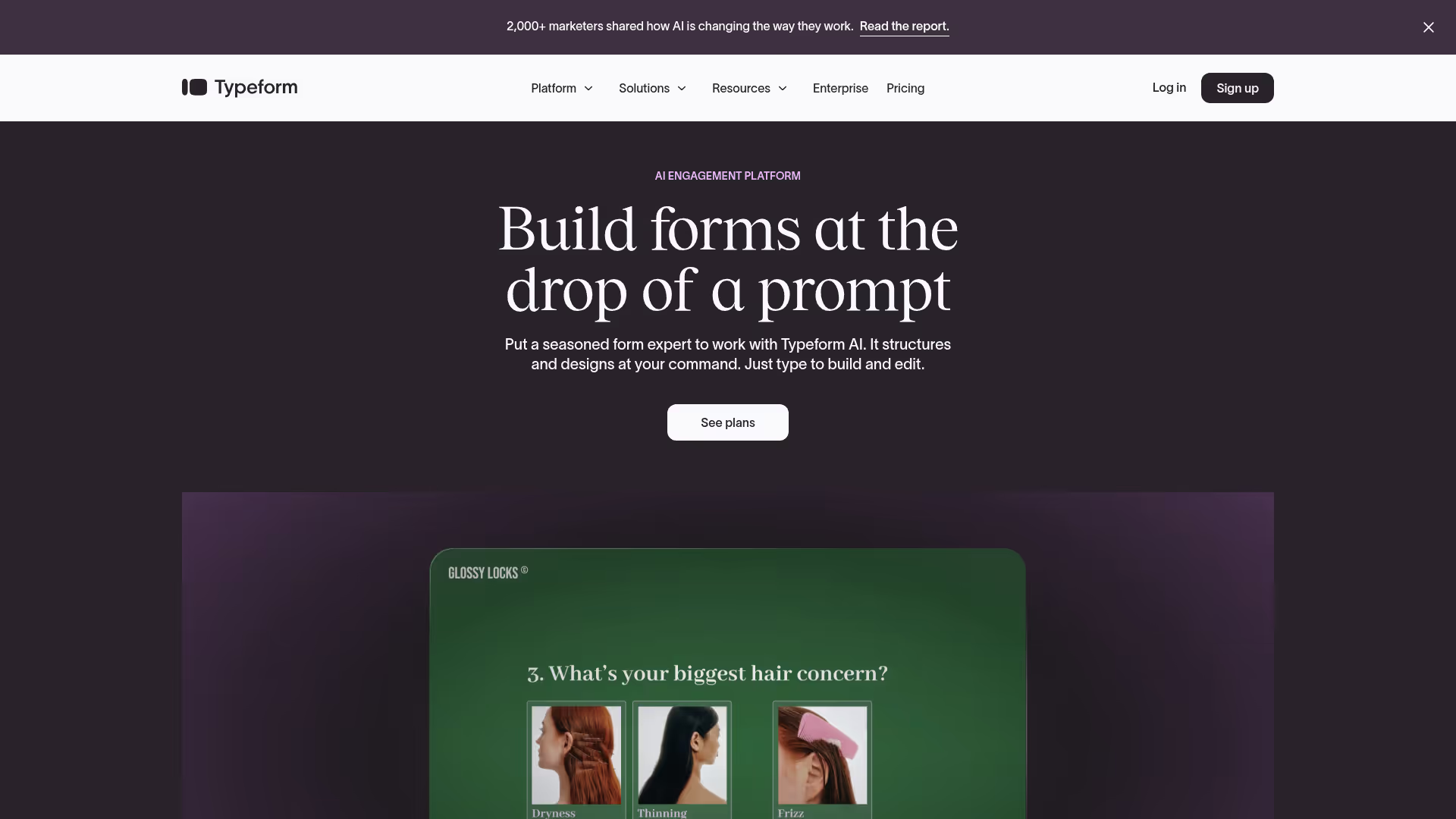
Survey completion rates matter as much as distribution. Typeform' s one-question-at-a-time conversational format consistently drives higher completion rates than traditional layouts, especially for customer-facing research.
Best for: Teams that need high completion rates on customer-facing surveys and feedback forms.
Key strengths
- Conversational UI with high completion rates
- Conditional logic for personalized survey paths
- Strong design and branding customization options
- Embeddable in websites, emails, and apps
- Integrations - Zapier, HubSpot, Google Sheets, Slack
Pricing: Free tier. From $25/mo.
14. Mixpanel
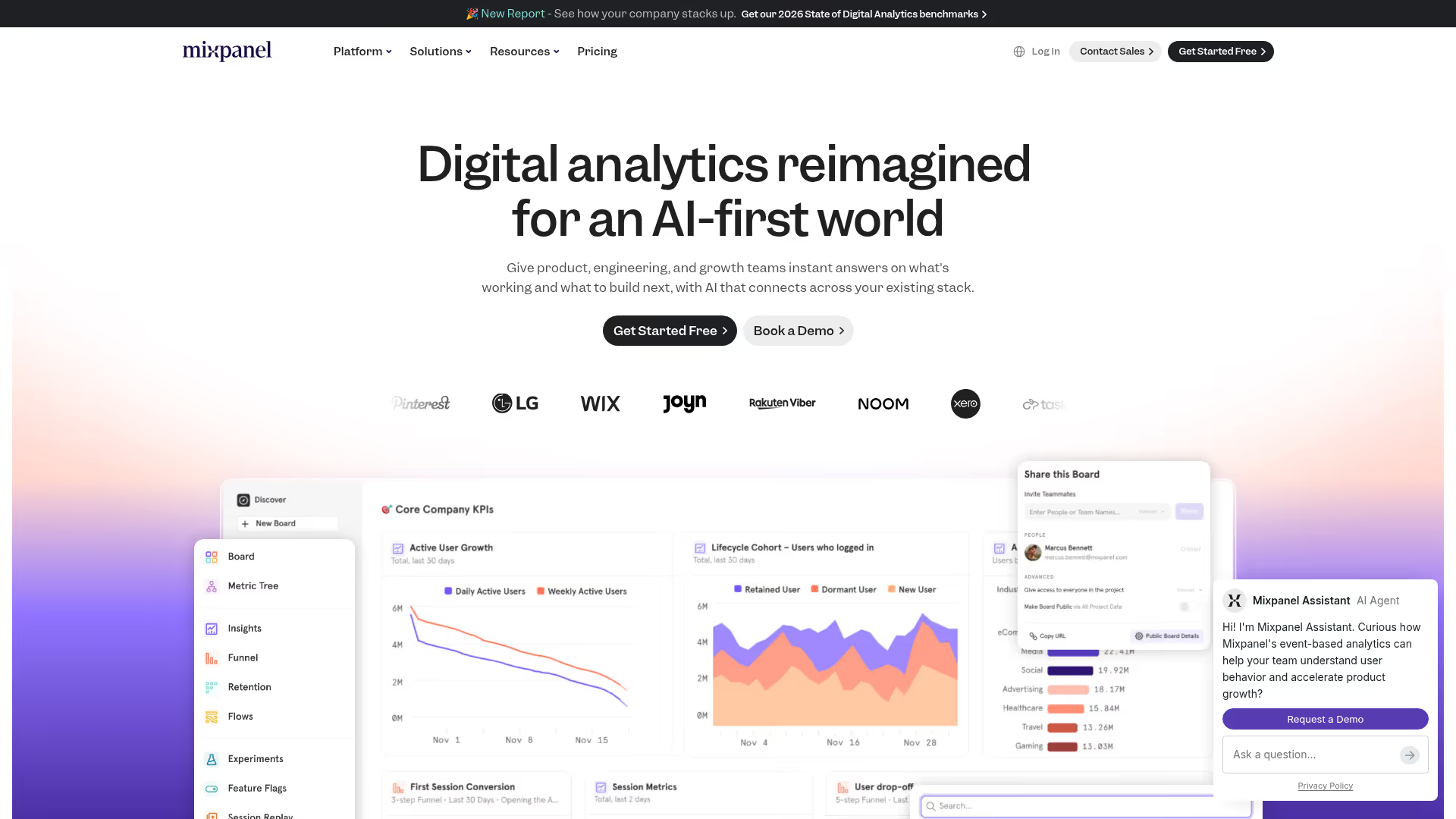
User research isn't just surveys and interviews. Behavioral event data is research too. Mixpanel tracks what users do inside your product so you can identify patterns, segment by behavior, and validate hypotheses with quantitative evidence.
Best for: Growth and product teams that need event-based behavioral analytics to inform research hypotheses.
Key strengths
- Event-based tracking with custom taxonomy
- Funnel analysis with conversion breakdowns
- Retention and cohort analysis for long-term patterns
- Behavioral segmentation and user profiles
- Integrations - Segment, mParticle, data pipelines
Pricing: Free tier (up to 20M events). From $20/mo.
15. Qualtrics
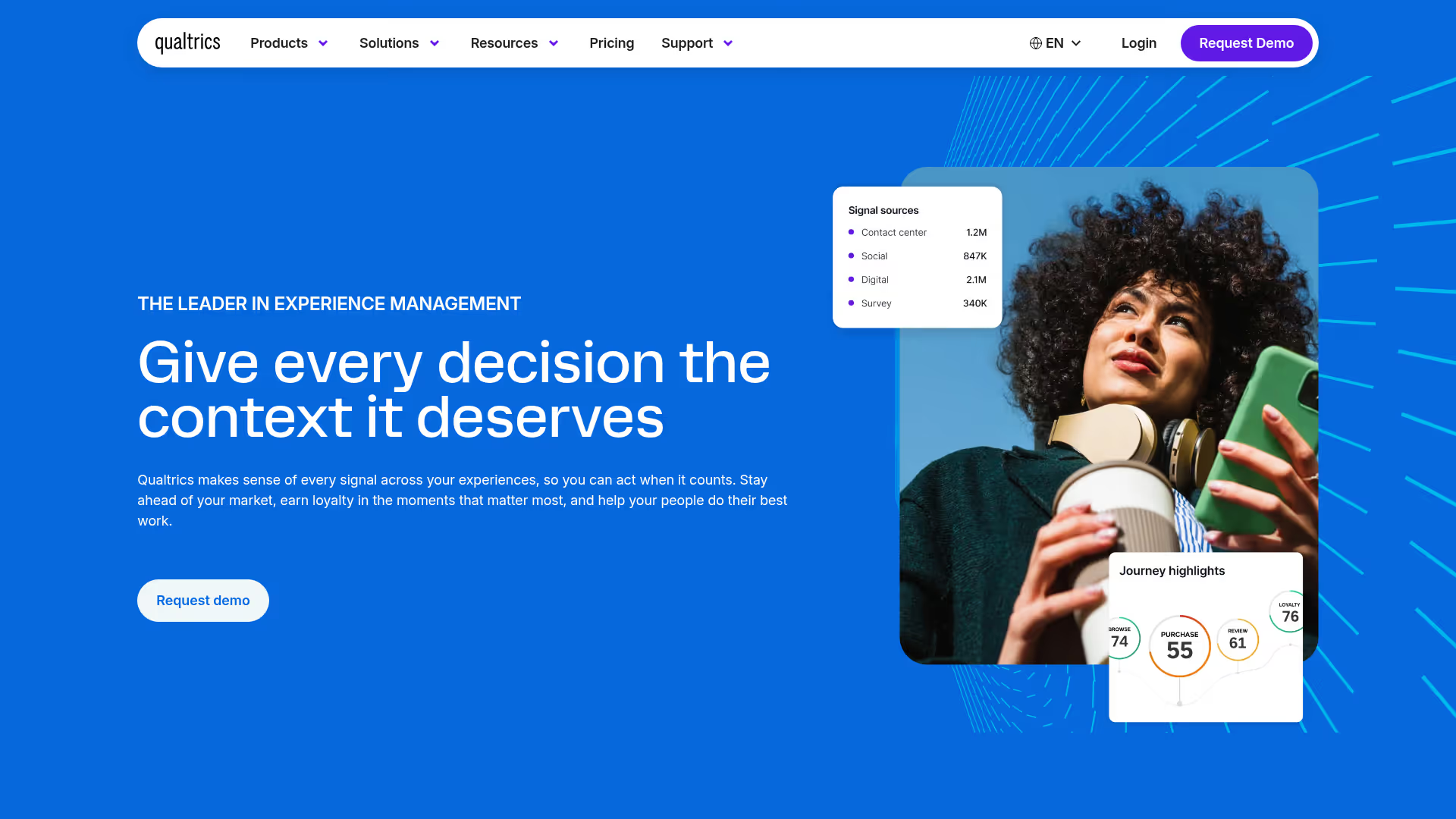
The enterprise standard for multi-department experience management research. If your organization needs brand tracking, CX, product research, and employee experience under one platform with strict compliance, Qualtrics is likely already on the shortlist.
Best for: Enterprise organizations running cross-department research programs with strict compliance requirements.
Key strengths
- Advanced survey design with statistical controls
- AI text and sentiment analysis for open-ended responses
- Panel management for ongoing research programs
- Cross-program experience management across CX, product, and brand
- Enterprise security and SSO compliance
Pricing: Custom (enterprise contracts, typically $1,500+/year).
Overkill for most startups and mid-market teams. Setup complexity and price only make sense at scale.
16. Pendo
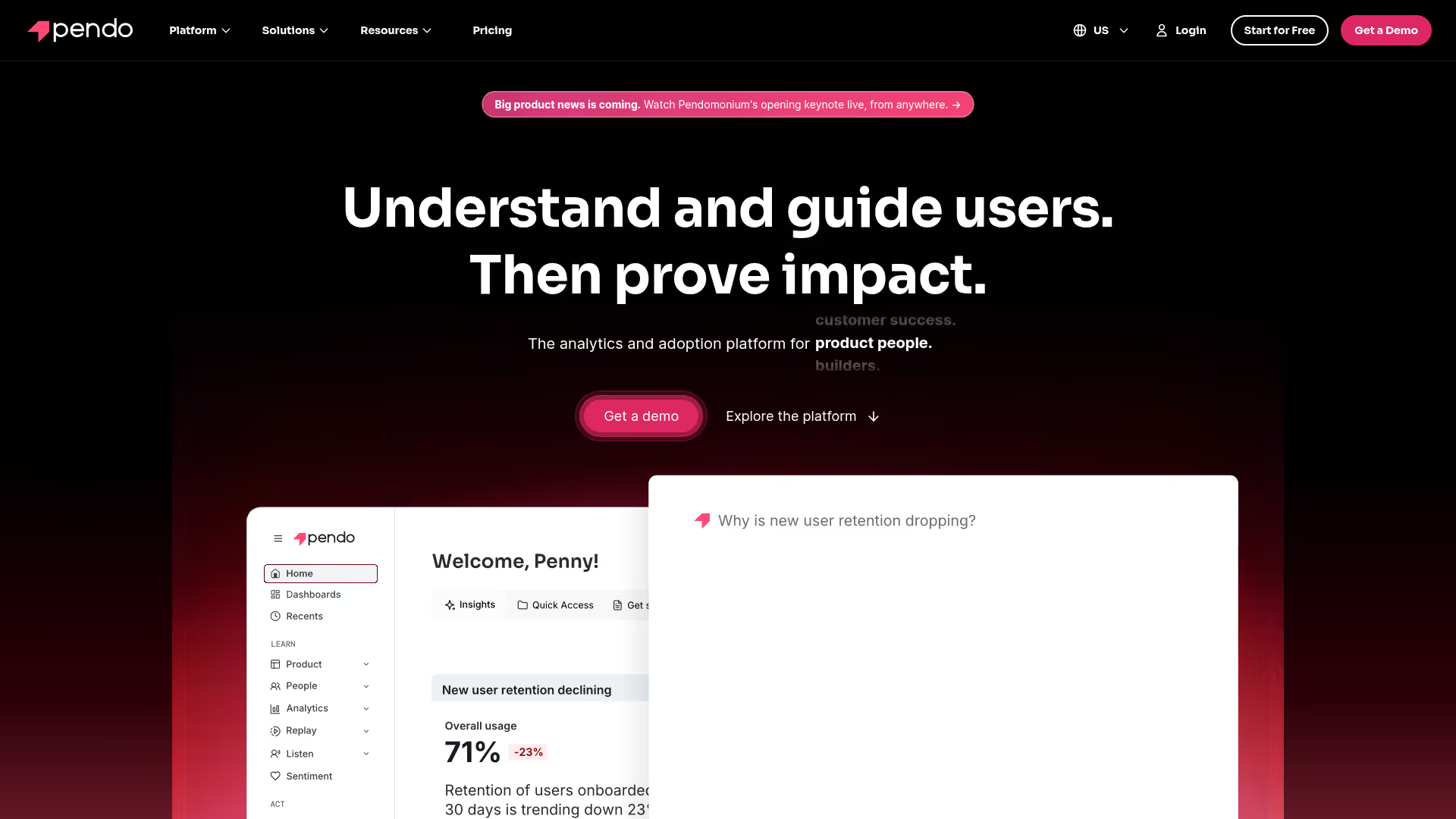
Part analytics, part feedback, part in-app guidance. Pendo tracks feature adoption and lets you collect feedback directly inside the product, tied to specific workflows. If you're evaluating Pendo alongside similar platforms, our list of the best digital adoption platforms provides a broader comparison.
Best for: Product teams that want analytics, feedback collection, and in-app guidance in one platform.
Key strengths
- Feature adoption tracking without code (retroactive analytics)
- In-app NPS and feedback collection
- In-app guides and walkthroughs for user education
- Product usage segmentation by account and user
- Integrations - Salesforce, Segment, Jira
Pricing: Free tier (up to 500 MAUs). Custom for paid plans.
17. Microsoft Clarity
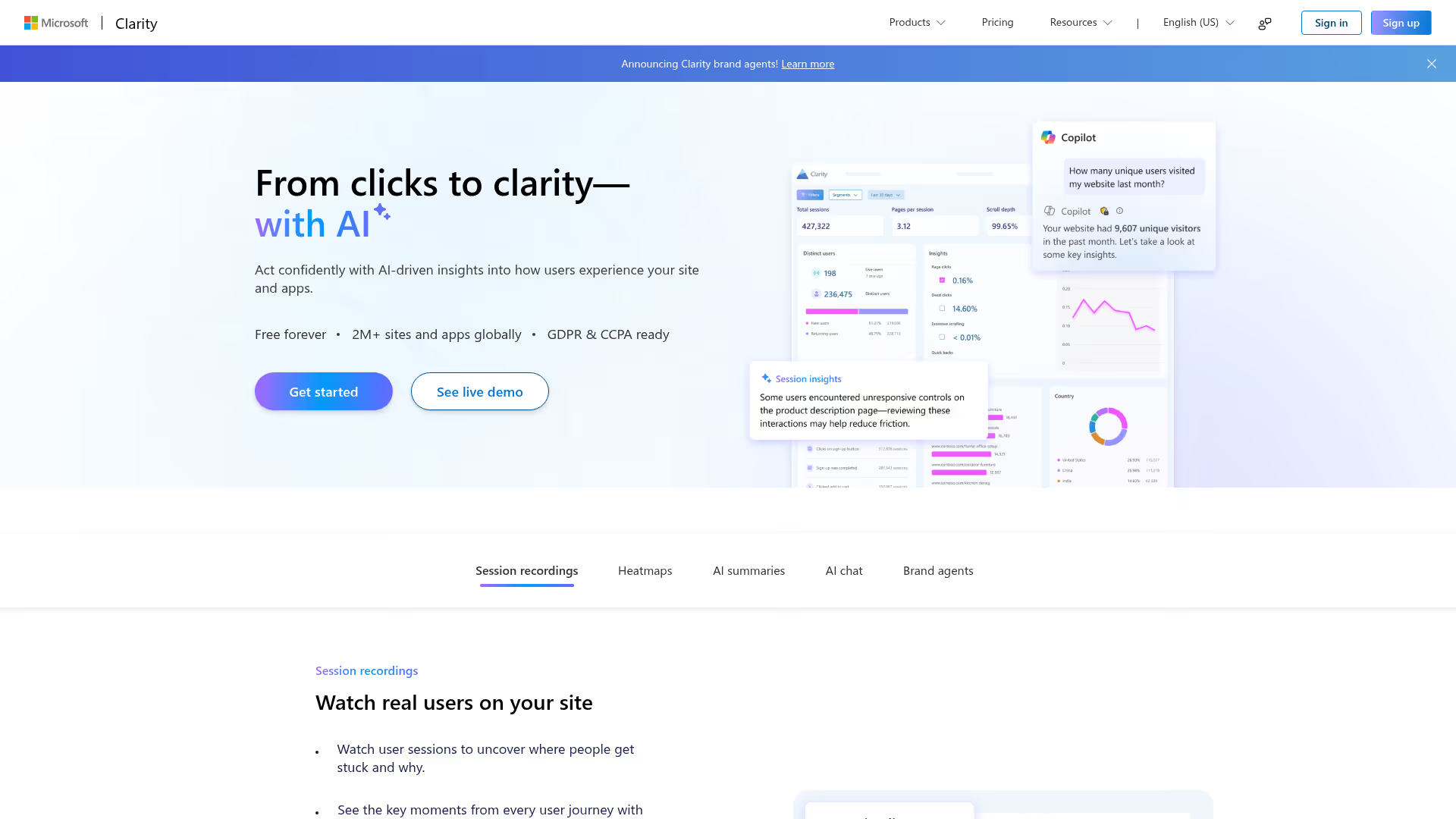
Genuinely free. No usage limits, no paywalled features. Microsoft Clarity gives you heatmaps and session recordings with surprisingly good filtering. If budget is the constraint, this is where behavioral research starts.
Best for: Any team that needs behavior analytics at zero cost.
Key strengths
- Completely free with no usage limits
- Heatmaps - click, scroll, and area tracking
- Session recordings with behavioral filters
- Rage click, dead click, and excessive scroll detection for frustration signals
- Google Analytics integration for combined insights
- Copilot AI summaries for quick pattern identification
Pricing: Free.
Missing survey and feedback features and the advanced search of paid competitors. Use alongside a feedback tool like Typeform or Sprig.
How to choose the right user research tool
Start with the research question, not the tool
Different questions need different methods. "Why are users dropping off?" calls for session replay plus interviews. "Which design converts better?" calls for A/B or preference testing. "How do users navigate our site?" calls for card sorting and tree testing. Match method to question first, then find the user research software that runs that method best.
Match the tool to your team's research maturity
Never run a formal study? Start with behavioral analytics (Hotjar, Microsoft Clarity) and simple surveys (Typeform). Running regular studies? Invest in recruitment (User Interviews) and analysis (Dovetail).
Check integration with your existing stack
If the user research platform doesn't connect to your CRM and analytics tools, you're creating a data silo. The same principle applies across your growth marketing tools stack - connected data beats isolated insights.
Use free tiers before committing budget
Most tools here offer free plans. Run a real study before presenting the business case.
Plan for the research-to-action gap
Collecting insights is the easy part. Acting on them is where teams stall. Consider tools that help you move from findings to implementation - like interactive demo platforms that let you prototype and test the proposed fix before engineering builds it.
Conclusion
No single tool covers all user research needs. The best teams combine 2–3 tools across behavioral analytics, qualitative research, and surveys - matched to their specific workflow and research cadence. Start with a free tier to test the workflow before committing budget. Hotjar, Maze, Microsoft Clarity, and Guideflow all offer free plans that let you run real research without a purchase order.
Start your journey with Guideflow today!