
Two churned users said the same thing in your exit interviews last month: "I didn't understand what I was supposed to do first." You've heard this before. The activation dashboard confirms it: a steep drop-off between signup and the first activation event. The onboarding flow you built six months ago hasn't been updated since the last redesign. CS is fielding the same "how do I set this up?" tickets every week, and engineering has zero sprint capacity to fix it.
Product walkthrough software exists to solve this. But the category is crowded, the feature lists blur together, and most roundups are written for marketers, not PMs. This one is different.
Every platform below was evaluated against the criteria that actually matter for a PM who owns activation: segmentation depth, analytics stack integration, maintainability across releases, engineering overhead, and impact on the metrics you report on. If a tool doesn't connect walkthrough data to your Mixpanel or Amplitude setup, it didn't make the cut without a clear reason.
What's inside
This guide covers 13 product walkthrough platforms selected for their relevance to SaaS product teams in 2026. Each tool was evaluated on G2 presence, feature depth, and fit for the PM's priority stack: activation rate impact, persona-based segmentation, analytics instrumentation, and engineering cost. You'll find a comparison table, per-tool breakdowns with pricing and strengths, a buying criteria checklist, and FAQs that address the real objections PMs face when evaluating this category.
TL;DR
- Product walkthrough platforms reduce time-to-first-value (TTFV) and increase activation rate when they support segmentation by persona, plan, and lifecycle stage.
- Guideflow stands out for PMs who need no-code interactive demos with session-level analytics and CRM-driven personalization, shipped the same day.
- The biggest differentiator between product walkthrough tools is not feature count; it is how well the platform handles onboarding rot (flows breaking when the UI changes).
- Analytics integration matters more than built-in dashboards. If walkthrough data doesn't flow into your existing Mixpanel or Amplitude setup, you lose attribution.
- In-app guided tours and external interactive product tours serve different activation moments. The best product tour software supports both.
- Pricing models vary widely: per-MAU, per-seat, flat rate. Match the model to your user volume and team size.
What is a product walkthrough platform
A product walkthrough platform is software that creates guided, interactive experiences inside or alongside your product to help users reach activation events faster.
The category spans a wide range of formats. Some platforms focus on in-app tooltip tours that walk users through a specific workflow step by step. Others create full interactive demos and sandboxes that replicate the product experience, letting users explore without a login or live environment. The best guided tour software covers both.
Here are the core components you'll find across the category:
- Step-by-step guides: Tooltips, modals, hotspots, and checklists that walk users through a workflow inside the product
- Interactive demos: Clickable product replicas users can explore without a login, ideal for pre-sales and trial activation
- Segmentation engine: Rules that determine which users see which walkthrough based on persona, plan, role, or behavior
- Analytics and instrumentation: Step-level completion tracking, drop-off analysis, and event data that syncs with product analytics tools
- No-code builder: Visual editor that lets PMs and PMMs create and update walkthroughs without engineering tickets
One distinction worth noting: "product walkthrough" refers to the experience itself, while "product walkthrough platform" is the software that creates and manages it. You'll see the term used interchangeably with "product tour software," "guided tour software," product onboarding software, and "application tour." They all describe the same core capability: helping users reach value faster through guided experiences.
When to use product walkthrough platforms
New user onboarding. Reducing TTFV by guiding users to their first activation event, whether that's creating a project, importing data, or inviting a teammate. This is the highest-impact use case for most SaaS products.
Feature adoption. Driving usage of underused capabilities that define the product's core value loop. If your analytics show that users who complete a specific workflow retain at 2x the rate, a targeted product tour for that workflow is the fastest intervention. Learn how to boost product adoption with interactive demos.
Multi-persona activation. Different walkthrough paths for admins vs end users, or for different plan tiers. A website guided tour tool that only supports one-size-fits-all flows won't solve this.
Self-serve support and education. Replacing repetitive CS calls and "how do I...?" tickets with on-demand guided experiences. This directly reduces support load and improves user confidence. Building self-service experiences is a proven strategy for scaling support.
Pre-sales and trial conversion. Interactive product tours that let prospects experience the product before committing, reducing time-to-value in the trial window and giving sales teams engagement data on what prospects explored. The right presales software can accelerate this process significantly.
Product walkthrough platforms comparison table
Here's a side-by-side view of all 13 product tour tools evaluated in this guide. Use it to shortlist 2-3 platforms based on your segment, team size, and primary use case.
13 best product walkthrough platforms reviewed
1. Guideflow
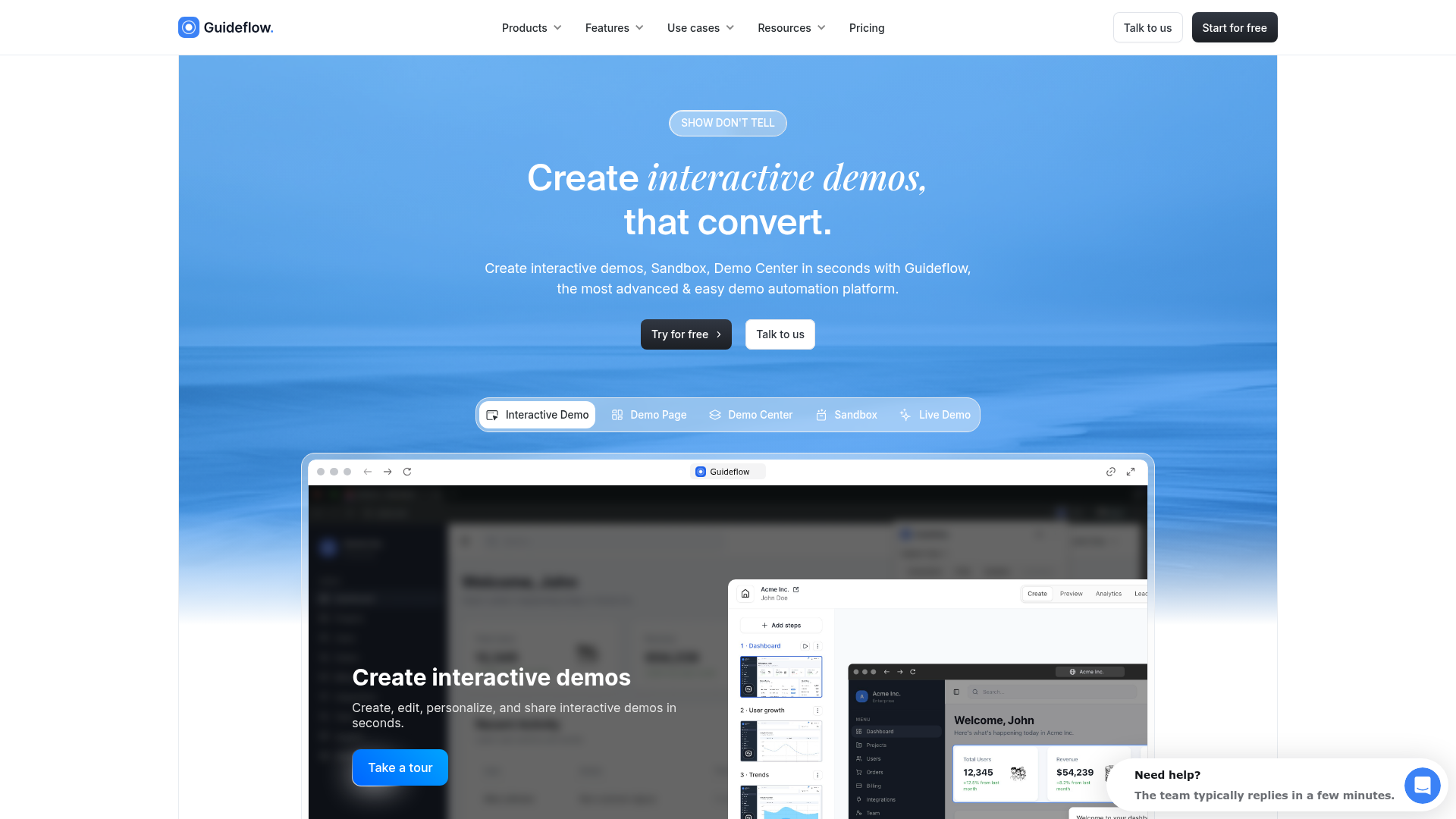
Guideflow is a demo automation platform that lets PMs and product teams capture product flows from their browser and turn them into interactive, clickable walkthroughs. No code, no engineering tickets, no staging environment required. You capture your product flow in clicks, get a step-by-step interactive walkthrough generated automatically, and refine it in a visual builder. Then personalize, share, and measure, all from one platform.
Best for: PMs who need persona-specific interactive walkthroughs with session-level analytics and CRM-driven personalization, shipped the same day.
Key strengths
- No-code capture: record your product flow in clicks, get a step-by-step interactive walkthrough generated automatically
- AI-powered editing: auto-generated steps, CTAs, translations, voiceovers, and avatars
- Deep personalization: dynamic variables from CRM, persona-specific text, images, charts, and branching paths
- Advanced analytics: step-level completion, drop-off points, engagement time, session-level tracking synced to CRM and analytics tools
- Multi-format support: Interactive Demo, Sandbox, Demo Center, Mobile Demo, and Live Demo
- Multi-channel distribution: embed on websites, share via links, add to emails, Notion, social, and ads
Why choose Guideflow: If you need to iterate on onboarding without filing engineering tickets, segment walkthroughs by persona and plan, and measure activation impact with data that flows into your existing analytics stack, Guideflow covers that full scope. It supports both in-app onboarding walkthroughs and external-facing interactive demos, which means you can use one platform across onboarding, self-serve support, and pre-sales use cases. Teams ship their first walkthrough the same day they start, and personalization scales across accounts without adding headcount.
Pricing: Free tier available. Paid plans from $35/month. See full pricing details.
Start your journey with Guideflow today!
2. Pendo

Pendo combines product analytics with in-app guides, making it a natural fit for PMs who want walkthrough data and product usage data in the same platform. If you're already using Pendo for feature adoption tracking and retention analysis, adding guided tours keeps your instrumentation in one place instead of splitting it across tools.
Best for: PMs at mid-market to enterprise SaaS companies who want analytics and in-app guidance unified in a single platform.
Key strengths
- Product analytics built in, including retroactive event tracking
- In-app guides, tooltips, and walkthroughs with segment-based targeting
- NPS and feedback collection tied to product usage data
- Resource center for self-serve help content
- Feature tagging for adoption tracking without engineering instrumentation
Why choose Pendo: The analytics-guidance combination means walkthrough performance data lives alongside feature adoption and retention metrics. You don't need to pipe events between two systems to see whether a walkthrough improved activation for a specific cohort. The trade-off is pricing: Pendo's paid plans are enterprise-oriented, and the free tier caps at 500 MAUs, which limits testing for products with larger user bases.
Pricing: Free tier for up to 500 MAUs. Paid plans require contacting sales (typically starts around $7,000/year).
3. Chameleon

Chameleon provides in-app tours, tooltips, surveys, and launchers with deep styling control. It's built for teams that care about UX consistency and don't want walkthroughs that look bolted on to the product experience.
Best for: Design-conscious product teams where the PM and design lead both need to approve the walkthrough experience.
Key strengths
- Advanced CSS customization for pixel-level control over walkthrough appearance
- Micro-surveys embedded in product flows
- Launchers (in-app help widgets) for persistent self-serve access
- A/B testing with statistical significance tracking
- Rate limiting to prevent tour spam and UX fatigue
- Segment and HubSpot integrations
Why choose Chameleon: The styling depth and rate-limiting features address the Design team's objection ("this will override our UX"), which is one of the PM's biggest internal selling challenges. If your design team has rejected walkthrough tools before because they looked generic or clashed with the product's visual language, Chameleon gives them the control they need. The trade-off is a higher starting price and a steeper configuration curve for advanced customization.
Pricing: Starts at $279/month (Startup plan).
4. Userpilot

Userpilot combines in-app experiences, product analytics, and user feedback in one platform. It's known for granular segmentation and event-based triggering that goes beyond simple page-view rules.
Best for: PMs at growth-stage SaaS who need persona-specific onboarding paths tied to real product behavior, not just page views.
Key strengths
- Event-based segmentation for targeting by behavior, not just attributes
- In-app resource center for self-serve help
- Feature tagging for adoption tracking without code changes
- NPS and micro-surveys connected to user segments
- A/B testing for walkthrough variants
- No-code builder with conditional logic
Why choose Userpilot: Segmentation depth. Userpilot lets PMs create different activation paths for different user personas, plans, or acquisition channels, and measure each cohort separately. If your product serves multiple personas (admin vs end user, free vs enterprise) and you need different first experiences for each, Userpilot's event-based targeting handles that without engineering involvement.
Pricing: Starts at $249/month (Starter plan, up to 2,000 MAUs).
5. UserGuiding
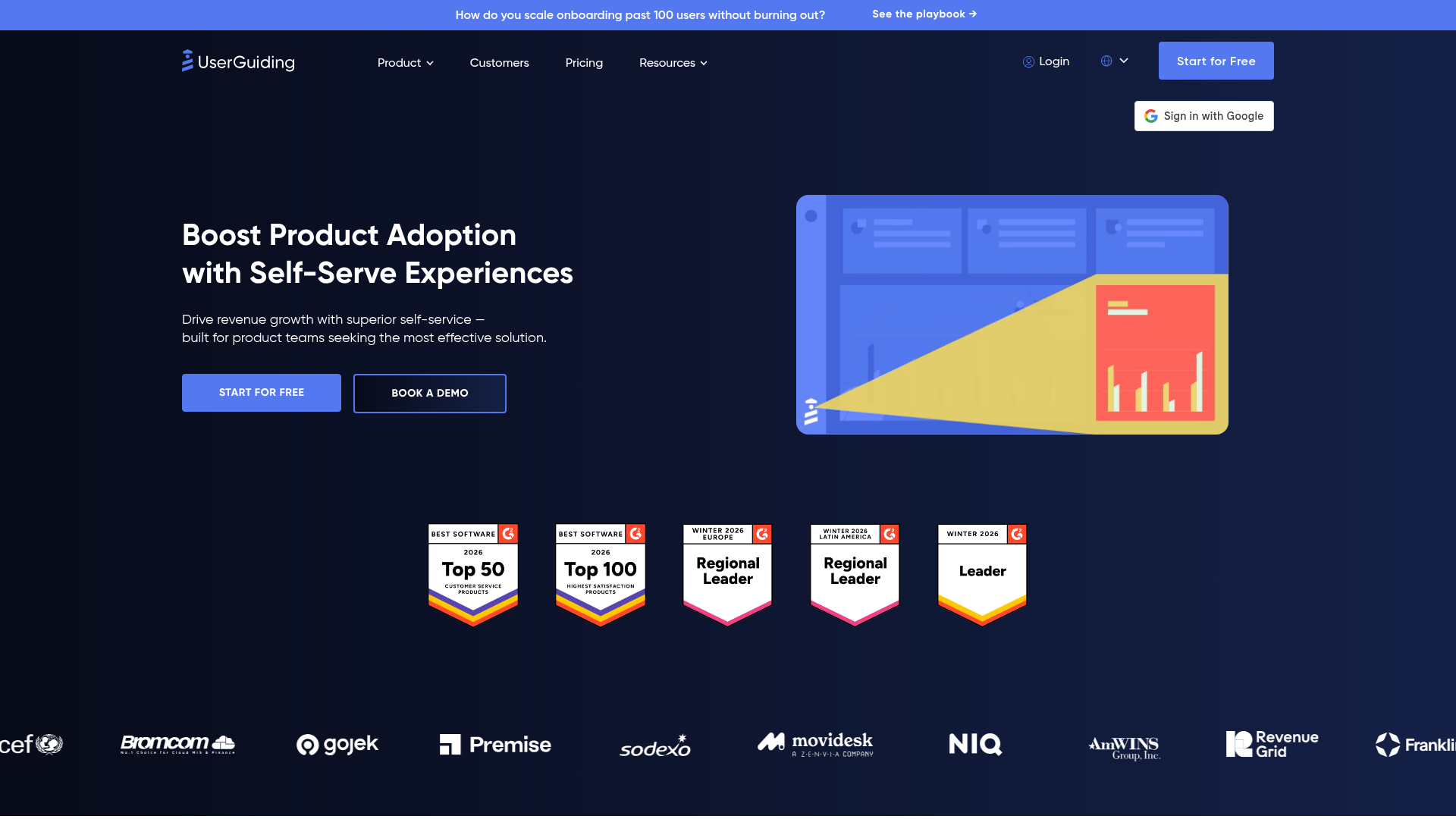
UserGuiding offers in-app guides, checklists, hotspots, and resource centers at a lower price point than most competitors. It's the entry-level option for teams that need guided tour software without the enterprise price tag.
Best for: Early-stage SaaS PMs who need basic walkthrough capabilities without committing to a $250+/month platform.
Key strengths
- Lowest starting price in the mid-tier category
- Onboarding checklists with progress tracking
- Tooltips and hotspots for contextual guidance
- Basic segmentation by user attributes
- Resource center for self-serve content
- No-code setup with a Chrome extension
Why choose UserGuiding: Accessible entry point. PMs can test the impact of guided walkthroughs on activation before committing to a more expensive platform. If your team is running its first structured onboarding experiment and needs to prove ROI before requesting a larger budget, UserGuiding gives you the core building blocks at $69/month. The segmentation and analytics are less granular than Userpilot or Appcues, but they're sufficient for initial validation.
Pricing: Starts at $69/month (Basic plan, up to 2,500 MAUs).
6. Userflow

Userflow provides a visual flow builder for in-app tours, checklists, and surveys with strong technical flexibility. The builder supports conditional logic and branching, which sets it apart from simpler tooltip tools.
Best for: PMs working closely with engineering who want a tool powerful enough for complex multi-step flows but still no-code for basic use cases.
Key strengths
- Visual flow builder with branching logic and conditional paths
- In-app resource center for persistent self-serve help
- Event tracking for measuring walkthrough impact on activation
- AI assistant for content generation within flows
- Localization support for multi-language products
- Webhook integrations for connecting to external systems
Why choose Userflow: The branching logic and conditional flows let PMs build multi-persona onboarding paths without engineering involvement. If your product has complex setup workflows (integration configuration, data imports, team invitations) that vary by user role, Userflow's flow builder handles that complexity in a visual editor. It also has one of the highest G2 ratings in the category at 4.8/5.
Pricing: Starts at $240/month (Startup plan, up to 3,000 MAUs).
7. Appcues
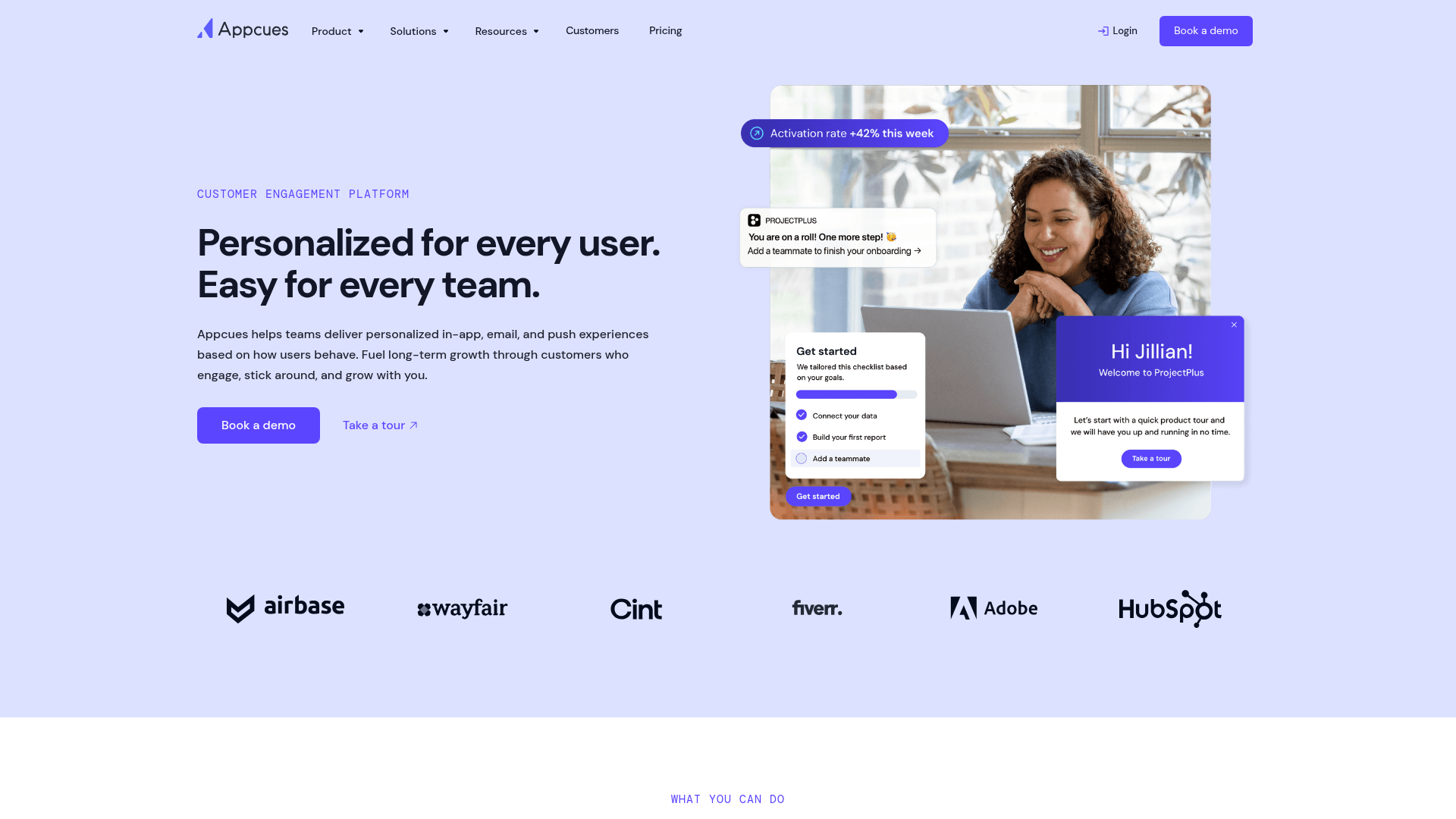
Appcues lets product teams build in-app onboarding flows, feature announcements, and surveys without writing code. It's one of the more established product tour tools in the category, known for its visual builder and targeting rules that PMs can manage directly.
Best for: IC PMs and growth teams at startups and mid-market SaaS who want fast onboarding iteration without engineering dependency.
Key strengths
- Visual flow builder with drag-and-drop components
- Event-based targeting for precise walkthrough triggers
- A/B testing for onboarding experiments
- Checklists and tooltips for structured activation paths
- Integrations with Segment, Amplitude, Mixpanel, and HubSpot
Why choose Appcues: Speed of iteration. PMs can ship and test onboarding changes within a sprint cycle without filing engineering tickets. The Segment and Amplitude integrations mean walkthrough events flow into your existing analytics setup, which solves the attribution problem most PMs face with standalone onboarding tools. Appcues is strongest for teams that run frequent onboarding experiments and need clean data on what's working.
Pricing: Starts at $249/month (Essentials plan, up to 2,500 MAUs).
8. WalkMe
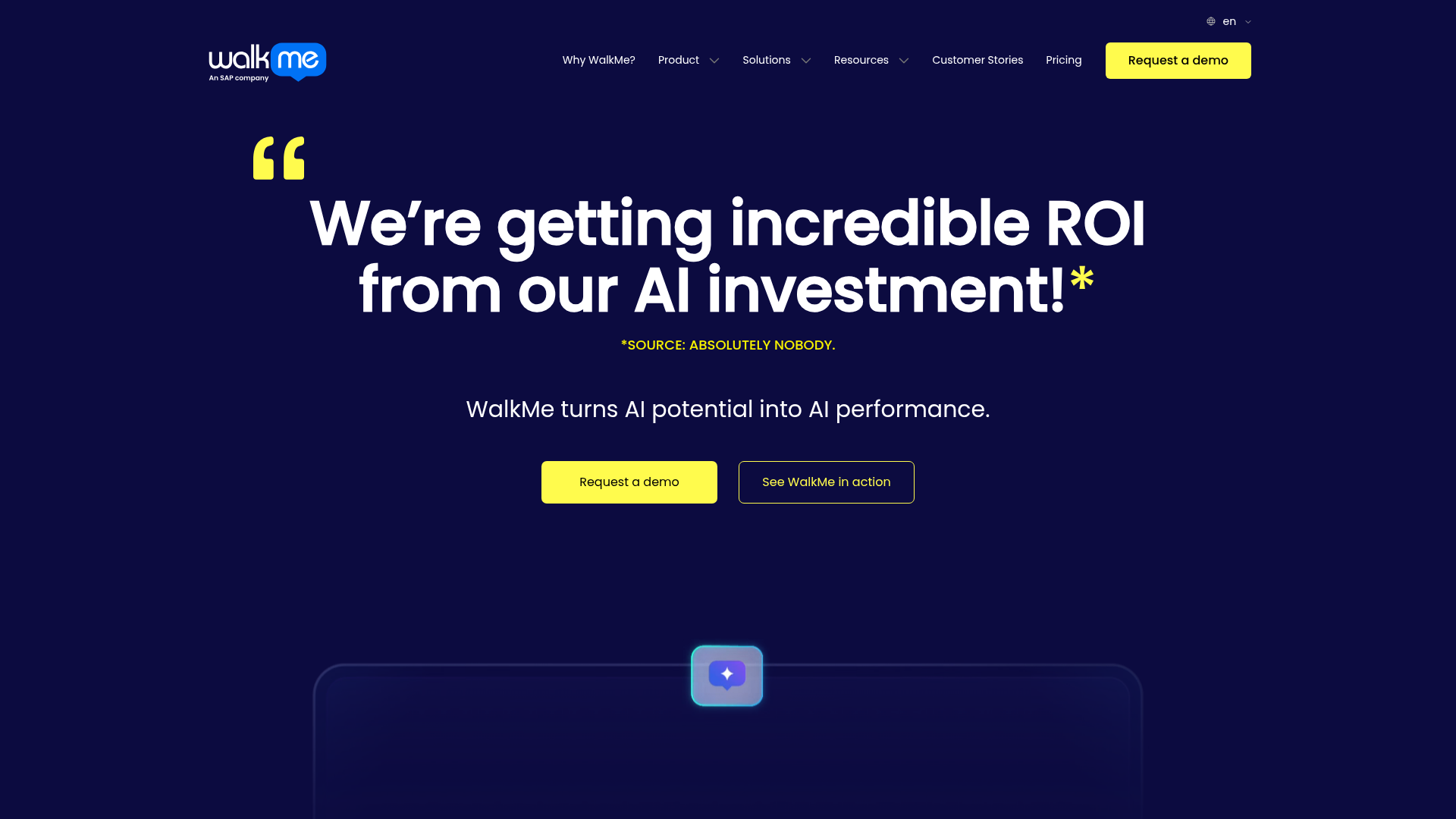
WalkMe is a digital adoption platform (DAP) built for large organizations. It supports in-app guidance across web, desktop, and mobile applications, with enterprise-grade analytics and governance features.
Best for: Heads of Product at enterprise SaaS companies with complex, multi-application environments and compliance requirements.
Key strengths
- Cross-application guidance spanning web, desktop, and mobile
- Enterprise analytics with workflow completion tracking
- Workflow automation that triggers actions based on user behavior
- Change management features for large-scale rollouts
- SOC 2 and GDPR compliance with dedicated implementation support
Why choose WalkMe: If your product is used alongside other enterprise tools and users need guidance that spans multiple applications, WalkMe handles that complexity. It's also the right fit when compliance and governance are non-negotiable, as the platform includes audit trails, role-based access, and enterprise security certifications. The trade-off is cost and implementation complexity: WalkMe is priced for enterprise budgets and typically requires a dedicated implementation cycle.
Pricing: Custom pricing (typically $10,000+/year, enterprise contracts).
9. Whatfix
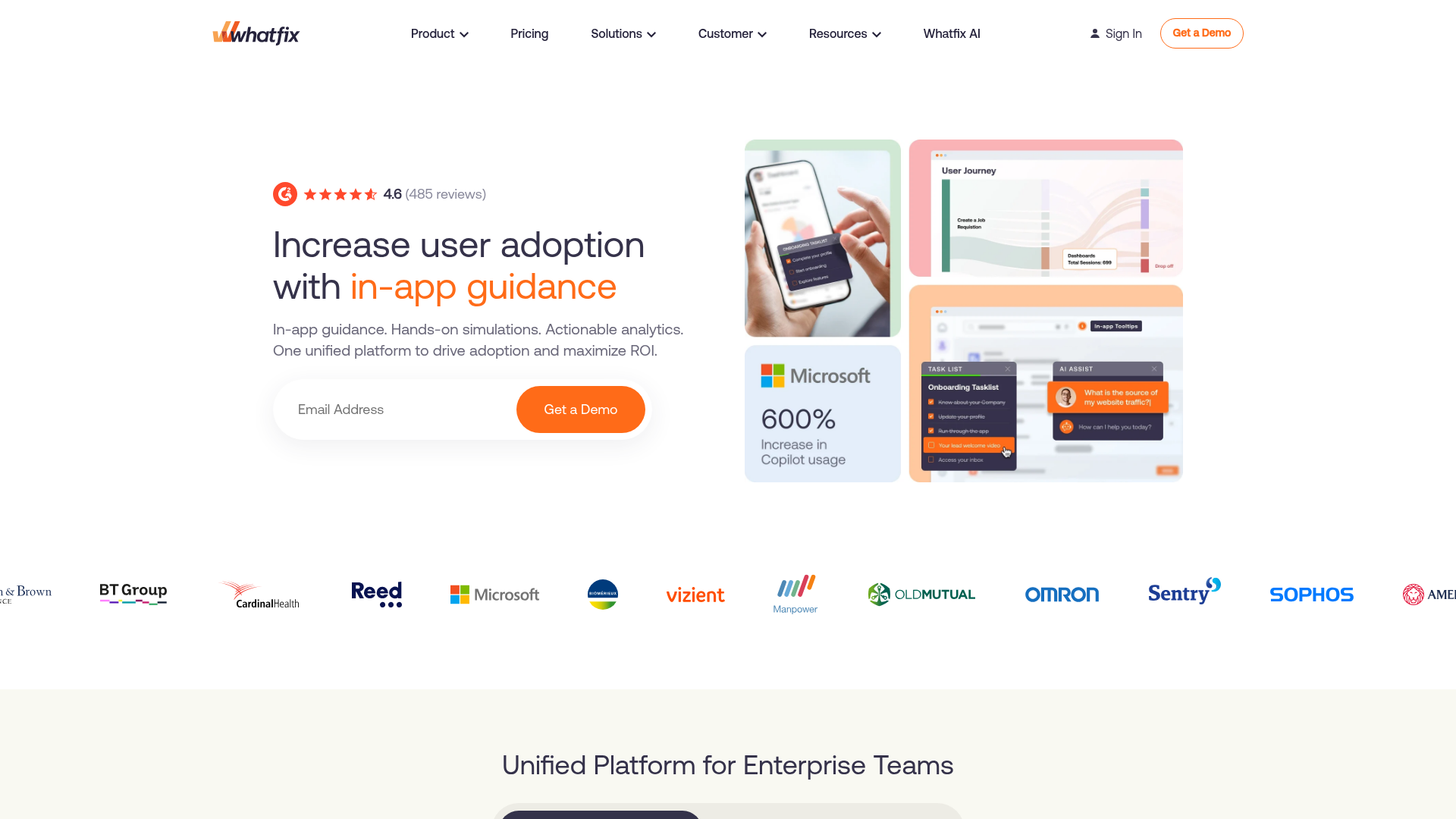
Whatfix provides in-app guidance, self-help widgets, and analytics for enterprise software adoption. Its standout feature is auto-content generation: walkthrough flows automatically produce help articles, videos, and PDFs.
Best for: PMs at enterprise companies who need walkthrough content that automatically generates documentation and training materials from the same source.
Key strengths
- Auto-content generation: one walkthrough flow produces help articles, videos, and PDFs
- In-app self-help widget for contextual support
- Analytics dashboard with adoption and engagement metrics
- Multi-language support for global products
- Enterprise security features including SSO and data residency
Why choose Whatfix: The auto-content generation reduces the maintenance burden across content formats. One walkthrough produces multiple outputs, which addresses the PM's concern about keeping docs, in-app guidance, and help center content aligned as the product evolves. If your team maintains separate documentation, in-app tours, and training materials, Whatfix consolidates the creation process.
Pricing: Custom pricing (enterprise contracts, typically starting around $1,000/month).
10. Product Fruits

Product Fruits offers in-app tours, hints, checklists, a feedback widget, and a knowledge base. It's designed for simplicity and fast setup, targeting small to mid-size SaaS teams.
Best for: PMs at early to mid-stage SaaS who want a straightforward onboarding tool without enterprise complexity or enterprise pricing.
Key strengths
- Simple setup with minimal configuration time
- Onboarding checklists with completion tracking
- Life ring button (in-app help launcher) for persistent access
- Feedback widget for collecting user input during onboarding
- Knowledge base integration for self-serve content
- Event-based segmentation for targeting specific user groups
Why choose Product Fruits: Fast time-to-value for the PM evaluating the tool itself. Product Fruits is one of the quickest platforms to set up and start testing onboarding flows. If you need to validate the impact of guided walkthroughs on activation within a single sprint, the setup speed and built-in feedback collection make it a practical starting point.
Pricing: Starts at $79/month (Core plan, up to 1,500 MAUs).
11. Userlane
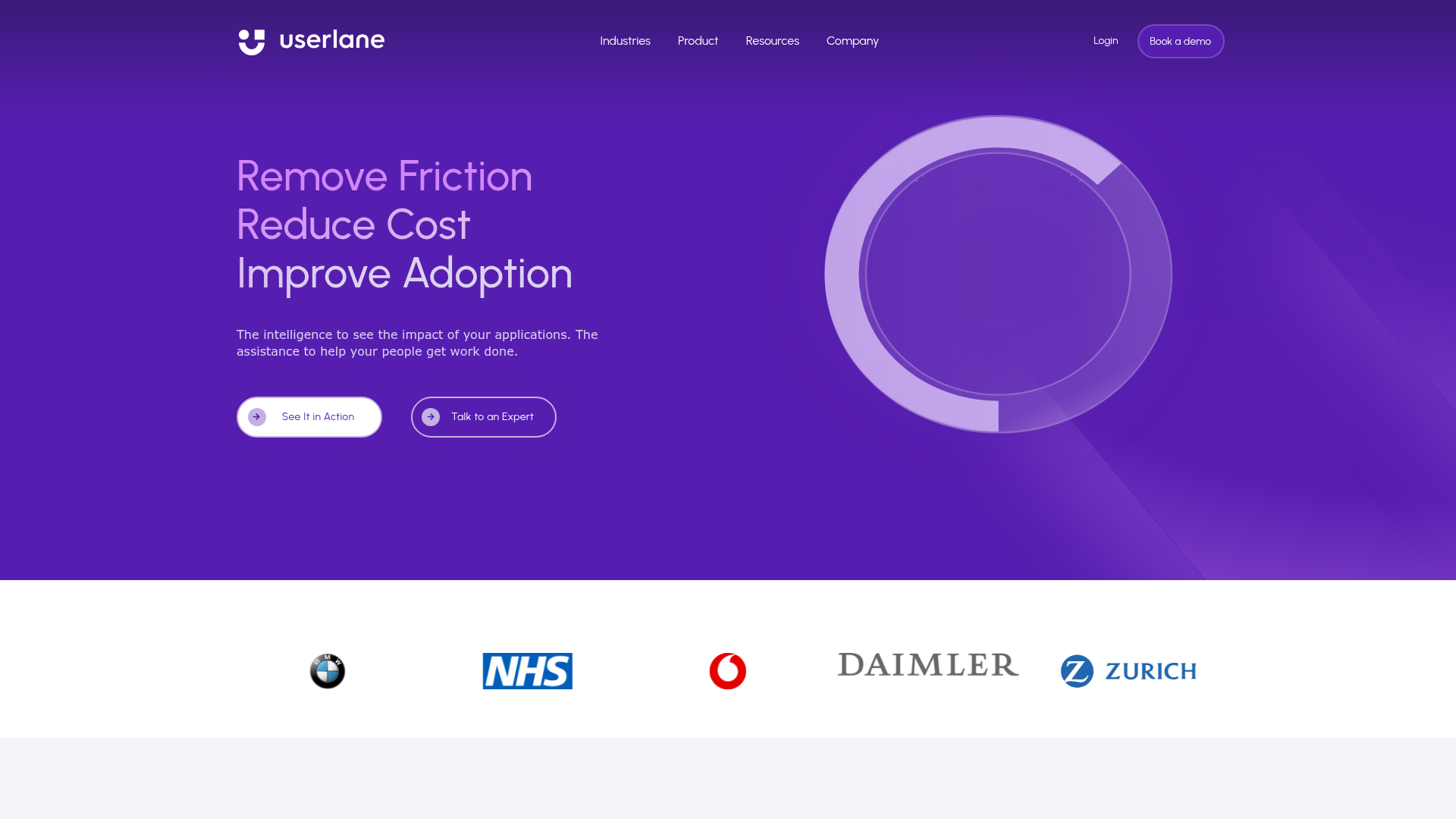
Userlane provides step-by-step interactive guides for software adoption, primarily targeting enterprise IT and HR use cases alongside SaaS product onboarding. Its defining characteristic is that users perform real actions within the guide, not just watch tooltips.
Best for: PMs at enterprise companies where the product is adopted by non-technical end users who need hands-on, in-app guidance to complete complex workflows.
Key strengths
- Interactive step-by-step guides where users perform real actions, not just observe
- HEART analytics framework for measuring user experience quality
- Multi-language support for global deployments
- Enterprise security with SSO and compliance features
- Content management system for organizing and versioning guides
Why choose Userlane: The "learning by doing" approach (users complete real actions within the guide) drives deeper activation than passive tooltip tours for complex workflows. If your product has multi-step configuration processes where users need to make real selections and inputs, Userlane's interactive approach reduces the gap between "I saw the tour" and "I can do this myself."
Pricing: Custom pricing (enterprise contracts).
12. Intercom

Intercom is primarily a customer messaging and support platform, but its Product Tours add-on lets teams build in-app guided experiences. It's not a dedicated product walkthrough platform, but PMs already using Intercom for support and messaging may find the tours add-on convenient for consolidation.
Best for: PMs whose company already uses Intercom for customer messaging and wants to add basic walkthrough capabilities without a new vendor.
Key strengths
- Unified messaging and tours in one platform
- Audience targeting based on Intercom's user data and segments
- Video tours for richer onboarding experiences
- Behavior and lifecycle-stage triggers for tour activation
- Integration with Intercom's help center and bot workflows
Why choose Intercom: Consolidation. If Intercom is already in your stack for support and messaging, adding tours avoids a new vendor evaluation and keeps user data in one system. The targeting rules use the same user data your support team already maintains. The trade-off is that Intercom's tour builder is less feature-rich than dedicated product tour tools, particularly for branching logic, A/B testing, and advanced segmentation.
Pricing: Product Tours is an add-on to Intercom plans. Intercom starts at $39/seat/month; tours add-on pricing varies.
13. ChurnZero
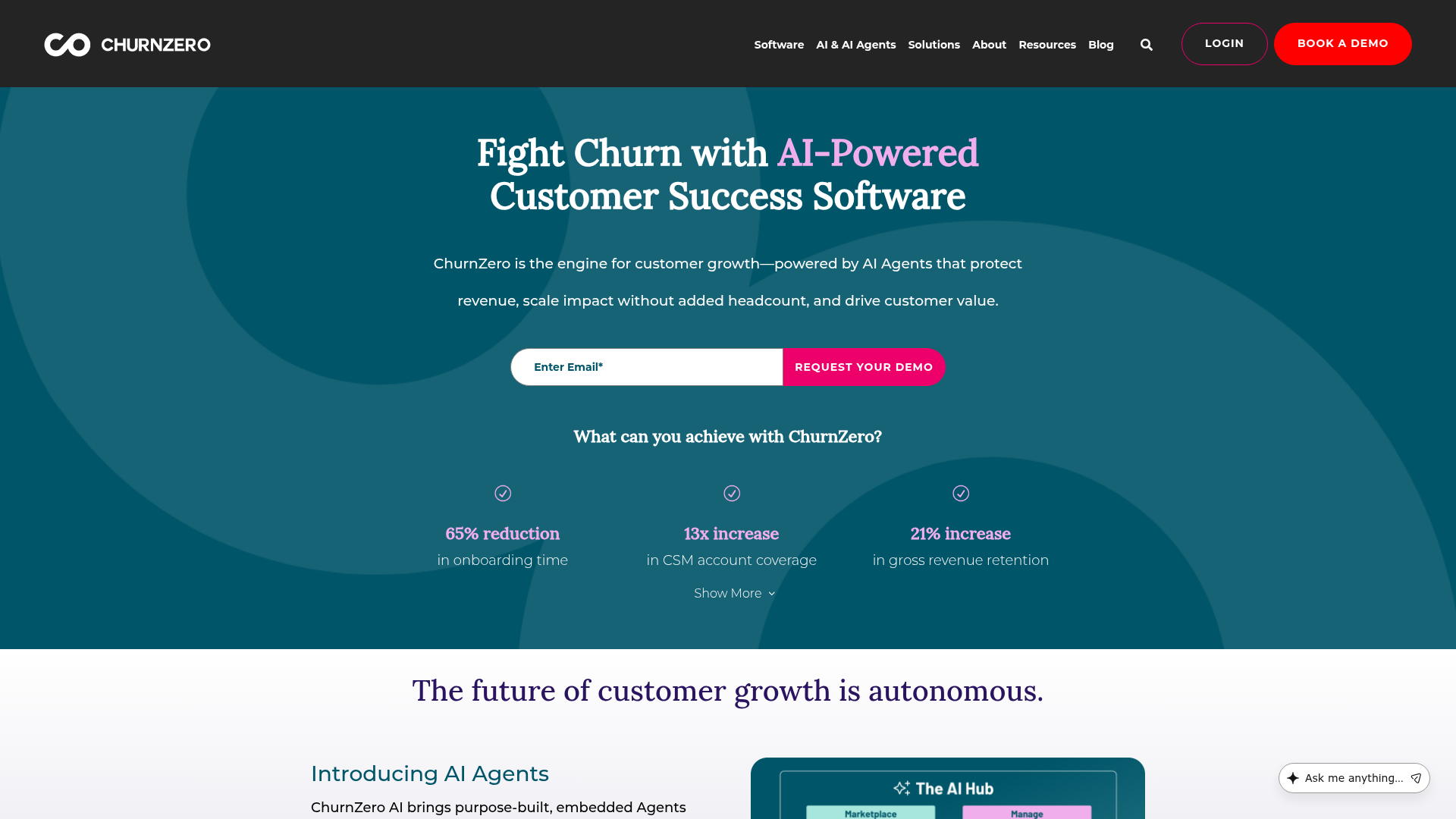
ChurnZero is a customer success platform that includes in-app walkthroughs as part of its broader retention and engagement toolkit. It's built for CS teams, but PMs benefit from the health scoring and usage analytics that connect walkthrough performance to retention outcomes.
Best for: PMs at B2B SaaS companies where CS owns onboarding execution and the PM needs visibility into walkthrough performance alongside churn risk signals.
Key strengths
- Customer health scores that combine product usage, walkthrough engagement, and support signals
- In-app walkthroughs and announcements tied to customer lifecycle stage
- Usage tracking with segment-level analysis
- Journey orchestration for multi-step onboarding sequences
- Renewal management features
- Salesforce and HubSpot integrations
Why choose ChurnZero: If your onboarding is CS-led and you need walkthrough data connected to retention and churn metrics, ChurnZero bridges that gap. The health scoring gives PMs a direct line between "did the user complete the walkthrough" and "is this account at risk," which is the attribution story most PMs struggle to tell with standalone walkthrough tools.
Pricing: Custom pricing (mid-market to enterprise contracts).
How to choose the right product walkthrough platform
Use this checklist to evaluate your shortlist against the criteria that matter most for PM-led onboarding.
Impact on activation metrics. Does the platform track step-level completion, drop-off points, and conversion tied to activation events? Can you segment results by cohort, persona, or acquisition channel? If the analytics don't connect to the metrics you report on, the tool is a black box.
Segmentation depth. Can you create different walkthrough paths for different personas, plans, roles, or acquisition channels? Event-based triggering (not just page views) is the bar. A product that serves admins and end users needs different activation paths for each.
Maintainability across releases. How does the platform handle UI changes? Visual selectors that break on every deploy create ongoing engineering overhead. Ask about selector stability and update workflows during your evaluation.
Engineering cost. What is the SDK complexity? Does the platform require engineering for setup, updates, or experiments? The PM needs to iterate without filing tickets. Evaluate how many sprint cycles the initial setup consumes and how much ongoing engineering involvement is expected.
Analytics stack integration. Does walkthrough data flow into Mixpanel, Amplitude, Segment, PostHog, or your existing analytics? If data lives in a silo, you lose attribution. This is the single most common gap PMs discover after purchasing. Check the platform's integrations before committing.
Experimentation support. Can you A/B test walkthrough variants, target specific segments, and roll back without engineering? Onboarding optimization is iterative; the platform should support that cadence.
Security and compliance. SSO, SOC 2, data residency, GDPR. These are table stakes for mid-market and enterprise. Check before the security team blocks your rollout.
Pricing model fit. Per-MAU pricing scales differently than per-seat. Match the model to your user volume and team size. A tool that costs $249/month at 2,500 MAUs may cost $1,000+/month at 25,000 MAUs.
Conclusion
The right product walkthrough platform is the one that connects onboarding to activation metrics, scales across personas, and doesn't break every time you ship a release. Feature count is a distraction. What matters is segmentation, analytics integration, and maintainability.
Here's your next step: pick 2-3 platforms from this list that match your segment and team size. Run a 2-week evaluation focused on one activation flow. Measure completion rate and step-level drop-off. The data will tell you which platform earns its place in your stack.
If you need interactive demos with session-level analytics and CRM-driven personalization that you can ship the same day, start with the platform that covers the full scope.
Start your journey with Guideflow today!