Your support team answers the same onboarding questions every week, and 81% of customers attempt to self-serve before reaching out to a live representative. Meanwhile, your help center sits there with articles that users skim, misunderstand, or ignore entirely because static text doesn't show them what to actually click.
Interactive help centers solve this by letting users experience the answer rather than read it through interactive guides. This guide covers what makes a help center interactive, the features that actually reduce ticket volume, and 12 platforms worth evaluating for 2026.
Key takeaways
- An interactive help center is a self-service hub where customers find answers through searchable articles, guided walkthroughs, and clickable product tours.
- The best platforms combine AI-powered search, no-code editing, branding control, multi-channel embedding, and analytics that show which content actually reduces support load.
- Static FAQ pages force users to translate text into action. Interactive help centers show users exactly what to do inside the product.
- Ticket deflection rate and self-service resolution rate are the two metrics that prove ROI. Track both before and after implementation.
- Embedding clickable product walkthroughs directly in help articles lets users follow along step-by-step instead of reading static instructions.
What is an interactive help center
An interactive help center is a self-service support destination where customers resolve issues through searchable articles, guided walkthroughs, and clickable product experiences. Unlike static FAQ pages, interactive help centers let users engage with content by clicking through steps using product tour capabilities. Users explore features and see exactly what to do inside the product.
The distinction matters because static content creates a translation gap. Users read instructions, then switch to the product and try to remember what they read. Interactive content eliminates that gap by showing the exact workflow in context.
- Static help center: Text-based articles users read and attempt to apply from memory
- Interactive help center: Guided, clickable experiences that show users exactly what to do inside the product
This category overlaps with service center software and help desk software when teams combine documentation with hands-on guidance.
Why self-service support reduces ticket volume and increases retention
The business case for interactive help centers comes down to two outcomes. First, customers resolve issues faster without waiting for support. Second, confident users who understand the product stick around longer.
When users can answer their own questions immediately through on-demand interactive assistance, they don't submit tickets. When they don't submit tickets, your support team stops answering the same "how do I" questions repeatedly. That time goes back to handling complex issues that actually require human judgment.
- Faster resolution: 61% of customers prefer self-service for simple issues over contacting a live agent
- Lower support load: Repetitive questions get deflected to self-service content
- Higher adoption: Users who learn features independently use more of the product
- Better customer experience: 78% of customers expect brands to offer an online self-service portal for instant answers
The retention connection is straightforward. Users who understand how to get value from your product keep paying for it. Users who get stuck, can't find answers, and wait days for support responses start looking for alternatives.
Key features to look for in help center software
Not every help center platform delivers the same capabilities. The following features separate tools that actually reduce support load from tools that just organize articles.
AI-powered search and smart suggestions
AI search surfaces relevant articles based on natural language queries, not just keyword matching. When a user types "how do I change my password" the system understands intent rather than requiring exact phrase matches.
Smart suggestions go further by proactively recommending help content based on where users are in the product or what page they're viewing.
No-code visual editor for fast updates
Drag-and-drop editors let support and CS teams update help content without engineering involvement. The ability to publish changes in minutes rather than days matters when your product ships updates weekly.
If updating a help article requires a developer ticket, your documentation will always lag behind your product.
Branding control and white-label customization
The best help center platforms with branding control let you match your product's look and feel. Colors, logos, fonts, and custom domains make the help center feel like a native part of your product rather than a third-party tool.
Multi-channel embedding and content distribution
Help content works best when it meets users where they already are. Look for platforms that let you embed content across your website, app, emails, and inside the product itself.
Some platforms also support sharing content in Notion, Slack, or social channels.
Analytics and engagement tracking
Metrics that matter include article views, search queries with no results, completion rates for guided content, and time-to-resolution. Search queries with no results are particularly valuable because they show exactly what users are looking for that you haven't documented yet.
Integrations with CRM and support ticketing systems
Help centers work best when connected to tools like Salesforce, HubSpot, Zendesk, and Intercom. Integrations let support teams see which help content contacts viewed before submitting tickets.
That context changes how agents respond. If someone already read three articles about a feature and still submitted a ticket, the agent knows to skip the basics.
Security and access controls
SSO, role-based permissions, and the ability to gate certain content for logged-in users or specific customer segments matter for enterprise deployments. Some documentation is internal-only. Some is customer-tier specific.
Best 12 interactive help center platforms and service center software compared
# | Platform | Best for | Key strength | Pricing | G2 rating |
|---|---|---|---|---|---|
1 | Zendesk Guide | Enterprise support teams | Deep ticketing integration | From $49/agent/mo | 4.3/5 |
2 | Help Scout Docs | Small teams wanting simplicity | Clean UI, fast setup | From $20/user/mo | 4.4/5 |
3 | Freshdesk Knowledge Base | Mid-market teams | Multilingual support | From $15/agent/mo | 4.4/5 |
4 | Intercom Articles | Product-led companies | Contextual in-messenger help | From $74/seat/mo | 4.5/5 |
5 | HubSpot Knowledge Base | HubSpot ecosystem users | CRM data connection | From $450/mo | 4.4/5 |
6 | Zoho Desk | Budget-conscious small businesses | Full support suite affordability | From $14/agent/mo | 4.4/5 |
7 | Document360 | Technical documentation teams | Advanced versioning | From $149/mo | 4.7/5 |
8 | HelpCenter.io | SaaS teams wanting AI features | Quick setup with AI | From $49/mo | 4.6/5 |
9 | Notion | Teams needing flexibility | Free and customizable | Free (from $8/member/mo) | 4.7/5 |
10 | GitBook | Developer documentation | Clean design for technical docs | Free (from $6.70/user/mo) | 4.7/5 |
11 | Confluence | Atlassian ecosystem users | Jira integration | Free (from $5.16/user/mo) | 4.1/5 |
12 | Guideflow | Teams wanting interactive walkthroughs | Clickable product experiences | From $40/seat/mo | 5.0/5 |
1. Zendesk Guide
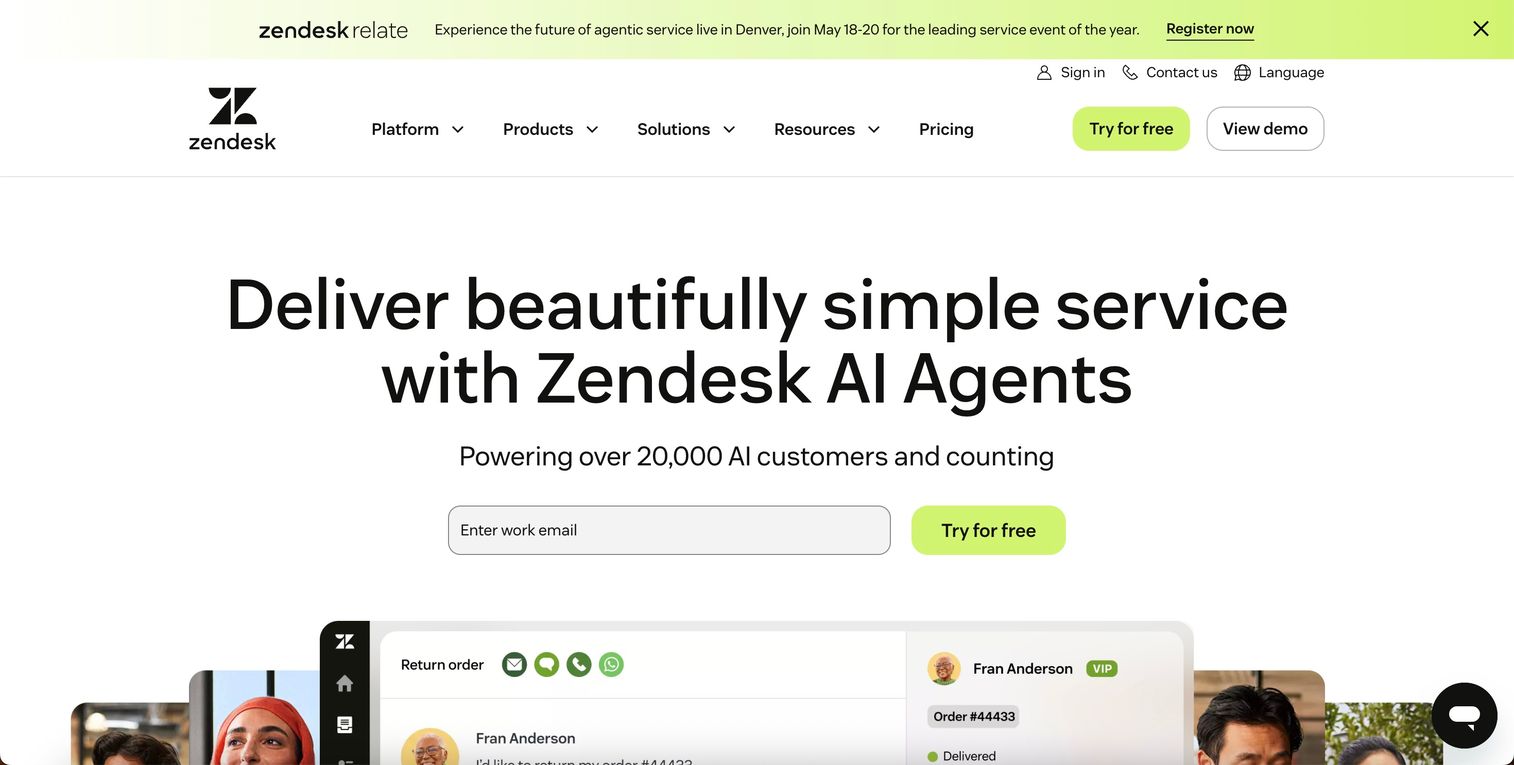
Zendesk Guide is an enterprise-grade knowledge base tightly integrated with Zendesk ticketing. Support teams already using Zendesk get seamless workflow between tickets and documentation.
Key strengths:
- Native ticketing integration shows agents which articles customers viewed before submitting tickets
- AI-powered content suggestions surface relevant articles based on ticket context
- Robust analytics track article performance and identify content gaps
- Multi-brand support lets enterprise teams manage separate help centers from one platform
Pricing: Starts at $49 per agent/month on the Suite Team plan. Enterprise pricing requires custom quotes and scales with agent count, making it expensive for larger support teams.
2. Help Scout Docs
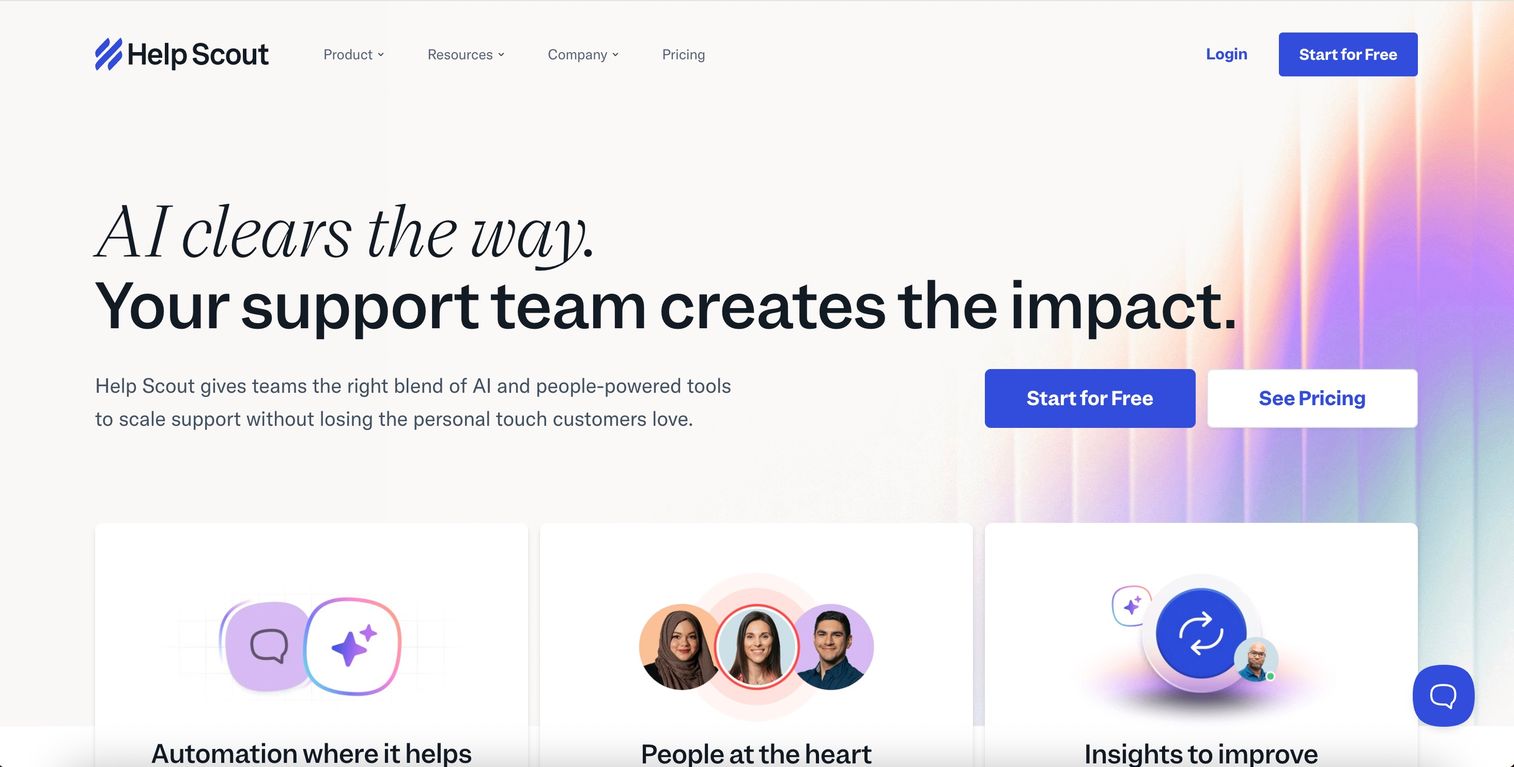
Help Scout Docs offers a simple, clean knowledge base for small to mid-size teams. The interface prioritizes ease of use over advanced features, and setup takes hours rather than weeks.
Key strengths:
- Intuitive editor requires no technical knowledge to publish or update articles
- Fast search with instant results improves user experience
- Clean, distraction-free design keeps users focused on content
- Shared inbox integration surfaces relevant articles during customer conversations
Pricing: Docs is included free with Help Scout's Standard plan at $20 per user/month. No separate knowledge base fee makes it cost-effective for small teams already using Help Scout for email support.
3. Freshdesk Knowledge Base
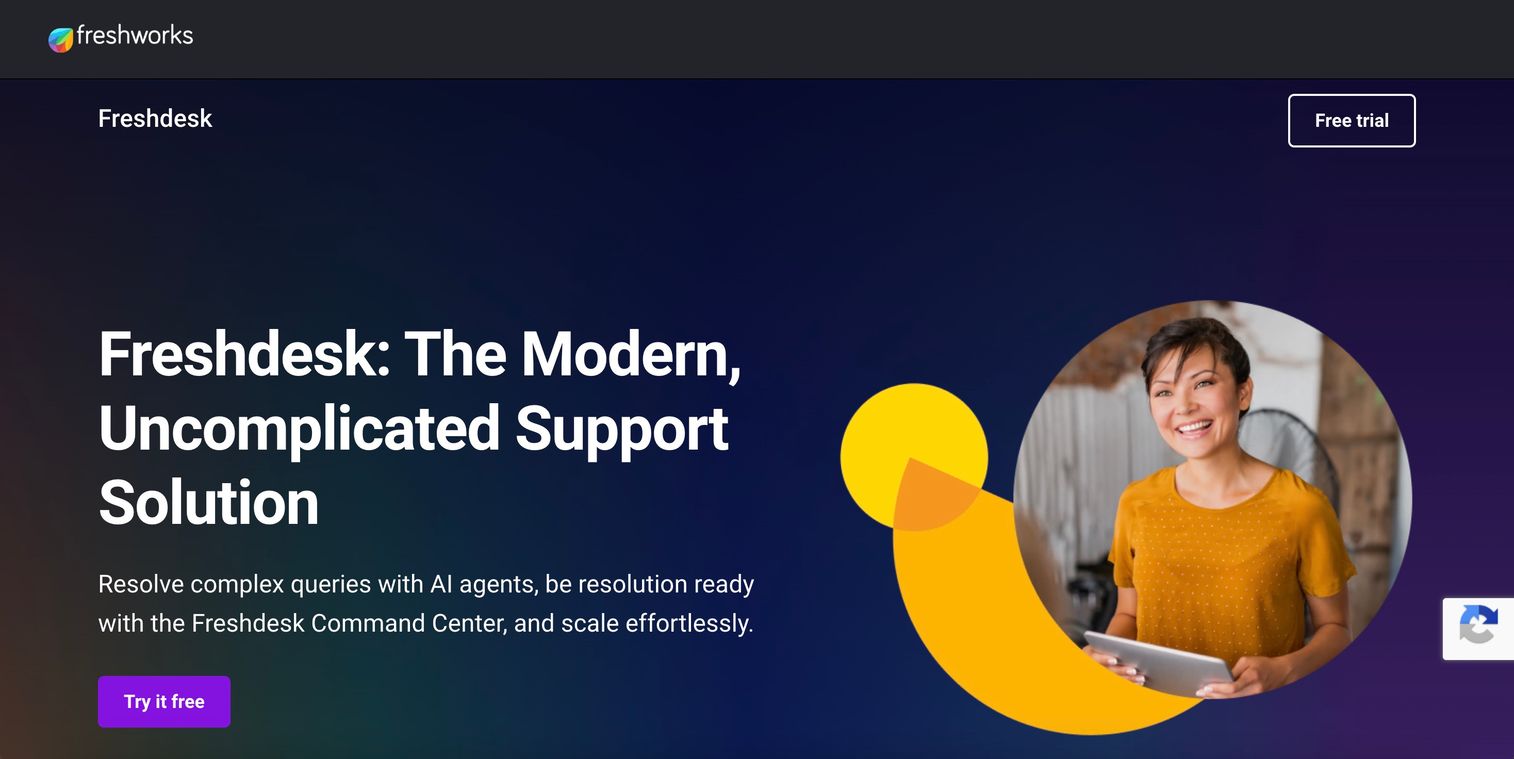
Freshdesk Knowledge Base is part of the Freshworks suite with multilingual support and AI-powered article suggestions. It's a solid mid-market option with competitive pricing.
Key strengths:
- Multilingual support with 42+ languages helps global teams serve diverse customer bases
- AI-powered article suggestions recommend content based on ticket patterns
- SEO-friendly URLs and metadata improve discoverability through search engines
- Category-based permissions control which content different user segments can access
Pricing: Knowledge base included in all plans starting at $15 per agent/month (Growth plan). Pro plan at $49 per agent/month adds multilingual support and advanced customization.
4. Intercom
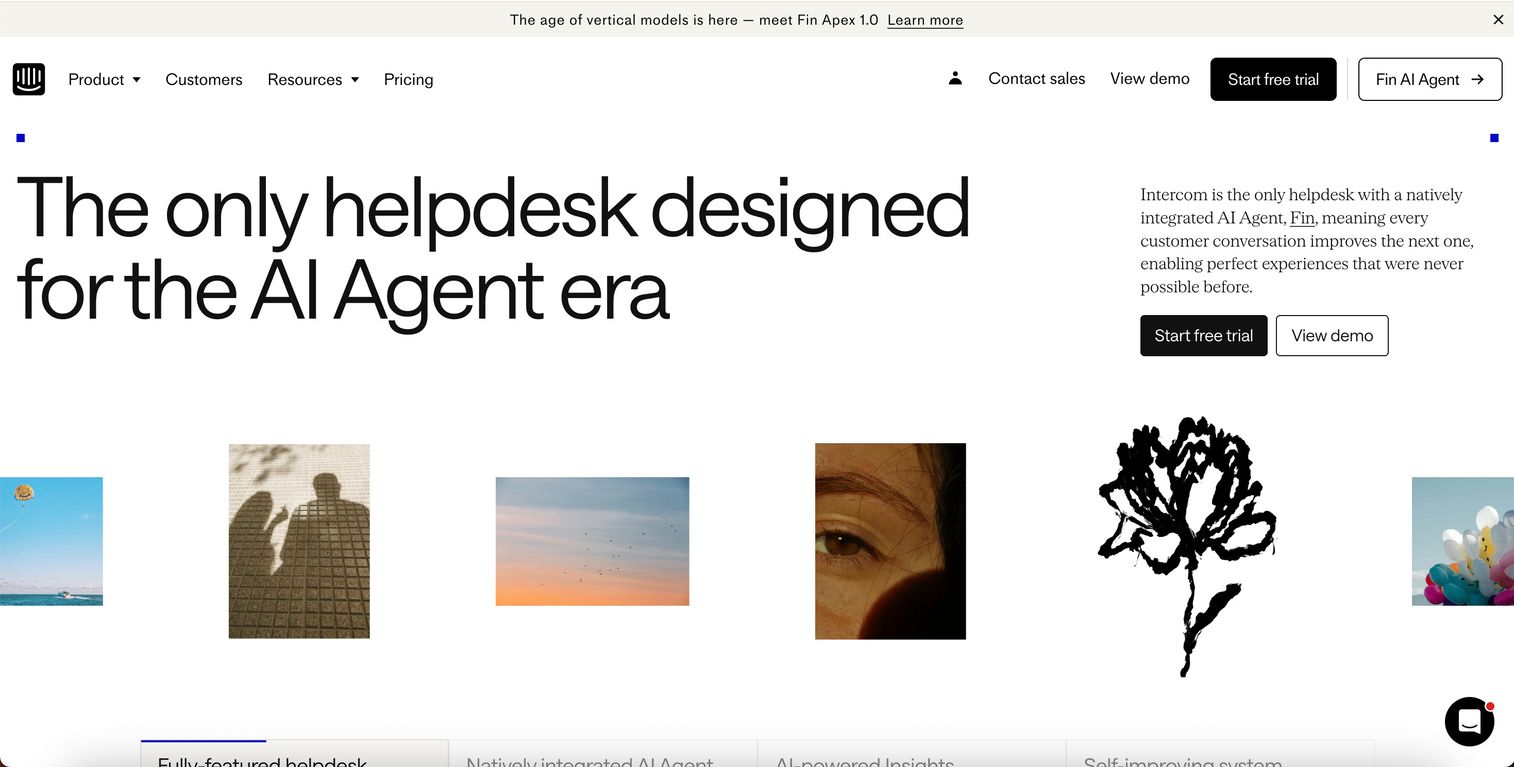
Intercom integrates help content with Intercom's messenger and chat. Articles appear contextually during conversations, so users see relevant help without leaving the chat window.
Key strengths:
- Contextual article delivery surfaces help content during live chat conversations
- In-messenger search lets users find answers without leaving the product
- Behavioral targeting shows specific articles based on user actions or page location
- Unified inbox connects help content performance to conversation data
Pricing: Articles are included in the Support plan starting at $74 per seat/month. Pricing increases significantly with volume, making it expensive for larger teams or high-traffic help centers.
5. HubSpot Knowledge Base
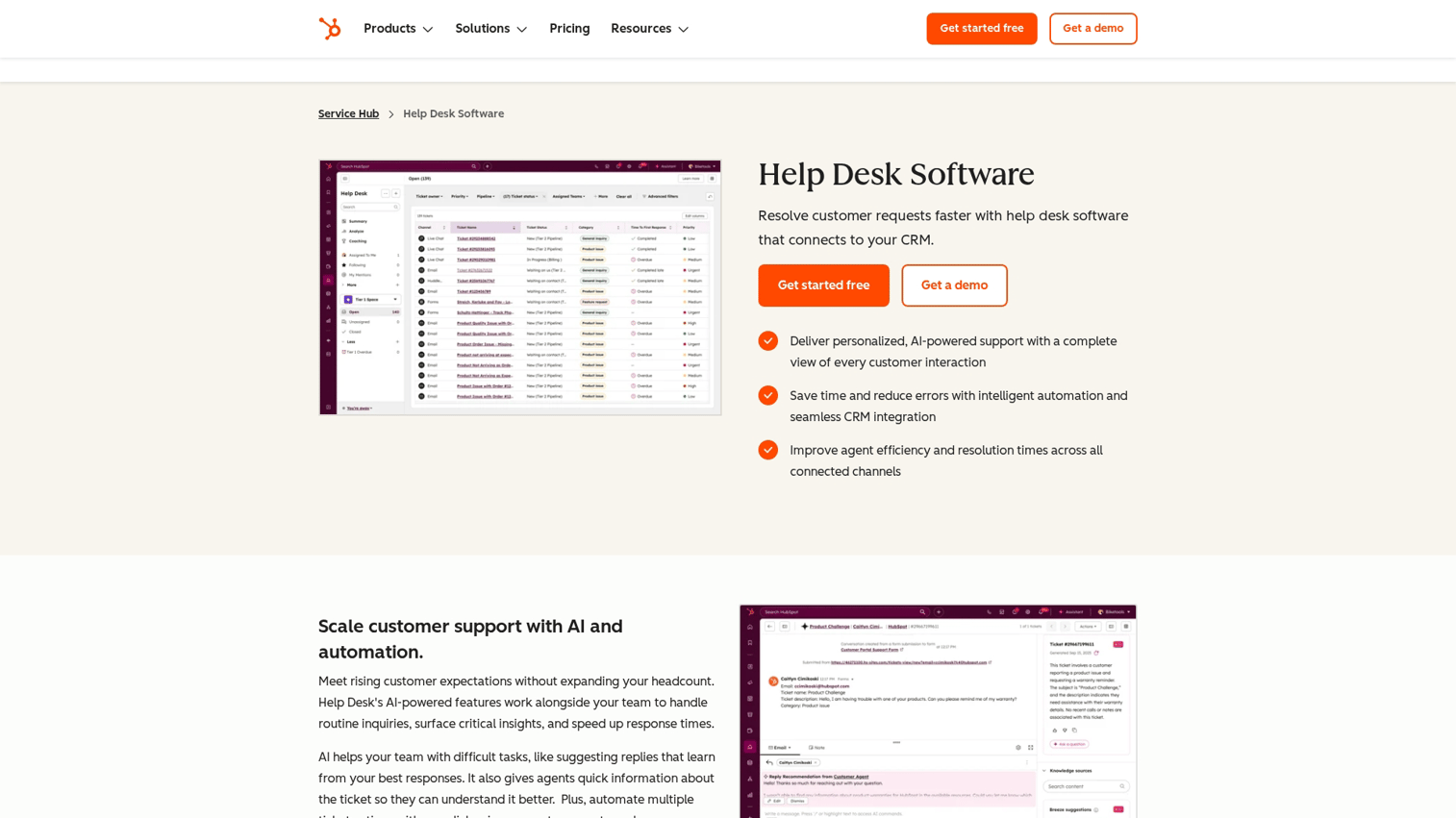
HubSpot Knowledge Base is native to HubSpot Service Hub with CRM data connection. Teams already invested in the HubSpot ecosystem get unified reporting across marketing, sales, and support.
Key strengths:
- CRM integration connects help center activity to customer records and lifecycle stages
- Unified reporting shows how help content impacts customer journey metrics
- Smart content personalizes articles based on contact properties or list membership
- Native HubSpot tools integration eliminates data silos across teams
Pricing: Knowledge base is included in Service Hub Professional at $450/month for 5 seats. Additional seats cost $90/month each. Requires existing HubSpot subscription, making it expensive for teams only needing help center functionality.
6. Zoho Desk
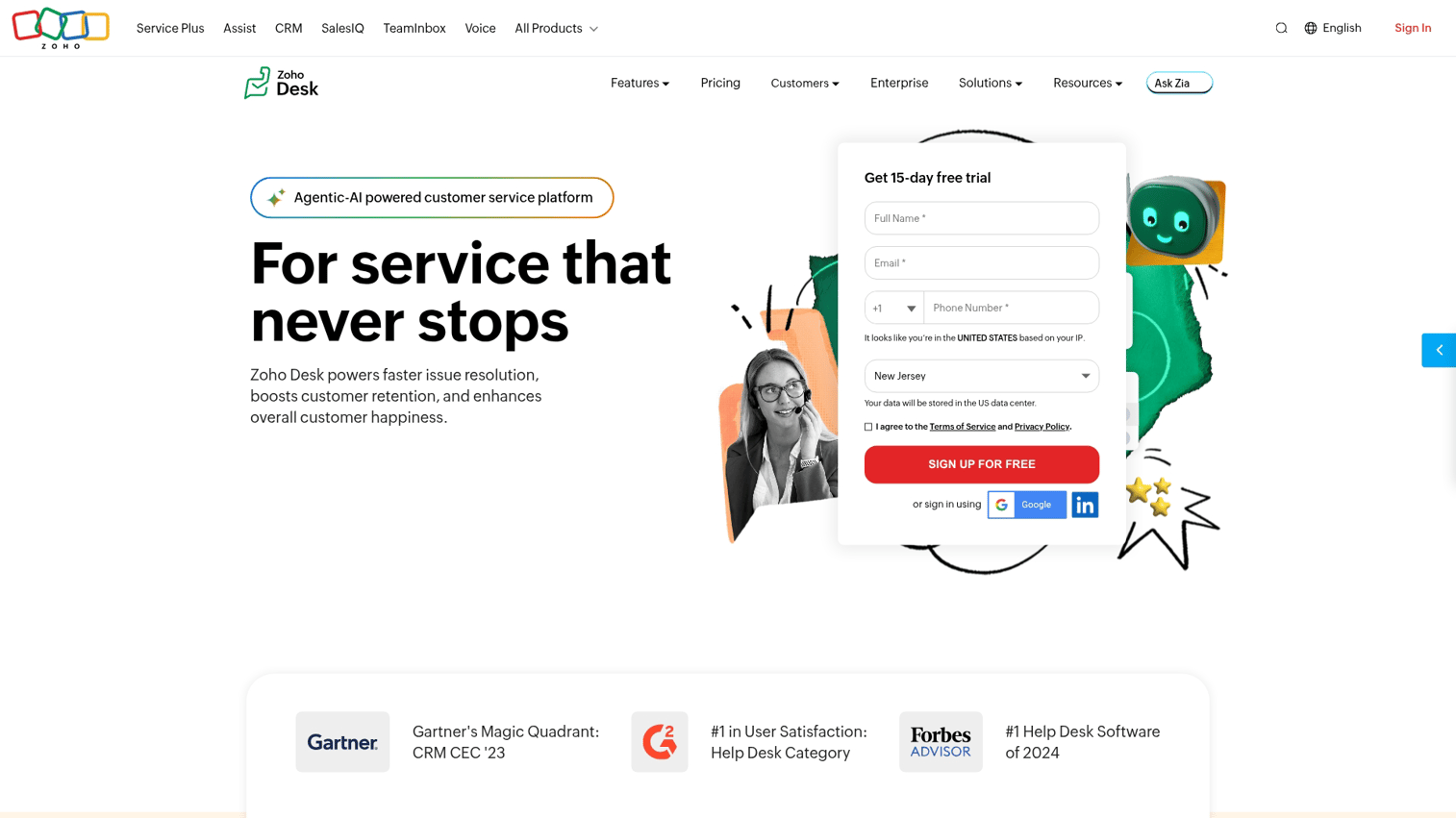
Zoho Desk offers an affordable help desk with built-in knowledge base. Small businesses needing a full support suite on a budget find strong value here.
Key strengths:
- Affordable pricing includes ticketing, knowledge base, and community forums in one platform
- Zia AI assistant suggests articles to agents and customers during support interactions
- Multi-department knowledge bases let teams maintain separate content for different products
- Zoho ecosystem integration connects to CRM, analytics, and other Zoho products
Pricing: Starts at $14 per agent/month (Standard plan) with knowledge base included. Professional plan at $23 per agent/month adds multilingual support and advanced customization. Most affordable full-featured option for small teams.
7. Document360
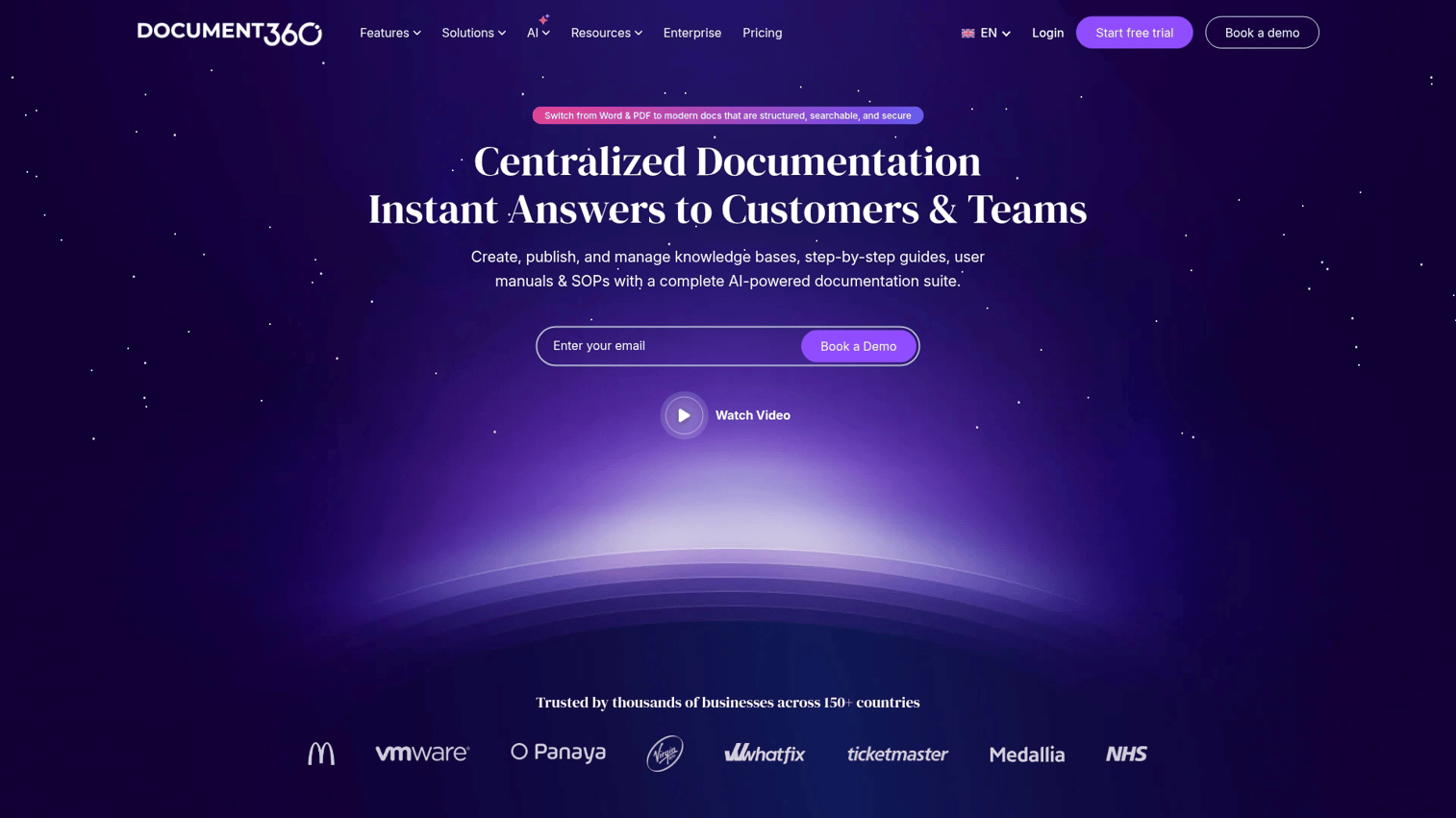
Document360 is a dedicated knowledge base platform with advanced versioning and analytics. Teams creating extensive technical documentation appreciate the category management and version control.
Key strengths:
- Advanced version control tracks changes and lets teams roll back to previous article versions
- Category analytics show which documentation sections drive the most engagement
- Private knowledge bases support internal documentation alongside customer-facing content
- Markdown support and API documentation tools serve technical writing teams
Pricing: Starts at $149/month per project (Standard plan) with unlimited articles and team members. Business plan at $299/month adds advanced analytics and custom domains. Per-project pricing works well for teams managing multiple product lines.
8. HelpCenter.io
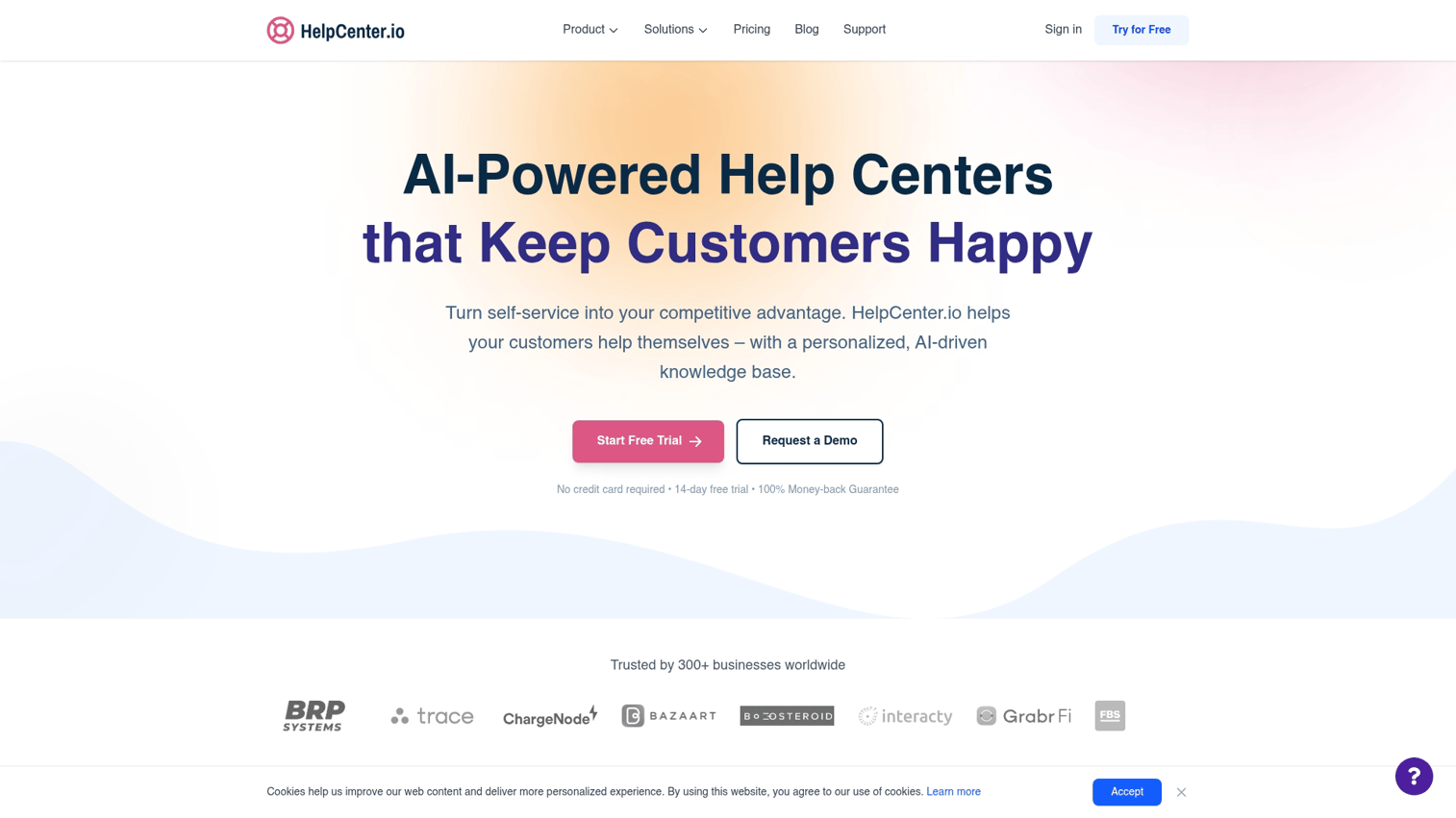
HelpCenter.io is an AI-powered help center focused on reducing support load. The visual editor and embeddable FAQ widgets make setup quick for SaaS teams.
Key strengths:
- AI content generation helps teams create article drafts faster
- Embeddable widgets let you add FAQ sections to any page without custom development
- Visual editor with drag-and-drop components speeds up content creation
- Quick setup gets teams live in hours rather than days
Pricing: Flat-rate pricing starts at $49/month (Starter plan) for unlimited articles and team members. Pro plan at $99/month adds custom domain and advanced analytics. Predictable costs make budgeting easier than per-seat models.
9. Notion
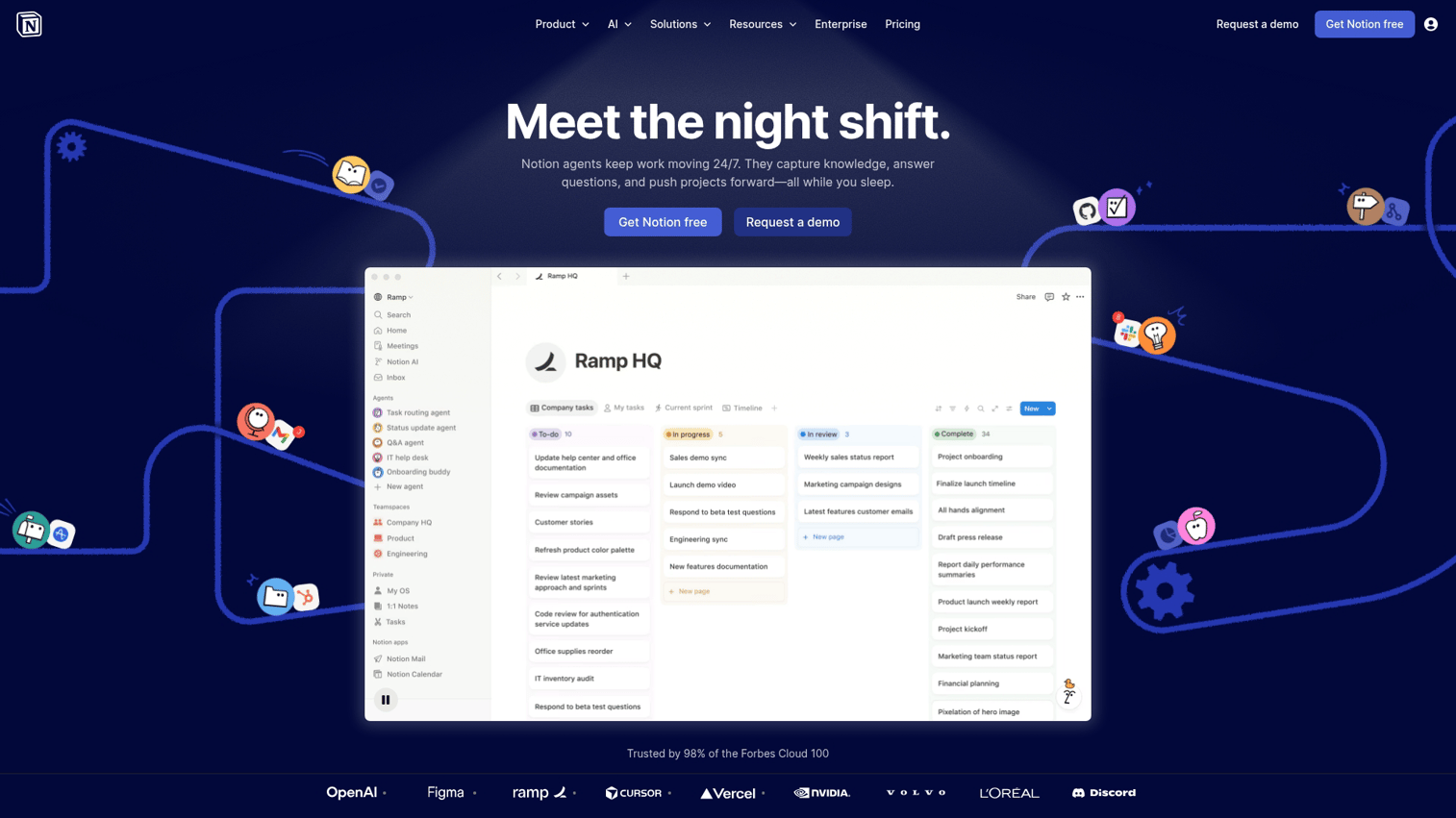
Notion isn't a dedicated help center, but many teams use public Notion pages for documentation. It's free, flexible, and familiar to teams already using Notion internally.
Key strengths:
- Free for basic use with unlimited public pages
- Flexible page structure adapts to any documentation style or format
- Familiar interface for teams already using Notion internally
- Database views let you organize content multiple ways simultaneously
Pricing: Free for individuals with unlimited pages. Plus plan at $8 per member/month adds unlimited file uploads and version history. The tradeoff is missing help center-specific features like search analytics, ticket deflection tracking, and native support integrations.
10. GitBook
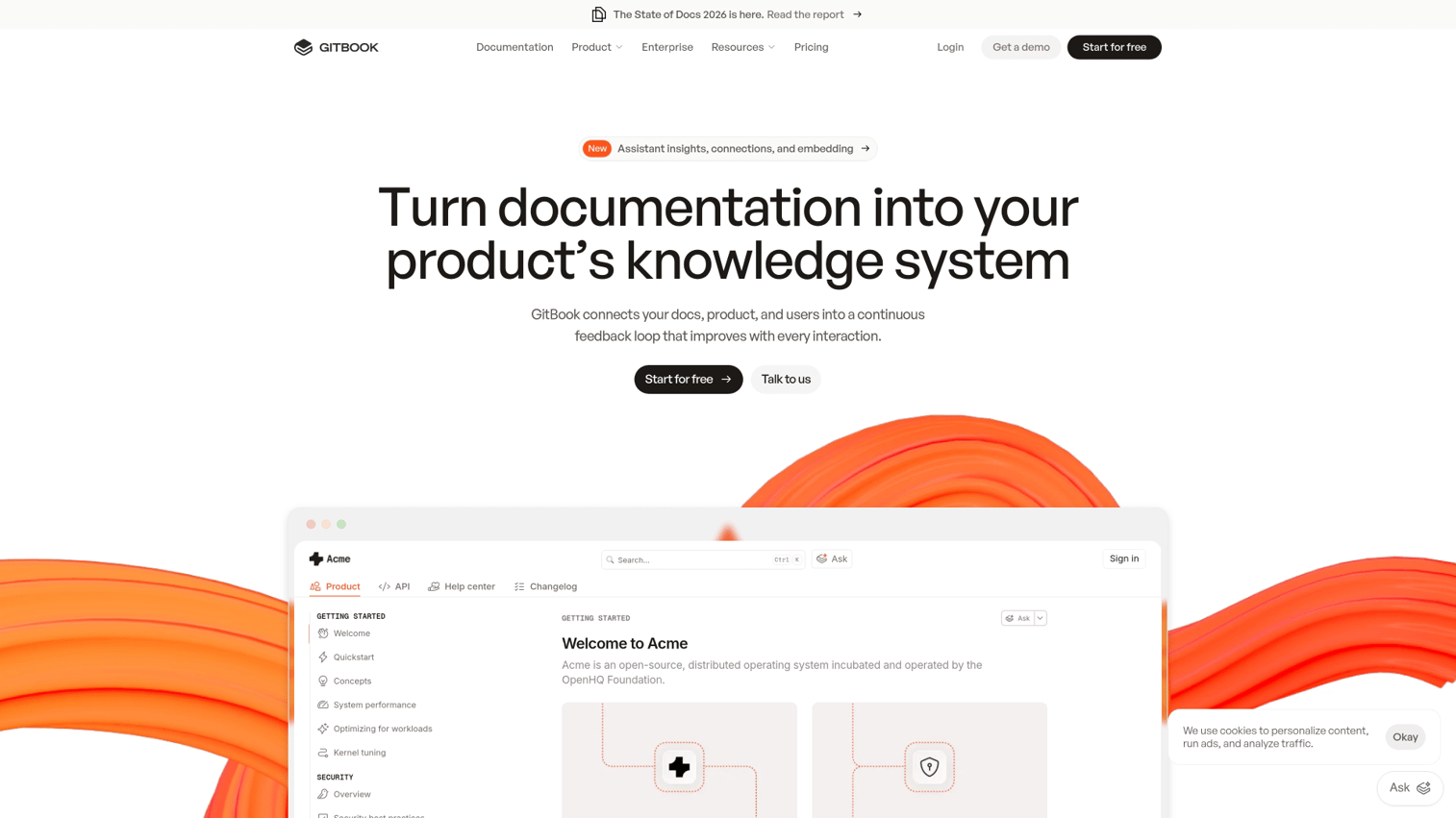
GitBook is a developer-focused documentation platform with clean design. Technical docs and API references look polished with minimal effort.
Key strengths:
- Clean, modern design makes technical documentation easy to navigate
- Git sync keeps documentation in version control alongside code
- OpenAPI integration auto-generates API reference documentation
- Code block syntax highlighting supports dozens of programming languages
Pricing: Free for public documentation with basic features. Plus plan at $6.70 per user/month adds custom domains and advanced customization. Limited support-specific features like ticketing integration or customer-facing analytics make it better suited for developer documentation than general customer support.
11. Confluence
Confluence is Atlassian's wiki platform, often used for internal and external knowledge bases. Teams already using Jira get native integration between documentation and issue tracking.
Key strengths:
- Jira integration connects documentation to development tickets and roadmaps
- Powerful page templates standardize documentation across teams
- Robust permissions control who can view, edit, or comment on content
- Atlassian ecosystem integration works with existing workflows for development teams
Pricing: Free for up to 10 users. Standard plan at $5.16 per user/month for 11-100 users. Premium at $9.89 per user/month adds advanced permissions and analytics.
The interface can feel heavy for simple customer-facing help centers.
12. Guideflow
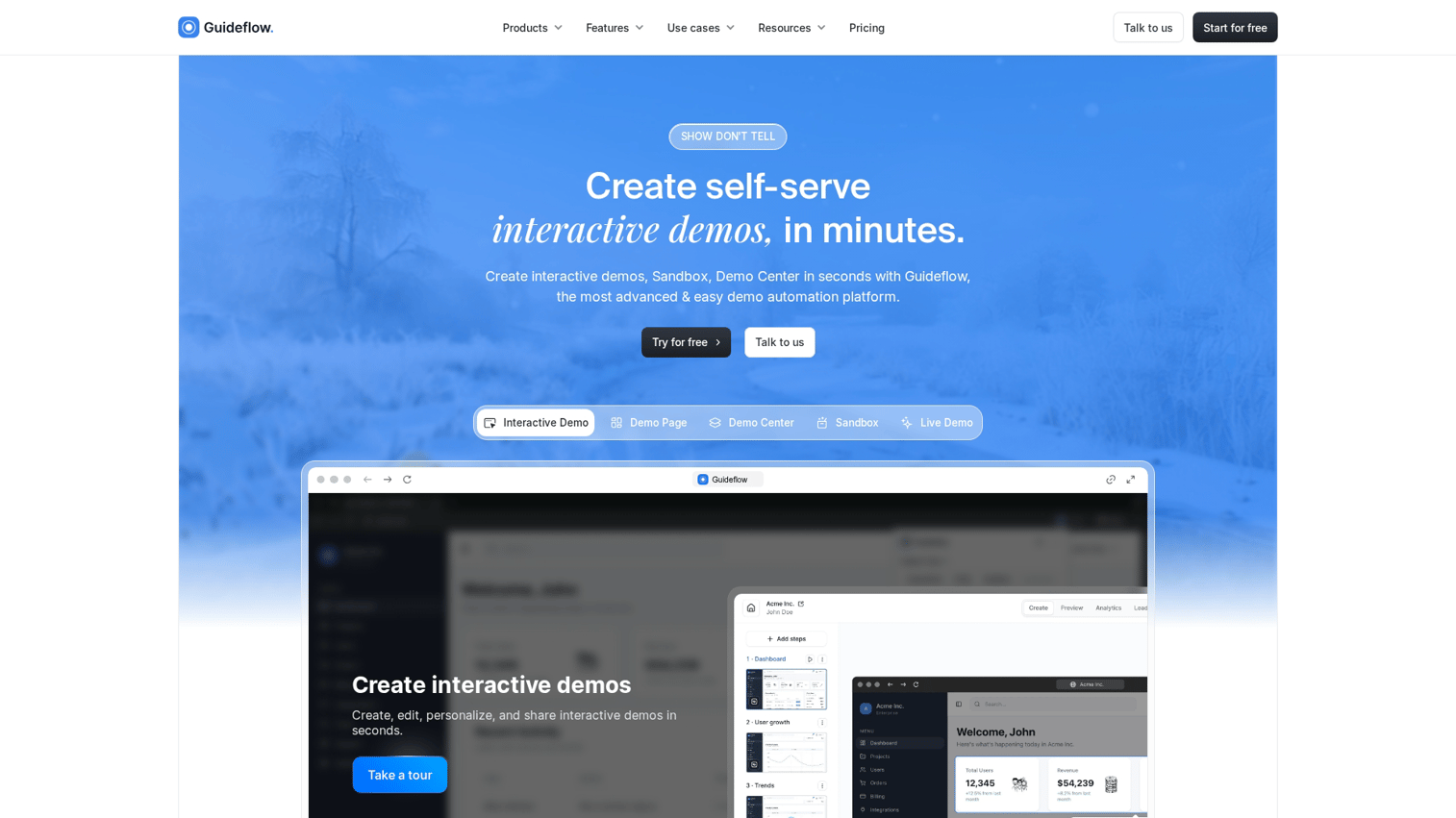
Guideflow turns product flows into clickable, guided experiences you can embed directly in help centers. Rather than describing how features work, you show users the exact steps inside a realistic product environment.
Customer success teams use this approach to reduce repetitive onboarding questions. Users click through the workflow themselves instead of reading instructions. The platform also captures engagement data so you see which help content drives adoption and where users drop off.
Key strengths:
- Interactive product walkthroughs let users click through workflows instead of reading instructions
- Embeddable demos integrate directly into help articles, landing pages, or support tickets
- Engagement analytics show exactly where users drop off or get confused
- No-code editor lets customer success teams create and update guides without engineering
Pricing: Starts at $40 per seat/month with volume discounts for larger teams. Free trial available to test interactive demos before committing. Pricing scales based on the number of team members creating and managing guides, not end-user views or engagement.
How to choose the right help center platform for your team
Picking the right platform starts with understanding your specific situation rather than chasing feature lists.
1. Map your current support pain points
Before evaluating tools, diagnose the specific problems you're solving. Are tickets repetitive? Is content outdated?
Can users not find answers? Do you lack visibility into what content works?
The answers shape which features matter most. A team drowning in repetitive tickets needs strong self-service and deflection tracking. A team with outdated documentation needs easy editing workflows.
2. Define your must-have features and budget
Separate "must-haves" from "nice-to-haves" before evaluating. Pricing models vary significantly, including per-agent, per-user, and flat-rate structures that affect total cost differently at scale.
A platform that costs $50/month for a 5-person team might cost $500/month for a 50-person team under per-user pricing.
3. Evaluate ease of setup and ongoing maintenance
Ask practical questions: Can non-technical team members update content? How long does initial setup take? What's the learning curve for new team members?
A powerful platform that requires engineering involvement for every update creates bottlenecks.
4. Test integrations with your existing support stack
Verify connections to CRM, ticketing, chat, and analytics tools before committing. Broken integrations create data silos where support teams can't see the full customer picture.
Run actual test data through the integrations during your trial.
5. Run a pilot with one high-volume use case
Start with your most common support question or onboarding flow. Measure ticket deflection and user feedback before rolling out broadly.
A focused pilot gives you real data on whether the platform works for your situation.
How to measure help center effectiveness and ROI
Tracking the right metrics proves whether your help center investment is working.
Ticket deflection rate
Ticket deflection rate is the percentage of users who view help content and don't submit a ticket. This is the primary ROI metric for help centers, and well-designed portals deflect 40–60% of incoming queries. For a deeper look at the tools that power this, see our guide to best knowledge base software.
Calculate it by comparing ticket volume before and after implementation. You can also track users who viewed help content and then did or didn't submit tickets.
Self-service resolution rate
Self-service resolution rate measures the percentage of help center visitors who find an answer without escalating. It's different from deflection because it measures perceived success, not just behavior.
Many platforms include "Was this helpful?" prompts that feed this metric.
Article and guide completion rate
For interactive product demos and guided walkthroughs, completion rate shows whether users followed through or dropped off. Low completion signals confusing content or steps that don't match user expectations.
Track where users drop off, not just whether they complete.
Time to value for new users
Time to value measures how quickly new users reach their first success moment. Help centers that accelerate onboarding directly impact this metric. See our guide on best user onboarding software tools for platforms that pair well with help centers.
Compare time to value for users who engaged with help content versus those who didn't.
Customer satisfaction score
Track CSAT at the article level to identify which content needs improvement. Aggregate scores show overall help center health, but article-level scores pinpoint specific problems.
Low CSAT on high-traffic articles deserves immediate attention.
Turn your help center into a self-service engine with interactive demos
Static articles only go so far because users still have to translate text into action. They read instructions, switch to the product, and try to remember what they read. That translation gap is where confusion happens.
Interactive demos embedded in help centers eliminate the gap, functioning as a demo center for support teams. Users click through the exact steps inside a realistic product environment. They see what to click, where to look, and what happens next.
This approach works particularly well for complex workflows where screenshots and text descriptions fall short. Instead of describing a 10-step process, you show it.
Get started now to create your first interactive guide in minutes.
FAQs about interactive help centers
A knowledge base is a collection of articles and documentation. A help center is the customer-facing destination that organizes knowledge base content alongside other support resources like contact forms, community forums, and interactive guides.
Pricing ranges from free (Notion, basic tiers of some platforms) to enterprise contracts exceeding $1,000/month. Most mid-market tools charge $15-50 per user or per agent on a monthly basis.
Yes. Platforms like Guideflow let you embed clickable product walkthroughs directly in help articles. Users follow along step-by-step inside a realistic product environment instead of reading static instructions.
Process service coordination typically combines help desk software, workflow automation, and knowledge management tools. The combination lets teams route requests to the right people, track resolution status, and maintain consistent documentation.
Platforms with branding control let you customize colors, fonts, logos, and domains so the help center looks like a native part of your product. Generic options use the vendor's branding or offer limited customization.
Basic setup takes days to a few weeks depending on content volume and complexity. Migrating existing documentation, configuring integrations, and customizing branding add time. Full optimization with analytics tracking and workflow refinement typically takes a few months of iteration after initial launch.