Most users who sign up for your product never come back - average activation rates sit at just 37.5%. They hit a wall somewhere between "Create Account" and actually getting value, and they quietly disappear.
User onboarding tools fix that gap by guiding new users through your product with automated tours, checklists, and interactive experiences. This guide covers 31 tools across categories including in-app guidance, interactive demos, email, analytics, and support, with practical recommendations for teams at every stage.
TL;DR
- User onboarding tools guide new users through your product after signup, helping them reach value faster and reducing churn.
- In-app platforms like Userpilot and Appcues create tooltips, checklists, and product tours directly inside your application.
- Interactive demos let users experience your product before or during onboarding without requiring a live call or login.
- Email, analytics, and support tools work alongside in-app guidance to create a complete onboarding stack.
- Most teams combine 3-4 tools rather than relying on a single platform.
What's inside this guide
This guide covers 31+ user onboarding tools across categories including in-app guidance, interactive demos, email automation, analytics, and self-serve support. We selected tools based on no-code capabilities, SaaS focus, and proven adoption metrics. You'll find practical guidance on which combinations work for startups, growth-stage companies, and enterprise teams.
What is user onboarding software
User onboarding software helps new users understand and adopt your product after they sign up. The core function is guiding users to their "aha moment" faster through automated, in-app experiences rather than manual training or documentation alone. The term often gets confused with customer onboarding, which typically refers to account-level implementation and success management for B2B customers. User onboarding focuses on the individual person learning to use your product.
- Product tours: Step-by-step walkthroughs inside the app that highlight key features
- Checklists: Task lists that track user progress toward activation milestones
- Tooltips: Contextual hints that appear on specific UI elements
- Interactive demos: Clickable product experiences users can explore before or during onboarding
Why SaaS teams invest in onboarding tools
Manual onboarding doesn't scale. When your team personally walks every new user through the product, you create a bottleneck that limits growth and burns out your support staff.
- Faster time-to-value: Users reach their first success moment sooner
- Lower support burden: Self-serve guidance reduces repetitive questions
- Higher activation rates: Guided experiences prevent drop-off at critical moments
- Scalable education: One flow serves thousands of users without additional headcount
Product teams, customer success teams, and marketing teams all benefit from onboarding automation, though each group typically owns different parts of the user journey.
How to choose the right product onboarding software
Core features to evaluate
Every onboarding platform offers some version of a flow builder, but the depth varies significantly. Look for targeting and segmentation capabilities that let you show different experiences to different user types. Analytics matter more than most teams realize. You want to see not just completion rates but where users drop off and which flows actually correlate with retention.
Integration and compatibility
Your onboarding tool connects to your existing tech stack. CRM integrations (Salesforce, HubSpot) sync user progress with customer records. Analytics platforms (Segment, Amplitude) let you measure onboarding impact on downstream metrics. Slack and email integrations trigger alerts when users complete key milestones or get stuck. The depth of integration varies significantly between platforms.
Pricing models and total cost
Common pricing structures include per-MAU (monthly active user), flat tier, and usage-based models. Watch for hidden costs like implementation fees, overage charges, or premium support tiers. Freemium options exist for startups, but most teams outgrow free tiers quickly once they start segmenting users or need advanced analytics.
No-code vs. developer-required platforms
No-code platforms let non-technical teams build flows without engineering help. The tradeoff: faster deployment but potential customization limits.
| Factor | No-code platforms | Developer-required |
|---|---|---|
| Setup speed | Days | Weeks to months |
| Customization | Template-based | Unlimited |
| Maintenance | Vendor handles | Internal team |
| Best for | Marketing, CS teams | Engineering-led orgs |
Open-source DIY options require developer resources but offer full control and no vendor lock-in.
Best user onboarding tools compared
31 tools is a lot to evaluate. Use this table to shortlist two or three that match your stack and stage, then read the full sections below.
Pricing reflects publicly listed figures at the time of writing. Where vendors gate pricing behind sales, that is noted. G2 ratings are marked N/A for open-source libraries that do not appear on G2.
| # | Product | Category | Best for | Starting pricing | G2 rating |
|---|---|---|---|---|---|
| 1 | Guideflow | Interactive demos | SaaS teams showing product value during onboarding | Free + $40/mo Solo | 5.0/5 |
| 2 | Pendo | In-app onboarding | Enterprise teams tying onboarding to product analytics | Custom pricing | 4.4/5 |
| 3 | UserGuiding | In-app onboarding | Startups and SMBs on limited budgets | $174/mo Starter, billed yearly | 4.7/5 |
| 4 | Userflow | In-app onboarding | Teams prioritizing visual customization and brand control | $100/mo Adoption Agent; $500/mo Studio | 4.8/5 |
| 5 | Chameleon | In-app onboarding | Product-led growth teams with complex segmentation needs | $279/mo Startup | 4.4/5 |
| 6 | Userpilot | In-app onboarding | Mid-market SaaS needing comprehensive onboarding without heavy engineering | $299/mo Starter | 4.6/5 |
| 7 | Intercom product tours | In-app onboarding | Teams already using Intercom for messaging | Add-on, $99/mo Proactive Support Plus | 4.5/5 |
| 8 | Appcues | In-app onboarding | Teams wanting quick, no-code product tours | Custom pricing by MAU tier | 4.6/5 |
| 9 | Customer.io | Email onboarding | Complex journeys needing behavioral triggers | $100/mo Essentials | 4.4/5 |
| 10 | ActiveCampaign | Email onboarding | Teams wanting email, automation, and CRM in one | $29/mo Lite | 4.5/5 |
| 11 | Mailchimp | Email onboarding | Startups running basic onboarding sequences | Free + $13/mo | 4.4/5 |
| 12 | Vero | Email onboarding | Product-led teams triggering emails from in-app behavior | $54/mo Essentials | 4.3/5 |
| 13 | Typeform | Feedback and surveys | Onboarding surveys that feel engaging | Free + $25/mo | 4.5/5 |
| 14 | Hotjar | Feedback and surveys | Understanding where users get stuck | Free + $32/mo | 4.3/5 |
| 15 | Sprig | Feedback and surveys | Product teams running continuous user research | Free + $175/mo | 4.4/5 |
| 16 | Amplitude | Analytics and session replay | Data-driven teams measuring onboarding at scale | Free + $49/mo Growth | 4.5/5 |
| 17 | Mixpanel | Analytics and session replay | Teams tracking specific events and conversion funnels | Free + $24/mo Growth | 4.6/5 |
| 18 | FullStory | Analytics and session replay | Diagnosing onboarding UX problems through user sessions | Free + custom | 4.5/5 |
| 19 | PostHog | Analytics and session replay | Engineering-led teams wanting open-source, self-hosted analytics | Free + usage-based | 4.4/5 |
| 20 | Zendesk Guide | Knowledge base | Teams using Zendesk for unified support and docs | $55/agent/mo (Zendesk Suite) | 4.3/5 |
| 21 | Help Scout | Knowledge base | Smaller teams wanting simple, clean documentation | $22/user/mo Standard | 4.4/5 |
| 22 | Notion | Knowledge base | Startups wanting a quick, customizable docs solution | Free + $10/member/mo | 4.6/5 |
| 23 | Intercom | In-app chat and support | Teams unifying messaging across onboarding and support | $39/seat/mo Essential | 4.5/5 |
| 24 | Drift | In-app chat and support | Teams using chat for onboarding and sales | Custom pricing | 4.4/5 |
| 25 | Crisp | In-app chat and support | SMBs wanting chat, knowledge base, and CRM together | Free + $25/mo | 4.5/5 |
| 26 | Loom | Video and webinar | Personalized onboarding videos at scale | Free + $12.50/user/mo Business | 4.7/5 |
| 27 | Synthesia | Video and webinar | Professional onboarding videos without production | Free + $29/mo Starter ($18 billed yearly) | 4.6/5 |
| 28 | eWebinar | Video and webinar | Scaling live-feeling onboarding without scheduling | $99/mo Starter | 4.9/5 |
| 29 | Intro.js | Open-source and DIY | Developers wanting simple tours without dependencies | Free, open-source | N/A |
| 30 | Shepherd.js | Open-source and DIY | Developers wanting flexible tour styling | Free, open-source | N/A |
| 31 | Driver.js | Open-source and DIY | Developers wanting the lightest bundle footprint | Free, open-source | N/A |
Interactive demo and product sandbox tools
Interactive demo tools let users experience your product through clickable, guided demos before or during onboarding. Rather than describing features, you let prospects and new users feel the product themselves.
1. Guideflow
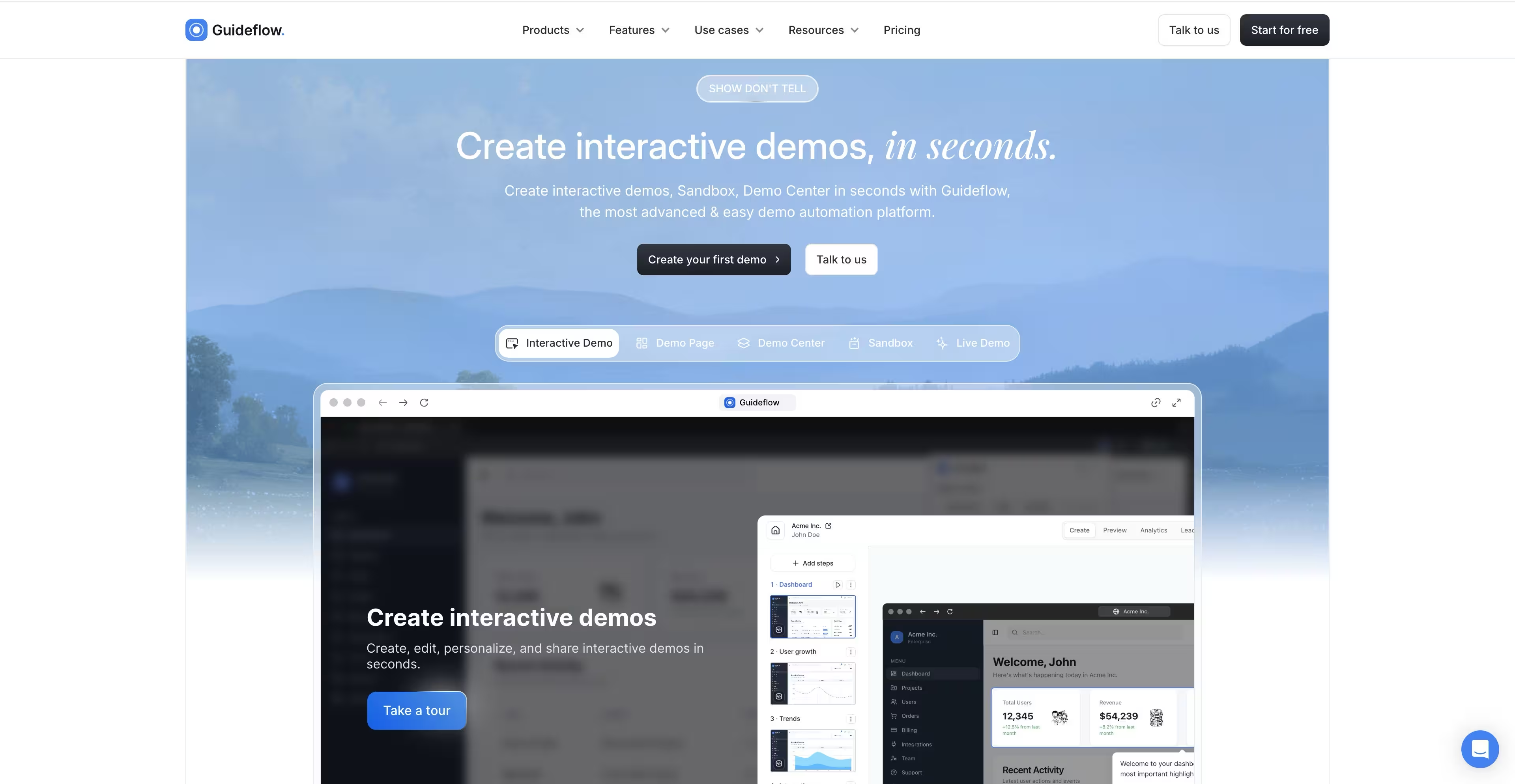
Guideflow is a demo automation platform for creating interactive product demos in minutes. You capture your product flow directly from your browser, then edit and personalize it without code.
The platform supports multiple demo formats: interactive demos for guided walkthroughs, sandbox environments for hands-on exploration, and demo centers for organizing multiple demos by use case or persona.
Best for: SaaS teams wanting to show product value during onboarding without engineering resources.
Key strengths
- Browser-based capture creates demos in clicks
- AI-powered editing for text, translations, and voiceovers
- Personalization at scale with dynamic variables
- Analytics that track engagement, completion, and conversion
- Embed anywhere: websites, emails, help centers, social
Pricing: Free tier available. Paid plans start at $40/month for Solo. Growth at $499/month, Advanced at $1,499/month. G2 Rating: 5.0/5
Start your journey with Guideflow today!
In-app user onboarding tools
In-app tools create guided experiences inside your product. They're the "classic" onboarding category for tooltips, modals, and checklists, and they work best for users who have already signed up and logged in.
2. Pendo
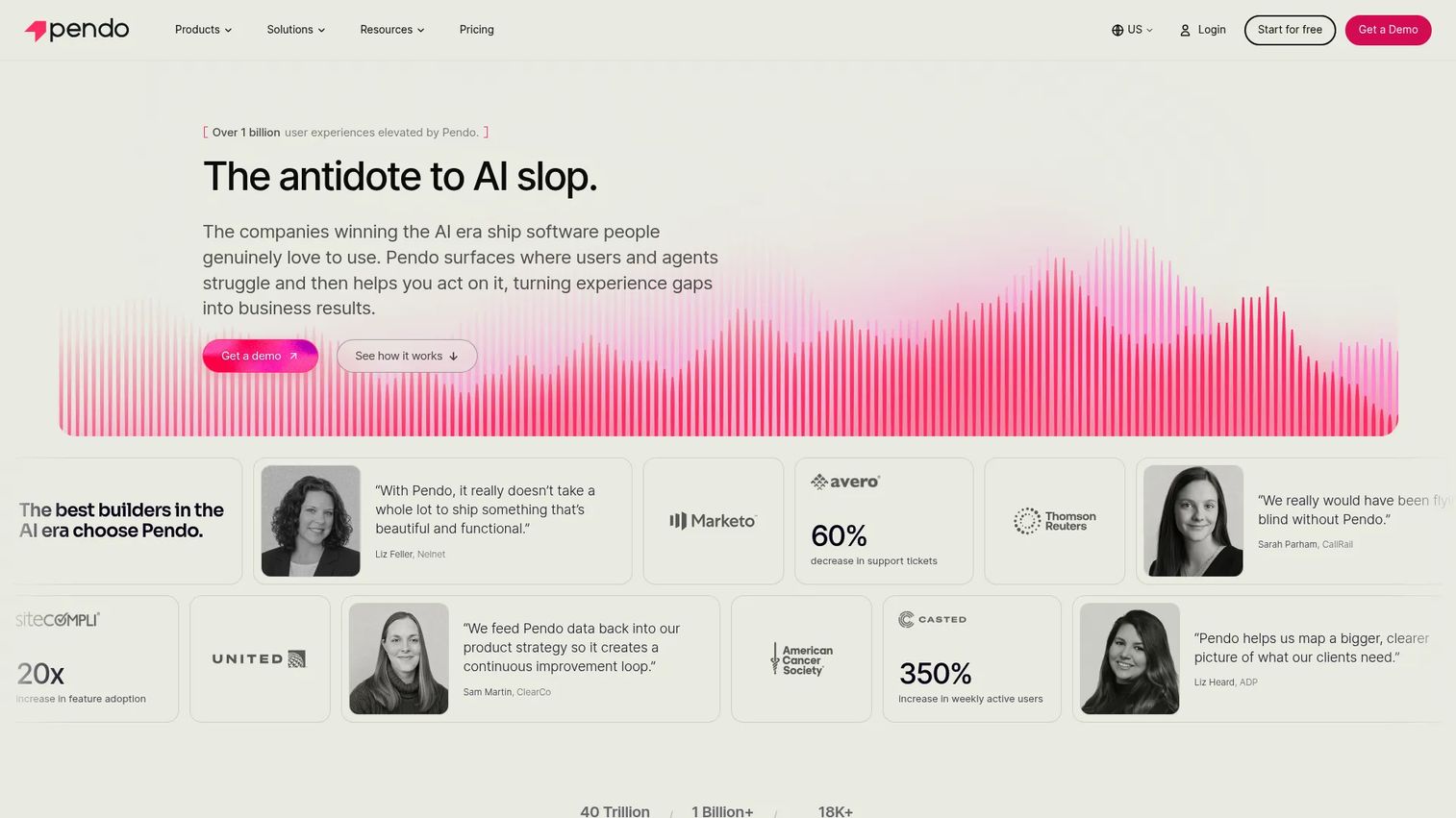
Product analytics plus in-app guidance combined in one platform. Pendo's strength is tying onboarding flows to deep usage data so you can see what actually drives retention.
Best for: Enterprise teams who want onboarding tied to comprehensive product analytics.
Key strengths
- Retroactive analytics without manual event setup
- In-app guides and walkthroughs
- Feedback collection and roadmap tools
- Strong enterprise security and compliance
Pricing: Custom pricing. Contact sales for quotes.
G2 Rating: 4.4/5
3. UserGuiding
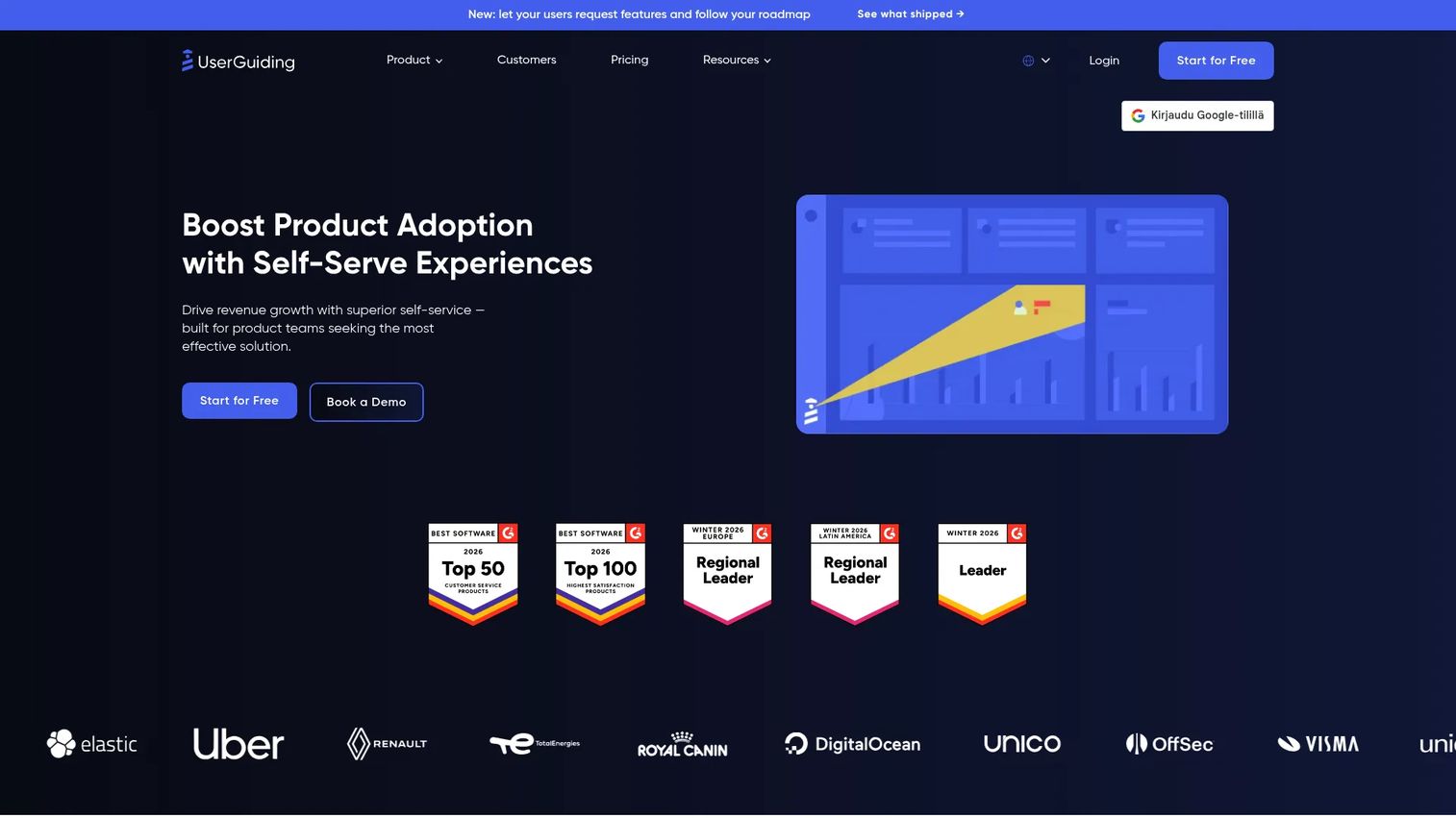
Budget-friendly no-code onboarding with checklists, tooltips, and resource centers. The feature set covers most use cases at a fraction of enterprise pricing.
Best for: Startups and SMBs on limited budgets who still want professional onboarding flows.
Key strengths
- Affordable entry-level pricing
- Onboarding checklists and hotspots
- Knowledge base integration
- NPS and survey tools
Pricing: Starts at $69/month for Basic plan.
G2 Rating: 4.7/5
4. Userflow
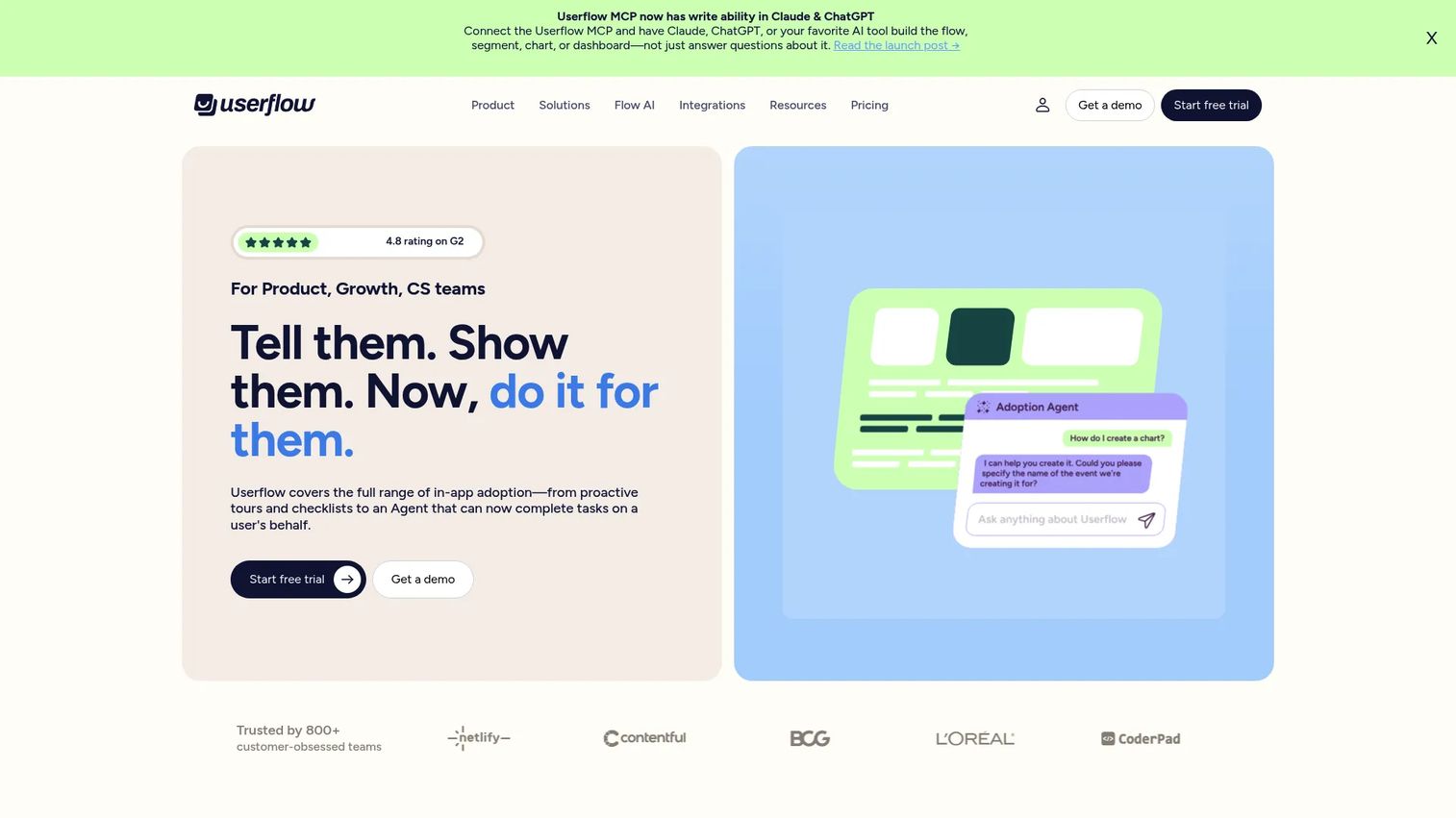
Modern onboarding builder with strong design flexibility. The visual editor gives you more control over styling than most competitors.
Best for: Teams prioritizing visual customization and brand consistency.
Key strengths
- Highly customizable flow design
- AI-powered assistant for in-app help
- Checklists and resource centers
- Developer-friendly with good API access
Pricing: Starts at $240/month for Startup tier.
G2 Rating: 4.8/5
5. Chameleon
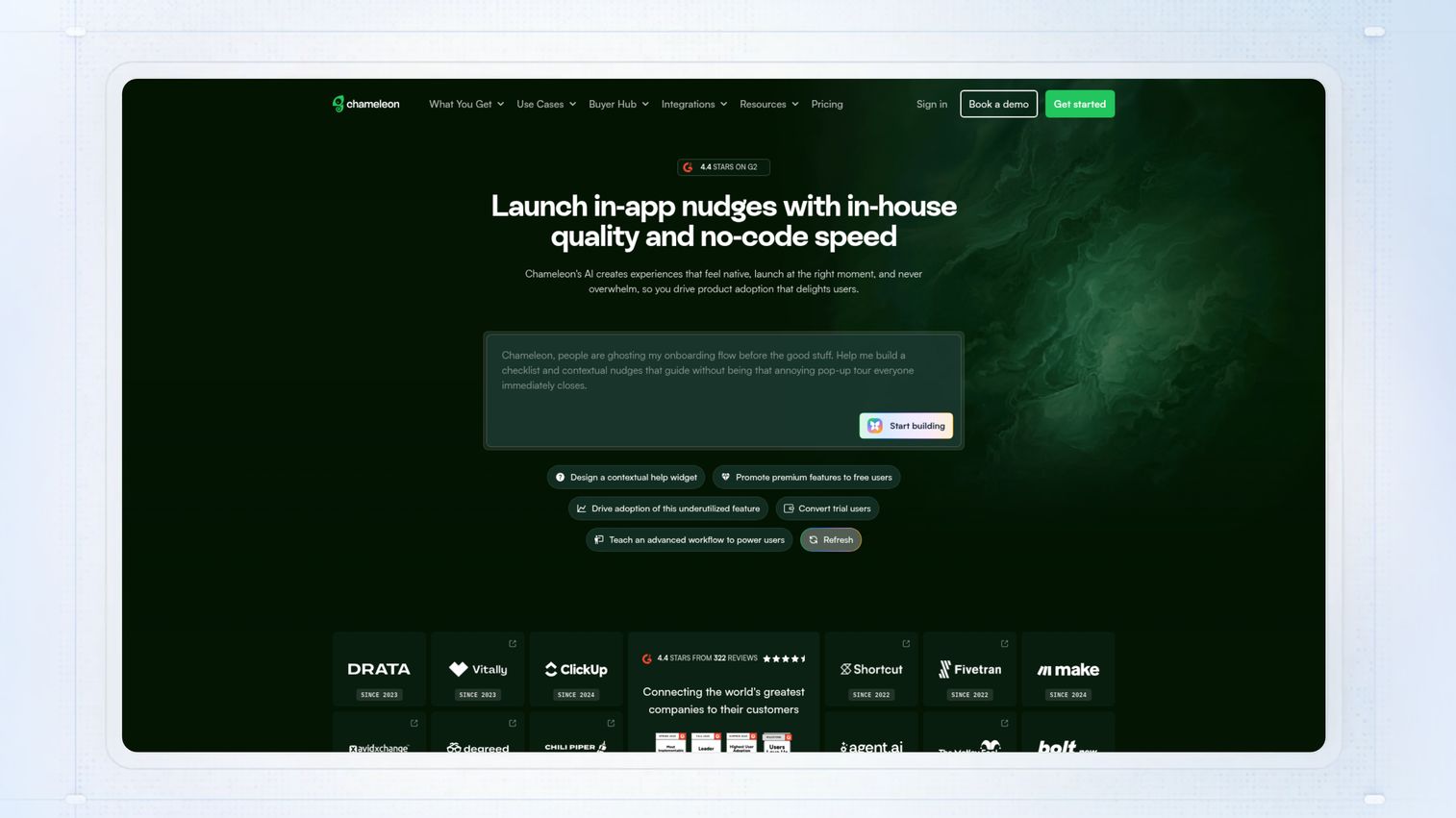
In-app messaging and tours with deep targeting options. Chameleon excels at showing the right message to the right user at the right time.
Best for: Product-led growth teams with complex segmentation requirements.
Key strengths
- Advanced targeting and segmentation
- Microsurveys for feedback collection
- Launchers for feature discovery
- Strong A/B testing capabilities
Pricing: Starts at $279/month for Startup plan.
G2 Rating: 4.4/5
6. Userpilot
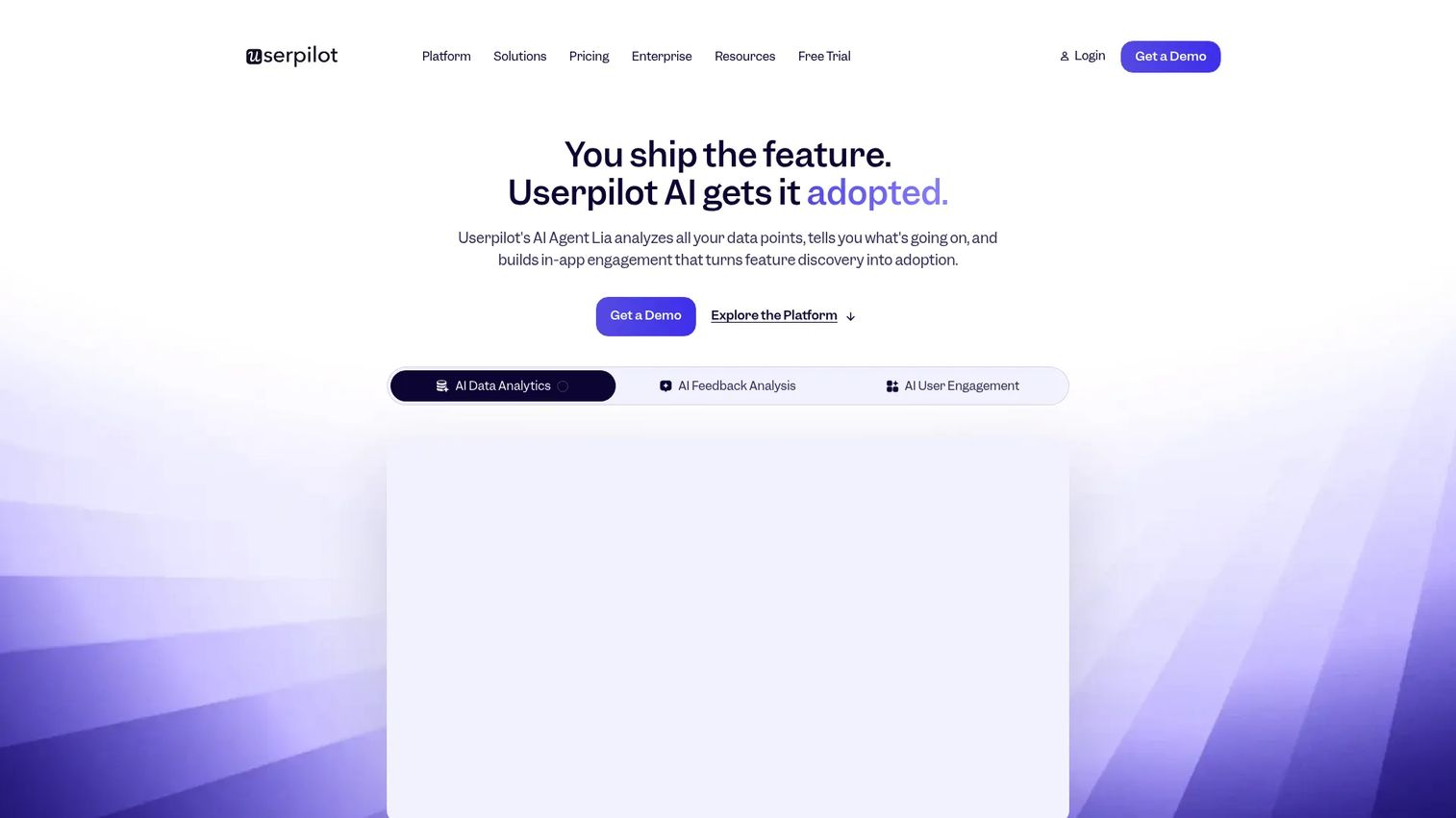
Userpilot is all-in-one product onboarding platform with flow builder, analytics, and in-app surveys. The interface is intuitive enough for product marketers while offering enough depth for product teams.
Best for: Mid-market SaaS needing comprehensive onboarding without heavy engineering involvement.
Key strengths
- No-code flow builder with branching logic
- Built-in product analytics and NPS surveys
- Resource center for self-serve help
- Strong segmentation based on user attributes and behavior
Pricing: Starts at $249/month for Starter tier. Growth and Enterprise tiers available.
G2 Rating: 4.6/5
7. Intercom product tours
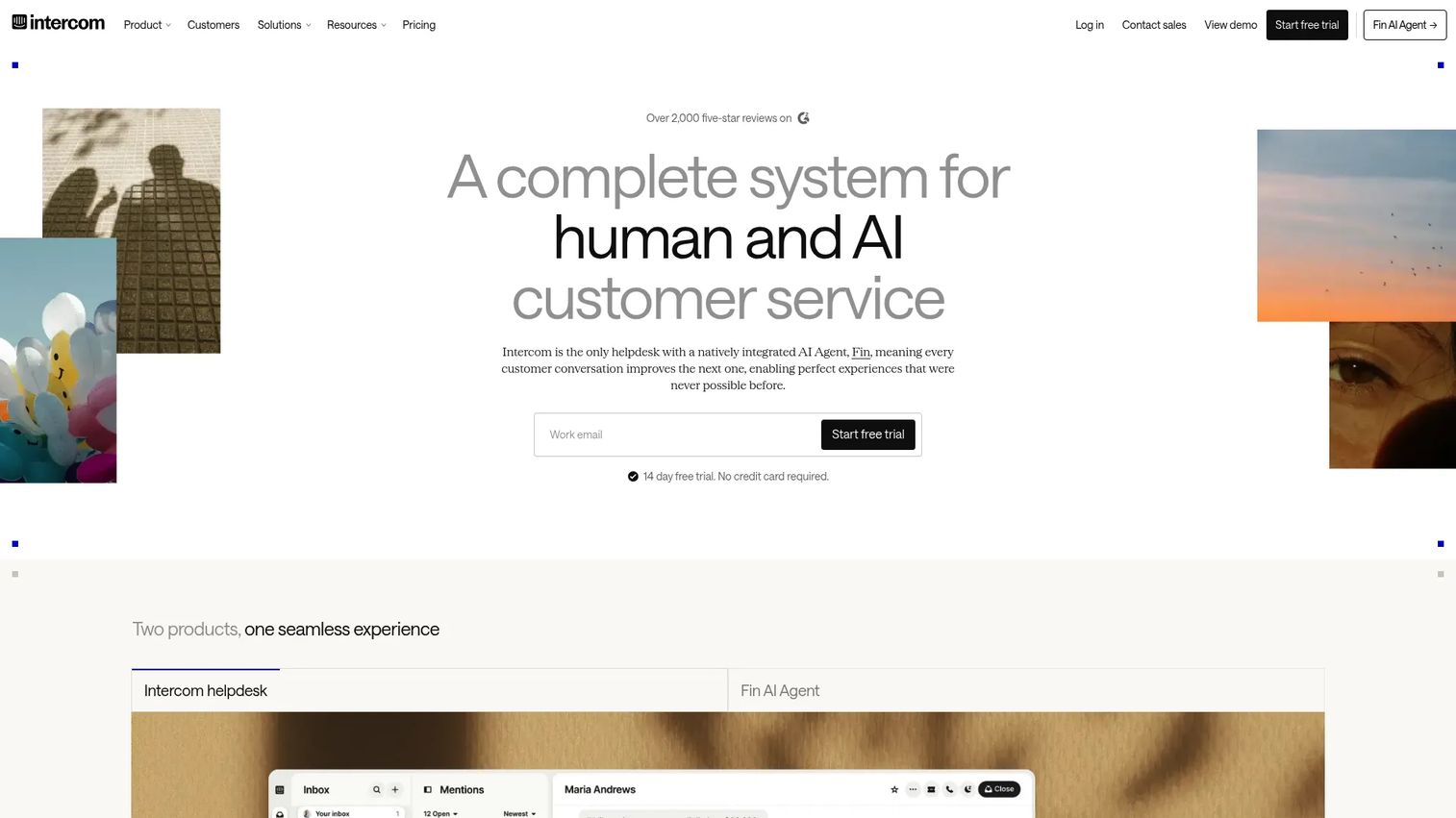
Add-on to Intercom's messaging platform for guided tours. If you're already using Intercom for support and messaging, adding tours keeps everything in one place.
Best for: Teams already using Intercom who want unified messaging and onboarding.
Key strengths
- Seamless integration with Intercom messenger
- Targeted tours based on user data
- Video and GIF support in tours
- Combined with live chat and bots
Pricing: Product tours available as add-on to Intercom plans. Contact sales for pricing.
G2 Rating: 4.5/5
8. Appcues
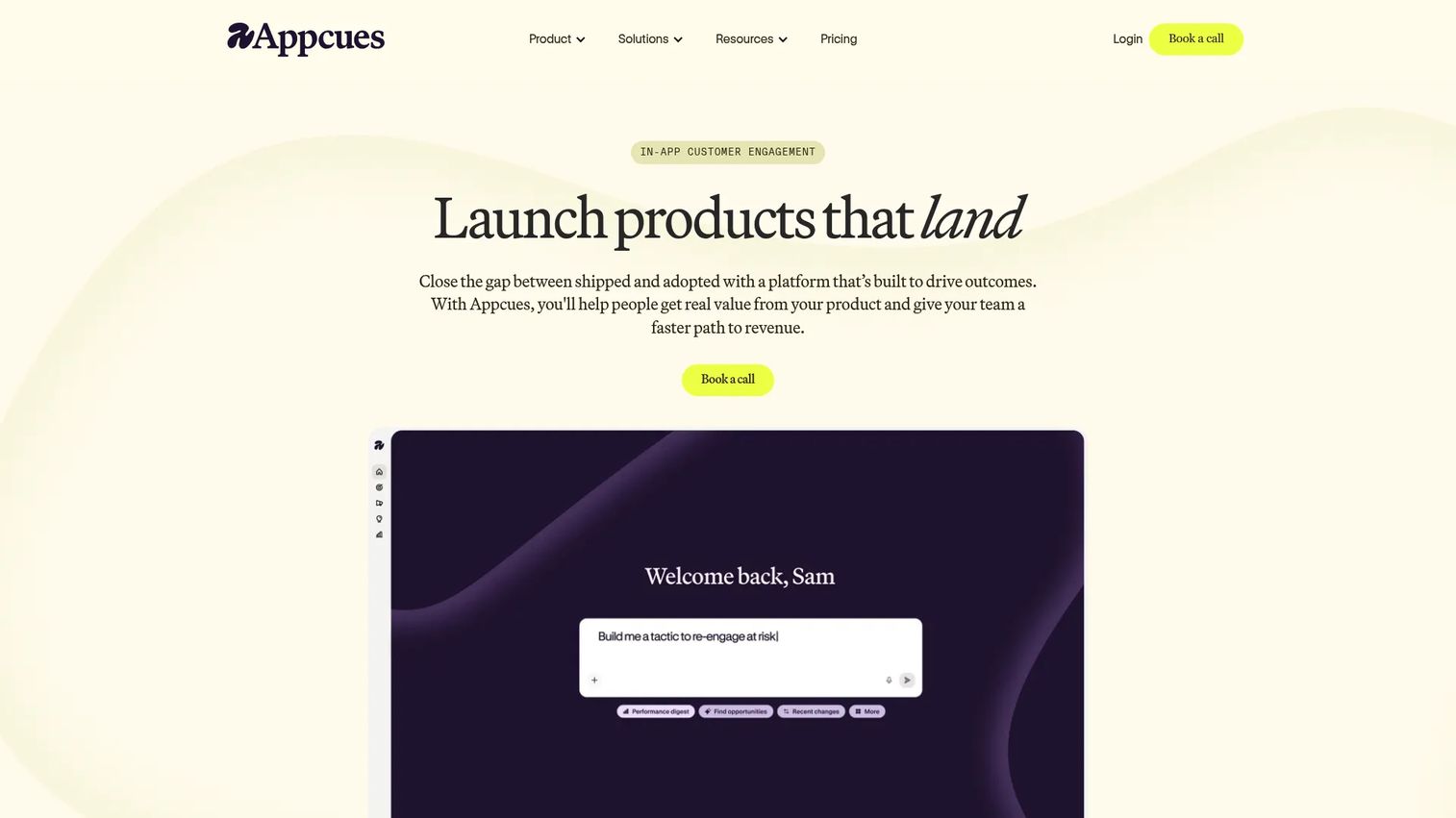
Code-free onboarding builder known for ease of use and strong templates. Many teams start with Appcues because the learning curve is gentle and you can ship your first flow in an afternoon.
Best for: Teams wanting quick deployment of product tours without technical complexity.
Key strengths
- Drag-and-drop builder with pre-built templates
- Checklists, tooltips, and modals
- Event tracking without code
- Integrations with major analytics platforms
Pricing: Starts at $249/month. Custom pricing for enterprise.
G2 Rating: 4.6/5
Email onboarding software
Email works alongside in-app experiences to guide users back to the product and reinforce key actions. Triggered emails based on user behavior outperform batch campaigns for onboarding.
9. Customer.io
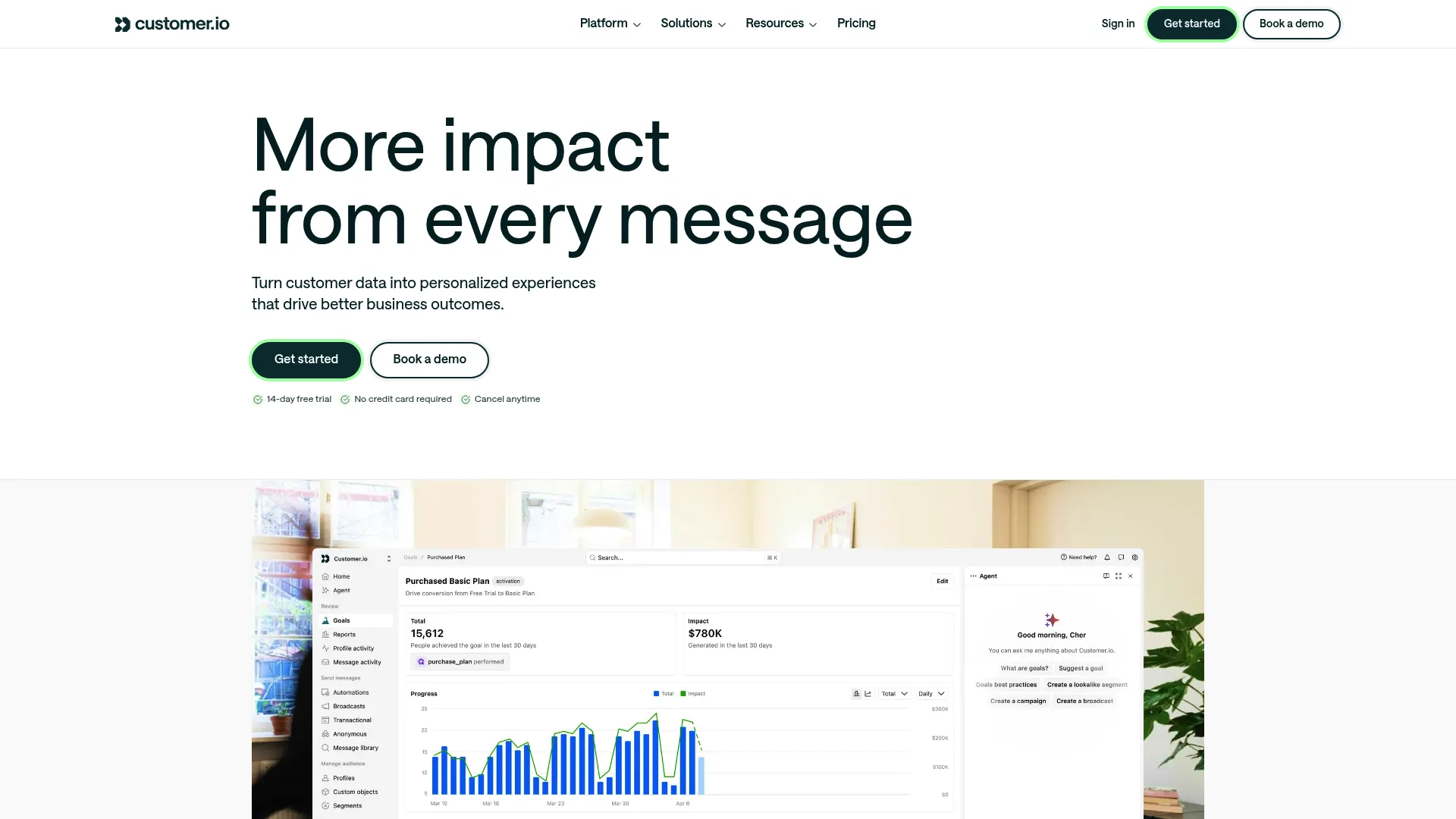
Behavioral messaging platform for trigger-based onboarding emails. Customer.io excels at complex, event-driven campaigns that respond to what users actually do.
Best for: Teams with complex user journeys needing granular segmentation and real-time triggers.
Key strengths
- Visual workflow builder for multi-channel journeys
- Real-time behavioral segmentation
- Webhooks and API flexibility
- Strong data warehouse integrations
Pricing: Starts at $100/month for Essentials. G2 Rating: 4.4/5
10. ActiveCampaign
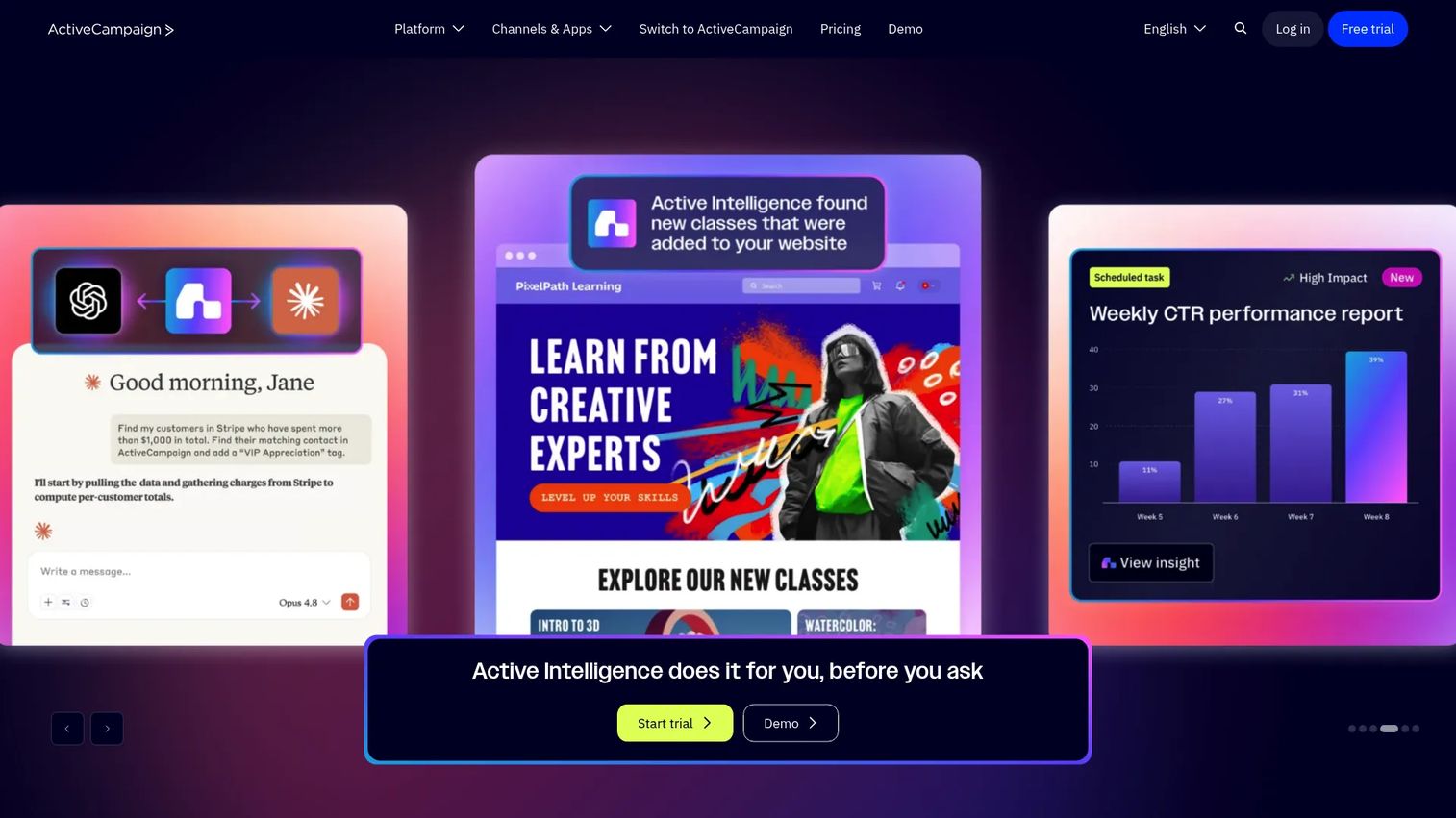
Email automation with CRM and sales features built in. ActiveCampaign bridges marketing and sales automation in one platform.
Best for: Teams wanting email, automation, and CRM without juggling separate tools.
Key strengths
- Visual automation builder
- Built-in CRM with deal tracking
- Site tracking and lead scoring
- SMS and chat add-ons available
Pricing: Starts at $29/month for Lite plan. G2 Rating: 4.5/5
For deeper coverage of email and automation tools, see our guide to marketing automation software.
11. Mailchimp
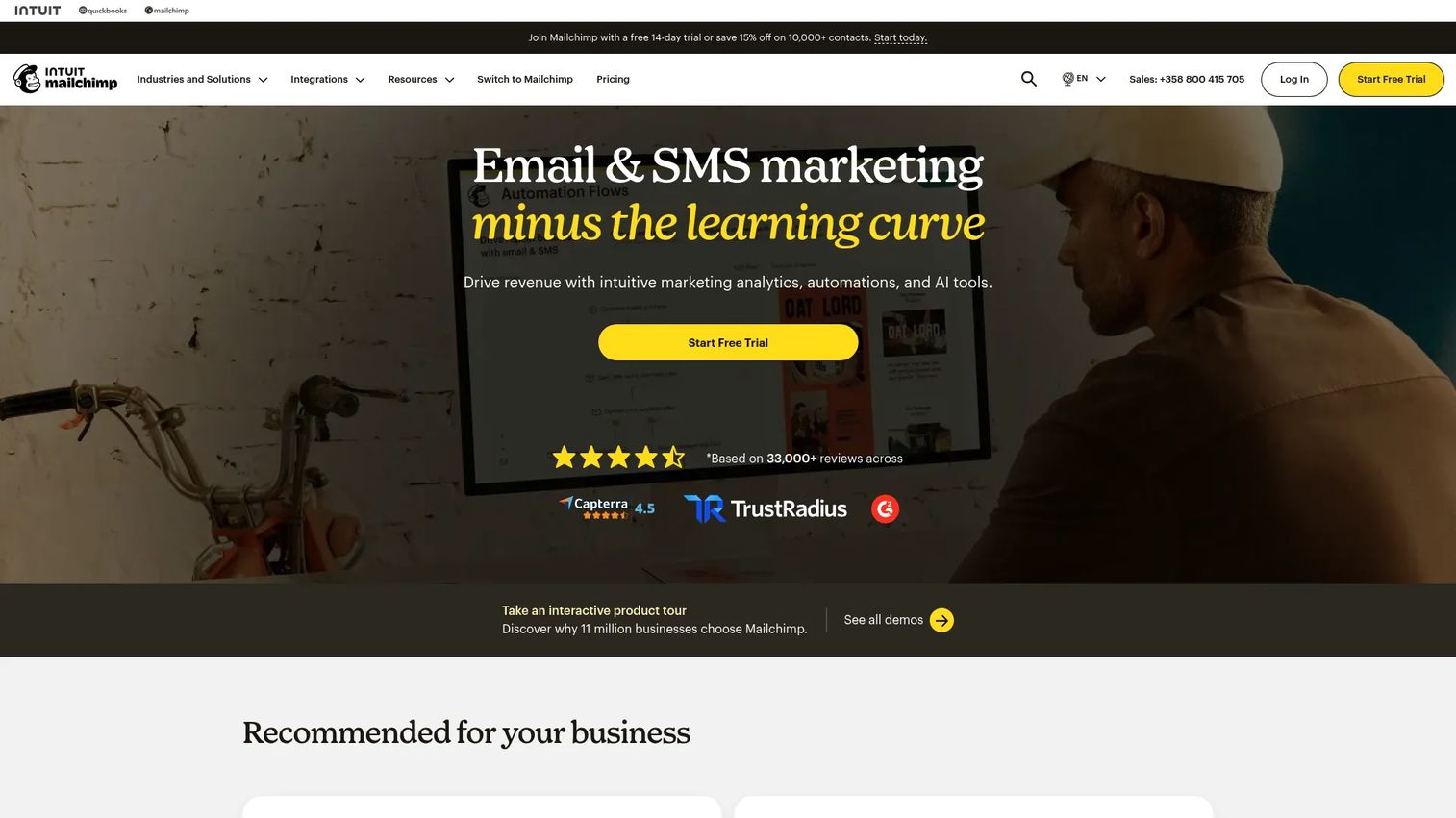
Widely-used email platform with automation capabilities. Mailchimp's strength is accessibility, as most marketers already know how to use it.
Best for: Startups and small teams starting with basic onboarding sequences.
Key strengths
- Familiar, easy-to-use interface
- Pre-built automation templates
- E-commerce integrations
- Free tier for small lists
Pricing: Free tier available. Paid plans start at $13/month. G2 Rating: 4.4/5
12. Vero
Event-driven email platform for behavioral campaigns. Vero focuses specifically on triggered emails based on in-app actions.
Best for: Product-led companies triggering emails based on user behavior.
Key strengths
- Event-based email triggers
- A/B testing for campaigns
- Segmentation based on user actions
- Developer-friendly API
Pricing: Starts at $54/month for Essentials. G2 Rating: 4.3/5
User feedback and survey tools
Feedback tools help measure onboarding effectiveness and identify friction points. In-app surveys catch users at the moment of experience rather than relying on memory.
13. Typeform
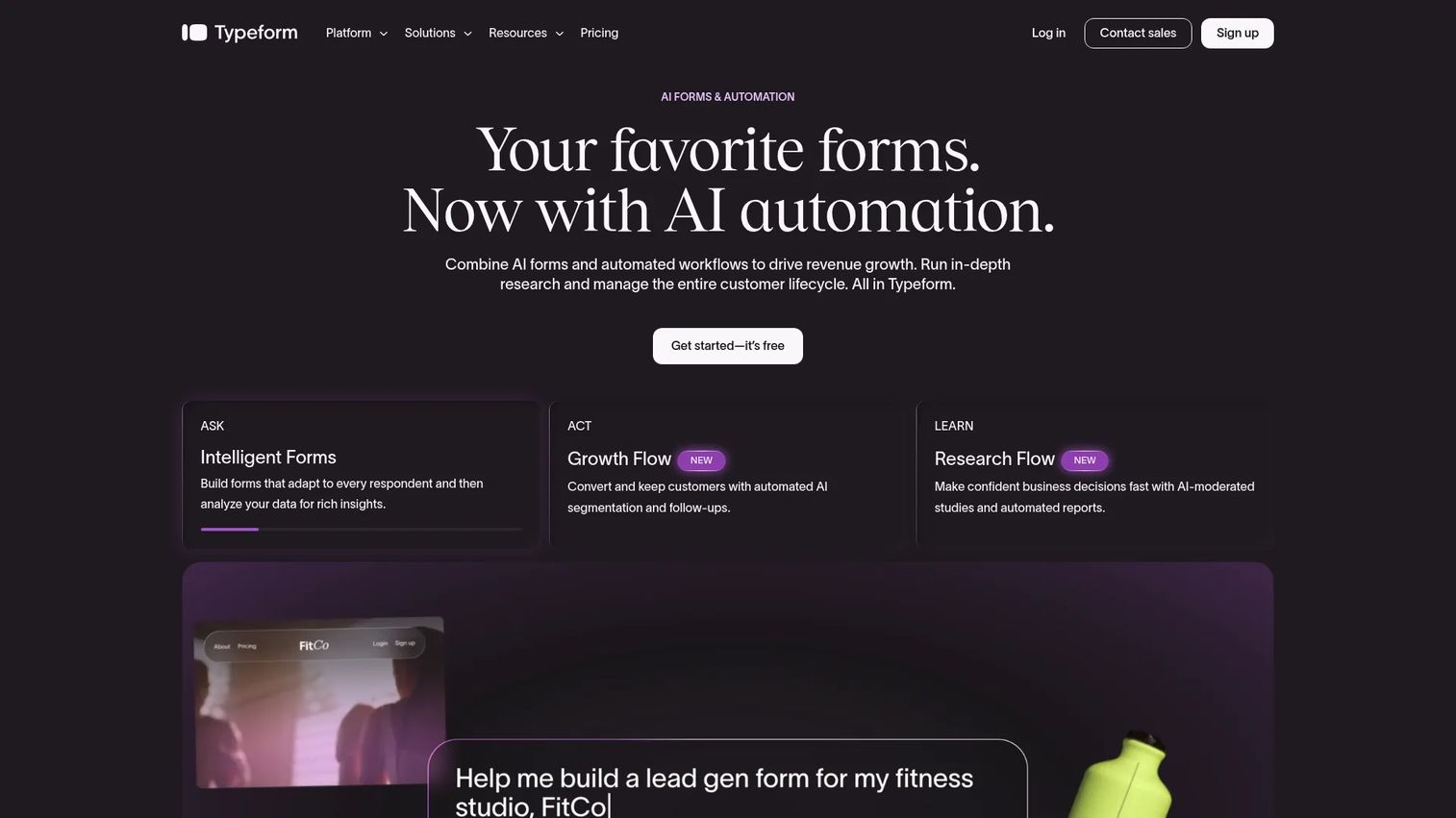
Conversational survey builder with strong UX. Typeform surveys feel more engaging than traditional forms, which improves completion rates.
Best for: Onboarding surveys that feel engaging rather than tedious.
Key strengths
- Conversational, one-question-at-a-time format
- Strong design customization
- Logic jumps and branching
- Integrations with major platforms
Pricing: Free tier available. Paid plans start at $25/month. G2 Rating: 4.5/5
14. Hotjar
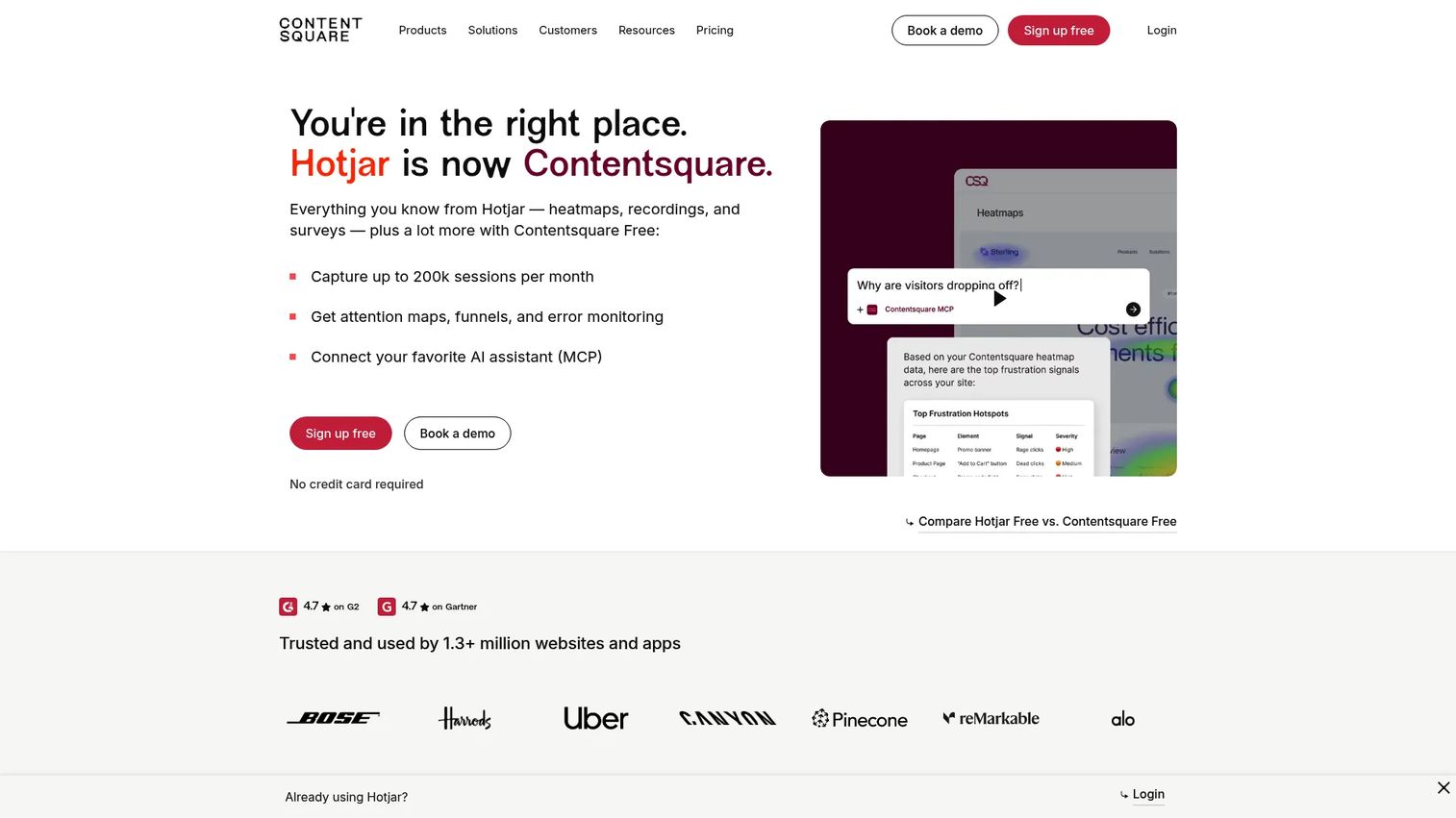
Heatmaps, recordings, and feedback widgets combined. Hotjar shows you where users struggle during onboarding flows through visual data.
Best for: Understanding where users get stuck during onboarding.
Key strengths
- Session recordings show actual user behavior
- Heatmaps reveal click and scroll patterns
- Feedback widgets for in-context input
- Funnel analysis for drop-off points
Pricing: Free tier available. Paid plans start at $32/month. G2 Rating: 4.3/5
15. Sprig
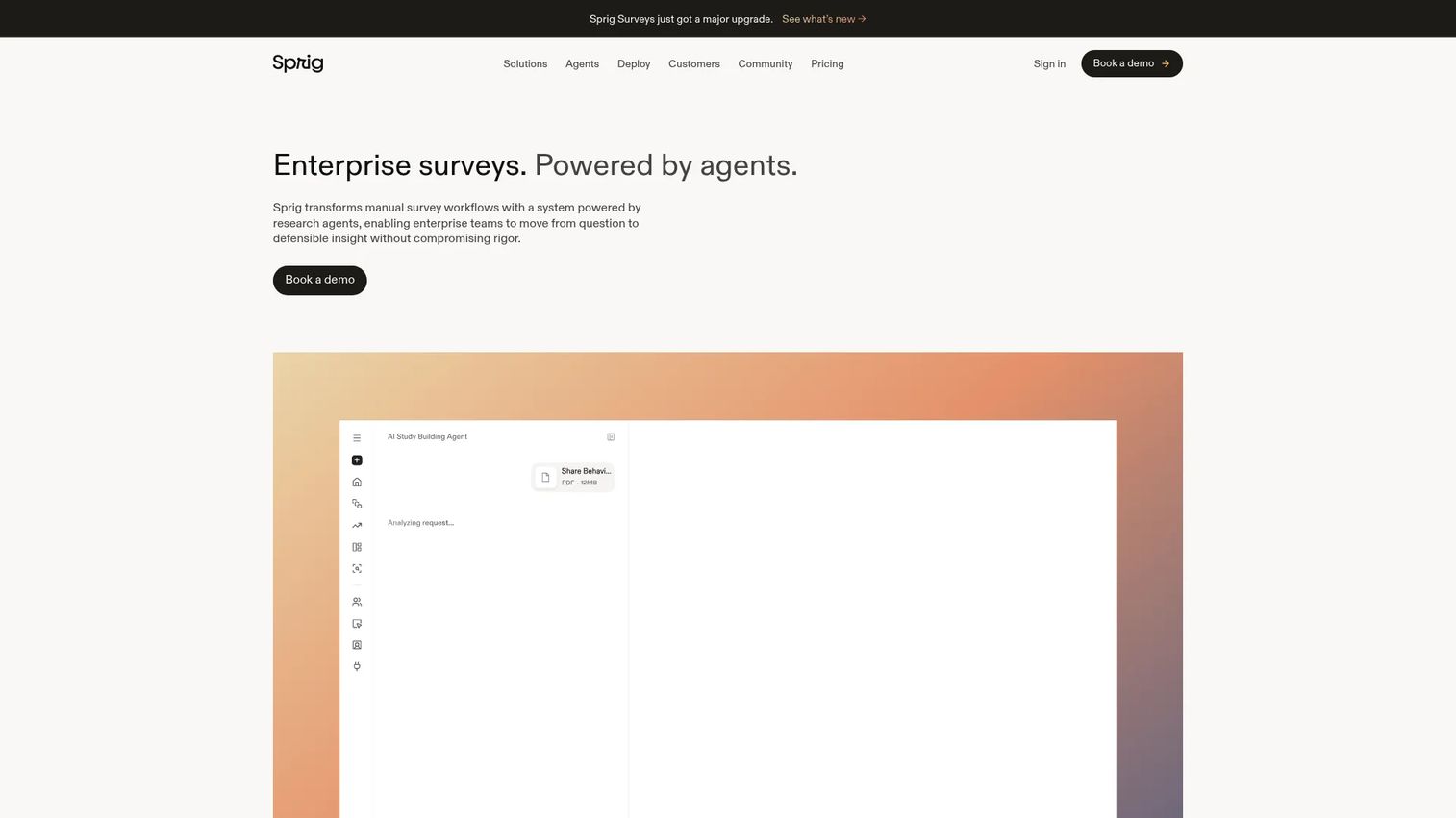
In-product surveys and user research platform. Sprig focuses on capturing feedback at specific moments in the user journey.
Best for: Product teams running continuous user research during onboarding.
Key strengths
- In-app surveys triggered by events
- AI analysis of open-ended responses
- Session replays tied to survey responses
- Concept testing capabilities
Pricing: Free tier available. Paid plans start at $175/month. G2 Rating: 4.4/5
Onboarding analytics and session replay tools
Analytics tools reveal how users move through onboarding and where they drop off. Product analytics shows aggregated patterns while session replay shows individual behavior.
16. Amplitude
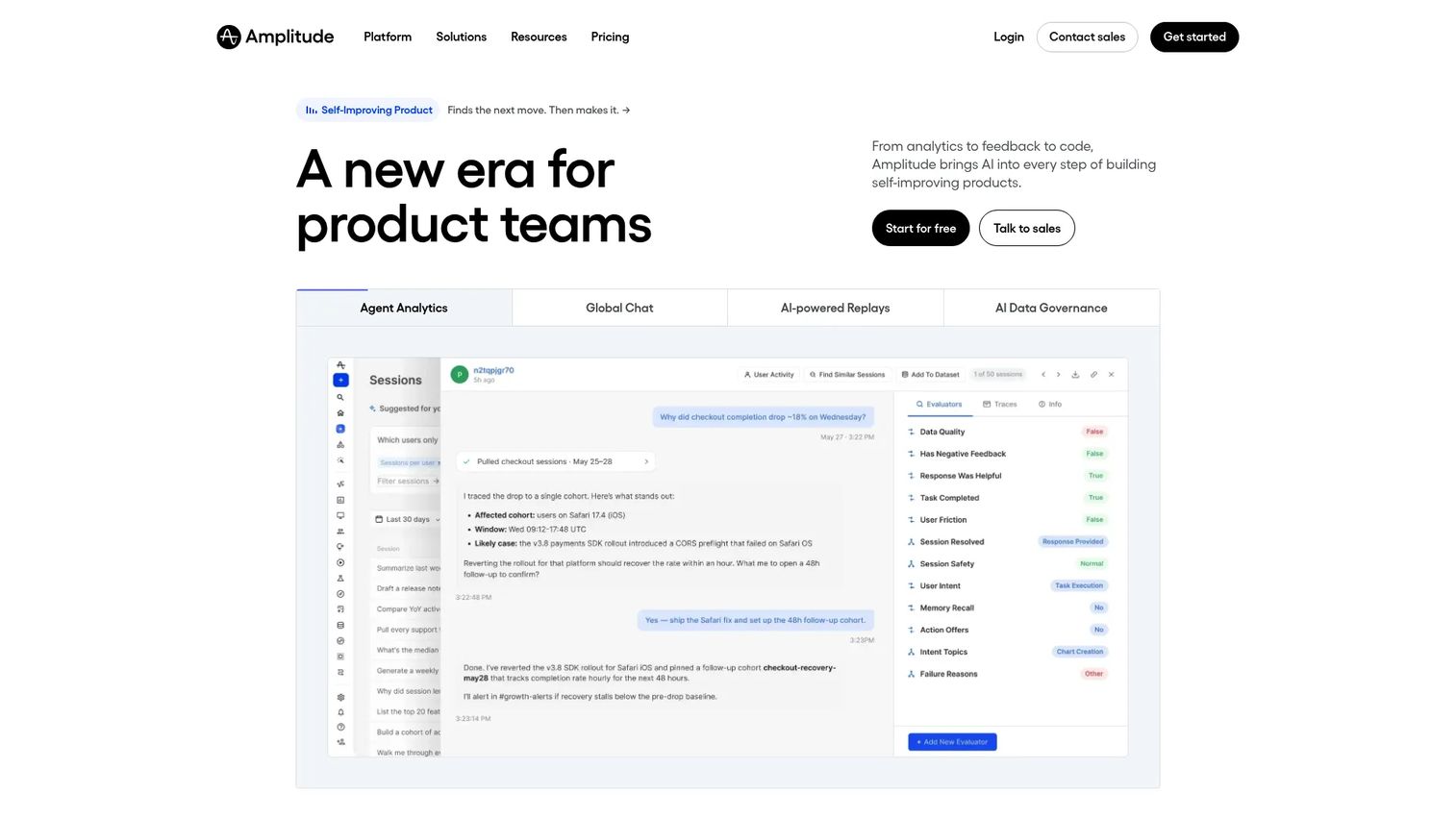
Product analytics platform for tracking user journeys and activation funnels. Amplitude helps you understand which onboarding paths lead to retention.
Best for: Data-driven teams measuring onboarding effectiveness at scale.
Key strengths
- Behavioral cohort analysis
- Funnel and retention reporting
- User journey mapping
- Experimentation platform
Pricing: Free tier available. Growth plans start at $49/month.
G2 Rating: 4.5/5
17. Mixpanel
Event-based analytics with funnel and retention reporting. Mixpanel excels at tracking specific onboarding milestones and their impact.
Best for: Teams tracking specific onboarding events and conversion funnels.
Key strengths
- Event-based tracking
- Funnel analysis with conversion metrics
- Retention curves by cohort
- A/B test analysis
Pricing: Free tier available. Growth plans start at $24/month.
G2 Rating: 4.6/5
18. FullStory
Session replay with frustration signals and search. FullStory helps diagnose specific UX problems in onboarding flows.
Best for: Diagnosing specific onboarding UX problems through user sessions.
Key strengths
- Session replay with search
- Frustration signals (rage clicks, dead clicks)
- Conversion funnels
- Heatmaps and click maps
Pricing: Free tier available. Contact sales for paid plans. G2 Rating: 4.5/5
19. PostHog
Open-source product analytics with session replay and feature flags. PostHog appeals to engineering-led teams wanting self-hosted options.
Best for: Engineering-led teams wanting open-source, self-hosted analytics.
Key strengths
- Open-source with self-hosting option
- Session replay included
- Feature flags for gradual rollouts
- A/B testing built in
Pricing: Free tier available. Paid plans start at usage-based pricing.
G2 Rating: 4.4/5
Knowledge base and resource center software
Self-serve documentation supports onboarding by answering questions without human intervention. Help centers reduce support load and let users learn at their own pace.
20. Zendesk Guide
Help center software integrated with Zendesk support. If you're using Zendesk for tickets, Guide keeps documentation in the same ecosystem.
Best for: Teams using Zendesk who want unified support and documentation.
Key strengths
- Integrated with Zendesk support suite
- AI-powered article suggestions
- Customizable help center themes
- Analytics on article performance
Pricing: Included with Zendesk Suite plans starting at $55/agent/month.
G2 Rating: 4.3/5
21. Help Scout
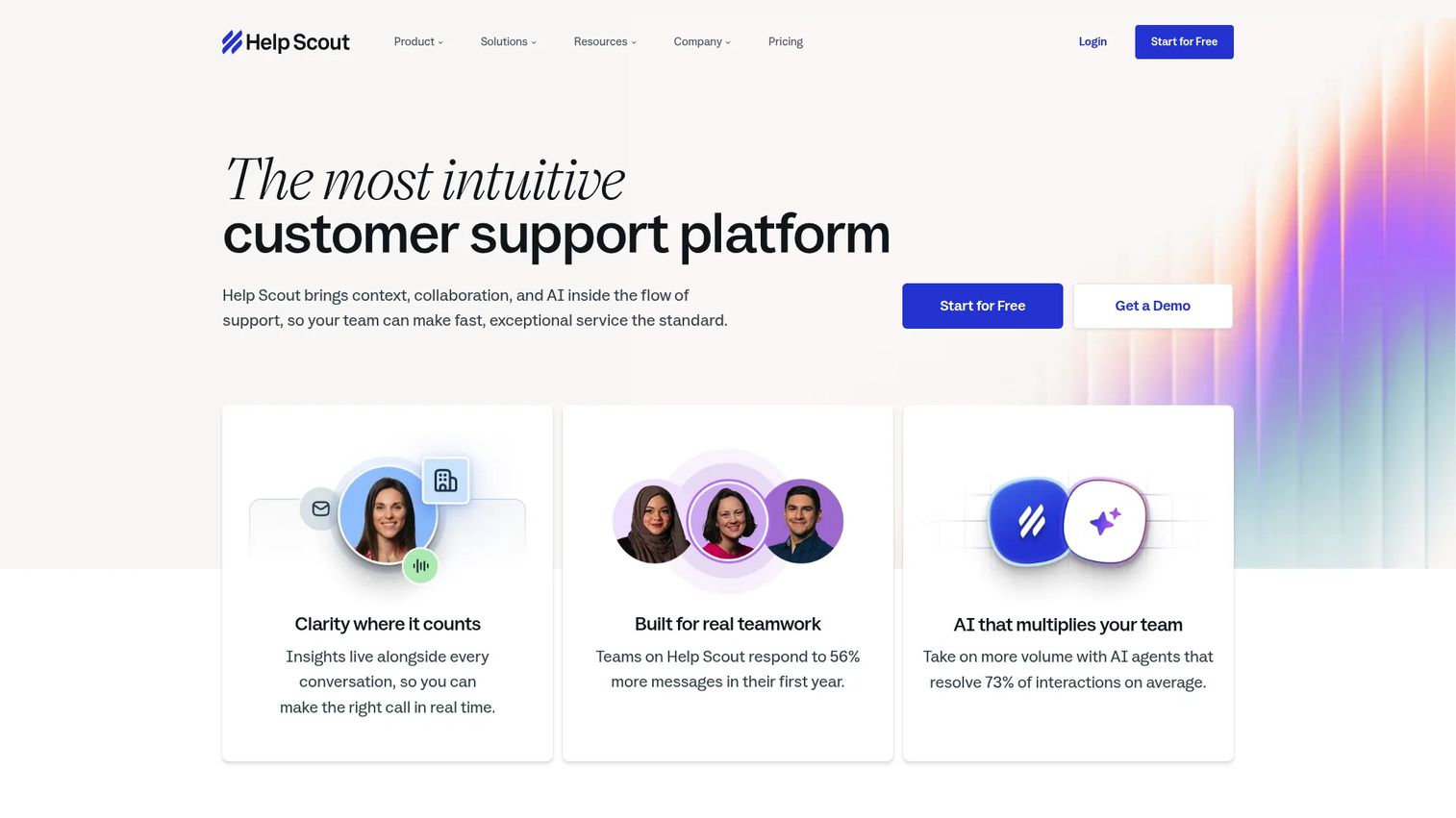
Knowledge base with embedded beacon widget. Help Scout's Docs product is clean and simple, which often means users actually find what they need.
Best for: Smaller teams wanting simple, clean documentation.
Key strengths
- Clean, readable documentation design
- Beacon widget for in-app help
- Search analytics
- Easy article organization
Pricing: Starts at $22/user/month for Standard plan.
G2 Rating: 4.4/5
22. Notion
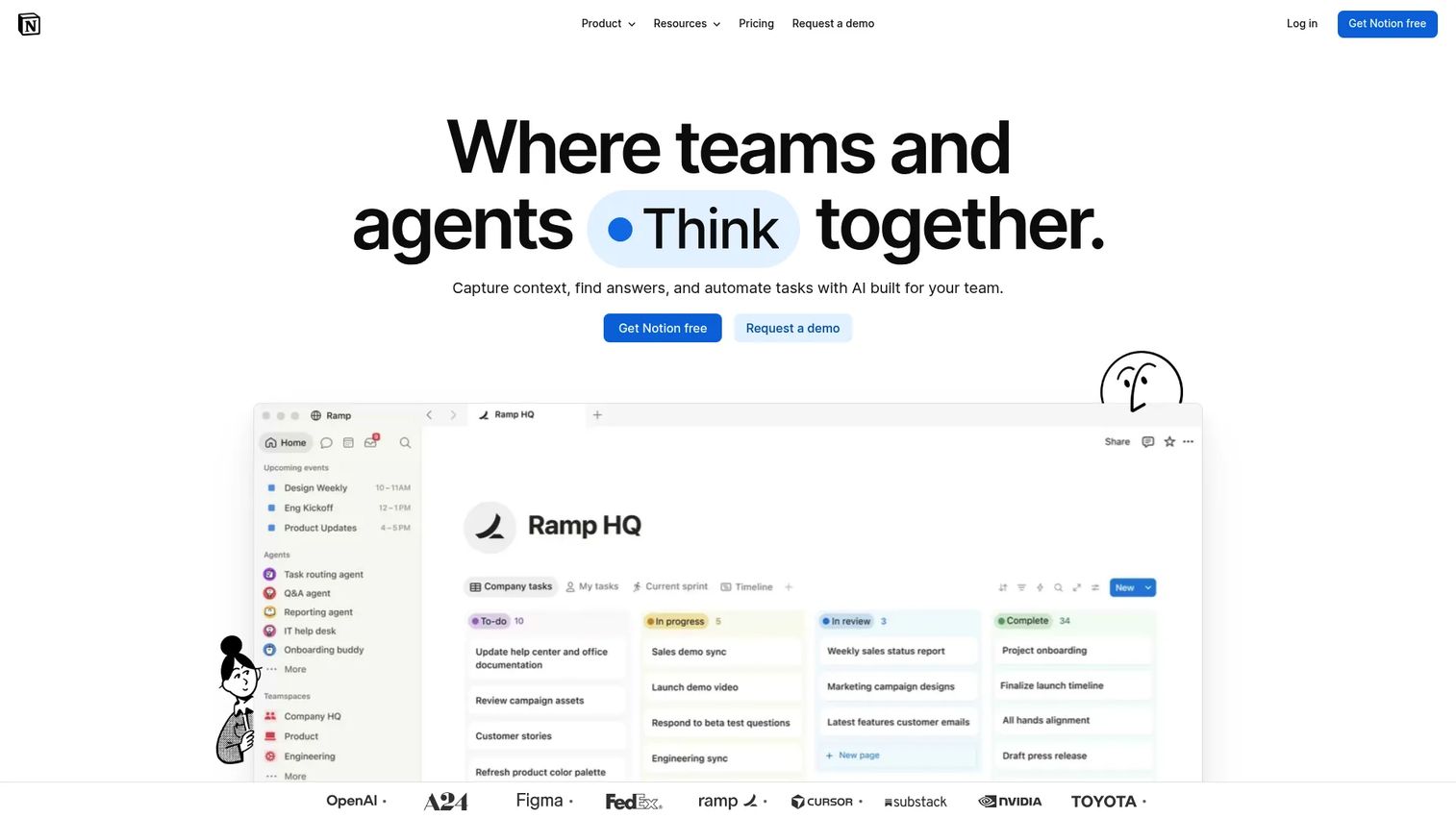
Flexible workspace that works as a public knowledge base. Many startups use Notion for internal and external documentation because the learning curve is minimal.
Best for: Startups wanting a quick, customizable docs solution.
Key strengths
- Flexible page structure
- Easy to update and maintain
- Public sharing options
- Templates for common doc types
Pricing: Free tier available. Paid plans start at $10/user/month. G2 Rating: 4.7/5
In-app chat and customer support tools
Chat tools provide real-time help during onboarding when users get stuck. The best implementations combine live chat with chatbots for 24/7 coverage.
23. Intercom
Messaging platform with chat, bots, and product tours. Intercom's strength is combining multiple onboarding touchpoints in one platform.
Best for: Teams wanting unified messaging across onboarding and support.
Key strengths
- Messenger with chat and bots
- Product tours add-on
- Help center integration
- Proactive messaging based on behavior
Pricing: Starts at $39/seat/month for Essential plan. G2 Rating: 4.5/5
24. Drift
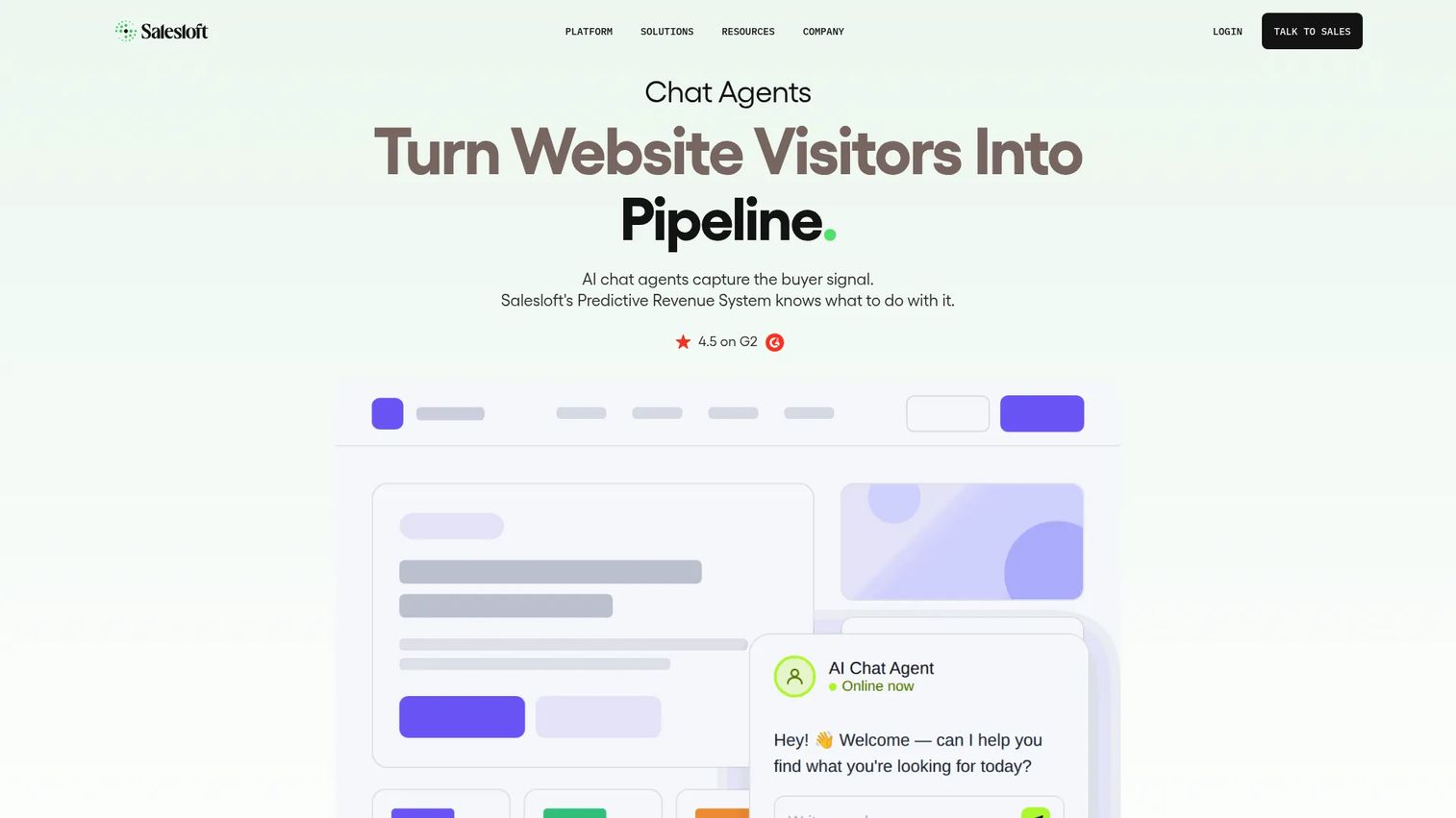
Conversational marketing platform with chat and bots. Drift focuses on using chat for both onboarding and lead qualification.
Best for: Teams using chat for both onboarding and sales conversations.
Key strengths
- AI-powered chatbots
- Meeting scheduling in chat
- Account-based targeting
- Revenue attribution
Pricing: Custom pricing. Contact sales. G2 Rating: 4.4/5
25. Crisp
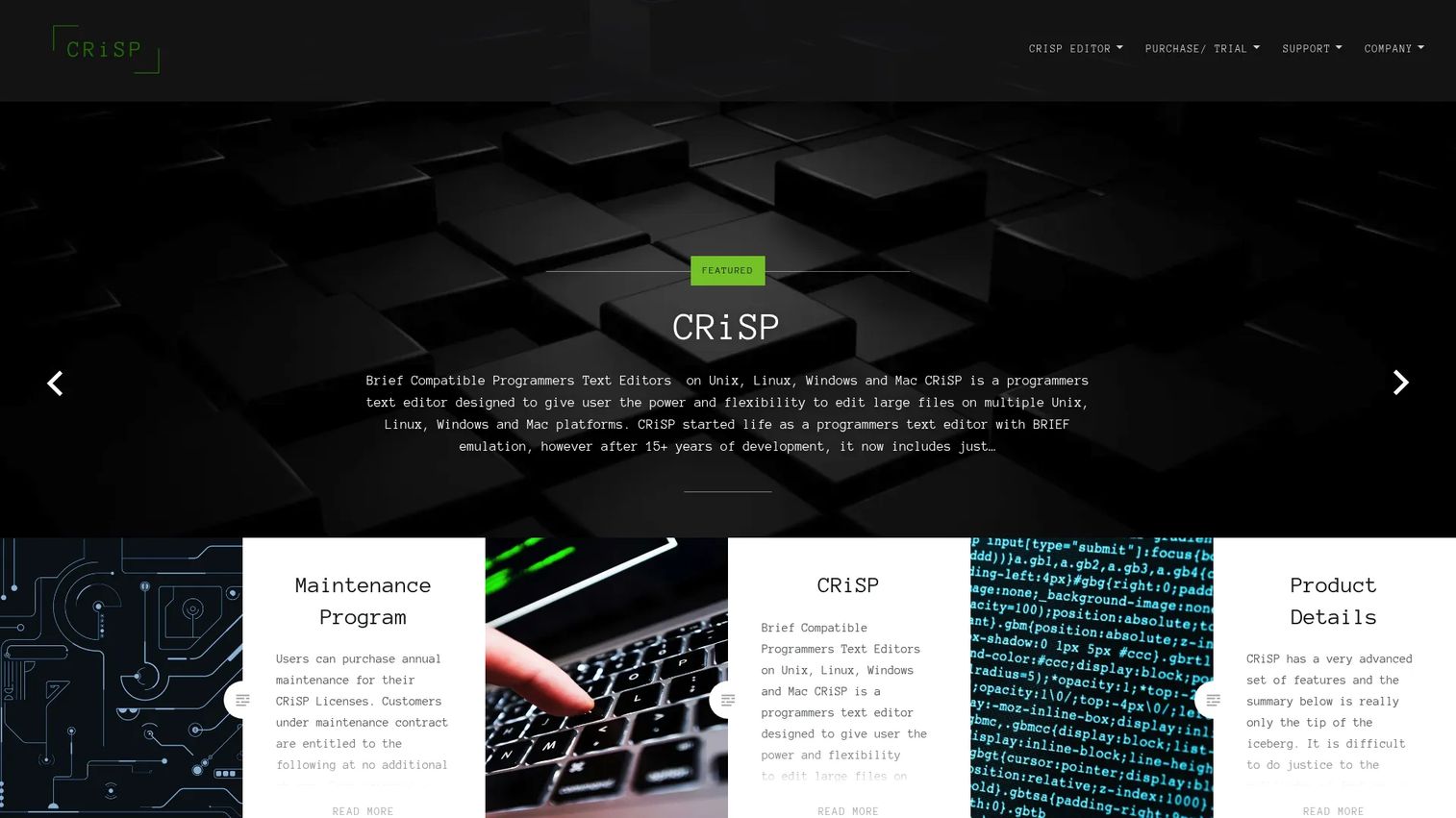
All-in-one customer messaging platform. Crisp combines chat, knowledge base, and CRM at a more accessible price point than enterprise alternatives.
Best for: Small to mid-size teams wanting chat, knowledge base, and CRM together.
Key strengths
- Live chat with chatbot builder
- Shared inbox for team collaboration
- Knowledge base included
- Affordable pricing
Pricing: Free tier available. Paid plans start at $25/month. G2 Rating: 4.5/5
Video and webinar onboarding tools
Video scales onboarding education beyond what in-app tours can cover. Async video (recorded tutorials) works for self-serve while live webinars suit high-touch onboarding.
26. Loom
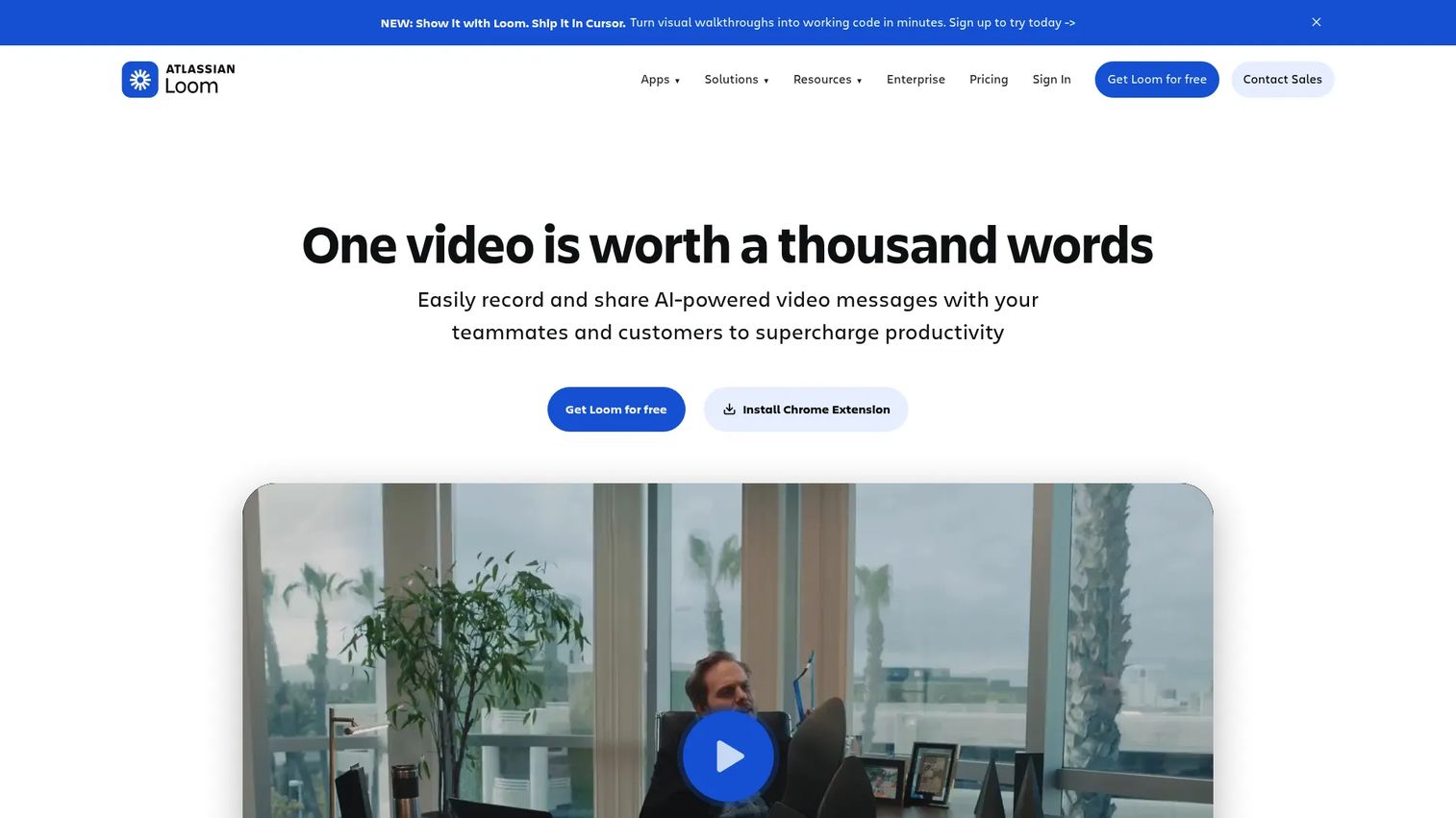
Async video recording for quick tutorials and walkthroughs. Loom makes it easy to record personalized onboarding videos without production overhead.
Best for: Creating personalized onboarding videos at scale.
Key strengths
- Quick screen and camera recording
- Easy sharing via links
- Viewer analytics
- Comments and reactions
Pricing: Free tier available. Business plans start at $12.50/user/month. G2 Rating: 4.7/5
27. Synthesia
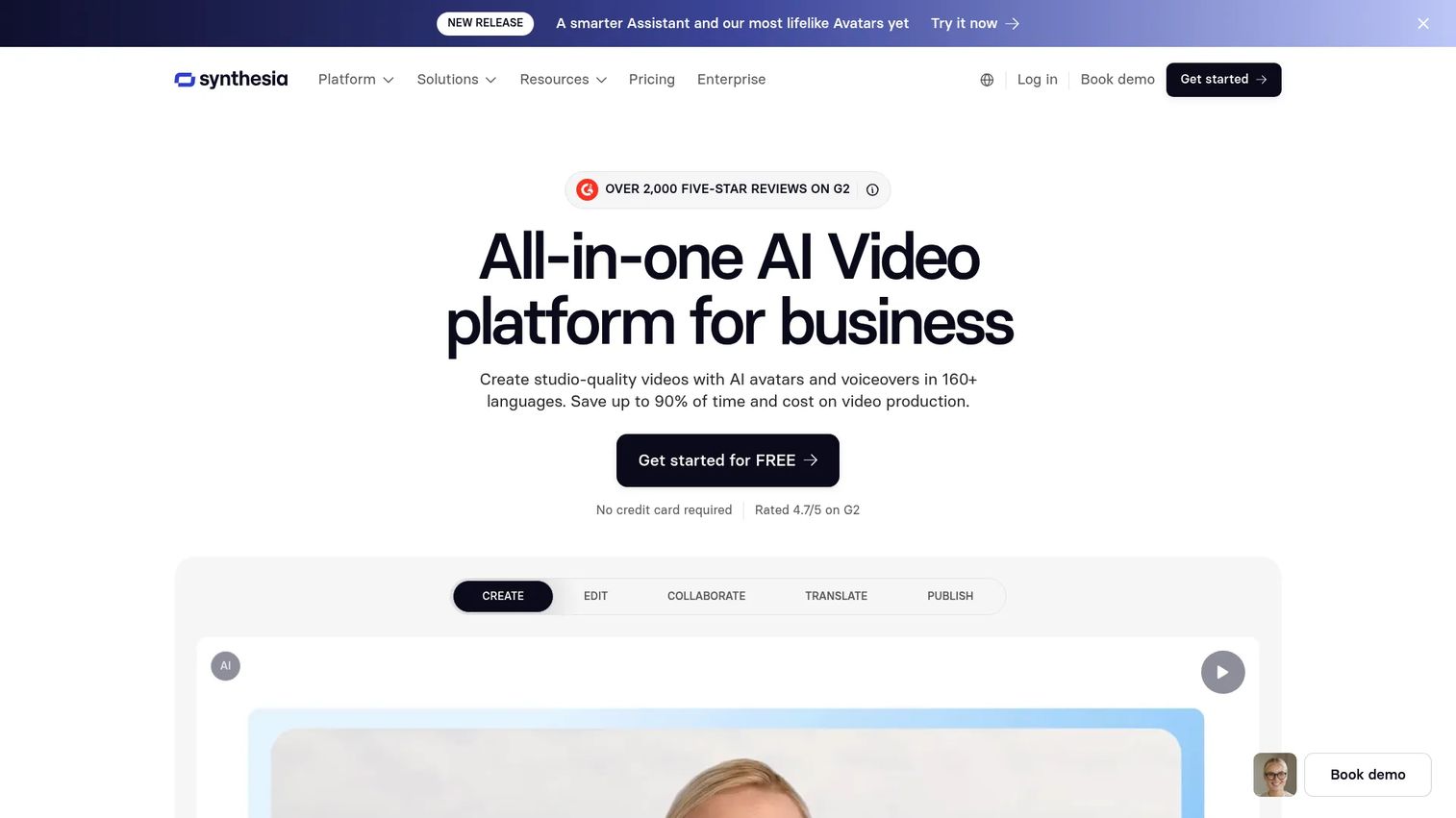
AI video generator for creating presenter videos without filming. Synthesia lets you create professional onboarding videos using AI avatars.
Best for: Teams wanting professional onboarding videos without production resources.
Key strengths
- AI avatars and voices
- Multiple language support
- Template library
- No filming required
Pricing: Starts at $22/month for Starter plan. G2 Rating: 4.7/5
28. eWebinar
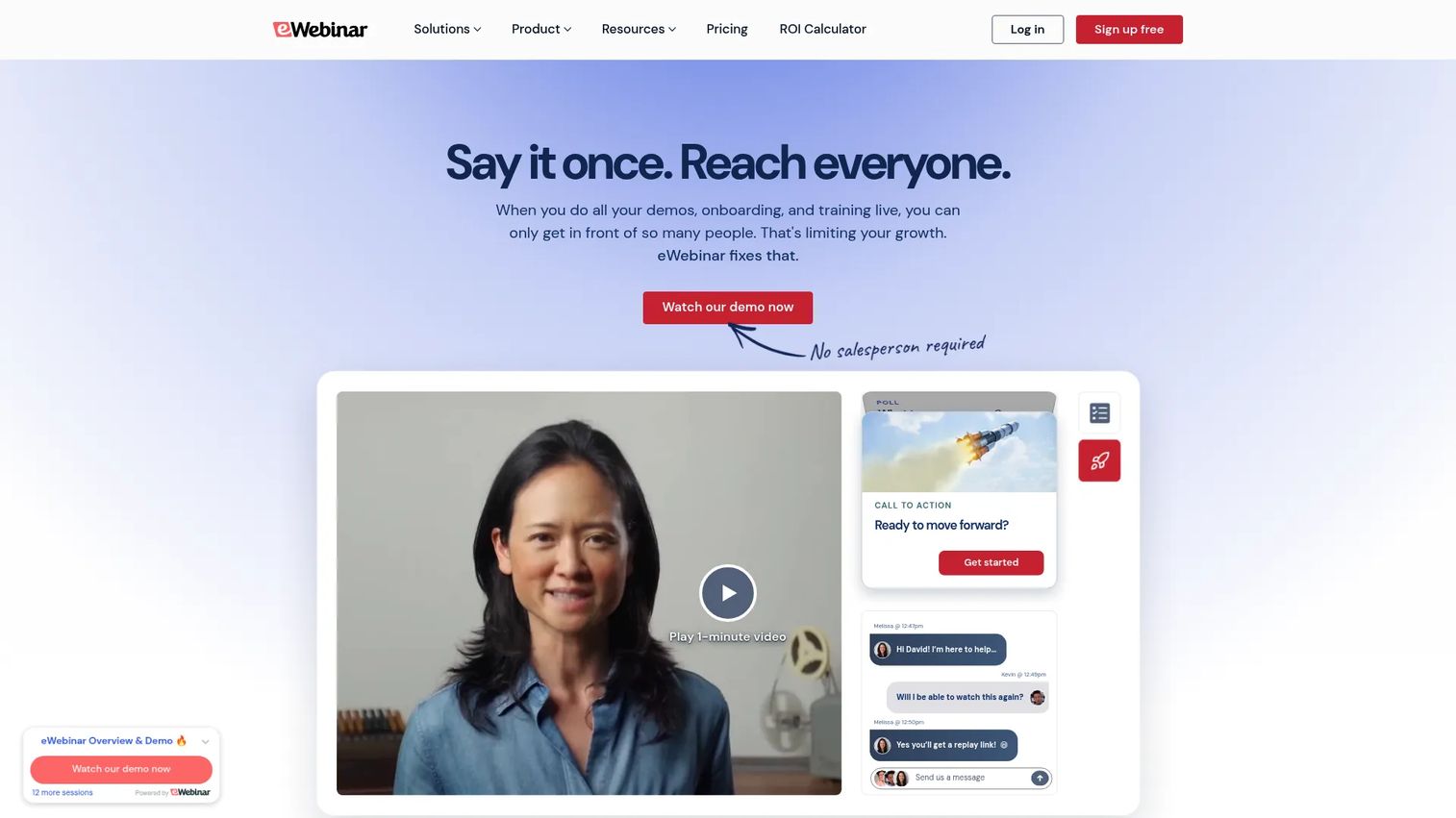
Automated webinars that simulate live sessions. eWebinar lets you scale live-feeling onboarding without scheduling constraints.
Best for: Scaling live-feeling onboarding without scheduling every session.
Key strengths
- Pre-recorded webinars with live chat
- Flexible scheduling for attendees
- Engagement features (polls, questions)
- Analytics on attendance and engagement
Pricing: Starts at $99/month for Starter plan. G2 Rating: 4.9/5
Open-source and DIY onboarding solutions
Open-source options give full control but require developer resources. Open-source tools work best for teams with engineering capacity who want to avoid vendor lock-in.
29. Intro.js
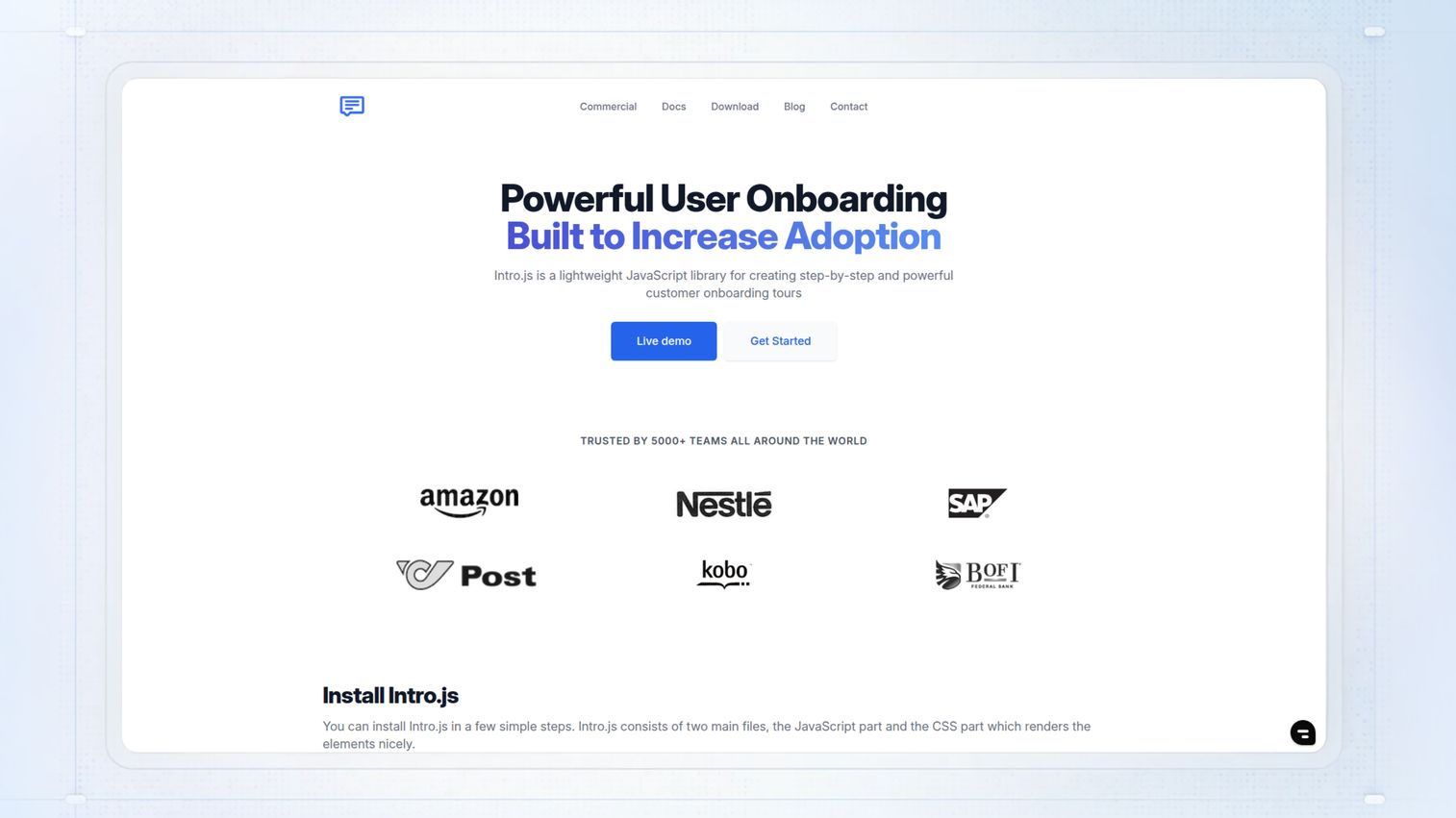
Lightweight JavaScript library for step-by-step tours. Intro.js is free and widely adopted, making it a common starting point for developer-built onboarding.
Best for: Developers wanting simple onboarding without external dependencies.
Key strengths
- Lightweight and fast
- No external dependencies
- Customizable styling
- Active community
Pricing: Free and open-source.
30. Shepherd.js
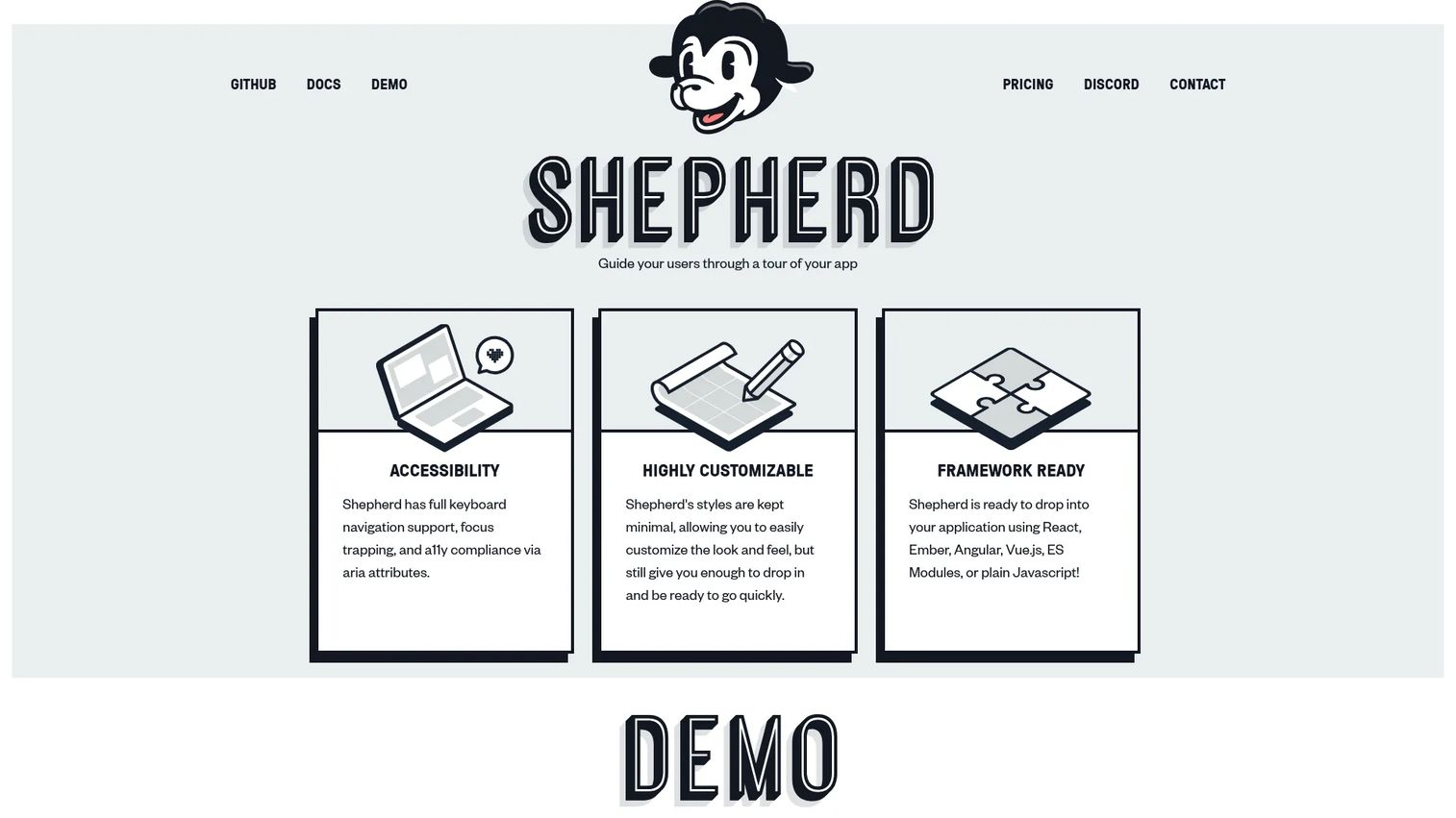
Open-source tour library with more customization than Intro.js. Shepherd offers more flexibility for teams with specific design requirements.
Best for: Developers wanting flexible tour styling and behavior.
Key strengths
- Highly customizable
- Tether-based positioning
- Accessibility features
- Active maintenance
Pricing: Free and open-source.
31. Driver.js
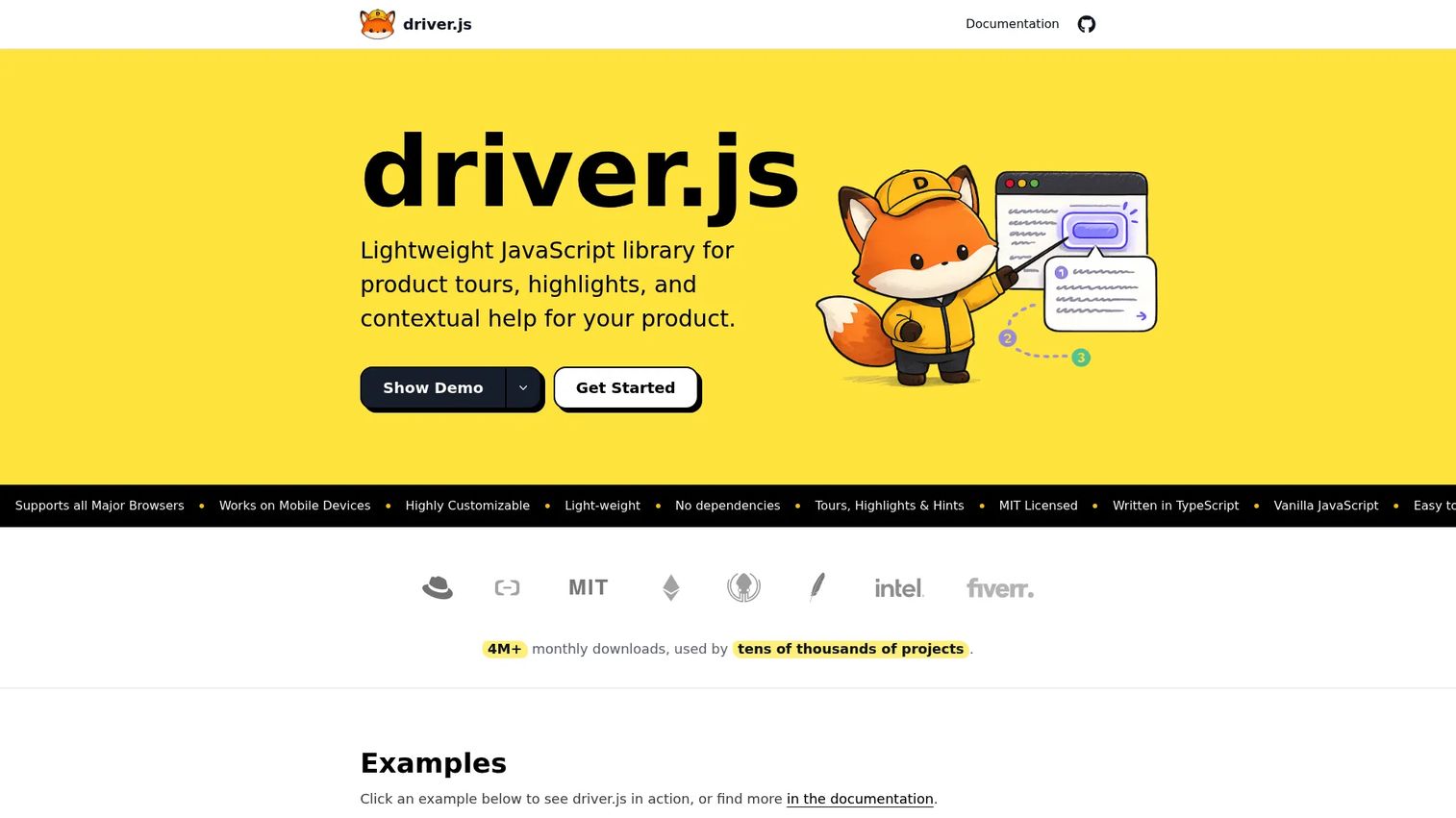
Minimal library for highlighting elements and creating tours. Driver.js prioritizes small bundle size over feature depth.
Best for: Developers wanting the lightest possible footprint.
Key strengths
- Tiny bundle size
- No dependencies
- Simple API
- Highlight and popover features
Pricing: Free and open-source.
How to build your user onboarding tool stack
Most teams combine multiple tools rather than relying on one platform that does everything. The question isn't "which tool is best" but "which combination fits our user journey."
Start with your core onboarding mechanism: in-app guidance for logged-in users, or interactive demos for pre-signup and early activation. Add analytics to measure what's working. Then layer in email for re-engagement and support tools for when users get stuck.
- Onboarding to analytics: Track which flows drive activation
- Onboarding to CRM: Sync user progress with customer records
- Onboarding to support: Trigger help when users struggle
- Onboarding to email: Nudge users who go inactive
Integrations between tools matter more than individual features. A simpler tool that connects well often outperforms a feature-rich platform that creates data silos.
User onboarding stacks by company stage
MVP stack for startups on a budget
Keep it simple. One in-app tool (UserGuiding or Userpilot's free tier), one interactive demo tool for your website, email (Mailchimp free), and analytics (PostHog or Mixpanel free tier). Focus on learning what works before investing in premium tools.
Growth stack for scaling SaaS companies
Add segmentation and personalization. A comprehensive in-app platform (Userpilot or Appcues), interactive demos for pre-signup and onboarding, behavioral email (Customer.io), and product analytics (Amplitude). At this stage, you want to show different experiences to different user types and measure which paths lead to retention.
Enterprise stack for complex products
Enterprise-grade tools with security and scale. Pendo for in-app, Guideflow for demos with sandbox environments, Segment for data centralization, and dedicated support tools. Compliance, multi-product support, and advanced permissions become critical at this level.
| Stack | In-app Demos | Analytics | |
|---|---|---|---|
| Startup | UserGuiding | Mailchimp | PostHog |
| Growth | Userpilot | Customer.io | Amplitude |
| Enterprise | Pendo | Marketo | Segment + Amplitude |
Start building better onboarding experiences today
The best onboarding combines multiple touchpoints: in-app guidance, interactive demos, email, and self-serve resources. No single tool covers everything, which is why most successful teams build a stack of 3-4 complementary platforms.
Start with one category and expand. If you're not sure where to begin, interactive demos offer a quick win because they work for both pre-signup conversion and post-signup activation.
Start your journey with Guideflow today!
FAQs about user onboarding tools
User onboarding tools guide individual users through product adoption after signup. Customer onboarding tools typically refer to account-level implementation, training, and success management for B2B customers. User onboarding focuses on the person using the product while customer onboarding often involves project management, stakeholder coordination, and organizational change.
Interactive demos let users experience your product before signup or during early onboarding. They reduce friction by helping users understand value faster than static tutorials or documentation. Many teams use interactive demos on landing pages for conversion, then repurpose the same demos in onboarding emails and help centers.
No-code platforms can launch basic flows within days. Enterprise implementations or custom-built solutions may take weeks to months depending on complexity and integration requirements. The biggest variable is usually internal alignment on what the onboarding flow accomplishes, not the technical setup.
Yes. Many platforms like Appcues, Pendo, and Userpilot offer mobile SDKs. Tools like Guideflow create mobile demos that work in any browser without app installation, which can be useful for showing the mobile experience before users download.
Key metrics include activation rate (users completing key actions), time-to-value (how quickly users reach their first success), onboarding completion rate, feature adoption, and early-stage retention. Together, activation rate, time-to-value, completion rate, feature adoption, and retention reveal whether users are reaching meaningful product milestones.
Most onboarding platforms offer segmentation based on user attributes, behavior, or plan type. You can show different flows to different personas, customize content dynamically based on company size or use case, or branch onboarding paths based on user choices.
A digital adoption platform (DAP) is a category projected to reach $4.81 billion by 2033 that guides users through applications with in-app experiences. User onboarding tools are a subset of DAPs focused specifically on new user activation. DAPs often include additional capabilities like employee training and change management.
It depends on your product complexity and growth goals. Simple products with obvious value propositions may get by with good documentation. But if users regularly churn before experiencing core value - with B2B SaaS averaging 3.5% monthly churn - or if your support team answers the same questions repeatedly, onboarding tools typically pay for themselves quickly through reduced churn and support load.