Static documentation has a shelf life problem. The moment you publish an article, it starts drifting away from your actual product, your team's current processes, or the questions customers are really asking.
Knowledge base software solves this by giving you a central, searchable home for information that teams can update and users can access on their own terms. Whether you're a support manager trying to reduce ticket volume, a founder setting up a first help center, or an ops team trying to stop institutional knowledge from walking out the door - this guide covers the 15 best platforms for 2026, with honest takes on features, pricing, and which tool fits which use case.
What's inside
Knowledge base software is a tool that helps you create, organize, and share information in one central place. Whether you're building a customer-facing help center or an internal wiki for your team, these platforms let you structure articles, FAQs, and guides so people can find answers without waiting for support.
This guide covers the 15 best knowledge base platforms for 2026, with honest evaluations of features, pricing, and ideal use cases. You'll learn when to use each type of tool, how to choose between internal and external options, and where interactive content fits into the picture.
TL;DR
- Knowledge base software centralizes information for customers or employees, reducing support tickets and preserving institutional knowledge.
- Top picks include Guideflow for interactive product education, Document360 for structured SaaS documentation, and Notion for flexible internal wikis.
- Free tiers exist on most platforms, making it easy to test before committing.
- AI-powered search and deep integrations with your existing stack are the features that separate good tools from great ones.
- Interactive content like guided demos can turn passive readers into active learners, improving retention and reducing follow-up questions.
What is knowledge base software
Knowledge base software is a platform that lets you build and manage a centralized repository of information. Think of it as a searchable library where customers can troubleshoot issues on their own, or where employees can find company policies without pinging someone on Slack.
The term gets used interchangeably with "knowledge base platform," "knowledge base tool," and "knowledge base management system." They all refer to the same core idea: a system for creating, organizing, and distributing knowledge at scale.
Core components typically include:
- Content editor: Create and format articles, guides, and FAQs without coding.
- Search functionality: Help users find answers quickly through keyword or AI-powered search.
- Organization system: Categories, tags, and folders that give your content a logical structure.
- Access controls: Define who can view, edit, or publish content.
One distinction worth noting: the knowledge base is the content itself, while the knowledge base software is the tool you use to build and manage it.
When to use knowledge base software
Customer support and self-service
Customer-facing knowledge bases reduce support ticket volume by letting customers find answers without contacting your team - 80% of high-performing service organizations already offer self-service. FAQ pages, help centers, and troubleshooting guides provide 24/7 support without scaling headcount.
Internal documentation and company wikis
Internal knowledge base software helps teams document processes, policies, and institutional knowledge that would otherwise live in someone's head. Onboarding documents, HR policies, and team wikis all benefit from a central, searchable home. The failure mode here is obvious: when key employees leave, their knowledge walks out the door with them - at a cost of up to 213% of their salary.
Product education and onboarding
Product teams use knowledge bases to educate users on features and workflows. Static documentation helps, but interactive demos that let users learn by doing tend to drive faster adoption.
IT service management
IT teams create internal troubleshooting guides and self-service portals so employees can resolve common tech issues independently. This frees up IT for more complex work while reducing resolution times.
Best knowledge base software comparison table
| # | Product | Best for | Key differentiator | Pricing | G2 rating |
|---|---|---|---|---|---|
| 1 | Guideflow | Interactive product education | Turns static docs into guided experiences | From $49/mo | 5/5 |
| 2 | Zendesk | Integrated customer support | Unified with ticketing system | From $55/agent/mo | 4.4/5 |
| 3 | Notion | Internal team wikis | Flexible pages and databases | Free tier, from $8/user/mo | 4.7/5 |
| 4 | Confluence | Engineering and product teams | Deep Jira integration | Free tier, from $5.75/user/mo | 4.1/5 |
| 5 | Help Scout | Small support teams | Simple, branded help centers | From $20/user/mo | 4.4/5 |
| 6 | Freshdesk | All-in-one helpdesks | Multilingual support and versioning | Free tier, from $15/agent/mo | 4.4/5 |
| 7 | Guru | In-workflow knowledge | Browser extension and Slack integration | Free tier, from $5/user/mo | 4.6/5 |
| 8 | Slite | Async team collaboration | Clean UI and AI-powered search | Free tier, from $8/user/mo | 4.6/5 |
| 9 | Zoho Desk | Teams in the Zoho ecosystem | Community forums and multilingual support | Free tier, from $14/agent/mo | 4.4/5 |
| 10 | Document360 | Structured SaaS documentation | AI writing assistant and version control | From $199/mo | 4.7/5 |
| 11 | Helpjuice | Analytics-driven teams | Advanced search and detailed reporting | From $120/mo | 4.4/5 |
| 12 | KnowledgeBase | Simple customer help centers | Standalone tool from LiveChat | From $24/agent/mo | 4.4/5 |
| 13 | Tettra | Slack-centric internal KBs | Turns Slack Q&A into articles | From $10/user/mo | 4.6/5 |
| 14 | Nuclino | Lightweight internal wikis | Real-time collaboration and graph view | Free tier, from $5/user/mo | 4.7/5 |
| 15 | BookStack | Self-hosted open source | Full data control, free solution | Free (self-hosted) | 4.6/5 |
15 best knowledge base software tools reviewed
1. Guideflow
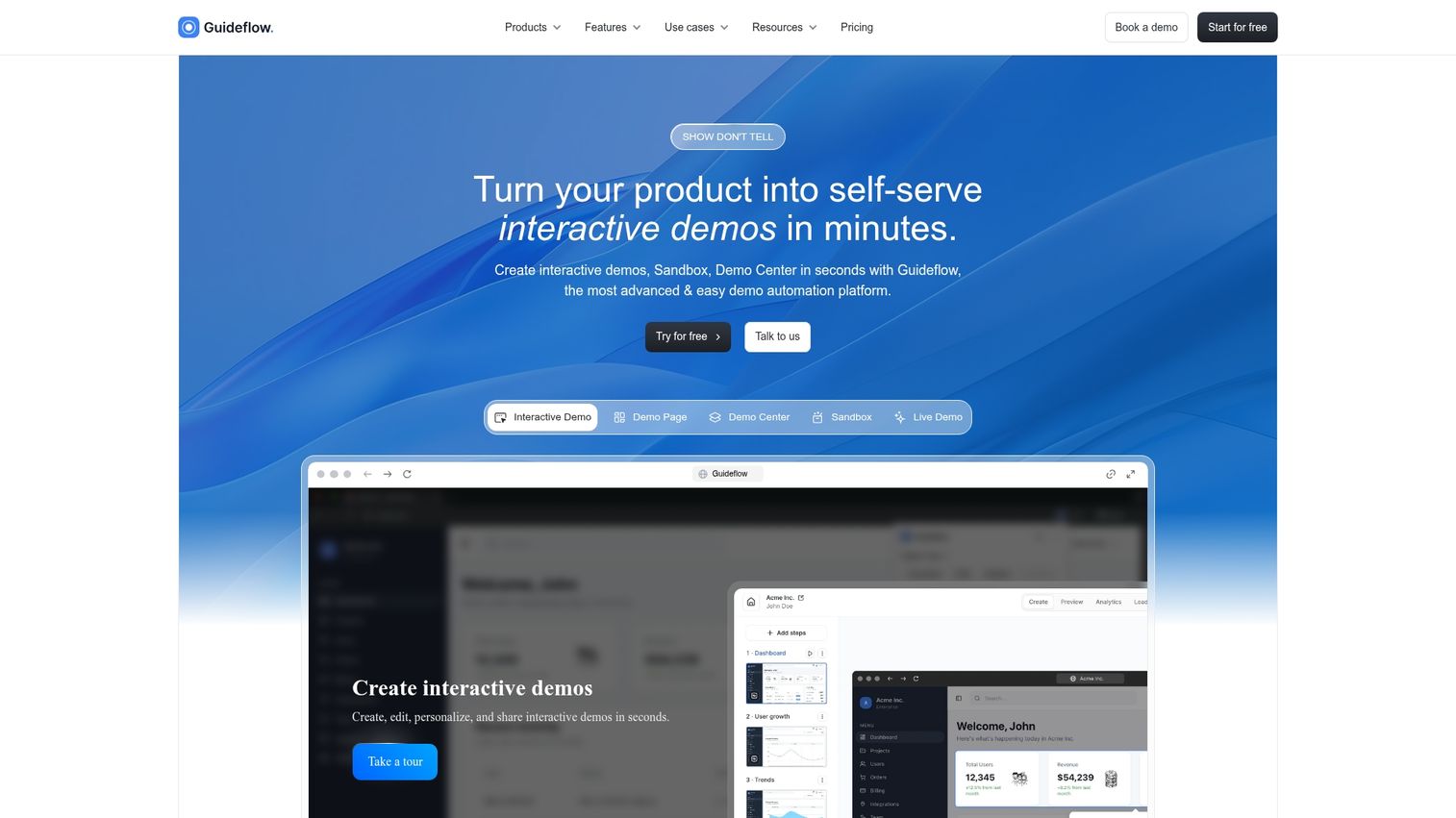
Guideflow transforms static documentation into clickable, guided experiences. Instead of reading about how something works, users click through a simulated version of your product directly within the knowledge base article.
This approach works particularly well for product education, customer onboarding, and self-service support where showing beats telling. You capture your product flow in a few clicks, then embed the interactive guide wherever your documentation lives.
Best for: Teams that want knowledge content users actually engage with, not just skim.
Key strengths
- Interactive demos embedded directly in knowledge articles
- No-code capture and editing workflow
- Personalization at scale for different user segments
- Analytics to track engagement and completion rates
- Integrations with CRM and support tools
Pricing: Free tier available. Paid plans from $49/month.
Start your journey with Guideflow today!
2. Zendesk
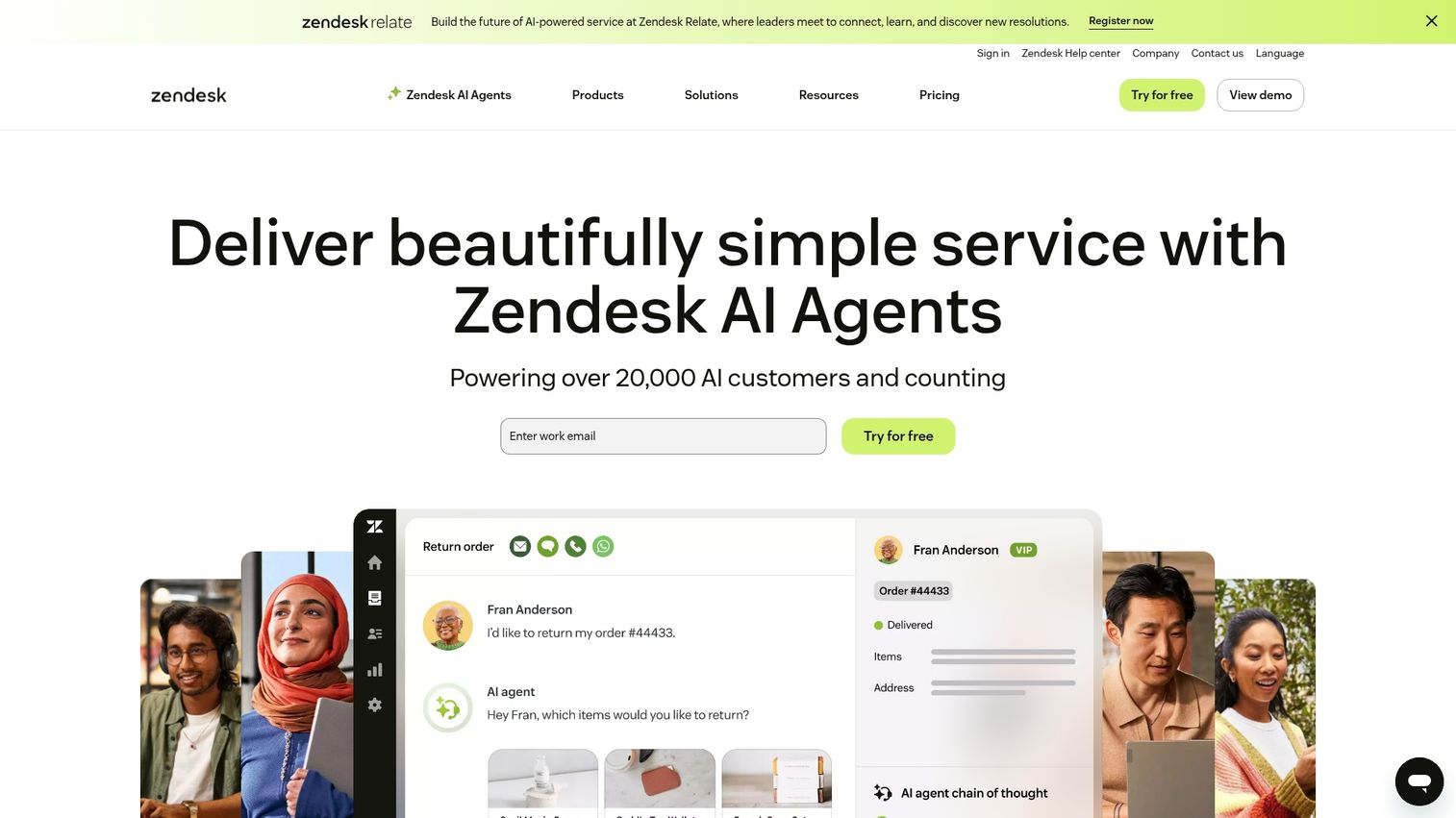
Zendesk is a comprehensive customer service platform where the knowledge base (Zendesk Guide) integrates directly with support ticketing. If you're already using Zendesk for support, adding the knowledge base creates a unified help center experience.
AI-powered content suggestions help both agents and customers find relevant articles faster.
Best for: Teams already using Zendesk for support ticketing who want a unified help center.
See how article permissions work in Zendesk Guide with this interactive walkthrough:
Key strengths
- Deep integration with Zendesk Suite
- AI-powered answer bots and article recommendations
- Community forum capabilities
- Content blocks for reusable information
- Customizable themes and branding
Pricing: From $55/agent/month.
3. Notion
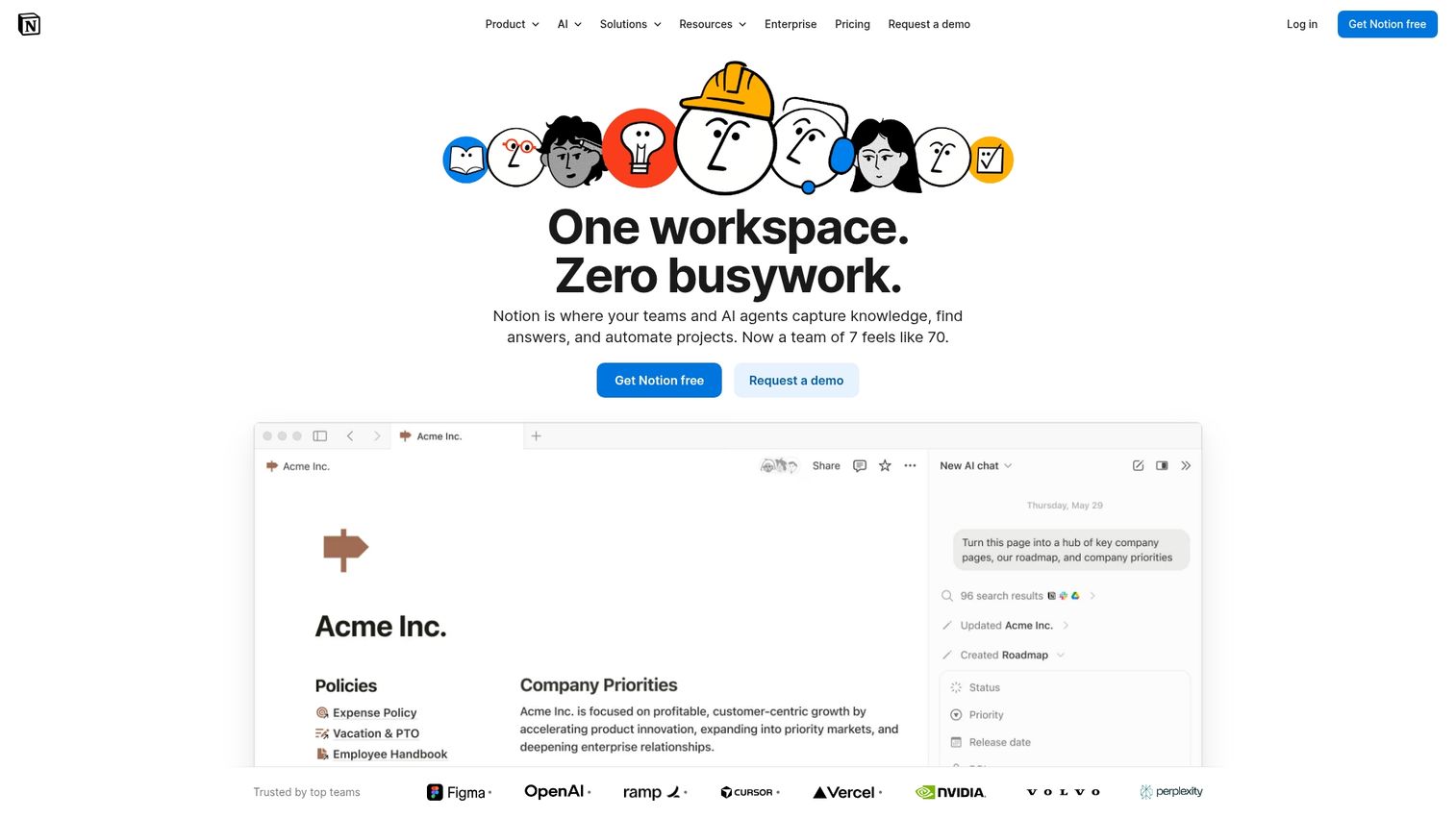
Notion is a flexible all-in-one workspace that doubles as a powerful internal knowledge base. Its wiki-style pages and powerful databases make it popular for team documentation, though it's less suited for public, customer-facing help centers without workarounds.
The real-time collaborative editing makes it easy for teams to build and maintain documentation together.
Best for: Internal teams that want flexibility and don't require a public-facing help center.
See how easy it is to organize your knowledge base in Notion with this tutorial:
Key strengths
- Extremely flexible block-based editor
- Powerful databases with multiple views
- Real-time collaboration and commenting
- Large template library
- Strong API for custom integrations
Pricing: Free tier available. Paid plans from $8/user/month.
4. Confluence
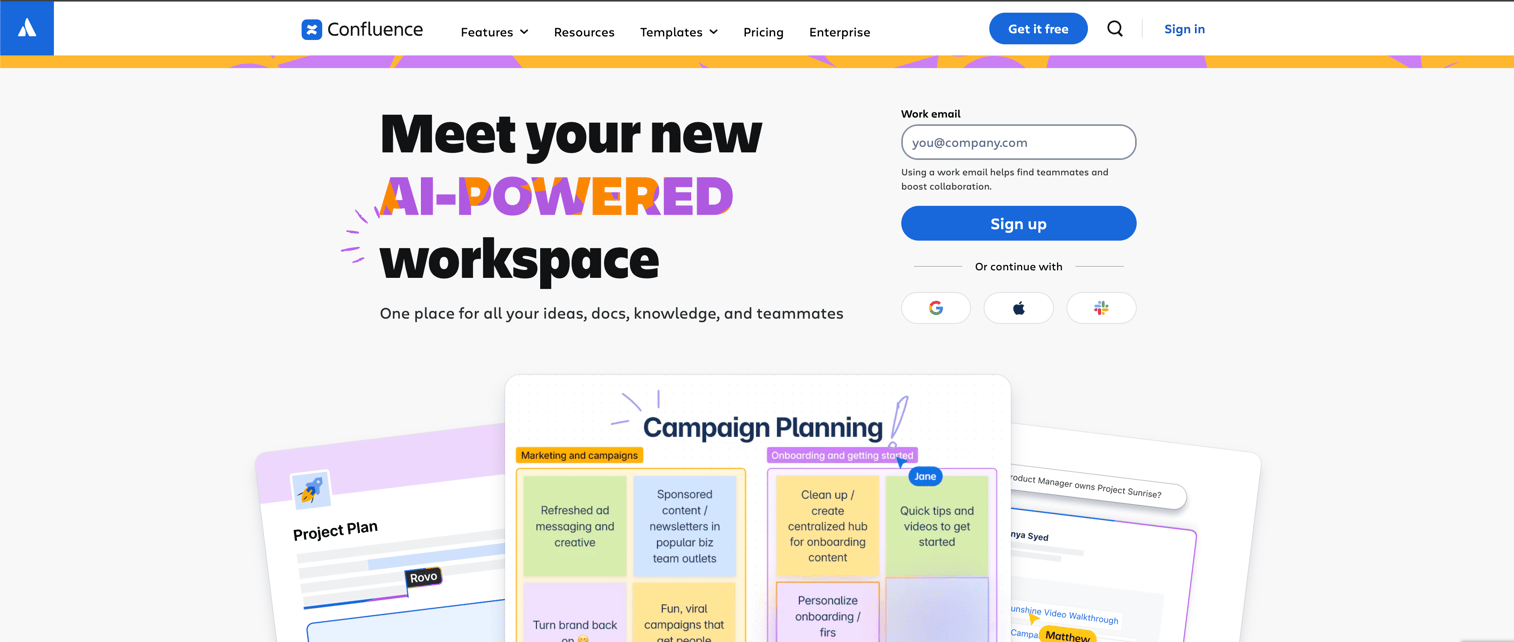
Confluence is Atlassian's team wiki, making it the natural choice for engineering and product teams already using Jira. The native integration between the two tools allows seamless documentation of projects and processes.
It's primarily suited for internal knowledge base use rather than customer-facing documentation.
Best for: Teams embedded in the Atlassian ecosystem who require internal documentation.
Key strengths
- Seamless integration with Jira and other Atlassian products
- Structured page trees and spaces for organization
- Collaborative editing with inline comments
- Vast marketplace of apps and macros
- Pre-built templates for common use cases
Pricing: Free tier available. Paid plans from $5.75/user/month.
5. Help Scout
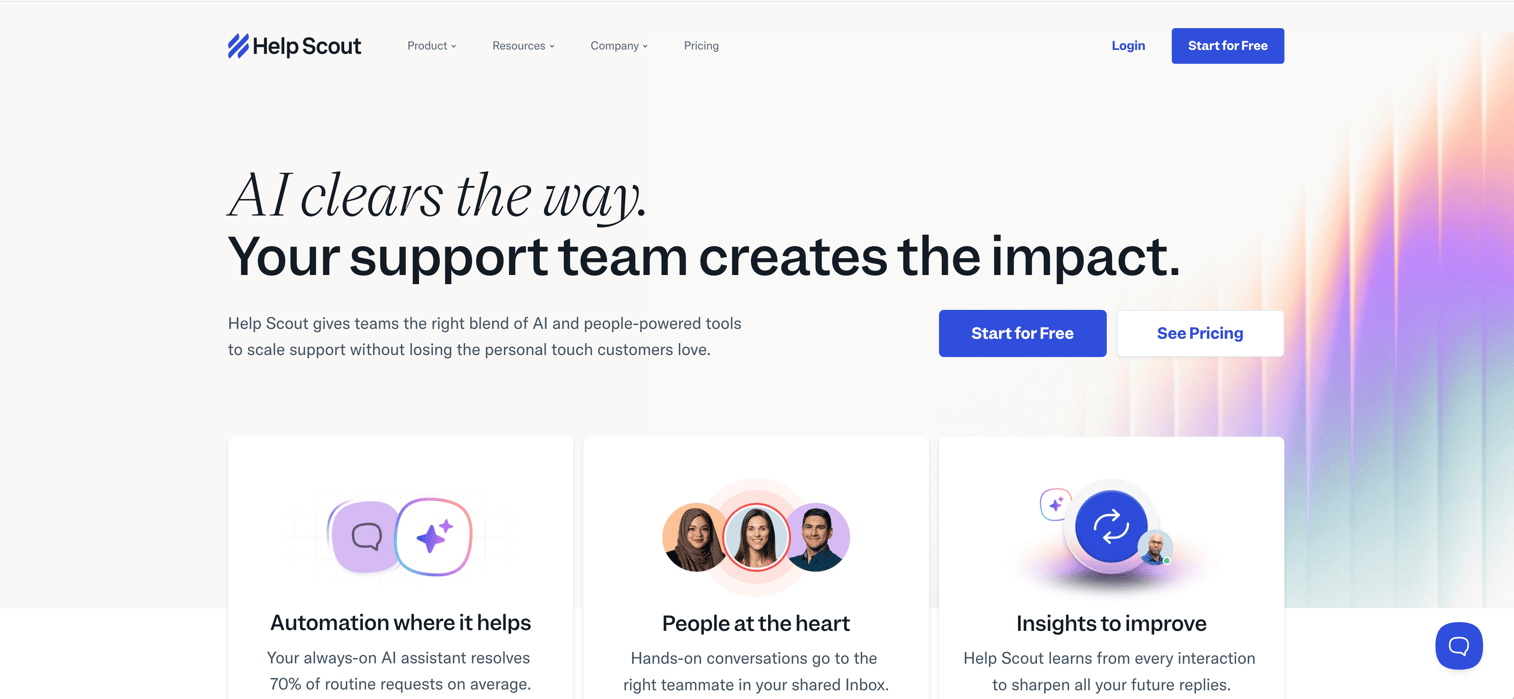
Help Scout is a customer support platform designed with simplicity in mind. Its knowledge base feature, Docs, lets small to mid-sized teams create branded help centers with minimal effort.
The Beacon widget provides in-app help, suggesting relevant articles before customers submit tickets.
Best for: Small support teams that want a simple, professional-looking help center.
Key strengths
- Extremely easy to use and set up
- Beacon widget for in-app contextual help
- Clean, professional templates
- Integrated with Help Scout's shared inbox
- Detailed reporting on article effectiveness
Pricing: From $20/user/month.
6. Freshdesk
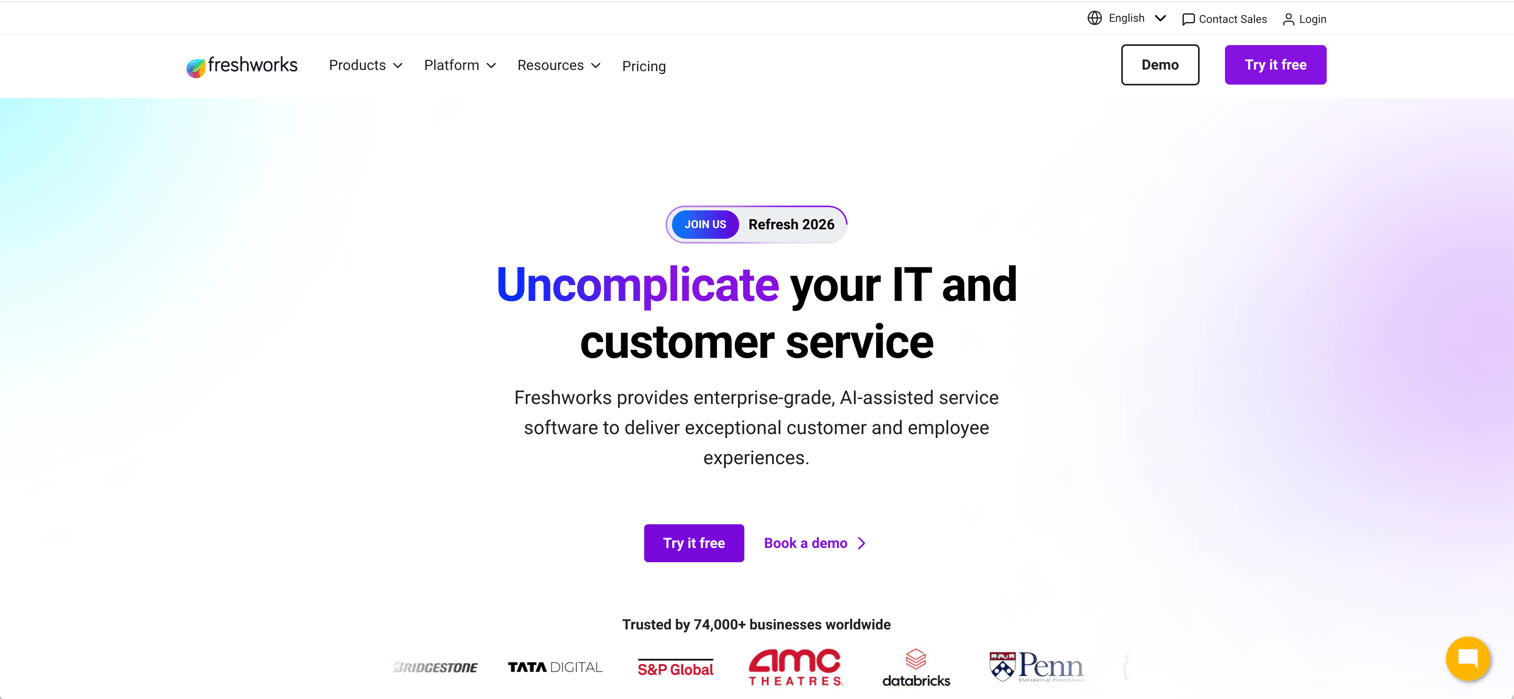
Freshdesk is a customer service platform with a built-in knowledge base as part of its help desk solution. Teams that want ticketing, self-service, and other support channels in one platform often find it a good fit.
Multilingual support and article versioning help manage content updates across global teams.
Best for: Teams that want an all-in-one help desk with built-in knowledge base.
Key strengths
- All-in-one help desk solution
- AI-powered answer bot and article suggestions
- Support for multiple languages and translations
- Article versioning and approval workflows
- Community forum and social media integration
Pricing: Free tier available. Paid plans from $15/agent/month.
7. Guru
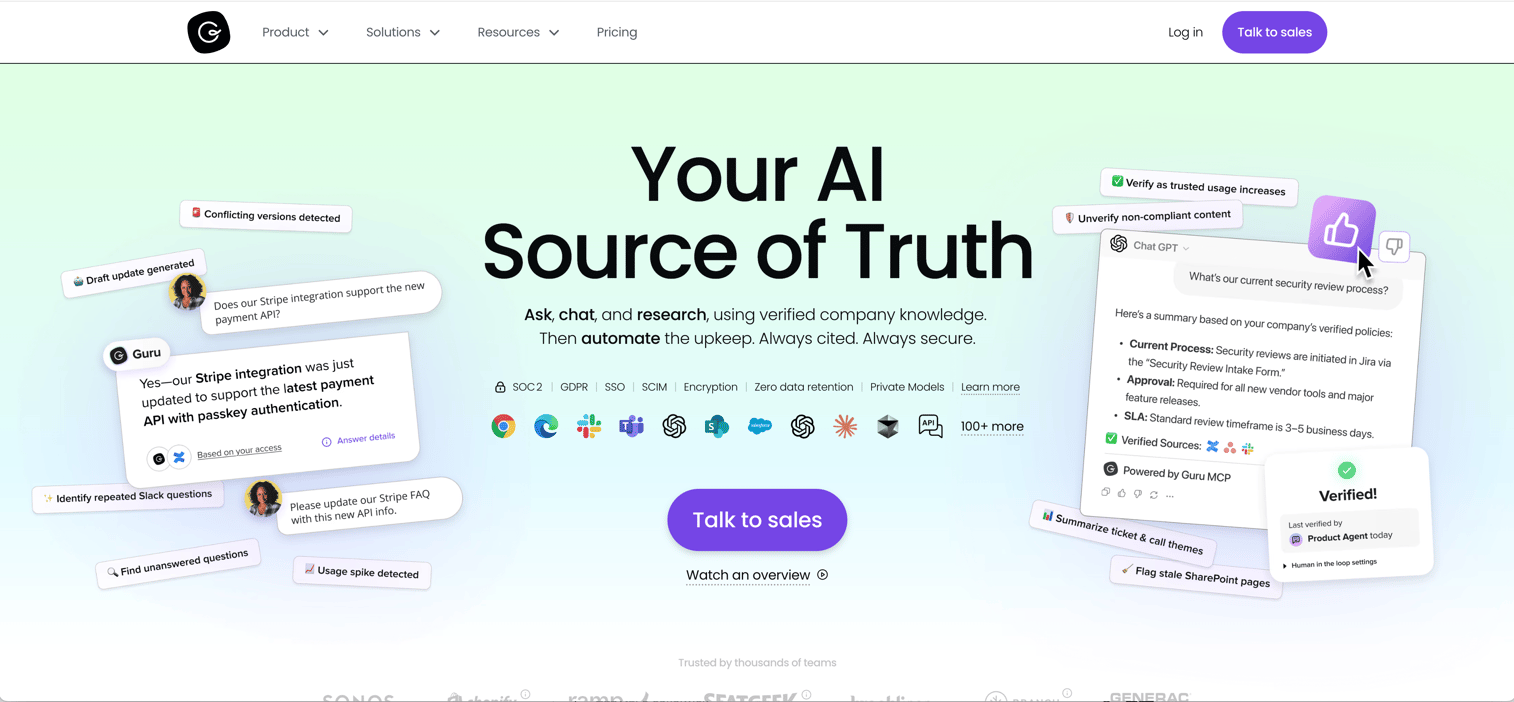
Guru focuses on delivering verified information directly within your team's existing workflows. The browser extension and Slack integration surface knowledge wherever your teams are working, reducing context switching.
The verification workflow ensures content stays accurate and up-to-date.
Best for: Internal teams that want knowledge accessible within their existing tools.
Key strengths
- Surfaces knowledge in-context via browser extension
- Powerful Slack and Microsoft Teams integrations
- Verification workflow to keep content fresh
- AI-powered search and content suggestions
- Analytics on knowledge usage and adoption
Pricing: Free tier available. Paid plans from $5/user/month.
8. Slite
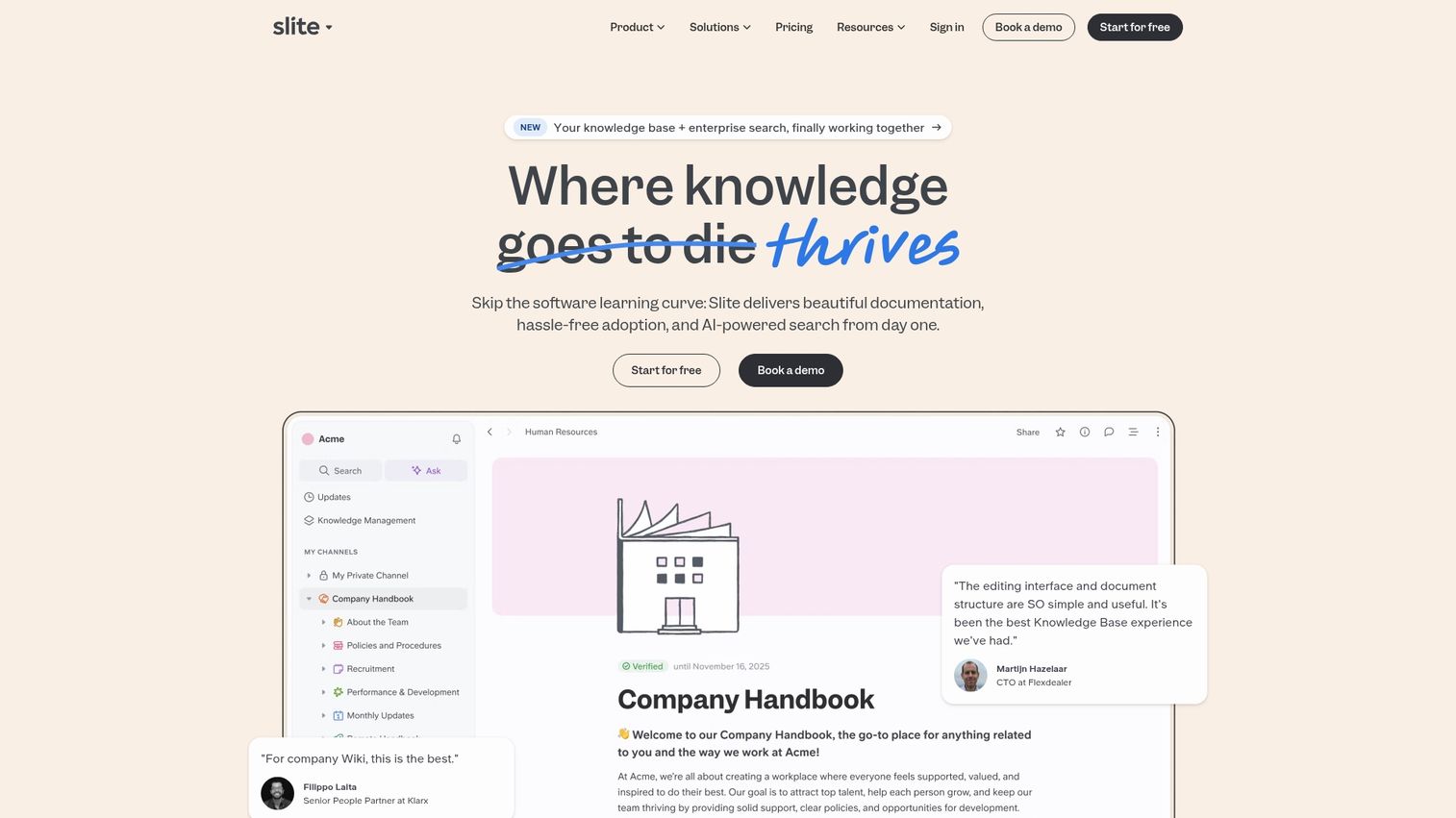
Slite is a team knowledge base designed for modern, async-first collaboration. The clean interface and AI-powered search ("Ask") can answer questions based on your entire knowledge base.
It's a good fit for startups and small teams that want a simple, fast internal wiki.
Best for: Startups and small teams that value simplicity and async collaboration.
Key strengths
- Clean, intuitive interface
- AI-powered "Ask" feature for natural language queries
- Real-time collaborative editing
- Channels for organizing content by team or project
- Templates for common documentation types
Pricing: Free tier available. Paid plans from $8/user/month.
9. Document360
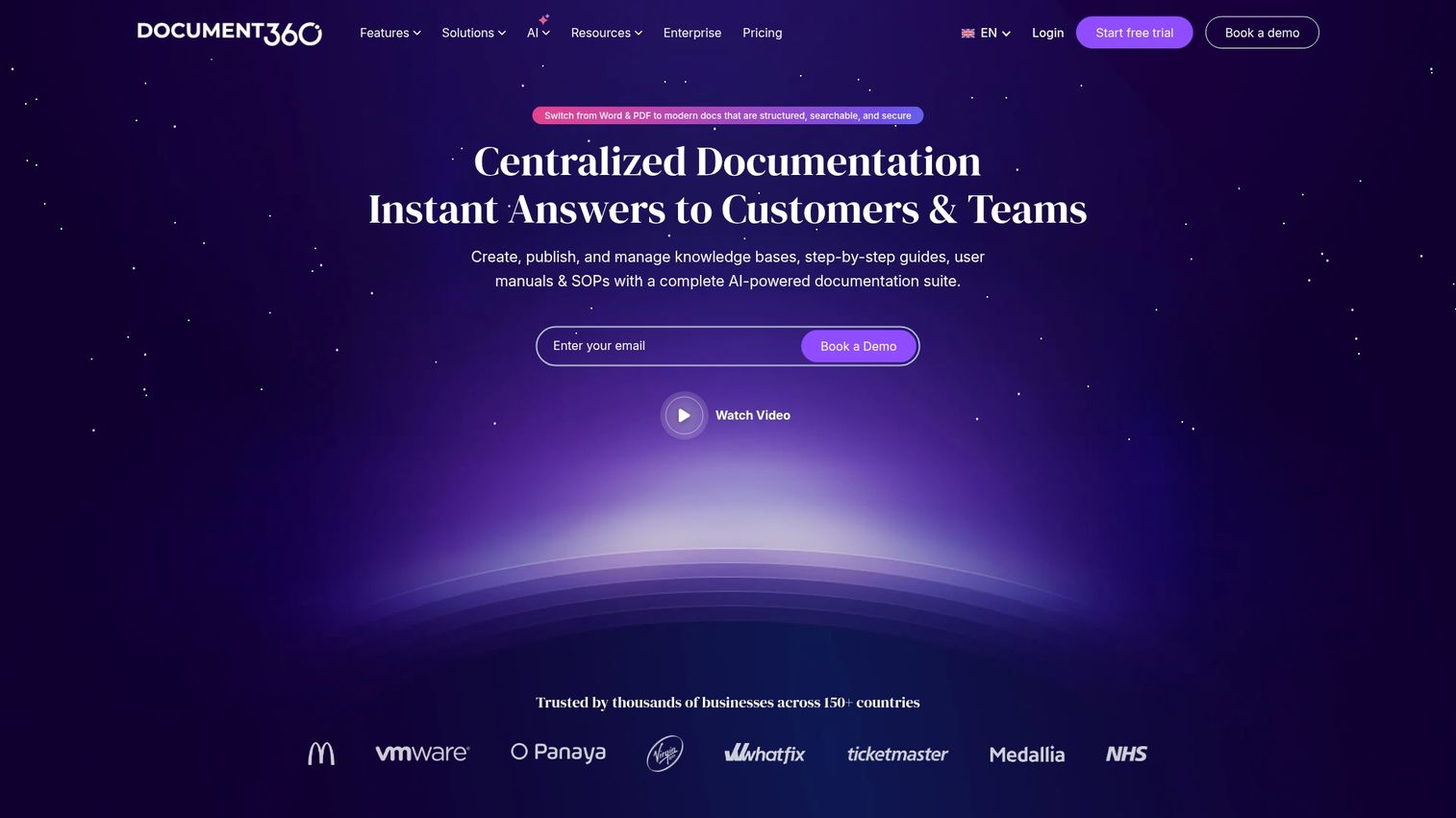
Document360 is an AI-powered knowledge base platform built for creating both customer-facing and internal documentation. SaaS companies with complex products tend to gravitate toward it for the structured organization and version control.
The AI writing assistant helps speed up content creation, while the category-based organization keeps large documentation sets manageable.
Best for: SaaS companies that require highly structured, version-controlled documentation.
Key strengths
- Advanced AI writing and search capabilities
- Granular version control and rollback
- Markdown and WYSIWYG editors
- In-depth analytics and feedback mechanisms
- Multi-brand and multi-language support
Pricing: From $199/month.
10. Zoho Desk
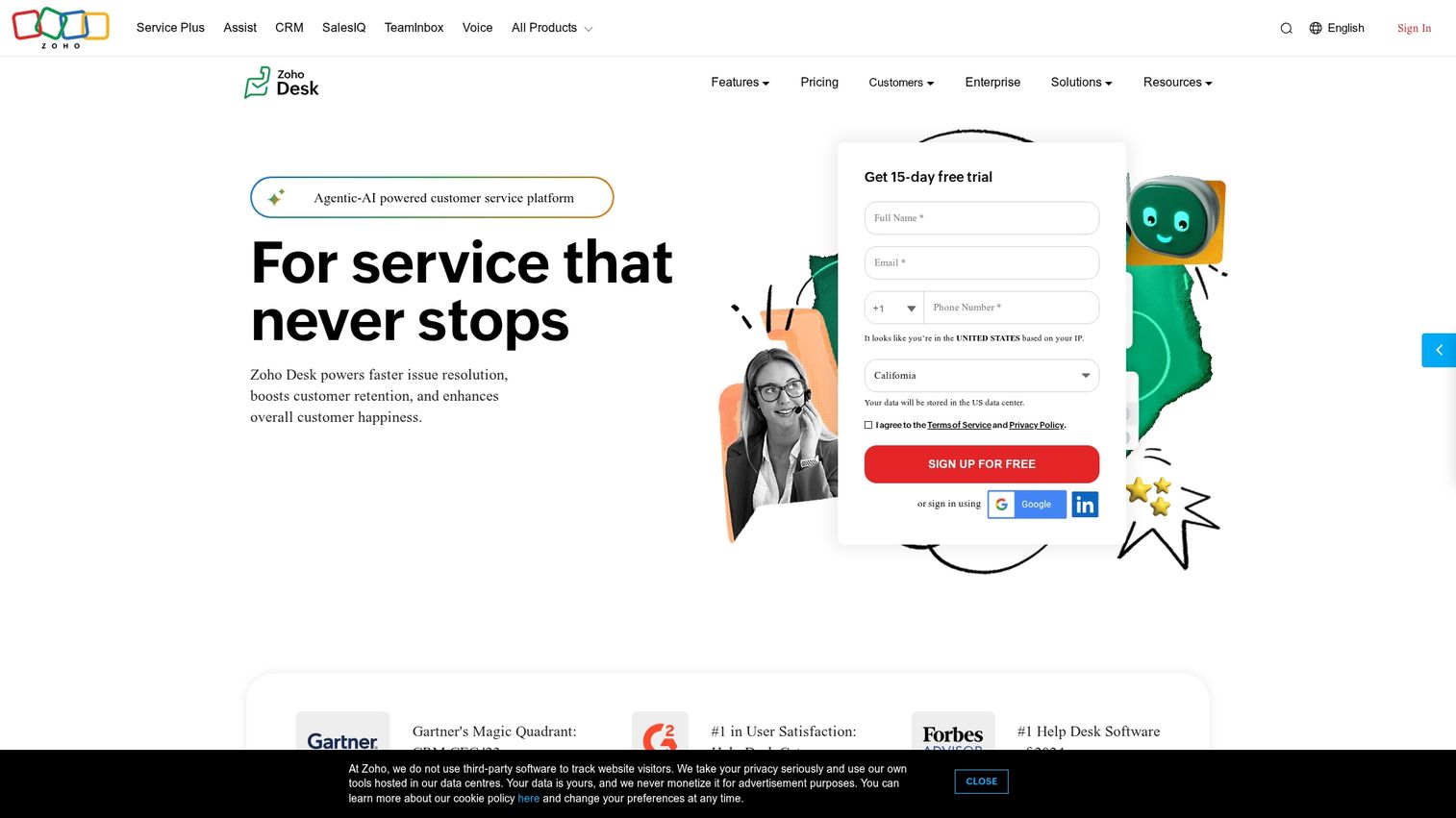
Zoho Desk is the help desk platform within the Zoho ecosystem, with a capable built-in knowledge base. Teams already using other Zoho products will find the integration seamless. Community forums complement static articles, and multilingual support helps global teams.
Best for: Teams already invested in the Zoho software suite.
Key strengths
- Seamless integration with Zoho products
- Context-aware AI for agents and customers
- Built-in community forums and user portals
- Multi-brand help centers from a single account
- Advanced workflow automation
Pricing: Free tier available. Paid plans from $14/agent/month.
11. Helpjuice
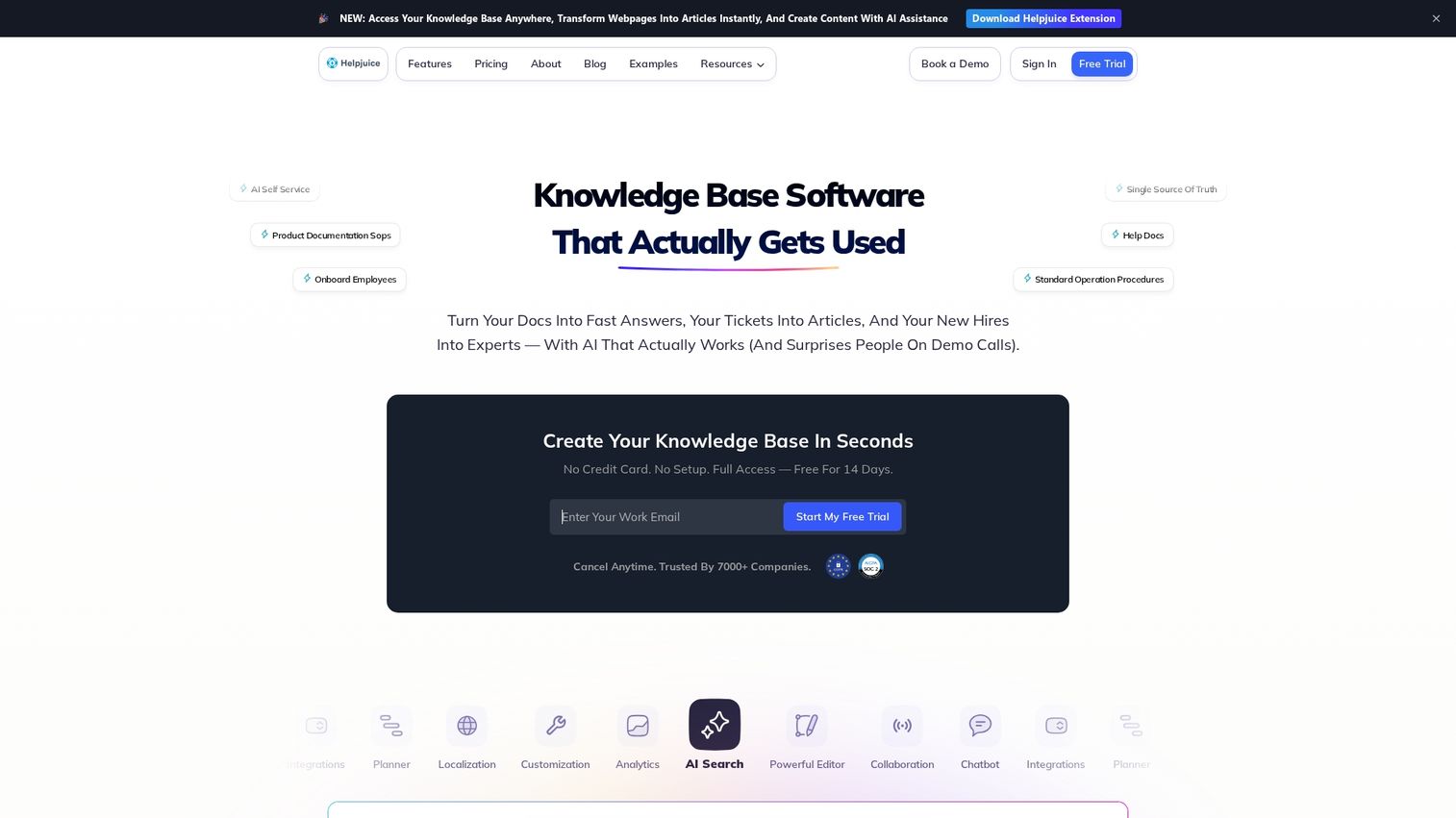
Helpjuice is a dedicated knowledge base platform that focuses on customization and powerful analytics. The advanced search engine provides intelligent answers, while detailed reporting shows exactly how articles perform.
Best for: Teams that prioritize deep analytics and customization.
Key strengths
- Highly customizable themes and templates
- Intelligent, typo-tolerant search engine
- In-depth analytics on article performance
- Collaborative editing and content organization
- Unlimited author and user permissions
Pricing: From $120/month.
12. KnowledgeBase
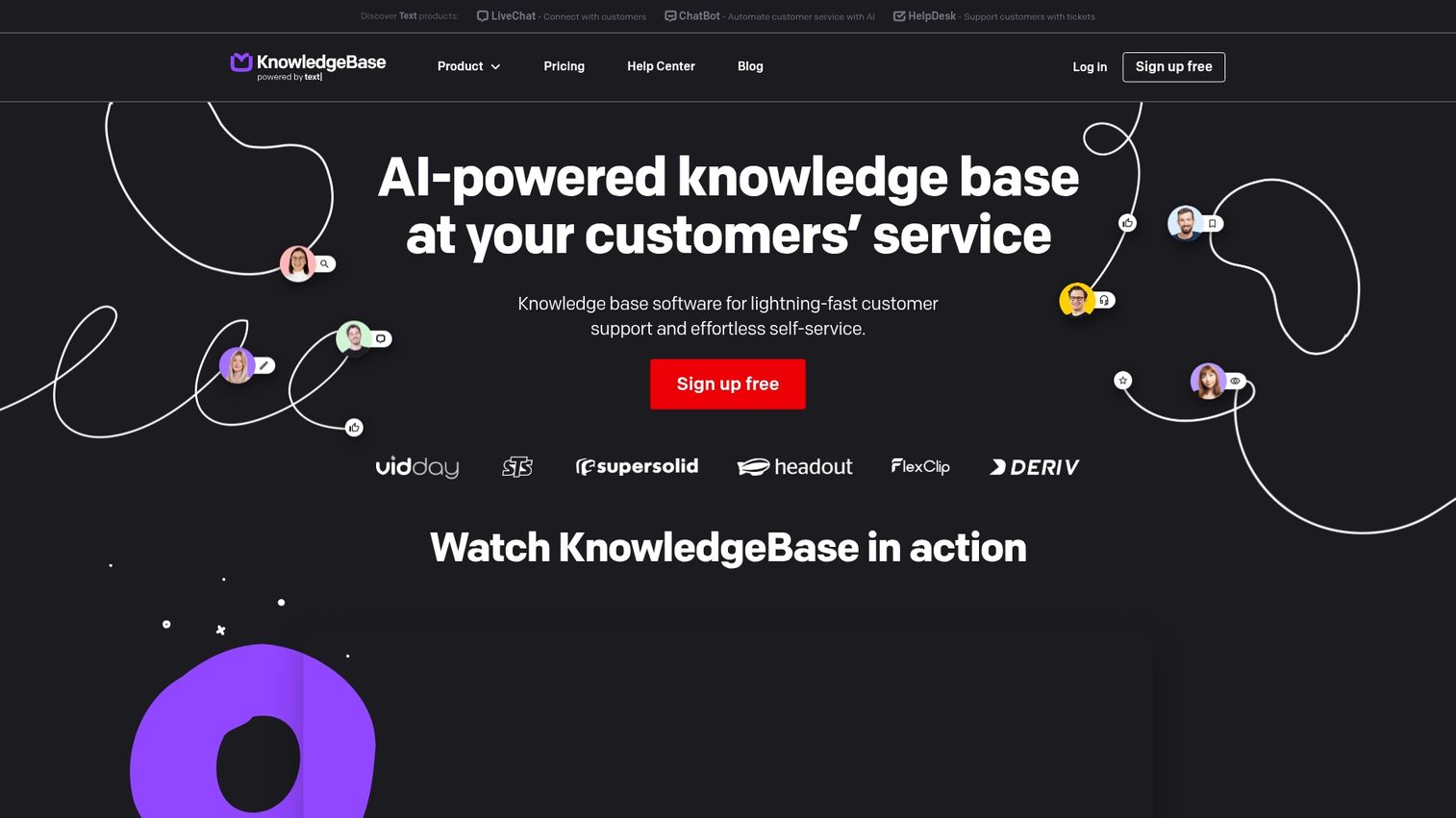
KnowledgeBase is a straightforward tool from the creators of LiveChat. It's designed for simplicity and quick setup, making it a good option for small teams that want a no-fuss customer help center.
AI-powered article generation helps kickstart content creation.
Best for: Small teams that want a simple, standalone knowledge base.
Key strengths
- Simple and easy-to-use interface
- AI-powered article generation
- Seamless integration with LiveChat and ChatBot
- Customizable design and branding
- Built-in feedback and analytics tools
Pricing: From $24/agent/month.
13. Tettra
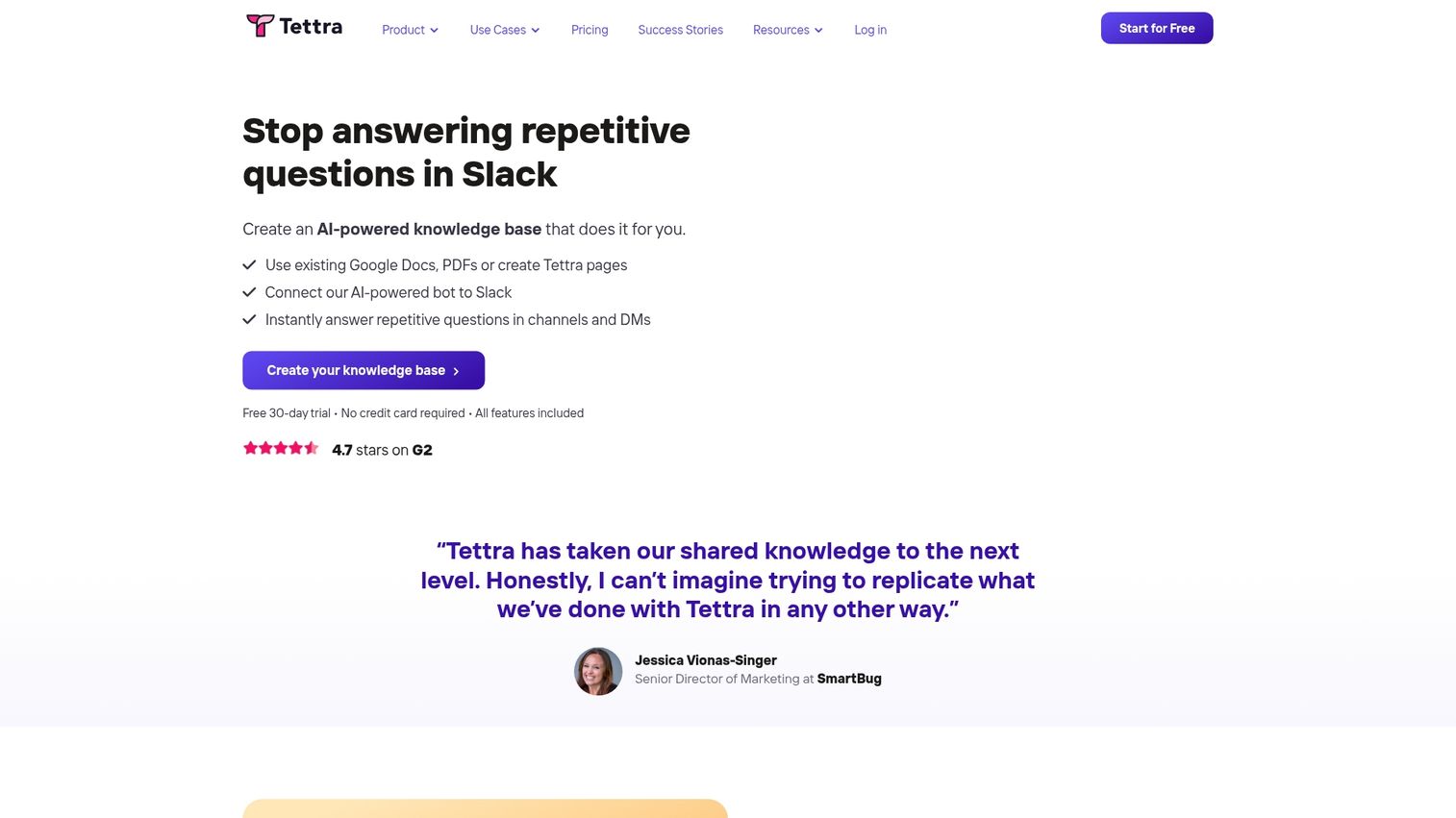
Tettra is an internal knowledge base built with deep Slack integration. The Q&A workflow lets users ask questions in Slack and then turn answers into permanent knowledge base articles.
This prevents knowledge from getting lost in chat threads.
Best for: Teams that live in Slack and want to capture knowledge from conversations.
Key strengths
- Deep Slack integration for capturing and sharing knowledge
- Q&A workflow turns questions into documentation
- Content verification schedule to keep articles fresh
- Simple, intuitive content editor
- AI-powered search and suggestions
Pricing: From $10/user/month.
14. Nuclino
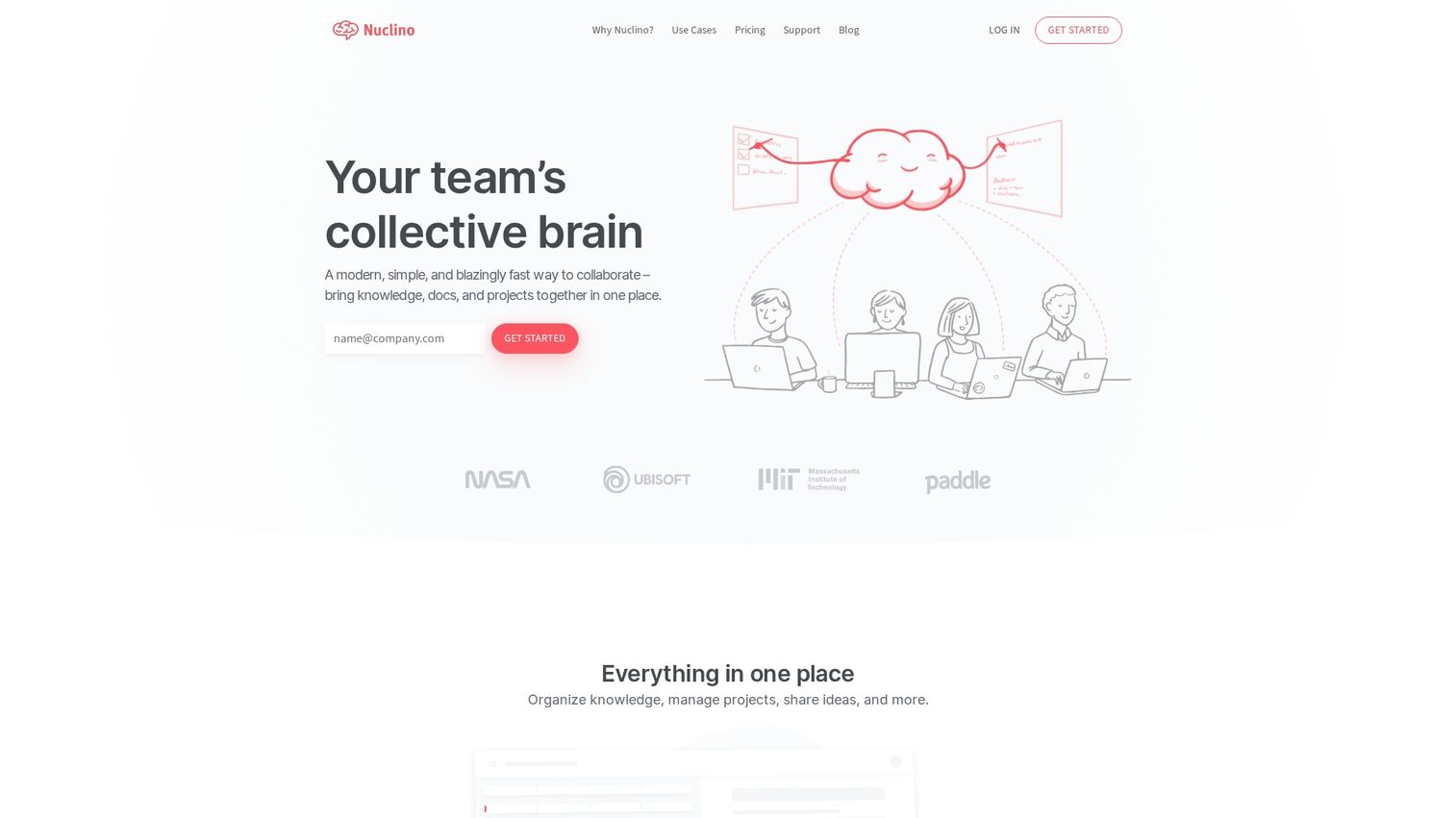
Nuclino is a lightweight team wiki that emphasizes speed and real-time collaboration. The unique graph view lets teams visualize connections between different pieces of knowledge.
Best for: Teams that want a fast, minimal, and highly collaborative internal wiki.
Key strengths
- Extremely fast search and navigation
- Real-time collaborative editing
- Multiple views: list, board, and graph
- Simple, markdown-based editor
- Lightweight and easy to adopt
Pricing: Free tier available. Paid plans from $5/user/month.
15. BookStack
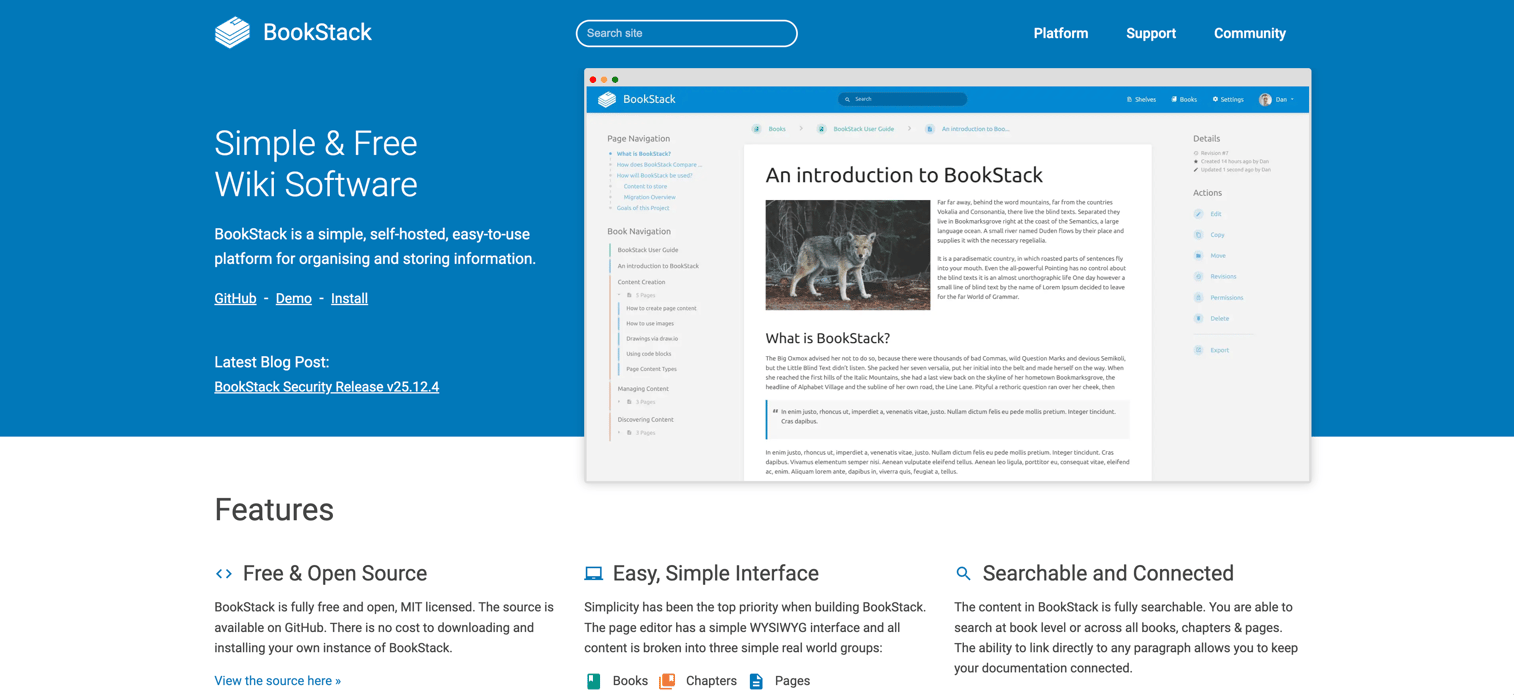
BookStack is a popular open-source knowledge base platform. As a self-hosted solution, it gives you complete control over your data and infrastructure.
It's an excellent choice for technical teams comfortable with self-hosting who want a free, powerful solution.
Best for: Technical teams that want full data control and a free, self-hosted option.
Key strengths
- Free and open-source
- Self-hosted for full data control
- Simple, book-like organizational structure
- Integrated diagram drawing tool
- Multilingual support and role-based permissions
Pricing: Free (self-hosted).
Key features in knowledge base platforms
Content management and WYSIWYG editing
A WYSIWYG (What You See Is What You Get) editor lets non-technical team members create and format articles without coding. Look for rich text formatting, image and video embedding, and pre-built templates.
AI-powered search and suggestions
Modern tools use AI to surface relevant articles based on natural language queries, going beyond simple keyword matching. AI can also power features like article suggestions for agents, auto-tagging of content, and generating draft articles.
Analytics and usage reporting
Analytics reveal what content works and where gaps exist. Common metrics include article views, user ratings, time on page, and search queries that yield no results.
Customization and branding
For customer-facing knowledge bases, the ability to customize look and feel is essential. Look for custom domains, logo placement, color schemes, and custom CSS options.
Integrations with CRM and helpdesk tools
The best platforms connect with support software, CRMs, and team communication apps. Integrations streamline workflows like converting support tickets into knowledge base articles.
Collaboration and permission controls
For teams creating content together, look for inline comments, version history, and approval workflows. Permission controls define who can view, edit, and publish content.
How to choose the right knowledge base platform
Define internal vs customer-facing requirements
The first decision is determining your primary audience. Internal tools prioritize Slack integration and access controls. External tools focus on public search optimization and branding.
Evaluate AI and automation capabilities
Look for smart search that understands user intent, AI-powered content suggestions, automated article generation, and auto-translation. According to Gartner, 85% of customer service leaders explored or piloted conversational GenAI in 2025, and AI features reduce maintenance work significantly.
Assess integration with your existing stack
Make a list of integrations you want: support ticketing, CRM, project management, team communication. Don't just check if an integration exists; assess what it actually enables.
Consider scalability and pricing model
Understand the pricing model: per-user, per-article, or flat rate. Consider limits on articles, storage, and separate knowledge bases you can create.
Internal vs external knowledge base software
When to use an internal knowledge base
Internal knowledge bases centralize company knowledge for employees. Use cases include onboarding, process documentation, HR policies, and team wikis. Prioritize access controls, Slack or Teams integration, and version history.
When to use a customer knowledge base
Customer knowledge bases provide self-service support. Use cases include help centers, FAQ pages, and product documentation. Prioritize powerful search, SEO capabilities, and branding options.
Platforms that support both
Several platforms like Document360 and Zendesk handle both use cases by allowing separate, access-controlled knowledge bases from a single account. The trade-off is less specialization, but you get unified content management.
Free vs paid knowledge base software
| Factor | Free knowledge base software | Paid knowledge base software |
|---|---|---|
| Best for | Individuals, small teams, startups, or testing | Growing businesses, enterprises, advanced requirements |
| Limitations | Limited articles, users, or features. Often includes vendor branding. | Fewer limitations. Custom branding, advanced analytics, robust integrations. |
| Examples | BookStack (open source), free tiers of Notion, Slite, Freshdesk | Guideflow, Document360, Zendesk, Help Scout |
| Note | Free options like BookStack or the free tiers from Notion and Slite are excellent starting points for small teams or for testing a concept before committing. |
Knowledge base software pricing overview
SaaS knowledge base pricing typically follows a tiered structure:
- Free tier: Limited articles, basic search, vendor branding. Good for getting started.
- Starter tier: Custom branding, basic analytics, more storage. Suited for small businesses.
- Professional tier: Advanced analytics, key integrations, multiple knowledge bases.
- Enterprise tier: SSO, audit logs, dedicated support, SLAs.
How interactive demos complement knowledge base tools
The limitation of static documentation is that users read but often don't retain information or understand how to apply it. Interactive content like demo centers changes this dynamic.
Interactive demos let users click through a simulated process directly within a knowledge base article. This active learning approach works particularly well for product feature explanations, complex onboarding tutorials, and troubleshooting walkthroughs.
Analytics from interactive content show actual user understanding and task completion rates, providing much deeper insight than simple page views.
Build your knowledge base stack today
Choosing the right knowledge base software starts with defining your audience: internal vs external. Then prioritize features like AI search and key integrations.
Consider how interactive content can elevate your user experience from passive reading to active learning. Most platforms offer free tiers, so testing before committing is straightforward.
Start your journey with Guideflow today!
FAQs about knowledge base software
Knowledge base software complements live support rather than replacing it. It handles common, repetitive questions effectively, which reduces ticket volume and frees agents for complex issues that require human judgment.
Most hosted platforms can be set up in hours. The real work is creating content. Building a useful library of articles typically takes weeks to months depending on scope.
Traditionally, wikis are internally focused with open-editing models, while knowledge bases are more structured with controlled publishing workflows. Many modern tools blur this line, offering wiki-like collaboration within a structured framework.
Track support ticket deflection, reductions in average time-to-resolution, and improvements in customer satisfaction scores. Successful self-service directly translates to lower support costs.
Most platforms offer import options from Word, HTML, and Markdown. Some provide dedicated migration tools for moving content from competing platforms. Always check specific import capabilities before committing.
Many modern platforms offer multilingual support, including manual translation management and AI-assisted translation. This functionality is often a premium feature, so check your desired pricing plan.
Effective articles have clear, action-oriented titles, are easily scannable with headers and bullet points, provide step-by-step instructions, and include visuals or interactive elements where helpful. Focus on answering one specific question per article.
Interactive guides let users actively participate and practice tasks within documentation rather than passively reading. This "learning by doing" approach improves retention, boosts confidence, and reduces follow-up support questions.