
Content creation software covers any tool that helps you produce, edit, or distribute text, images, video, audio, or interactive experiences. The category has grown far beyond word processors and image editors to include AI writing assistants, no-code video tools, and platforms for building clickable product walkthroughs.
This guide breaks down 29 tools across research, writing, design, video, audio, and interactive demos, organized by function so you can find what fits your workflow.
What's inside
This guide covers 29 content creation tools across research, writing, design, video, audio, and interactive product content. Each tool is organized by function so you can jump to the category that fits your workflow.
The tools here were picked based on how well they handle real production work, not just feature lists. You'll find pricing, G2 ratings, and honest takes on what each tool does best.
TL;DR
Research and SEO: Semrush, Ahrefs, Google Trends
Writing and editing: Grammarly, Hemingway Editor, ChatGPT, Jasper
Visual content: Canva, Figma, Adobe Express
Video creation: CapCut, DaVinci Resolve, Descript
Interactive product content: Guideflow for clickable demos that let prospects experience your product without a live call
What is content creation software
Content creation software refers to digital tools that help you produce, edit, and distribute content across formats like text, images, video, audio, and interactive experiences. The category - projected to reach $48.2 billion by 2035 - has expanded well beyond word processors and image editors to include AI writing assistants, no-code video tools, and platforms for building interactive product walkthroughs.
Here's how the main categories break down:
Writing tools: Draft, edit, and polish written content
Design tools: Create graphics, images, and visual assets
Video tools: Record, edit, and produce video content
Audio tools: Record and edit podcasts or voiceovers
Planning tools: Organize content calendars and workflows
Interactive demo tools: Build clickable product walkthroughs for prospects and customers
When to use content creation tools
Different content goals call for different tool categories. Here's a quick guide:
Building brand awareness: Graphic design and video tools help create shareable visual content
Improving search rankings: Research and SEO tools identify topics and keywords worth targeting
Scaling social presence: Scheduling tools keep posting consistent across platforms
Training customers or prospects: Interactive demo tools show product value without requiring live calls
Streamlining team workflows: Content planning tools keep everyone aligned on deadlines
Most teams end up with a small stack covering three to five categories, starting with the one that matters most to their goals.
Best content creation tools comparison table
# | Product | Intent | Key use case | Pricing | G2 rating |
|---|---|---|---|---|---|
1 | Guideflow | Interactive product demos | Let prospects click through your product | Free + $40/mo | 5.0 |
2 | Semrush | SEO research | Find keywords and track rankings | $139/mo | 4.5 |
3 | Ahrefs | Backlink analysis | Competitive research and link building | $129/mo | 4.5 |
4 | Google Trends | Trend research | Identify trending topics | Free | N/A |
5 | Grammarly | Writing assistance | Grammar and tone checking | Free + $12/mo | 4.7 |
6 | Hemingway Editor | Readability | Simplify complex writing | Free + $20 | 4.4 |
7 | ChatGPT | AI writing | Draft and brainstorm content | Free + $20/mo | 4.7 |
8 | Jasper | Marketing copy | Brand-consistent content at scale | $49/mo | 4.7 |
9 | Canva | Graphic design | Social graphics and presentations | Free + $15/mo | 4.7 |
10 | Figma | Design collaboration | Prototypes and design systems | Free + $15/mo | 4.7 |
11 | Adobe Express | Quick design | Fast social content creation | Free + $10/mo | 4.5 |
12 | Remove.bg | Background removal | Product photos and headshots | Free + $0.20/image | 4.7 |
13 | Adobe Lightroom | Photo editing | Professional photo enhancement | $10/mo | 4.6 |
14 | Photopea | Advanced editing | PSD editing without subscription | Free | 4.5 |
15 | Unsplash | Stock photos | Free commercial-use images | Free | 4.7 |
16 | CapCut | Video editing | Short-form social video | Free + $8/mo | 4.5 |
17 | DaVinci Resolve | Professional video | Advanced color grading and effects | Free + $295 | 4.8 |
18 | Descript | Text-based editing | Edit video by editing transcript | Free + $15/mo | 4.6 |
19 | Animoto | Template video | Quick promotional videos | $8/mo | 4.4 |
20 | Loom | Async video | Quick screen recordings | Free + $15/mo | 4.7 |
21 | Vidyard | Video analytics | Personalized video outreach | Free + custom | 4.5 |
22 | Audacity | Audio editing | Podcast and voiceover editing | Free | 4.5 |
23 | Alitu | Podcast production | Automated episode assembly | $38/mo | 4.6 |
24 | Riverside | Remote recording | High-quality podcast interviews | Free + $19/mo | 4.8 |
25 | Buffer | Social scheduling | Multi-platform posting | Free + $6/mo | 4.3 |
26 | Later | Visual planning | Instagram-focused scheduling | Free + $25/mo | 4.5 |
27 | Hootsuite | Enterprise social | Team workflows and reporting | $99/mo | 4.2 |
28 | Notion | Content planning | Custom content databases | Free + $10/mo | 4.7 |
29 | Trello | Project management | Kanban content calendars | Free + $5/mo | 4.4 |
Research and SEO content tools
Before creating content, you want to know what topics are worth pursuing. With 61% of marketers increasing SEO budgets in 2026, these tools help identify keywords, analyze competitors, and spot content gaps.
1. Guideflow
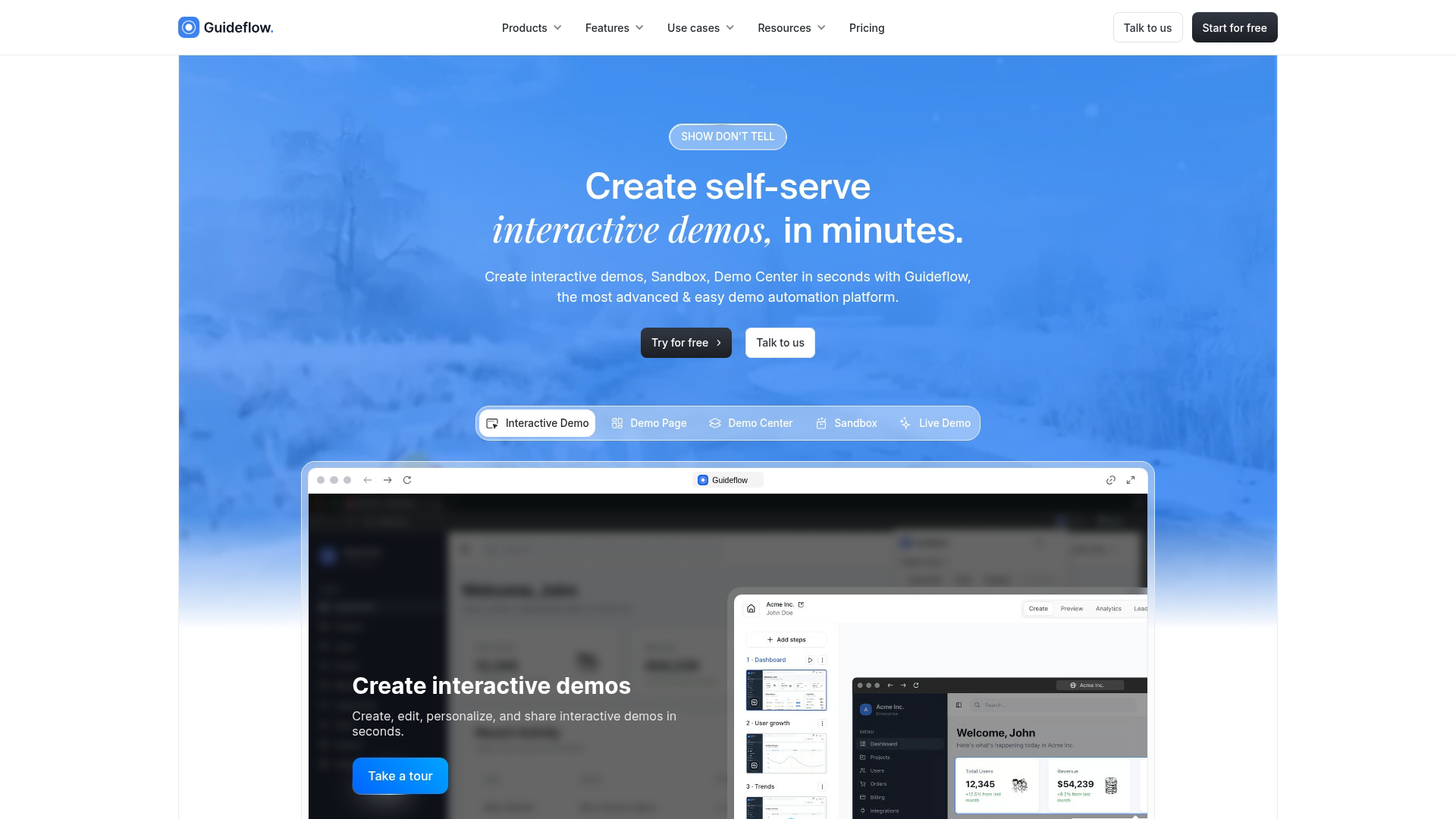
Guideflow is a demo automation platform that turns your product into clickable, interactive experiences. Instead of static screenshots or scheduling-heavy demo calls, you capture your product flow directly from your browser and turn it into a guided walkthrough anyone can experience.
For content creators, this matters because product content often falls flat. You can write about features all day, but prospects understand value faster when they can click through the actual experience.
Key strengths
Browser-based capture: Install the Chrome extension and capture your product flow directly from your browser in minutes—no engineering resources, screen recording software, or technical setup required
No-code editor: Customize every element with a drag and drop editor - add tooltips, blur sensitive data, update text, and adjust the flow without touching code
Built-in analytics: Track viewer engagement at every step, see where prospects drop off, and identify which features generate the most interest
Flexible distribution: Embed demos directly on your website, share via link in email campaigns, or add to sales decks - works anywhere you need to show your product
Best for: Product marketing teams, growth teams, and pre-sales teams who want prospects to experience the product before a call.
Pricing: Free plan available. Paid plans start at $40/month.
Start your journey with Guideflow today!
2. Semrush
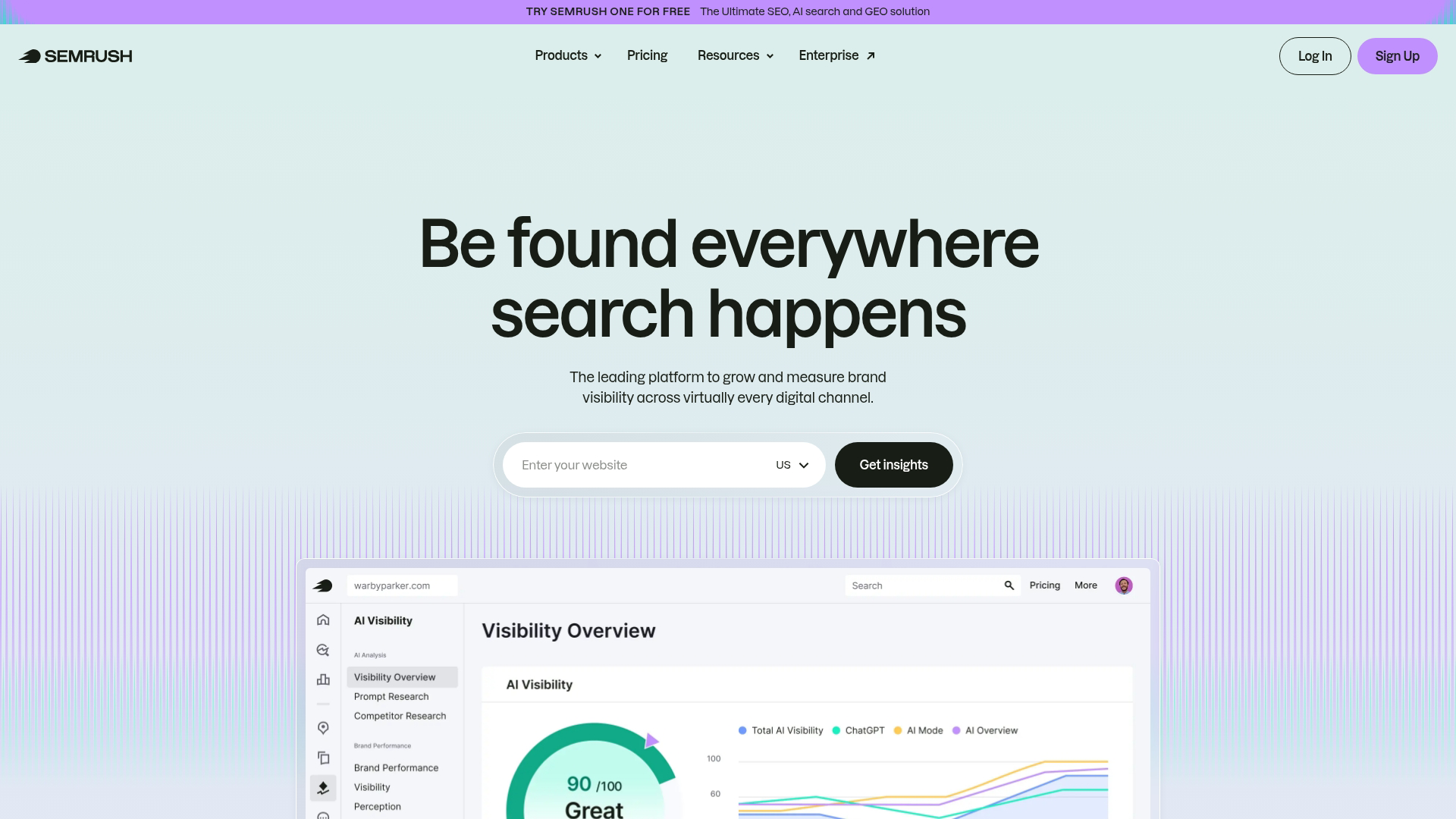
Semrush is an all-in-one SEO and content marketing platform. It combines keyword research, competitive analysis, content optimization, and rank tracking in a single dashboard.
The Keyword Magic Tool surfaces topic opportunities you might miss, while the content audit feature identifies underperforming pages worth updating.
Key strengths
Keyword research: The Keyword Magic Tool generates thousands of keyword variations from a single seed term, organized by search intent (informational, commercial, transactional) so you can target topics that match your content goals
Content audit: Scans your existing content to identify pages with declining traffic, broken links, or outdated information that could be refreshed to reclaim rankings
Competitive research: Shows which keywords your competitors rank for that you don't, revealing content gaps you can fill to capture market share
Best for: Content strategists and SEO teams who want comprehensive keyword research and competitive intelligence.
Pricing: Plans start at $139/month.
3. Ahrefs
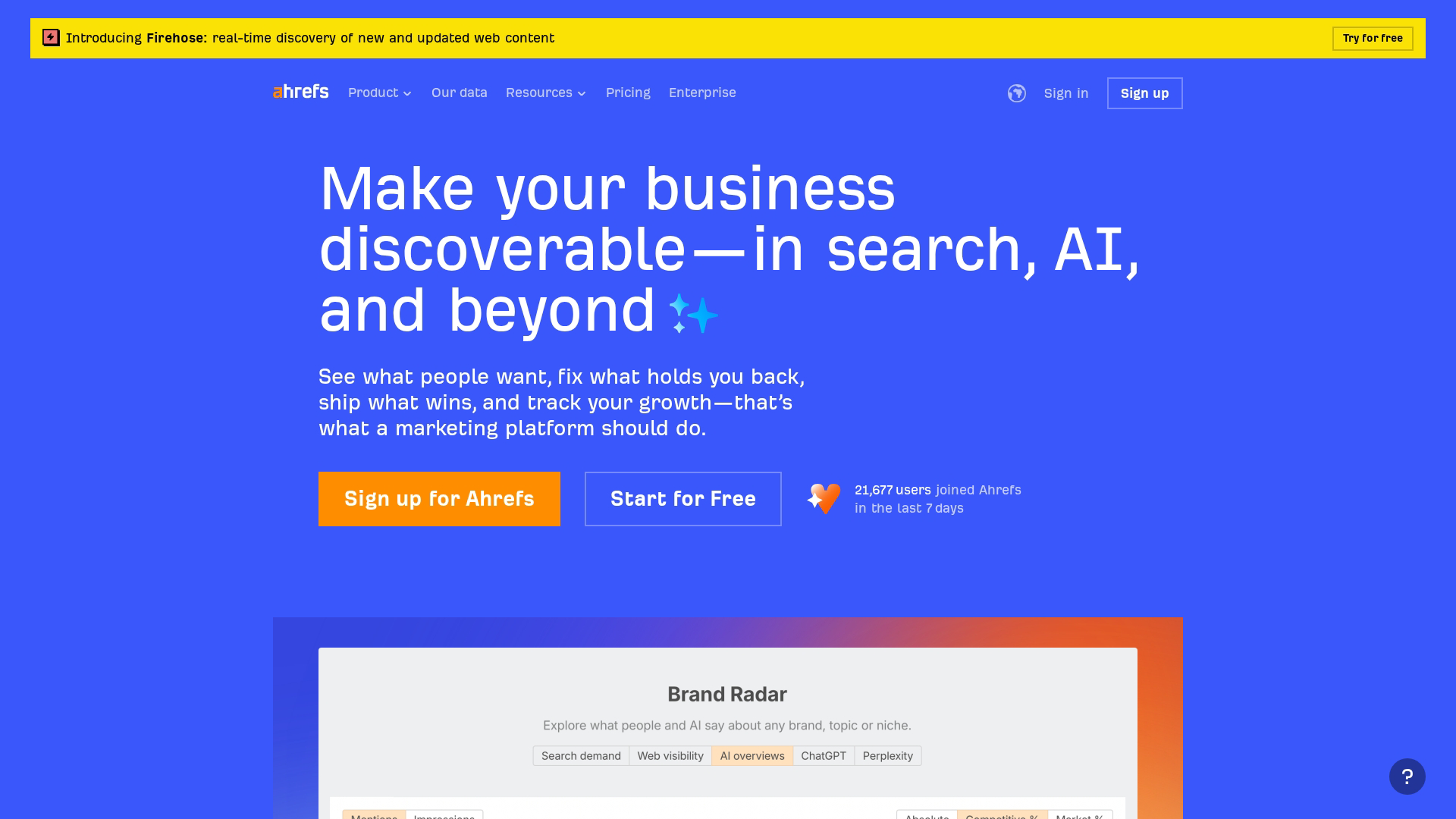
Ahrefs is a backlink and keyword research tool. Its Site Explorer feature provides detailed analysis of any website's backlink profile, while Content Explorer helps find high-performing topics in your niche.
Where Semrush excels at breadth, Ahrefs often wins on depth, particularly for link building and competitive backlink analysis.
Key strengths
Site Explorer: Analyzes any competitor's backlink profile to reveal which sites link to them, what anchor text they use, and which pages attract the most links—useful for identifying link building opportunities you can replicate
Content Explorer: Searches a database of billions of pages to find high-performing content in your niche based on social shares, referring domains, and organic traffic, helping you identify proven topics worth covering
Rank Tracker: Monitors your keyword positions across search engines over time, with the ability to track competitors' rankings side-by-side and identify which pages are gaining or losing visibility
Best for: SEO-focused content teams building link strategies and tracking rankings.
Pricing: Plans start at $129/month.
4. Google Trends
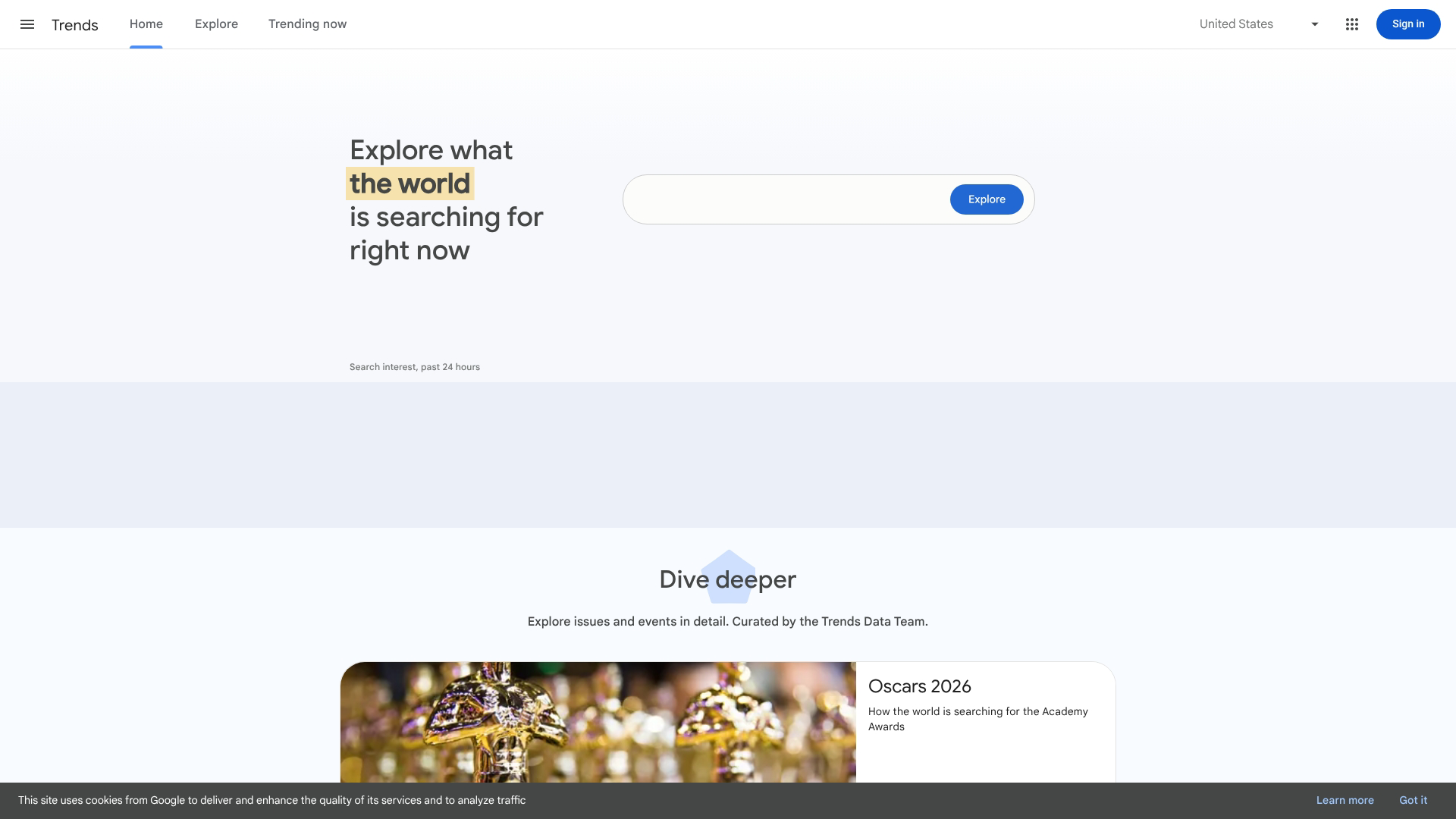
Google Trends shows search interest over time for any topic. It's free, fast, and useful for identifying trending topics, seasonal patterns, and regional interest variations.
While it won't give you exact search volumes, it's excellent for comparing relative interest between topics and spotting emerging trends before they peak.
Best for: Content creators who want to identify trending topics and time their content strategically.
Pricing: Free.
Content writing and editing software
The tools in this section help produce polished written content faster, from AI writing assistants to grammar checkers.
5. Grammarly
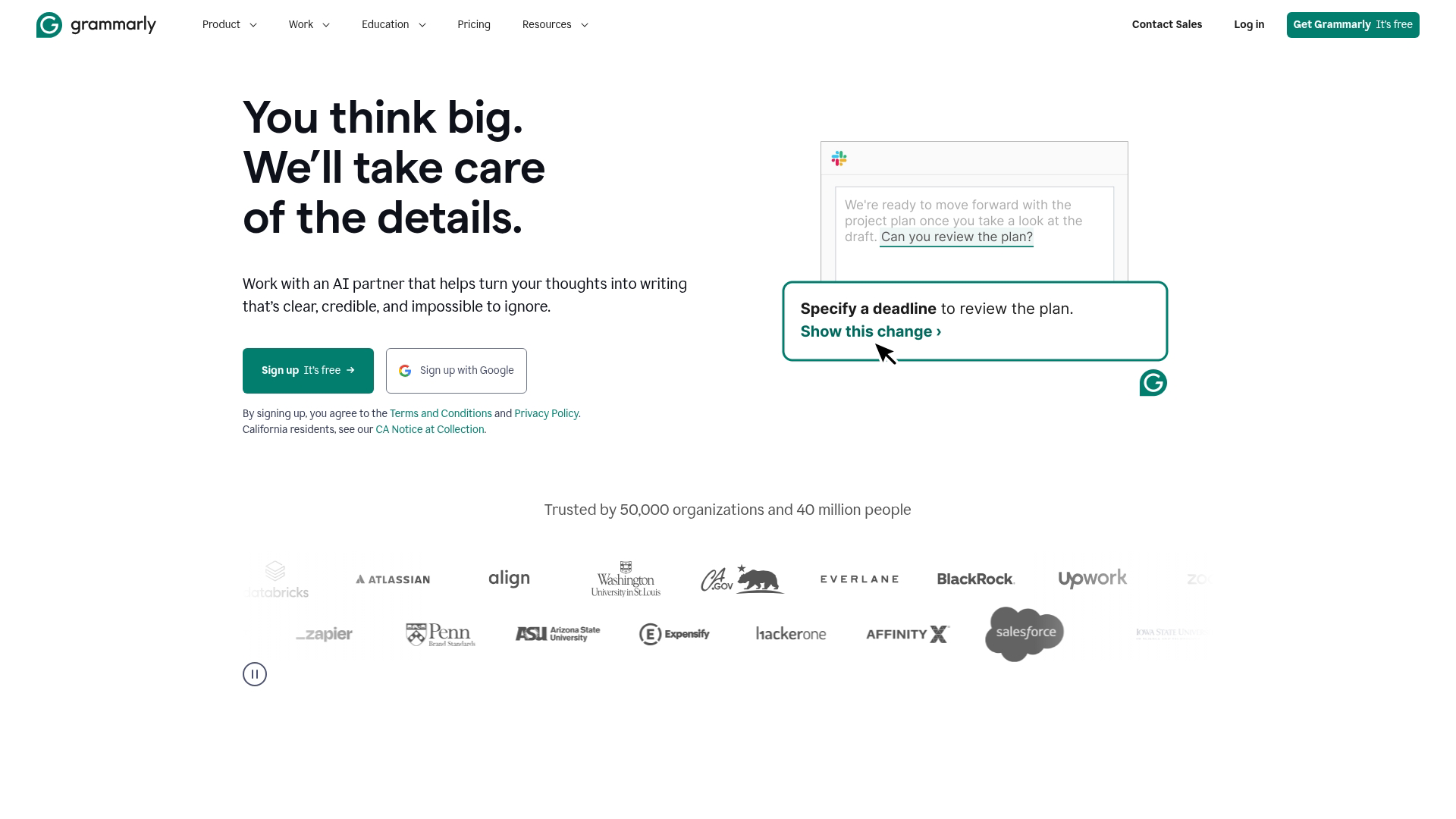
Grammarly is an AI-powered writing assistant that catches grammar, spelling, and tone issues in real time. The browser extension works across platforms, so it checks your writing in email, docs, and social media.
Beyond basic corrections, the tone detection feature helps match your writing to your intended audience.
Best for: Content creators who want error-free copy without slowing down their workflow.
Pricing: Free plan available. Premium starts at $12/month.
6. Hemingway Editor
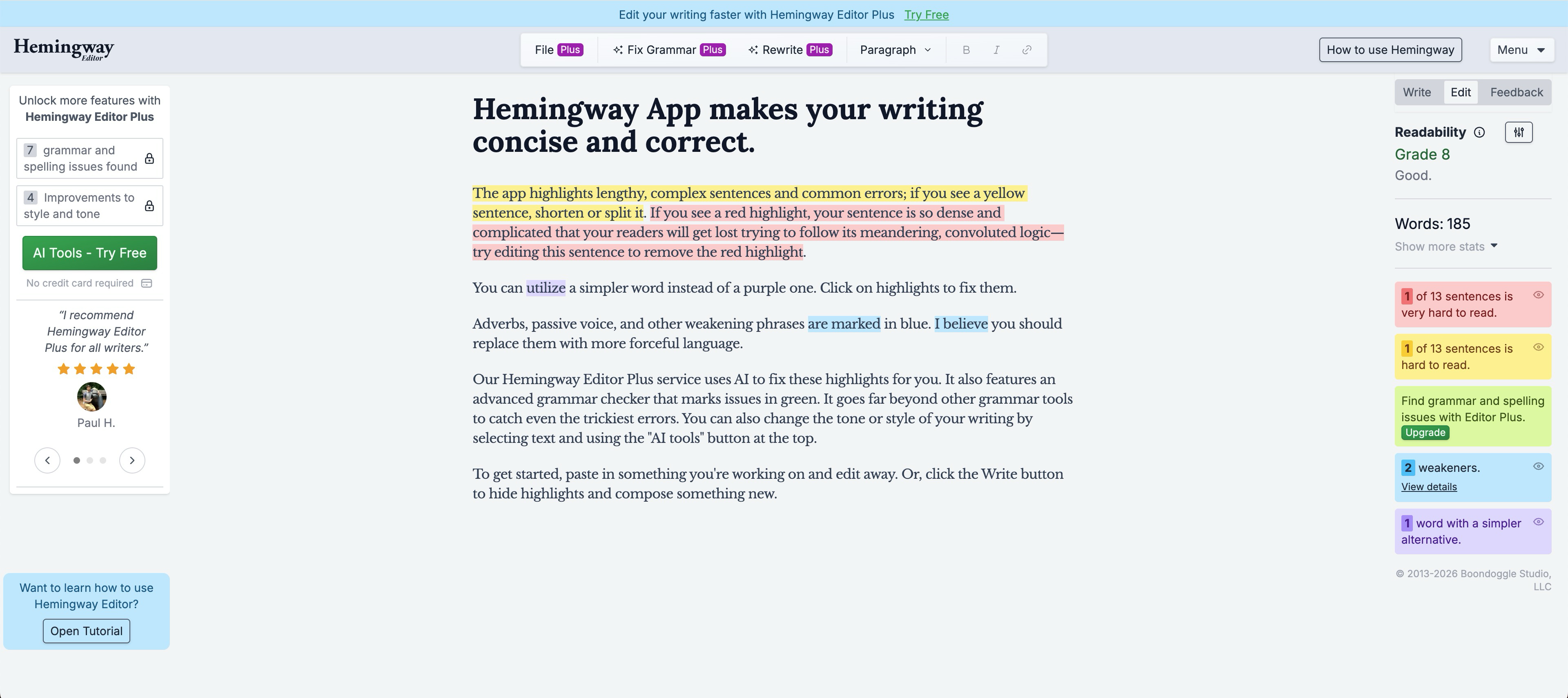
The Hemingway Editor focuses on readability. It highlights complex sentences, passive voice, and unnecessary adverbs, pushing you toward clearer, more direct writing.
The color-coded interface makes it easy to spot problem areas at a glance.
Best for: Writers who want clear, concise content that's easy to read.
Pricing: Free web version. Desktop app is $20 one-time.
7. ChatGPT
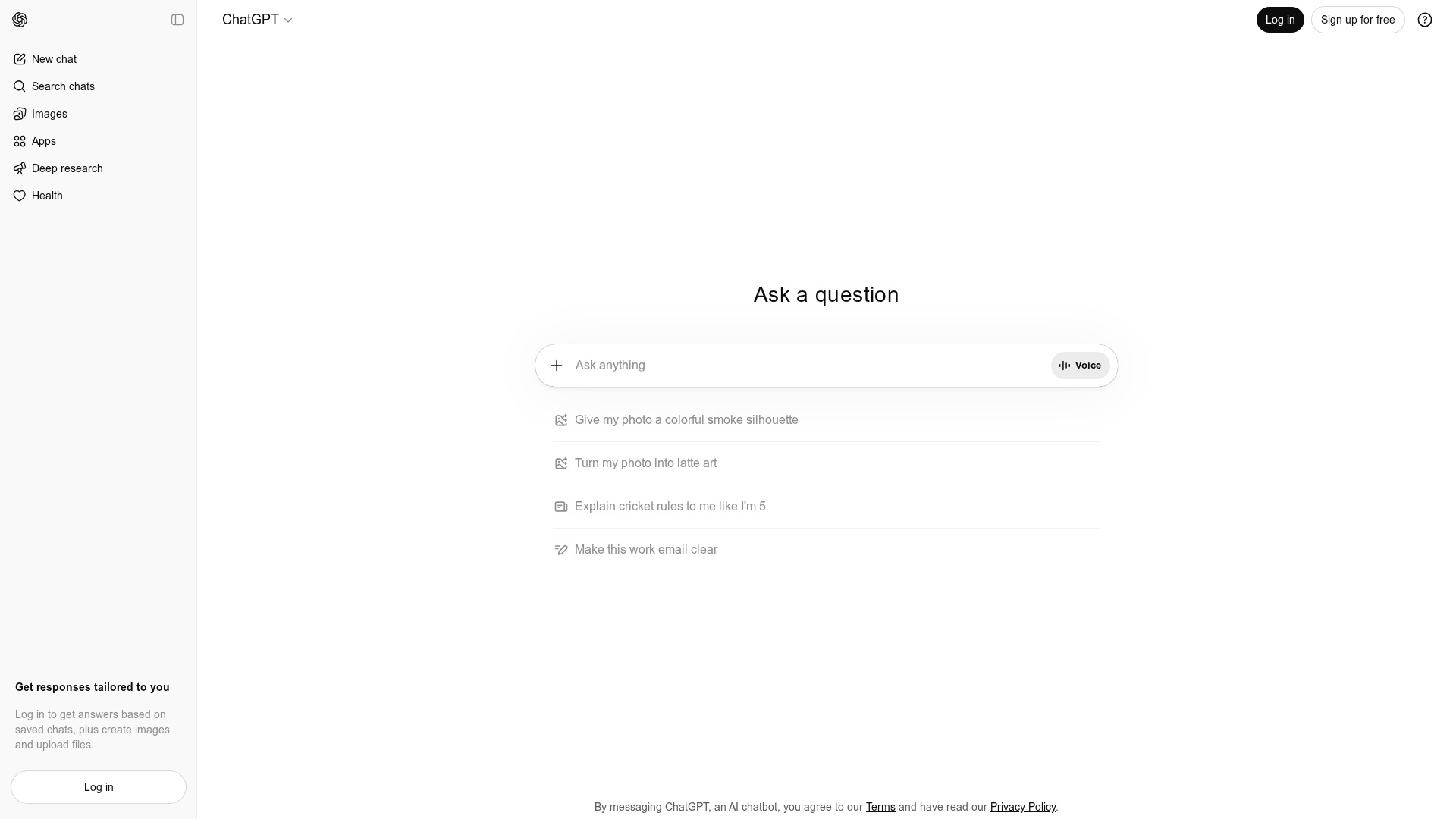
ChatGPT is an AI assistant for drafting, brainstorming, and editing content. It's useful for overcoming writer's block, generating first drafts, and exploring different angles on a topic.
The key is treating it as a starting point rather than a finished product.
Best for: Content creators who want to speed up first drafts and ideation.
Pricing: Free plan available. Plus plan is $20/month.
8. Jasper
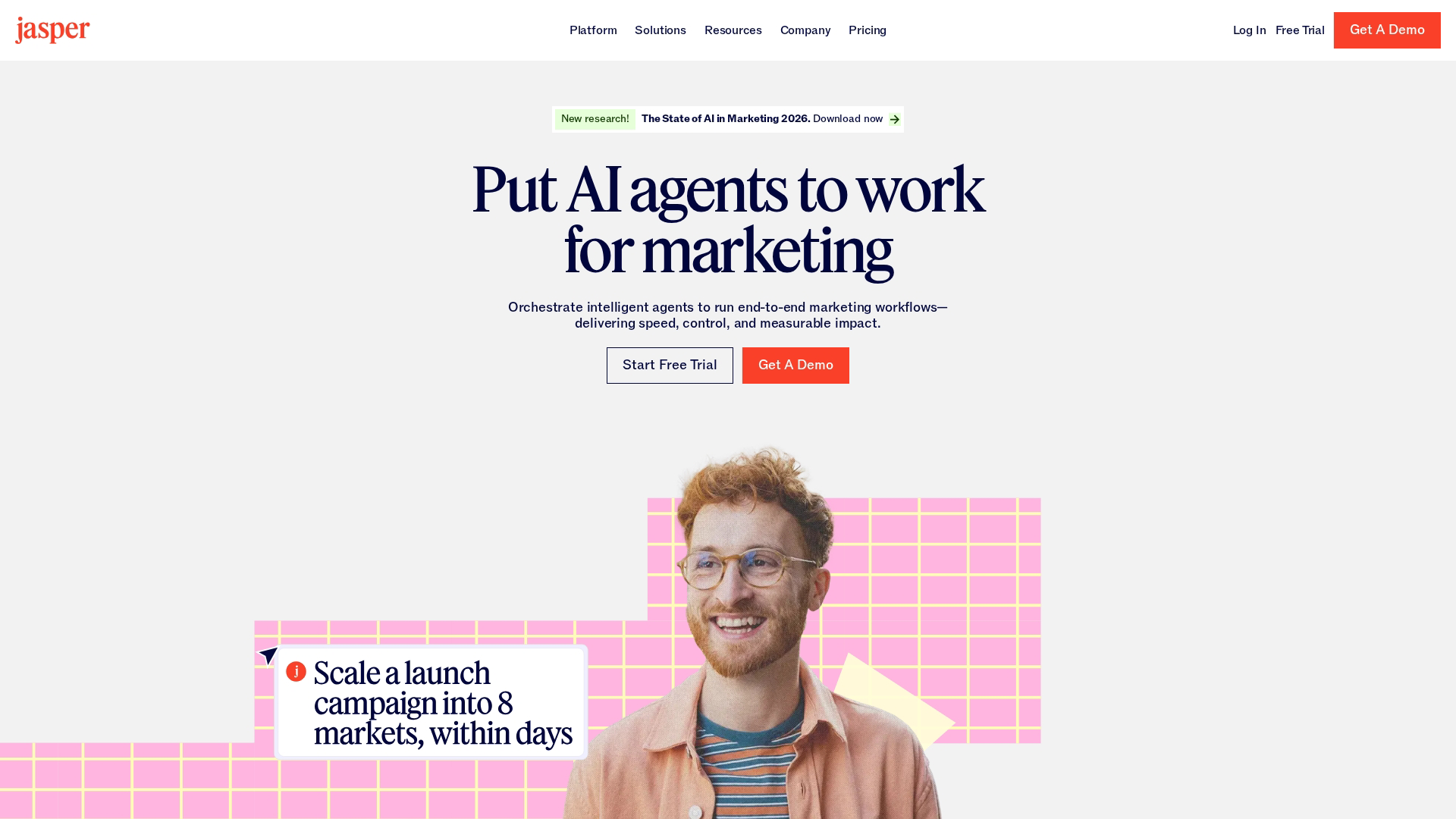
Jasper is an AI content platform built specifically for marketing teams. Unlike general-purpose AI tools, it includes brand voice customization and templates designed for marketing use cases.
Best for: Marketing teams creating brand-consistent copy at scale.
Pricing: Plans start at $49/month.
Graphic design tools for content creators
Visual content drives engagement across channels. The tools in this section make professional graphics accessible to non-designers.
9. Canva
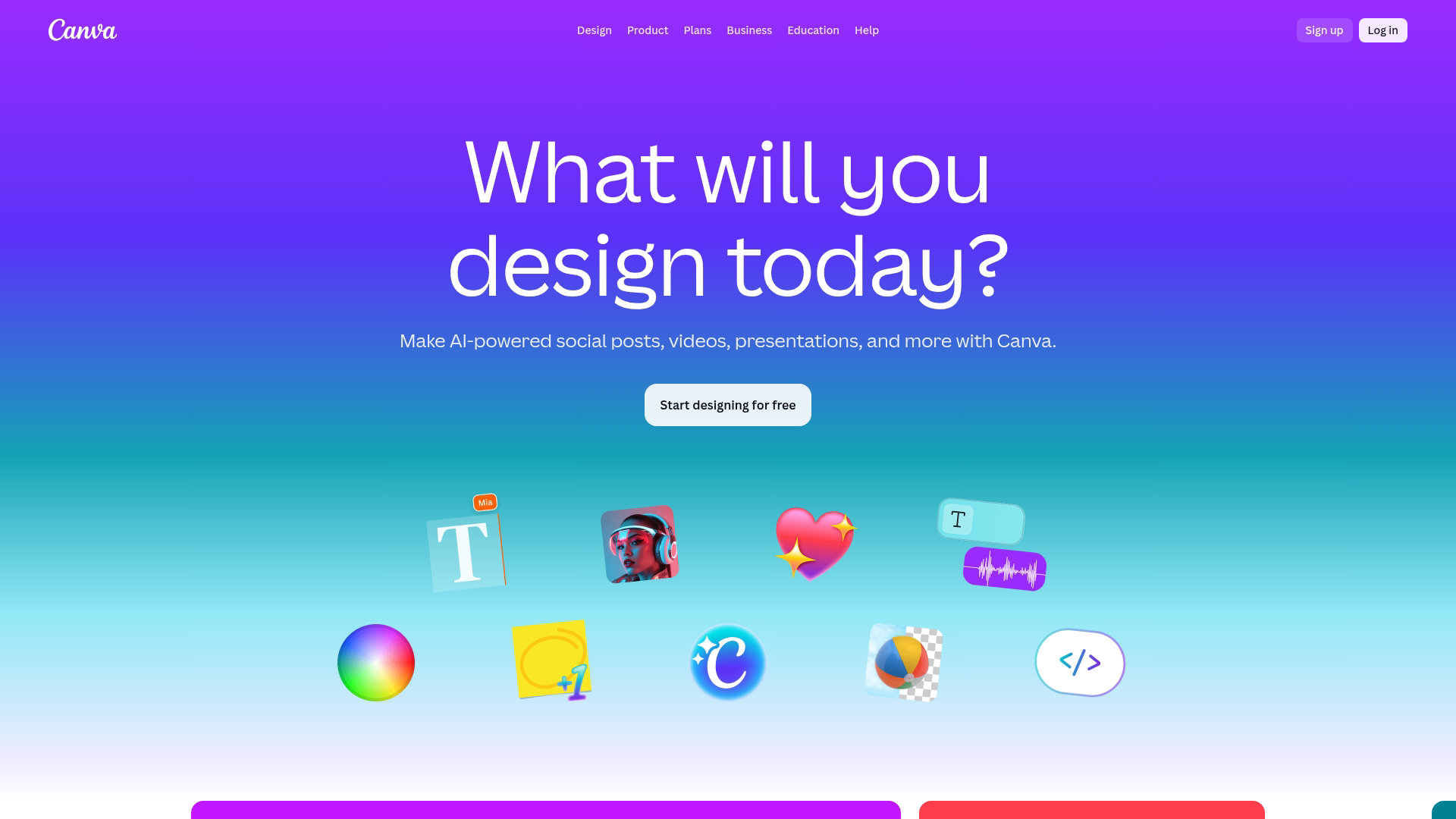
Canva is the most popular design tool for beginners and non-designers, with 260 million monthly active users. Its drag-and-drop interface and thousands of templates make it easy to create social graphics, presentations, and marketing materials.
The Brand Kit feature helps teams maintain visual consistency by storing logos, colors, and fonts in one place.
Best for: Anyone creating social graphics, presentations, or marketing materials without design expertise.
Pricing: Free plan available. Pro starts at $15/month.
10. Figma
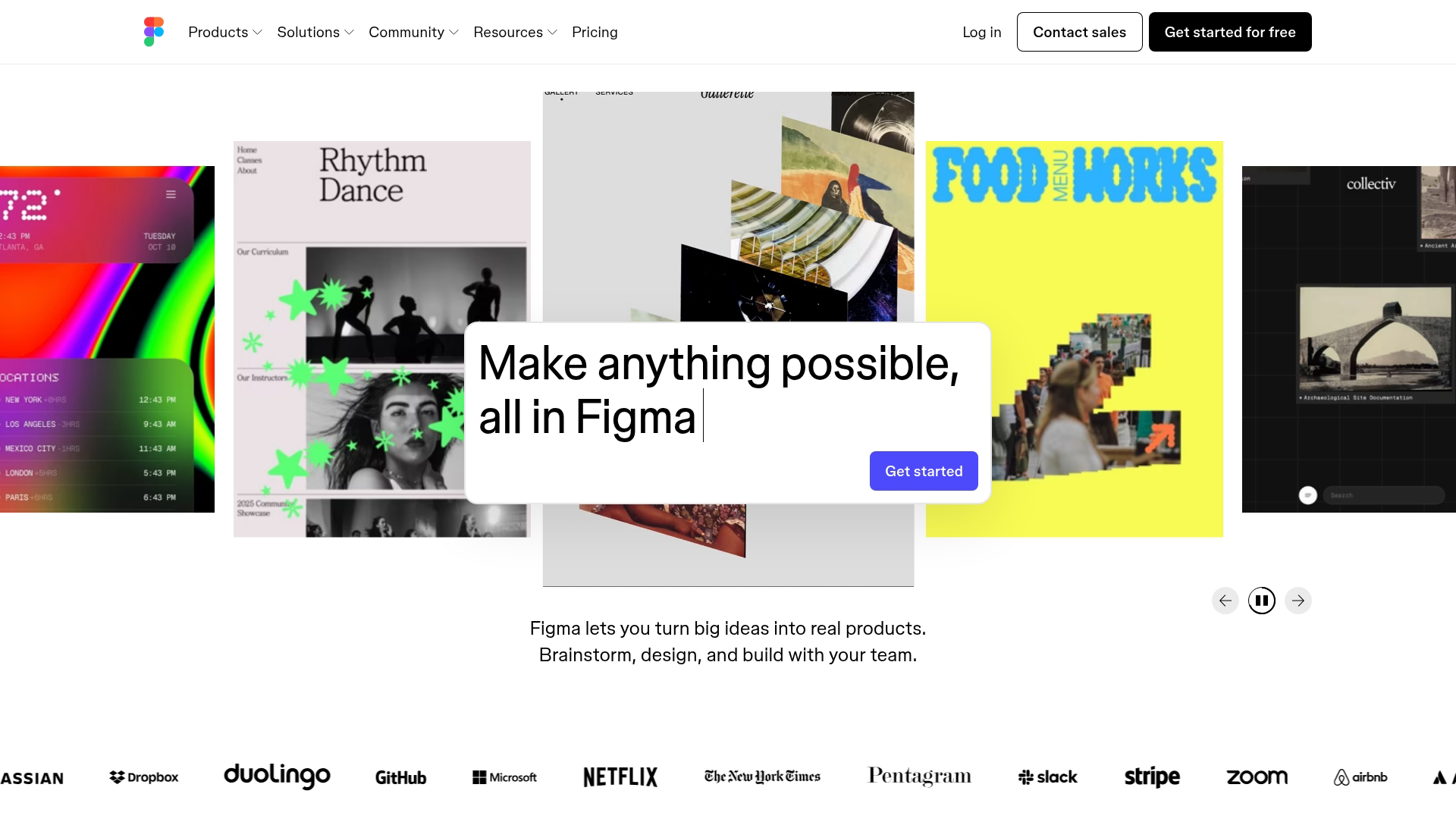
Figma is a collaborative design tool for teams. While it's more complex than Canva, it excels at creating design systems, prototypes, and assets that need to be shared across designers and developers.
Real-time collaboration means multiple team members can work on the same file simultaneously.
Best for: Design teams creating systems and prototypes that need to be shared across roles.
Pricing: Free plan available. Professional starts at $15/month per editor.
11. Adobe Express
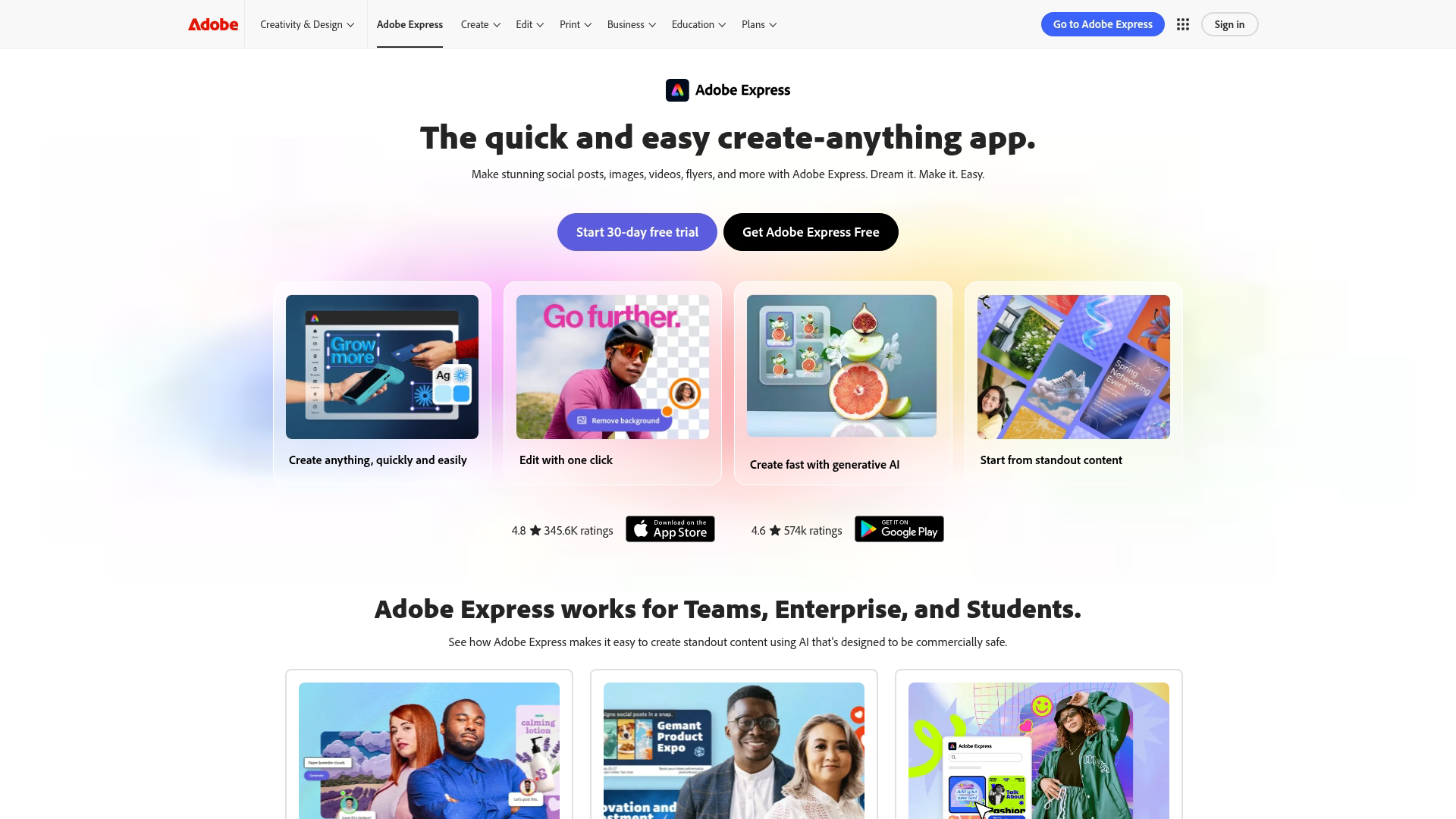
Adobe Express is Adobe's accessible design tool for quick social content and simple edits. It integrates with Adobe Stock and offers quick actions for common tasks like resizing and background removal.
Best for: Quick social content and simple edits with Adobe ecosystem integration.
Pricing: Free plan available. Premium starts at $10/month.
12. Remove.bg
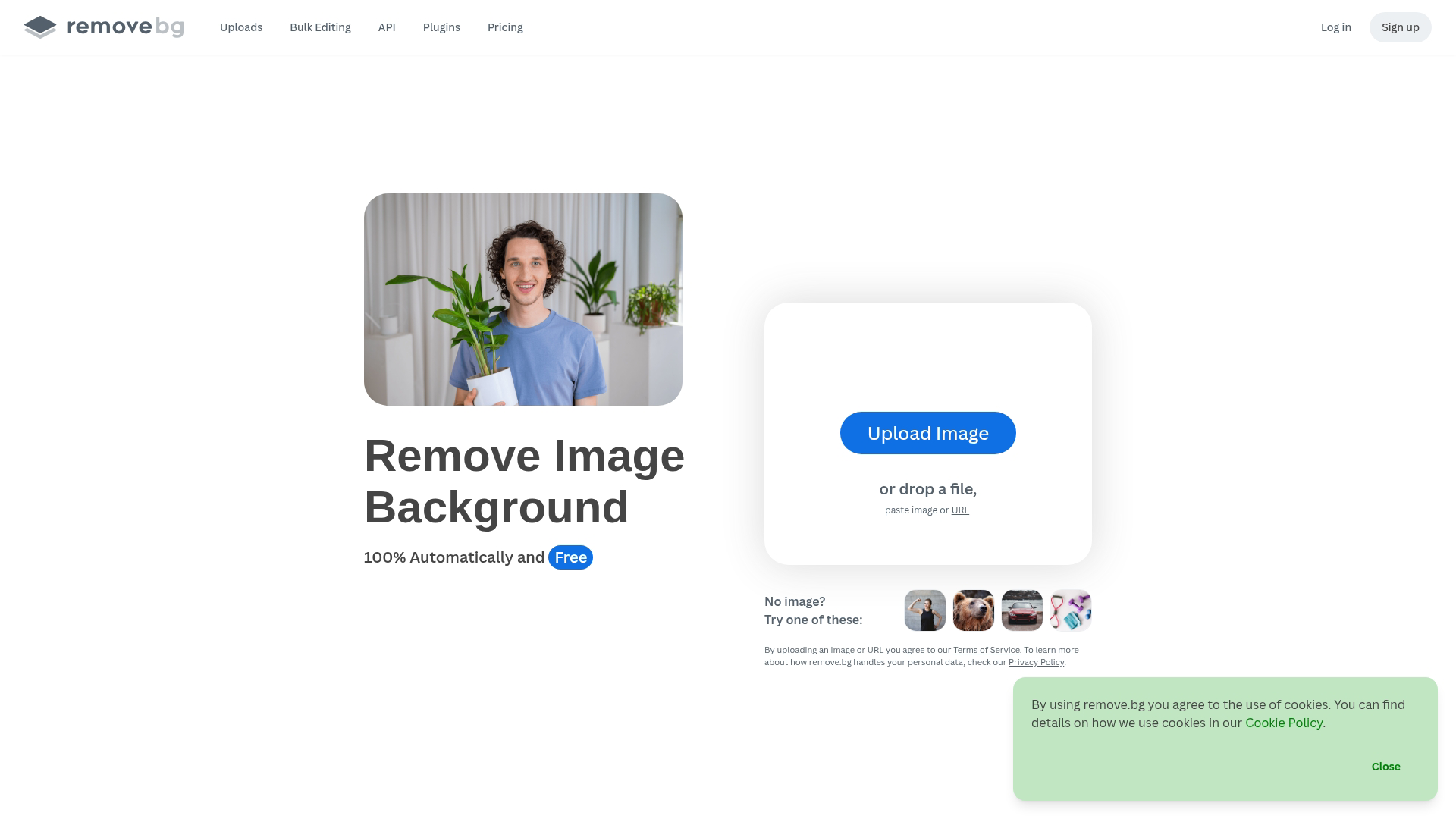
Remove.bg does one thing well: remove backgrounds from images. It's useful for product photos, headshots, and any image where you want a clean cutout.
Best for: Product photos and headshots that require clean backgrounds.
Pricing: Free tier available. Credits start at $0.20/image.
Photo editing software
The tools in this section handle photo enhancement and editing, from professional-grade color correction to free alternatives.
13. Adobe Lightroom
Adobe Lightroom is the industry standard for photo editing. Its advanced color grading, preset system, and cloud sync make it the go-to choice for photographers and brands with high visual standards.
Best for: Photographers and brands with high visual standards.
Pricing: Plans start at $10/month.
14. Photopea
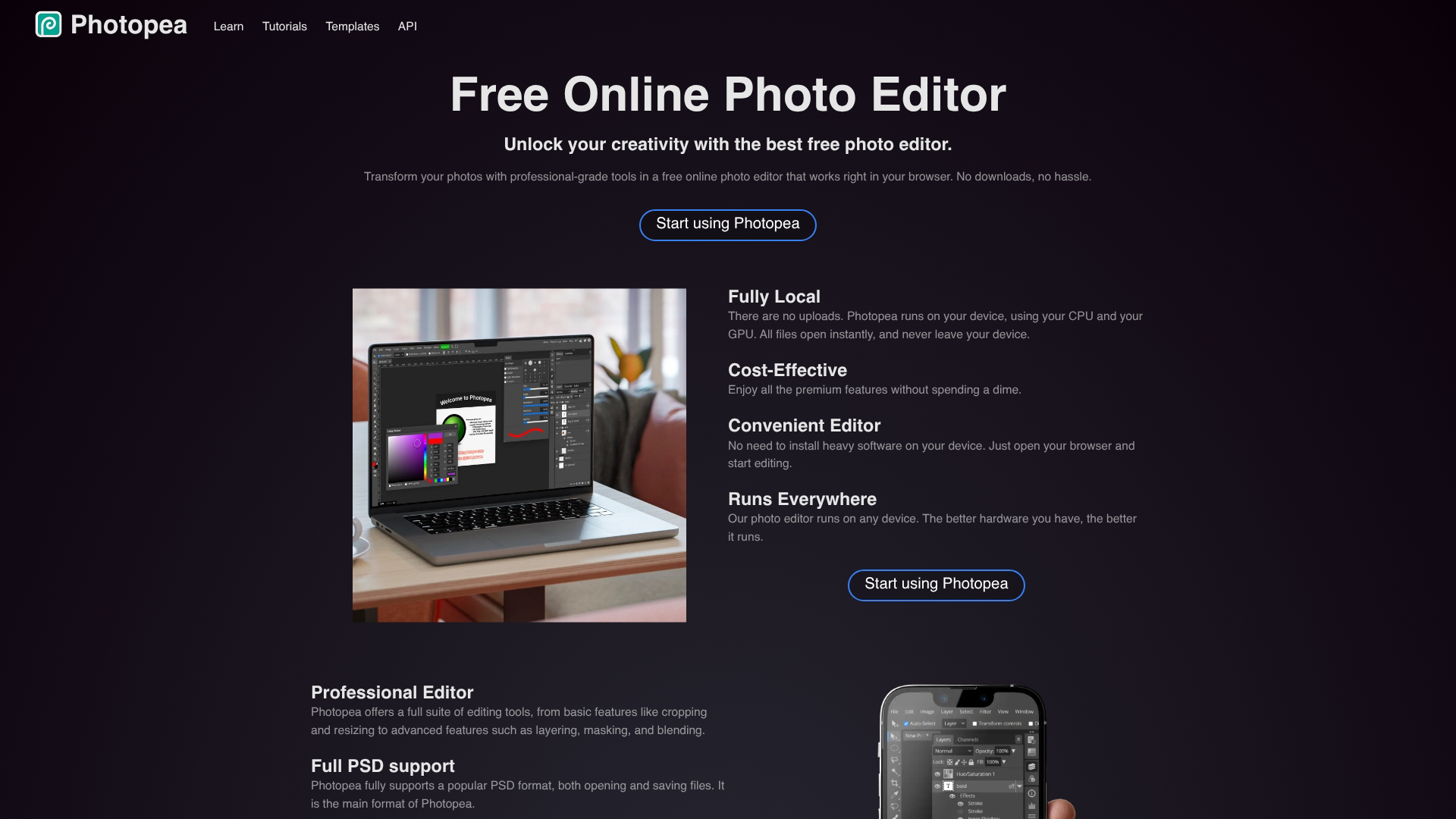
Photopea is a free browser-based Photoshop alternative. It supports PSD files and offers full layer support, making it a practical option for creators who want advanced editing without subscription costs.
Best for: Creators who want advanced editing without subscription costs.
Pricing: Free.
15. Unsplash
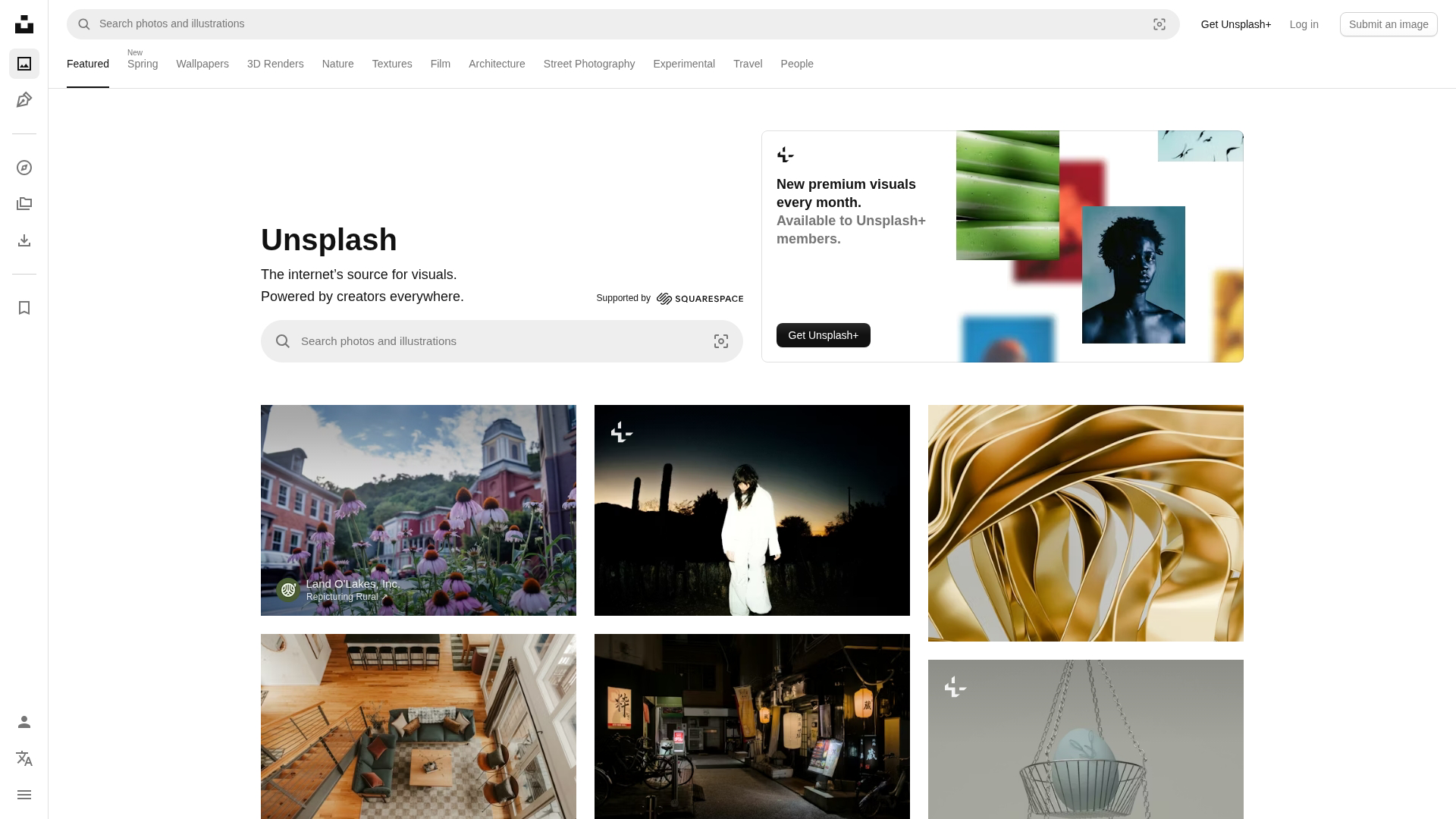
Unsplash is a free stock photo resource with high-quality images available for commercial use. The curated collections make it easy to find images that fit specific themes or moods.
Best for: Sourcing images without licensing concerns.
Pricing: Free.
Video creation and editing tools
Video is essential for modern content strategies - 91% of businesses use video as a marketing tool in 2026. The tools in this section range from simple to professional-grade.
16. CapCut
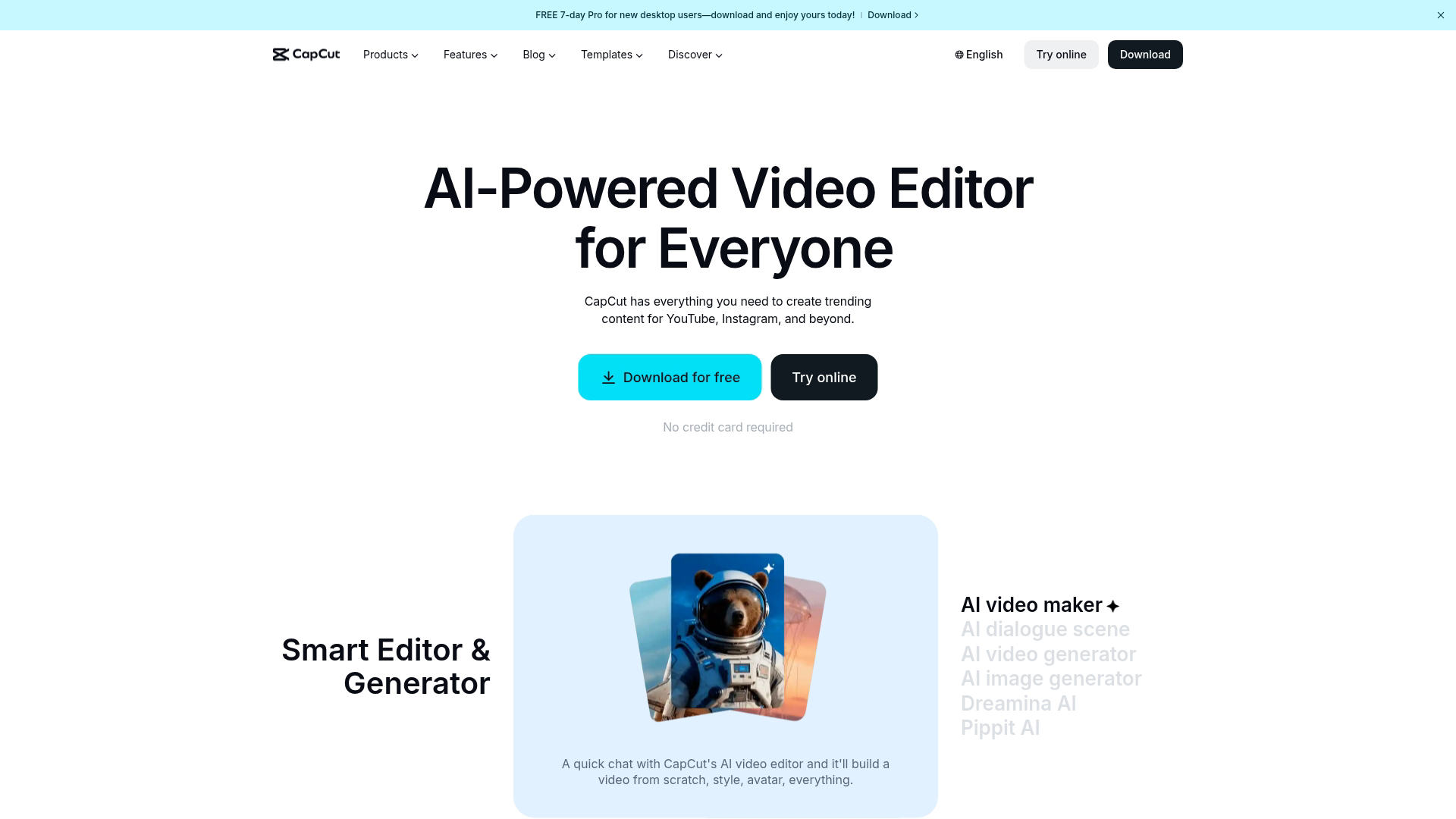
CapCut is the best free video editor for short-form content. Its mobile and desktop apps include trending effects, templates, and auto-captions that make it ideal for TikTok, Reels, and social video.
Best for: Short-form social video creators.
Pricing: Free plan available. Pro starts at $8/month.
17. DaVinci Resolve
DaVinci Resolve is professional-grade editing software with a generous free tier. Its color correction tools are Hollywood-level, and the Fusion visual effects module adds capabilities you won't find in simpler editors.
Best for: Creators who want advanced features without subscription costs.
Pricing: Free version available. Studio version is $295 one-time.
18. Descript
Descript is a text-based video and audio editor. You edit video by editing the transcript, which makes removing filler words and rearranging content intuitive for anyone comfortable with text editing.
Best for: Podcasters and video creators who prefer transcript-based editing.
Pricing: Free plan available. Creator starts at $15/month.
19. Animoto
Animoto is a template-based video maker for quick promotional videos. Its drag-and-drop interface and marketing-focused templates make it easy to produce polished videos without video editing experience.
Best for: Marketing teams creating quick promotional videos.
Pricing: Plans start at $8/month.
Product content software
The tools in this section are specifically for showing software products. They help teams create "show don't tell" experiences without engineering resources.
20. Loom
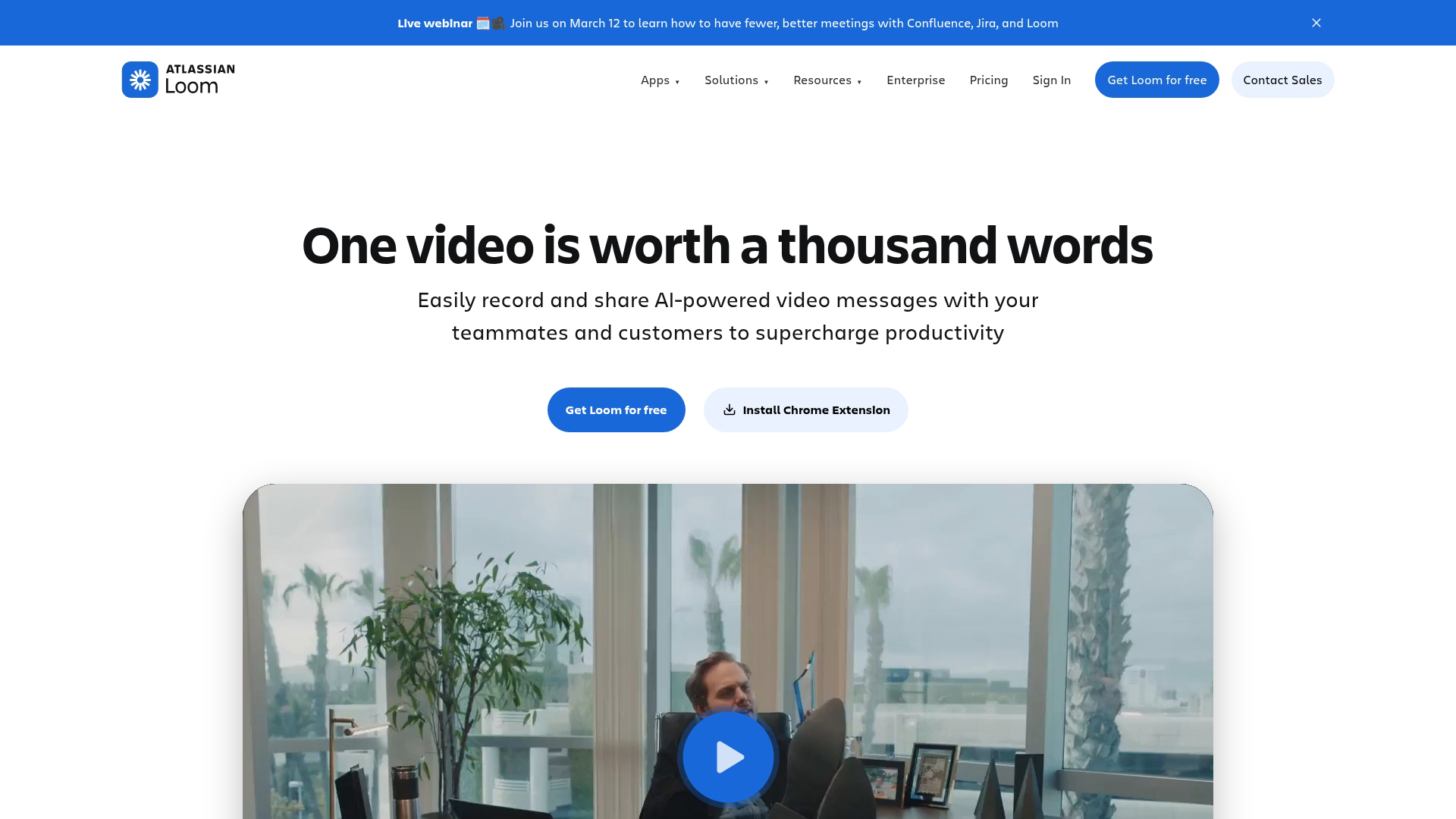
Loom provides async video messaging for quick walkthroughs. One-click screen recording and instant shareable links make it practical for internal communication and simple product explanations.
Best for: Internal communication and simple product explanations.
Pricing: Free plan available. Business starts at $15/month.
21. Vidyard
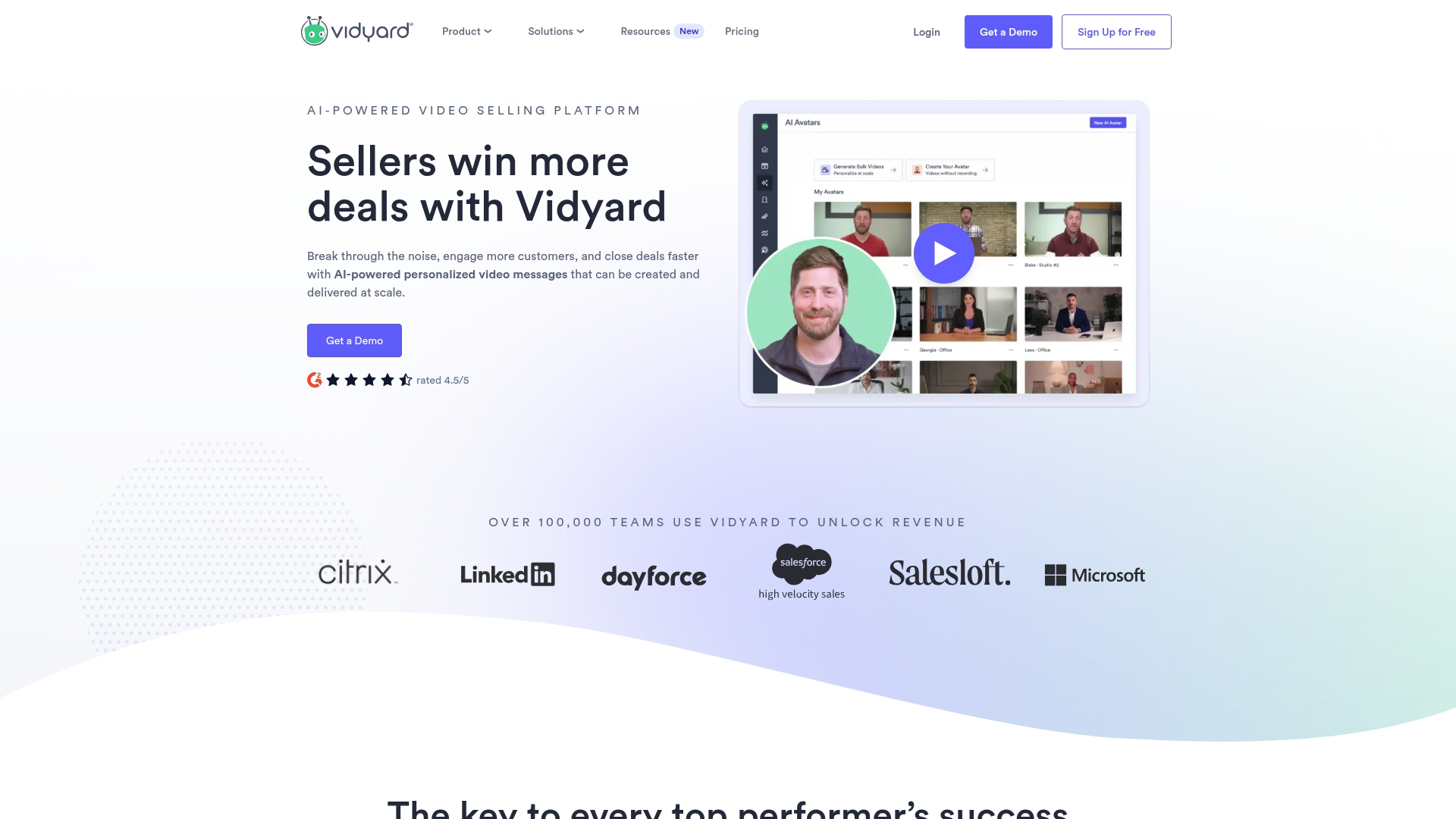
Vidyard is a video hosting and analytics platform for sales and marketing. Its personalization features and CRM integrations make it useful for personalized video outreach at scale.
Best for: Sales teams using personalized video outreach.
Pricing: Free plan available. For teams, pricing is custom.
Audio and podcasting content tools
The tools in this section handle recording, editing, and publishing podcasts and other audio content.
22. Audacity
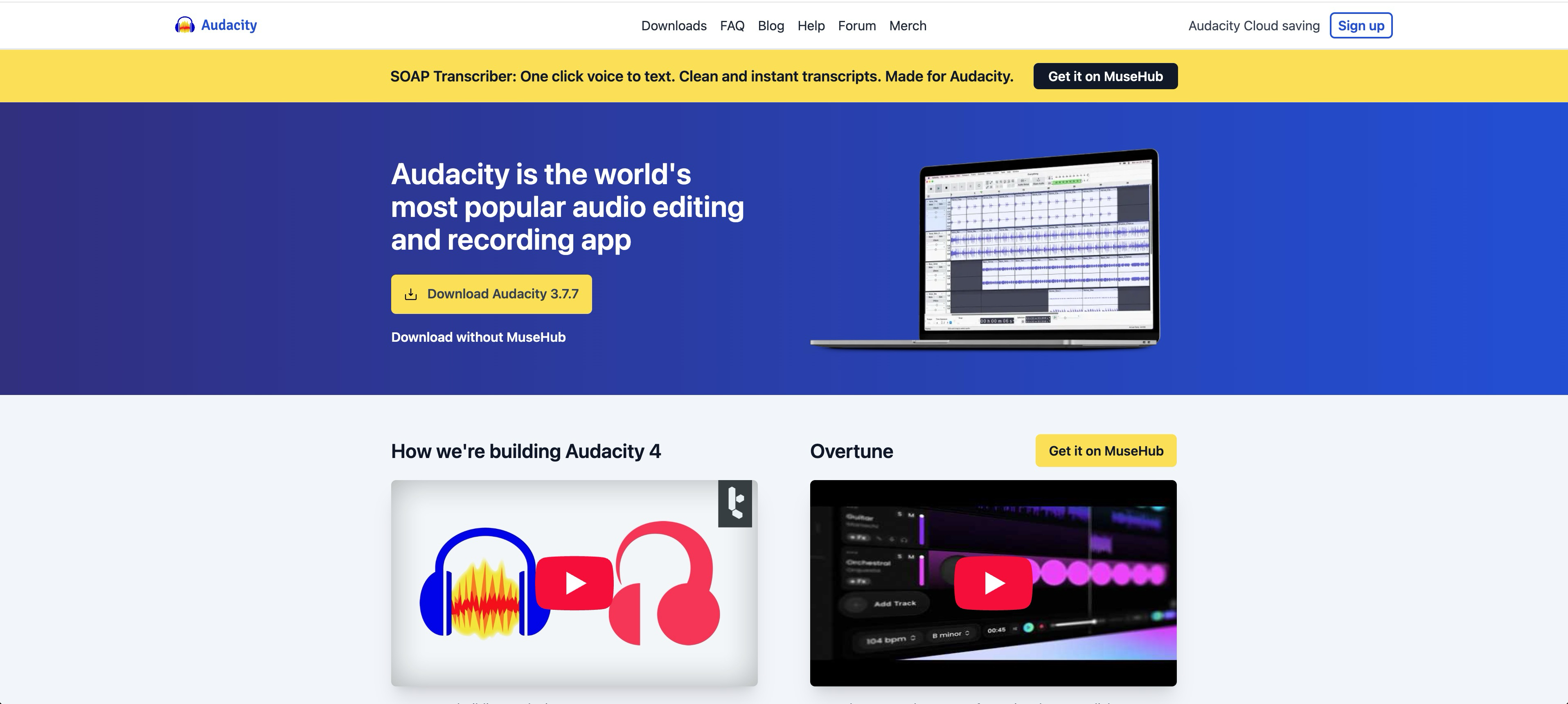
Audacity is the go-to free, open-source audio editor. Its multi-track editing and plugin ecosystem make it a practical starting point for beginners learning audio production.
Best for: Beginners learning audio production.
Pricing: Free.
23. Alitu
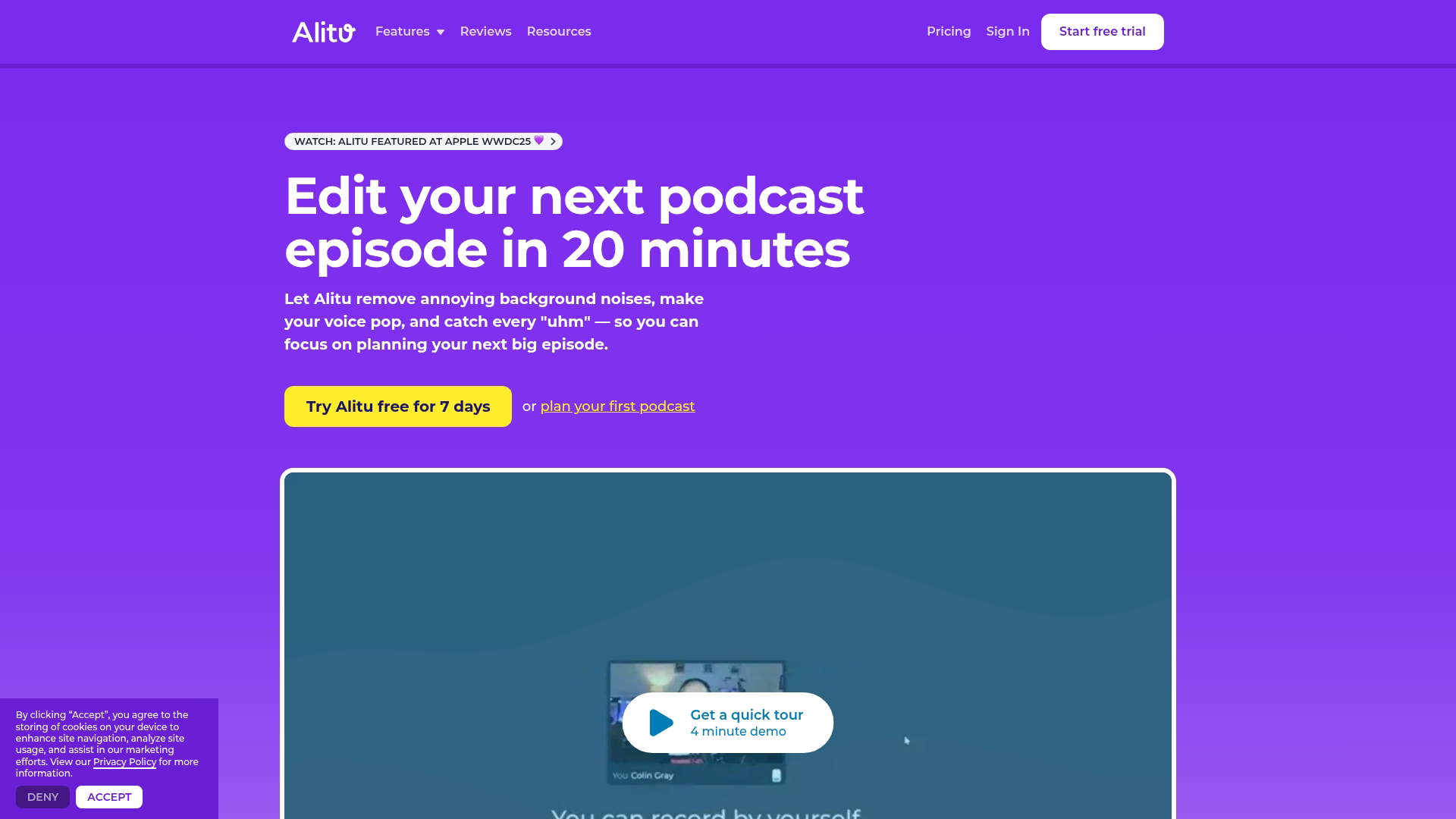
Alitu is an automated podcast production tool. It handles noise cleanup, episode assembly, and publishing integration, making it practical for podcasters who want to skip technical editing.
Best for: Podcasters who want to skip technical editing.
Pricing: Plans start at $38/month.
24. Riverside
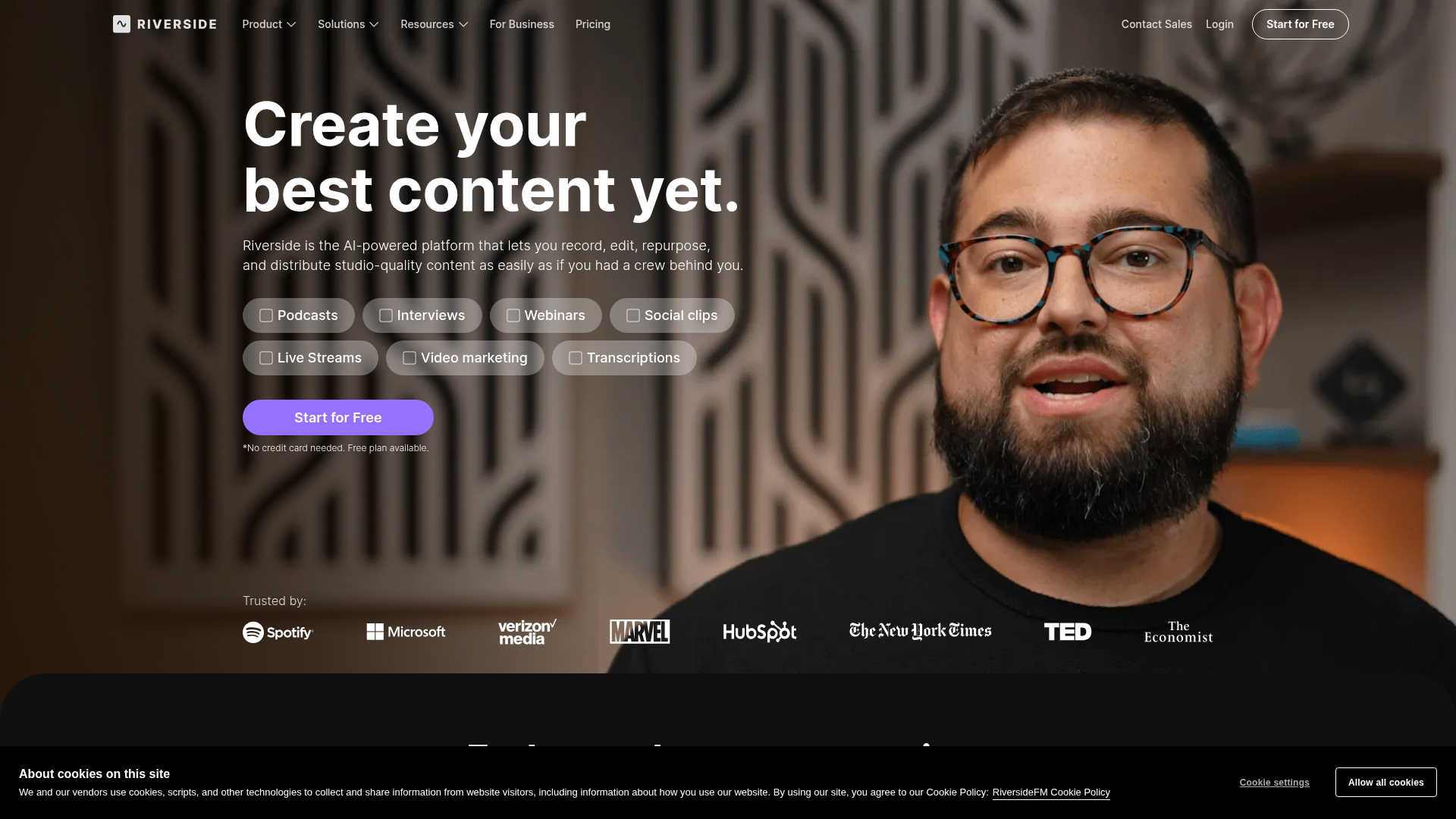
Riverside is remote recording software for podcasts and interviews. Local recording quality means you get studio-quality audio even when guests have poor internet connections.
Best for: High-quality remote podcast recordings.
Pricing: Free plan available. Standard starts at $19/month.
Social media content creation tools
The tools in this section handle planning, scheduling, and managing social content.
25. Buffer
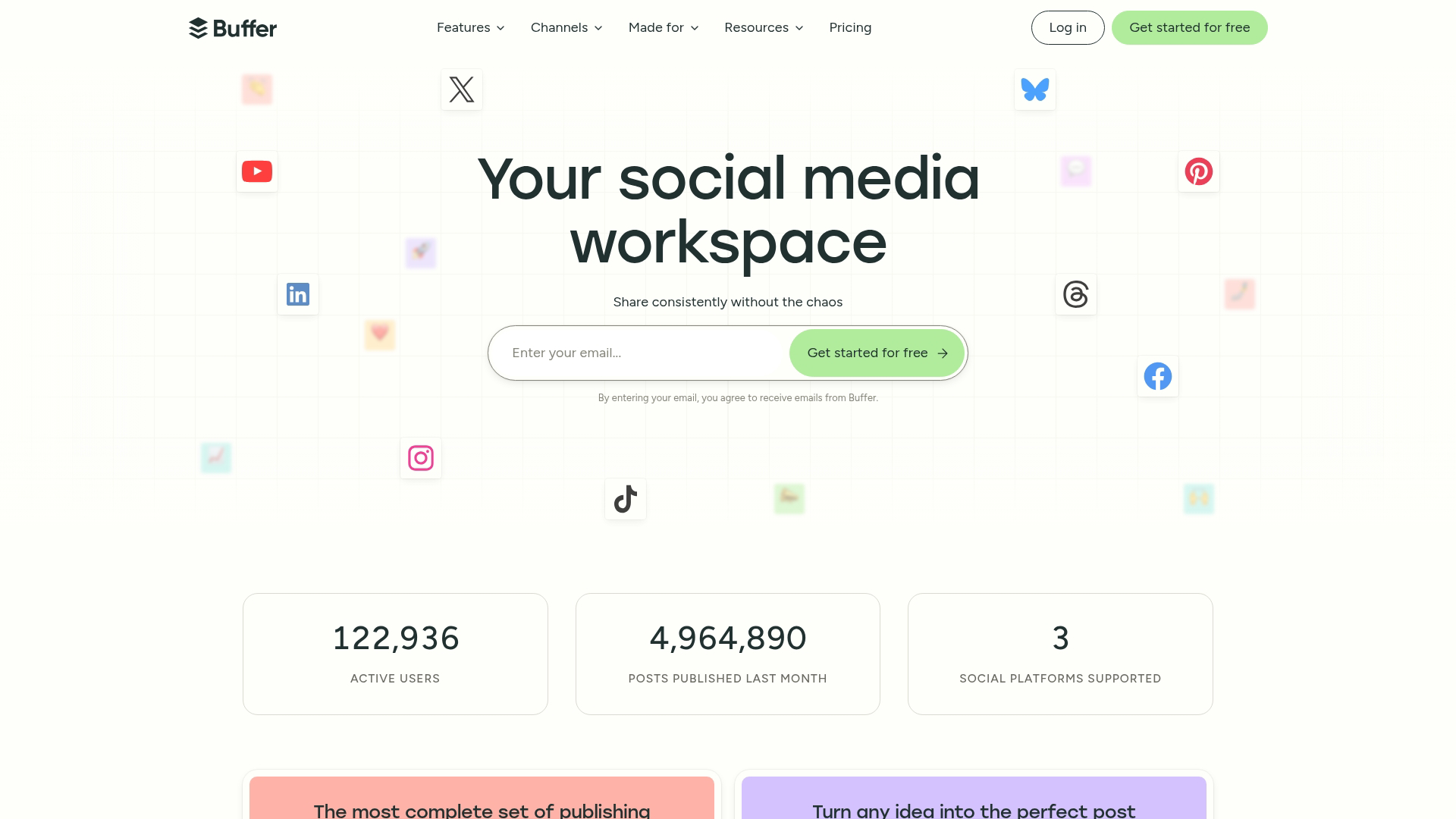
Buffer is a simple social scheduling tool. Its clean interface and multi-platform scheduling make it practical for small teams and solo creators.
Best for: Small teams and solo creators.
Pricing: Free plan available. Essentials starts at $6/month per channel.
26. Later
Later is a visual-first social media planning tool. Its visual content calendar and link in bio tool make it particularly useful for Instagram-focused creators.
Best for: Instagram-focused creators.
Pricing: Free plan available. Starter starts at $25/month.
27. Hootsuite
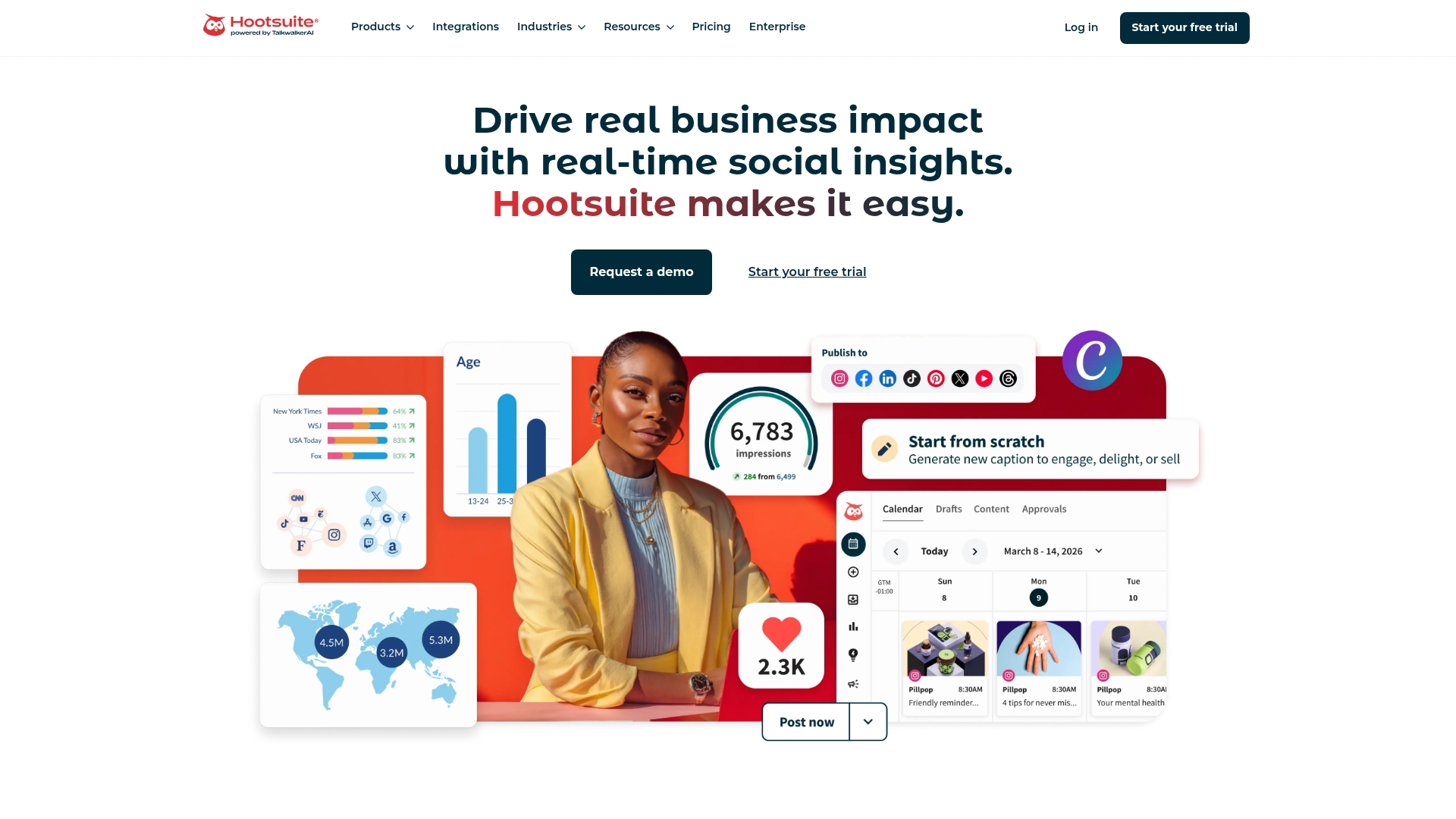
Hootsuite is an enterprise social media management platform. Its unified inbox, team workflows, and advanced reporting make it practical for larger teams managing multiple accounts.
Best for: Larger teams managing multiple accounts.
Pricing: Plans start at $99/month.
Content planning and organization software
The tools in this section help organize content workflows and calendars.
28. Notion
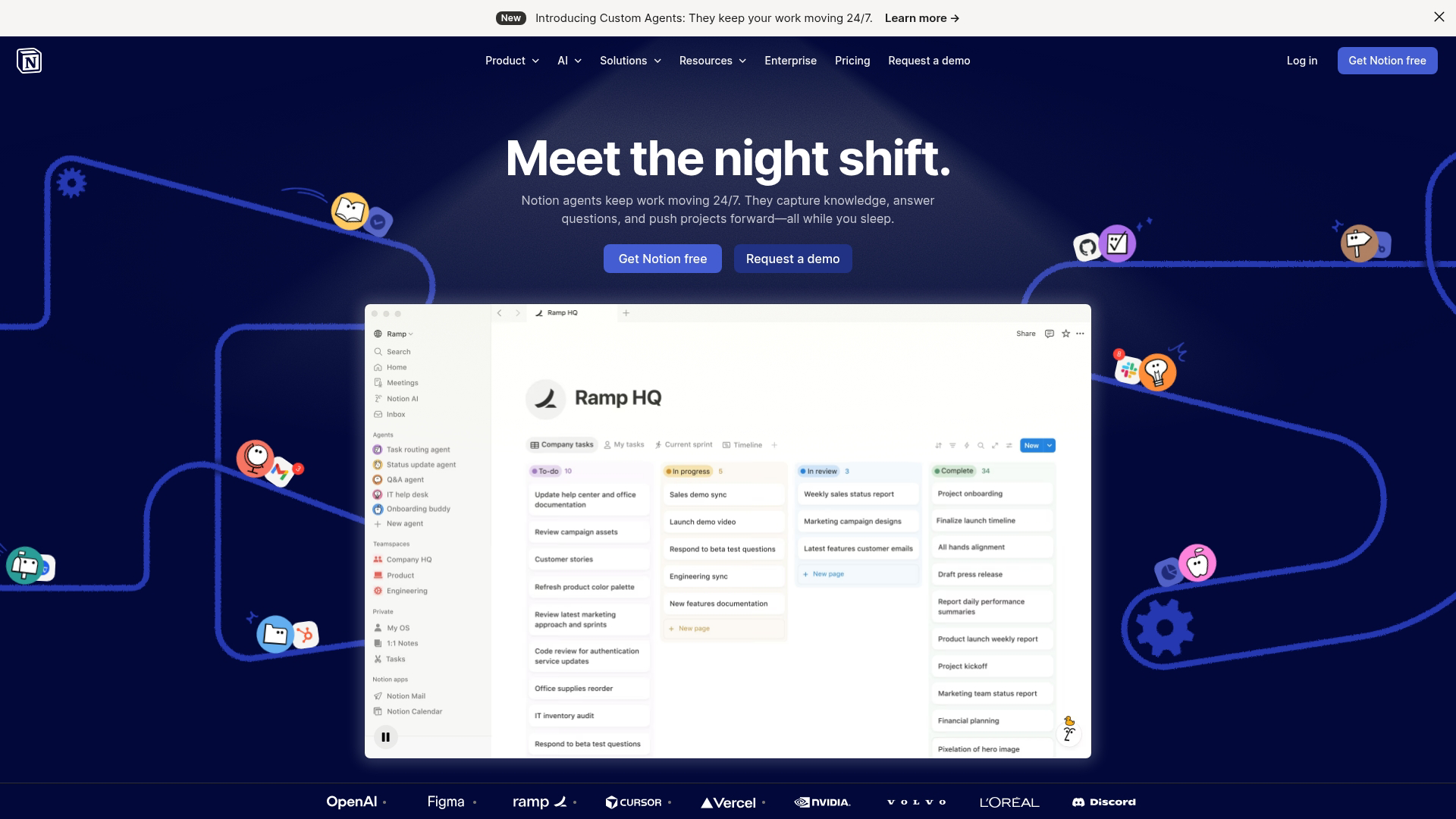
Notion is a flexible workspace for content planning. Its custom databases and template gallery make it practical for teams who want to build their own content management system.
Best for: Teams who want customizable content databases.
Pricing: Free plan available. Plus starts at $10/month.
29. Trello
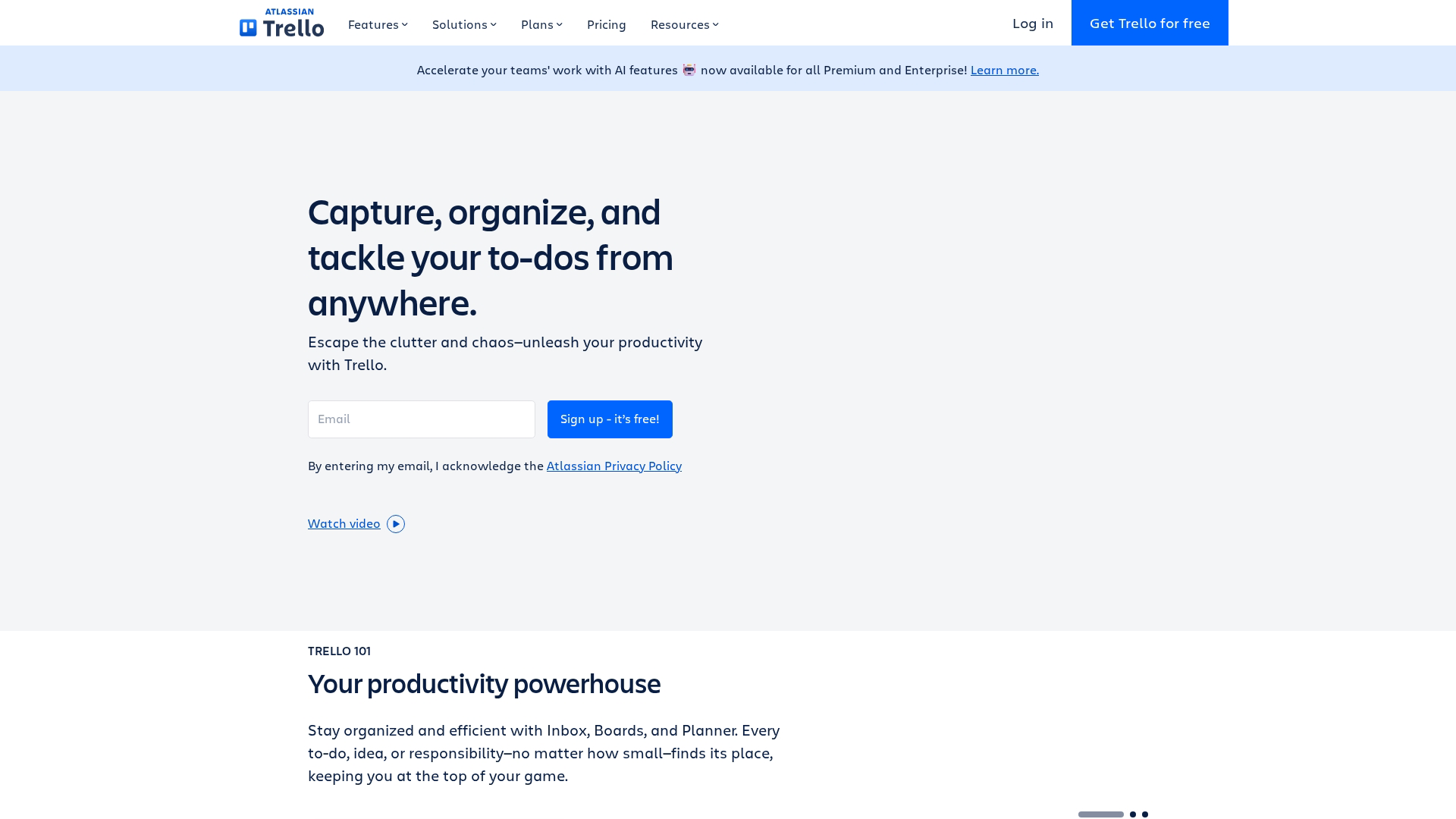
Trello is a visual project management tool with kanban boards. Its simplicity makes it practical for straightforward content calendar workflows.
Best for: Simple content calendar workflows.
Pricing: Free plan available. Standard starts at $5/month.
How to choose the best content creation software
Use this checklist to evaluate options based on your specific situation:
Content type: Match tools to the formats you create most often
Skill level: Consider learning curve and team expertise
Collaboration: Evaluate team features and sharing capabilities
Integration requirements: Check compatibility with your existing stack, including marketing automation tools
Budget constraints: Compare free tiers versus paid features
Scalability: Consider whether the tool grows with your workflow
Start with one tool per category and expand as your workflows mature. Most teams find that three to five core tools cover the majority of their content work.
Build your content creation stack today
The best content creation software is the one that fits your workflow and helps you ship faster. Start with the category that matters most to your goals, test a few options, and build from there.
For teams creating product content, interactive demos often outperform static screenshots and videos. Prospects understand value faster when they can click through the actual experience.
Start your journey with Guideflow today!
FAQs about content creation tools
What is the best free content creation software for beginners?
For new creators, Canva for design, CapCut for video, and Google Trends for research are strong free starting points. Each has a gentle learning curve and produces professional-looking results without requiring prior experience.
Which content creator tools work best for marketing teams?
Marketing teams typically benefit from a combination of SEO tools like Semrush, design tools like Canva, and interactive demo tools like Guideflow for full-funnel content. The specific mix depends on whether your focus is awareness, conversion, or retention.
Can content creation apps work on mobile devices?
Yes, many tools like Canva, CapCut, and Lightroom offer mobile apps. However, their desktop versions typically have more features. Mobile works well for quick edits and social content, while desktop is better for complex projects.
How many content development tools does one creator typically use?
Start with one tool for each content type you regularly produce, then add specialized tools as your workflows mature. Most creators find that three to five core tools cover the majority of their work without creating tool overload.
What is the difference between content creation software and content management software?
Content creation tools help you produce content, while content management systems (CMS) help you organize, store, and publish it. Many teams use both: creation tools for making assets and a CMS for managing where content lives and how it's published.
Do web content creation tools integrate with marketing automation platforms?
Yes, most modern tools offer integrations via native connections or platforms like Zapier. This makes it practical to connect creation workflows with distribution and measurement, so you can track which content drives results.