


Your team is scattered across three time zones, a reality for 59% of organizations, and someone just suggested a brainstorming session. Finding the best online whiteboards for your team matters. The conference room whiteboard isn't going to cut it.
Online whiteboards give distributed teams a shared visual canvas for real-time collaboration, whether you're mapping customer journeys, running retrospectives, or sketching product flows. This guide to the best online whiteboards compares 12 free and paid options to help you find the right fit for your workflow and budget.
What's inside this online whiteboards guide
This guide covers 12 online whiteboard tools in a 48.9 billion market for remote collaboration, brainstorming, and visual project planning. Here's what you'll find:
- Free vs paid breakdown: Which digital whiteboard tools fit your budget and team size
- Use case matching: How to pick based on brainstorming, design work, or project management needs
- Quick comparison: A table showing all 12 collaborative whiteboard options at a glance
- Selection criteria: What to evaluate before committing to a platform
Quick summary: best online whiteboards by use case
The best online whiteboard depends entirely on your workflow, team size, and existing tool stack. Here's the quick version:
- Best for large remote teams: Miro offers the deepest feature set and integrations for complex workflows
- Best free online whiteboard for designers: FigJam connects seamlessly with Figma for UX/UI teams
- Best for polished visuals: Canva Whiteboards gives non-designers access to professional graphics
- Best for Microsoft 365 users: Microsoft Whiteboard works directly inside Teams meetings
- Best free collaborative whiteboard without signup: Excalidraw lets anyone join via link instantly
- Best for project management: ClickUp Whiteboards converts shapes directly into actionable tasks
What is an online whiteboard
An online whiteboard is a digital canvas where distributed teams brainstorm, diagram, and plan together in real time. Think of it as the virtual equivalent of a conference room whiteboard, except participants join from anywhere and the content never gets erased by accident.
Most online collaborative whiteboard platforms share a core set of capabilities: infinite canvas space, sticky notes, drawing tools, and shape libraries. Templates cover common frameworks like retrospectives or customer journey maps. The differences show up in integrations, collaboration features, and how well each tool handles specific use cases.
When to use a free online collaborative whiteboard
You might be wondering whether your team actually needs a dedicated whiteboard tool. Here are the scenarios where a collaborative whiteboard delivers the most value.
Brainstorming and ideation sessions
Remote brainstorming used to mean awkward screen shares and someone typing notes while everyone else talked. A collaborative whiteboard changes that dynamic completely. Everyone adds sticky notes simultaneously, and teams can quickly duplicate sticky notes in Miro to expand on ideas without starting from scratch.
Ideas cluster naturally. The visual format helps teams see patterns they'd miss in a linear document.
If your team runs design sprints or creative workshops, a brainstorm whiteboard replaces the in-person sticky note exercise. This applies to the 75% of organizations using design thinking.
Remote meetings and real-time workshops
Video calls work fine for status updates, but they fall flat when you need active participation. A real-time whiteboard gives meeting participants something to do beyond watching slides.
Facilitators run voting exercises, collect feedback, and guide discussions visually. Most tools integrate directly with Zoom, Teams, or Slack, so participants don't switch contexts. The whiteboard becomes the shared workspace where the actual work happens.
Project planning and roadmapping
Visual planning helps teams see the full picture. Timelines, kanban boards, and roadmaps all work better when you drag elements around and see relationships at a glance.
Some teams use whiteboards as a starting point between ideation and task management. You sketch out the plan visually, then export or connect it to your project management tool. Others keep the entire planning process on the whiteboard itself.
Diagramming and process mapping
Flowcharts, org charts, system architecture diagrams, and process maps all benefit from a visual canvas. Some whiteboard tools specialize in this area with smart connectors that auto-route cleanly and shape libraries for technical diagrams.
If your team documents processes frequently, look for tools with strong diagramming features rather than general-purpose brainstorming platforms. Teams evaluating broader options may also want to review the best visual collaboration tools for product teams.
Teaching and classroom engagement
Educators use free digital whiteboards for interactive lessons where students contribute directly. Some platforms, like Whiteboard.fi, are built specifically for classroom use with features like teacher dashboards that show all student boards simultaneously.
This use case differs from business collaboration. If you're evaluating whiteboards for education, prioritize tools designed for that context.
Best online whiteboards: comparison of 12 free and paid tools
The table below summarizes all 12 best online whiteboards covered in this guide. Use it to narrow your options before diving into the detailed sections.
| # | Product | Best for | Key differentiation | Pricing | G2 rating |
|---|---|---|---|---|---|
| 1 | Miro | Large remote teams | Deepest integrations and template library | Free tier; paid from $8/user/mo | 4.7/5 |
| 2 | FigJam | Design teams | Native Figma integration | Free tier; paid from $3/user/mo | 4.7/5 |
| 3 | Canva Whiteboards | Visual content creators | Massive graphics library | Free tier; Pro from $12.99/mo | 4.7/5 |
| 4 | Lucidspark | Structured ideation | Voting, timers, and Lucidchart connection | Free tier; paid from $7.95/user/mo | 4.5/5 |
| 5 | Microsoft Whiteboard | Microsoft 365 users | Built into Teams | Free with Microsoft account | 4.2/5 |
| 6 | Whiteboard.fi | Educators | Teacher sees all student boards | Free tier; premium available | 4.6/5 |
| 7 | Excalidraw | Developers and quick sketches | Open source, no signup required | Free; Excalidraw+ for teams | 4.7/5 |
| 8 | Whimsical | Product teams | Clean flowcharts and wireframes | Free tier; paid from $10/user/mo | 4.6/5 |
| 9 | Freehand by InVision | InVision users | Connects with InVision prototypes | Free tier; paid plans available | 4.3/5 |
| 10 | Bluescape | Enterprise security needs | SOC 2, SSO, large display support | Enterprise pricing | 4.4/5 |
| 11 | Conceptboard | European compliance | GDPR-compliant, EU data hosting | Free tier; paid from €6/user/mo | 4.6/5 |
1. Miro
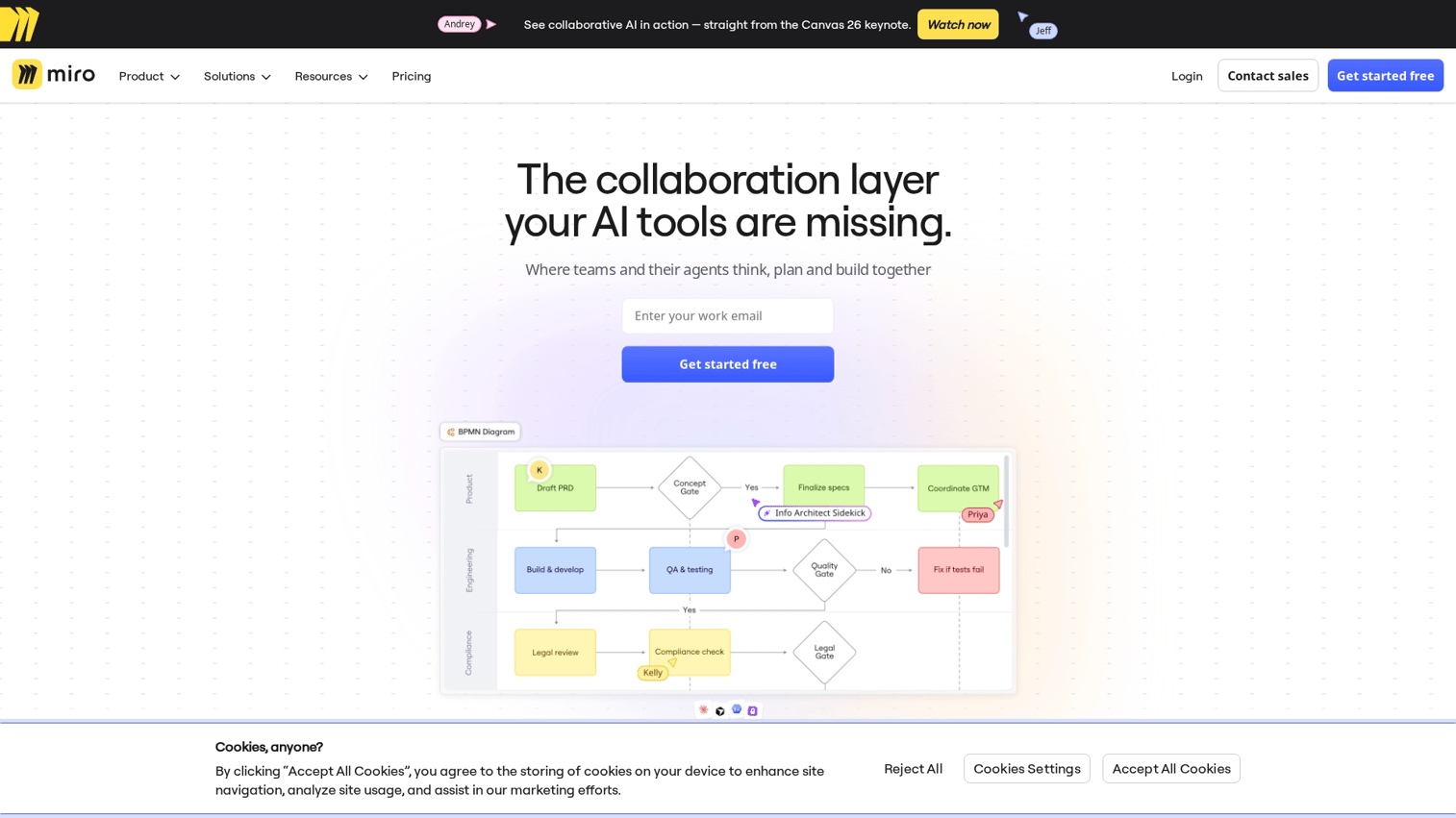
Miro is used by 99% of Fortune 100 and is the industry standard for online collaborative whiteboard platforms. If you've used a digital whiteboard in a professional setting, there's a good chance it was Miro.
Best for: Large remote teams running complex workflows, agile planning, and facilitated workshops.
Key strengths
- Infinite canvas with templates: Thousands of ready-made frameworks for retrospectives, customer journey maps, and sprint planning
- Deep integrations: Connects with Jira, Asana, Slack, Zoom, and most major PM and communication tools
- Enterprise-ready collaboration: Advanced permissions, SSO, and admin controls for large organizations
Why choose Miro
Miro works well when you need flexibility and scale. The template library alone saves hours of setup time for common workshop formats.
However, the depth of features creates a learning curve. New users sometimes feel overwhelmed by the options.
Teams already using Jira or Asana benefit from native integrations that sync whiteboard content with project management workflows. The free tier limits you to three editable boards, which works for evaluation but not ongoing use.
Miro pricing
Free tier includes three editable boards with unlimited viewers. Starter plan runs $8/user/month (billed annually). Business and Enterprise tiers add advanced features and support.
2. FigJam
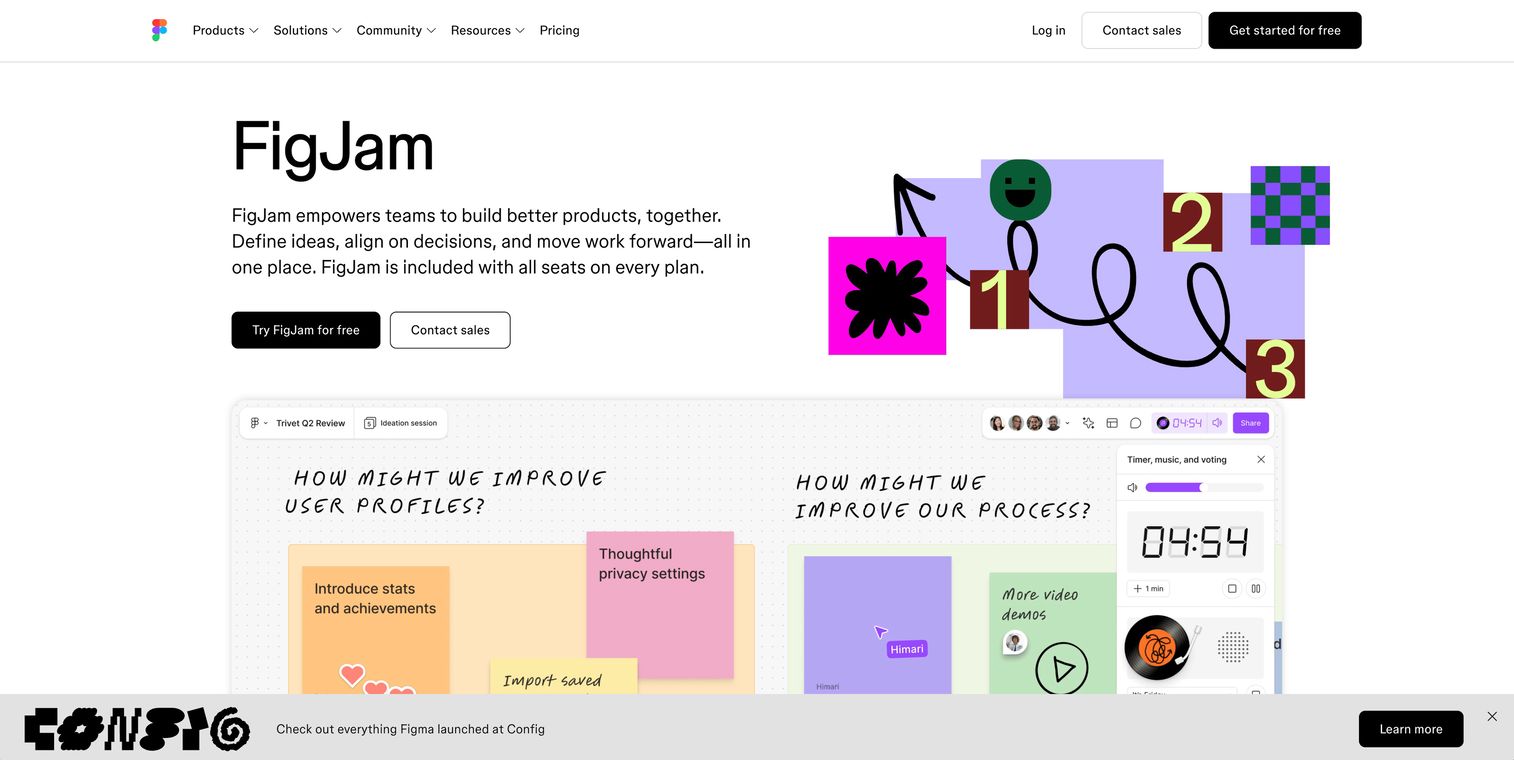
FigJam is Figma's answer to collaborative whiteboarding. It shares Figma's clean interface and works seamlessly with Figma design files.
Best for: UX/UI designers, quick team standups, and cross-functional brainstorming within design-centric organizations.
Key strengths
- Native Figma integration: Move between brainstorming and design files without switching tools
- Streamlined interface: Minimal learning curve with intuitive tools that stay out of your way
- Built for async: Stamps, reactions, and comments keep asynchronous collaboration flowing
Why choose FigJam
FigJam makes sense when your team already lives in Figma. The connection between whiteboard ideation and design execution feels natural. You reference Figma components directly on the whiteboard canvas.
The feature set is lighter than Miro's. That's intentional. FigJam prioritizes simplicity over comprehensiveness.
If you need advanced facilitation tools or deep integrations with non-design tools, look elsewhere. Teams comparing options may also find value in reviewing the best whiteboard software tools for teams.
FigJam pricing
Free tier includes three editable FigJam files. Professional plan starts at $3/editor/month (billed annually) with unlimited files.
3. Canva Whiteboards
Canva Whiteboards brings Canva's massive library of graphics, photos, and design elements to an infinite whiteboard canvas.
Best for: Marketers, educators, and teams who want polished-looking deliverables without dedicated design resources.
Key strengths
- Massive asset library: Access millions of graphics, photos, and design elements directly on the canvas
- Presentation-ready output: Convert whiteboards into polished slide decks with a few clicks
- No design skills required: Drag-and-drop simplicity makes professional visuals accessible to everyone
Why choose Canva Whiteboards
Canva Whiteboards excels when the output matters as much as the process. If you're creating something that will be shared externally or presented to stakeholders, the visual polish is hard to beat.
The tradeoff is depth. Canva Whiteboards lacks the technical diagramming features and facilitation tools you'd find in Miro or Lucidspark. It's a great free online whiteboard for visual brainstorming, less so for complex process mapping.
Canva Whiteboards pricing
Free tier is surprisingly robust with access to basic templates and elements. Canva Pro at $12.99/month unlocks premium assets and features. Teams pricing available for organizations.
4. Lucidspark
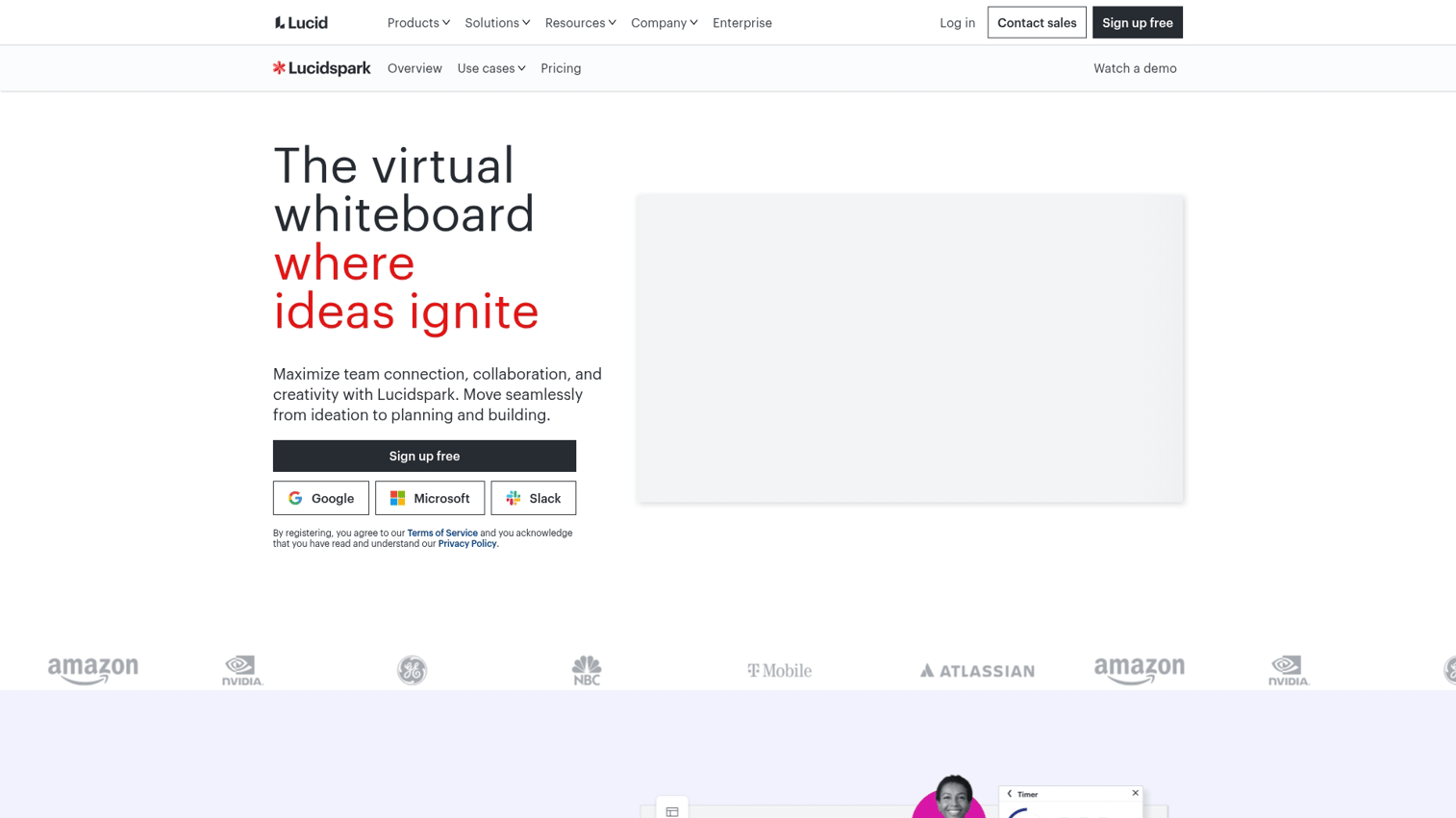
Lucidspark combines freeform brainstorming with structured facilitation tools. It's part of the Lucid family, which includes Lucidchart for technical diagramming.
Best for: Teams that need both freeform ideation and structured diagramming in the same ecosystem.
Key strengths
- Voting and timer tools: Built-in facilitation features for running structured workshops
- Lucidchart integration: Move from brainstorm to formal diagram without recreating work
- Structured templates: Strong library for strategy frameworks, planning sessions, and retrospectives
Why choose Lucidspark
Lucidspark hits a sweet spot between creative brainstorming and structured process work. The voting and timer features help facilitators keep sessions on track. When the brainstorm is done, you push content directly to Lucidchart for polished documentation.
The Lucid ecosystem works best when you commit to both products. If you only need whiteboarding, the Lucidchart connection is less valuable.
Lucidspark pricing
Free tier includes three editable boards. Individual plan starts at $7.95/user/month. Team and Enterprise tiers add collaboration features and admin controls.
5. Microsoft Whiteboard
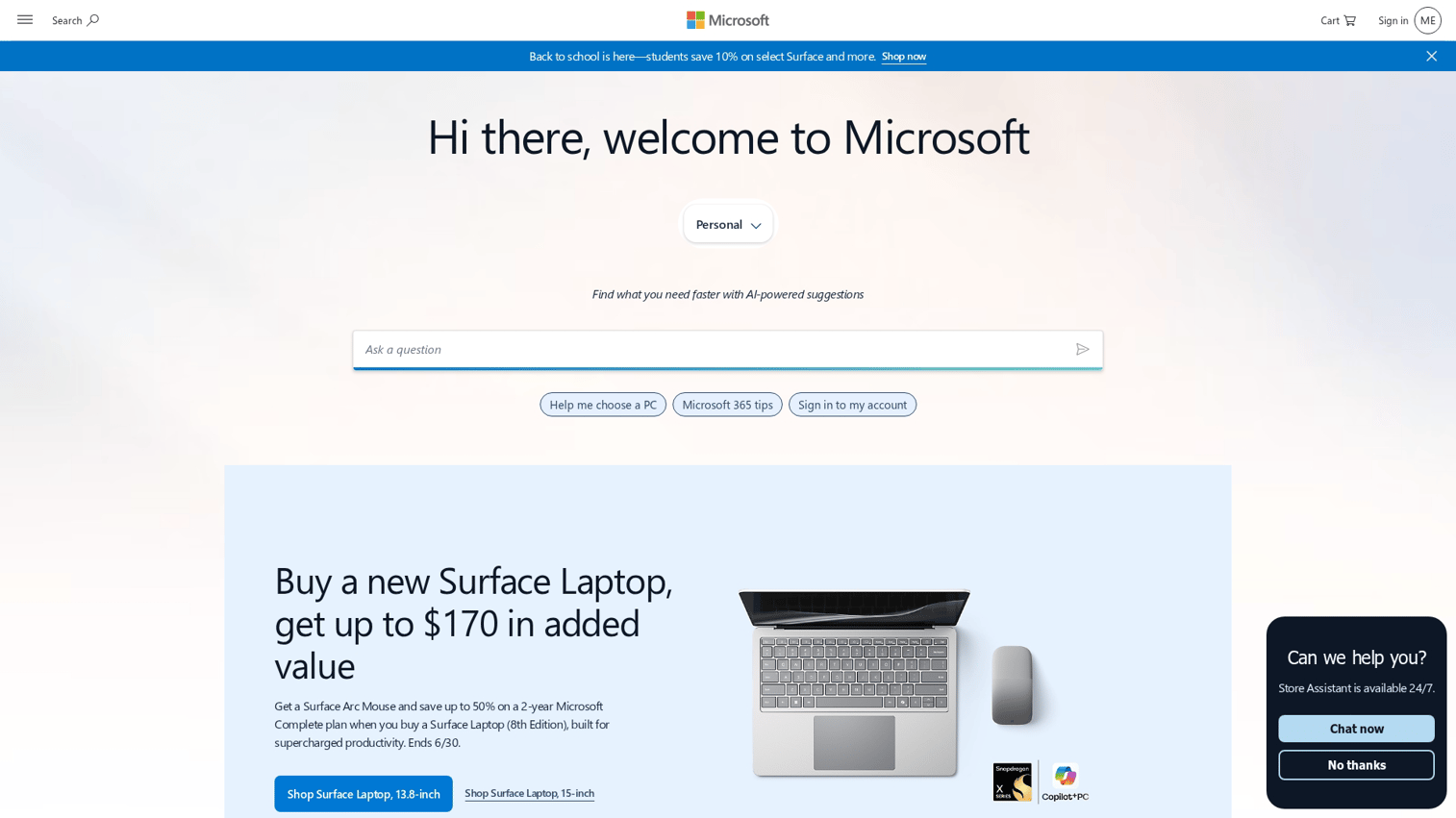
Microsoft Whiteboard is the default free digital whiteboard for organizations using Microsoft 365. It opens directly inside Teams meetings.
Best for: Organizations already embedded in the Microsoft ecosystem who want zero-friction whiteboarding.
Key strengths
- Teams integration: Opens directly inside Microsoft Teams meetings without additional setup
- Included with Microsoft 365: No additional cost for existing subscribers
- Simple drawing tools: Focused on quick sketching over complex features
Why choose Microsoft Whiteboard
Microsoft Whiteboard makes sense when your organization standardizes on Microsoft tools. The Teams integration removes friction entirely. You click a button in a meeting and everyone's on the same canvas.
The feature set is more limited than dedicated whiteboard tools. You won't find the template depth, integration breadth, or facilitation features of Miro or Lucidspark.
For quick meeting sketches, it works. For complex workshops, you'll hit limits.
Microsoft Whiteboard pricing
Free with any Microsoft account. Full features available to Microsoft 365 subscribers at no additional cost.
6. Whiteboard.fi
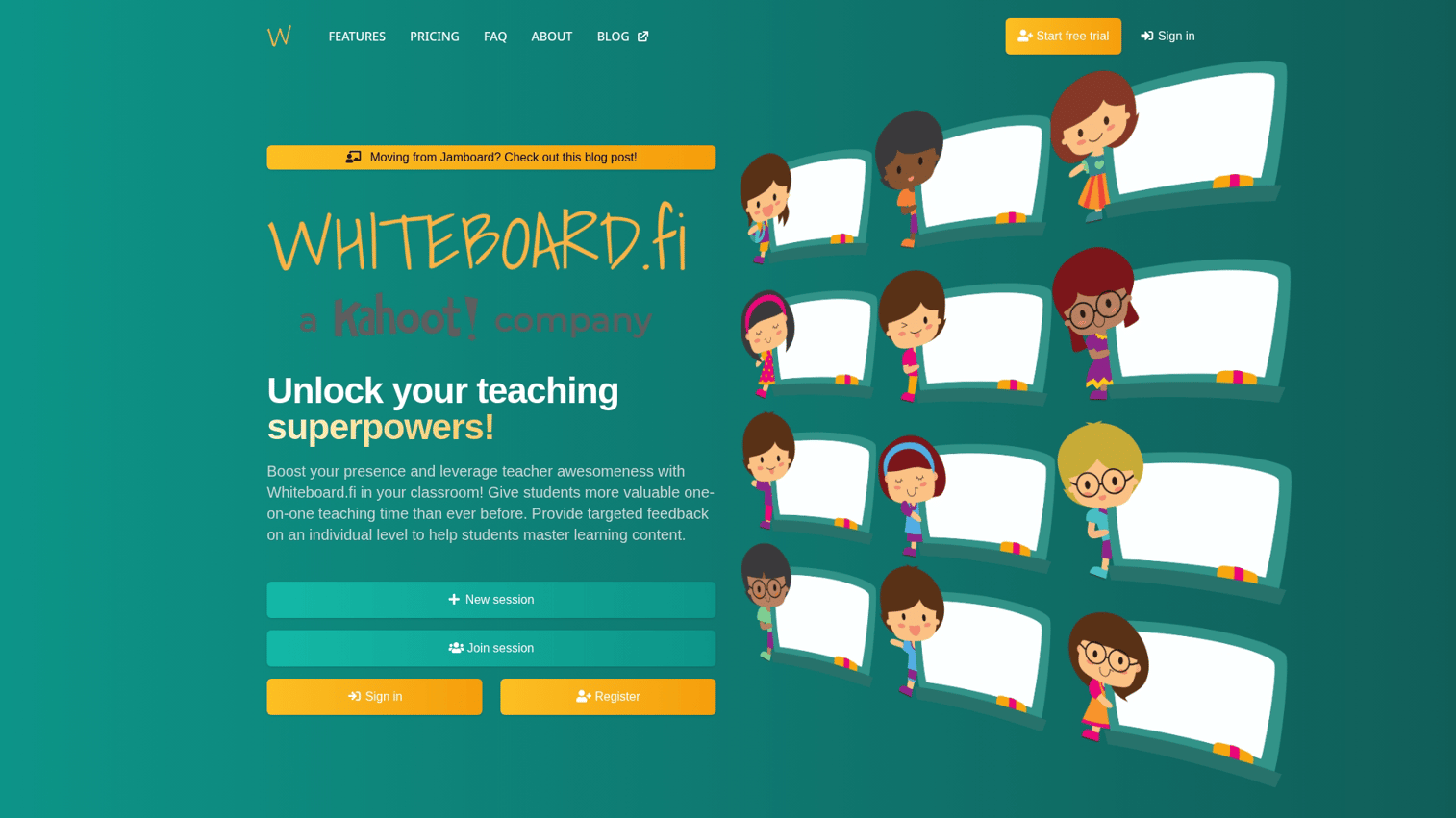
Whiteboard.fi is built specifically for educators. Teachers see all student boards simultaneously on a single dashboard.
Best for: K-12 and higher education instructors running interactive lessons and formative assessments.
Key strengths
- Classroom-first design: Teacher dashboard shows all student boards at once
- No student accounts required: Students join via code without creating accounts
- Real-time monitoring: Instant visibility into student work as it happens
Why choose Whiteboard.fi
Whiteboard.fi solves a specific problem: getting real-time visibility into student thinking during a lesson. The teacher dashboard is the killer feature. You see who's stuck, who's ahead, and who needs help.
This tool isn't designed for business collaboration. If you're not in education, look elsewhere. If you are, it's worth evaluating alongside general-purpose tools.
Whiteboard.fi pricing
Free tier available for basic classroom use. Premium plans unlock additional features. Verify current pricing on their website.
7. Excalidraw
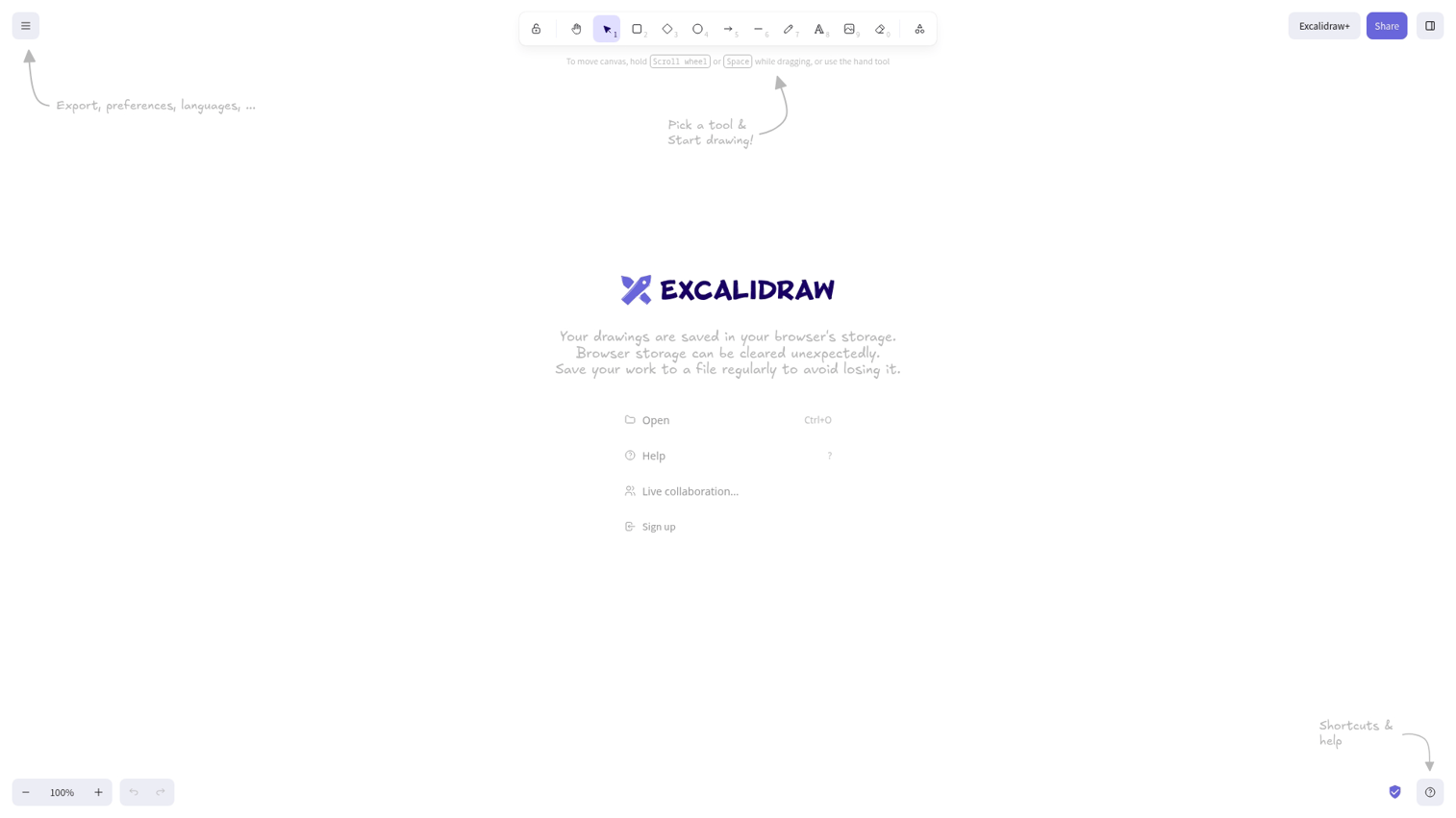
Excalidraw is an open-source whiteboard with a distinctive hand-drawn visual style. No signup required to start collaborating.
Best for: Developers, technical teams, and anyone who wants a free virtual whiteboard without account friction.
Key strengths
- Hand-drawn visual style: Sketch-like aesthetic feels informal and approachable
- Open source: Self-host or use the free web version
- No signup required: Start collaborating immediately via shareable link
Why choose Excalidraw
Excalidraw removes every barrier to getting started. Share a link and anyone draws. The hand-drawn style works well for technical diagrams that don't need to look polished.
The tradeoff is features. No templates, no facilitation tools, no integrations. Excalidraw does one thing well: quick, collaborative sketching.
If that's what you need, it's excellent. If you need more, look elsewhere.
Excalidraw pricing
Free and open source. Excalidraw+ offers paid collaboration features for teams.
8. Whimsical
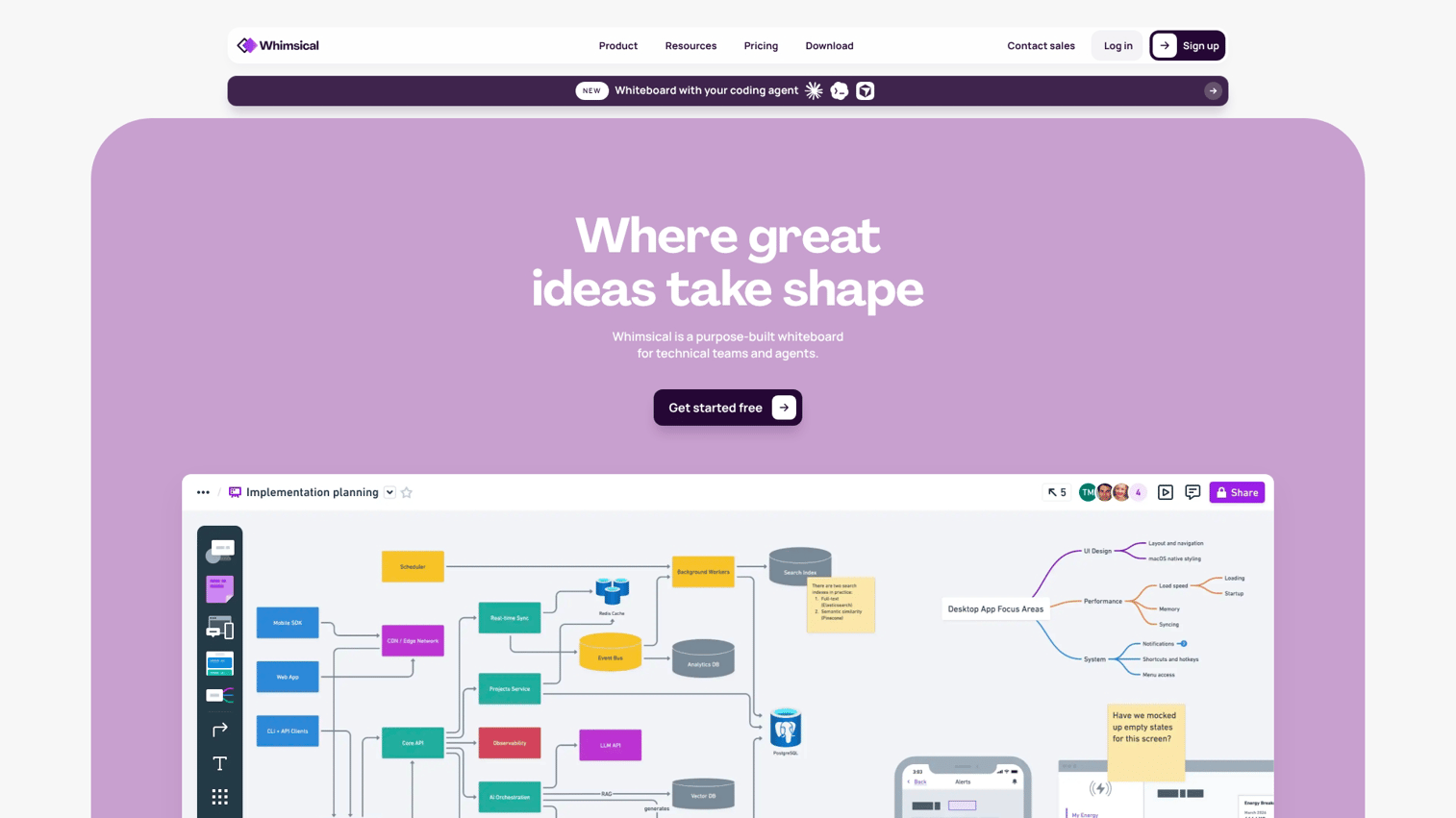
Whimsical focuses on clean, structured visuals. It's particularly strong for flowcharts, wireframes, and mind maps.
Best for: Product teams building flowcharts, wireframes, and structured diagrams.
Key strengths
- Smart connectors: Flowcharts and diagrams auto-route cleanly without manual adjustment
- Wireframe components: Built-in UI kit for quick mockups
- Clean interface: Focused on clarity over feature overload
Why choose Whimsical
Whimsical excels when you need structured visuals that look professional. The smart connectors save time on flowcharts. The wireframe components let you mock up interfaces quickly.
It's less suited for freeform brainstorming or facilitated workshops. Whimsical is a collaboration board online for people who think in structures, not sticky notes.
Whimsical pricing
Free tier includes limited boards. Pro plan starts at $10/user/month with unlimited boards and features.
9. Freehand by InVision
Freehand is InVision's digital whiteboard online for design collaboration. It connects with InVision's prototyping tools.
Best for: Teams already using InVision for prototyping who want whiteboarding in the same ecosystem.
Key strengths
- InVision ecosystem: Connects with InVision prototypes and design tools
- Flexible canvas: Supports images, sketches, and embedded content
- Presentation mode: Walk through boards as slides for stakeholder reviews
Why choose Freehand
Freehand makes sense if your team already uses InVision for prototyping. The connection between whiteboard ideation and prototype review creates a smooth workflow.
InVision's market position has shifted significantly in recent years. Evaluate the long-term fit before committing. If you're not already in the InVision ecosystem, other tools offer more value.
Freehand pricing
Free tier available. Paid plans unlock additional features. Verify current pricing on InVision's website.
10. Bluescape
Bluescape is an enterprise-grade digital collaborative whiteboard built for large organizations with strict security requirements.
Best for: Enterprises with compliance requirements, large-scale visual collaboration needs, and interactive display hardware.
Key strengths
- Enterprise security: SOC 2 compliance, SSO, and advanced admin controls
- Large-scale visual workspaces: Built for complex, multi-team projects
- Hardware integration: Supports large interactive displays for conference rooms
Why choose Bluescape
Bluescape targets a different buyer than most whiteboard tools. If your organization requires enterprise security certifications, supports large interactive displays, or runs complex multi-team visual projects, Bluescape delivers capabilities others don't.
For small teams or standard collaboration needs, it's overkill. This is not a free whiteboard website option.
Bluescape pricing
Enterprise pricing requires contacting sales. Expect pricing appropriate for large organizations.
11. Conceptboard
Conceptboard is a visual collaboration tool with a focus on facilitated workshops and European compliance requirements.
Best for: European teams with GDPR compliance requirements or those running structured facilitated workshops.
Key strengths
- Moderated workshops: Built-in facilitation and voting tools for structured sessions
- Compliance-focused: GDPR-compliant with European data hosting options
- Version history: Track changes and revert to previous board states
Why choose Conceptboard
Conceptboard stands out for European organizations where data residency matters. The GDPR compliance and EU hosting options address requirements that US-based tools may not meet.
The facilitation features also work well for structured workshops. The template library is smaller than Miro's, but the core functionality is solid.
Conceptboard pricing
Free tier available with limited features. Paid plans start at €6/user/month. Enterprise pricing available for larger organizations.
How to choose the right digital whiteboard collaboration tool
With 12 best online whiteboards covered, how do you narrow down the list? Use these five factors to choose. Focus on five factors.
Collaboration needs and team size
Small teams often work within free tier limitations. A team of five running occasional brainstorms might never need to pay for Miro or FigJam.
Large distributed teams need enterprise features: SSO, advanced permissions, admin controls, and audit logs. The free collaborative whiteboard options won't scale to hundreds of users with compliance requirements.
Integration requirements
Your whiteboard doesn't exist in isolation. Consider what tools it connects to:
- Project management: Jira, Asana, Monday, ClickUp
- Communication: Slack, Teams, Zoom
- Design: Figma, Sketch, Adobe
- Documentation: Notion, Confluence, Google Docs
Teams using Figma benefit from FigJam. Microsoft shops get the most value from Microsoft Whiteboard. Miro offers the broadest integration coverage if you use a mix of tools.
Budget and pricing model
Free tiers work for evaluation and light use. Most teams eventually hit limits on boards, collaborators, or features.
Paid pricing typically follows per-user models. A team of 20 at $10/user/month adds up to $2,400/year. Compare that cost against the value of better collaboration and the time saved versus workarounds.
Use case specificity
Match the tool to your primary use case:
- Brainstorming workshops: Miro, Lucidspark, or Conceptboard with facilitation features
- Design collaboration: FigJam or Freehand connected to design tools
- Technical diagramming: Whimsical or Lucidspark with Lucidchart
- Quick sketches: Excalidraw or Microsoft Whiteboard for speed
- Visual content: Canva Whiteboards for polished output
A tool that's excellent for one use case may be mediocre for another.
Security and compliance needs
Enterprise buyers verify:
- SOC 2 compliance: Standard for B2B SaaS security
- SSO support: Single sign-on integration with identity providers
- Data residency: Where data is stored, especially for GDPR
- Admin controls: User management, audit logs, and access policies
Bluescape, Miro Enterprise, and Conceptboard offer enterprise-grade security. Free tools typically don't meet enterprise compliance requirements.
Turn your whiteboard ideas into interactive demos
Once your team maps out a product flow on a collaborative whiteboard, the next step is often showing it to prospects or stakeholders. That's where the whiteboard stops and the demo begins. Some teams leverage sandbox demos for presales validation, letting prospects explore the actual product environment after seeing the conceptual flow.
Interactive demos let you capture any workflow from your actual product and turn it into a clickable experience. Instead of describing what you sketched on the whiteboard, you show the real thing.
Marketing teams equipped with product marketing software tools use this approach to convert website visitors who want to see the product before booking a call. Pre-sales teams using the right software tools send personalized demos as follow-ups that prospects actually complete.
The connection to whiteboarding is direct: brainstorm the concept visually, then bring it to life with an interactive walkthrough.
Start your journey with Guideflow today!
FAQs about free online whiteboard tools
Yes. Tools like Excalidraw and Miro Lite let you start a free shared whiteboard online without signup. You share a link and anyone joins immediately.
Most other tools require at least a free account to create boards, though viewers often don't need accounts.
Canva Whiteboards and Excalidraw offer robust free tiers without strict board limits. Miro and FigJam have free tiers but restrict the number of editable boards (typically three). For unlimited free use, Excalidraw's open-source model has no artificial limits.
Most online collaborative whiteboard platforms support dozens of simultaneous users. Miro handles large workshops with 100+ participants.
Free tiers may limit collaborator counts or restrict real-time editing to fewer users. Check each tool's specific limits for your use case.
Most digital whiteboard tools support export to PDF, PNG, or SVG. Canva Whiteboards also exports directly to presentation formats.
Some tools offer higher resolution exports on paid tiers. If export quality matters for your deliverables, test the output before committing.
Miro and FigJam both offer native Zoom integrations that let participants collaborate on the whiteboard directly within Zoom meetings. You can also share a whiteboard in Zoom natively for quick collaboration without third-party tools.
Microsoft Whiteboard integrates natively with Teams. For Zoom-specific use, Miro's integration is the most mature with features like participant cursors and real-time sync.
Enterprise-grade tools like Miro, Bluescape, and Conceptboard offer SOC 2 compliance, SSO, and admin controls suitable for corporate security requirements. Free tiers and consumer-focused tools typically lack certifications. Verify security documentation before using any tool for sensitive content.
An online whiteboard is a visual, freeform canvas for spatial thinking and diagrams. Content goes anywhere on an infinite canvas.
Collaborative documents like Google Docs are linear, text-based workspaces organized in pages. Use whiteboards when visual arrangement matters; use documents when sequential text is the primary content.
Most free online whiteboard tools offer mobile apps or responsive web versions. However, the full feature set typically works best on desktop where you have more screen space and precise cursor control. Mobile works for viewing and light editing, but complex whiteboard work benefits from a larger screen.










