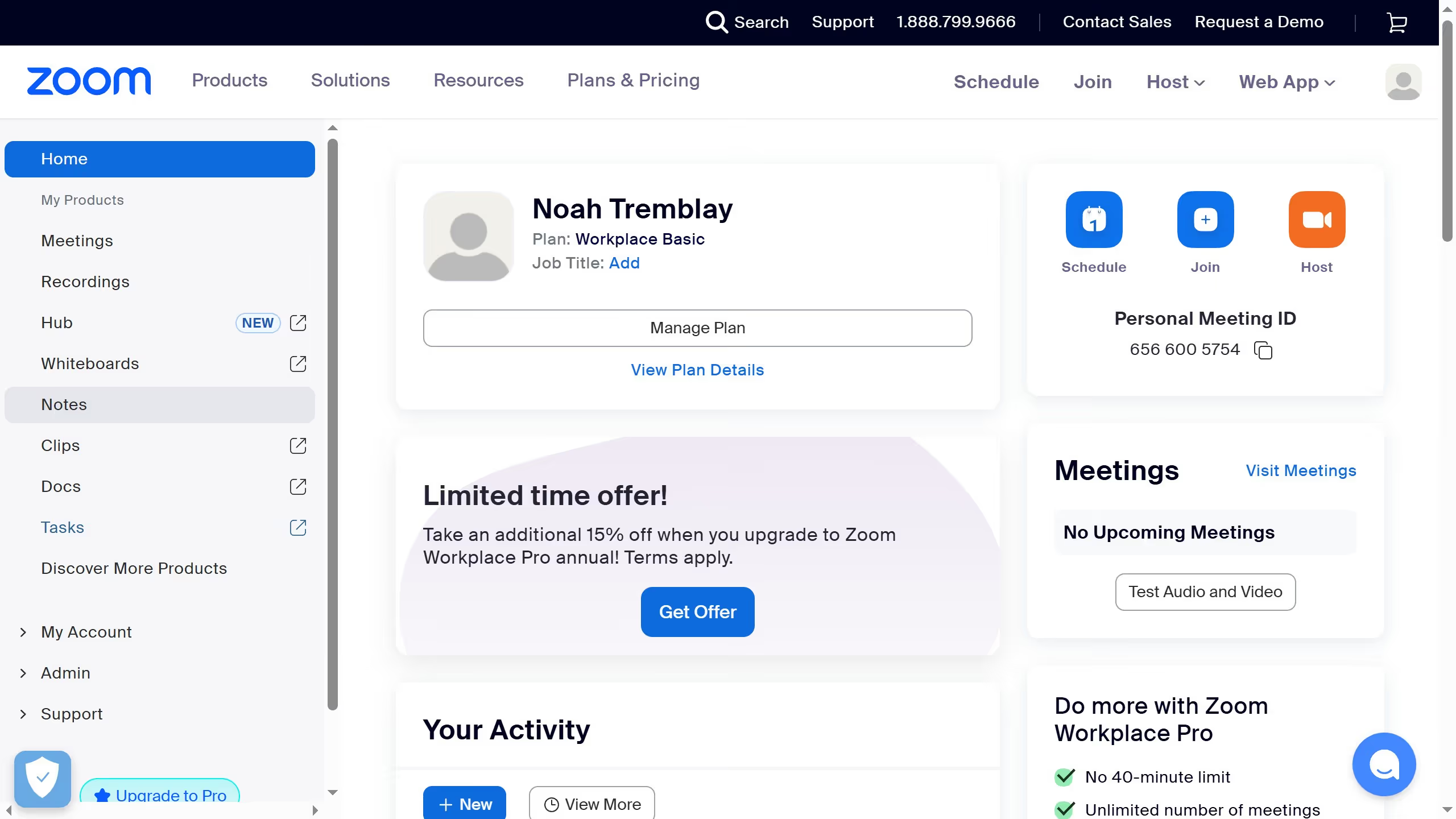
Here is how to share a whiteboard in zoom
- First click on the "Whiteboards" button in the top navigation menu
- Then hover over the whiteboard you want to share
- Then click on the "More options" button (three dots) next to the whiteboard title
- Select "Share" from the dropdown menu that appears
- Finally click the “Copy link” button to copy the whiteboard link and send it to others