How to set a task priority to "Low" in Zoom
Here is how to set a task priority to "low" in zoom
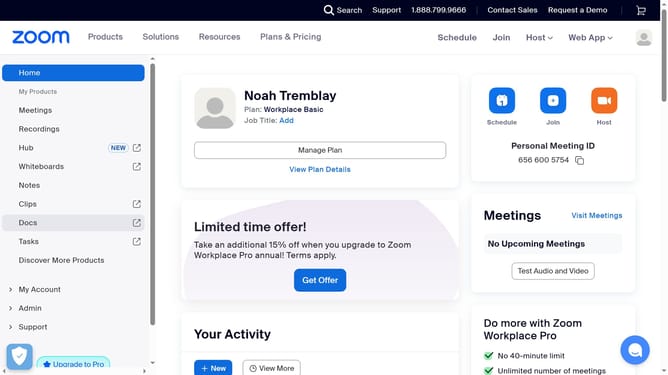
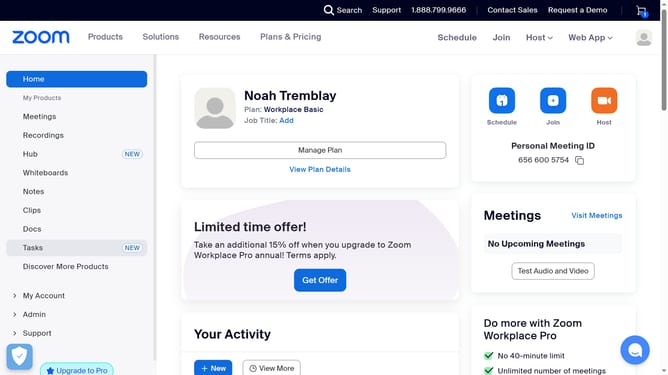
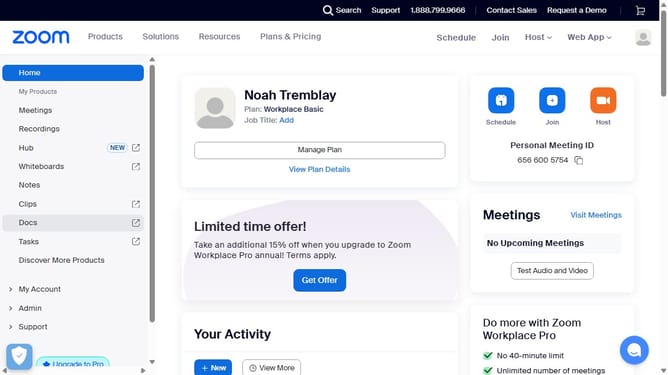
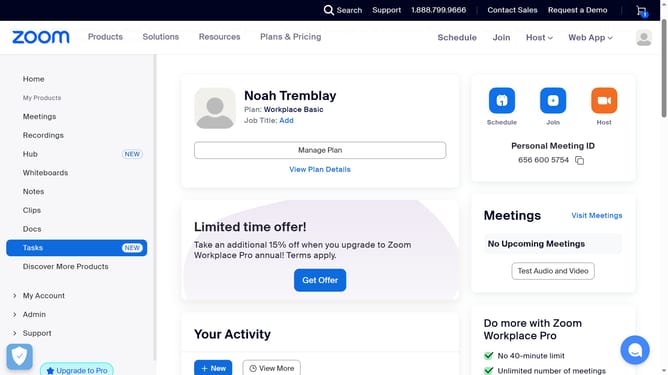
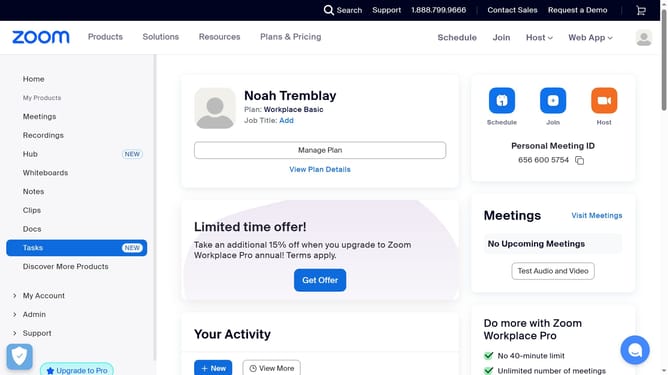
- First click on the "Tasks" item in the left sidebar menu
- Then click on "My tasks" in the left panel task list
- Next select the task you want to set the priority for from the task list
- In the task details panel, click on the "Priority" dropdown menu
- Finally select "Low" from the list of priority options
Why should you set a task priority to "Low" in Zoom
Zoom is a versatile communication platform designed to seamlessly connect people through video, voice, and chat capabilities.
Setting a task priority to "Low" in Zoom helps streamline workflow by clearly indicating which tasks require less immediate attention. This feature allows team members to focus on high-priority tasks without the clutter of less urgent activities.
By prioritizing tasks effectively, teams can maintain momentum and ensure that critical objectives are met while still acknowledging ongoing, low-priority items for later consideration.
Last update