Your team's best ideas are dying in Slack threads and Zoom recordings.
You've got a Series B SaaS company, a product roadmap that needs three workshops to validate, and a head of product asking why every brainstorm ends with someone screenshotting a Miro board into a Loom that nobody watches. The category that was supposed to fix this has become its own mess. Free tools hit limits two weeks in. Enterprise suites trap you in one ecosystem. Standalone canvases don't talk to your CRM, your project tracker, or your design files.
Distributed work is no longer the edge case. According to the Market.us 2024 Interactive Whiteboard Market Report, the global interactive whiteboard market generated USD 4.2 billion in 2023 and is projected to reach USD 7.6 billion by 2032, driven mostly by hybrid teams replacing physical conference-room whiteboards with shared digital canvases. That's a lot of teams choosing tools that will either compound their workflows or fragment them.
This guide is the article you forward to your VP of product saying "pick two from this list, and let's run real workshops on each next week." Every tool here has been evaluated on what actually matters when you're standing up collaboration infrastructure for a 50- to 500-person team: integration depth, real-time performance, pricing transparency, and how fast a new joiner can ship value on day one.
What's inside
This guide is for SaaS founders, heads of product, heads of marketing, and GTM leaders evaluating their collaboration stack for teams of 10 to 500 people. We selected the 10 tools based on four criteria: real-time collaboration depth, integration breadth with the modern SaaS stack (Slack, Jira, Notion, Figma, Salesforce), pricing transparency on the vendor's own pricing page, and usability validated by G2 or Capterra ratings. We didn't sort alphabetically. We sorted by relevance to business and SaaS teams. By the end, you'll have a shortlist you can defend in a team review and three scenarios that point to your finalists.
TL;DR
- Best overall for SaaS teams: Miro, for template breadth and ecosystem depth
- Best for Microsoft 365 shops: Microsoft Whiteboard, included with most M365 subscriptions
- Best for product and design teams: FigJam, for tight Figma handoff
- Best for enterprise workshops: Mural, for facilitation and methodology templates
- Best for Lucid suite users: Lucidspark, if you already run Lucidchart
- Best for EU data residency: Conceptboard, headquartered in Europe with EU hosting
- Best open-source pick: OpenBoard, free and self-hosted with no SaaS lock-in
Background: What is whiteboard software?

Whiteboard software is a digital canvas that lets distributed teams sketch, write, diagram, and collaborate visually in real time, replacing the physical conference-room whiteboard with a shared infinite workspace accessible from any device. It's the category that makes "let's get on a quick call to map this out" work when nobody's in the same room.
The terms online whiteboard, digital whiteboard, virtual whiteboard, internet whiteboard, and collaborative whiteboard are largely interchangeable. Vendors pick whichever phrase wins in search. The underlying product is the same: a canvas, a cursor, and a set of tools that let multiple people think together.
Core capabilities of a modern digital whiteboard software include:
- Infinite canvas with pan and zoom
- Real-time multi-user editing with cursors and presence indicators
- Core tools: pen, text, sticky notes, shapes, connectors, frames
- Templates for retros, brainstorms, journey maps, flowcharts, and roadmaps
- Comments, threads, and asynchronous feedback
- Integrations with conferencing, project management, design, and CRM tools
- Export to PDF, PNG, or other formats
- Permission controls, version history, and audit logs
Adjacent categories you'll see in the same search results: visual collaboration platforms (often the enterprise framing), smart whiteboard software (usually hardware plus software, like interactive displays), and whiteboard apps (the mobile or lightweight framing). For a SaaS team evaluating tools, treat them as the same shopping list.
The line between a whiteboard app and a full visual collaboration platform is mostly pricing and governance. Free tiers and lightweight tools sit on one end. Enterprise platforms with SSO, audit logs, and EU data hosting sit on the other. Most teams need something in the middle.
When to use whiteboard software
Run remote workshops without losing energy
Sprint planning, brainstorms, and retros all assume a shared surface. When the team isn't in the same room, a whiteboard becomes that surface. The best sessions use timers, voting, and silent ideation phases to keep energy high. A whiteboard that loads in two seconds and doesn't choke when 30 people drop sticky notes at once will save you the awkward "can you see my cursor?" detour every meeting.
Align distributed teams on strategy and product decisions
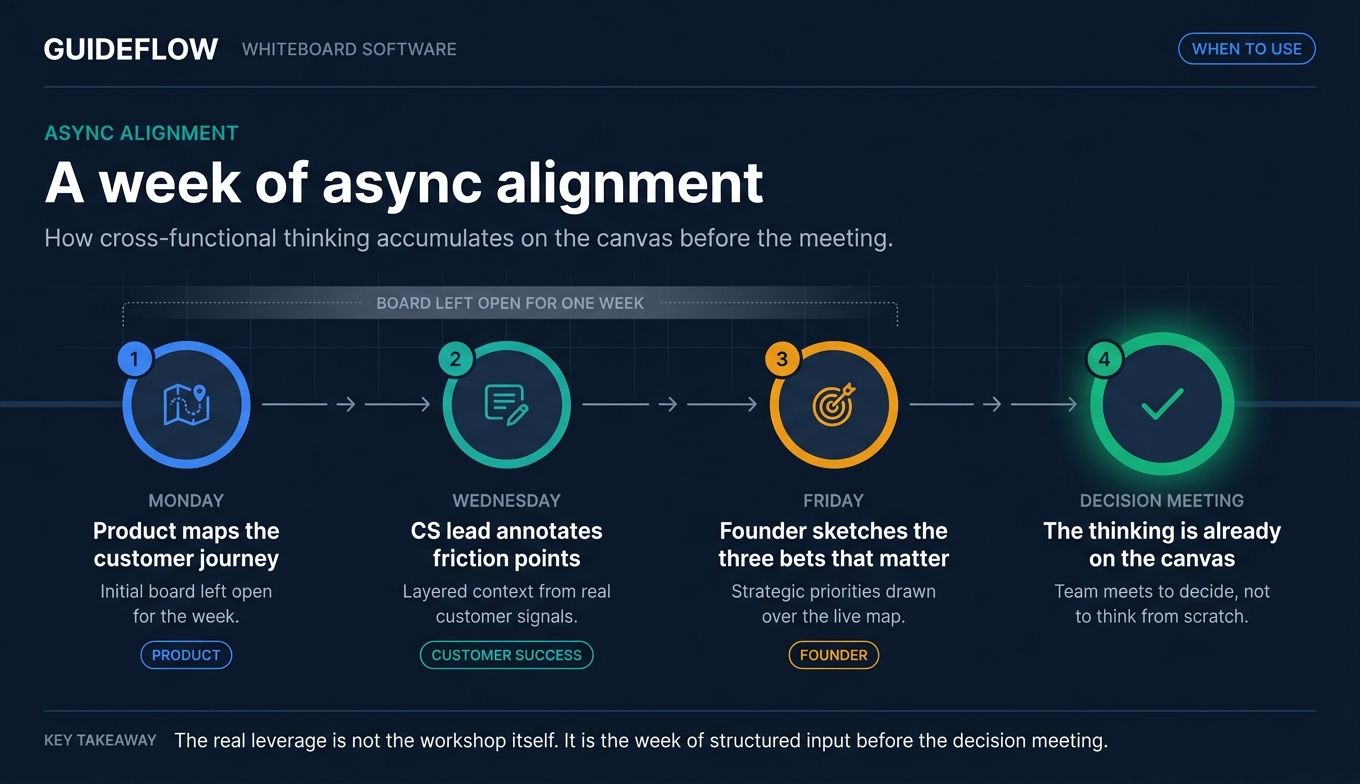
Async is where whiteboards earn their keep at scale. Leave a board open for a week. Let your product team map a customer journey on Monday, your CS lead annotate friction points on Wednesday, and your founder sketch the three bets that matter on Friday. By the time you meet to decide, the thinking is already on the canvas. This is also where teams that map flows visually often pair their whiteboard with an interactive demo to translate internal alignment into something prospects and customers can actually experience.
Onboard new hires into how the team actually thinks
A living board of your positioning, your buyer journey, or your engineering decisions tells a new joiner more in 20 minutes than a 60-page Notion doc tells them in a week. It's the artifact of how decisions got made, not just what got decided. Teams that want to go further often build an interactive demo library so new hires can self-serve through how the product actually works.
Comparison table
The 10 tools below are sorted by relevance to SaaS and business teams, not alphabetically. Pricing was verified on each vendor's pricing page during this guide's research run. Ratings reflect current G2 or Capterra aggregate scores. Where a vendor publishes pricing in euros or hides numeric pricing behind sales, that's noted in the row.
| # | Product | Intent | Key use case | Pricing | G2 / Capterra rating |
|---|---|---|---|---|---|
| 1 | Miro | All-purpose visual collaboration | Product, design, and GTM workshops at SaaS scale | Free; Starter from $8/member/mo (annual) | 4.7/5 (Capterra) |
| 2 | Microsoft Whiteboard | Microsoft 365 native canvas | Teams meeting collaboration and brainstorming | Included with most M365 plans | 4.4/5 (Capterra) |
| 3 | FigJam | Whiteboard for product/design teams | Workshops that flow into Figma design files | Free Starter; Professional from $3/mo | 4.6/5 (G2) |
| 4 | Mural | Enterprise facilitation | Design thinking and structured workshops | Free; Team+ from $9.99/member/mo (annual) | 4.6/5 (G2) |
| 5 | Lucidspark | Lucid suite whiteboard | Brainstorming alongside Lucidchart diagramming | Public pricing not numerically verified at research time | 4.7/5 (Capterra) |
| 6 | Conceptboard | EU-hosted visual workspace | Regulated industries and EU-based teams | Free; Starter from €5/user/mo | 4.6/5 (Capterra) |
| 7 | Stormboard | Structured meetings + reports | Workshops that need exportable deliverables | Personal free; Business/Enterprise paid (numeric pricing not exposed at research time) | 4.4/5 (G2) |
| 8 | Limnu | Lightweight sketch whiteboard | Tutoring, quick sessions, fast load | Free; Pro $5/mo; Team $8/member/mo | 4.7/5 (G2) |
| 9 | Explain Everything | Whiteboard + recording hybrid | Async explanations and educational content | Free; Pro from $7.49/mo (annual) | 4.4/5 (G2) |
| 10 | OpenBoard | Open-source, self-hosted | Teams wanting full data ownership | Free | 4.6/5 (Capterra) |
Best whiteboard software tools for teams in 2026
1. Miro
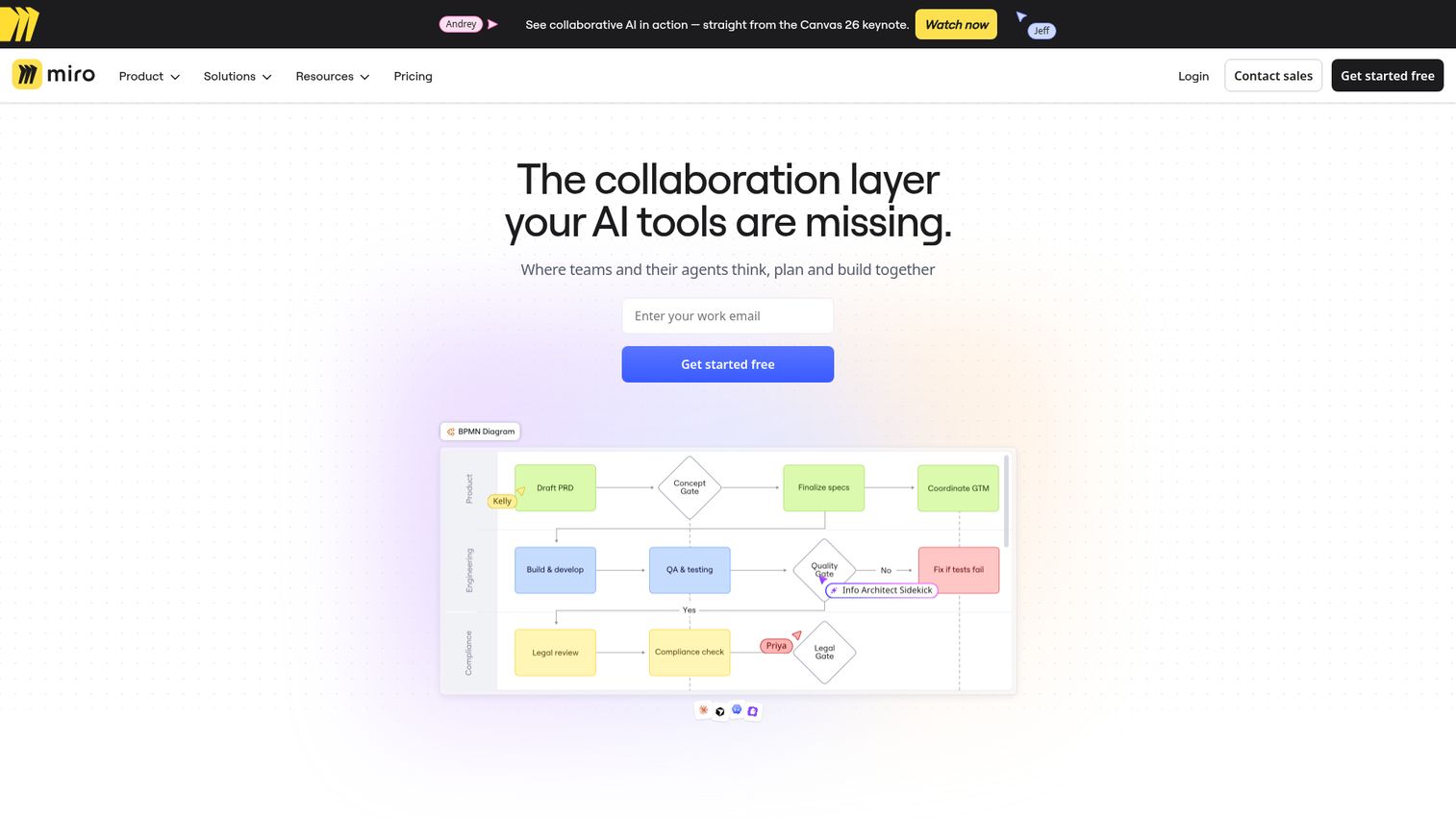
Miro is the category's center of gravity. It's an AI innovation workspace that combines a multiplayer infinite canvas with structured formats like Docs, Tables, Slides, and Diagrams. For most SaaS teams running product workshops, customer journey mapping, or GTM planning, Miro is the default answer because the template library is deep, the integrations connect to almost everything in a modern stack, and the canvas holds up under heavy concurrent use.
Best for: Product, design, and GTM teams at SaaS companies running both synchronous workshops and async strategy work.
Key strengths
- Collaborative AI workflows: AI features cluster sticky notes, summarize boards, and generate diagrams without leaving the canvas.
- Infinite multiplayer canvas: Built for many concurrent collaborators in a single session, with strong cursor presence and minimal lag.
- Docs, Tables, Slides, and Diagrams: Structured formats inside the whiteboard so teams stop bouncing between Miro and four other tools.
Why choose Miro: If you want the broadest integration ecosystem, the largest template library, and a tool that scales from a five-person brainstorm to a 100-person workshop, Miro is the safest pick. It's also the tool your new VP of product probably already knows, which cuts adoption friction to near zero.
Miro pricing: Miro publishes a Free plan, Starter at $8 per member per month billed annually (or $10 monthly), Business at $20 per member per month billed annually (or $25 monthly), and Enterprise pricing that's custom and starts at 30 members. The Free plan covers most small teams getting started. Most SaaS teams land on Starter or Business depending on whether they need advanced admin controls.
2. Microsoft Whiteboard
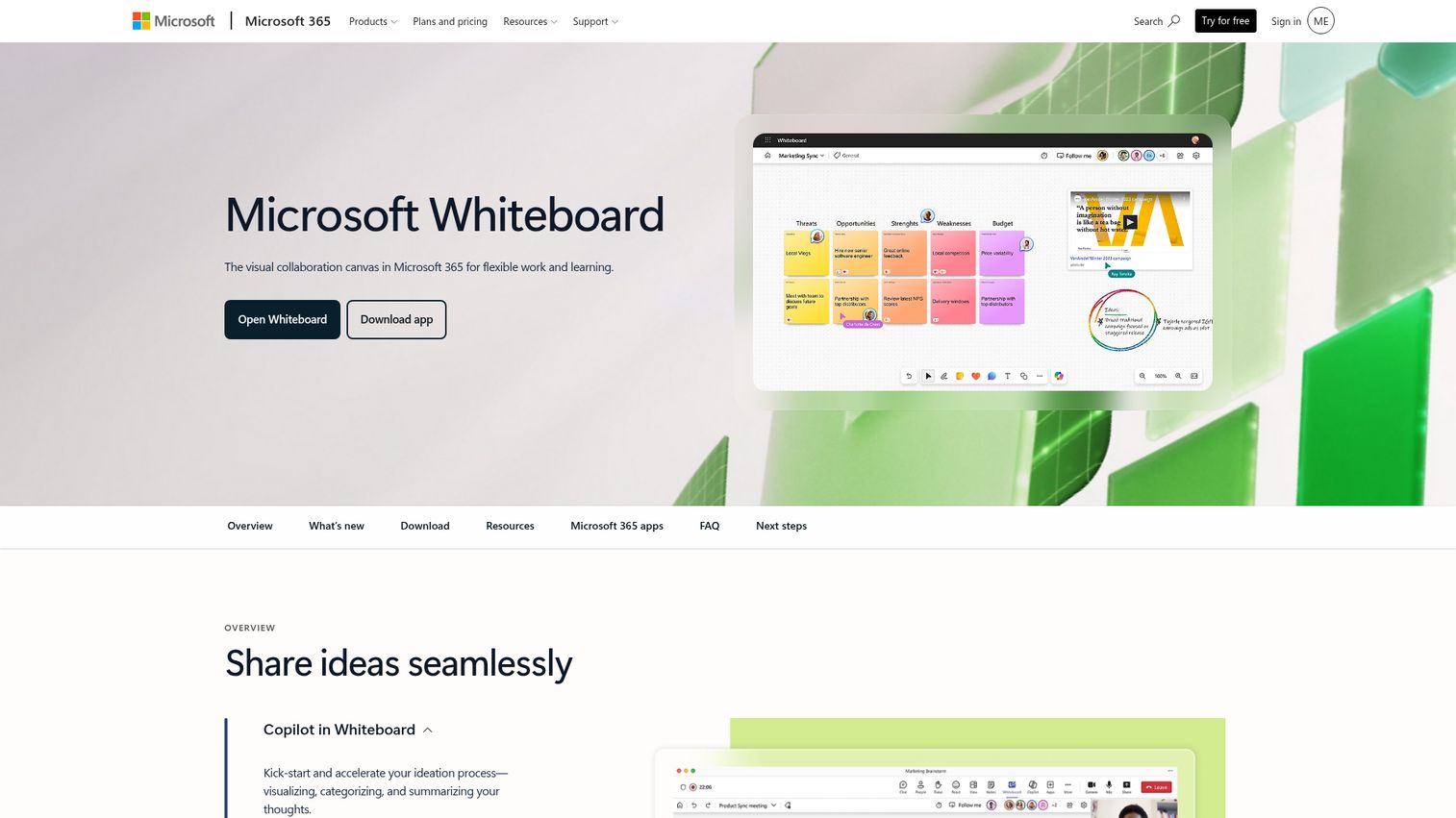
Microsoft Whiteboard is the default pick if your company already runs on Microsoft 365 and Teams is your meeting layer. It's a visual collaboration canvas built into the Microsoft ecosystem, with native Teams meeting integration and Loop components that sync across chats, meetings, emails, and documents. The pitch isn't best-in-class features. It's that you don't have to buy or onboard a separate tool.
Best for: Teams already standardized on Microsoft 365 that want a shared whiteboard inside their existing meeting and document workflow.
Key strengths
- Teams meeting collaboration: Launch a whiteboard inside any Teams call without leaving the meeting window.
- 60+ free templates: Get teams running on brainstorms, retros, and planning sessions without building from scratch.
- Loop components sync: Edits made in Whiteboard reflect across Teams chats, Outlook, and Microsoft 365 docs.
Why choose Microsoft Whiteboard: If you're a Microsoft 365 shop, you're already paying for it. The integration with Teams and Loop is tighter than anything a third-party whiteboard can offer because it ships from the same vendor. The trade-off: it works best when your team lives inside Microsoft 365 day-to-day.
Microsoft Whiteboard pricing: Microsoft Whiteboard is included with Microsoft 365 subscriptions. There's no standalone whiteboard SKU with public per-user pricing on a dedicated page. Standalone web access is available with a free Microsoft account for basic use. For exact Microsoft 365 plan pricing, check the current Microsoft 365 plans page at evaluation time, since enterprise tiers vary.
3. FigJam
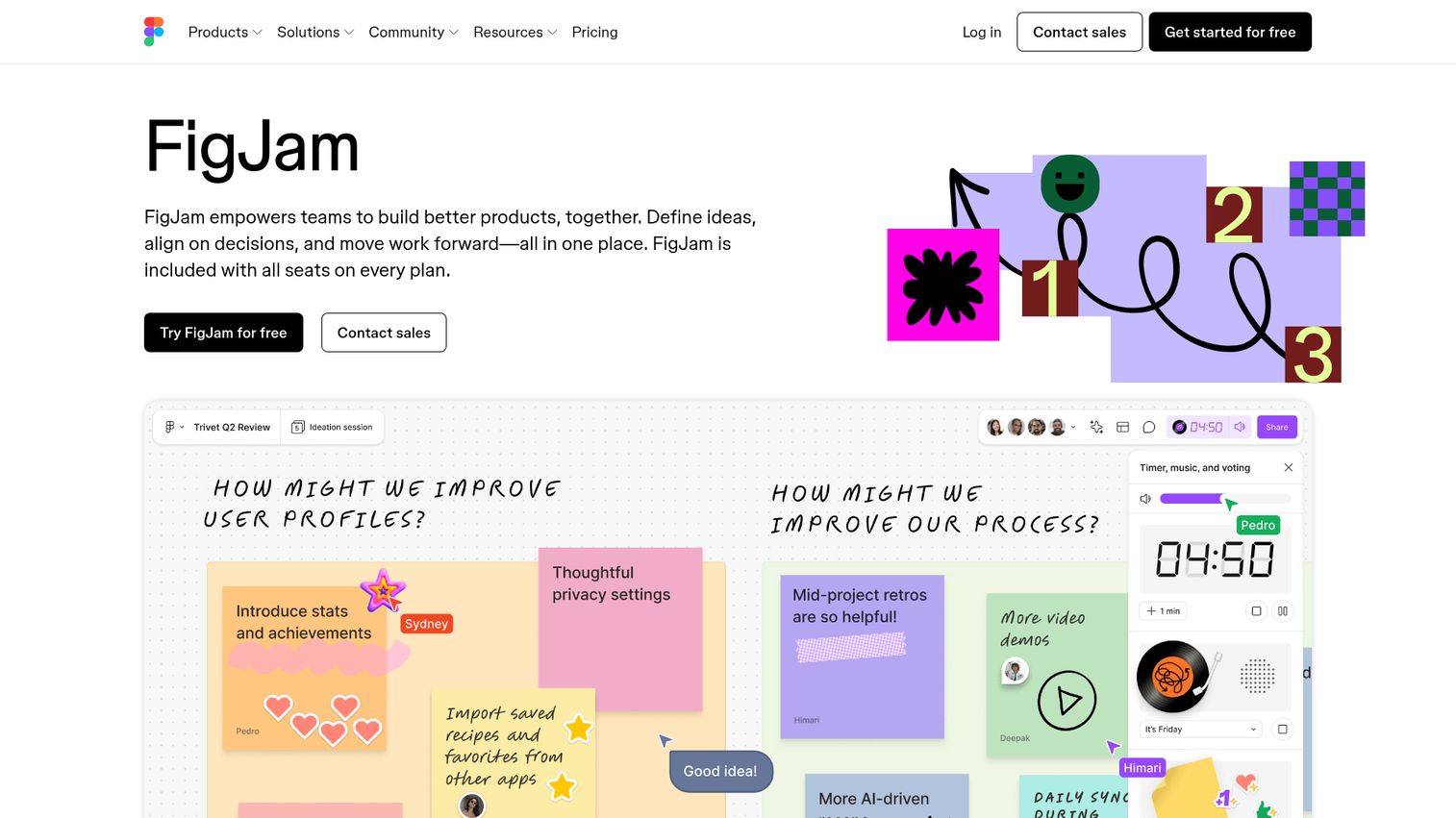
FigJam is the online collaborative whiteboard from Figma. If your product and design team already lives in Figma for UI work, FigJam removes the seam between brainstorming and building. Workshops that produce flow diagrams in FigJam handoff cleanly into Figma design files, which means less time recreating ideas and more time shipping them.
Best for: Product, design, and cross-functional teams already using Figma for design who want their whiteboard in the same ecosystem.
Key strengths
- Engagement features: Stamps, stickers, and emotes that make remote workshops feel less flat.
- Diagramming tools: Shapes and connectors built for product and engineering diagrams, not just sticky notes.
- Open sessions: Anyone can join for 24 hours without a login, which removes the friction of inviting external participants.
Why choose FigJam: The integration with Figma is the entire pitch. If your team's design system, components, and prototypes live in Figma, running workshops in FigJam keeps everything in one tool. For teams not using Figma, the case is weaker.
FigJam pricing: FigJam is included with all seats on every Figma plan. The Starter plan is free. Paid Collab seat pricing on the Professional plan is $3 per month. Organization and Enterprise plans are $5 per month per seat, billed annually. Note that the pricing is structured around Figma seats overall rather than as a standalone FigJam SKU, so what you pay depends on your broader Figma usage.
4. Mural
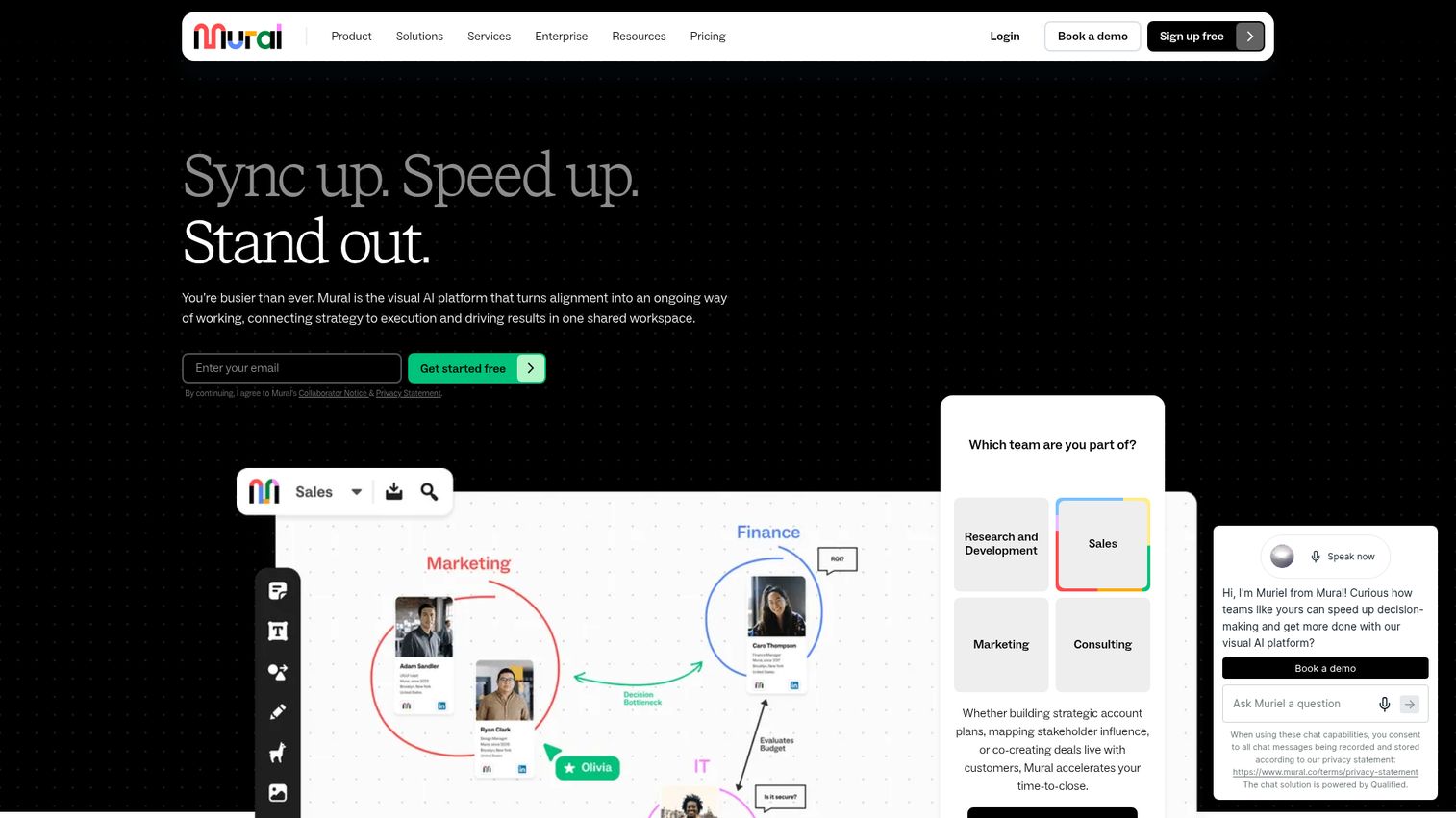
Mural is the visual AI platform built for enterprise visual collaboration with strong facilitation features. Timers, voting, private mode, and methodology templates from frameworks like design thinking make it the go-to for consulting workflows and structured workshops. Mural sits where you need more facilitation infrastructure than a freeform canvas provides.
Best for: Cross-functional teams running structured workshops, design thinking sessions, or facilitator-led strategy work.
Key strengths
- Sticky notes and text: Core collaboration primitives that are fast, responsive, and built for high-volume ideation.
- Mapping and diagramming: Strong support for journey maps, service blueprints, and process diagrams.
- Private mode: Lets participants add ideas independently before revealing, which kills groupthink in brainstorms.
Why choose Mural: If your team runs facilitator-led workshops on a regular cadence (design sprints, quarterly planning, customer journey maps), Mural's facilitation toolkit pays off quickly. The methodology templates also shortcut the "how do we run this?" question.
Mural pricing: Mural offers a Free plan for unlimited members with 3 editable murals at a time. Team+ is $9.99 per member per month billed annually, or $12 billed monthly. Business is $17.99 per member per month billed annually and adds SSO, unlimited external users, and advanced integrations. Enterprise is custom and adds multiple workspaces, SCIM, audit logs, data residency, and BYOK.
5. Lucidspark
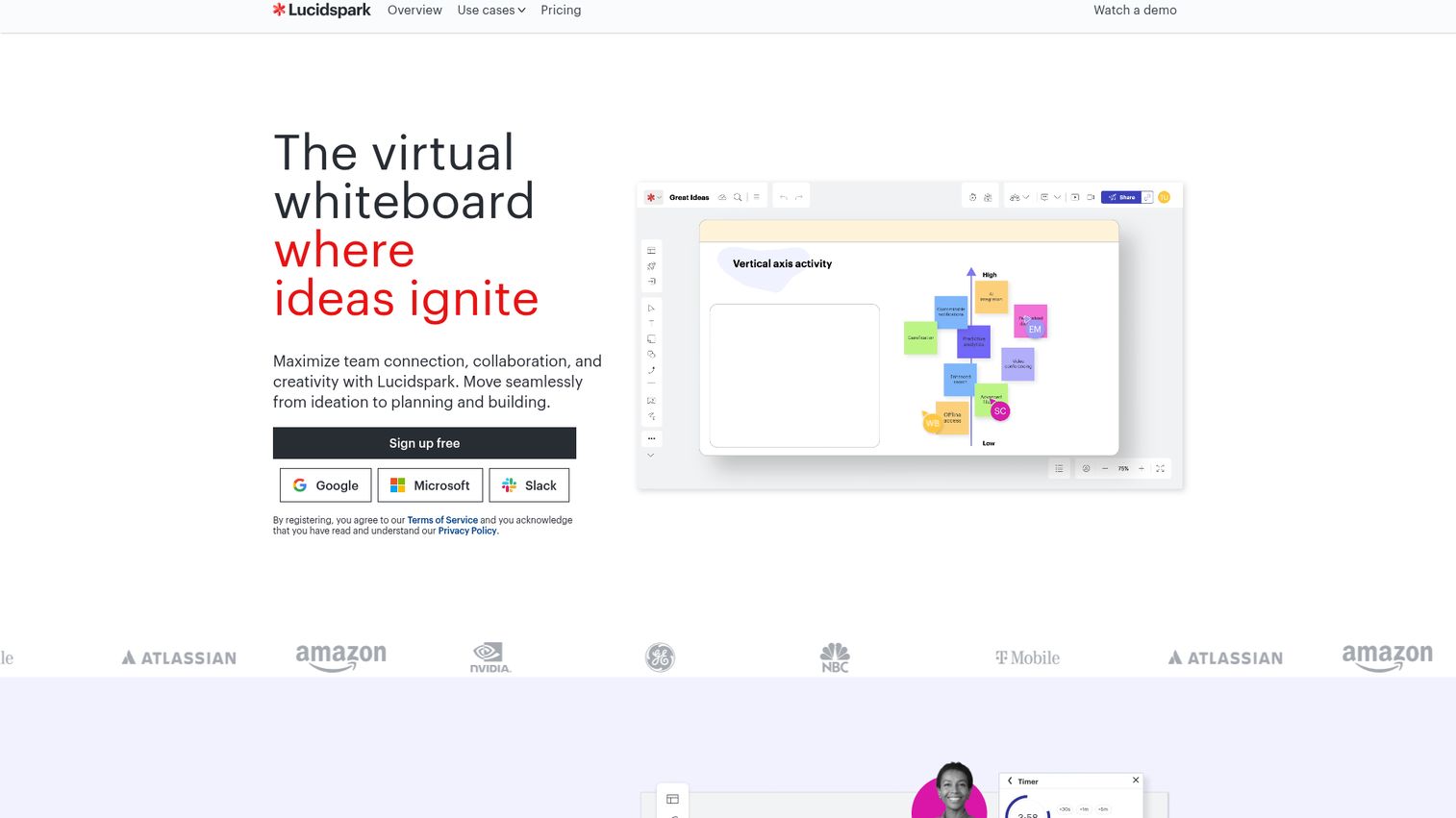
Lucidspark is the virtual whiteboard from the Lucid suite, the same team behind Lucidchart. It's purpose-built for freeform ideation and group brainstorming, with real-time hybrid collaboration as the headline. If your team already runs Lucidchart for diagramming or process mapping, Lucidspark keeps your whiteboard in the same ecosystem with the same admin layer.
Best for: Hybrid teams that already use Lucidchart for diagramming and want a whiteboard inside the same stack.
Key strengths
- Infinite canvas: Standard whiteboard primitive done well, with strong performance on large boards.
- Voting: Built-in voting features for prioritization workshops and group decisions.
- Templates: Library of templates for brainstorming, planning, and retro workflows.
Why choose Lucidspark: If you're already a Lucid customer or you want one vendor handling both diagramming and whiteboarding, Lucidspark is the obvious pick. For teams without an existing Lucid relationship, evaluate alongside Miro and Mural before committing.
Lucidspark pricing: Lucidspark publishes a pricing page at lucid.app/pricing/lucidspark with plan tiers, but verbatim dollar amounts could not be confirmed during this guide's research. Check the pricing page directly when evaluating, and budget for per-user pricing that scales by seat count, plus an Enterprise tier for governance and SSO.
6. Conceptboard
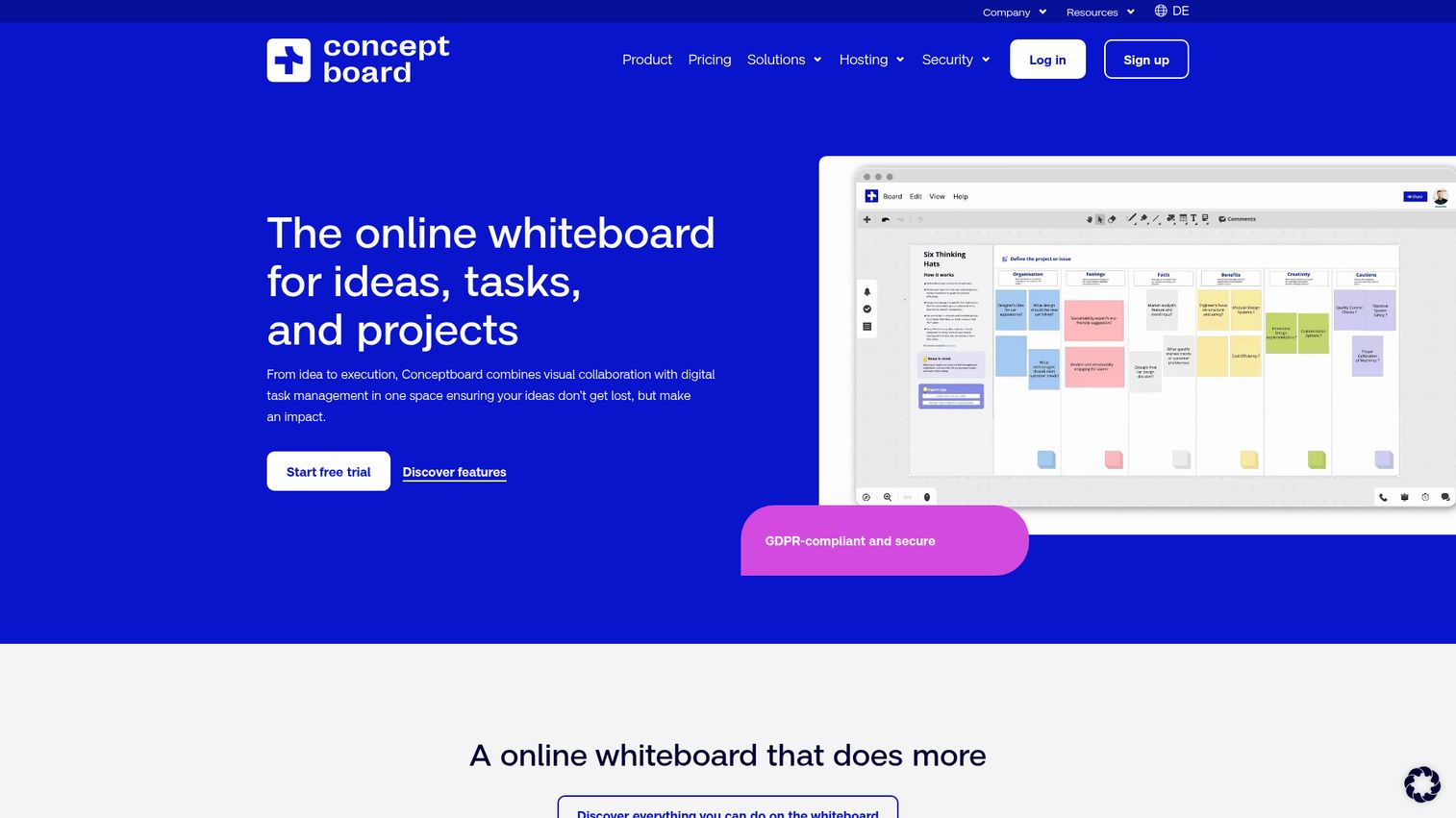
Conceptboard is the digital whiteboard from a European vendor with strong GDPR and data residency positioning. EU data hosting is a default rather than an enterprise add-on, which makes it the natural pick for regulated industries, EU-based teams, or any company where data residency lives on the procurement checklist.
Best for: Remote and hybrid teams in regulated industries or the EU that need GDPR-aligned data hosting alongside visual collaboration.
Key strengths
- Visual task management on the board: Kanban structures, timelines, and Gantt-style planning live directly on the canvas.
- Jira integration: Connects boards to your engineering backlog without a separate sync layer.
- Templates and facilitation: Built-in templates for workshops, meetings, and remote collaboration.
Why choose Conceptboard: If EU data residency or GDPR-aligned hosting is a hard requirement, Conceptboard removes a security review conversation that other vendors force you to have. The feature set is competitive with Miro and Mural for most workshop use cases.
Conceptboard pricing: Conceptboard publishes a Free plan, Starter at €5 per user per month, Advanced from €10 per user per month with a 12-month contract for 10+ users, and Corporate & Government from €14 per user per month with a 24-month contract for 100+ users. Pricing is in euros and subject to statutory VAT. There's no public USD equivalent, so factor in currency conversion for budget planning.
7. Stormboard
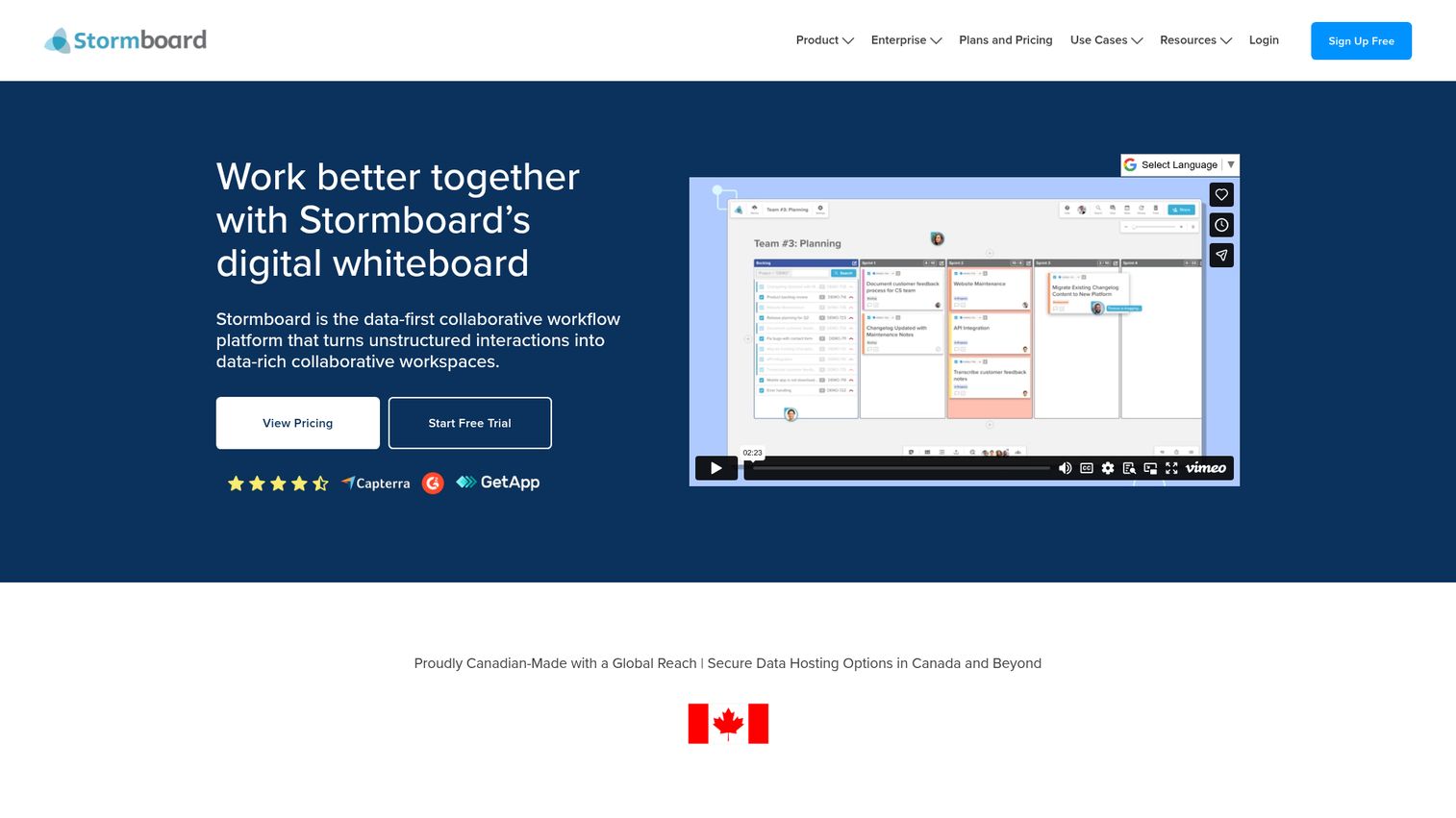
Stormboard is a data-first collaborative workflow platform that treats whiteboarding as input for structured outputs. The differentiator is that boards generate reports and exports to Microsoft Word, PowerPoint, Excel, Google Docs, Slides, and Sheets, which makes it useful for workshops that need to produce a deliverable instead of just a canvas screenshot.
Best for: Teams running brainstorming, planning, agile, or project workshops that need exportable deliverables and structured outputs.
Key strengths
- Real-time whiteboard collaboration: Sticky notes, sections, and infinite canvas with the standard whiteboard primitives.
- Reports and exports: Generate meeting reports and exports to Microsoft 365 and Google Workspace formats directly from board content.
- Project-management features: Tasks, folders, substorms, timers, and live integrations for ongoing project work.
Why choose Stormboard: If your workshops need to produce a Word doc or PowerPoint at the end (executive recaps, board materials, stakeholder updates), Stormboard's report exports save the manual rebuild step that other whiteboards force.
Stormboard pricing: Stormboard offers Personal (free), Business (paid per member), and Enterprise plans. Annual plans are available for Business and Enterprise. Numeric pricing wasn't fully exposed on the public pricing page during this guide's research run, so check stormboard.com/pricing for current Business and Enterprise figures during your evaluation.
8. Limnu
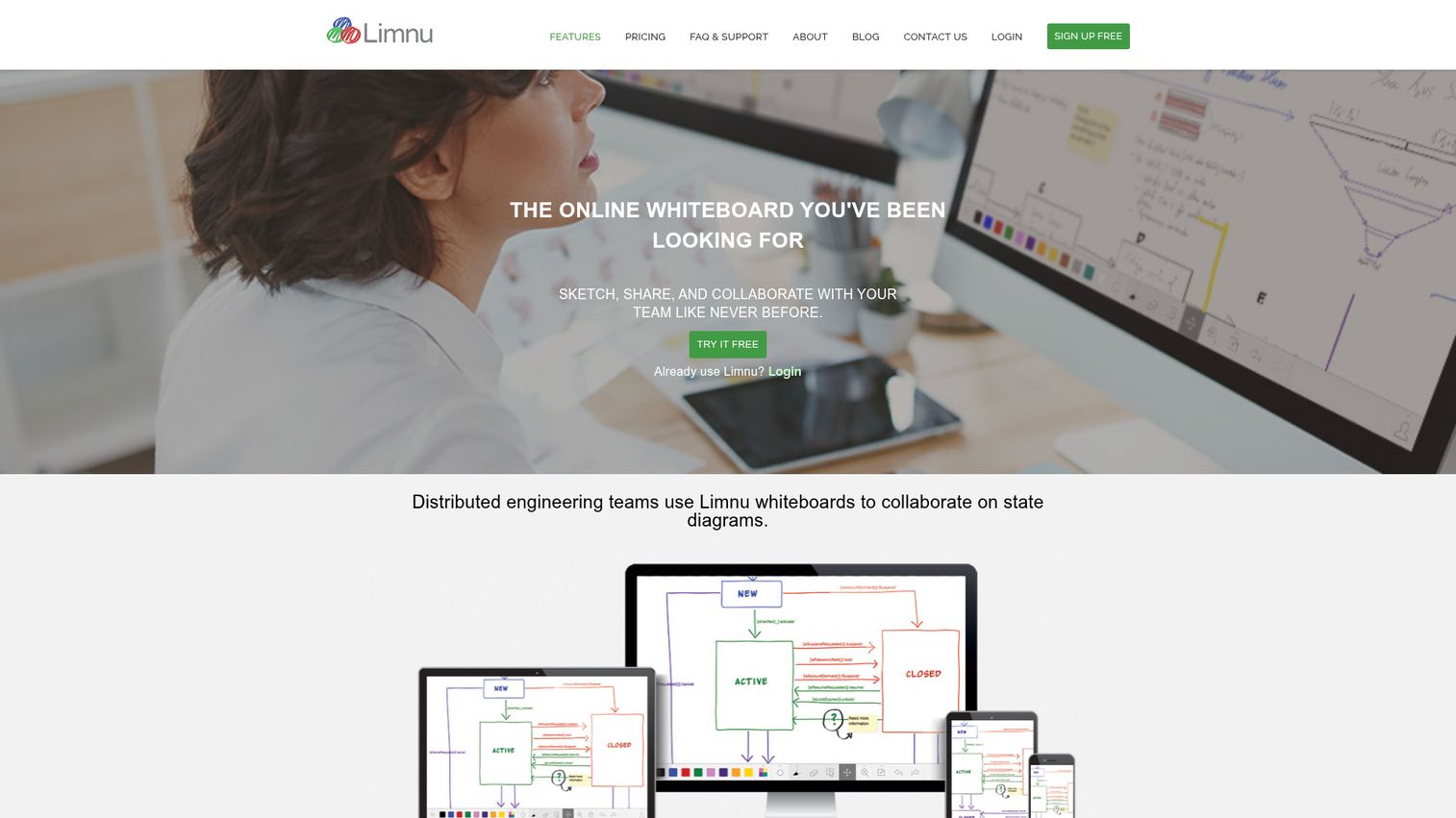
Limnu is a lightweight online whiteboard built for sketching, sharing, and collaborating with your team. Fast load times and a natural marker feel make it a strong pick for tutoring, quick sketch sessions, and scenarios where you don't need a heavyweight platform. It's the whiteboard you reach for when you want to draw something out without setting up a workshop.
Best for: Remote teams, tutors, and collaborative groups that want a simple online whiteboard for fast brainstorming and live problem-solving.
Key strengths
- Infinite whiteboard space: No edge boundaries, so you can keep sketching as the conversation expands.
- Group collaboration: Board sharing with unlimited collaborators on paid plans.
- Board organization: Search, sort, and bulk-edit tools for teams maintaining many boards over time.
Why choose Limnu: If your use case is sketching, tutoring, or fast collaborative drawing rather than structured workshops, Limnu's simplicity is the feature. You won't pay for facilitation tools you don't use.
Limnu pricing: Limnu offers a Free plan with 14-day access to whiteboards before moving to Free-tier limits. Pro is $5 per month or $50 per year (saves $10). Team is $8 per month per team member or $80 per year per member (saves $16). Enterprise and API plans are contact-for-pricing.
9. Explain Everything
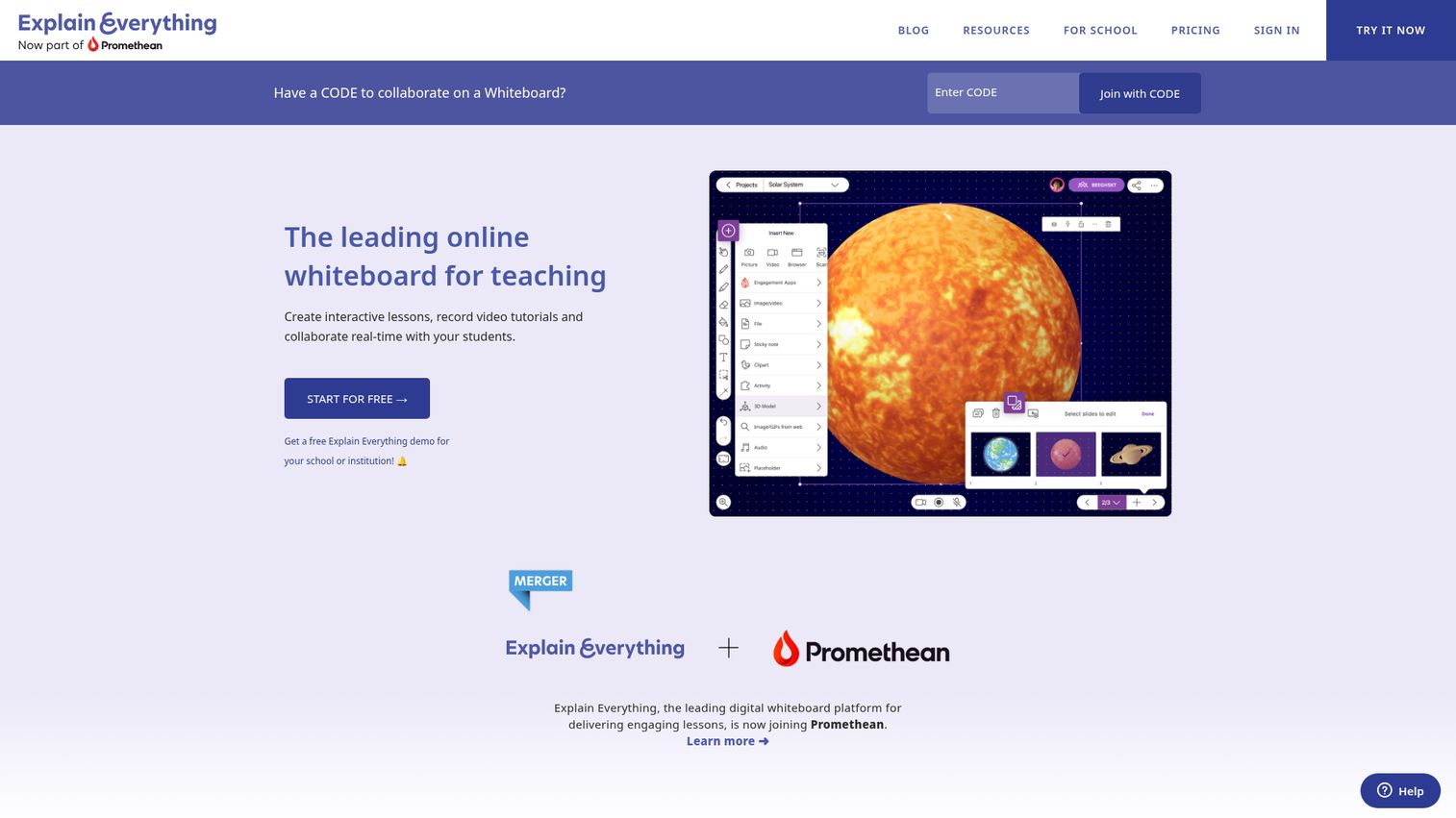
Explain Everything is a whiteboarding platform where people meet to share ideas and make them visual and clear. It pairs the whiteboard with recording, animation, and video editing so you can publish explainer videos from the same canvas where you brainstormed. The combination makes it strong for asynchronous explanations and educational content where the deliverable is a video, not a static board.
Best for: Tutors, teachers, facilitators, consultants, and teams that need collaborative whiteboarding plus explainer video creation.
Key strengths
- Mixed-media playground: Infinite canvas that handles images, video, and annotations together.
- Real-time and async collaboration: Voice chat and live collaboration alongside async board work.
- Recording and video editing: Built-in recording with Web Video Links for sharing finished explainers.
Why choose Explain Everything: If your team produces educational or training content alongside running workshops, the integrated recording removes the screen-capture-and-edit handoff. For pure whiteboard use cases, the recording features go unused. Teams looking for a more product-focused alternative often evaluate product tour software that's purpose-built for showcasing software flows instead.
10. OpenBoard
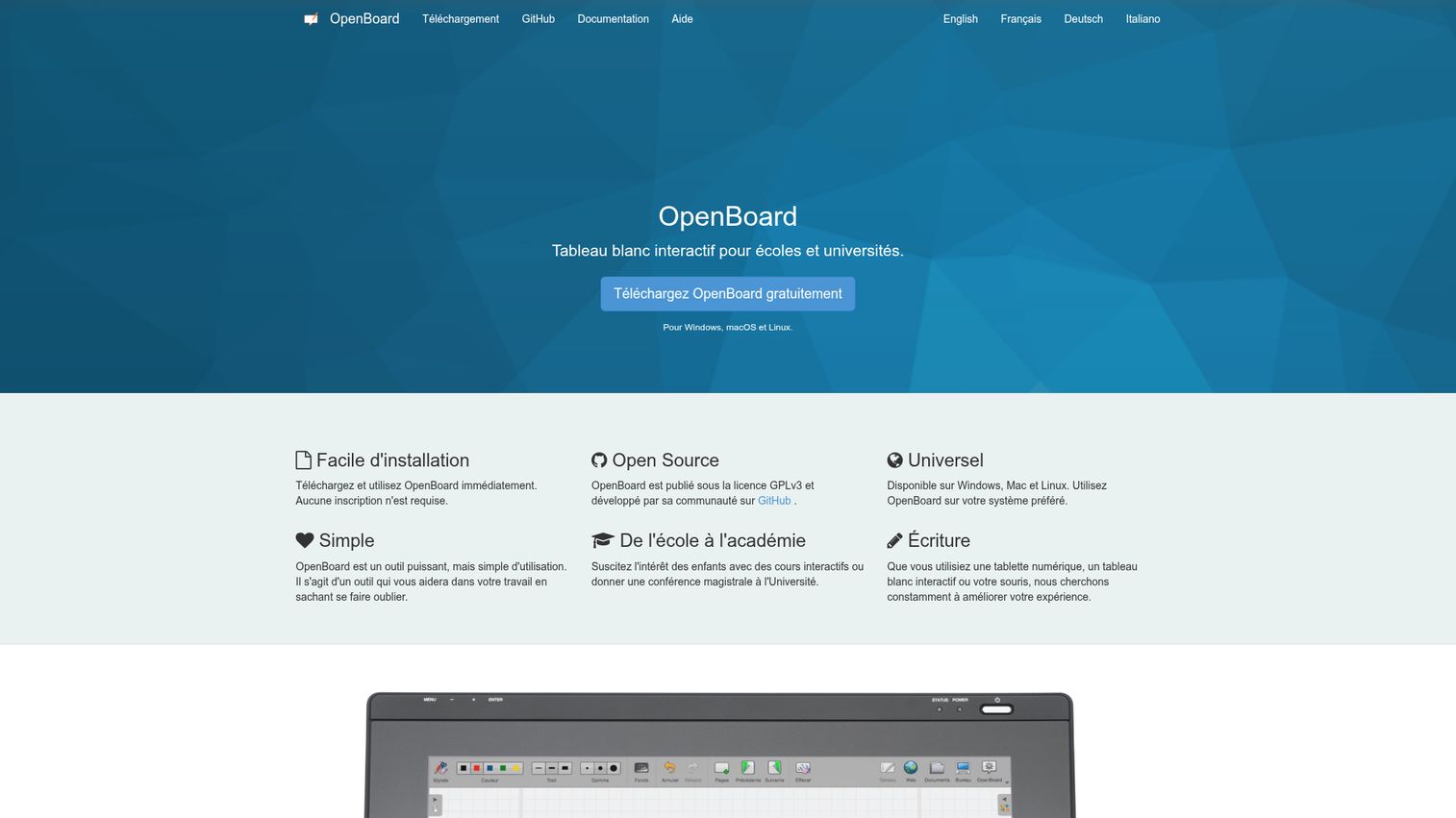
OpenBoard is an open-source, cross-platform interactive whiteboard originally built for schools and universities. It runs on Windows, macOS, and Linux. There's no SaaS dependency, no monthly fee, and no vendor lock-in. For teams that want full data ownership or run in environments where cloud whiteboard SaaS isn't an option, OpenBoard is the most credible open-source pick.
Best for: Schools, universities, and teams that need a free, open-source interactive whiteboard with full data ownership.
Key strengths
- Cross-platform desktop software: Native apps for Windows, macOS, and Linux as a whiteboard for desktop use.
- Handwriting and annotation: Works with pen tablets, interactive whiteboards, or a mouse.
- Web widgets and API: Drag-and-drop web widgets with an integrated API for extending board functionality.
Why choose OpenBoard: If you want zero recurring cost, full control over your data, or you operate in environments where cloud SaaS is restricted, OpenBoard is the open source whiteboard answer. Trade-off: it's classroom-oriented and lacks the SaaS-team integrations Miro or Mural bring.
OpenBoard pricing: OpenBoard is free and open source. There's no paid tier, no SaaS hosting fee, and no enterprise upsell. The project is licensed openly and runs on your own machines.
Considerations for choosing whiteboard software
Before you commit, run the shortlist through this checklist.
Integration depth with your existing stack
The board is only as useful as the workflows it plugs into. Verify integrations with Slack, Teams, Zoom, Jira, Notion, Figma, Salesforce, and whatever else your team lives in. A whiteboard that doesn't push to your project tracker or sync with your CRM becomes another silo within a month.
Real-time performance at your team's scale
Concurrent user limits and board load times matter once you get past five people on a canvas. Test what happens at 30+ collaborators with a real workshop, not a demo. Cursor lag, dropped connections, and slow zoom kill workshop momentum faster than missing features do.
Pricing model and seat economics
Per-seat pricing scales with your team. Flat-rate doesn't. Look at the difference between editor and viewer seats, because a tool that charges for view-only access gets expensive fast at company-wide scale. Also check what enterprise actually unlocks: SSO, audit logs, advanced permissions, and dedicated support are often gated behind the top tier.
Security, governance, and data residency
For regulated industries or any company over 100 employees, verify SOC 2 Type 2 reports, GDPR compliance documentation, SSO support, audit logs, and EU data hosting where relevant. These are usually documented on a security and compliance or trust page. If they're not, that's a flag.
Template library and time-to-value
Can your team run a retro or sprint plan on day one without building from scratch? A deep template library shortcuts adoption. Bonus points if templates align with frameworks your team already uses (design thinking, OKRs, RICE prioritization). For onboarding flows specifically, also look at user onboarding software that can complement your whiteboard with in-product guidance.
How to choose the right whiteboard software for your team
A few scenarios to point you toward your finalists.
If you're a Microsoft 365 shop and Teams is your default meeting surface: Microsoft Whiteboard is the lowest-friction pick because it's already included in your subscription and integrates natively with Teams meetings and Loop components. You won't get the deepest feature set, but you won't pay for a separate tool.
If your product and design team already lives in Figma: FigJam keeps your whiteboard in the same ecosystem and removes the seam between brainstorming and design handoff. Worth evaluating Miro alongside if you have a broader GTM use case beyond product and design.
If you want the broadest integration ecosystem and largest template library: Miro is the safest pick. It scales from a five-person team to a 500-person org, and the integration depth across Slack, Jira, Notion, Asana, Zoom, and Teams means it earns its place in any modern SaaS stack.
If you operate in regulated industries or need EU data residency: Conceptboard removes the security review back-and-forth that other vendors force. EU hosting is the default, not an enterprise add-on.
If you want full data ownership and zero recurring cost: OpenBoard. You give up integration depth and SaaS polish. You gain control and freedom from licensing.
If your evaluation extends beyond whiteboards into adjacent collaboration categories, browse the full best tools library for guides on product management tools, knowledge base software, and content creation software to round out the stack.
Conclusion
Recap on the picks.
Miro is the best overall for SaaS teams because of template breadth and integration depth. Microsoft Whiteboard is the natural choice if you're a Microsoft 365 shop. FigJam wins for product and design teams already in Figma. Mural is the strongest pick for structured, facilitator-led workshops. Lucidspark fits if you already use Lucidchart. Conceptboard is the answer for EU data residency. Stormboard works when your workshops need exportable deliverables. Limnu is the lightweight pick for sketching. Explain Everything pairs whiteboarding with video output. OpenBoard is the open-source choice for teams wanting full data ownership.
Here's the next step: pick two finalists from this list. Run a real workshop on each one within the next week. Don't run a demo. Run the actual thing: a sprint planning session, a customer journey map, a retro. Let the team vote. The tool that wins is the one your team will actually use, which is the only metric that matters for collaboration infrastructure.
Start a free trial of your top pick from the list and ship a workshop on it before next Friday.
FAQs
Whiteboard software is a digital canvas that lets distributed teams sketch, write, diagram, and collaborate visually in real time. It replaces the physical conference-room whiteboard with a shared infinite workspace accessible from any device. Most teams use it for brainstorming, retros, journey mapping, sprint planning, and async strategy work.
For most SaaS teams, Miro's Free plan is the strongest starting point because the ecosystem and template library carry over if you eventually upgrade. FigJam's Starter plan is the best free option if your team already uses Figma. Microsoft Whiteboard offers free standalone web access with a Microsoft account. OpenBoard is the best free whiteboard freeware option for teams that want open-source and self-hosted with no SaaS dependency at all.
Miro is a standalone visual collaboration platform with the broadest template library, deep integrations across the SaaS stack, and strong real-time performance at scale. Microsoft Whiteboard is built into Microsoft 365 and integrates natively with Teams and Loop, which makes it the default for Microsoft 365 shops. Miro wins on feature depth and ecosystem reach. Microsoft Whiteboard wins on zero adoption friction inside Microsoft environments.
For most workshop formats, yes. Async strategy work, customer journey mapping, retros, and sprint planning translate well to a digital whiteboard. High-energy group ideation with 20+ people in a single room still benefits from physical presence, but a digital whiteboard captures the artifacts in a way a physical board can't. Most teams end up using whiteboards as the default and using in-person time for the moments that really need it.
Yes. OpenBoard is the most established open-source whiteboard, with cross-platform desktop apps for Windows, macOS, and Linux. It's licensed openly, free forever, and gives you full data ownership without SaaS lock-in. Excalidraw is another open-source option that's lighter weight and browser-based, popular for quick sketches and technical diagrams.
Pricing spans from free to around $20 per member per month for business plans, with enterprise tiers typically custom-priced. Miro starts at $8 per member per month (annual). Mural's Team+ is $9.99 per member per month (annual). FigJam is $3 per seat per month on the Professional plan. Free tiers from Miro, FigJam, Mural, and Microsoft Whiteboard cover most small teams getting started. Enterprise pricing for SSO, audit logs, and advanced governance is generally quote-based.
Look for real-time multi-user editing with cursor presence, an infinite canvas with strong performance, a deep template library for retros and planning, integrations with your meeting and project tools (Slack, Teams, Zoom, Jira, Notion), permission controls and version history, and export options to PDF or PNG. For larger teams, also check SOC 2 compliance, SSO support, and audit logs.
Yes. Miro, Mural, and Lucidspark all integrate with both Slack and Teams. Microsoft Whiteboard integrates natively with Teams since they're built by the same vendor. Conceptboard, Stormboard, and FigJam offer integrations with the major collaboration tools as well. Verify the specific integration depth on each vendor's integrations page, since some integrations are limited to enterprise tiers.