A technician finishes a job 20 minutes early. Three miles away, a customer is waiting on a window that opened an hour ago. Nobody connects the two. The tech drives home, the customer calls to complain, and the dispatcher spends the next day rebuilding a schedule that fell apart by 10 a.m.
That gap between what's happening in the field and what dispatch can see is where most service businesses lose money. Not on the big misses. On the small ones, repeated hundreds of times a month.
The market has noticed. According to The Business Research Company (2026), the service dispatch software market reached $3.32 billion in 2025 and is projected to hit $4.91 billion by 2030. Mordor Intelligence (2026) puts the broader field service management market at $6.26 billion in 2026, with North America holding 37.89% of 2025 revenue. The tools are getting better because the operational pain is real and quantifiable.
The problem is that most buyers evaluate these platforms on feature checklists. Scheduling, invoicing, GPS, customer portals. Every vendor has all of it. What actually separates them is how the pieces work together when a route changes at 9 a.m. and you need the customer notified, the tech rerouted, and the work order updated without three people touching it manually.
This guide treats dispatch as the core job, not one feature among many. The question isn't "does it do scheduling?" It's "does it make dispatch easier without adding admin drag?"
What's inside
This is a comparison of eight field service management platforms, evaluated through a dispatch-first lens. It's written for operators and buyers who own scheduling, technician utilization, and customer communication, and who need to reduce manual rework rather than admire feature lists.
We selected tools based on four criteria: dispatch and scheduling clarity, mobile usability for technicians in the field, customer communication and portal depth, and pricing transparency across team sizes. Each entry covers who it fits, where it's strongest, and what it costs so you can shortlist without a dozen demo calls.
TL;DR
- Best all-in-one for small to mid-sized teams: Jobber, for its scheduling, routing, and QuickBooks-friendly workflow at an accessible entry price.
- Best for growing home service teams: Housecall Pro, for its dispatch, GPS tracking, and customer notification automation.
- Best for operations-heavy teams wanting unlimited users: Service Fusion, which prices by feature tier rather than per seat.
- Best for larger trade organizations: ServiceTitan, for enterprise-grade dispatch, reporting, and revenue workflows.
- Best for HVAC, plumbing, and electrical: FieldEdge, for its dispatch board and tight service history.
- Best for automation and communication in one place: Workiz, with AI scheduling, calling, and SMS built in.
- Best for smaller mobile-first teams: FieldPulse, for flexibility and a simple modular pricing model.
What is field service dispatch software?
Field service dispatch software is a system that assigns, schedules, and tracks field technicians so the right person reaches the right job at the right time, with work orders, routes, and customer updates coordinated in one place. It sits at the center of field service management software, connecting the office to the field in real time.
Where broader field service management software covers the entire operation, from quoting to invoicing to accounting, dispatch software focuses on the moment of assignment: who goes where, when, and how the schedule adapts when reality changes. Most modern platforms bundle both, but the dispatch engine is what determines whether your day holds together.
Core capabilities to expect from a strong service dispatch app:
- Scheduling and dispatch: Drag-and-drop schedule boards, GPS-based assignment, and real-time reassignment when jobs run long or cancel.
- Route optimization: Automated route planning that reduces drive time and fits more jobs into a day.
- Mobile access: A technician mobile app for job details, status updates, photos, notes, and payment collection on-site.
- Work order management: Digital work orders that move from creation to completion without paper handoffs.
- Customer communication: Automated customer notifications, appointment reminders, and a self-service portal or customer portal for booking and status.
- Real-time tracking: Live technician location and job status so dispatch sees the field as it actually is.
The value isn't any single feature. It's whether real-time tracking, scheduling, and customer communication stay in sync when the day goes sideways, which it always does.
When to use field service dispatch software
Coordinate more technicians than a spreadsheet can hold
Once you're dispatching more than a handful of technicians, manual scheduling breaks down. You lose track of who's free, who's running late, and which jobs are at risk. Dispatch software for field service teams gives you a single board where the whole day is visible, and reassignment takes seconds instead of a round of phone calls.
Cut drive time and fit more jobs in a day
If technicians are crisscrossing your service area or sitting idle between calls, route optimization pays for the software on its own. GPS-based assignment routes the nearest available tech to the next job, which lifts utilization without adding headcount. According to Business Research Insights (2026), 60% of enterprises adopted field service software specifically to improve productivity and scheduling.
Reduce the customer calls that eat your day
Half the chaos in dispatch is inbound: customers asking where the tech is, when they'll arrive, and why the window slipped. A service dispatch app with automated status updates and a self-service portal deflects those calls before they hit your office, freeing dispatch to actually dispatch.
Comparison table
Here's how the eight platforms compare on intent, primary strength, pricing, and rating. Pricing reflects the lowest publicly listed entry point where a vendor publishes numbers; several use request-based pricing for their higher tiers.
| # | Product | Intent | Key use case | Pricing | G2 rating |
|---|---|---|---|---|---|
| 1 | Jobber | Small to mid-sized service teams | All-in-one scheduling, quoting, dispatch, and payments | From $29/mo | 4.6/5 |
| 2 | Housecall Pro | Growing home service businesses | Dispatch with GPS tracking and customer notifications | From $59/mo | Not listed |
| 3 | Service Fusion | Operations-heavy teams | Unlimited-user dispatch, GPS fleet, customer portal | Request pricing | Not listed |
| 4 | ServiceTitan | Larger trade contractors | Enterprise dispatch, reporting, and revenue workflows | Request pricing | 4.5/5 |
| 5 | FieldEdge | HVAC, plumbing, electrical | Dispatch board with deep service history | Request pricing | 4.0/5 |
| 6 | Workiz | Automation-focused teams | AI scheduling with calling and SMS built in | Free plan available | 4.5/5 |
| 7 | FieldPulse | Smaller mobile-first teams | Flexible modular scheduling and dispatch | From $99/user | Not listed |
| 8 | Praxedo | Process-heavy field operations | Web-based dispatch with offline mobile access | From $39/user/mo | 4.5/5 |
1. Jobber
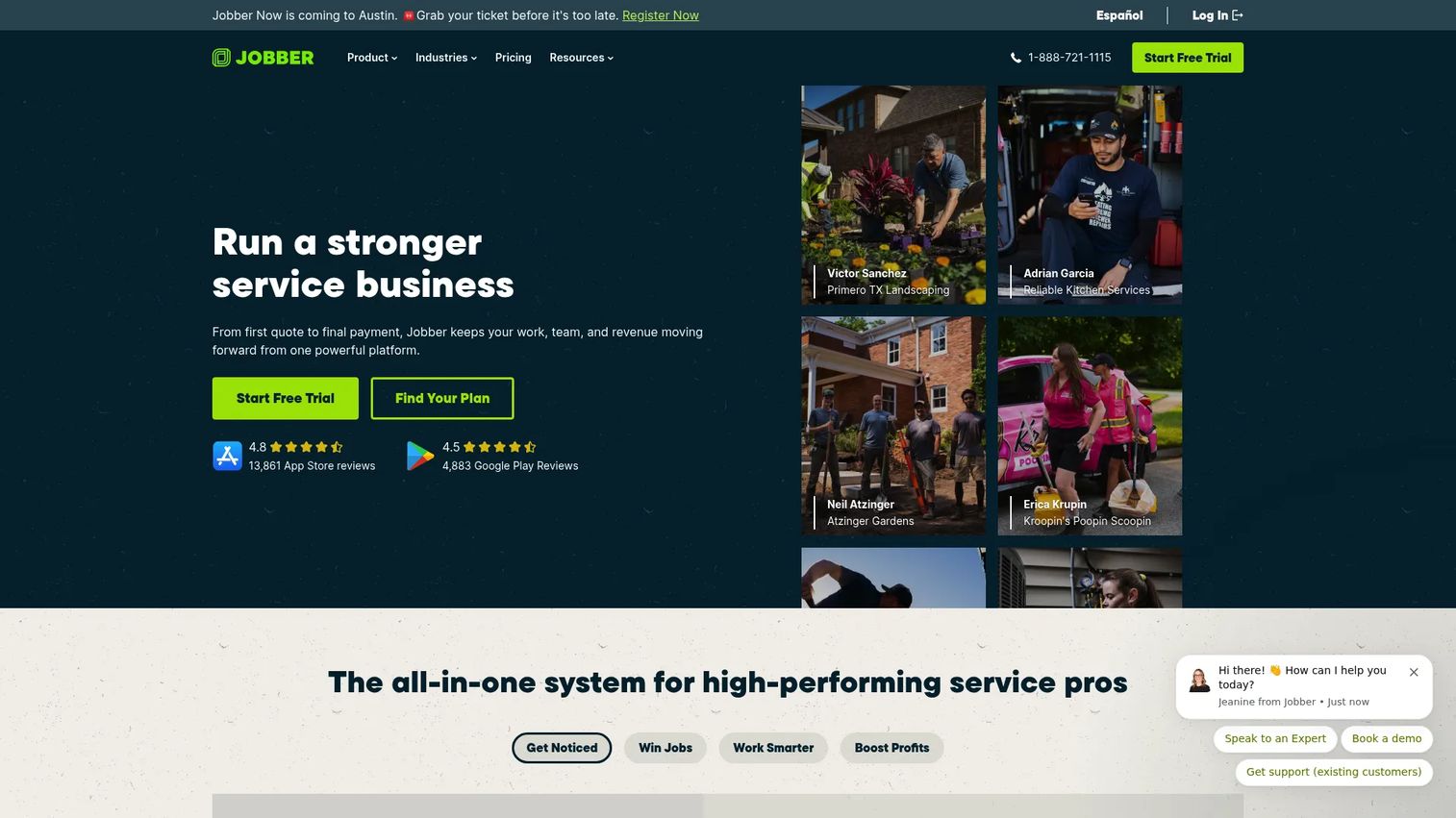
Jobber is field service management software built for home and field service businesses that want scheduling, quoting, invoicing, payments, and customer communication in one system. Its dispatch workflow is where it earns its keep: a clean schedule view, drag-and-drop assignment, and route planning that keeps technicians moving instead of backtracking. For a product manager thinking about time-to-value, Jobber is one of the fastest platforms here to get a team live and dispatching.
Best for: Home and field service businesses that need an all-in-one operations platform without a heavy implementation.
Key strengths
- Scheduling and online booking: A drag-and-drop calendar plus online booking that fills the schedule without back-and-forth phone tag.
- Quotes, invoices, and online payments: The full money workflow, from estimate to paid, tied to the same job record.
- Client reminders and workflow automations: Automated customer communication that cuts no-shows and the "where's my tech?" calls.
Why choose Jobber: Jobber fits teams that want dispatch, routing, and billing working together without a long onboarding curve. Its QuickBooks integration keeps the books clean, and the mobile app gives technicians job details, notes, and payment collection on-site. For an operator who cares about activation speed and low ongoing overhead, it's a strong default.
Jobber pricing: Public pricing shows four plans: Core at $29/mo, Connect at $99/mo, Grow at $149/mo, and Plus at $399/mo, based on the lowest monthly starting prices on Jobber's pricing page. Annual billing is available, and Jobber offers a 14-day free trial on the Grow plan. There is no free tier. Jobber holds a 4.6/5 rating on G2.
2. Housecall Pro
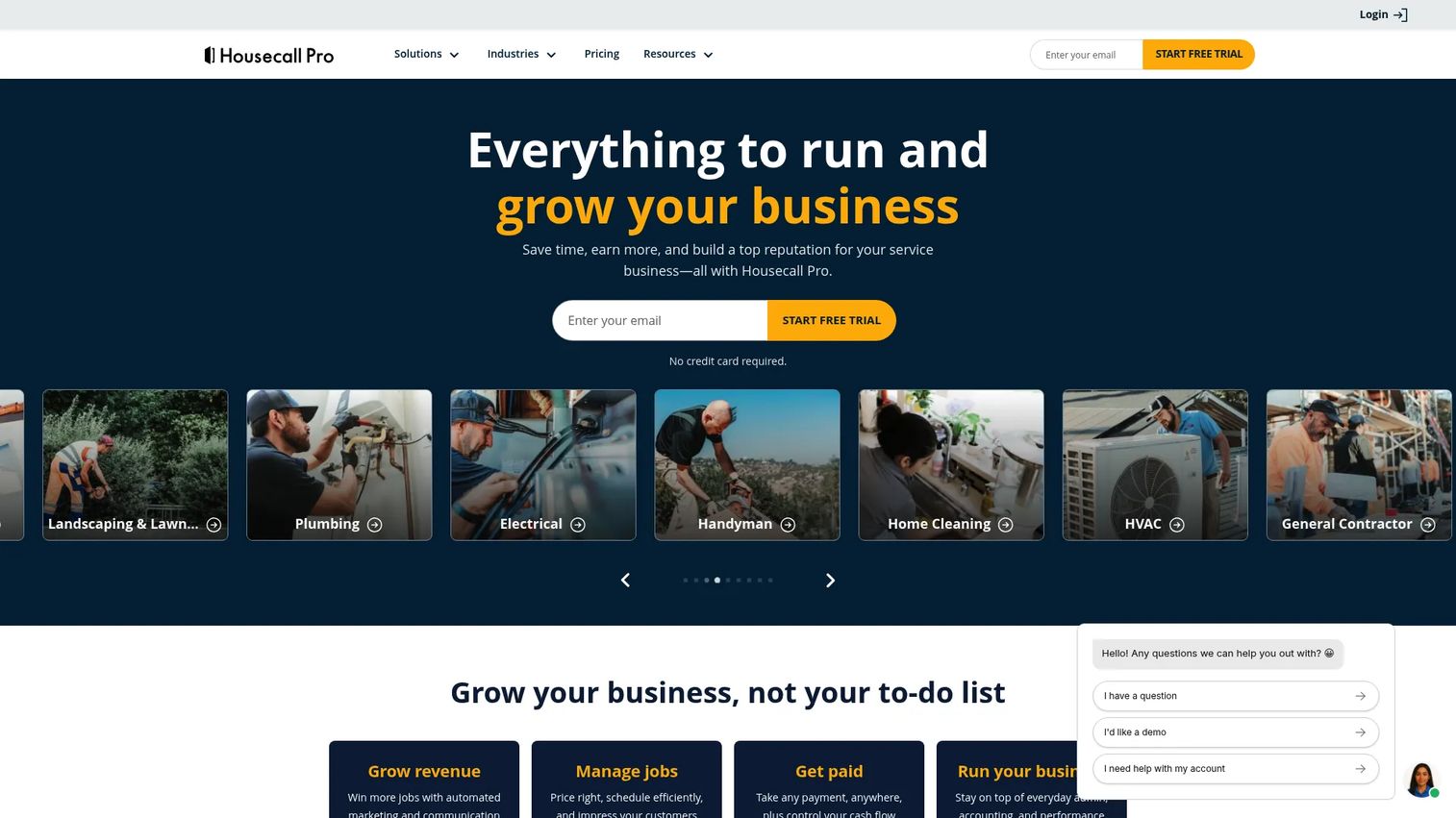
Housecall Pro is field service management software for home service businesses, pulling online booking, scheduling, dispatching, and invoicing into a single platform. Its dispatch experience leans on employee GPS tracking and route views so dispatchers can assign the nearest tech and watch the day unfold in real time. Customer notifications run in the background, which is exactly the kind of automation that reduces inbound call volume.
Best for: Home service companies that want scheduling, dispatch, booking, and invoicing working as one system.
Key strengths
- Online booking: Customers self-schedule, which fills the calendar and reduces phone friction.
- Scheduling and dispatching: A dispatch view with GPS-informed assignment to route the right tech to the next job.
- Invoices and payments: On-site invoicing and payment collection tied to the completed work order.
Why choose Housecall Pro: Housecall Pro suits growing home service teams that want dispatch, technician tracking, and customer notifications without stitching tools together. Checklist-style automations keep jobs consistent across a growing crew, which matters when you're scaling past the point where the owner knows every job personally. The mobile app keeps technicians self-sufficient in the field.
Housecall Pro pricing: Three paid plans are shown on the pricing page, billed annually: Basic at $59/mo, Essentials at $149/mo, and Max at $299/mo. A 14-day free trial is available, and there is no permanent free tier. Housecall Pro holds a 4.7/5 rating on Capterra, where its reviews are listed.
3. Service Fusion
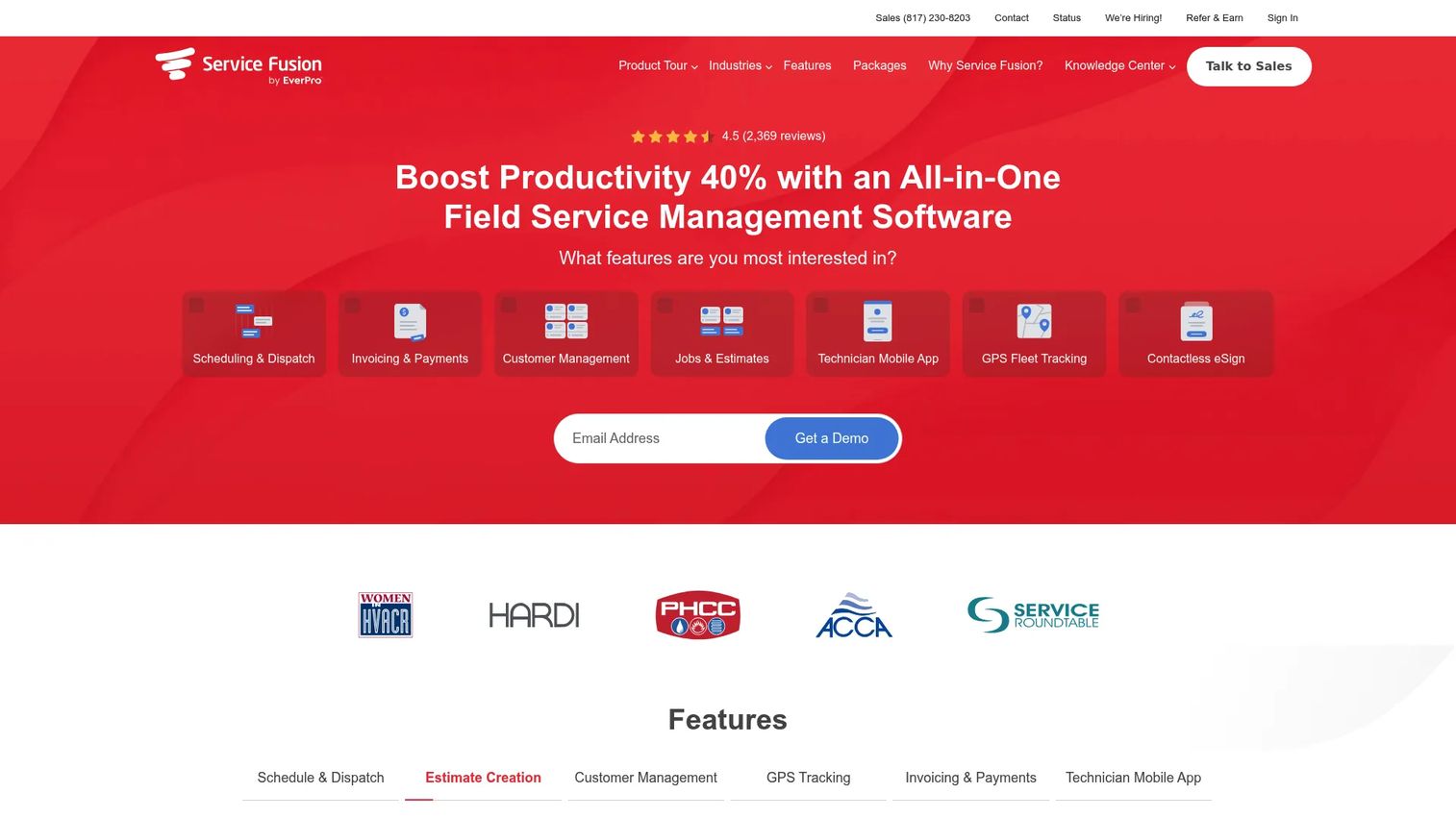
Service Fusion is an all-in-one field service management platform aimed at operations-heavy teams that want dispatching, scheduling, and customer management without paying per seat. Its standout structural choice is unlimited users on every plan, which changes the math for businesses with a large office and field headcount. Dispatch runs through a clear scheduling view backed by GPS fleet tracking, so dispatchers see the whole operation in real time.
Best for: Growing service businesses that need an all-in-one system priced by features rather than per user.
Key strengths
- Unlimited users: Every plan includes unlimited users, so headcount growth doesn't inflate your bill.
- Dispatching and scheduling with GPS fleet tracking: Real-time visibility into where crews are and what's next.
- Customer portal and invoicing: A self-service portal for customers plus invoicing tied to completed jobs.
Why choose Service Fusion: Service Fusion fits teams that expect to add office staff and technicians and don't want per-seat pricing to punish growth. The mobile technician app handles field updates, and the customer portal gives clients a self-service window into their jobs. For an operator modeling cost at scale, unlimited users is a genuine differentiator worth stress-testing against per-seat competitors.
Service Fusion pricing: Service Fusion uses tiered plans built around feature depth rather than seat count, and directs buyers to request a quote for current pricing. Because pricing is tailored, confirm the tier that matches your feature needs and fleet size during evaluation.
4. ServiceTitan
ServiceTitan is field service management software built for trade contractors that need enterprise-grade dispatch alongside reporting, invoicing, sales, and marketing in one platform. Its dispatch board offers real-time job visibility, and the reporting layer is deep enough to satisfy operators who manage the business by the numbers. This is the platform larger organizations grow into when spreadsheets and lighter tools stop scaling.
Best for: Trade contractors that need an all-in-one field service platform with heavy reporting and revenue workflows.
Key strengths
- Scheduling and dispatch: A real-time dispatch board that gives visibility across a large technician roster.
- Invoicing and payments: End-to-end billing tied to jobs and integrated with the rest of the platform.
- Pricebook and pricing management: Centralized pricing control that keeps quotes consistent across a large team.
Why choose ServiceTitan: ServiceTitan fits larger trade organizations that want dispatch, reporting, and revenue tooling under one roof. The depth is the point, and it's also the honest tradeoff: ServiceTitan carries a heavier setup and onboarding than lighter tools, so budget for implementation time. For an operator who needs board-level reporting and can commit to the ramp, the payoff is real-time visibility across the whole operation.
ServiceTitan pricing: ServiceTitan lists three packages, Starter, Essentials, and The Works, priced per technician, but publishes no public numeric pricing. Each tier uses request-pricing language, so plan on a sales conversation to get a quote scoped to your technician count. ServiceTitan holds a 4.5/5 rating on G2.
5. FieldEdge
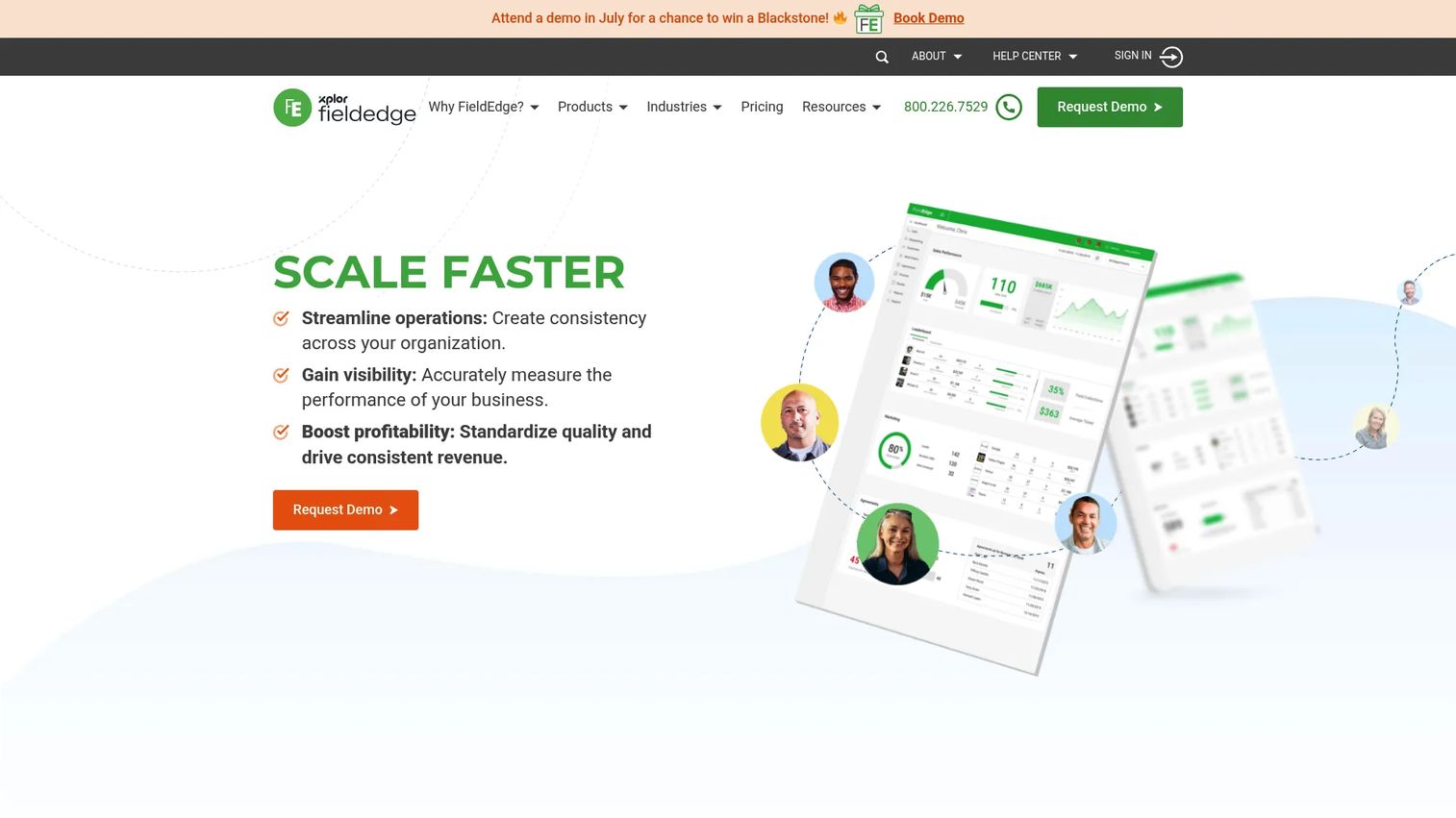
FieldEdge is field service management software for SMB and mid-market contractors running multiple trucks, with particular strength for HVAC, plumbing, and electrical teams. Its dispatch board is the centerpiece, pairing drag-and-drop assignment with rich customer history so technicians arrive knowing the account's full service record. That context is what turns a routine visit into a faster resolution and a better customer conversation.
Best for: Home service contractors that want an all-in-one dispatch, CRM, and field operations platform.
Key strengths
- Scheduling and dispatching: A dispatch board that shows technician availability and job status at a glance.
- Customer management: Full service history attached to every account, so techs and dispatch see the whole story.
- QuickBooks integration: Two-way sync that keeps invoicing and accounting aligned without double entry.
Why choose FieldEdge: FieldEdge suits HVAC, plumbing, and electrical teams that value tight service workflows and deep customer records. Location tracking and customer notifications round out the dispatch experience, and the mobile app keeps technicians connected to the same customer history the office sees. For trades where recurring service and equipment history matter, that continuity is the differentiator.
FieldEdge pricing: FieldEdge lists three plans, Select, Premier, and Elite, but does not publish numeric prices, directing visitors to request pricing or book a demo. Scope your plan around trade-specific features and truck count during the sales conversation. FieldEdge holds a 4.0/5 rating on G2.
6. Workiz
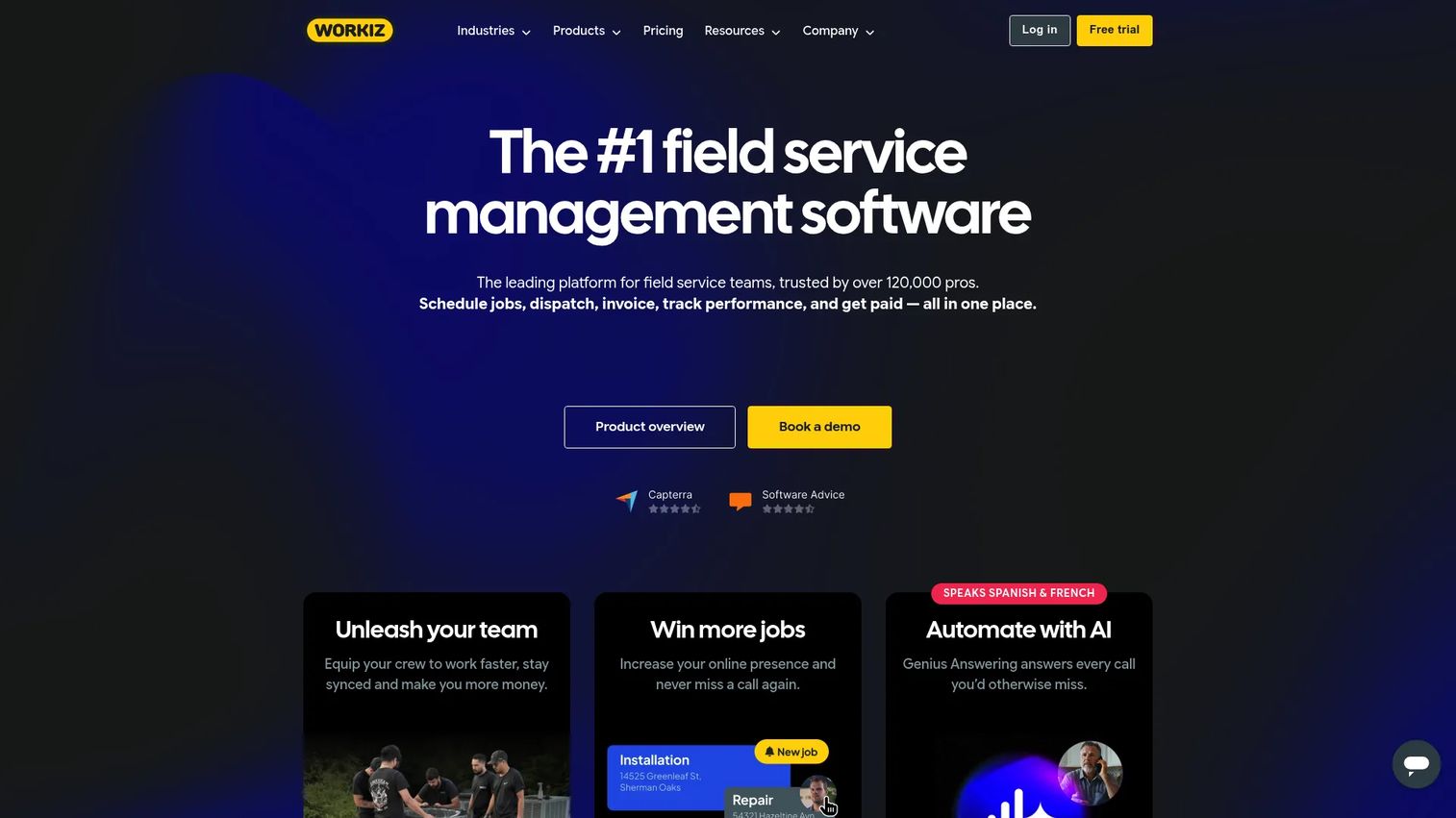
Workiz is field service management software that combines scheduling, invoicing, CRM, payments, and AI-powered communication in one platform. Its dispatch strength is the tight loop between scheduling and communication: Genius AI scheduling, built-in calling, and SMS live in the same place as the dispatch board. For teams drowning in phone tag and manual follow-up, having automation and customer communication under one roof is the draw.
Best for: Home and field service businesses that want an all-in-one operations and communications platform.
Key strengths
- Scheduling and dispatching: A dispatch board paired with Genius AI scheduling to fill and optimize the day.
- Client CRM: Customer records that keep job history, communication, and service plans in one view.
- Genius AI and AI answering: AI-powered calling and SMS that handle inbound and follow-up without manual work.
Why choose Workiz: Workiz fits teams that want dispatching and customer communication in the same system rather than bolted together. Built-in calling and SMS, inventory management, and support for multi-day jobs make it flexible across service types. For an operator focused on reducing the manual communication load on dispatch, the integrated calling and automation are the reason to shortlist it.
Workiz pricing: Workiz publishes a free-forever Lite plan, then Kickstart at $225/mo including the first three users, Standard at $275/mo and Pro at $325/mo each including the first five users, and a custom Ultimate tier. Annual billing carries a discount. Workiz holds a 4.5/5 rating on G2.
7. FieldPulse
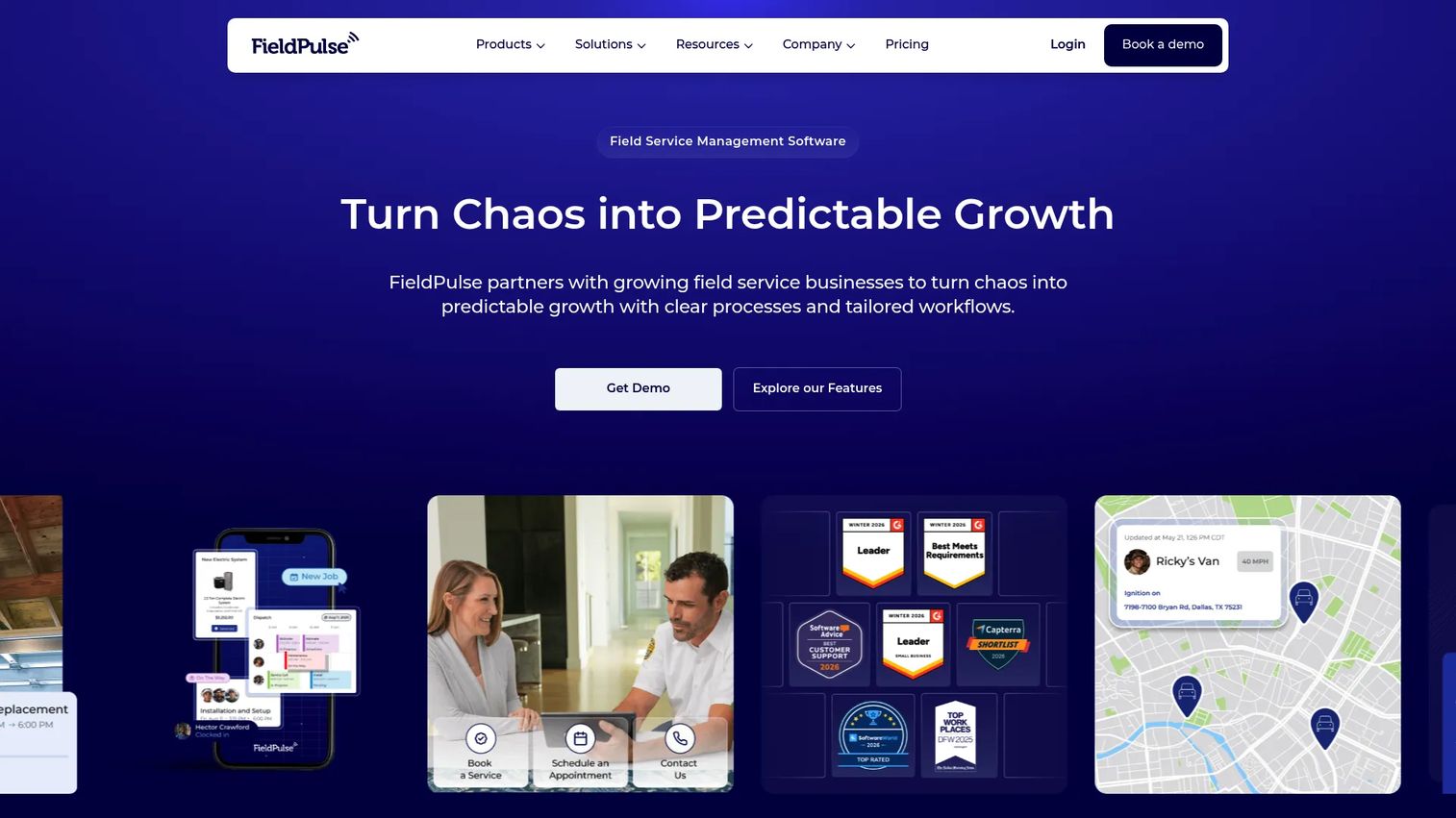
FieldPulse is an all-in-one field service management platform covering scheduling, dispatch, customer management, estimates, and invoices, with a strong mobile-first bent. Its dispatch experience pairs scheduling with mapping so smaller teams can see routes and assignments without a steep learning curve. Custom workflows let operators shape the tool to their process rather than the other way around, which suits businesses that don't want a rigid system.
Best for: Small field service businesses that need scheduling, dispatch, quoting, and customer management in one system.
Key strengths
- Scheduling and dispatch: A dispatch view with mapping so smaller crews can plan routes and assignments quickly.
- Customer portal: A self-service portal that gives clients visibility into their jobs and reduces inbound calls.
- Dashboards and reporting: Operational reporting that surfaces utilization and job status without a data team.
Why choose FieldPulse: FieldPulse suits smaller teams that want a flexible, mobile-first operations layer they can configure to their workflow. Custom workflows and field updates keep technicians and dispatch in sync, and the modular pricing means you pay for the capabilities you actually use. For an owner-operator or small crew, the flexibility-to-simplicity balance is the appeal.
FieldPulse pricing: FieldPulse uses a modular model starting at $99 per user for its core Field Service Management product, with add-ons like the Engage Phone System at $125/mo for five users, Operator AI at $180/mo, Fleet Management at $30 per vehicle, and Premium Support at $795 annually. There is no free tier, so price the modules against the features you need. FieldPulse's reviews are listed on Capterra.
8. Praxedo
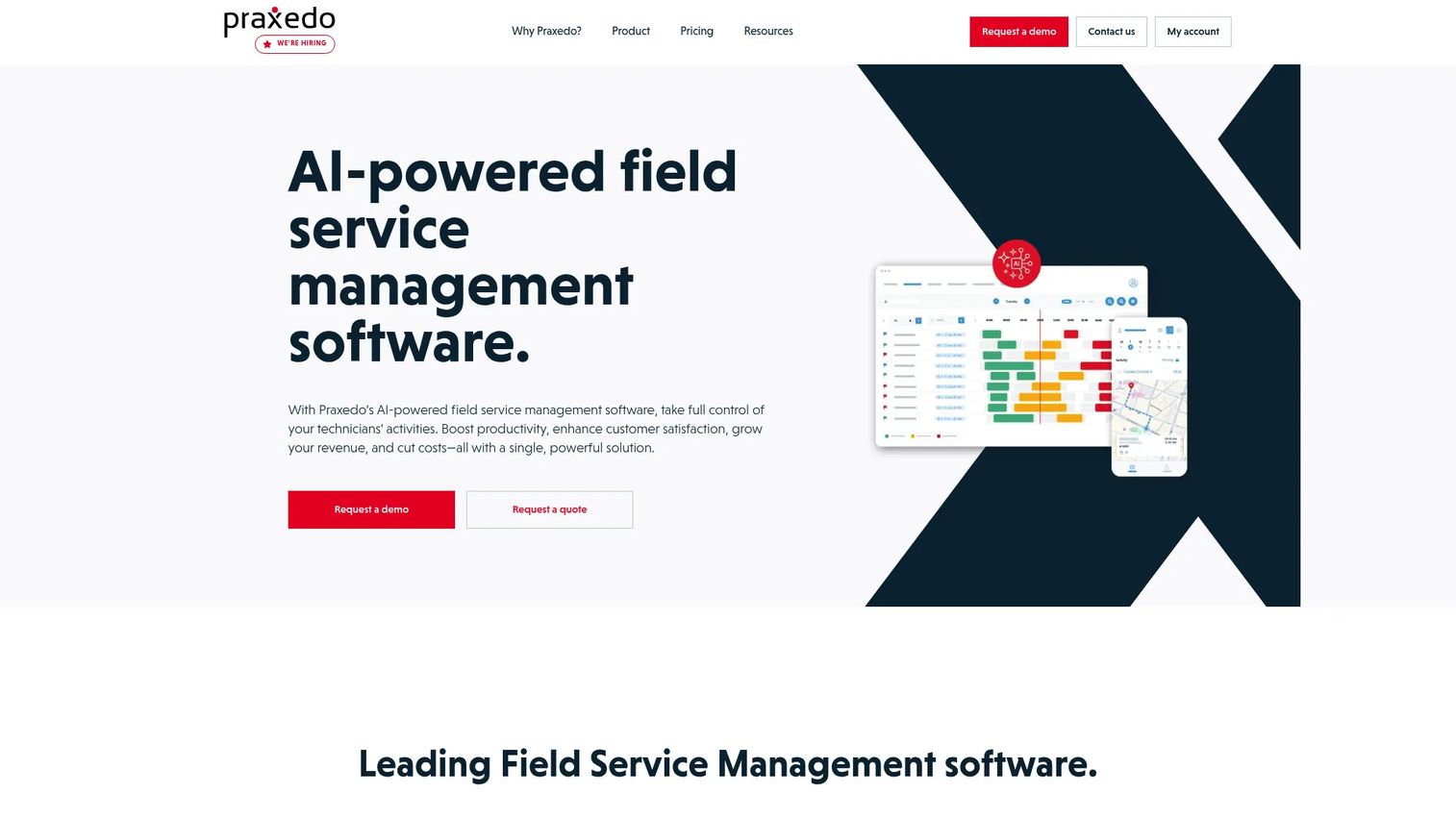
Praxedo is cloud-based field service management software for scheduling, dispatching, and supporting mobile field teams, with a process-heavy and internationally-minded design. Its web-based dispatch pairs route optimization with AI-assisted scheduling, and the mobile technician app works offline with real-time sync when connectivity returns. For teams operating in areas with spotty coverage, that offline reliability is a practical differentiator rather than a checkbox.
Best for: Field service organizations that need scheduling, dispatch, and mobile technician workflows at scale.
Key strengths
- Web-based scheduling and dispatch: Route optimization and AI-assisted scheduling that fit more jobs into each day.
- Mobile app with offline access: Technicians keep working without signal, syncing automatically once back online.
- AI-powered scheduling and verification: Photo verification and video assistance that support complex field work.
Why choose Praxedo: Praxedo fits process-heavy field operations that need route optimization, offline mobile access, and a customer portal in one system. The appointment portal and customer portal give clients self-service booking and status, while AI-assisted scheduling reduces the manual load on dispatch. For organizations with distributed teams or international footprints, its offline-first mobile app and configurability stand out.
Praxedo pricing: Praxedo publishes per-user monthly pricing with a five-user minimum: Basic at $39/mo, Advanced at $69/mo, Optimized at $99/mo, Automated at $149/mo, and customized plans for large enterprises. Rates exclude one-time implementation and setup fees, so factor those into your total cost. Praxedo holds a 4.5/5 rating on G2.
Considerations before you buy
A feature list won't tell you whether a platform fits how your team actually dispatches. Use these criteria to pressure-test your shortlist.
Dispatch and scheduling workflow
Watch how reassignment works when a job runs long or a tech calls in sick. The best technician dispatch software makes rerouting a drag-and-drop action that automatically updates the customer and the work order. If it takes three clicks and a phone call, the tool is adding drag, not removing it.
Mobile usability for technicians
Your technicians live in the mobile app, not the desktop dashboard. Test whether a tech can pull job details, log notes and photos, update status, and collect payment without calling the office. On-the-go field access that fails offline is a liability if your service area has coverage gaps.
Customer communication depth
Look past "we send notifications" to how much inbound call volume the automation actually deflects. Automated appointment reminders, real-time status updates, and a self-service portal are what keep the phone from ringing. This is often the fastest measurable ROI a dispatch platform delivers.
Pricing model and total cost
Pricing models vary sharply here. Some vendors charge per user, others price by feature tier with unlimited users, and several gate their numbers behind a sales call. For an SMB adding seats, per-user pricing scales differently than a flat feature tier. Model your cost at 12 and 24 months, not just at signup.
Integrations and reporting
Check the QuickBooks integration and any CRM or accounting connections you depend on, and confirm the sync is two-way. Then look at reporting: can you see technician utilization, job completion, and revenue per tech without exporting to a spreadsheet? Instrumentation you can act on is worth more than a dashboard you never open.
Conclusion
Dispatch is the job. Everything else in these platforms exists to keep the day from falling apart, and the right choice depends on your team size and how you already work.
For solo operators and small teams, Jobber and FieldPulse offer the fastest path to a working dispatch board without heavy setup. Growing home service businesses will find Housecall Pro and Workiz strong on customer communication and automation, with Workiz standing out if calling and SMS matter. Operations-heavy teams that want unlimited users should stress-test Service Fusion against per-seat competitors. Larger trade organizations grow into ServiceTitan for its reporting depth, while FieldEdge fits HVAC, plumbing, and electrical teams that live on service history. Praxedo suits process-heavy or distributed operations that need offline-first mobile access.
Don't buy on the feature checklist. Shortlist two or three tools, then run a workflow test on the exact dispatch scenario that hurts most today, whether that's a mid-morning reroute, a spike in "where's my tech?" calls, or fitting one more job into every route. Watch how each tool handles that one moment, and let the winner reveal itself.
FAQs
Field service dispatch software assigns and schedules field technicians, tracks their location and job status in real time, and coordinates work orders and customer updates from one system. It's the operational core that connects the office to the field, making sure the right technician reaches the right job at the right time.
The features that matter most are a flexible scheduling and dispatch board, route optimization, a reliable technician mobile app, work order management, and automated customer communication. The real test is whether these work together, so a schedule change updates the route, the customer, and the work order without manual re-entry.
Route optimization plans the most efficient path between jobs and uses GPS-based assignment to route the nearest available technician to the next call. That cuts drive time and fuel, raises the number of jobs each tech completes per day, and lifts technician utilization without adding headcount.
Many do. A service dispatch app with a customer portal or self-service portal lets clients book appointments, see technician arrival windows, and check job status on their own. This deflects inbound calls and is often the fastest source of measurable ROI from a dispatch platform.
Field service management software covers the entire operation, including quoting, scheduling, invoicing, and accounting. Dispatch software focuses specifically on the moment of assignment: who goes where, when, and how the schedule adapts when jobs change. Most modern platforms bundle both, with the dispatch engine at the center.
For small businesses, Jobber and FieldPulse offer the fastest setup and the least overhead, with Jobber strong on all-in-one billing and FieldPulse on mobile-first flexibility. Workiz also fits smaller teams well, thanks to a free Lite plan and built-in communication tools.
Pricing models vary. Some vendors charge per user per month, others price by feature tier with unlimited users included, and several gate their numbers behind a request-pricing sales call. Because per-seat and flat-tier models scale very differently as you add staff, model your cost at both 12 and 24 months before committing.
Some platforms do. Offline-capable mobile apps, like Praxedo's, let technicians pull job details, log notes and photos, and update status without a connection, then sync automatically once signal returns. If your service area has coverage gaps, confirm offline support and test it before you buy.