A dispatcher is juggling twelve open jobs, four text threads, and a whiteboard. Two techs are running late. One customer just called asking where their appointment went. Nobody knows the answer in real time.
That is what running a mobile workforce on spreadsheets and phone calls actually looks like. It works until it doesn't. Add a few more crews, a few more sites, and a few more status updates, and the manual coordination collapses under its own weight.
The market is voting with its budget. The mobile workforce management market is estimated at $7.18B in 2025, reaching $13.19B by 2030 at a 13% CAGR, according to The Business Research Company (2025). Around 58% of companies already deploy mobile tools for real-time task updates and workflow tracking, per Reanin (2025).
The gap between those numbers and a whiteboard is the whole problem. This guide breaks down seven workforce management software platforms so you can pick one that fits how your teams actually operate.
What's inside
This guide is for operations leaders and product managers who coordinate people outside a desk: field service, facilities, logistics, utilities, healthcare support, and blended contractor teams.
We selected tools based on the criteria that matter most when you scale beyond manual coordination:
- Scheduling and dispatch depth, from manual rostering to optimization
- Real-time visibility through status updates and GPS tracking
- Mobile app quality for the deskless staff who live in it
- Integrations with CRM, ERP, HCM, HR, and payroll
- Compliance and safety, including lone worker protection
- Implementation effort and ongoing maintainability
TL;DR
- Best for enterprise global operations: ADP WorkForce Software, for time, scheduling, and compliance at scale
- Best for a unified HR and finance platform: Workday, when workforce management sits inside a broader HCM story
- Best for mobile scheduling and dispatch: Skedulo, purpose-built for deskless workforce coordination
- Best for blended contractor teams: ServicePower, with employed and contracted technician management
- Best for asset-centric field service: IFS, with AI-assisted scheduling and enterprise deployment
- Best for small to mid-market field teams: BigChange, with job management, tracking, and invoicing in one place
- Best for public sector and service-led operations: TotalMobile, with strong offline mobile workflows and forms
What is mobile workforce software?
Mobile workforce software is a mobile workforce management system that helps organizations schedule, dispatch, track, and coordinate deskless and field workers in real time. It replaces the phone calls, texts, and spreadsheets that break down once schedules, locations, and status updates scale.
At its core, mobile workforce management software connects three parties: the office that plans work, the field staff who execute it, and the customer or asset on the receiving end. When those three stay in sync, service performance becomes visible instead of guessed at.
Most platforms in this category share a common set of capabilities:
- Scheduling and dispatch: assign the right person to the right job, from manual rostering to rules-based and optimization-driven scheduling
- Real-time visibility: live status updates as work moves from assigned to on-site to complete
- Mobile app access: the interface field staff use to see jobs, capture data, and update status
- GPS and location tracking: real time tracking of technicians, vehicles, and route progress
- Analytics and reporting: service performance, utilization, and SLA metrics
- Integrations: connections to CRM, ERP, HCM, HR, and payroll so data flows without re-keying
The difference between platforms is not whether they do these things. It is how deep each capability goes, and how well it fits your specific workforce.
When to use mobile workforce software
Coordinate field teams without constant phone calls
Manual coordination has a ceiling. One dispatcher can hold maybe a handful of crews in their head. Past that, every schedule change becomes a phone call, and every phone call is a chance for a job to fall through. Mobile workforce management software moves that coordination into a shared system where assignments, changes, and confirmations happen without a call.
Improve visibility into status, location, and capacity
When teams move between jobs, the office loses the thread. Is the tech still on-site? Did they finish? Are they stuck? Real-time status updates and GPS tracking answer those questions without interrupting the worker. That visibility also feeds capacity planning, so you can slot in an urgent job without guessing who is free.
Reduce scheduling errors and missed appointments
Double-bookings, wrong-skill assignments, and missed windows are expensive. Mobile workforce scheduling software with optimization reduces avoidable service failures by matching skills, location, and availability automatically. The system catches the conflict before the customer does.
Support contractor, hybrid, or blended workforces
Rostering a fixed team is one problem. Coordinating employed staff, contractors, and hybrid crews across regions is another. When your workforce mixes employment types, you need a platform that handles different pay models, compliance rules, and dispatch logic in one place.
Comparison table
Read the table by starting with the "Best for" column to find your operating model, then check the key differentiator to see whether the platform's strength matches your priority. Pricing for most enterprise platforms here is quote-based, so treat the pricing column as a signal of packaging, not a final number.
| # | Product | Best for | Key differentiator | Pricing | G2 rating |
|---|---|---|---|---|---|
| 1 | ADP WorkForce Software | Large, global employers with complex compliance | Time, scheduling, and absence at enterprise scale | Quote-based | 4.1/5 |
| 2 | Workday | Enterprises wanting unified HR, finance, planning | Workforce management inside a broad HCM platform | Quote-based; 30-day trial on Adaptive Planning | 4.5/5 |
| 3 | Skedulo | Deskless and field workforce coordination | Purpose-built mobile scheduling and dispatch | Contact sales | 4.1/5 |
| 4 | ServicePower | Blended employed and contracted technicians | Field service across mixed workforce types | Request pricing | 4.4/5 |
| 5 | IFS | Asset-centric industrial field service | AI-assisted scheduling in a unified platform | Contact sales | 4.3/5 |
| 6 | BigChange | Small to mid-market field and trade teams | Job management, tracking, and invoicing in one app | From £79.95/user/mo | Not published |
| 7 | TotalMobile | Public sector and service-led operations | Offline mobile workflows and dynamic scheduling | Contact sales | 4.9/5 |
Best mobile workforce software for 2026
1. ADP WorkForce Software
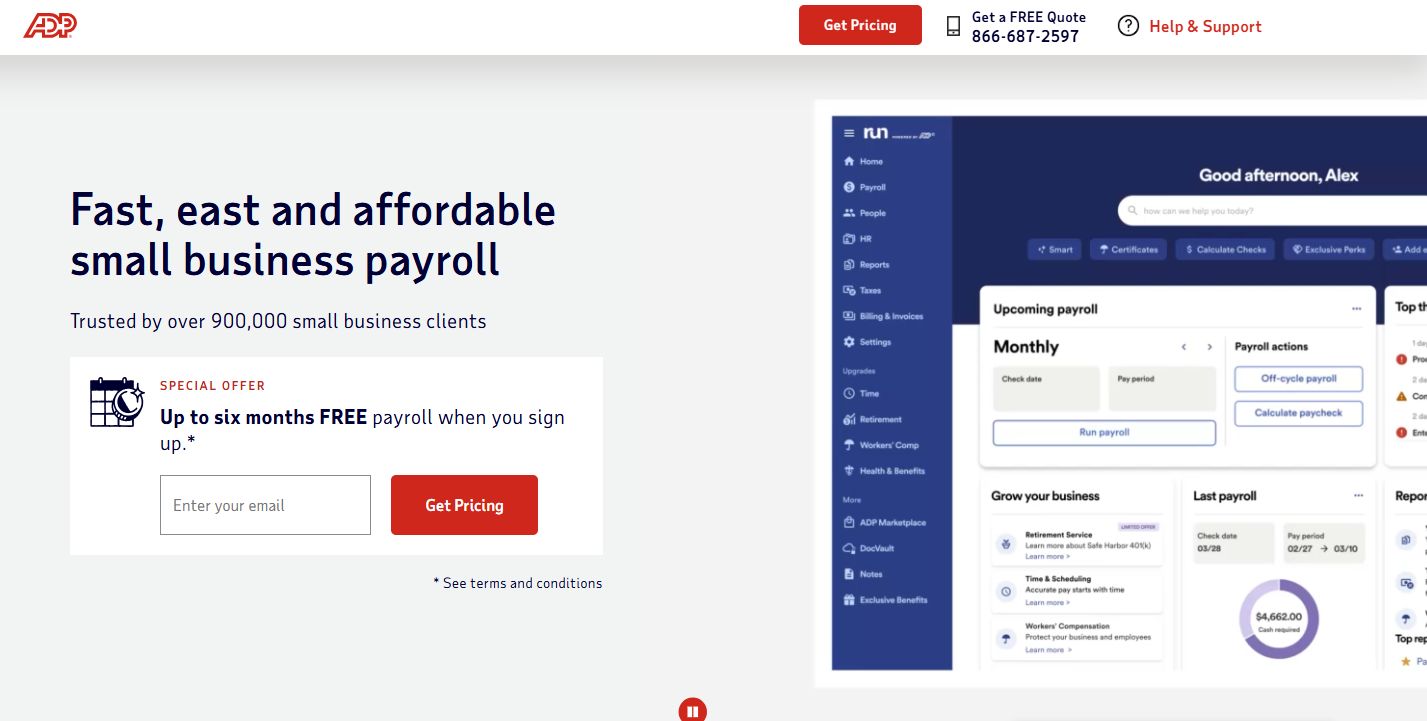
ADP WorkForce Software is enterprise workforce management built for large, global employers with complex scheduling and compliance needs. It handles time and attendance, employee scheduling, and absence management, and aligns pay and time data across a distributed workforce. If you run operations across regions with different labor rules, the compliance depth is the draw.
Best for: Large, global employers with complex scheduling and compliance needs.
Key features
- Time and attendance across distributed teams
- Employee scheduling for complex shift patterns
- Absence management and leave tracking
- Pay and time alignment for accurate payroll
- Fit with the broader ADP ecosystem
Why choose ADP WorkForce Software: Choose it when compliance and pay-time alignment matter more than lightweight field dispatch, and when you already run in the ADP ecosystem. It fits enterprises that treat workforce management as a payroll and compliance discipline first.
ADP WorkForce Software pricing: Pricing is not published publicly. The product is sold through a demo and sales conversation, so you request a quote based on workforce size and modules.
2. Workday
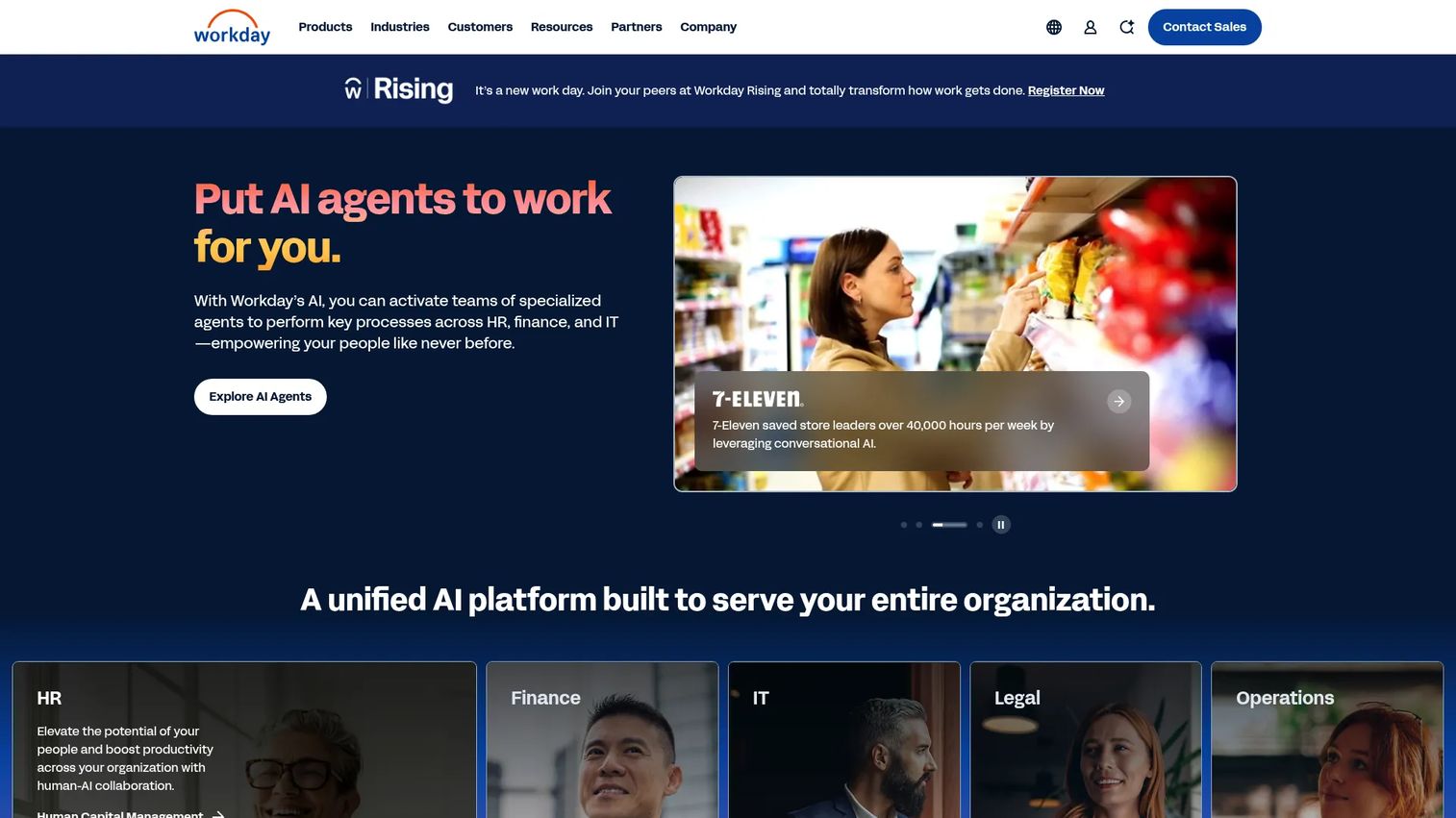
Workday is enterprise cloud software for HR, finance, and planning, with workforce management sitting inside a broad Human Capital Management platform. It suits organizations that want one system for core HR, workforce planning, and analytics rather than a standalone field dispatch tool. The pull is integration depth: workforce data lives next to finance and planning data.
Best for: Large enterprises needing a unified platform for HR, finance, and planning.
Key features
- Human Capital Management with core HR and talent
- Workforce planning and analytics
- Financial management alongside workforce data
- Adaptive Planning for budgeting and forecasting
- Enterprise-grade integration across modules
Why choose Workday: Choose Workday when workforce management is one piece of a wider HR and finance mandate, not the whole job. It fits enterprises consolidating systems rather than teams that need field-first GPS dispatch.
Workday pricing: Workday Adaptive Planning offers a 30-day free trial. Paid plans are quote-based and vary by deployment, so you contact sales for a figure.
3. Skedulo
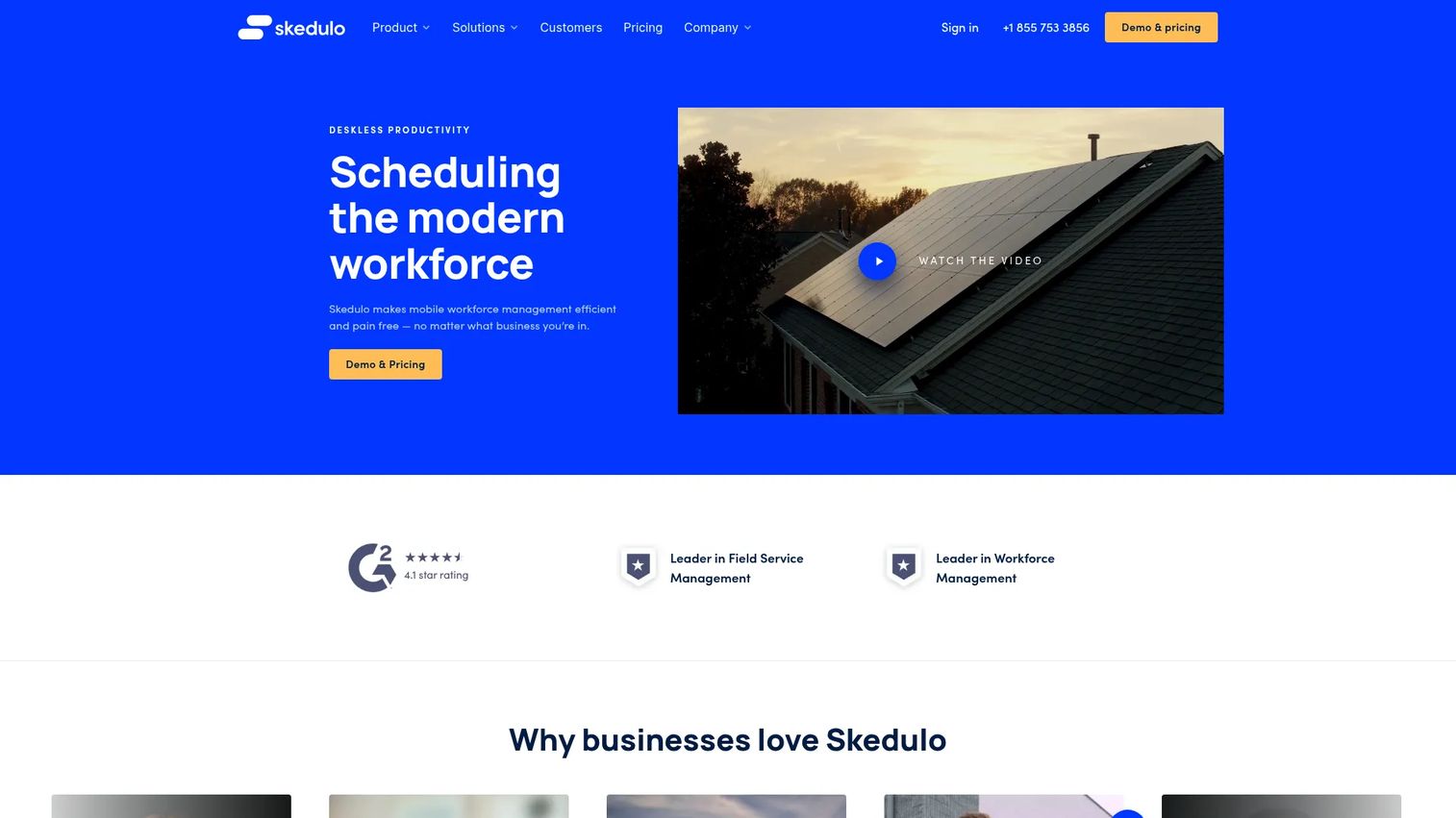
Skedulo is deskless workforce management software built for scheduling, dispatch, and mobile worker engagement. It focuses on the coordination problem directly: intelligent scheduling, dispatching, and native mobile apps for the field staff who execute the work. For teams whose core pain is real-time mobile workforce scheduling software, this is a focused fit.
Best for: Organizations managing deskless or field workers that need scheduling and mobile workforce coordination.
Key features
- Intelligent scheduling and dispatching
- Native mobile apps for iOS and Android
- Real-time tracking of field work
- Integrations, APIs, and analytics
- Deskless worker engagement tools
Why choose Skedulo: Choose Skedulo when your central problem is coordinating deskless workers, not consolidating HR and finance. It fits teams that want mobile scheduling and dispatch as the main event rather than a module in a larger suite.
Skedulo pricing: Skedulo prices per user on an annual subscription. No public figure is displayed, so you contact sales for a quote based on user count.
4. ServicePower
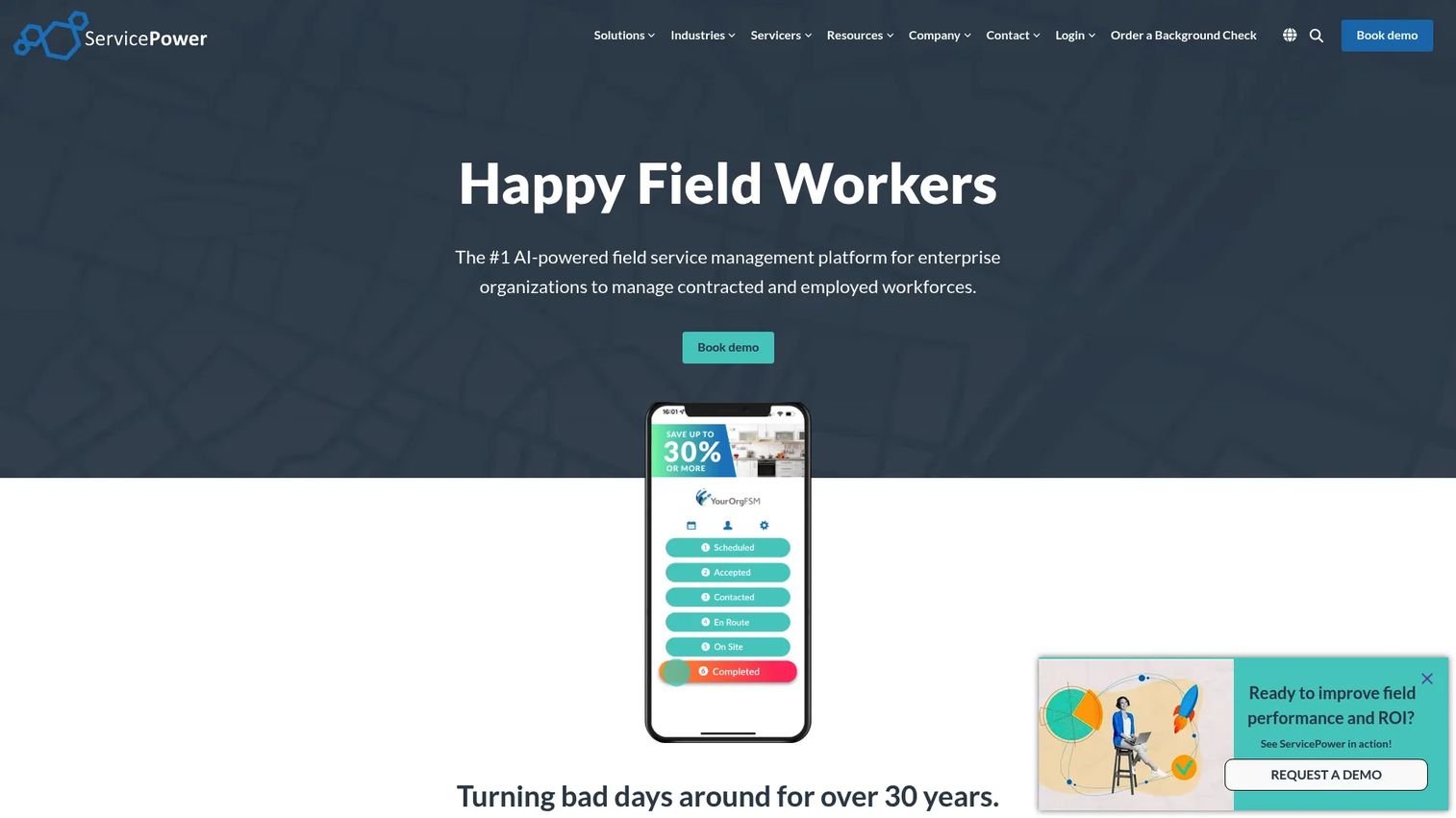
ServicePower is enterprise field service management software for managing employed, contracted, and blended workforces. Its strength is the blended model: schedule optimization, dispatch, and contractor management in one platform, plus customer self-service and work order management. For route-heavy field operations that mix staff types, that flexibility matters.
Best for: Large organizations needing enterprise field service management across employed and contracted technicians.
Key features
- Scheduling and schedule optimization
- Dispatch and contractor management
- Customer self-service portals
- Work order management
- Support for blended workforce models
Why choose ServicePower: Choose ServicePower when you run a mix of employed and contracted technicians and need both handled in one place. It fits organizations where the workforce model itself, not just the schedule, is the complexity.
ServicePower pricing: ServicePower uses solution-based pricing across employed, contracted, and blended workforce offerings. No public dollar amount is shown, so each offering prompts a request-pricing conversation.
5. IFS
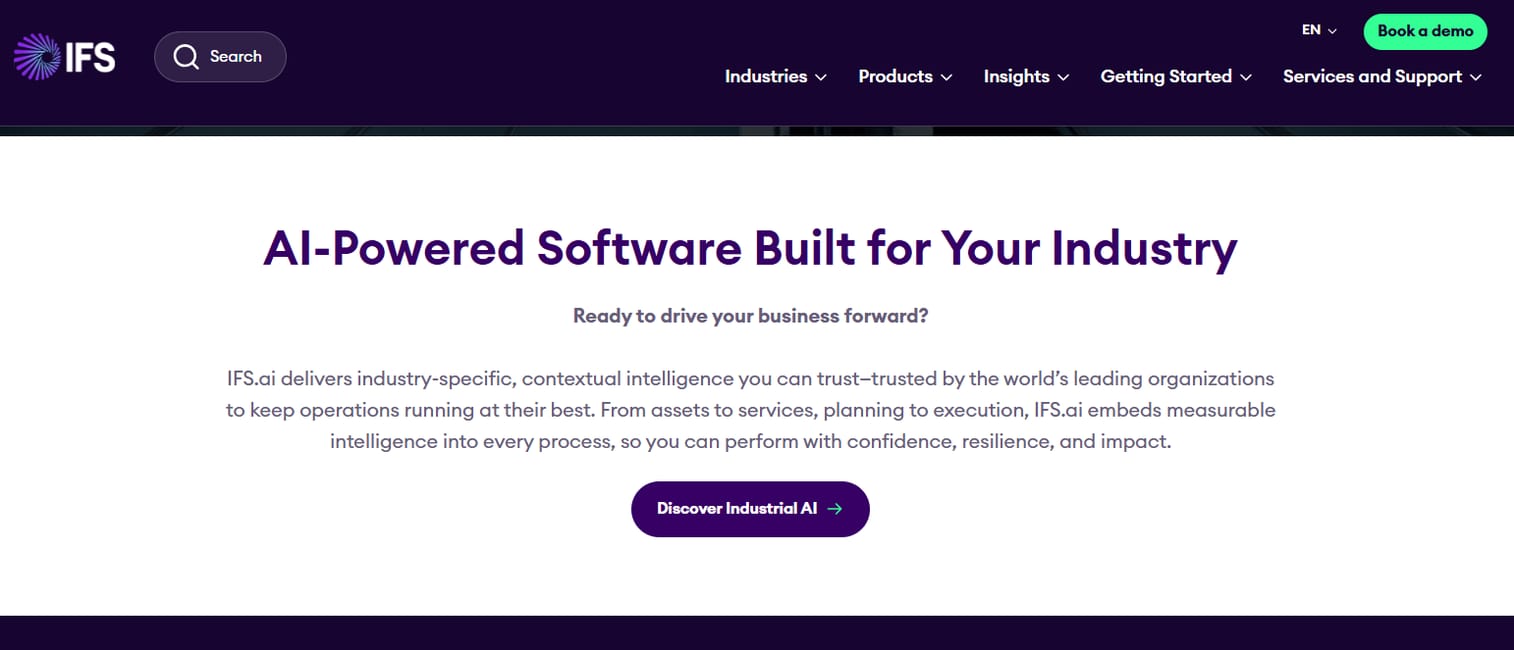
IFS is industrial software for enterprises spanning ERP, enterprise asset management, and field service management. For asset-centric operations, the value is that field service sits next to asset and ERP data in a unified platform, with AI-assisted scheduling on top. It suits large industrial companies where the work revolves around maintaining physical assets.
Best for: Large industrial enterprises needing a unified cloud platform for ERP, asset, and service operations.
Key features
- Enterprise Resource Planning
- Enterprise Asset Management
- Field Service Management
- AI-assisted scheduling
- Unified industrial data platform
Why choose IFS: Choose IFS when your field work is inseparable from asset management and ERP, and you want them on one platform. It fits asset-heavy industries over lighter-weight standalone dispatch needs.
IFS pricing: IFS does not publish subscription prices. The site directs buyers to book a demo or contact sales, so pricing depends on deployment scope.
6. BigChange
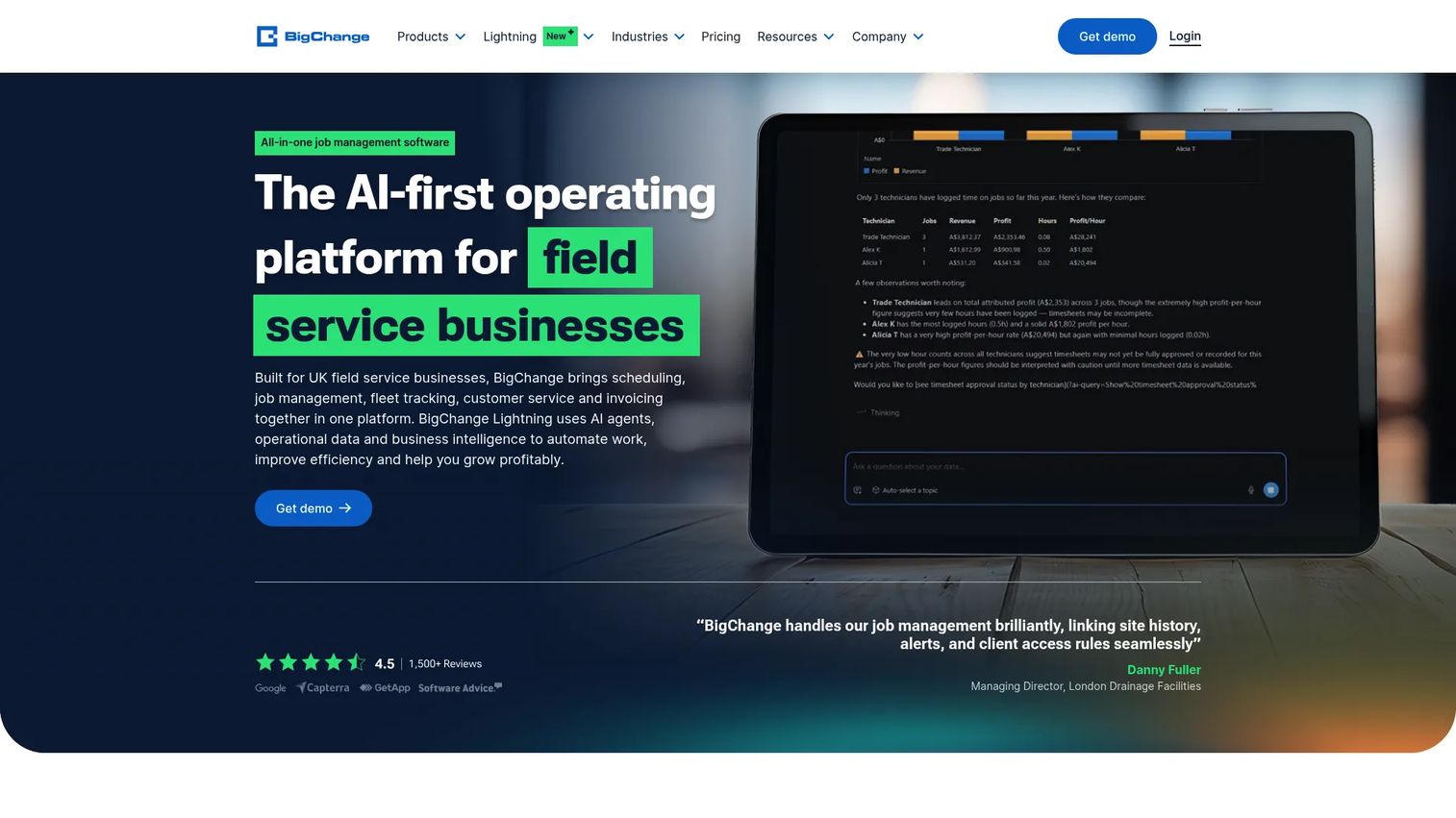
BigChange is AI-first mobile job management software for field service and trade businesses. It brings scheduling, CRM, live fleet tracking, a mobile app, and quotes and invoicing into one platform. For small to mid-market field teams, the appeal is coverage: job control, route planning, and payments without stitching several tools together.
Best for: UK field service and trade businesses needing scheduling, tracking, invoicing, and customer communication in one platform.
Key features
- Scheduling and job management
- Live fleet tracking and GPS
- Mobile app with worksheets
- Quotes, invoicing, and payments
- CRM and customer portal
Why choose BigChange: Choose BigChange when you want one app to run jobs end to end rather than a set of specialized enterprise modules. It fits small to mid-market teams that value consolidation and published pricing over deep enterprise customization.
BigChange pricing: Job Management starts at £79.95 per user per month, Job Management Plus at £99.95, and Job Management Unlimited at £124.95. A Vehicle Tracking plan runs £14.95 per month.
7. TotalMobile
TotalMobile is field service management software for mobile workforce, scheduling, and operational intelligence. Its Field First platform emphasizes mobile working, dynamic scheduling, and workforce rostering, with strong offline mobile workflows. That offline capability makes it a fit for public sector and service-led operations where connectivity is not guaranteed in the field.
Best for: Organizations that need field service management and workforce scheduling across mobile teams.
Key features
- Field First mobile platform
- Mobile working with offline support
- Dynamic scheduling and rostering
- Digital forms for field data capture
- Operational intelligence and reporting
Why choose TotalMobile: Choose TotalMobile when offline reliability and forms-driven fieldwork matter, common in public sector and healthcare support. It fits service-led operations over pure sales-driven field service.
TotalMobile pricing: TotalMobile does not display a public price figure. The site uses pricing-model text and directs buyers to a demo, so you request a quote based on team size and modules.
Considerations
Scheduling maturity
Decide whether you need manual rostering, rules-based assignment, or optimization-driven scheduling before you compare tools. A team of eight crews may be fine with rules-based logic. A national operation with skill-matching and SLA windows needs optimization. Verify that the platform's scheduling engine matches where you are and where you are heading.
Real-time visibility
Check how status updates flow from the field back to the office, and whether GPS tracking and route tracking are native or bolted on. Real time tracking is only useful if the data is current and the mobile app updates status without extra taps. Ask how often location refreshes and what triggers a status change.
Integrations
Verify connectivity with your CRM, ERP, HR, HCM, and payroll systems. Workforce data that cannot flow into payroll or finance creates manual re-keying and errors. Confirm the integration is supported and maintained, not a one-time custom build you will have to babysit through every release.
Mobile worker experience
The app your deskless staff use every day determines adoption. Look for a clean interface, offline capability where connectivity is spotty, and minimal taps to complete common tasks. If field workers find it faster to text the office, the platform has failed regardless of its back-end power.
Compliance and safety
Evaluate lone worker safety features, auditability, and regional policy support. For teams working alone or in the field, lone worker protection is not optional. Confirm the platform logs actions for audit and adapts to the labor rules of every region you operate in.
Implementation and change management
Validate rollout support, training, and ongoing maintenance. A powerful platform that nobody adopts is a sunk cost. Ask about implementation timelines, training resources, and who owns updates as your product and processes change. For a PM, maintainability across releases is as important as day-one features.
Conclusion
The right pick comes down to your operating model, not a feature checklist.
For large, compliance-heavy global operations, ADP WorkForce Software and Workday lead, with Workday winning when workforce management sits inside a broader HR and finance mandate. For mobile scheduling and dispatch as the main event, Skedulo is the focused choice. ServicePower stands out for blended employed and contracted teams, and IFS for asset-centric industrial field service. BigChange fits small to mid-market field teams that want everything in one app with published pricing, while TotalMobile suits public sector and service-led operations that need offline reliability.
Start by naming your workforce model and your scheduling maturity. Then shortlist two platforms that match, and pressure-test them on integrations and mobile app quality before you commit. The platform that fits how your teams actually work will beat the one with the longest feature list every time.
Start your journey with Guideflow today!
FAQs
Mobile workforce software is a system that helps organizations schedule, dispatch, track, and coordinate deskless and field workers in real time. It replaces manual coordination through phone calls, texts, and spreadsheets. The goal is to keep the office, field staff, and customers in sync as work moves through the day.
It matches the right worker to the right job based on skills, location, and availability, which reduces double-bookings and missed windows. More advanced platforms use optimization to plan routes and assignments automatically. That catches conflicts before the customer does and lifts the number of jobs each crew can complete.
Scheduling and dispatch depth, real-time visibility, mobile app quality, GPS tracking, analytics, and integrations with CRM, ERP, HR, and payroll. The relative weight depends on your workforce. Field-heavy teams prioritize dispatch and GPS, while enterprises often prioritize compliance and payroll alignment.
GPS tracking shows where technicians and vehicles are without calling to ask, and real-time visibility shows whether a job is assigned, in progress, or complete. Together they let dispatchers reroute work, answer customer questions, and slot in urgent jobs based on current capacity. That reduces idle time and improves on-time performance.
At minimum, CRM for customer data, ERP for operations, and HR, HCM, and payroll so time and pay data flow without re-keying. Route planning and mapping integrations help route-heavy operations. Confirm each integration is maintained by the vendor rather than a fragile custom build.
They overlap heavily but are not identical. Field service management focuses on service delivery: work orders, technician dispatch, and customer commitments. Mobile workforce management is broader and can include scheduling, tracking, and coordination for any deskless team, including logistics, facilities, and healthcare support.
Look for a platform that handles employed staff, contractors, and hybrid crews with different pay models and compliance rules in one system. ServicePower and enterprise platforms are built for this. Verify that dispatch logic, pay alignment, and reporting all treat mixed employment types as a first-class case, not an afterthought.
Rollout support, training resources, realistic timelines, and clarity on who maintains the system as your processes change. A powerful platform that field staff will not adopt is wasted spend. For product and operations leaders, maintainability across releases matters as much as the day-one feature set.