You can have a full project pipeline and still lose control of the business in the spreadsheet handoffs. Estimators track budgets in one place. Payroll closes somewhere else. Project teams log change orders after the cost report is already stale.
That gap is the real problem construction ERP software solves. A good construction ERP system ties financial data, job costs, labor, procurement, and project workflows into one operating environment. Finance and operations see the same numbers. Leaders catch margin drift before it becomes unrecoverable.
According to AGC and Sage (2025), 61% of construction firms now use cloud-hosted project-management technology, yet only 48% have moved their accounting to the cloud. That disconnect is exactly where data gets siloed and weekly decisions get slow.
The buying risk with construction ERP is not feature scarcity. It is implementation complexity, total cost, and whether your finance and operations leaders can own the system without founder escalation. This guide helps you evaluate 11 platforms against those realities.
What's inside
This guide is for construction company owners, CFOs, controllers, and operations leaders comparing ERP platforms for 2026. It is also useful for SaaS founders researching vertical-software categories or construction-adjacent integration opportunities.
Items were selected based on:
- Construction-specific workflow depth (job costing, payroll, procurement, project controls)
- Fit across contractor types, from specialty trades to large general contractors
- Cloud versus on-premise deployment options and implementation complexity
- Pricing transparency and total cost of ownership signals
TL;DR
- Best overall for large general contractors: CMiC, for firms that need one construction-focused platform connecting finance and project operations
- Best for standardizing field and back-office workflows: Trimble Viewpoint, with deep construction operations coverage from accounting to field data capture
- Best for accounting-led specialty contractors: Foundation Software, built around construction accounting, job costing, and payroll
- Best for cloud ERP flexibility: Acumatica Construction Edition, with configurable workflows and strong integration potential
- Best for technical asset-heavy or enterprise operations: IFS Cloud, covering ERP, enterprise asset management, and field service in one environment
- Best open-source option: OpenConstructionERP, for technically capable teams that need self-hosting and BIM-integrated workflows
What is construction ERP software?
Construction ERP software is a system of record that connects a contractor's financial data, job costs, labor, procurement, project workflows, and reporting in one operating environment.
Unlike generic ERP or standalone accounting software, construction ERP is built around the specific financial and operational patterns of contractors: Job-based cost tracking, progress billing, certified payroll, subcontractor management, and field-to-office data flow.
What construction ERP software does
Core capabilities span the full project lifecycle:
- Project accounting and general ledger: Job-cost tracking, commitments, budget-to-actual reporting, and financial close
- Payroll and labor management: Certified payroll, prevailing wage, union rules, multi-state compliance, time capture, and job-code allocation
- Procurement and subcontract management: Purchase orders, subcontractor commitments, lien waivers, and inventory controls
- Project controls: Change orders, RFIs, submittals, contract documents, and approvals
- Field access: Mobile time entry, daily logs, inspections, and document access from job sites
- Reporting and dashboards: Margin visibility, backlog, earned value, and cash flow reporting by project or portfolio
Construction ERP software vs construction project management software
Both categories serve contractors, but they do different jobs.
| Capability | Construction ERP | Construction project management software |
|---|---|---|
| Financial system of record | Core function | Often integrates with accounting |
| Job costing and payroll | Core function | Usually limited or external |
| Field collaboration | Included or integrated | Often a primary strength |
| General ledger and AP/AR | Included | Usually absent |
| Budget-to-actual reporting | Financial and operational | Project-level visibility |
| Best use | Running the business | Coordinating project delivery |
Many contractors use both, with integrations connecting them. Project management software is not an inferior choice; it handles field coordination and document control extremely well. The question is whether your financial workflows need a dedicated system of record.
Who needs a construction ERP system
You are ready to evaluate construction ERP when:
- Finance cannot reconcile job costs fast enough for weekly decisions
- Payroll, equipment, purchasing, and project data live in separate systems
- The business is expanding into new geographies, entities, or project types
- Leadership needs reliable margin, backlog, cash, and labor visibility without asking five people
When to use construction ERP software
Connect job costs to financial decisions in real time
Job-costing delays create margin risk. The right ERP links committed costs, labor entries, billing events, and change orders before month-end close. When a foreman enters time against a job code, that data should reach the cost report the same day, not after a manual import.
Standardize payroll, labor, and compliance workflows
Certified payroll, prevailing wage, union rules, multi-state requirements, and job-code allocation vary significantly by contractor type and geography. ERP for construction handles these as native workflows, not afterthoughts. The payroll configuration has to match your actual labor model before you go live.
Scale operations beyond founder-led coordination
An ERP earns its place when owners or operators can no longer reconcile operational reality through ad hoc reporting and direct intervention. If you are a founder who still gets pulled into job-cost reviews or payroll exceptions every week, that is the signal. Choose a platform your finance and operations leaders can own outright.
Construction ERP software comparison
The table below is a first-pass routing tool. Pricing across this category is quote-based for most vendors, with Microsoft Dynamics 365 Business Central being the notable exception with published per-user pricing. G2 ratings reflect verified listings where available.
| # | Product | Best for | Key differentiator | Pricing | G2 rating |
|---|---|---|---|---|---|
| 1 | CMiC | Large general contractors and construction enterprises | Unified construction platform spanning finance and project delivery | Quote-based | 4.1/5 |
| 2 | Trimble Viewpoint | Contractors standardizing office and field operations | Deep construction operations and field workflow coverage | Quote-based | Not verified |
| 3 | Foundation Software | Specialty contractors needing construction accounting depth | Construction-focused accounting, payroll, and job-costing workflows | Quote-based | Not verified |
| 4 | Acumatica Construction Edition | Growing contractors that want cloud flexibility | Configurable cloud ERP with construction workflows and integrations | Quote-based | 4.4/5 |
| 5 | Sage Intacct | Finance-led firms needing multi-entity controls | Strong cloud financial management and reporting | Quote-based | 4.3/5 |
| 6 | Jonas Construction ERP | Specialty and service contractors | Construction accounting plus service and operational workflows | Quote-based | Not verified |
| 7 | IFS Cloud | Complex asset, project, and enterprise operations | ERP, enterprise asset management, and field service depth | Quote-based | 4.0/5 |
| 8 | Microsoft Dynamics 365 Business Central | Teams invested in Microsoft tools | Flexible ERP base with partner-led construction extensions | From $8/user/month | Not verified |
| 9 | Penta ERP | Large specialty contractors with complex project controls | Construction-specific ERP for large specialty contractors | Quote-based | 3.5/5 |
| 10 | Maestro ERP | Canadian contractors and regional construction firms | Construction accounting, operations, and payroll focus | Quote-based | Not verified |
| 11 | OpenConstructionERP | Technical teams prioritizing self-hosting and open architecture | Open-source construction workflows with BIM and CAD depth | Free (AGPL-3.0) or from €2,500 | Not available |
Best 11 construction ERP software tools for 2026
1. CMiC
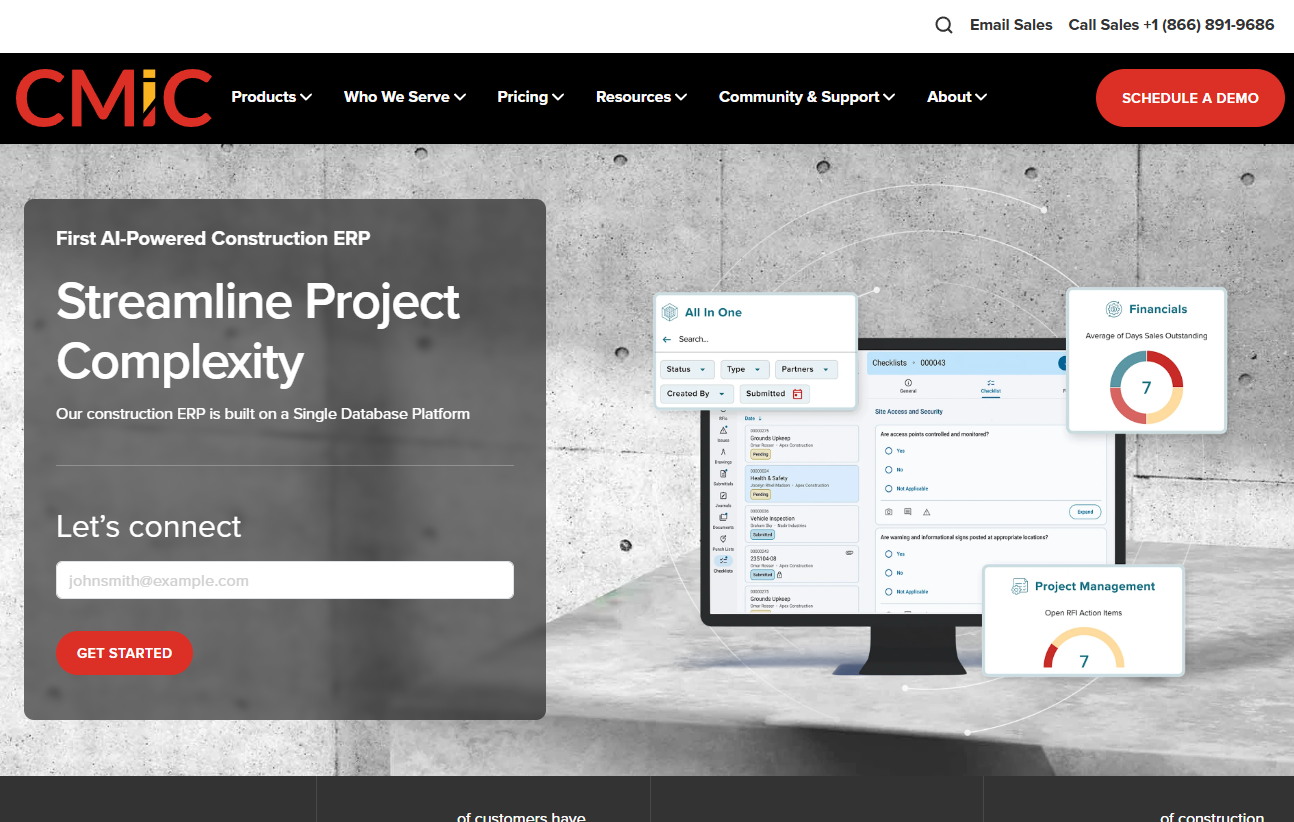
CMiC is a construction-focused ERP built on a single database that connects financials, project management, payroll, field operations, and analytics without requiring data to move between separate systems. The platform is designed specifically for construction, meaning job costing, subcontractor management, and field workflows are native rather than adapted from a generic ERP framework. Mid-sized and enterprise contractors evaluating broad operational consolidation put CMiC on most shortlists.
Best for: Larger general contractors and construction enterprises replacing fragmented finance and project systems.
Key features
- Project accounting, job costing, and commitment tracking
- Construction payroll and HCM with labor workflows
- Procurement, subcontract management, and prequalification
- Project controls, document management, and quality/safety workflows
- Portfolio reporting and operational dashboards
Why choose CMiC: Its construction-native architecture means finance, project teams, and field operations share the same data model. It is strongest for firms that are prepared to standardize processes across departments rather than configure a generic system to construction workflows.
CMiC pricing: CMiC prices by quote. Cost depends on module selection, entity count, implementation scope, integrations, and user count. Contact CMiC directly for a project-specific estimate.
G2 rating: 4.1/5
2. Trimble Viewpoint
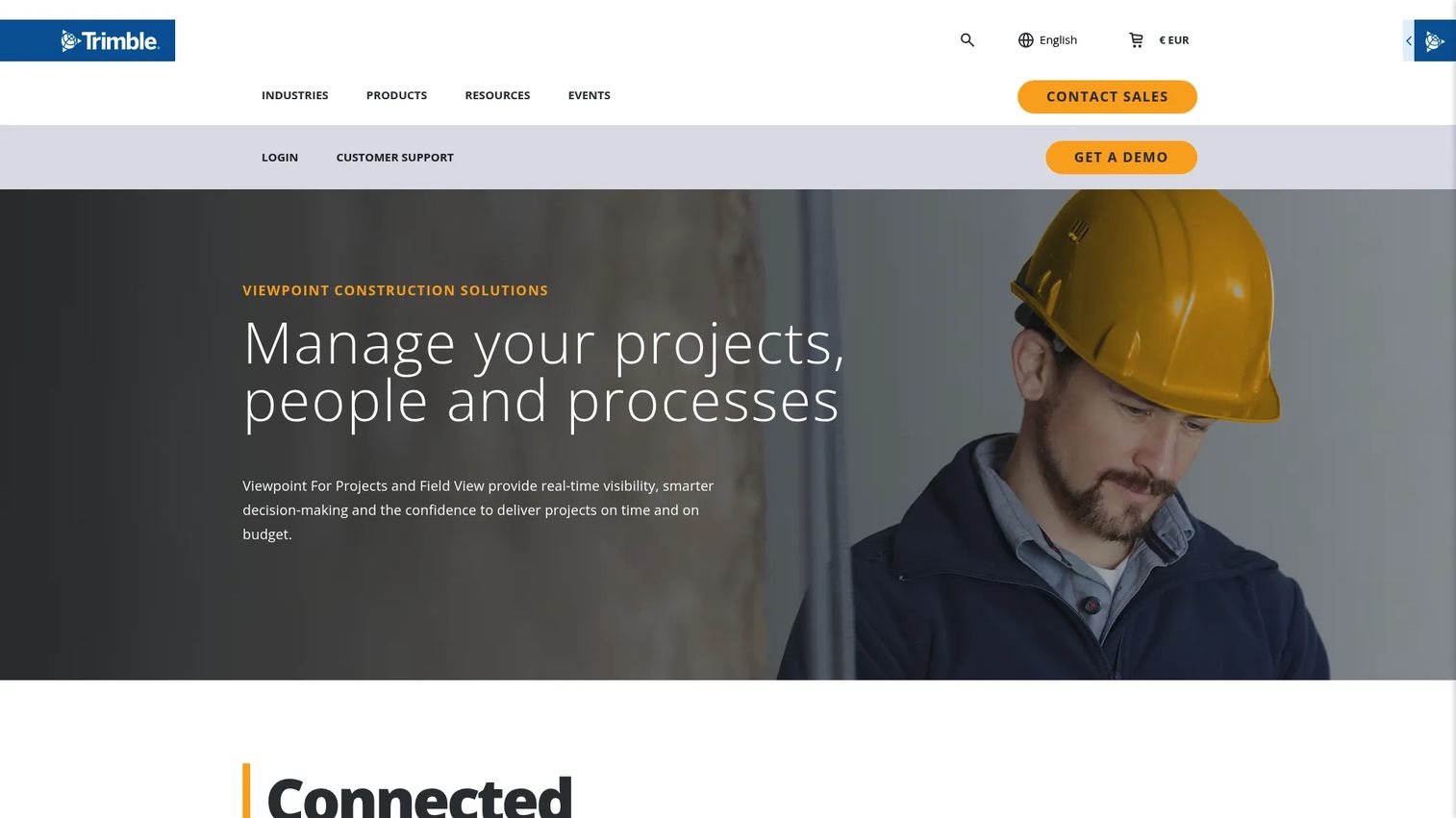
Trimble Viewpoint offers construction software connecting accounting, project management, field operations, service management, and reporting. The platform spans the full contractor workflow from back-office financials to field data capture, making it a practical choice for contractors that want one vendor relationship covering both office and site. Trimble's broader construction technology footprint, including surveying and geospatial tools, can add value for firms already in that ecosystem.
Best for: Contractors that want stronger continuity between back-office accounting and project or field execution.
Key features
- Construction accounting and job costing
- Payroll and labor tracking
- Project management and document workflows
- Field data capture and mobile access for crews
- Portfolio-level reporting across projects
Why choose Trimble Viewpoint: The platform's appeal is the combination of accounting depth and field-to-office workflow coverage. Contractors that have outgrown a standalone accounting tool but aren't ready for a large enterprise ERP often find this a practical middle ground.
Trimble Viewpoint pricing: Pricing requires a tailored quote based on company profile, project volume, and employee count. Reach out to Trimble Viewpoint for a scope-specific proposal.
3. Foundation Software
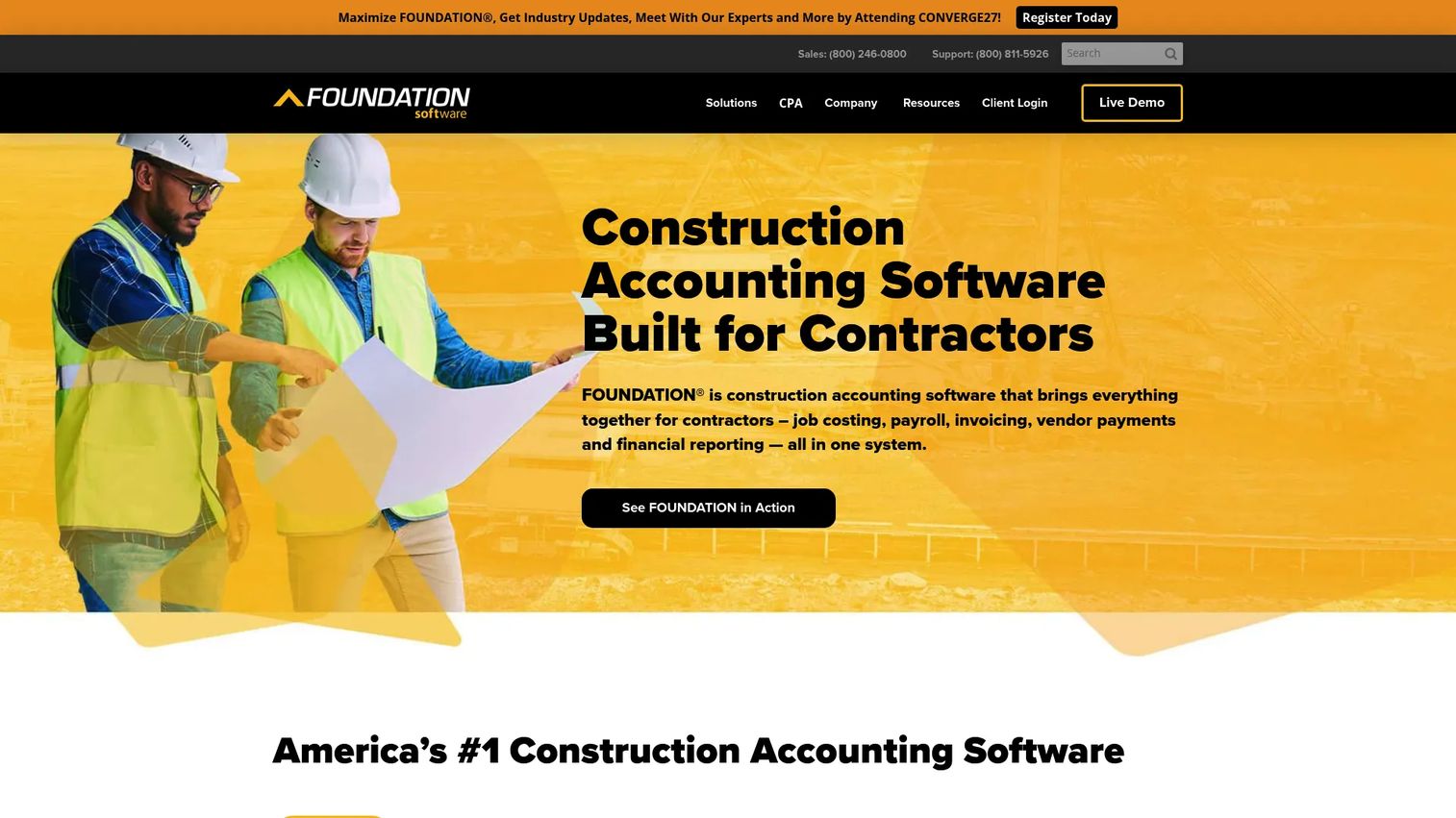
Foundation Software is construction accounting and management software built specifically for contractors. It covers the financial workflows that matter most to specialty contractors: Job costing, payroll, accounts payable and receivable, and project financial controls. The platform also includes mobile time tracking and scheduling, which makes it more operationally complete than a pure accounting tool.
Best for: Specialty contractors that need construction-first accounting with strong payroll and job-costing capabilities.
Key features
- Construction job costing and budget tracking
- Payroll and certified payroll workflows
- Accounts payable and receivable
- Equipment and work-in-progress tracking
- Mobile time capture and project scheduling
Why choose Foundation Software: When financial workflows are the main source of operational pain, accounting and payroll depth is what matters most. Foundation Software earns its spot on the shortlist for contractors where the controller or CFO is driving the buying decision and needs a system built around construction financials from day one.
Foundation Software pricing: Foundation Software prices by quote. Cost varies with payroll complexity, reporting requirements, mobile tools, and implementation support. Request a demo through the Foundation Software website for a project-specific estimate.
4. Acumatica Construction Edition
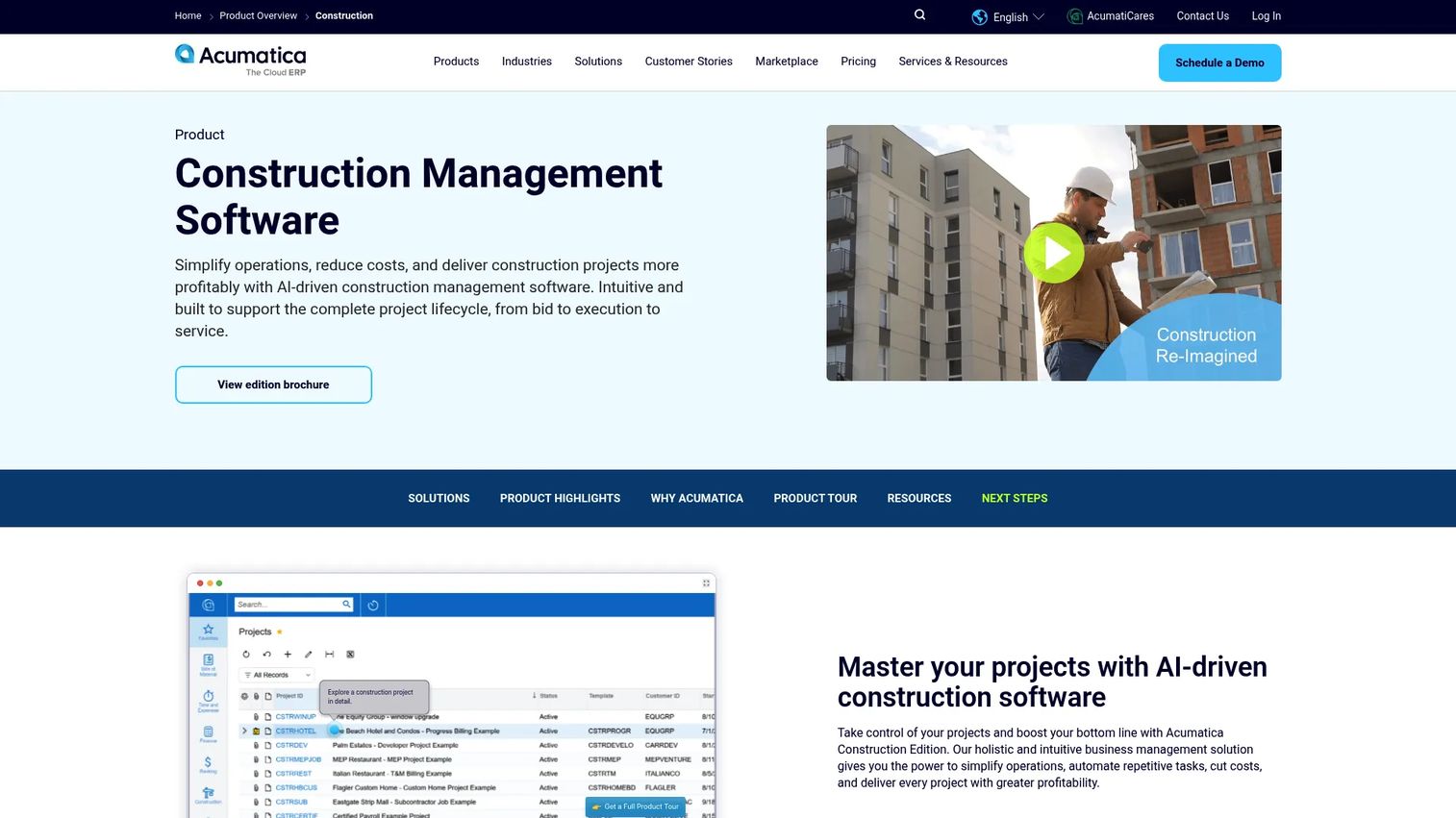
Acumatica Construction Edition is a cloud ERP platform with construction-specific modules for financial management, project accounting, job costing, change management, compliance documents, and AIA reporting. Acumatica's pricing model is based on business usage and resource requirements rather than per-user seat counts, which makes scaling costs more predictable for growing firms. It supports real-time project visibility and field-to-office collaboration through mobile access and role-based dashboards.
Best for: Growing contractors that want cloud ERP flexibility without committing to a narrowly fixed operating model.
Key features
- Cloud financial management and general ledger
- Project accounting, job costing, and change order management
- Compliance documents, lien waivers, and AIA reporting
- Mobile access and role-based project dashboards
- Workflow customization and API integrations
Why choose Acumatica Construction Edition: Acumatica fits teams with varied processes, multi-entity structures, or integration requirements. The platform's value is heavily dependent on implementation partner expertise. Budget for a capable partner during the evaluation, not as an afterthought once you have signed.
Acumatica Construction Edition pricing: Acumatica prices by quote, structured around the edition, modules selected, and business usage volume rather than per-user seat count. Contact Acumatica or an authorized partner for a scope-specific estimate.
G2 rating: 4.4/5
5. Sage Intacct
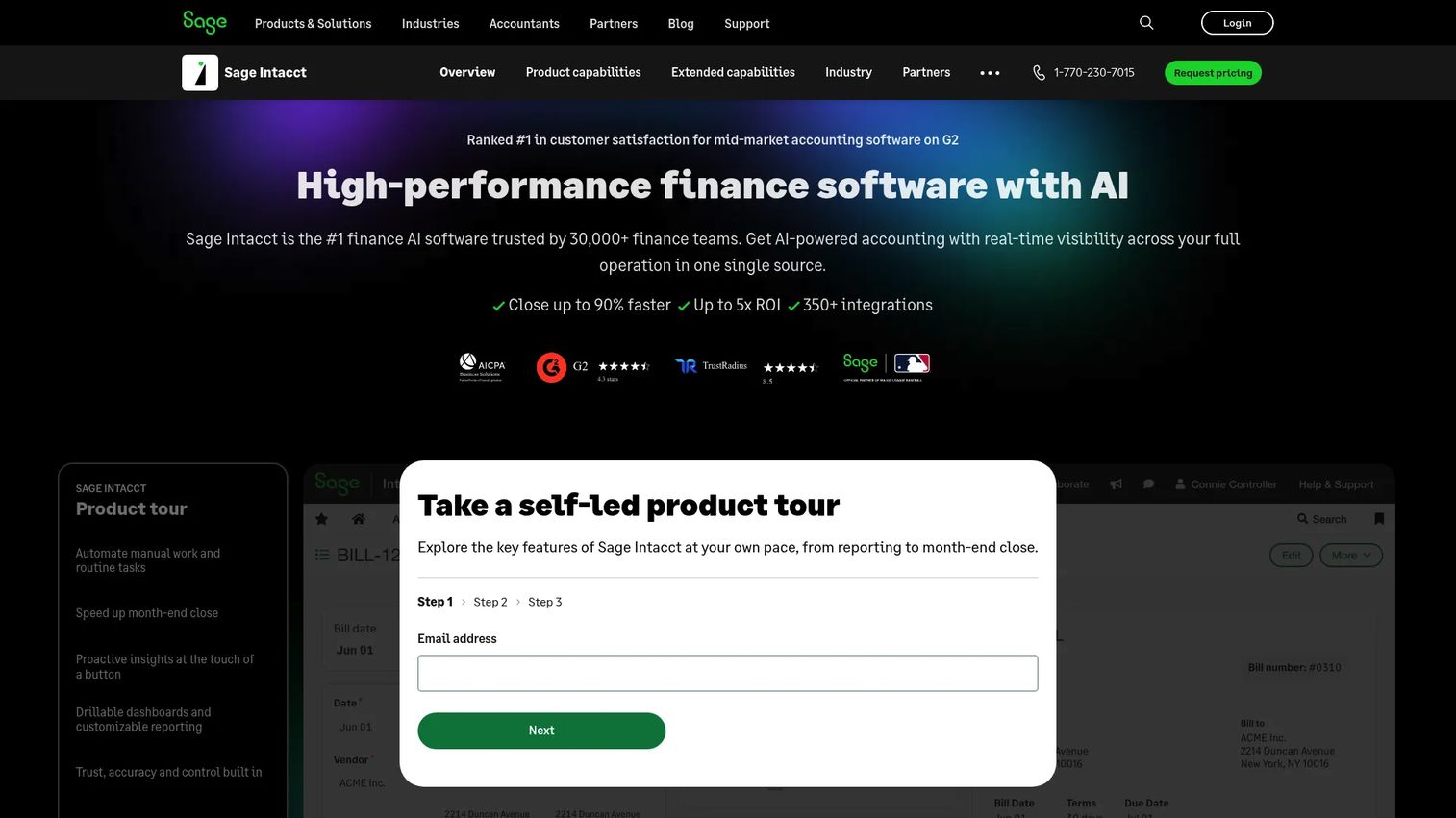
Sage Intacct is cloud financial management software built for organizations that need strong multi-entity accounting, dimensional reporting, and automated AP/AR workflows. It is widely used by mid-sized organizations in professional services, nonprofits, and finance-led industries. For construction, it serves best as the financial backbone of firms with complex entity structures, where the CFO prioritizes close speed, consolidated reporting, and approval governance.
Best for: Finance-led construction firms with complex entity structures and demanding reporting requirements.
Key features
- Multi-entity accounting and global consolidations
- Dimensional reporting and real-time dashboards
- Accounts payable and accounts receivable automation
- Cash and revenue management
- AI-based anomaly detection in the general ledger
Why choose Sage Intacct: If your primary pain is financial close, multi-entity consolidation, and board-level reporting, Sage Intacct delivers strong results. Job-costing and field workflow requirements must be validated carefully. Most construction firms using Sage Intacct pair it with a connected project management or field tool to cover operational workflows.
Sage Intacct pricing: Sage Intacct prices by quote. Cost reflects selected modules, entity count, users, and implementation scope. Contact Sage directly for project-specific pricing.
G2 rating: 4.3/5
6. Jonas Construction ERP
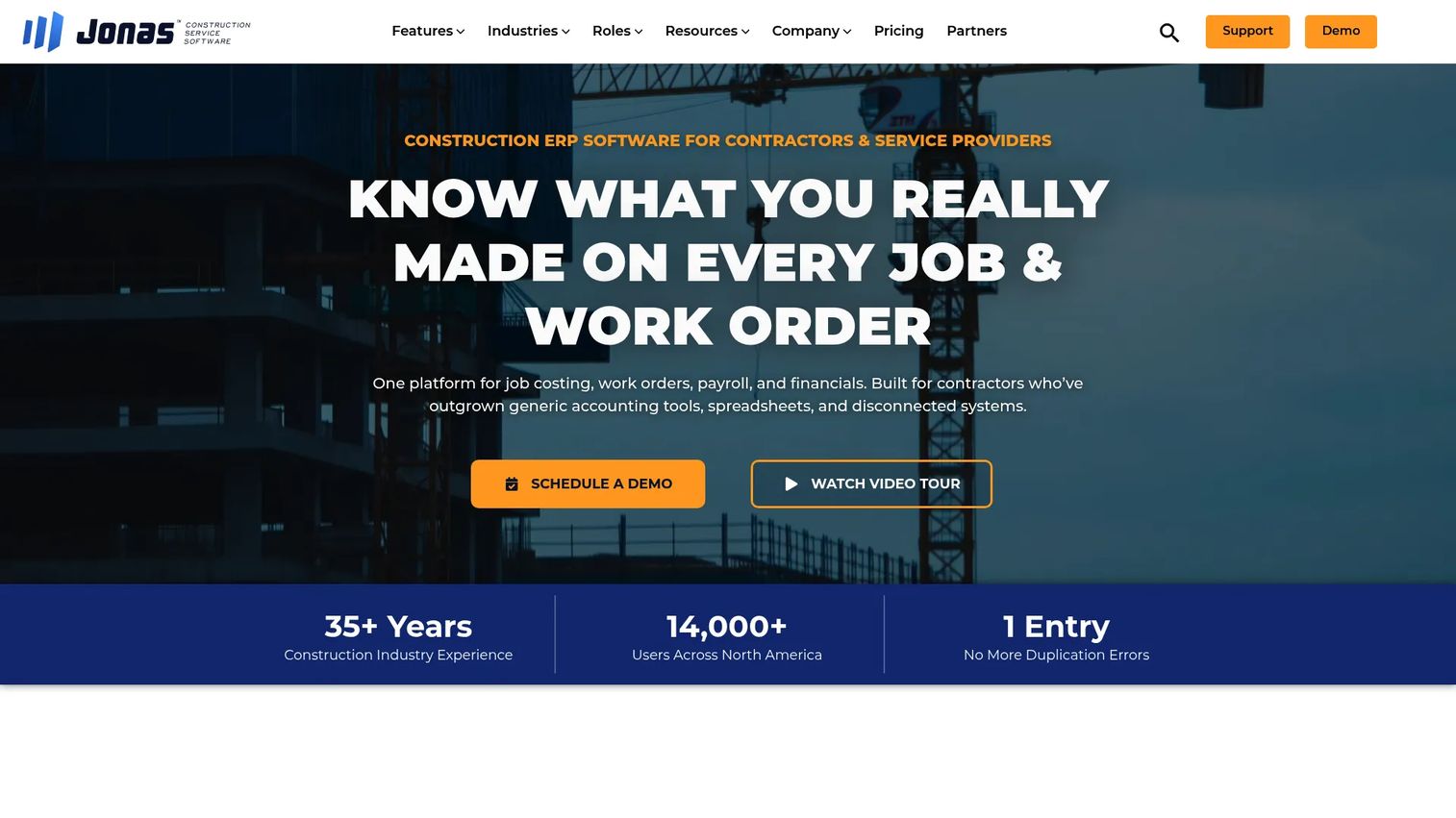
Jonas Construction ERP integrates construction accounting, payroll, project management, service management, and field operations in a single platform. Its service management module, covering work orders, dispatch, scheduling, and service billing, makes it particularly relevant for specialty contractors and trade contractors that manage both construction projects and recurring service work alongside each other.
Best for: Specialty and service contractors that manage project work alongside recurring service operations.
Key features
- Construction accounting, job costing, and progress billing
- Service dispatch, work order management, and service billing
- Payroll and labor tracking
- Purchasing, inventory, and equipment management
- Cloud hosting with multi-factor authentication and SSO
Why choose Jonas Construction ERP: The combination of construction project workflows and service management in one system is the differentiator here. Mechanical, electrical, and HVAC contractors that run both project and service operations often find this combination eliminates the need for a separate service management tool.
Jonas Construction ERP pricing: Jonas prices by quote. Buyers should request clarity on accounting, service management, payroll, mobile, and implementation costs as separate line items. No numeric price is displayed on the official pricing page.
7. IFS Cloud
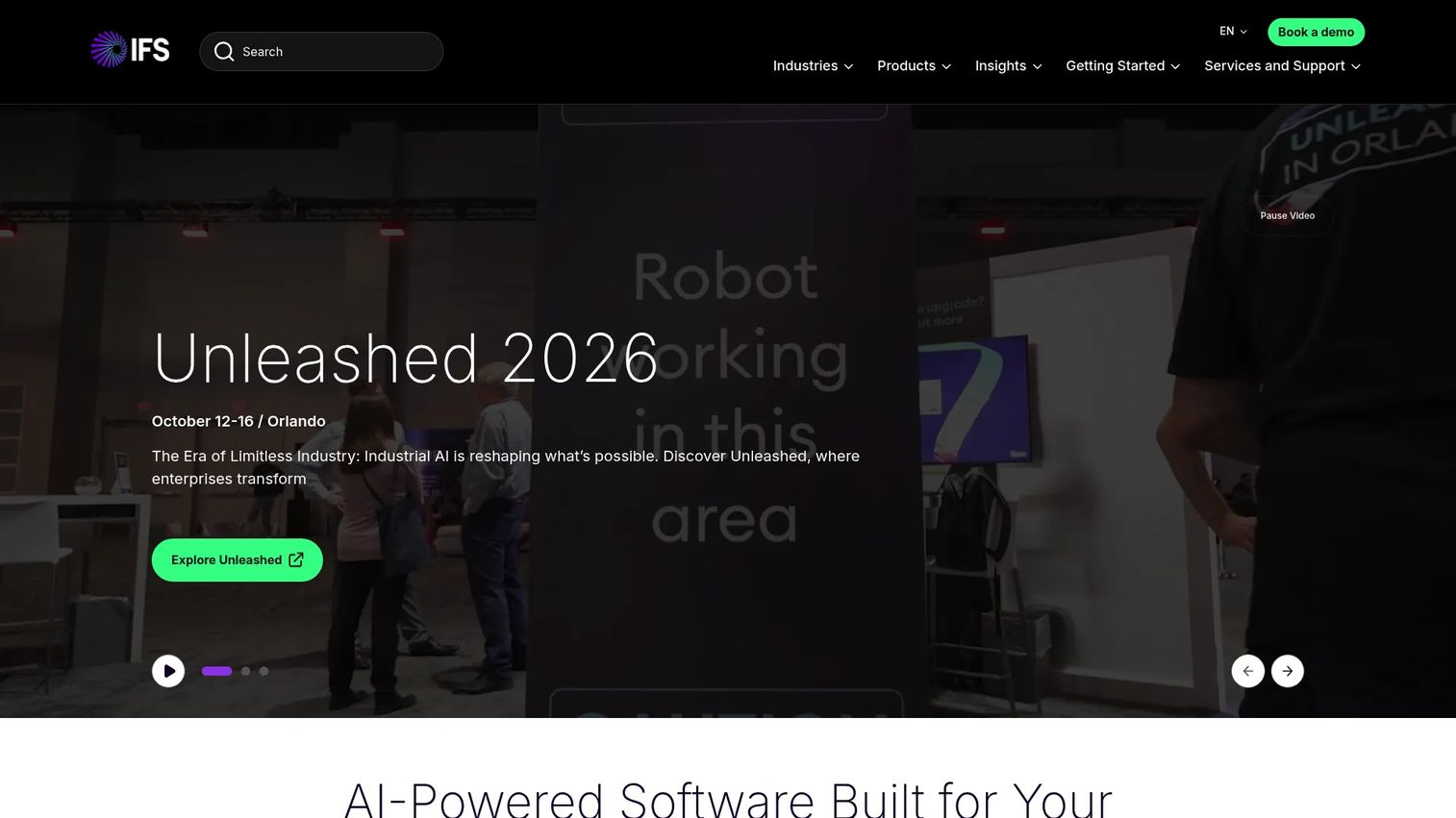
IFS Cloud is a composable enterprise platform that unifies ERP, enterprise asset management (EAM), supply chain management, and field service management. It supports cloud, private-cloud, and remote deployment. For construction, IFS is most relevant to large contractors and asset-intensive organizations where operational complexity extends beyond accounting and project management into equipment lifecycle management, field service dispatch, and supply chain governance.
Best for: Larger contractors and asset-heavy businesses with complex project, equipment, service, and supply chain requirements.
Key features
- Enterprise resource planning across financials and operations
- Enterprise asset management with predictive maintenance
- AI-guided field service management and mobile execution
- Supply chain management
- Composable architecture supporting multiple deployment models
Why choose IFS Cloud: IFS belongs on the shortlist when operational complexity reaches beyond construction accounting into assets, field service at scale, and enterprise governance. It is a more involved implementation than construction-specific ERP platforms, but it covers operational breadth that narrower tools cannot match.
IFS Cloud pricing: IFS does not display numeric pricing. Prospective customers are directed to contact IFS or book a demo for a scope-specific proposal.
G2 rating: 4.0/5
8. Microsoft Dynamics 365 Business Central
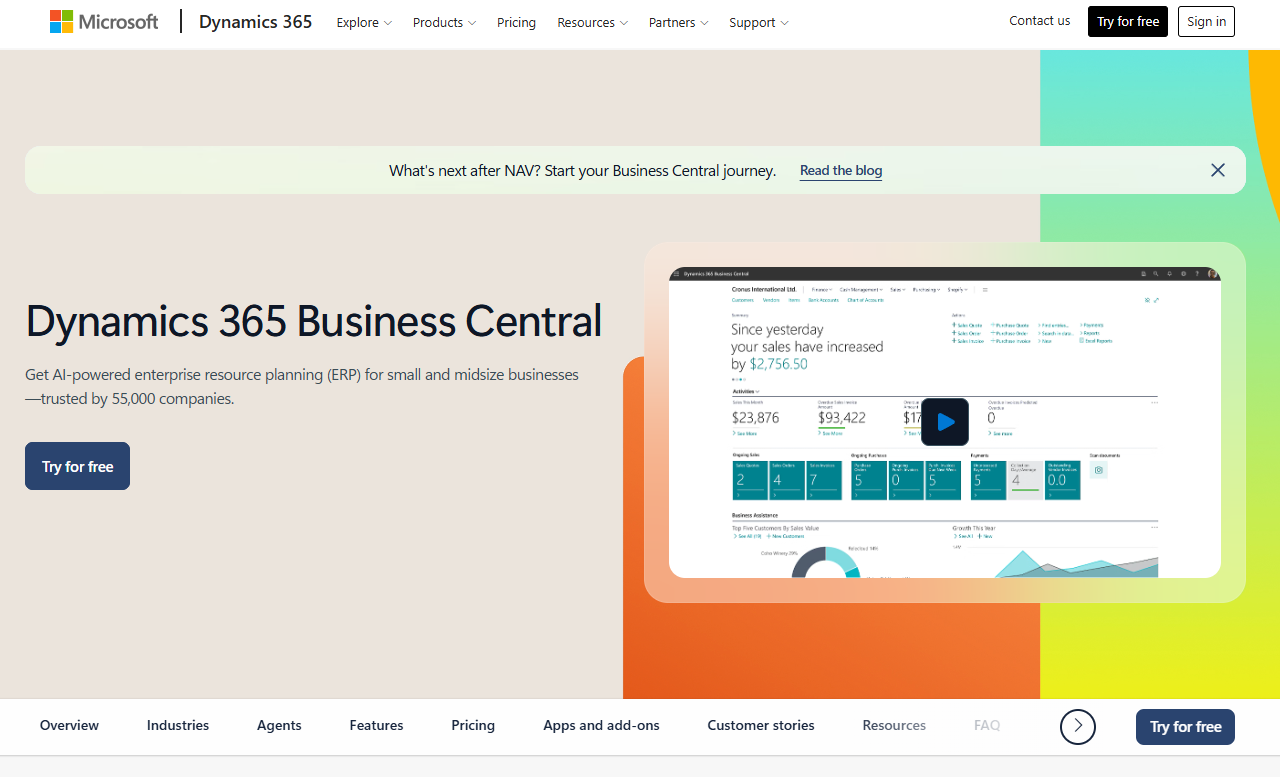
Microsoft Dynamics 365 Business Central is an AI-assisted ERP for small and midsize organizations covering finance, sales, service, operations, manufacturing, and supply chain. For construction, the platform relies on partner-built extensions to add job costing, certified payroll, and construction-specific workflows. Firms already standardized on Microsoft 365, Teams, Excel, and Power BI often find Business Central a natural fit because of its native integration across the Microsoft stack.
Best for: Firms already standardized on Microsoft tools that want familiar reporting, security, and integration patterns.
Key features
- Financial management and general ledger
- Purchasing, inventory, and supply chain management
- Project and resource management
- Microsoft 365, Teams, Power BI, and Power Apps integration
- Partner-built construction extensions for job costing and payroll
Why choose Microsoft Dynamics 365 Business Central: The platform can work well for construction when an experienced implementation partner maps job-costing, payroll, and field requirements into the right extension stack. Evaluate the partner's construction depth as carefully as the base product. The license cost is published; construction extensions, migration work, and support are separate.
Microsoft Dynamics 365 Business Central pricing: Business Central Essentials is $80/user/month billed annually. Business Central Premium is $110/user/month billed annually. A Team Members license is $8/user/month. A 30-day free trial is available. Construction extensions and implementation services are priced separately by partner.
9. Penta ERP
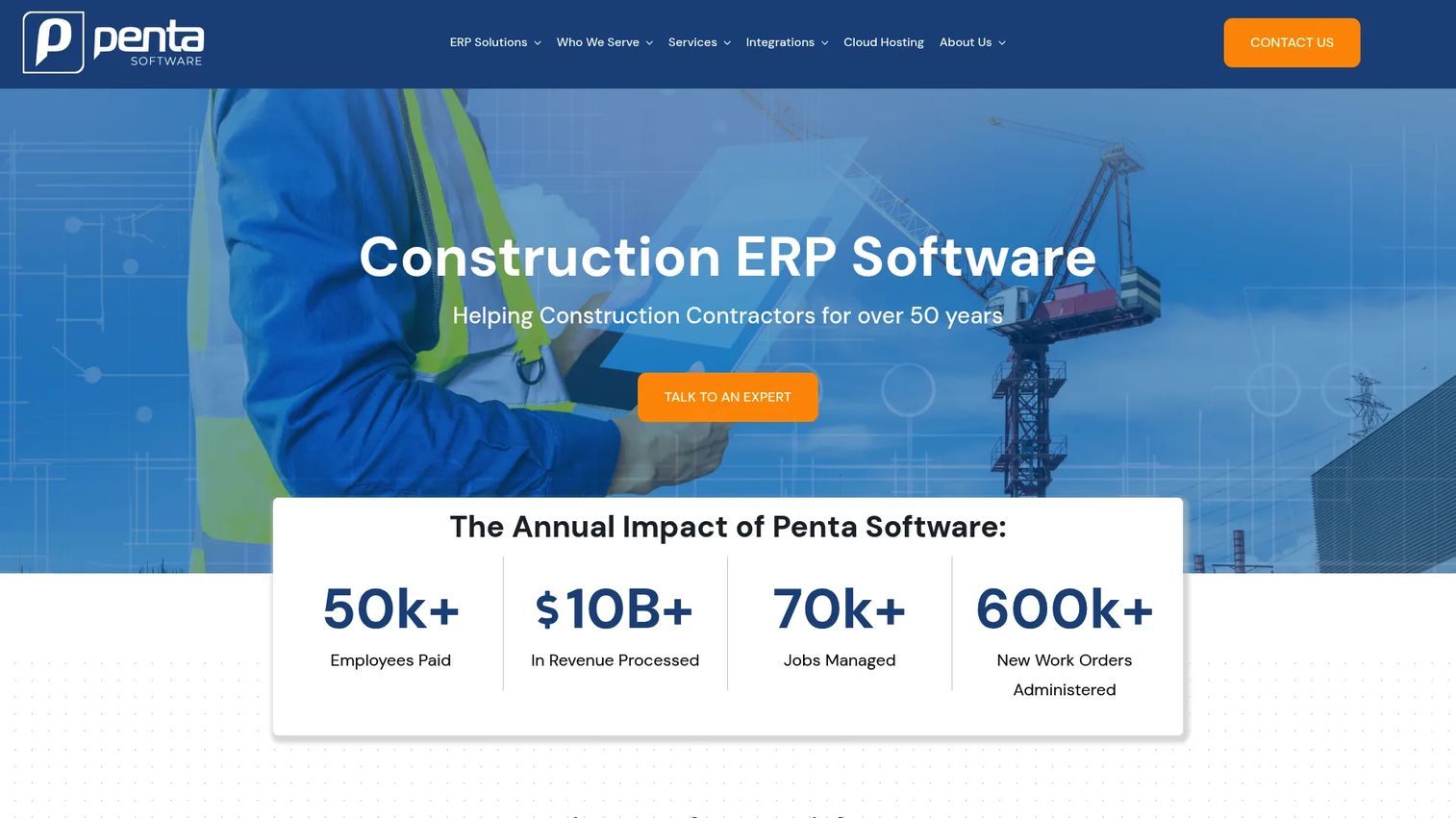
Penta ERP is construction ERP software for specialty contractors that integrates financial management, payroll, job cost management, and field service. It targets larger specialty contractors managing complex, multi-trade operations where deep project accounting and construction-specific payroll are non-negotiable requirements. Penta is a serious shortlist candidate for established contractors that can support a structured implementation program.
Best for: Large specialty contractors managing complex multi-trade construction and service operations.
Key features
- Construction financial management
- Construction payroll and labor management
- Job cost management and project controls
- Field service management
- Cloud hosting and integration support
Why choose Penta ERP: Penta earns its place on shortlists when accounting depth and payroll complexity are the primary evaluation criteria. It is built for contractors that have outgrown lighter platforms and need industry-specific depth. Buyers should evaluate implementation services, data migration, reporting configuration, and integration work as part of total cost.
Penta ERP pricing: Penta does not display pricing on its website. Contact Penta for a scope-specific quote that covers software, implementation, and support.
G2 rating: 3.5/5
10. Maestro ERP

Maestro ERP is construction-focused ERP software integrating project management, accounting, payroll, resources, equipment, and field operations. The platform includes maestro*MOBILE for field data access and offers real-time project cost, schedule, resource, and progress tracking. Maestro is particularly relevant for Canadian contractors and regional construction firms where local payroll rules, compliance requirements, and bilingual support materially influence the platform decision.
Best for: Canadian contractors or regional construction firms that need locally relevant finance, payroll, and operational workflows.
Key features
- Integrated project management and construction accounting
- Real-time project cost, schedule, and progress tracking
- Payroll, billing, and job costing
- Field operations through maestro*MOBILE
- Dashboards, reporting, and customizable forms
Why choose Maestro ERP: Geographic and industry fit is the central argument. When local payroll compliance, French-language support, or Canadian regulatory requirements materially influence the buying decision, Maestro deserves evaluation. Buyer cost depends on modules, implementation, users, payroll complexity, and regional service requirements.
Maestro ERP pricing: Maestro does not display pricing publicly. Contact Maestro for a quote covering software, implementation, and ongoing support.
11. OpenConstructionERP
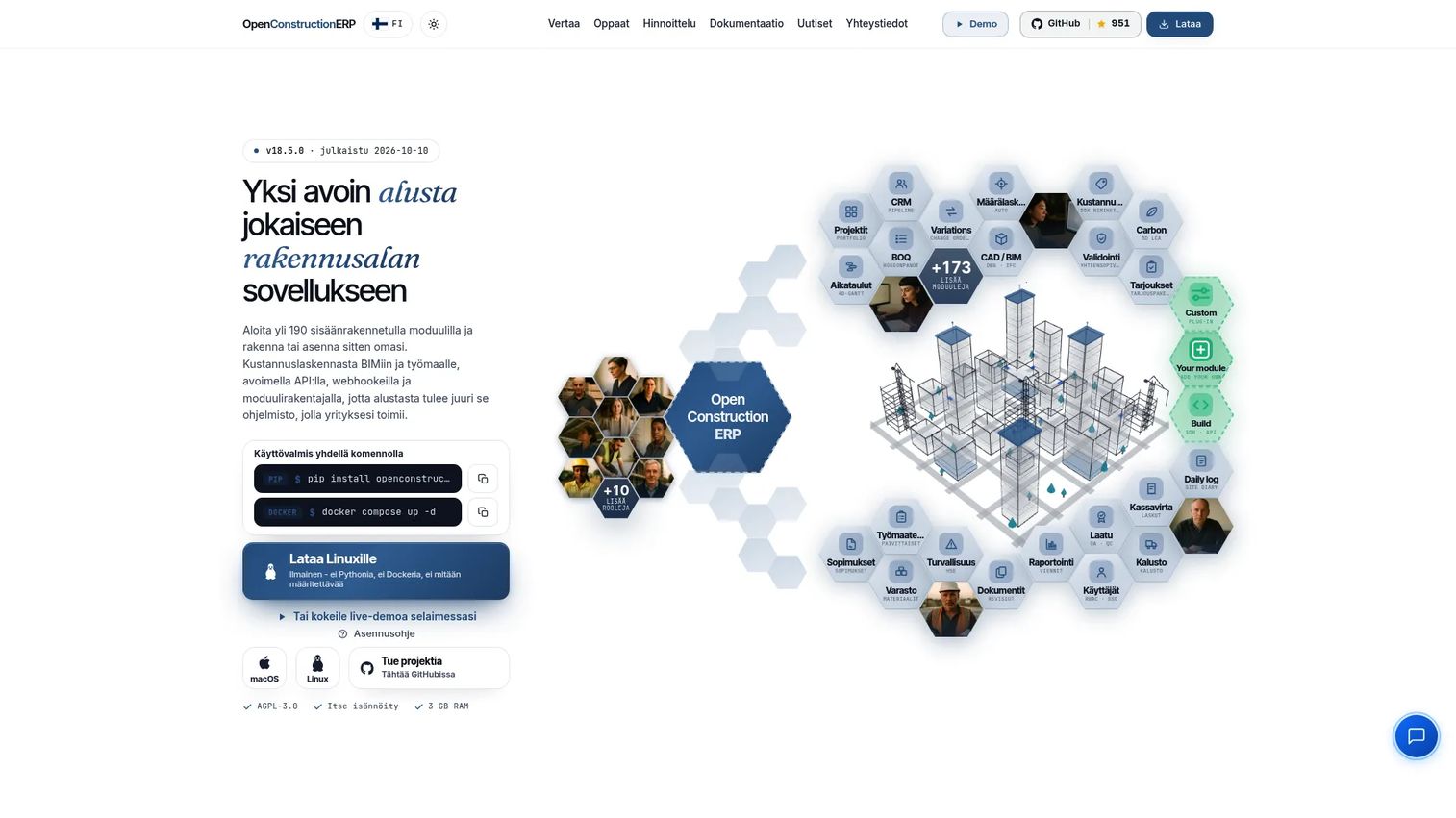
OpenConstructionERP is an open-source construction ERP platform with 190+ built-in modules covering estimating, BIM and CAD takeoff, bills of quantities, 4D scheduling, 5D cost management, procurement, quality, safety, finance, and field operations. It is licensed under AGPL-3.0, which means the self-hosted platform is free to deploy. Commercial licensing, white-label deployment, hosted services, and implementation support are separately priced.
Best for: Technically capable construction organizations that prioritize deployment control, BIM-integrated workflows, and open-source architecture.
Key features
- Open-source AGPL-3.0 licensing with self-hosted deployment
- CAD and BIM support covering DWG, RVT, IFC, DGN, and DXF formats with quantity takeoff
- 4D scheduling and 5D cost management with earned value and forecasting
- REST API, OpenAPI, webhooks, and data export
- Estimating, tendering, procurement, quality, and safety modules
Why choose OpenConstructionERP: OpenConstructionERP stands apart from conventional quote-based ERP platforms through open-source licensing and technical flexibility. The BIM and CAD workflow depth is a genuine differentiator for engineering-led organizations. It is a fit only when the organization has internal technical capacity or a committed implementation partner who can handle configuration and hosting.
OpenConstructionERP pricing: The self-hosted platform is free under AGPL-3.0. A commercial license costs €2,500 one-time (first year of updates and support included). A white-label SaaS license is €5,000 one-time for up to 10 organizations. CAD converter subscriptions are priced separately at €1,800 per year.
Considerations when choosing construction ERP software
Match the platform to your operating model
A residential builder, specialty contractor, mechanical contractor, and enterprise general contractor do not share workflows. Rank requirements before watching demos. Start with your revenue model, project type, payroll complexity, entity structure, and field-to-office handoffs. A platform that wins on feature count but misses your payroll model will cost more to fix than to replace.
Treat implementation as part of the product
ERP selection is not a license decision. It includes data migration, chart-of-accounts design, job-cost structure, payroll rules, integrations, training, role permissions, and reporting ownership. Ask vendors for a phased implementation plan that names internal owners and the critical path. If a vendor cannot produce one, treat that as a data point.
Separate license cost from total cost of ownership
Request a full implementation estimate, not only a license quote. Include software subscriptions, implementation services, integrations, historical-data migration, training, reporting configuration, and internal project time. The cheapest license can become the most expensive deployment if the firm has to rebuild every workflow around it.
Confirm field adoption before committing
Field access is useful only if superintendents, foremen, project managers, and payroll administrators can complete their actual daily workflows. Test mobile flows using real tasks: Time capture, change documentation, purchase requests, and approval routing. A demo that only shows an executive dashboard tells you nothing about field adoption.
Preserve a clean reporting model
The ERP should give finance and operations the same answer to basic questions: Which jobs are at risk? Where is labor over budget? What changed since last week? If producing a weekly job-cost report requires manual exports and reconciliation, the system is not doing its job.
Buyer scorecard:
| Criterion | Suggested weight |
|---|---|
| Job costing and financial controls | 25% |
| Payroll, labor, and compliance fit | 20% |
| Construction workflow depth | 20% |
| Implementation and support capacity | 15% |
| Integrations and data architecture | 10% |
| Field adoption and mobile access | 10% |
Conclusion
Construction ERP is a systems decision, not a software purchase. The platform that gives finance and operations the same view of job health, early enough to act, is worth more than the one with the longest feature grid.
Here is how the 11 platforms route by operating context:
- CMiC and Penta ERP for larger contractors that need broad construction ERP depth
- Trimble Viewpoint for connected office-to-field construction workflows
- Foundation Software and Jonas Construction ERP for accounting-led specialty and service contractors
- Acumatica Construction Edition and Microsoft Dynamics 365 Business Central for flexible, partner-configured cloud ERP approaches
- Sage Intacct for finance-heavy multi-entity reporting needs
- IFS Cloud for complex enterprise operations and asset-intensive environments
- Maestro ERP for regional and Canadian construction fit
- OpenConstructionERP for teams prioritizing self-hosting and BIM-integrated open architecture
Shortlist three platforms from this list, then run each through one live scenario: A current job-cost review, a payroll close, and a change-order approval. The platform that handles those workflows clearly is closer to your operating model than any feature grid can tell you.
Start your journey with Guideflow today!
FAQs
The best choice for a smaller contractor depends on job volume, payroll requirements, accounting complexity, and whether the company needs service management. Smaller firms should prioritize clean job costing, payroll fit, onboarding support, and a manageable implementation scope over a large enterprise feature set. Foundation Software and Jonas Construction ERP are worth evaluating first for specialty trade contractors with straightforward operations.
ERP is the financial and operational system of record: It owns the general ledger, payroll, job costs, procurement, and commitments. Project management software focuses on job coordination, documents, schedules, and field collaboration. Many contractors run both, with integrations connecting them. The deciding question is whether your financial workflows need a dedicated system of record or whether your current accounting tool can handle the load.
Most construction ERP platforms price by quote. Cost drivers include module selection, number of entities, user count, payroll complexity, integrations, data migration, implementation consulting, training, and ongoing support. Microsoft Dynamics 365 Business Central is the notable exception, with published per-user pricing starting at $80/user/month for the Essentials edition. Always request a full implementation estimate, not only a license quote. Implementation services often exceed the first-year license cost on larger deployments.
Many construction-focused systems support job costing and payroll workflows natively. Certified payroll, prevailing wage, union rules, and multi-state requirements vary significantly by platform and configuration. Test your exact payroll scenario during evaluation before assuming compliance. Ask the vendor for a demonstration using a current job with your actual wage rates and jurisdiction requirements.
Operational triggers are more reliable than revenue thresholds. Move when finance cannot produce job-cost reports without manual spreadsheet reconciliation, when the company operates across multiple entities, when payroll and project data live in separate systems, or when leadership needs weekly margin and backlog visibility that the current stack cannot provide. ERP adoption should be tied to a concrete operating problem, not software novelty.
Security evaluation should cover identity controls, access permissions, audit trails, data backup policies, vendor security documentation, and integration architecture. The deployment model matters, but process design and user access governance matter equally. Ask vendors for their SOC 2 report, data residency options, and MFA configuration before making deployment decisions.
Timelines vary based on data quality, number of entities, modules selected, integrations, payroll complexity, reporting requirements, and internal ownership. Smaller implementations with clean data and a focused module scope can go live in three to six months. Larger deployments spanning multiple entities, complex payroll, and custom integrations commonly take nine to eighteen months. A phased rollout starting with finance and job costing reduces risk on larger programs.
Use your own job data. Ask the vendor to walk through a current-job budget versus actuals, a change order approval, a committed cost inquiry, a payroll allocation by job code, and a subcontractor commitment report. Then ask a field operations leader to test the mobile time-entry workflow. The platform that handles those specific tasks without workarounds is closer to your operating model than one that looks polished in a scripted walkthrough.