
A single traffic spike can undo months of engineering. A product launch trends, a Black Friday queue forms, an incident reroutes users to fewer nodes, and suddenly the servers that handled Tuesday's load are timing out on Friday. The layer that decides whether that spike becomes an outage or a non-event is your load balancer software.
The stakes are getting bigger, not smaller. The global load balancer market is projected to grow from $6.65 billion in 2024 to $16.14 billion by 2030, a 15.9% CAGR, according to Grand View Research. Software-based load balancing is the fastest-growing slice of that market at 16.8% CAGR through 2030, outpacing hardware appliances. Teams are moving traffic distribution into software they can version, automate, and scale without buying another rack of hardware.
The problem is that most comparisons treat load balancing software as one undifferentiated category. It isn't. A cloud-managed load balancer that autoscales with your VPC solves a different problem than an enterprise application delivery controller with granular policy routing, which solves a different problem again than a software proxy you run inside Kubernetes. Choosing the wrong model means either paying for capabilities you'll never touch or hitting a wall the moment your traffic pattern changes.
This guide fixes that. If you care about resilience the same way you'd think through ai cybersecurity solutions or an ai security posture management rollout, the load balancer sits in the same critical path. We map each option to a deployment model, a security posture, and a traffic pattern, so you can shortlist by fit instead of brand.
What's inside
This guide is for platform engineers, SREs, and product-minded technical leaders choosing load balancing software for availability, scaling, and traffic routing. We looked at cloud-managed, enterprise, and open-source-rooted options so the shortlist covers most real-world stacks.
We selected products against four criteria that decide production readiness:
- Health checks and failover that detect unhealthy targets and reroute traffic automatically
- Routing flexibility across Layer 4 and Layer 7, including path, host, and latency-based rules
- Security depth including SSL/TLS termination, WAF, and DDoS protection
- Deployment and observability fit with your existing cloud, on-prem, or hybrid environment
Every product below earns its place on at least three of these, and we note where each one excels.
TL;DR
- Best for multi-cloud traffic steering: Cloudflare Load Balancing, for global failover and latency-aware routing across distributed origins.
- Best for enterprise control and advanced policy routing: F5 BIG-IP, for granular traffic management and governance at scale.
- Best for high-performance software-defined control: HAProxy Enterprise, for teams that want mature routing logic with integrated security.
- Best for GCP-native teams: Google Cloud Load Balancing, for global anycast and autoscaling that aligns with Google Cloud services.
- Best for AWS-native teams: AWS Elastic Load Balancing, for ALB, NLB, and GWLB behavior inside a single AWS footprint.
- Best for Microsoft-heavy stacks: Azure Application Gateway, for Layer 7 routing and WAF built into Azure.
What load balancing software does
Load balancing software distributes incoming network or application traffic across multiple servers, regions, or endpoints so no single resource becomes a bottleneck or a single point of failure.
In practice, a software load balancer sits between your users and your backend pool. It receives every request, decides which healthy target should serve it, and forwards it. When a target fails a health check, the load balancer stops sending traffic there and reroutes to healthy nodes. That combination of distribution, health checks, and failover is what keeps a service available when individual servers, zones, or regions go down.
Modern load balancing solutions add layers on top of that core job:
- Traffic routing based on URL path, host header, geography, or backend latency
- SSL/TLS termination so encryption is handled at the edge instead of every backend
- Session persistence to keep a user pinned to the same backend when state matters
- Observability through metrics, logs, and traces that show what traffic is doing in real time
- Security controls including WAF, rate limiting, bot mitigation, and DDoS protection
How load balancing software works
Every load balancer follows the same loop: inspect the request, apply routing logic, forward to a healthy target, and monitor the result. The depth of inspection is where Layer 4 and Layer 7 diverge.
A Layer 4 (network) load balancer works at the transport level. It routes based on IP address and TCP or UDP port without reading the request body. Network load balancer software is fast and connection-oriented, which makes it ideal for raw throughput, gaming, streaming, and non-HTTP protocols where you want minimal latency overhead.
A Layer 7 (application) load balancer reads the actual request. It can route based on URL path, HTTP headers, cookies, or hostname, terminate SSL, and apply a WAF. That richer inspection is what lets you send /api to one pool and /checkout to another, or serve different regions from different backends.
Most production stacks use both. A network load balancer handles the front door for speed and resilience, while an application load balancer handles the content-aware routing behind it.
Common load balancing algorithms
The routing algorithm decides which healthy target gets the next request. The right choice depends on whether your requests are uniform, whether backends are equal, and whether sessions carry state.
- Round robin: Sends each request to the next server in rotation. Simple and effective when backends are identical and requests are roughly equal in cost.
- Least connections: Routes to the server with the fewest active connections. Better when request duration varies and some sessions stay open longer than others.
- IP hash / session persistence: Uses the client IP or a session identifier to pin a user to the same backend. Necessary when the application holds session state locally.
- Weighted routing: Assigns more traffic to higher-capacity servers. Useful during migrations, canary releases, or mixed hardware pools.
- Latency-aware or policy-based routing: Sends users to the fastest-responding or geographically closest backend. Essential for global, multi-region deployments.
Software vs hardware vs LBaaS
Three deployment models dominate, and the right one depends on how much control and how little operational overhead you want.
Software load balancers run on commodity servers or VMs you control. They are flexible, scriptable, and cheaper to scale horizontally than buying appliances. This is where most modern teams land, because software scales with the infrastructure instead of forcing a capacity purchase ahead of demand.
Hardware appliances are purpose-built devices tuned for very high throughput and predictable latency. They still make sense for regulated data centers, extreme packet-per-second workloads, and organizations with existing appliance investments, but they require capital spend and physical capacity planning.
Load Balancing as a Service (LBaaS) is the cloud-managed model, where the provider runs the load balancing plane and you configure it. LBaaS reduces operational overhead because scaling, patching, and high availability are handled by the provider. Cloud-native load balancers from the major providers fall into this bucket.
For most teams building on cloud infrastructure, software and LBaaS cover the field. Hardware enters the conversation mainly when you own physical data centers or face throughput ceilings that commodity hardware struggles to meet.
Security considerations
A load balancer sits at the edge of your application, which makes it the natural place to enforce security before traffic reaches your backends. Evaluate every candidate against these controls.
- SSL/TLS termination: Offloads encryption and decryption at the edge, centralizing certificate management and freeing backend compute.
- **Web Application Firewall (WAF):** Inspects Layer 7 traffic for injection, cross-site scripting, and OWASP Top 10 attacks before they hit your app.
- DDoS protection: Absorbs and mitigates volumetric and application-layer floods so a spike of malicious traffic doesn't take the service down.
- Bot mitigation: Distinguishes legitimate users from automated abuse, credential stuffing, and scraping.
- Access control and auditability: Role-based access, logging, and audit trails that satisfy compliance reviews and incident forensics.
Security shouldn't be a separate purchase bolted on later. The strongest load balancer products integrate these controls into the traffic path, so the same layer that routes requests also protects them.
When to use load balancing software
Handle traffic spikes without manual intervention
Launches, incidents, and seasonal demand create traffic that arrives faster than any human can respond to. Load balancing software paired with autoscaling detects the surge through health checks and connection metrics, spreads load across available capacity, and reroutes around any target that starts failing. The result is high availability during exactly the moments when an outage would cost the most.
Support multi-region or multi-cloud uptime goals
If your users span continents, a single region is both a latency problem and a resilience problem. Geographic and latency-based routing sends each user to the nearest healthy backend, while cross-region health checks fail traffic over when a whole region degrades. Teams pursuing serious uptime targets need traffic steering that treats regions and clouds as interchangeable pools.
Reduce risk in enterprise or regulated environments
In regulated environments, the load balancer is a control point, not just a router. Centralized policy management, end-to-end encryption, granular access control, and complete audit logging let security and compliance teams prove how traffic is handled. Enterprise load balancer software earns its price here by consolidating governance into one layer.
Comparison table
The table below sorts the seven options by overall relevance to load balancer software as a category, covering cloud-managed, enterprise, and software-centric products. Pricing models vary widely: cloud services bill on usage, while enterprise platforms use custom quotes. Ratings are drawn from G2 at the time of writing.
| # | Product | Intent | Key use case | Pricing | G2 rating |
|---|---|---|---|---|---|
| 1 | HAProxy Enterprise | Enterprise software LB | High-performance L4/L7 with integrated WAF and DDoS | Custom (contact sales) | 4.7/5 |
| 2 | Cloudflare Load Balancing | Global multi-cloud steering | DNS-based failover and latency routing across origins | Starting at $5/mo | 4.5/5 |
| 3 | Google Cloud Load Balancing | Cloud-native (GCP) | Global anycast HTTP(S), TCP/SSL/UDP distribution | From $0.025/hour usage | 4.4/5 |
| 4 | AWS Elastic Load Balancing | Cloud-native (AWS) | ALB, NLB, and GWLB across Availability Zones | From $0.006 per LCU-hour | 4.5/5 |
| 5 | Azure Application Gateway | Cloud-native (Azure) | L7 routing, SSL offload, and WAF in Azure | Consumption-based (quote) | 4.4/5 |
| 6 | F5 BIG-IP | Enterprise application delivery | Advanced policy routing and governance, hybrid/multicloud | Custom (contact sales) | 4.5/5 |
| 7 | F5 NGINX Plus | Software LB and API gateway | Reverse proxy, ingress, and application delivery | Custom (free trial) | 4.1/5 |
1. HAProxy Enterprise
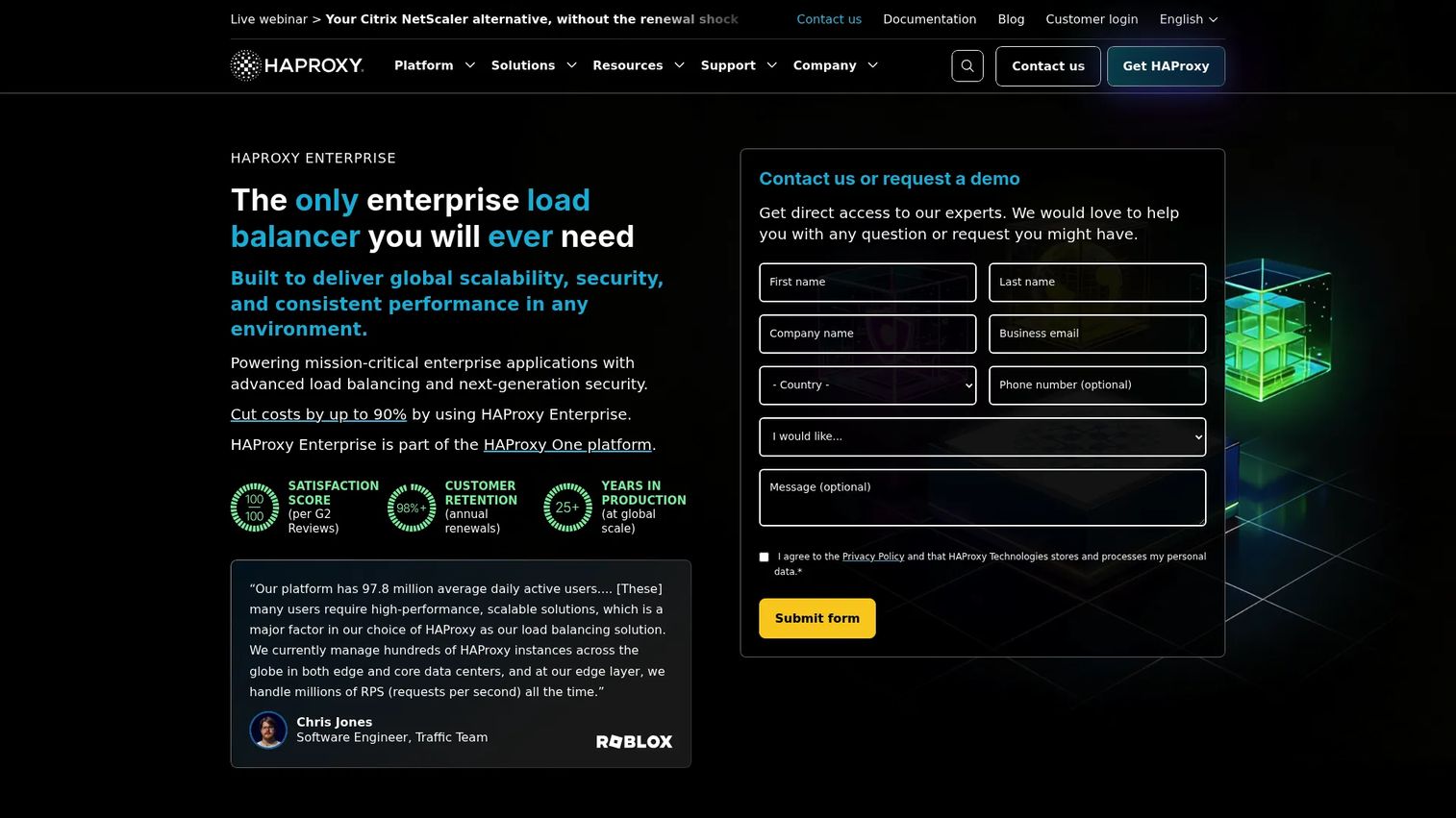
HAProxy Enterprise is an enterprise load balancer and application delivery platform built for high-scale traffic management. It carries the performance reputation of open-source HAProxy into a supported, security-hardened package that handles TCP, UDP, QUIC, and HTTP at scale. Teams that want software-defined control over their traffic path, without giving up mature routing logic, tend to land here. It pairs raw throughput with next-generation security so the same layer that distributes requests also defends them.
Best for: Enterprises that need high-performance software load balancing with integrated security and centralized control across their fleet.
Key strengths
- High-performance multi-protocol load balancing: Distributes TCP, UDP, QUIC, and HTTP traffic with the throughput HAProxy is known for.
- Next-gen security in the traffic path: Built-in WAF, DDoS protection, bot management, and rate limiting run at the edge, not as a separate tier.
- Centralized management with HAProxy Fusion: One control plane for observability, automation, and policy across every load balancer instance.
Why choose HAProxy Enterprise: Choose it when you want the control and performance of a software proxy but need enterprise support, hardened security, and centralized observability behind it. It fits teams that treat the load balancer as programmable infrastructure and want granular routing logic they can version and automate. The GSLB and advanced health-check capabilities suit organizations running multi-datacenter or hybrid topologies.
HAProxy Enterprise pricing: HAProxy does not publish a public price for the Enterprise tier. Pricing is customized, and the vendor directs prospects to contact sales for a quote based on scale and modules. On G2, HAProxy holds a 4.7/5 rating across its listings, the highest in this comparison.
2. Cloudflare Load Balancing
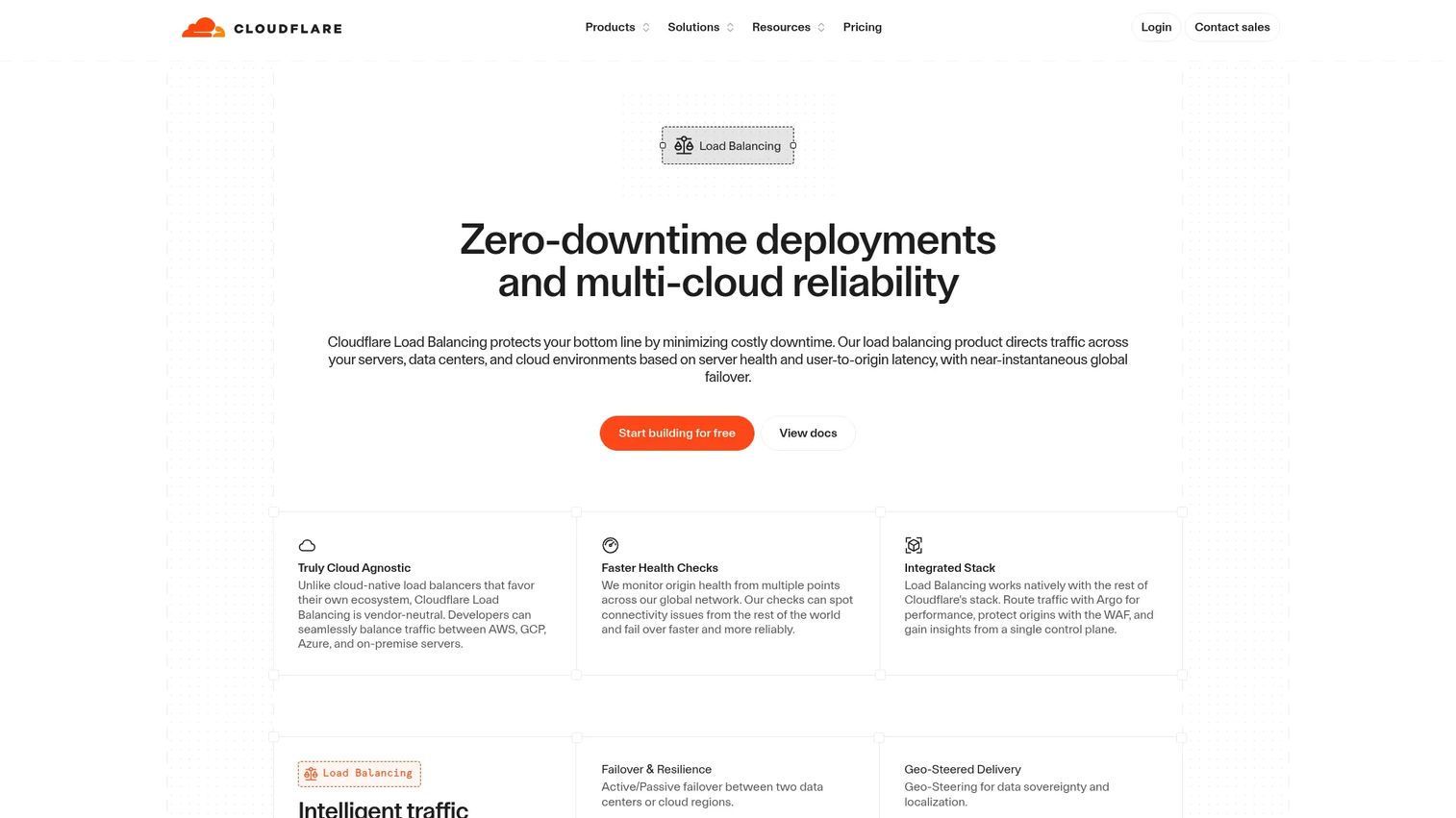
Cloudflare Load Balancing is a global, DNS-based load balancing add-on that steers traffic across distributed origins with health checks and automatic failover. Because it runs on Cloudflare's edge network, it is cloud-agnostic by design, which makes it a strong fit for teams spreading workloads across more than one provider. It layers naturally onto the rest of Cloudflare's edge stack, including WAF and DDoS protection, so security and traffic steering live in the same place.
Best for: Teams that need global traffic steering and failover across distributed or multi-cloud origins without managing regional load balancer instances themselves.
Key strengths
- Global traffic steering and failover: Local and global load balancing route users to the healthiest, closest origin automatically.
- Active health monitoring: Continuous checks detect degraded origins and fail traffic over for continuous availability.
- Intelligent, latency-aware routing: Geographic and latency-based steering sends each request to the best-performing backend.
Why choose Cloudflare Load Balancing: Choose it when your origins span multiple clouds or regions and you want a provider-neutral control plane for steering and failover. Because it sits at the DNS and edge layer, it decouples traffic decisions from any single cloud, which is valuable for multi-cloud resilience. It also pairs tightly with Cloudflare's WAF, bot management, and DDoS protection for teams that want edge security and load balancing unified.
Cloudflare Load Balancing pricing: Cloudflare lists Load Balancing as a paid add-on starting at $5 per month, billed monthly, covering local and global traffic load balancing, geographic routing, health checks, and failover. Larger deployments scale with origins and query volume. It holds a 4.5/5 rating on G2.
3. Google Cloud Load Balancing
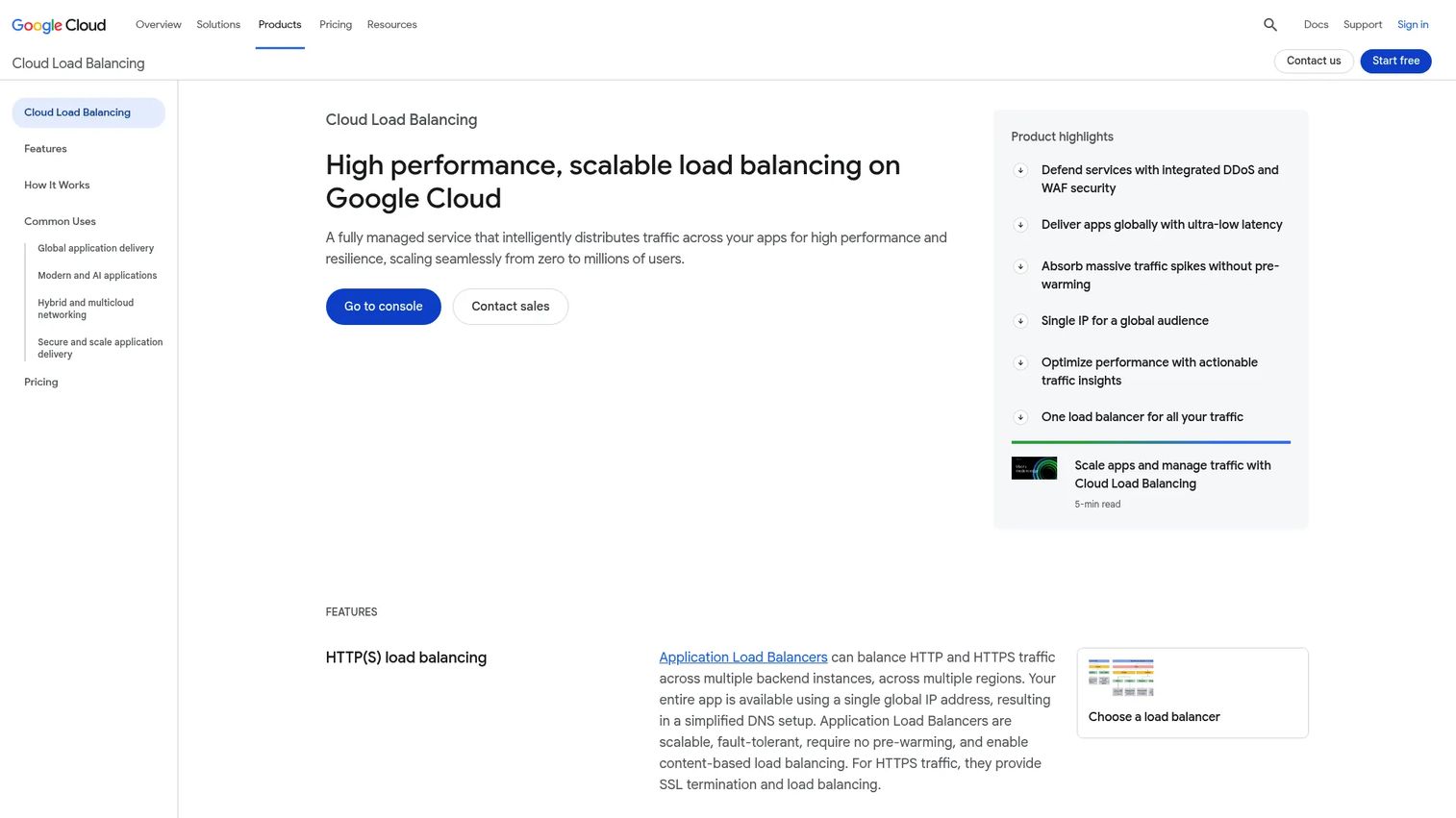
Google Cloud Load Balancing is a fully managed, cloud-native service that distributes traffic across applications for performance and resilience. Its global anycast design lets a single anycast IP serve users worldwide, routing each request to the nearest healthy backend. For teams already on Google Cloud, or planning to be, it aligns cleanly with autoscaling and the rest of the GCP ecosystem. It supports both application (HTTP(S)) and network (TCP/SSL/UDP) load balancing under one service.
Best for: Teams needing globally scalable, managed network load balancer software on Google Cloud that autoscales with their workloads.
Key strengths
- Global HTTP(S) load balancing: A single anycast IP distributes traffic across multiple regions with automatic failover.
- Full-spectrum protocol support: TCP, SSL, and UDP load balancing cover application and network layer needs.
- Native GCP integration: Cloud CDN, Cloud Armor, logging, health checks, and session affinity work together out of the box.
Why choose Google Cloud Load Balancing: Choose it when your infrastructure lives on Google Cloud and you want load balancing that scales automatically with your services. The anycast architecture removes the need to manage regional endpoints, and Cloud Armor brings WAF and DDoS protection into the same stack. It fits teams optimizing for global reach, autoscaling alignment, and minimal operational overhead.
Google Cloud Load Balancing pricing: Pricing is usage-based rather than plan-based. Forwarding rules start at $0.025 per hour for the first five rules, with $0.01 per hour for each additional rule, plus data processing charges. Custom quotes are available for larger deployments. It holds a 4.4/5 rating on G2.
4. AWS Elastic Load Balancing
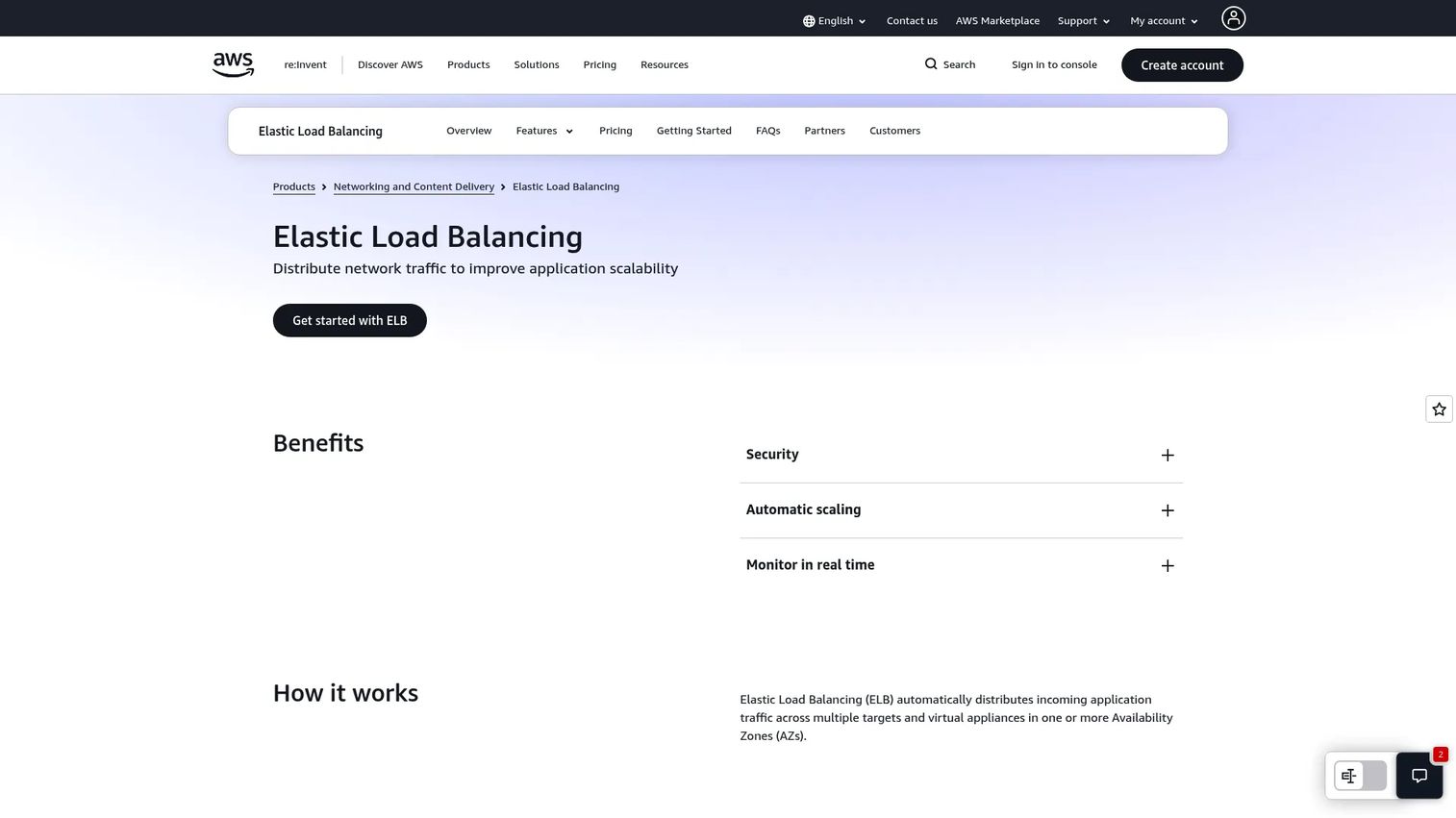
AWS Elastic Load Balancing automatically distributes incoming traffic across multiple targets and Availability Zones to maintain availability. It offers three flavors: the Application Load Balancer (ALB) for Layer 7 HTTP(S) routing, the Network Load Balancer (NLB) for high-throughput Layer 4 traffic, and the Gateway Load Balancer (GWLB) for deploying and scaling third-party virtual appliances. For teams deeply invested in AWS, it is the native choice that integrates directly with the rest of the stack.
Best for: Teams running AWS workloads that need managed traffic distribution and high availability across Availability Zones.
Key strengths
- Three load balancer types: ALB for content-based routing, NLB for raw throughput and network load balancer software use cases, and GWLB for appliance insertion.
- Multi-AZ distribution: Automatically spreads traffic across Availability Zones for resilience.
- Deep AWS observability: Health checks, CloudWatch metrics, and CloudTrail integration give visibility and audit trails.
Why choose AWS Elastic Load Balancing: Choose it when AWS is your primary cloud and you want load balancing that fits into VPCs, Auto Scaling groups, and IAM without extra glue. The three-type model lets you match the load balancer to the workload rather than forcing one design onto everything. It fits teams that value native integration, per-workload flexibility, and pay-as-you-go economics.
AWS Elastic Load Balancing pricing: Pricing is usage-based and varies by type and region. The Application Load Balancer and Network Load Balancer run from $0.006 per LCU-hour and NLCU-hour respectively, while the Gateway Load Balancer runs $0.01 per hour plus $0.0035 per GB processed. An AWS Free Tier is referenced on the product page. It holds a 4.5/5 rating on G2.
5. Azure Application Gateway

Azure Application Gateway is Azure's Layer 7 application load balancer for secure, scalable web front ends. It handles URL path-based and host-header routing, SSL offload, and an integrated Web Application Firewall, making it a natural fit for teams that need web traffic policy control inside a Microsoft-heavy environment. It runs as an Azure-native service, so it plugs into the surrounding Azure networking and security tooling without extra integration work.
Best for: Organizations in Microsoft-heavy environments that need Azure-native, secure Layer 7 load balancing with WAF for web applications.
Key strengths
- Integrated Web Application Firewall: Built-in WAF inspects Layer 7 traffic and blocks common web attacks at the gateway.
- End-to-end SSL and SSL offload: Terminate and re-encrypt traffic, centralizing certificate management.
- Content-aware routing: URL path-based and host header-based rules route requests to the right backend pool.
Why choose Azure Application Gateway: Choose it when Azure is your platform and you need application-layer routing with security policy built in. The integrated WAF means you enforce protection at the same layer that routes traffic, without a separate product. It fits teams that want tight Azure integration, granular web traffic control, and centralized SSL handling.
Azure Application Gateway pricing: Microsoft prices Application Gateway on a consumption basis, billed by gateway-hour and capacity unit-hour for the V2 tier. Public numeric prices are not shown on the pricing page, and Microsoft directs prospects to request a pricing quote. Note that the V1 tier carries a retirement notice, so plan new deployments on V2. It holds a 4.4/5 rating on G2.
6. F5 BIG-IP
F5 BIG-IP is application delivery and security software for managing, optimizing, and protecting traffic across hybrid and multicloud environments. It is the platform large organizations reach for when traffic patterns get complex and governance is non-negotiable. Its full-proxy architecture and iRules programmability let teams express routing and security logic that off-the-shelf rules can't cover. BIG-IP spans on-prem, cloud, and hybrid deployments from one policy model.
Best for: Enterprises needing application delivery, advanced traffic management, and security across on-prem and cloud deployments.
Key strengths
- Advanced load balancing and traffic steering: Granular, policy-driven routing for complex application topologies.
- SSL acceleration and full-proxy visibility: Terminate, inspect, and re-encrypt traffic with complete control over both sides of the connection.
- DDoS mitigation and iRules programmability: Built-in protection plus a scripting layer for custom traffic logic and analytics.
Why choose F5 BIG-IP: Choose it when your traffic patterns are complex, your compliance requirements are strict, and you need one governed policy layer across data centers and clouds. The full-proxy model and iRules give you control that simpler routers can't match, which is exactly why large enterprises standardize on it. It fits organizations that treat application delivery as a governed, security-first discipline.
F5 BIG-IP pricing: F5 offers subscription licensing, perpetual licensing, and standalone modules, but does not publish numeric prices on its product pages. Pricing is handled through F5's buying options and sales team. The F5 BIG-IP Local Traffic Manager holds a 4.5/5 rating on G2.
7. F5 NGINX Plus

F5 NGINX Plus is enterprise application delivery software for load balancing, reverse proxying, web serving, caching, and API gateway use cases. It brings a supported, feature-complete layer on top of the open-source NGINX foundation that already powers a huge share of the web. Teams that want a lightweight, software-centric control plane, close to their applications and easy to run inside containers, tend to reach for it. It fits neatly into Kubernetes ingress and cloud-native architectures.
Best for: Teams that want enterprise-grade, software-centric traffic management, reverse proxying, and API delivery built on NGINX.
Key strengths
- Advanced load balancing and high availability: Software load balancing with active health checks and session persistence for resilient application delivery.
- API gateway and reverse proxy: One layer handles ingress, reverse proxying, caching, and API gateway duties.
- Built-in monitoring and security controls: Live metrics, dashboards, and security features give visibility into what traffic is doing.
Why choose F5 NGINX Plus: Choose it when you want a software-first control plane that lives close to your applications and runs comfortably in containers, VMs, or bare metal. It suits cloud-native and Kubernetes teams that need ingress and API gateway capabilities in a lightweight package with commercial support behind it. It fits teams optimizing for portability, developer-friendly configuration, and application-layer delivery.
F5 NGINX Plus pricing: F5 does not publish numeric pricing for NGINX Plus on its product page and directs prospects to contact sales for packaging options. A free trial is available to evaluate the software before committing. It holds a 4.1/5 rating on G2.
Considerations before you buy
Before you commit, run every shortlisted product through this checklist against your actual environment, not a generic feature comparison.
Deployment model fit
Decide whether you want software you run, LBaaS the provider runs, or hardware you own. If you are already committed to a single cloud, the native option usually wins on integration. If you span clouds, a provider-neutral control plane earns its keep.
Layer 4 vs Layer 7 needs
Map your traffic. Raw throughput and non-HTTP protocols point to network load balancing, while content-aware routing, path rules, and WAF point to Layer 7. Many teams need both, so confirm the product covers your mix rather than forcing one design.
Security depth in the traffic path
Check whether SSL termination, WAF, DDoS protection, and bot mitigation are built in or bought separately. Security integrated into the same layer that routes traffic reduces both cost and the number of places an attack can slip through.
Observability and integration
You cannot operate what you cannot see. Confirm the product exports the metrics, logs, and traces your observability stack expects, and that health checks are granular enough to catch partial failures, not just total outages.
Open source vs enterprise support
Open-source load balancers can absolutely run in production, and many do at massive scale. The question is whether you have the in-house expertise, security hardening, and on-call coverage to support them, or whether an enterprise tier's SLA, WAF, and centralized management pays for itself.
Conclusion
There is no single best load balancer software, only the best fit for your deployment model, security posture, and traffic pattern. If you run everything on one cloud, the native option, whether Google Cloud Load Balancing, AWS Elastic Load Balancing, or Azure Application Gateway, gives you the tightest integration and least operational overhead. If your origins span clouds, Cloudflare Load Balancing gives you a provider-neutral steering layer with edge security built in.
When you need software-defined control with enterprise support, HAProxy Enterprise delivers high-performance routing with security in the path. For complex traffic patterns and strict governance across hybrid environments, F5 BIG-IP is the enterprise standard. And for a lightweight, software-centric control plane close to your applications and Kubernetes, F5 NGINX Plus fits cleanly.
The practical next step is not picking a brand. It is mapping your requirements, your deployment model, your Layer 4 and Layer 7 mix, your security needs, and your team's operating capacity, then matching that map to the shortlist above. Choose the tool that fits the environment you actually run.
FAQs
There is no universal best method, because the right algorithm depends on your traffic pattern and session behavior. Round robin works well when backends are identical and requests are uniform, least connections suits variable request durations, and IP hash or session persistence is necessary when the application holds state locally. For global, multi-region deployments, latency-aware or policy-based routing usually delivers the best user experience.
A software load balancer runs on commodity servers or VMs you control, so it scales horizontally, costs less to expand, and can be scripted and versioned like any other software. A hardware appliance is a purpose-built device tuned for very high throughput and predictable latency, but it requires capital spend and physical capacity planning. Most cloud-era teams choose software or LBaaS for flexibility, while hardware still fits regulated data centers and extreme packet-per-second workloads.
Yes, open source load balancer software runs in production at massive scale, and tools built on the NGINX and HAProxy foundations power a large share of the internet. The real question is support and hardening: whether you have the in-house expertise, security controls, and on-call coverage to operate it, or whether an enterprise tier's SLA, integrated WAF, and centralized management justify the cost. For teams without deep in-house load balancing expertise, a supported enterprise edition often reduces risk.
Multi-cloud environments benefit most from a provider-neutral control plane that steers traffic across origins regardless of which cloud they run in. A DNS and edge-based load balancer like Cloudflare Load Balancing decouples traffic decisions from any single cloud, applying health checks and latency-aware routing across all of them. Enterprise platforms like F5 BIG-IP also span hybrid and multicloud from one policy model when you need deeper governance.
At minimum, look for SSL/TLS termination, a Web Application Firewall, DDoS protection, bot mitigation, and access control with full audit logging. The strongest load balancer products integrate these into the traffic path so the same layer that routes requests also protects them, rather than requiring a separate security product. Integrated security reduces cost, latency, and the number of places an attack can find a gap.
Load balancers run continuous health checks against every backend, and when a target starts failing or a whole region degrades, they stop routing to it and redirect traffic to healthy nodes. Paired with autoscaling, they distribute a sudden surge across newly provisioned capacity without manual intervention. That combination of distribution, health checks, and automatic failover is what keeps a service available during launches, incidents, and seasonal peaks.
Cloud-native teams should prioritize ingress and gateway integration, lightweight software that runs comfortably in containers, and observability that exports into their existing metrics and tracing stack. A software-centric control plane such as F5 NGINX Plus fits Kubernetes ingress and API gateway roles, while cloud-native services like Google Cloud Load Balancing and AWS Elastic Load Balancing align with autoscaling and their respective platforms. Match the choice to whether you want to run the control plane yourself or have the provider manage it.