



You need a custom typeface for a brand system, and the first thing you hit is a wall of tools that all claim to do the same job. Some are built for Mac. Some run on Windows. Some cost nothing, and some cost more than your monthly ad spend on a single channel.
The friction isn't drawing letters. It's picking an editor that matches your skill level, your platform, and the file formats you actually need to ship without rebuilding work three times.
The font and typeface market reached USD 1.79 billion in 2025, projected to hit USD 2.68 billion by 2032, per 360iResearch (2026). More brands are building custom type, which means more people are choosing a font editor for the first time and getting it wrong.
This guide fixes that. It ranks seven tools by workflow fit, platform, and output, so you can find the one that fits without wasting a weekend on trials.
What's inside
This guide is for anyone choosing a font editor in 2026, whether you're a designer building a brand typeface or a growth marketer who owns brand consistency and wants to know what your design team actually needs.
Tools were selected on four criteria:
- Platform fit: Whether it runs on Mac, Windows, or both
- Workflow depth: From beginner editing to full production pipelines
- Output formats: OpenType, variable fonts, web fonts, and conversions
- Price and licensing: Free, perpetual, or subscription
You'll get a side-by-side comparison, per-tool breakdowns, and a buyer's checklist to match the tool to your job.
TL;DR
- Best free and open source: FontForge runs on Mac, Windows, and Linux, and costs nothing, which suits budget-conscious teams and hobbyists.
- Best for beginners: TypeTool gives you a lightweight editor at $49, so you learn the basics without a pro-suite price tag.
- Best for professionals: FontLab handles OpenType, variable fonts, and multi-format conversion for foundries and serious type designers.
- Best for Windows users: FontCreator ships a full-featured Windows editor with a perpetual $149 license.
- Best for Mac users: Glyphs pairs a Mac-native workflow with a beginner-to-pro path from Glyphs Mini to Glyphs 4.
What is typography software?
Typography software is font editor and font creation software used to draw, space, kern, hint, and export typefaces for print, web, and app use. It covers the full pipeline from a blank glyph to a shipping OpenType file.
Font design software sits at the center of any type project. You draw letterforms, set spacing, build OpenType features, and export files that render correctly across browsers, operating systems, and design apps. Font making software ranges from simple single-purpose editors to production suites that handle interpolation, scripting, and batch conversion.
Here are the core capabilities font creation software provides:
- Drawing and glyph editing: Bézier curves, outline editing, and component-based construction
- Spacing and kerning: Adjusting the gaps between glyphs for even rhythm
- Interpolation and variable fonts: Generating weights and widths from master designs
- OpenType features: Ligatures, alternates, and stylistic sets
- Hinting and QA: Making outlines render cleanly at small sizes
- Export and conversion: OpenType, TrueType, web fonts, and format conversions
Most professional font development software supports Unicode across large character sets, which matters when a typeface has to work in multiple languages. Variable font support has become a standard expectation, since a single variable file replaces a dozen static weights and cuts web page weight.
The tools split into three groups. Free open source editors like FontForge give you the full pipeline at no cost. Beginner editors keep the interface simple. Professional suites handle production-grade interpolation and conversion. Knowing which group you need saves you from paying for depth you won't use, or hitting a wall on a tool that's too basic.
When to use typography software
Create a font from scratch
You start with a blank glyph set and draw every letter, number, and symbol. This is the deepest use case, and it needs an editor with strong drawing tools, spacing controls, and OpenType feature support. Most brand typefaces begin here.
Edit and expand an existing type family
You already have a typeface and need to add weights, extend language coverage, or fix spacing. This calls for interpolation and clean import of existing font files. Expanding a family is faster than starting over, but the editor has to handle the source formats you already own.
Export fonts for web, print, or app use
Once the design is done, you convert it to the formats each channel needs. Web fonts get optimized for load speed, print gets high-fidelity OpenType, and apps may need specific packaging. Conversion quality decides whether your type renders the way you drew it.
Comparison table
The table below sorts seven typography tools by relevance to buyers evaluating font editors in 2026. Pricing reflects each vendor's live pricing page as of August 2026. G2 ratings are shown where a current listing exists; several of these tools are niche type-design apps without active G2 pages, so ratings are marked not listed rather than guessed.
| # | Product | Best for | Key differentiator | Pricing | G2 rating |
|---|---|---|---|---|---|
| 1 | FontLab | Pro type designers and foundries | Multi-format conversion plus variable and color fonts | From $97 (3-month Starter), $499 lifetime | Not listed |
| 2 | Glyphs | Mac type designers | Mac-native, Mini-to-pro progression | €49 (Mini), €319 (Glyphs 4) | 4.5/5 |
| 3 | FontForge | Budget and open source users | Free, cross-platform, scriptable | Free | Not listed |
| 4 | FontCreator | Windows font developers | Perpetual Windows license, variable fonts | $149 lifetime | Not listed |
| 5 | RoboFont | Advanced type designers | Python scripting and UFO ecosystem | €400 full, free student | Not listed |
| 6 | TypeTool | Beginners on Windows | Lightweight entry-level editor | $49 one-time | Not listed |
| 7 | Fontographer | Legacy and simple projects | Clutter-free classic editor | $259 (Windows), $129 EDU | Not listed |
Best 7 typography software for 2026
1. FontLab
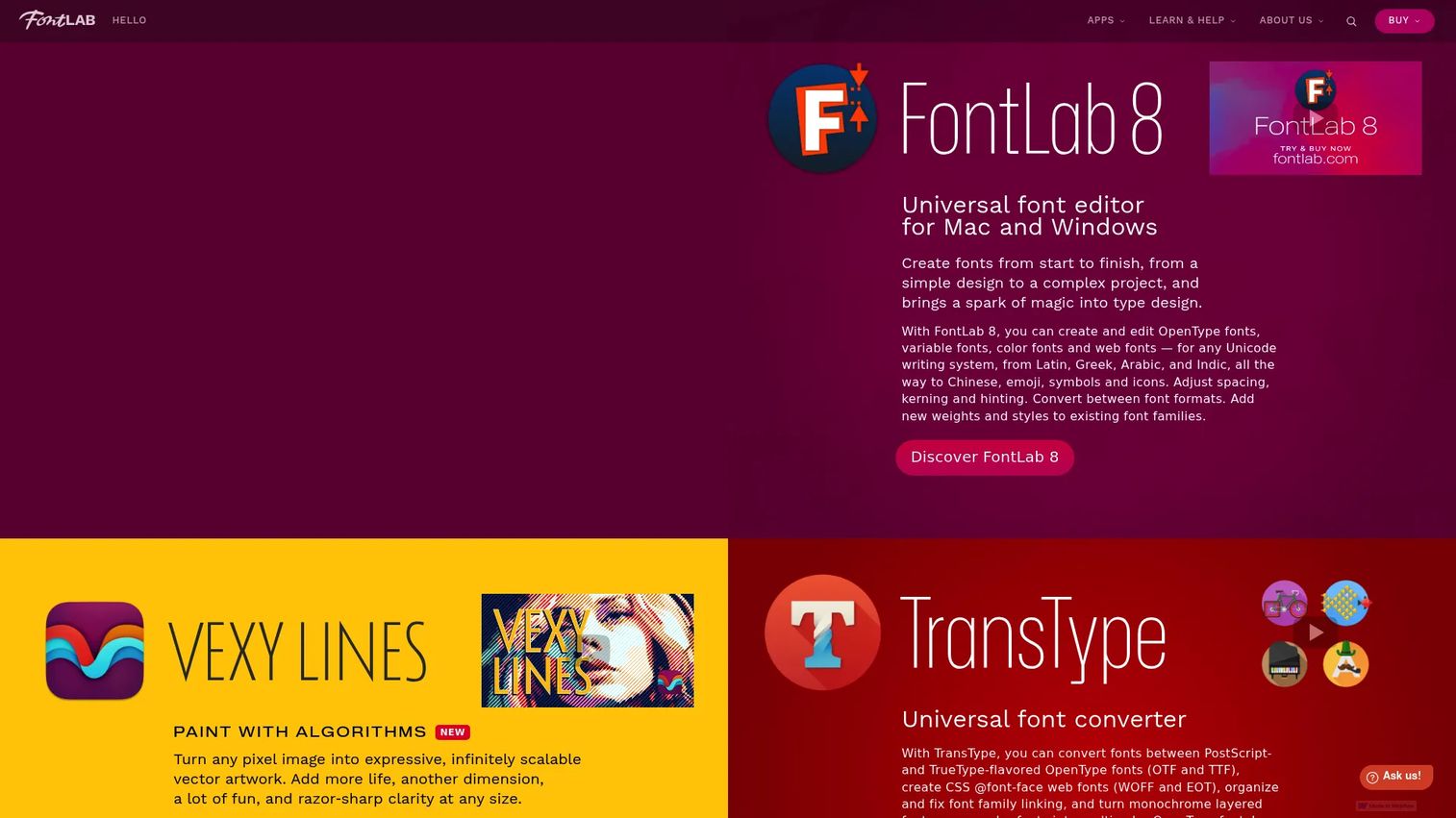
FontLab is a professional font editor and font conversion tool for Mac and Windows. It creates and edits OpenType, variable, color, and web fonts in one environment. The suite handles drawing, spacing, kerning, hinting, and OpenType features, then imports and exports across multiple font and design formats. Foundries reach for it when a project needs the full production pipeline in a single app.
Best for: Typeface designers and foundries that need a pro editor working on either Mac or Windows.
Key features
- Create OpenType, variable, color, and web fonts
- Space, kern, and hint glyphs
- Add OpenType layout features
- Import and export multiple font formats
- Runs on Mac and Windows
Why choose FontLab: Pick FontLab when you need one tool that covers drawing through multi-format export, and you work across both major operating systems. It's built for depth rather than a gentle first hour.
FontLab pricing: FontLab 8 costs $97 for a 3-month Starter license or $499 for a lifetime license. Education pricing runs $335 lifetime or $109 for one year, and upgrades from other editors start at $149. FontLab Pad is free, and a trial is available.
A current G2 rating for FontLab was not available at generation time, so treat community forums and the vendor's own documentation as your reference points.
2. Glyphs
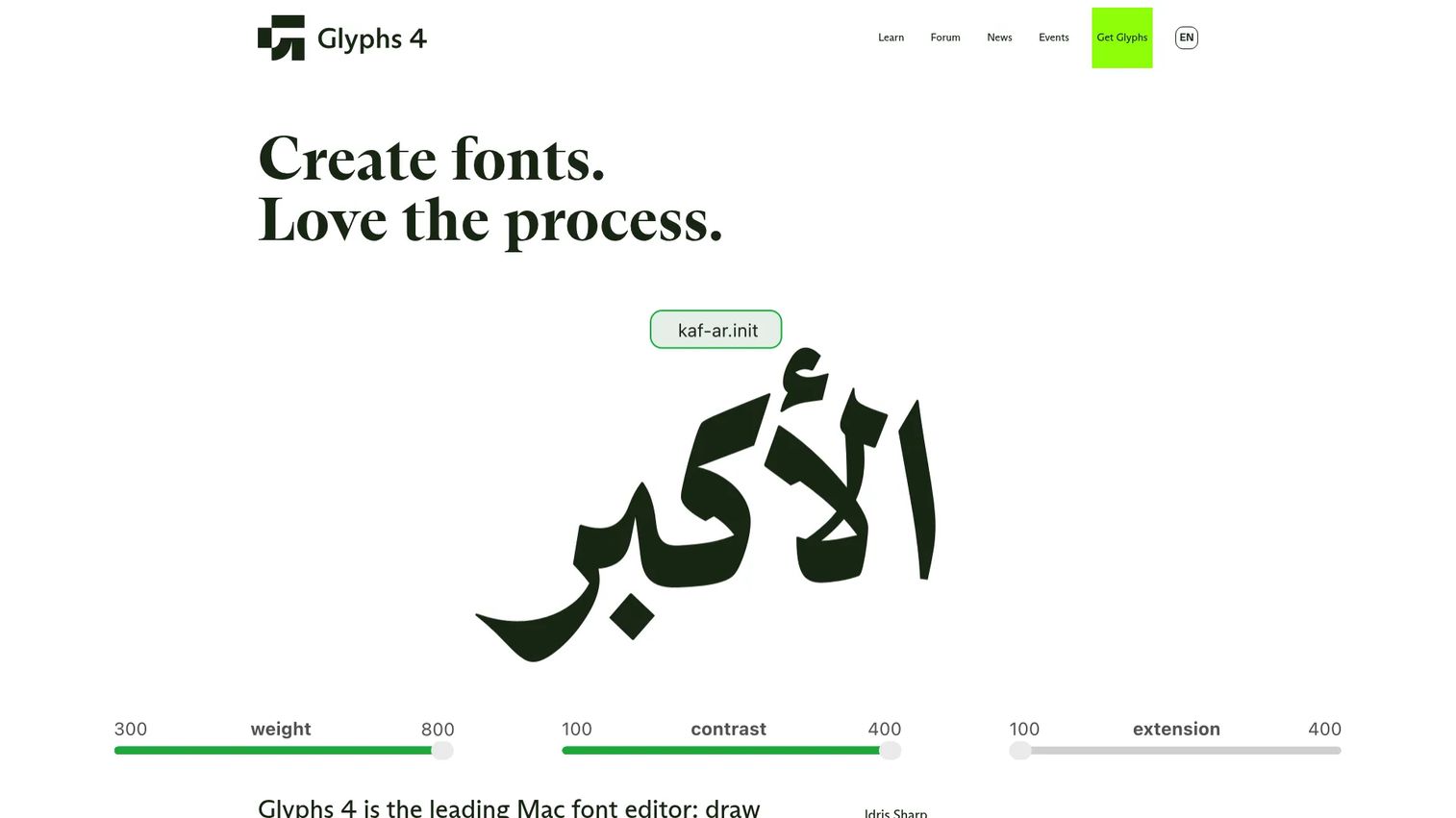
Glyphs is a Mac font editor for building OpenType fonts, variable fonts, and color fonts. It's known for a fast, native workflow and automatic OpenType feature generation. The app scales from Glyphs Mini for newcomers up to Glyphs 4 for full production, so you can start light and grow into the pro tools without switching platforms.
Best for: Type designers and font engineers building OpenType fonts on Mac.
Key features
- OpenType feature editing and auto-generation
- Variable font production
- Color font export
- Plugin and script support
- Mac-native performance
Why choose Glyphs: Choose Glyphs if you work on Mac and want a tool that grows with you. The Mini version keeps the learning curve short, and Glyphs 4 opens the door to production-grade type design.
Glyphs pricing: Glyphs Mini costs €49 one-time, and the full Glyphs 4 app is €319 one-time. Both include a 30-day free trial. Pricing is listed in euros on the vendor site.
Glyphs holds a 4.5 out of 5 rating on G2, where reviewers point to its Mac-native speed and feature automation.
3. FontForge
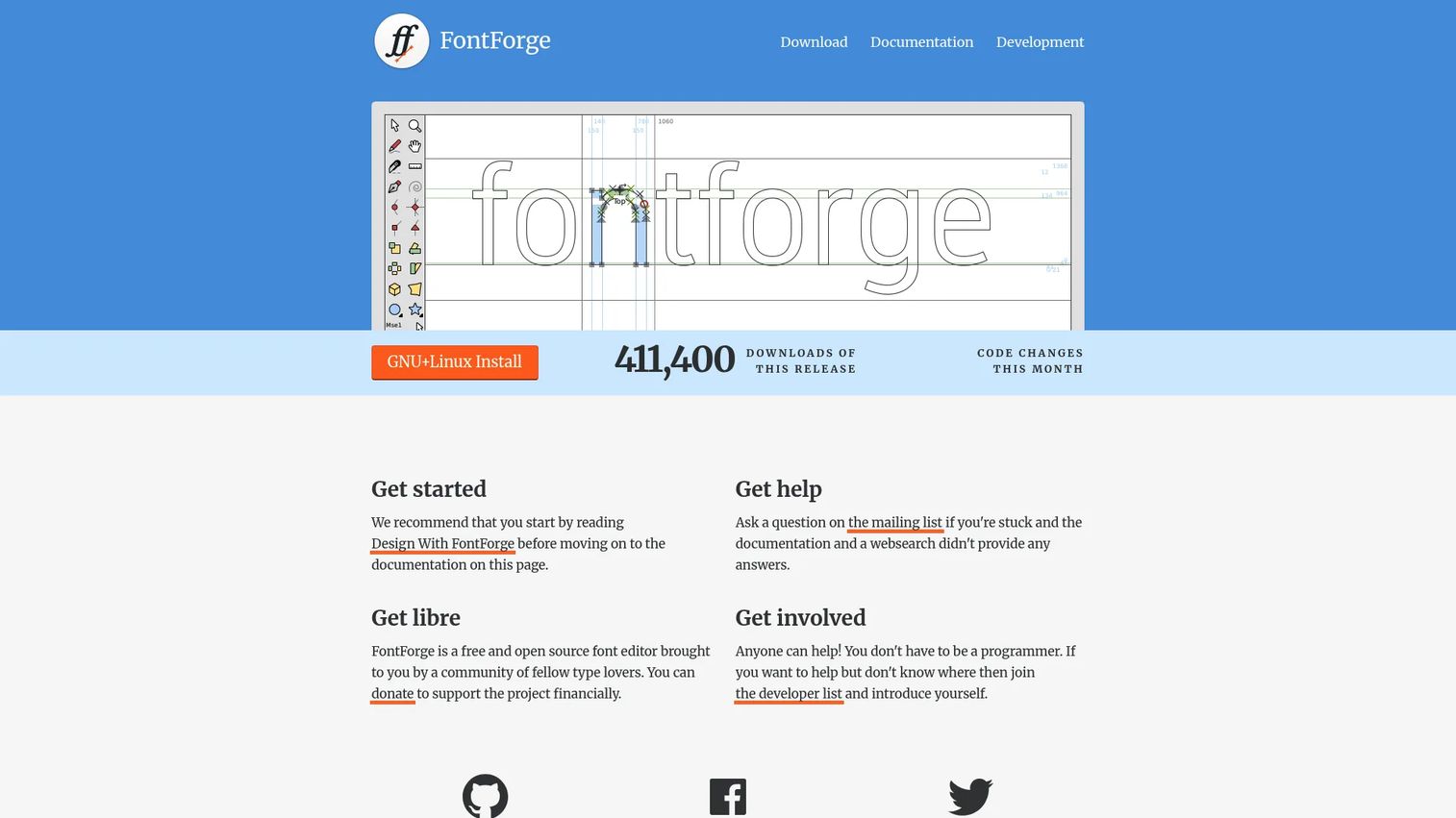
FontForge is a free, open source font editor for creating and modifying fonts. It edits PostScript, TrueType, and OpenType files, and handles outlines, bitmaps, metrics, kerning, lookups, and typographic features. Because it's community-driven and scriptable, it appeals to developers and designers who want full control without a license fee.
Best for: Designers and typographers who need a free font editor for custom creation and modification.
Key features
- Create and modify PostScript, TrueType, OpenType
- Edit outlines, bitmaps, metrics, kerning
- Design typographic features and lookups
- Scripting support
- Runs on Mac, Windows, Linux
Why choose FontForge: Reach for FontForge when budget is the deciding factor and you're comfortable with a utilitarian interface. The trade-off for zero cost is a steeper learning curve than the polished commercial apps.
FontForge pricing: FontForge is free and open source, with downloads for Mac, Windows, and Linux from the official site. There's no paid tier and no subscription.
A current G2 rating for FontForge was not available at generation time, so the project's own documentation and active community threads are your best proxy for support quality.
4. FontCreator
FontCreator from High-Logic is a font editor for designing and modifying TrueType and OpenType fonts, with a Windows-first history and macOS support. It covers TrueType and OpenType editing, variable font authoring, and OpenType layout feature design with proofing built in. The workflow stays approachable, which makes it a practical pick for Windows users who don't want an intimidating pro suite on day one.
Best for: Type designers and font developers who want a full-featured editor without a steep entry.
Key features
- TrueType and OpenType editing and export
- Variable font authoring
- OpenType layout feature design
- Built-in proofing tools
- Windows-centric with macOS support
Why choose FontCreator: Choose FontCreator if you're on Windows and want a perpetual license instead of a subscription. It balances beginner accessibility with enough depth for real font development work.
FontCreator pricing: FontCreator 16 costs $149 for a perpetual lifetime license. The vendor offers a free 30-day trial before you buy.
A G2 rating for FontCreator was not available from an accessible product page at generation time, so check the High-Logic forums for user feedback on specific workflows.
5. RoboFont
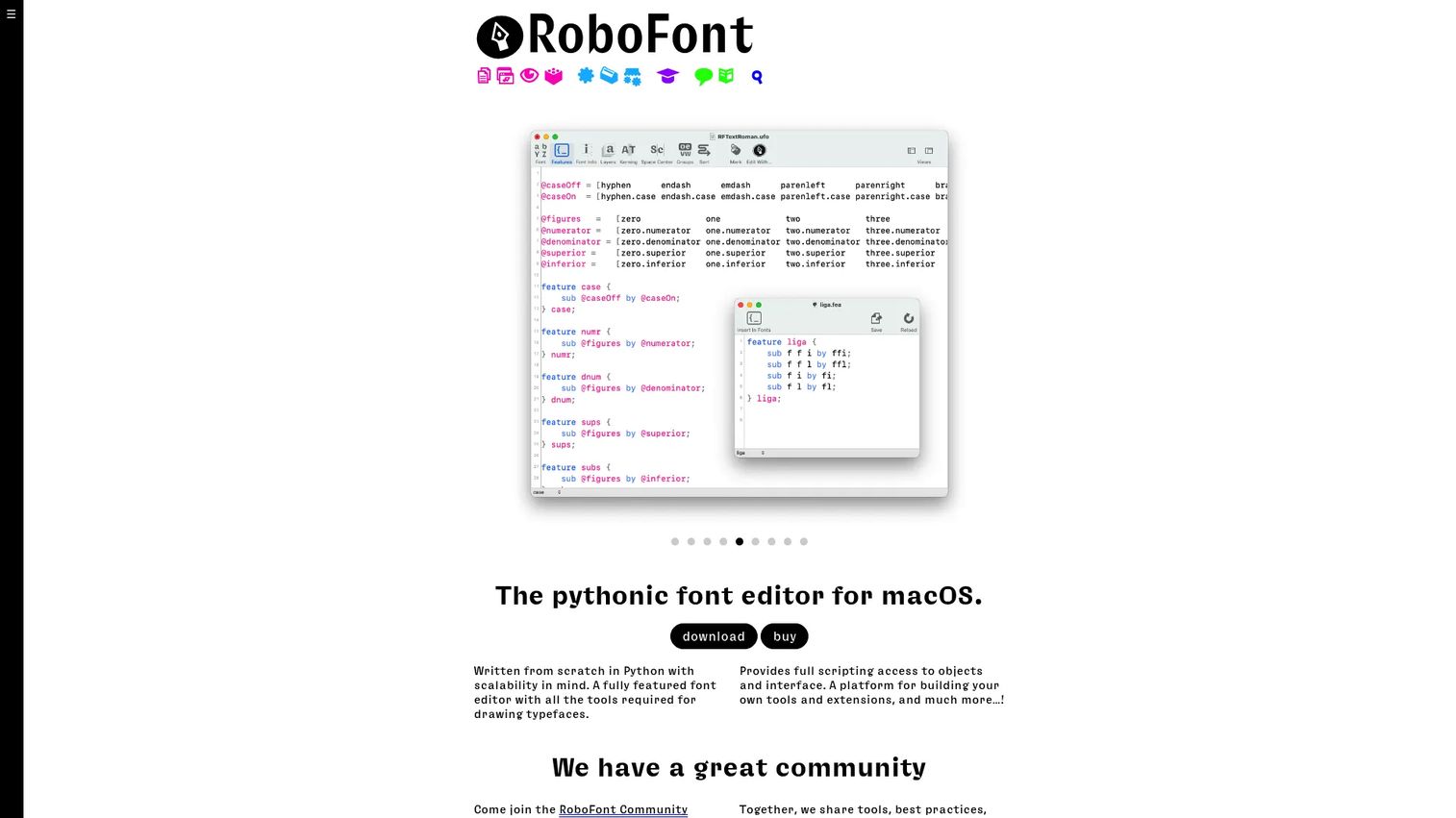
RoboFont is a macOS font editor built for type design with full Python scripting and extensible tools. It handles glyph editing, font overviews, spacing, kerning, and feature editing, and plugs into the UFO ecosystem that many production foundries run on. The scripting layer lets teams automate repetitive tasks and build custom extensions around their pipeline.
Best for: Type designers who need a scriptable, extensible macOS editor for production work.
Key features
- Glyph editing and font overview
- Spacing, kerning, and feature editing
- Python scripting throughout
- Extensible via extensions
- UFO ecosystem support
Why choose RoboFont: Pick RoboFont when your team runs a scripted, UFO-based production workflow and wants to automate around it. It rewards technical users and expects Python comfort in return.
RoboFont pricing: A full RoboFont license costs €400 as a one-time fee for unlimited use. A 30-day trial and a one-year student license are both free, and volume discounts apply for larger teams.
A current G2 rating for RoboFont was not available at generation time, so the type-design community and RoboFont's own docs are the strongest signals on fit.
6. TypeTool
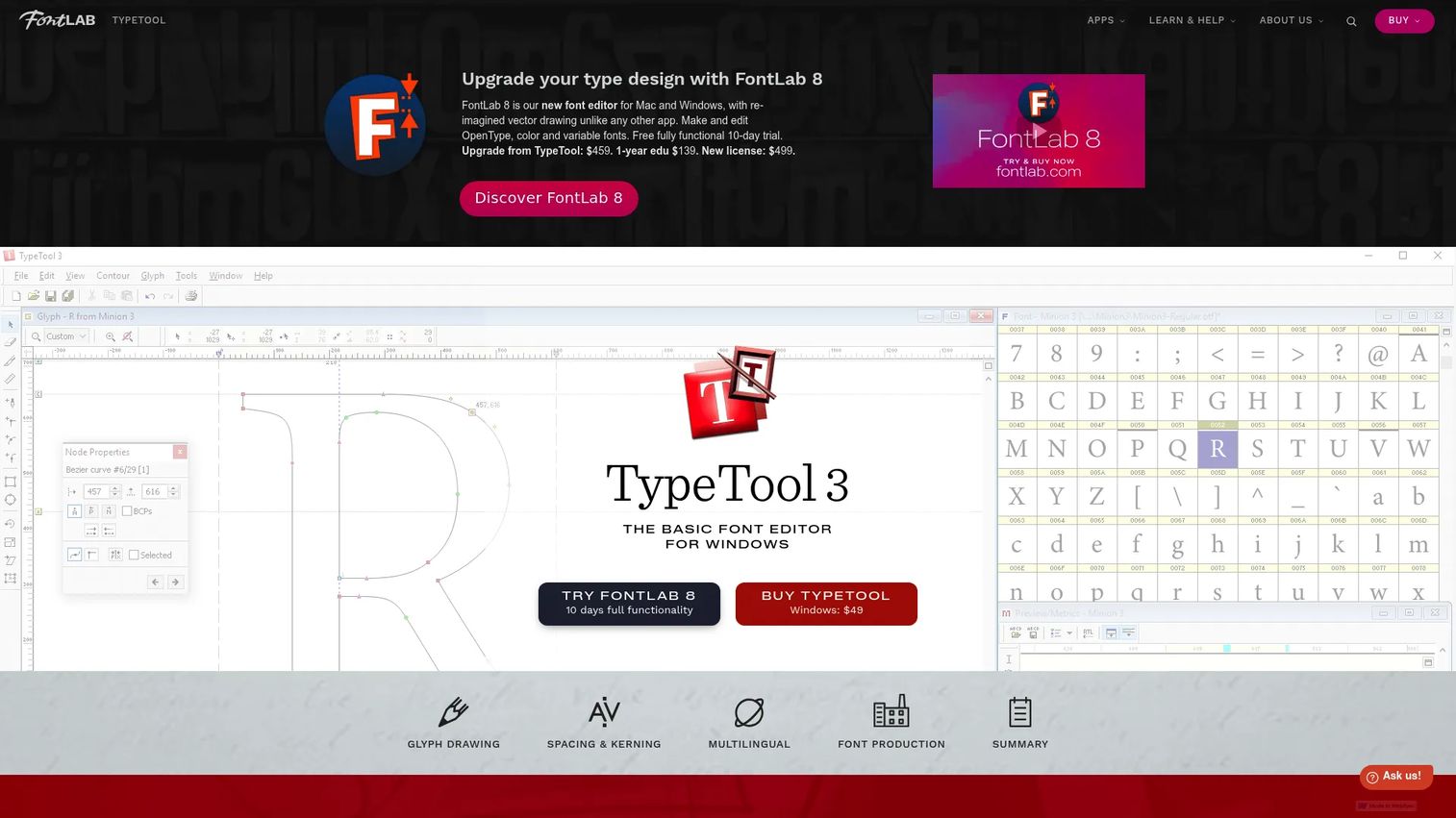
TypeTool is a basic font editor from FontLab for creating and modifying fonts. It gives you glyph drawing tools, spacing and kerning, Unicode and multilingual support, and automatic hinting, with OpenType and TrueType output. As an entry-level tool, it strips the complexity of a full suite down to the essentials a first-time font designer needs.
Best for: Beginning type designers who want a lightweight Windows editor to learn on.
Key features
- Glyph drawing tools
- Spacing and kerning
- Unicode and multilingual support
- Automatic hinting
- OpenType and TrueType output
Why choose TypeTool: Choose TypeTool when you're learning the craft and don't want to pay for depth you won't touch yet. It's a cheap, simple on-ramp before graduating to a pro editor.
TypeTool pricing: TypeTool 3 is a single one-time purchase at $49 for Windows.
A G2 rating for TypeTool was not available from a product-specific source at generation time, so FontLab's own materials and user forums are the practical reference.
7. Fontographer
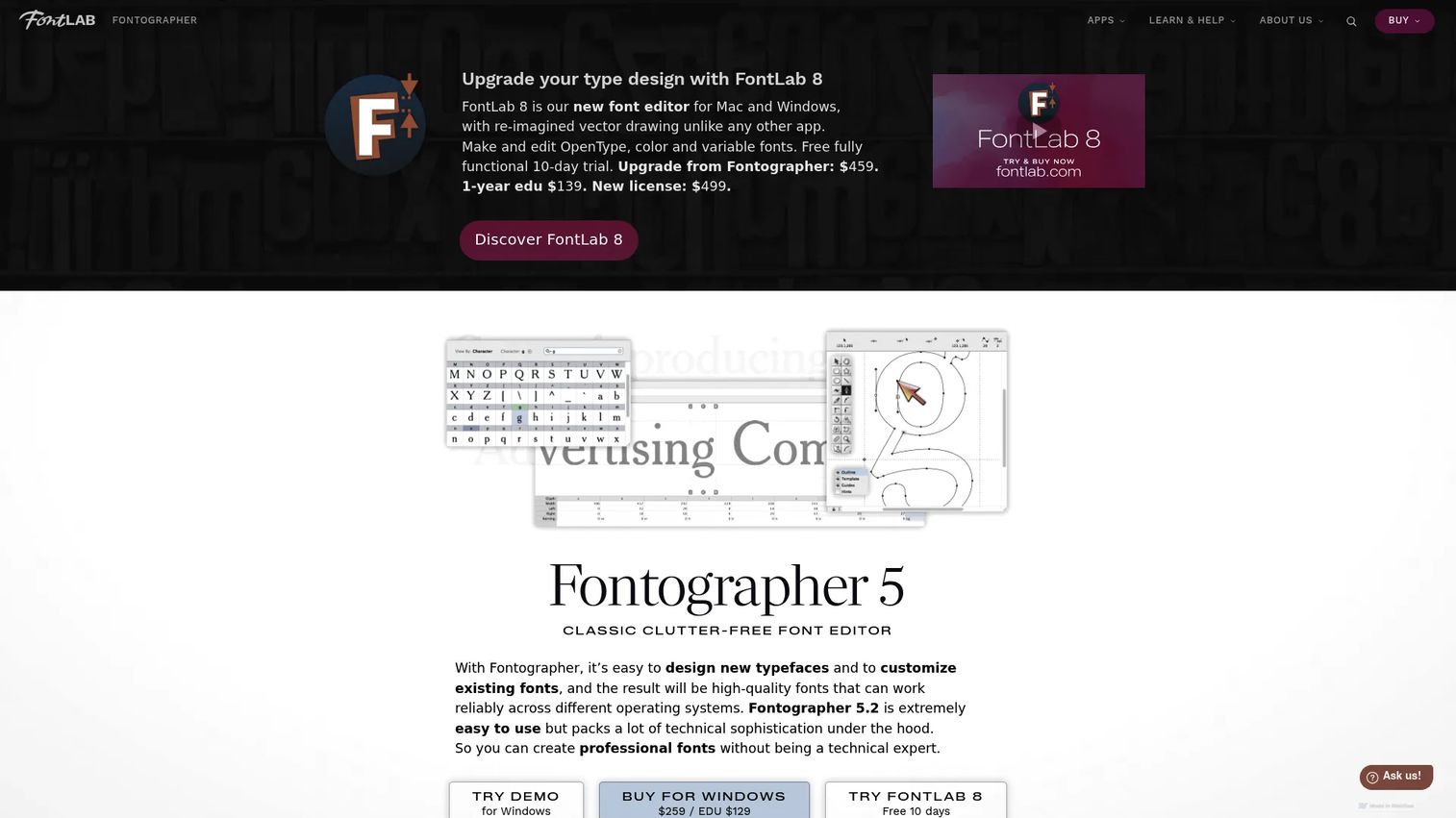
Fontographer is a classic, clutter-free font editor from FontLab for designing and customizing typefaces. It offers Bézier glyph drawing and editing, spacing and kerning tools, and Unicode and OpenType support. The appeal is familiarity and simplicity, since it's a long-running editor that many designers already know.
Best for: Designers who want a simple, legacy editor for straightforward typeface work.
Key features
- Bézier glyph drawing and editing
- Spacing and kerning tools
- Unicode support
- OpenType support
- Clean, minimal interface
Why choose Fontographer: Pick Fontographer if you value a familiar, no-clutter interface over the deepest production features. It fits simpler projects better than large multi-master families.
Fontographer pricing: Fontographer costs $259 as a one-time purchase for Windows, with an education price of $129.
A current G2 rating for Fontographer was not available at generation time, so weigh it on the FontLab site's own feature documentation and community discussion.
Considerations
Before you commit to a font editor, run through these five checks. The wrong pick on any one of them means rework you can't bill back.
Platform compatibility
Confirm the editor runs on your operating system. Glyphs and RoboFont are Mac-only, FontCreator leans Windows, and FontLab and FontForge cover both. A Mac-only tool is a hard stop if your team is on Windows, so settle this first.
File interoperability
Check which source and export formats the tool reads and writes. If you're expanding an existing family, the editor has to open your current files cleanly. UFO support matters for teams collaborating across apps, and clean OpenType export decides whether your type renders correctly downstream.
Workflow depth
Match the tool to how far you're taking the project. A beginner editor like TypeTool is right for learning, but it will limit a multi-master variable font. A pro suite is overkill for a one-off logo tweak, so pay for the depth you'll actually use.
Output formats
Verify support for the formats your channels need. Web fonts want optimization for load speed, variable fonts cut file count, and print needs high-fidelity OpenType. If web is your priority, confirm the conversion tooling produces properly subsetted, compressed web fonts.
Learning curve and team fit
Weigh how fast your team can be productive. Scriptable tools like RoboFont pay off for technical teams but demand Python comfort. Simpler editors get someone shipping faster. Factor training time into the real cost, not just the license.
Conclusion
The right typography software comes down to platform, depth, and budget rather than any single best-in-show winner.
FontForge is the free open source pick that runs everywhere. TypeTool is the cheapest way for a beginner to learn the craft. FontLab is the professional suite for foundries needing full conversion and variable fonts. FontCreator suits Windows users who want a perpetual license, and Glyphs is the Mac-native choice with a Mini-to-pro path.
Start by naming your platform and your output needs, then match those against the two or three tools that qualify. Run the free trials before you pay, since a weekend inside the editor tells you more than any spec sheet. From there, pick the tool that gets your team shipping fonts without fighting the interface.
Start your journey with Guideflow today!
FAQs
TypeTool is a strong starting point at $49, with a stripped-down interface that teaches the basics without pro-suite complexity. Glyphs Mini at €49 is another beginner-friendly option if you're on Mac. Both keep the learning curve short so you focus on drawing rather than menus.
Glyphs is the leading Mac-native choice, holding a 4.5 out of 5 on G2 for its fast workflow and OpenType feature automation. RoboFont is the other serious Mac editor, built for scriptable, production-grade type design. FontLab also runs on Mac if you want cross-platform coverage.
FontCreator is Windows-first, sold as a $149 perpetual license with variable font authoring and proofing tools. FontLab supports Windows too and adds broader multi-format conversion. TypeTool and Fontographer are also available for Windows at lower price points.
FontForge is free, open source, and capable of producing real, shippable fonts across PostScript, TrueType, and OpenType. It handles the full pipeline from drawing to export. The trade-off is a more utilitarian interface and a steeper learning curve than the polished commercial editors.
Look for drawing and glyph editing, spacing and kerning, OpenType feature design, and clean export to the formats your channels need. Variable font support and Unicode coverage matter for modern, multilingual type. Hinting tools decide whether your fonts render cleanly at small sizes.
The terms overlap heavily, and most tools do both. Font editor software emphasizes modifying and refining existing fonts, while font creation software emphasizes building a typeface from a blank glyph set. Suites like FontLab and Glyphs cover the full range, from first outline to final conversion.
Yes. FontLab, Glyphs, FontCreator, and RoboFont all support variable font production, generating weights and widths from master designs through interpolation. A single variable file replaces many static weights, which cuts web page weight and simplifies web font delivery.
FontLab and RoboFont both target professional production, with FontLab offering deep multi-format conversion and RoboFont offering Python scripting and UFO ecosystem support. Glyphs 4 also serves pros, especially on Mac. The right pick depends on your platform and whether your workflow is script-driven.










