Close week arrives. Your controller is up late matching bank statements to the general ledger in a spreadsheet that three people edited at once. One formula broke. Two transactions don't tie out. Nobody can explain why the cash account is off by $412.
You've lived this, or your finance lead has. And the cost is not just the late night. It's the delay to board-ready numbers, the errors that slip through, and the review cycle that stretches from days into a full week.
The market has grown around this exact pain. The global reconciliation software market reached USD 2.3 billion in 2025 and is projected to grow at a 15.0% CAGR from 2026 through 2034, according to Fortune Business Insights (2025). That is not hype. It is finance teams moving off spreadsheets and onto rule-based matching, exception workflows, and audit-ready reporting.
Reconciliation automation software is a control and speed problem, not just an accounting chore. Match faster, catch exceptions sooner, and close the books without adding headcount. This guide breaks down the tools that do it well.
What's inside
This guide is for finance leaders, controllers, RevOps owners, and founders comparing reconciliation automation software for 2026. Every tool here was picked against the criteria that actually decide fit for a finance stack.
- Matching accuracy: how well the tool handles rule-based and automated transaction matching
- ERP and source integration: whether it connects to your ledger, banks, and payment systems
- Exception handling: how unresolved items get routed, commented on, and closed
- Audit trails and controls: review history, sign-off visibility, and compliance support
- Implementation and adoption: how fast finance teams get to value
TL;DR
Short on time? Here are the fast picks by team type.
- Best for fast-growing finance teams: Numeric, with modern close workflows and quick implementation
- Best for enterprise close controls: BlackLine, built for balance sheet reconciliation and governance at scale
- Best for accounting teams wanting workflow discipline: FloQast, strong on close coordination and team adoption
- Best for broad financial ops automation: Trintech, deep on transaction matching and controls
- Best for rules-heavy, transformation-heavy matching: SolveXia, a no-code data automation engine
- Best for EPM-led enterprises: OneStream, reconciliation inside a unified finance platform
What is reconciliation automation software?
Reconciliation automation software matches financial records from different sources, flags the items that don't agree, and routes those exceptions for review, so finance teams close the books faster and with fewer errors.
In plain terms, it replaces the spreadsheet where you paste a bank export next to a ledger export and eyeball the differences. Instead, the software pulls both feeds, applies matching rules, and surfaces only the breaks that need a human.
Automated reconciliation software typically covers a few core capabilities:
- Automated matching: rule-based and AI-assisted matching across records from ERPs, banks, payment processors, AP, and AR
- Exception routing: unresolved items get assigned, commented on, and tracked to resolution
- Audit trails: every match, edit, and sign-off is logged for compliance and review
- Report generation: close-ready reconciliation reports and balance sheet substantiation
- Integration depth: connectors to general ledger, bank feeds, and payment systems
Financial reconciliation software spans several jobs: bank reconciliation software ties cash to statements, general ledger reconciliation software substantiates balance sheet accounts, and payment reconciliation software matches processor payouts to orders. The best tools handle more than one of these without forcing manual exports between systems.
When to use reconciliation automation software
Not every team needs a dedicated platform on day one. Here is how to tell when spreadsheets stop being enough.
When manual matching starts slowing close
If your close depends on one person matching thousands of lines by hand, you have a single point of failure. Email threads about mismatches, late-night exception triage, and version-conflict spreadsheets are the early warning signs. When the same reconciliation break shows up every month, a rules engine pays for itself.
When you need stronger controls and auditability
SOX, investor diligence, and board reporting all demand a clean paper trail. Manual reconciliation makes review history hard to reconstruct and sign-off visibility almost impossible. Account reconciliation software with built-in audit trails gives you preparer and reviewer roles, comment history, and time-stamped approvals. That is the difference between passing an audit smoothly and scrambling for evidence.
When finance data comes from too many systems
Bank feeds, ERP exports, AP and AR files, payment processor statements, and multi-entity data rarely live in one place. The more sources you juggle, the more the exports pile up. Transaction matching software that connects to those systems directly removes the copy-paste step and keeps every reconciliation running on current data.
Comparison table
Use this table as a quick scan to build your shortlist. It covers what each reconciliation automation software is best for, its key differentiator, pricing, and G2 rating. Verify current figures on each vendor's site before you buy, since enterprise pricing is often quote-based.
| # | Product | Best for | Key differentiator | Pricing | G2 rating |
|---|---|---|---|---|---|
| 1 | Numeric | Fast-growing finance teams | Modern close plus auto-reconciliation | From $30/user/mo | 4.8/5 |
| 2 | BlackLine | Enterprise close controls | Deep balance sheet reconciliation | Custom | 4.5/5 |
| 3 | FloQast | Accounting workflow discipline | Close coordination and team adoption | Custom | 4.6/5 |
| 4 | Trintech | Financial ops automation | Daily transaction matching at scale | Custom | 4.5/5 |
| 5 | SolveXia | Rules-heavy data automation | No-code matching and transformation | Quote-based | 4.7/5 |
| 6 | OneStream | EPM-led enterprises | Reconciliation inside unified EPM | Custom | 4.6/5 |
| 7 | Oracle | Oracle Cloud EPM shops | Native fit with Oracle ecosystem | Custom | Not listed |
| 8 | Adra | Mid-market close teams | Practical close automation suite | Custom | 4.5/5 |
Best reconciliation automation software for 2026
Here are the eight tools broken down in detail. Each entry covers who it fits, key strengths, why you'd choose it, and pricing.
1. Numeric
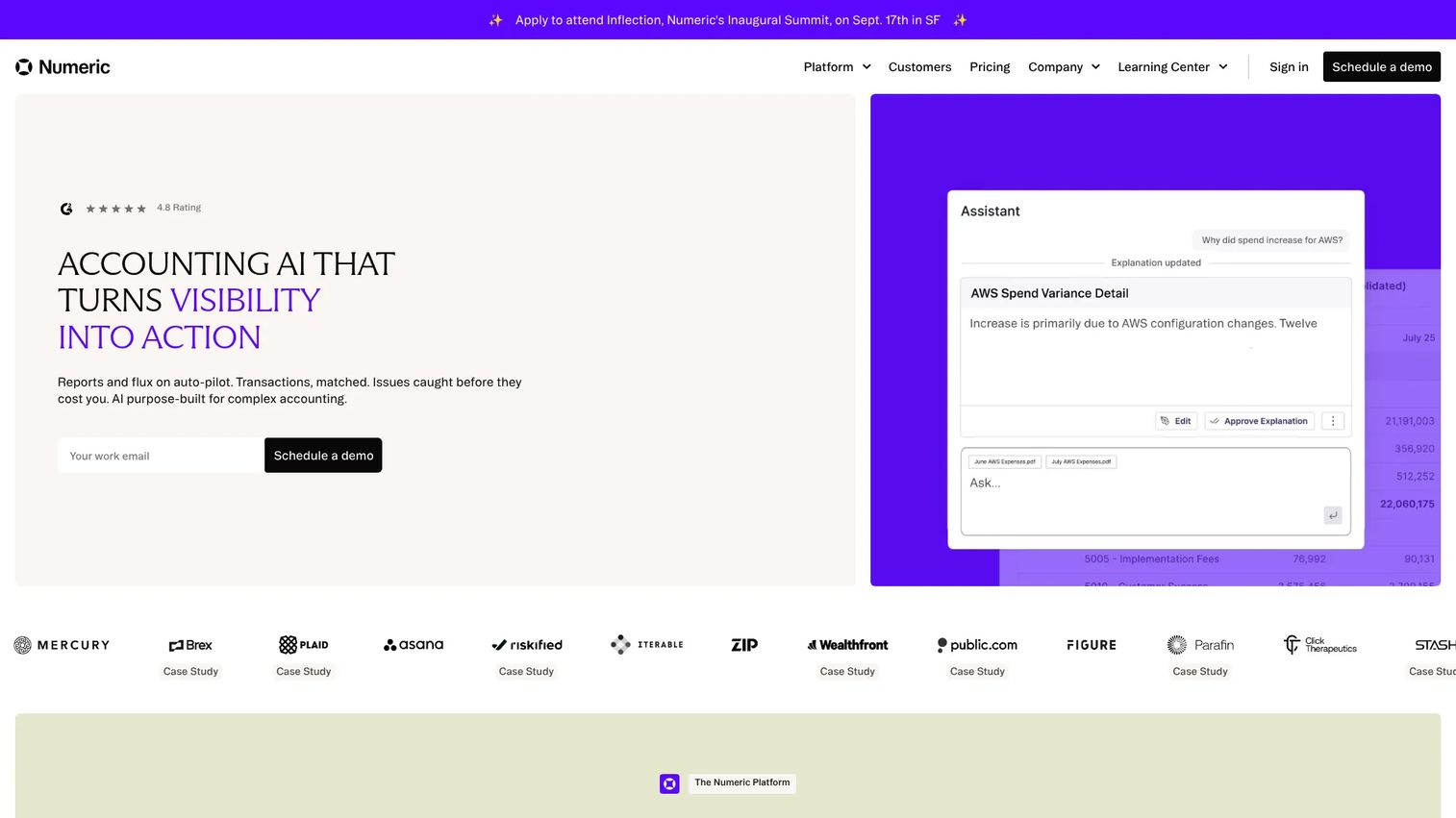
Numeric is close management software built for finance teams that want structure without enterprise bloat. It handles month-end, quarter-end, and year-end task management alongside reconciliations and auto-reconciliation. For a scaling SaaS finance team, the appeal is speed to value and a workflow finance staff actually adopt.
Best for: Finance teams managing a structured month-end close who want fast implementation.
Key strengths
- Month-end, quarter-end, and year-end task management
- Reconciliations with auto-reconciliation
- Flux analysis and reporting
- Modern interface built for finance team usability
- Structured close workflows that scale with the team
Why choose Numeric: If your close is outgrowing spreadsheets but you don't want a six-month enterprise rollout, Numeric hits the middle. It gives fast-moving teams reconciliation and close discipline without heavy setup, which matters when finance is still lean.
Pricing: Essentials starts at $30 per user per month. Growth and Enterprise plans are custom-priced, quoted based on team size and needs.
2. BlackLine
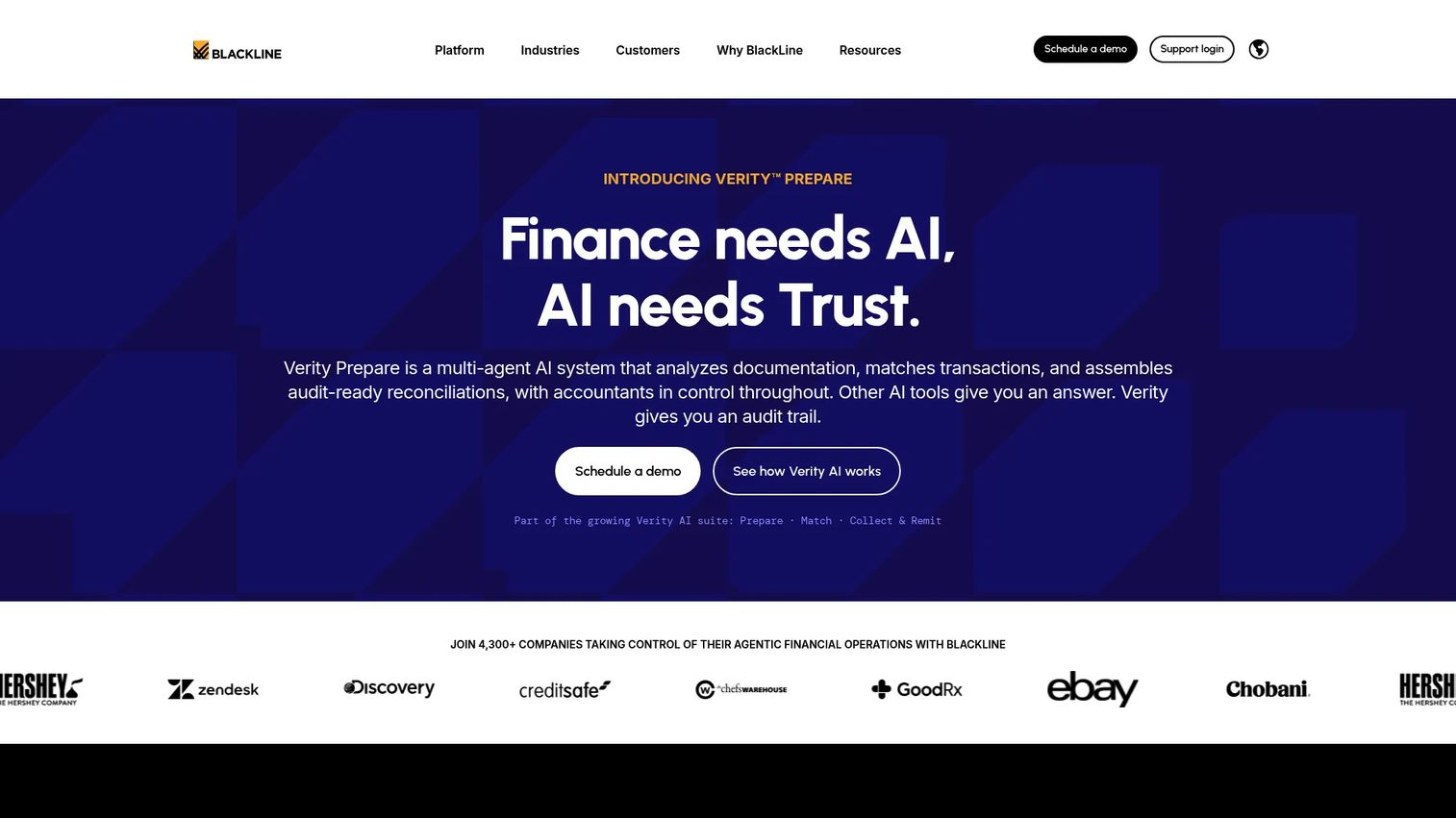
BlackLine is a cloud-based financial close and accounting automation platform aimed at mid-market to enterprise finance teams. It covers financial close management, account reconciliations, transaction matching, journal entry automation, and consolidation. When controls and standardization matter more than speed of setup, BlackLine is the reference point.
Best for: Mid-market to enterprise finance teams automating close, reconciliations, and compliance workflows.
Key strengths
- Financial close management across entities
- Account reconciliations and transaction matching
- Journal entry automation and consolidation
- Strong controls, review workflows, and visibility
- Standardized processes for large finance organizations
Why choose BlackLine: Choose it when governance is the priority. Balance sheet reconciliation, preparer and reviewer separation, and audit-ready evidence are core here. For finance teams under SOX or investor scrutiny, that control layer is the whole point.
Pricing: BlackLine's site is demo-led, with no public pricing figure listed. Pricing is quoted after a demo, scaled to your finance organization.
3. FloQast
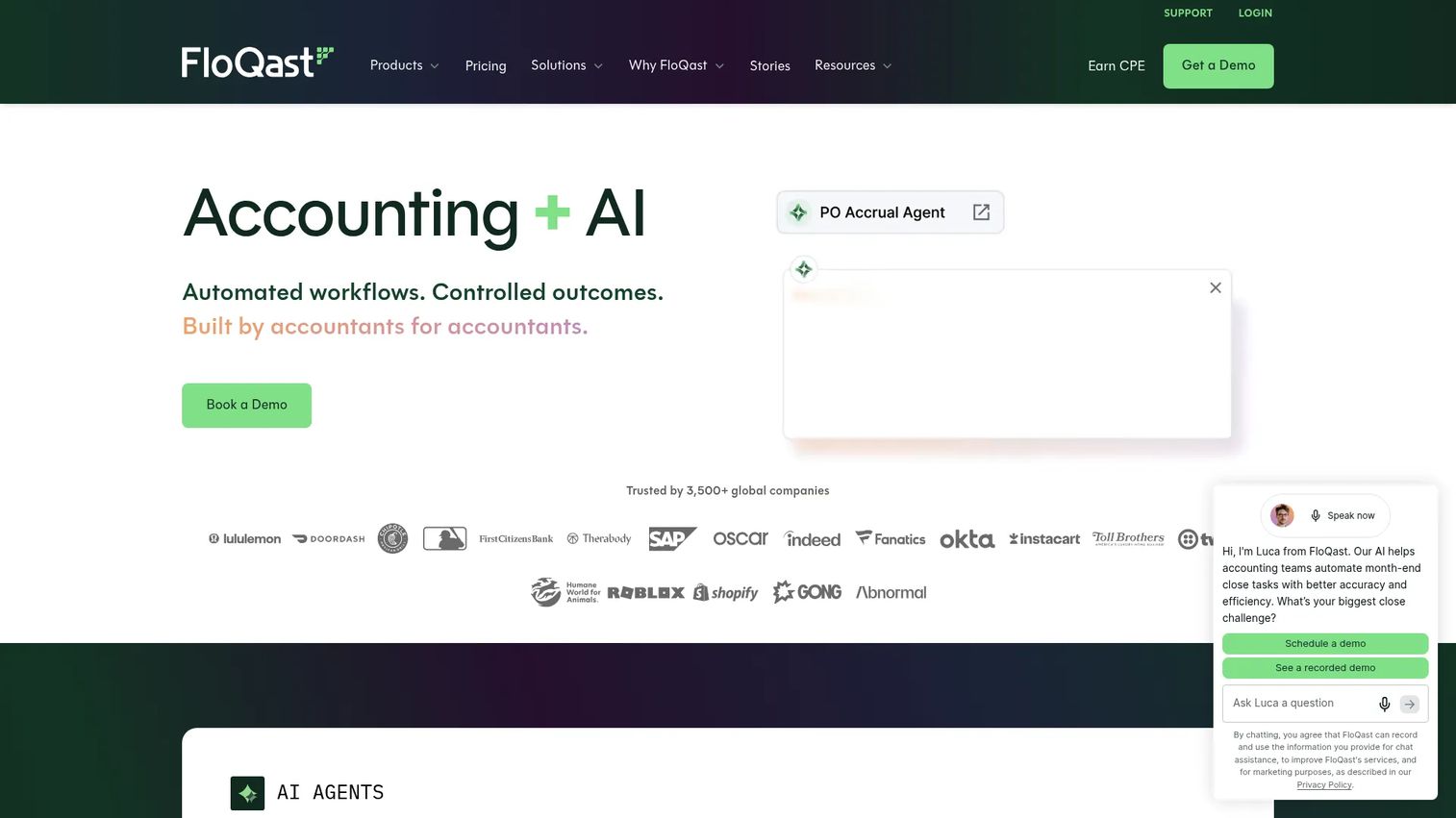
FloQast is accounting transformation software focused on automating close, compliance, reporting, and finance operations. It shines at the coordination layer: who owns which close task, what's done, and what's blocking sign-off. For accounting teams that want workflow discipline, FloQast keeps everyone moving in sync.
Best for: Mid-market to enterprise accounting teams automating close, compliance, and reporting workflows.
Key strengths
- Close optimization with workflow and control management
- Connected compliance and automated evidence collection
- Integrated record-to-report with variance analysis
- Consolidated reporting across the close
- Team collaboration around close tasks
Why choose FloQast: Pick FloQast when adoption is your risk, not features. It was built by accountants and tends to land well with accounting teams, which drives real usage. Strong close coordination means fewer dropped tasks and cleaner sign-offs.
Pricing: FloQast states there are no per-user fees, with pricing tailored to business outcomes. Published packages are Contact Sales only, so you'll get a quote after a conversation.
4. Trintech
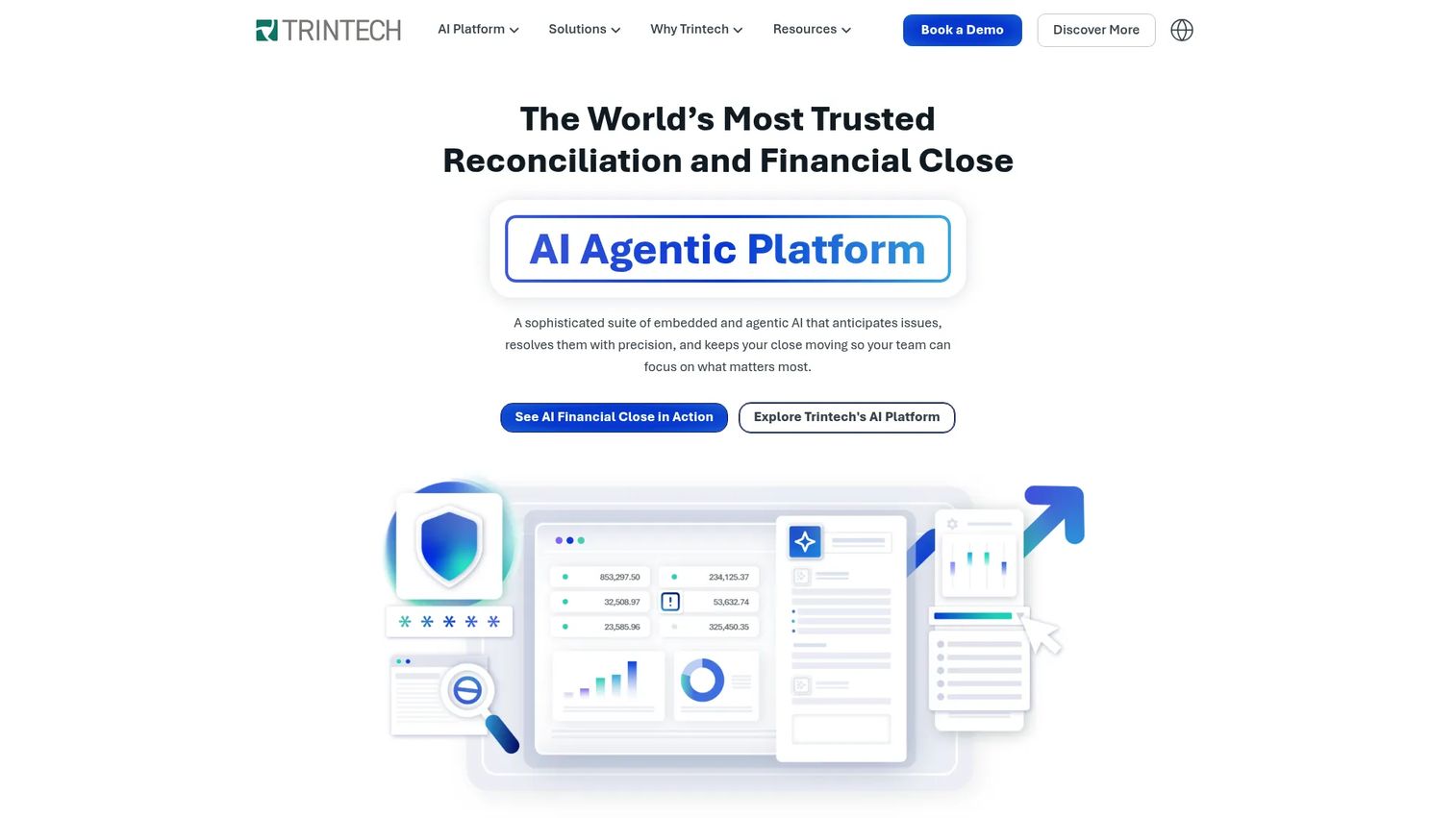
Trintech is AI financial close and reconciliation software for finance and accounting teams operating at scale. It covers transaction matching, daily reconciliation, account reconciliation, close management, and audit and compliance workflows. For large finance organizations with high transaction volume, Trintech is built for the operational load.
Best for: Mid-sized to enterprise finance teams needing reconciliation and close automation.
Key strengths
- Transaction matching and daily reconciliation
- Account reconciliation and close management
- Audit and compliance workflows
- Financial controls for large finance orgs
- Operational scale for high-volume matching
Why choose Trintech: Choose Trintech when volume is the challenge. Daily reconciliation and high-throughput transaction matching handle the kind of load that breaks spreadsheets and slows lighter tools. It fits finance teams running complex, multi-source operations.
Pricing: Trintech uses demo and contact-sales pricing, with no public figures listed. Expect a quote scaled to reconciliation volume and close scope.
5. SolveXia
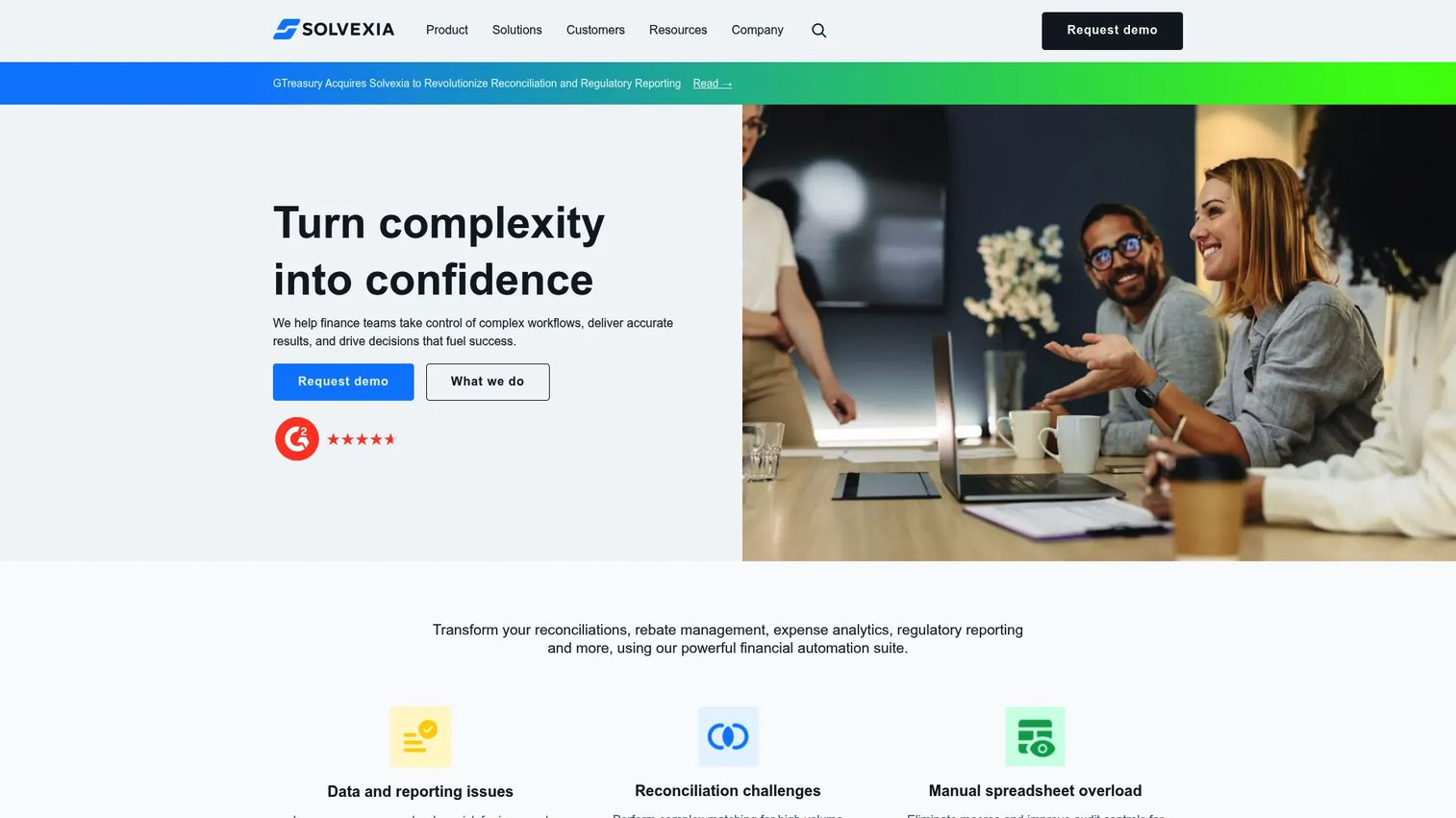
SolveXia is a cloud-based finance automation and reconciliation platform for teams with high-volume, transformation-heavy data. Its strength is a no-code engine with AI-powered matching rules, so finance can configure complex reconciliations without engineering. When source data is messy and rules are intricate, SolveXia handles it.
Best for: Finance teams needing high-volume reconciliation and automation across complex source data.
Key strengths
- AI-powered matching rules for reconciliations
- Real-time dashboards, workflows, and approvals
- Audit trails built into every process
- Drag-and-drop, no-code configuration
- Cloud deployment for transformation-heavy use cases
Why choose SolveXia: Choose SolveXia when your reconciliations need heavy data transformation before matching. The no-code builder lets finance own rules-heavy logic directly, without waiting on IT. That matters when source files never arrive in the same shape twice.
Pricing: SolveXia charges a per-user subscription and asks prospects to contact sales for a quote. No public numeric price is listed on its site.
6. OneStream
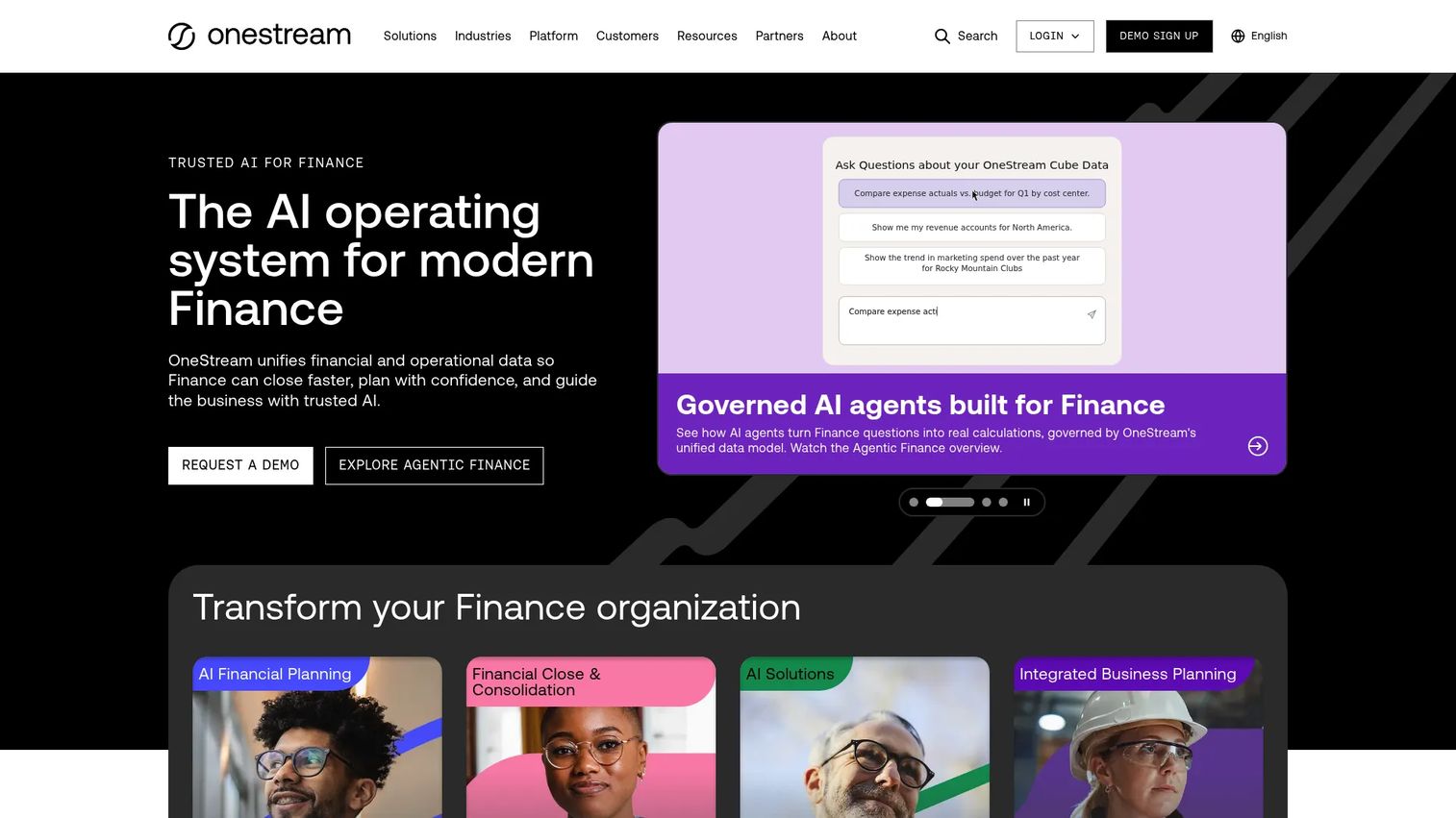
OneStream is an enterprise finance platform that unifies financial close, consolidation, planning, reporting, ESG, and operational data with embedded AI. Reconciliation lives inside a broader platform, which suits finance leaders who want consolidation and control in one stack rather than a point tool. For EPM-led organizations, that unification is the draw.
Best for: Mid-market to enterprise finance teams needing a unified EPM platform.
Key strengths
- Unified close, consolidation, planning, and reporting
- Embedded AI for forecasting and finance workflows
- Reconciliation inside a broader EPM platform
- ESG and operational data in one place
- Microsoft 365 and Power BI connectivity
Why choose OneStream: Pick OneStream when you want reconciliation as part of a single finance platform, not a separate tool to integrate. Consolidating close, planning, and reporting reduces stitching between systems, which helps finance leaders who value one source of truth.
Pricing: OneStream does not list public pricing, and documentation notes a per-user construct. You'll get a quote after engaging with sales.
7. Oracle
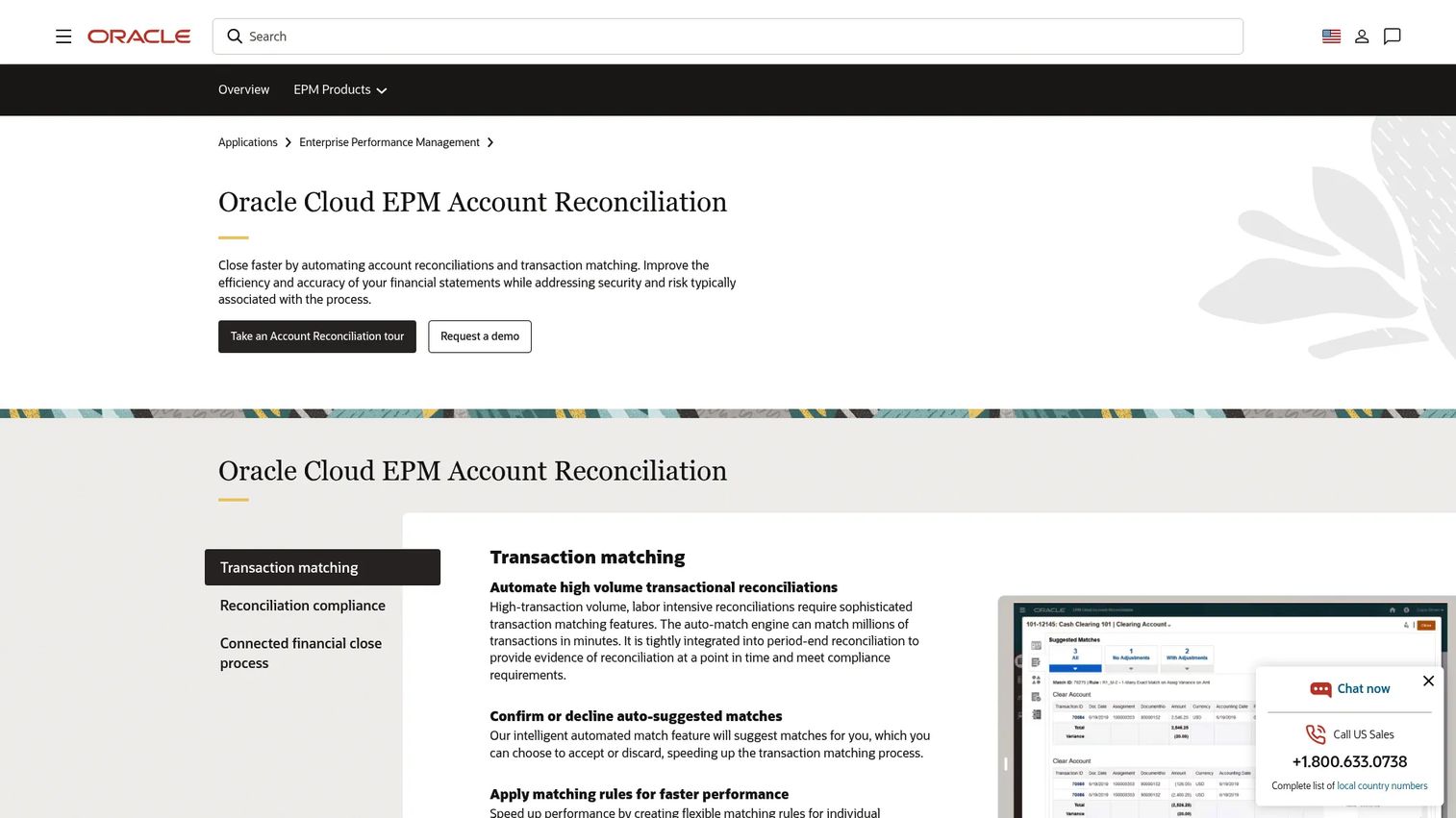
Oracle offers cloud EPM account reconciliation software for automating reconciliations, transaction matching, and financial close controls. It's sold as part of Oracle Cloud EPM subscriptions, so it fits organizations already committed to Oracle. For those shops, the ecosystem alignment and enterprise depth are hard to beat.
Best for: Enterprise finance teams needing automated account reconciliations within Oracle Cloud EPM.
Key strengths
- Transaction matching
- Reconciliation compliance workflows
- Audit support and reporting
- Native fit with the Oracle ecosystem
- Enterprise-grade depth for large finance orgs
Why choose Oracle: Choose Oracle Account Reconciliation when you already run Oracle Cloud EPM. The native fit removes integration friction and keeps reconciliation, close, and reporting in one ecosystem. For committed Oracle shops, that alignment outweighs adopting a separate tool.
Pricing: Oracle sells Account Reconciliation as part of Oracle Cloud EPM subscriptions, with no public price shown. The page routes to a demo or sales contact for a quote.
8. Adra
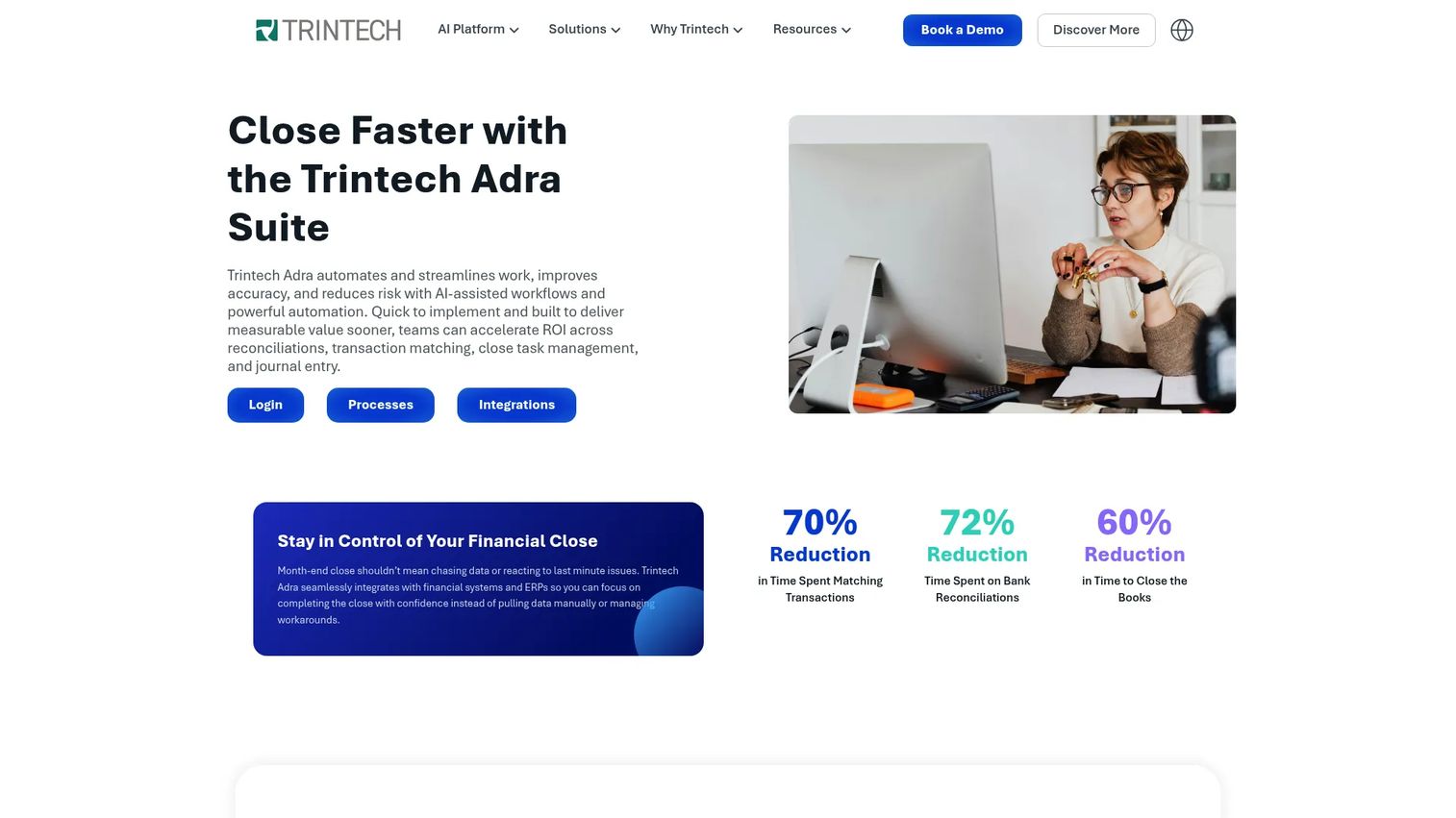
Adra by Trintech is a financial close automation suite covering reconciliations, matching, task management, analytics, and journal entry. It targets mid-market finance teams that need balance sheet reconciliation and close support without full enterprise weight. For practical accounting workflow support, Adra fits the space between light tools and heavy platforms.
Best for: Mid-market finance teams needing to automate and control the financial close.
Key strengths
- Automated multi-way transaction matching
- Balance sheet reconciliations with audit-ready controls
- Close task management with centralized checklists
- Real-time reporting and analytics
- Journal entry creation, posting, and reporting
Why choose Adra: Choose Adra when you want structured close automation sized for the mid-market. Balance sheet reconciliation with audit-ready controls gives you the discipline of a larger platform without over-buying. It's a practical fit for growing accounting teams.
Pricing: Adra uses a demo-first model, with no public pricing listed on its page. Pricing is quoted based on close scope and team size.
Considerations
Before you commit, run every shortlisted tool through this checklist. The right choice depends on your data, controls, and team size, not on the longest feature list.
Match volume and complexity to automation depth
Simple bank reconciliation software may be enough if you're matching a few hundred lines a month. But high-volume, multi-source matching needs a real rules engine. Map your actual transaction volume and matching complexity before you evaluate, or you'll over-buy or under-buy.
Check ERP and source system integrations
The tool that connects to your ERP, bank feeds, and payment processors saves real time. The one that doesn't just adds a new export step. Confirm native connectors for your general ledger and source systems first. Integration depth decides whether reconciliation gets faster or just moves the manual work.
Review exception handling and audit trails
Matching is easy. Handling the items that don't match is the hard part. Look at how each tool routes unresolved exceptions, captures comments, and logs resolution history. Strong exception management and a clean audit trail are what turn reconciliation from a task into a control.
Evaluate implementation speed and internal adoption
The best tool is useless if accounting won't use it. A fast implementation and an interface finance staff actually like beat a powerful platform nobody adopts. Ask about time to first close and involve the team that will run it daily during the trial.
Compare pricing against close-time savings
Enterprise reconciliation platforms are quote-based, so weigh cost against the hours saved each close. A tool that cuts a week-long close to three days pays for itself in controller time and faster board reporting. Frame ROI against your team size and current process pain.
Conclusion
Reconciliation automation software is not a nice-to-have once your close depends on spreadsheets and heroics. The right tool replaces manual matching with rule-based logic, routes exceptions instead of burying them in email, and gives you an audit trail that survives diligence.
Start with the shortlist. Numeric fits fast-growing finance teams that want structure fast. BlackLine and Trintech carry enterprise close controls and high-volume matching. FloQast wins on accounting workflow discipline and adoption. SolveXia handles rules-heavy, transformation-heavy data. OneStream and Oracle suit finance leaders who want reconciliation inside a broader EPM stack, and Adra fits the mid-market close.
Use the comparison table as your starting point. Match your transaction volume, source systems, and control requirements against each tool, then run a short trial with the team that will actually own the close. The right pick is the one your finance team adopts and your auditors trust.
FAQs
Reconciliation automation software matches financial records from different sources, flags items that don't agree, and routes those exceptions for review. It replaces manual, spreadsheet-based matching with rule-based logic, so finance teams close the books faster and with fewer errors while keeping a clean audit trail.
It pulls data feeds from your ERP, banks, and payment systems, then applies matching rules to pair transactions automatically. Anything that doesn't match becomes an exception, which gets assigned, commented on, and tracked to resolution. Every match and sign-off is logged for audit purposes.
Most core types can be automated: bank reconciliation, general ledger and balance sheet reconciliation, payment and processor reconciliation, and AP and AR matching. Transaction matching software handles the heavy-volume comparisons, while close platforms add task management and sign-off workflows across all of them.
No. Tools like Numeric and Adra serve fast-growing and mid-market teams, while BlackLine, Trintech, OneStream, and Oracle scale to large enterprises. The right fit depends on your transaction volume, source systems, and control needs, not just headcount.
It varies widely. Modern close tools built for smaller finance teams can be running in weeks. Enterprise reconciliation platforms with deep ERP integration and multi-entity setups often take months. Ask each vendor about time to your first automated close during evaluation.
Look at how unresolved items get routed and owned, whether the tool captures comments and resolution history, and how easily reviewers can see what's outstanding. Strong exception management turns reconciliation breaks from a scramble into a controlled, trackable workflow with clear accountability.
It logs every match, edit, comment, and approval with a timestamp and user, so you can reconstruct exactly what happened. Preparer and reviewer roles, sign-off visibility, and automated evidence collection give auditors the paper trail they need without manual assembly.
For recurring, high-volume reconciliations, yes, and it should. Spreadsheets still work for one-off analysis or edge cases, but they break down as a repeatable close process. Automating the recurring matching and exception workflow removes the version conflicts, formula errors, and single-person dependency that spreadsheets create.