Your CRM tells you what happened last quarter. Predictive analytics software in a USD $18.89 billion market tells you what will happen next quarter, and which deals are worth your time.
Most B2B teams drown in dashboards but starve for foresight. This guide breaks down 11 predictive analytics tools built for go-to-market teams, with honest evaluations of where each one fits and where it falls short.
What's inside
This guide covers 11 predictive analytics software tools evaluated for B2B go-to-market teams. You'll find detailed breakdowns of each platform, including pricing, strengths, and ideal use cases.
We selected tools based on three criteria: real-world applicability for sales, marketing, and ops teams; ease of implementation without dedicated data science resources; and integration depth with existing CRM and marketing stacks.
TL;DR
- Best for behavioral intent signals: Guideflow turns interactive demo engagement into predictive pipeline data
- Best enterprise AutoML: DataRobot and H2O.ai automate model building for large-scale forecasting
- Best for data prep and workflow: Alteryx and KNIME simplify blending and analysis without coding
- Best for BI-integrated predictions: Salesforce Einstein and Adobe Analytics embed forecasting into existing dashboards
- Before buying any tool: Confirm you have at least 6-12 months of historical data and a defined use case
What is predictive analytics software
Predictive analytics software uses AI, machine learning, and data mining to analyze historical data and forecast future outcomes. Instead of asking "what happened last quarter," you ask "what will likely happen next quarter" and plan accordingly.
The core value here is shifting from reactive reporting to proactive decision-making. You identify patterns humans typically miss, then act on them before competitors do.
- Pattern detection: Identifies trends and correlations in large datasets that manual analysis would overlook
- Outcome forecasting: Predicts what will likely happen next, whether churn, conversion, or demand
- Decision optimization: Recommends actions based on predicted outcomes to improve results
For B2B teams, predictive analytics translates to practical applications like lead scoring, deal forecasting, churn prediction, and demand planning.
Predictive vs descriptive vs prescriptive analytics
These three terms get confused constantly. Each serves a different purpose in your analytics stack.
Type | Question it answers | Example output | When to use |
|---|---|---|---|
Descriptive | What happened? | Dashboard showing last quarter's pipeline | Reporting and historical analysis |
Predictive | What will happen? | Lead scoring model ranking likely converters | Forecasting and resource planning |
Prescriptive | What action to take? | Recommended discount to win a specific deal | Real-time decision automation |
Most predictive analytics platforms blend all three capabilities. However, the primary value sits in the predictive layer, which is where you move from understanding the past to anticipating the future.
Descriptive analytics tells you that 23% of leads converted last month. Predictive analytics tells you which leads will likely convert this month. Prescriptive analytics tells you what to do about it.
How predictive analytics technology works
Predictive analytics platforms rely on statistical and machine learning models to generate forecasts. You don't need to become a data scientist to use predictive analytics tools, but understanding model types helps you evaluate which platforms fit your use case.
Regression models
Regression predicts continuous numerical outcomes like revenue, deal size, or time to close. This is the most common model type in sales and marketing forecasting.
When your question is "how much" or "how long," regression is typically the answer. For example: predicting the expected value of a deal based on company size, industry, and engagement history.
Classification models
Classification predicts categorical outcomes. Will this lead convert: yes or no? Which segment does this account belong to?
Lead scoring is the most common B2B application. The model examines historical conversion data and assigns probability scores to current leads based on similar characteristics.
Clustering models
Clustering groups similar records without predefined labels. You use it when you don't know the segments upfront and want the data to reveal natural groupings.
For example: segmenting accounts by behavior patterns to discover that your best customers share characteristics you hadn't considered.
Time series models
Time series analyzes data points collected over time to predict future values. The model accounts for seasonality, trends, and cyclical patterns.
Common use cases include demand forecasting, seasonal pipeline planning, and cash flow projections. If your data has a time component, time series models often outperform other approaches.
When predictive analytics fails
Predictive analytics tools are not magic. Most failures come from three preventable issues.
Insufficient historical data
Models learn from past records to identify patterns. If you're an early-stage company or launching a new product, you may lack the data depth required for reliable predictions.
A rough benchmark: most models perform better with at least 6-12 months of historical data and hundreds of records. Less than that, and you're essentially guessing with extra steps.
Data quality issues and model drift
Model drift happens when predictions degrade over time as real-world conditions change. A model trained on pre-pandemic data may perform poorly in current market conditions.
Dirty, inconsistent, or siloed data remains the #1 barrier to AI value. Ongoing model monitoring is essential.
Mistaking correlation for causation
Predictive models find correlations, not causes. A model might predict churn based on correlated behaviors without explaining why those behaviors matter.
Acting on predictions without understanding the underlying drivers can lead you to optimize for the wrong thing entirely.
Quick comparison of predictive analytics platforms
Product | Best for | Key differentiation | Pricing | G2 rating |
|---|---|---|---|---|
Salesforce Einstein Analytics | CRM-native predictions | Embedded in Salesforce, no data export needed | Included in Enterprise+, add-on for lower tiers | 4.2/5 |
HubSpot Predictive Lead Scoring | SMB marketing and sales | Native to HubSpot, no setup for existing users | Enterprise tier required | 4.4/5 |
Adobe Analytics | Marketing attribution and customer journey | Deep web/app behavioral tracking | Custom enterprise pricing | 4.1/5 |
Google Cloud BigQuery ML | SQL-based modeling at scale | Use SQL to build models, no Python required | Pay-per-query | 4.3/5 |
IBM SPSS Modeler | Advanced statistical modeling | Decades of statistical rigor, academic standard | Subscription, varies by deployment | 4.0/5 |
SAS Viya | Enterprise-wide analytics | Handles massive datasets, strong governance | Custom enterprise pricing | 4.2/5 |
Alteryx | Data prep plus modeling | Visual workflow for blending and analysis | Per-seat subscription | 4.5/5 |
DataRobot | Automated machine learning | AutoML builds and compares models automatically | Custom enterprise pricing | 4.4/5 |
H2O.ai | Open-source enterprise ML | Free open-source option, enterprise support available | Free (open-source) or enterprise subscription | 4.5/5 |
Amazon QuickSight | AWS-native BI with ML | ML Insights built into dashboards | Per-session or per-user pricing | 4.2/5 |
KNIME Analytics Platform | Visual workflow, open-source | Drag-and-drop interface, no coding required | Free (open-source) or enterprise | 4.4/5 |
11 best predictive analytics tools for B2B teams
Each tool below is evaluated for B2B go-to-market use cases, not general data science applications.
1. Salesforce Einstein Analytics
Salesforce Einstein is the native AI layer within Salesforce that applies predictive modeling to CRM data. It predicts lead conversion, opportunity win probability, and account health without requiring data export.
Best for: Teams already on Salesforce who want predictions without moving data to a separate platform.
Key strengths
- Pre-built models for common sales predictions
- No data movement required, works directly on CRM records
- Recommendations surface inside rep workflows
- Automatic model retraining as new data arrives
Why choose Salesforce Einstein: If your data lives in Salesforce and you want predictions without a separate tool, Einstein reduces implementation friction. Reps see predictions where they already work.
Pricing: Included in Enterprise+ tiers, add-on for lower tiers.
2. HubSpot Predictive Lead Scoring
HubSpot's predictive lead scoring uses machine learning to rank contacts by likelihood to close. The model trains automatically on your historical conversion data.
Best for: SMB and mid-market teams using HubSpot as their primary CRM and marketing automation platform.
Key strengths
- Zero setup for existing HubSpot users
- Scores update automatically as behaviors change
- Works across marketing and sales data
- Transparent scoring factors visible to reps
Why choose HubSpot: If HubSpot is your system of record, predictive scoring activates without additional tooling or data pipelines. You're up and running in hours, not weeks.
Pricing: Requires Enterprise tier.
3. Adobe Analytics
Adobe Analytics is an enterprise analytics platform with predictive features for customer journey analysis. It uses AI to forecast metrics and detect anomalies across web and app behavior.
Best for: Marketing teams analyzing web and app behavior at scale, especially in retail, media, and financial services.
Key strengths
- Anomaly detection alerts you to unexpected traffic or conversion shifts
- Contribution analysis identifies which factors caused changes
- Deep integration with Adobe Experience Cloud
- Handles massive data volumes without performance degradation
Why choose Adobe Analytics: When marketing teams need to predict customer behavior across complex digital journeys, Adobe's depth is hard to match. The tradeoff is implementation complexity.
Pricing: Custom enterprise pricing.
4. Google Cloud BigQuery ML
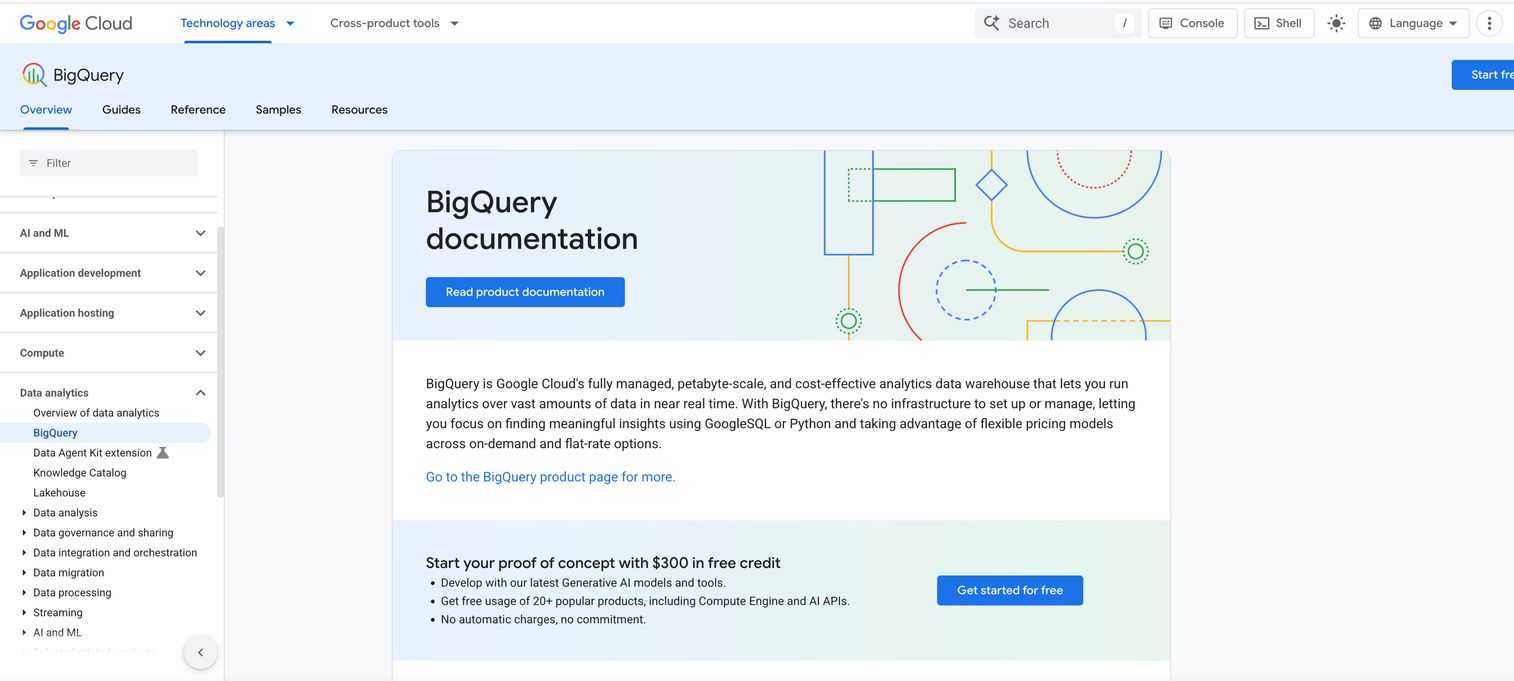
BigQuery ML enables SQL users to build and deploy machine learning models directly in BigQuery. No Python or data science expertise required.
Best for: Teams with data in Google Cloud who want predictive modeling without hiring ML engineers.
Key strengths
- Build models with SQL syntax you already know
- Scales to massive datasets automatically
- Integrates with Looker for visualization
- Pay only for queries you run
Why choose BigQuery ML: Analysts who know SQL can create predictive models without learning new languages or moving data. The learning curve is minimal if you're already in the Google Cloud ecosystem.
Pricing: Pay-per-query model.
5. IBM SPSS Modeler
IBM SPSS is a long-established statistical analysis and predictive modeling platform. It's known for rigorous statistical methods and academic credibility.
Best for: Organizations requiring statistically defensible models, often in regulated industries like finance, healthcare, and insurance.
Key strengths
- Wide range of statistical techniques
- Visual model-building interface
- Strong documentation and training resources
- Decades of proven methodology
Why choose IBM SPSS: When predictions need to withstand regulatory scrutiny or academic review, SPSS carries decades of credibility. It's not the fastest to implement, but it's thorough.
Pricing: Subscription, varies by deployment.
6. SAS Viya
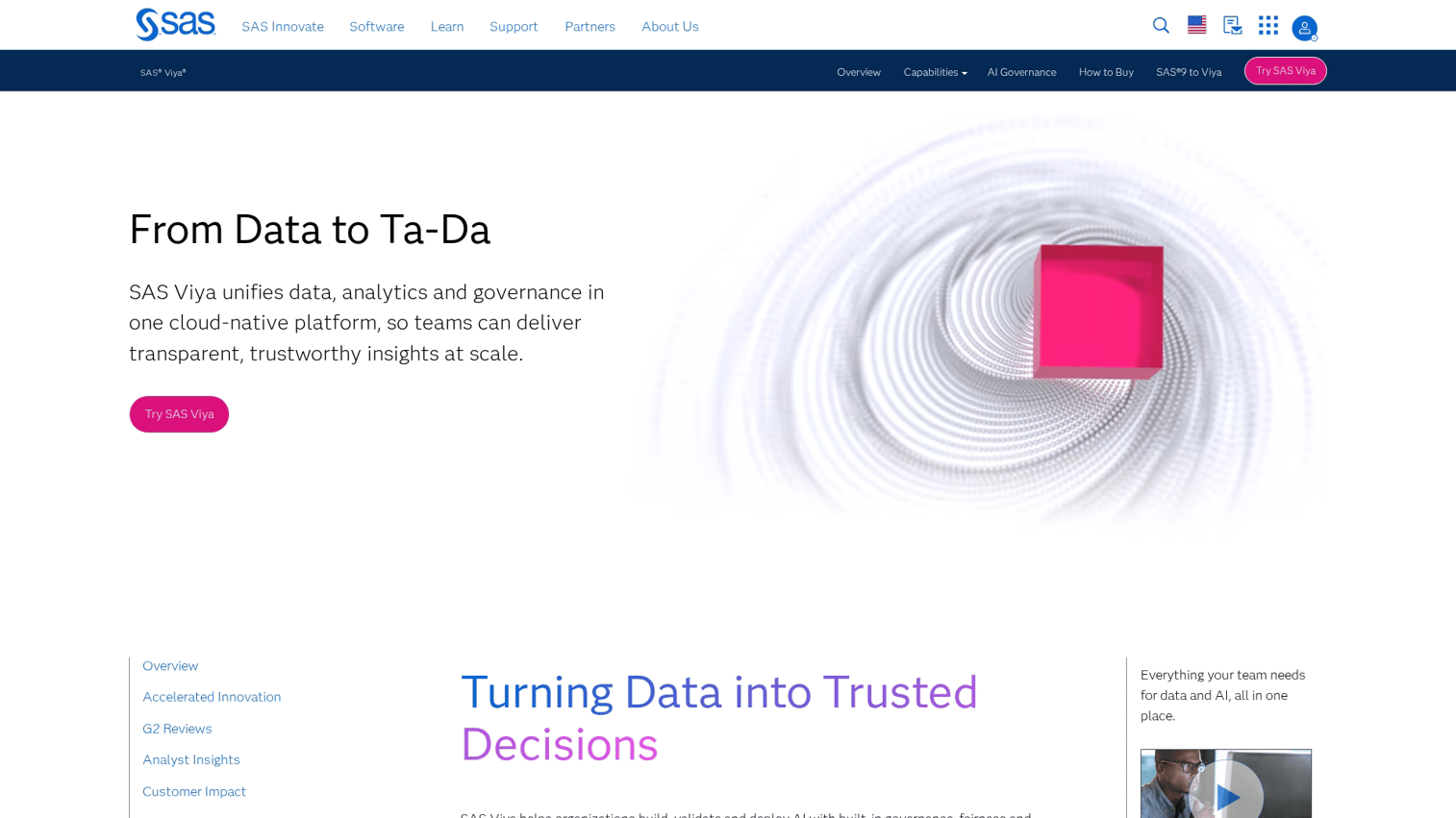
SAS Viya is an enterprise analytics platform designed for large organizations with complex data environments. It handles massive scale with governance controls.
Best for: Large enterprises with dedicated analytics teams and significant data infrastructure.
Key strengths
- Processes very large datasets efficiently
- Strong governance and security features
- Supports multiple programming languages
- Comprehensive audit trails
Why choose SAS Viya: When data volume and security requirements exceed what lighter tools can handle, SAS Viya scales. It's overkill for smaller teams but essential for enterprise deployments.
Pricing: Custom enterprise pricing.
7. Alteryx
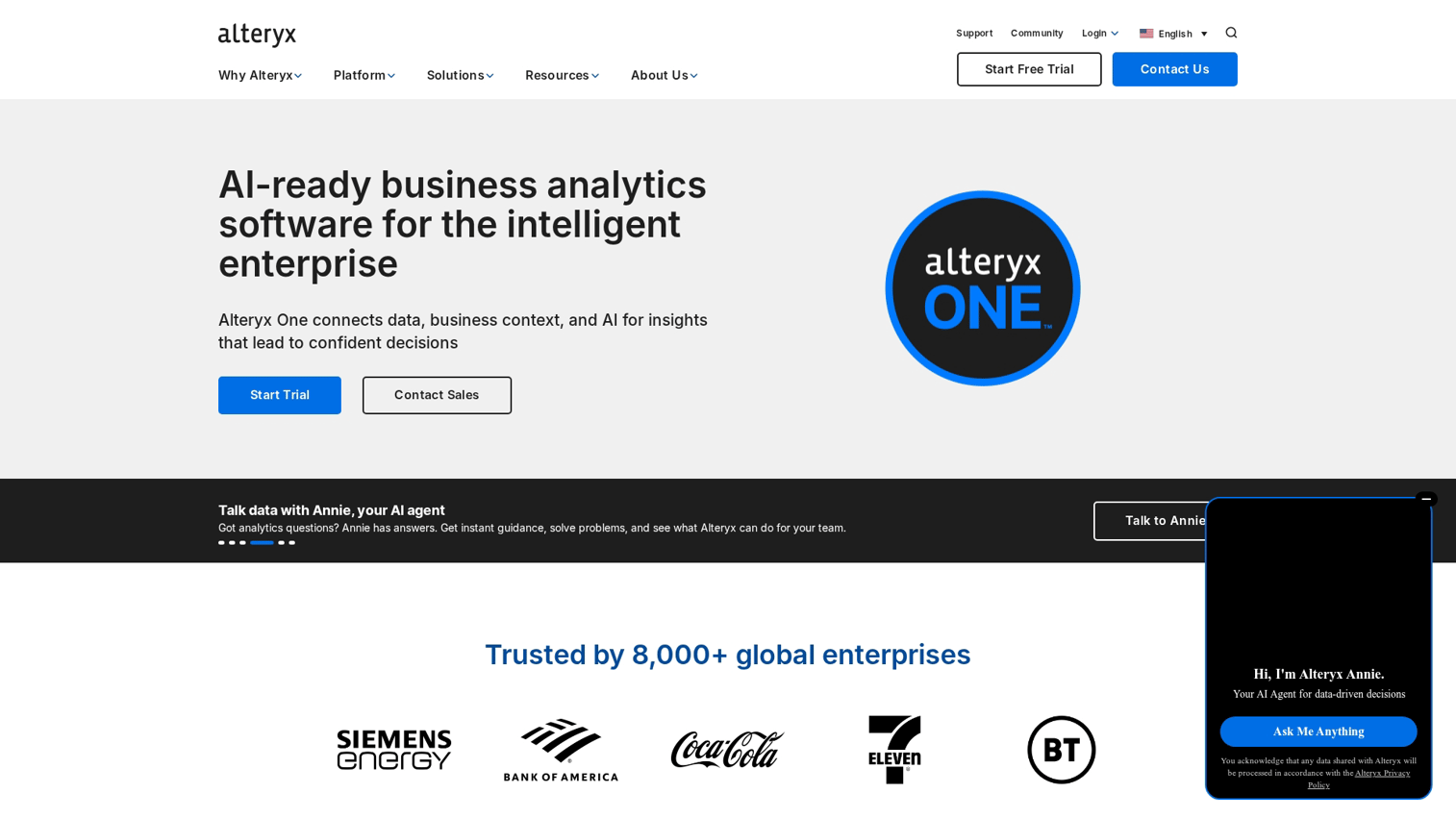
Alteryx is a data preparation and analytics platform with a visual drag-and-drop interface. It excels at blending data from multiple sources before analysis.
Best for: Analysts who spend significant time preparing data before building models.
Key strengths
- Visual workflows reduce coding requirements
- Connects to hundreds of data sources
- Combines data prep and modeling in one tool
- Strong community and template library
Why choose Alteryx: If data prep is your bottleneck, Alteryx removes manual work before you even get to predictions. The time savings compound quickly.
Pricing: Per-seat subscription.
8. DataRobot
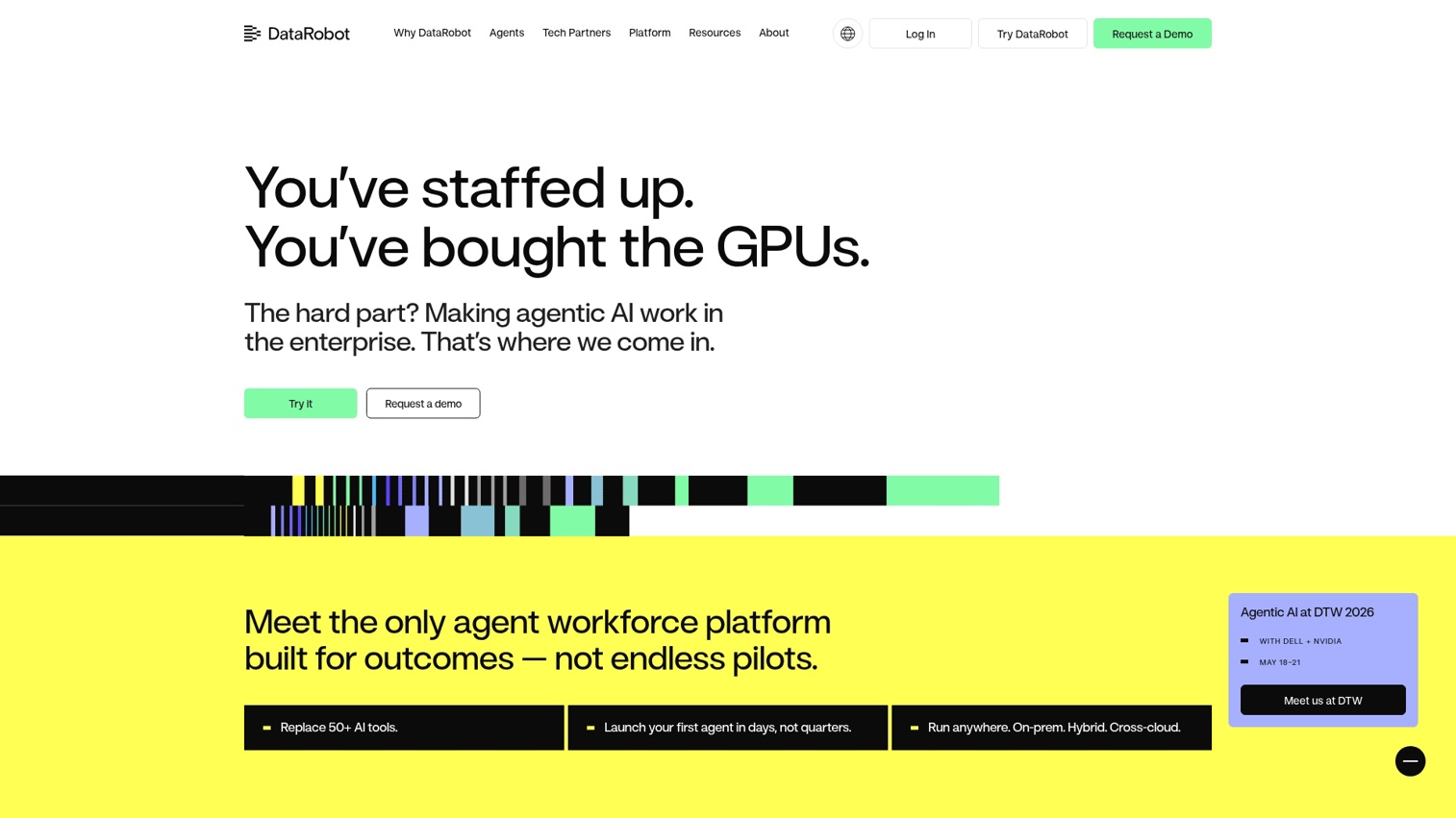
DataRobot is an AutoML platform in a USD $3.50 billion market that builds, tests, and compares multiple models automatically. It reduces time from data to deployed model.
Best for: Teams that want enterprise-grade ML without building a data science team.
Key strengths
- AutoML builds and ranks models without manual tuning
- Model explainability features for business users
- Deployment and monitoring tools included
- Handles feature engineering automatically
Why choose DataRobot: When you want production-ready models fast and don't have ML engineers, DataRobot automates the heavy lifting. It's not cheap, but it's fast.
Pricing: Custom enterprise pricing.
9. H2O.ai
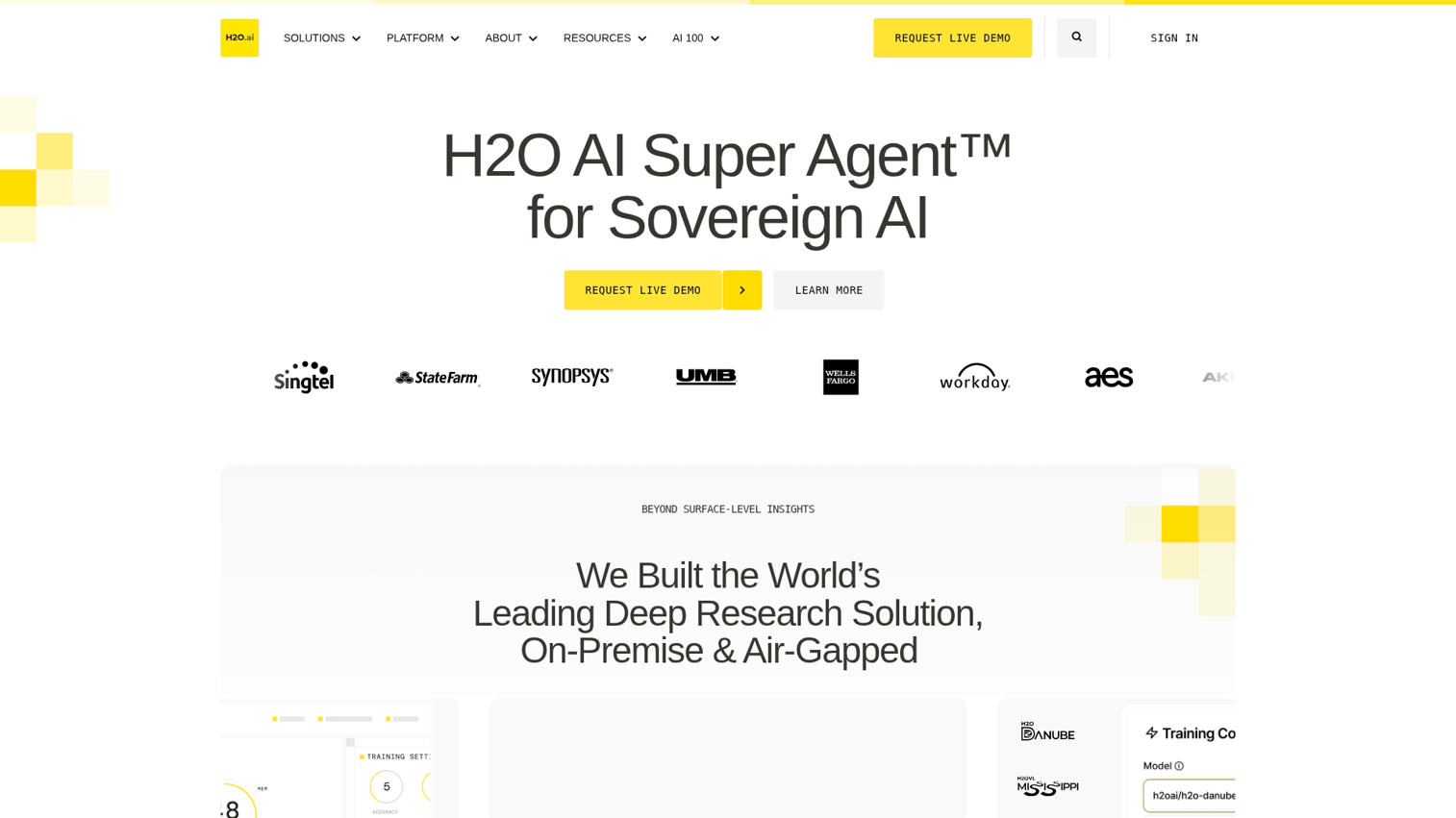
H2O.ai is an open-source machine learning platform with enterprise support options. It offers both free community tools and commercial products.
Best for: Teams with some technical capability who want flexibility and cost control.
Key strengths
- Free open-source core product
- Strong community and documentation
- Enterprise version adds governance and support
- Handles large datasets efficiently
Why choose H2O.ai: Start free, scale to enterprise. Good fit for teams that want to experiment before committing budget.
Pricing: Free (open-source) or enterprise subscription.
10. Amazon QuickSight
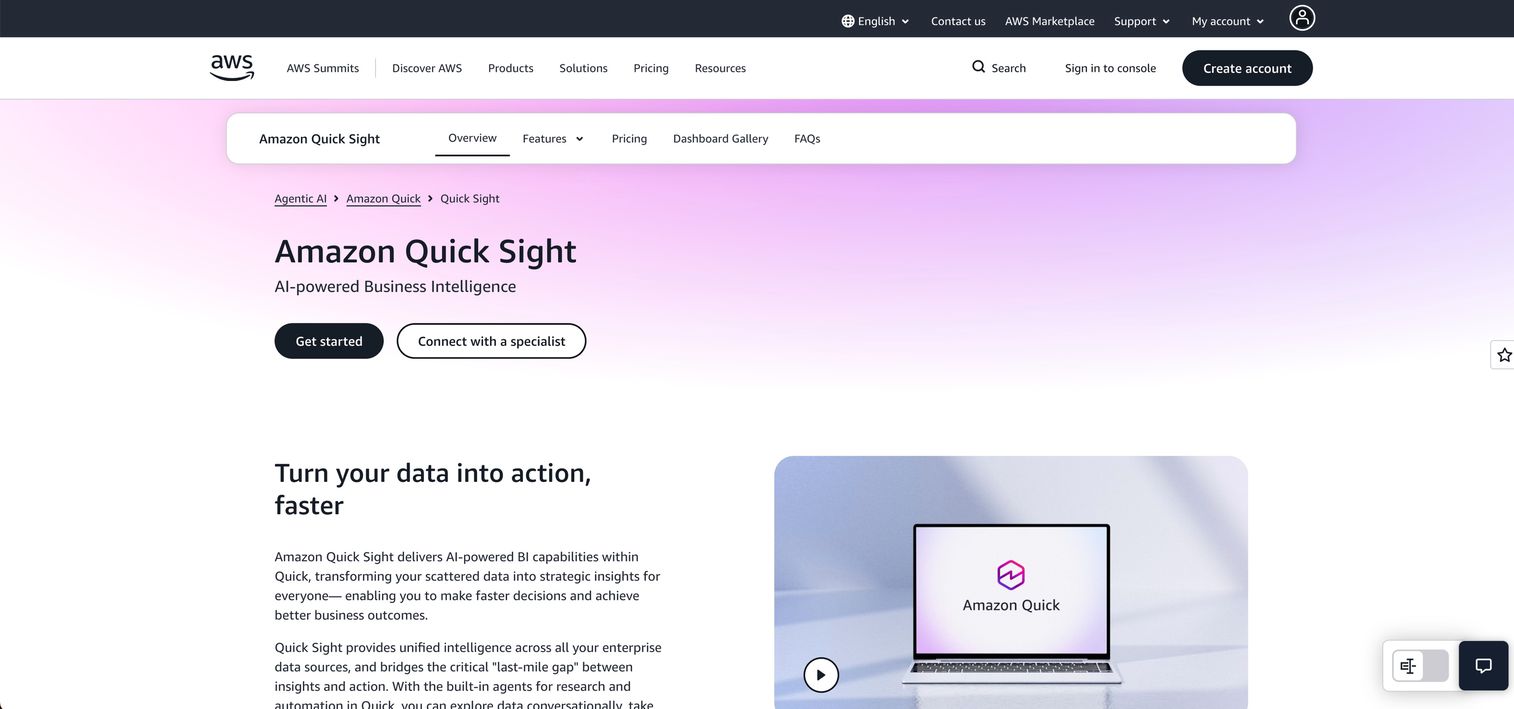
Amazon QuickSight is an AWS-native business intelligence tool with ML Insights that adds forecasting and anomaly detection to dashboards.
Best for: Teams with data in AWS who want BI and predictions in one tool.
Key strengths
- ML Insights adds predictions without separate tooling
- Per-session pricing keeps costs low for occasional users
- Native integration with AWS data services
- Embedded analytics for customer-facing applications
Why choose Amazon QuickSight: If your data warehouse is in AWS, QuickSight adds predictive features without data movement. The pricing model works well for teams with variable usage.
Pricing: Per-session or per-user pricing.
11. KNIME Analytics Platform
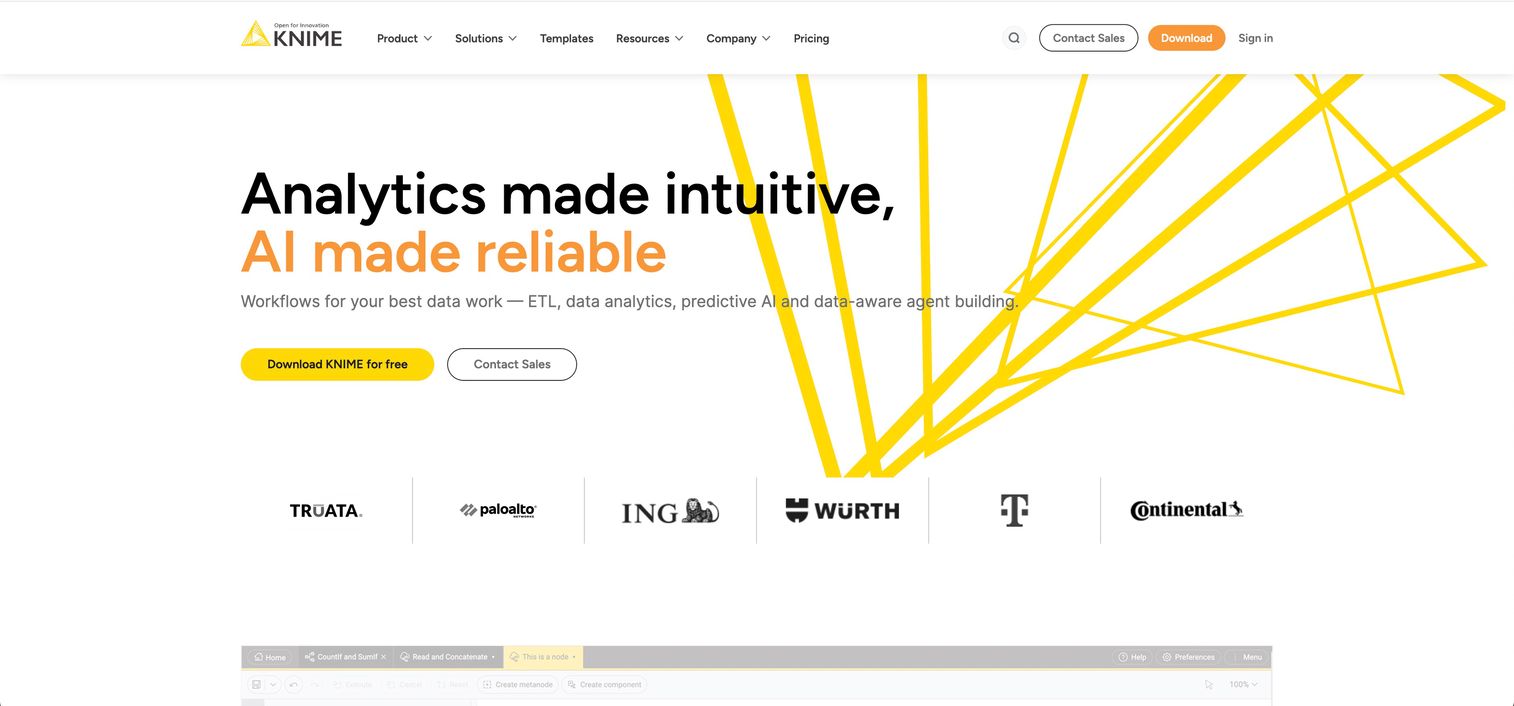
KNIME is an open-source visual workflow platform for data science. The drag-and-drop interface makes modeling accessible to non-programmers.
Best for: Teams that want full control over modeling workflows without writing code.
Key strengths
- Visual node-based interface
- Extensive library of pre-built components
- Active community and free training
- No licensing costs for core platform
Why choose KNIME: When you want flexibility without licensing costs, KNIME's open-source model removes budget barriers. The learning curve is moderate but manageable.
Pricing: Free (open-source) or enterprise.
What to look for in predictive analytics solutions
Features alone don't determine fit. Here are the evaluation criteria that separate tools that work from tools that become shelfware.
Data integration and connector ecosystem
Predictive analytics data flows from existing systems: CRM, MAP, product analytics, data warehouse. Evaluate connector availability before committing.
A tool with great models but poor connectors creates manual work. Ask specifically about connectors for your stack during evaluation.
Model transparency and explainability
Business users want to understand why a model predicts what it predicts. Black-box models create adoption resistance because reps won't trust scores they can't explain.
Look for tools that show which factors drive each prediction. "This lead scored 85 because of company size, recent website visits, and email engagement" is actionable. "This lead scored 85" is not.
Time to value and implementation complexity
How long until you see your first prediction? Some platforms require months of implementation. Others generate value in days.
Match implementation complexity to your team's capacity. A powerful tool you can't implement is worse than a simpler tool you can deploy next week.
Pricing model and seat structure
Pricing varies: per-seat, per-query, consumption-based. Seat-based pricing can explode as you scale access across teams.
Get clarity on how costs grow before signing. Model the cost at full adoption, not pilot size.
Hidden costs of predictive analytics software
Subscription pricing is rarely the full picture.
Connector premium fees
Many tools charge extra for connectors to specific data sources. Budget for connector costs, especially for less common integrations like niche CRMs or industry-specific platforms.
User seat scaling
What starts as a small pilot often expands across teams. Calculate costs at full adoption, not pilot size. A tool that costs $500/month for 5 users might cost $5,000/month for 50.
Professional services requirements
Some tools require vendor professional services for setup or customization. Ask upfront whether you can self-implement or if services are mandatory.
Data warehouse egress charges
Moving data between cloud services incurs egress fees. If your predictive analytics tool and data warehouse are in different clouds, egress adds up quickly at scale.
Is your team ready for predictive analytics
Before evaluating tools, run through this readiness checklist:
- Do you have historical data? Models learn from past records. New products or early-stage teams may lack sufficient data depth.
- Is your data centralized and clean? Siloed or inconsistent data produces unreliable predictions.
- Do you have a use case defined? "We want predictions" is not a use case. "We want to predict which leads will convert this quarter" is.
- Can you act on predictions? Predictions without follow-up actions create no value. Ensure your team has workflows to respond.
- Is there executive sponsorship? Predictive analytics adoption requires behavior change. Leadership support accelerates adoption.
If you answered "no" to more than two of the questions above, focus on data foundations before buying predictive analytics software.
How B2B teams turn predictions into pipeline
The most actionable predictions come from first-party behavioral data, not just firmographics or historical CRM records. When buyers engage with interactive demos, they generate intent signals that feed predictive models.
Here's how the workflow typically looks:
- Capture buyer engagement: Track which features prospects explore in self-serve demos
- Identify high-intent behaviors: Flag actions that correlate with conversion (time spent, features clicked, return visits)
- Feed signals to predictive models: Enrich CRM records with behavioral data
- Prioritize follow-up: Sales focuses on accounts showing predictive buying signals from demo centers
This approach fills a common gap. Most pre-sales teams have limited historical data on what buyers actually care about. Behavioral signals from product experiences create net-new predictive inputs.
Start turning buyer signals into closed deals
The best predictive analytics software tools combine historical data with real-time behavioral signals. For B2B teams, buyer engagement with product experiences creates the freshest and most actionable intent data.
Start your journey with Guideflow today!
FAQs about predictive analytics software
Tableau is primarily a data visualization platform, but it includes built-in forecasting and trend analysis features. For advanced predictive modeling, teams typically pair Tableau with dedicated ML platforms like DataRobot or H2O.ai.
ChatGPT is generative AI, designed to create new content based on prompts. Predictive analytics software uses different techniques (regression, classification) to forecast specific outcomes from historical data.
Yes. Many modern platforms (like KNIME, Alteryx, and AutoML tools) offer visual interfaces and pre-built models that business analysts can use without coding.
Implementation ranges from days for native CRM tools (like HubSpot or Salesforce Einstein) to months for enterprise platforms requiring custom data pipelines and model development.
Predictive analytics is a subset of AI focused specifically on forecasting outcomes from data. AI is a broader category that includes predictive analytics, generative AI, computer vision, and other applications.
Most enterprise solutions offer access controls, encryption, and compliance certifications (SOC 2, GDPR). Evaluate each vendor's security posture during procurement, especially if you're in a regulated industry.
Not always. Some tools connect directly to CRM and application databases. However, a centralized data warehouse improves data quality and enables more sophisticated modeling across sources.
Common B2B predictions include lead scoring (which leads will convert), churn prediction (which customers are at risk), deal forecasting (which opportunities will close), and demand planning (what resources you'll need).