You sent 47 connection requests this week. Three people accepted. One replied. None booked a call. LinkedIn automation tools handle the repetitive prospecting work so you can focus on conversations that actually convert. These platforms form part of a broader ecosystem of demand generation tools that modern sales and marketing teams use to scale their pipeline. This guide covers 12 platforms for scaling outreach safely, along with selection criteria, safety best practices, and tactics for improving reply rates.
What LinkedIn automation software does
LinkedIn automation tools are software platforms designed to scale outreach, profile visits, and messaging sequences. While LinkedIn prohibits third-party automation to prevent spam, these tools mitigate risks by mimicking human behavior and enforcing strict daily sending limits.
Think of LinkedIn automation as a way to run prospecting in the background. Instead of clicking through profiles one by one, you set up campaigns that handle the repetitive work while you focus on conversations that actually matter.
Here's what these platforms typically automate:
- Connection requests: Sending personalized invites at scale based on search filters or imported lists
- Profile visits: Triggering notification-based awareness so prospects see your name before you reach out
- Follow-up sequences: Multi-step messaging cadences with conditional logic that can reach 20 to 30% response rates (if no reply, send message B)
- Data extraction: Pulling contact info like emails from LinkedIn profiles or Sales Navigator searches (you can also manually access email accounts via LinkedIn when automation isn't available)
The best LinkedIn automation platforms combine all four capabilities with safety features, CRM integrations, and analytics that tie activity to pipeline outcomes.
What's inside this guide
This guide covers 12 LinkedIn automation tools for lead generation, along with selection criteria, a comparison table, safety best practices, and tips for improving response rates. You'll find this useful if you're a growth marketer evaluating LinkedIn outreach software, a sales team scaling prospecting, or an agency managing campaigns for multiple clients. We selected platforms based on sequence capabilities, safety features, integration depth, pricing transparency, and G2 ratings where available.
TL;DR
- Best for agencies and sender rotation: HeyReach offers unlimited sender accounts at a fixed monthly cost
- Best for visual sequence builders: LinkedHelper provides a standalone desktop app with advanced workflow customization
- Best for multichannel outreach: Lemlist combines email-first campaigns with LinkedIn touches in one platform
- Best free LinkedIn automation tool: Waalaxy offers a freemium tier for users new to LinkedIn outreach
- Best for Sales Navigator data extraction: Evaboot specializes in pulling clean prospect lists from Sales Navigator searches
How to choose LinkedIn automation software
Before diving into specific tools, consider what capabilities matter most for your workflow. Not every platform excels at everything, and the right choice depends on your team size, outreach volume, and existing tech stack.
Sequence and workflow automation
Sequence automation means running multi-step campaigns with conditional logic. For example: send connection request, wait three days, if accepted send message A, if no reply after five days send message B.
Look for "if/then" branching that adapts based on prospect behavior. Basic tools send the same sequence to everyone. Advanced platforms adjust the path based on whether someone accepts, replies, or ignores your outreach.
Multi-account and sender rotation
Sender rotation distributes outreach across multiple LinkedIn accounts to increase volume safely. If you're running 500 connection requests per week, spreading that across five accounts keeps each individual account within safer limits.
Agencies managing client campaigns typically require this capability. So do larger sales teams where multiple reps prospect into the same market.
CRM and marketing automation integrations
Syncing LinkedIn activity to your CRM matters for pipeline visibility. When a prospect replies, that signal belongs in Salesforce or HubSpot alongside their other touchpoints.
Check for native integrations with your existing stack. Many LinkedIn automation platforms connect to marketing automation software through Zapier or webhooks, enabling lead scoring and nurture handoffs.
Personalization beyond mail merge variables
Basic personalization inserts {first_name} into your message. That's table stakes now.
Advanced personalization includes custom images with the prospect's name or company logo, GIFs, video thumbnails, and company-specific snippets pulled from enrichment data. The difference in reply rates between generic and deeply personalized outreach is significant.
Safety features and compliance controls
LinkedIn actively detects and restricts automation. Safety features protect against account bans by mimicking human behavior patterns.
Key differences to evaluate:
- Cloud-based tools: Run on vendor servers with dedicated IP addresses, reducing detection risk
- Browser-based tools: Run as extensions and require your browser to stay open, which can expose inconsistent IP patterns
Also look for duplication security that prevents the same prospect from receiving messages from multiple senders on your team.
Analytics and pipeline attribution
Metrics that matter include reply rates, connection acceptance rates, and sequence completion percentages. But the real value comes from tying LinkedIn activity to pipeline outcomes.
The best LinkedIn outreach software shows which sequences generate meetings, not just which ones get replies.
LinkedIn automation tools compared
# | Product | Best for | Key differentiation | Pricing | G2 rating |
|---|---|---|---|---|---|
1 | Expandi | Agencies needing safety | Cloud-based with anti-duplication security | $99/mo | 4.1/5 |
2 | HeyReach | Teams with multiple senders | Unlimited sender rotation at fixed cost | $79/mo per sender | 4.7/5 |
3 | Dux-Soup | Individual prospectors | Browser-based with profile warming | $14.99/mo | 4.3/5 |
4 | Waalaxy | Beginners on a budget | Freemium with visual campaign builder | Free to $112/mo | 4.6/5 |
5 | Lemlist | Email-first teams adding LinkedIn | Multichannel with personalized images | $59/mo | 4.4/5 |
6 | Evaboot | List building from Sales Navigator | Clean data extraction without sequences | $49/mo | 4.6/5 |
7 | Wiza | Email discovery and enrichment | Direct CRM list pushes | $83/mo | 4.5/5 |
8 | Phantombuster | Technical users | Customizable automation workflows | $69/mo | 4.2/5 |
9 | Zopto | Sales teams and recruiters | A/B testing for connection messages | $197/mo | 4.4/5 |
10 | Salesflow | Teams needing compliance | Reporting dashboards with safety controls | $99/mo | 4.3/5 |
11 | LinkedHelper | Advanced automation needs | Desktop app with InMail and group messaging | $15/mo | 4.5/5 |
12 | Octopus CRM | Budget-conscious solopreneurs | Basic sequences at low cost | $9.99/mo | 4.6/5 |
12 best LinkedIn automation tools for lead generation
1. Expandi
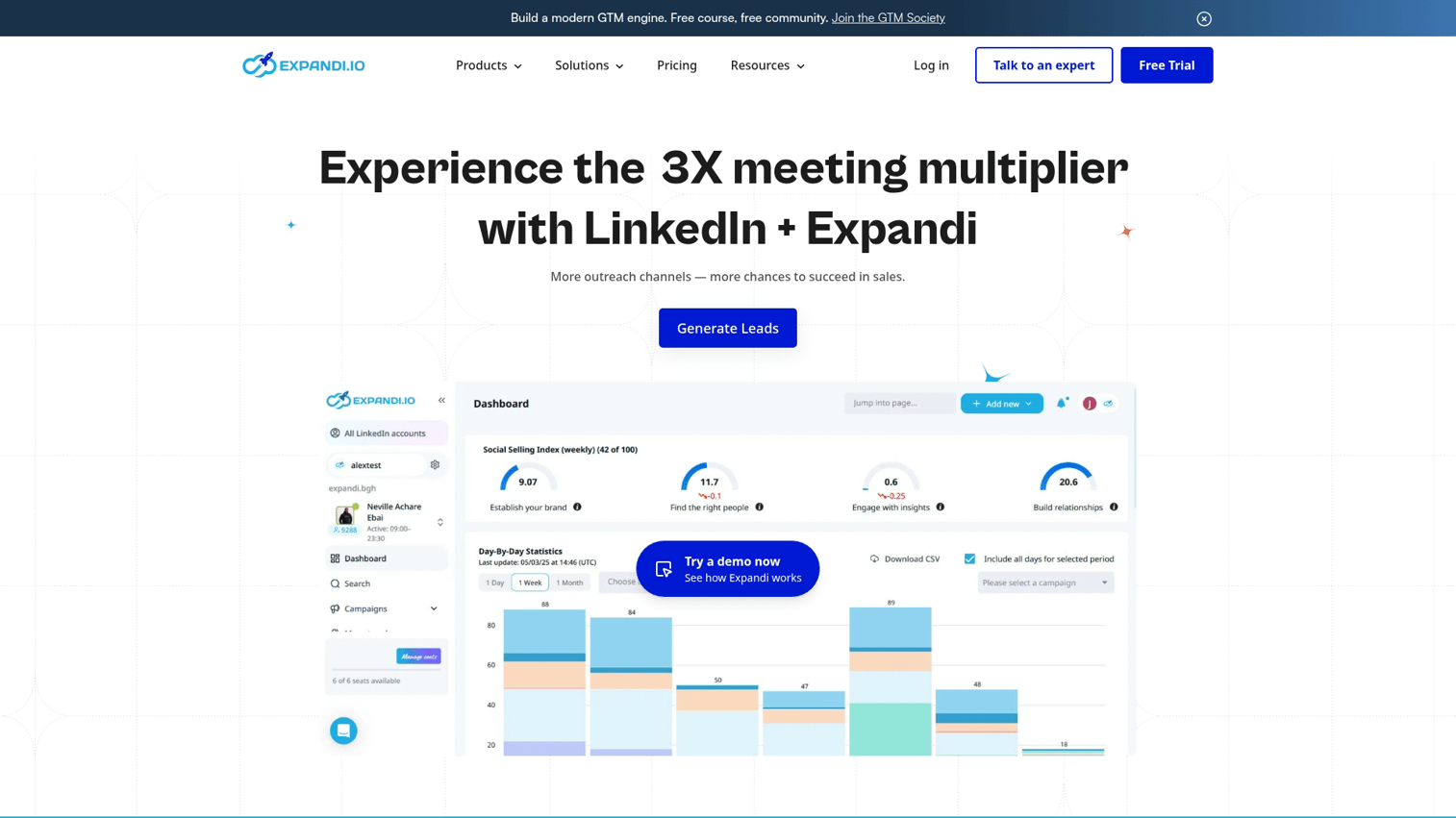
Expandi is a cloud-based LinkedIn automation platform known for its safety-first approach. The tool runs on dedicated servers rather than through a browser extension, which reduces the risk of LinkedIn detecting automated behavior.
Best for: Agencies running campaigns across multiple clients who prioritize account safety.
Key strengths
- Cloud-based architecture: Runs without a browser extension, using dedicated IP addresses for safer operation
- Anti-duplication security: Prevents overlap when multiple team members or clients target the same prospects
- Smart sequences: Conditional logic for connection requests, messages, and email follow-ups in one workflow
Why choose Expandi
Pick Expandi when account safety matters more than price. The platform's cloud infrastructure and human-behavior mimicking reduce ban risk, though you'll pay more than browser-based alternatives.
Expandi pricing
Plans start at $99 per month per seat.
2. HeyReach
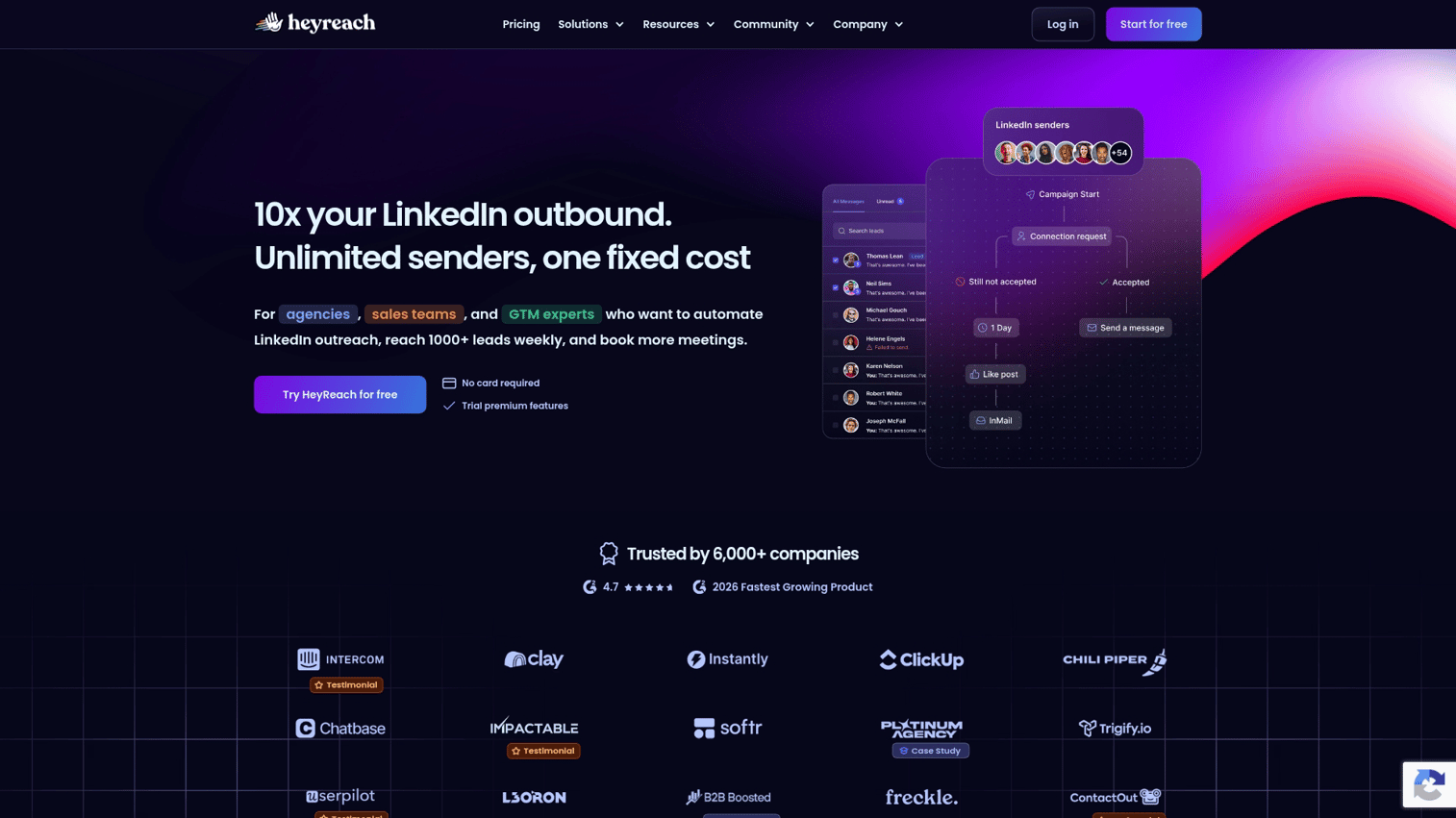
HeyReach is built for agencies and teams that run high-volume outreach across multiple LinkedIn sender accounts. The platform's core differentiator is unlimited sender rotation at a fixed monthly cost.
Best for: Agencies and growth teams scaling outreach across multiple LinkedIn accounts.
Key strengths
- Unlimited sender rotation: Distribute campaigns across as many LinkedIn accounts as you want without per-seat fees
- Unified inbox: Manage replies from all sender accounts in one place
- Agency dashboard: White-label reporting and multi-client management
Why choose HeyReach
Choose HeyReach when you're running campaigns from five or more LinkedIn accounts. The fixed pricing model becomes economical at scale, and the unified inbox prevents replies from falling through cracks.
HeyReach pricing
Plans start at $79 per month per sender, with agency pricing available.
3. Dux-Soup
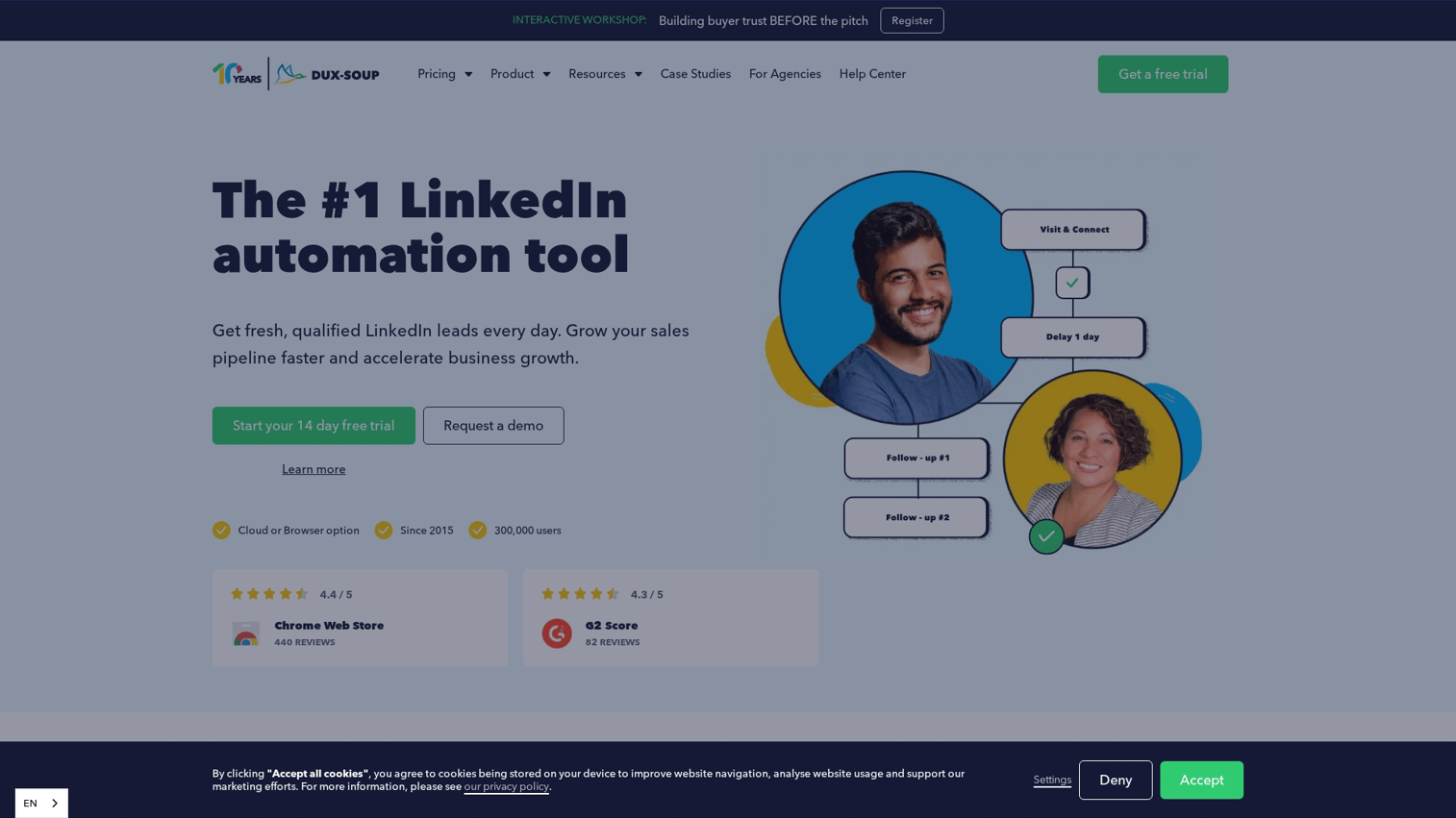
Dux-Soup is a browser-based LinkedIn automation tool that's been around since 2016. It runs as a Chrome extension and handles profile visits, connection requests, and follow-up sequences.
Best for: Individual users who want an affordable entry point into LinkedIn automation.
Key strengths
- Profile warming: Automatically visits profiles before sending connection requests to increase acceptance rates
- Drip campaigns: Multi-step sequences with delays between touches
- CRM integration: Syncs activity to HubSpot, Pipedrive, and other CRMs
Why choose Dux-Soup
Dux-Soup works well for solopreneurs and small teams who want basic automation without a large budget. The trade-off: your browser needs to stay open for campaigns to run.
Dux-Soup pricing
Plans start at $14.99 per month for Pro Dux.
4. Waalaxy
Waalaxy combines LinkedIn and email outreach in a visual campaign builder. The platform offers a freemium tier, making it accessible for users new to LinkedIn automation software.
Best for: Beginners who want multichannel outreach without a steep learning curve.
Key strengths
- Visual campaign builder: Drag-and-drop interface for creating multi-step sequences
- LinkedIn plus email: Combines both channels in conditional workflows
- Freemium access: Free tier includes basic LinkedIn automation features
Why choose Waalaxy
Start with Waalaxy if you're testing LinkedIn automation for the first time. The free tier lets you validate the approach before committing budget.
Waalaxy pricing
Free tier available. Paid plans range from $56 to $112 per month.
5. Lemlist
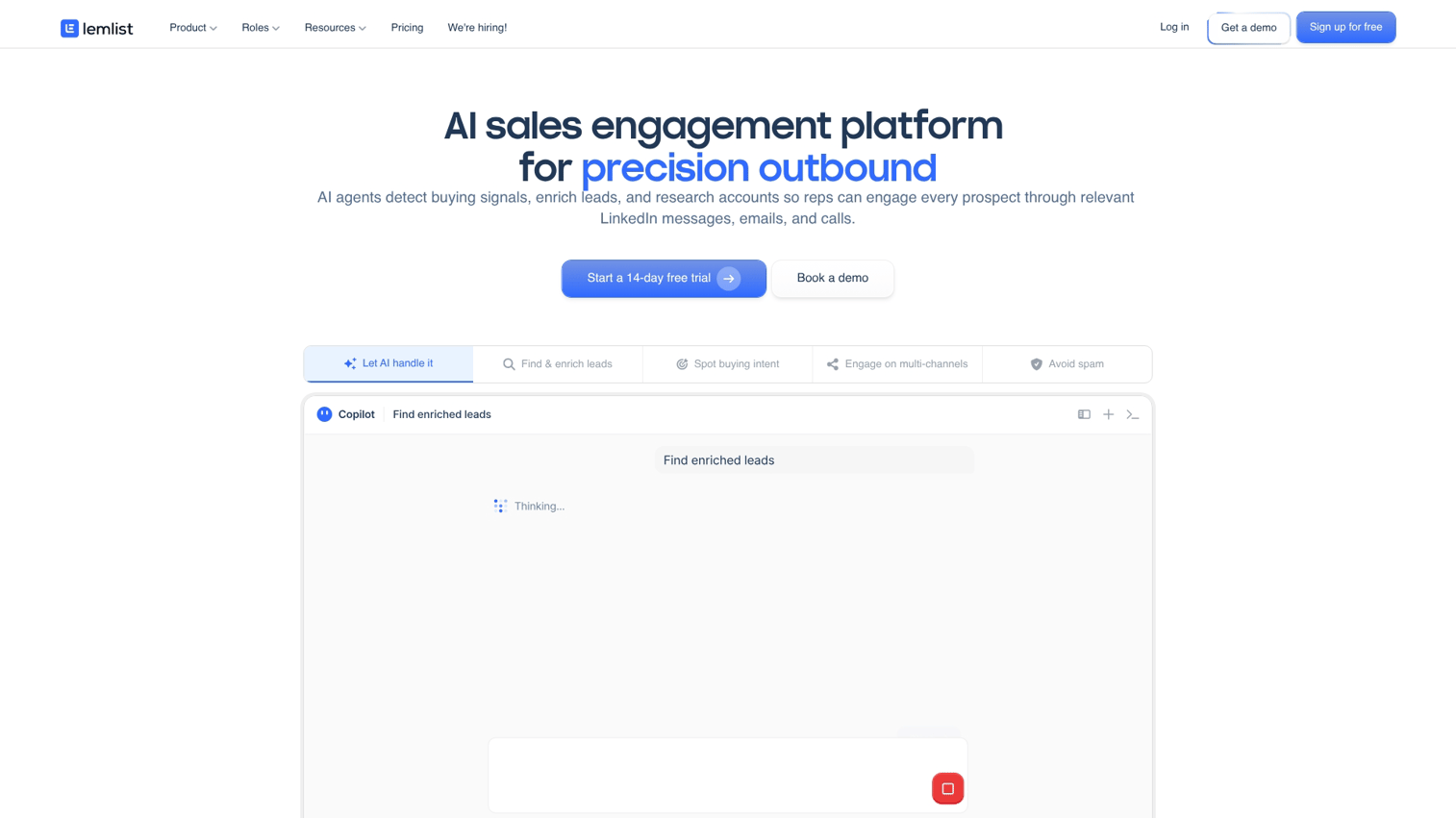
Lemlist is primarily an email outreach platform that added LinkedIn automation as part of its multichannel approach. The tool is known for personalized images and videos in outreach sequences.
Best for: Teams already using email outreach who want to add LinkedIn touches to their cadences.
Key strengths
- Personalized visuals: Custom images and video thumbnails with prospect-specific details
- Multichannel sequences: Email, LinkedIn, and phone steps in one workflow
- Deliverability tools: Email warm-up and inbox rotation built in
Why choose Lemlist
Choose Lemlist when email is your primary channel and LinkedIn is supplementary. If you want LinkedIn-first automation, other tools on this list offer deeper functionality.
Lemlist pricing
Plans start at $59 per month.
6. Evaboot
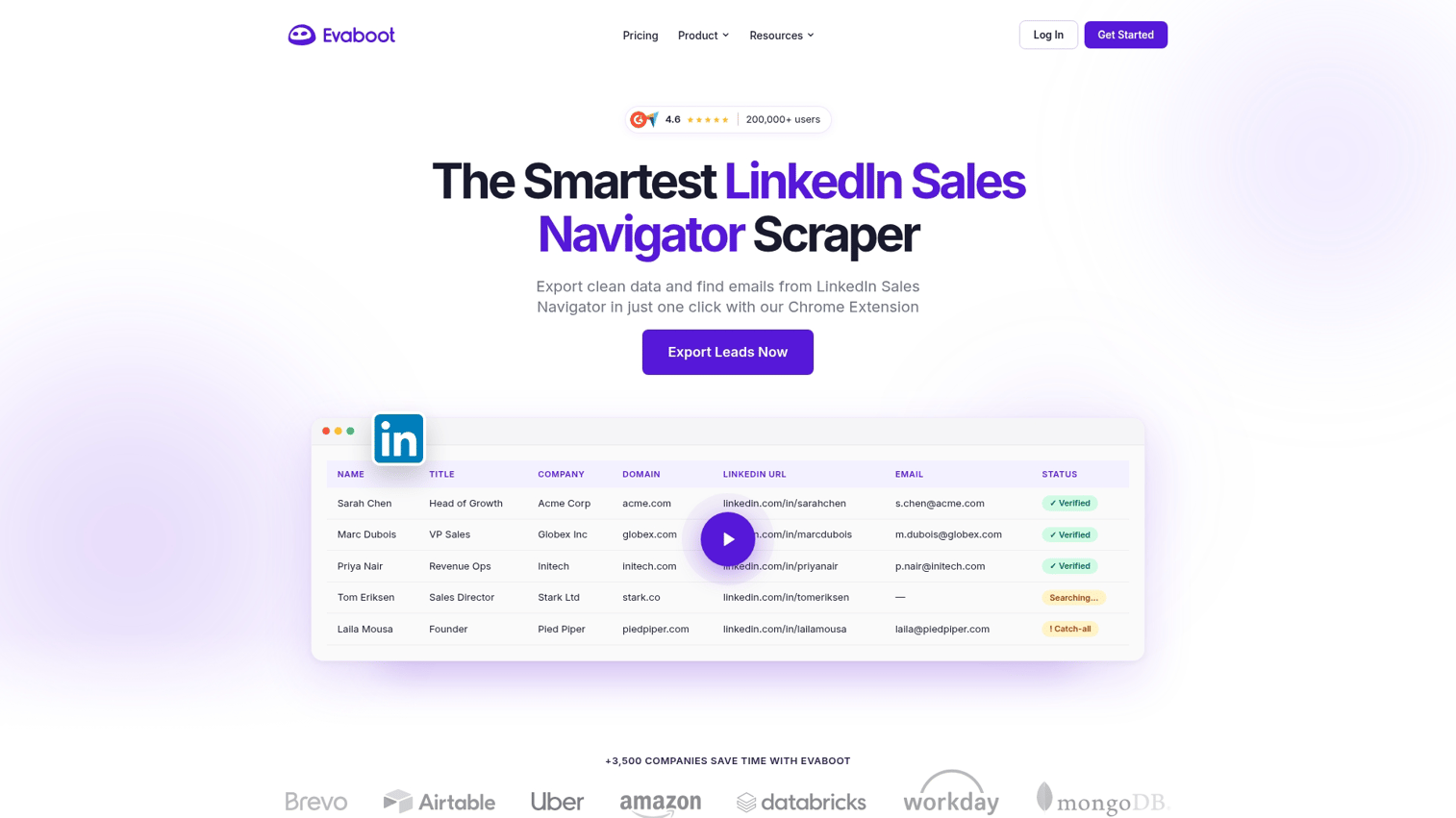
Evaboot focuses specifically on extracting clean prospect data from Sales Navigator searches. It's a list-building tool rather than a sequence automation platform.
Best for: Teams that build prospecting lists from Sales Navigator without running automated sequences.
Key strengths
- Clean data extraction: Pulls prospect information from Sales Navigator with email enrichment
- Duplicate removal: Automatically cleans lists before export
- CRM-ready exports: Formats data for direct import into Salesforce, HubSpot, and other CRMs
Why choose Evaboot
Use Evaboot when your bottleneck is building lists, not sending messages. The tool pairs well with other LinkedIn automation platforms that handle the outreach side.
Evaboot pricing
Plans start at $49 per month based on export volume.
7. Wiza
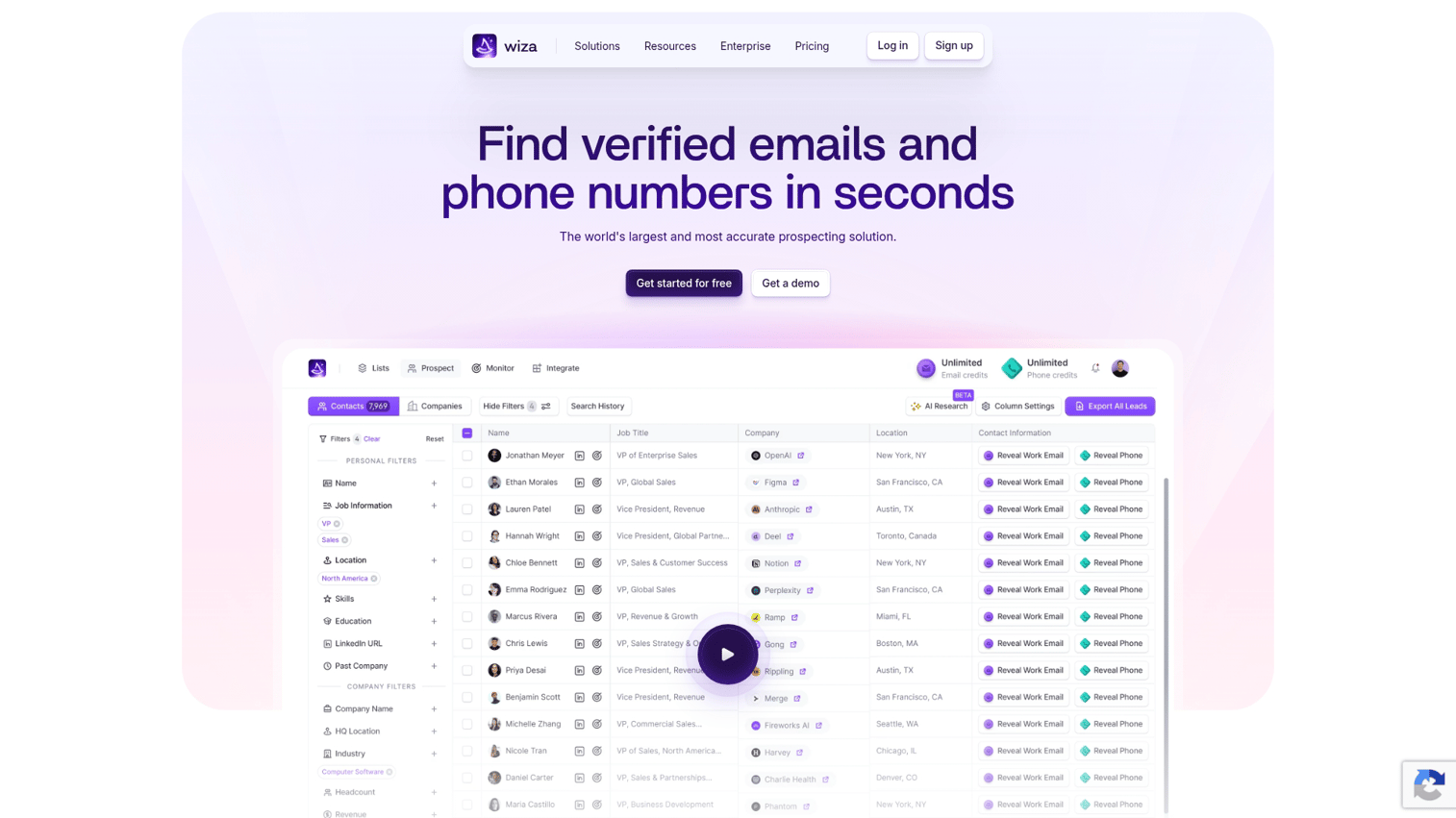
Wiza specializes in email discovery and data enrichment from LinkedIn profiles. Like Evaboot, it's focused on list building rather than message automation.
Best for: Sales teams that want verified email addresses from LinkedIn prospects.
Key strengths
- Email verification: Real-time verification reduces bounce rates
- Sales Navigator integration: Works directly within Sales Navigator searches
- Direct CRM pushes: Sends enriched contacts straight to your CRM
Why choose Wiza
Pick Wiza when email accuracy matters more than volume. The platform's verification reduces bounces, which protects your email sender reputation.
Wiza pricing
Plans start at $83 per month.
8. Phantombuster
Phantombuster offers pre-built automation workflows called "Phantoms" for LinkedIn and other platforms. It's more flexible than dedicated LinkedIn tools but requires more technical setup.
Best for: Technical users who want customizable automation beyond standard sequences.
Key strengths
- Pre-built Phantoms: Ready-made workflows for scraping, connecting, and messaging
- API access: Build custom automations with code
- Multi-platform support: Automates LinkedIn, Twitter, Instagram, and other platforms
Why choose Phantombuster
Choose Phantombuster when you want automation that standard tools don't offer. The platform handles edge cases like scraping event attendees or group members.
Phantombuster pricing
Plans start at $69 per month.
9. Zopto
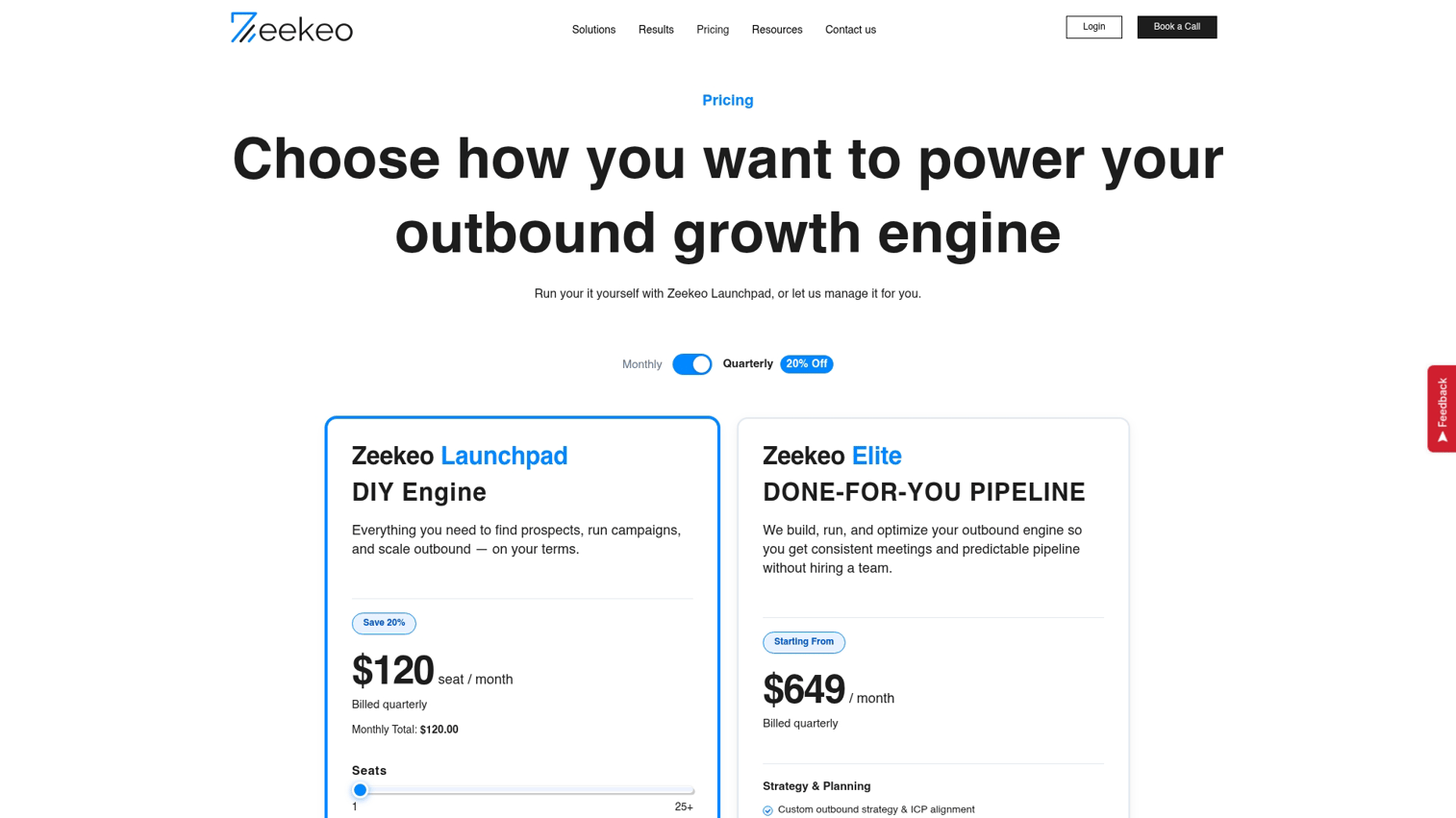
Zopto is a cloud-based LinkedIn automation platform targeting sales teams and recruiters. The tool emphasizes A/B testing for optimizing connection request messages.
Best for: Sales teams that want to systematically test and improve outreach messaging.
Key strengths
- A/B testing: Test different connection request messages to find what converts
- Cloud-based safety: Runs on dedicated servers with human-behavior mimicking
- Recruiter features: Specific workflows for talent sourcing
Why choose Zopto
Pick Zopto when message optimization is a priority. The A/B testing capabilities help you iterate toward higher acceptance and reply rates.
Zopto pricing
Plans start at $197 per month.
10. Salesflow
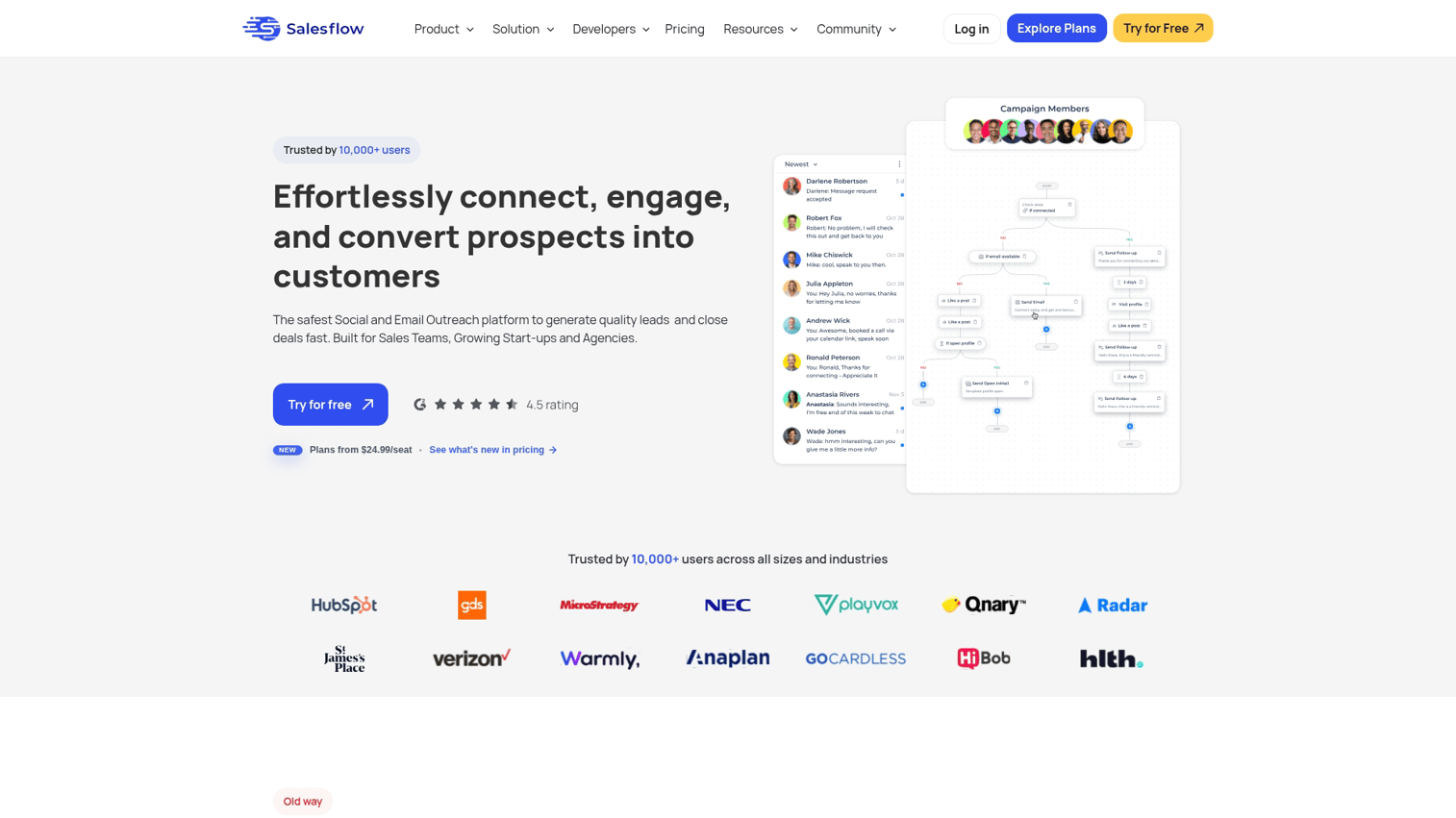
Salesflow positions itself as a compliant LinkedIn automation tool with team reporting dashboards. The platform emphasizes safety controls and visibility into team performance.
Best for: Sales managers who want visibility into team LinkedIn activity with compliance guardrails.
Key strengths
- Team dashboards: See activity and results across all team members
- Compliance controls: Built-in limits and safety features to reduce ban risk
- Reporting: Track metrics by rep, campaign, and time period
Why choose Salesflow
Choose Salesflow when you're managing a sales team and want centralized reporting. The compliance features help enforce safe usage across reps.
Salesflow pricing
Plans start at $99 per month per user.
11. LinkedHelper
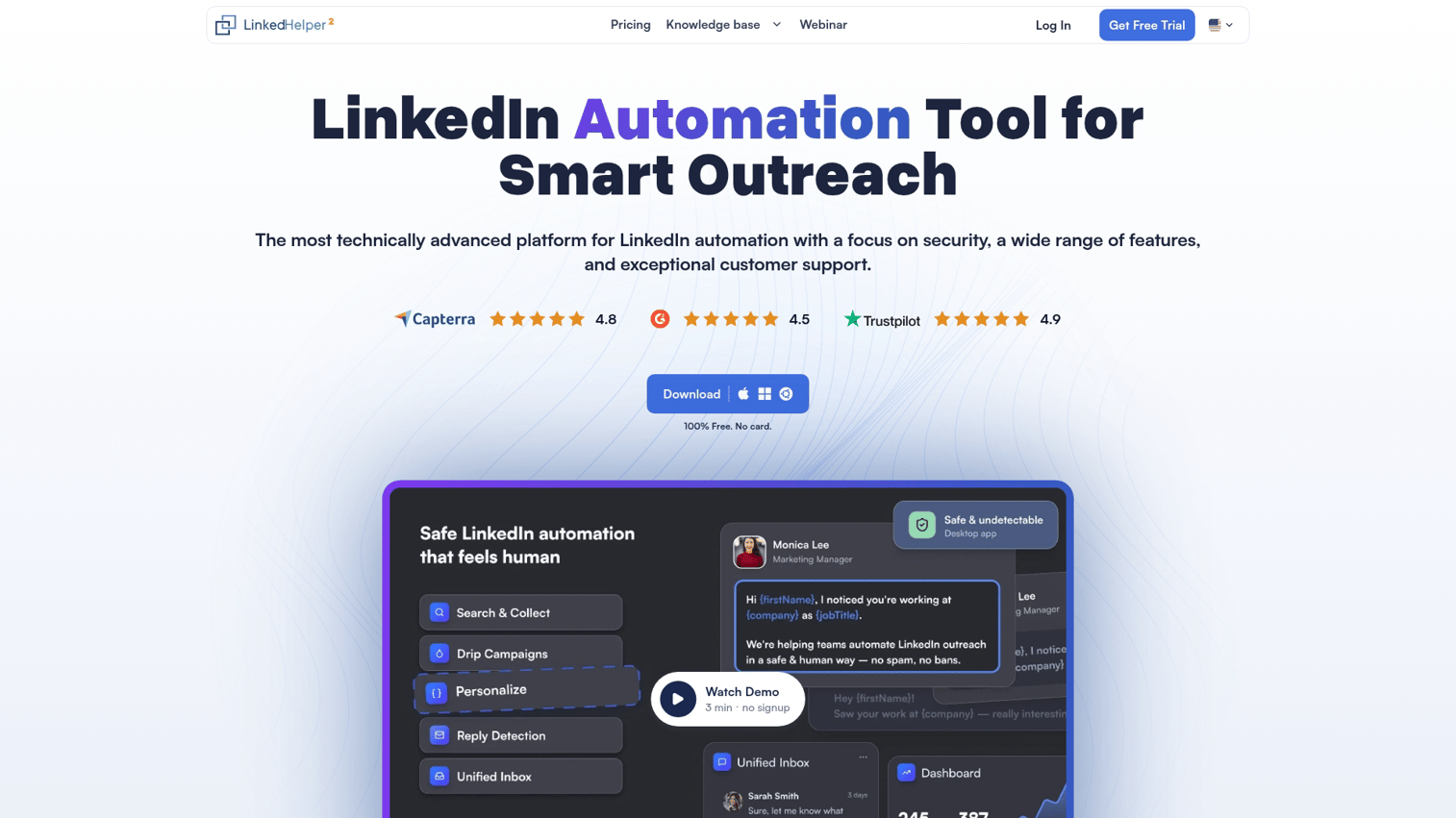
LinkedHelper is a standalone desktop application (not a browser extension) that offers advanced automation capabilities. It handles InMails, event invitations, and group messaging that most tools don't support.
Best for: Advanced users who want automation beyond standard connection requests and messages.
Key strengths
- Desktop application: Runs independently of your browser
- InMail automation: Automates premium messaging features
- Group and event outreach: Message group members and event attendees
Why choose LinkedHelper
Pick LinkedHelper when you want capabilities other tools lack. The desktop app approach offers more control, though it requires your computer to run.
LinkedHelper pricing
Plans start at $15 per month.
12. Octopus CRM
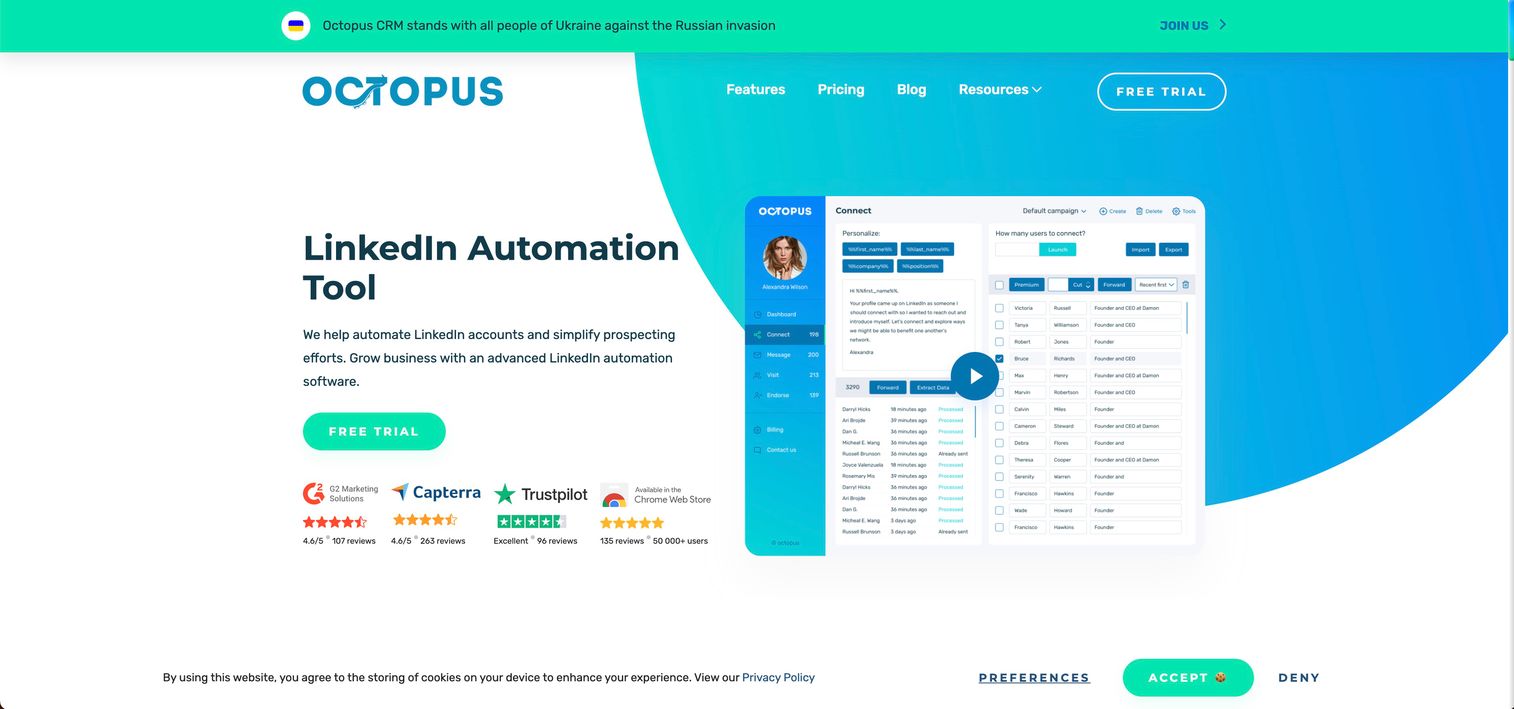
Octopus CRM is a budget-friendly browser-based LinkedIn automation tool. It covers basic sequence capabilities without the advanced features of pricier alternatives.
Best for: Solopreneurs and small teams on tight budgets who want basic LinkedIn automation.
Key strengths
- Low cost: Among the most affordable LinkedIn automation tools available
- Simple interface: Easy setup without complex configuration
- Basic sequences: Connection requests, messages, and profile visits
Why choose Octopus CRM
Start with Octopus CRM when budget is the primary constraint. The tool handles fundamentals well, though you'll outgrow it if you want advanced personalization or multi-account management.
Octopus CRM pricing
Plans start at $9.99 per month.
How to avoid LinkedIn account bans
LinkedIn actively detects and restricts automated behavior. The following practices reduce your risk.
Stay within daily activity limits
LinkedIn monitors activity volume, though they don't publish specific thresholds. Start with conservative limits: 20 to 30 connection requests per day for new accounts, scaling up gradually over weeks.
Established accounts with strong networks can typically handle higher volumes. Watch your acceptance rate as a signal. If it drops, you're likely triggering spam filters.
Use dedicated IP addresses or rotation
IP consistency matters. Cloud-based tools typically handle this by running from dedicated servers. Browser-based tools expose you to risk if your IP changes frequently (like when switching between home and coffee shop wifi).
Warm up new accounts before running campaigns
Account warm-up means gradually increasing activity over days or weeks. A brand new LinkedIn account that suddenly sends 50 connection requests per day looks suspicious.
Start with manual activity: posting content, engaging with others' posts, accepting incoming connections. Then introduce automation slowly.
Avoid aggressive connection request patterns
Aggressive patterns include mass requests to unrelated profiles, zero personalization, and rapid-fire sends. LinkedIn's algorithm detects robotic behavior.
Targeting matters too. Connecting with people who share mutual connections, industry, or location looks more natural than blasting random profiles.
Monitor for LinkedIn warnings immediately
Watch for restriction notices, CAPTCHA challenges, and temporary bans. If you see any warning, pause automation immediately. Wait at least a week before resuming, and reduce your activity levels when you restart.
LinkedIn outreach tips for higher response rates
The tool matters less than the message. Here's what actually moves reply rates.
Personalize the first line with research signals
Generic personalization ({first_name}) doesn't cut it anymore. Reference something specific: a recent post they wrote, a job change, a mutual connection, or company news.
This takes more time per prospect but can drive 9.36% reply rates.
Build sequences with value-first touchpoints
Lead with relevance, not a pitch. Your first message after connecting shouldn't ask for a meeting.
A better sequence structure: connect with a relevant reason, share something useful (article, insight, resource), then make a soft ask. The value-first approach builds enough goodwill that your eventual ask feels earned.
Combine LinkedIn with email for multichannel cadences
Multichannel outreach drives 287% more responses. Send a LinkedIn connection request, then follow up via email if there's no response. To maximize your outreach campaigns, consider adding interactive elements that let prospects experience value immediately rather than scheduling another call. Or reverse it: email first, then LinkedIn.
Many LinkedIn automation platforms support this natively. The key is coordinating timing so touches feel intentional rather than spammy.
A/B test connection request copy
Test different message angles: direct versus curiosity-based, short versus detailed, question versus statement. Most LinkedIn automation platforms offer A/B testing.
Run tests with at least 100 prospects per variant before drawing conclusions. Small sample sizes produce misleading results.
Track reply rates by persona and message variant
Segment your results by ICP, message type, and sequence step. Aggregate metrics hide what's actually working.
You might find that CTOs reply at 15% while Directors reply at 8%. Or that your curiosity-based opener outperforms your direct pitch by 2x. This data informs future campaigns.
What to evaluate before buying LinkedIn lead software
Beyond features, consider practical factors that affect day-to-day usage.
Pricing model and cost per sender
Some tools charge per seat, others per sender account, others flat rate. The right model depends on your team structure.
If you're running campaigns from multiple LinkedIn accounts, per-sender pricing adds up fast. Flat-rate tools become economical at scale.
Sales Navigator requirements
Many LinkedIn tools for lead generation work best (or only) with Sales Navigator. Factor that subscription cost ($99/month for Core) into your total spend.
Implementation and onboarding time
Ask how long from signup to first campaign. Cloud-based tools typically launch faster than desktop applications that require installation and configuration.
Data portability and export options
Check whether you can export contact lists, campaign data, and analytics. Avoid lock-in. If you switch tools later, you want to bring your prospect data and historical performance with you.
Support response time and documentation quality
Especially important for agencies managing client accounts. When something breaks, you want fast answers. Check for dedicated support tiers and response time SLAs before committing.
Turn LinkedIn leads into pipeline
Generating leads is step one. Converting them requires showing value quickly.
When a prospect accepts your connection request, they're curious but not committed. The next touchpoint matters. Instead of sending a static PDF or asking them to book a call, consider letting them experience your product directly through interactive demos that accelerate sales cycles.
Interactive demos work well here. You can personalize demos for every prospect with their company name and relevant use cases, then share via link in your follow-up message. Prospects explore on their own time, and you see exactly what they clicked on.
This approach scales a core sales action: showing, not telling. Leading sales teams increasingly rely on demo centers to achieve higher closure rates by letting prospects self-serve their evaluation process.
Start your journey with Guideflow today!
FAQs about LinkedIn automation tools
LinkedIn automation tools are legal software. However, using them may violate LinkedIn's Terms of Service, which prohibit third-party automation. Users assume account risk. LinkedIn can restrict or ban accounts that violate their policies.
Bans happen when activity looks robotic or exceeds safe limits. Cloud-based tools with safety features reduce risk but don't eliminate it. Start with conservative daily limits and scale gradually.
Most tools work with free LinkedIn but offer better targeting and data extraction with Sales Navigator. Some features (like InMail automation) require premium subscriptions.
LinkedIn doesn't publish official limits. Most practitioners recommend starting with 20 to 30 requests per day for new accounts, scaling up over weeks. Established accounts with strong networks can typically handle higher volumes.
Yes, many recruiters use LinkedIn automation tools for sourcing candidates. The same safety and personalization principles apply. Some tools like Zopto include specific features for talent sourcing workflows.
Waalaxy offers a freemium tier with basic LinkedIn automation features. Octopus CRM and Dux-Soup offer low-cost entry points. Free plans typically have volume or feature limits.
Most tools offer native integrations with major CRMs like Salesforce and HubSpot, or support Zapier and webhook connections. Native integrations typically sync more reliably than third-party connectors.
Cloud-based tools run on vendor servers with dedicated IP addresses. They don't require your browser to stay open. Browser-based tools run as extensions and require your browser to remain active for campaigns to execute. Cloud-based is generally considered safer for continuous campaigns.