How to access an email account via LinkedIn
Here is how to access an email account via linkedin
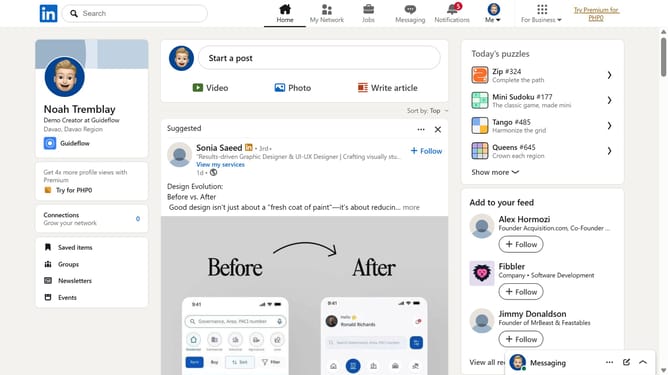
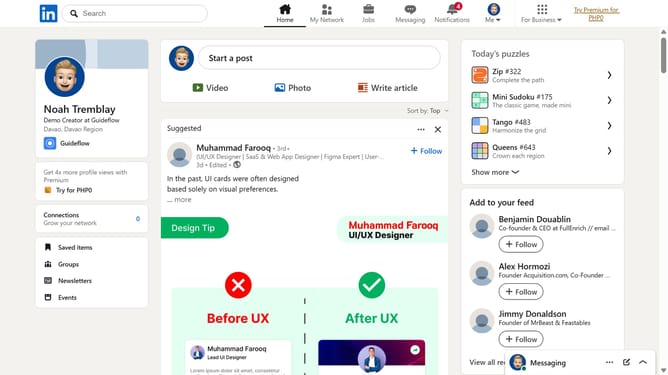
- First click in the top search bar and type the name of the person whose email you want to access
- Then click their profile from the dropdown results to open it
- Finally click on the "Contact info" to view any listed email addresses
Why should you access an email account via LinkedIn
LinkedIn is a professional networking platform designed to connect individuals and businesses around the world.
Accessing an email account via LinkedIn is seamlessly integrated, offering a practical way to manage professional communications effortlessly.
Utilizing LinkedIn's email access feature not only streamlines communication but also ensures that networking interactions remain organized and readily accessible within a single platform.
This feature enhances productivity, allowing users to focus more on building meaningful connections without hopping between different applications.
Last update