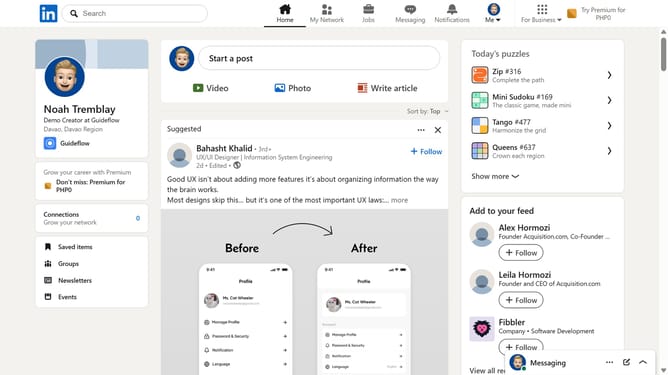
How to access a company page in LinkedIn
Here is how to access a company page in linkedin
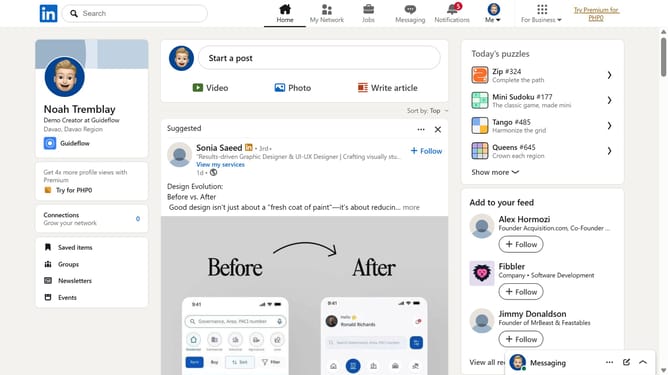
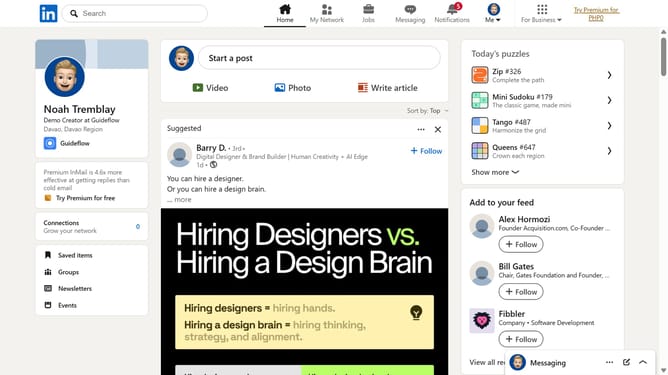
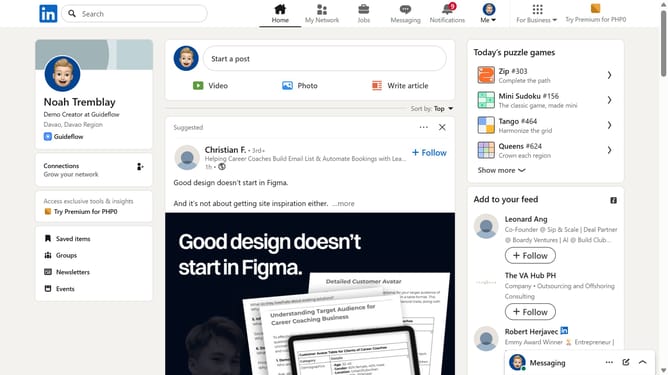
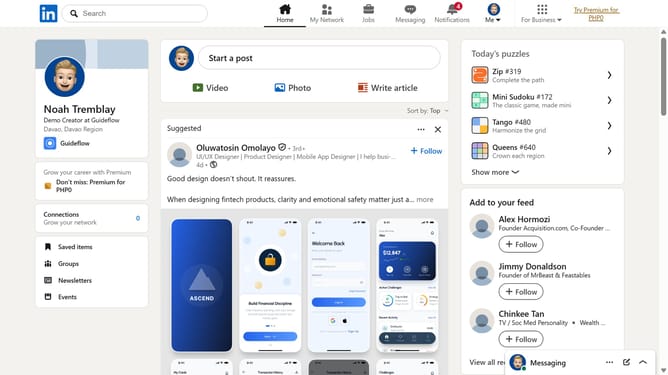
- First type the company name into the search bar at the top of the page
- Next click on the company profile from the dropdown search results
- Finally view the company page to explore its posts, jobs, and details
Why should you access a company page in LinkedIn
LinkedIn is the premier platform for professionals to connect and grow their careers through networking.
Accessing a company page on LinkedIn offers insight into its culture, recent updates, and industry trends.
By regularly visiting these pages, you can stay informed about potential job opportunities and understand the organization's brand and values.
Engaging with a company page allows you to build a rapport with key industry individuals and shows initiative and interest in the company's activities.
Last update