How to access draft posts in LinkedIn
Here is how to access draft posts in linkedin
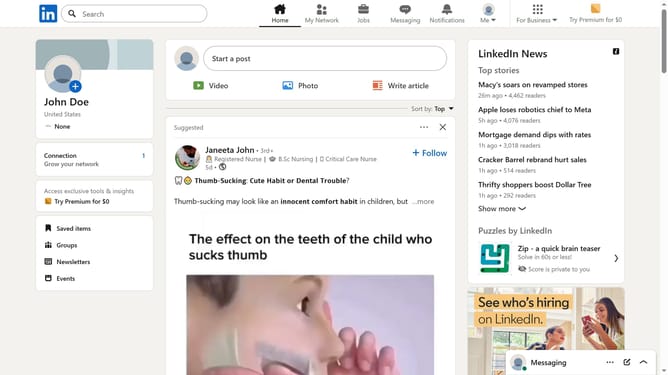
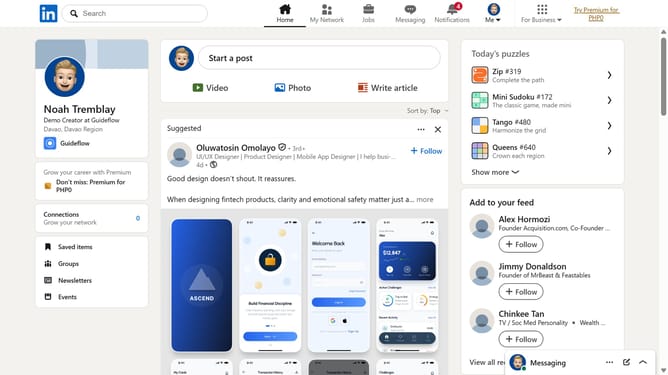
- First click on the "Write article" button in the post creation area of the main feed
- Then click on the "Manage" dropdown button in the top toolbar
- Next select "Drafts" option from the Manage dropdown menu
- Finally select the draft post you want to access and continue editing
Why should you access draft posts in LinkedIn
LinkedIn is the premier platform for professional networking, connecting individuals and businesses across the globe.
The ability to access draft posts on LinkedIn allows users to refine their messages before sharing them with their network. This feature ensures that you can perfect your content, making it more impactful and aligned with your professional goals.
Using the draft posts feature offers the benefit of flexibility, enabling users to work on content at their convenience, promoting thoughtful and polished communication.
Last update