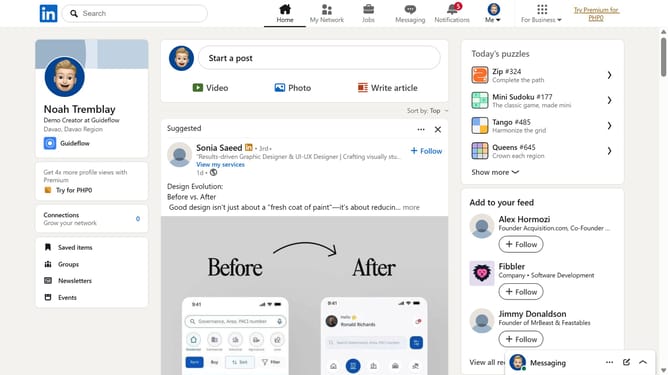
How to accept an invitation in LinkedIn
Here is how to accept an invitation in linkedin
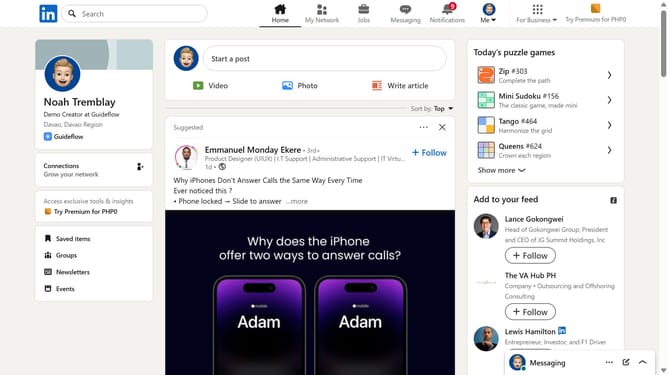
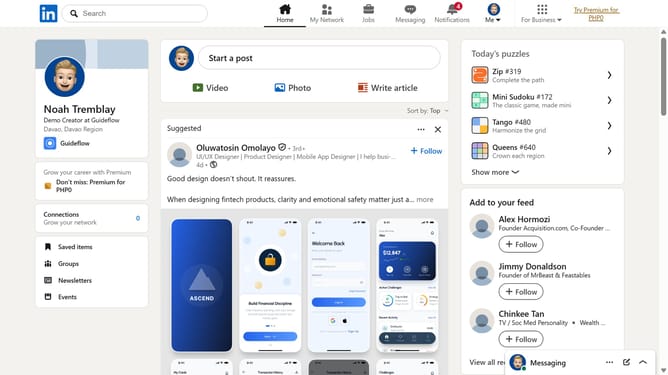
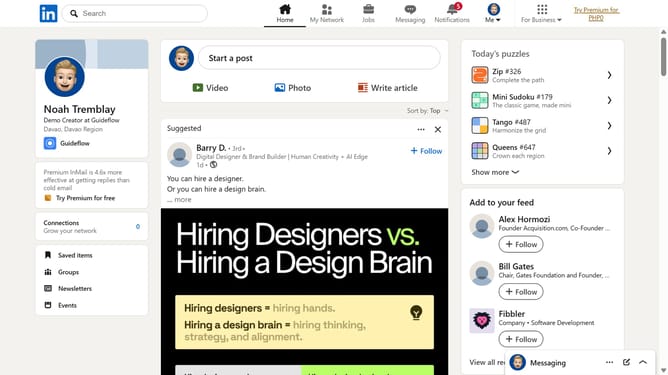
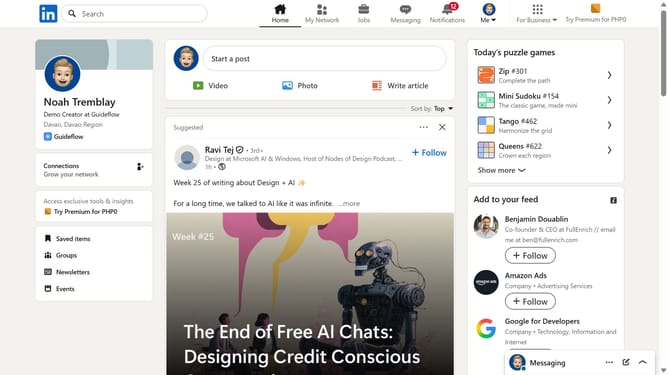
- First click on the "My Network" button in the top navigation bar
- Here you will find the people who sent you an invitation
- Finally click the "Accept" button to accept the connection request
Why should you accept an invitation in LinkedIn
LinkedIn is a professional networking platform designed to connect industry experts and expand career opportunities.
The ability to accept invitations on LinkedIn enhances your connectivity, allowing you to grow your professional network seamlessly.
By accepting invitations, you open doors to new resources, collaborations, and insights within your field.
This feature supports career advancement by fostering valuable connections with professionals who share similar interests and goals.
Last update