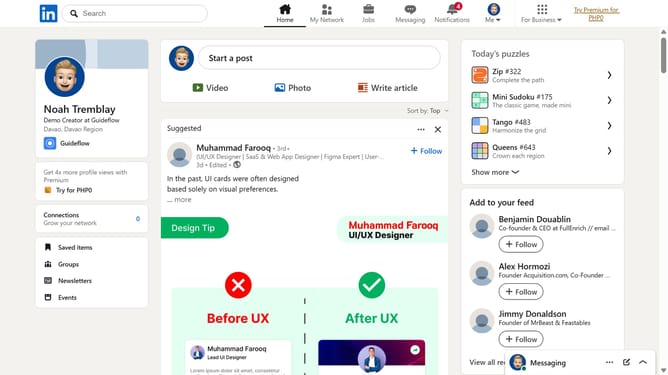
How to view your resume in LinkedIn
Here is how to view your resume in linkedin
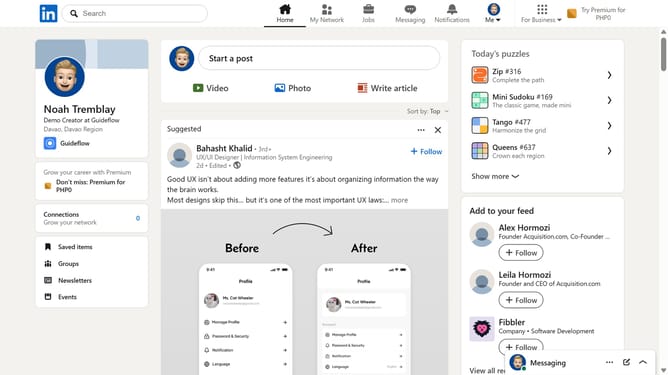
- First click on the profile icon labeled "Me" in the top navigation bar
- Then click on "Settings & Privacy" in the dropdown menu
- Next select "Data privacy" from the left sidebar menu
- Then click on "Job application settings" under the Job seeking preferences section
- Here you will find all your uploaded resumes linked to your account
Why should you view your resume in LinkedIn
LinkedIn serves as a professional networking platform that connects individuals and expands career opportunities.
Viewing your resume on LinkedIn is straightforward and showcases your career journey and achievements in one glance. This feature allows for easy sharing and ensures your professional presence is up-to-date, increasing visibility to recruiters and connections.
Utilizing LinkedIn to view and maintain your resume ensures you’re always prepared for potential career advances and unique opportunities that come your way.
Last update