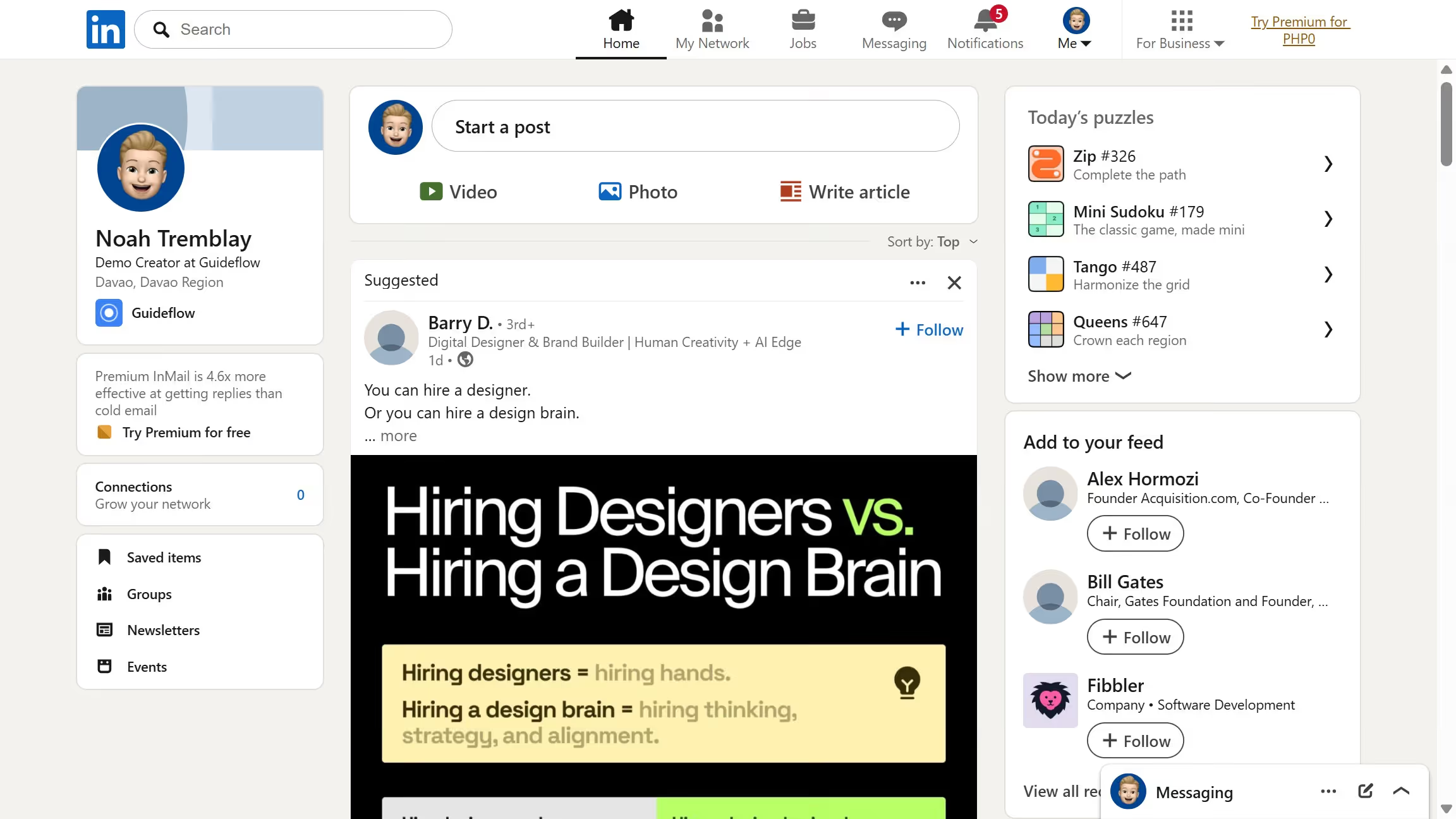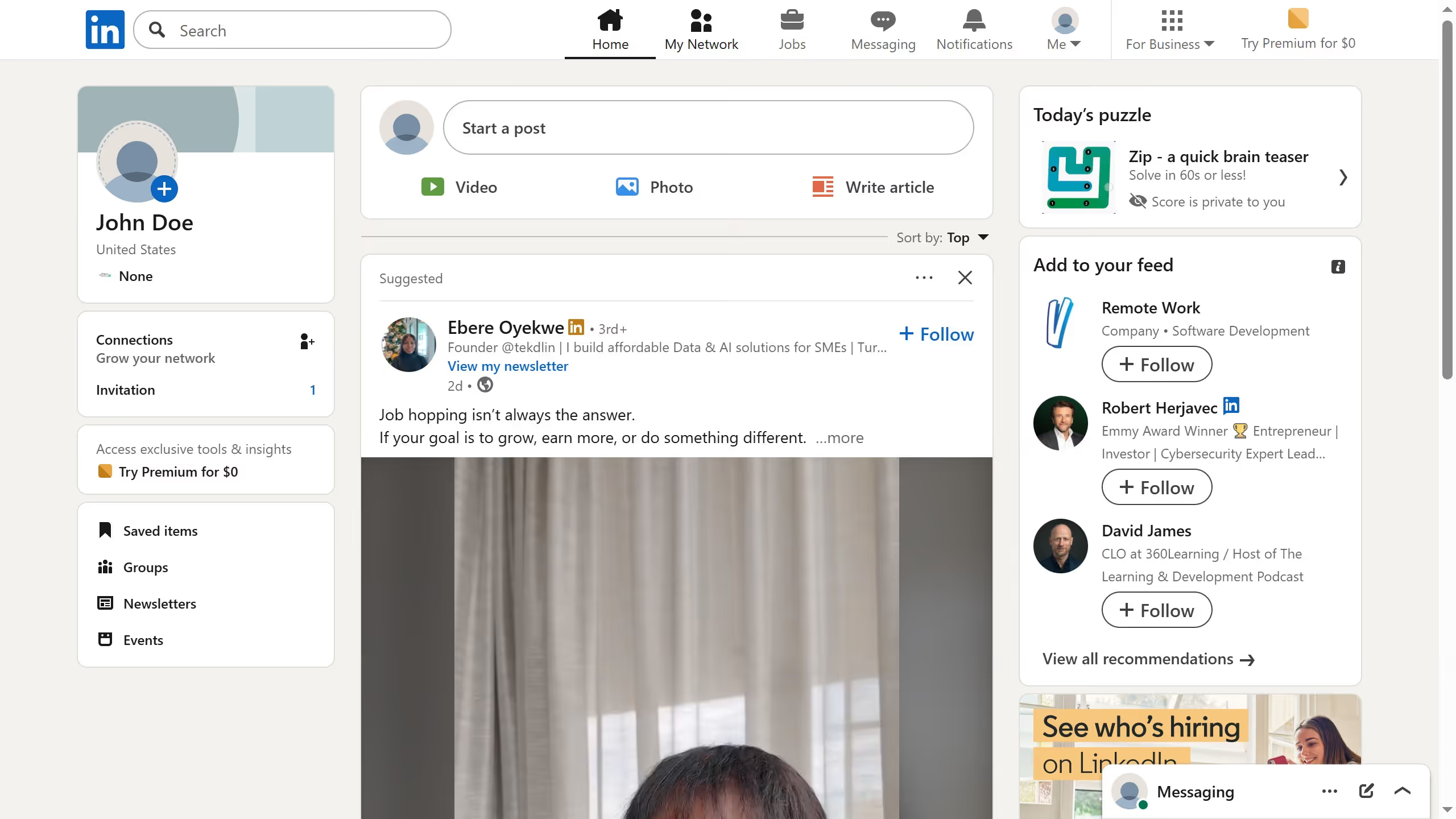
Here is how to turn off using windows interest for ads on linkedin
- First click on the "Me" dropdown menu in the top navigation bar
- Then click on "Settings & Privacy" option in the dropdown menu
- Next click on "Advertising data" option in the left sidebar under Settings
- Then click on "Interests and traits" option in the Activity and inferred data section
- Next click on the "Windows" checkbox to uncheck it from the list of specific interests and traits
- Finally click on the "Save interest settings" button to save the changes