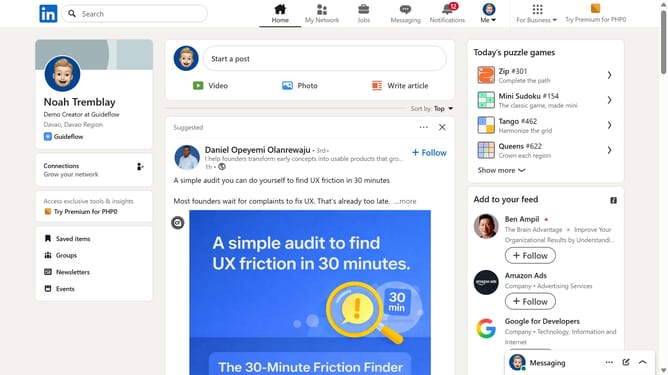
How to access your email account via LinkedIn
Here is how to access your email account via linkedin
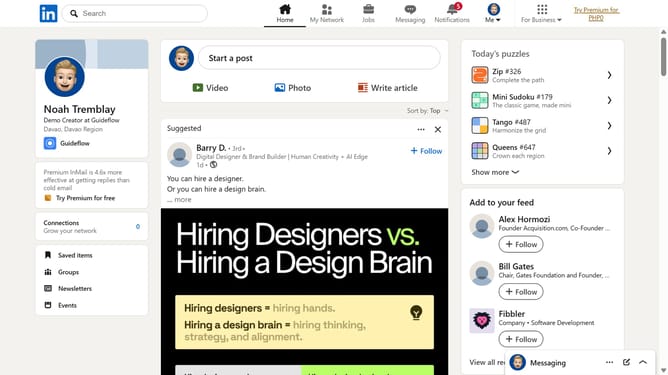
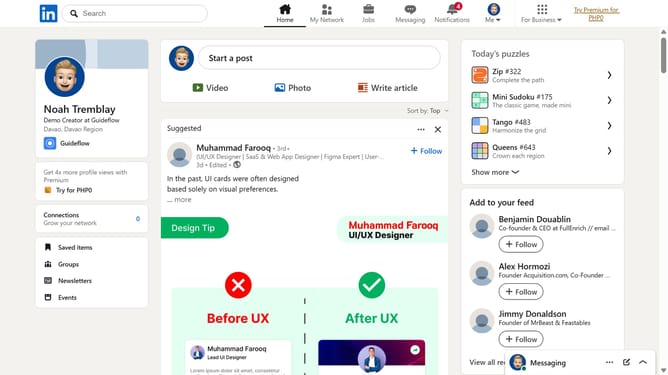
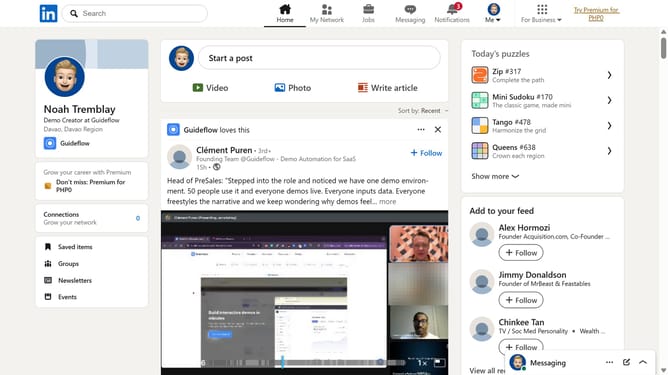
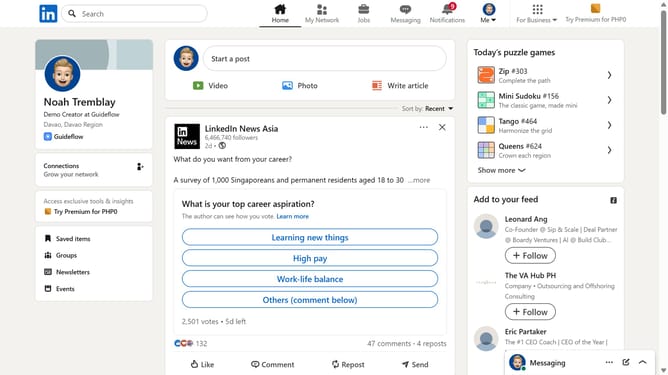
- First click on the "Me" dropdown menu in the top navigation bar
- Then click on "Settings & Privacy" option in the dropdown menu
- Next click on "Sign in & security" in the left sidebar menu
- Finally click on "Email addresses" option under the Account access section
Why should you access your email account via LinkedIn
LinkedIn is a powerful networking platform designed to connect professionals and foster career growth.
By accessing your email account through LinkedIn, you seamlessly integrate your communication channels, enhancing efficiency in networking efforts.
Streamlined access means you can effortlessly manage contacts and communication without toggling between multiple apps.
This integration not only saves time but also ensures you remain promptly connected with professional updates and opportunities.
Last update