Your support queue is not full because customers enjoy opening tickets. It's full because the self-service path breaks at the exact moment someone needs clarity - after a password reset fails, before a workflow makes sense, or the third time a new user reads the same help article and still can't find the right button.
According to Gartner (2024), 73% of customers use self-service at some point in a service journey, yet only 14% of issues are fully resolved through self-service alone. The gap between what customers attempt to do on their own and what they can actually complete is where churn starts.
For Customer Success Managers, this problem hits differently. You're not just trying to reduce tickets. You're trying to shorten time-to-value, improve feature adoption, and free yourself from repeating the same walkthroughs on every onboarding call. The right customer self-service software closes that gap by letting customers learn, resolve, and progress without waiting for you.
What's inside
This guide compares 15 customer self-service tools for 2026, chosen specifically for CS, onboarding, and support teams at SaaS and B2B technology companies.
- Who it's for: Customer Success Managers, onboarding managers, support operations, and customer experience leads
- Selection criteria: Self-service resolution quality, automation depth, CS and support workflow fit, CRM integrations, and reporting
- What you'll see: Pricing, G2 ratings, and honest fit guidance for each tool
- Scope: Portals, knowledge base platforms, AI agents, ticketing systems, shared inboxes, and interactive product education
TL;DR
- Best for product education and onboarding self-service: Guideflow - interactive demos, sandboxes, and demo centers let customers learn product workflows at their own pace
- Best for AI-first conversational support: Intercom - Fin AI Agent combined with Messenger and ticketing in one platform
- Best for enterprise service operations: Zendesk or Salesforce Service Cloud - structured omnichannel support with deep routing and analytics
- Best for small and lean teams: Help Scout or Hiver - shared inbox simplicity without enterprise overhead
- Best for ecommerce self-service: Gorgias or Richpanel - order-aware support automation built for Shopify-centric brands
- Best for broader value at lower cost: Freshdesk, Zoho Desk, or LiveAgent - solid help desk coverage with room to grow
What is customer self service software?
Customer self-service software helps customers answer questions, complete tasks, learn products, and resolve issues without waiting for a support agent.
The category spans several distinct formats, each solving a different problem:
- Knowledge base: Searchable articles, FAQs, and help center content customers browse independently
- Customer portal: Authenticated access for order status, subscription changes, account updates, and ticket tracking
- AI chatbot or AI agent: Conversational support grounded in approved knowledge and customer context, with escalation when confidence is low
- Help desk with self-service: Ticketing, macros, routing, automations, and agent escalation working alongside self-serve content
- Interactive product education: Guided interactive demos, onboarding paths, demo centers, and embedded product walkthroughs that show customers how to use the product rather than describing it
- Omnichannel self-service: A connected experience across email, chat, messaging, social, in-app, and help center surfaces
Core capabilities to look for:
- Searchable knowledge base
- Customer portal or authenticated self-serve access
- AI chat or AI agent with escalation
- Ticket escalation with conversation history preserved
- Workflow automation and routing
- CRM and product data integration
- Omnichannel channel coverage
- Analytics, feedback collection, and self-serve completion tracking
For SaaS CS teams, self-service is not only about deflecting tickets. It directly affects time-to-value, product adoption, churn risk, and how much of a CSM's day gets consumed by repetitive education versus strategic account work.
When to use customer self service software
Deflect repetitive questions before they become tickets
Teams should deploy self-service tools when the same questions appear in tickets, onboarding calls, Slack communities, and QBR notes. Common triggers include "how do I" workflow questions, password resets, billing inquiries, setup steps, and feature confusion. When your CS team notices the same five questions appearing weekly across accounts, that's a self-service gap worth closing before it scales.
Onboard customers without adding more live calls
Customers need to learn new product workflows at their own pace. Self-service software can package onboarding into help center content, guided product experiences, automated checklists, and searchable support paths - so a new user gets oriented without needing a live walkthrough. Interactive product demos are particularly useful here: They show customers exactly where to click, without requiring a CSM to repeat the same screen-share session for the fourth time that week.
Scale support while preserving escalation context
Self-service should not trap customers. The best systems detect failed self-service and hand off to an agent with full conversation history, customer data, and prior steps intact. Good escalation feels like progress; bad escalation asks the customer to start over. Evaluate any tool by what it does at the moment self-service fails - not just when it succeeds.
Customer self service software comparison
Each tool below was evaluated for self-service resolution quality, automation depth, CS workflow fit, integrations, and reporting. Pricing was verified on each vendor's official pricing page. G2 ratings were checked on live G2 listings.
| # | Product | Best for | Key differentiator | Pricing | G2 rating |
|---|---|---|---|---|---|
| 1 | Guideflow | Product education and onboarding self-service | Interactive demos, sandboxes, and demo centers with step-level analytics | Free; paid from $35/mo | 5.0 |
| 2 | Intercom | AI-first conversational support | Fin AI Agent with Messenger, help center, and ticketing | From $29/seat/mo | N/A on G2 |
| 3 | Zendesk | Enterprise help desk and omnichannel service | Ticketing, help center, AI bots, routing, and analytics | From $19/agent/mo | 4.3 |
| 4 | Freshdesk | Affordable omnichannel service | Ticketing, knowledge base, automations, and Freddy AI | From $19/agent/mo | 4.4 |
| 5 | HubSpot Service Hub | CRM-connected customer service | Service tools tied to HubSpot CRM and customer lifecycle data | Free; paid from $7/seat/mo | 4.4 |
| 6 | Zoho Desk | Value-focused service teams | Ticketing, knowledge base, Zia AI, and Zoho suite fit | Free; paid from INR 420/user/mo | 4.4 |
| 7 | Help Scout | Small teams with human support | Shared inbox, Docs knowledge base, Beacon chat, and AI drafts | Free; paid from $25/user/mo | 4.4 |
| 8 | Hiver | Gmail-based support teams | Omnichannel ticketing and AI copilot inside Gmail | From $25/user/mo | 4.6 |
| 9 | Salesforce Service Cloud | Enterprise CRM and service automation | CRM-native case management, AI agents, and omnichannel routing | From $25/user/mo | N/A on G2 |
| 10 | LiveAgent | Budget-conscious omnichannel support | Ticketing, chat, call center, and knowledge base in one platform | From $15/agent/mo | 4.5 |
| 11 | Gorgias | Ecommerce support and self-service | Shopify-centric support, order-aware automation, and AI Agent | Ticket-volume pricing | 4.6 |
| 12 | Gladly | Consumer brands and loyalty-focused service | Customer-centered conversation history across all channels | Custom pricing | 4.7 |
| 13 | Richpanel | Ecommerce self-service resolution | Customer portal, order actions, and AI-assisted support | From $99/seat/mo | 4.7 |
| 14 | ProProfs Help Desk | Simple ticketing and knowledge base bundles | Shared inbox, ticketing, knowledge base, and AI ticket resolution | Free; paid from $29.99/mo | 4.7 |
| 15 | Kayako | Conversation history and shared support context | Omnichannel inbox with AI resolution at $1 per resolved ticket | $1/resolved ticket | 4.0 |
Best 15 customer self-service software tools for 2026
1. Guideflow
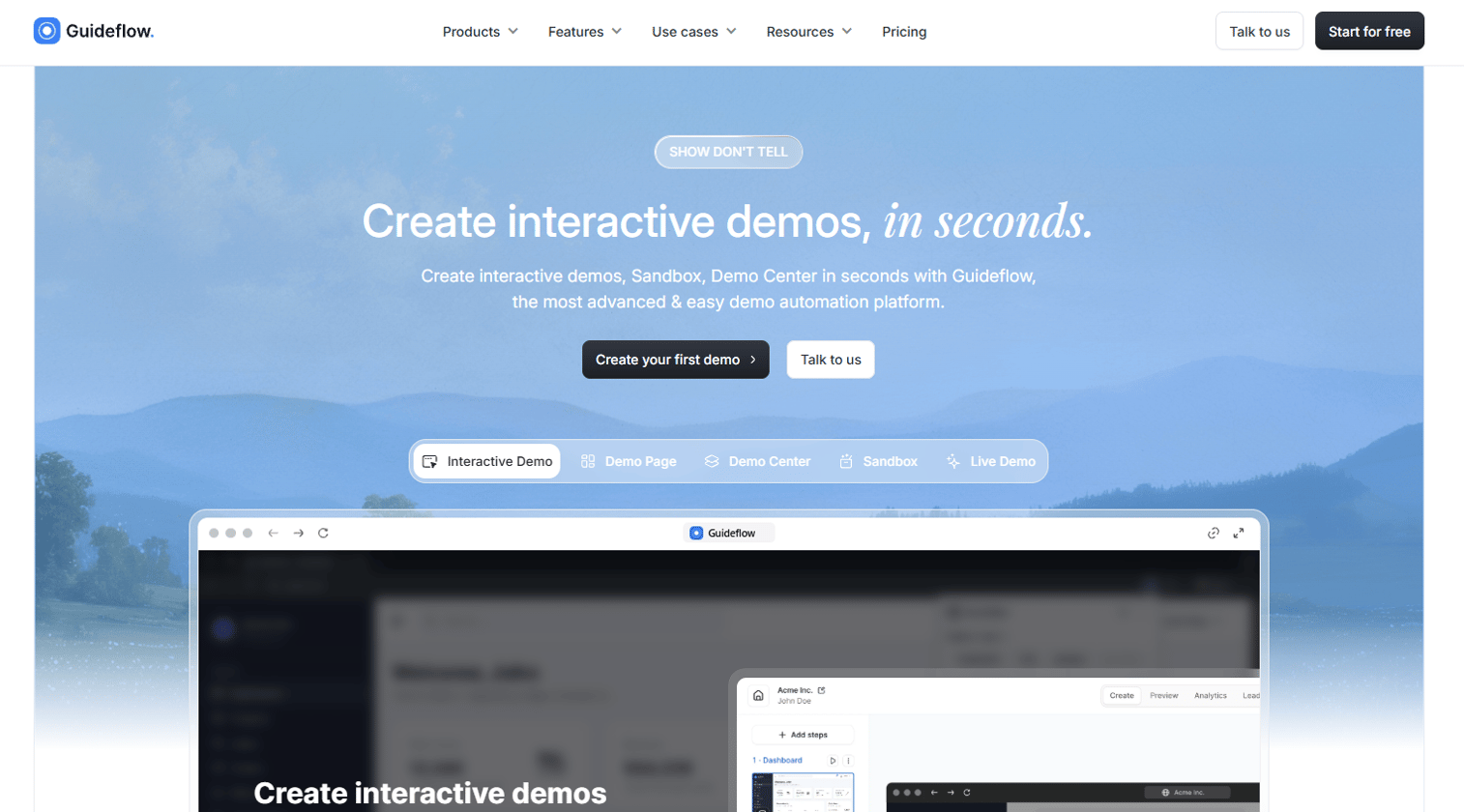
Guideflow is a demo automation platform that lets CS and onboarding teams build interactive product experiences customers can explore on their own. Instead of sending a static help article when a user gets stuck, you embed a guided clickable demo directly in your help center, onboarding email, or support macro. Customers see the actual product interface and follow a step-by-step path without needing a live walkthrough from you. Guideflow supports five demo formats: Interactive demos for guided walkthroughs, sandboxes for open exploration, demo centers for organized libraries, mobile demos for mobile-first products, and live demos for presenter-led sessions.
Best for: Customer success and onboarding teams at B2B SaaS companies that need scalable product education without adding more live calls to their queue.
Key features
- Interactive product demos with guided step-by-step paths
- Self-serve demo centers as browsable product libraries
- Explorable sandboxes for free-form product validation
- Step-level analytics: Impressions, completion, drop-off, and viewer engagement
- AI-assisted demo editing, translations, and voiceovers
Why choose Guideflow: Guideflow fits when the self-service gap is product understanding, not just information retrieval. If customers keep asking "where do I click next," a guided interactive demo answers the question faster and more durably than a text article. It sits alongside your existing help desk rather than replacing it.
Guideflow pricing: A free plan is available. Paid plans start at $35 per user per month (billed annually) for the Solo tier, rising to $499 per month for Growth and $1,499 per month for Advanced. Enterprise pricing is available on request.
Guideflow G2 rating: 5.0/5
Start your journey with Guideflow today!
2. Intercom
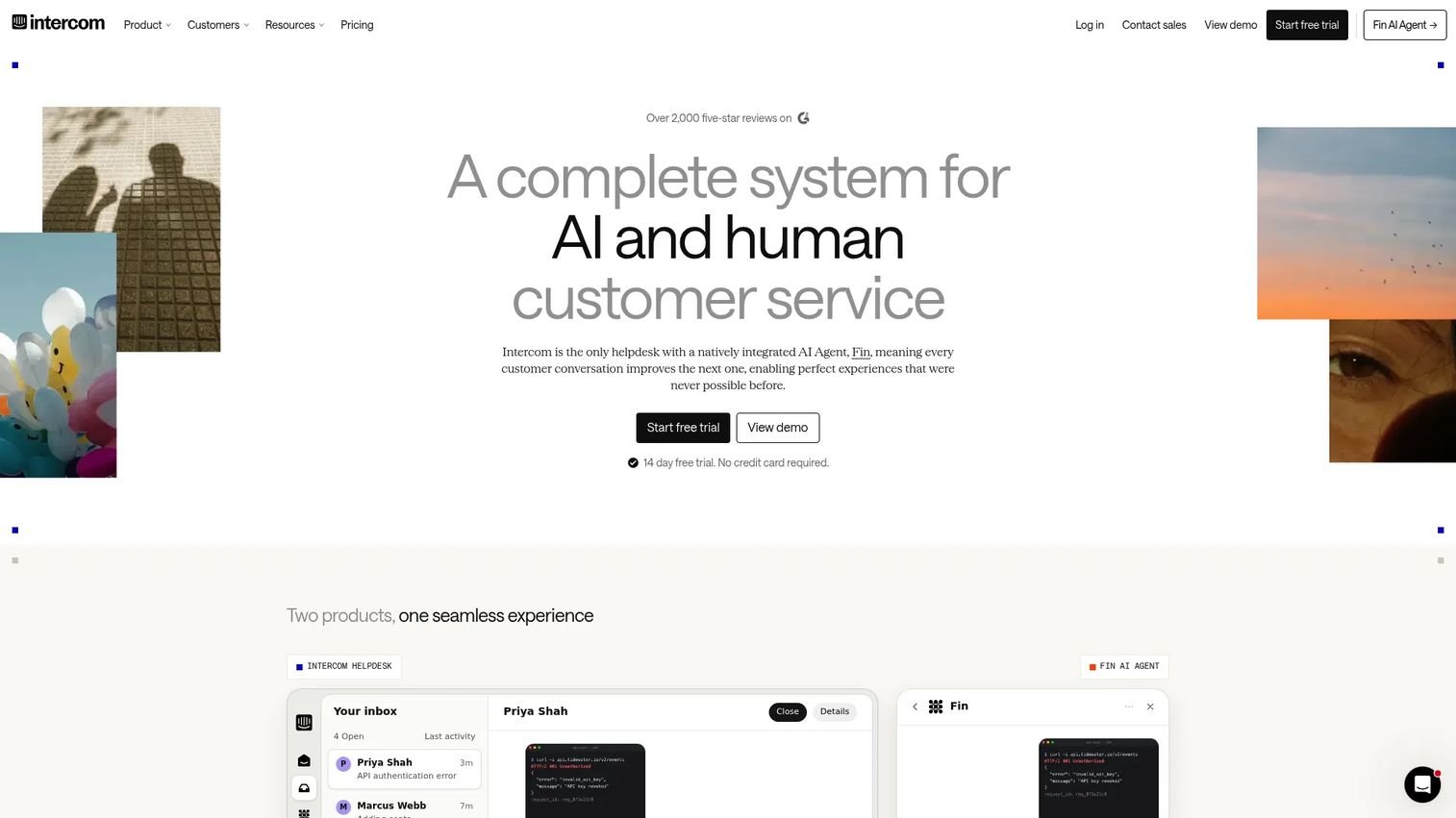
Intercom is an AI-first customer service platform built around its Fin AI Agent, which handles support conversations grounded in your help center content and customer context. The platform combines Messenger for in-product and website chat, a shared inbox for agent workflows, ticketing, proactive outbound messaging, and a full help center builder. Fin AI Agent is included across all plans, with additional usage charges applying when it resolves conversations. For SaaS teams with high chat volume and in-app support needs, Intercom connects the entire conversation lifecycle from initial message to escalation in one workspace.
Best for: SaaS companies that want AI-first chat support with help center and ticketing in a single platform.
Key features
- Fin AI Agent for automated conversation resolution
- In-app and website Messenger
- Shared inbox and ticketing workflows
- Help center with self-service content
- Proactive outbound messaging and customer segmentation
Why choose Intercom: Choose Intercom when customer conversations start inside the product or on the website and you want support, onboarding messages, and lifecycle communication sharing the same customer context.
Intercom pricing: Plans start at $29 per seat per month (billed annually) for the Essential tier. Advanced is $85 per seat per month and Expert is $132 per seat per month. Additional usage charges apply for Fin AI outcomes. A 14-day free trial is available.
Intercom G2 rating: A current Intercom G2 rating was not confirmed at publication. Capterra reviewers rate it 4.5/5.
3. Zendesk
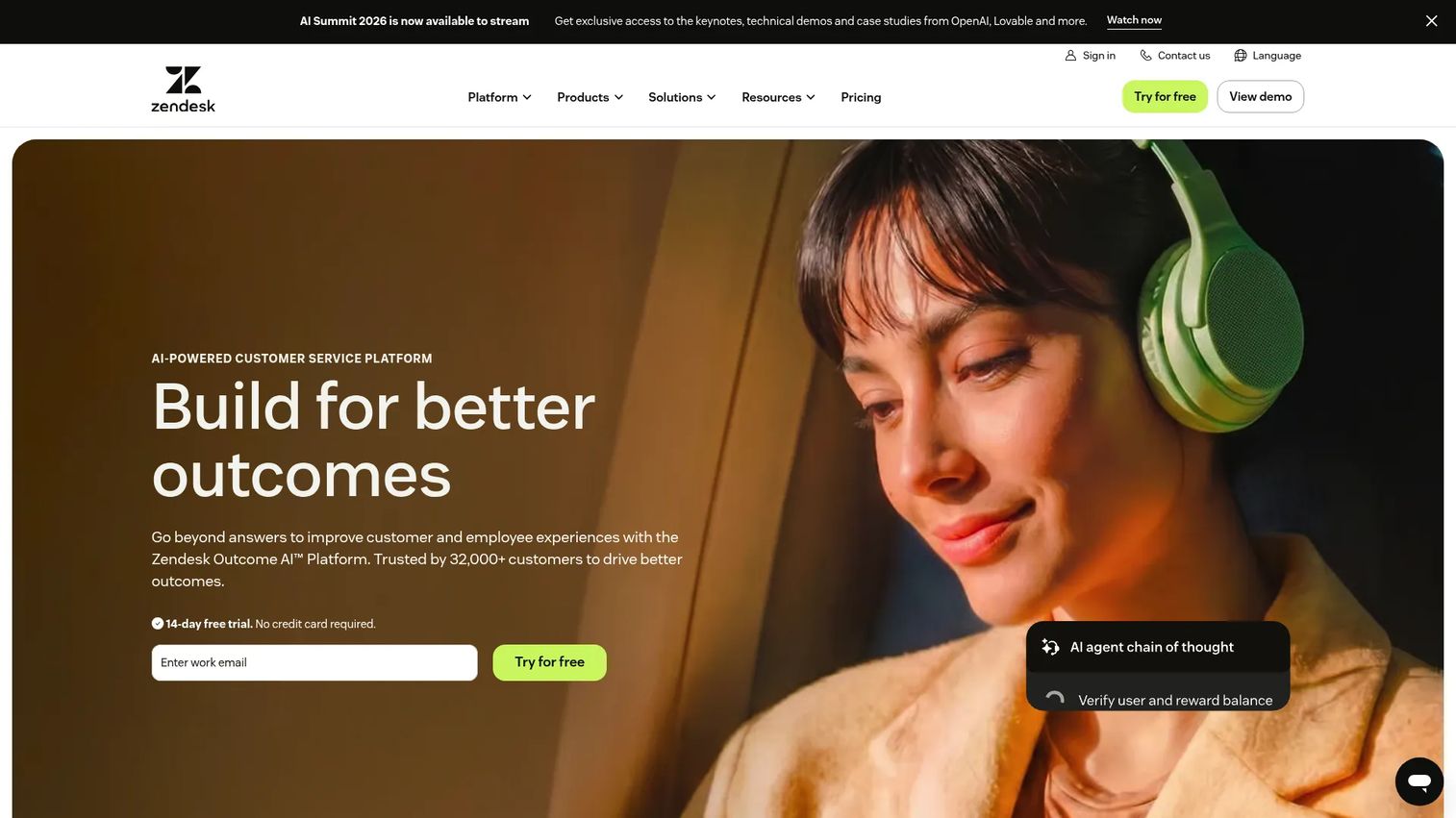
Zendesk is an enterprise-grade customer service platform covering omnichannel ticketing, help center management, AI-powered bots, messaging, telephony, and deep analytics. It is designed for support operations that span multiple channels, teams, and agent roles. The help center builder lets you publish searchable self-serve content, while AI bots handle routine queries before escalating to agents with full conversation history. Zendesk works best when ticket volume, permissions, reporting requirements, and channel complexity have outgrown lighter tools.
Best for: Enterprise and scaling support teams that need structured omnichannel operations with governance and analytics.
Key features
- Omnichannel ticketing across email, chat, voice, and social
- Help center builder with self-service content
- AI-powered bots and routing automations
- Workflow triggers and business rules
- Analytics dashboards and custom reporting
Why choose Zendesk: Choose Zendesk when your support operation needs layered permissions, SLA management, and reporting across many agent groups. It's the right call when your team has scaled past what a shared inbox can hold.
Zendesk pricing: Support Team starts at $19 per agent per month (billed annually). Suite Team is $55 and Suite Professional is $115. Enterprise and Copilot tiers require a sales conversation. No free plan is offered, but a free trial is available.
Zendesk G2 rating: 4.3/5
4. Freshdesk
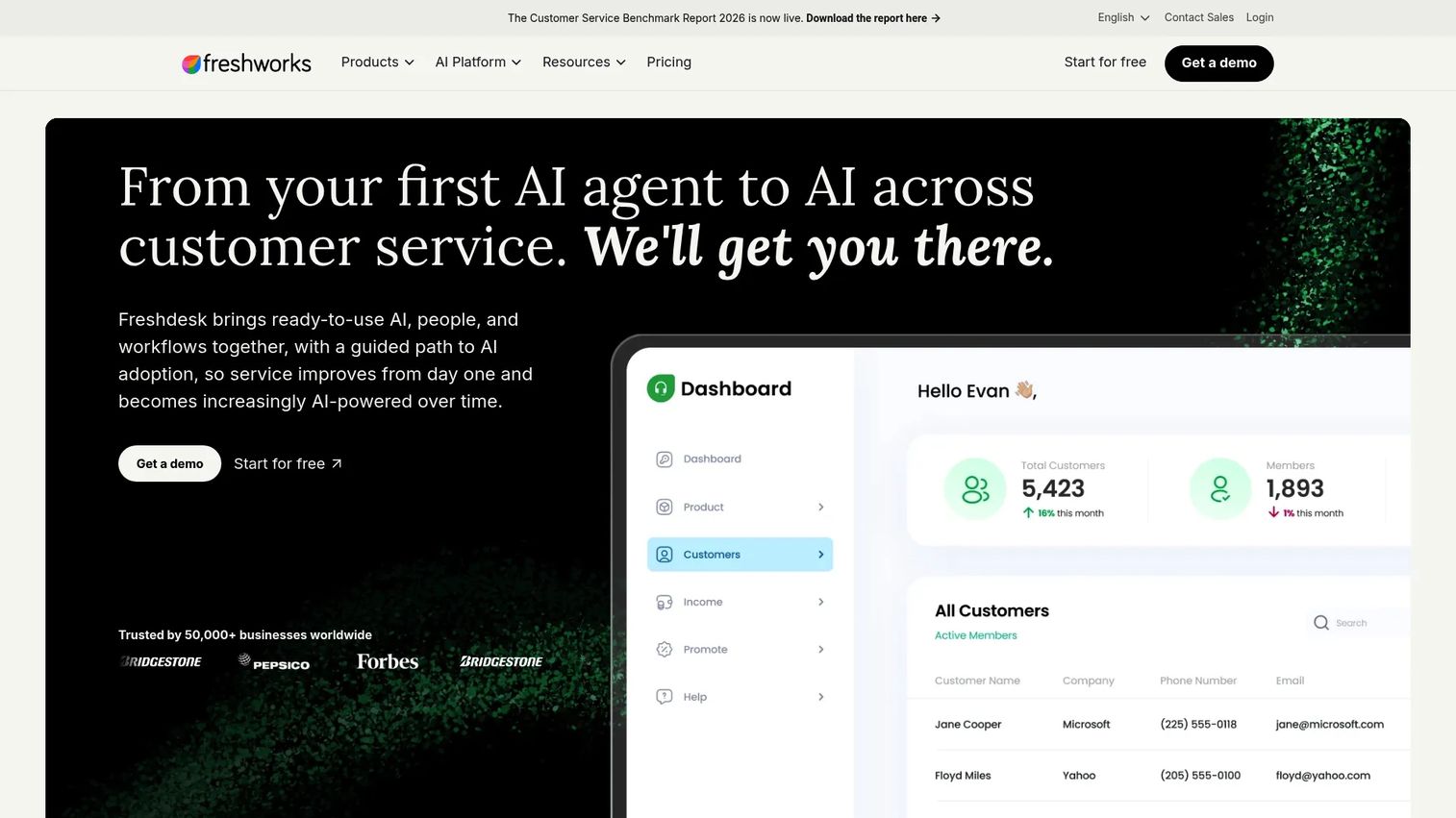
Freshdesk is a customer support platform combining intelligent ticketing, a customer portal, knowledge base, omnichannel support, and Freddy AI features including an AI Agent, Copilot, and Insights. It is built for growing teams that need a full help desk without enterprise complexity. The Growth plan covers core ticketing and self-service. Pro adds multilingual support and intelligent routing. Enterprise brings Freddy AI Insights, skill-based routing, sandbox, and audit logs. For CS teams that need something functional quickly and want room to add AI capabilities later, Freshdesk covers the essentials across the board. See related AI customer service software options if you're evaluating AI-led resolution tools alongside it.
Best for: Growing teams that want a practical help desk with self-service, automation, and AI assistance.
Key features
- Ticket management and shared inbox
- Customer portal and knowledge base
- Workflow automation and ticket routing
- Freddy AI Agent, Copilot, and Insights
- Omnichannel support across email, chat, phone, and social
Why choose Freshdesk: Freshdesk works well when a team needs a broad help desk deployed quickly, with space to grow into AI and channel expansion later.
Freshdesk pricing: Growth starts at $19 per agent per month (billed annually). Pro is $55 and Enterprise is $89. A free trial is available; a permanently free tier was not confirmed.
Freshdesk G2 rating: 4.4/5
5. HubSpot Service Hub
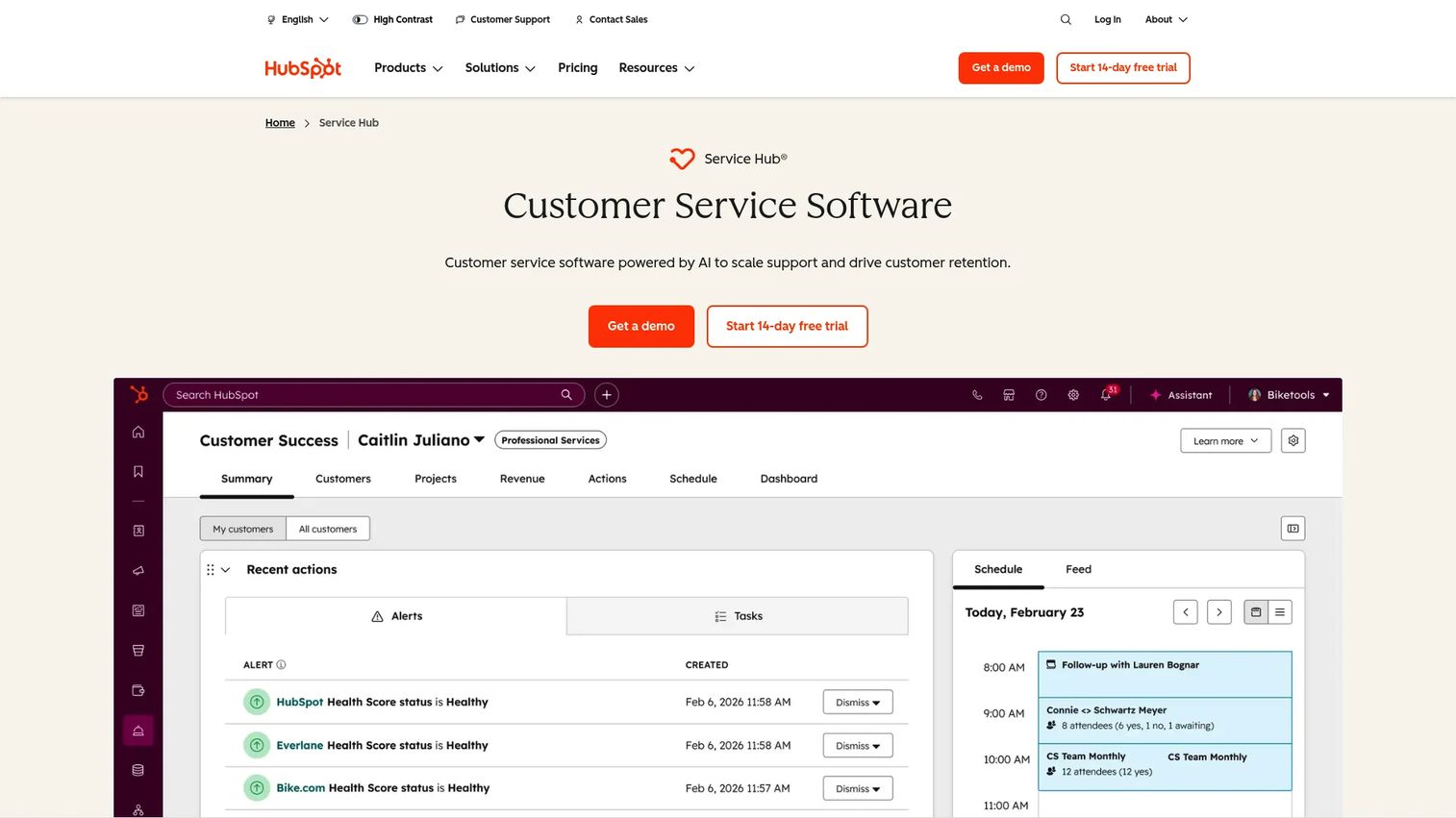
HubSpot Service Hub connects ticketing, knowledge base, customer portal, live chat, help desk workspace, feedback surveys, and customer success workflows to HubSpot CRM data. For CS teams already working in HubSpot, every support ticket is attached to a contact and company record, so you can see lifecycle stage, deal history, and health signals in one place. The Customer Agent feature handles automated resolution using your knowledge base content, and the customer success workspace gives CSMs a view across their accounts. Starter includes simple automation and ticket pipelines. Professional adds knowledge base, customer success workspace, and skill-based routing.
Best for: Teams that want service and self-service workflows connected directly to CRM lifecycle data.
Key features
- CRM-connected ticketing and help desk workspace
- Knowledge base and customer portal
- Live chat and customer success workspace
- Feedback surveys (CSAT, NPS)
- Customer Agent for automated resolution
Why choose HubSpot Service Hub: Choose HubSpot Service Hub when service, success, sales, and marketing teams share the same CRM records. It removes context switching for teams already managing accounts in HubSpot.
HubSpot Service Hub pricing: A free plan is available. Starter is $7 per seat per month. Professional is $90 per seat per month and Enterprise is $150 per seat per month. Professional and Enterprise require one-time onboarding fees of $1,500 and $3,500 respectively.
HubSpot Service Hub G2 rating: 4.4/5
6. Zoho Desk
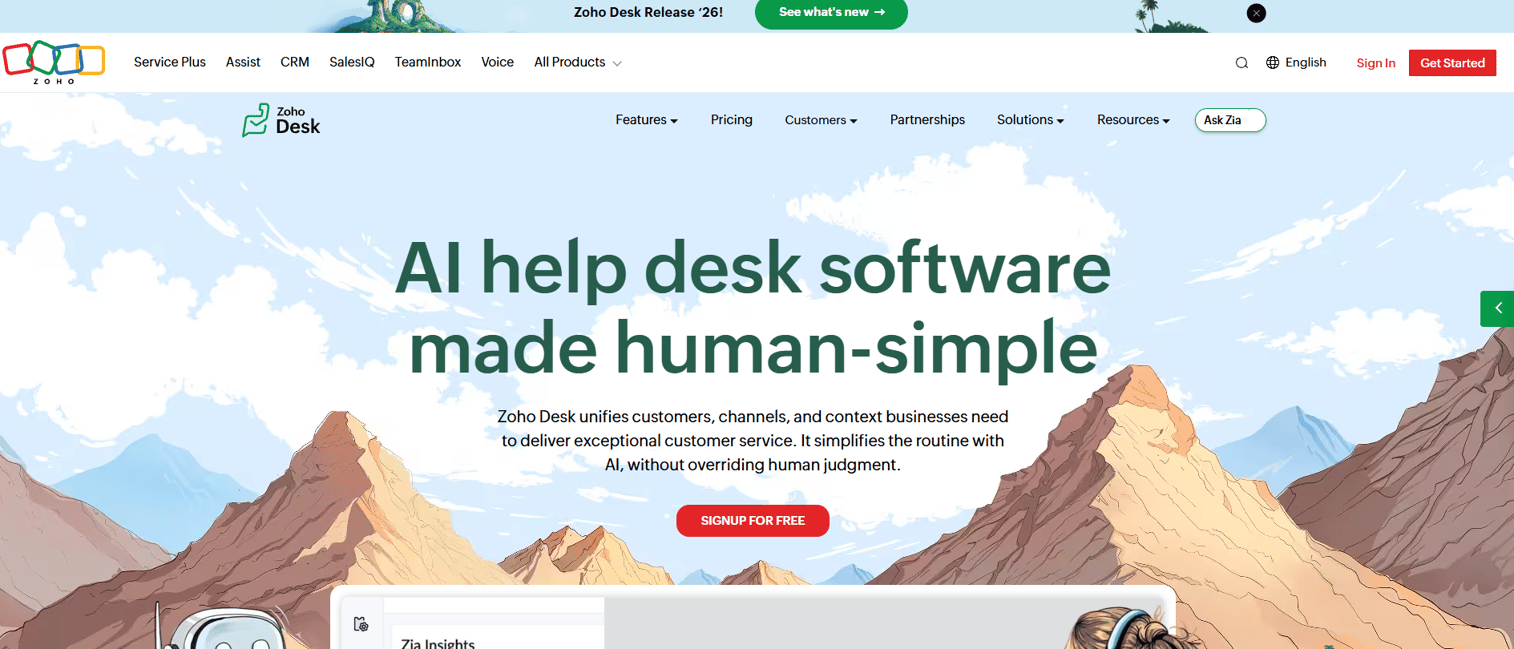
Zoho Desk provides omnichannel ticketing, a knowledge base, customer portal, guided conversations, Zia AI assistance, and workflow automation in one platform. It integrates tightly with the broader Zoho suite including Zoho CRM, Zoho Analytics, and Zoho SalesIQ, making it a natural fit for teams already committed to Zoho's connected stack. Zia AI offers predictive response suggestions, sentiment analysis, and anomaly detection for support teams. For cost-conscious teams that want ticketing and self-service without paying enterprise prices, Zoho Desk covers the essentials across its Express and Enterprise tiers.
Best for: Value-focused support teams that want ticketing and self-service, particularly within the Zoho ecosystem.
Key features
- Multichannel ticketing across email, phone, chat, social, and web forms
- Help center with multilingual knowledge base
- Customer portal and guided conversations
- Zia AI for response suggestions and sentiment detection
- Workflow rules, SLA policies, and blueprints
Why choose Zoho Desk: Choose Zoho Desk when cost control is a primary driver and the team already uses Zoho tools. It delivers solid help desk coverage and automation at a lower per-seat cost than most comparable platforms.
Zoho Desk pricing: A free plan is available. The Express tier starts at INR 420 per user per month (billed annually).
Zoho Desk G2 rating: 4.4/5
7. Help Scout
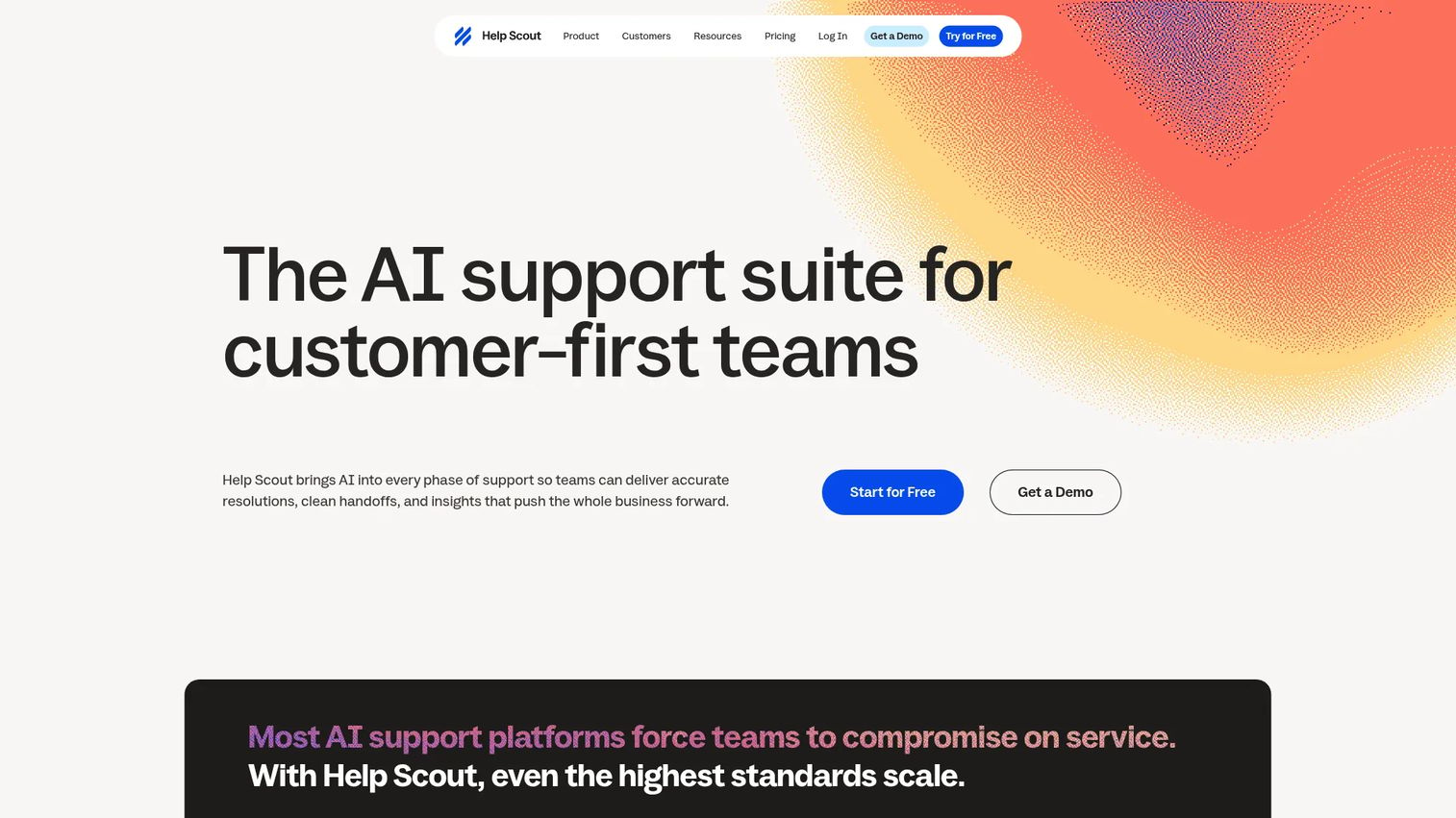
Help Scout gives small and mid-sized teams a shared inbox, Docs knowledge base, Beacon chat widget, customer profiles, workflow automation, and AI-assisted drafting in a deliberately simple interface. The free plan supports five users with one inbox and one Docs site. Paid tiers add multiple inboxes, additional channels including SMS, WhatsApp, and Instagram, SLA policies, and the Envoy AI add-on that handles automated conversation resolution at $0.75 per resolution. Help Scout's design philosophy prioritizes clarity over configuration, which means faster team adoption but fewer enterprise customization options.
Best for: Small support and customer success teams that want simple self-service with clean human handoff.
Key features
- Shared inbox with collision detection
- Docs knowledge base with customer portal
- Beacon chat widget for in-app self-service
- Customer profiles with interaction history
- AI Drafts and Envoy AI assistant
Why choose Help Scout: Choose Help Scout when the team values fast adoption and personal-feeling support over deep enterprise configuration. It is especially strong for teams where every agent needs to get oriented quickly.
Help Scout pricing: A free plan is available for up to five users. Standard is $25 per user per month. Plus is $45 and Pro is $75. The Envoy AI add-on is $0.75 per resolved conversation.
Help Scout G2 rating: 4.4/5
8. Hiver
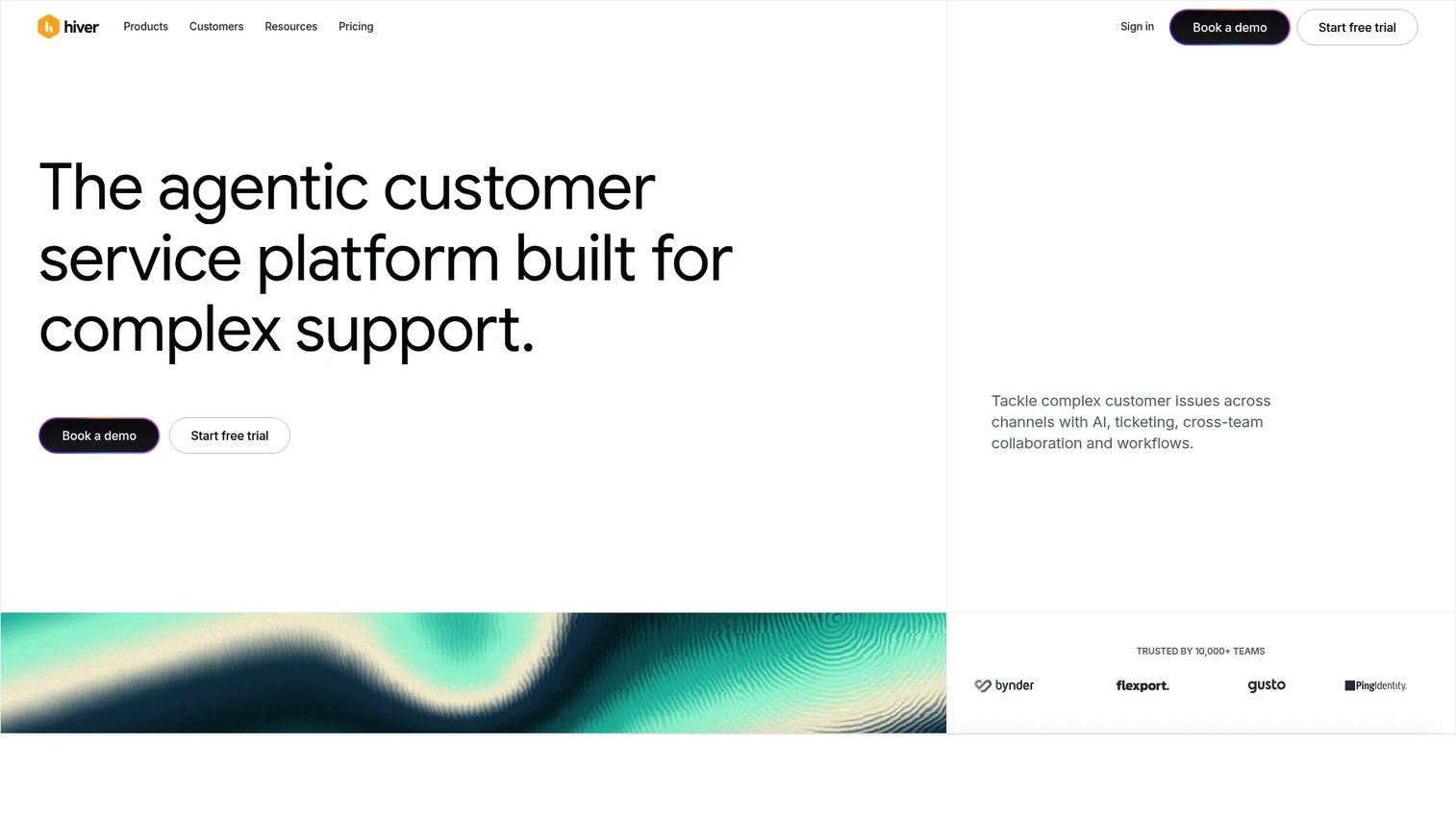
Hiver is an agentic customer service platform that runs inside Gmail and other channels, providing omnichannel ticketing, AI agents, an AI copilot, shared inboxes, SLA tracking, automation, and analytics without requiring teams to leave the inbox they already use. The AI copilot assists with drafting and investigation, while AI agents can handle automated resolution across channels. Hiver supports email, chat, Slack, voice, and WhatsApp, so it has expanded well beyond its Gmail-only origins. For Google Workspace teams that have resisted moving into a separate ticketing interface, Hiver reduces that friction by keeping support workflows contextually close to daily communication.
Best for: Google Workspace teams that want omnichannel support and AI assistance without leaving Gmail.
Key features
- Gmail-native shared inbox with collision alerts
- AI agents and AI copilot for drafting and resolution
- Omnichannel support across email, chat, voice, and WhatsApp
- SLA tracking and workflow automation
- Knowledge base and customer portal
Why choose Hiver: Choose Hiver when the support team already lives in Gmail and adoption of a new platform is a real concern. It is also worth evaluating when you want omnichannel coverage without the overhead of a full enterprise service platform.
Hiver pricing: Growth starts at $25 per user per month (billed annually). Pro is $55 and Elite is $85. A 7-day free trial is available; no permanent free tier was confirmed.
Hiver G2 rating: 4.6/5
9. Salesforce Service Cloud
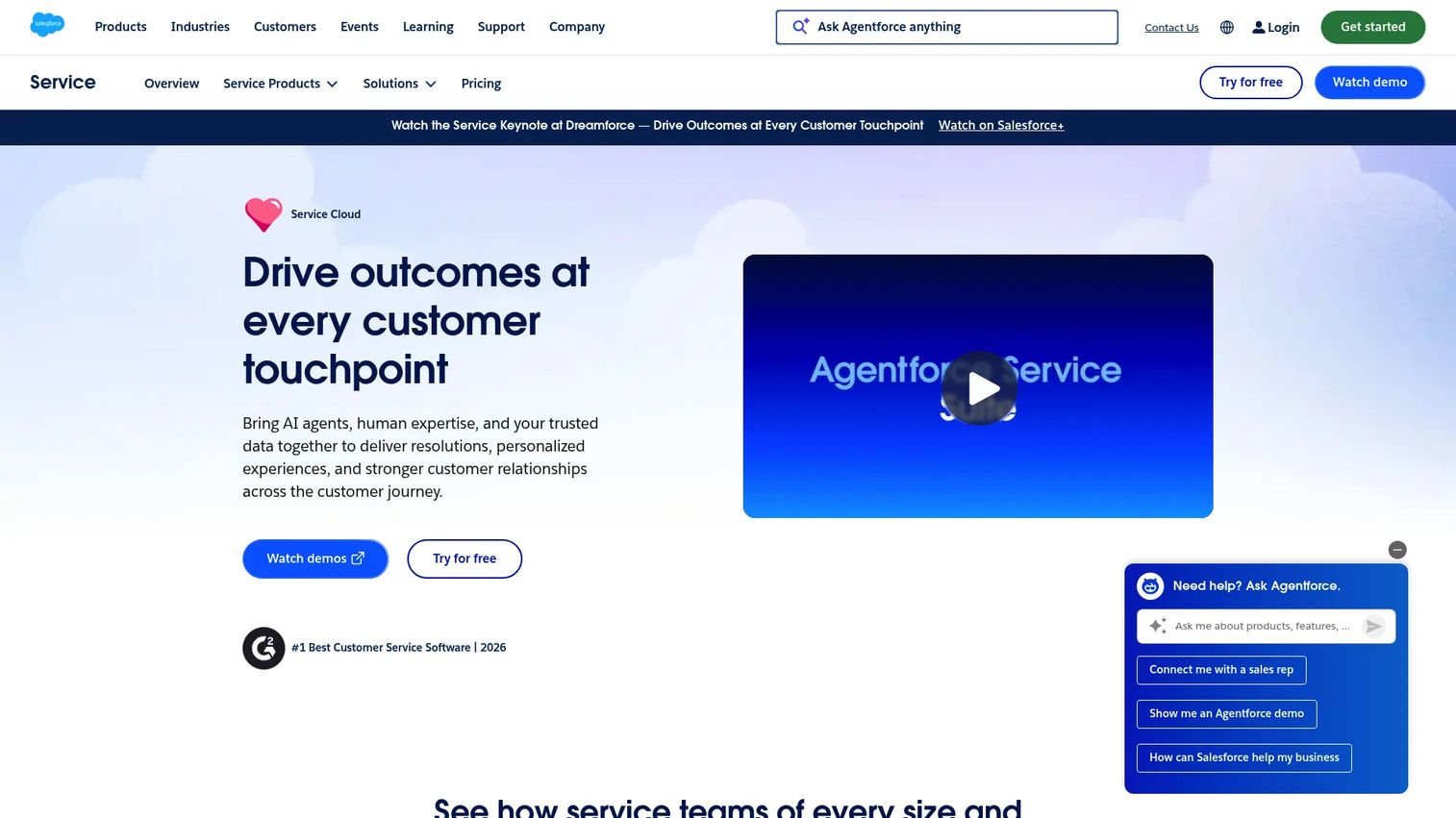
Salesforce Service Cloud is an enterprise customer service platform built on the Salesforce CRM, combining AI agents, case management, omnichannel routing, knowledge management, voice integration, and workflow automation. Because it shares data infrastructure with Salesforce Sales Cloud, service teams can access account history, entitlements, contracts, and deal context from within a support case. AI agents can handle resolution using knowledge base content and customer data. For enterprise organizations where service workflows depend on account-level data and complex routing logic, Service Cloud sits on top of a CRM foundation that most standalone help desks cannot replicate. If you're also evaluating best AI customer service agents, Service Cloud's Einstein AI features are worth comparing directly.
Best for: Enterprise teams whose service workflows depend on Salesforce CRM data, entitlements, and account context.
Key features
- Case management with CRM-native account context
- Omnichannel routing across digital and voice channels
- Knowledge management and self-service portals
- AI service agents grounded in customer and product data
- Workflow automation and field service tie-ins
Why choose Salesforce Service Cloud: Choose Salesforce Service Cloud when service, sales, and account management share the same records and escalation context matters as much as ticket resolution. It is the right fit for complex enterprise operations already committed to the Salesforce platform.
Salesforce Service Cloud pricing: Starter Suite is $25 per user per month. Pro Suite is $100. Core is $195, Advanced is $395, and Max is $550 per user per month (billed annually).
10. LiveAgent
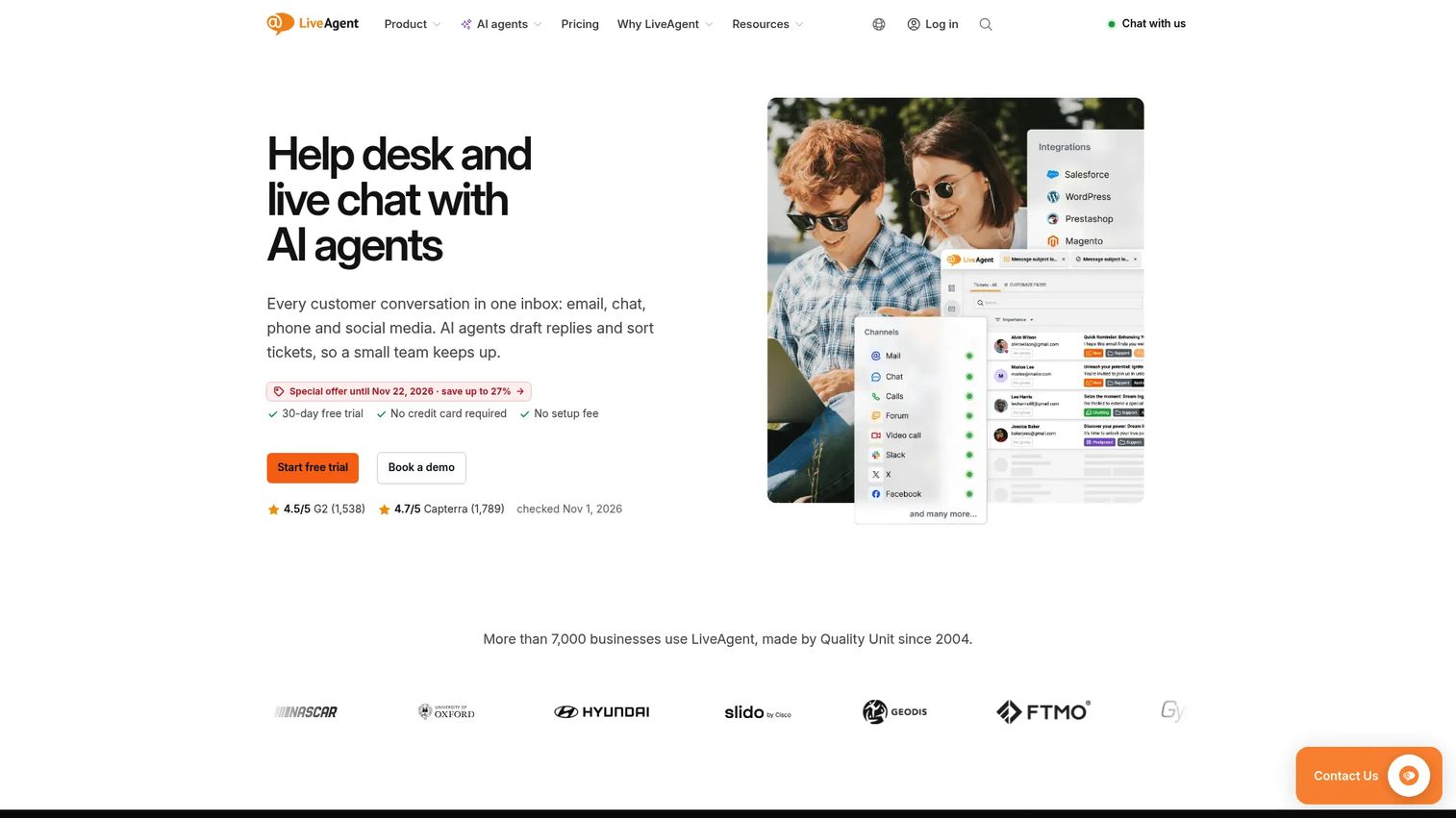
LiveAgent combines email ticketing, live chat, a built-in call center with IVR, knowledge base, customer portal, social media integrations, and AI agents in one platform. It is designed for teams that need broad channel coverage without paying enterprise prices. A 30-day free trial is available across all plans, and pricing scales by agent count at affordable per-seat rates. LiveAgent works across email, chat, phone, Facebook, Instagram, WhatsApp, Viber, and Slack integrations. For teams where voice and chat matter equally alongside ticketing, it avoids the need to stitch together separate tools for each channel.
Best for: Teams that need voice, chat, email, and knowledge base coverage in one affordable platform.
Key features
- Email ticketing and shared inbox
- Live chat with proactive invitations
- Built-in call center and IVR
- Knowledge base and customer portal
- Social media integrations and AI agents
Why choose LiveAgent: Choose LiveAgent when multi-channel coverage matters more than deep enterprise customization. It is a practical choice for teams that need a call center, chat, and ticketing working together without separate vendor relationships.
LiveAgent pricing: Small Business starts at $15 per agent per month (billed annually) or $19 monthly. Medium Business is $29 annually or $35 monthly. Large Business is $49 annually or $59 monthly. Enterprise is $69 annually or $85 monthly. A 30-day free trial is available.
LiveAgent G2 rating: 4.5/5
11. Gorgias
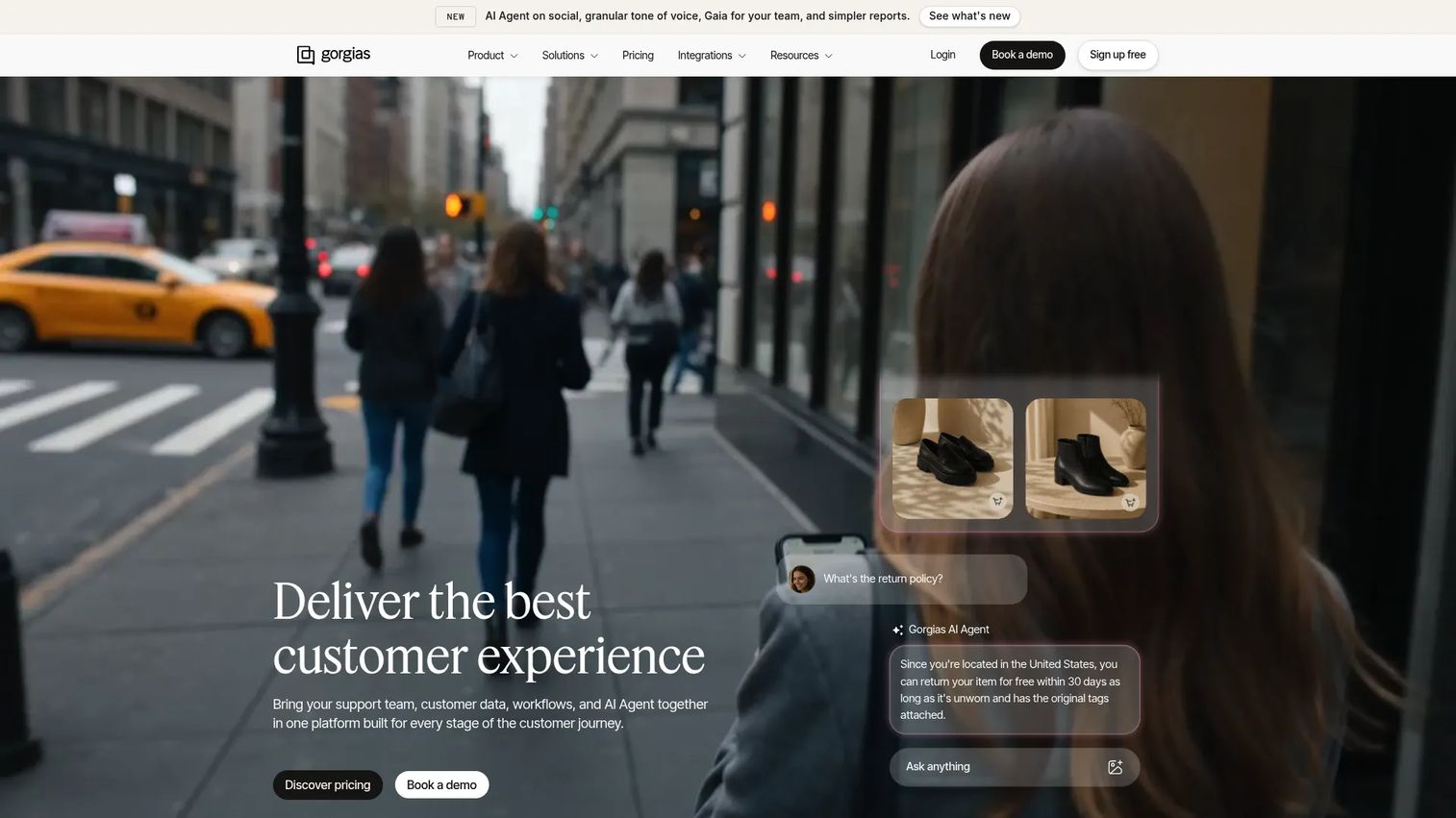
Gorgias is an AI-powered ecommerce customer support platform built around order-aware support automation. It integrates with Shopify, BigCommerce, Magento, and other ecommerce platforms, pulling order data, return history, and subscription status directly into the support inbox so agents and automations can act on purchase context without switching tabs. The centralized omnichannel inbox covers email, chat, SMS, social messaging, and voice. Gorgias's AI Agent handles routine ecommerce inquiries and is included across plans, billed separately when it resolves a conversation. Its helpdesk pricing is based on monthly ticket volume rather than seat count, which suits high-volume ecommerce brands. If you're also comparing ecommerce platforms, see our guide on the best ecommerce platform for small business.
Best for: Ecommerce support teams that need customer service tied directly to order and subscription data.
Key features
- Ecommerce integrations with order-aware macros
- Centralized omnichannel inbox across email, chat, and social
- AI Agent for automated ecommerce query resolution
- Help center for self-service content
- Support performance reporting
Why choose Gorgias: Choose Gorgias when most support volume comes from ecommerce order questions. It is built around purchase context, not just ticket management.
Gorgias pricing: Pricing is based on monthly ticket volume. Numeric tier prices were not publicly displayed on the official pricing page at publication; contact Gorgias for a quote tied to your ticket volume. AI Agent billing applies when it resolves a conversation.
Gorgias G2 rating: 4.6/5
12. Gladly
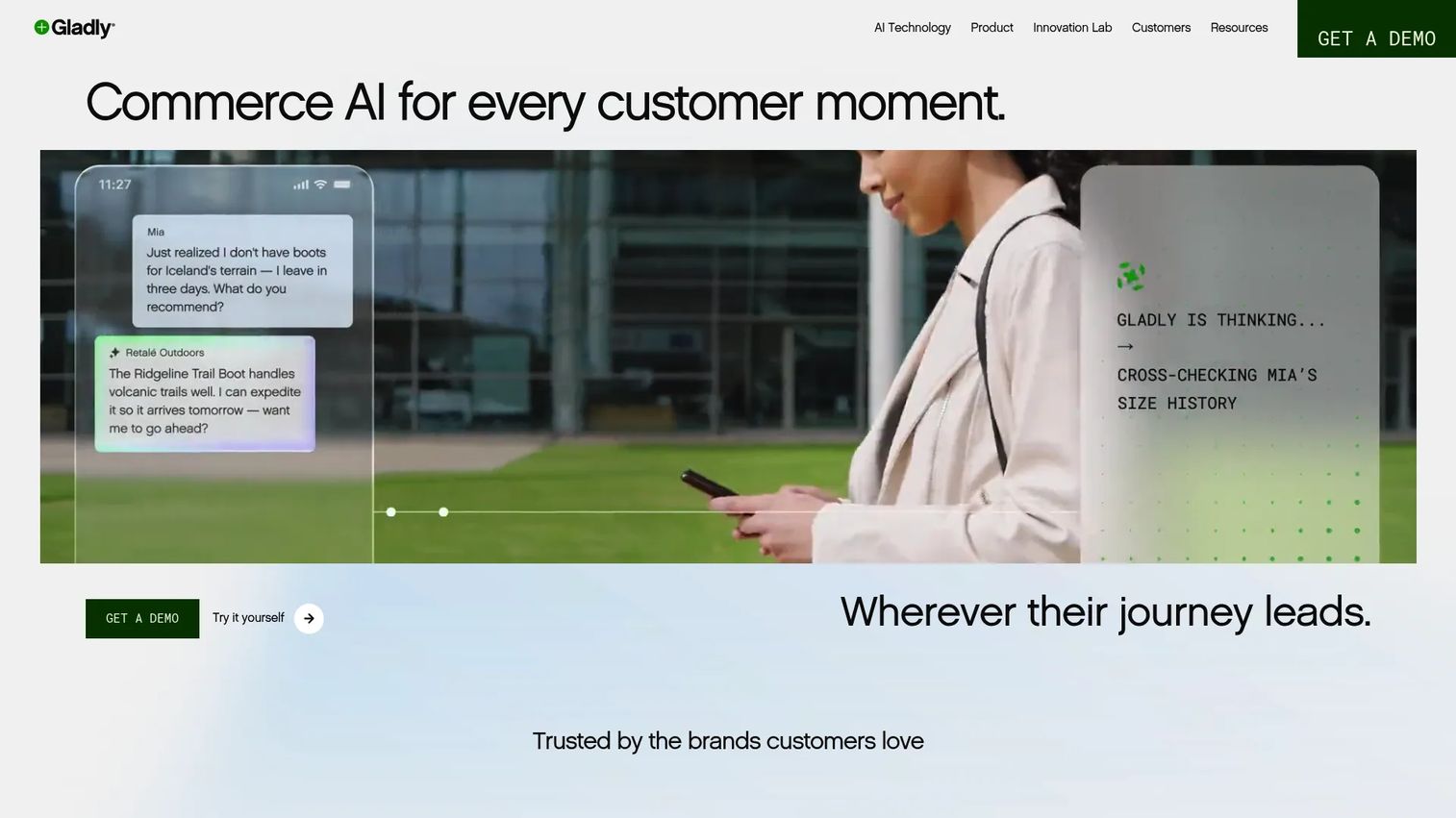
Gladly organizes customer service around people rather than tickets. Every customer has a single conversation timeline across voice, SMS, chat, email, and social channels, so agents see the full history of a relationship before responding. The platform includes AI-powered self-service and an Answers knowledge base, along with Liveboards for real-time operational visibility. Gladly is used by consumer brands in retail, travel, and financial services that prioritize customer loyalty and want agents focused on the relationship rather than ticket numbers. The Insight Builder add-on is priced separately at $240 per analyst user per month.
Best for: Consumer brands that prioritize customer history and loyalty-driven service across all channels.
Key features
- Unified customer profile with full conversation timeline
- Omnichannel conversations across voice, SMS, chat, email, and social
- AI-powered self-service answers and knowledge base
- Real-time Liveboards for operational visibility
- Agent assist for drafting and suggested responses
Why choose Gladly: Choose Gladly when the team wants every interaction organized around the customer rather than around ticket IDs. It suits brands where relationship continuity is a differentiator.
Gladly pricing: Standard subscription pricing is handled through Gladly's sales team. Contact Gladly for a quote. The Insight Builder add-on is $240 per analyst user per month.
Gladly G2 rating: 4.7/5
13. Richpanel
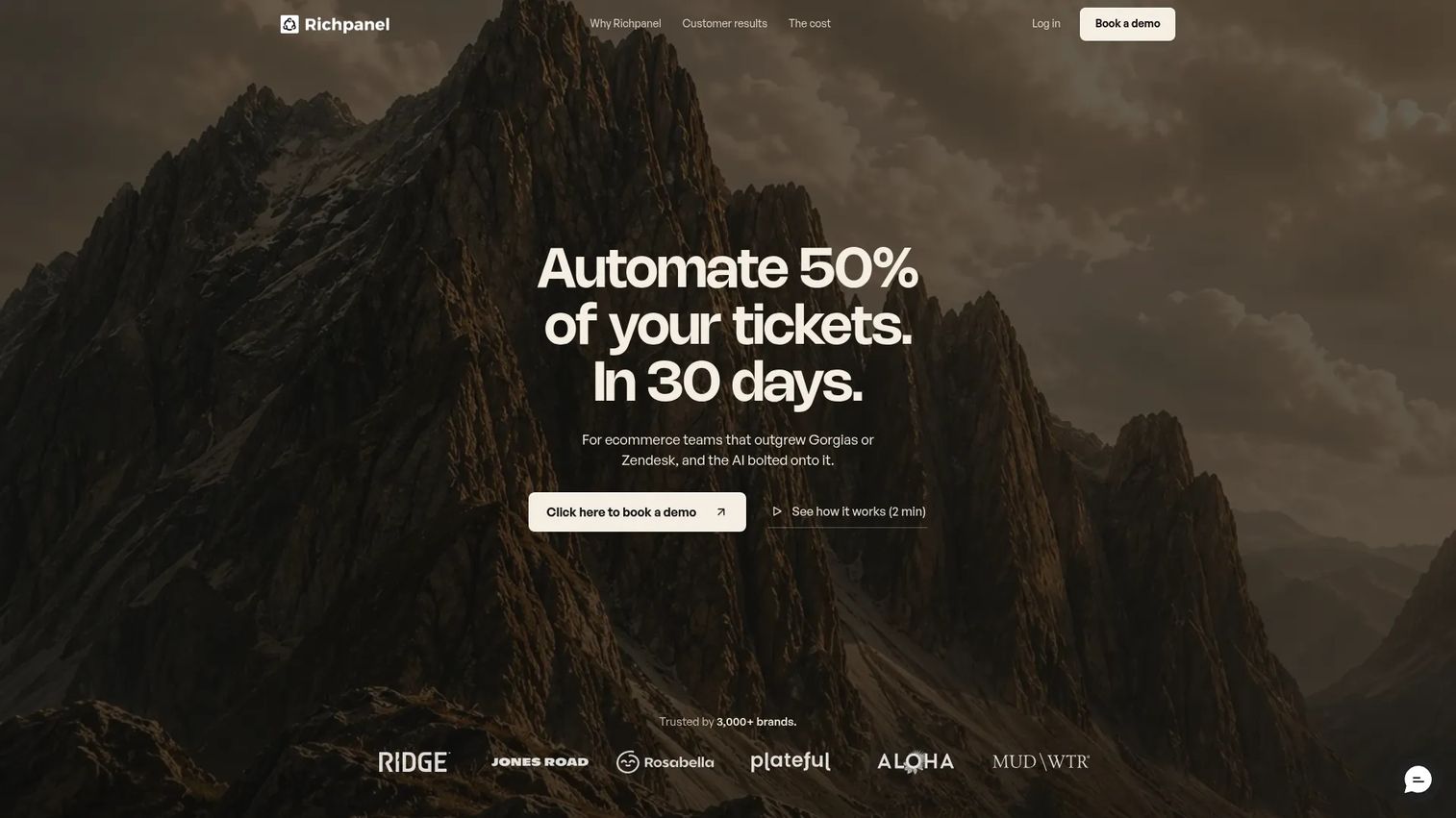
Richpanel is an AI-native customer support helpdesk for ecommerce brands, combining a self-service portal, omnichannel ticketing, AI agents, and direct ecommerce action execution. Customers can use the self-service portal to edit orders, process returns and exchanges, update subscriptions, and track shipments without contacting an agent. The AI agent handles conversation resolution and escalates to a human when needed. Richpanel integrates with Shopify, Magento, WooCommerce, and other ecommerce platforms to pull customer and order data into every conversation. It includes QA AI, Social Media Agent, and the Self-Service Portal at no additional fee; AI usage is billed separately at approximately $0.20 per AI-handled conversation.
Best for: Ecommerce teams that want customers to complete routine order tasks themselves without agent involvement.
Key features
- Self-service portal for order edits, returns, and subscription changes
- Omnichannel support across email, chat, social, SMS, and WhatsApp
- AI agents for order and subscription workflows with human handoff
- Customer and order history with multi-brand workspace support
- Ticketing inbox with ecommerce data integration
Why choose Richpanel: Choose Richpanel when routine ecommerce requests should be completed by customers directly. It goes further than most help desks by executing actions, not just answering questions about them.
Richpanel pricing: Helpdesk seats are $99 per seat per month (billed annually) or $119 monthly. AI usage is billed at approximately $0.20 per AI-handled conversation with a $200 monthly minimum.
Richpanel G2 rating: 4.7/5
14. ProProfs Help Desk
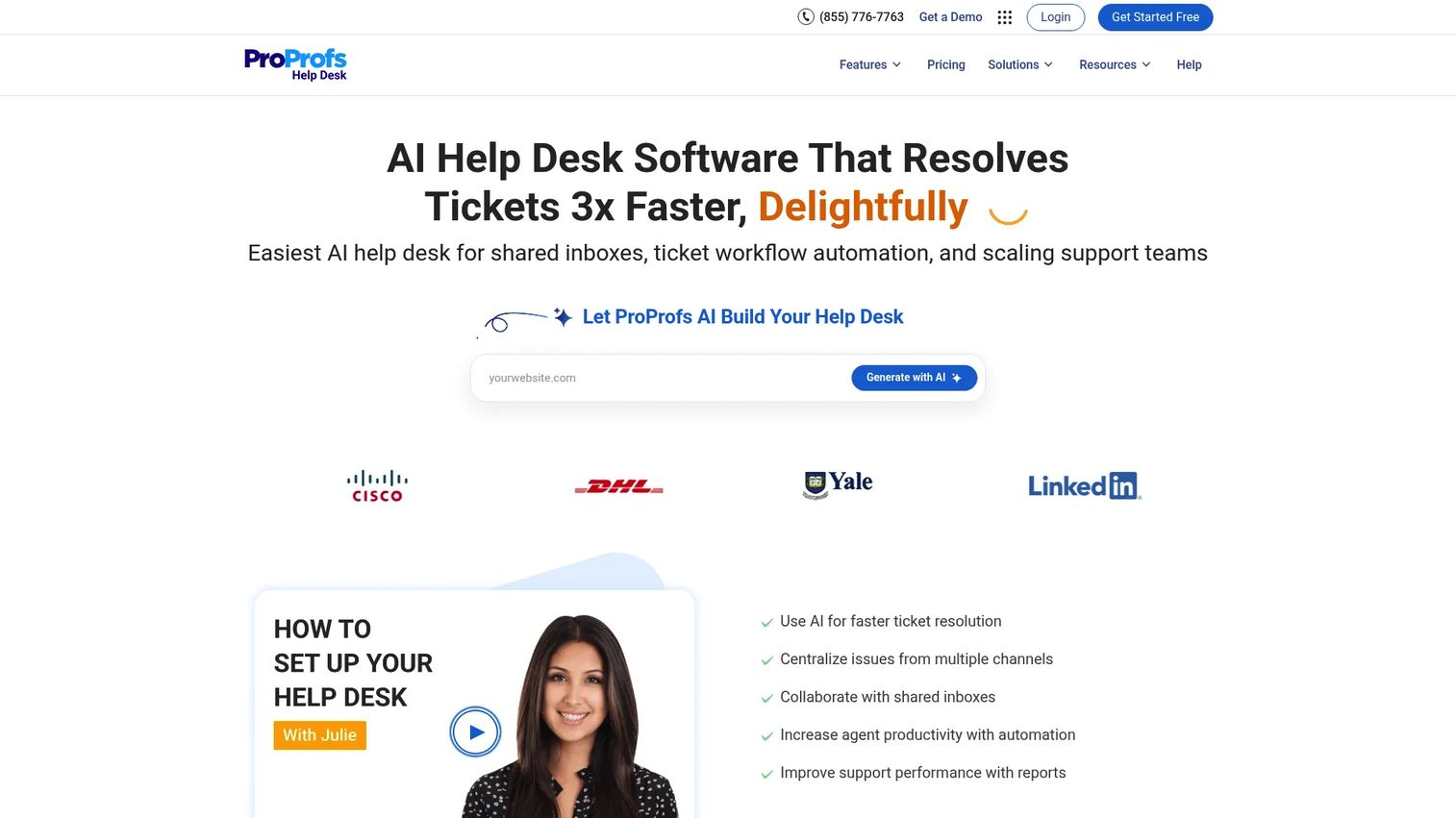
ProProfs Help Desk provides a shared inbox, AI-assisted ticket resolution, omnichannel support across email, chat, WhatsApp, Facebook, and Instagram, plus knowledge base, survey tools, and canned responses. It sits within the broader ProProfs suite of products covering training, surveys, and knowledge management, so teams that want a combined support and education stack from one vendor have a natural option here. The platform covers the fundamentals of a help desk without the complexity of enterprise-grade configuration. For small and mid-sized teams that want ticketing, self-service content, and feedback tools under one vendor relationship, ProProfs Help Desk is a low-friction starting point.
Best for: Small businesses that want ticketing, knowledge base, and customer feedback tools from one vendor.
Key features
- Shared inbox and AI ticket resolution
- Ticket management with canned responses
- Omnichannel support including WhatsApp, Facebook, and Instagram
- Knowledge base for self-service content
- Customer surveys and feedback collection
Why choose ProProfs Help Desk: Choose ProProfs Help Desk when the team wants a simple support stack with ticketing, content, and feedback without the overhead of a larger enterprise platform.
ProProfs Help Desk pricing: A free plan is available for one user. The Essentials plan is $29.99 per month. A Business Complete Elite tier is $179.97 per month (billed annually). The Customer Delight Suite starts at $499 per month. Pricing was displayed inconsistently across official pages; contact ProProfs to confirm the right tier.
ProProfs Help Desk G2 rating: 4.7/5
15. Kayako

Kayako is an AI-powered customer support platform with an omnichannel inbox covering email, chat, social, SMS, WhatsApp, voice, and API channels. Its Kay AI handles ticket classification, routing, and resolution, and is priced at $1 per AI-resolved ticket rather than by seat count. Kayako One includes the full help desk, ticketing, knowledge base, live chat, automation builder, analytics, and onboarding in one package. It integrates with Slack, Shopify, Stripe, Salesforce, HubSpot, and Twilio. For support teams that want pay-per-resolution AI pricing rather than a flat monthly seat fee, Kayako's model is worth evaluating. Teams evaluating best AI agents more broadly may find the per-resolution model useful for cost prediction.
Best for: Support teams that need omnichannel help desk capabilities and prefer AI pricing tied to actual resolution outcomes.
Key features
- Omnichannel inbox across email, chat, social, SMS, WhatsApp, and voice
- AI-powered ticket classification, routing, and resolution (Kay AI)
- Unified customer context and conversation history
- Knowledge base and help center
- Automation builder and analytics
Why choose Kayako: Choose Kayako when the team wants to pay for AI by outcome rather than by seat. It is also worth evaluating when conversation history across channels matters as a differentiator.
Kayako pricing: Kayako One is priced at $1 per AI-resolved ticket. Custom enterprise pricing is available for larger teams.
Kayako G2 rating: 4.0/5
Considerations when choosing customer self service software
Match the tool to the self-service job
A knowledge base, an AI agent, a customer portal, and an interactive product demo each solve a different problem. "Where is this setting?" fits interactive product education. "What is my order status?" fits a portal. "How do I reset my password?" fits a knowledge base or AI agent. Map your most common unresolved interactions to a format before evaluating tools.
Test resolution quality, not answer volume
Send the same 15 to 20 real customer questions through each vendor you're evaluating. Track correct resolution, partial answers, wrong answers, escalation triggers, and how much context carries forward when the conversation reaches an agent. Volume of answers is easy to fake; quality is harder to hide.
Verify CRM and product context integration
Self-service improves when the tool knows the customer's plan, role, lifecycle stage, product usage, and ticket history. For CSMs, this context connects self-service data to adoption metrics and retention signals. Check which integrations are supported at which pricing tier before committing.
Calculate total cost beyond seat pricing
Seat fees are just the starting point. AI resolution charges, conversation volume limits, help center add-ons, portal access fees, premium support costs, and implementation overhead all affect the real number. A platform that looks affordable at five seats can price unexpectedly at 50.
Make escalation feel like progress
The best self-service systems preserve the full context when a customer moves from an article to a bot to a human agent. The customer should not have to explain the issue twice. Evaluate escalation quality specifically by testing failed self-service scenarios - not just the success path.
Conclusion
Customer self-service software is about helping customers solve problems, learn your product, and complete tasks without waiting in a queue. The right tool depends on where your self-service gap actually sits.
For product education and onboarding, Guideflow gives CS teams a way to show customers exactly how the product works through guided interactive demos, explorable sandboxes, and organized demo centers. For AI-first conversational support, Intercom leads with Fin AI Agent and in-product Messenger. Zendesk and Salesforce Service Cloud are built for enterprise teams with complex operations across many channels. Help Scout and Hiver serve lean teams that want support to feel personal without enterprise overhead. Gorgias and Richpanel are the strongest choices for ecommerce-first brands that need order context in every support interaction. Freshdesk, Zoho Desk, and LiveAgent cover the value-conscious end of the market with solid help desk coverage and room to scale.
Evaluate each tool by what customers can successfully complete on their own, not by how many features the vendor lists. That's the only metric that actually reduces your queue.
Start your journey with Guideflow today!
FAQs
Customer self-service software lets customers find answers, complete tasks, and resolve issues without waiting for a support agent. The category includes knowledge bases, customer portals, AI agents, chatbots, ticket escalation systems, and interactive product education tools. For SaaS CS teams, it also covers guided onboarding experiences and embedded product demos that help customers learn workflows at their own pace.
Help desk software manages agent workflows, ticket routing, and support operations. Customer self-service software focuses specifically on helping customers resolve issues independently, before or instead of reaching an agent. Many modern platforms combine both: They handle ticketing for agents and provide knowledge bases or AI chat for customers.
For SaaS onboarding, look for tools that support interactive product education, help center embeds, customer segmentation, analytics on completion and drop-off, and CRM context. Guided product experiences reduce repetitive live walkthroughs and help users learn workflows at their own pace rather than waiting for a CS call. Guideflow is built specifically for this use case.
Ecommerce teams should prioritize order-aware portals, returns workflows, shipping status tracking, subscription management, chat, and social messaging. Gorgias is built around Shopify-centric support with order context in every interaction. Richpanel goes further by letting customers complete order actions directly from the self-service portal without agent involvement.
AI agents answer questions, retrieve approved knowledge, collect context, trigger workflows, and escalate when their confidence is low. The best implementations ground AI responses in your actual help center content and customer data to reduce wrong answers. Before deploying AI agents at scale, test them against real customer questions, including edge cases, and confirm that escalation preserves conversation context rather than starting over.
The core capabilities are a searchable knowledge base, customer portal, AI chat or bot with escalation, omnichannel support, workflow automation, CRM integration, analytics and feedback collection, and access controls. For SaaS teams, also look for interactive product education formats, step-level engagement analytics, and integration with CRM health and lifecycle data.
Key metrics include ticket deflection rate, self-service completion rate, escalation rate, reopened tickets, customer effort score, CSAT, and time-to-value for new users. Help center search success rate and onboarding completion are also worth tracking. For CS teams, connecting self-service completion data to product adoption metrics and renewal outcomes gives the clearest picture of impact.
It can, when it helps customers reach value faster and understand features before frustration builds into a cancellation conversation. Self-service alone is not a churn prevention strategy. It works as part of a broader CS motion where self-serve completion data connects to health scores, adoption monitoring, and proactive CSM outreach when users disengage.