
The deal was closed in everyone's forecast. Then legal sent back the MSA with 40 tracked changes, procurement added a version nobody flagged, and the champion forwarded a draft that was two revisions stale.
That is where deals die. Not in discovery. Not in the demo. In the redline loop, where a single missed change or a wrong version resets the clock by a week.
The redlining software market hit $2.8 billion in 2025, growing 12.3% year over year, with contract management driving 42.3% of revenue, according to MarketIntelo (2025). That growth is not abstract. It reflects how much late-stage friction contract review actually creates.
Good contract redlining software turns that friction into control. It catches every change, works across Word, PDF, and email, and keeps the latest version visible to everyone who touches the deal. This guide compares seven legal redline software tools so you can pick the one that fits your workflow instead of adding another tab.
What's inside
This guide is for legal, legal ops, procurement, and sales support teams who live inside contract review loops. It covers tools built for legal document comparison, contract negotiation, and general document redlining.
We evaluated each tool on four criteria:
- Accuracy: how reliably it catches real changes without flooding you with noise
- Workflow fit: how well it slots into Word, Outlook, PDF, and your document management system
- Format coverage: whether it handles multi-format compare across Word, PDF, Excel, and email
- Collaboration and security: review routing, version control, audit trail, and enterprise security
We pulled pricing and ratings from first-party sources and G2 at the time of writing.
TL;DR
- Best for enterprise legal teams: Litera Compare, built for high-accuracy document and email comparison
- Best for playbook-driven negotiation: DocJuris, with AI contract redlining tied to dynamic playbooks
- Best for pricing transparency and fast trial: Draftable Legal, published pricing plus a short free trial
- Best for broader CLM and workflow routing: Ironclad, redlining inside full contract lifecycle management
- Best for AI-assisted contract review: ContractPodAI, enterprise legal AI with clause suggestions
- Best for document-heavy legal operations: CobbleStone Contract Insight, CLM with strong audit trail
- Best for straightforward document review: Diligen, lightweight AI-assisted contract analysis
What is redlining software
Redlining software is a tool that compares versions of contracts and documents, surfaces every change, and supports negotiation by making edits, deletions, and additions visible and reviewable. It goes well beyond a basic file diff. A file diff tells you two files differ. Legal redline software tells you what changed, who changed it, and whether that change introduces risk.
The distinction matters in negotiation. When a counterparty returns a contract, you need to know if they quietly softened an indemnity clause or extended a payment term. Document comparison software built for legal work surfaces those changes with precision, including inside tables, footnotes, and definitions where standard tools miss things.
Core capabilities of contract redlining software:
- Change detection: catches insertions, deletions, moves, and formatting shifts across versions
- Tracked markup: produces clean redlines you can accept, reject, or comment on
- Version control: keeps every draft ordered so you always know the latest
- Audit trail: records who changed what and when for compliance and dispute defense
- Collaboration: routes drafts for review, comments, and approval across teams
- Multi-format support: compares Word, PDF, Excel, and PowerPoint files
- Email comparison: tracks redlines as they move through Outlook threads
- AI contract redlining: summarizes changes, flags risk, and suggests clause rewrites
The best tools combine clause comparison accuracy with workflow features like version control and audit trail, so nothing gets lost between the first draft and signature.
When to use redlining software
Compare contracts before legal review
Legal time is expensive. When a 30-page agreement comes back from a counterparty, you do not want a lawyer reading every line to find what moved. Redline software runs the comparison in seconds and hands legal a marked-up version. Reviewers spend their time on judgment calls, not on hunting for changes.
Track negotiations across email and Word
Redlines rarely stay in one place. A draft leaves as a Word attachment, comes back inside an Outlook thread, then gets forwarded with inline edits. Email comparison and document comparison together let you follow every version across channels. You catch the change that arrived buried in a reply, not just the ones in the formal draft.
Reduce version drift in enterprise deals
Enterprise deals move through eight to fifteen stakeholders. Each one has an opinion and a copy of the file. Version control and a clear audit trail keep everyone pointed at the current draft. That is how you stop the deal-killing moment when two teams negotiate against different versions of the same contract.
Comparison table
The tools below are sorted by relevance to pure redlining and legal document comparison first, then broader CLM platforms that include redlining. Pricing and G2 ratings reflect verified values at the time of writing.
| # | Product | Best for | Key differentiator | Pricing | G2 rating |
|---|---|---|---|---|---|
| 1 | Litera Compare | Enterprise legal teams | Document and email comparison across formats | Quote-based | 4.3/5 |
| 2 | DocJuris | Playbook-driven negotiation | AI contract review tied to dynamic playbooks | Free tools available | 4.5/5 |
| 3 | Draftable Legal | Pricing transparency, fast trial | Multi-format compare with published pricing | $21.75/user/mo | Not yet rated |
| 4 | Ironclad | Redlining inside CLM | AI contract lifecycle management | Quote-based | 4.4/5 |
| 5 | ContractPodAI | AI-enabled contract review | Enterprise legal AI with clause suggestions | Quote-based | 4.6/5 |
| 6 | CobbleStone Contract Insight | Document-heavy legal ops | Configurable CLM with audit trail | Quote-based | 4.8/5 |
| 7 | Diligen | Lightweight document review | AI contract analysis and clause extraction | Quote-based | Not listed |
Best redlining software for 2026
1. Litera Compare

Litera Compare is document and email comparison software built for legal teams that treat accuracy as non-negotiable. It compares contract versions across formats and surfaces changes with the precision legal review demands, including inside tables, definitions, and cross-references. For enterprise legal teams, this is often the default choice when a missed change carries real legal exposure.
What makes it stand out is breadth of surface. It runs inside Word, Outlook, the web, and on desktop and server deployments, so reviewers compare where they already work. The Outlook thread comparison is the feature legal ops teams point to most, because it catches redlines that arrive buried in email replies rather than clean attachments. AI features add change summarization and risk analysis on top of the raw comparison.
For an enterprise AE, the value is indirect but real. When legal has a tool that catches every change fast, the redline loop shortens and late-stage deal risk drops. Fewer surprises in the MSA means fewer resets to your forecast.
Key features
- Document and email thread comparison
- Word, PDF, Excel, and PowerPoint compare
- AI-powered change summarization and risk analysis
- Word, Outlook, web, desktop, and server access
- Enterprise deployment options
Why choose Litera Compare: Pick it when accuracy and enterprise trust matter more than a low sticker price. It fits legal teams handling high-stakes negotiations where a single missed clause change is unacceptable.
Litera Compare pricing: Litera does not publish a public numeric price for Compare. Pricing appears to be quote-based through Litera's store and sales team. G2 lists Litera Compare at 4.3 out of 5.
2. DocJuris
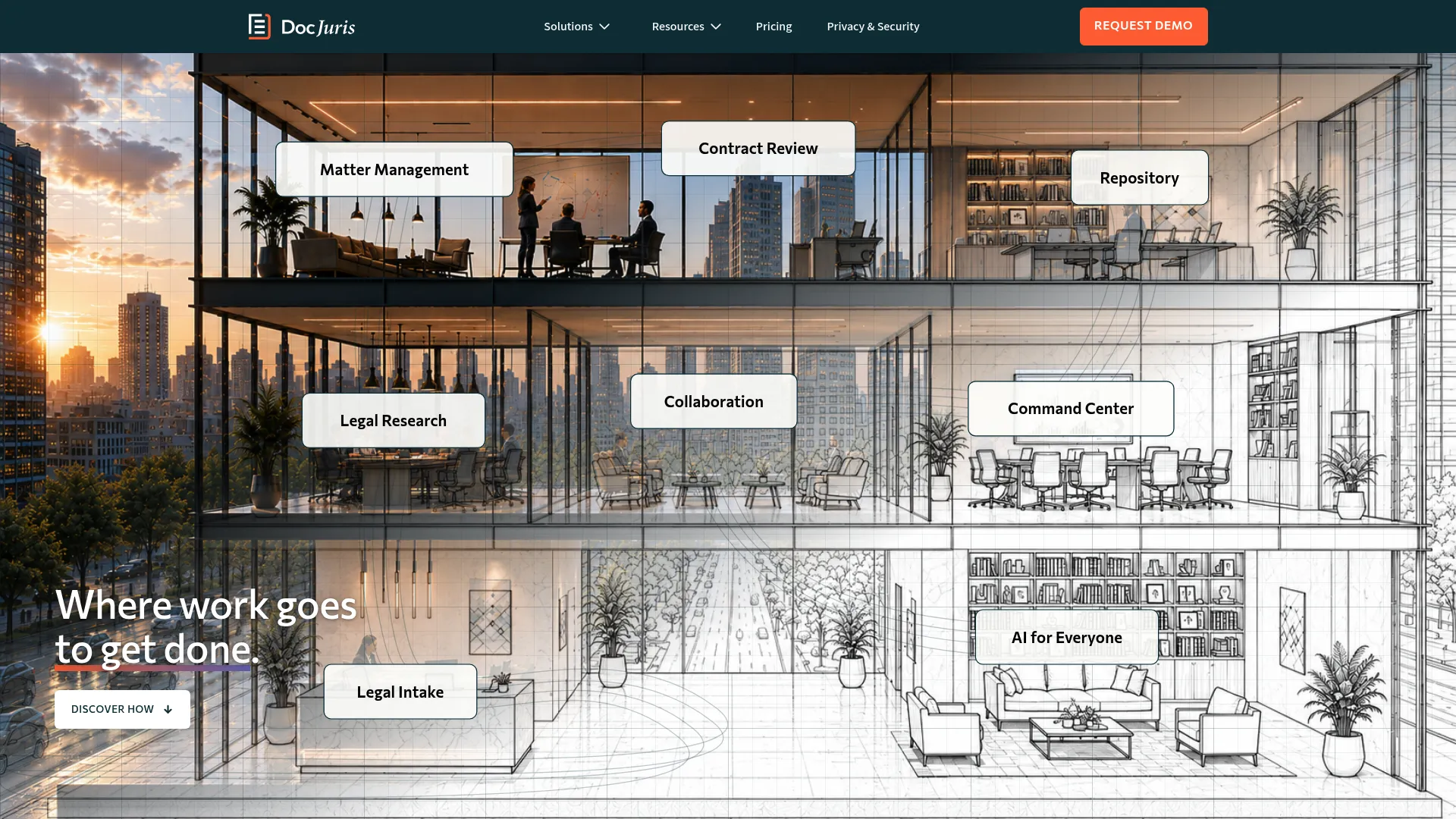
DocJuris is an AI service for in-house legal teams to review, redline, negotiate, and complete contract work. It leans into playbook-driven negotiation, meaning your standard positions, fallback language, and risk guardrails are encoded once and applied to every incoming contract. That turns redlining from a manual reread into a guided workflow.
The core of the product is PlaybookOS, its playbook engine, paired with AI contract redlining that checks incoming drafts against your approved positions. Precedent search lets teams reuse language that already cleared legal, so you are not rewriting the same clause for the tenth time. Collaboration workflows keep reviewers, business owners, and negotiators aligned on a single draft.
For legal ops and negotiation teams, DocJuris fits when consistency is the goal. Instead of each reviewer applying judgment from memory, the playbook enforces the same standards across every deal. That matters when deal volume is high and the team is small.
Key features
- Contract review and redlining
- Playbook-driven analysis with PlaybookOS
- Precedent search and clause reuse
- Automated amendments and exception tables
- Collaboration and negotiation workflows
Why choose DocJuris: Choose it when your team negotiates high volume and needs redlines to follow a consistent playbook rather than individual reviewer judgment. It suits in-house legal and legal ops teams standardizing how they negotiate.
DocJuris pricing: DocJuris states it is priced on the work it completes and also offers free contract management tools. No public numeric price was visible on its pricing page at the time of writing. G2 lists DocJuris at 4.5 out of 5.
3. Draftable Legal
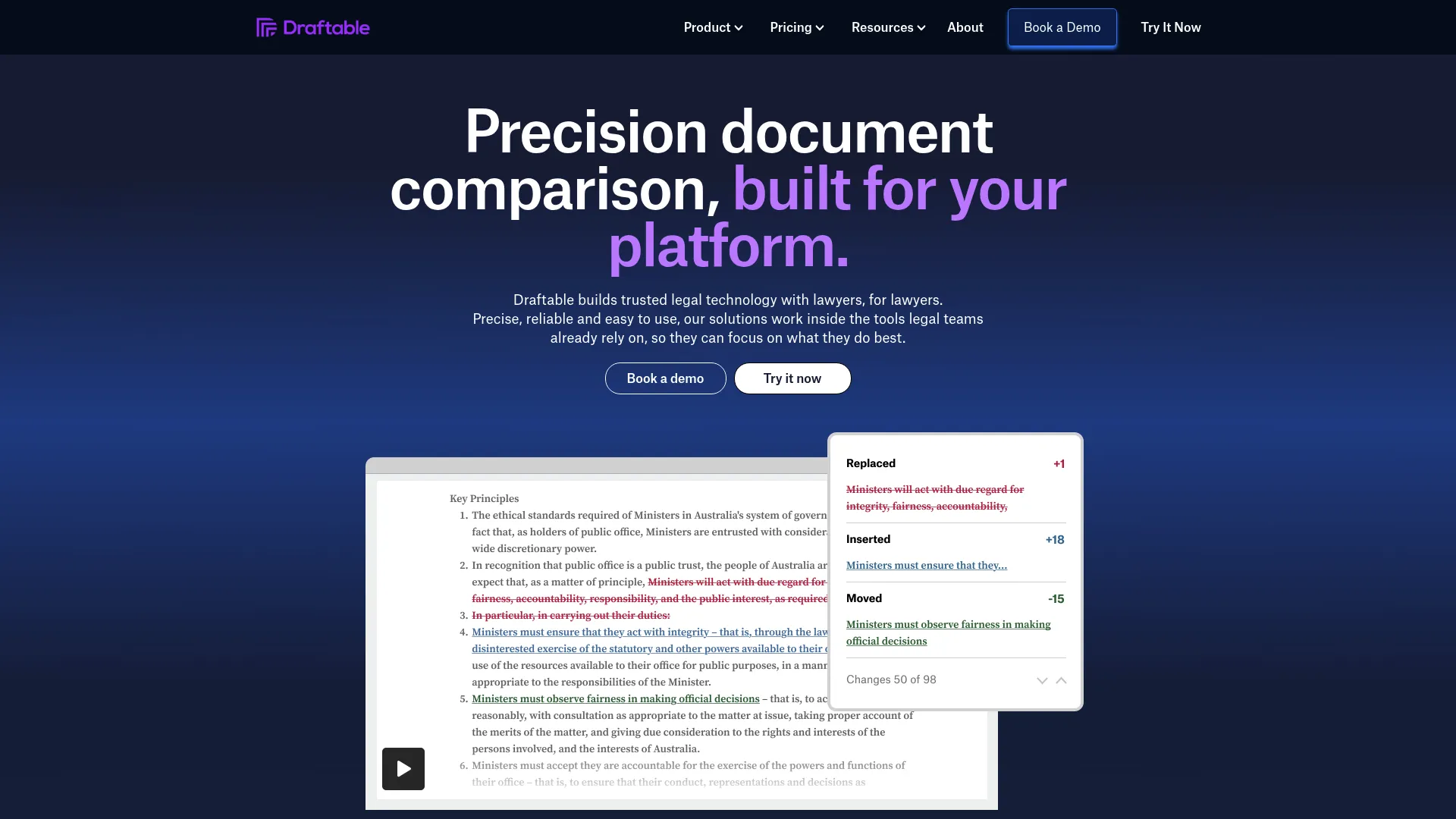
Draftable Legal is document comparison software built specifically for law firms and legal teams. It is one of the few tools in this list with published pricing and a fast free trial, which makes it easy to evaluate before committing. If you want to test multi-format compare on your own contracts this week, this is the low-friction option.
Format coverage is the strength. It compares Word, PDF, PowerPoint, Excel, scanned PDFs, and free text, then produces redlines, highlights, side-by-side views, and tracked changes exports. Bulk compare handles multiple files at once. It integrates with Outlook for email redlining and connects to document management systems, so it fits into existing legal workflows rather than replacing them.
For teams that want legal document comparison without a long procurement cycle, Draftable Legal is the pragmatic pick. Desktop and API options give larger teams deployment flexibility.
Key features
- Compare Word, PDF, PowerPoint, Excel, and scanned PDFs
- Redlines, highlights, and side-by-side views
- Tracked changes exports and bulk compare
- Outlook email redlining and DMS integrations
- Desktop and API options
Why choose Draftable Legal: Choose it when you want broad format coverage, transparent pricing, and a trial you can start today. It fits firms and legal teams that value fast evaluation and predictable per-user cost.
Draftable Legal pricing: The Legal plan is listed at $21.75 USD per user per month, billed annually at $261 per user per year. A free 5-day trial is available with no usage limits, and volume discounts apply for teams over 10 seats.
4. Ironclad
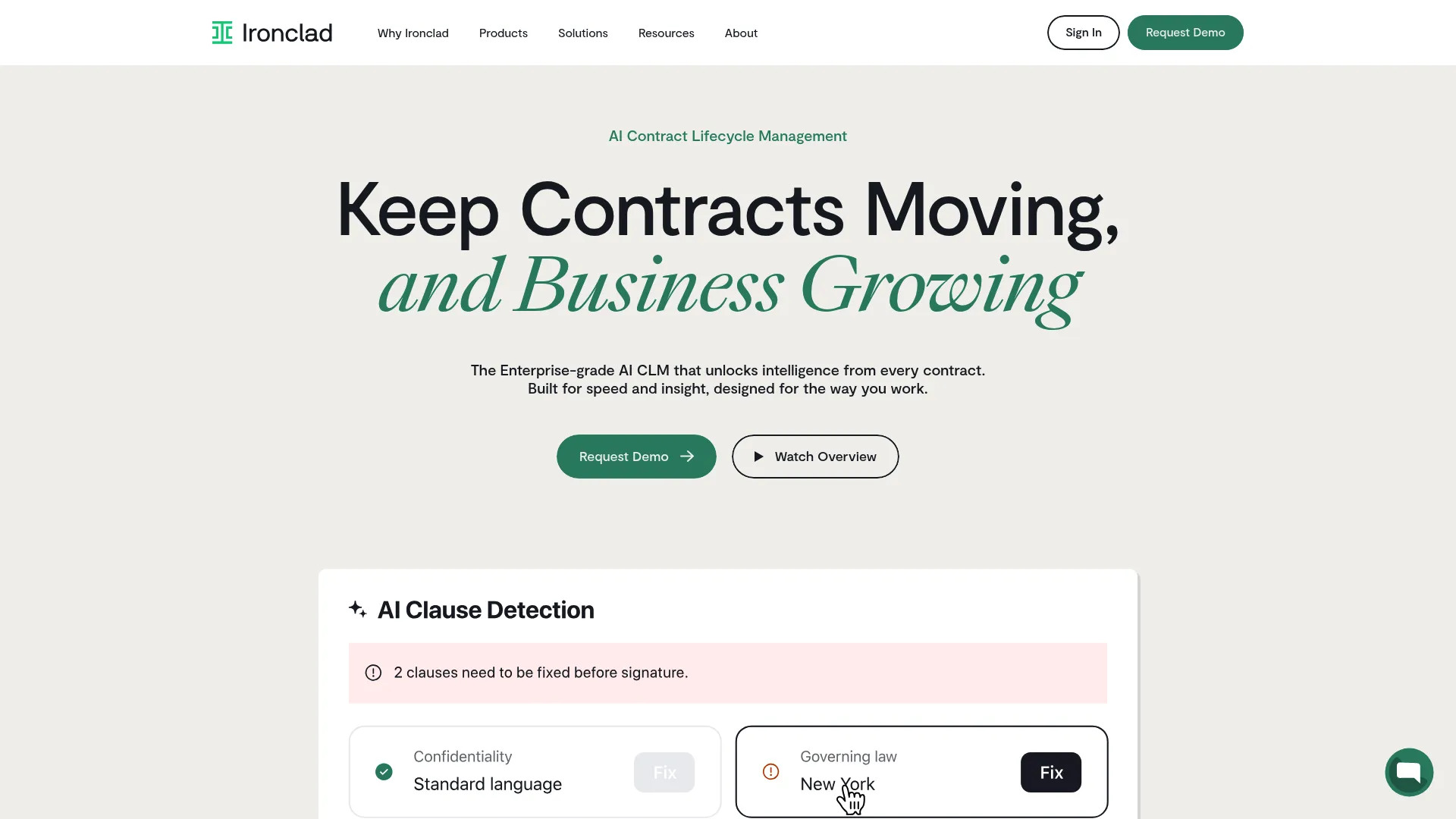
Ironclad is an AI-powered contract lifecycle management platform, and redlining is one part of a broader system that spans creation, review, signing, storage, and analysis. If you want redlining that lives inside the full contract process rather than as a standalone comparison tool, this is the category fit.
Its strength is workflow. No-code workflow automation routes contracts through the right approvers, AI-assisted review extracts metadata and flags terms, and a centralized repository keeps every executed contract searchable. Collaboration and enterprise controls make it suitable for teams managing contract volume across departments. Redlining sits inside that flow, so a marked-up draft moves straight into approval routing without leaving the platform.
For enterprise teams, the appeal is consolidation. Instead of separate tools for comparison, approval, and storage, Ironclad handles the lifecycle. That reduces version drift because the current draft always lives in one place.
Key features
- No-code workflow automation
- AI-assisted contract review and metadata extraction
- Approval routing and collaboration
- Centralized searchable contract repository
- Enterprise controls and security
Why choose Ironclad: Choose it when you want redlining as part of end-to-end contract review software, not a point tool. It fits teams standardizing contract lifecycle management across legal, sales, and procurement.
Ironclad pricing: Ironclad does not display public plan prices. Its pricing page describes products and add-ons and invites you to request a demo. G2 lists Ironclad at 4.4 out of 5.
5. ContractPodAI

ContractPodAI is an enterprise legal AI and contract lifecycle management platform aimed at large legal, procurement, and operations teams. It positions AI contract redlining as a core capability rather than an add-on, with clause suggestions and automated summaries built into the review flow.
The AI layer is the differentiator. It offers AI-assisted drafting, clause extraction, redlining, and risk scoring, then generates automated summaries so reviewers see what changed and why it matters. Workflow orchestration moves contracts through review and approval, while the repository and e-signature integrations keep the full lifecycle in one system. For teams drowning in contract volume, the risk scoring helps triage which drafts need senior attention.
ContractPodAI fits organizations that want legal AI applied across the contract process, not just comparison. It is built for scale, so the fit is strongest for larger teams with real governance requirements.
Key features
- AI-assisted drafting and clause suggestions
- Clause extraction, redlining, and risk scoring
- Automated change summaries
- Workflow orchestration and repository
- E-signature and enterprise integrations
Why choose ContractPodAI: Choose it when AI-driven review and risk analysis across the full lifecycle matter more than a lightweight comparison tool. It fits enterprise legal, procurement, and operations teams.
ContractPodAI pricing: ContractPodAI does not display public numeric pricing, and pricing appears to be quote-based. G2 lists the brand, now shown as Leah, formerly ContractPodAi, at 4.6 out of 5.
6. CobbleStone Contract Insight
CobbleStone Contract Insight is contract lifecycle management software for managing contracts, workflows, reporting, and related documents. It suits document-heavy legal operations that need redlining support alongside a strong repository and audit trail. Configurability is its calling card, so teams with specific process requirements can shape the platform around them.
The platform covers contract lifecycle management, searching and reporting, electronic signatures, and a mobile app. Redlining support sits inside that broader system, paired with approvals, an audit trail, and workflow visibility. That combination matters for compliance-driven teams that need to prove who changed what and when, not just see the final version.
For legal ops teams managing large contract portfolios, CobbleStone fits when reporting, records, and process control weigh as heavily as the redline itself. The audit trail and approval routing keep enterprise deals defensible.
Key features
- Contract lifecycle management
- Redlining support and approvals
- Audit trail and workflow visibility
- Searching and reporting
- Electronic signatures and mobile app
Why choose CobbleStone Contract Insight: Choose it when configurability, reporting, and audit trail matter as much as comparison. It fits document-heavy legal operations managing large contract portfolios with compliance requirements.
CobbleStone Contract Insight pricing: CobbleStone does not publish a readable public price on its site, and the accessible sources emphasize product capabilities and request-a-demo messaging. G2 lists CobbleStone Systems at 4.8 out of 5.
7. Diligen

Diligen is AI-powered contract analysis software focused on faster contract review, clause identification, and summaries. It is the more lightweight, document-review oriented option in this list, which makes it a fit for teams that want AI-assisted review without a full CLM deployment.
The product automatically identifies key provisions across a set of contracts, generates summaries in Word or Excel, and lets users filter by name, date, parties, or provision type. That is useful for due diligence and review workflows where the job is to understand a stack of contracts quickly, not to negotiate a single one clause by clause. Team collaboration features support shared review, and the emphasis throughout is review speed.
For law firms and legal teams doing contract review and due diligence, Diligen fits the moment when you need to extract and understand terms fast. It is less about back-and-forth negotiation and more about rapid analysis.
Key features
- AI-assisted document review
- Automatic key provision identification
- Contract summaries in Word or Excel
- Filter by name, date, parties, or provision type
- Team collaboration for shared review
Why choose Diligen: Choose it when your primary job is fast contract analysis and clause extraction across many documents rather than deep negotiation on one. It fits law firms and legal teams running due diligence.
Diligen pricing: Diligen does not display a public price on its site, and shows request-a-demo and 30-day trial messaging instead. A current Diligen-specific G2 rating was not verifiable at the time of writing.
Considerations
Accuracy and change capture
The whole point of redline software is catching every change. Verify how the tool handles hard cases: moved paragraphs, edits inside tables, changes to definitions, and formatting-only shifts. Ask about false positives too, because a tool that flags noise trains reviewers to skim, and skimming is how a real change slips through. Precision matters more than the marketing language around AI.
Workflow fit
The best tool reduces switching, not adds to it. Check how it fits Word, Outlook, PDF, your CLM, and your document management system. A comparison engine that forces reviewers out of the app where they already work creates rework. Multi-format compare and email comparison should feel like part of the existing flow, not a detour.
Collaboration and approvals
In enterprise deals, review routing and version control are as important as the comparison itself. Look at how drafts move for feedback, how comments are captured, and whether the tool keeps a single current version everyone works from. This is what stops two teams from negotiating against different drafts of the same contract.
Security and deployment
Enterprise buyers will run a security review, so know the answers early. Check permissions, audit trail, and data handling, and whether the tool offers cloud, desktop, or on-premise deployment. Contracts contain sensitive terms and party data, so enterprise security and clear data controls are gating requirements, not nice-to-haves.
AI assistance
AI should do specific, verifiable work: summarize what changed, flag risk against your standards, and suggest clause rewrites you can accept or reject. Be skeptical of vague claims. The useful question is not whether a tool has AI, but whether its AI reduces review time without hiding a change you needed to see.
Conclusion
Redlining is where good deals stall, so the tool you pick should shorten the loop and keep risk visible.
For enterprise legal teams that treat accuracy as non-negotiable, Litera Compare leads on document and email comparison. If your team negotiates high volume, DocJuris ties redlines to consistent playbooks. When you want published pricing and a trial you can start today, Draftable Legal is the pragmatic choice.
For teams that want redlining inside full contract lifecycle management, Ironclad, ContractPodAI, and CobbleStone Contract Insight each pair comparison with workflow, approvals, and an audit trail. Diligen fits when fast AI-assisted analysis across many contracts matters more than deep negotiation.
The core advice holds across all of them. Start with the tool that fits your existing workflow and clears your security requirements, then verify accuracy on your own contracts before you buy. A tool that catches every change and lives where your team already works will do more for cycle time than any feature list.
FAQs
Contract redlining software compares versions of a contract, surfaces every insertion, deletion, and edit, and supports negotiation with tracked markup and version control. It lets reviewers accept, reject, or comment on changes and keeps an audit trail of who changed what. The goal is to make every change visible so nothing slips through unnoticed.
Track changes works inside a single Word document and only shows edits made within that file. Legal redline software compares two separate versions across formats, including PDF, Excel, and email threads, then produces a clean redline. It also adds collaboration, version control, and an audit trail that native track changes does not provide.
Yes, several tools can. Document comparison software like Draftable Legal compares Word, PDF, PowerPoint, Excel, and scanned PDFs, and Litera Compare adds Outlook thread comparison. Email comparison matters because redlines often arrive buried in a reply rather than as a clean attachment, and catching those changes prevents version drift.
Prioritize accuracy first, since a missed change is the whole risk. Then check workflow fit with Word, Outlook, PDF, and your document management system, plus collaboration features like review routing and version control. Finally, confirm enterprise security, audit trail, and data handling, because contracts contain sensitive terms your security team will review.
Yes, when it does specific work. AI contract redlining helps by summarizing what changed, flagging risk against your standard positions, and suggesting clause rewrites you can accept or reject. It is most valuable on high volume, where it triages which drafts need senior attention. Treat vague AI claims with skepticism and test the actual output.
Word and Outlook are the baseline, since most redlines move through them. Beyond that, integration with your document management system and CLM keeps the current version in one place. For enterprise teams, connections to collaboration and approval tools reduce switching and keep the review loop inside the systems people already use.
Enterprise buyers should prioritize accuracy, enterprise security, and workflow breadth. Litera Compare fits teams that need high-accuracy document and email comparison, while Ironclad, ContractPodAI, and CobbleStone Contract Insight suit teams that want redlining inside full contract lifecycle management with strong audit trail and approval routing. Match the pick to your existing stack and security requirements.