
Most restaurant teams are not buying software. They are buying fewer dropped orders, faster table turns, cleaner labor control, and one less spreadsheet to reconcile at 2am. The problem is that the tools meant to fix all of this rarely talk to each other. The POS runs one way, reservations run another, scheduling lives in a group chat, and food cost gets reconstructed after the month closes.
That fragmentation is expensive. The global restaurant management software market was valued at roughly USD 6.54 to 7.49 billion in 2025 and is projected to reach USD 14.73 billion by 2031, growing at about 14.5% CAGR, according to Mordor Intelligence (2026). Operators are not spending that money for fun. They are spending it because margin pressure and staffing chaos punish every disconnected system.
If you run growth for a business, the pattern rhymes with what founders face when their stack gets fragmented and no one owns the numbers. The same discipline that shows up in a good contract lifecycle management software rollout or a clean loyalty management program applies here: consolidate where you can, keep signal high, and pick the tool that removes the bottleneck rather than the one with the longest feature list. This guide maps the market by workflow so you can do exactly that. For deeper stack thinking, it also helps to see how operators approach adjacent categories like event management.
What's inside
This guide compares restaurant management software across the six workflows that actually decide margin: POS and payments, reservations and table management, inventory and back office, labor and scheduling, analytics, and guest engagement. We selected the eight platforms below based on breadth of restaurant workflow coverage, ease of rollout, reporting depth, integration fit, and suitability for single-location versus multi-location operations. Every pricing figure and G2 rating here was pulled from first-party pricing pages and live G2 listings. Where a vendor gates pricing behind a quote, we say so instead of guessing.
TL;DR
- Best all-around POS-first platform for smaller and quick-service operators: Square, thanks to a free tier and fast setup.
- Best restaurant-native operations platform: Toast, for teams needing deep kitchen, ordering, and multi-location workflows.
- Best customizable POS with a broader commerce stack: Lightspeed, for growing and multi-location restaurants.
- Best back-office and financial control: Restaurant365, for inventory, accounting, and food-cost visibility.
- Best reservations and demand engine: OpenTable for volume and discovery, Resy for premium brand experience.
- Best labor scheduling specialist: 7shifts, for shift planning and team communication.
- Best iPad-based restaurant POS with pricing clarity: TouchBistro, for small to mid-size venues.
What is restaurant management software?
Restaurant management software is an operational system, or a connected set of systems, that runs the front of house, back of house, and guest experience from a shared source of truth. A modern restaurant management system usually spans point of sale, payments, reservations, online ordering, inventory, purchasing, labor and scheduling, payroll, analytics, loyalty, and kitchen operations.
The category exists because restaurants run on thin margins and fast decisions. When each function lives in its own tool, managers lose the one thing they need most: a single view of what a shift actually cost and earned. Cloud-based deployment now holds roughly 60.9% to 68.5% of market revenue, per Mordor Intelligence (2026) and Strategic Market Research (2024), which tells you where the category is heading.
Core capabilities operators should expect from modern restaurant software:
- Point of sale and payments: order entry, split checks, tipping, and in-person plus online payment processing.
- Reservations and table management: online booking, waitlists, floor plans, and guest profiles.
- Online ordering and delivery: first-party ordering, menu sync, and kitchen routing.
- Kitchen display system: ticket routing from POS and ordering channels to the line.
- Inventory and purchasing: stock counts, vendor orders, recipe costing, and waste tracking.
- Labor and scheduling: shift planning, time clocks, labor compliance, and team messaging.
- Analytics and reporting: sales, labor percentage, food cost, and location-level comparisons.
- Guest engagement: loyalty, marketing, and a basic restaurant CRM.
When to use restaurant management software
When you need one system to run the floor and the back office
An integrated platform earns its place when managers are juggling menus, labor, stock, and payments across shifts and multiple locations. The moment your POS, your schedule, and your food-cost report live in three unconnected places, someone is spending hours reconciling data instead of running service. All-in-one restaurant management software collapses that reconciliation into a shared record, which is the same consolidation logic that makes a clean marketing resource management stack pay off.
When guest volume depends on reservations or table turns
Reservation and seating tools stop being a front-door add-on the moment cover volume drives revenue. For full-service dining, a busy bar, or a destination concept, table management software and reservations software for restaurants directly shape how many guests you serve per night. If a no-show costs you a table for two hours on a Saturday, reservations belong in your core stack, not on the side.
When margins are getting squeezed
Inventory, labor, reporting, and waste controls become the deciding factor when food cost and labor percentage start eating your operating margin. Back office restaurant software and restaurant analytics software exist to catch the leaks: over-ordering, theft, mis-portioning, and overstaffed shifts. If you cannot see your food cost until the month closes, you are managing margin in the rearview mirror.
Comparison table
Use this table to narrow the field fast, then read the sections below for the operational detail behind each pick.
| # | Product | Intent | Key differentiation | Pricing | G2 rating |
|---|---|---|---|---|---|
| 1 | Square | POS-first all-in-one for smaller operators | Free tier plus fast, hardware-light setup | Free; Plus $49/mo per location; Premium $149/mo per location | Not listed |
| 2 | Toast | Restaurant-native POS and operations | Deep kitchen, ordering, and multi-location workflows | Starts at $69/month; Pay-as-You-Go option | 4.2/5 |
| 3 | Lightspeed | Customizable POS with broader commerce stack | Table management plus strong reporting | Starter $69/mo; Essential $189/mo; Premium $399/mo | 4.4/5 |
| 4 | Restaurant365 | Back-office and financial control | Inventory, accounting, and payroll in one | Custom quote | 4.6/5 |
| 5 | OpenTable | Reservations and demand generation | Cover volume and diner discovery network | Basic $149/mo; Core $299/mo; Pro $499/mo | 4.4/5 |
| 6 | Resy | Premium reservations and guest experience | Brand-led booking with no per-cover fees | Platform $249/mo; Platform 360 $399/mo | 4.1/5 |
| 7 | 7shifts | Labor scheduling and team communication | Restaurant-specific scheduling and labor tools | Free to start | 4.5/5 |
| 8 | TouchBistro | iPad-based restaurant POS | Restaurant-specific FOH workflows with pricing clarity | POS $69/mo; Essentials $119/mo | 4.1/5 |
The 8 best restaurant management software platforms
1. Square
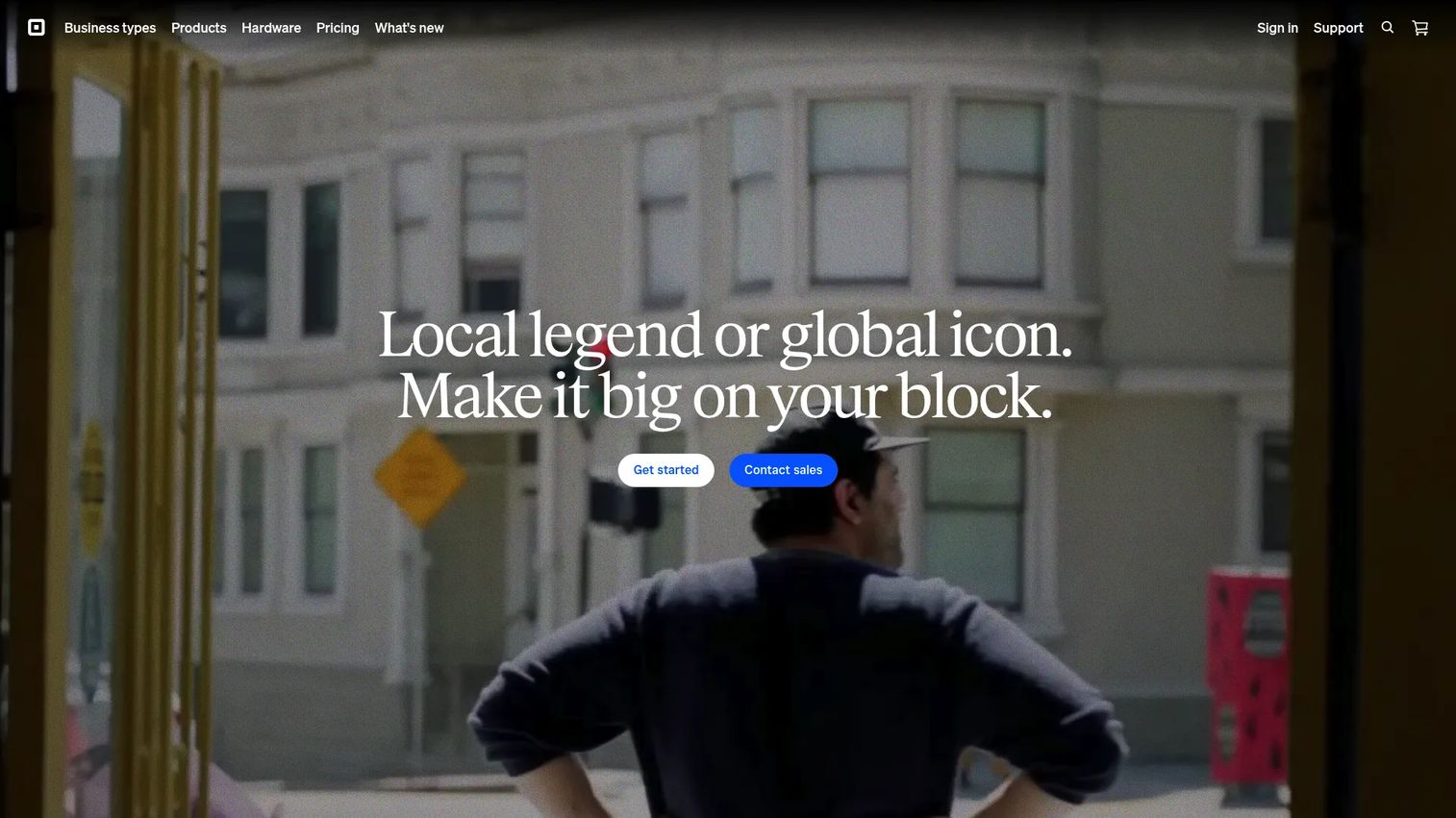
Square is the accessible, POS-first entry point into restaurant management software. It combines point of sale, payment processing, menu management, hardware, online ordering, team management, loyalty, and a kitchen display system into one stack that a small operator can stand up in an afternoon. For cafes, bars, food trucks, and quick-service concepts that want to start selling fast, Square removes most of the setup friction that heavier platforms carry.
Its biggest advantage is the free tier. You can run a real restaurant POS on Square with no monthly software fee, paying only per transaction, which makes it a natural first system for a single location or a new concept testing demand.
Best for: Small restaurants, cafes, bars, and quick-service operators who want a combined POS and payments stack live quickly.
Key strengths
- Fast, hardware-light setup: get a working restaurant POS running without a long implementation project.
- Free plan plus flexible tiers: start on Square Free, then move to Plus or Premium as needs grow.
- Built-in online ordering and loyalty: add first-party ordering and guest loyalty software without bolting on a second vendor.
Why choose Square: Square fits operators who value speed and low commitment over deep back-office features. If you are running one to a few locations and want a restaurant point of sale system that scales with you rather than one you have to grow into, Square earns the spot. Larger, multi-concept operations will feel the ceiling sooner.
Square pricing: Square lists three POS plans. Square Free costs $0 per month with no software subscription. Square Plus is $49 per month per location, and Square Premium is $149 per month per location. Plus and Premium each include a free 30-day trial. All plans still carry per-transaction payment processing fees.
2. Toast
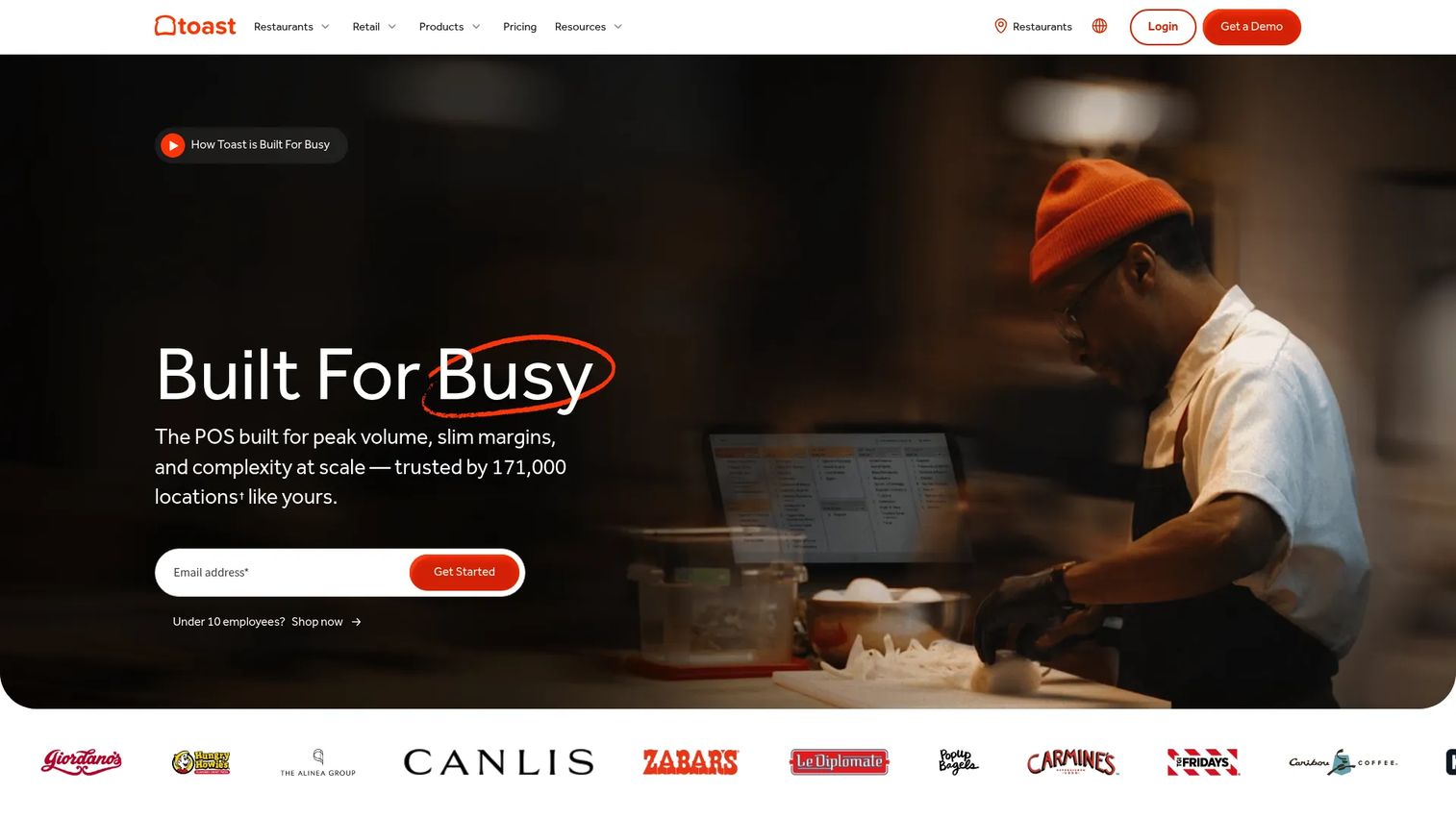
Toast is the restaurant-native option built from the ground up for food service rather than adapted from a general retail POS. It pairs point of sale with online ordering, loyalty, self-ordering kiosks, and a kitchen display system, which makes it a strong fit for teams that need the front of house, kitchen, and ordering channels working as one. Its Android-based, restaurant-hardened hardware is designed for the realities of a working line.
Toast tends to fit concepts that have outgrown a starter POS and now need deeper kitchen and multi-location workflows. Quick service, full service, and bars all map onto its feature set, with configuration that flexes by concept.
Best for: Restaurants that want an all-in-one, restaurant-native POS and operations platform across one or many locations.
Key strengths
- Restaurant-first kitchen workflows: route tickets cleanly from POS and online orders to a kitchen display system.
- Integrated online ordering: run first-party online ordering software without stitching a separate tool into your menu.
- Multi-location support: manage menus, reporting, and loyalty across a growing multi-location restaurant footprint.
Why choose Toast: Choose Toast when the kitchen and ordering flow is your bottleneck and you want hardware and software designed together for restaurants. Expect a hardware and contract commitment rather than a pure month-to-month tool, which is the tradeoff for that depth.
Toast pricing: Toast advertises flexible pricing that starts at $69 per month, and it offers a Starter Package with a Pay-as-You-Go option that trades a lower upfront cost for higher payment processing rates. Toast does not expose a full public tier table, so exact configuration pricing depends on hardware and processing choices quoted per restaurant. Toast holds a 4.2/5 rating on G2.
3. Lightspeed
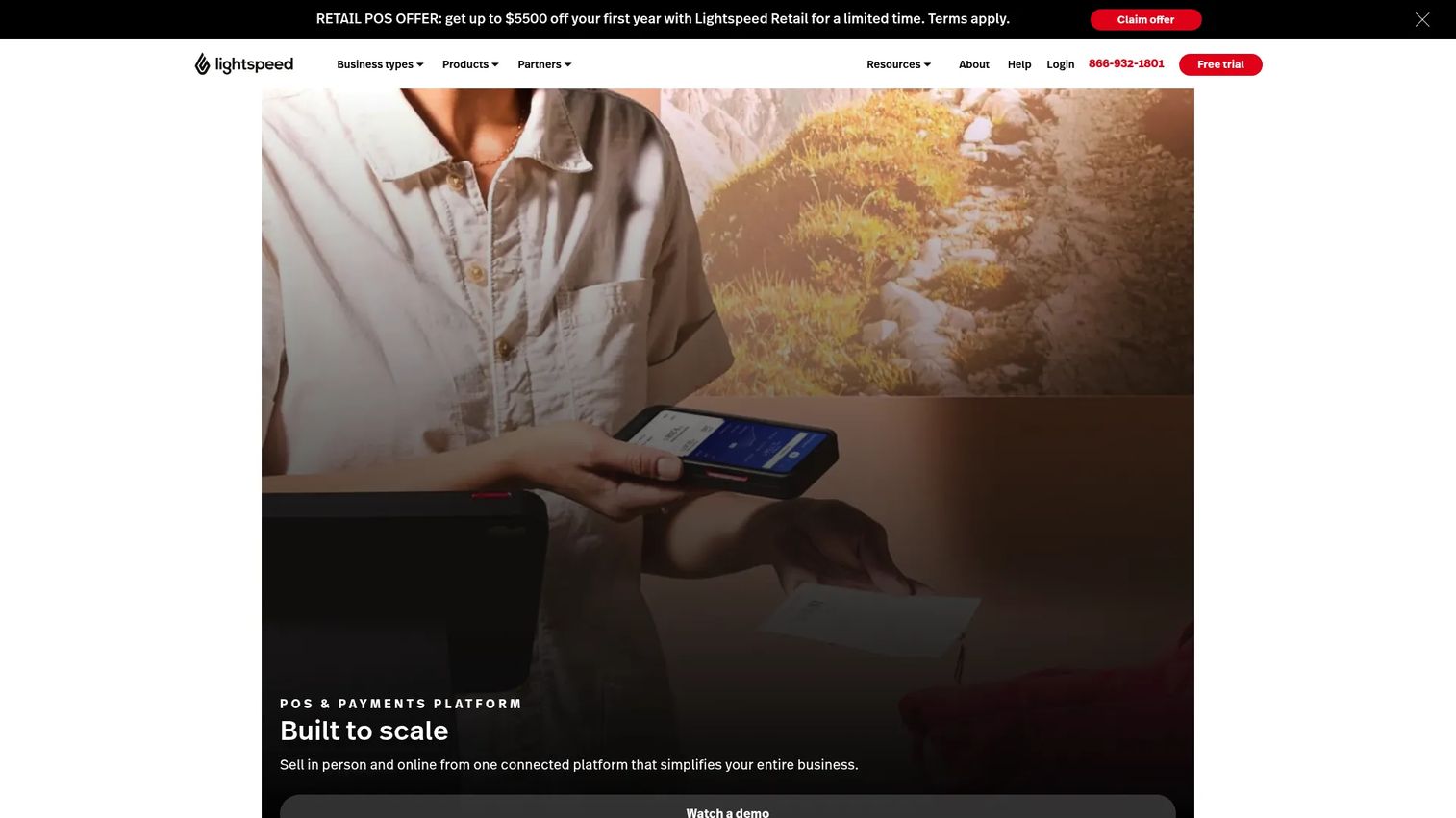
Lightspeed is the customizable restaurant POS for operators who want table management, strong reporting, and a broader commerce stack behind the counter. It combines point of sale and payments with inventory management and analytics, which makes it a fit for restaurants that want more back-office depth than a starter POS without jumping straight to a full financial platform.
Lightspeed suits growing restaurants and multi-location teams that care about reporting granularity and menu flexibility. Its analytics help operators see performance by location, item, and daypart rather than just a single daily total.
Best for: Growing and multi-location restaurants that want a configurable POS with real reporting and inventory built in.
Key strengths
- Table management and floor control: run full-service seating and coursing from the POS.
- Inventory plus analytics: track stock and read restaurant analytics software in the same system.
- Tiered scalability: move from Starter to Essential to Premium as your reporting and feature needs grow.
Why choose Lightspeed: Pick Lightspeed when you want a restaurant point of sale system with headroom, especially reporting and inventory depth, but still prefer a clear public price ladder. It sits comfortably between the fast simplicity of a starter POS and the heavier commitment of an enterprise-grade platform.
Lightspeed pricing: Lightspeed's restaurant plans start with Starter at $69 USD per month, Essential at $189 USD per month, and Premium at $399 USD per month, with an Enterprise tier available by quote. Payment processing is billed separately. Lightspeed holds a 4.4/5 rating on G2.
4. Restaurant365
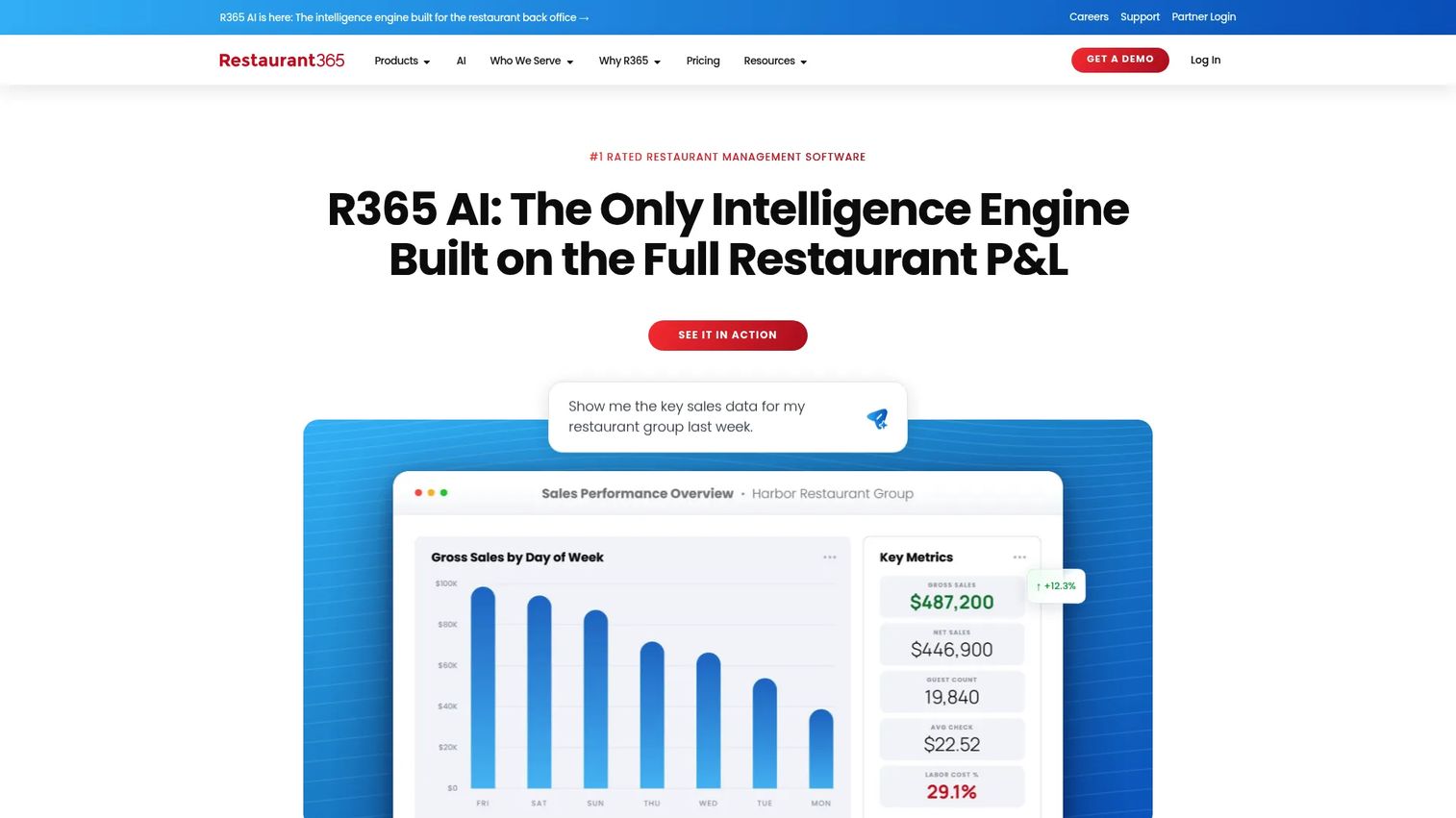
Restaurant365 is the back-office and financial control platform for restaurants that need accounting, inventory, purchasing, scheduling, and payroll in one system. Unlike the POS-first tools above, Restaurant365 is built for the operator whose bottleneck is margin visibility, not order entry. It ties inventory management for restaurants directly to accounting so food cost and prime cost stop being month-end surprises.
This is the platform for multi-location groups and operators who want a single source of truth for financials and cost controls. It integrates with POS systems rather than replacing them, which means it usually joins a stack rather than anchoring the register.
Best for: Multi-location restaurants that need an all-in-one back-office platform for accounting, inventory, and labor.
Key strengths
- Accounting plus reporting: run restaurant-specific financials and food-cost reporting in one system.
- Inventory and purchasing control: manage counts, vendor orders, and recipe costing to protect margin.
- Workforce management: handle scheduling, time and attendance, and payroll alongside the financials.
Why choose Restaurant365: Choose Restaurant365 when food cost, labor cost, and multi-unit financial visibility are the problems keeping you up. It doubles as a restaurant CRM layer for cost and vendor data, and it rewards operators disciplined enough to keep inventory counts accurate. Smaller single-location shops may find it heavier than they need.
Restaurant365 pricing: Restaurant365 does not publish public numeric pricing. Its pricing page offers a custom quote based on location count and modules, so cost scales with your footprint and the mix of accounting, inventory, and workforce features you enable. Restaurant365 holds a 4.6/5 rating on G2, the highest of the platforms in this guide.
5. OpenTable
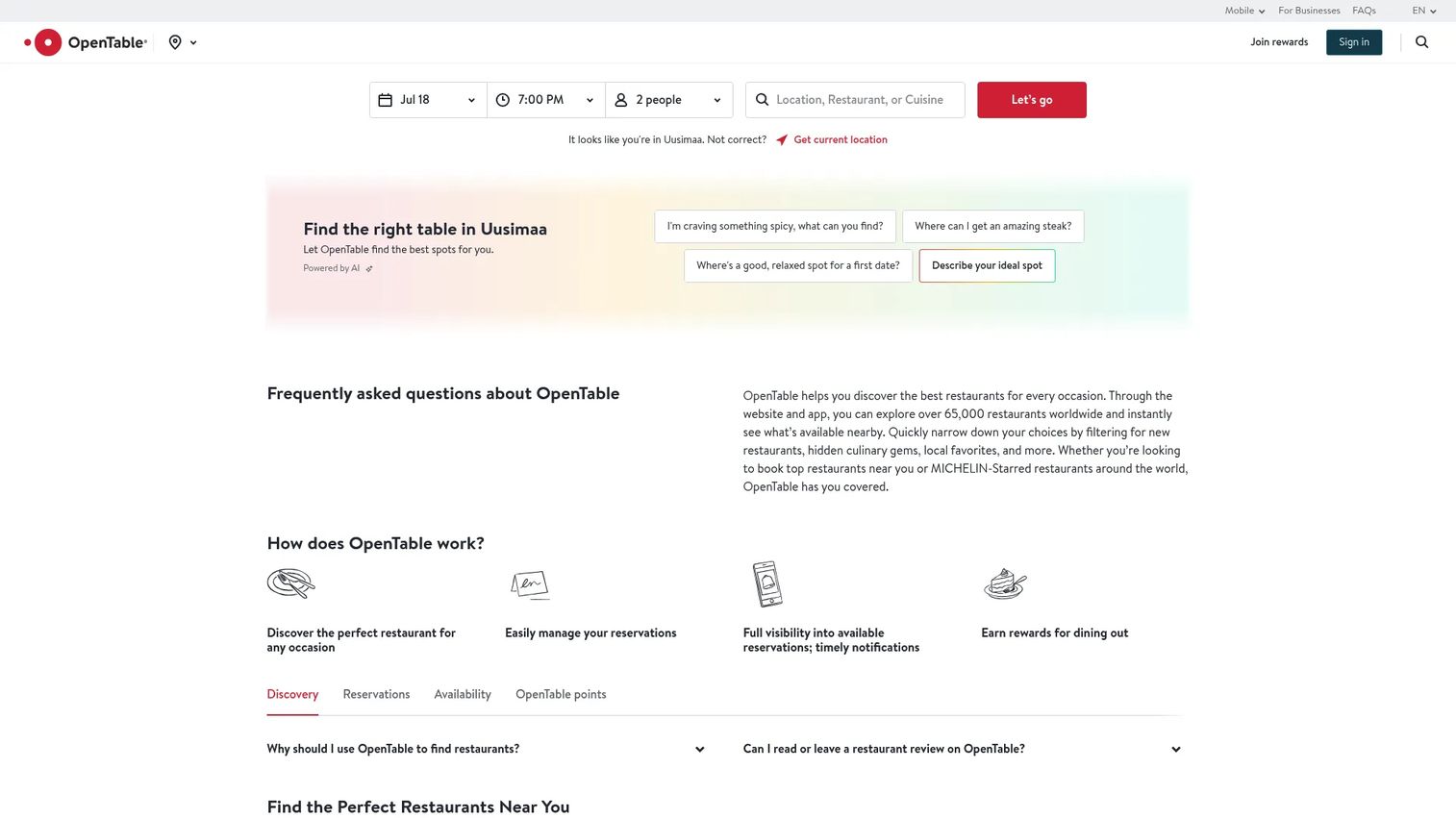
OpenTable is the reservations and guest acquisition platform for restaurants where bookings drive revenue. It combines online reservations, table management, and a guest CRM with something the POS-first tools cannot offer: a large diner network that sends demand to your door. For seating-driven concepts, that discovery engine is the point.
OpenTable matters more for table flow and reservation-driven dining than for full-stack operations. It runs your front door and your book, then hands clean covers to whatever POS you use behind it.
Best for: Restaurants that depend on reservations, cover volume, and diner discovery to fill seats.
Key strengths
- Diner network demand: reach a large base of diners actively searching for a table.
- Table management and floor plans: manage seating, pacing, and waitlists as reservations software for restaurants.
- Guest profiles and marketing: keep notes, preferences, and win-back tools in a guest CRM.
Why choose OpenTable: Choose OpenTable when you want reservations plus a demand channel, and you are comfortable with per-cover economics in exchange for network reach. It is a reservation-led platform, not an operations suite, so pair it with your POS and back office rather than expecting it to run everything.
OpenTable pricing: OpenTable's US restaurant plans are Basic at $149 per month, Core at $299 per month, and Pro at $499 per month. Basic adds per-cover fees on network bookings, while Core and Pro add table management and guest relationship tools and include free website reservations. OpenTable holds a 4.4/5 rating on G2.
6. Resy
Resy is the reservations and guest experience platform for restaurants that care about premium demand, brand experience, and tight table management. Where OpenTable leans on the breadth of its diner network, Resy leans on curation and a hospitality-forward brand feel that fits full-service, higher-end, and experience-driven concepts. It handles reservations, waitlists, walk-ins, guest data, and event management.
The core difference is market fit. OpenTable maximizes discovery volume, while Resy maximizes brand experience and guest relationship. Operators who see their reservation flow as part of the guest experience, not just a booking utility, tend to prefer it.
Best for: Full-service and premium restaurants that treat reservations as part of the brand and guest experience.
Key strengths
- Brand-led booking: present a reservation experience that matches a premium concept.
- Table and waitlist management: run seating, walk-ins, and pacing as table management software.
- Guest data and events: use guest profiles and event tools to build repeat, high-value relationships.
Why choose Resy: Choose Resy when brand experience and guest relationship matter as much as raw cover count, and you prefer transparent pricing without per-cover fees. It is a reservation and hospitality platform rather than a full operations stack, so it pairs with your POS and back office.
Resy pricing: Resy lists plans starting at $249 per month for Platform, with Platform 360 at $399 per month, alongside Essential at $269 per month and Premium at $399 per month across its Resy and Tock lineup. Resy emphasizes transparent pricing with no per-cover fees, though some plans include prepayment fees. Resy holds a 4.1/5 rating on G2.
7. 7shifts
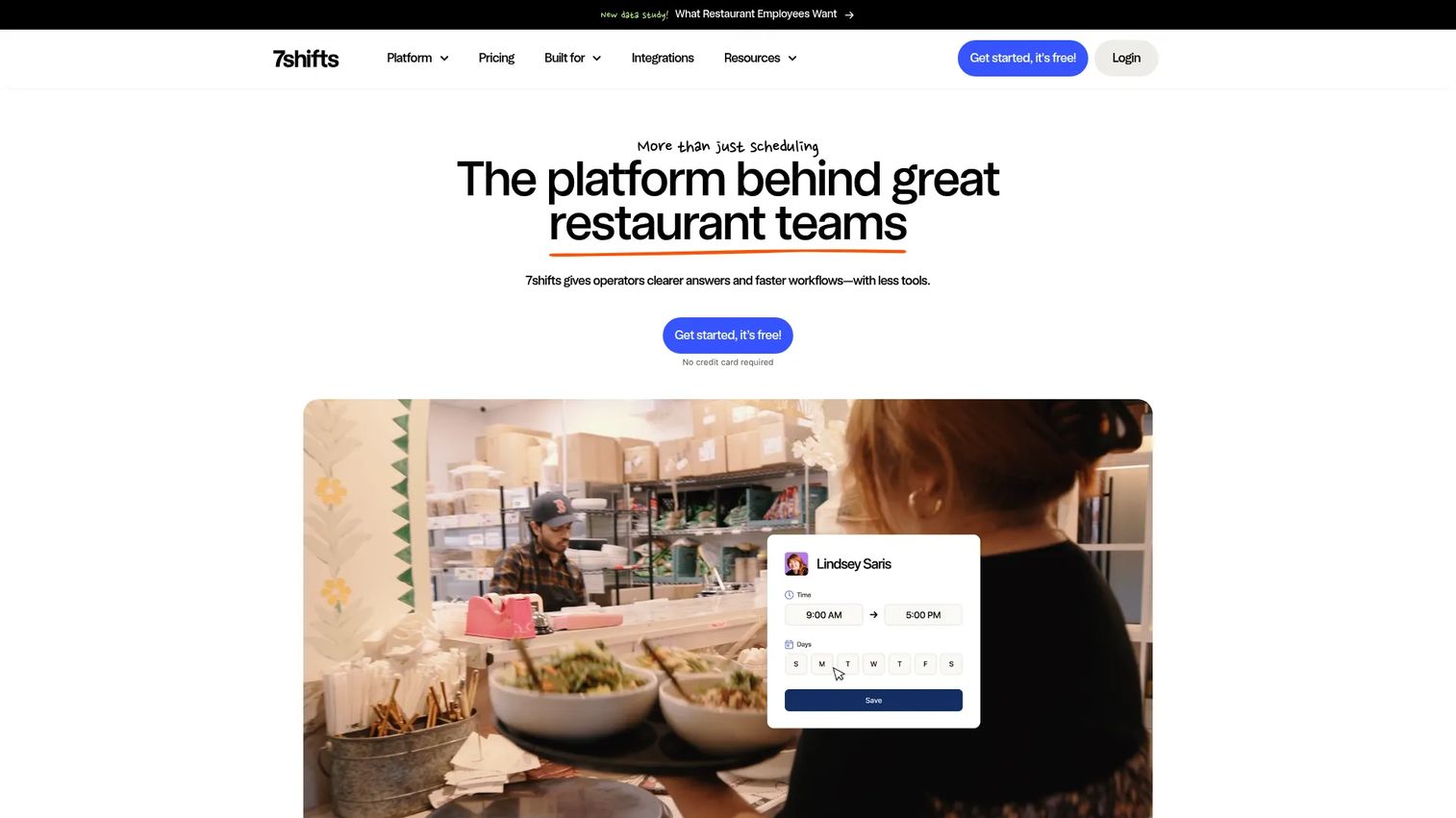
7shifts is the labor specialist in the restaurant stack. It focuses on scheduling, time tracking, labor compliance, payroll, tips, and team communication, which makes it the go-to employee scheduling software for restaurants that want labor under control without buying a whole new POS. This is a labor and workforce tool, not a full operations platform, and that focus is exactly why it works.
For operators where labor cost and shift chaos are the pain, 7shifts consolidates the schedule, the time clock, and the team chat into one place. It integrates with major POS systems so labor data lines up against sales.
Best for: Restaurants that need dedicated labor scheduling, labor compliance, and team communication alongside their POS.
Key strengths
- Scheduling and mobile shifts: build and publish schedules staff can see and swap on their phones.
- Time clocking and compliance: track hours and manage labor compliance as labor management software.
- Payroll, tips, and communication: handle payroll, tip pooling, and team messaging in one app.
Why choose 7shifts: Choose 7shifts when labor is your bottleneck and your POS handles the rest. It is deliberately a specialist, so it complements a POS-first platform rather than replacing it. Operators wanting one system for everything will still need a separate register and back office.
7shifts pricing: 7shifts offers a free plan to start, with paid tiers that add scheduling depth, labor tools, and integrations as you scale. The public pricing page leads with a free entry point but does not expose numeric tier prices in a fixed public table, so higher-tier costs scale with locations and features. 7shifts holds a 4.5/5 rating on G2.
8. TouchBistro
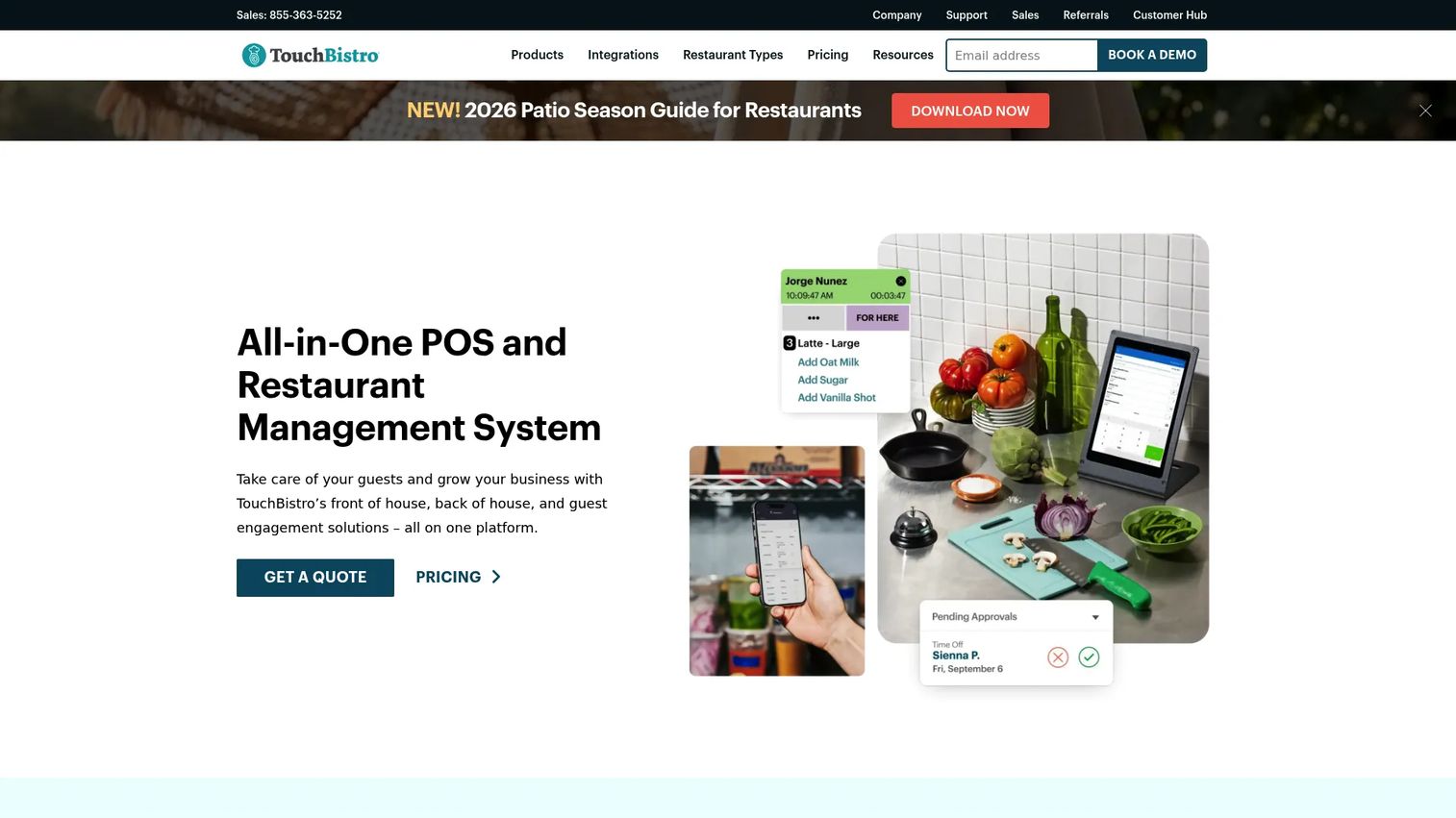
TouchBistro is an iPad-based restaurant POS built for small to mid-size restaurants, bars, and venues that want restaurant-specific workflows without a sprawling enterprise platform. It covers point of sale, tableside ordering, and floor plan and table management, with pricing clarity that many restaurant POS systems lack. For operators who want front-of-house workflows that feel made for restaurants, it fits neatly.
TouchBistro suits the owner-operator who wants restaurant-native features and a predictable monthly price rather than a heavy, quote-only platform. Its iPad footprint keeps hardware familiar and mobile at the table.
Best for: Small to mid-size restaurants and bars wanting an iPad POS with restaurant-specific front-of-house tools.
Key strengths
- Tableside ordering: take and fire orders at the table on an iPad to speed service.
- Floor plan and table management: map the dining room and manage seating from the POS.
- Transparent starting price: know your monthly POS cost up front without a mandatory quote.
Why choose TouchBistro: Choose TouchBistro when you want a restaurant-first POS with clear pricing and front-of-house depth, and you do not need a full enterprise back office. It is a strong front of house software choice that pairs well with dedicated labor or accounting tools when you outgrow the basics.
TouchBistro pricing: TouchBistro lists Point of Sale starting at $69 per month, an Essentials Bundle starting at $119 per month, and a Custom Setup that is quote-based. Add-ons are also quoted individually, and payment processing is separate. TouchBistro holds a 4.1/5 rating on G2.
How to choose the right restaurant management software
Before you commit, run each shortlisted tool against the criteria that decide whether it earns its place in your stack.
Workflow coverage versus your actual bottleneck
Map the software to the problem you are trying to solve, not the longest feature list. If order entry and kitchen flow hurt most, a POS-first platform wins. If food cost is the leak, prioritize a back office and inventory system. Buying breadth you will not use is how stacks get bloated.
Rollout speed and staff adoption
A tool only helps if the floor actually uses it. Test how fast you can configure menus, train staff, and run a real shift. First-week setup speed is a fair proxy for how painful the full rollout will be, especially for hourly teams with turnover.
Reporting and margin visibility
Check whether you can see food cost, labor percentage, and sales by daypart without exporting to a spreadsheet. Restaurant analytics software is only useful if managers act on it during the week, not after the month closes.
Integration fit and single versus multi-location
Confirm the tool talks to the rest of your stack: POS to labor, reservations to POS, back office to payroll. For multi-location restaurant software, verify you can compare locations in one view and push menu or price changes centrally.
Conclusion
The eight platforms here sort cleanly into four practical buckets. For all-in-one POS, Square wins on speed and a free entry point, Toast on restaurant-native depth, and Lightspeed on configurability and reporting. For back-office and financial control, Restaurant365 is the clear pick when margin visibility is the problem. For reservation-led operations, OpenTable brings a demand network while Resy brings premium brand experience. And for labor, 7shifts is the specialist, with TouchBistro rounding out iPad-based front-of-house needs.
Pick based on your main operational bottleneck, not the feature count. The right restaurant management system is the one that removes the biggest source of daily friction and reduces the number of disconnected tools your managers babysit.
Simple next step: shortlist two tools that map to your bottleneck, then run both against one real service shift. The one that survives a busy Friday is the one to keep.
FAQs
A restaurant POS handles order entry and payments at the point of sale. Restaurant management software is broader, spanning POS plus reservations, inventory, labor, analytics, and guest engagement. Most POS platforms now bundle management features, which is why the lines blur, but a pure POS is one component of a full restaurant management system.
Square is the most common pick for small restaurants because of its free tier and fast setup, which lets a single location start selling with no monthly software fee. TouchBistro is a strong alternative for owner-operators who want an iPad POS with restaurant-specific front-of-house tools and clear pricing.
Look for point of sale and payments, reservations and table management, online ordering, a kitchen display system, inventory and purchasing, labor scheduling, analytics, and guest loyalty. Not every restaurant needs all of these on day one, so prioritize the workflows tied to your biggest bottleneck rather than buying the full set upfront.
It depends on the concept. Quick-service and counter-service restaurants often need only a POS. Full-service and destination restaurants that depend on cover volume usually run reservations software for restaurants like OpenTable or Resy alongside their POS, because managing table flow and no-shows directly affects revenue.
Multi-location restaurant software should let you compare locations in one view, push menu and price changes centrally, and consolidate financials across units. Toast and Lightspeed handle multi-location POS and reporting well, while Restaurant365 is built for multi-unit accounting, inventory, and labor visibility across the group.
Restaurant365 targets food cost through inventory management for restaurants, purchasing control, and recipe costing tied to accounting. 7shifts targets labor cost through scheduling, time tracking, and labor compliance. Many operators pair a back-office platform for food cost with a labor specialist so both leaks get watched.
For most independents, an all-in-one POS platform like Square or TouchBistro is worth it because it reduces the number of disconnected tools managers maintain. The value is consolidation: fewer systems to reconcile, one source of truth for a shift, and less time spent stitching data together instead of running service.