Marketing resource management software solves a specific problem: marketing teams spending more time coordinating work than actually doing it. When budgets live in spreadsheets, assets scatter across drives, and approvals happen over email, the operational overhead compounds with every new campaign.
MRM platforms centralize budgets, people, assets, and workflows in one system. This guide covers what MRM software actually does, ten platforms worth evaluating, and how to choose the right one for your team.
What's inside
This guide covers what MRM software actually does, the core features that matter, and ten platforms worth evaluating. We selected tools based on real-world functionality, user reviews, integration depth, and fit for different team sizes. You'll also find guidance on when MRM makes sense, how it differs from related tools like DAM and marketing automation, and a practical framework for choosing the right platform.
TL;DR
- MRM software is a centralized platform that helps marketing teams plan, allocate, and optimize resources including budgets, people, assets, and workflows.
- Teams outgrowing spreadsheets, managing multi-channel campaigns, or drowning in disconnected tools benefit most from MRM.
- Start with your primary pain point. Is it budget chaos, asset disorganization, or workflow bottlenecks? Choose a tool that solves that first.
What is marketing resource management software
Marketing resource management (MRM) software helps marketing teams plan, allocate, and optimize their resources from a single platform. Those resources include budgets, people, creative assets, and workflows. Think of it as the coordination layer that connects your marketing strategy to actual execution.
MRM platforms typically manage four core areas:
- Budgets: Track spend across campaigns and channels in real time.
- People: Allocate team capacity and balance workloads.
- Assets: Organize creative files, brand materials, and content libraries.
- Workflows: Automate approvals, reviews, and handoffs between teams.
What distinguishes MRM from point solutions is scope. A project management tool handles tasks. A DAM stores files. MRM connects all of that so marketing operations run as a coordinated system rather than a collection of disconnected tools.
Key features of MRM tools
Budget allocation and planning
MRM platforms let you set marketing budgets, allocate funds across campaigns, and track spend as it happens. You can see exactly how funds are being used without waiting for month-end reports. The connection between financial planning and marketing execution becomes direct and visible.
Asset and content management
Centralized storage for brand assets, creative files, and marketing collateral keeps everyone working from the same source. Version control ensures teams use the latest approved materials. When brand consistency across channels is a priority, having a single source of truth matters.
Project management and workflow automation
Task assignment, deadline tracking, and automated approval workflows reduce the manual coordination that slows teams down. When a creative asset moves from draft to review to approval, the system handles the handoffs automatically rather than relying on email chains.
Marketing calendars and scheduling
A unified calendar shows campaign timelines, content publishing dates, and resource availability in one view. Teams can see everything happening across the marketing department without switching between tools or asking around.
Analytics and performance reporting
MRM solutions track campaign performance, resource utilization, and ROI. Dashboards help marketing leaders identify what's working, where resources are underused, and how to optimize future investments.
Collaboration and approval workflows
Teams can work together on reviews, feedback, and sign-offs directly within the platform. Centralizing communication reduces the reliance on scattered email threads and disconnected documents.
When to use marketing resource management software
Scaling marketing operations
MRM software makes sense when you're outgrowing spreadsheets and manual tracking. As campaign volume and team size increase, an MRM system prevents tasks, deadlines, and resources from falling through the cracks. If your team spends more time coordinating than executing, that's a signal.
Managing multi-channel campaigns
When coordinating resources across paid search, social media, email, events, and other channels simultaneously, MRM keeps everything synchronized. Assets, budgets, and team members stay aligned across all campaign activities without constant manual reconciliation.
Consolidating marketing tool sprawl
For teams using too many disconnected tools for project management, asset storage, and budgeting - enterprise marketing organizations now average 91 distinct tools - an MRM can serve as the central hub. It connects or replaces fragmented systems to create a single source of truth. When reporting takes hours because data lives in five different places, consolidation becomes valuable.
Improving marketing resource allocation
With 59% of CMOs reporting insufficient budget to execute their strategy, MRM software helps marketing leaders optimize how budgets and people are distributed. By providing data on performance and utilization, it identifies underutilized resources and helps reallocate them to higher-performing initiatives.
Best marketing resource management software comparison
| # | Product | Best for | Key differentiator | Pricing | G2 rating |
|---|---|---|---|---|---|
| 1 | Aprimo | Enterprise marketing operations | End-to-end marketing lifecycle management | Custom | 4.2/5 |
| 2 | Wrike | Project-focused teams | Advanced workload balancing and proofing | From $9.80/user/month | 4.2/5 |
| 3 | Monday.com | Visual and flexible workflows | Highly customizable marketing templates | From $9/user/month | 4.7/5 |
| 4 | Scoro | Agencies and service-based teams | Integrated financial and project tracking | Custom | 4.5/5 |
| 5 | Kantata | Complex resource planning | In-depth capacity and utilization tracking | Custom | 4.3/5 |
| 6 | Miro | Creative planning and ideation | Infinite visual whiteboard collaboration | From $8/user/month | 4.8/5 |
| 7 | Allocadia | Marketing finance and performance | Investment planning and ROI analysis | Custom | 4.2/5 |
| 8 | Brandworkz | Brand consistency and compliance | Centralized brand portals and asset distribution | Custom | 4.5/5 |
| 9 | Percolate | Content-heavy marketing teams | Content planning and production workflows | Custom | 4.1/5 |
Best marketing resource management tools
1. Aprimo
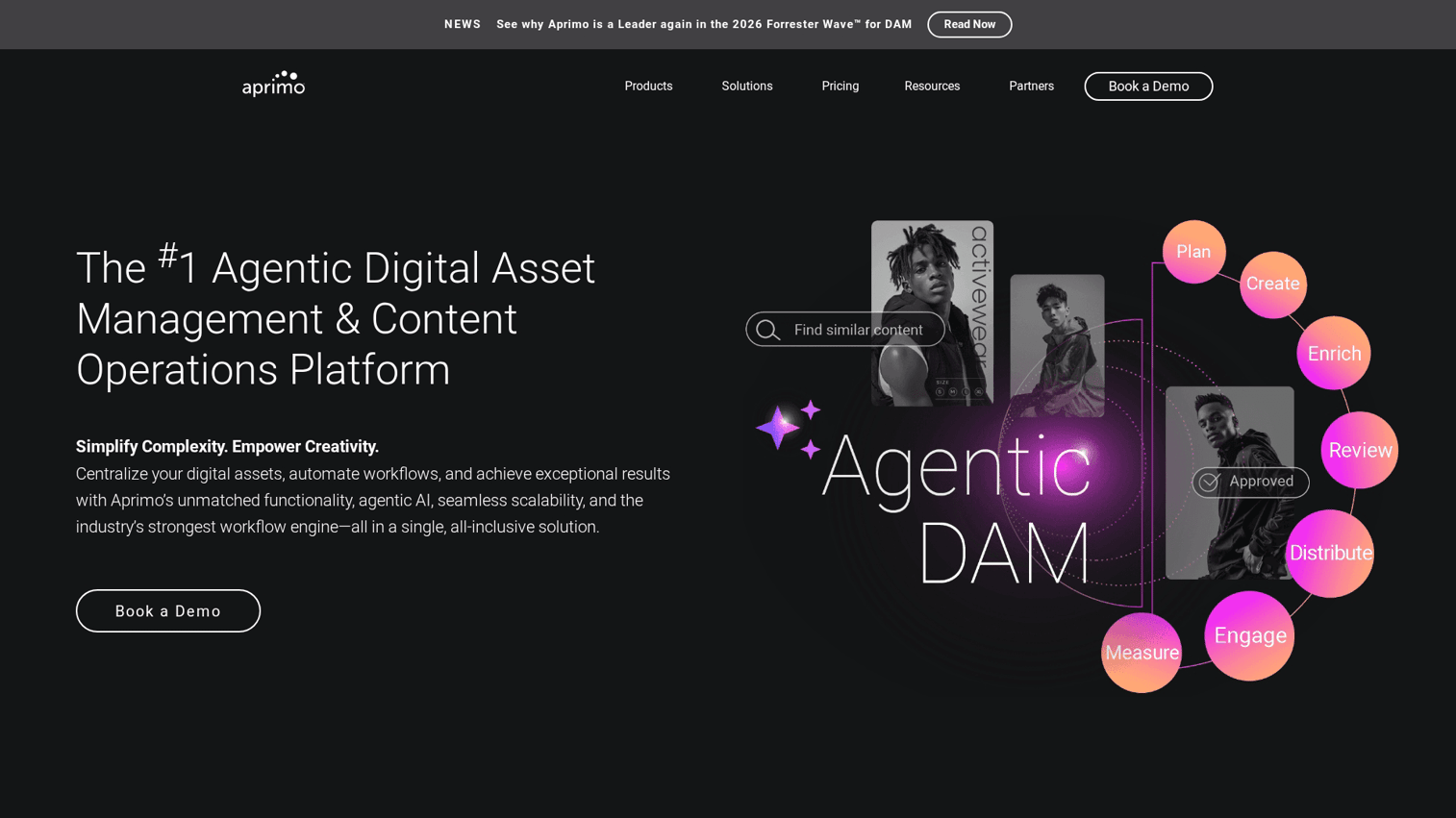
Aprimo is an enterprise-grade MRM platform designed for large, global marketing organizations. It provides robust digital asset management integration, comprehensive budget management, and sophisticated workflow automation to handle complex marketing operations at scale.
The platform excels when you have multiple teams across regions that all work from the same playbook. Governance features ensure brand compliance while giving local teams flexibility within defined guardrails.
Key strengths
- Enterprise-grade DAM and budget management
- Workflow automation for complex operations
- Global marketing support with localization features
Pricing: Custom pricing based on deployment.
2. Wrike
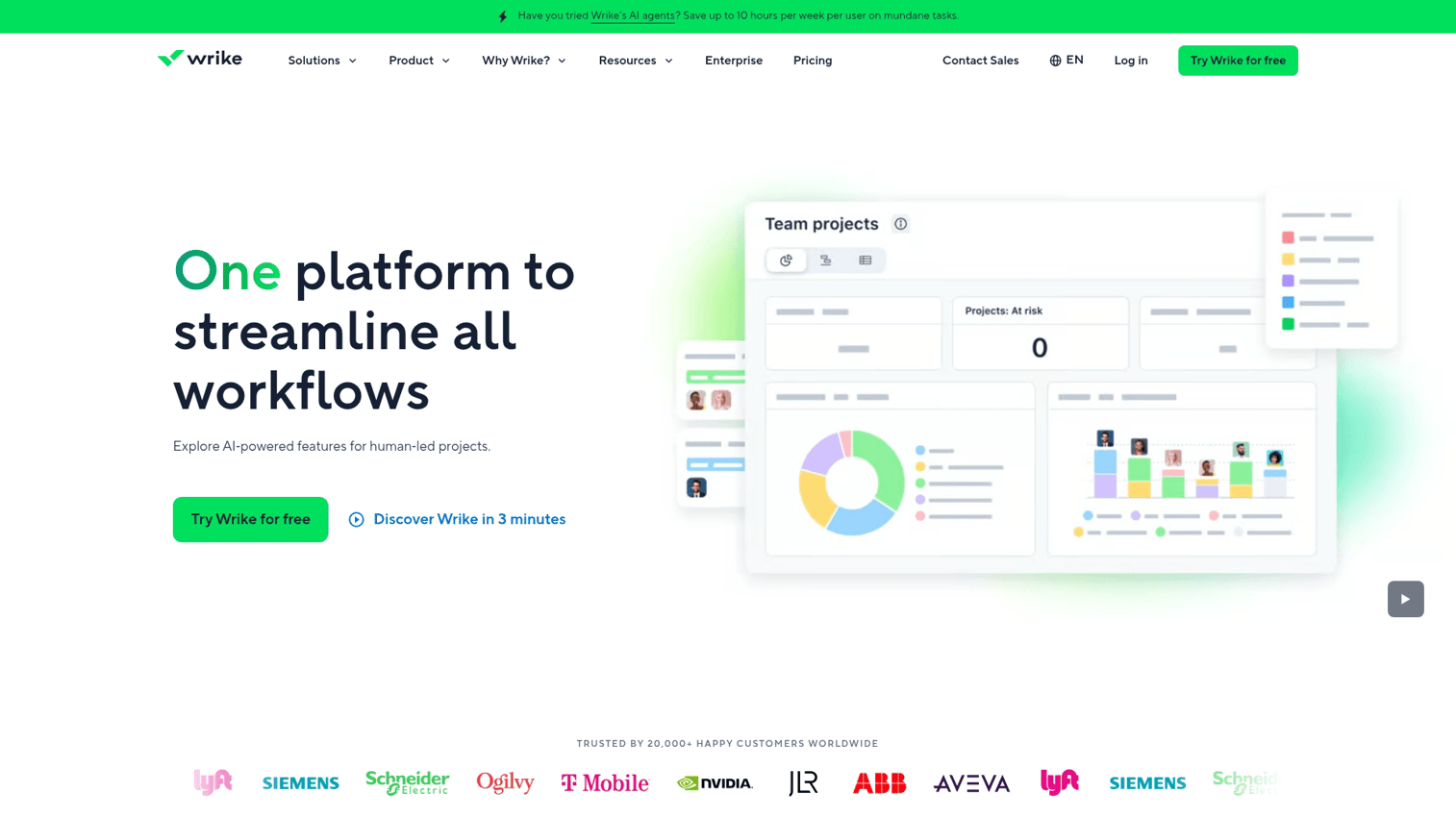
Wrike is a project-focused MRM tool with strong resource management capabilities. It excels at workload balancing, visual proofing, and comes with marketing-specific templates.
The proofing and approval tools are particularly useful for creative teams. You can mark up assets directly in the platform and track revision history without switching to external tools.
Key strengths
- Workload balancing and resource management
- Built-in proofing and approval tools
- Marketing-specific project templates
Pricing: From $9.80/user/month.
3. Monday.com
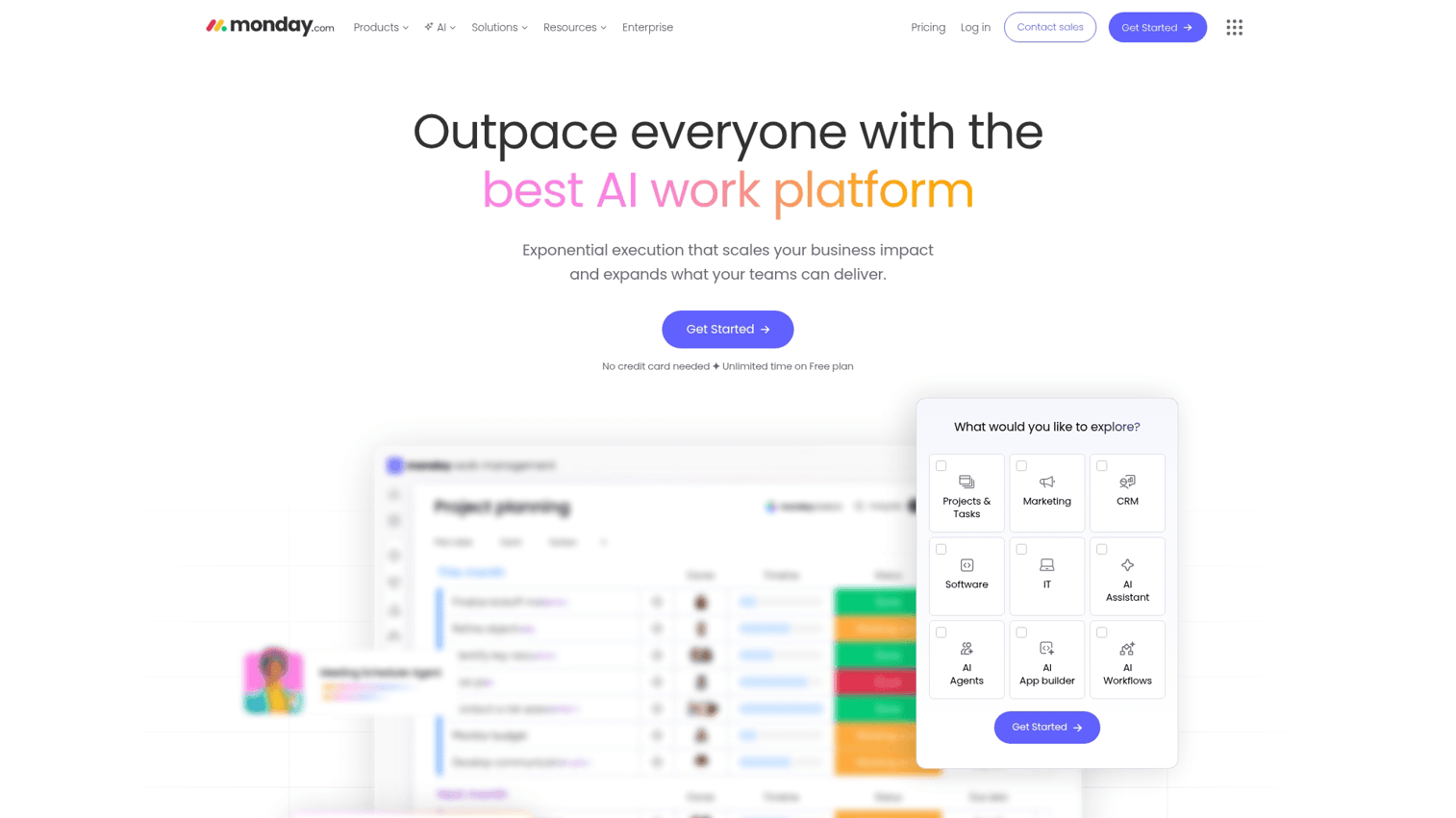
Monday.com is a highly flexible and visual MRM platform. Its strength lies in customizable workflows, an extensive library of marketing templates, and broad integration capabilities.
The visual interface makes it easy to see project status at a glance. You can build dashboards that show exactly what matters to your team without relying on pre-built reports.
Key strengths
- Highly visual and customizable workflows
- Large library of templates
- Extensive integration marketplace
Pricing: From $9/user/month.
4. Scoro
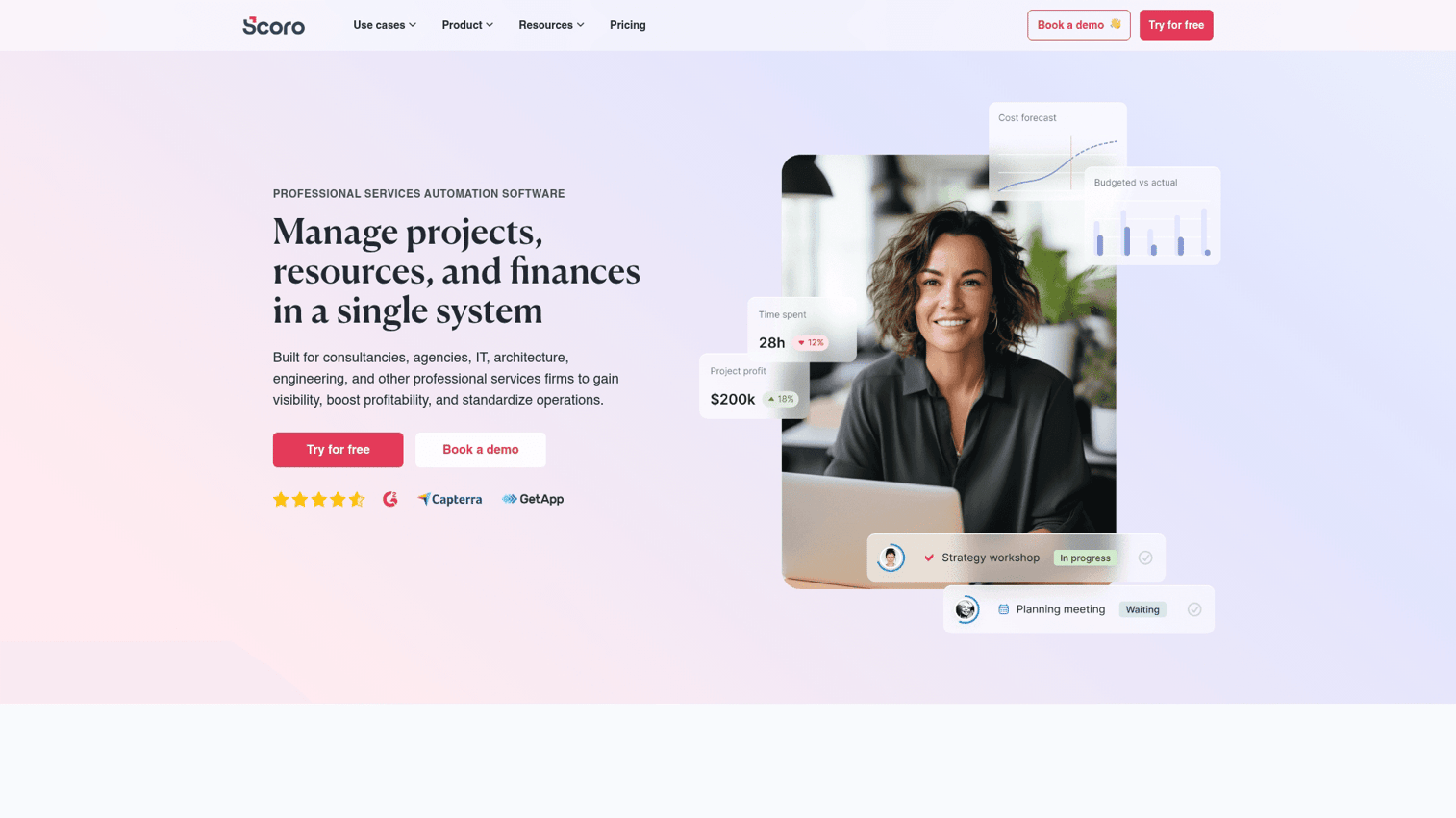
Scoro is an MRM platform with built-in financial tracking, making it well-suited for agencies and teams that track profitability. It combines quoting, budgeting, and profitability reporting with comprehensive project management features.
If you bill clients for marketing work, Scoro connects project execution directly to invoicing. You can see project profitability in real time rather than discovering margin issues after the fact.
Key strengths
- Integrated financial tracking and reporting
- Quoting and invoicing capabilities
- End-to-end agency management
Pricing: Custom pricing.
5. Kantata
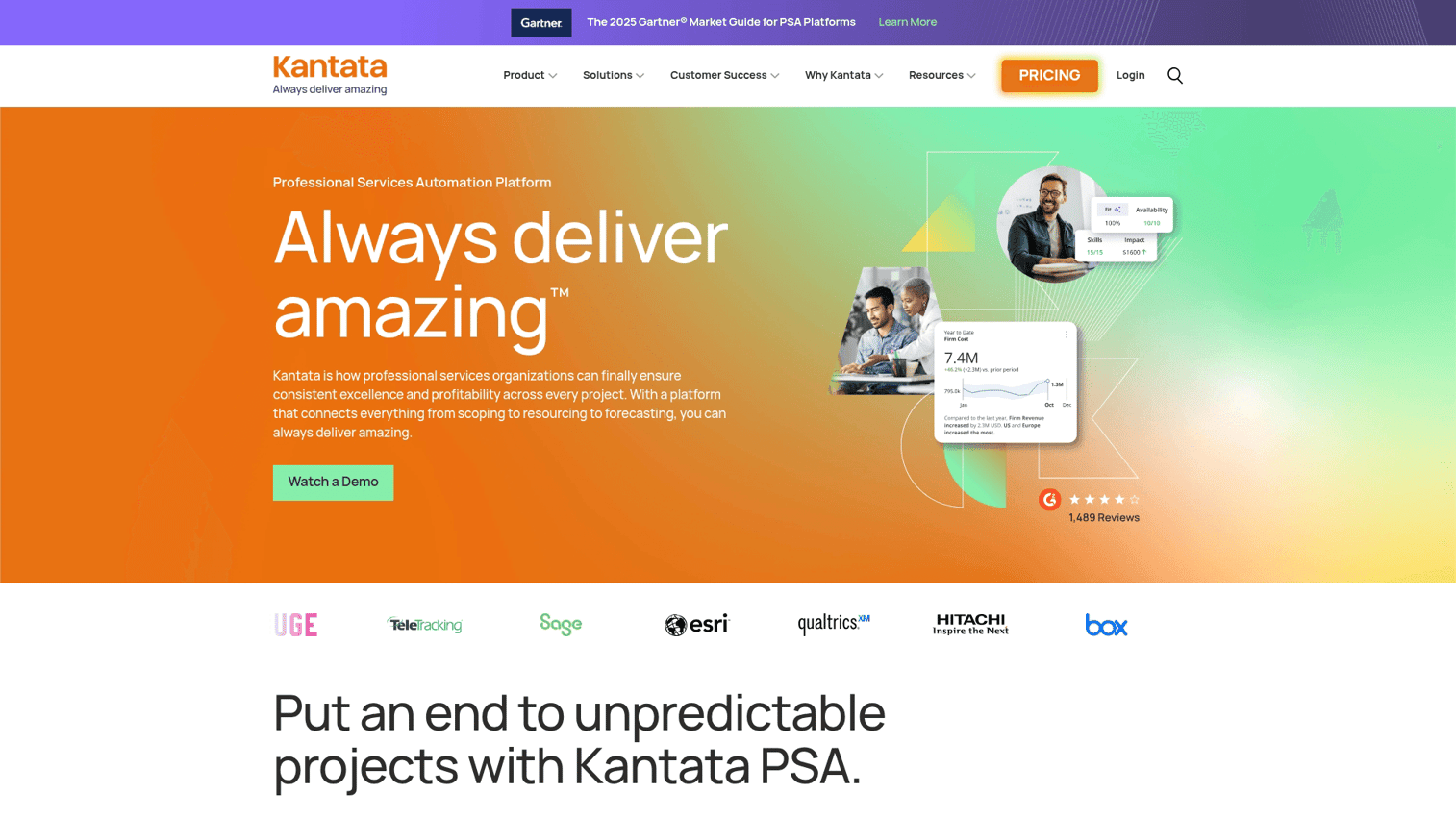
Kantata is a resource-focused platform for professional services and marketing teams with complex resourcing requirements. It offers deep functionality for capacity planning, skills matching, and resource utilization tracking.
The platform shines when you have specialized team members whose time is allocated across multiple projects. You can see who has capacity, match skills to project requirements, and forecast resource allocation months ahead.
Key strengths
- Advanced capacity planning and forecasting
- Resource utilization and skills tracking
- Designed for professional services workflows
Pricing: Custom pricing.
6. Miro
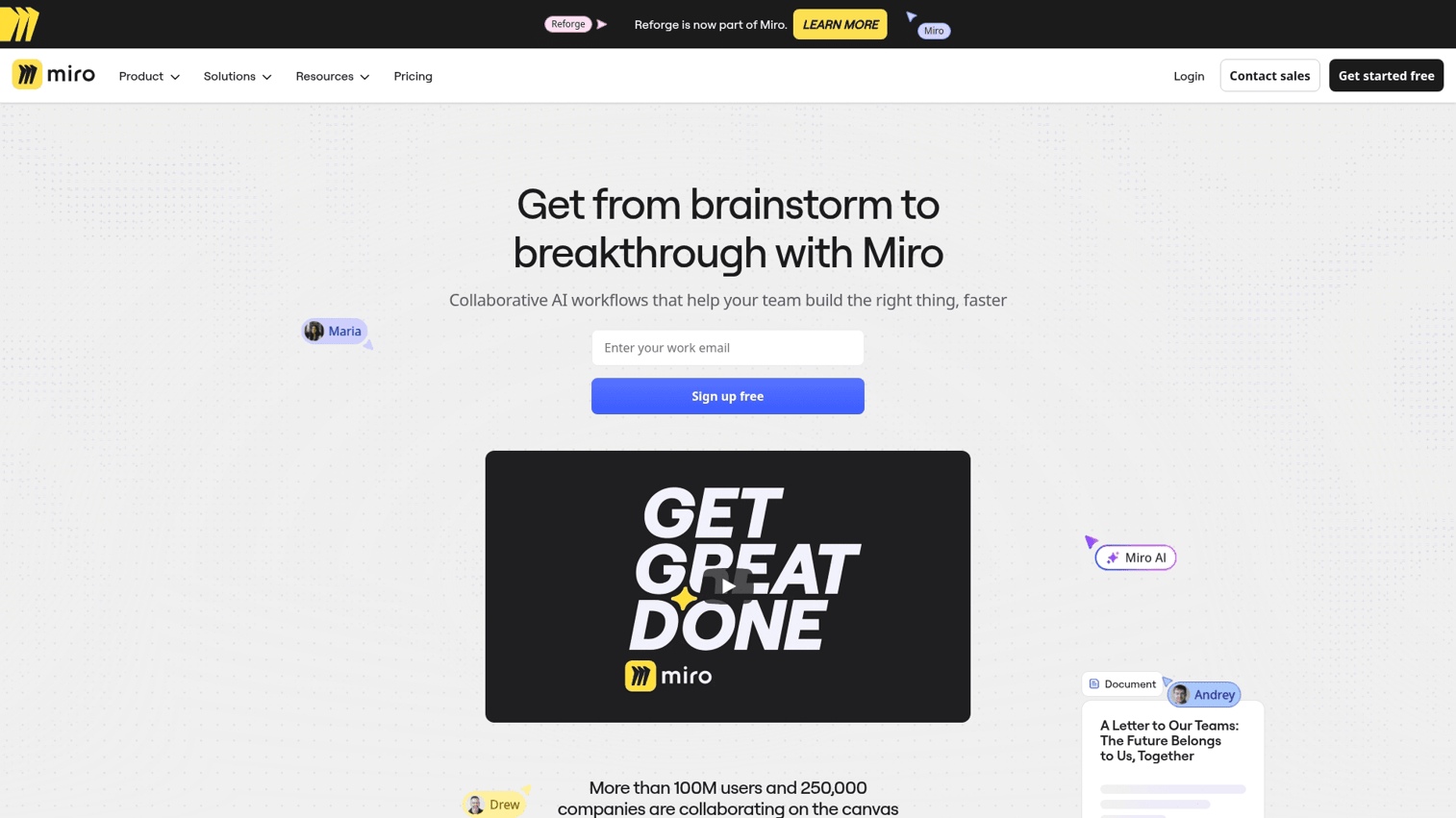
Miro is a visual collaboration tool that supports the marketing planning and ideation phases of resource management. Its infinite whiteboarding canvas, pre-built templates, and asynchronous collaboration features make it useful for creative brainstorming and strategic planning.
While Miro isn't a full MRM platform, it often serves as the starting point for campaign planning before work moves into execution tools. Many teams use it alongside other MRM software rather than as a replacement.
Key strengths
- Infinite visual whiteboard for ideation
- Rich library of marketing and strategy templates
- Strong asynchronous collaboration features
Pricing: From $8/user/month.
7. Allocadia
Allocadia is a marketing performance management platform with a strong focus on budget-centric MRM. It's designed for enterprise marketing finance teams to handle investment planning, budget allocation, and ROI tracking across the entire marketing organization.
The platform connects marketing spend to business outcomes. You can see which investments drive results and adjust allocation based on performance data rather than gut feel.
Key strengths
- Focus on marketing investment planning
- Advanced ROI and performance tracking
- Integrates with financial systems
Pricing: Custom pricing.
8. Brandworkz
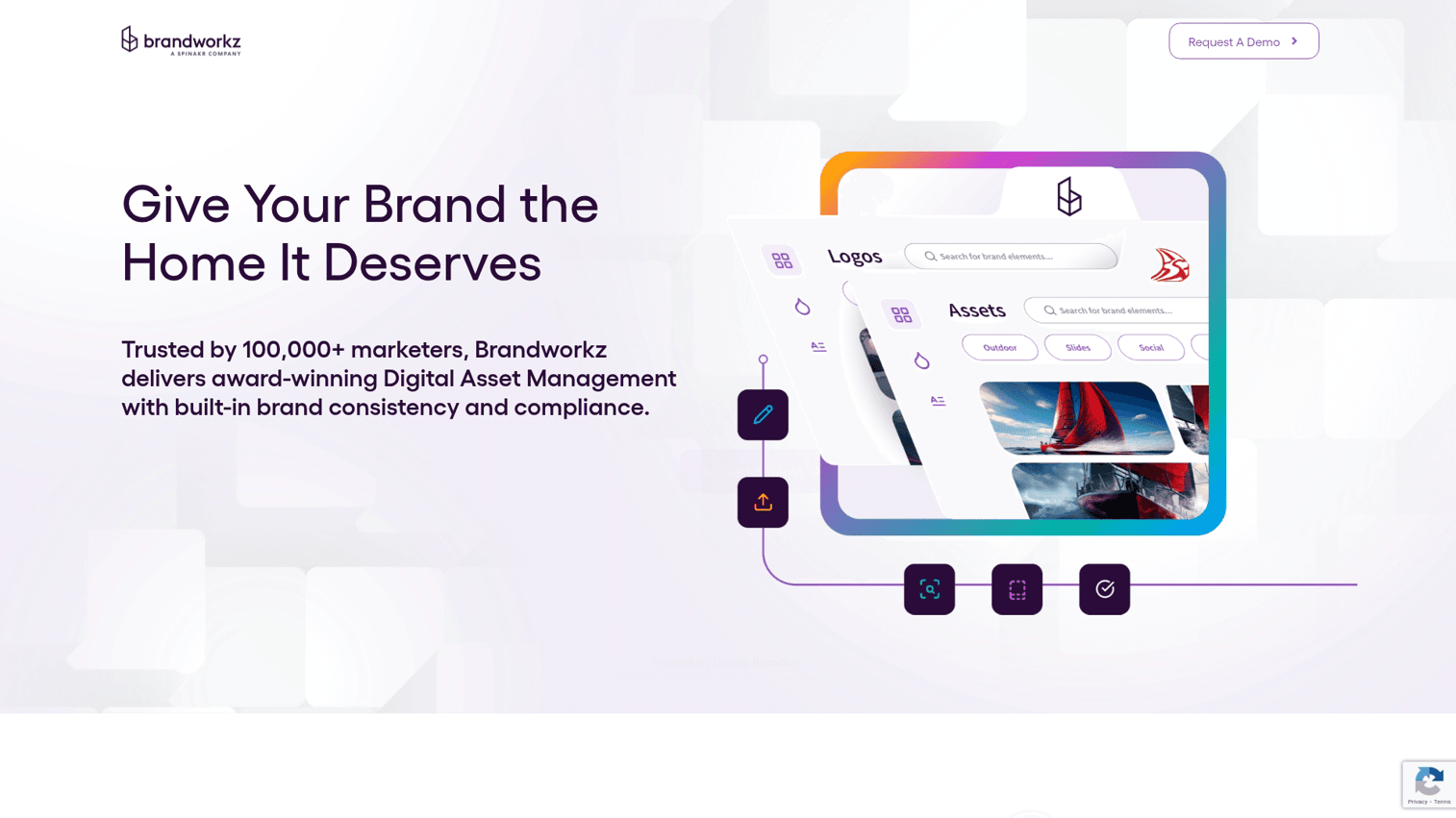
Brandworkz is a brand management-focused MRM platform. It helps teams maintain brand consistency through brand portals, streamlined asset distribution, and brand compliance workflows.
Organizations where brand integrity is paramount often choose Brandworkz. The platform ensures everyone uses approved assets and follows brand guidelines without creating bottlenecks in the approval process.
Key strengths
- Centralized brand portals
- Digital asset management and distribution
- Brand compliance and governance features
Pricing: Custom pricing.
9. Percolate

Now part of Seismic, Percolate is a content marketing-focused MRM platform. It helps content-heavy marketing teams manage content planning, production workflows, and multi-channel publishing from a single hub.
If content is your primary marketing output, Percolate provides the structure to plan, produce, and distribute at scale. The platform connects content strategy to execution with visibility into the entire production pipeline.
Key strengths
- End-to-end content marketing lifecycle management
- Content planning and production workflows
- Multi-channel content publishing and analytics
Pricing: Custom pricing.
How to choose the right MRM platform
Selecting the right MRM platform depends on several factors:
- Team size and structure: Smaller teams often benefit from simpler, more agile tools. Enterprise organizations typically require robust governance, permissions, and security features.
- Primary pain point: Start by identifying what's most broken in your current process. Is it budgeting chaos, asset disorganization, or workflow delays? Choose a tool that excels at solving your biggest problem first.
- Integration requirements: List your existing martech stack and check for native integrations. Smooth data flow between your CRM, email platform, and analytics tools matters more than feature count.
- Implementation timeline: Be realistic about your team's capacity. Some MRM systems take months to implement, while others can be running in days.
- Interactive content: Consider whether you create and manage assets like product demos or interactive tours as part of your core marketing activities.
MRM software pricing and costs
Typical pricing models for marketing resource management software include:
- Per-user pricing: Common for project-focused tools. You pay a monthly fee for each user on the platform.
- Tiered plans: Plans based on feature sets, storage limits, and user counts. You can scale as you grow.
- Enterprise custom pricing: For large deployments with custom requirements, vendors provide quotes based on specific configurations.
Costs vary widely. Free or low-cost tiers exist for small teams, while enterprise platforms can run into six-figure annual contracts. When evaluating, consider total cost of ownership including implementation fees, training, and integration costs.
MRM vs DAM and other marketing tools
| Category | Primary function | When to use |
|---|---|---|
| MRM (marketing resource management) | Coordinate all marketing resources, budgets, and workflows | Managing end-to-end marketing operations |
| DAM (digital asset management) | Store and organize creative files | Centralizing brand assets and media |
| Marketing automation | Automate campaign execution and nurturing | Running email sequences and lead scoring |
| Project management | Track tasks and deadlines | Managing individual projects |
MRM often includes or integrates with other tools in the stack. For example, an MRM might have a built-in DAM or connect to your existing marketing automation software. The key difference is scope: MRM coordinates across functions while point solutions handle specific tasks.
Where MRM fits in your martech stack
MRM acts as the operational layer connecting marketing strategy to execution. It sits between:
- Above: Marketing strategy and planning tools where high-level goals are set.
- Alongside: Your CRM, marketing automation, and analytics platforms, syncing data to provide a complete picture.
- Below: Execution tools like ad platforms, email service providers, and content management systems.
A modern MRM platform integrates with existing tools rather than replacing them. Data syncs from CRMs like Salesforce and HubSpot, analytics tools, product marketing software, and creative platforms to ensure operational alignment without requiring you to rip and replace your existing stack.
How to get started with marketing resource management
- Audit current workflows: Document your existing processes to identify where resources get stuck, information gets lost, or delays occur.
- Identify your biggest constraint: Pinpoint the single biggest challenge you face. Is it budget visibility, asset chaos, or workflow delays?
- Shortlist tools that address that constraint: Use the comparison table above to find platforms that specialize in solving your primary pain point.
- Run a focused pilot: Before a full rollout, test your chosen tool with one team or on a single campaign to validate effectiveness.
- Measure before and after: Track key metrics like time saved, errors reduced, or campaigns shipped to demonstrate ROI - top-performing teams have reduced campaign cycles by up to 40% through operational improvements.
Tip: Interactive demos are a useful way to show stakeholders what a new MRM tool can do without scheduling multiple vendor calls. You can build and share one in minutes with Guideflow.
FAQs about marketing resource management software
Implementation ranges from a few days for simpler tools to several months for enterprise MRM platforms. The timeline depends on custom integrations, data migrations, and how much configuration your team requires. Start with a pilot project to validate the tool before committing to a full rollout.
Most MRM platforms offer native integrations with major CRMs like Salesforce and HubSpot. Many also provide APIs for custom connections. Check integration depth before committing since some connections are more robust than others.
MRM software coordinates resources, budgets, and workflows across your marketing organization. Marketing automation tools execute specific campaigns like email sequences and lead nurturing. The two serve different purposes and often work together in the same stack.
Small teams often benefit from lightweight MRM tools when spreadsheets become unmanageable. Full enterprise MRM platforms may be overkill until operations scale. Look for tools with free tiers or low entry costs to test whether MRM adds value for your team size.
Some MRM platforms include or integrate with tools for creating interactive content like product demos. Others focus solely on traditional assets and require separate solutions for interactive experiences. If interactive content is central to your marketing, evaluate this capability specifically.
Enterprise MRM platforms typically offer role-based permissions, SSO authentication, audit logs, and compliance certifications relevant to your industry such as SOC 2 or GDPR. Security requirements vary by organization, so map your specific requirements before evaluating vendors.