What's inside
The video conferencing market is mature. But "mature" doesn't mean settled. AI meeting assistants, tighter compliance requirements, and the ongoing shift to hybrid work have changed what a good platform actually looks like in 2026. The tool that worked for your team in 2022 may be leaving real value on the table today.
This guide covers 12 of the leading video conferencing platforms, evaluated across audio and video quality, AI capabilities, security, integrations, and pricing. You'll find a quick-glance comparison table, individual reviews, a decision framework by team size and use case, and a breakdown of what's actually worth paying for.
TL;DR
- Best overall: Zoom - reliable, feature-rich, works for teams of every size
- Best for Microsoft shops: Microsoft Teams - deep Microsoft 365 integration, strong enterprise security
- Best for Google Workspace users: Google Meet - browser-first, clean, no download needed
- Best for enterprise security: Webex by Cisco - FedRAMP authorized, E2EE, real-time translation in 100+ languages
- Best free option: Jitsi Meet - fully open-source, no account required, self-hosting available
- Best AI-first platform: Dialpad - real-time transcription and AI Recaps included on every plan, not as an add-on
What is video conferencing software?
Video conferencing software is a platform that lets people hold live audio and video meetings over the internet, typically with screen sharing, recording, and collaboration tools built in. It's the infrastructure behind remote standups, client calls, all-hands meetings, webinars, and virtual training sessions.
The term overlaps with "online meeting software," "web conferencing software," and "video meeting platforms" - they all refer to the same core capability. The meaningful distinctions today are around AI features, compliance certifications, participant limits, and how deeply a tool integrates with your existing tech stack.
Core components typically include:
- Video and audio engine - quality, resolution options (720p/1080p/4K), and noise suppression
- Collaboration tools - screen sharing, whiteboarding, breakout rooms, virtual backgrounds
- Recording and transcription - cloud or local recording, auto-generated transcripts
- Security controls - end-to-end encryption, waiting rooms, meeting passwords, SSO
- Integrations - calendar sync, CRM connectors, productivity suite compatibility
When to use video conferencing software
Daily team communication
If your team is distributed or hybrid, a video conferencing tool replaces the informal conversations that happen naturally in an office. Quick standups, project check-ins, and one-on-ones all benefit from a reliable, low-friction platform. Zoom, Microsoft Teams, and Slack Huddles tend to work particularly well here.
Client-facing calls and sales
External meetings have different requirements: professional appearance, easy guest access without requiring a download, and often recording for follow-up. Dialpad and Zoom both work well for sales-heavy teams, with Dialpad adding AI-powered call intelligence that's hard to match. For sales teams looking to enhance their presentations, interactive demos can transform how you showcase your product during client calls.
Webinars and large-scale events
Running a webinar for 500 attendees is a different problem from running a team standup. You need registration flows, attendee management, Q&A moderation, and sometimes paid ticketing. ClickMeeting and Webex Events are purpose-built for this. If you're running product demonstrations during these events, consider how live demos can enhance audience engagement.
Training and eLearning
Corporate training programs need persistent room layouts, LMS integration, polls, quizzes, and engagement tracking. Adobe Connect is the specialist here. General-purpose tools tend to fall short for structured learning programs. Product tours can complement video training by providing hands-on learning experiences.
Quick video conferencing comparison table
The table below gives you a fast orientation across all 12 platforms. Detailed reviews follow. Pricing is current as of mid-2026 - check vendor sites for the latest rates.
| # | Product | Intent | Key differentiation | Starting price | G2 rating |
|---|---|---|---|---|---|
| 1 | Zoom | All-purpose team meetings | Broadest feature set, highest adoption | Free / $15.99/user/mo | 4.5/5 |
| 2 | Microsoft Teams | Microsoft 365 organizations | Deep M365 integration, Copilot AI | Bundled with M365 from $6/user/mo | 4.3/5 |
| 3 | Google Meet | Google Workspace users | Browser-first, no download needed | Free / from $6/user/mo (Workspace) | 4.6/5 |
| 4 | Webex by Cisco | Enterprise security & compliance | FedRAMP, E2EE, 100+ language AI translation | Free / from $14.50/user/mo | 4.3/5 |
| 5 | RingCentral | Unified communications (UCaaS) | Voice + video + messaging in one platform | From $20/user/mo | 4.1/5 |
| 6 | Dialpad | AI-first meeting intelligence | AI transcription and recaps on every plan | Free / from $15/user/mo | 4.4/5 |
| 7 | GoTo Meeting | Simplicity and reliability | Lightweight client, one-click meetings | From $12/user/mo | 4.2/5 |
| 8 | ClickMeeting | Webinars and online events | Automated webinars, paid event monetization | From $26/mo | 4.2/5 |
| 9 | Zoho Meeting | Budget-conscious small businesses | Deep Zoho ecosystem integration, low cost | Free / from $3/host/mo | 4.5/5 |
| 10 | Jitsi Meet | Free open-source conferencing | 100% free, self-hosting, no account required | Free | 4.2/5 |
| 11 | Slack Huddles | Quick informal team conversations | Zero-scheduling audio/video inside Slack | Included with Slack plans from $7.25/user/mo | 4.5/5 |
| 12 | Adobe Connect | Interactive training and eLearning | Persistent room layouts, LMS integration | From $190/mo (named host) | 4.2/5 |
12 best video conferencing software platforms reviewed
1. Zoom - best overall video conferencing software
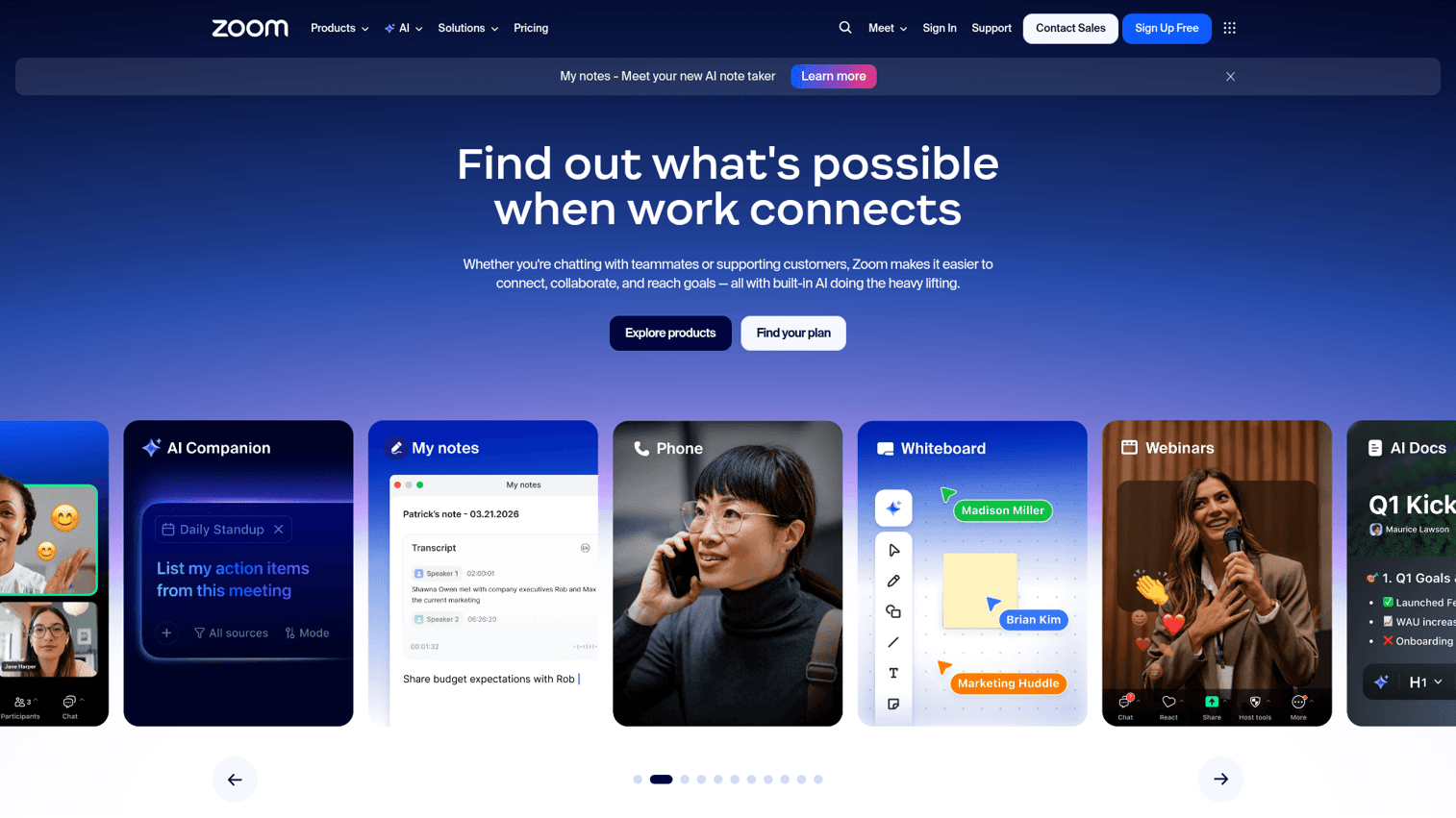
Zoom is the most widely adopted video conferencing platform in the world, and in 2026 it's still the default choice for teams that want a reliable, feature-complete tool without a lot of configuration overhead.
What keeps Zoom at the top isn't just brand recognition. The platform has invested heavily in AI since 2023, and Zoom AI Companion is now included at no extra cost on paid plans. It handles meeting summaries, action item extraction, smart recaps, and real-time question answering during calls. For most teams, that's a meaningful productivity gain without a separate subscription.
The free tier limits meetings to 40 minutes with up to 100 participants. Paid plans start at $15.99/user/month (Zoom Workplace Pro), with Business at $19.99/user/month and Business Plus at $25/user/month. Enterprise pricing is custom. One honest caveat: the platform has accumulated a lot of features over the years, and if your team just needs basic video calls, it can feel like more than you need.
Best for: Teams of all sizes that want a proven, feature-rich all-rounder with strong third-party integrations.
Key strengths
- AI Companion included on all paid plans at no extra cost
- Breakout rooms, whiteboard, and Zoom Clips for async video
- 1,000+ third-party integrations including Salesforce, Slack, and HubSpot
- End-to-end encryption and waiting rooms across all tiers
- Zoom Rooms hardware ecosystem for physical conference spaces
Pricing: Free tier available. Paid plans from $15.99/user/month.
2. Microsoft Teams - best for Microsoft 365 organizations
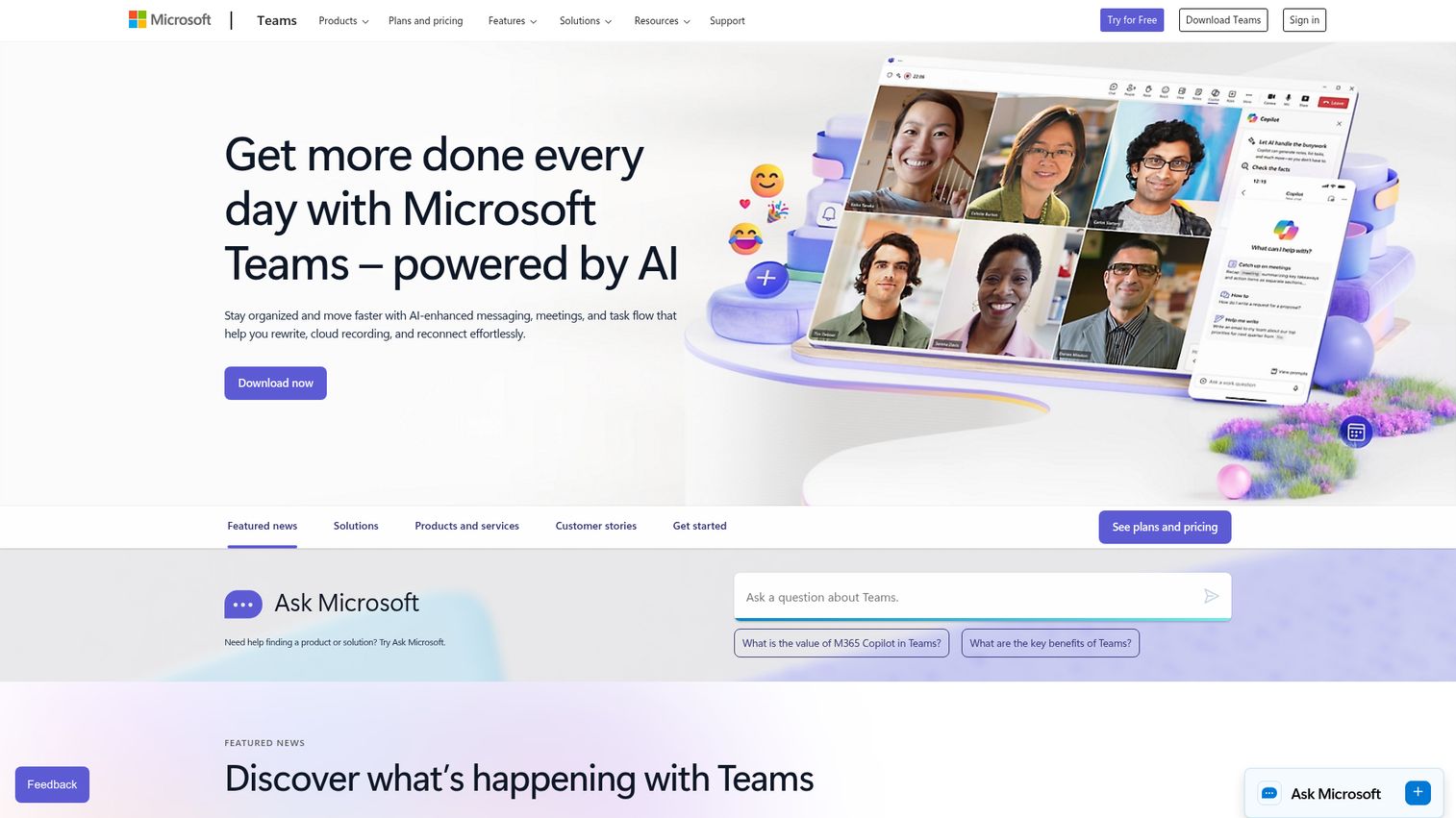
Microsoft Teams is less a standalone video conferencing tool and more the meeting layer of the Microsoft 365 platform. If your organization runs on Outlook, SharePoint, OneDrive, and Office apps, Teams is the natural choice - the integration depth is genuinely hard to replicate elsewhere.
The Copilot AI integration (available on Microsoft 365 Copilot plans) brings real-time meeting transcription, intelligent recaps, and action item extraction directly into the Teams interface. Together Mode reduces visual fatigue in large meetings by placing participants in a shared virtual space. For organizations running large internal events, Teams Town Halls supports up to 20,000 attendees.
Teams is bundled with Microsoft 365 plans rather than sold standalone. Microsoft 365 Business Basic starts at $6/user/month, Business Standard at $12.50/user/month, and Business Premium at $22/user/month. The free tier allows 60-minute meetings with up to 100 participants. The honest trade-off: Teams is resource-heavy, and teams not already in the Microsoft ecosystem often find the interface cluttered compared to lighter alternatives.
Best for: Organizations already invested in Microsoft 365 that want video, messaging, and file collaboration in one place.
Key strengths
- Native integration with Outlook, SharePoint, OneDrive, and Office apps
- Together Mode and breakout rooms for large team meetings
- Microsoft Copilot AI for transcription and meeting summaries
- Teams Rooms hardware ecosystem for hybrid conference setups
- Enterprise-grade security with SOC 2, HIPAA, and GDPR compliance
Pricing: Bundled with Microsoft 365 from $6/user/month. Free tier available.
3. Google Meet - best for Google Workspace users
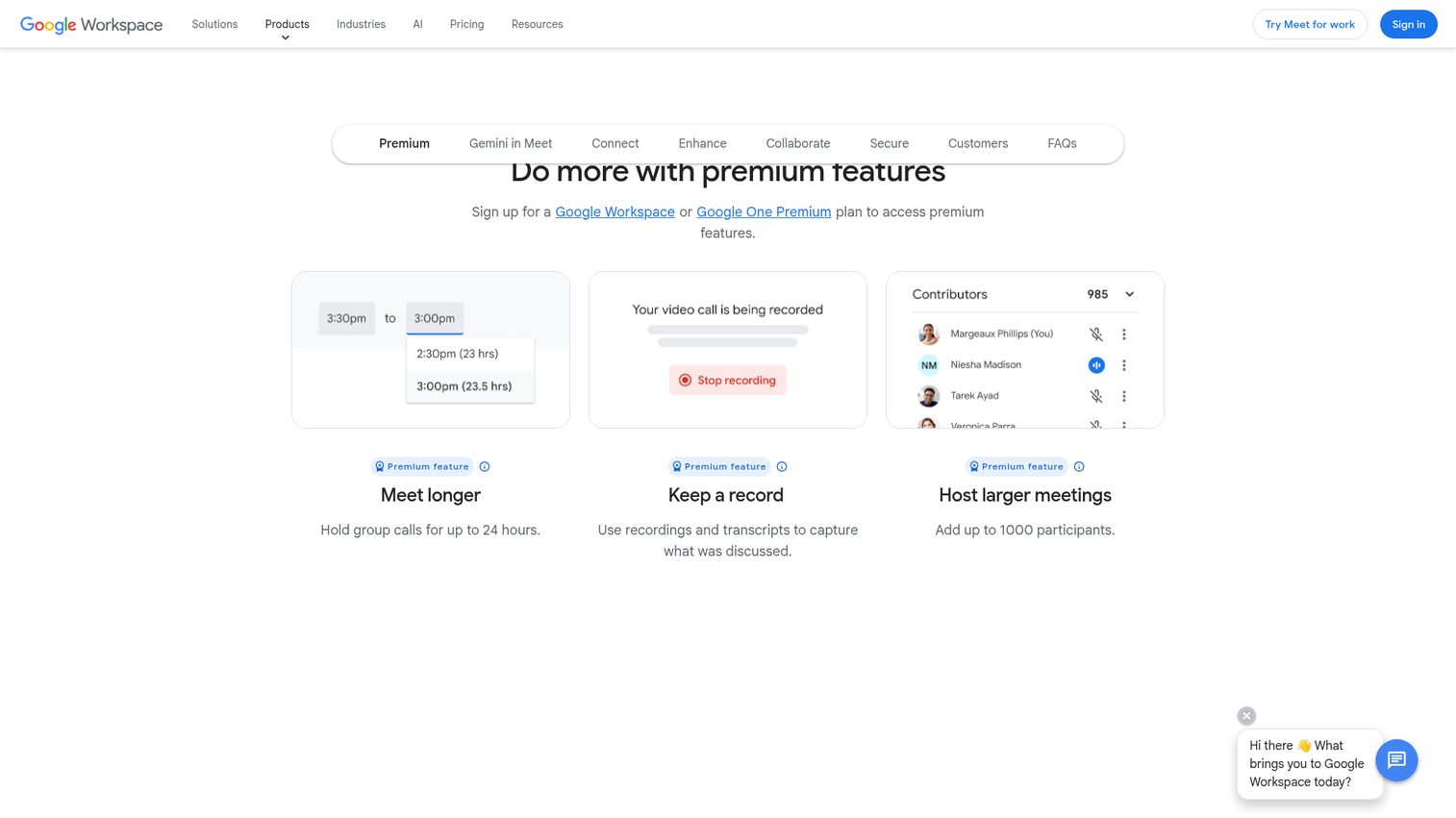
Google Meet takes the opposite approach to Teams: it's intentionally simple, browser-first, and built around the assumption that most people don't want to install another application. You can join a meeting from a Gmail invite or a Google Calendar event with a single click, no download required.
The Gemini AI integration brings automatic note-taking, real-time captions, and meeting summaries to paid Workspace plans. Noise cancellation, adaptive layouts, hand raising, polls, and Q&A are all available. For teams that live in Google Calendar and Gmail, the workflow friction is genuinely low.
The free tier allows meetings up to 60 minutes with up to 100 participants. Google Workspace Starter starts at $6/user/month, Business Standard at $12/user/month, and Business Plus at $18/user/month. The limitation worth noting: recording is only available on paid plans, and breakout room functionality is more limited on lower tiers compared to Zoom.
Best for: Small-to-mid-size teams using Google Workspace who prioritize simplicity and browser-based access.
Key strengths
- No download needed - fully browser-based for guests
- Tight integration with Gmail and Google Calendar
- Gemini AI note-taking and real-time captions on paid plans
- Clean, minimal interface with low learning curve
- Noise cancellation and adaptive layouts included
Pricing: Free tier available. Google Workspace plans from $6/user/month.
4. Webex by Cisco - best for enterprise security and compliance
Webex is the platform you choose when security and compliance aren't negotiable. Cisco's networking heritage translates into a security posture that few competitors match: FedRAMP authorization, end-to-end encryption, SOC 2 Type II, HIPAA compliance, and GDPR readiness are all standard.
The Webex AI Assistant is one of the more capable AI implementations in the market. It handles real-time translation across 100+ languages, generates meeting summaries and action items automatically, and provides live transcription. The Webex Suite bundles Meetings, Messaging, Calling, and Events into a single platform, which works well for enterprises that want to consolidate their communications stack. The hardware ecosystem - Webex Boards, Room Kits, and Desk devices - makes it a strong choice for organizations building out physical conference room infrastructure.
The free tier allows 40-minute meetings with up to 100 participants. Webex Meet starts at $14.50/user/month, and Webex Suite pricing is available on request. The honest limitation: the UI feels dated compared to Zoom or Google Meet, and casual users often find it less intuitive on first use.
Best for: Large enterprises, government agencies, and regulated industries including healthcare and finance.
Key strengths
- FedRAMP authorized, HIPAA compliant, SOC 2 Type II certified
- AI Assistant with real-time translation in 100+ languages
- End-to-end encryption across all meeting types
- Webex Suite bundles meetings, messaging, calling, and events
- Extensive hardware ecosystem for physical conference rooms
Pricing: Free tier available. Webex Meet from $14.50/user/month.
5. RingCentral - best unified communications platform
RingCentral is not primarily a video conferencing tool. It's a full UCaaS platform - voice, video, messaging, fax, and contact center capabilities bundled into a single system. If your organization is still running a separate phone system alongside a video tool, RingCentral is worth evaluating as a consolidation play.
RingCentral Video is powered by their own engine and supports up to 200 participants on standard plans. RingSense AI provides call summaries, sentiment analysis, and conversation intelligence. The platform integrates with 300+ third-party apps including Salesforce, HubSpot, Microsoft 365, and Google Workspace. The uptime SLA of 99.999% is one of the stronger reliability commitments in the market.
RingCentral's Core plan starts at $20/user/month, Advanced at $25/user/month, and Ultra at $35/user/month. The trade-off is clear: if you only need video conferencing, you're paying for phone and messaging features you may not use. It's best justified when you're replacing multiple tools with one.
Best for: Mid-to-large businesses that want to consolidate voice, video, and messaging into a single platform.
Key strengths
- Full UCaaS platform: voice, video, messaging, and contact center
- RingSense AI for call summaries and sentiment analysis
- 300+ third-party integrations including major CRMs
- 99.999% uptime SLA with enterprise-grade reliability
- Analytics dashboard for call and meeting performance
Pricing: From $20/user/month (Core plan).
6. Dialpad - best AI-first video conferencing
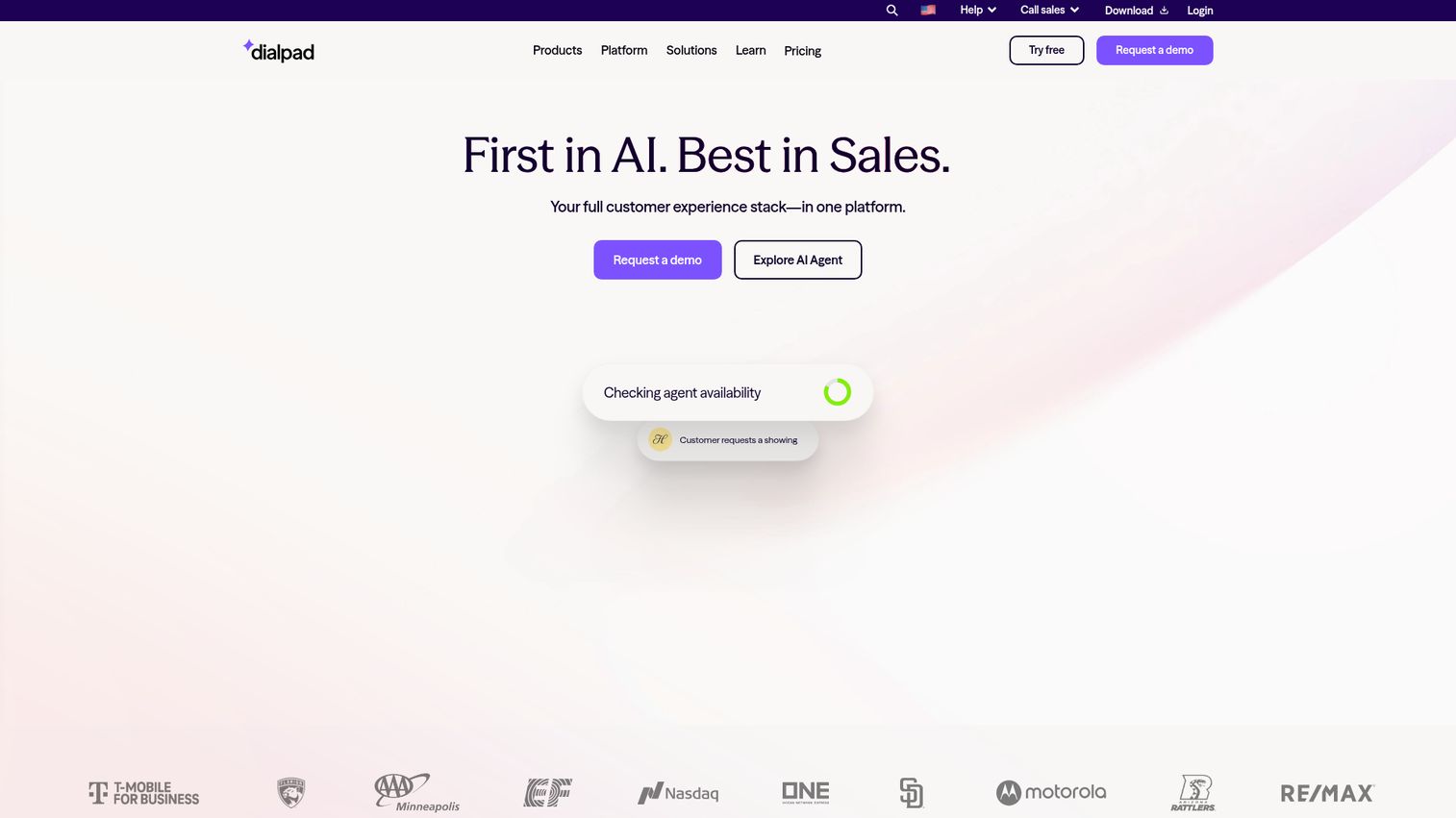
Dialpad builds AI into the core product rather than treating it as a premium add-on. Every plan includes Dialpad Ai, which provides real-time transcription, Ai Recaps (post-meeting summaries with action items), and live coaching during calls. For sales teams, Ai Scorecards and Ai Playbooks surface in-call guidance based on what's actually being said.
The sentiment analysis feature tracks the emotional tone of conversations in real time, which is particularly useful for customer-facing teams that want to flag at-risk calls before they go sideways. Dialpad integrates directly with Salesforce, HubSpot, and Zendesk, pushing call data and transcripts into CRM records automatically.
The free tier for Dialpad Meetings supports up to 10 participants. The Business plan starts at $15/user/month and includes unlimited meetings. The Dialpad Connect plans bundle voice and video for teams that want a broader communications platform. The honest limitation: participant limits are lower than Zoom or Teams on comparable plans, and brand recognition outside North America is still catching up.
Best for: Sales-driven organizations and teams that want AI-powered meeting intelligence included at every pricing tier.
Key strengths
- Real-time transcription and Ai Recaps on every plan, not as an add-on
- Ai Scorecards and Ai Playbooks for sales call coaching
- Sentiment analysis for customer-facing conversations
- Native integrations with Salesforce, HubSpot, and Zendesk
- Clean, modern interface with low onboarding friction
Pricing: Free tier available (10 participants). Business plans from $15/user/month.
7. GoTo Meeting - best for simplicity and reliability
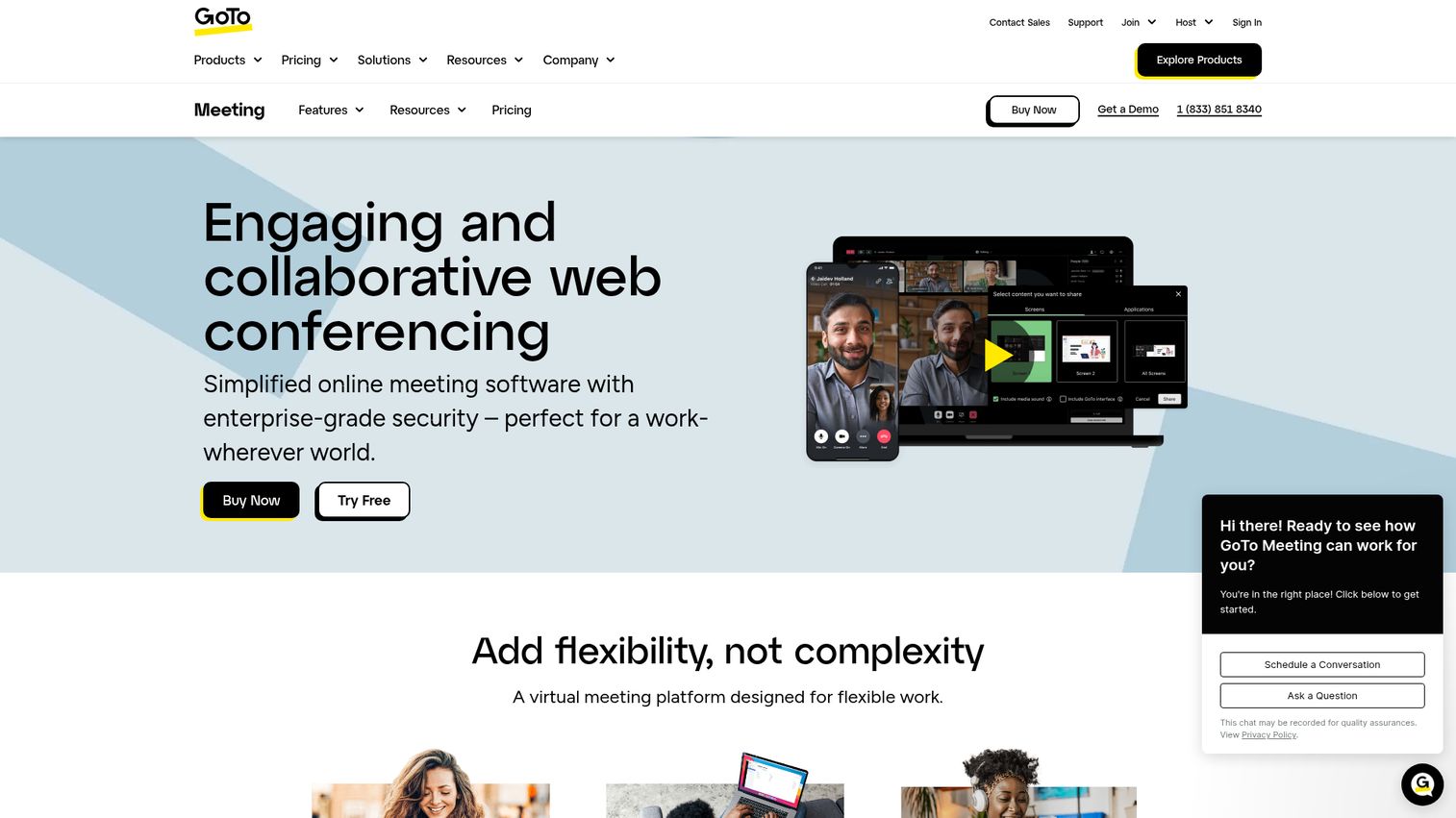
GoTo Meeting has been in the market since 2004, and its core value proposition hasn't changed much: meetings that just work, without a lot of setup or configuration. The client is lightweight, the interface is straightforward, and the reliability track record is strong.
One-click meeting start, personal meeting rooms, drawing tools for presentations, and commuter mode (which optimizes audio for mobile users on the move) are the standout features. GoTo Connect bundles voice and video for organizations that want a broader communications platform from the same vendor. The admin center provides centralized control over user management and meeting settings.
GoTo Meeting Professional starts at $12/user/month (up to 150 participants) and Business at $16/user/month (up to 250 participants). There's no free tier - only a 14-day trial. The honest limitation: GoTo Meeting has lagged behind competitors on AI features, and the interface feels dated compared to Zoom or Dialpad. If cutting-edge AI capabilities are a priority, look elsewhere.
Best for: Small-to-mid-size businesses that value simplicity and reliability over the latest feature set.
Key strengths
- One-click meeting start with personal meeting rooms
- Lightweight client with strong cross-platform reliability
- Commuter mode for optimized mobile audio
- Drawing tools and screen sharing for presentations
- GoTo Connect integration for voice and video bundling
Pricing: From $12/user/month (Professional). No free tier - 14-day trial available.
8. ClickMeeting - best for webinars and online events
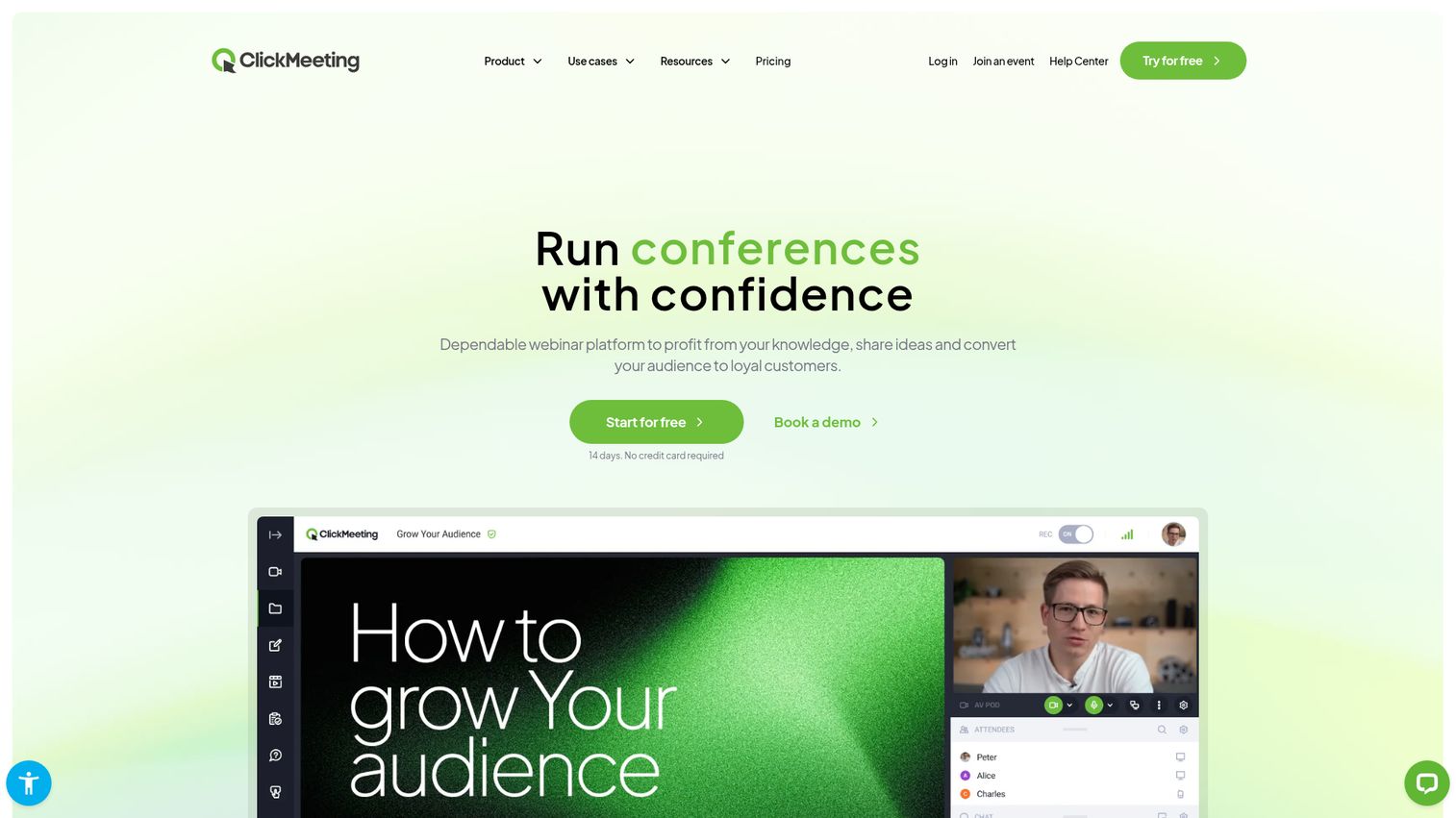
ClickMeeting is purpose-built for webinars and virtual events rather than daily team meetings. The distinction matters: if you're running regular webinars for 200+ attendees, paying for event monetization, or managing automated on-demand webinar sequences, ClickMeeting has features that general-purpose tools simply don't offer.
Automated webinars let you record a session once and run it on a schedule, with attendees experiencing it as a live event. Paid webinar support lets you charge for access directly through the platform. Custom branding, polls, surveys, whiteboard, and breakout rooms are all included. CRM integrations with HubSpot, Salesforce, and others push attendee data into your marketing stack automatically.
ClickMeeting offers a 30-day free trial. Live plans start at $26/month for up to 25 attendees, scaling up based on attendee count. Automated plans start at $45/month. The honest limitation: ClickMeeting is not the right tool for daily internal meetings. The per-attendee pricing model gets expensive at scale, and the interface is optimized for event management rather than quick team collaboration.
Best for: Marketing teams, educators, and organizations that run frequent webinars or paid virtual events.
Key strengths
- Automated webinars with scheduled playback
- Built-in paid webinar monetization
- Custom branding for event registration pages and rooms
- Polls, surveys, and Q&A tools for audience engagement
- CRM integrations for attendee data capture
Pricing: 30-day free trial. Live plans from $26/month (25 attendees).
9. Zoho Meeting - best budget-friendly option for small businesses
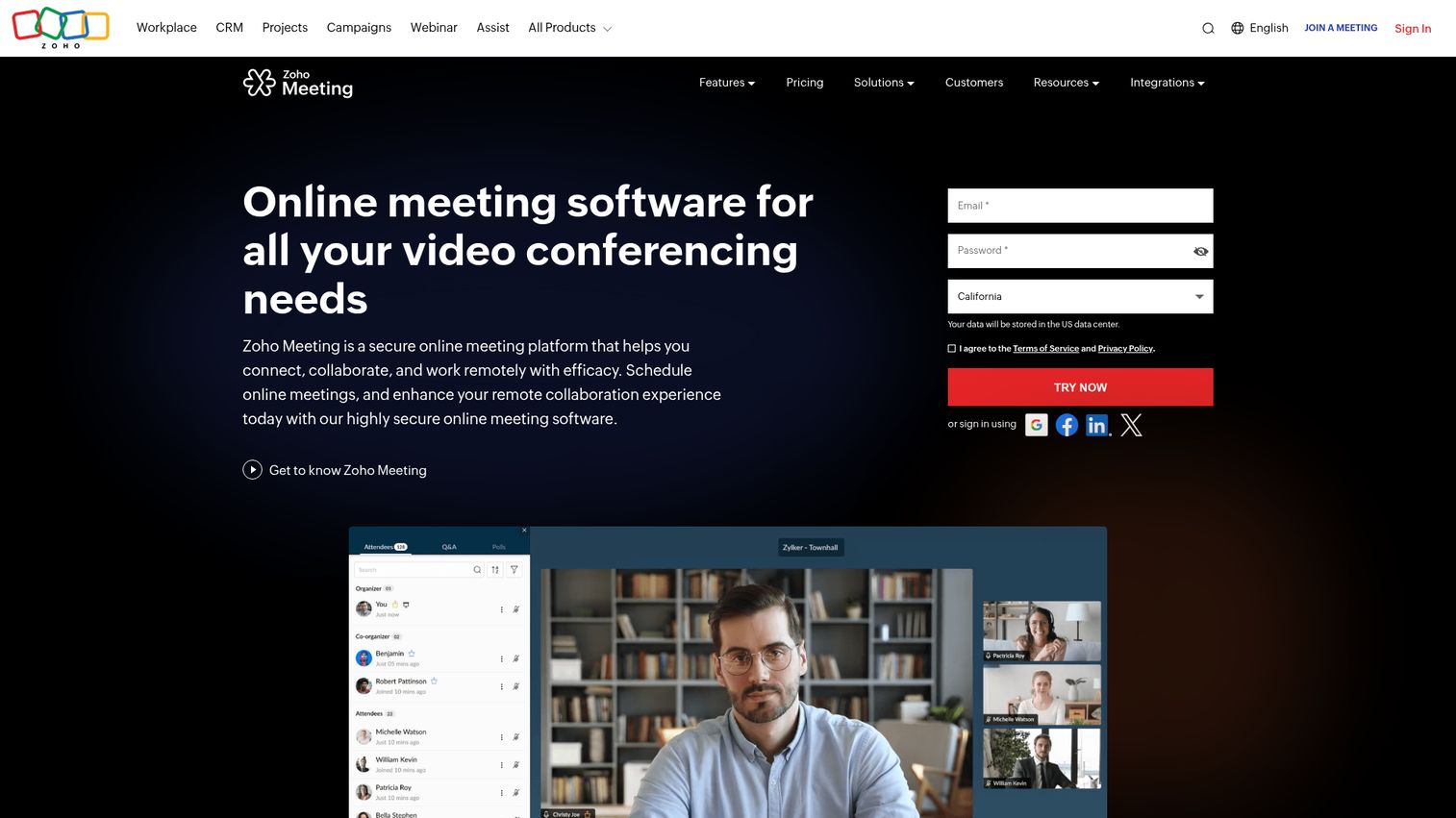
Zoho Meeting makes the most sense if you're already using other Zoho products. The platform integrates with 45+ Zoho apps including Zoho CRM, Zoho Projects, Zoho Mail, and Zoho Desk, creating a tightly connected workflow without requiring third-party connectors.
The feature set covers the essentials: screen sharing, cloud recording, virtual backgrounds, moderator controls, and a webinar mode for larger broadcasts. The interface is browser-based, so guests don't need to install anything. GDPR compliance is built in, which matters for European teams or organizations with EU customers.
The free tier allows 60-minute meetings with up to 100 participants. Standard plans start at $3/host/month and Professional at $7/host/month, making it one of the most affordable paid options in the market. The honest limitation: AI features are limited compared to Zoom or Dialpad, breakout rooms are only available on higher tiers, and the user community is smaller - which means fewer third-party resources and integrations outside the Zoho world.
Best for: Small businesses already using Zoho products, or budget-conscious teams that need reliable basic video conferencing.
Key strengths
- Deep integration with 45+ Zoho apps
- GDPR-compliant with browser-based access for guests
- Webinar mode for larger broadcasts
- Very affordable per-host pricing model
- Screen sharing, recording, and virtual backgrounds included
Pricing: Free tier available (100 participants, 60 minutes). Paid plans from $3/host/month.
10. Jitsi Meet - best free open-source video conferencing
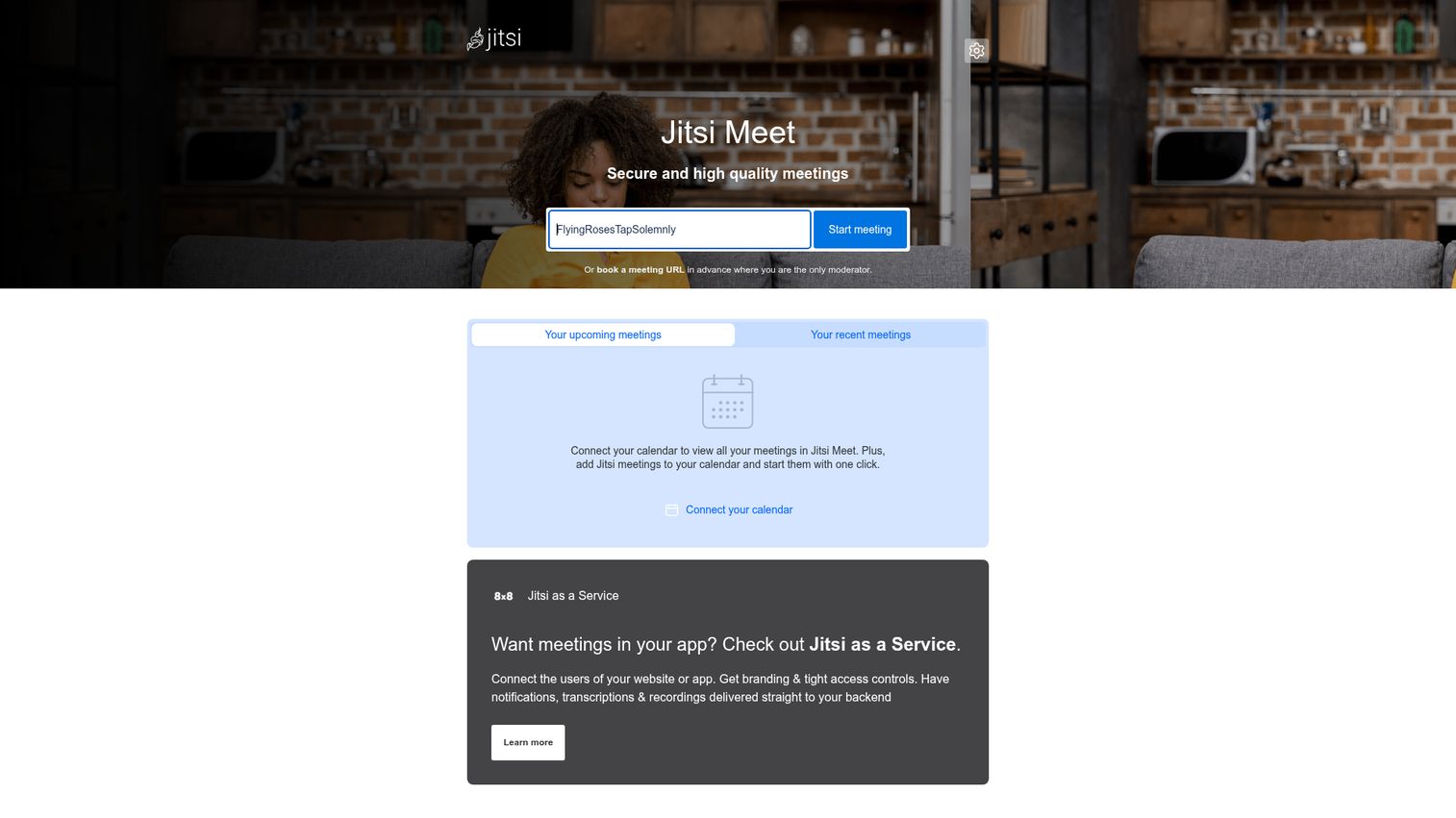
Jitsi Meet is the only platform on this list that is genuinely, completely free with no participant limits, no time limits, and no account required to join a meeting. It's open-source, which means the code is publicly auditable - a meaningful advantage for privacy-conscious organizations.
You can use the hosted version at meet.jit.si with no setup, or self-host the entire stack on your own infrastructure for full data control. End-to-end encryption is available, lobby mode lets hosts control who enters, and breakout rooms are supported. Recording is available via Jibri, Jitsi's recording component, though it requires additional setup in self-hosted deployments.
The honest trade-off: the UI is functional but basic compared to commercial alternatives. Reliability on the public hosted version depends on server load, and there's no enterprise support unless you use 8x8's commercial Jitsi-based offering. Integrations are limited compared to Zoom or Teams.
Best for: Privacy-focused organizations, developers, nonprofits, education institutions, and anyone who needs free video conferencing without usage restrictions.
Key strengths
- Completely free with no participant or time limits
- Open-source with publicly auditable code
- Self-hosting option for full data sovereignty
- No account required for guests to join
- End-to-end encryption and lobby mode included
Pricing: Completely free. Self-hosting is free; commercial support available via 8x8.
11. Slack Huddles - best for quick informal team conversations
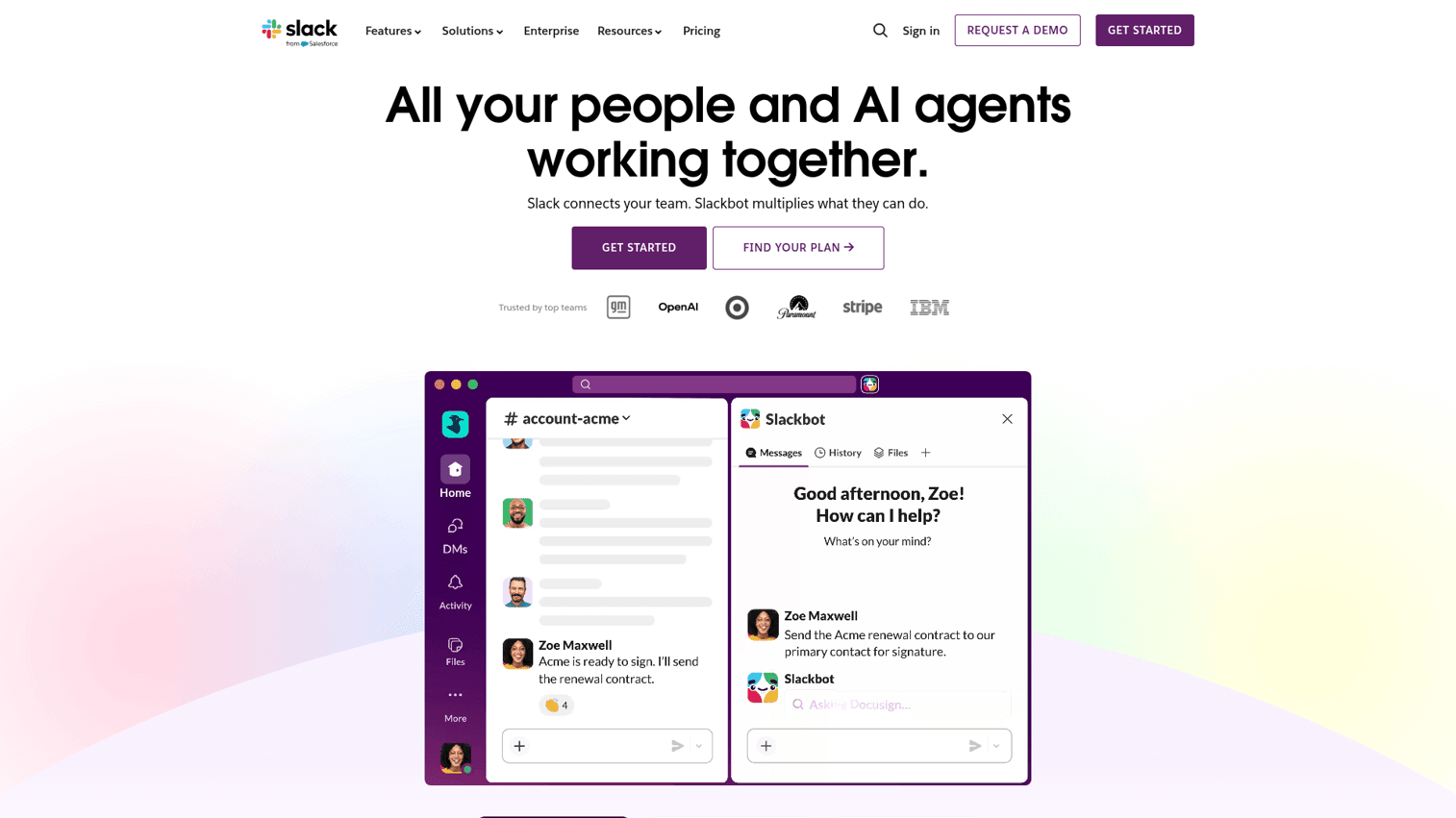
Slack Huddles aren't a replacement for a full video conferencing platform. They're something more specific: a way to have a quick audio or video conversation with a colleague without scheduling a meeting, sending a calendar invite, or switching to a different application.
Huddles start with a single click inside any Slack channel or DM. They're audio-first by default, with optional video and screen sharing. Up to 50 people can join, and threaded conversations run alongside the huddle so context doesn't get lost. For async-first teams that want to reduce the number of scheduled meetings without losing the ability to have real conversations, Huddles work particularly well.
Huddles are included with all Slack plans. The free plan limits huddles to 2 participants. Slack Pro starts at $7.25/user/month and Business+ at $12.50/user/month, both supporting full multi-person huddles. The limitation is clear: Huddles don't support recording, aren't suitable for external-facing calls, and lack the feature depth needed for formal meetings or client presentations.
Best for: Teams already using Slack that want quick, informal conversations without scheduling overhead.
Key strengths
- Zero-scheduling audio and video inside existing Slack workflows
- Audio-first with optional video and screen sharing
- Threaded conversations run alongside active huddles
- Available in channels and DMs for flexible access
- Lightweight and fast to start - no separate app needed
Pricing: Included with Slack plans. Pro from $7.25/user/month.
12. Adobe Connect - best for interactive training and eLearning
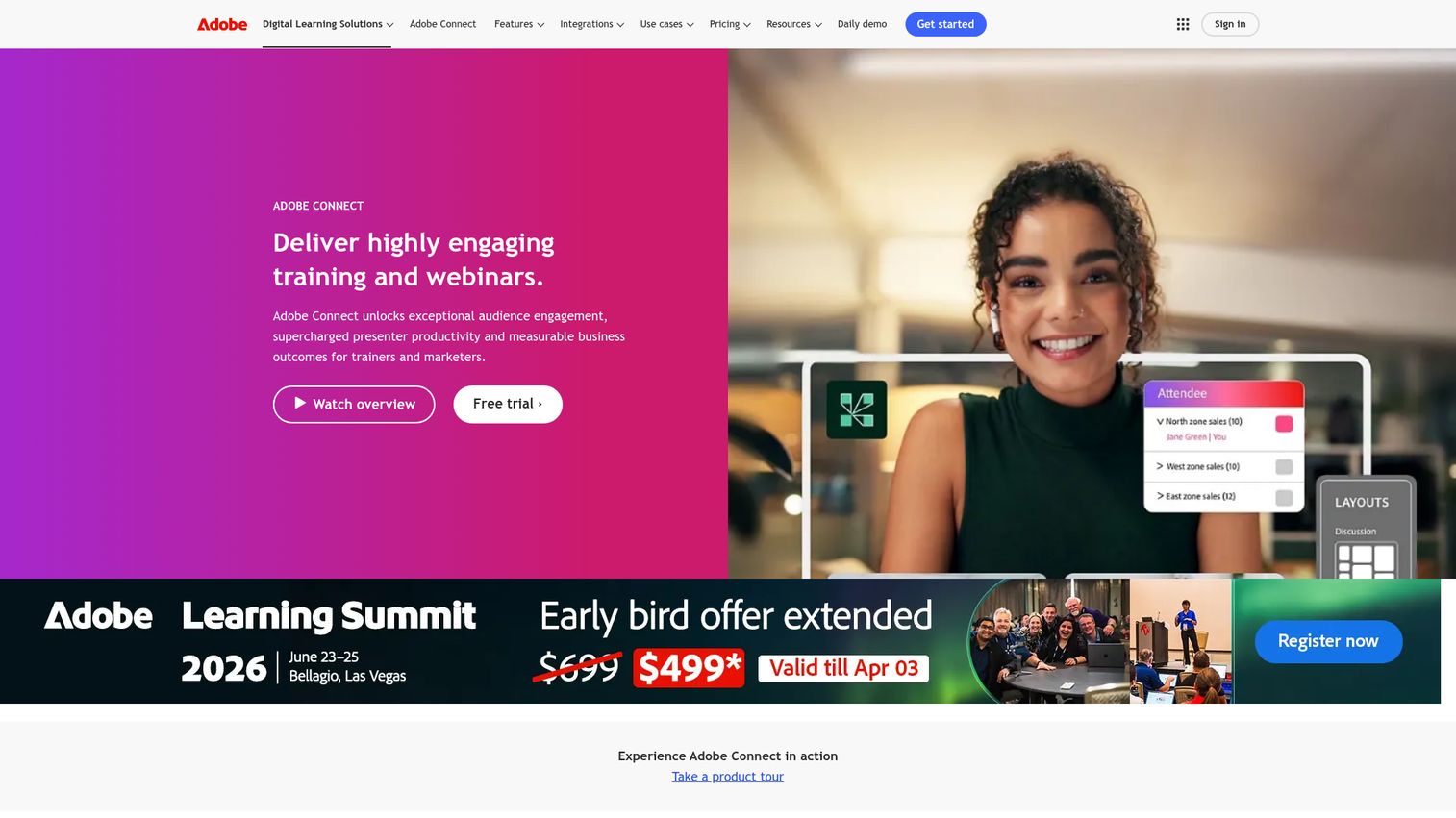
Adobe Connect is not a general-purpose meeting tool. It's a virtual classroom and event platform built specifically for structured learning, corporate training, and highly interactive virtual sessions where engagement and knowledge retention matter.
The standout feature is persistent virtual rooms: your room layout - with pods for video, chat, polls, whiteboards, and files - is saved between sessions. You don't rebuild your training environment every time. SCORM and LMS integration means Adobe Connect fits into existing learning management systems. The engagement dashboard gives hosts real-time visibility into who's paying attention and who isn't. FedRAMP authorization and HIPAA compliance make it viable for government and healthcare training programs.
Adobe Connect Named Host plans start at $190/month. Shared Meeting plans are available for lower-frequency use. The honest assessment: this is a specialist tool with a specialist price tag. The UI reflects its legacy, the learning curve is steep, and it's significant overkill for teams that just need to run meetings. But for organizations running structured virtual learning programs, nothing else on this list comes close.
Best for: Corporate training departments, educational institutions, and government agencies running structured virtual learning programs.
Key strengths
- Persistent virtual room layouts saved between sessions
- SCORM and LMS integration for structured eLearning
- Real-time engagement dashboard for hosts
- FedRAMP authorized and HIPAA compliant
- Custom pods and layouts for highly interactive sessions
Pricing: Named Host plans from $190/month.
Video conferencing software feature comparison table
The table below maps all 12 platforms across the criteria that matter most for a purchasing decision. Use it alongside the individual reviews above.
| Tool | Free participants | Free duration | Recording | Breakout rooms | AI features | E2EE | Starting price/user/mo |
|---|---|---|---|---|---|---|---|
| Zoom | 100 | 40 min | Paid only | Yes (all plans) | AI Companion (paid) | Yes | $15.99 |
| Microsoft Teams | 100 | 60 min | Paid only | Yes | Copilot (add-on) | Yes | $6 (M365 bundle) |
| Google Meet | 100 | 60 min | Paid only | Paid plans | Gemini (paid) | Yes | $6 (Workspace) |
| Webex | 100 | 40 min | Yes (free) | Yes | AI Assistant (all plans) | Yes | $14.50 |
| RingCentral | N/A | N/A | Yes | Yes | RingSense AI | Yes | $20 |
| Dialpad | 10 | Unlimited | Yes | Limited | Ai Recaps (all plans) | Yes | $15 |
| GoTo Meeting | N/A | 14-day trial | Yes | Yes | Limited | Yes | $12 |
| ClickMeeting | 25 (trial) | 30-day trial | Yes | Yes | Limited | Yes | $26/mo (flat) |
| Zoho Meeting | 100 | 60 min | Paid only | Paid plans | Limited | Yes | $3/host |
| Jitsi Meet | Unlimited | Unlimited | Self-hosted | Yes | None | Yes | Free |
| Slack Huddles | 2 | Unlimited | No | No | Limited | Yes | $7.25 (Slack Pro) |
| Adobe Connect | N/A | 30-day trial | Yes | Yes | Limited | Yes | $190/mo (flat) |
How to choose the right video conferencing software for your team
By team size
The right platform often depends less on features and more on how many people you're managing.
Solo users and freelancers tend to do well with Google Meet or Jitsi Meet - both are free, simple, and don't require the other party to have an account. Small teams of 2–20 people get the most value from Zoom, Google Meet, or Zoho Meeting, depending on their existing tech stack. Mid-size teams of 20–200 people typically need more administrative control, better recording options, and stronger integrations - Zoom, Microsoft Teams, or RingCentral all fit here. Enterprise organizations with 200+ users should evaluate Webex, Microsoft Teams, or RingCentral, where compliance certifications, SSO, and advanced admin controls become non-negotiable.
By primary use case
Daily standups and team meetings: Zoom, Microsoft Teams, or Slack Huddles for quick conversations. Client-facing calls and sales: Dialpad for AI-powered call intelligence, or Zoom for broad compatibility. When presenting your product to prospects, consider how interactive demos can enhance your sales presentations beyond traditional screen sharing. Webinars and marketing events: ClickMeeting for purpose-built event tools, or Webex Events for enterprise-scale broadcasts. Training and eLearning: Adobe Connect, without a close second for structured programs. All-in-one communications (voice + video + messaging): RingCentral or Dialpad.
By existing tech stack
This is often the fastest way to narrow your shortlist. If you're on Microsoft 365, Microsoft Teams is the obvious starting point - the integration depth is hard to replicate. If you're on Google Workspace, Google Meet is already in your calendar and inbox. If you're running Zoho CRM and Zoho Projects, Zoho Meeting connects without any configuration. If your team lives in Slack, Huddles handle informal conversations while Zoom or Google Meet covers formal meetings.
By budget
Free options that work for real use: Jitsi Meet (no limits), Google Meet (60-minute limit), Zoom (40-minute limit). Budget-friendly paid options: Zoho Meeting at $3/host/month, Google Meet via Workspace at $6/user/month. Mid-range: Zoom at $15.99/user/month, GoTo Meeting at $12/user/month. Enterprise investment: Webex Suite, RingCentral Ultra, and Microsoft Teams E5 all sit above $30/user/month once you factor in full feature access.
Key video conferencing trends to watch in 2026
AI meeting assistants are becoming standard. Real-time transcription, auto-generated summaries, and action item extraction are no longer premium features - they're expected at every price tier. Dialpad includes them on the free plan. Webex includes them across the suite. Zoom bundles AI Companion with paid plans. Teams that haven't adopted AI-assisted meetings are leaving measurable time on the table.
Async video is growing. Zoom Clips, Microsoft Teams Video Clips, and Loom-style async recordings are being integrated directly into conferencing platforms. The expectation that every conversation needs to happen live is shifting, particularly for distributed teams across time zones.
UCaaS consolidation is accelerating. Organizations are actively auditing their communications stack and consolidating voice, video, messaging, and contact center into single platforms. RingCentral and Dialpad are positioned directly for this trend. Microsoft Teams and Webex are capturing it from the enterprise side.
Security requirements are escalating. Zero-trust architecture, sovereign data requirements, and end-to-end encryption are moving from enterprise-only concerns to mid-market expectations. Platforms without credible compliance certifications are losing deals in regulated industries.
Hybrid work infrastructure is maturing. Smart cameras with speaker tracking, room booking integrations are becoming standard requirements for organizations investing in physical conference rooms. Zoom Rooms, Teams Rooms, and Webex Devices are the leading hardware ecosystems here.
Our top picks for 2026
The right video conferencing platform depends on your team's specific situation. That said, a few clear patterns emerge from testing.
- Best overall: Zoom
- Best for Microsoft users: Microsoft Teams
- Best for Google users: Google Meet
- Best for enterprise security: Webex by Cisco
- Best all-in-one UCaaS: RingCentral
- Best AI features: Dialpad
- Best free option: Jitsi Meet
- Best for webinars: ClickMeeting
- Best budget pick: Zoho Meeting
- Best for quick team conversations: Slack Huddles
- Best for reliability without complexity: GoTo Meeting
- Best for training and eLearning: Adobe Connect
Start by identifying your team's primary use case and existing tech stack, then take advantage of the free tiers and trials listed above to test your top 2–3 options before committing. For teams looking to enhance their video presentations with interactive elements, explore how digital adoption platforms can complement your video conferencing setup.
Frequently asked questions about video conferencing software
Jitsi Meet is the strongest free option - no time limits, no participant caps, no account required, and fully open-source. Google Meet's free tier is the most practical for business use, supporting 60-minute meetings with up to 100 participants and requiring no software download. Zoom's free tier works well for short meetings but cuts off at 40 minutes, which makes it less suitable for longer sessions.
It varies significantly by platform and plan. Most free tiers support 100 participants. Standard paid plans typically support 300–500 participants. Enterprise tiers scale further - Microsoft Teams Town Halls supports up to 20,000 attendees, and Webex Events handles large-scale broadcasts at similar capacity. Jitsi Meet has no hard participant limit on self-hosted deployments, though performance degrades at very high numbers.
Yes, with the right platform and configuration. End-to-end encryption is now available on Zoom, Webex, Google Meet, Microsoft Teams, and Jitsi Meet. For regulated industries, Webex (FedRAMP, HIPAA) and Microsoft Teams (HIPAA, SOC 2, GDPR) are the strongest choices. Best practices across all platforms include enabling waiting rooms, requiring meeting passwords, and using SSO where available.
Video conferencing software focuses on meetings - Zoom and Google Meet are the clearest examples. UCaaS (Unified Communications as a Service) combines voice calling, video, messaging, and sometimes contact center capabilities into a single platform - RingCentral, Dialpad, and Microsoft Teams all qualify. UCaaS makes sense when you're consolidating multiple communications tools; standalone video conferencing makes sense when meetings are your primary need.
Most platforms integrate with major productivity suites, CRMs, and project management tools. Microsoft Teams connects natively with the Microsoft 365 stack. Google Meet connects with Google Workspace. Zoom, RingCentral, and Dialpad all offer direct integrations with Salesforce, HubSpot, and Slack. Check each vendor's integration marketplace before committing - the depth of integration varies considerably between a native connector and a basic webhook. For teams looking to enhance their tool integration strategy, consider how sales engagement tools can work alongside your video conferencing platform.
Microsoft Teams (Teams Rooms), Zoom (Zoom Rooms), and Webex (Webex Devices) lead for hybrid setups with dedicated conference room hardware. The key capabilities to look for are smart cameras with speaker tracking, automatic room booking integration, and consistent audio quality for both in-room and remote participants. All three vendors have mature hardware ecosystems with certified device partners.
Free tiers exist for most platforms. Paid plans range from $3/host/month (Zoho Meeting) to $35+/user/month (RingCentral Ultra, Webex Suite). The mid-market average sits around $12–$20/user/month for a standard paid plan. UCaaS platforms tend to cost more than standalone video tools, but they often replace a separate phone system - so the net cost comparison is more favorable than the per-seat price suggests.