Your reps are dialing. But without visibility into what happens on those calls, you're flying blind on coaching, compliance, and pipeline accuracy.
Outbound call tracking software monitors, records, and analyzes every outgoing sales call so managers can see exactly what's working and what's not. This guide compares 15 tools across dialing capabilities, CRM integration, analytics depth, and pricing to help you find the right fit for your team.
What's inside
This guide covers what outbound call tracking software does, when to use it, and how to choose the right solution for your team. We compare 15 tools based on CRM integration, dialing capabilities, analytics depth, and pricing transparency.
TL;DR
Best for high-volume sales teams: Kixie
Best for CRM-native tracking: Orum
Best for international calling: CloudTalk
Best for AI conversation intelligence: Dialpad
Best for compliance-heavy industries: Convoso
What is outbound call tracking software
Outbound call tracking software monitors, records, and analyzes outgoing sales calls. The core purpose is improving rep performance, enabling targeted coaching, and ensuring regulatory compliance. Key features typically include power or predictive dialers, CRM integration, call recording, and real-time analytics for tracking call volume and quality.
Unlike inbound call tracking, which focuses on attributing incoming calls to marketing sources, outbound tracking centers on the proactive efforts of your sales team. Think of it this way: inbound tracking answers "where did this lead come from?" while outbound tracking answers "how effectively are we reaching prospects?"
Outbound call tracking: Monitors calls your team initiates to prospects and customers.
Inbound call tracking: Monitors calls that come in from marketing campaigns and attributes them to their source.
Call center software: A broader category that may include both outbound and inbound tracking, plus workforce management and omnichannel routing.
When to use outbound call tracking software
High-volume outbound prospecting
When SDR or BDR teams make dozens or hundreds of calls daily, manual dialing becomes a bottleneck. Auto-dialers maximize efficiency, and automatic activity logging keeps CRM records accurate without reps spending time on data entry.
Sales team performance management
Managers often lack visibility into what actually happens on calls. Call tracking software provides data on volume, duration, outcomes, and conversation quality, giving you the insights to coach reps effectively and identify patterns across your team.
Marketing attribution and campaign tracking
Marketing teams use outbound tracking to measure which sequences and touchpoints drive connected calls and meetings. This data helps you understand the ROI of your outreach efforts and optimize campaigns based on real results rather than guesswork.
Compliance-sensitive industries
Industries like finance, healthcare, and insurance require call recording and consent management for TCPA and GDPR compliance. With penalties of $500–$1,500 per violation, outbound tracking software provides the tools to mitigate legal risks, including consent capture, do-not-call list management, and audit-ready logs.
15 best outbound call tracking software compared
Rank | Product | Best for | Key differentiator | Pricing | G2 rating |
|---|---|---|---|---|---|
1 | Kixie | High-volume sales teams | Power dialer with local presence | From $35/user/mo | 4.6 |
2 | JustCall | All-in-one call center | AI transcription and coaching | From $19/user/mo | 4.3 |
3 | CloudTalk | Global sales teams | Local numbers in 160+ countries | From $25/user/mo | 4.3 |
4 | Aircall | Mid-market sales teams | Strong integrations ecosystem | From $30/user/mo | 4.1 |
5 | RingCentral Contact Center | Large organizations | Voice + digital orchestration | Custom | 4.0 |
6 | Dialpad | Conversation intelligence | Real-time transcription and AI coaching | From $15/user/mo | 4.4 |
7 | Five9 | Large-scale outbound operations | Predictive dialer and workforce optimization | Custom | 4.2 |
8 | Nextiva | Growing businesses | Unified communications with call pop | Custom | 4.4 |
9 | CallHippo | Budget-conscious teams | Affordable power dialer | From $16/user/mo | 4.3 |
10 | Convoso | High-velocity call centers | DID management and compliance tools | Custom | 4.7 |
11 | Readymode | Outbound-heavy call centers | Built-in lead management | Custom | 4.4 |
12 | PhoneBurner | No-pause dialing | 4x faster dialing with email integration | From $124/user/mo | 4.7 |
13 | VanillaSoft | Inside sales teams | Queue-based routing and scripting | From $80/user/mo | 4.5 |
14 | Orum | Maximizing live conversations | AI-powered parallel dialer | Custom | 4.8 |
15 | Nooks | Remote SDR teams | AI parallel dialer and virtual sales floor | Custom | 4.8 |
Outbound call tracking software reviews
1. Kixie
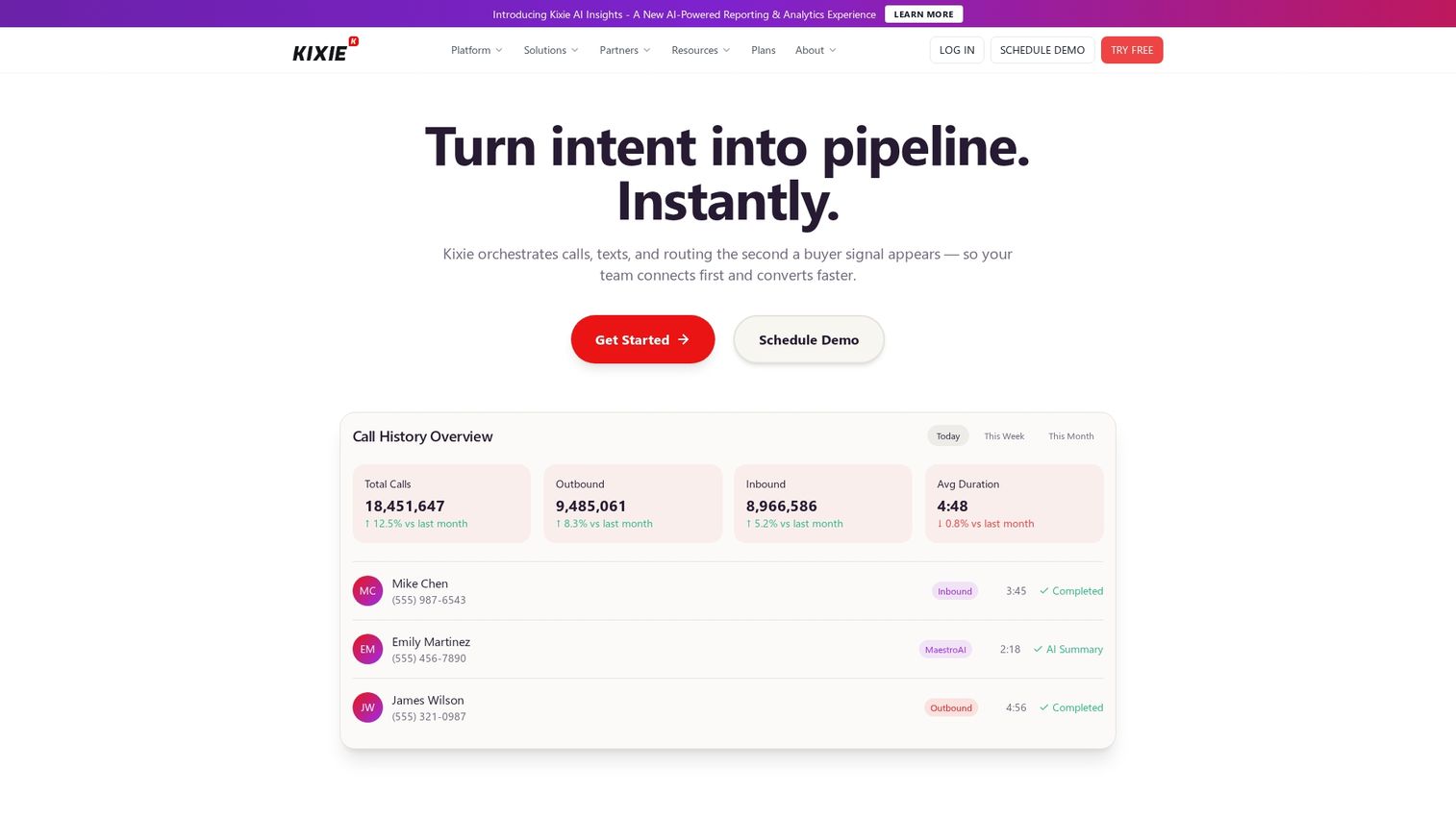
Kixie is a power dialer and sales engagement platform built to maximize outbound calling efficiency. It integrates with popular CRMs like HubSpot and Salesforce, automating call logging and providing reps with contextual information directly within their workflow.
Best for: High-volume outbound sales teams.
Key strengths
Local presence dialing: Automatically displays a local number to prospects, which can increase connect rates.
CRM integrations: Bi-directional sync with Salesforce, HubSpot, Pipedrive, and other CRMs.
Voicemail drop: Reps can drop a pre-recorded voicemail with a single click.
Call recording: Automatically records all calls for coaching and compliance.
Why choose Kixie: If your primary goal is increasing call volume and connection rates, Kixie's combination of a robust power dialer, local presence, and deep CRM integration makes it a strong fit.
Pricing: Starts at $35/user/month for the Integrated plan.
2. JustCall
JustCall is an all-in-one cloud phone system that combines outbound calling with advanced AI features. It serves as a comprehensive communication hub, offering call tracking, SMS capabilities, auto and predictive dialers, and powerful analytics.
Best for: Teams wanting AI-driven insights from their calls.
Key strengths
Auto and predictive dialers: Multiple dialing modes to suit different campaign types.
Live transcription and sentiment analysis: Real-time transcription with sentiment detection.
SMS capabilities: Integrates SMS and MMS messaging into sales workflows.
AI-powered coaching: Automatically scores calls and surfaces key moments for review.
Why choose JustCall: JustCall works well for businesses that want a single platform for all their communication with a strong emphasis on AI for performance improvement.
Pricing: Starts at $19/user/month (billed annually).
3. CloudTalk
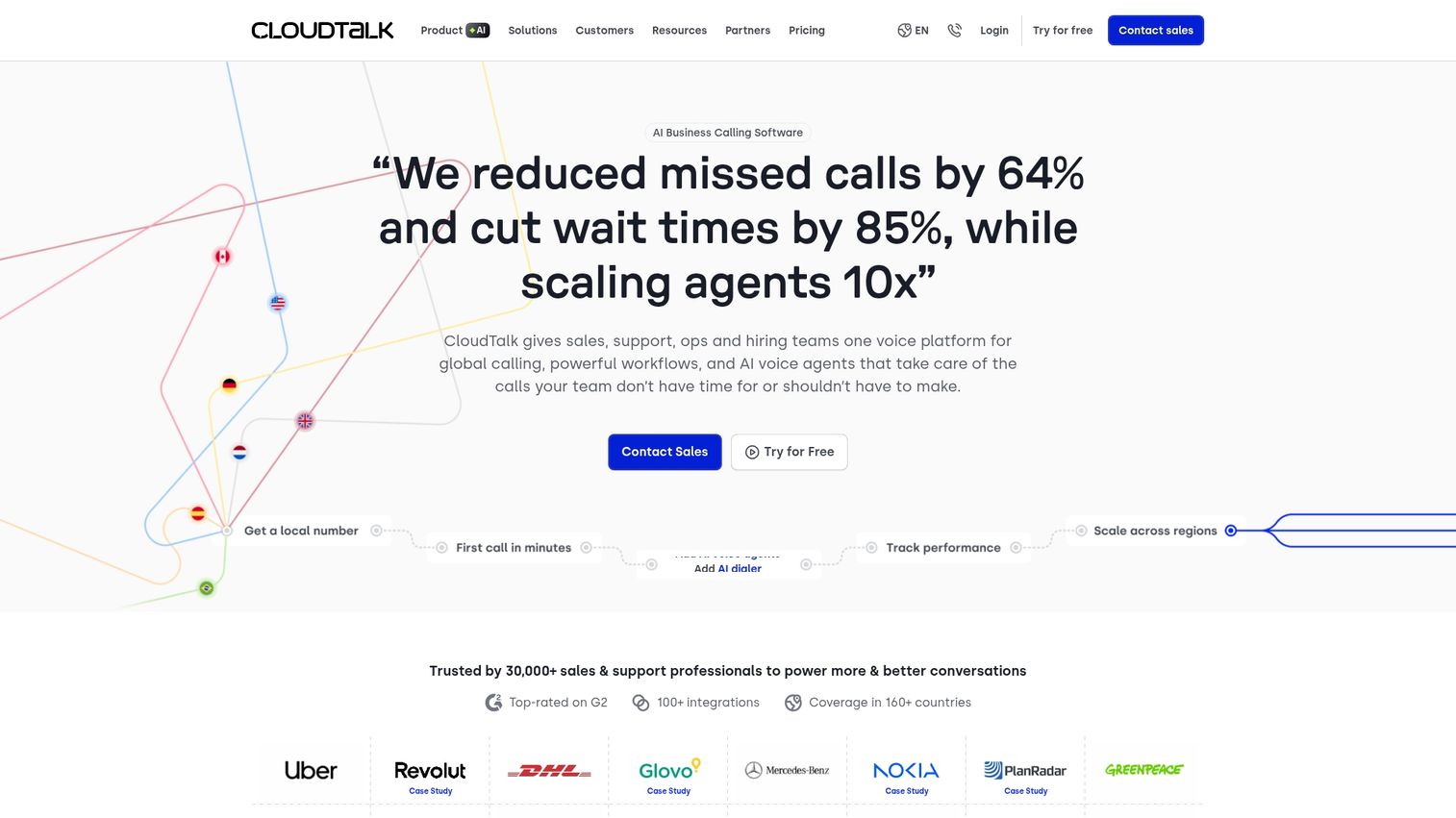
CloudTalk is call center software designed for global sales and support teams. Its standout feature is extensive international presence, offering local phone numbers in over 160 countries.
Best for: Global sales teams.
Key strengths
International numbers: Access to local and toll-free numbers in 160+ countries.
Custom call flows: Design sophisticated call routing and IVR menus.
Advanced analytics: Detailed reporting on agent performance and call center metrics.
CRM sync: Integrates with HubSpot, Salesforce, and Pipedrive.
Why choose CloudTalk: If your team makes a significant number of international calls, CloudTalk's global number inventory and smart dialing features support complex international operations.
Pricing: Starts at $25/user/month (billed annually).
4. Aircall
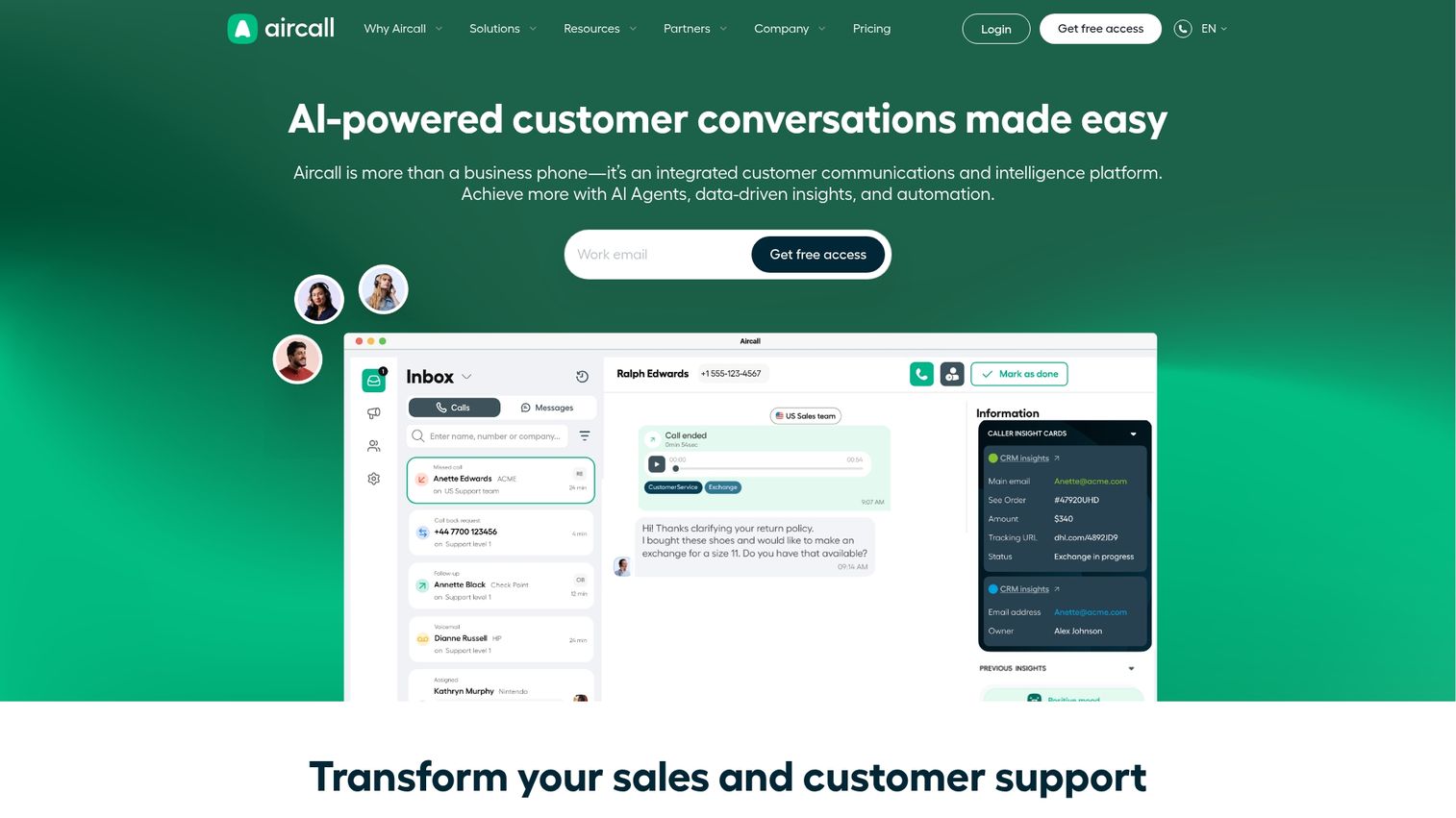
Aircall is a cloud-based phone system known for its ease of use and extensive integration ecosystem. It's designed for mid-market sales and support teams that want a reliable, easy-to-set-up phone system.
Best for: Mid-market sales teams with strong integration requirements.
Key strengths
Easy setup: Can be set up in minutes without IT support.
100+ native integrations: Connects with CRMs, helpdesks, and other business tools.
Call whispering and warm transfer: Features for live coaching and smooth call handoffs.
Collaborative features: Shared inboxes and call commenting for team coordination.
Why choose Aircall: Aircall is ideal for teams that prioritize simplicity and deep integration with existing tools without unnecessary complexity.
Pricing: Starts at $30/user/month (billed annually).
5. RingCentral Contact Center
RingCentral Contact Center is an enterprise-grade unified communications platform that extends beyond voice to include digital channels. It's designed for large organizations requiring comprehensive omnichannel solutions.
Best for: Large organizations with omnichannel requirements.
Key strengths
Voice and digital orchestration: Manages interactions across multiple channels from a single platform.
Workforce management: Tools for scheduling, forecasting, and managing agent performance at scale.
Advanced IVR: Sophisticated Interactive Voice Response with self-service options.
Predictive dialer: Powerful predictive dialer for high-volume outbound campaigns.
Why choose RingCentral Contact Center: Choose RingCentral if you're a large enterprise looking for a robust, all-in-one contact center solution that handles complex routing and unifies all customer communication channels.
Pricing: Available on a custom quote basis.
6. Dialpad
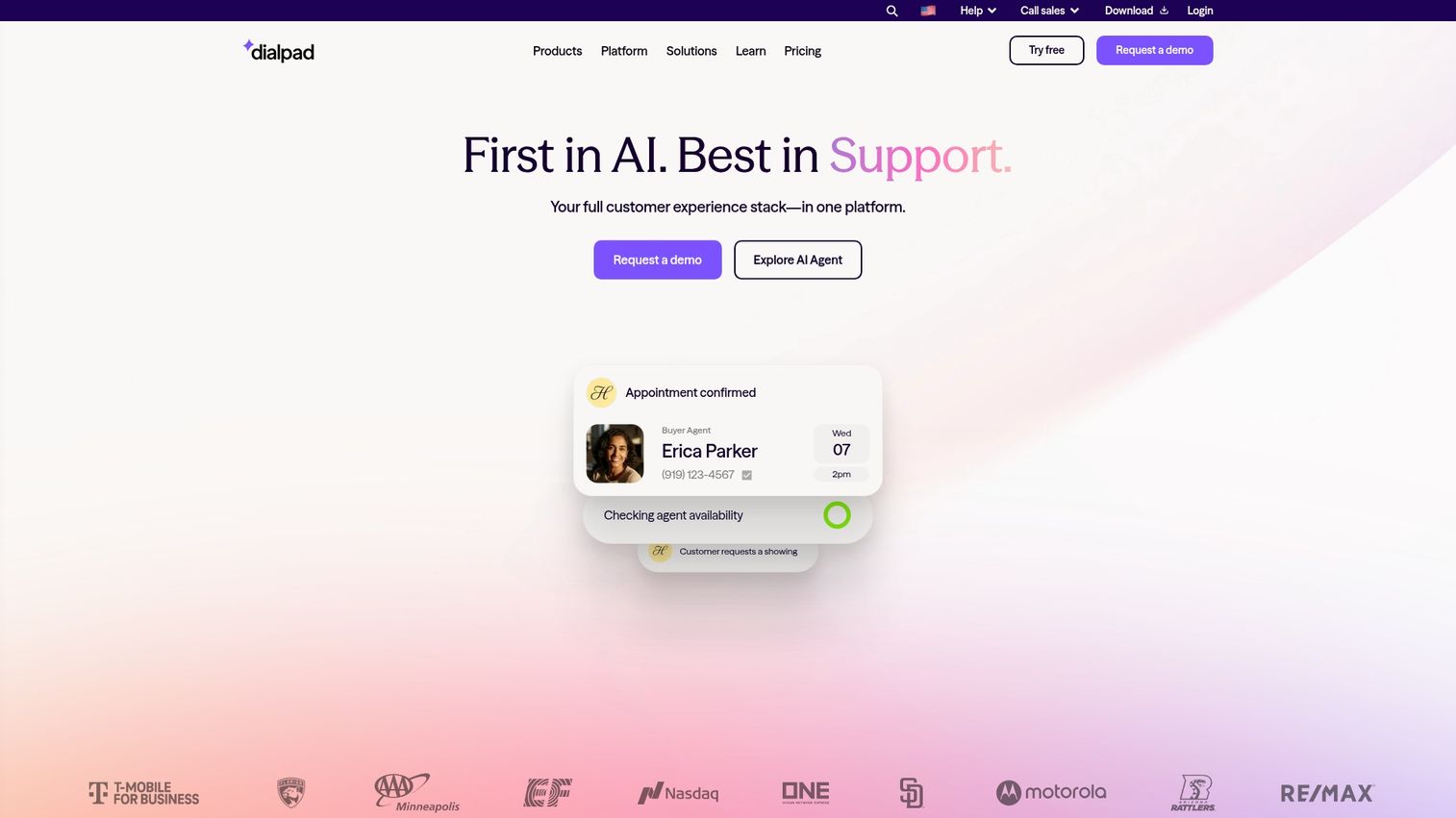
Dialpad is an AI-powered business communications platform that puts conversation intelligence at the forefront. Its key differentiator is native "Ai Voice" technology that provides real-time insights during calls.
Best for: Teams prioritizing conversation intelligence.
Key strengths
Real-time transcription: Transcribes conversations live, allowing managers to follow along without joining.
AI coaching: Real-time coaching prompts and battle cards based on keywords mentioned during calls.
Native video meetings: Integrates voice and video into a single platform.
Post-call analytics: Detailed analytics on talk-to-listen ratios, sentiment, and keyword usage.
Why choose Dialpad: Dialpad works well for teams that want to leverage AI to actively improve every conversation with real-time coaching and transcription.
Pricing: Starts at $15/user/month (billed annually).
7. Five9
Five9 is a leading enterprise cloud contact center solution designed for large-scale outbound and inbound operations. It offers one of the industry's most respected predictive dialers.
Best for: Large-scale outbound operations.
Key strengths
Predictive dialer: Advanced algorithms to maximize agent talk time in high-volume environments.
Blended inbound and outbound: Blends call flows to optimize agent utilization.
Workforce optimization: Full suite of tools for quality management and performance dashboards.
CRM integrations: Pre-built integrations with Salesforce, Oracle, and Zendesk.
Why choose Five9: Five9 is built for the enterprise. If you run a large contact center with heavy outbound focus and sophisticated workforce optimization requirements, Five9 is a top contender.
Pricing: Available on a custom quote basis.
8. Nextiva
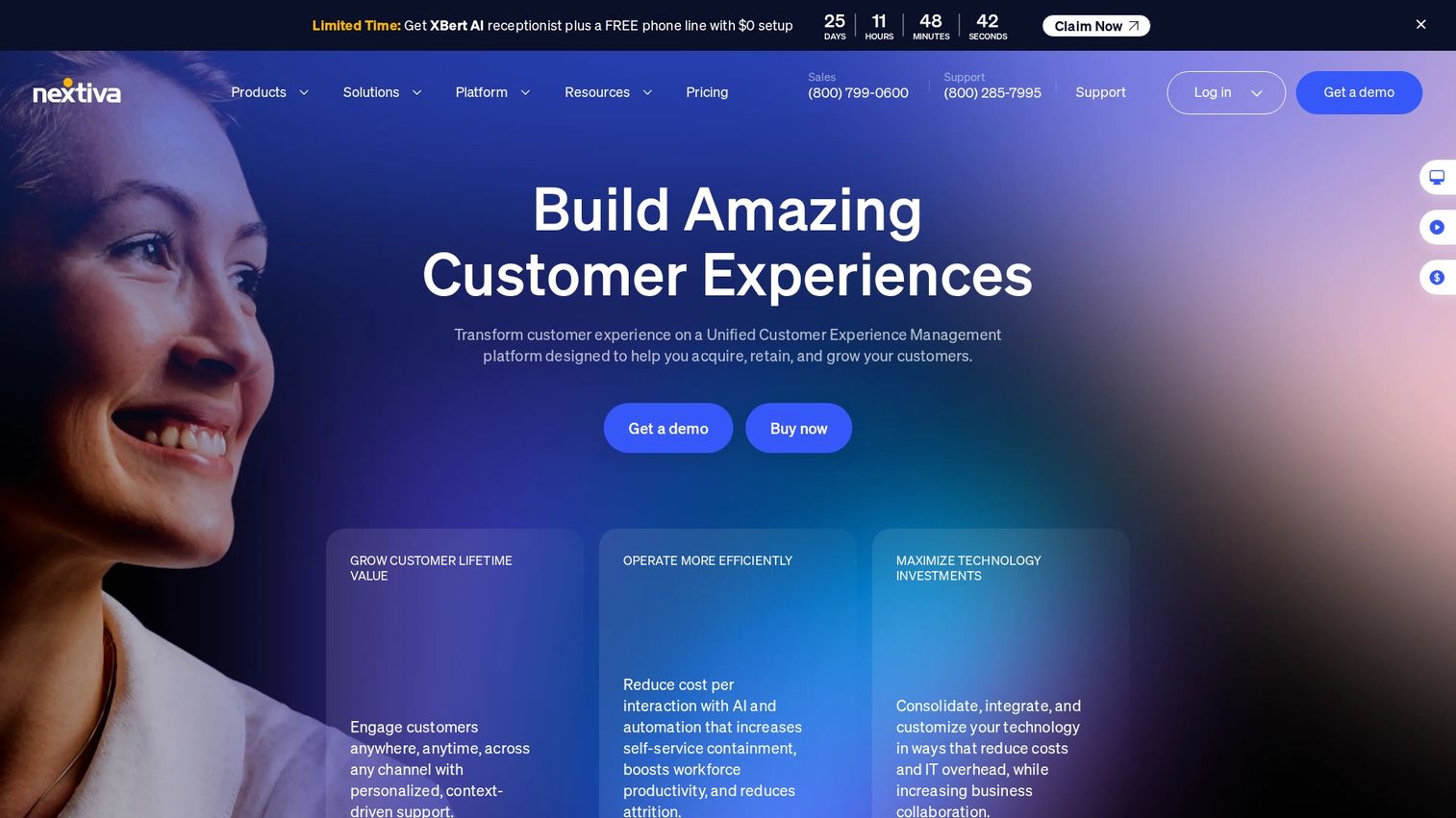
Nextiva is a business phone system that offers unified communications with contact center capabilities. It's well-suited for growing businesses that want a scalable solution combining phone, video, and team messaging.
Best for: Growing businesses with unified communication requirements.
Key strengths
Unified communications: Combines voice, video, and chat in one application.
Call pop with customer context: Displays relevant customer information from your CRM on calls.
Analytics dashboard: Insights into call volume, duration, and team performance.
Scalability: Plans that grow with your business from small team to full contact center.
Why choose Nextiva: Nextiva works well for businesses looking for a single provider for all communication with a solid foundation for call tracking that scales.
Pricing: Contact center pricing available on a custom quote basis.
9. CallHippo
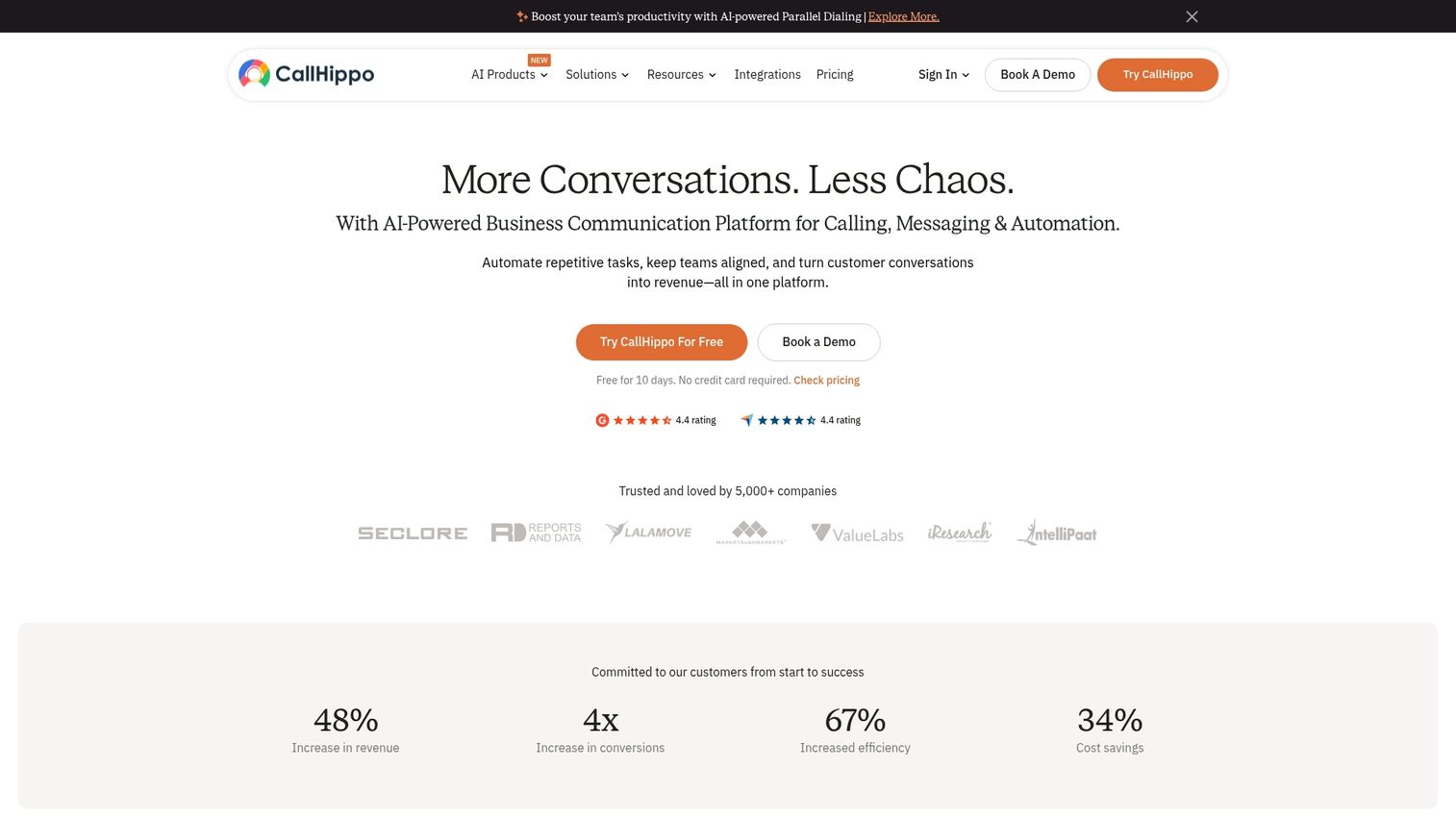
CallHippo is a virtual phone system designed for startups and small to medium-sized businesses. It stands out for affordable pricing and quick setup.
Best for: Budget-conscious teams and startups.
Key strengths
Affordable pricing: Competitive pricing plans on the market.
Quick setup: Can be deployed quickly without extensive technical knowledge.
Power dialer: Automates outbound calling to increase rep productivity.
Call tracking numbers: Virtual numbers to track call performance from different campaigns.
Why choose CallHippo: If you're a startup or SMB looking for a straightforward, no-frills outbound calling solution, CallHippo provides the essential tools to start tracking and improving your outbound efforts.
Pricing: Starts at $16/user/month.
10. Convoso
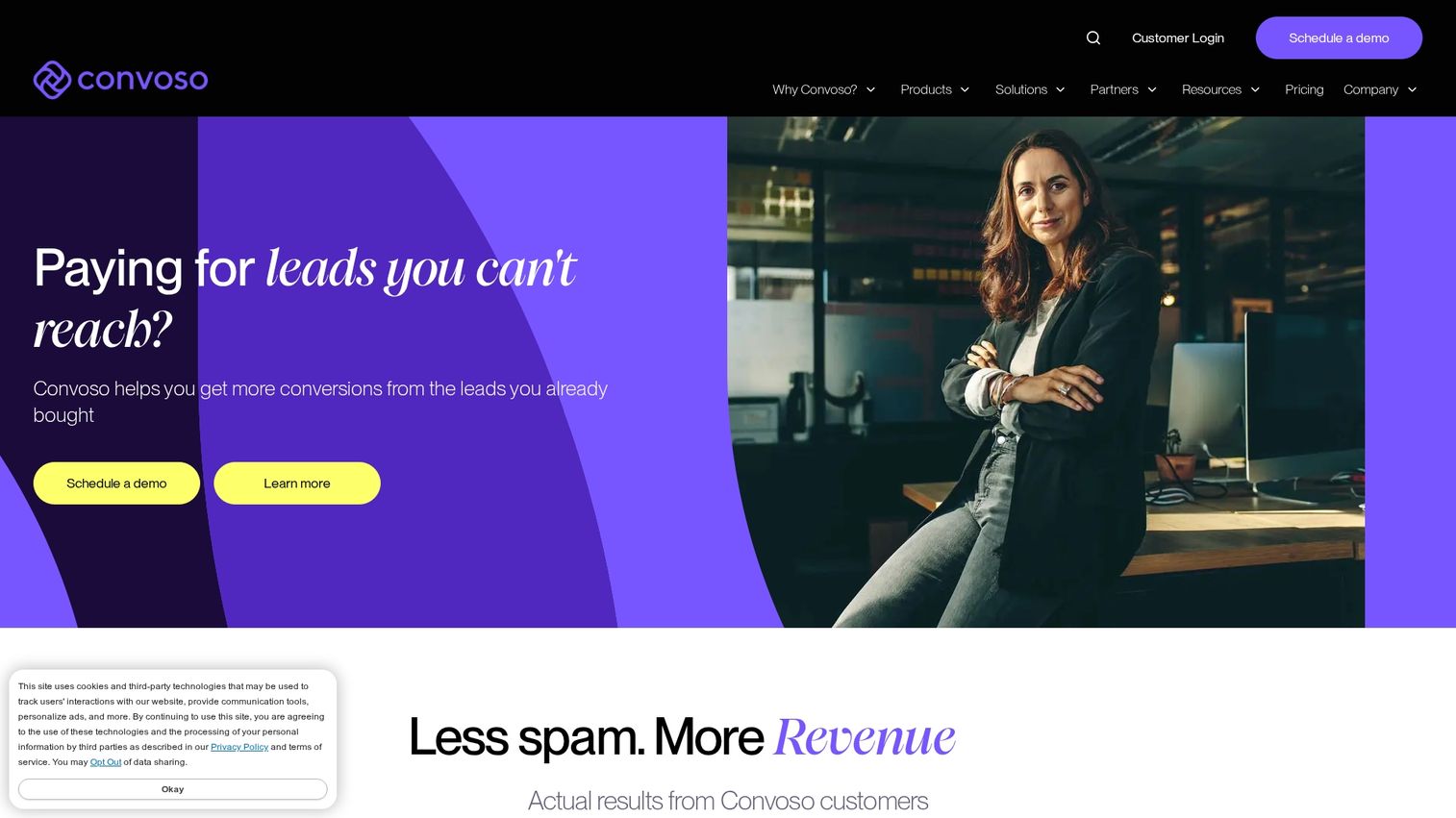
Convoso is an outbound-first dialer platform built for high-velocity call centers that prioritize performance and compliance. It offers a powerful predictive dialer and advanced tools for managing caller ID reputation.
Best for: High-velocity outbound call centers focused on compliance.
Key strengths
DID management: Actively manages and monitors caller ID reputation to prevent spam flagging.
Compliance tools: Comprehensive suite for TCPA and DNC list management.
Speed-to-lead automation: Designed to help teams contact new leads as quickly as possible.
Predictive dialing: High-performance dialer that adapts to agent availability and call metrics.
Why choose Convoso: Convoso is the choice for outbound call centers where every second and every connection counts. Its focus on maximizing contact rates through DID management and ensuring strict compliance makes it a specialized tool for demanding environments.
Pricing: Available on a custom quote basis.
11. Readymode
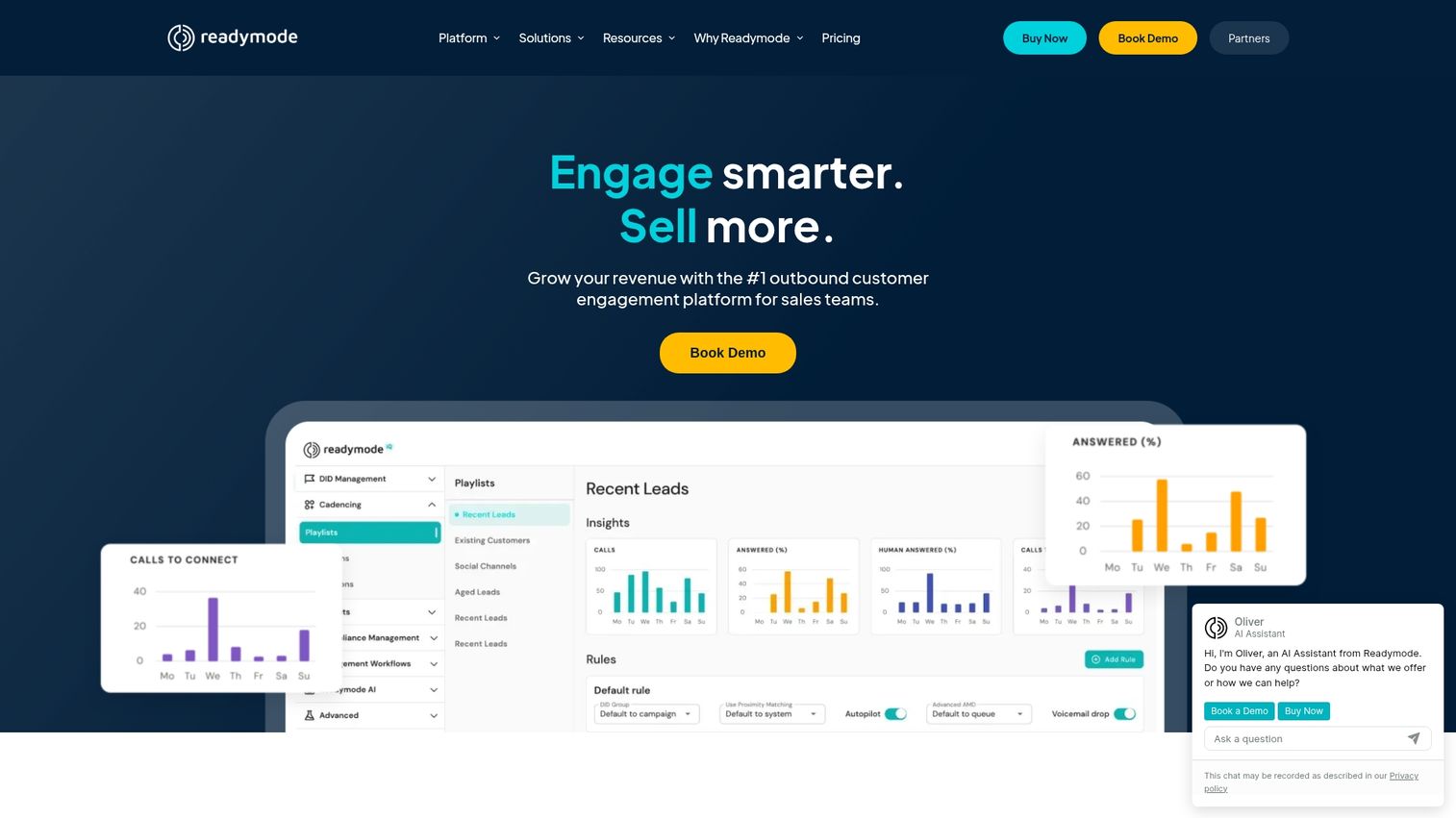
Readymode (formerly XenCALL) is a predictive dialer and CRM combination designed for outbound-heavy call centers. It provides an all-in-one solution that includes lead management, agent scripting, and powerful dialing capabilities.
Best for: Outbound-heavy call centers wanting an all-in-one solution.
Key strengths
Built-in lead management: Functions as a lightweight CRM for managing leads directly within the dialer.
Predictive dialing: Robust predictive dialer designed to keep agents in conversations.
Agent scripting: Logical branch scripting to guide agents through calls consistently.
Real-time reporting: Dashboards to monitor agent activity and campaign performance live.
Why choose Readymode: If you want a single platform to manage leads and power outbound calls without a separate CRM, Readymode is built for speed and efficiency in a call center environment.
Pricing: Available on a custom quote basis.
12. PhoneBurner
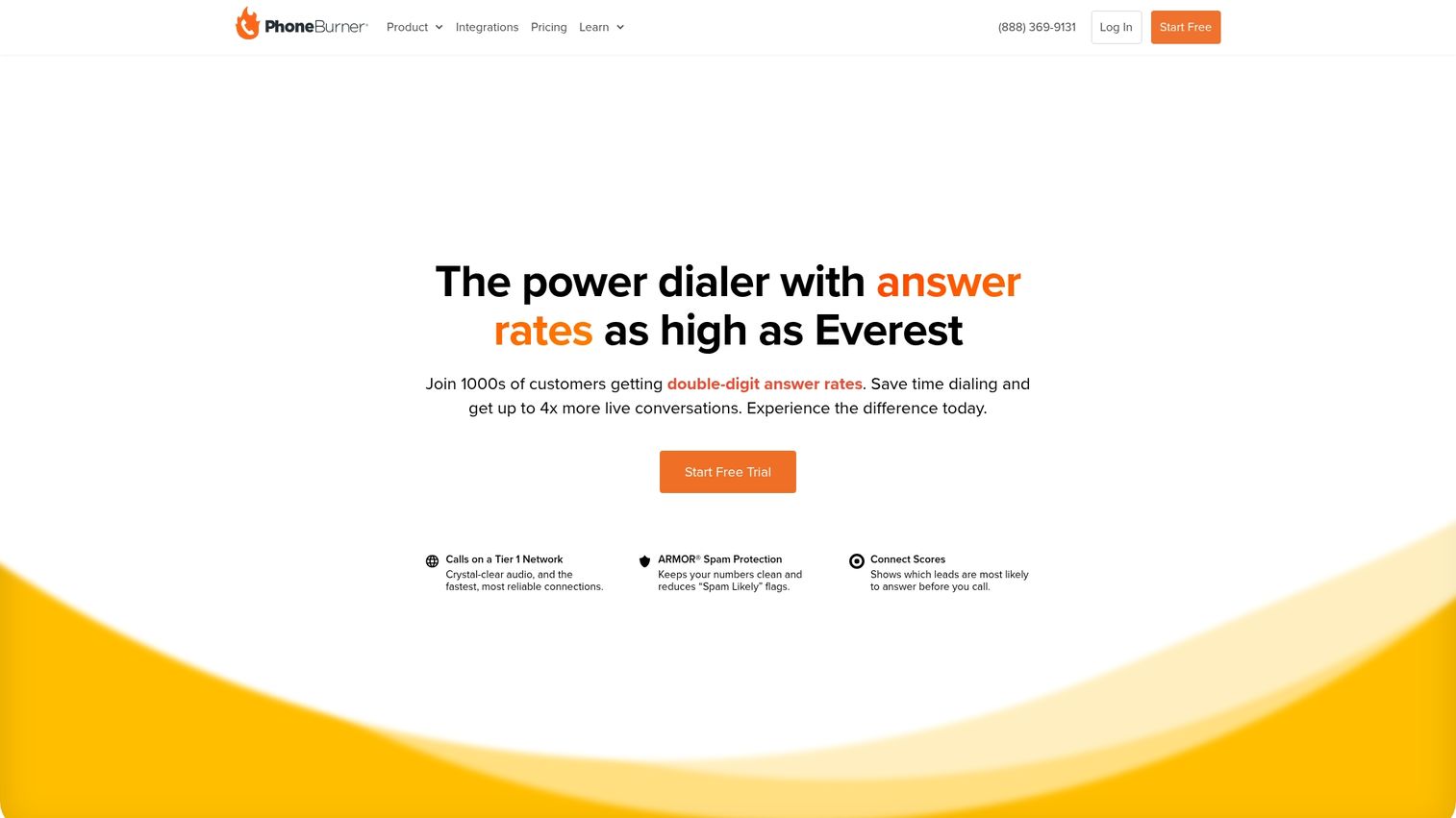
PhoneBurner is a power dialer platform that helps sales teams dial up to four times faster than manual dialing, without awkward pauses. It streamlines the entire post-call process by allowing reps to drop voicemails, send emails, and log calls in one click.
Best for: Teams wanting no-pause power dialing.
Key strengths
4x faster dialing: Power dialer dials numbers instantly after a call is dispositioned.
Email integration: One-click email follow-ups based on call outcomes.
Lead distribution: Tools to automatically distribute leads to team members.
No connection delays: Unlike predictive dialers, there's no pause when a call is answered.
Why choose PhoneBurner: Choose PhoneBurner when your main goal is to maximize the number of dials and conversations a rep can have in a day. Its efficient workflow automation is perfect for teams focused on pure productivity.
Pricing: Starts at $124/user/month (billed annually).
13. VanillaSoft
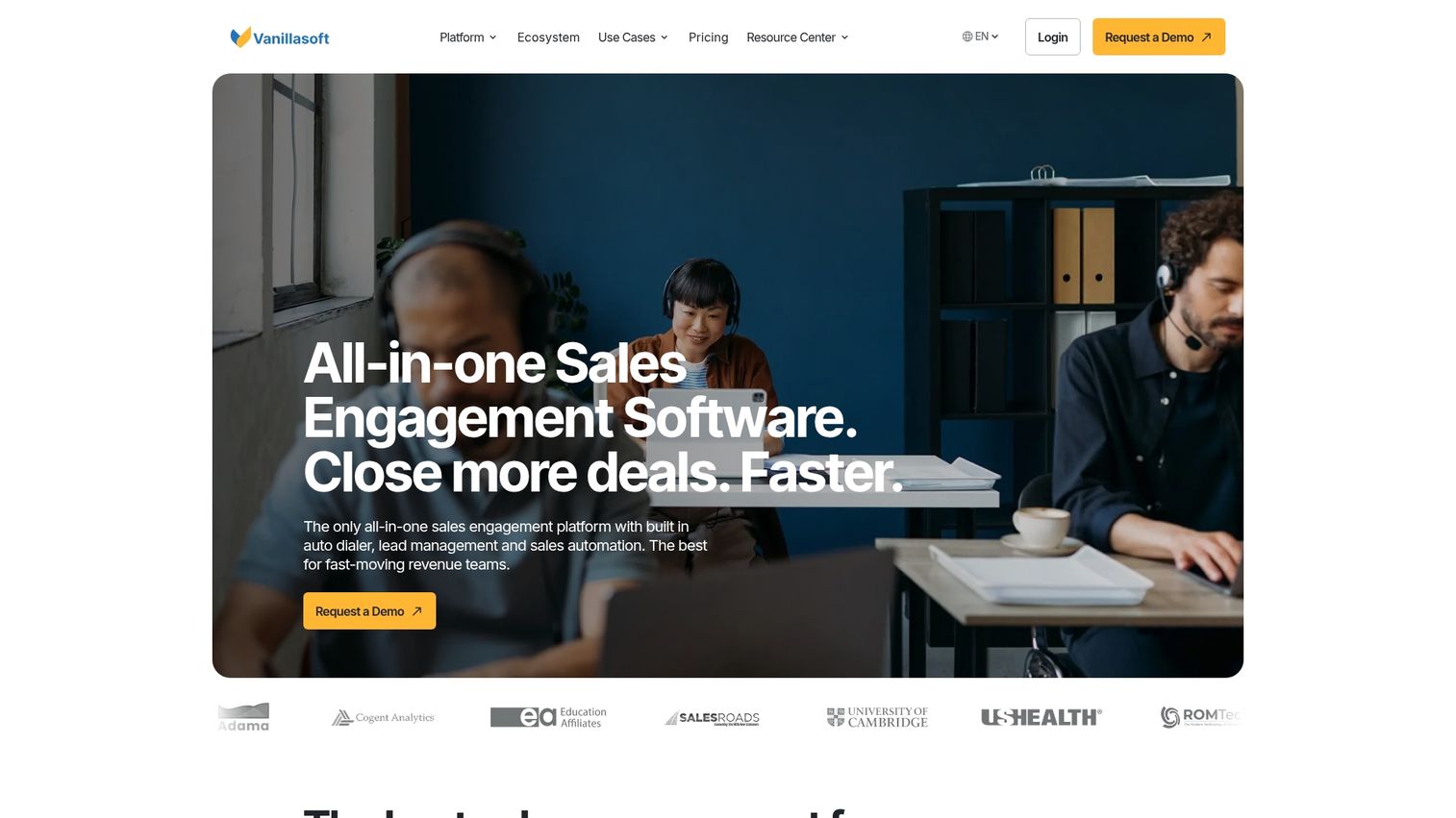
VanillaSoft is a sales engagement and dialing platform designed specifically for inside sales teams. It goes beyond simple dialing by incorporating queue-based lead routing and logical branch scripting.
Best for: Inside sales teams focused on appointment setting.
Key strengths
Queue-based routing: Automatically routes the highest-priority lead to the next available agent.
Logical branch scripting: Guides reps through conversations with dynamic scripts that adapt based on prospect responses.
Appointment setting: Features optimized for booking meetings and managing calendars.
Auto-dialing: Click-to-call and progressive dialing modes to speed up outreach.
Why choose VanillaSoft: VanillaSoft is ideal for sales teams with a structured, repeatable process. Its intelligent lead routing and scripting ensure consistency and efficiency, making it perfect for appointment setting and lead qualification.
Pricing: Starts at $80/user/month.
14. Orum
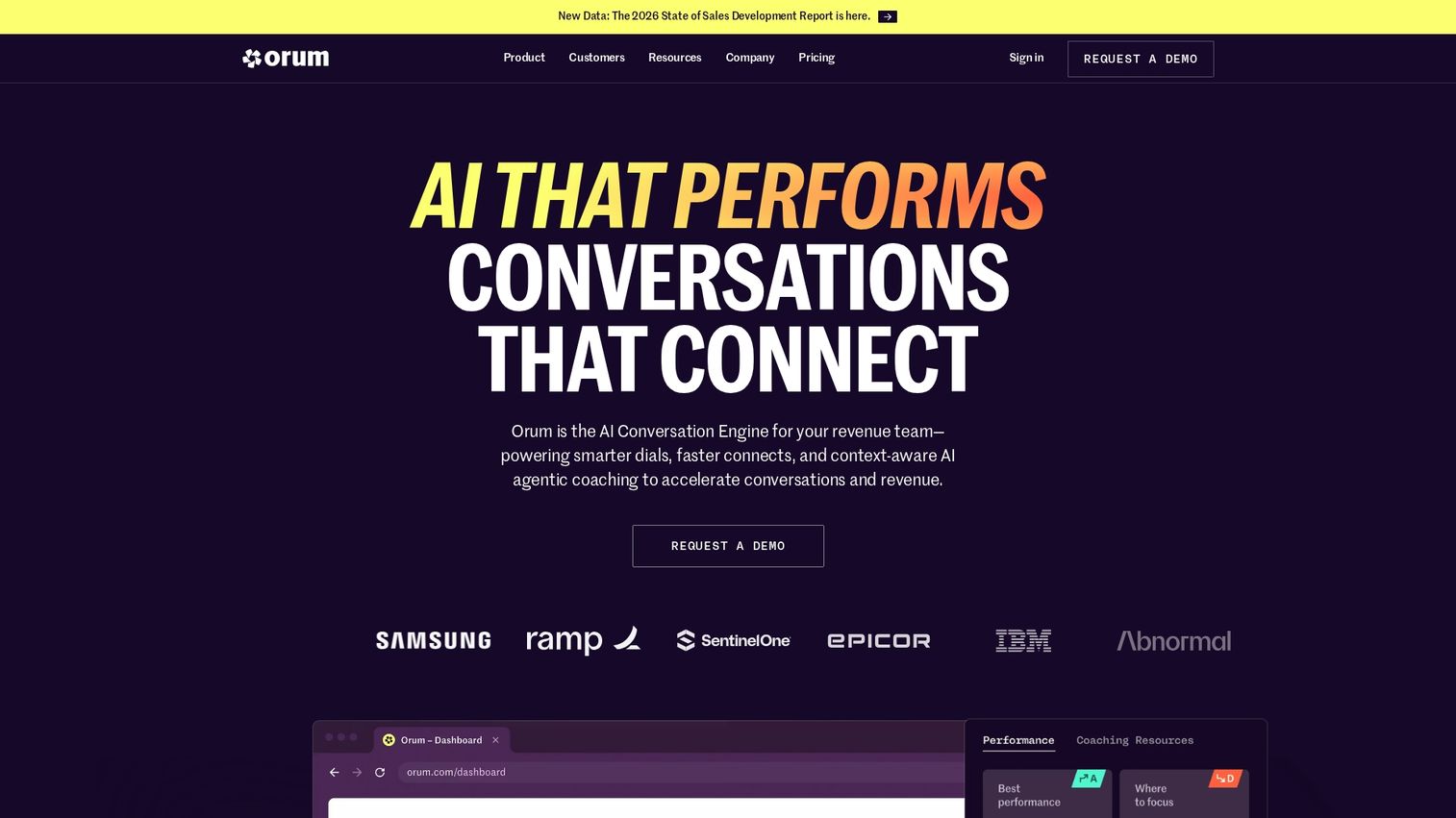
Orum is an AI-powered parallel dialer designed to help sales reps have more live conversations. Its AI can detect and navigate phone directories, bypass voicemails, and connect the rep only when a human answers.
Best for: Teams wanting to maximize live conversations.
Key strengths
AI-powered parallel dialer: Dials up to 10 lines at once and uses AI to filter out non-human answers.
Voicemail detection: Automatically detects and navigates away from voicemail systems — critical given 80% of outbound calls go to voicemail.
Salesforce-native: Deep, native integration with Salesforce for data syncing.
Analytics: Clear data on connect rates and conversation volume.
Why choose Orum: If your single biggest bottleneck is getting prospects on the phone, Orum is purpose-built to solve that problem.
Pricing: Available on a custom quote basis.
15. Nooks
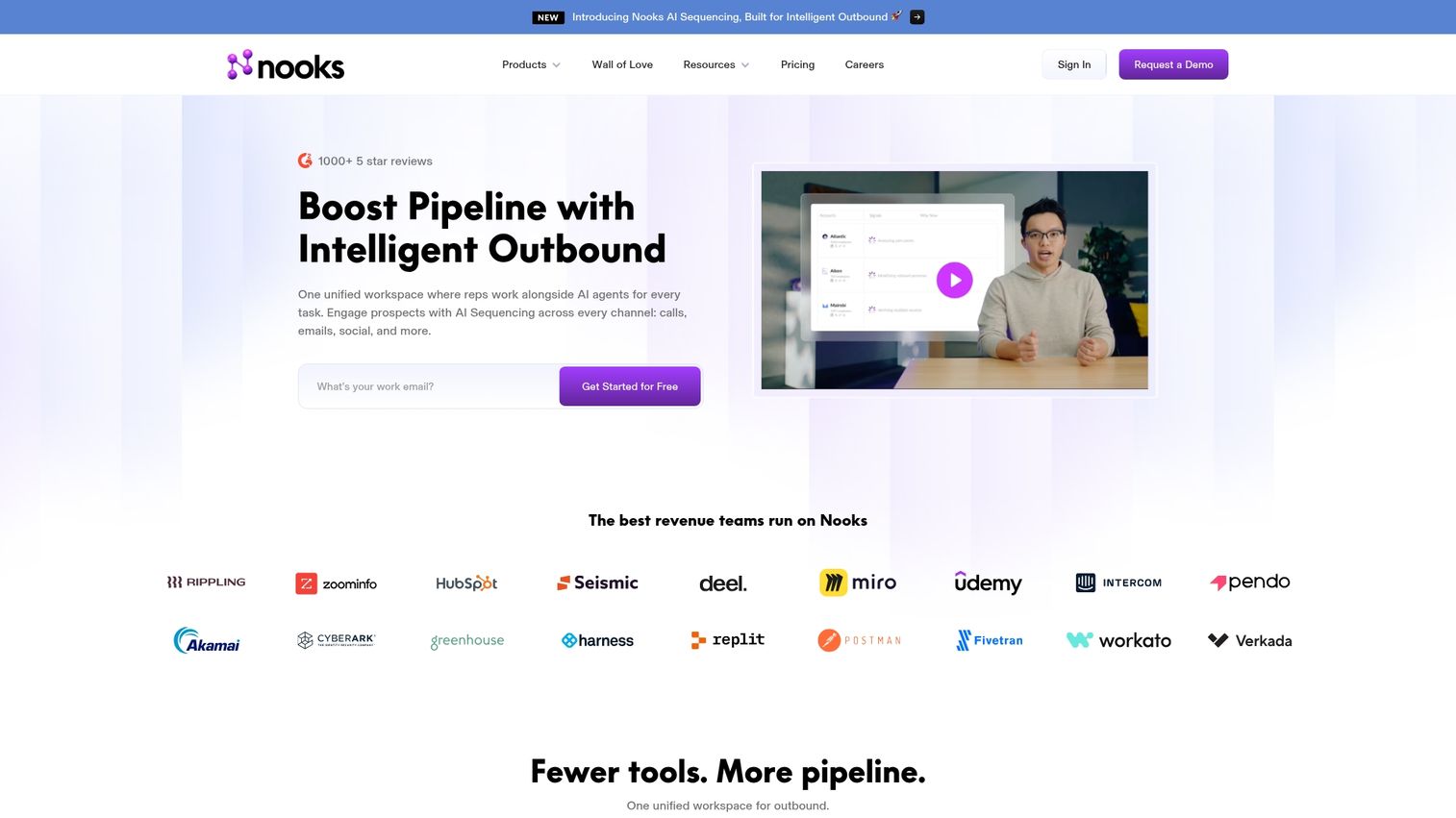
Nooks is a virtual sales floor that combines an AI parallel dialer with a collaborative environment for remote SDR teams. It allows reps to dial together in a shared space, listen to each other's calls, and get real-time help from managers.
Best for: Remote SDR teams with collaboration requirements.
Key strengths
AI parallel dialer: Uses AI to dial multiple numbers and connect reps only to live humans.
Virtual sales floor: Creates a collaborative environment where remote reps can work together and stay motivated.
Battlecards and call assistance: AI surfaces relevant information and talking points during live calls.
Gamification: Leaderboards and call blitz features to drive friendly competition.
Why choose Nooks: Nooks is perfect for remote or hybrid sales development teams that want the productivity of an AI dialer combined with the culture and coaching benefits of an in-person sales floor.
Pricing: Available on a custom quote basis.
Outbound call tracking software features
Auto-dialers and dialing modes
Auto-dialers automate the process of dialing phone numbers, saving reps from manual entry. Different modes suit different tasks:
Power dialer: Calls one number at a time, plays next when rep finishes.
Predictive dialer: Uses algorithms to dial multiple numbers, connects only answered calls.
Progressive dialer: Waits for rep availability before dialing next.
Call recording and transcription
Call recording stores audio of conversations for later review, which is essential for coaching, quality assurance, and compliance. Transcription converts that audio into searchable text. AI-powered transcription can identify keywords, analyze sentiment, and highlight key talk patterns.
CRM and sales tool integrations
Syncing call data to your CRM (like Salesforce or HubSpot) is crucial. Automatic logging of calls, outcomes, and notes saves reps significant administrative time and ensures your system of record is always accurate for reporting and forecasting.
Real-time analytics and reporting
Dashboards track key performance indicators like call volume, connect rates, average call duration, call outcomes, and overall rep productivity. Managers use reports to monitor team performance, identify coaching opportunities, and make data-driven decisions.
AI conversation intelligence
AI conversation intelligence includes advanced features that analyze the content of conversations. Examples include sentiment analysis, keyword spotting, talk-to-listen ratio, and automated call scoring. AI conversation intelligence helps managers coach at scale without listening to every single call.
Compliance management tools
Compliance management features help businesses adhere to regulations like TCPA and GDPR. Compliance management includes recording consent announcements, managing do-not-call lists, enforcing time-zone-based calling restrictions, and maintaining detailed call disposition logs for audit purposes.
Benefits of outbound call tracking
Increased rep productivity: With reps spending only 28% of their time selling, auto-dialers eliminate the time wasted on manual dialing, looking up numbers, and logging calls. Reps spend more time in actual conversations with prospects.
Visibility into sales activity: Managers gain a clear, accurate picture of exactly how many calls each rep makes, how long their conversations last, and what outcomes they achieve.
Improved coaching and call quality: Call recordings and transcripts provide concrete examples for coaching sessions. AI scoring and analysis automatically surface the most coachable calls.
Accurate attribution and ROI measurement: By integrating with a CRM, you can track which campaigns, email sequences, and sales reps drive the most connected conversations and pipeline.
Streamlined regulatory compliance: Automated consent capture, secure recording storage, and detailed audit trails reduce the legal risk associated with outbound calling in regulated industries.
How to choose outbound call tracking software
Define your primary use case
First, ask whether your main goal is maximizing dialing speed, gaining deep conversation intelligence, ensuring strict compliance, or unifying all business communications. Different tools excel at different things, so clarifying your top priority narrows your search significantly.
Evaluate CRM and tech stack integration
Check for deep, native integrations with your primary CRM, sales engagement platform, and marketing automation tools. A bi-directional sync is critical for ensuring data flows automatically between systems.
Assess dialing requirements
Consider your team's daily call volume, whether you make international calls, and if a predictive dialer is necessary for your high-volume call center versus a power dialer for a more consultative sales team.
Consider pricing model and scalability
Understand the difference between per-seat and usage-based pricing models. Check if the pricing structure scales reasonably as your team grows and watch for hidden fees for call minutes, data storage, or premium features.
Tip: Teams often pair outbound call tracking with interactive demos to let prospects self-qualify before calls. When a prospect has already explored your product through a clickable demo, the conversation becomes more productive and focused on their specific questions.
Outbound call tracking software pricing
Pricing for outbound call tracking software typically follows a tiered, per-user-per-month model, though some enterprise solutions use custom or usage-based pricing. Most vendors offer discounts for annual contracts over monthly billing.
Pricing tier | Typical range | What's included |
|---|---|---|
Starter | $15-35/user/mo | Basic dialing, call recording, limited integrations |
Professional | $50-95/user/mo | Power or predictive dialing, CRM sync, analytics |
Enterprise | Custom | Full feature set, dedicated support, compliance tools |
Potential issues with outbound call tracking software
Implementation complexity: Some platforms require significant IT involvement for deep CRM integration, phone system setup, and network configuration.
Learning curve: Advanced features like predictive dialers, custom reporting, and AI coaching require proper training to be used effectively.
Compliance responsibility: While the software provides the tools, your organization is still ultimately responsible for using them correctly and following all legal regulations.
Audio quality dependencies: Call quality depends on a stable internet connection for both the agent and the platform.
Data silos: Without proper integration, call data can become trapped in the dialing platform and may not flow automatically to your CRM.
Build your outbound sales stack
Choosing the right outbound call tracking software depends on your team size, call volume, existing CRM, and compliance requirements. Start by defining your primary use case, then shortlist and evaluate 2-3 tools that align with your priorities.
Call tracking software works best not as a standalone tool, but as a core component of an integrated sales stack. Many pre-sales teams complement their call tracking with self-serve product experiences that let prospects explore before a conversation, making every call more valuable.
Start your journey with Guideflow today!
FAQs about outbound call tracking software
Outbound call tracking monitors calls your team initiates to prospects, while inbound call tracking monitors calls that come into your business, typically from marketing campaigns, and attributes them to their source.
Most platforms offer power dialing (one call at a time), predictive dialing (algorithm-based multi-line dialing), and progressive dialing (agent-triggered dialing). The best mode depends on your call volume and conversation type.
Compliance features include consent recording, do-not-call list management, time-zone calling restrictions, and audit-ready call logs. The software provides the tools, but your team remains responsible for following all regulations.
Prioritize a native, bi-directional integration with your primary CRM (like Salesforce or HubSpot). Bi-directional integration ensures automatic call logging, contact syncing, and activity reporting without requiring manual data entry.
Yes, modern cloud-based platforms are designed to work from any location with an internet connection. Look for features like virtual sales floors, live call monitoring, and mobile apps to fully support remote functionality.
A basic setup can take just a few days. However, a full implementation with deep CRM integration, custom workflows, and comprehensive team training typically takes several weeks, depending on the platform's complexity.
Call center software is a broader category that often includes workforce management, omnichannel routing (email, chat, social), and advanced queue management. Outbound call tracking focuses specifically on monitoring and analyzing outgoing sales calls.
AI capabilities range from basic transcription and keyword spotting to advanced sentiment analysis, real-time coaching prompts during live calls, and fully automated call scoring. Evaluate vendors based on whether you require post-call insights or live conversation guidance.